

Your webinar content might be brilliant, but if your registration form creates friction, you're losing attendees before they even see your presentation. The right registration tool does more than collect names and emails—it qualifies leads, integrates with your webinar platform, and creates an experience that builds anticipation.
We evaluated dozens of form builders and webinar tools based on conversion optimization features, integration capabilities, customization options, and pricing to bring you the top picks for 2026. Whether you're running weekly product demos or quarterly virtual conferences, here's what actually works.
1. Orbit AI
Best for: High-growth teams that need to qualify leads during registration, not after.
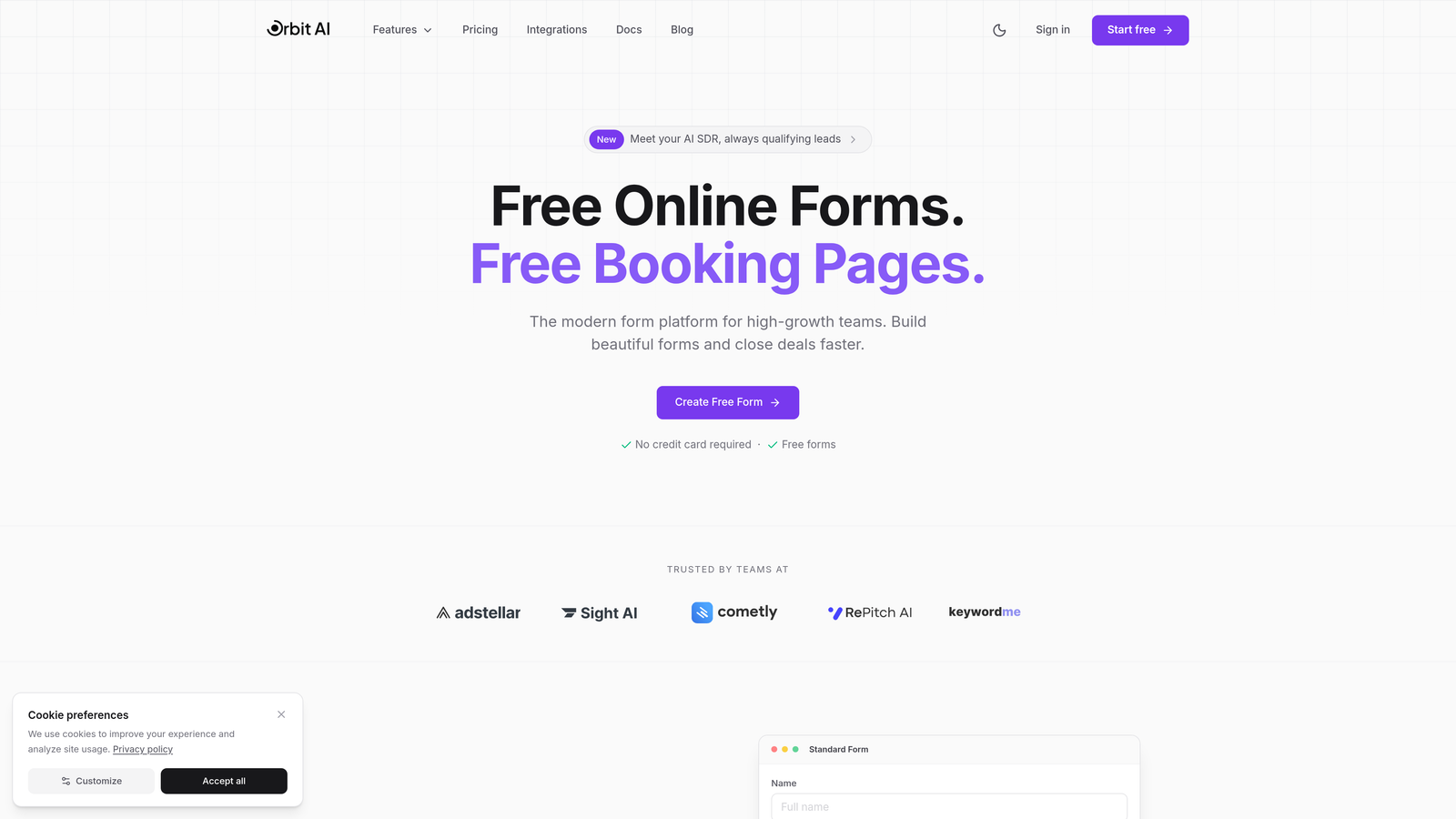
Orbit AI is an AI-powered form builder designed specifically for teams that understand registration isn't just about collecting contact information.
Where This Tool Shines
The standout feature is AI-powered lead qualification built directly into the registration flow. Instead of waiting until after your webinar to discover which attendees are actually qualified prospects, Orbit AI scores and segments registrants in real-time based on their responses.
This means your sales team knows exactly who to prioritize for follow-up before the webinar even starts. The platform's conditional logic creates personalized registration paths that adapt based on answers, making each registrant feel like the form was built specifically for them.
Key Features
AI-Powered Lead Qualification: Automatically scores and segments registrants based on fit and intent signals captured during registration.
Conditional Logic: Creates dynamic registration flows that adapt questions based on previous answers for higher completion rates.
Native Integrations: Connects seamlessly with major CRMs and webinar platforms to sync data automatically without middleware.
Conversion-Optimized Templates: Pre-built registration templates designed specifically for webinar signups with proven conversion patterns.
Real-Time Analytics: Dashboard showing registration conversion rates, drop-off points, and lead quality metrics as they happen.
Best For
B2B companies running regular product demos or educational webinars where lead quality matters as much as registration volume. Perfect for marketing teams that need to prove ROI on webinar programs and sales teams that want pre-qualified prospects.
Pricing
Free tier available for teams getting started. Paid plans start at competitive rates designed for growing teams that need advanced qualification and integration features.
2. Demio
Best for: Teams wanting an all-in-one solution with registration and webinar hosting in one platform.
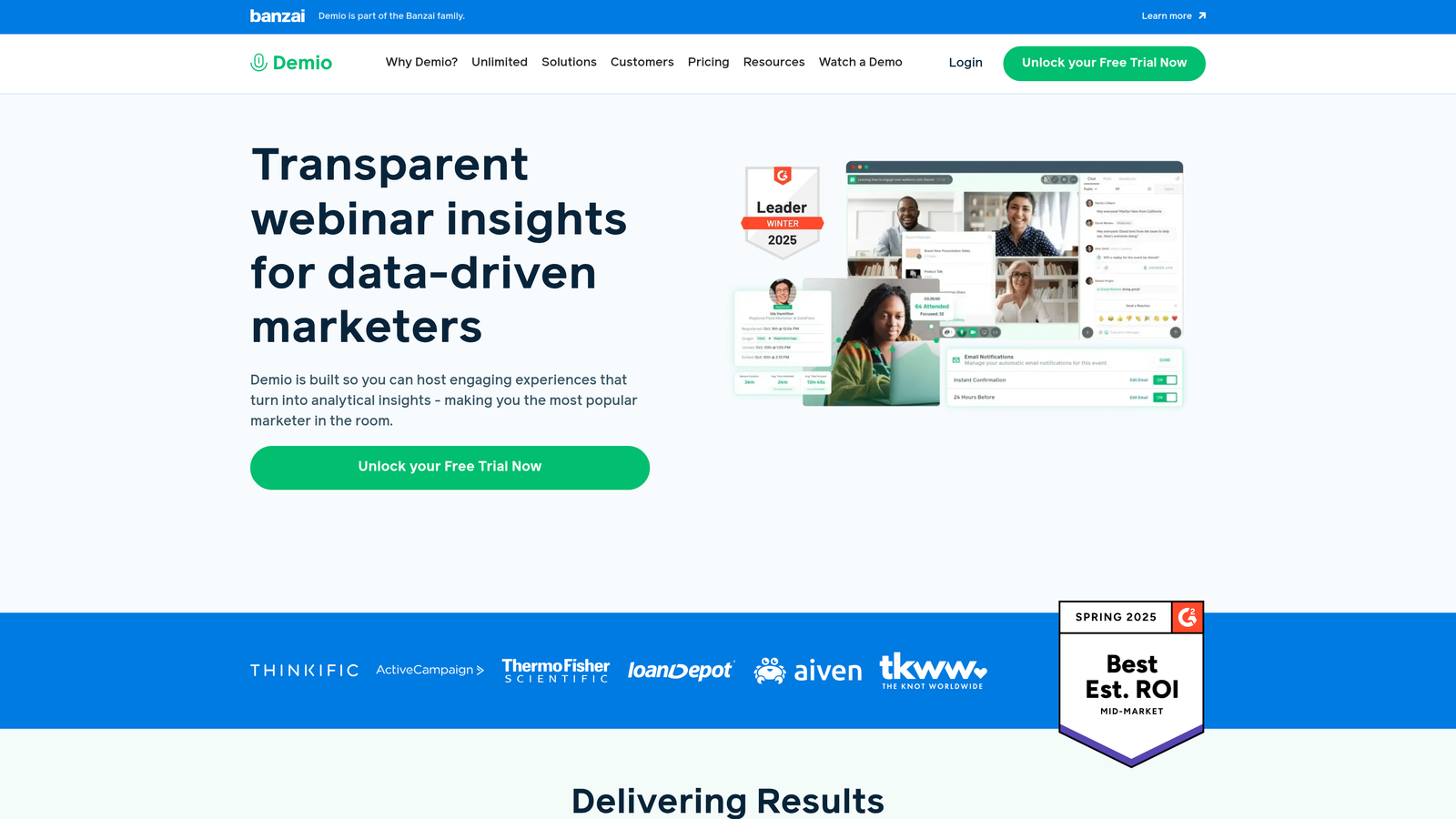
Demio is a complete webinar platform that handles everything from registration pages to live delivery and automated replays.
Where This Tool Shines
The beauty of Demio is simplicity. You get branded registration pages with custom domains, and everything lives in one ecosystem. No juggling multiple tools or worrying about integration failures minutes before your webinar starts.
The automated email reminder system is particularly well-designed. It sends strategic reminders at intervals proven to maximize attendance, and you can customize the messaging to match your brand voice without touching any code.
Key Features
Branded Registration Pages: Fully customizable pages with your domain, colors, and branding that load fast and convert well.
Automated Email Sequences: Pre-built reminder and follow-up emails that send at optimal times to boost attendance rates.
Built-In Analytics: Track registration conversion, attendance rates, and engagement metrics all in one dashboard.
On-Demand and Live Support: Run live webinars or automated evergreen sessions from the same platform.
Browser-Based Attendance: Attendees join directly in their browser with no downloads or plugins required.
Best For
Small to medium-sized businesses that want to consolidate their webinar stack and prefer paying one vendor for the entire experience rather than stitching together separate registration and hosting tools.
Pricing
Starts at $59/month for the Starter plan, which includes 50 attendees per webinar. Higher tiers support more attendees and add features like custom branding and advanced analytics.
3. Typeform
Best for: Creating engaging registration experiences with industry-leading completion rates.
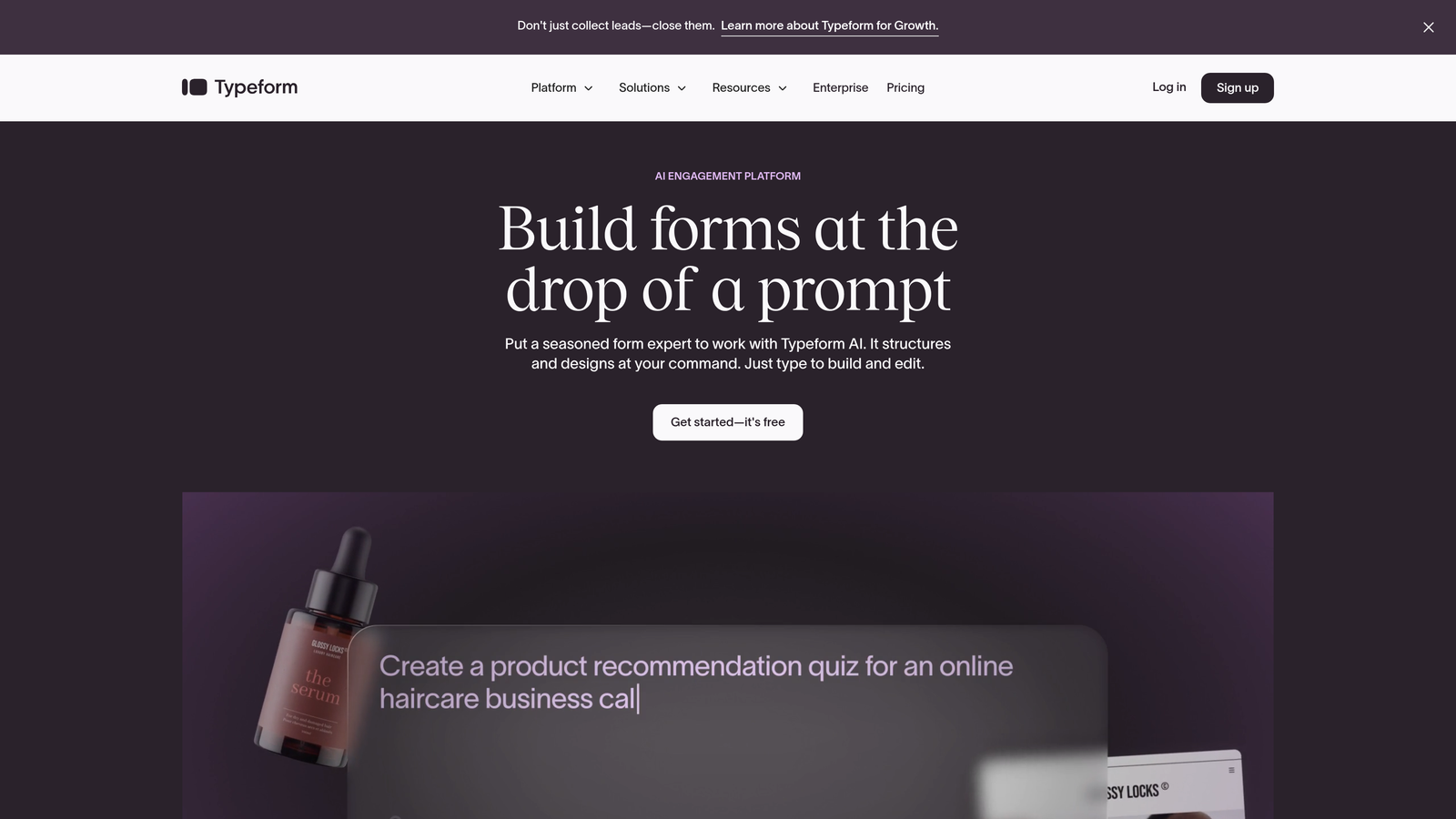
Typeform is a conversational form builder known for its distinctive one-question-at-a-time approach that feels more like a conversation than a form.
Where This Tool Shines
Typeform's completion rates consistently outperform traditional multi-field forms because the one-question-at-a-time format reduces cognitive load. Registrants focus on answering one thing before moving to the next, which feels less overwhelming than seeing ten fields stacked on a page.
The design aesthetic is beautiful out of the box. Even without customization, Typeform registration pages look modern and professional, which builds trust with potential attendees who might be skeptical about sharing their information.
Key Features
One-Question-at-a-Time Format: Conversational flow that increases completion rates by reducing form abandonment.
Logic Jumps: Personalize the registration path based on answers to show only relevant questions.
Beautiful Templates: Pre-designed themes that look polished without requiring design skills or customization.
Extensive Integrations: Connects with Zapier, HubSpot, Mailchimp, and hundreds of other tools via native integrations.
Rich Media Embedding: Add videos and images directly into registration forms to provide context or build excitement.
Best For
Content marketers and event organizers who prioritize user experience and want registration forms that feel modern and engaging rather than transactional and corporate.
Pricing
Free tier available with basic features and Typeform branding. Basic plan starts at $25/month, removing branding and adding logic jumps and more responses.
4. Zoom Events
Best for: Enterprise teams already invested in Zoom who need registration for large-scale events.
Zoom Events is the enterprise event management solution designed for organizations running complex multi-session events or frequent webinars through Zoom.

Where This Tool Shines
If you're already paying for Zoom Webinars, the native integration is seamless. Registration data flows directly into your webinar settings without any middleware, and attendees get a consistent experience from signup through attendance.
The event hub feature is particularly valuable for multi-session conferences or webinar series. You can create a branded landing page where attendees register once and access multiple sessions, rather than managing separate registration for each webinar.
Key Features
Native Zoom Integration: Registration data syncs automatically with Zoom Webinars and Meetings with zero configuration.
Customizable Registration Pages: Brand your pages with logos, colors, and custom fields that match your event identity.
Attendee Management: Track registrations, send communications, and manage attendee lists from one centralized dashboard.
Event Hubs: Create multi-session event experiences where attendees register once for access to multiple webinars.
Post-Event Analytics: Detailed reporting on registration sources, attendance rates, and engagement metrics.
Best For
Large organizations and enterprises already using Zoom for webinars who need professional registration capabilities and are running regular events or multi-session conferences.
Pricing
Included with Zoom Webinars license for basic features. Zoom Events starts at $99/month per license for advanced event management and hub capabilities.
5. Eventbrite
Best for: Public webinars that benefit from built-in audience discovery and promotional reach.
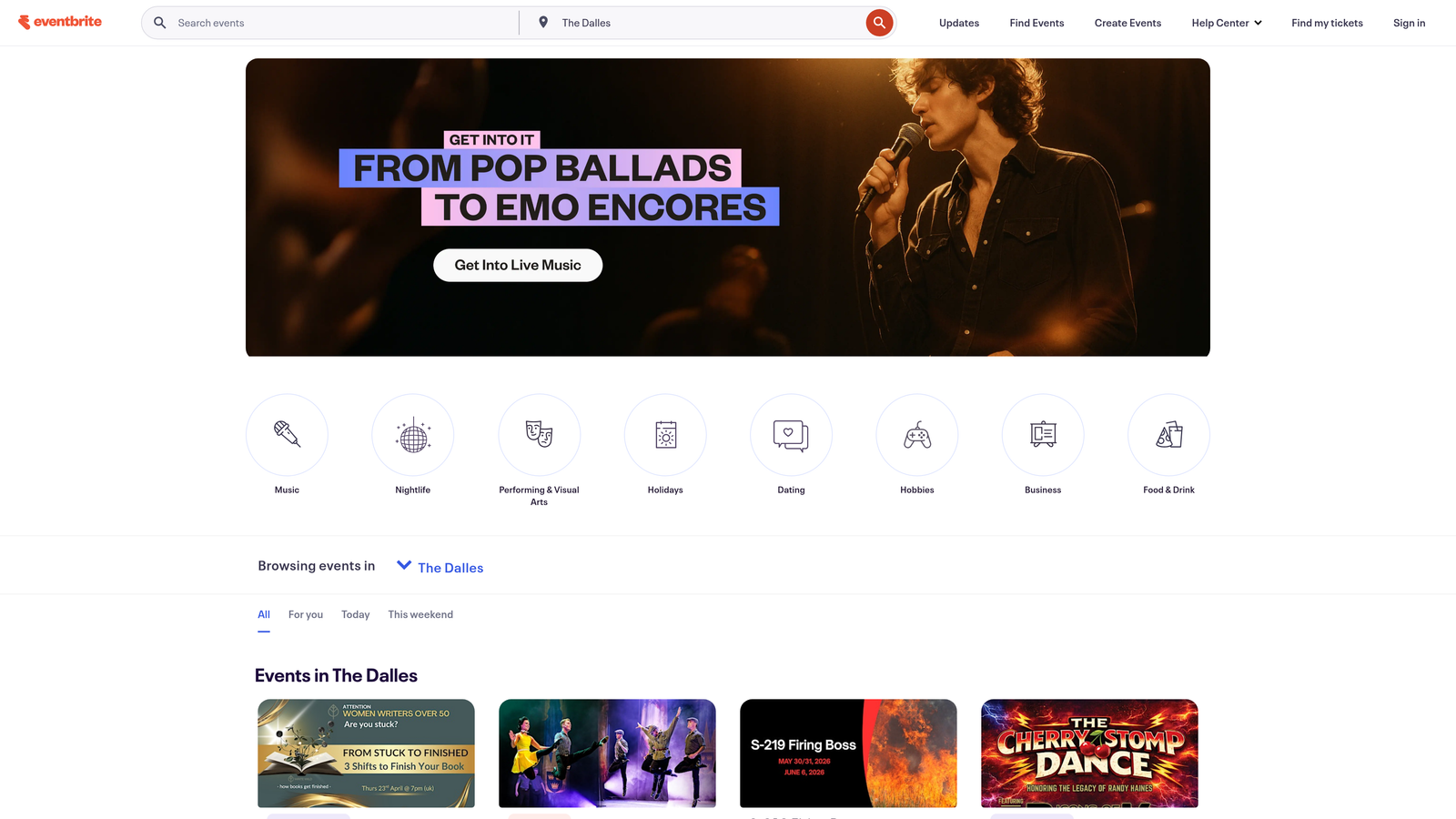
Eventbrite is an event discovery platform that combines registration tools with promotional distribution to help you reach audiences beyond your existing list.
Where This Tool Shines
The platform's built-in audience discovery is unique among registration tools. When you create a public webinar, it appears in Eventbrite's search results and gets recommended to users interested in similar topics, giving you free promotional reach.
Social sharing is baked into the registration flow. After someone registers, Eventbrite prompts them to share the event with their network, turning each registrant into a potential promoter. This viral effect can significantly boost registration numbers for public events.
Key Features
Audience Discovery: Public events appear in search results and recommendations, exposing your webinar to new potential attendees.
Flexible Ticketing: Support both free and paid webinars with built-in payment processing and ticket tiers.
Mobile Optimization: Registration pages and management tools work seamlessly on mobile devices where many discoveries happen.
Social Sharing Tools: Built-in prompts and one-click sharing to help registrants spread the word.
Attendee Communication: Send updates, reminders, and announcements directly to registrants through the platform.
Best For
Organizations running public educational webinars, virtual conferences, or community events where reaching new audiences matters as much as converting existing contacts.
Pricing
Free for free events with no hidden fees. Paid events incur a service fee starting at 3.7% plus $1.79 per ticket sold.
6. Jotform
Best for: Teams needing versatile forms with a generous free tier and thousands of templates.
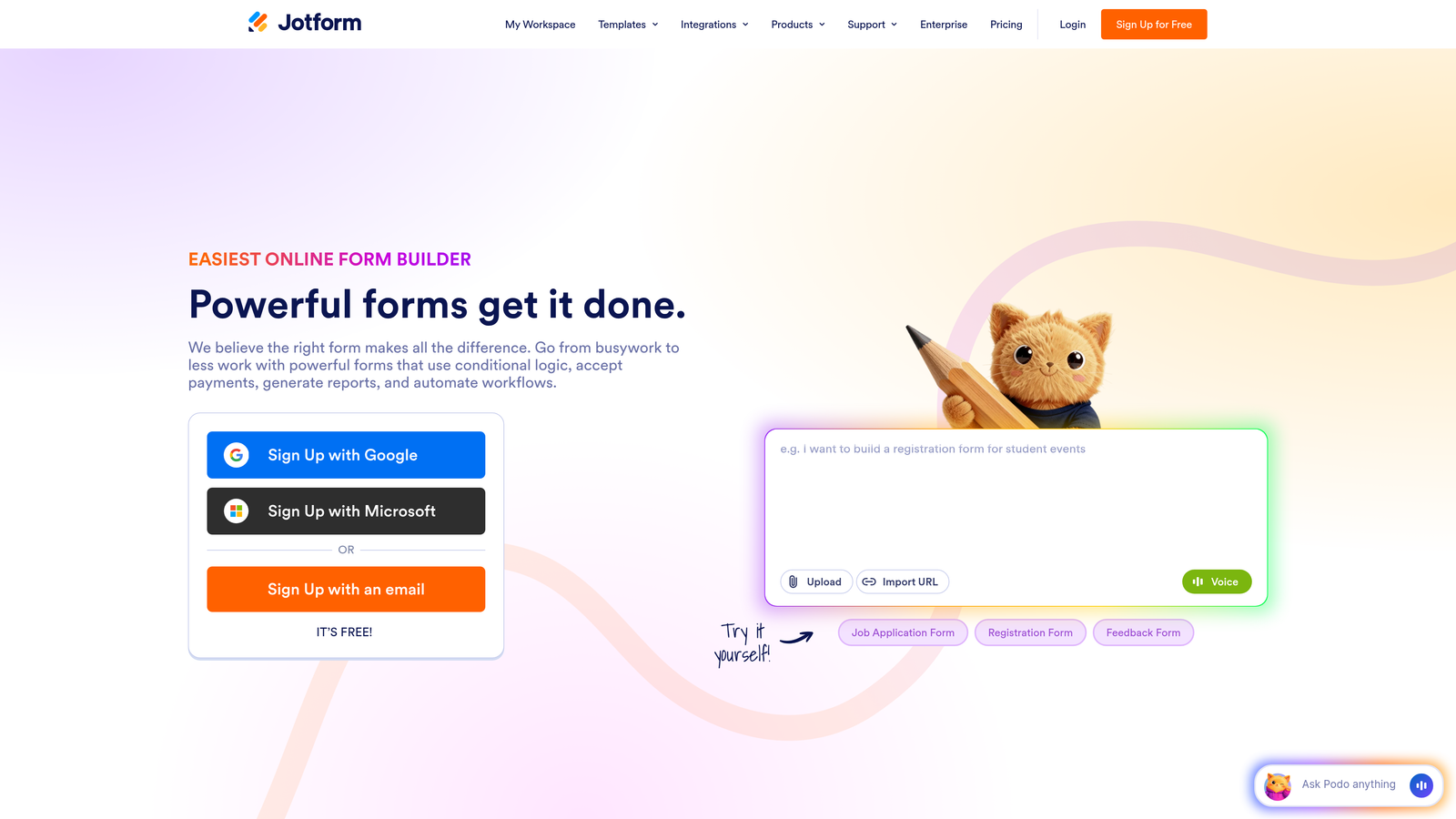
Jotform is a comprehensive form builder with over 10,000 templates covering virtually every use case, including extensive webinar registration options.
Where This Tool Shines
The template library is genuinely helpful. Instead of starting from scratch, you can find a webinar registration template that's 80% of what you need and customize the remaining 20%. This saves hours compared to building forms from a blank canvas.
The drag-and-drop builder strikes a good balance between simplicity and power. Non-technical team members can create professional registration forms, while developers can add custom CSS and JavaScript when needed for advanced requirements.
Key Features
10,000+ Templates: Pre-built forms for webinar registration, including industry-specific options that you can customize.
Drag-and-Drop Builder: Intuitive interface for creating and modifying forms without coding knowledge.
Payment Integration: Collect payment for paid webinars directly through the registration form with multiple payment processors.
Conditional Logic: Show or hide fields based on previous answers to create dynamic registration experiences.
HIPAA Compliance: Available for healthcare organizations that need compliant registration forms for medical webinars.
Best For
Small businesses and nonprofits running occasional webinars who need professional registration forms without monthly subscription costs, or teams wanting maximum template variety.
Pricing
Free tier includes up to 5 forms with 100 monthly submissions. Bronze plan starts at $34/month, increasing form limits and adding features like payment collection.
7. Livestorm
Best for: Marketing teams focused on engagement analytics and automated email sequences.
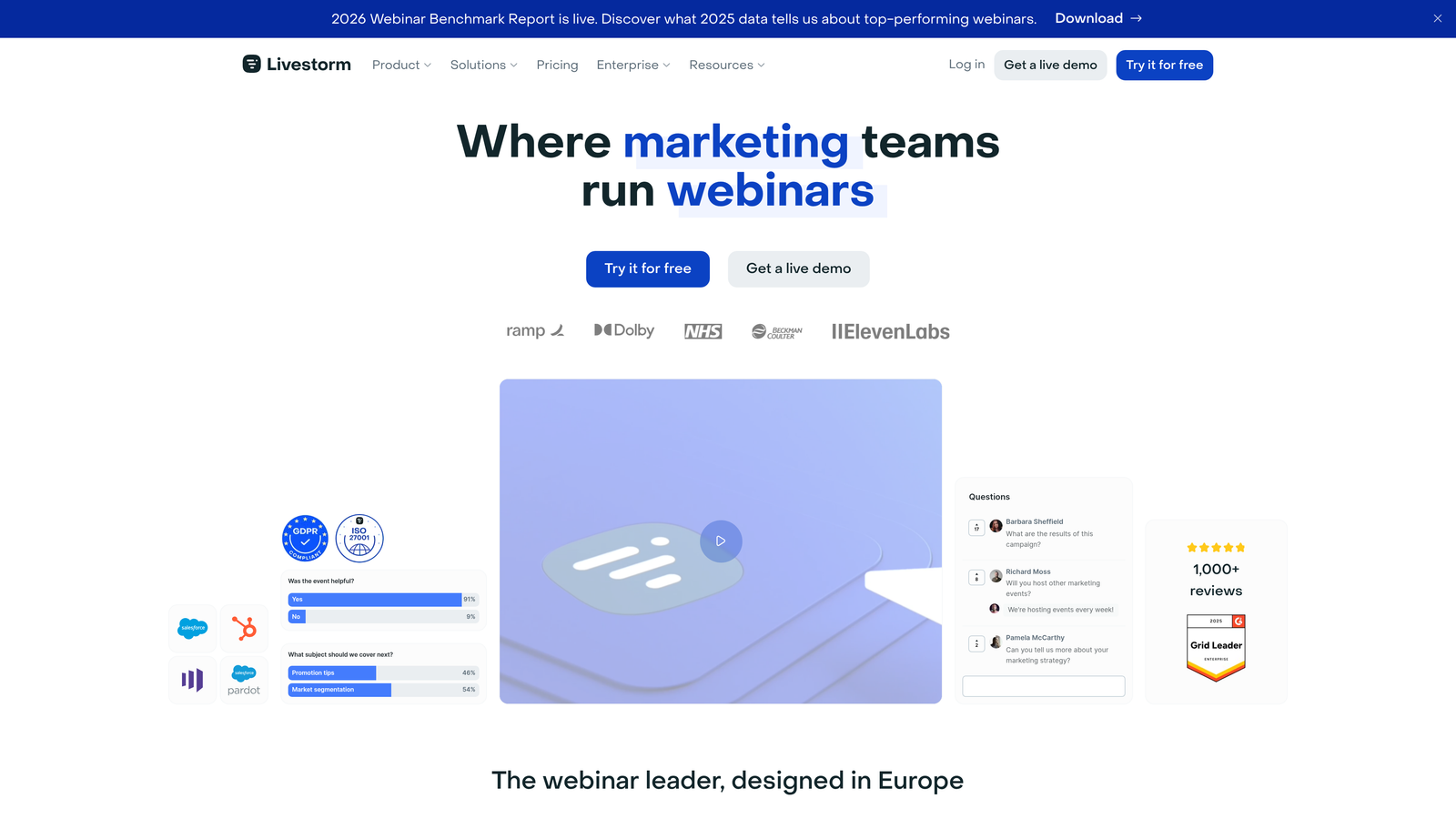
Livestorm is a video engagement platform that combines webinar hosting with marketing-focused registration pages and detailed analytics.
Where This Tool Shines
Livestorm's registration pages support tracking pixels from Facebook, LinkedIn, and Google, making it easy to measure which marketing channels drive the most valuable registrations. This level of attribution is crucial for teams optimizing ad spend across multiple platforms.
The engagement scoring system goes beyond simple attendance tracking. Livestorm monitors how registrants interact during the webinar and assigns engagement scores, helping you identify your most interested prospects for targeted follow-up.
Key Features
Custom Registration Pages: Branded pages with support for tracking pixels and UTM parameters for detailed attribution.
Automated Email Sequences: Set up reminder and follow-up emails that trigger based on registration status and attendance.
Browser-Based Webinars: Attendees join directly in their browser without downloads, reducing technical friction.
Engagement Analytics: Track not just who registered and attended, but how they engaged during the session.
CRM Integrations: Native connections with HubSpot, Salesforce, Pipedrive, and other popular CRMs.
Best For
B2B marketing teams running regular webinars as part of their demand generation strategy who need detailed analytics to optimize their funnel and prove ROI.
Pricing
Free tier supports up to 30 registrants per webinar. Pro plan starts at $79/month, removing attendee limits and adding advanced features like engagement scoring.
8. HubSpot Forms
Best for: Teams already using HubSpot CRM who want progressive profiling and native data sync.
HubSpot Forms is a powerful form builder that integrates seamlessly with HubSpot's CRM and marketing automation platform.
Where This Tool Shines
Progressive profiling is the killer feature for teams running multiple webinars. If someone has already registered for a previous webinar, HubSpot automatically hides fields you already have data for and asks new questions instead, reducing friction for returning registrants.
The native CRM sync means registration data flows instantly into contact records, triggering workflows and updating lead scores without any manual export-import processes. Your sales team sees new registrations in real-time within the CRM they already use daily.
Key Features
Progressive Profiling: Automatically adjusts form fields for returning visitors to collect new information without asking the same questions.
Native CRM Sync: Registration data updates contact records instantly with no integration middleware required.
Marketing Automation Triggers: Automatically enroll registrants in email sequences, update lead scores, or notify sales reps.
A/B Testing: Test different registration page variations to optimize conversion rates with built-in statistical analysis.
Detailed Analytics: Track form performance, submission sources, and conversion rates within HubSpot's analytics dashboard.
Best For
Companies already invested in HubSpot's ecosystem who want registration forms that leverage their existing CRM data and marketing automation capabilities.
Pricing
Free with HubSpot CRM, including basic form building and CRM sync. Advanced features like progressive profiling and A/B testing require Marketing Hub starting at $45/month.
9. Paperform
Best for: Brand-conscious teams wanting registration pages that stand out visually.
Paperform is a design-forward form builder that creates registration pages resembling beautiful documents rather than traditional web forms.
Where This Tool Shines
The document-style format sets Paperform apart aesthetically. Registration pages can include rich formatting, images, videos, and custom layouts that feel more like landing pages than forms. This makes a strong impression for premium webinars where visual presentation matters.
The platform supports embedded payment processing, making it ideal for paid webinar series or virtual conferences. You can collect registration information and payment in one seamless flow without redirecting to external checkout pages.
Key Features
Document-Style Forms: Create registration pages with rich media, custom layouts, and formatting that looks like designed content.
Advanced Conditional Logic: Build complex registration flows with multiple paths based on attendee responses and selections.
Built-In Payment Processing: Accept payment for paid webinars directly through Stripe or PayPal without external tools.
Custom Thank-You Pages: Design branded confirmation pages with event details, calendar links, and next steps.
Scheduling Integration: Combine registration with appointment booking for one-on-one consultation webinars.
Best For
Creative agencies, consultants, and premium brands running high-value webinars where visual presentation and brand experience are as important as functionality.
Pricing
Essentials plan starts at $24/month, including unlimited forms and submissions. Higher tiers add features like custom domains and advanced integrations.
Choosing Your Registration Tool
The right webinar registration tool depends on where you are in your webinar journey and what matters most to your team.
If lead qualification is your priority and you're running regular B2B webinars, Orbit AI's intelligent lead scoring during registration will save your sales team countless hours. For teams wanting everything in one place, Demio or Livestorm combine registration with hosting in a single platform. HubSpot Forms is the obvious choice if you're already invested in their ecosystem and want progressive profiling.
Need maximum engagement and completion rates? Typeform's conversational approach consistently outperforms traditional forms. Running public educational webinars? Eventbrite's built-in audience discovery can help you reach beyond your existing list.
The common thread among all these tools is they recognize that registration isn't just data collection. It's the first impression of your webinar experience, and it sets expectations for everything that follows.
Start building free forms today and see how intelligent form design can elevate your conversion strategy. Transform your lead generation with AI-powered forms that qualify prospects automatically while delivering the modern, conversion-optimized experience your high-growth team needs.


