

Static forms are quietly killing your conversion rates. When every visitor sees the same questions in the same order, you end up with unqualified leads, frustrated users, and data that tells you very little about who actually wants what you're selling.
Advanced form logic changes that equation entirely. Conditional branching, skip logic, calculated fields, and dynamic show/hide rules let your forms adapt in real time to each respondent, creating a personalized path that qualifies leads faster and keeps completion rates high. For high-growth teams, this isn't a nice-to-have; it's a core part of the lead capture strategy.
Choosing the right tool depends on several factors: the depth of logic capabilities you need, how accessible the builder is for non-developers, how well it integrates with your existing CRM and marketing stack, pricing flexibility as you scale, and whether the platform is built for teams moving fast. If you want to go deeper on the underlying mechanics, our guides on dynamic form fields based on user input and how to build effective web forms are worth a read.
Here are the top advanced form logic builders worth your attention in 2026.
1. Orbit AI
Best for: High-growth teams that need AI-driven lead qualification baked directly into the form experience.
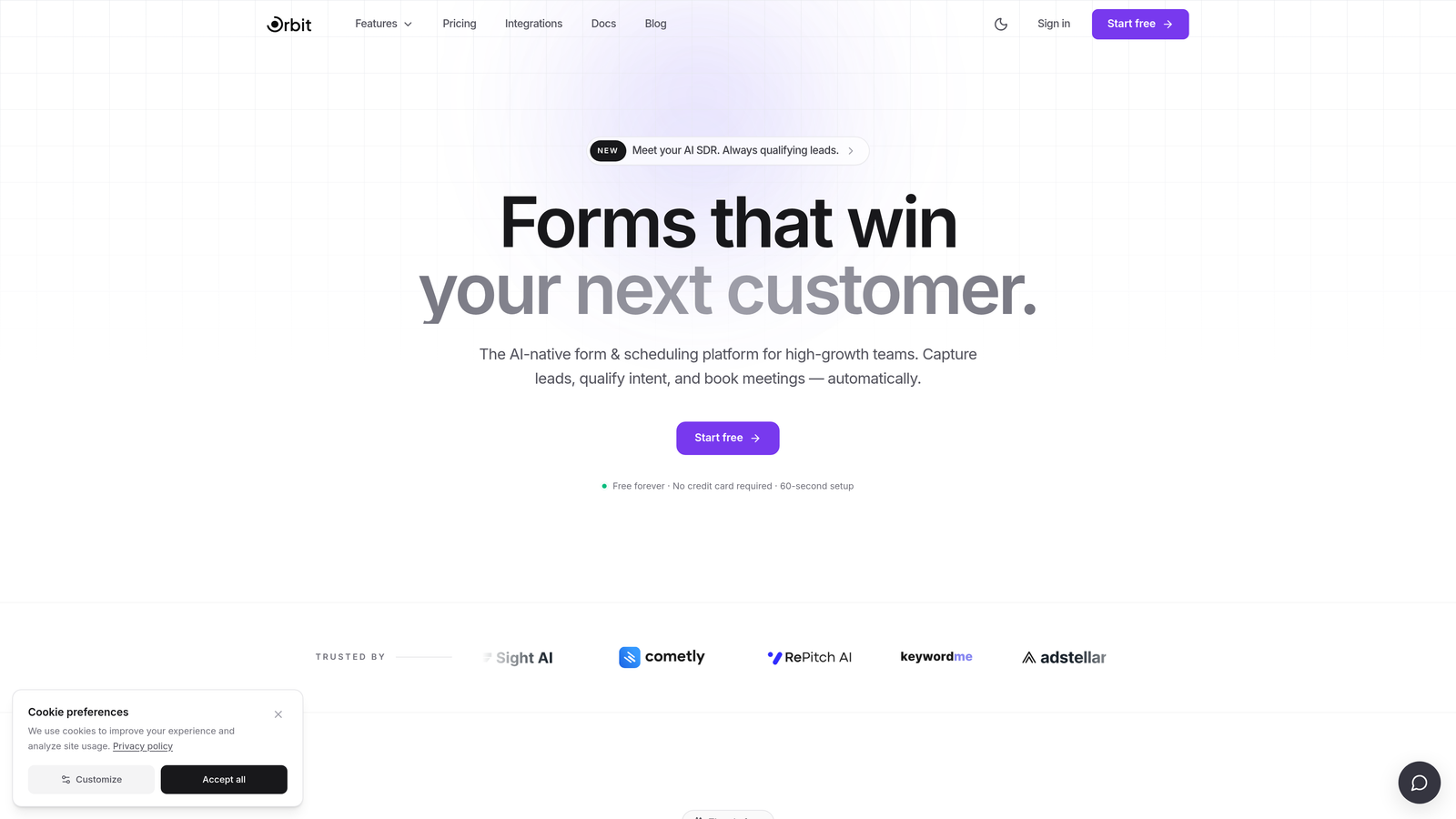
Orbit AI is an AI-powered form builder that combines intelligent conditional logic with real-time lead scoring, purpose-built for conversion-focused teams.
Where This Tool Shines
Most form builders make you build logic manually: define a condition, set a branch, test it, repeat. Orbit AI takes a different approach by using AI to suggest logic paths based on how respondents actually behave, adapting branching in ways that a static rule set would miss. This is particularly powerful for teams running lead qualification at scale, where the goal isn't just collecting data but instantly knowing which leads deserve immediate follow-up.
The visual logic builder keeps things accessible for marketers and ops teams who don't want to write code, while the conversion-optimized templates give you a head start with logic already built in. It's a platform designed around the idea that the form itself should do qualification work, not just pass raw data to a CRM for someone to sort later.
Key Features
AI-Suggested Logic Paths: The platform analyzes response patterns and recommends branching adjustments to improve qualification accuracy over time.
Real-Time Lead Scoring: Leads are scored and qualified as users move through the form, so your team sees prioritized results the moment a submission lands.
Visual Conditional Logic Builder: Drag-and-drop interface for building if/then branching rules without writing a single line of code.
Conversion-Optimized Templates: Pre-built form templates designed with best-practice logic flows already configured for common lead capture scenarios.
CRM and Marketing Automation Integrations: Connects with major CRM and marketing platforms so qualified lead data flows directly into your existing workflows.
Best For
Orbit AI is the strongest fit for SaaS companies, agencies, and growth teams that treat lead qualification as a core function rather than an afterthought. If you're running demand generation campaigns and need your forms to do more than collect email addresses, this is where the platform earns its place.
Pricing
Visit orbitforms.ai for current plan details. A free starting option is available for teams ready to explore the platform.
2. Typeform
Best for: Teams that want conversational, one-question-at-a-time branching with a polished, brand-friendly presentation.
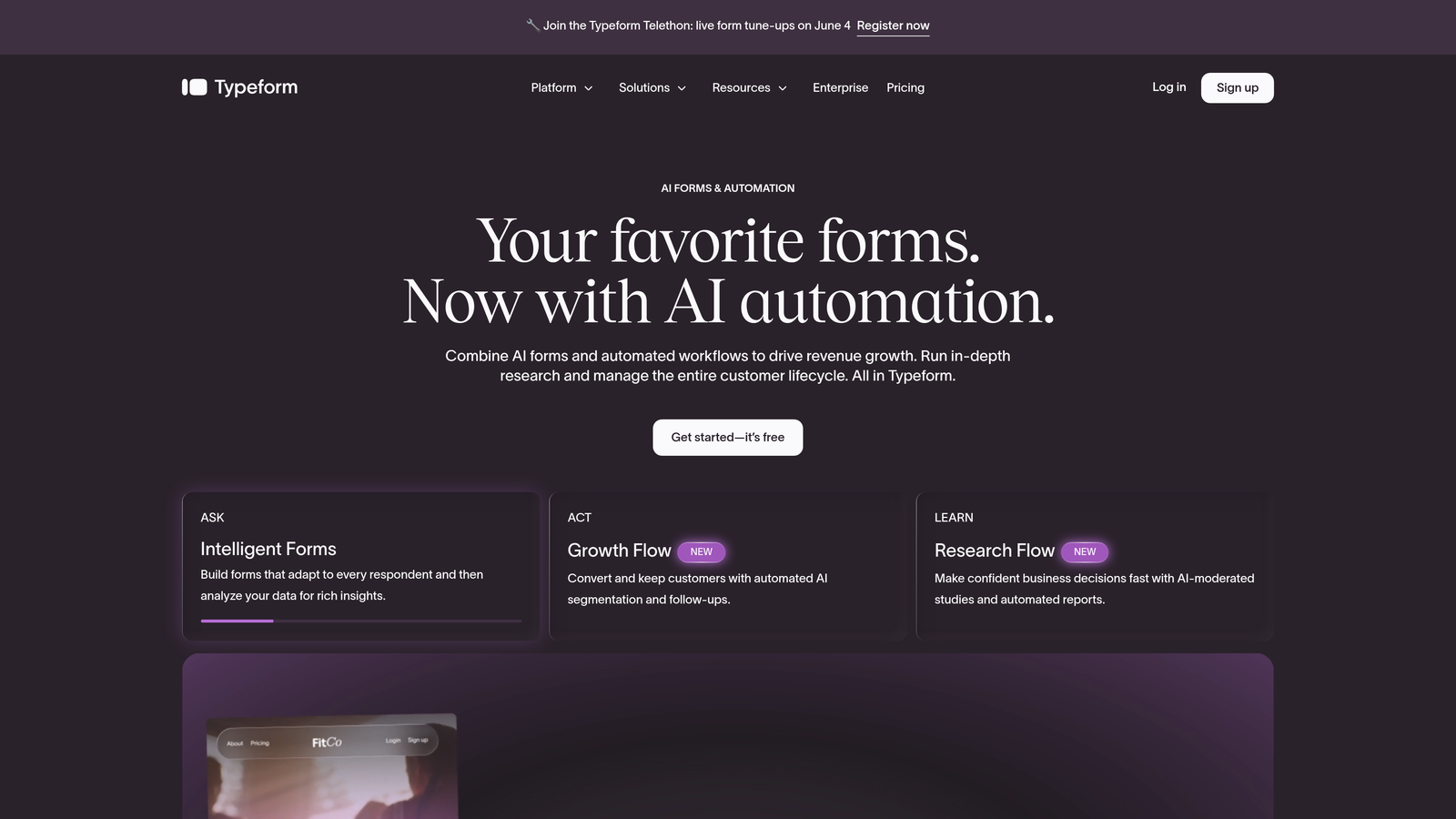
Typeform is a conversational form builder recognized for its engaging single-question interface and robust logic jump capabilities.
Where This Tool Shines
Typeform's signature format, where one question appears at a time, naturally reduces cognitive load and keeps respondents moving forward. The logic jumps system lets you route users to completely different question paths based on their answers, which works well for surveys, lead qualification flows, and product recommendation quizzes.
The hidden fields feature is particularly useful for passing UTM parameters and CRM data into the form on load, enabling personalized experiences without asking users to re-enter information you already have.
Key Features
Logic Jumps: Route respondents to different questions or end screens based on specific answer choices, enabling multi-branch conversational flows.
Hidden Fields: Pass URL parameters and tracking data silently into form submissions for attribution and personalization.
Calculator Feature: Assign scores to answers and use calculated totals to trigger conditional outcomes or custom result screens.
Brand-Friendly UI: Extensive visual customization options that make forms feel like a natural extension of your brand rather than a generic embed.
Integration Ecosystem: Native connectors to major marketing and CRM tools, plus broad Zapier support for extending to hundreds of additional platforms.
Best For
Typeform suits marketing teams, content creators, and growth teams that prioritize respondent experience and engagement. It's especially effective for outward-facing lead gen forms where first impressions matter.
Pricing
Free plan available with limited responses. Paid plans start around $25/month, with higher tiers unlocking more logic features and response volume.
3. Jotform
Best for: Teams that need a large template library with pre-built logic and a versatile no-code conditional editor.
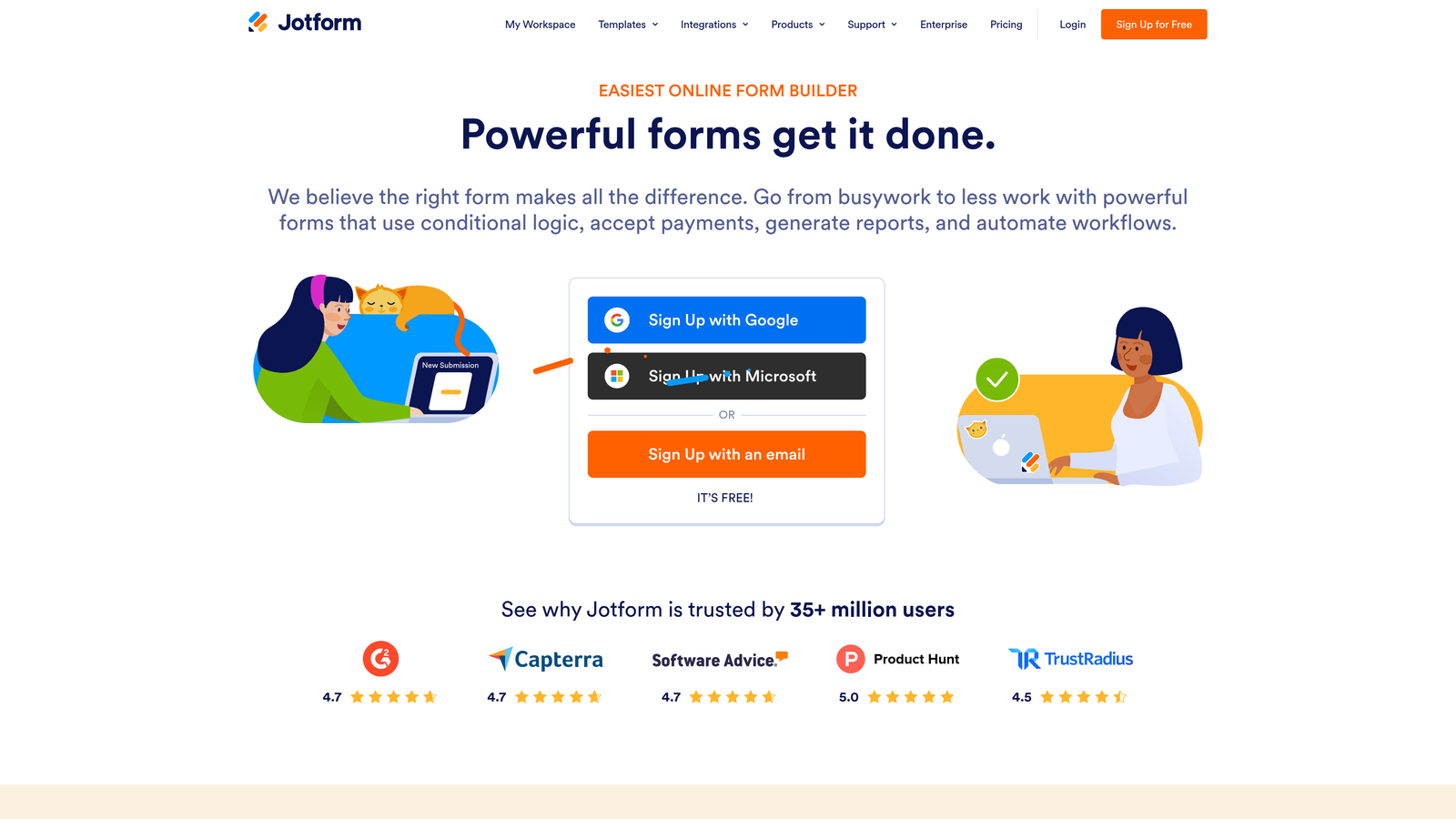
Jotform is a no-code form builder offering a visual conditional logic editor, calculation widgets, and one of the most extensive template libraries in the market.
Where This Tool Shines
Jotform's visual condition builder handles show/hide, skip, and required-field rules through a clean if/then interface that non-technical users can navigate without a learning curve. For teams that work across many different form types, from event registrations to order forms to intake questionnaires, the 10,000-plus template library means you're rarely starting from scratch.
The calculation widgets add a layer of functionality that goes beyond basic branching, enabling dynamic pricing, scoring, and running totals that update in real time as users complete the form.
Key Features
Visual Condition Builder: If/then rules for showing, hiding, skipping, and requiring fields based on prior answers.
Calculation Widgets: Dynamic pricing, scoring, and totals that update automatically as respondents fill in values.
200+ Integrations: Connects with payment processors, CRMs, project management tools, and marketing platforms.
10,000+ Templates: Pre-built form templates across dozens of industries, many with conditional logic already configured.
Multi-Page Conditional Navigation: Route users to different pages within a multi-step form based on their responses.
Best For
Jotform is a strong choice for small to mid-sized businesses and operations teams that need versatility across many form types without dedicated developer resources.
Pricing
Free plan includes up to 5 forms. Paid plans start around $34/month with higher form limits, submission volumes, and feature access.
4. Formstack
Best for: Enterprise teams that need conditional logic extending beyond the form into document generation, approvals, and e-signatures.
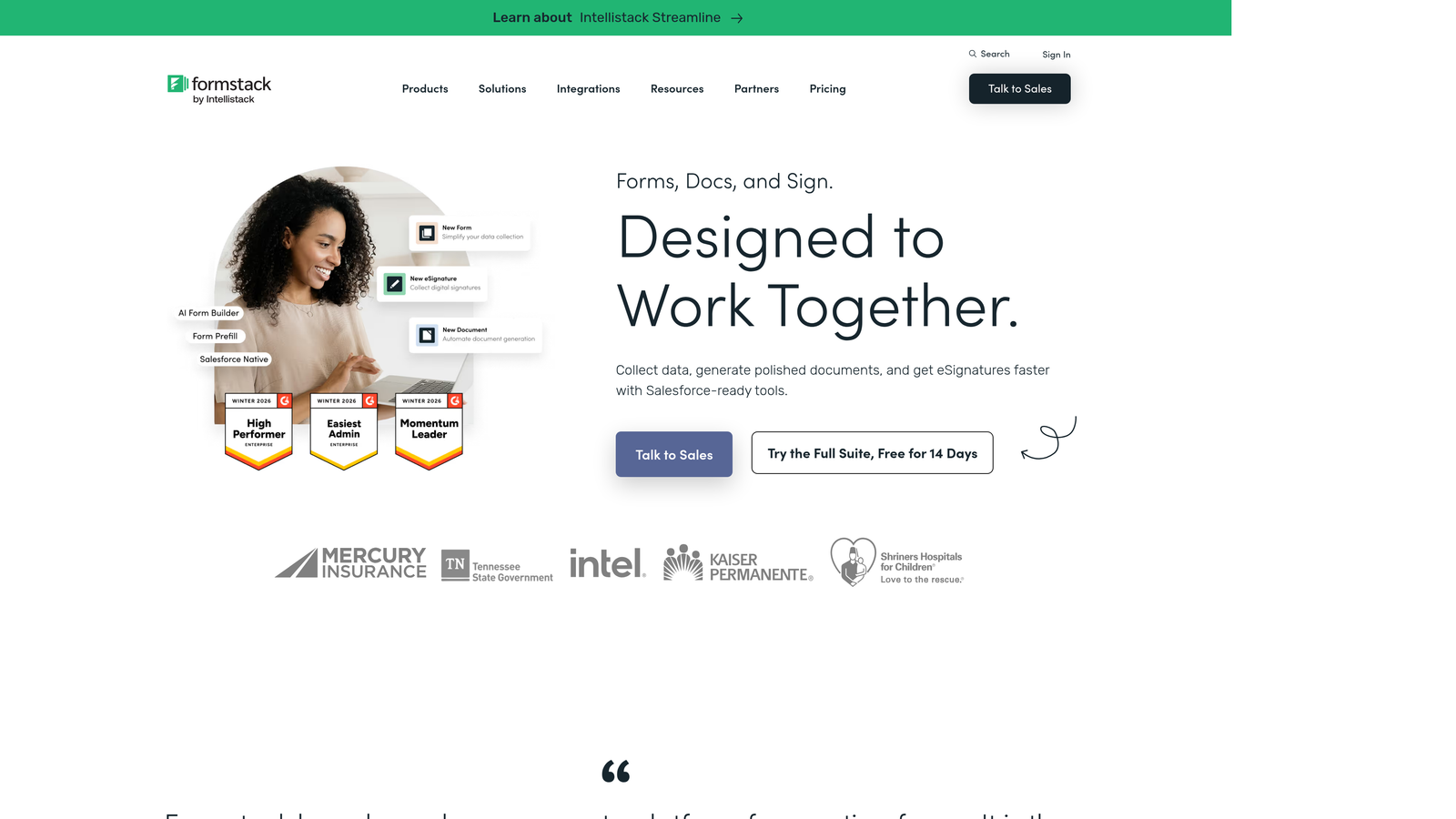
Formstack is an enterprise-grade form and workflow platform where conditional logic connects forms to downstream processes including documents, signatures, and approval routing.
Where This Tool Shines
Formstack is built for organizations where a form submission is the beginning of a multi-step workflow, not the end of it. Conditional logic here doesn't just control what fields appear; it can determine which document template gets generated, which approver gets notified, and which e-signature flow gets triggered. That level of workflow automation is difficult to replicate in simpler tools.
Compliance capabilities including HIPAA, GDPR, and SOC 2 options make it a practical choice for regulated industries where data handling requirements rule out many alternatives.
Key Features
Multi-Step Conditional Workflows: Logic that connects form responses to document generation, e-signature requests, and approval chains in sequence.
Field and Section Visibility Rules: Granular conditional visibility controls at both the individual field level and entire section level.
Conditional Email Routing: Automatically route notification emails to different recipients based on form response values.
Role-Based Access and Approvals: Assign different team members to review, approve, or act on submissions based on conditional criteria.
Compliance Options: HIPAA, GDPR, and SOC 2 compliance configurations for regulated industry use cases.
Best For
Formstack fits mid-market and enterprise organizations in healthcare, legal, finance, and operations where forms feed into structured approval and document workflows.
Pricing
Plans start around $50/month for core form functionality. Enterprise pricing is available for organizations needing the full document and signature workflow suite.
5. Cognito Forms
Best for: Teams that need powerful calculation logic and repeating sections without paying enterprise-level prices.
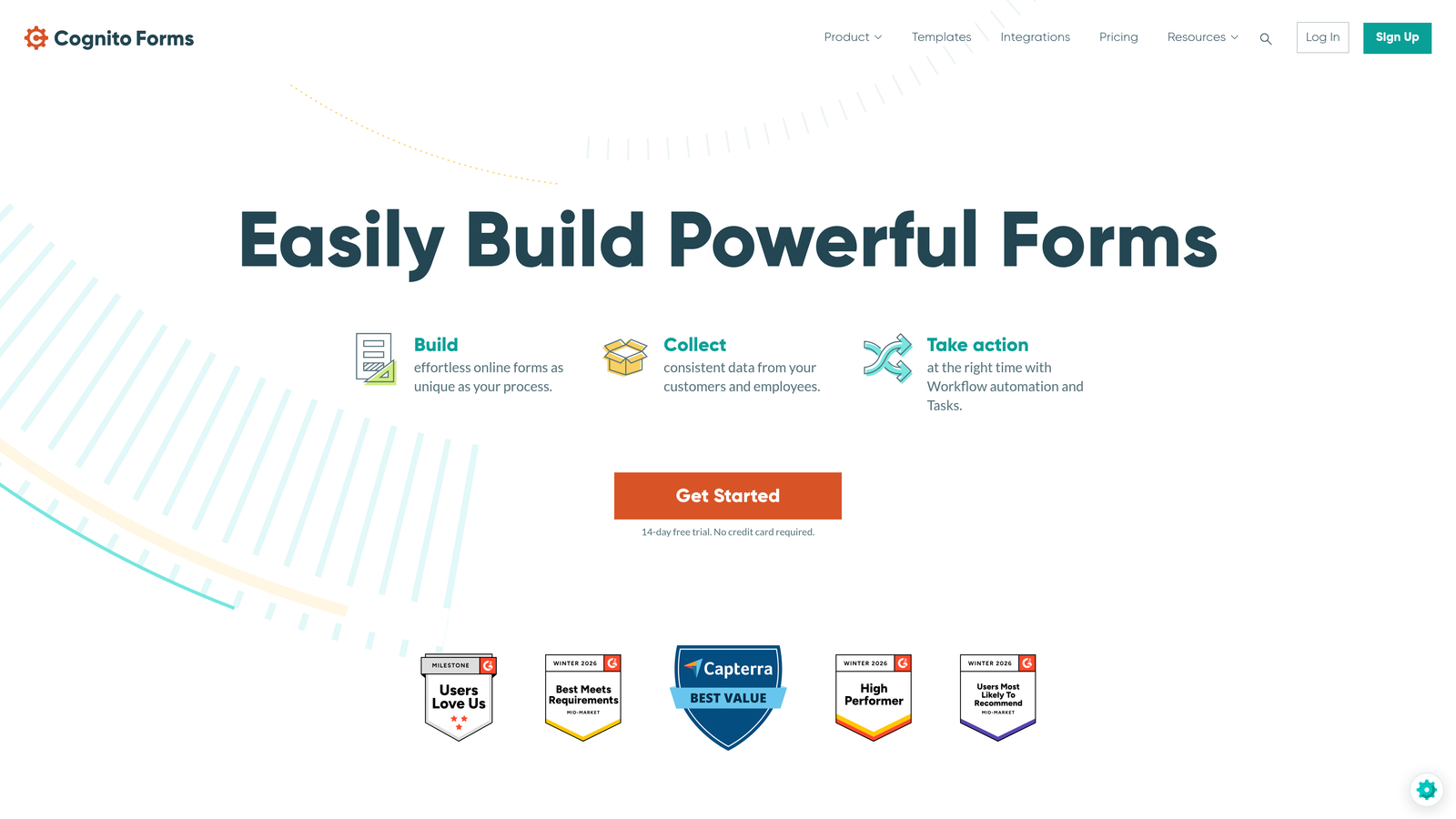
Cognito Forms is a budget-friendly builder with a calculation engine and repeating section support that punches well above its price point.
Where This Tool Shines
Cognito Forms is frequently recommended in developer and operations communities for one specific reason: the calculation engine is genuinely powerful. Formula-based fields support complex expressions for dynamic totals, scoring, conditional pricing, and derived values, which is functionality that many more expensive tools handle poorly or not at all.
Repeating sections allow users to add variable numbers of line items or grouped data sets, each with their own conditional rules. For order forms, project intake sheets, or any form with variable-length data, this feature alone justifies the tool.
Key Features
Advanced Calculation Fields: Formula-based fields supporting dynamic totals, scoring, conditional pricing, and derived value calculations.
Repeating Sections: Allow users to add multiple instances of a grouped field set, each governed by its own conditional rules.
Conditional Field States: Control visibility, required status, and read-only states independently through conditional rules.
Payment Logic: Conditional pricing and quantity calculations that update order totals based on user selections.
Lookup Fields: Reference data from previous entries or external sources to pre-populate or validate fields.
Best For
Cognito Forms is ideal for small businesses, freelancers, and operations teams that need calculation-heavy forms, such as pricing estimators, order forms, or assessment scoring, without a large software budget.
Pricing
Free plan available with generous limits. Paid plans start from $15/month, making this one of the most affordable options for advanced calculation logic.
6. Feathery
Best for: Product and engineering teams that need pixel-perfect design control with code-level logic customization.
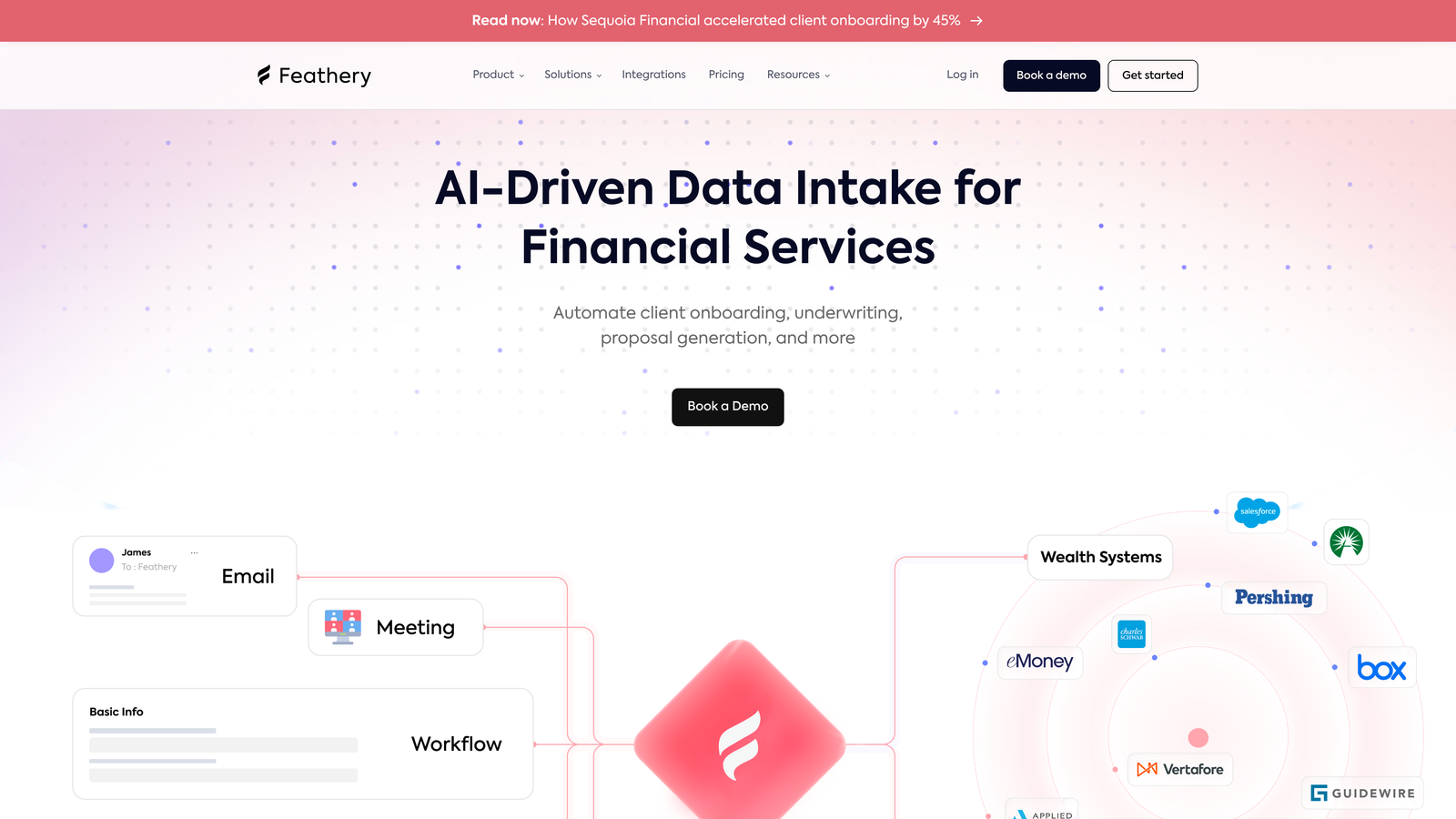
Feathery is a developer-friendly form builder that combines a visual logic editor with the ability to inject custom JavaScript, trigger conditional API calls, and embed forms natively via React SDK.
Where This Tool Shines
Most no-code form builders hit a ceiling when your logic requirements go beyond what their rule editors support. Feathery is designed specifically to break through that ceiling. The ability to trigger real-time API calls mid-form, for example to validate a company name against an external database or fetch pricing data based on a user's selection, opens up logic scenarios that simply aren't possible in traditional builders.
For teams building onboarding flows or signup experiences directly into a product, the React SDK and custom code capabilities mean Feathery can behave like a native product component rather than an embedded third-party widget.
Key Features
Conditional API Calls: Trigger external API requests during form completion for real-time data validation, enrichment, or dynamic field population.
Custom JavaScript and CSS: Inject custom code to extend logic beyond built-in rules or apply precise visual customization.
Visual Logic Builder with Code Override: Start with the drag-and-drop editor and drop into code when the built-in rules aren't enough.
Multi-Step Onboarding Flows: Conditional branching optimized for product onboarding and signup sequences with complex routing requirements.
React SDK: Embed forms as native React components within web applications for seamless product integration.
Best For
Feathery is the right choice for product teams at SaaS companies and engineering-led organizations that need form logic sophisticated enough to match their product's complexity.
Pricing
Free plan available. Paid plans start from $49/month, reflecting the developer-grade capabilities on offer.
7. Paperform
Best for: Teams creating guided, content-rich form experiences where copy, media, and conditional questions need to work together.
Paperform is a form builder that blends rich editorial content with conditional form logic, enabling guided experiences that feel more like interactive landing pages than traditional forms.
Where This Tool Shines
Paperform's distinguishing characteristic is how naturally it mixes content with form fields. You can intersperse explanatory text, images, and video between conditional questions, which makes it effective for assessment flows, guided quizzes, and recommendation engines where context helps respondents give better answers.
Conditional redirect URLs based on form responses add a useful layer of post-submission logic, routing respondents to different thank-you pages, offers, or resources depending on how they answered.
Key Features
Conditional Show/Hide Logic: Control visibility of questions, entire pages, and success screens based on prior responses.
Calculation and Scoring Fields: Built-in scoring for quizzes and assessments with conditional outcomes based on total scores.
Rich Content Blocks: Embed text, images, and video between conditional form fields to create guided, editorial-style experiences.
Conditional Redirect URLs: Route respondents to different post-submission destinations based on their answers.
Pre-Fill and Hidden Fields: Personalize logic paths by pre-populating fields from URL parameters or prior responses.
Best For
Paperform suits content marketers, coaches, consultants, and small business teams creating quizzes, assessments, or guided recommendation flows where the narrative around the questions matters as much as the questions themselves.
Pricing
Plans start around $24/month. No permanent free plan, but a trial period is available to test the platform.
8. Fillout
Best for: Teams working natively in Airtable or Notion who need forms that read from and write to those databases with conditional logic intact.
Fillout is a modern form builder with native two-way sync to Airtable, Notion, and other databases, enabling conditional logic that references and updates external records in real time.
Where This Tool Shines
Fillout's core differentiator is how deeply it connects to external data sources. Rather than just sending form data to Airtable after submission, Fillout can reference Airtable records during the form session itself, enabling logic that says "if this user's company already exists in our database, skip the company details section." That kind of database-aware conditional logic is rare in standard form builders.
URL-based pre-fill capabilities make it straightforward to create personalized form paths for different audience segments, campaigns, or CRM-triggered outreach without building separate forms for each scenario.
Key Features
Native Airtable and Notion Sync: Two-way integration that allows conditional logic to reference and write to external database records during form completion.
Conditional Page Branching: Route users through different multi-step page sequences based on their responses.
URL-Based Pre-Fill: Dynamically populate fields from URL parameters to create personalized, context-aware form paths.
Scheduling, Payment, and File Upload Fields: Specialized field types with conditional display rules for complex form requirements.
Logic-Driven Notifications and Webhooks: Trigger email notifications and webhook payloads conditionally based on specific response criteria.
Best For
Fillout is the natural choice for operations teams, no-code builders, and startups that run their business on Airtable or Notion and want forms that feel like a native extension of those tools.
Pricing
Free plan available with solid core features. Paid plans start from $15/month for higher submission volumes and advanced integration capabilities.
9. 123FormBuilder
Best for: Compliance-heavy industries that need skip logic and conditional notifications alongside HIPAA and GDPR-ready hosting.
123FormBuilder is a form builder focused on regulated industries, combining skip logic, conditional email routing, and role-based access with compliance certifications for healthcare and enterprise use.
Where This Tool Shines
For organizations in healthcare, finance, or other regulated sectors, the compliance question often determines which tools are even on the table. 123FormBuilder addresses this directly with HIPAA-compliant form hosting and GDPR support, meaning teams don't have to choose between advanced logic features and meeting their regulatory obligations.
The conditional email notification system is a practical feature for teams that route different submission types to different departments. A patient intake form, for instance, can automatically send to different clinical staff based on which department or condition the respondent selects.
Key Features
Skip Logic and Conditional Visibility: Visual rule editor for branching respondents past irrelevant questions based on prior answers.
Conditional Email Notifications: Route submission notifications to different recipients or teams based on specific response values.
Role-Based Access Control: Manage team permissions for viewing, editing, and collaborating on form logic configurations.
HIPAA-Compliant Hosting: Secure form hosting with the compliance infrastructure required for healthcare data collection.
Conditional Payment Fields: Order form logic with payment fields that display or calculate conditionally based on user selections.
Best For
123FormBuilder is best suited for healthcare organizations, legal firms, and enterprise teams in regulated industries that need reliable conditional logic without sacrificing compliance requirements.
Pricing
Free plan available. Paid plans start around $24/month, with enterprise and HIPAA-specific plans available at higher tiers.
Which Tool Is Right for Your Team?
The right advanced form logic builder depends less on which tool has the longest feature list and more on where your specific bottleneck sits.
If your primary goal is AI-driven lead qualification, where the form itself scores and prioritizes prospects in real time, Orbit AI is purpose-built for exactly that use case. It's the strongest fit for growth teams treating their forms as a core part of the revenue pipeline.
For conversational branching with high engagement rates, Typeform remains the benchmark. If you need enterprise workflow automation that connects forms to documents and approvals, Formstack is the natural choice. Teams on a budget who need serious calculation logic will find Cognito Forms surprisingly capable at a fraction of the cost of enterprise alternatives.
Developers and product teams building complex onboarding flows should look closely at Feathery, where code-level control is a first-class feature rather than a workaround. And if your entire operation runs on Airtable or Notion, Fillout's database-native approach makes it a seamless fit that other tools can't easily replicate.
Here's a quick decision guide by use case:
AI-powered lead qualification: Orbit AI
Conversational UX and engagement: Typeform
Enterprise workflow automation: Formstack
Best value for calculation-heavy forms: Cognito Forms
Developer-grade customization: Feathery
Database-native teams (Airtable/Notion): Fillout
Compliance-regulated industries: 123FormBuilder
Looking ahead, the trajectory of the market is clear: AI is moving from a buzzword to a functional layer inside form builders. Logic that once required manual configuration is increasingly being suggested, optimized, and automated by the platform itself. Teams that adopt AI-assisted form logic now will have a meaningful head start on qualification efficiency as that capability matures.
Transform your lead generation with AI-powered forms that qualify prospects automatically while delivering the modern, conversion-optimized experience your high-growth team needs. Start building free forms today and see how intelligent form design can elevate your conversion strategy. For more on maximizing what you capture, explore our guides on how to qualify leads with forms and how to improve form conversion rates.


