

First impressions matter. For many businesses, a form is the very first interaction a potential customer has with your brand, and a clunky, generic-looking form can tank conversions before a visitor even starts typing.
That's why high-growth teams are increasingly investing in beautiful form design platforms that combine visual polish with conversion intelligence. The challenge is that dozens of form builders exist, and finding one that truly delivers on aesthetics without sacrificing functionality can feel overwhelming.
We evaluated platforms based on design flexibility, user experience, conversion-focused features, mobile responsiveness, and integration ecosystems. Whether you're building lead capture forms, multi-step surveys, or client intake workflows, here are the standout options for 2026.
1. Orbit AI
Best for: High-growth teams that want beautiful forms with built-in lead qualification and conversion intelligence.
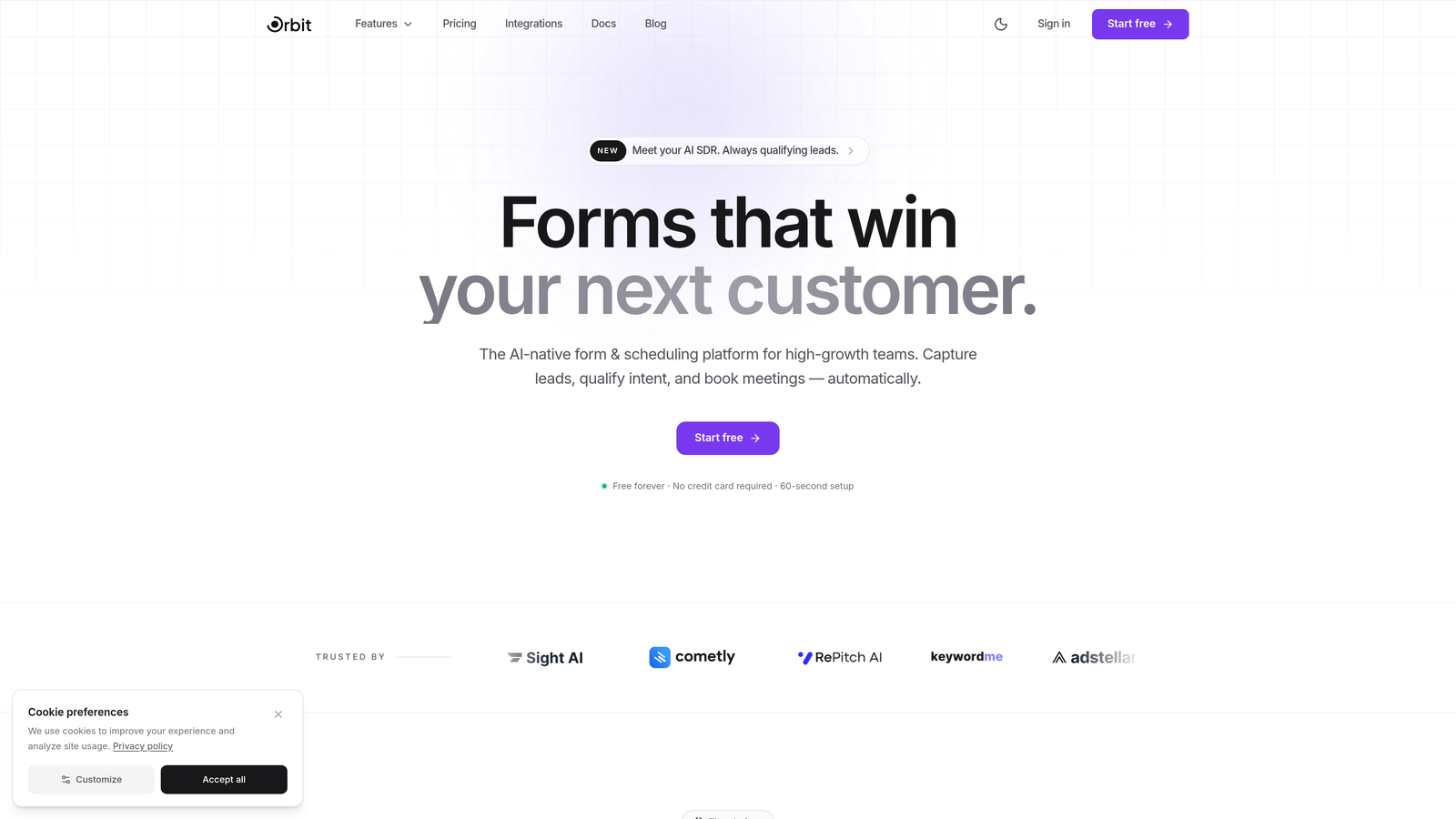
Orbit AI is an AI-powered form builder that combines conversion-optimized design with intelligent lead qualification, purpose-built for teams that need their forms to do more than just collect data.
Where This Tool Shines
Most form builders treat design and data as separate concerns. Orbit AI bridges that gap by embedding lead scoring and qualification logic directly into the form submission process. You're not just building a beautiful form; you're building a smart intake system that helps your team prioritize the right leads automatically.
The template library is built with conversion in mind, not just aesthetics. Each template is designed to reduce drop-off, guide users through a natural flow, and surface the information your sales or marketing team actually needs.
Key Features
AI-Powered Lead Qualification: Automatically scores and qualifies leads based on form responses, so your team focuses on the highest-value prospects first.
Conversion-Optimized Templates: Modern, professionally designed templates with full customization for brand colors, fonts, and layout.
Conditional Logic and Dynamic Flows: Forms adapt in real time based on user responses, creating personalized experiences without complex setup.
Real-Time Analytics: Track form performance, drop-off points, and submission trends to continuously improve your conversion rates.
CRM and Marketing Integrations: Connects seamlessly with the tools your team already uses, from CRMs to marketing automation platforms.
Best For
Orbit AI is the strongest fit for SaaS companies, agencies, and growth teams that want their forms to actively contribute to pipeline quality, not just volume. If lead qualification is part of your workflow, this platform eliminates a manual step entirely.
Pricing
Visit orbitforms.ai for current plan details and to explore the free tier.
2. Typeform
Best for: Teams that want engaging, conversational form experiences with strong visual branding.
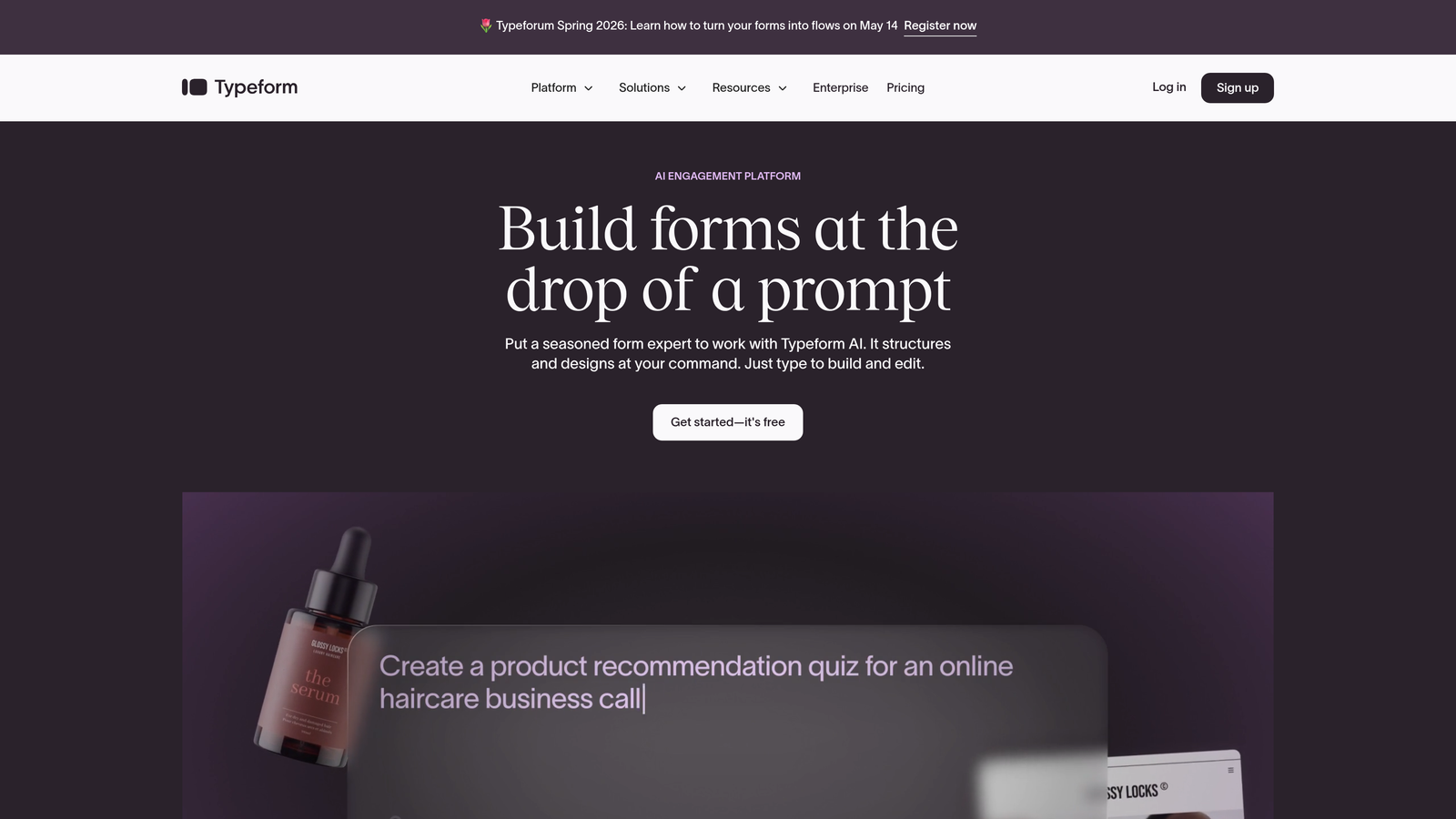
Typeform is a conversational form builder best known for its one-question-at-a-time interface that turns routine data collection into an interactive experience.
Where This Tool Shines
Typeform's signature format feels less like filling out a form and more like having a conversation. This approach tends to keep respondents engaged longer, which is particularly valuable for longer surveys, lead qualification flows, or onboarding questionnaires where drop-off is a real concern.
The design customization is genuinely impressive. You can match the form experience to your brand with custom fonts, full-bleed background images, and a polished visual identity that most drag-and-drop builders can't match out of the box.
Key Features
One-Question-at-a-Time Format: Presents questions sequentially for a focused, distraction-free experience that typically improves completion rates.
Brand Customization: Full control over fonts, colors, backgrounds, and imagery to create a cohesive branded experience.
Logic Jumps: Conditional branching sends respondents down different paths based on their answers.
Media Integration: Embed videos and images directly within form flows to add context or personality.
Third-Party Integrations: Connects with hundreds of tools including Salesforce, HubSpot, Slack, and Google Sheets.
Best For
Typeform works well for marketing teams, agencies, and product teams running surveys, NPS forms, or branded lead capture flows where visual experience is a primary concern.
Pricing
Free plan available with limited responses. Paid plans start at approximately $25 per month.
3. Tally
Best for: Teams that want clean, minimal form design with a generous free tier and Notion-style editing.
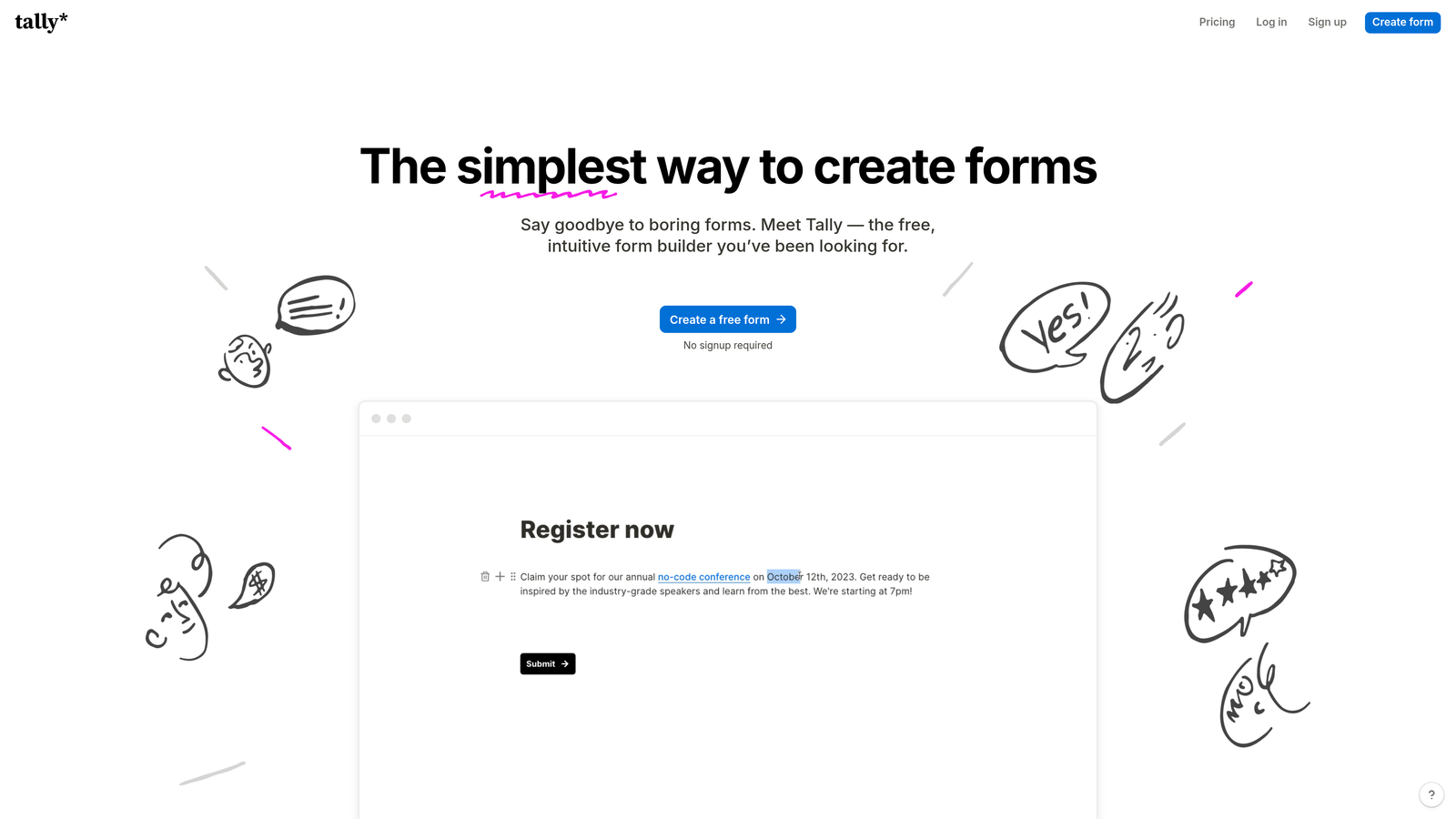
Tally is a minimalist form builder with a block-based editor that feels immediately familiar to anyone who uses Notion, producing clean and elegant forms with very little effort.
Where This Tool Shines
Tally's default design aesthetic is genuinely attractive without requiring any customization work. The forms look modern and uncluttered right out of the box, which is a surprisingly rare quality in this space. For teams that want something that looks great without spending time on design tweaks, Tally delivers.
The free plan is one of the most generous in the market, offering unlimited forms and unlimited submissions. For early-stage teams or solo operators, this makes Tally an easy choice to start with before committing to a paid platform.
Key Features
Block-Based Editor: Notion-style editing interface makes building forms feel intuitive and fast, even for non-technical users.
Unlimited Free Tier: Unlimited forms and submissions on the free plan, which is unusually generous compared to competitors.
Clean Default Design: Forms look polished without requiring custom styling or template selection.
Conditional Logic: Hidden fields and conditional branching for more dynamic form experiences.
Integrations: Connects via Zapier, native webhooks, and a growing set of direct connectors.
Best For
Tally is ideal for startups, individual creators, and small teams that want professional-looking forms quickly without a steep learning curve or upfront cost.
Pricing
Most features are available on the free plan. Pro plan is available at $29 per month for advanced features.
4. Jotform
Best for: Teams that need a massive template library and enterprise-grade features for diverse form use cases.
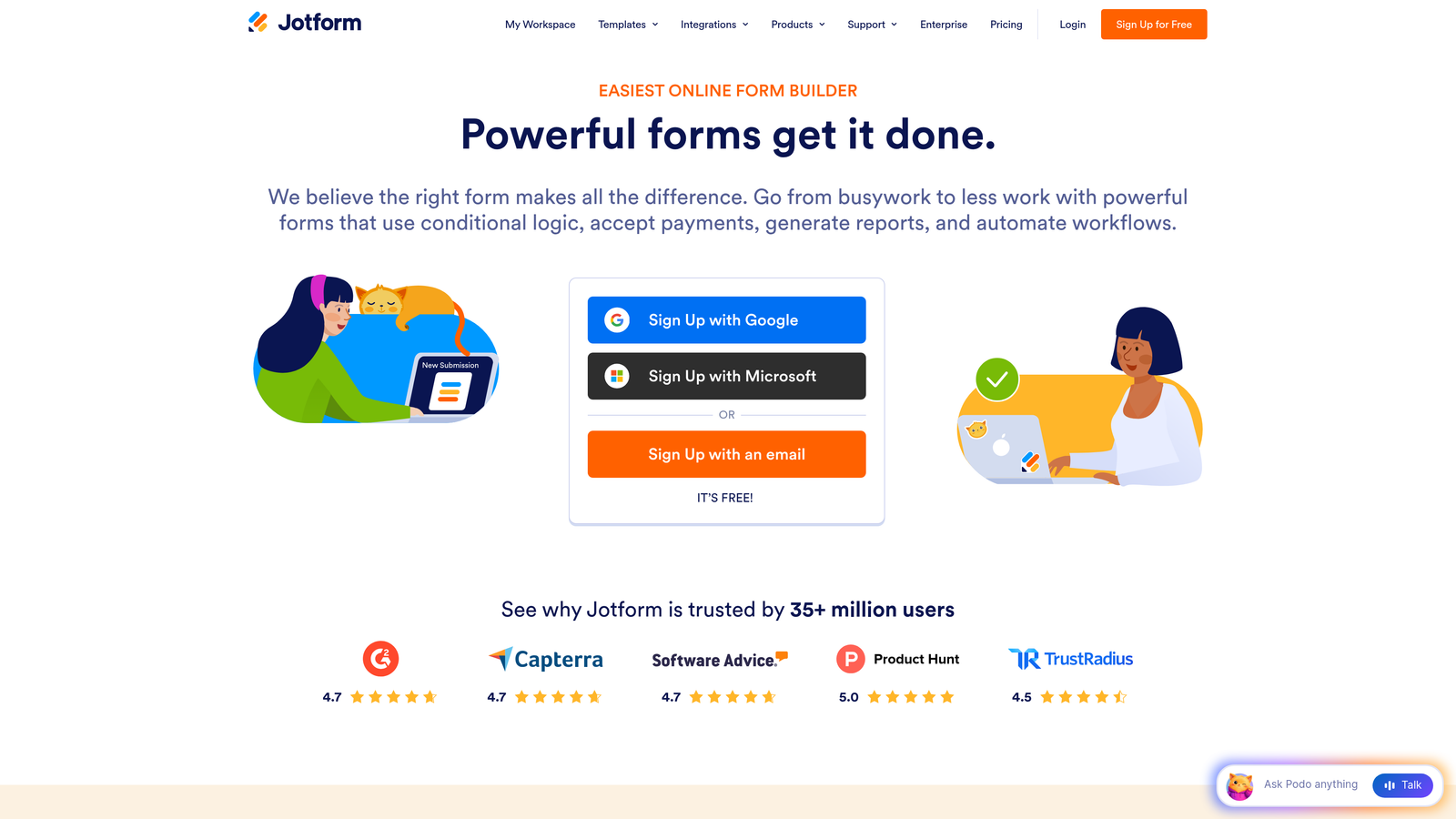
Jotform is a feature-rich form builder with over 10,000 templates and extensive drag-and-drop customization that covers virtually any form scenario imaginable.
Where This Tool Shines
When it comes to sheer breadth of capability, Jotform is hard to beat. The template library spans industries from healthcare to e-commerce to education, and the drag-and-drop designer gives you enough control to build something that genuinely reflects your brand. For teams managing multiple departments with different form needs, Jotform can serve them all from a single platform.
The platform's enterprise-readiness is also notable. HIPAA compliance, e-signature support, PDF generation, and payment processing make Jotform one of the few tools that can handle both simple contact forms and complex compliance-sensitive workflows.
Key Features
10,000+ Templates: One of the largest template libraries in the market, covering a wide range of industries and use cases.
Advanced Form Designer: Drag-and-drop interface with CSS customization for precise visual control.
Payment Integrations: Native support for PayPal, Stripe, and Square for collecting payments directly through forms.
PDF Generation and E-Signatures: Automatically generate PDF documents and collect legally binding signatures.
HIPAA Compliance: Available for healthcare organizations that need compliant data collection.
Best For
Jotform suits mid-size to enterprise teams, healthcare organizations, and businesses that need a broad platform capable of handling complex, compliance-sensitive form workflows alongside standard use cases.
Pricing
Free plan available. Paid plans start at approximately $34 per month.
5. Paperform
Best for: Teams that want forms that feel like branded landing pages, with rich content mixed alongside form fields.
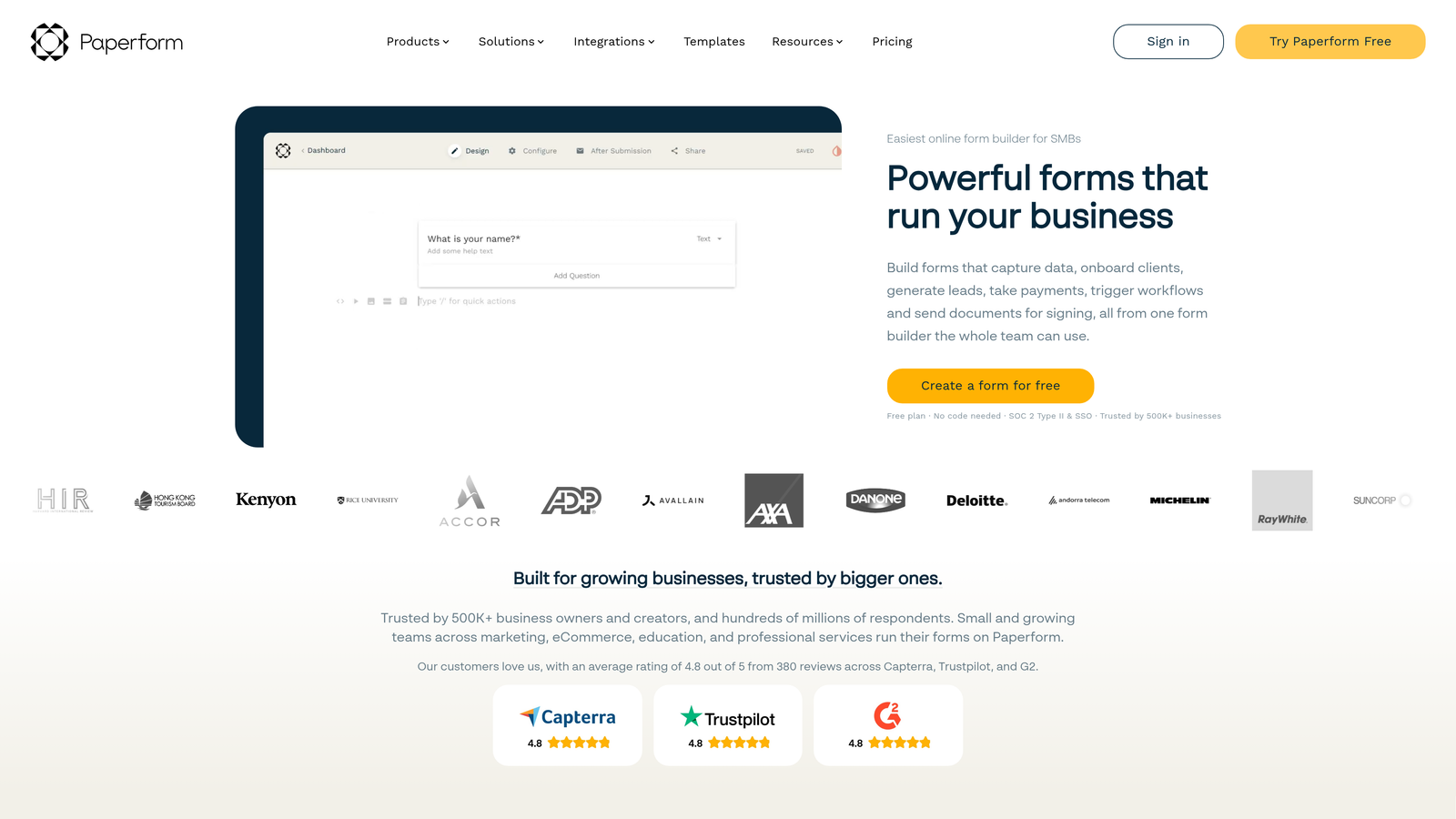
Paperform is a hybrid form-and-landing-page builder that lets you embed rich content blocks alongside form fields for a branded, page-like experience.
Where This Tool Shines
Paperform blurs the line between a form and a landing page in a way that few other tools attempt. You can mix images, videos, descriptive text, and pricing information directly into the form flow, creating an experience that feels like a complete branded touchpoint rather than a simple data collection screen.
This makes Paperform particularly effective for product sales, event registrations, and client intake scenarios where context matters. Instead of sending someone to a separate landing page before the form, you can deliver both in a single, cohesive experience.
Key Features
Rich Content Blocks: Mix images, videos, and formatted text with form fields for a page-like design experience.
Built-In Product and Payment Pages: Sell products or services directly through forms without a separate e-commerce setup.
Custom Themes and Brand Kits: Apply consistent branding across all forms with saved design configurations.
Conditional Logic and Calculations: Dynamic fields that respond to user input, including calculation fields for pricing or scoring.
Partial Submission Tracking: Capture data even from respondents who don't complete the form, reducing lead loss.
Best For
Paperform is a strong choice for small business owners, consultants, and e-commerce teams that want a polished, all-in-one form and sales page experience without managing separate tools.
Pricing
Plans start at approximately $24 per month. No permanent free plan.
6. Fillout
Best for: Teams that want modern form design with native connections to Notion, Airtable, and their existing data stack.
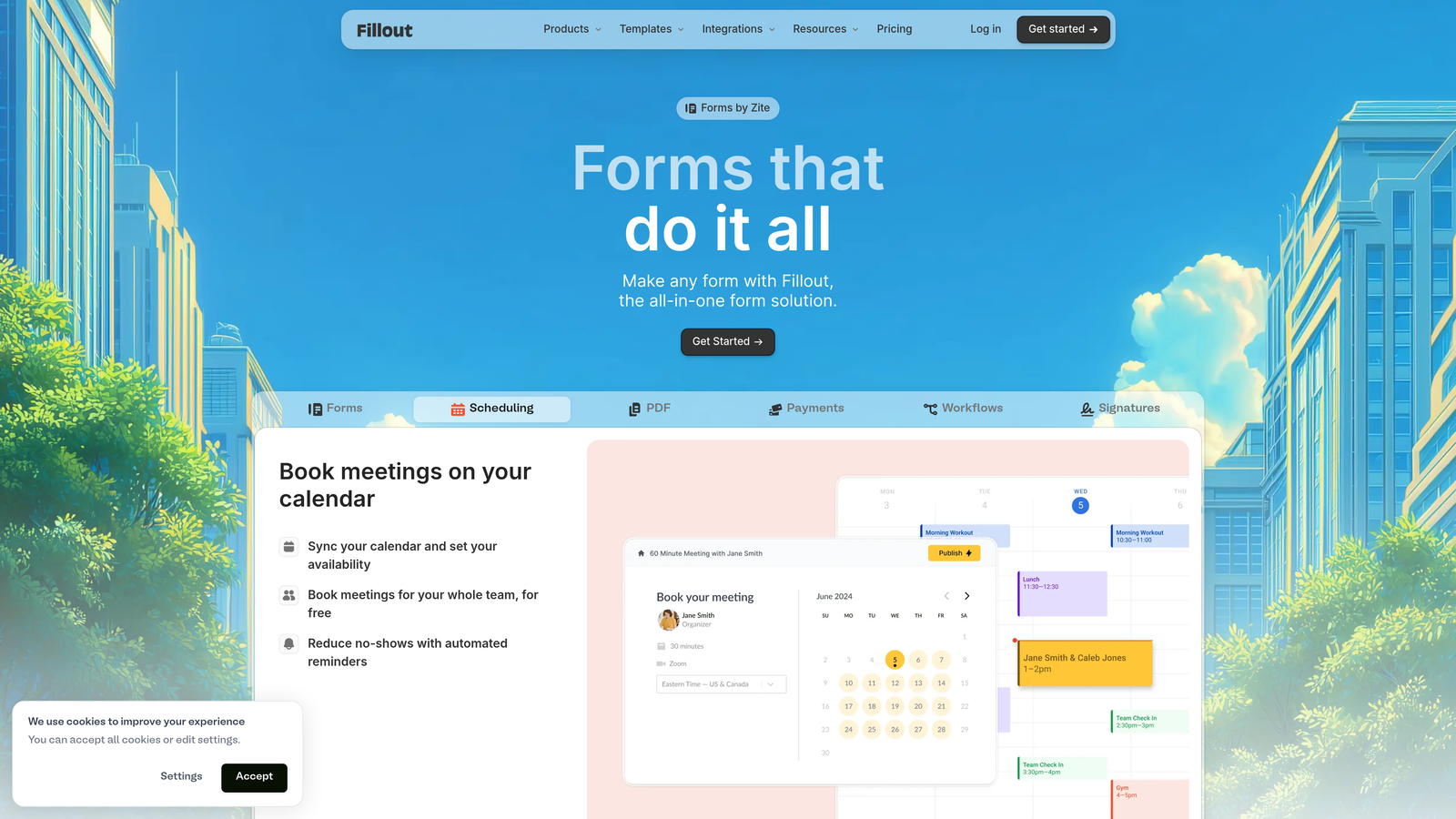
Fillout is a modern form builder built around deep native integrations with popular databases and productivity tools, making it ideal for data-driven teams.
Where This Tool Shines
Fillout's native integration story is genuinely differentiated. While most form builders connect to Notion or Airtable through Zapier workarounds, Fillout builds those connections directly into the platform. Forms can read from and write to your databases in real time, which opens up powerful use cases like dynamic dropdowns populated from live data or form submissions that update existing records.
The design quality is clean and modern without being overly minimal. Fillout strikes a balance between visual appeal and functional flexibility that makes it easy to produce professional-looking forms without a design background.
Key Features
Native Database Integrations: Direct connections to Notion, Airtable, Google Sheets, and Supabase without middleware.
Customizable Themes: Clean, modern design with theme controls to match your brand identity.
Multi-Step Forms with Progress Indicators: Guide users through longer forms with clear visual progress tracking.
Scheduling and File Upload Fields: Built-in field types for appointment booking and document collection.
URL Pre-Fill and Hidden Fields: Enrich submissions automatically using URL parameters and known visitor data.
Best For
Fillout is particularly well-suited for operations teams, product teams, and startups that run on Notion or Airtable and want their forms to integrate natively with those workflows.
Pricing
Free plan available. Paid plans start at approximately $19 per month.
7. Feathery
Best for: Developer and design teams that need pixel-perfect form control for complex onboarding flows.
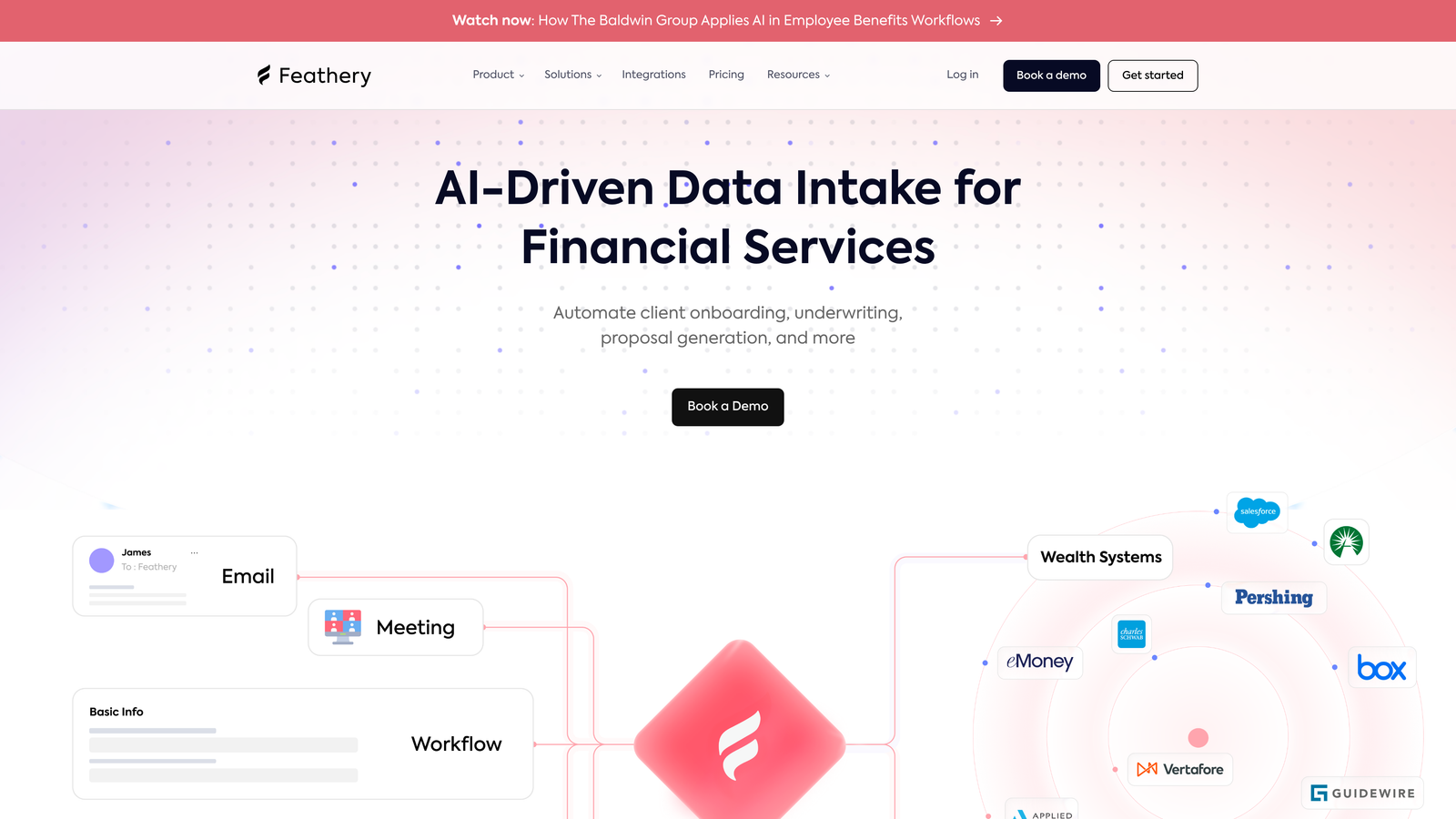
Feathery is a developer-friendly form builder designed for complex onboarding flows, offering CSS-level design control alongside advanced logic and API access.
Where This Tool Shines
Feathery occupies a unique position in the market: it's powerful enough for engineering teams but visual enough that designers can work in it directly. The pixel-perfect editor gives you control that most no-code form builders simply don't offer, making it possible to build forms that feel like custom-developed products rather than off-the-shelf tools.
For SaaS companies building onboarding flows, identity verification steps, or document upload experiences, Feathery provides a level of sophistication that general-purpose form builders can't match. The A/B testing capability is also a standout feature for teams serious about optimizing conversion.
Key Features
Pixel-Perfect Visual Editor: CSS-level design control for forms that match your product's exact visual language.
Advanced Multi-Step Flow Builder: Complex conditional logic for sophisticated onboarding and qualification flows.
API Access and Custom Code: Inject custom JavaScript and connect to any backend via API.
Identity Verification and Document Upload: Built-in support for KYC flows and document collection use cases.
A/B Testing: Test different form variants to identify what drives better completion and conversion rates.
Best For
Feathery is best suited for SaaS product teams, fintech companies, and growth engineers building complex user onboarding or verification flows where design precision and logic depth both matter.
Pricing
Free plan available. Paid plans start at approximately $49 per month.
8. Formspark
Best for: Developers who want complete frontend design freedom and just need a reliable backend for form submissions.
Formspark is a backend-only form submission service that gives developers total control over the frontend while handling all the submission infrastructure on the backend.
Where This Tool Shines
Formspark flips the typical form builder model on its head. Instead of constraining your design within a visual editor, you build the form entirely in your own HTML and CSS, then point it at a Formspark endpoint. The result is a form that can look exactly like your product, with zero visual compromise.
For development teams building on static sites, JAMstack architectures, or custom frontends, Formspark removes the need to build and maintain a form submission backend from scratch. It handles spam protection, notifications, and webhook forwarding so developers can focus on the frontend experience.
Key Features
Complete Frontend Freedom: Write your own HTML and CSS with no design constraints imposed by the platform.
Simple API Endpoint: Point any form to a Formspark endpoint to capture and manage submissions.
Spam Protection: Built-in Botpoison and reCAPTCHA integration to filter out bot submissions.
Email Notifications and Webhooks: Receive submission alerts and forward data to any downstream system.
Framework Agnostic: Works with any static site generator, framework, or custom build setup.
Best For
Formspark is purpose-built for developers and engineering teams who are already building custom frontends and don't want a form builder's design system getting in the way of their vision.
Pricing
Free plan available. Paid plans start at approximately $8 per month, making it one of the most affordable options in this list.
9. HubSpot Forms
Best for: Inbound marketing teams already using HubSpot who want tight CRM integration with minimal setup.
HubSpot Forms is the built-in form builder within the HubSpot ecosystem, offering automatic contact management and deep CRM integration for marketing-focused teams.
Where This Tool Shines
If your team is already in HubSpot, the forms tool is a natural choice. Every submission automatically creates or updates a contact record in the CRM, triggers workflows, and feeds into lead scoring without any integration setup. The elimination of that manual data pipeline is a significant time saver for marketing and sales teams.
The smart fields feature is particularly useful for progressive profiling. HubSpot can recognize returning visitors and show them different fields based on what data it already has, so forms stay concise while your contact records grow richer over time.
Key Features
Automatic CRM Contact Creation: Every form submission instantly creates or enriches a contact record in HubSpot CRM.
Smart Fields: Dynamically adapt form fields based on what HubSpot already knows about the visitor.
Drag-and-Drop Builder: Straightforward form construction with customizable themes and field types.
Workflow and Lead Scoring Integration: Trigger automation sequences and update lead scores directly from form submissions.
Multiple Form Types: Pop-up, embedded, and standalone form options for different placement contexts.
Best For
HubSpot Forms is the right choice for marketing teams that are fully committed to the HubSpot ecosystem and want their forms to work seamlessly within their existing CRM, automation, and reporting infrastructure.
Pricing
Free with HubSpot CRM. Advanced features are available through Marketing Hub, which starts at approximately $20 per month.
Which Platform Is Right for Your Team?
The best beautiful form design platform depends on what your team actually needs beyond just good-looking forms. Here's a quick way to think through the decision.
If you're a high-growth SaaS or marketing team that wants forms to actively qualify leads and feed a smarter pipeline, Orbit AI is the most purpose-built option on this list. The combination of conversion-optimized design and AI-powered lead scoring means your forms work harder without adding manual steps to your workflow.
For teams prioritizing engagement and brand experience, Typeform's conversational format and Paperform's page-like hybrid approach both deliver strong results. If you're operating lean and want great design without a budget commitment, Tally's free tier is hard to argue with.
Developer teams with custom frontend requirements should look closely at Feathery for complex flows or Formspark for pure backend flexibility. Teams already embedded in HubSpot will find the native forms tool the path of least resistance. And for operations teams running on Notion or Airtable, Fillout's native integrations make it a standout choice.
The common thread across every platform on this list is that design quality is no longer a nice-to-have. It's a conversion lever. The right form experience can meaningfully change how prospects perceive your brand in that critical first interaction.
Ready to see what AI-powered form design can do for your pipeline? Start building free forms today and experience how intelligent form design can elevate your conversion strategy from the very first touchpoint.


