

Accessibility isn't optional anymore. With WCAG 2.1 and 2.2 standards now shaping legal expectations across the US, EU, and beyond, your forms need to work for every user, including those relying on screen readers, keyboard navigation, or high-contrast displays. And with the EU's European Accessibility Act having come into effect in June 2025, the compliance stakes have never been higher.
Here's the good news: accessibility and conversion performance don't have to be in tension. The right WCAG compliant form builder gives you both. This list covers the best options available in 2026, evaluated on WCAG support depth, ease of use, lead capture capabilities, and pricing. Whether you're a high-growth SaaS team, a marketing agency, or an enterprise compliance officer, there's a tool here that fits your needs.
For more on building forms that perform, see our guides on how to build effective web forms and web form design best practices.
1. Orbit AI
Best for: High-growth SaaS teams that need WCAG-compliant forms with built-in AI lead qualification.
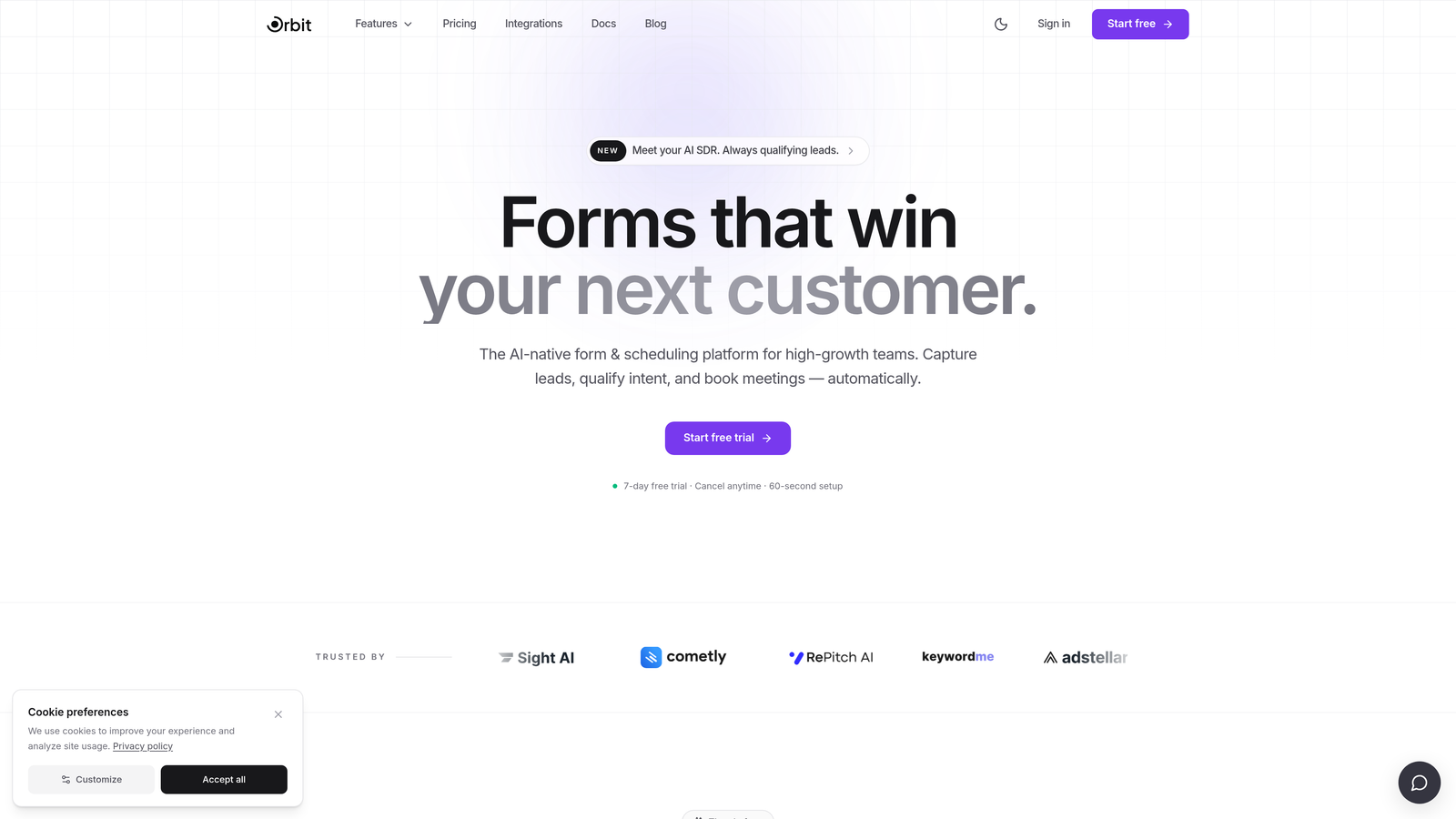
Orbit AI is an AI-powered form builder that combines accessible design with intelligent lead qualification, built for teams that refuse to choose between compliance and conversion performance.
Where This Tool Shines
Most form builders treat accessibility as a checkbox. Orbit AI bakes it into the design system from the ground up. Clean semantic HTML output, visible focus indicators, and high-contrast defaults mean your forms are accessible without requiring you to manually configure anything. That's a meaningful advantage when your team is moving fast.
What genuinely sets Orbit AI apart in this list is the AI layer. While every other tool here focuses purely on form structure, Orbit AI scores and routes submissions automatically, so your team isn't just collecting accessible data, it's collecting qualified pipeline. That combination is rare.
Key Features
Semantic HTML Output: Forms are built with clean, standards-compliant HTML that supports screen readers and keyboard navigation without extra configuration.
AI Lead Qualification: Automatically scores and routes form submissions based on your criteria, so high-value leads get immediate attention.
Accessible Design Defaults: Conversion-optimized templates ship with high-contrast support and focus indicators already in place.
Focus Indicator Support: Visible keyboard focus states are built into the design system, meeting WCAG 2.1 Success Criterion 2.4.7 for keyboard users.
SaaS-Optimized Templates: Form templates designed specifically for lead generation workflows, combining accessible structure with conversion-focused layout.
Best For
High-growth SaaS and marketing teams that need forms to pass accessibility audits and drive qualified pipeline simultaneously. If your team is scaling lead generation and needs both compliance confidence and conversion intelligence in one platform, Orbit AI is the strongest fit in this list.
Pricing
Check current pricing at orbitforms.ai. A free starting point is available for teams who want to explore the platform before committing.
2. Typeform
Best for: Brand-forward marketers who want conversational, visually polished forms with solid ARIA support.
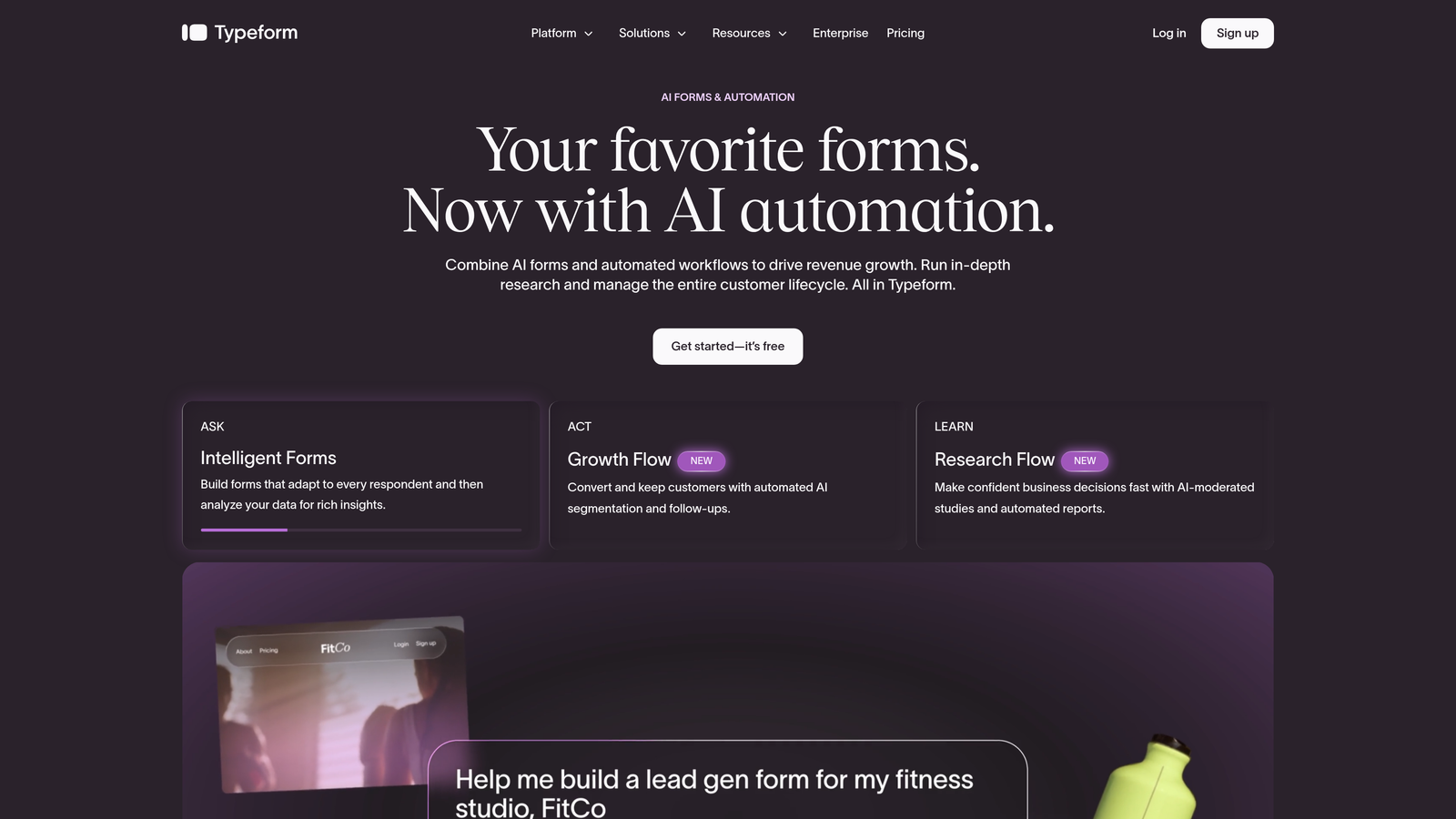
Typeform is a conversational form builder known for its one-question-at-a-time experience, with ARIA label support and keyboard navigation built in.
Where This Tool Shines
Typeform's signature format, presenting one question at a time, actually aligns well with certain WCAG principles. Reducing the amount of information on screen at once can lower cognitive load, which supports users with attention or cognitive disabilities. It's an accessibility benefit that also happens to improve completion rates.
That said, teams with strict compliance requirements should test Typeform thoroughly before relying on it. Some accessibility practitioners have noted that the single-page scroll format can create challenges for certain assistive technologies. It's a capable tool, but documented compliance depth is shallower than Jotform or Formstack.
Key Features
ARIA Label Support: Form inputs include ARIA labels that enable screen reader compatibility across the form experience.
Keyboard Navigation: Users can move through the entire form flow using only a keyboard, meeting core WCAG operability requirements.
Cognitive Load Reduction: The one-question-at-a-time format naturally reduces the visual complexity users must process at once.
Brand Customization: Strong theming options with accessible contrast settings available, useful for teams maintaining brand consistency.
Conditional Logic: Logic jumps and branching paths work within the accessible keyboard-navigable flow.
Best For
Marketing teams and brand-conscious businesses that prioritize a polished, engaging form experience. Typeform works well when accessibility is a requirement but formal compliance documentation, such as a VPAT, is not part of the procurement process.
Pricing
Free tier available. Paid plans start from approximately $25/month. Verify current pricing at typeform.com.
3. Jotform
Best for: Organizations that need documented WCAG 2.1 AA compliance and enterprise procurement support.
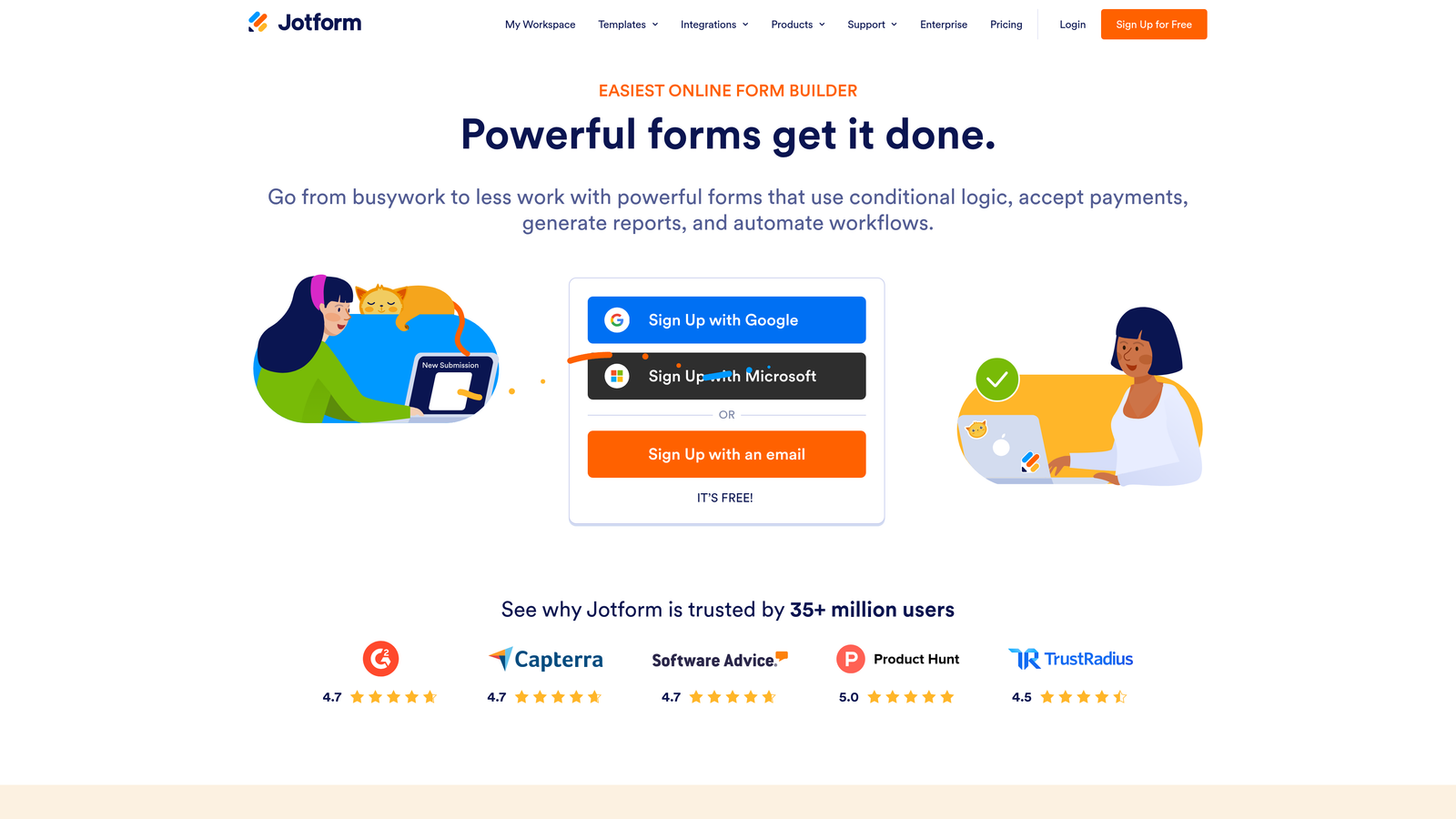
Jotform is one of the most accessibility-mature form builders available, with a dedicated accessible forms mode, VPAT documentation, and Section 508 compliance support.
Where This Tool Shines
If your organization needs to demonstrate accessibility compliance during procurement, Jotform is the standout option in this list. Its published VPAT (Voluntary Product Accessibility Template) gives enterprise buyers, government agencies, and regulated industries the documentation they need to satisfy internal review processes. That's not a common offering among form builders.
The dedicated Accessible Forms mode is also worth highlighting. Rather than leaving accessibility to the user's configuration choices, Jotform provides a specific mode designed to optimize the experience for assistive technology users. For teams without deep accessibility expertise, this removes significant guesswork.
Key Features
Dedicated Accessible Forms Mode: A specific form building mode that optimizes output for screen readers and keyboard users without manual configuration.
VPAT Documentation: Published Voluntary Product Accessibility Template available for enterprise procurement and compliance review processes.
Section 508 Compliance: Documented support for the US federal accessibility standard, important for government and federally funded organizations.
High-Contrast and Screen Reader Settings: Granular accessibility settings available within the form builder interface.
Accessibility-Ready Templates: A large template library with options pre-configured for accessible use.
Best For
Enterprise teams, government agencies, healthcare organizations, and educational institutions where accessibility compliance documentation is a procurement requirement. Jotform is the most compliance-documented option in this list outside of Formstack.
Pricing
Free tier available. Paid plans start from approximately $34/month. Verify current pricing at jotform.com.
4. Formstack
Best for: Enterprise and regulated-industry teams needing WCAG 2.1 AA compliance with HIPAA support and deep integrations.
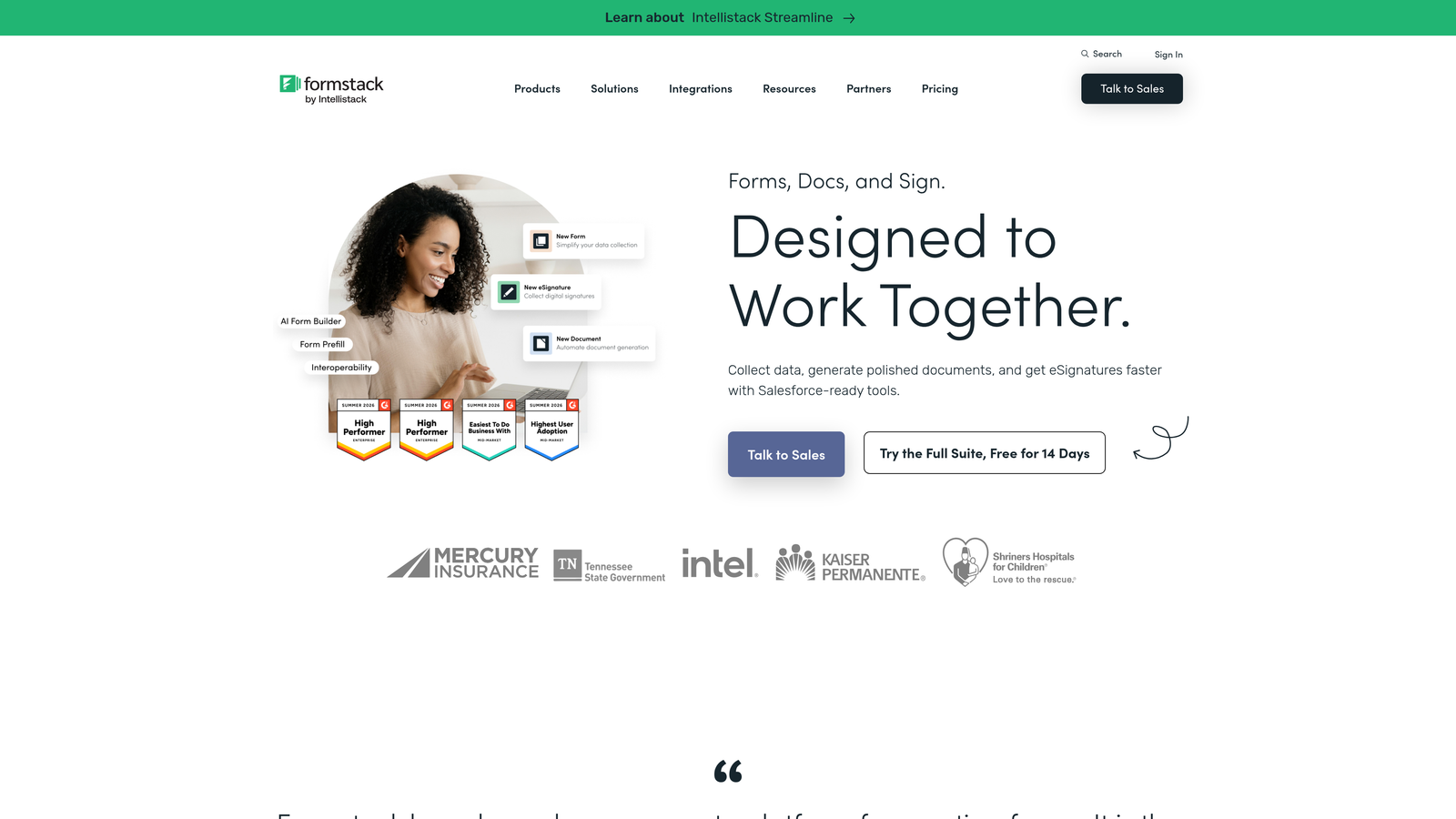
Formstack is an enterprise form and workflow platform with published WCAG 2.1 AA compliance, commonly deployed in healthcare, education, and government environments.
Where This Tool Shines
Formstack occupies the intersection of accessibility compliance and enterprise workflow complexity. It's not just a form builder; it's a data collection and routing platform with compliance built into the architecture. For organizations managing forms across multiple departments, Formstack's workflow capabilities go well beyond what lighter tools offer.
The HIPAA-compliant form support is a genuine differentiator. Healthcare organizations often face the dual challenge of meeting WCAG requirements and HIPAA data handling rules simultaneously. Formstack addresses both, making it a natural fit for health systems, clinics, and health-tech SaaS companies.
Key Features
Published WCAG 2.1 AA Compliance: Formal compliance documentation available, supporting enterprise and government procurement requirements.
High-Contrast and Screen Reader Modes: Accessibility settings configurable within the platform to optimize for assistive technology users.
Accessible Multi-Step Forms: Conditional logic and multi-step navigation built with accessible keyboard and screen reader patterns.
HIPAA-Compliant Forms: Data handling and form infrastructure designed to meet healthcare privacy requirements alongside accessibility standards.
Enterprise Integrations: Native connections to Salesforce, HubSpot, and other enterprise platforms for accessible data workflows.
Best For
Enterprise teams, healthcare organizations, educational institutions, and government agencies that need documented WCAG compliance alongside robust workflow automation and regulatory data handling. Formstack is the heaviest tool in this list, and the pricing reflects that.
Pricing
Forms plans start from approximately $83/month. Enterprise pricing varies. Verify current pricing at formstack.com.
5. Paperform
Best for: Small teams and creators who need accessible forms with a clean, document-style experience.
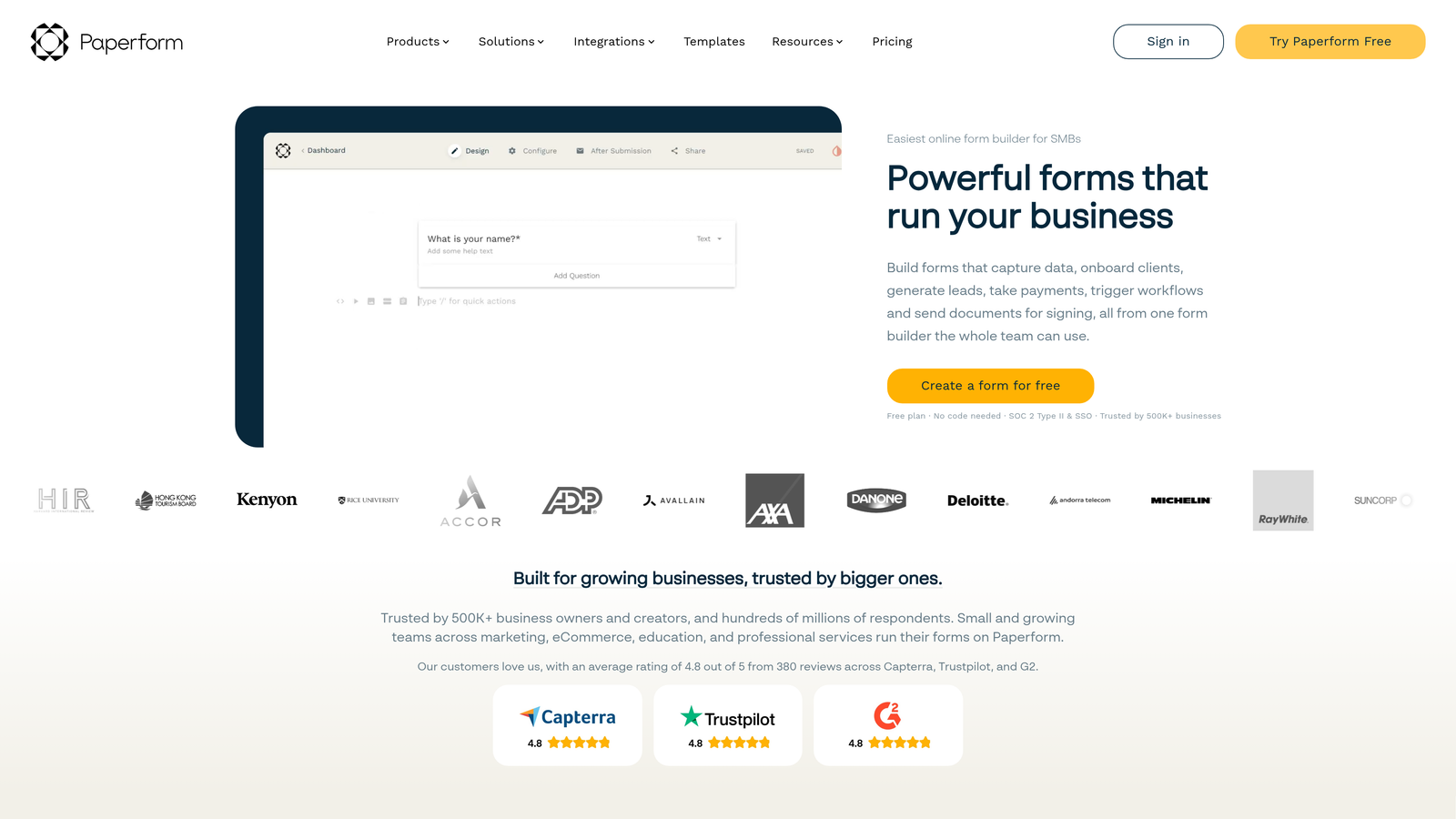
Paperform is a document-style form builder with clean semantic HTML output and keyboard navigation, offering a solid accessible foundation for smaller teams without deep compliance requirements.
Where This Tool Shines
Paperform takes a different aesthetic approach than most form builders. Its document-like layout feels closer to a well-designed landing page than a traditional form, and that design philosophy has accessibility benefits. Minimal, well-structured output tends to perform better in accessibility audits than platforms that layer on heavy JavaScript and complex DOM structures.
It's worth being transparent: Paperform doesn't prominently market WCAG compliance as a headline feature, and it doesn't publish formal compliance documentation like Jotform or Formstack. But for small teams where accessibility is a genuine goal rather than a procurement requirement, the clean semantic output and keyboard navigation support give it a stronger accessibility baseline than many alternatives at this price point.
Key Features
Semantic HTML Structure: Clean HTML output that assistive technologies can parse reliably without additional configuration.
Keyboard Navigation: Full form interaction is operable via keyboard, meeting core WCAG operability criteria.
Good Default Color Contrast: Built-in themes maintain reasonable contrast ratios that support WCAG color contrast requirements.
Document-Style Layout: Long-form content is presented in a readable, accessible structure that reduces cognitive load for complex forms.
Payment and Scheduling Integration: Accepts payments and bookings within an accessible form wrapper, useful for service businesses and creators.
Best For
Small businesses, freelancers, and lean marketing teams that want accessible forms without enterprise-level pricing. A good fit when accessibility is a genuine priority but formal compliance documentation is not part of the requirement.
Pricing
Plans start from approximately $24/month. Verify current pricing at paperform.co.
6. Tally
Best for: Developers and budget-conscious teams that need a solid accessibility baseline with a generous free tier.
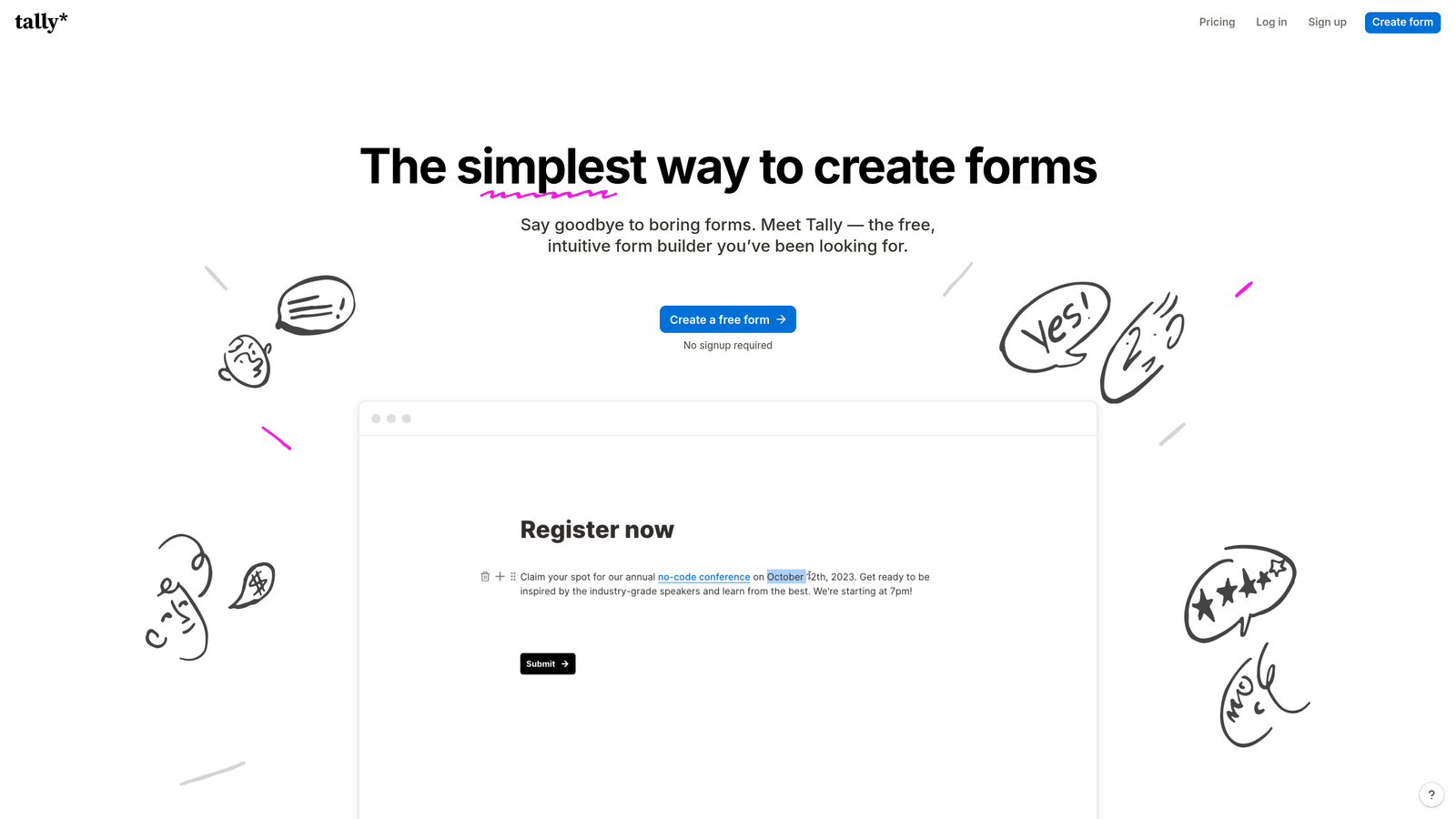
Tally is a free-first, minimalist form builder with semantic markup by default, making it a practical accessibility starting point for developers and lean teams.
Where This Tool Shines
Tally's minimalist philosophy is its accessibility advantage. When you strip away visual complexity, you remove a significant source of accessibility failure. The Notion-like editor produces clean, semantic HTML by default, which means forms are generally keyboard navigable and screen-reader friendly without any manual accessibility configuration.
The honest caveat: Tally does not publish formal WCAG compliance documentation. It's not the right choice for organizations that need to demonstrate compliance during procurement or regulatory review. But as an accessible-by-default free tool for developers building lightweight data collection into their products, it punches well above its price point.
Key Features
Semantic HTML by Default: Forms output clean, standards-compliant markup that screen readers and keyboard users can navigate reliably.
Notion-Like Editor: Intuitive block-based editing makes form creation fast without requiring technical knowledge.
Generous Free Tier: No submission limits on the free plan, which is genuinely rare among form builders.
Minimal Design Reduces Failure Points: Distraction-free form layouts have fewer elements that can create accessibility barriers.
Clean Embed Code: Standards-compliant embed options integrate cleanly into existing sites without introducing accessibility regressions.
Best For
Developers, indie makers, and budget-conscious teams that need accessible forms without a monthly subscription. Tally is also a good prototyping tool for teams who want to test form flows before investing in a more robust platform.
Pricing
Free tier available with no submission limits. Pro plan is approximately $29/month. Verify current pricing at tally.so.
Which Tool Is Right for Your Team?
The right WCAG compliant form builder depends on where your organization sits on the spectrum from accessibility baseline to documented compliance. Here's a quick guide to help you decide.
For high-growth SaaS and marketing teams: Orbit AI is the clear choice if you need accessible forms that also qualify and route leads automatically. It's the only tool in this list that combines WCAG-friendly design with AI-powered conversion intelligence, and it's built specifically for teams that need both.
For enterprises and regulated industries: Jotform and Formstack are the strongest options when documented WCAG 2.1 AA compliance and formal procurement support are non-negotiable. Formstack adds HIPAA compliance for healthcare; Jotform's VPAT documentation suits government and education procurement processes.
For brand-forward marketers: Typeform delivers a polished, conversational form experience with solid ARIA and keyboard support. It's best when accessibility is a real priority but formal documentation isn't required.
For small teams and creators: Paperform offers a clean, accessible document-style experience at an approachable price point, without the overhead of enterprise compliance tooling.
For developers and budget-conscious builders: Tally's free tier and semantic-by-default output make it the most practical accessible option when cost is the primary constraint.
If you're building forms for a growing business and want accessibility and conversion performance working together, the place to start is Orbit AI. Start building free forms today and see how intelligent form design can elevate your conversion strategy while keeping your forms compliant and inclusive for every user.


