

Lead generation has entered a new era. The static forms that once dominated landing pages—those rigid, one-size-fits-all questionnaires—are giving way to something far more intelligent. AI-powered form software doesn't just collect information; it thinks, adapts, and qualifies leads in real-time, creating conversational experiences that feel less like data entry and more like meaningful dialogue.
The difference is transformative. While traditional forms treat every visitor the same, AI forms adjust their questions based on previous answers, surface the most qualified leads instantly, and integrate seamlessly with your existing tech stack. For high-growth teams focused on conversion optimization, this shift represents a fundamental upgrade in how you capture and qualify prospects.
We've evaluated the leading AI form software based on four critical criteria: AI capabilities that go beyond basic logic, ease of use for non-technical teams, integration options with your existing tools, and overall value for scaling businesses. Here are the top platforms reshaping lead generation in 2026.
1. Orbit AI
Best for: High-growth teams seeking intelligent lead qualification with conversion-optimized design
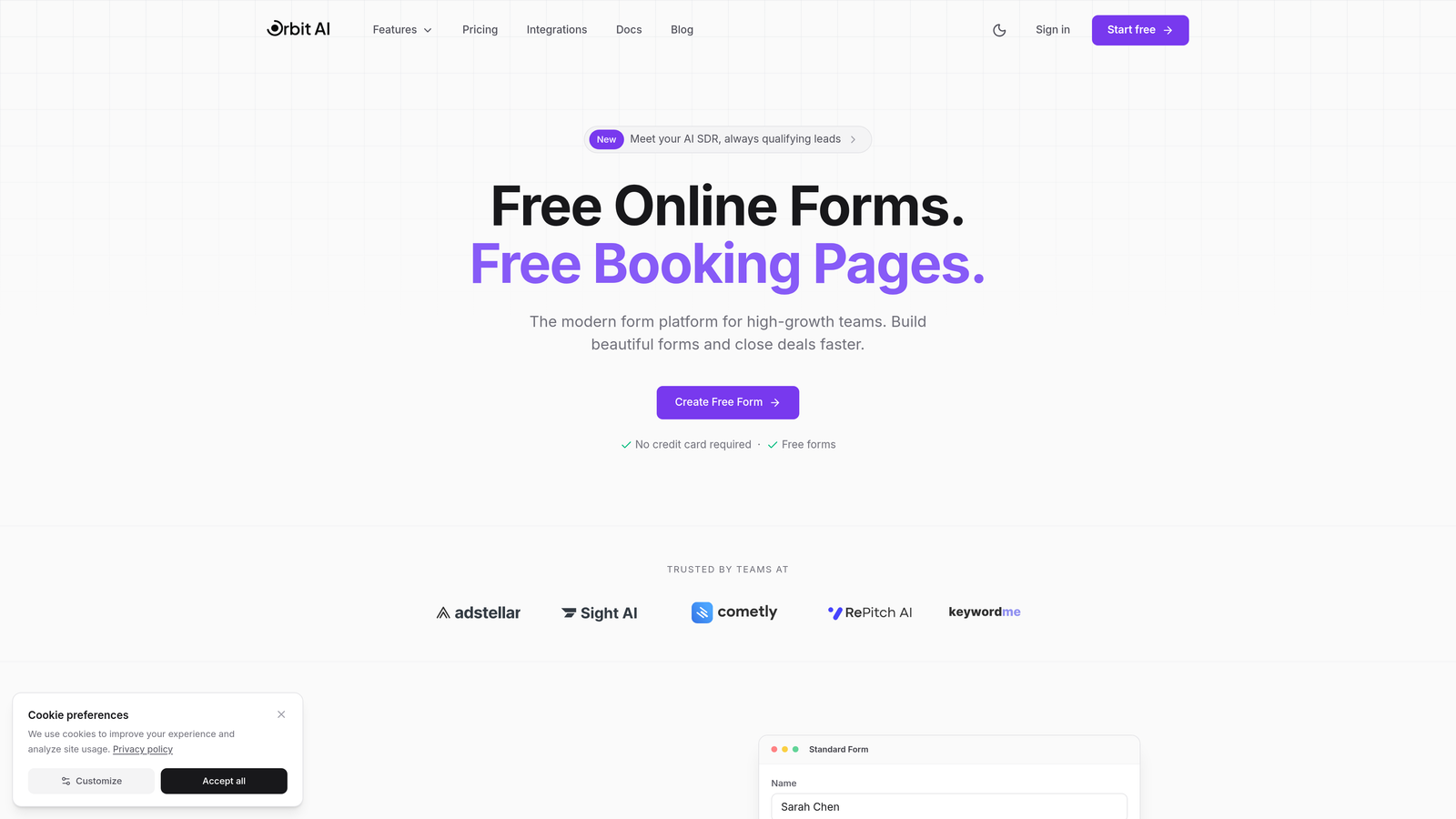
Orbit AI represents the next generation of form builders, purpose-built for teams that need more than data collection—they need intelligent qualification built directly into the form experience.
Where This Tool Shines
What sets Orbit AI apart is its focus on the complete lead generation workflow. The platform doesn't just capture information; it actively qualifies prospects as they fill out forms, using AI to ask follow-up questions that surface buying intent and readiness. This means your sales team receives pre-qualified leads with context, not just contact details.
The conversational form experience adapts in real-time based on user responses. If someone indicates they're enterprise-scale, the form intelligently surfaces different questions than it would for a startup founder. This dynamic approach dramatically reduces form abandonment while gathering higher-quality information.
Key Features
AI-Powered Lead Qualification: Automatically scores and qualifies leads based on their responses, surfacing high-intent prospects instantly.
Conversational Forms with Adaptive Logic: Questions adjust dynamically based on previous answers, creating personalized experiences that feel natural.
Deep Integration Ecosystem: Native connections with Slack, HubSpot, Salesforce, and dozens of other tools your team already uses.
Conversion-Optimized Design: Beautiful, modern form templates built specifically to maximize completion rates and reduce abandonment.
Real-Time Analytics: Instant insights into form performance, conversion rates, and lead quality metrics that inform optimization.
Best For
Orbit AI excels for B2B SaaS companies, marketing agencies, and any high-growth team where lead quality matters as much as quantity. If your sales team spends too much time qualifying prospects manually, or if your current forms feel like conversion bottlenecks, this platform addresses both challenges simultaneously.
Pricing
Free tier available for testing the platform; paid plans start at $29/month, making it accessible for growing teams while scaling to enterprise needs.
2. Typeform
Best for: Brands prioritizing beautiful, engaging form experiences that feel conversational
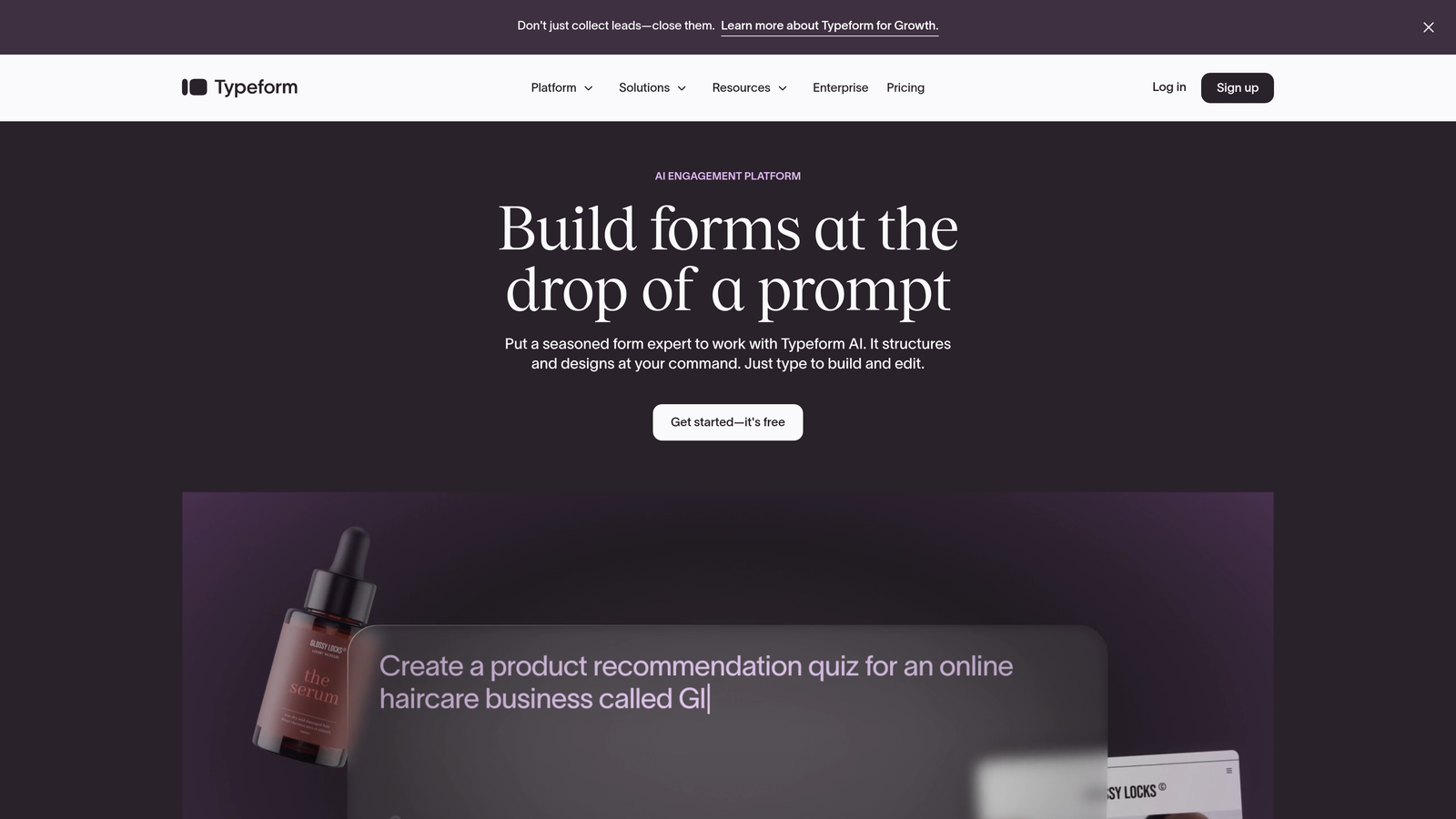
Typeform pioneered the conversational form format and remains the gold standard for creating engaging, one-question-at-a-time experiences.
Where This Tool Shines
Typeform's signature approach—showing one question at a time—creates a focused, low-friction experience that consistently outperforms traditional multi-field forms. The platform has invested heavily in AI-powered branching logic that makes forms feel genuinely responsive to user input.
The design flexibility is exceptional. You can embed videos, images, and custom branding elements that make forms feel like natural extensions of your website rather than disconnected data collection tools.
Key Features
One-Question-at-a-Time Format: Reduces cognitive load and form abandonment by focusing attention on a single field.
AI-Powered Branching Logic: Creates dynamic paths through forms based on responses, personalizing the experience.
Extensive Customization: Deep branding options including custom fonts, colors, backgrounds, and embedded media.
Video and Image Embedding: Rich media integration that makes forms more engaging and contextual.
Strong Analytics Dashboard: Detailed completion rates, drop-off points, and response analytics for optimization.
Best For
Design-conscious brands, creative agencies, and companies where brand experience matters as much as data collection. If your forms need to feel premium and aligned with a strong visual identity, Typeform delivers.
Pricing
Free tier available with Typeform branding; Basic plans start at $25/month for removing branding and accessing more advanced features.
3. Jotform
Best for: Teams needing versatile form creation with extensive templates and AI generation
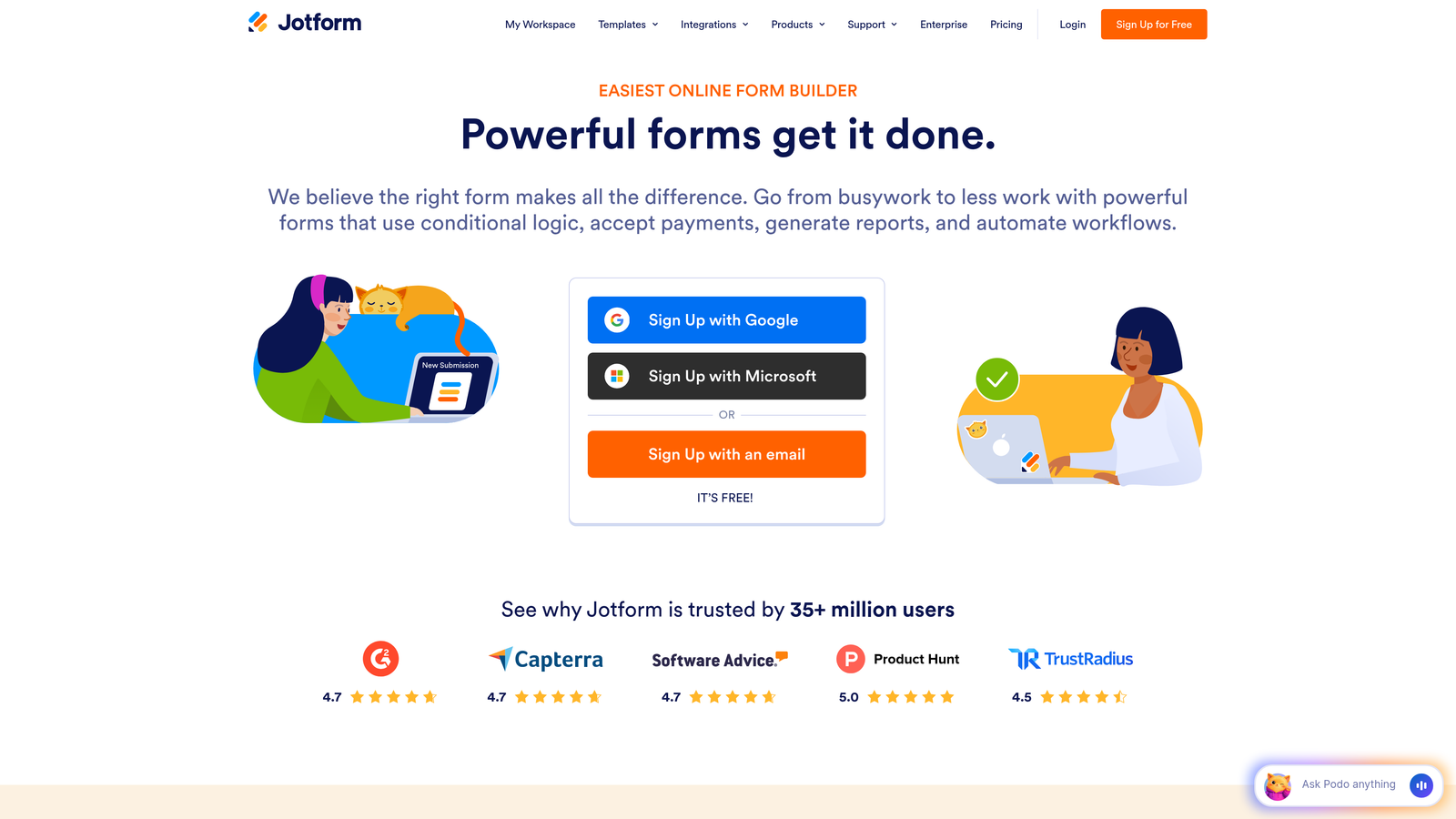
Jotform combines breadth with intelligence, offering thousands of pre-built templates alongside an AI form generator that creates custom forms from simple text descriptions.
Where This Tool Shines
The AI form generator is remarkably capable. Describe what you need in plain language—"a lead capture form for enterprise software with budget qualification"—and Jotform creates a complete, functional form in seconds. This dramatically accelerates form creation for teams managing multiple campaigns.
With over 10,000 templates spanning every industry and use case, you're rarely starting from scratch. The platform also handles payment collection natively, making it valuable beyond pure lead generation into e-commerce and registration scenarios.
Key Features
AI Form Generator: Creates complete forms from text prompts, understanding context and automatically adding relevant fields.
10,000+ Templates: Pre-built forms for virtually every industry, use case, and compliance requirement.
PDF Form Conversion: Transforms existing PDF forms into fillable web forms automatically.
Payment Collection: Built-in integration with payment processors for seamless transaction handling.
Approval Workflows: Multi-step approval processes for form submissions requiring review.
Best For
Organizations managing diverse form needs across departments, teams requiring payment collection alongside lead capture, and businesses that value extensive template libraries for quick deployment.
Pricing
Free tier supports up to 5 forms; Bronze plan starts at $34/month for expanded form limits and features.
4. Tally
Best for: Budget-conscious teams wanting unlimited forms with modern, intuitive design
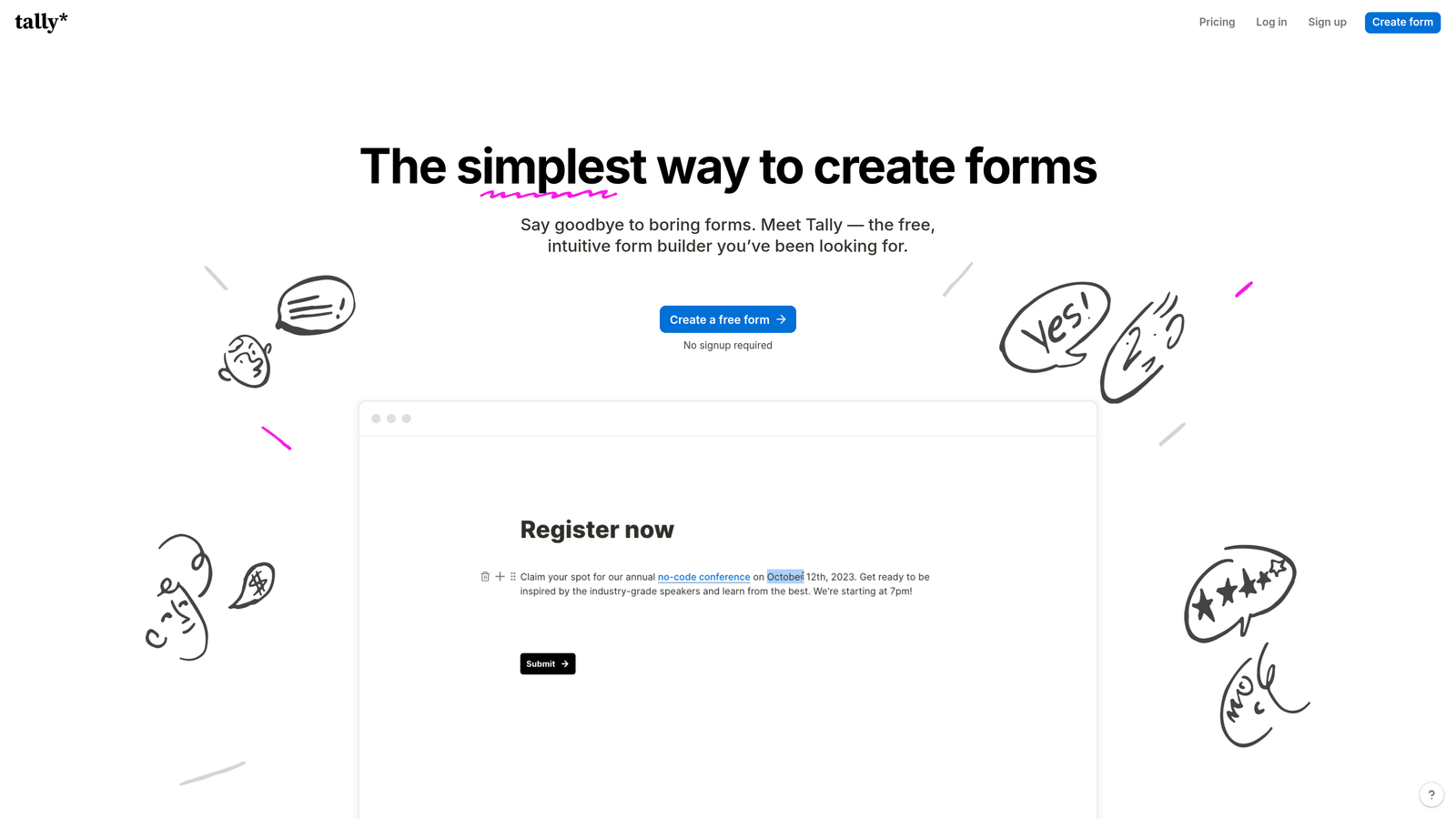
Tally brings a Notion-like simplicity to form building while offering genuinely unlimited forms on its free plan—a rarity in the space.
Where This Tool Shines
The block-based editor feels instantly familiar to anyone who's used Notion or other modern productivity tools. You build forms by stacking blocks—text fields, multiple choice, file uploads—in a visual, intuitive interface that requires zero learning curve.
The generous free tier isn't a trial or limited-time offer; it's a sustainable business model that makes Tally ideal for startups and small teams testing AI form capabilities without budget constraints. AI field suggestions help you build better forms by recommending relevant questions based on your form's purpose.
Key Features
Unlimited Forms on Free Plan: No artificial limits on form creation, making it ideal for testing and experimentation.
Notion-Style Block Editor: Intuitive building experience using familiar block-based design patterns.
AI Field Suggestions: Intelligent recommendations for additional fields based on your form's context and purpose.
Conditional Logic: Show or hide questions based on previous answers to create dynamic experiences.
Custom Domains: Use your own domain for forms, maintaining brand consistency.
Best For
Startups managing tight budgets, teams already using Notion who want similar simplicity in form building, and organizations needing to create many forms across different projects without per-form costs.
Pricing
Generous free tier with unlimited forms; Pro plan at $29/month adds advanced features like custom domains and enhanced branding.
5. Fillout
Best for: Teams using Airtable or Notion as their primary database
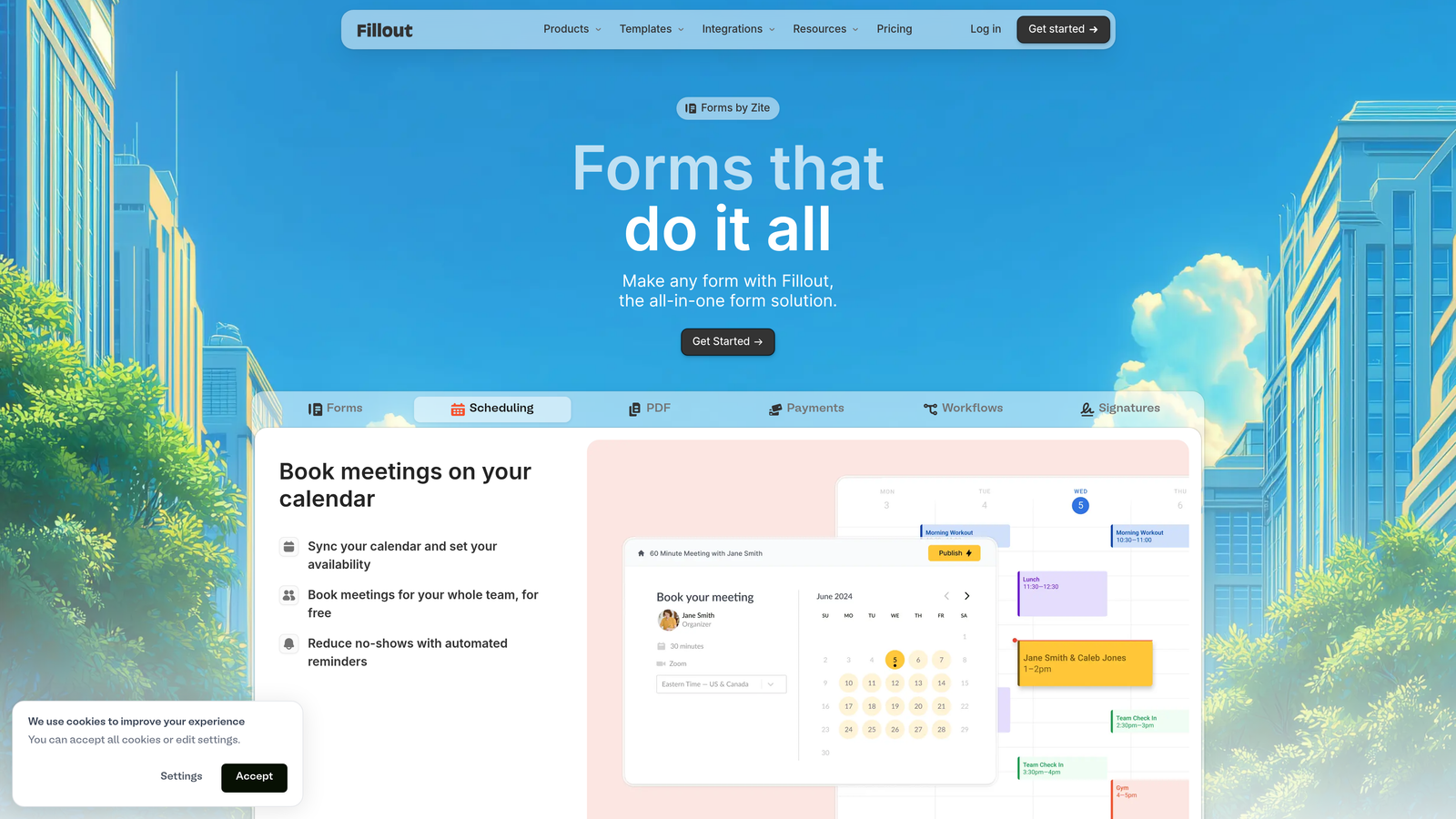
Fillout specializes in database-connected forms, with native synchronization to Airtable and Notion that eliminates manual data transfer.
Where This Tool Shines
If your team lives in Airtable or Notion, Fillout becomes an essential bridge. Forms sync bidirectionally with your databases in real-time, meaning form submissions instantly create or update database records without middleware or Zapier connections. This native integration is faster and more reliable than third-party automation.
The AI-assisted form creation understands your database structure and suggests appropriate form fields based on your table schema. This intelligence reduces setup time and ensures data consistency between forms and databases.
Key Features
Native Airtable/Notion Sync: Direct, bidirectional synchronization with your existing databases without third-party tools.
AI-Assisted Form Creation: Analyzes your database structure and suggests optimal form configurations.
Advanced Conditional Logic: Complex branching and field visibility rules based on multiple conditions.
Scheduling Integration: Built-in calendar booking for forms that require appointment setting.
Multi-Page Forms: Break long forms into digestible sections to reduce abandonment.
Best For
Operations teams managing workflows in Airtable, product teams using Notion for project management, and any organization where form data needs to flow directly into existing database structures.
Pricing
Free tier available; Starter plan begins at $15/month, making it one of the more affordable options for database-connected forms.
6. Feathery
Best for: Product teams building sophisticated in-app forms and onboarding flows
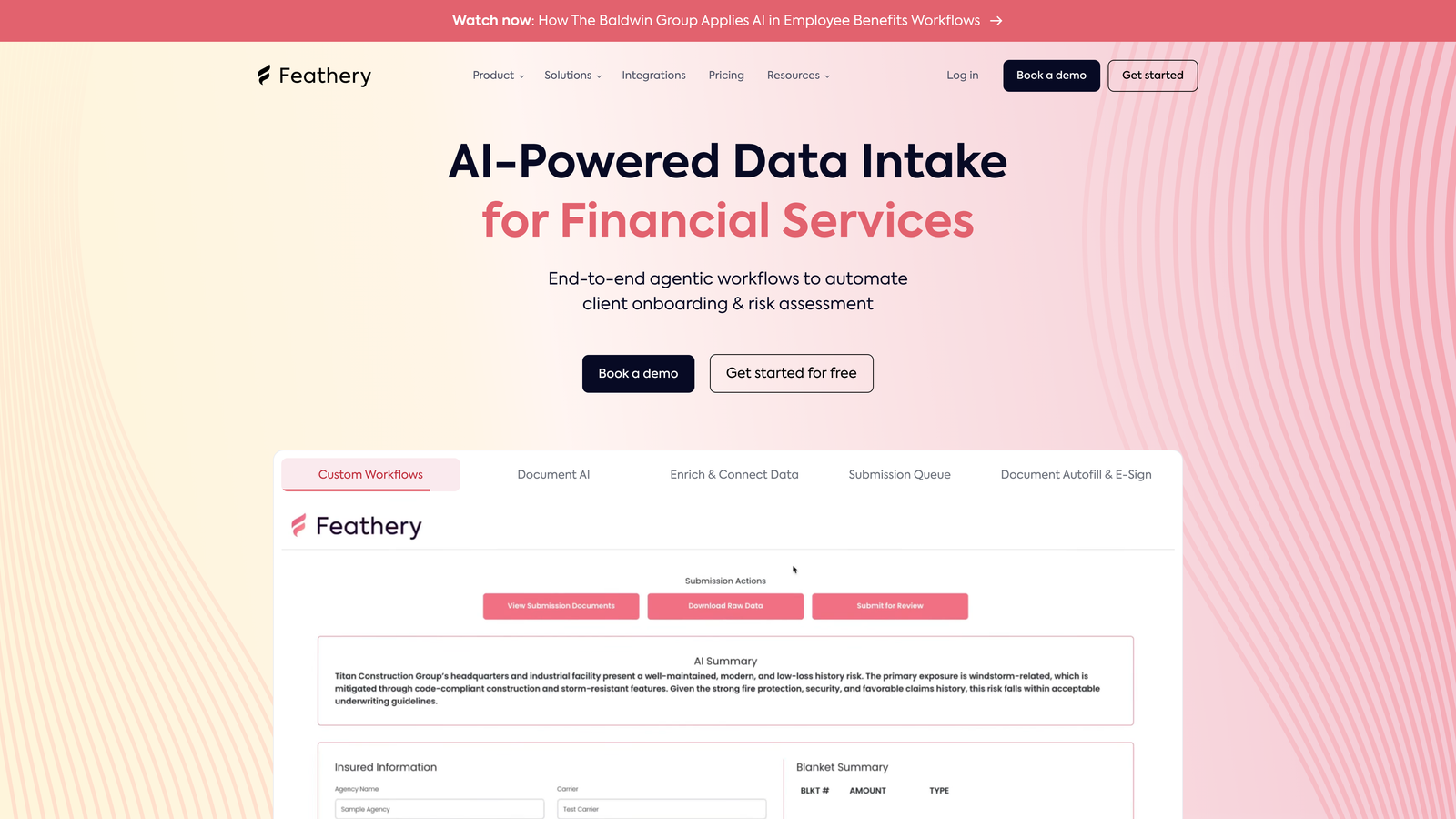
Feathery targets developers and product teams who need programmatic control over form behavior while leveraging AI for flow optimization.
Where This Tool Shines
Feathery provides React and Vue components that integrate directly into your application codebase, giving you full control over styling and behavior while the platform handles data collection, validation, and AI-powered flow optimization. This hybrid approach appeals to technical teams who want flexibility without building everything from scratch.
The built-in A/B testing is particularly valuable for product teams optimizing conversion funnels. You can test different form variations, question sequences, and AI-powered branching logic to identify what drives the highest completion rates.
Key Features
React/Vue Components: Pre-built components that integrate seamlessly into modern web applications.
AI-Powered Form Flows: Intelligent routing and question sequencing based on user behavior patterns.
Custom Code Injection: Full control over form behavior with JavaScript and CSS customization.
A/B Testing Built-In: Native experimentation framework for optimizing form performance.
Identity Verification: Built-in verification workflows for forms requiring authentication or compliance.
Best For
SaaS product teams building user onboarding flows, fintech companies requiring identity verification, and technical teams who need programmatic control over form behavior while leveraging AI capabilities.
Pricing
Free tier for development; Growth plan starts at $49/month for production deployment and advanced features.
7. Formstack
Best for: Enterprise organizations in regulated industries requiring compliance and security
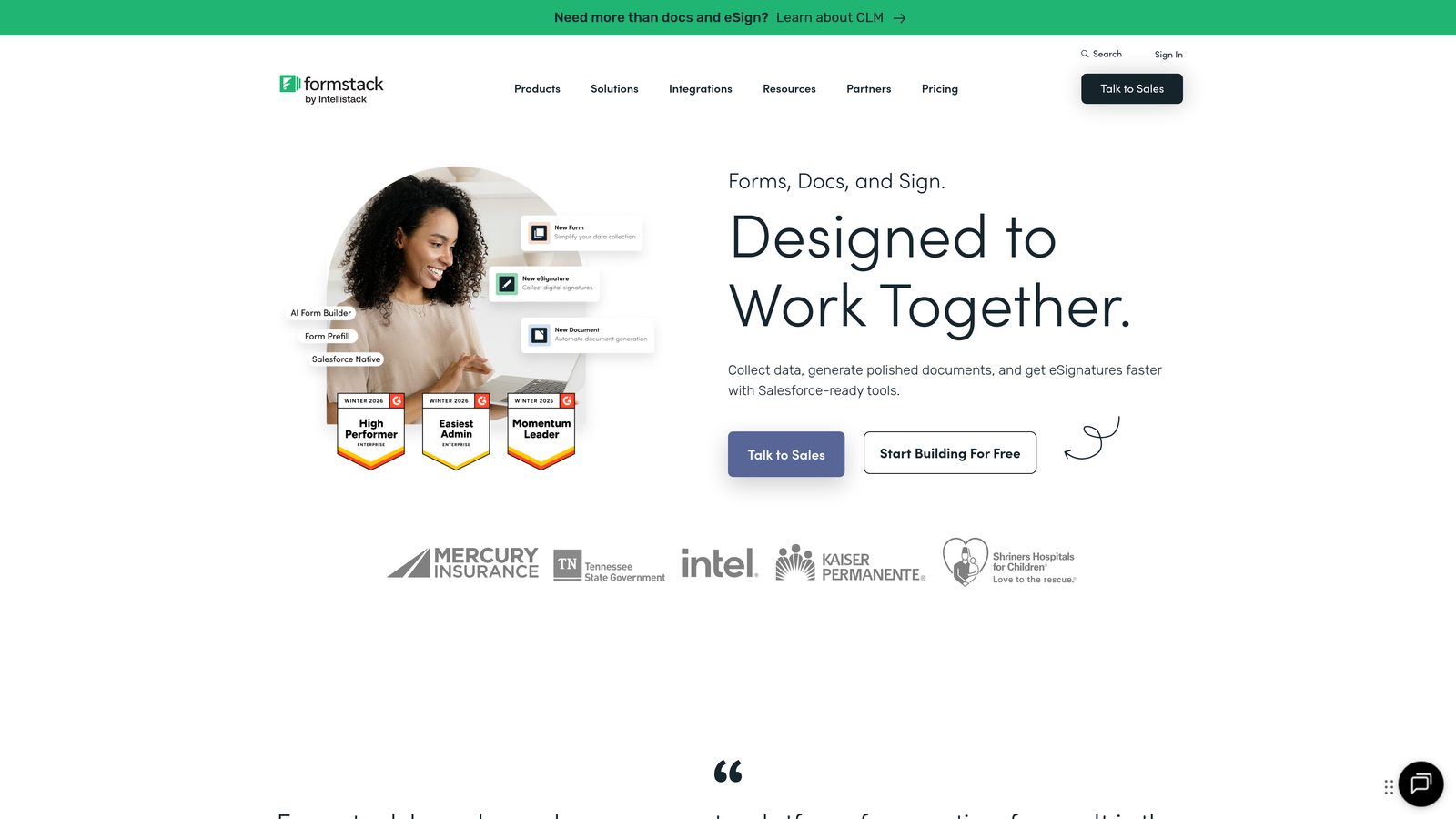
Formstack delivers enterprise-grade form capabilities with AI document generation and robust compliance features for healthcare, finance, and government sectors.
Where This Tool Shines
HIPAA and SOC 2 compliance aren't add-ons at Formstack; they're foundational. The platform handles sensitive data collection with enterprise-grade security, making it viable for healthcare providers, financial institutions, and other regulated industries where data protection is non-negotiable.
The AI document generation feature transforms form submissions into formatted documents automatically—contracts, reports, intake forms—saving hours of manual data transfer and formatting. Combined with native e-signature integration, this creates complete workflow automation for document-heavy processes.
Key Features
HIPAA/SOC 2 Compliance: Enterprise-grade security and compliance certifications for regulated industries.
AI Document Generation: Automatically creates formatted documents from form submissions using intelligent templates.
E-Signature Integration: Native DocuSign and Adobe Sign integration for seamless signing workflows.
Advanced Workflow Automation: Complex routing, approval chains, and notification systems for enterprise processes.
Enterprise SSO: Single sign-on integration with corporate identity providers for secure access management.
Best For
Healthcare organizations collecting patient information, financial services firms requiring regulatory compliance, government agencies with strict data security requirements, and large enterprises needing robust workflow automation.
Pricing
Starter plan begins at $50/month; Enterprise pricing is customized based on compliance requirements and scale.
8. Paperform
Best for: Creating content-rich landing pages with embedded forms and payment processing
Paperform blurs the line between forms and landing pages, creating content-rich experiences that combine storytelling with data collection.
Where This Tool Shines
Unlike traditional form builders that create isolated data collection tools, Paperform lets you build complete landing pages with forms embedded naturally within the content. You can add headers, body text, images, and videos around your form fields, creating a cohesive narrative that guides visitors toward conversion.
The AI design suggestions analyze your content and recommend layouts, color schemes, and field arrangements that optimize for completion. Combined with built-in payment processing, this makes Paperform particularly strong for product launches, event registrations, and service bookings that require both information and payment.
Key Features
Landing Page + Form Hybrid: Create complete pages with narrative content surrounding form fields for better context.
AI Design Suggestions: Intelligent recommendations for layout, styling, and field arrangement based on your content.
Built-In Stripe/PayPal: Native payment processing without external integrations or transaction fees.
Booking and Scheduling: Calendar integration for appointment-based forms and service bookings.
Custom Success Pages: Personalized confirmation pages based on form responses for tailored follow-up.
Best For
Event organizers collecting registrations and payments, service businesses offering booking and scheduling, product launches requiring storytelling alongside data collection, and creative professionals who need form experiences that reflect their brand.
Pricing
Essentials plan starts at $24/month, including unlimited forms and payment processing without transaction fees.
9. HubSpot Forms
Best for: Teams already using HubSpot CRM seeking native form integration
HubSpot Forms offers the deepest possible integration if you're already invested in the HubSpot ecosystem, with AI-powered progressive profiling and seamless CRM synchronization.
Where This Tool Shines
Progressive profiling is HubSpot Forms' killer feature. Instead of asking returning visitors the same questions repeatedly, the platform automatically adjusts form fields based on what information already exists in the CRM. This creates increasingly personalized experiences while gradually building complete contact profiles over multiple interactions.
The native CRM integration means zero data lag. Form submissions instantly create or update contact records, trigger marketing automation workflows, and notify sales reps—all within a single platform. For teams already using HubSpot, this eliminates the integration complexity that plagues multi-tool stacks.
Key Features
Progressive Profiling: Automatically adjusts form fields for known contacts, asking new questions each time to build complete profiles.
Native CRM Sync: Instant synchronization with HubSpot CRM without third-party integrations or delays.
Smart Content Personalization: Dynamic form content based on contact properties, lifecycle stage, and behavior.
Lead Scoring Integration: Form submissions automatically update lead scores based on predefined criteria.
Marketing Automation Triggers: Form completions trigger email sequences, task creation, and workflow enrollment automatically.
Best For
Companies already using HubSpot CRM and Marketing Hub, sales teams requiring instant lead notification and routing, and marketing teams managing complex nurture campaigns triggered by form behavior.
Pricing
Free with HubSpot CRM; advanced features like progressive profiling and smart content require Marketing Hub paid tiers.
Making the Right Choice for Your Team
The best AI form software depends entirely on your specific needs and existing tech stack. For high-growth teams focused on lead quality and intelligent qualification, Orbit AI delivers the most sophisticated AI capabilities combined with conversion-optimized design. If you're already invested in HubSpot, the native form builder's progressive profiling and seamless CRM integration make it the obvious choice.
Budget-conscious startups should seriously consider Tally's generous free tier, which removes financial barriers to experimentation. Design-focused brands where form experience reflects brand identity will find Typeform's conversational approach worth the investment. Teams using Airtable or Notion as their primary database should look at Fillout's native synchronization, which eliminates integration headaches entirely.
For regulated industries requiring compliance certifications, Formstack's enterprise-grade security justifies the higher price point. Product teams building in-app experiences need Feathery's programmatic control and A/B testing capabilities. And if you need forms that double as landing pages with payment processing, Paperform's hybrid approach is uniquely positioned.
The common thread across all these platforms is intelligence. AI-powered forms don't just collect data—they qualify leads, adapt to user behavior, and integrate seamlessly with your existing workflows. This shift from static to intelligent form experiences represents a fundamental upgrade in how modern teams approach lead generation.
Transform your lead generation with AI-powered forms that qualify prospects automatically while delivering the modern, conversion-optimized experience your high-growth team needs. Start building free forms today and see how intelligent form design can elevate your conversion strategy.


