

Embedded forms are where lead generation actually happens. Not on standalone pages, not in pop-ups, but woven directly into your site experience so visitors never lose their flow. The right embedded form builder can mean the difference between a visitor who bounces and a lead who converts.
But not all form builders handle embedding equally. Some produce clunky iframes that break on mobile. Others lack the design flexibility to match your brand. And most don't do anything intelligent with the leads they capture once the form is submitted.
This list covers the best embedded form builders available in 2026, evaluated on embed quality, design control, conditional logic, integrations, and lead qualification capabilities. Whether you're a SaaS team optimizing a pricing page or an agency managing forms across multiple client sites, there's a right tool here for you.
1. Orbit AI
Best for: High-growth SaaS and B2B teams who need lead qualification built directly into the form flow.
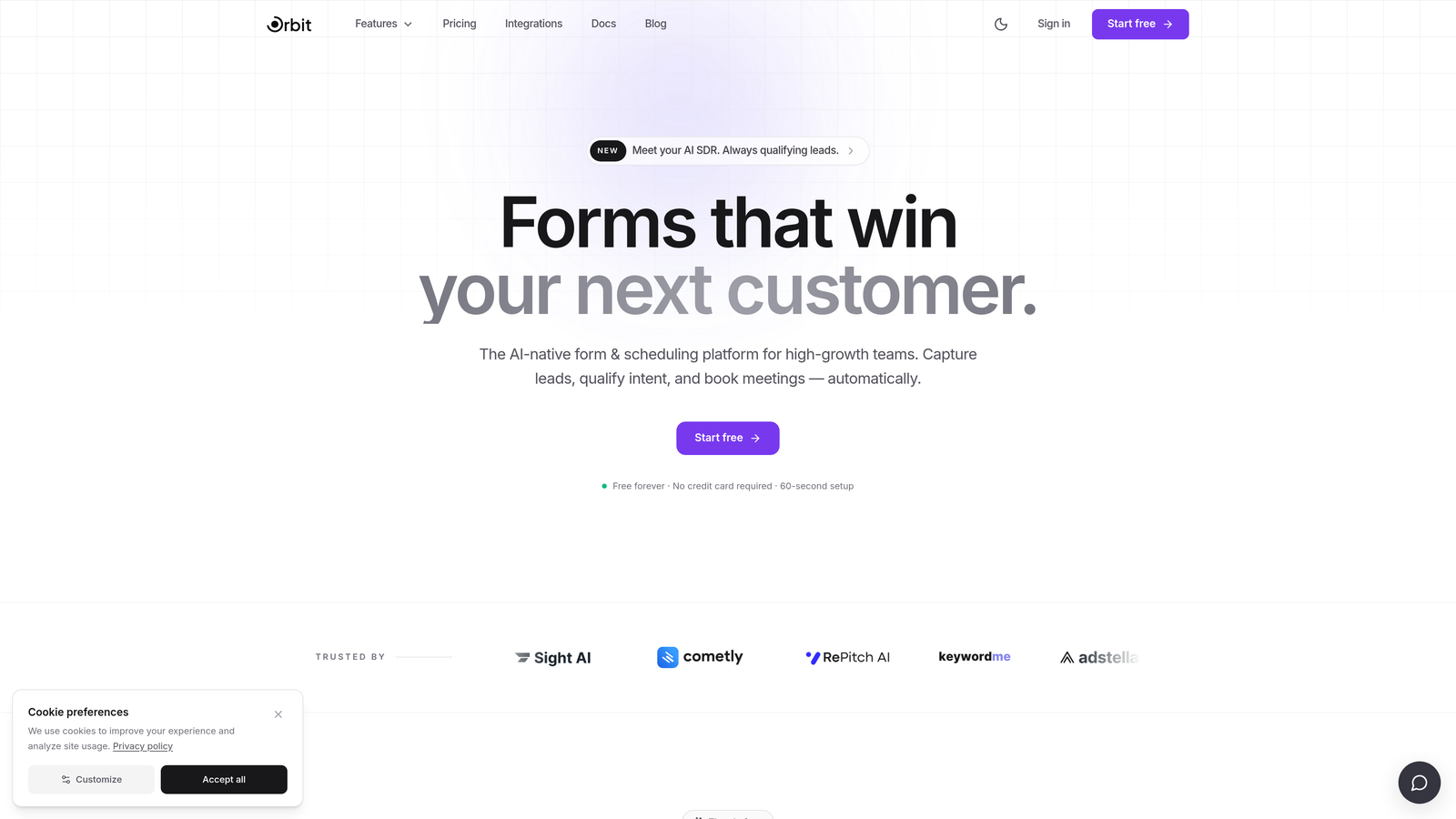
Orbit AI is an AI-powered embedded form builder designed to do more than collect data — it qualifies leads as they fill out your form.
Where This Tool Shines
Most form builders treat qualification as an afterthought: you collect submissions, export them to a spreadsheet, and let your sales team sort through the noise. Orbit AI flips that model. The qualification logic lives inside the form itself, so by the time a lead hits your CRM, it already carries a score and routing decision.
The embed experience is equally strong. Orbit uses a clean JavaScript embed rather than an iframe, which means no performance drag, no mobile scaling headaches, and a form that feels like a native part of your page rather than a bolted-on widget.
Key Features
AI-Powered Lead Qualification: Automatically scores and qualifies leads based on their responses, so sales teams can prioritize follow-up without manual review.
Conversion-Optimized Design: Modern, brand-matched styling with sensible defaults that are built to convert, not just collect.
Smart Conditional Logic: Dynamic question paths that adapt based on previous answers, keeping forms short and relevant for each respondent.
Clean JavaScript Embed: No iframe performance drag — forms load fast and render natively within your page layout on any device.
Lead Routing and Scoring: Automatically routes qualified leads to the right sales rep or pipeline stage based on form responses.
Best For
SaaS and B2B marketing teams who care about pipeline quality, not just volume. If you're running a high-traffic pricing page, a demo request form, or any form where lead quality matters as much as lead quantity, Orbit AI is built for that context specifically.
Pricing
Visit orbitforms.ai for current pricing details and free trial options. A free starting point is available for teams who want to test the platform before committing.
2. Typeform
Best for: Marketing teams who want a polished, conversational form experience with flexible embed options.
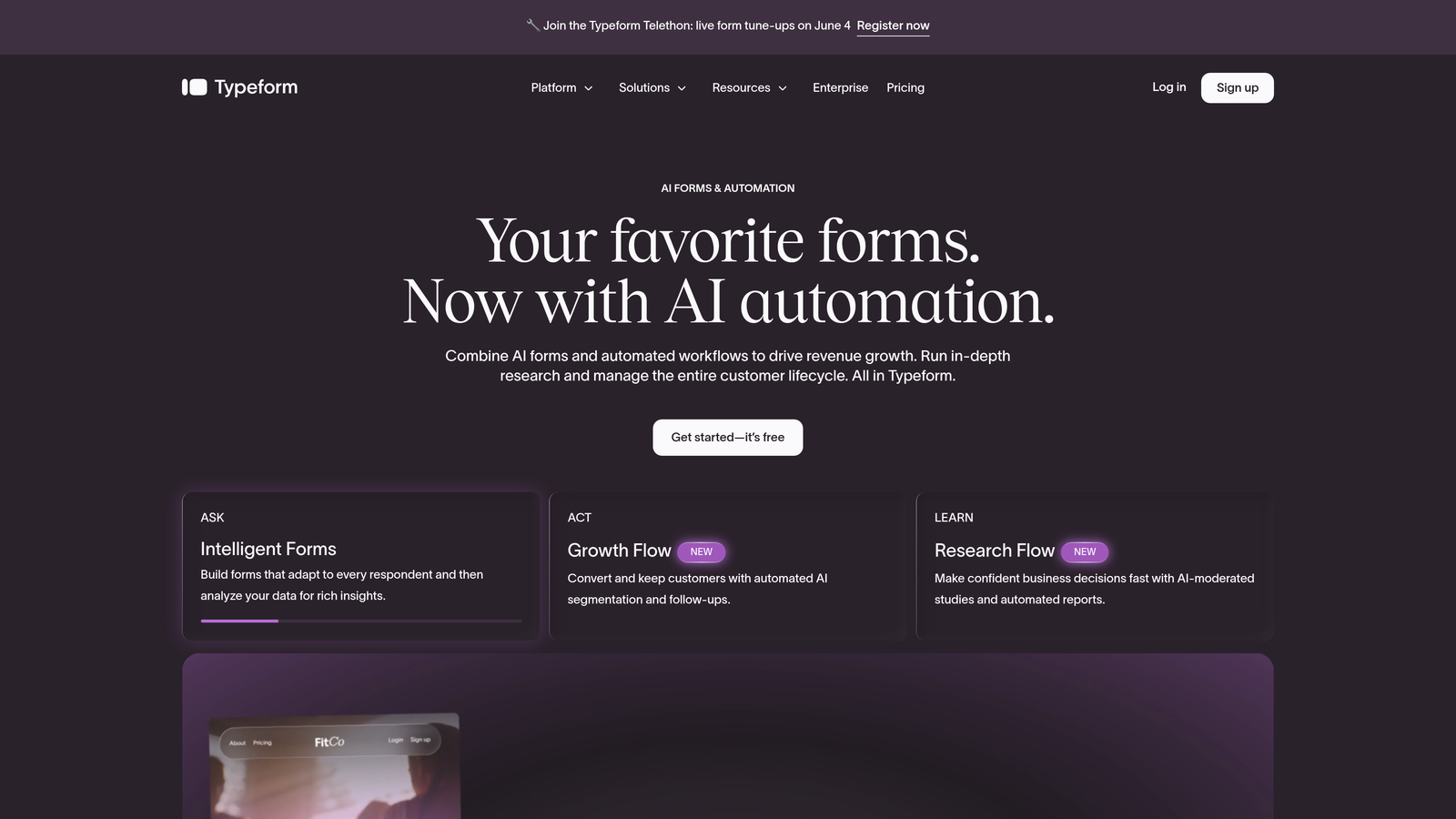
Typeform is a conversational form builder known for its one-question-at-a-time format and consistently polished embed experience.
Where This Tool Shines
Typeform's biggest strength is the user experience it delivers to respondents. The one-question-at-a-time format feels less like filling out a form and more like having a conversation, which tends to improve completion rates on longer forms.
For embedding, Typeform offers more flexibility than most competitors: standard inline embed, popup, slider, and side tab options all work reliably across devices. If you need a form that looks good and feels smooth, Typeform consistently delivers.
Key Features
Conversational UX: One-question-at-a-time format that reduces form fatigue and keeps respondents engaged through longer flows.
Multiple Embed Modes: Inline, popup, slider, and side tab embed options give you flexibility in how and where forms appear on your site.
Logic Jumps: Conditional branching that routes respondents to different questions based on previous answers.
Integration Library: Connects with HubSpot, Salesforce, Zapier, and a wide range of marketing and CRM tools.
Custom Branding: Theme options and custom styling to align forms with your brand identity.
Best For
Marketing and product teams who prioritize respondent experience and need reliable embed options across multiple site contexts. Less suited for teams who need advanced lead qualification or AI-driven scoring built into the form itself.
Pricing
Free plan available. Paid plans start around $25/month. Verify current pricing at typeform.com.
3. Tally
Best for: Early-stage teams and startups who need a capable, clean form builder without the price tag.
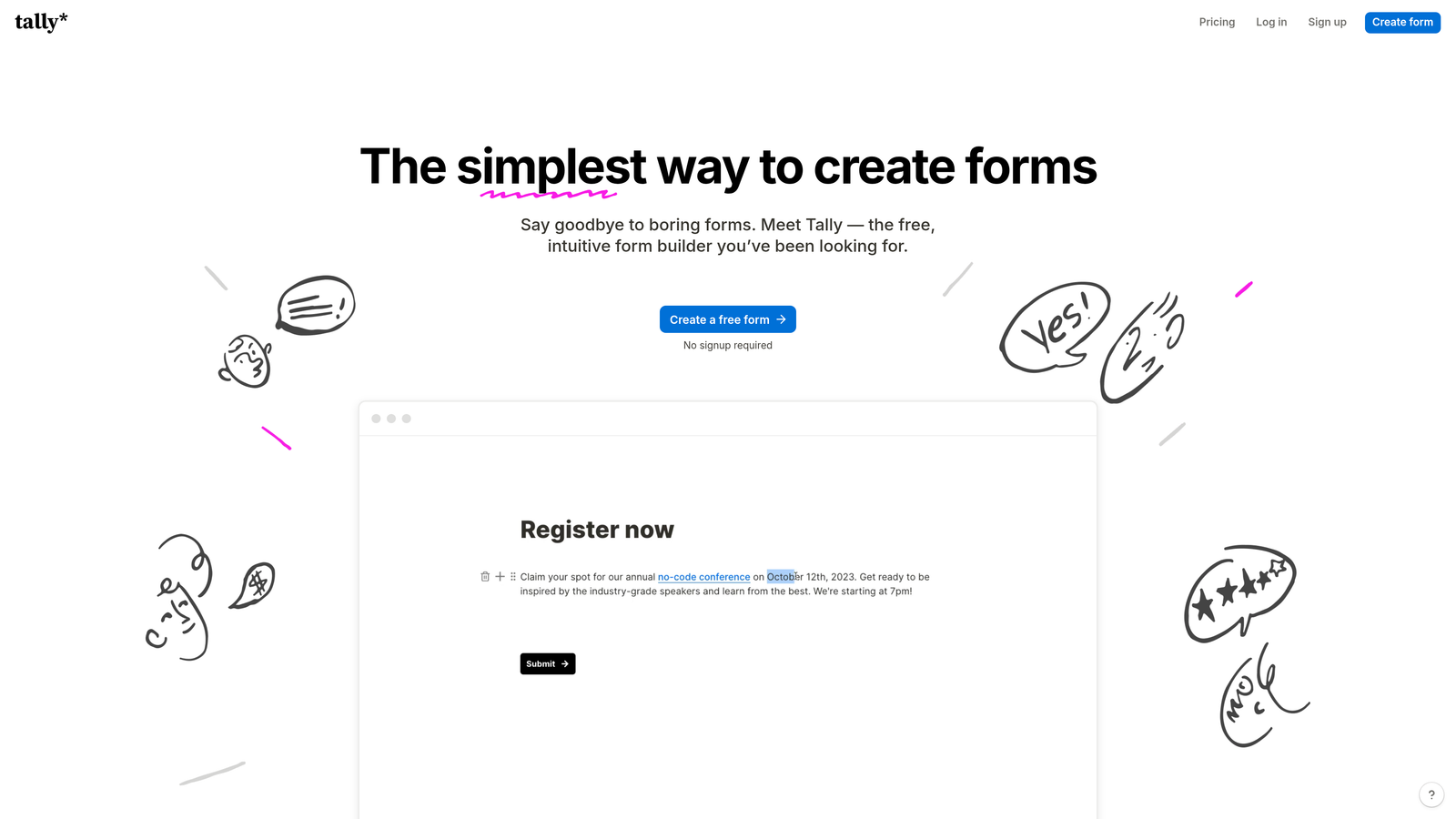
Tally is a Notion-inspired form builder with a genuinely generous free tier and clean embedded form output that punches above its price point.
Where This Tool Shines
Tally's block-based editor will feel immediately familiar to anyone who uses Notion. Building a form is intuitive, fast, and doesn't require a learning curve. The free plan is unusually generous: unlimited forms and unlimited responses, which is rare in this category.
The embed output is clean and renders well across devices. It won't win awards for advanced features, but for teams that need functional, well-designed forms without a monthly bill, Tally is hard to beat.
Key Features
Block-Based Editor: Notion-style interface that makes building forms feel natural and fast for teams already in that workflow.
Unlimited Free Forms: No caps on forms or responses on the free plan, making it genuinely useful without upgrading.
Clean Embed Output: Iframe embed that renders well on most site builders and content management systems.
Conditional Logic: Branching logic and hidden fields for more dynamic form flows.
Automation Integrations: Connects with Zapier and Make for routing responses to downstream tools.
Best For
Startups, indie makers, and small teams who need functional forms quickly without a budget commitment. Also a strong choice for internal tools and feedback collection where brand customization is less critical.
Pricing
Free plan available with no response limits. Tally Pro starts around $29/month. Verify current pricing at tally.so.
4. HubSpot Forms
Best for: Teams already in the HubSpot ecosystem who want forms that sync natively to their CRM without integration setup.
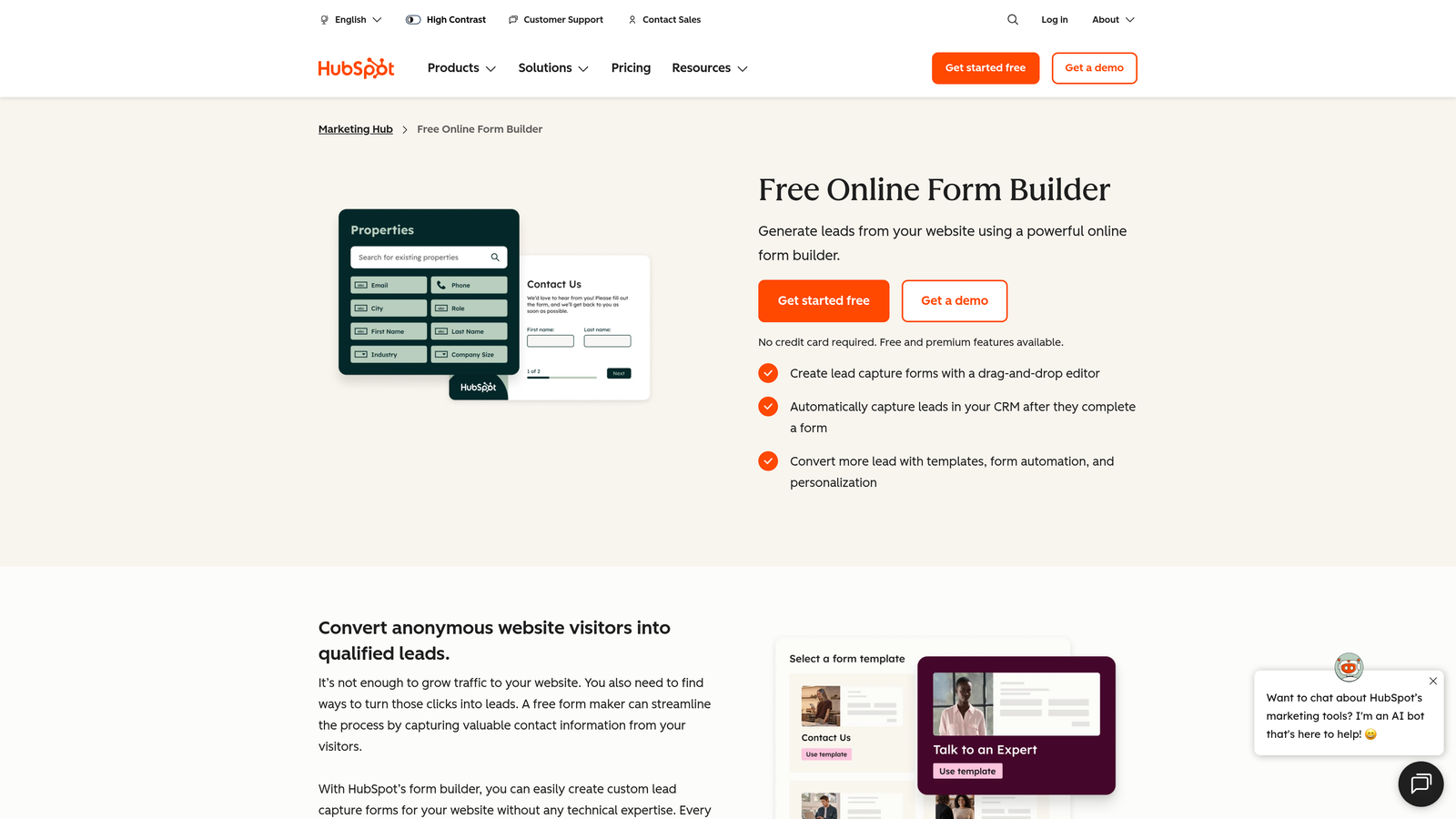
HubSpot Forms is a CRM-native form builder that embeds via JavaScript snippet and syncs directly with HubSpot's contact database.
Where This Tool Shines
If your team runs on HubSpot, the case for HubSpot Forms is straightforward: zero integration overhead. Every submission goes directly into your contact database, triggers workflows, and updates deal stages without any middleware. That's a meaningful operational advantage for teams managing high form volumes.
The smart fields feature is particularly useful for returning visitors. Known contacts see pre-filled fields, and progressive profiling ensures you're always collecting new data rather than asking the same questions twice.
Key Features
Native CRM Sync: Submissions go directly into HubSpot contacts with no integration setup or Zapier dependency required.
Smart Fields: Pre-fills known contact data for returning visitors, reducing friction on repeat form interactions.
Progressive Profiling: Automatically replaces already-known fields with new questions to build richer contact profiles over time.
GDPR and Consent Tools: Built-in consent management that follows HubSpot's compliance framework.
Free Tier Access: Available at no cost with HubSpot's free CRM, making it accessible for teams at any stage.
Best For
Marketing and RevOps teams who are already invested in the HubSpot platform and want forms that work as a native extension of their CRM, not a separate tool requiring maintenance.
Pricing
Free with HubSpot Free CRM. Advanced features available on Marketing Hub paid tiers. Verify current pricing at hubspot.com.
5. Jotform
Best for: Teams who need maximum feature depth, payment collection, or HIPAA-compliant forms in a single platform.
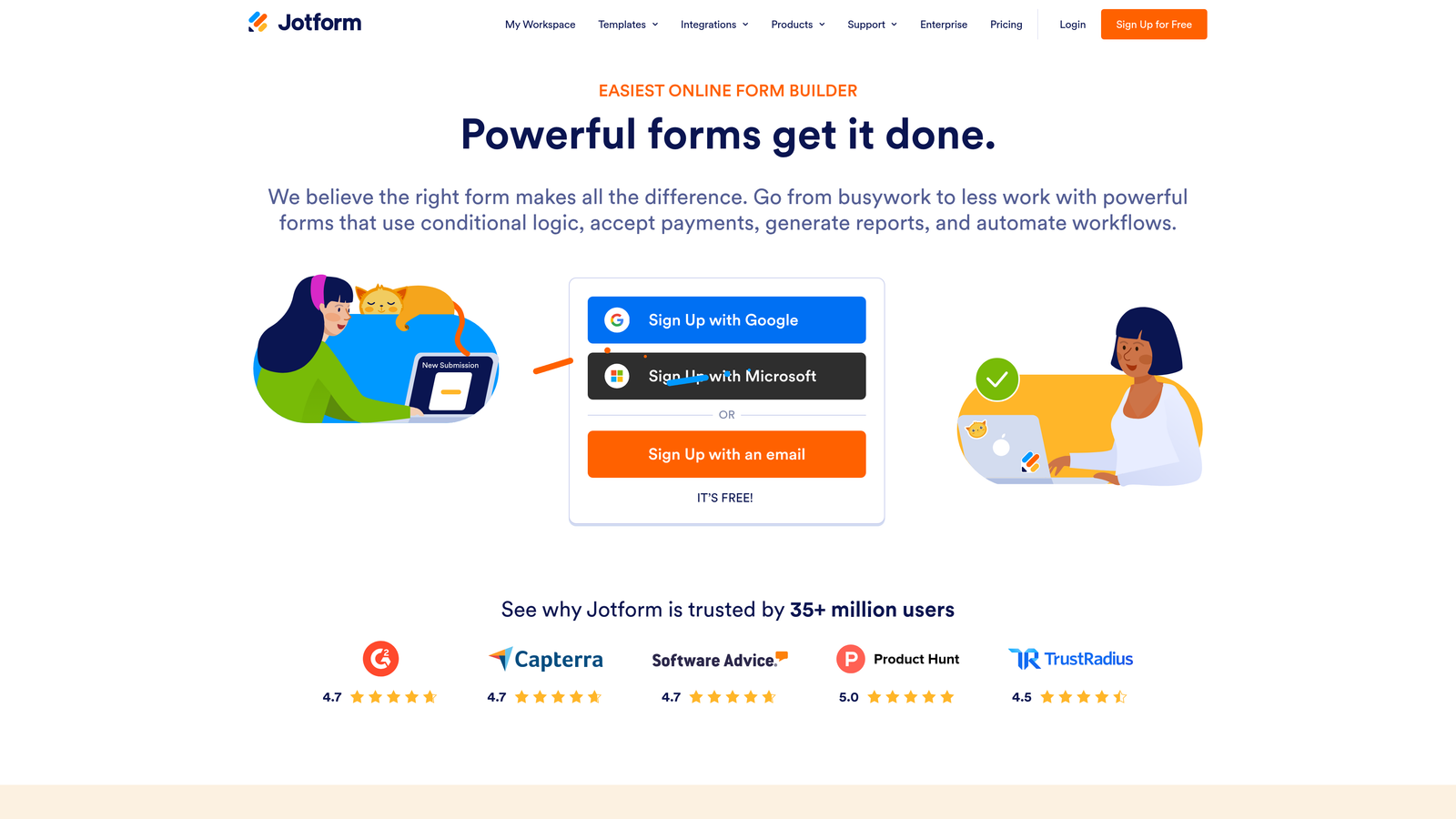
Jotform is one of the most feature-rich form builders available, with an extensive template library, payment support, and robust conditional logic.
Where This Tool Shines
Jotform's depth is its defining characteristic. With over 10,000 templates across industries and use cases (as stated on Jotform's official website), it covers more ground than almost any competitor. Whether you need a simple contact form, a multi-step application, or a payment-enabled booking form, there's a starting point already built.
The platform also stands out for specialized compliance needs. The HIPAA-compliant plan makes Jotform one of the few form builders that healthcare teams can actually use for patient-facing data collection.
Key Features
Template Library: 10,000+ templates across industries, reducing build time significantly for common use cases.
Payment Integrations: Native support for Stripe, PayPal, Square, and other payment processors directly within the form.
Advanced Conditional Logic: Complex branching, calculation fields, and show/hide rules for sophisticated form flows.
Integration Breadth: Connects with 150+ apps including CRMs, email platforms, and project management tools.
HIPAA-Compliant Plan: Enterprise-grade compliance option for healthcare and sensitive data use cases.
Best For
Teams with complex form requirements: payment collection, multi-step applications, compliance needs, or high-volume data collection across many different form types. Can feel heavy for simple lead gen use cases.
Pricing
Free plan available. Paid plans start around $34/month. Verify current pricing at jotform.com.
6. Webflow Forms
Best for: Webflow-native teams who want pixel-perfect forms without any external tool or iframe.
Webflow Forms is native form functionality built directly into the Webflow visual designer, requiring no external tool, no embed code, and no iframe.

Where This Tool Shines
For Webflow users, this is the cleanest possible form implementation. Because forms are built and styled within Webflow's visual editor, they inherit your site's design system perfectly. No iframe scaling issues, no style conflicts, no external scripts slowing down your page. The form is just part of your site.
Custom success states and error handling are also native to the Webflow interaction system, which means you can build polished post-submission experiences without workarounds or third-party tools.
Key Features
Native Visual Design: Forms are styled directly in Webflow's designer for pixel-perfect brand alignment with zero friction.
No Iframe, No External Script: Forms render as native HTML, delivering fast load times and seamless mobile responsiveness.
Flexible Submission Handling: Submissions stored in Webflow or forwarded via webhook and Zapier to downstream tools.
Custom Success States: Interaction-powered post-submission experiences built natively in the Webflow editor.
CMS Integration: Works seamlessly alongside Webflow CMS for dynamic content and collection-driven pages.
Best For
Teams building and maintaining their site in Webflow who want forms that are fully integrated with their design system. Not suitable for teams on other platforms, and limited in advanced logic compared to dedicated form tools.
Pricing
Included with all Webflow site plans. Webflow plans start around $14/month. Verify current pricing at webflow.com.
7. Gravity Forms
Best for: WordPress teams who need a deeply integrated, developer-extensible form solution with a mature add-on ecosystem.
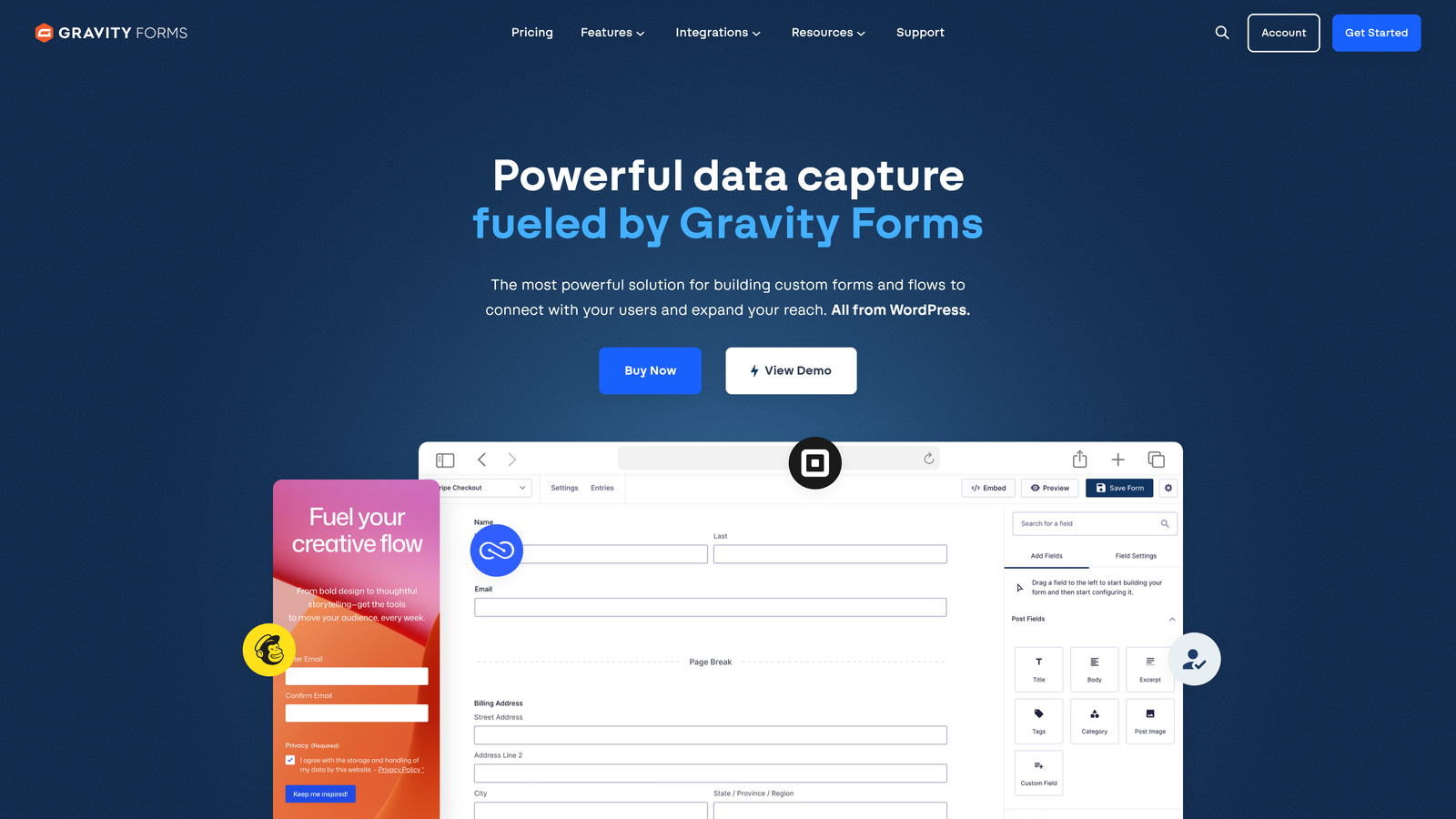
Gravity Forms is a WordPress-native form plugin with a deep add-on ecosystem and developer-friendly architecture that has been a go-to in the WordPress community for years.
Where This Tool Shines
Gravity Forms' strength is how deeply it integrates with WordPress. There's no external service dependency, no third-party account to manage, and no data leaving your server unless you choose to send it somewhere. For teams that care about data ownership and platform control, that matters.
The developer experience is also genuinely strong. Hooks, filters, and a well-documented API make Gravity Forms highly customizable for teams with development resources. The add-on library extends the core functionality into payments, CRM integrations, and email marketing without needing custom code.
Key Features
Deep WordPress Integration: Fully embedded in the WordPress ecosystem with no external service dependency or third-party account required.
Conditional Logic and Multi-Page Forms: Robust branching logic, multi-step form flows, and file upload support.
Add-On Library: Official and community add-ons for Stripe, PayPal, HubSpot, Mailchimp, Salesforce, and many more.
Developer-Friendly Architecture: Extensive hooks, filters, and API support for custom functionality and deep WordPress theme integration.
Strong Documentation and Community: Mature platform with thorough documentation and an active developer community.
Best For
WordPress agencies, developers, and established WordPress sites that need a reliable, extensible form solution with full control over data and customization. Less relevant for teams on non-WordPress platforms.
Pricing
Starts around $59/year for a single site license. Verify current pricing at gravityforms.com.
8. Paperform
Best for: Teams who want visually rich forms that blend document-style content with data collection in a single embed.
Paperform is a document-style form and landing page builder with strong visual customization and rich media support throughout the form experience.
Where This Tool Shines
Paperform takes a different approach to form design. Instead of a traditional field-by-field layout, it lets you mix text, images, videos, and form fields in a document-style editor. The result feels more like a branded landing page than a form, which works particularly well for onboarding flows, intake forms, and anything where context matters alongside the questions.
Visual customization is genuinely deep here: fonts, colors, backgrounds, and layout all have meaningful controls. For teams that care about brand expression in their forms, Paperform gives you more levers than most tools in this category.
Key Features
Document-Style Editor: Mix text, images, and form fields in a single canvas for context-rich form experiences.
Deep Visual Customization: Control over fonts, colors, backgrounds, and layouts to match brand identity precisely.
Payment and Booking: Built-in payment collection and appointment booking capabilities without additional integrations.
Flexible Embed Options: Embed via iframe or trigger as a popup or slider depending on your site layout.
Conditional Logic and Calculations: Branching logic and calculation fields for dynamic, responsive form flows.
Best For
Creative teams, consultants, and service businesses who need forms that communicate as much as they collect. Strong fit for onboarding, intake, and proposal workflows where brand presentation matters alongside data capture.
Pricing
Plans start around $24/month. Verify current pricing at paperform.co.
9. Google Forms
Best for: Internal data collection, surveys, and simple use cases where cost is the primary constraint.
Google Forms is a free, straightforward form builder from Google with basic iframe embedding and native Google Workspace integration.
Where This Tool Shines
Google Forms' case is simple: it's free, it works, and if your team is already in Google Workspace, the workflow is frictionless. Responses populate automatically into Google Sheets, which makes lightweight data analysis immediately accessible without any export or integration work.
For internal surveys, event signups, or quick feedback collection, Google Forms does the job without any setup overhead. The expectations need to be calibrated accordingly: this is a utility tool, not a conversion optimization tool.
Key Features
Completely Free: No cost with a Google account, making it the most accessible option on this list for budget-constrained teams.
Google Sheets Integration: Responses auto-populate into a connected spreadsheet for immediate access and basic analysis.
Basic Conditional Logic: Section branching for simple conditional flows, though limited compared to dedicated form builders.
Simple Iframe Embed: Generates a standard iframe embed code for placing forms on external websites.
Google Workspace Compatibility: Works natively within the Google Workspace ecosystem for teams using Drive, Docs, and Sheets.
Best For
Internal teams, educators, and anyone running simple, low-stakes data collection where design quality and conversion optimization are not priorities. Not suitable for customer-facing lead generation where brand experience and form performance matter.
Pricing
Free with a Google account. Google Workspace plans start around $6/user/month. Verify current pricing at workspace.google.com.
Which Tool Is Right for Your Team
The right embedded form builder depends almost entirely on what you're optimizing for. Here's a quick decision guide based on use case.
High-growth SaaS and B2B lead generation: Orbit AI is the clear choice if pipeline quality matters as much as volume. The built-in lead qualification and clean JavaScript embed make it purpose-built for conversion-focused teams who need forms that do more than collect data.
Polished conversational experience: Typeform remains one of the best options for teams who prioritize respondent experience and need reliable, flexible embed modes across different site contexts.
Budget-conscious teams and startups: Tally's free tier is genuinely useful, not artificially limited. For early-stage teams who need functional, clean forms without a monthly commitment, it's the strongest no-cost option.
HubSpot-native teams: HubSpot Forms wins on operational efficiency. If your team lives in HubSpot, the zero-integration CRM sync alone justifies using it over any external tool.
WordPress sites: Gravity Forms is the mature, developer-friendly standard for WordPress teams who need extensibility and data control. Jotform is worth considering if your requirements include payments or compliance features.
Webflow teams: Webflow Forms is the obvious answer for teams already building in Webflow. No external tool will match the native design integration.
Rich media and document-style forms: Paperform fills a specific niche well, particularly for service businesses and creative teams who want forms that communicate context alongside collecting it.
Simple internal use: Google Forms is free and functional for low-stakes collection, but it's not a tool for customer-facing lead generation.
If you're building a conversion-focused lead generation strategy in 2026, the gap between a basic form builder and an intelligent one is growing. Start building free forms today with Orbit AI and see how AI-powered qualification built directly into your form flow changes what your pipeline looks like on the other side.


