

Agencies juggle dozens of clients, each with unique branding, lead capture needs, and integration requirements. The wrong form tool creates bottlenecks: clunky editors, limited customization, no way to manage multiple workspaces, and zero insight into which leads actually matter. The right one becomes infrastructure that scales with your client roster.
We evaluated form builders specifically through an agency lens: white-labeling and branding flexibility, multi-client workspace management, lead qualification depth, integration ecosystems, and pricing models that make sense when you're managing 10, 50, or 100+ client accounts. Whether you're a boutique creative agency or a large performance marketing shop, here are the best form tools available for agencies in 2026.
1. Orbit AI
Best for: Agencies that need AI-powered lead qualification built directly into the form experience.
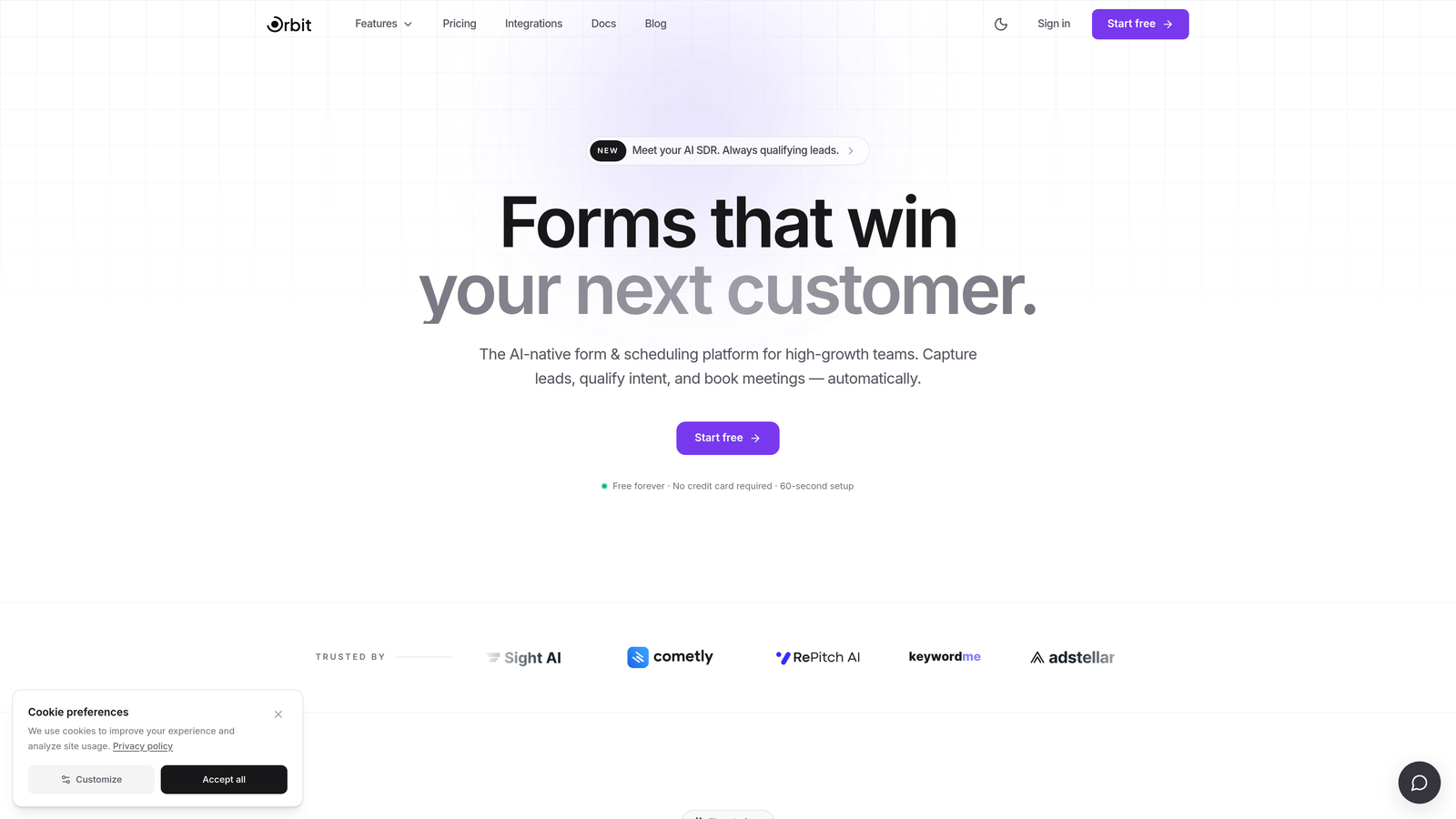
Orbit AI is an AI-powered form builder designed for high-growth teams and agencies that need to deliver pre-qualified leads to clients, not just raw submissions.
Where This Tool Shines
Most form tools collect data and pass it downstream to a CRM for scoring. Orbit AI flips that model by qualifying leads at the form level itself. This means your clients receive leads that have already been evaluated against their ideal customer profile, reducing the time their sales teams spend sorting through unqualified submissions.
For agencies managing multiple client accounts, this is a meaningful differentiator. You're not just building forms; you're building a lead intelligence layer that adds measurable value to every client engagement. The modern, conversion-optimized design templates also mean you can deliver polished, on-brand forms quickly without starting from scratch.
Key Features
AI-Powered Lead Qualification: Scores and qualifies leads directly at the form level before they ever reach a CRM.
Conversion-Optimized Templates: Modern, professionally designed templates built to maximize form completion rates.
Multi-Client Workflow Support: Built with high-growth teams and agency workflows in mind, supporting multiple client projects.
Seamless Brand Customization: Embed forms across client sites with full brand customization and clean embed options.
High-Growth Team Focus: Feature set and roadmap oriented around teams that need to scale lead generation, not just collect form data.
Best For
Agencies focused on lead generation and conversion optimization who want to deliver more than just a form. Particularly valuable for performance marketing agencies, growth teams, and any shop where lead quality is a core deliverable to clients.
Pricing
Visit orbitforms.ai for current plan details. Free building options are available to get started.
2. Typeform
Best for: Agencies prioritizing beautiful, conversational form experiences with strong brand customization.
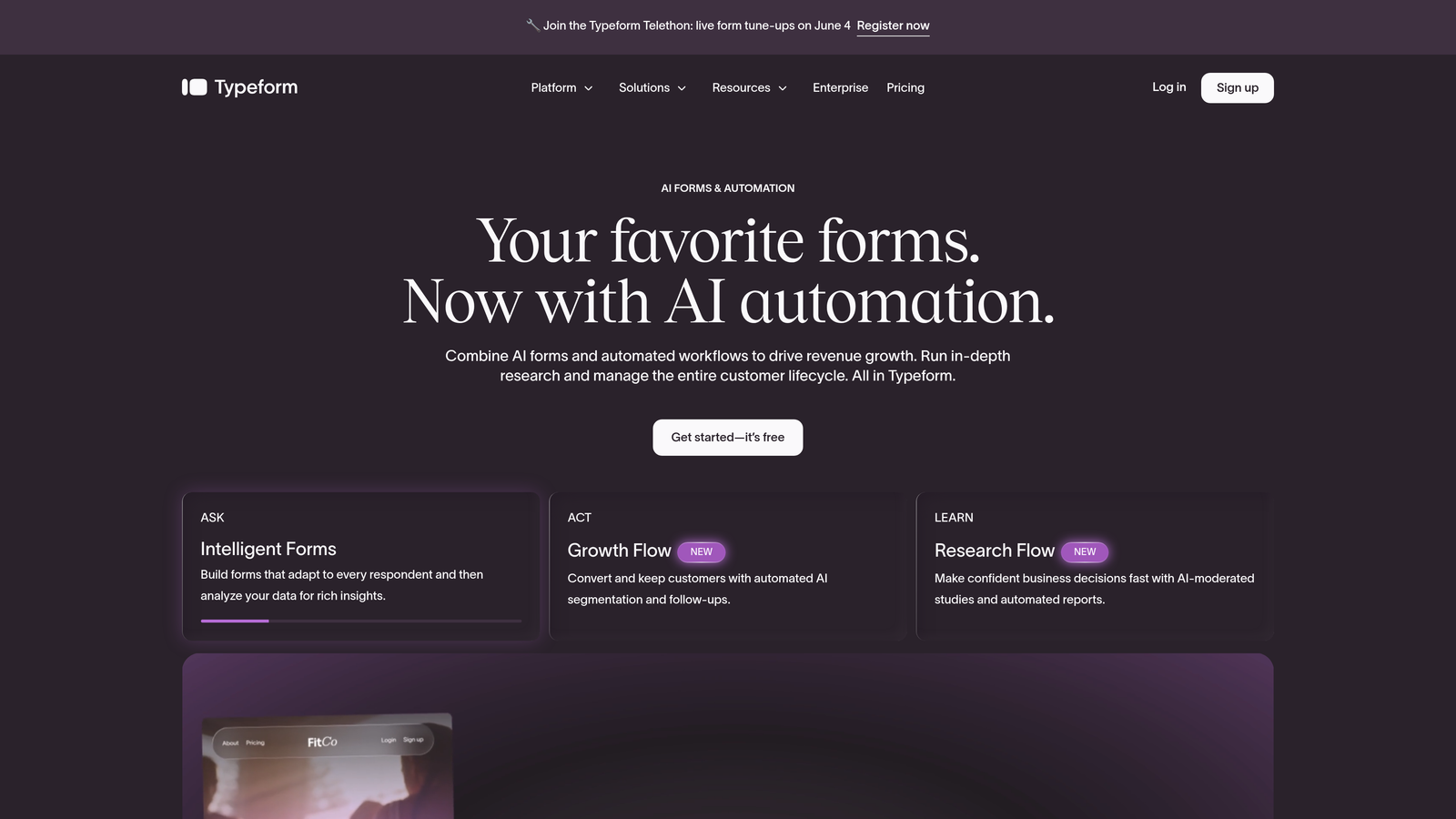
Typeform is a conversational form builder known for its elegant one-question-at-a-time interface and polished visual design.
Where This Tool Shines
When a client's brand demands a premium feel, Typeform delivers. The conversational format consistently outperforms traditional multi-field forms in completion rates, particularly for longer surveys, onboarding flows, and lead capture sequences where respondent fatigue is a real concern.
Agencies appreciate the depth of brand customization: custom fonts, colors, background images, and custom domains mean each client's form feels native to their brand. The VideoAsk integration opens up interactive video form experiences, which is a genuine differentiator for agencies working with high-touch B2C brands.
Key Features
Conversational UX: One-question-at-a-time format reduces abandonment and creates an engaging respondent experience.
Deep Brand Customization: Custom fonts, colors, backgrounds, and domain support for client-specific branding.
Logic Jumps: Conditional branching lets you build smart forms that adapt to respondent answers.
CRM Integrations: Native connections to HubSpot, Salesforce, Mailchimp, and other major marketing tools.
VideoAsk Integration: Add interactive video questions for a truly differentiated form experience.
Best For
Creative and brand-forward agencies whose clients prioritize experience quality. Also strong for agencies running surveys, NPS programs, or onboarding flows where respondent engagement matters as much as data collection.
Pricing
Free plan available with limited responses. Paid plans start at approximately $25/month, with agency-tier plans available at higher price points.
3. Jotform
Best for: High-volume agencies needing an extensive template library and enterprise white-label capabilities.
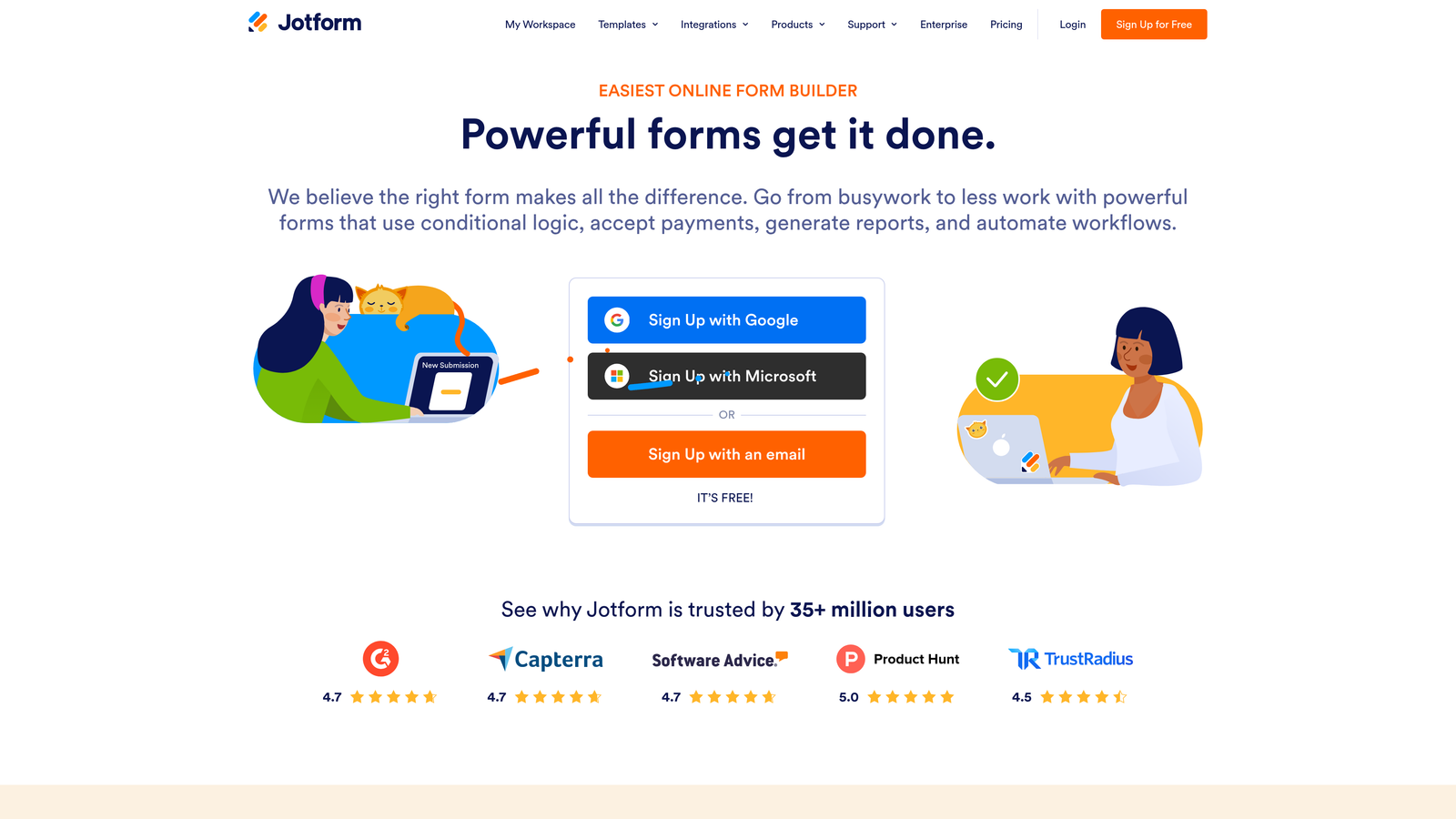
Jotform is a feature-rich form builder with over 10,000 templates, robust team management, and enterprise white-labeling options built for agencies managing large client rosters.
Where This Tool Shines
Jotform's sheer breadth is its strongest agency asset. With templates covering virtually every industry vertical, you can spin up a functional, professional form for a new client in minutes rather than building from scratch. The template library alone saves meaningful time when onboarding clients across diverse sectors.
Jotform Enterprise takes the platform to a different level for larger agencies: full white-labeling, custom branding, dedicated servers, and advanced team management with role-based permissions. If you're running an agency with a dedicated operations team, Jotform's organizational structure maps well to how agencies actually work.
Key Features
10,000+ Templates: Industry-spanning template library covering virtually every client use case imaginable.
Team Management: Multi-user access with role-based permissions for managing client-specific team access.
Enterprise White-Labeling: Full custom branding, custom domains, and white-label options at the enterprise tier.
Built-In Payments: Native payment processing through Stripe, PayPal, and Square with no additional transaction fees.
Jotform Tables: Built-in submission management that functions like a lightweight database for organizing client data.
Best For
Mid-to-large agencies handling high form volumes across diverse client industries. Especially valuable for agencies that need white-label capabilities and structured team access management without building custom infrastructure.
Pricing
Free plan supports up to 5 forms. Paid plans start at approximately $34/month. Enterprise pricing is custom and scales with team size and feature requirements.
4. Tally
Best for: Agencies and freelancers who want a generous free tier with a clean, modern editing experience.
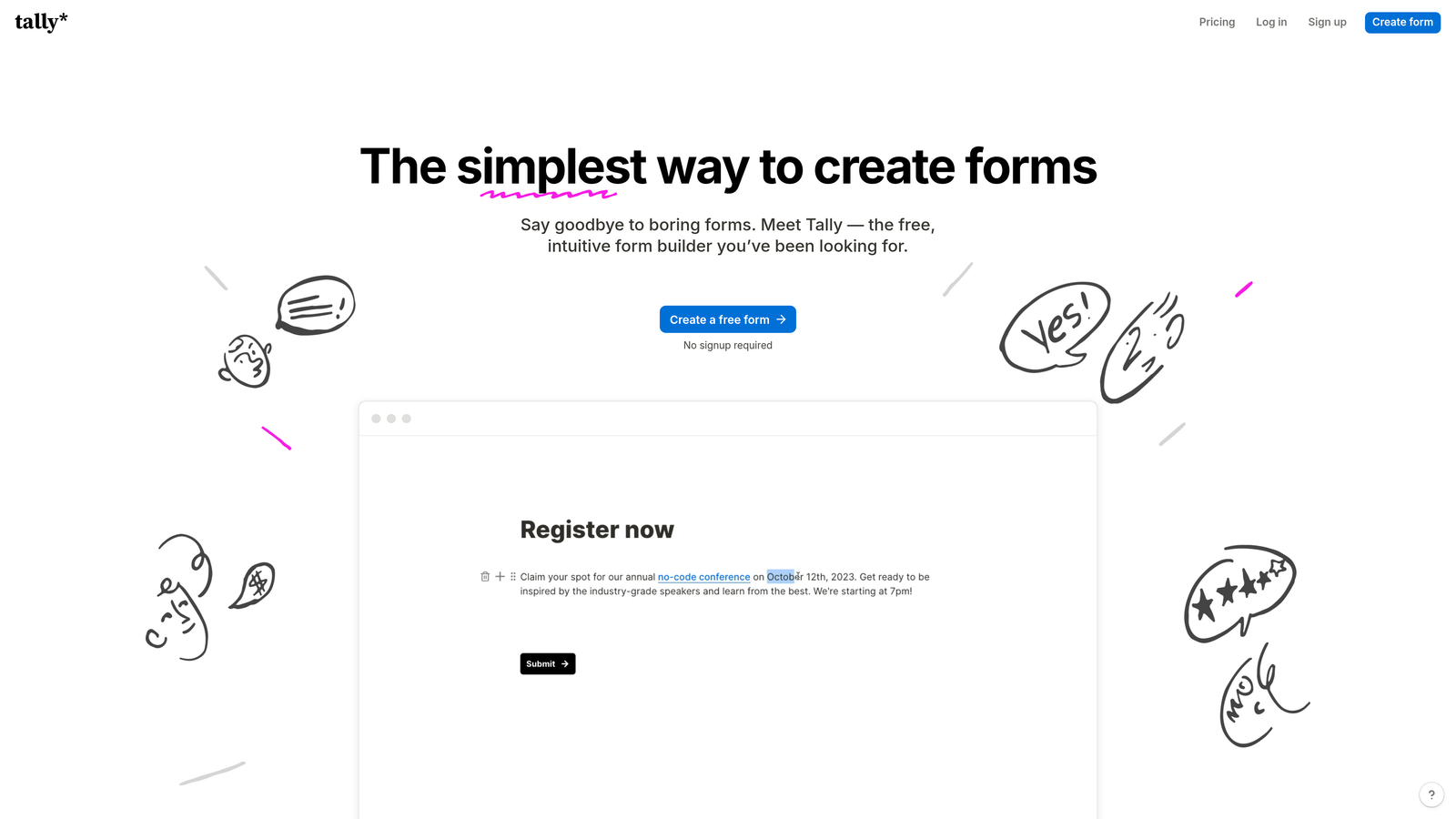
Tally is a minimalist, Notion-like form builder that offers unlimited forms and submissions on its free plan, making it a compelling option for agencies watching their tooling costs.
Where This Tool Shines
Tally's block-based editor will feel immediately familiar to anyone who uses Notion, which means onboarding new team members is fast. The editing experience is genuinely pleasant: clean, distraction-free, and quick. For agencies that need to produce a high volume of simple-to-moderate forms without complex workflow requirements, Tally's free tier is hard to beat.
The platform handles conditional logic, hidden fields, and webhooks well for its price point. The main trade-off is that advanced branding, custom domains, and deeper integrations require upgrading to the Pro plan. For agencies billing clients, that's a reasonable investment, but it's worth noting that Tally's white-label capabilities are more limited compared to enterprise-focused competitors.
Key Features
Unlimited Free Forms: No caps on forms or submissions on the free plan, genuinely useful for high-volume agencies.
Block-Based Editor: Notion-style editing experience that's intuitive and fast to learn.
Conditional Logic: Smart branching and hidden fields for building adaptive form flows.
Custom Domains: Available on the Pro plan for client-branded form URLs.
Zapier and Make Integration: Connects to hundreds of tools via automation platforms for workflow flexibility.
Best For
Boutique agencies, freelancers, and small teams that need clean, functional forms without a large tooling budget. Also a strong choice for internal agency forms where client branding isn't a requirement.
Pricing
Free plan is genuinely generous with no form or submission limits. Pro plan is approximately $29/month for custom domains and advanced features.
5. Fillout
Best for: Agencies running data-driven workflows with Airtable, Notion, or Google Sheets as the client's operational backbone.
Fillout is a database-native form builder that connects directly to Airtable, Notion, Supabase, Google Sheets, and other data sources for agencies managing structured client data workflows.

Where This Tool Shines
Fillout's defining capability is its ability to read and write directly to connected databases. Instead of collecting form submissions and then manually pushing data into a client's Airtable base or Notion database, Fillout makes those connections native. This eliminates an entire layer of Zapier automation for many common agency workflows.
For agencies that have built client operations on tools like Airtable or Notion, Fillout slots in as the natural front-end data collection layer. It also handles scheduling, payments, and quiz form types, giving it enough versatility to cover a range of client use cases without requiring multiple tools.
Key Features
Native Database Connections: Direct read/write integrations with Airtable, Notion, Supabase, and Google Sheets.
Bi-Directional Data Flow: Forms can both collect new data and surface existing database records to respondents.
Multiple Form Types: Supports scheduling, payment, quiz, and standard lead capture form formats.
Conditional Logic: Multi-page forms with advanced branching for complex data collection flows.
Custom Branding: Brand customization and clean embed options for client site deployment.
Best For
Agencies that have standardized on Airtable or Notion as their client operations platform. Also strong for teams that want to reduce automation complexity by connecting forms directly to their data layer.
Pricing
Free plan available with core functionality. Paid plans start at approximately $19/month, making it one of the more accessible options on this list.
6. Gravity Forms
Best for: Developer-focused agencies building on WordPress who need full data ownership and an extensive add-on ecosystem.
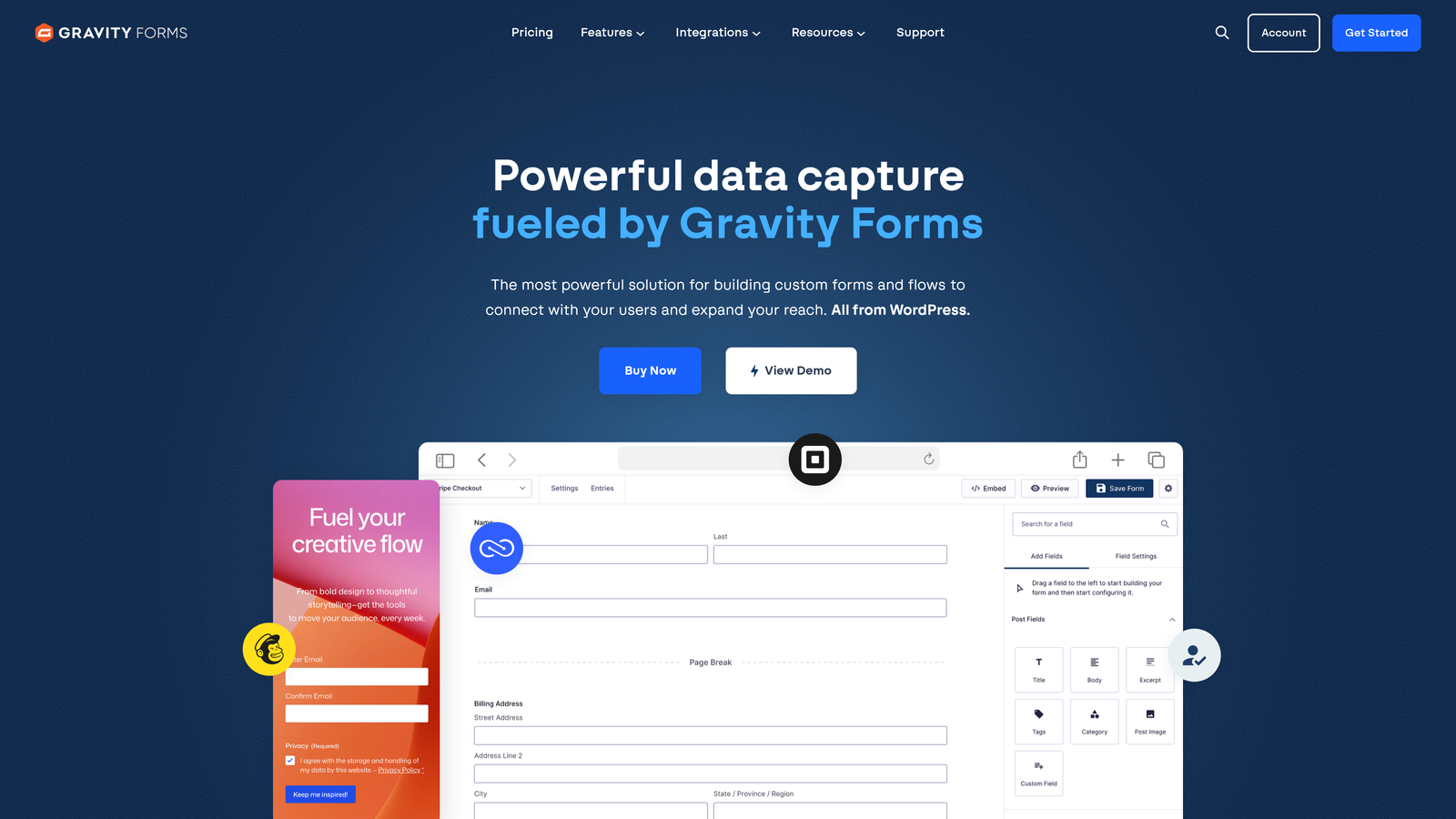
Gravity Forms is a self-hosted WordPress form plugin that gives agencies complete control over form data, functionality, and customization through a deep library of add-ons and developer tools.
Where This Tool Shines
For agencies whose clients live on WordPress, Gravity Forms is the professional standard for good reason. Because it's self-hosted, all form data stays on the client's own server. This matters significantly for clients in regulated industries or those with strict data residency requirements. There's no third-party SaaS platform holding submission data.
The add-on library is extensive: payment processors, CRM connections, email marketing platforms, and more are all available as official or third-party extensions. Developers also get clean hooks, filters, and a REST API for custom integrations. One license covers unlimited forms per site, which is a pricing model that scales well for agencies managing multiple WordPress properties.
Key Features
Self-Hosted Data Control: All submissions stay on the client's WordPress server with no third-party data exposure.
Extensive Add-On Library: Official and community add-ons for payments, CRMs, email marketing, and custom functionality.
Advanced Conditional Logic: Multi-page forms with sophisticated branching and field dependencies.
Developer-Friendly Architecture: Hooks, filters, and REST API for custom integrations and functionality extensions.
Per-Site Unlimited Forms: One license covers all forms on a single WordPress installation.
Best For
WordPress-focused development agencies and freelancers managing client sites where data ownership, compliance, or deep customization are priorities. Less relevant for agencies working outside the WordPress ecosystem.
Pricing
Basic license starts at approximately $59/year per site. Elite license at approximately $259/year adds all add-ons and multi-site support.
7. HubSpot Forms
Best for: Agencies managing clients within the HubSpot ecosystem who need seamless CRM integration without additional tooling.
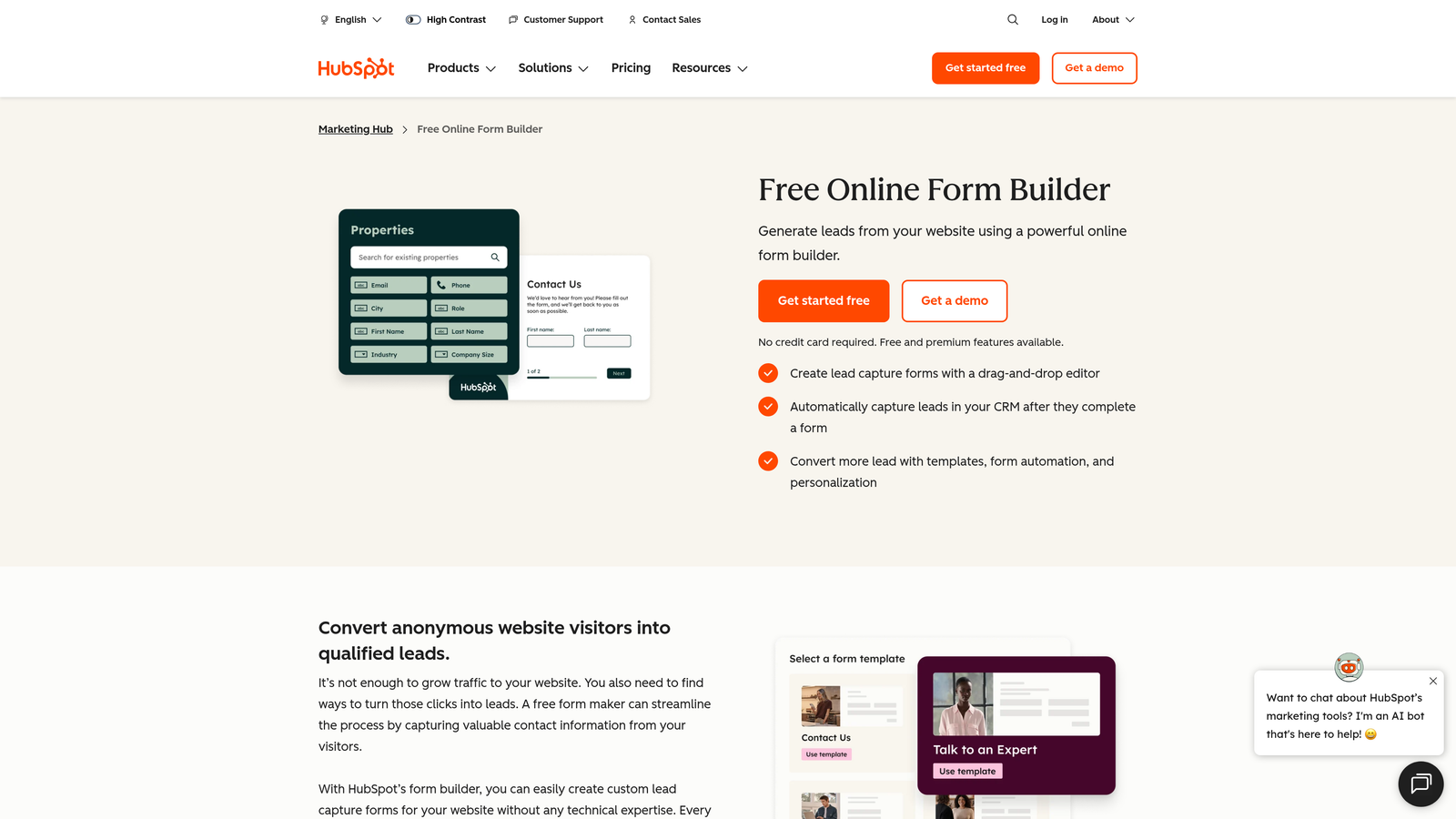
HubSpot Forms is a free form builder tightly woven into the HubSpot CRM, making it the natural default for agencies already operating within the HubSpot platform.
Where This Tool Shines
If your agency manages clients on HubSpot, the case for using HubSpot Forms is straightforward: every submission automatically creates or updates a contact record, assigns lifecycle stages, and triggers workflows without any integration setup. That native data flow eliminates the friction that comes with connecting third-party form tools to a CRM.
Smart fields are a standout feature for agencies running inbound programs. HubSpot can recognize returning visitors and replace fields it already knows with new questions, improving completion rates while progressively enriching contact profiles over time. For agencies running retargeting or nurture programs, this is a genuinely useful capability.
Key Features
Native CRM Integration: Automatic contact creation and lifecycle stage assignment with every form submission.
Smart Fields: Adaptive fields that replace known data with new questions for returning visitors.
Lead Routing: Built-in routing and assignment logic to direct leads to the right client team members.
A/B Testing: Form variation testing to optimize conversion rates across client campaigns.
Free Unlimited Forms: No cost for the core form builder when using HubSpot CRM.
Best For
HubSpot partner agencies and shops managing multiple client portals within HubSpot. The value diminishes significantly if clients aren't on HubSpot, since the form builder's strengths are almost entirely tied to the CRM integration.
Pricing
Free with HubSpot CRM. Advanced features like A/B testing and smart content require Marketing Hub, which starts at approximately $20/month per seat.
8. Cognito Forms
Best for: Agencies handling transactional and calculation-heavy forms where payment processing and pricing logic are core requirements.
Cognito Forms is an affordable form builder with advanced calculation fields, payment processing, and conditional logic that delivers strong value for agencies working on transactional client projects.
Where This Tool Shines
Cognito Forms earns its place on this list through a specific capability that most competitors handle poorly: calculation fields. If a client needs a quote request form, a product configurator, or any form where pricing logic needs to run based on respondent inputs, Cognito handles this natively without requiring custom code or external tools.
The payment processing integration is also notably clean. Stripe, PayPal, and Square are all supported with no additional transaction fees added on top of processor rates, which matters for clients processing meaningful payment volumes. HIPAA compliance options make it relevant for agencies serving healthcare clients.
Key Features
Advanced Calculation Fields: Native pricing logic, quantity-based calculations, and formula fields for transactional forms.
Payment Processing: Stripe, PayPal, and Square support with no platform-added transaction fees.
Conditional Logic: Repeating sections, multi-page forms, and sophisticated branching for complex data collection.
HIPAA Compliance: Data encryption and compliance options for agencies serving regulated healthcare clients.
Organization Accounts: Team management structure for multi-user agency workflows.
Best For
Agencies serving e-commerce, professional services, or healthcare clients where forms need to calculate prices, process payments, or meet compliance requirements. Underrated for its price point relative to its feature depth.
Pricing
Free plan available with basic functionality. Paid plans start at approximately $15/month, making it one of the most affordable options on this list for the features it delivers.
9. Formstack
Best for: Agencies serving enterprise or regulated-industry clients who need forms, documents, e-signatures, and compliance in one platform.
Formstack is an enterprise-grade form and workflow platform that extends beyond form building into document generation, e-signatures, and multi-step approval workflows.
Where This Tool Shines
Formstack is the right tool when a client's needs exceed what a standard form builder can handle. If a form submission needs to trigger a contract, route through an approval chain, generate a pre-filled document, and collect an e-signature, Formstack handles that entire workflow natively. For agencies serving legal, financial, healthcare, or government clients, this end-to-end capability is hard to replicate with point solutions.
The compliance credentials are also serious: HIPAA, GDPR, and SOC 2 compliance are available, along with a native Salesforce app for agencies managing enterprise CRM workflows. The trade-off is cost. Formstack sits at a higher price point than most tools on this list, which makes it most appropriate for agencies with clients who have the budget and complexity to justify it.
Key Features
Full Workflow Suite: Forms, document generation, and e-signatures in a single integrated platform.
Compliance Certifications: HIPAA, GDPR, and SOC 2 compliance for agencies serving regulated industries.
Approval Workflows: Multi-step routing and approval logic for complex internal and client-facing processes.
Conversion Analytics: A/B testing and form analytics to identify and address drop-off points.
Salesforce Native App: Deep Salesforce integration beyond standard API connections for enterprise CRM workflows.
Best For
Agencies with enterprise clients in regulated industries: healthcare, finance, legal, and government. Also strong for agencies that want to consolidate forms, documents, and e-signatures under one vendor rather than managing multiple point solutions.
Pricing
Forms-only plans start at approximately $50/month. Suite plans covering the full workflow platform are priced higher and scale with usage and team size.
Which Tool Is Right for Your Agency?
The honest answer is that no single form tool is the best fit for every agency. The right choice depends on what you're actually delivering to clients and where your current workflows break down.
If lead quality is your primary deliverable to clients, Orbit AI stands out as the only tool on this list that qualifies leads at the form level itself. For agencies where the value proposition is "we send you better leads, not just more leads," that's a meaningful infrastructure advantage. Start building free forms today and see how intelligent form design can elevate your conversion strategy.
For agencies where brand experience is the differentiator, Typeform continues to set the standard for conversational, visually polished forms. If you're managing a high volume of client forms across diverse industries, Jotform's template library and enterprise white-labeling make it a strong operational choice. WordPress-first agencies will find Gravity Forms hard to beat for data control and extensibility.
Budget-conscious agencies and smaller shops should look closely at Tally for its generous free tier and Cognito Forms for transactional use cases that punch well above their price point. If your clients are already on HubSpot, HubSpot Forms is the path of least resistance. For enterprise and regulated-industry clients, Formstack is the most complete workflow solution on the market.
The agencies that scale their form tooling most effectively tend to standardize on one or two platforms rather than managing a different tool for every client. Pick the tool that fits your most common client profile, get genuinely good at it, and build repeatable workflows around it. That's where the real efficiency gains come from.


