

JotForm has earned its place as a reliable workhorse for basic form building. But if you're running a high-growth team where lead quality, conversion rates, and qualification workflows are mission-critical, you've probably started to feel the ceiling. The logic branching gets unwieldy. Lead qualification requires stitching together third-party tools. And the overall experience feels more like a utility than a growth engine.
The good news: the form builder landscape has evolved significantly, and there are purpose-built alternatives that go far beyond collecting submissions. Whether you need AI-powered lead scoring baked in from the start, a conversational experience that reduces drop-off on longer forms, or enterprise-grade compliance without sacrificing usability, there's a better fit for your specific situation.
This guide covers the seven best JotForm alternatives worth evaluating in 2026. We've structured it as a strategy guide rather than a feature dump. For each option, you'll understand which use case it's actually built for, how to think about it against your current stack, and what to prioritize during a trial. We've also included a practical evaluation framework and migration checklist to make the switch as smooth as possible.
Let's find the right tool for your growth goals.
1. Orbit AI — Best for AI-Powered Lead Qualification
The Challenge It Solves
Most form tools treat qualification as an afterthought. You collect submissions, export them to a CRM, and then your SDR team manually sorts through responses to find the leads worth pursuing. This creates lag, introduces human error, and wastes sales capacity on prospects who were never a fit. For high-growth B2B teams, this is one of the most expensive inefficiencies hiding in plain sight.
The Strategy Explained
Orbit AI is purpose-built to close this gap. Rather than treating forms as passive data collectors, Orbit AI turns every form submission into an active qualification event. AI-powered lead scoring evaluates responses in real time, intelligent routing sends high-intent leads directly to the right sales rep or workflow, and the entire experience is designed around conversion optimization from the first field to the final submit button.
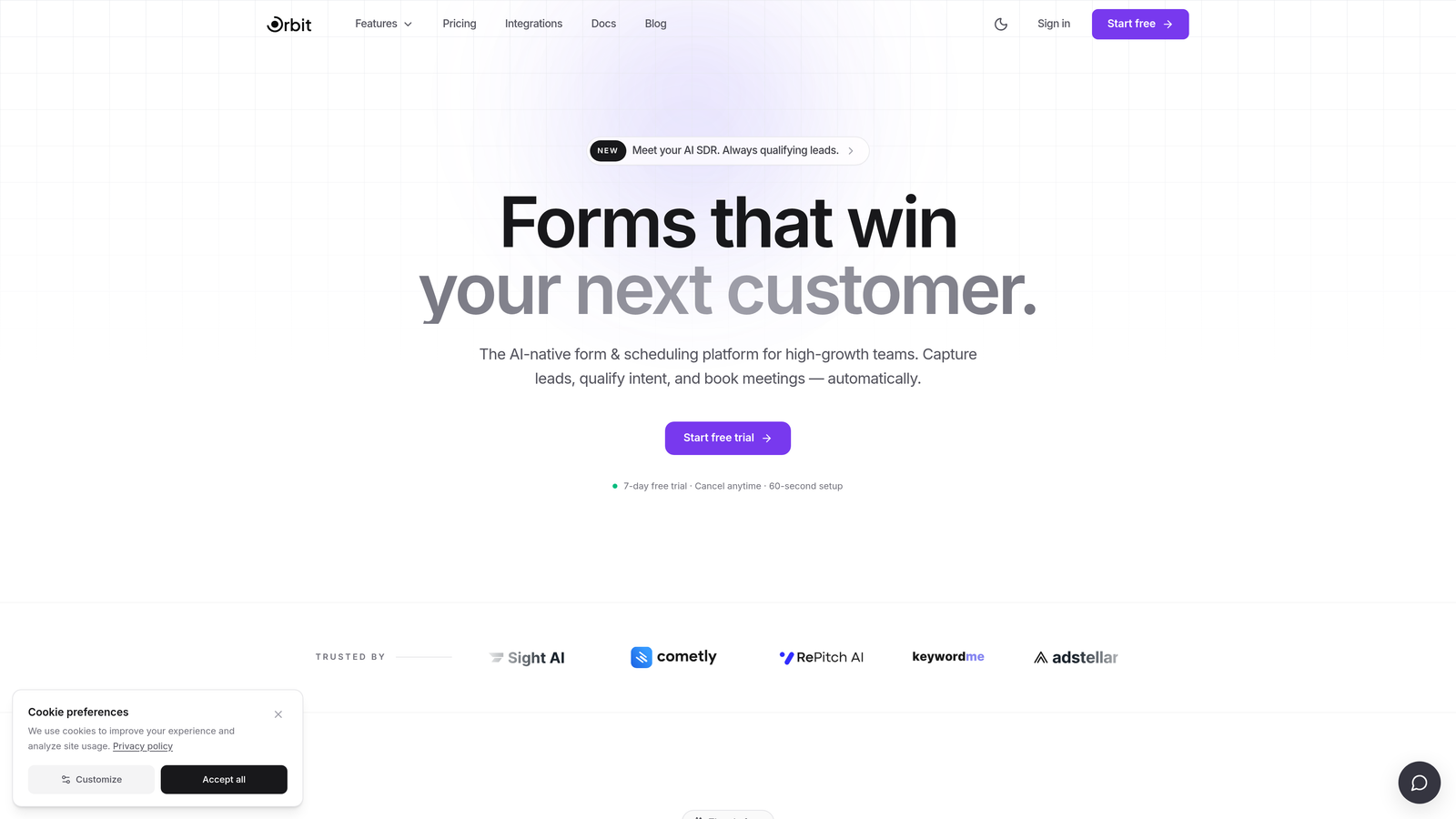
This is particularly valuable for teams using forms as their primary lead qualification touchpoint. Instead of layering a scoring platform on top of a generic form builder, qualification logic lives natively inside the form itself. The result is faster handoffs, cleaner pipeline data, and less time spent chasing unqualified leads.
The form builder itself is modern and design-forward, meaning you don't sacrifice user experience for functionality. High-growth teams get both: forms that look great and work harder.
Implementation Steps
1. Audit your highest-volume lead capture forms and identify where qualification currently breaks down — whether that's at submission, during SDR review, or at CRM entry.
2. Rebuild those forms in Orbit AI using conditional logic and dynamic fields to surface qualification signals naturally within the form flow, without adding friction.
3. Configure AI-powered lead scoring thresholds and routing rules so that high-intent submissions trigger immediate sales action while lower-intent leads enter a nurture sequence automatically.
4. Monitor completion rates and lead quality scores in the first two weeks post-launch and iterate on field order, question phrasing, and routing logic based on real data.
Pro Tips
Start with your single highest-value lead capture form rather than migrating everything at once. Proving conversion and quality improvements on one form builds internal confidence and gives you a benchmark for rolling out across your full funnel. Explore Orbit AI at orbitforms.ai to see the qualification features in context.
2. Typeform — Best for Conversational Form Experiences
The Challenge It Solves
Long forms are intimidating. When a prospect lands on a 15-field form and sees the entire thing at once, cognitive load spikes and abandonment follows. This is a well-documented UX challenge in the conversion optimization community, and it's especially acute for teams running detailed qualification surveys, onboarding flows, or research questionnaires where skipping fields isn't an option.
The Strategy Explained
Typeform's one-question-at-a-time format addresses this directly. By presenting questions sequentially, it reduces the perceived effort of completing a form and creates a more guided, conversational experience. This approach is widely discussed in UX and CRO communities as an effective way to improve completion on longer forms, particularly when the questions require thoughtful responses rather than quick checkboxes.
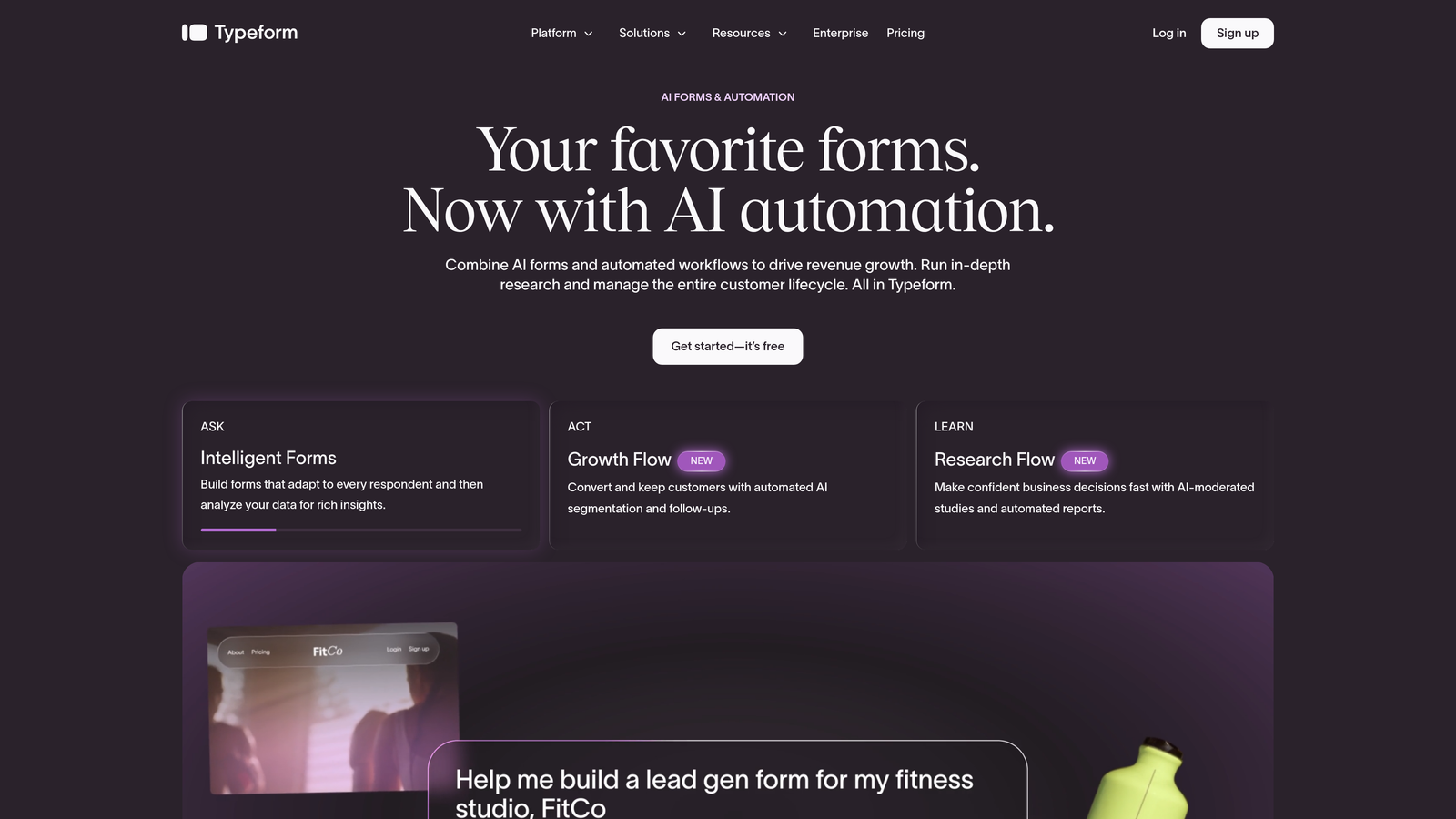
For teams prioritizing survey-style data collection, customer research, or multi-step intake flows, Typeform's format genuinely changes how respondents engage with the content. The benefits of conversational form experiences extend beyond aesthetics: they create a rhythm that keeps respondents moving forward rather than scanning ahead and second-guessing whether to continue.
Typeform also offers solid conditional logic, integration with major CRMs and marketing tools, and a clean visual design system that holds up well across devices.
Implementation Steps
1. Identify forms where completion rate is your primary problem — specifically longer forms where respondents are dropping off before the final submit.
2. Rebuild those forms in Typeform using the sequential question format, and use logic jumps to skip irrelevant questions based on earlier answers.
3. Connect Typeform to your CRM or marketing automation platform using native integrations or webhooks to ensure submissions flow cleanly into your existing stack.
Pro Tips
Typeform works best when questions are genuinely conversational in tone. If your questions read like database fields, the format won't feel natural. Invest time in rewriting question copy to match the one-at-a-time format — it makes a meaningful difference in how the experience lands for respondents.
3. Tally — Best for Simplicity and Generous Free Tier
The Challenge It Solves
Not every team needs AI scoring and enterprise workflows. Early-stage startups, lean marketing teams, and individual operators often need forms that are fast to build, easy to share, and free to use without hitting arbitrary submission limits or paywalled features after the first week. JotForm's free tier is restrictive enough that many teams find themselves paying for features they assumed would be included.
The Strategy Explained
Tally takes a radically different approach: a Notion-inspired block editor that makes form building feel as natural as writing a document, paired with an unlimited free plan that doesn't gate core functionality behind a paywall. For teams that need to ship forms quickly without a procurement process, Tally removes almost every barrier to getting started.
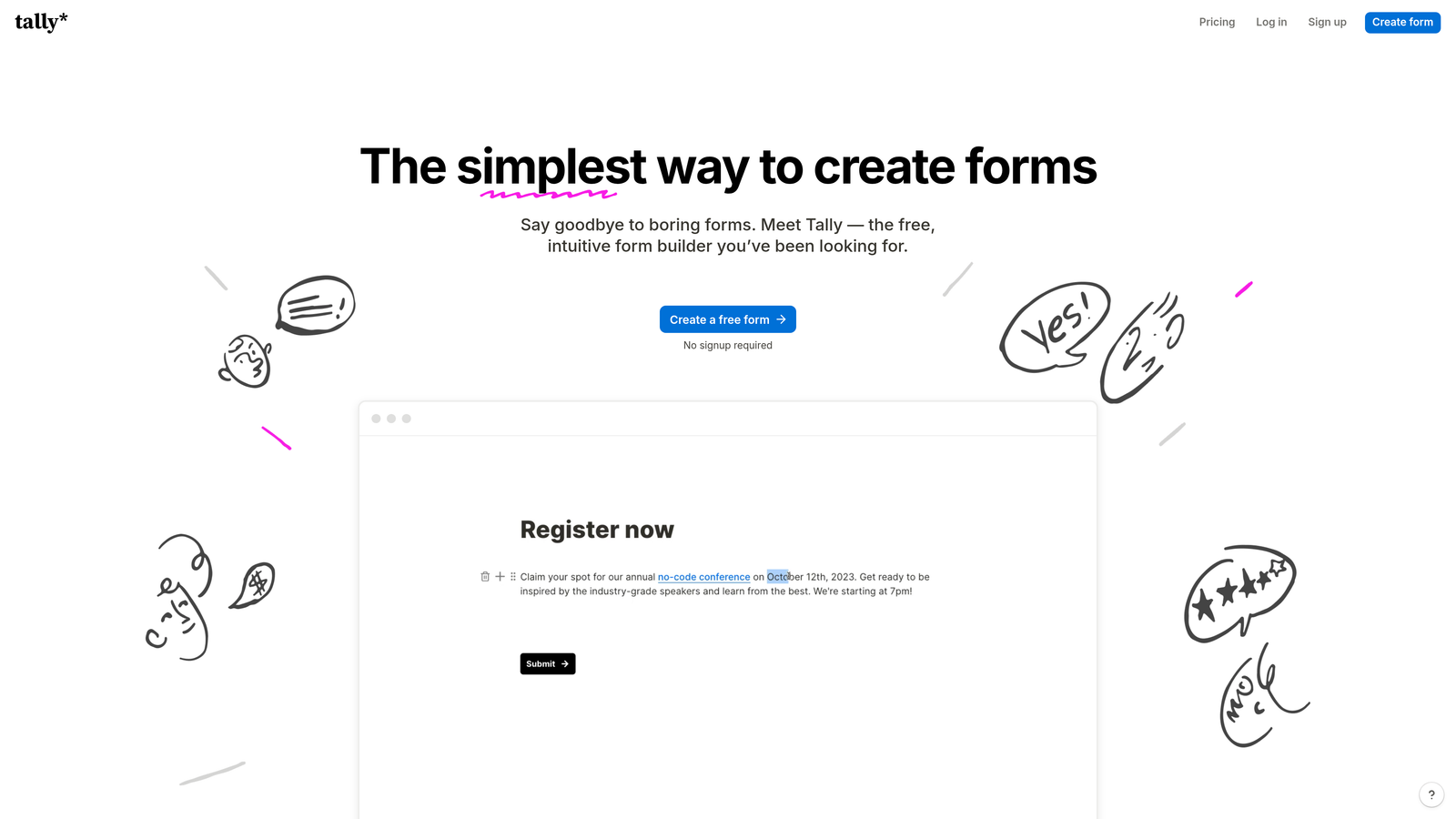
The editing experience is genuinely intuitive. You type, you add blocks, you publish. There's no complex interface to navigate, no template library to wade through. This simplicity is a feature, not a limitation — it means anyone on your team can build and deploy a form without training or handoffs to a technical resource.
Tally also supports conditional logic, file uploads, payment collection, and basic integrations, so it's not just a toy for simple contact forms. It handles a solid range of use cases without requiring you to upgrade. Teams comparing free form builder alternatives will find Tally consistently ranks among the most capable options at zero cost.
Implementation Steps
1. Sign up for Tally's free plan and use the block editor to rebuild your most commonly used forms — contact forms, event registrations, feedback surveys — without touching any settings or templates.
2. Use Tally's native embed options to drop forms directly into your website, Notion workspace, or landing pages without additional configuration.
3. Connect submissions to your existing tools via Tally's integrations or Zapier if you need responses to flow into a CRM or notification channel.
Pro Tips
Tally is an excellent starting point, but if your team's needs grow toward advanced lead qualification or conversion optimization, you'll likely outgrow it. Use Tally to validate your form strategy early, then evaluate whether a more growth-focused platform makes sense as volume and complexity increase.
4. Paperform — Best for Hybrid Form and Landing Page Experiences
The Challenge It Solves
Standard forms feel transactional. They ask for information without providing context, building trust, or guiding the respondent through a narrative. For teams selling higher-consideration products or services, a bare form embedded on a page often underperforms because it lacks the surrounding context that helps prospects feel confident enough to submit their details.
The Strategy Explained
Paperform blurs the line between form and landing page. You can mix rich content blocks — text, images, videos, pricing tables — with form fields in a single, scrollable experience. The result feels less like filling out a form and more like moving through a guided sales experience that naturally leads to a submission.
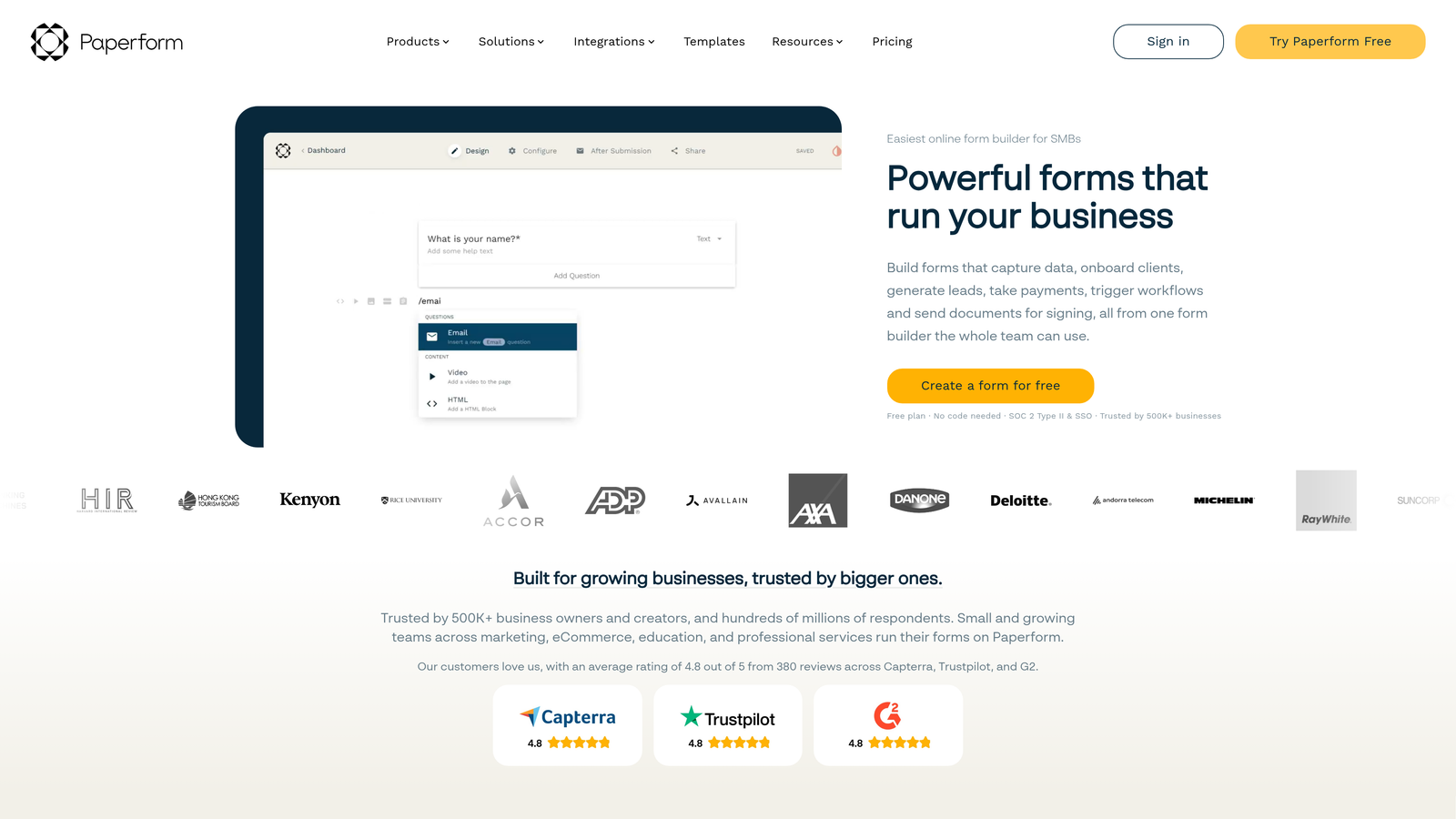
This format is particularly effective for product demos, service inquiries, event registrations with context, and any situation where you need to educate or persuade before you ask. Rather than directing traffic to a separate landing page and then a separate form, Paperform lets you combine both into one cohesive flow. Reviewing form builders built for conversion optimization shows how this hybrid approach consistently outperforms bare embedded forms for higher-consideration offers.
Paperform also supports calculation fields, which makes it useful for quote builders, pricing estimators, and interactive tools that deliver immediate value to respondents while capturing their information.
Implementation Steps
1. Identify a high-value conversion point in your funnel where prospects currently need more context before they're willing to submit — demo requests, consultation bookings, or detailed intake forms are good candidates.
2. Build a Paperform that leads with your value proposition using rich content blocks, then introduces form fields progressively as the respondent scrolls through the experience.
3. Use Paperform's calculation fields if your use case involves pricing, scoring, or any dynamic output that can be shown to the respondent based on their answers.
Pro Tips
Resist the temptation to overload the content sections. The goal is to provide just enough context to build confidence, not to replicate your entire website. Keep the content tight, lead with the most compelling proof points, and let the form do its job without overwhelming the respondent before they get there.
5. Formstack — Best for Enterprise Compliance and Workflow Automation
The Challenge It Solves
Organizations in regulated industries face a unique challenge: the form tools that are easiest to use often don't meet the compliance requirements their legal and security teams demand. Healthcare organizations need HIPAA-compliant data handling. Financial services firms need SOC 2 assurances. Any organization operating in the EU needs GDPR-compliant data practices baked into their tools, not bolted on. JotForm offers some compliance options, but teams with serious regulatory requirements often need a platform built specifically for that context.
The Strategy Explained
Formstack is built for exactly this environment. It holds HIPAA, SOC 2, and GDPR compliance certifications, making it a defensible choice for procurement reviews in regulated industries. Beyond compliance, Formstack offers powerful approval workflows, document generation, and e-signature capabilities that turn form submissions into complete business processes rather than just data collection events.
For enterprise teams managing complex internal workflows — employee onboarding, vendor approvals, contract processes, patient intake — Formstack's automation capabilities reduce manual handoffs and create auditable trails that compliance teams require. Comparing Formstack against modern alternatives makes clear that its compliance depth comes at the cost of the design flexibility and conversion-focused features that growth teams often need.
Implementation Steps
1. Document your compliance requirements before evaluating any platform — identify which certifications are mandatory versus preferred, and confirm Formstack's current certification status directly with their sales team.
2. Map your highest-risk form workflows (those handling sensitive personal, health, or financial data) and prioritize migrating those first to ensure compliance coverage where it matters most.
3. Configure Formstack's approval workflows for any process that requires review before data is acted upon, and test the full workflow end-to-end before going live.
Pro Tips
Formstack's strength is compliance and workflow depth, not conversion optimization or modern design aesthetics. If your primary goal is lead generation performance rather than regulatory compliance, it may be more tool than you need. Use it where compliance is non-negotiable, and consider pairing it with a conversion-focused tool for your top-of-funnel forms.
6. How to Evaluate Any JotForm Alternative Before Committing
The Challenge It Solves
Most teams evaluate form tools by comparing feature lists, which leads to choosing the platform with the longest list rather than the best fit. Feature lists don't tell you whether the conditional logic is actually flexible enough for your use case, whether the pricing scales reasonably as your volume grows, or whether the lead qualification capabilities match what your sales team actually needs.
The Strategy Explained
A structured evaluation framework prevents you from making a decision based on marketing copy. Before committing to any alternative, assess each platform across five dimensions that matter specifically to growth-focused teams.
Use your trial period to test each dimension with real forms from your existing stack, not toy examples. The goal is to surface limitations before you migrate, not after.
Implementation Steps
1. Lead qualification depth: Can the platform score, route, or segment leads based on submission data natively? Or will you need to layer additional tools on top? For B2B teams, this is often the deciding factor. Review how lead qualification best practices map to the platform's actual capabilities.
2. Conditional logic flexibility: Rebuild your most complex existing form during the trial. If the logic breaks or requires workarounds, that's a signal. Evaluate form design best practices for conversions specifically — does it handle branching paths cleanly without creating a maintenance nightmare?
3. Integration reliability: Don't just check whether an integration exists. Test it. Send a submission through and verify that data lands correctly in your CRM, marketing automation platform, and any other downstream tool. Integration failures discovered post-migration are expensive to fix.
4. Pricing scalability: Map out what your bill looks like at 2x and 5x your current submission volume. Some platforms are affordable at low volume but become prohibitively expensive as you scale. Understand the pricing model before you're locked in.
5. Security and compliance posture: Even if you're not in a regulated industry today, your enterprise customers may have requirements that flow down to your tools. Verify data residency, encryption standards, and available compliance certifications before you're asked about them in a sales process.
Pro Tips
Run your evaluation with the person who will actually build and maintain the forms day-to-day, not just the decision-maker. Usability gaps that don't show up in a demo become significant friction points in production. Their hands-on feedback during a trial is often more predictive of success than any feature comparison.
7. Migrating Away from JotForm: A Practical Transition Checklist
The Challenge It Solves
Switching form platforms sounds straightforward until you're in the middle of it. Forms are often more deeply embedded in your operations than they appear: they're connected to CRM workflows, embedded on high-traffic pages, referenced in email automations, and relied upon by teams who don't know a migration is happening. A poorly managed migration can disrupt lead flow, break integrations, and create data gaps that are difficult to reconstruct after the fact.
The Strategy Explained
A structured migration checklist reduces the risk of disruption by ensuring you've accounted for every dependency before you flip the switch. The goal is to achieve conversion parity on your new platform before decommissioning anything on JotForm, so you have a clear baseline for measuring whether the migration was successful.
This is also the moment to audit form field friction intentionally. Don't just recreate your existing forms on a new platform. Use the migration as an opportunity to review lead generation form length best practices and cut anything that isn't essential to qualification or conversion.
Implementation Steps
1. Audit all existing forms: Create a complete inventory of every JotForm in use, including where it's embedded, what integrations it's connected to, and what volume it processes. Prioritize by traffic and business impact.
2. Rebuild high-priority forms first: Start with your highest-volume or highest-value forms. Rebuild them on your chosen alternative, test conditional logic thoroughly, and verify that all form fields map correctly to downstream systems.
3. Validate integrations end-to-end: Submit test entries through every rebuilt form and confirm that data arrives correctly in your CRM, email platform, and any other connected tool. Don't assume integrations work — verify them with real test data.
4. Run both platforms in parallel briefly: Before decommissioning JotForm forms, run the new versions alongside them for a short period if possible. This gives you a conversion rate baseline and a fallback if something breaks unexpectedly.
5. Update all embed codes and links: Systematically replace JotForm embeds on your website, landing pages, and any other surfaces with the new form embed codes. Check for forms linked in email campaigns, help documentation, and partner pages.
6. Monitor post-migration metrics: Track completion rates, submission volume, and lead quality scores for the first 30 days after migration. Compare against your pre-migration baseline and investigate any significant drops before they compound. Review lead scoring best practices to confirm qualification signals are being captured correctly.
Pro Tips
Communicate the migration timeline to any internal team that relies on form submissions — sales, customer success, operations. Surprises during a migration erode trust. A brief heads-up that forms are being rebuilt and what to expect during the transition prevents unnecessary escalations and keeps everyone aligned.
Putting It All Together
The right JotForm alternative isn't the one with the most features. It's the one that removes the specific constraint currently limiting your growth. Start there.
If lead quality is your bottleneck, prioritize platforms with native qualification and scoring capabilities. If completion rate is your problem, a conversational format may move the needle more than any other change. If you're a lean team that needs to move fast without budget overhead, simplicity and a strong free tier matter more than enterprise features you'll never configure.
Here's a quick prioritization guide based on your primary constraint:
Lead quality and qualification: Orbit AI is purpose-built for this. AI-powered scoring and routing are core to the platform, not add-ons.
Form completion rates on longer flows: Typeform's conversational format addresses cognitive load directly and is worth testing on your highest-abandonment forms.
Speed and budget constraints: Tally's unlimited free tier removes every barrier to getting started and handles a surprisingly wide range of use cases.
High-consideration conversion flows: Paperform's hybrid form and landing page format works well when context and persuasion need to happen before the ask.
Regulated industries and complex workflows: Formstack's compliance certifications and approval workflow capabilities are built for exactly this environment.
Before committing to any platform, run your highest-volume form through a real trial. Measure completion rates. Test every integration. And use the migration checklist above to ensure you don't leave data or lead flow on the table during the switch.
The best form tool is the one your leads actually complete and the one your team can optimize without calling a developer. Start building free forms today and see how AI-powered qualification can transform what your forms actually deliver for your pipeline.


