

If your forms aren't converting visitors into qualified leads, you're leaving pipeline on the table. The right online form software does more than collect data — it guides prospects through a structured experience, qualifies them in real time, and feeds your CRM with actionable intelligence.
This list covers the best online form software platforms available in 2026, evaluated across four dimensions: ease of building, logic and personalization depth, lead qualification capabilities, and integration ecosystem. Whether you're a high-growth SaaS team replacing a clunky contact form, a marketing agency managing multiple client accounts, or an enterprise team standardizing data capture across departments, there's a tool here built for your situation.
We've included a mix of AI-native platforms, established enterprise players, and lightweight options so you can match the tool to your actual needs, not just the loudest brand name.
1. Orbit AI
Best for: High-growth B2B and SaaS teams that need forms to qualify leads, not just collect them.
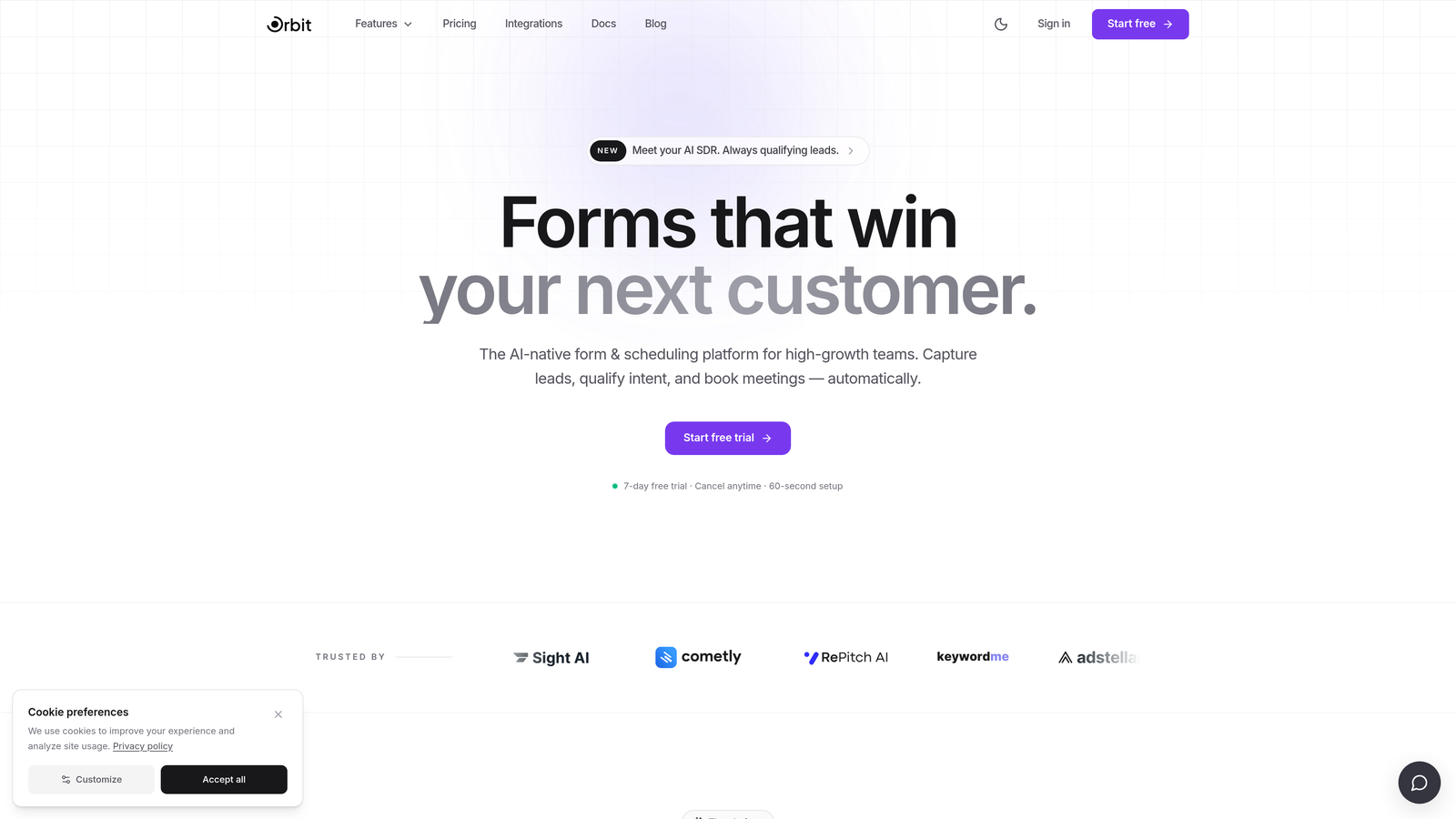
Orbit AI is an AI-powered form builder with built-in lead qualification, designed for teams that treat every form submission as a pipeline event.
Where This Tool Shines
Most form builders stop at the submission. Orbit AI starts there. The platform uses AI to score and segment leads at the point of submission, so your sales team receives contacts that are already ranked by fit and intent rather than a flat list of raw entries.
The setup experience is built for speed. You don't need engineering involvement to launch a conversion-optimized form with conditional logic, branded design, and real-time CRM routing. For high-growth teams where time-to-pipeline matters, that combination of intelligence and simplicity is genuinely differentiated.
Key Features
AI-Powered Lead Qualification: Scores and segments leads automatically at the point of submission, so sales teams work from prioritized queues rather than unfiltered lists.
Conversion-Optimized Templates: Modern, branded templates designed with conversion in mind, not just aesthetics.
Conditional Logic: Adapts form paths dynamically based on respondent answers, creating a personalized experience without complex setup.
Real-Time Lead Routing: Routes submissions to CRM or sales tools based on qualification score, eliminating manual handoff delays.
No-Code Setup: Fast deployment with a clean UX that requires no engineering resources to configure or maintain.
Best For
SaaS companies, B2B marketing teams, and revenue operations professionals who want forms that function as a qualification layer, not just a data entry point. Particularly strong for teams managing high inbound volume where lead prioritization directly impacts sales efficiency.
Pricing
Paid plans available. Visit orbitforms.ai for current pricing details and plan options.
2. Typeform
Best for: Teams that want a conversational, interview-style form experience to reduce abandonment.
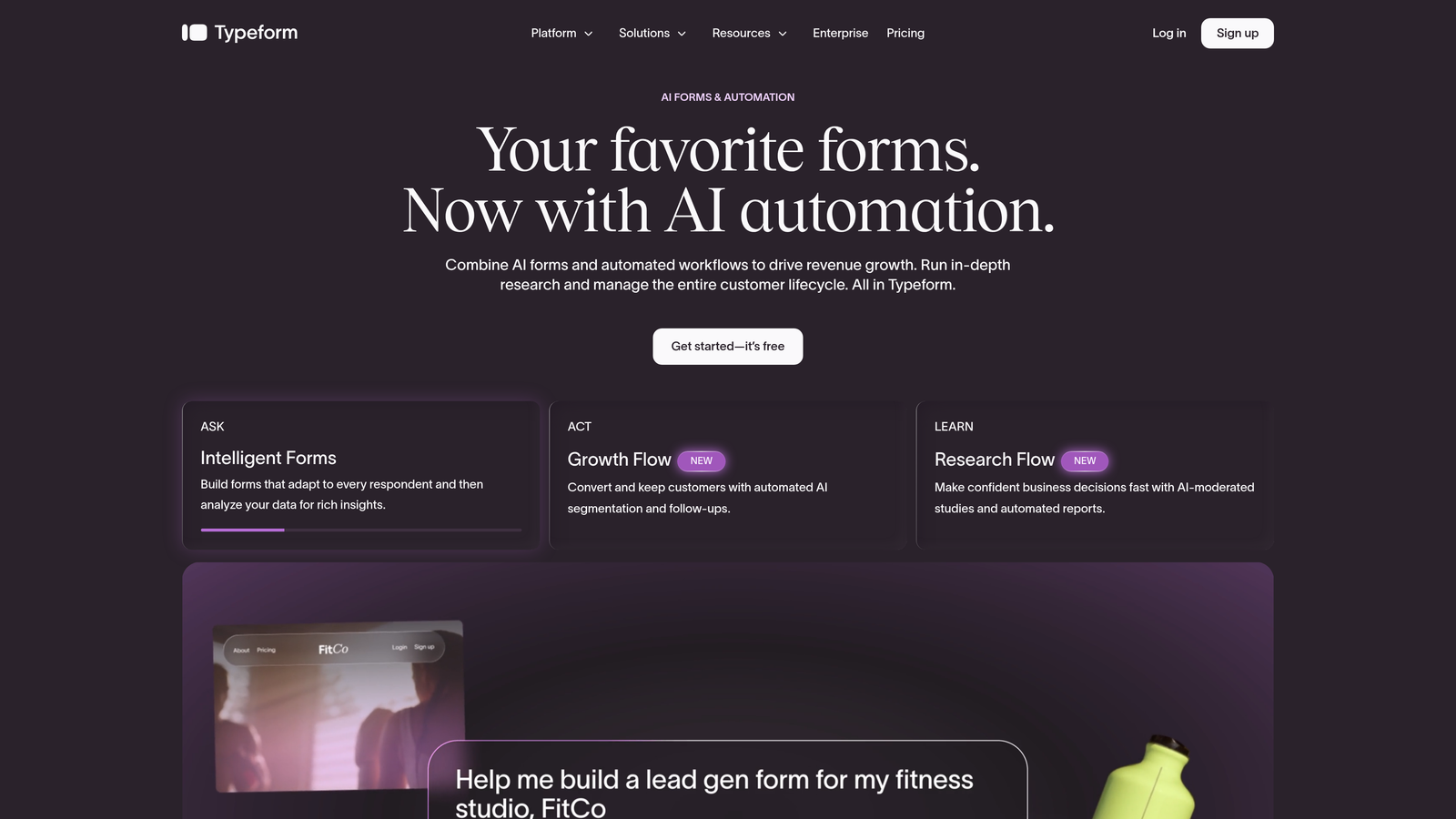
Typeform is a conversational form platform built around a one-question-at-a-time interface that makes forms feel less like forms.
Where This Tool Shines
Typeform's signature UX removes the visual overwhelm of traditional multi-field forms. By presenting one question at a time, it creates a focused experience that tends to keep respondents engaged through completion. This makes it a strong choice for lead generation forms, surveys, and onboarding flows where drop-off is a known problem.
The Logic Jumps feature allows for meaningful conditional branching, so respondents only see questions relevant to their previous answers. Brand customization is solid, with control over fonts, colors, and media that makes forms feel like a natural extension of your product or marketing site.
Key Features
One-Question-at-a-Time Interface: Reduces cognitive load and form abandonment by presenting a single focused prompt at a time.
Logic Jumps: Conditional branching that personalizes the form path based on prior answers.
Brand Customization: Full control over visual identity including fonts, colors, background images, and embedded media.
Integrations: Native connections to HubSpot, Salesforce, Slack, and Zapier for flexible data routing.
Video Questions: Available on higher-tier plans for richer, more engaging form experiences.
Best For
Marketing teams and agencies focused on engagement quality over form simplicity. Works well for lead capture, customer research, and onboarding flows where the respondent experience directly affects completion rates.
Pricing
Free plan available. Paid plans start at approximately $25/month billed annually. Pricing subject to change — verify current rates on their website.
3. Jotform
Best for: Teams that need versatility across use cases, from lead capture to payments to approvals.
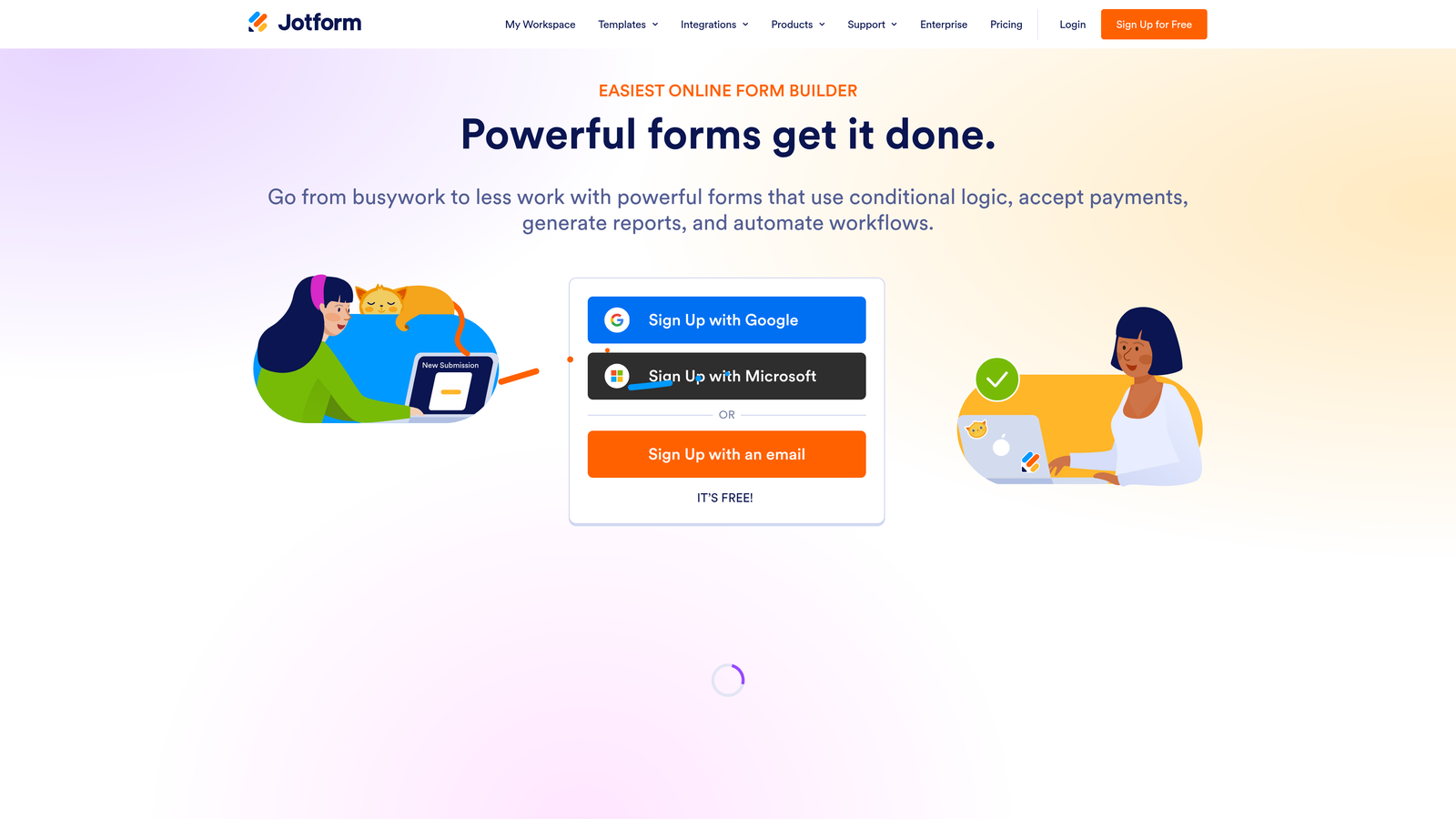
Jotform is a versatile form builder with one of the largest template libraries in the market, covering an exceptionally wide range of industries and workflows.
Where This Tool Shines
If breadth is what you need, Jotform delivers. With over 10,000 templates spanning industries from healthcare to e-commerce to HR, it's the kind of platform where you can find a starting point for almost any form type without building from scratch. That template depth makes it particularly popular with agencies and SMBs managing diverse client or department needs.
Beyond basic data collection, Jotform extends into payment processing, e-signature collection, and approval workflows, making it a practical all-in-one option for teams that want to consolidate tools rather than stack them.
Key Features
10,000+ Templates: One of the largest template libraries available, covering dozens of industries and use cases.
Built-In Payment Collection: Accepts payments via Stripe, PayPal, and Square directly within forms.
E-Signature and Approvals: Handles document signing and multi-step approval workflows natively.
Broad Integration Ecosystem: Connects to major CRMs, email platforms, and cloud storage tools.
Offline Mobile Forms: Mobile app supports form submission without an internet connection, useful for field teams.
Best For
SMBs, agencies, and operations teams that need a single platform to handle multiple form types across different departments or clients. Strong fit when payment collection or e-signature is part of the workflow.
Pricing
Free plan available with submission limits. Paid plans start at approximately $34/month. Pricing subject to change.
4. HubSpot Forms
Best for: Teams already using HubSpot CRM who want zero-friction form-to-CRM data flow.
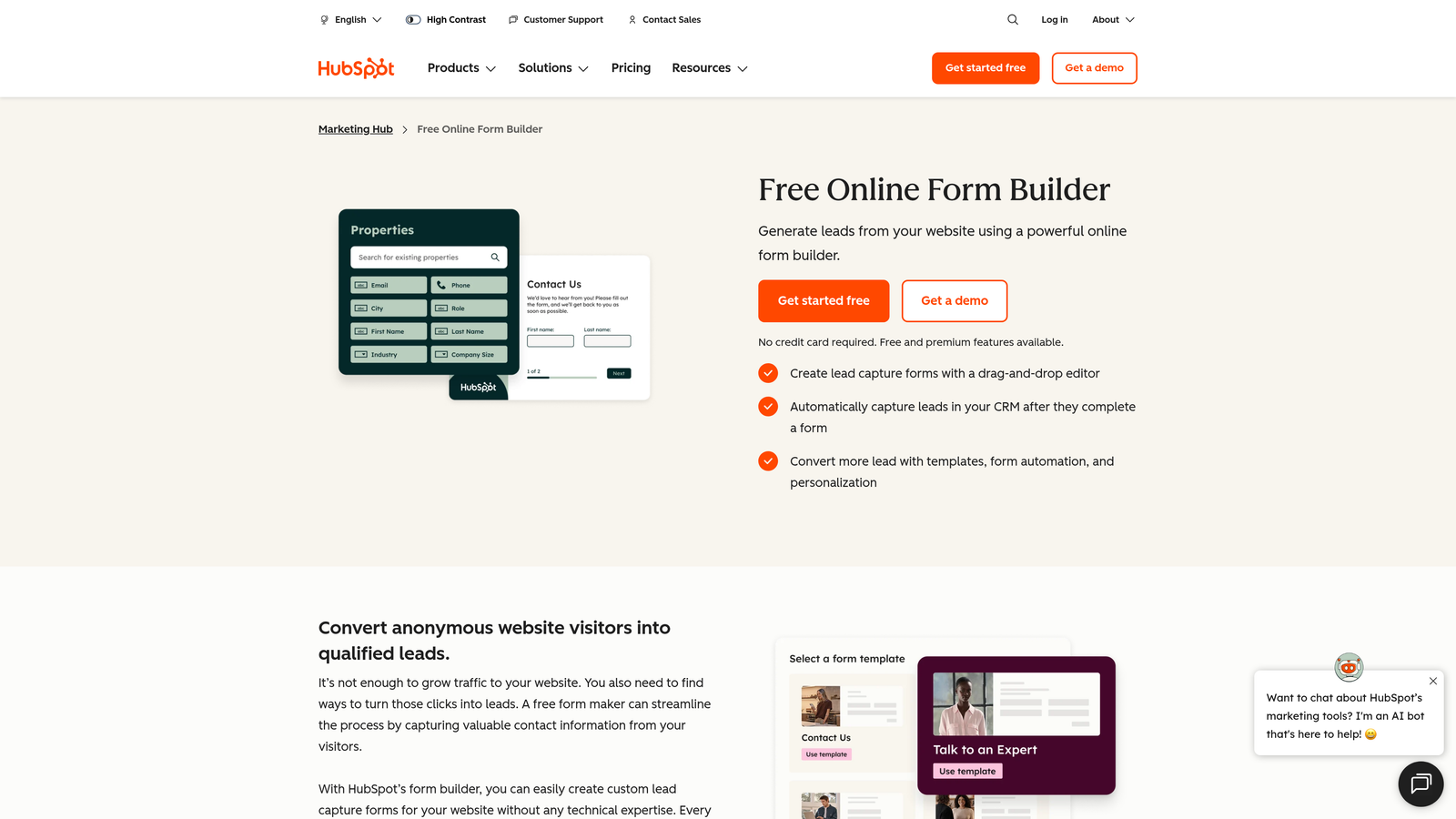
HubSpot Forms is a native form builder embedded in HubSpot's marketing platform, designed to feed contact data directly into HubSpot CRM without any manual entry or third-party sync.
Where This Tool Shines
The core value proposition here is tight ecosystem integration. Every form submission automatically creates or updates a contact record in HubSpot CRM, triggers list segmentation, and can fire workflow automations without any configuration beyond the form itself. For teams that live in HubSpot, this removes an entire layer of integration overhead.
Smart fields are a genuinely useful feature: HubSpot can recognize returning contacts and hide fields it already has data for, shortening the form for known leads while still capturing missing information. This reduces friction for prospects who have already interacted with your brand.
Key Features
Automatic CRM Sync: Every submission creates or updates a contact record in HubSpot CRM with no manual steps.
Smart Fields: Hides already-known fields for returning contacts to reduce form length and friction.
List Segmentation and Workflow Triggers: Submissions can automatically segment contacts and trigger marketing workflows.
Multiple Form Types: Supports embedded, pop-up, and standalone form page options.
Free Tier Availability: Core form functionality is included with HubSpot's free CRM tier.
Best For
Marketing and sales teams already using HubSpot as their CRM. Limited standalone value if you're not in the HubSpot ecosystem, but an obvious choice if you are.
Pricing
Free with HubSpot CRM. Advanced features require paid Marketing Hub plans, which vary significantly by tier.
5. Tally
Best for: Startups and solo operators who need a capable, genuinely free form builder with no submission caps.
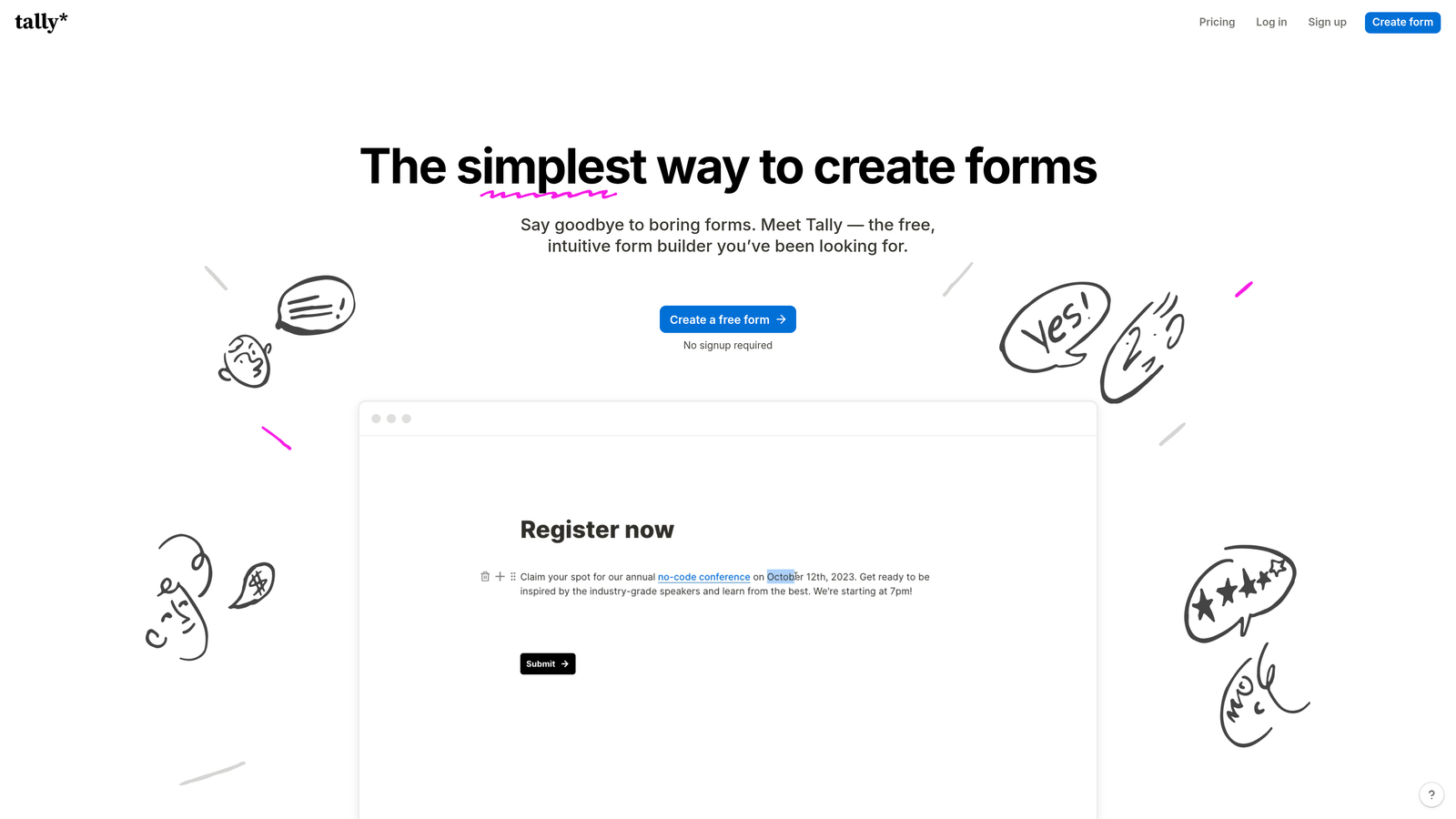
Tally is a free-first form builder with a Notion-like block editor and one of the most generous free tiers in the category.
Where This Tool Shines
Most free form tools come with submission limits that become a problem the moment you actually start using them. Tally's free plan includes unlimited forms and unlimited responses, which is a meaningful differentiator for early-stage teams or anyone who wants to test forms without watching a submission counter.
The editor experience is clean and intuitive. If you're familiar with Notion, the block-based interface will feel immediately comfortable. Conditional logic and calculated fields are available, giving the platform more depth than its minimal UI might suggest.
Key Features
Unlimited Free Forms and Responses: No submission caps on the free plan, which is rare in this category.
Block-Based Editor: Minimal learning curve with a familiar Notion-style editing experience.
Conditional Logic and Calculated Fields: Adds meaningful personalization and data processing without upgrading.
Zapier and Native Integrations: Routes data to downstream tools without requiring a paid plan for basic connections.
Clean Embeds: Embeds smoothly into websites and Notion pages with minimal visual disruption.
Best For
Startups, indie makers, and small teams who want a capable form tool without a monthly commitment. Also a strong choice for internal forms, research surveys, and Notion-based workflows.
Pricing
Free plan with core features. Pro plan at approximately $29/month for advanced features and branding removal. Pricing subject to change.
6. Paperform
Best for: Marketers and consultants who want to combine rich content with form fields in a single, standalone page.
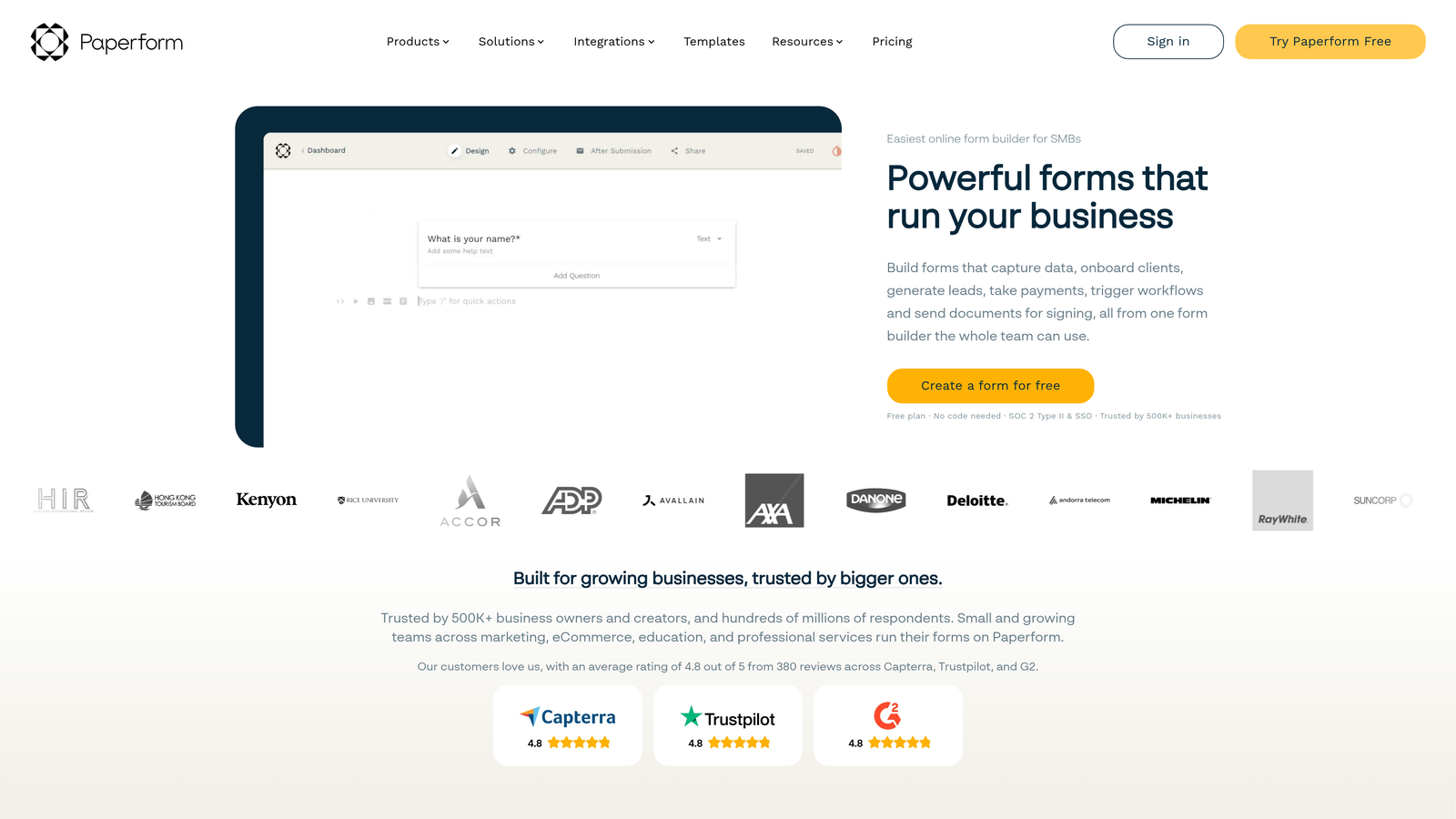
Paperform is a form builder that doubles as a lightweight landing page tool, letting teams mix written content, images, and video with form fields in one unified editor.
Where This Tool Shines
Paperform occupies a specific niche: it's the right tool when a standard form feels too bare but a full landing page build feels like overkill. The editor lets you weave copy, images, and video directly alongside form fields, creating a guided, content-rich experience that feels more like a page than a form.
This format works well for intake forms, service inquiry pages, event registrations, and onboarding flows where context and explanation improve completion quality. The built-in payment and scheduling features extend its usefulness for service-based businesses.
Key Features
Rich Content Editor: Blends text, images, and video with form fields in a single document-style editor.
Conditional Sections: Shows or hides entire content sections based on respondent answers.
Built-In Payments and Scheduling: Handles transactions and appointment booking without third-party tools.
Custom Domain Support: Publish forms on a custom subdomain or your own domain for a branded standalone page.
200+ Integrations: Connects to downstream tools via native integrations and Zapier.
Best For
Coaches, consultants, product marketers, and service businesses that want a form experience with narrative context built in. Strong fit when the form page itself needs to do persuasive work, not just collect answers.
Pricing
Paid plans start at approximately $24/month. No permanent free plan. Pricing subject to change.
7. Google Forms
Best for: Internal data collection where cost is zero and simplicity is the priority.
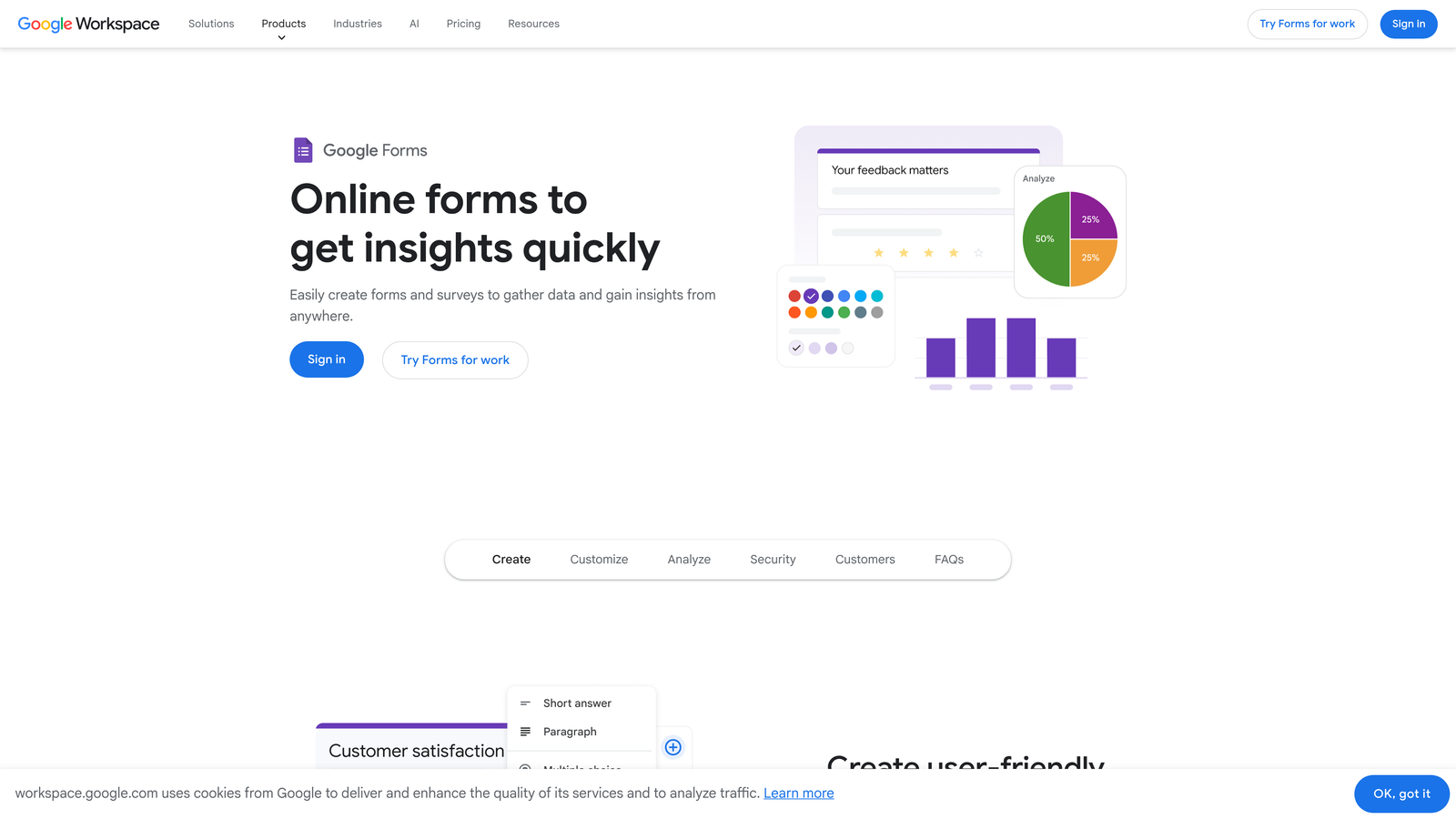
Google Forms is Google's free, no-frills form builder, deeply integrated with Google Workspace and built for straightforward data collection without any budget.
Where This Tool Shines
Google Forms does exactly what it promises: collect responses, log them to a Google Sheet, and cost nothing. For internal surveys, event sign-ups, feedback collection, and team coordination, it removes every barrier. There's nothing to configure, no account to create beyond a Google account, and real-time collaboration on form building is built in.
It's worth being honest about the ceiling here. Google Forms has minimal design customization, limited conditional logic, and no native CRM integration. For customer-facing lead generation or any use case where form experience affects conversion, it will fall short. But for internal use, it remains the most frictionless option available.
Key Features
Completely Free: No submission limits, no response caps, no paid tiers required.
Google Sheets Integration: Responses log automatically to a connected spreadsheet in real time.
Standard Field Types: Covers multiple choice, dropdowns, short answer, paragraph, and scale questions.
Real-Time Collaboration: Multiple team members can build and edit forms simultaneously.
Basic Branching Logic: Section-level branching available for simple conditional paths.
Best For
Internal teams, educators, and anyone running simple surveys or data collection where design, branding, and CRM integration are not requirements.
Pricing
Completely free. Included with all Google Workspace accounts.
8. Formstack
Best for: Enterprise and regulated-industry teams that need advanced workflow routing, compliance, and document generation.
Formstack is an enterprise form and workflow platform with routing, document automation, and compliance capabilities built for complex organizational environments.
Where This Tool Shines
Formstack sits in a different category from most tools on this list. It's not competing on simplicity or price — it's competing on depth. The platform handles multi-step approval chains, automated document generation from form data, and HIPAA-compliant data handling, which makes it a legitimate option for healthcare, legal, and financial services teams where data governance is non-negotiable.
The Salesforce native app is a notable differentiator for enterprise teams that need deep CRM integration beyond a standard API connection. Prefill capabilities for returning users also reduce friction in workflows where the same person submits multiple forms over time.
Key Features
Advanced Workflow Routing: Multi-step approval chains and conditional routing for complex organizational processes.
Formstack Documents: Automatically generates populated documents (PDFs, Word files) from form submission data.
HIPAA-Compliant Data Handling: Meets compliance requirements for healthcare and other regulated industries.
Prefill for Returning Users: Populates known fields automatically to reduce friction in repeat submissions.
Salesforce Native App: Deep CRM integration beyond standard webhook or Zapier connections.
Best For
Enterprise teams, healthcare organizations, and operations managers in regulated industries who need workflow automation and compliance features that lighter tools simply don't offer.
Pricing
Plans start at approximately $83/month. Enterprise pricing available separately. Pricing subject to change.
9. Fillout
Best for: Ops teams and no-code developers who want forms wired directly to Airtable, Notion, or Supabase.
Fillout is a modern form builder with native two-way sync to Airtable, Notion, and Supabase, built for technical and operations-focused teams that want forms connected directly to their data layer.
Where This Tool Shines
Fillout's core differentiator is database-native integration. Where most form tools push data to a CRM or spreadsheet via webhook, Fillout connects directly to Airtable, Notion, and Supabase with two-way sync. That means form submissions update records in your database, and existing data can prefill form fields for returning users. For ops teams running workflows on these platforms, this removes a significant integration layer.
The feature set has matured quickly. Conditional logic, multi-step forms, scheduling, and payment collection are all available alongside the database integrations, making it a capable all-around tool rather than a narrow specialist.
Key Features
Native Two-Way Database Sync: Direct integration with Airtable, Notion, and Supabase for real-time data flow in both directions.
Conditional Logic and Multi-Step Forms: Supports personalized form paths and sequential question structures.
Calculated Fields: Performs math and logic operations on form data before submission.
Scheduling and Payments: Built-in appointment booking and payment collection without additional tools.
Generous Free Tier: Allows meaningful testing and early deployment before committing to a paid plan.
Best For
Operations teams, no-code developers, and product teams building on Airtable, Notion, or Supabase who want forms that behave as a native interface to their existing data infrastructure.
Pricing
Free plan available. Paid plans start at approximately $15/month. Pricing subject to change.
Which Tool Is Right for Your Team?
The right choice depends less on which tool has the most features and more on which tool is aligned with your specific conversion goals and technical environment.
Here's a quick-match guide by use case:
Lead qualification is your priority: Orbit AI is purpose-built for it. The AI scoring and real-time routing make it the only tool on this list designed to treat form submissions as pipeline events from the start.
Conversational engagement matters: Typeform delivers the best respondent experience for teams where form completion quality and engagement depth are the primary metrics.
Volume and versatility across use cases: Jotform's template depth and feature breadth make it hard to beat for agencies and SMBs managing diverse form needs.
Already in the HubSpot ecosystem: HubSpot Forms is the obvious choice. The zero-friction CRM sync alone justifies it for existing HubSpot users.
Best free starting point: Tally. Unlimited forms and responses with no submission caps puts it in a category of its own for cost-conscious teams.
Form plus landing page in one: Paperform is built for this specific combination, particularly for service businesses and consultants.
Simple internal data collection: Google Forms. Free, fast, and connected to Google Sheets with no configuration required.
Enterprise workflow complexity and compliance: Formstack handles the routing, document generation, and regulatory requirements that lighter tools can't.
Database-native teams on Airtable or Notion: Fillout's two-way sync makes it the natural fit for ops and no-code development workflows.
The bottom line: the best online form software is the one aligned with your conversion goals, not just your data collection needs. For high-growth teams focused on turning form submissions into qualified pipeline, that means choosing a platform with intelligence built in from the start.
Transform your lead generation with AI-powered forms that qualify prospects automatically while delivering the modern, conversion-optimized experience your high-growth team needs. Start building free forms today and see how intelligent form design can elevate your conversion strategy.


