

Consultation booking forms do more than capture a name and email. They set the tone for your entire client relationship. A clunky, generic form signals friction before the conversation even starts, and that friction costs you qualified leads before you ever get on a call.
The right tool does the heavy lifting: it qualifies leads automatically, syncs with your calendar, and feeds clean data into your CRM without any manual effort on your team's part. The difference between a form that converts and one that leaks pipeline is often just the tool behind it.
We evaluated the top consultation booking form tools on ease of setup, lead qualification capabilities, calendar integrations, conditional logic, and conversion-focused design. Whether you're a SaaS team running product demos, a consultant booking discovery calls, or an agency qualifying new clients, this list has a fit for you. Orbit AI leads the list because its AI-powered qualification layer genuinely sets it apart for high-growth teams, but every tool here earns its place.
1. Orbit AI
Best for: High-growth SaaS and service teams that need AI-powered lead qualification before a booking slot is ever offered.
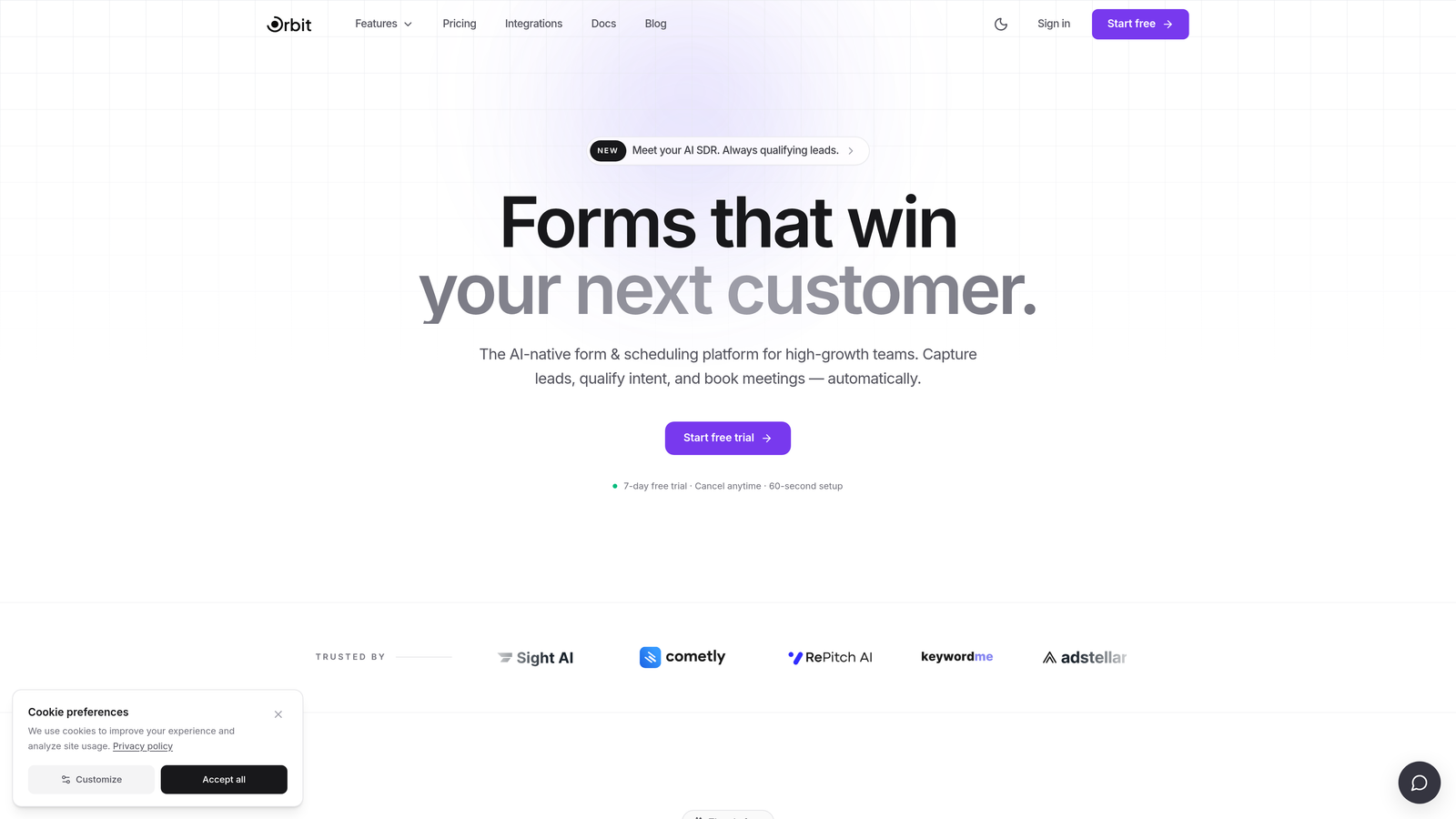
Orbit AI is an AI-powered form builder with built-in lead qualification designed to filter and score leads within the form flow itself.
Where This Tool Shines
Most booking tools treat qualification as an afterthought. Orbit AI treats it as the entire point. Instead of letting anyone book a slot and sorting out fit afterward, the platform uses AI to score and route leads during the form experience itself. Unqualified prospects get a different path than high-intent leads, which means your team spends time on calls that actually matter.
The form design is genuinely modern. Not "modern for a form builder" modern, but the kind of clean, conversion-optimized UI that makes prospects feel like they're interacting with a premium brand from the first touchpoint. For teams where first impressions are part of the sales motion, that distinction matters.
Key Features
AI-Powered Lead Qualification: Scores and qualifies leads within the form flow before a booking slot is presented, reducing wasted consultation time.
Conditional Logic and Smart Routing: Routes respondents by lead type, company size, service interest, or any custom criteria you define.
Conversion-Optimized Design: Modern, polished form UI built to maximize completion rates and reflect a high-quality brand experience.
CRM and Calendar Integrations: Connects with major CRMs and calendar tools so booking data flows directly into your existing stack.
Real-Time Lead Scoring: Evaluates lead quality before the booking is confirmed, giving your team signal before the call even happens.
Best For
SaaS teams running product demos, agencies qualifying inbound leads, and consultants who want to stop spending time on calls that were never going to convert. If lead quality is a bigger problem than lead volume, Orbit AI is built for your situation.
Pricing
Visit orbitforms.ai for current plan details. Pricing is structured for growing teams with options to scale.
2. Calendly
Best for: Teams that prioritize scheduling simplicity and need a reliable, widely recognized booking experience.
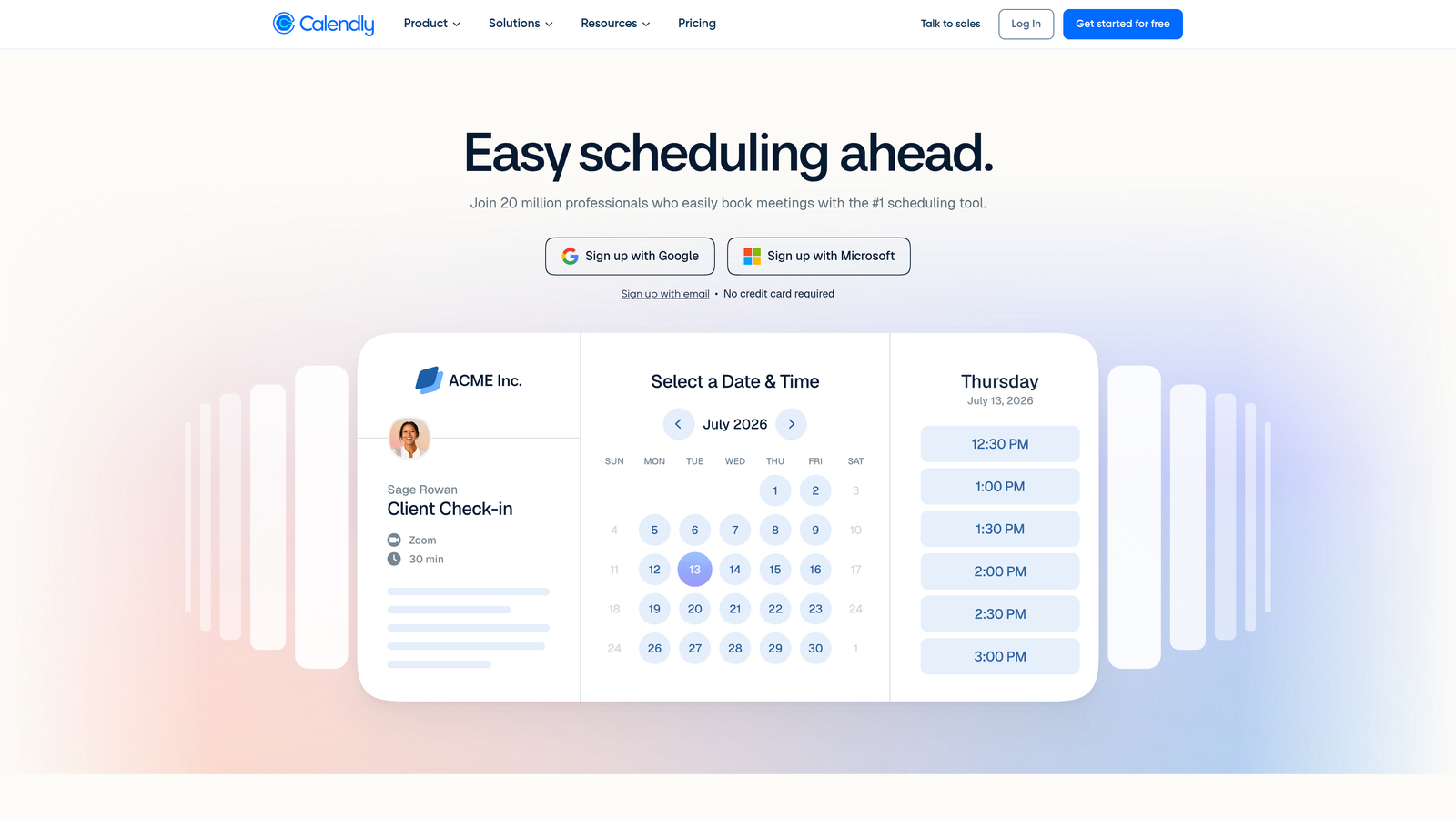
Calendly is the market-leading scheduling tool with intake form capabilities built into its booking flow.
Where This Tool Shines
Calendly's strength is frictionless scheduling. It handles the calendar coordination problem better than almost anything else on the market, and its intake questions give you basic context before a meeting is confirmed. For teams that just need to get meetings on the calendar without a complex qualification layer, it's hard to beat the simplicity.
On higher-tier plans, Calendly's routing forms let you direct bookings based on respondent answers, which adds a meaningful qualification layer. It's not as deep as a dedicated form builder, but it covers the core use case well for many teams.
Key Features
Scheduling-First UX: Embeddable booking pages with intake questions that collect context before a meeting is confirmed.
Broad Integrations: Connects natively with Google Calendar, Outlook, Zoom, Salesforce, and HubSpot.
Round-Robin and Team Scheduling: Distributes bookings across team members based on availability or custom rules.
Automated Reminders: Sends confirmation and follow-up emails automatically to reduce no-show rates.
Routing Forms: Available on higher plans to direct bookings by respondent criteria, adding a basic qualification layer.
Best For
Individual consultants, small sales teams, and any professional who needs a clean, trusted scheduling experience. Less ideal for teams that need deep lead qualification or complex form logic before the booking step.
Pricing
Free tier available. Paid plans start from approximately $10 per seat per month. Verify current pricing at calendly.com.
3. Typeform
Best for: Brand-conscious teams and agencies that want consultation intake to feel like a conversation, not a form.
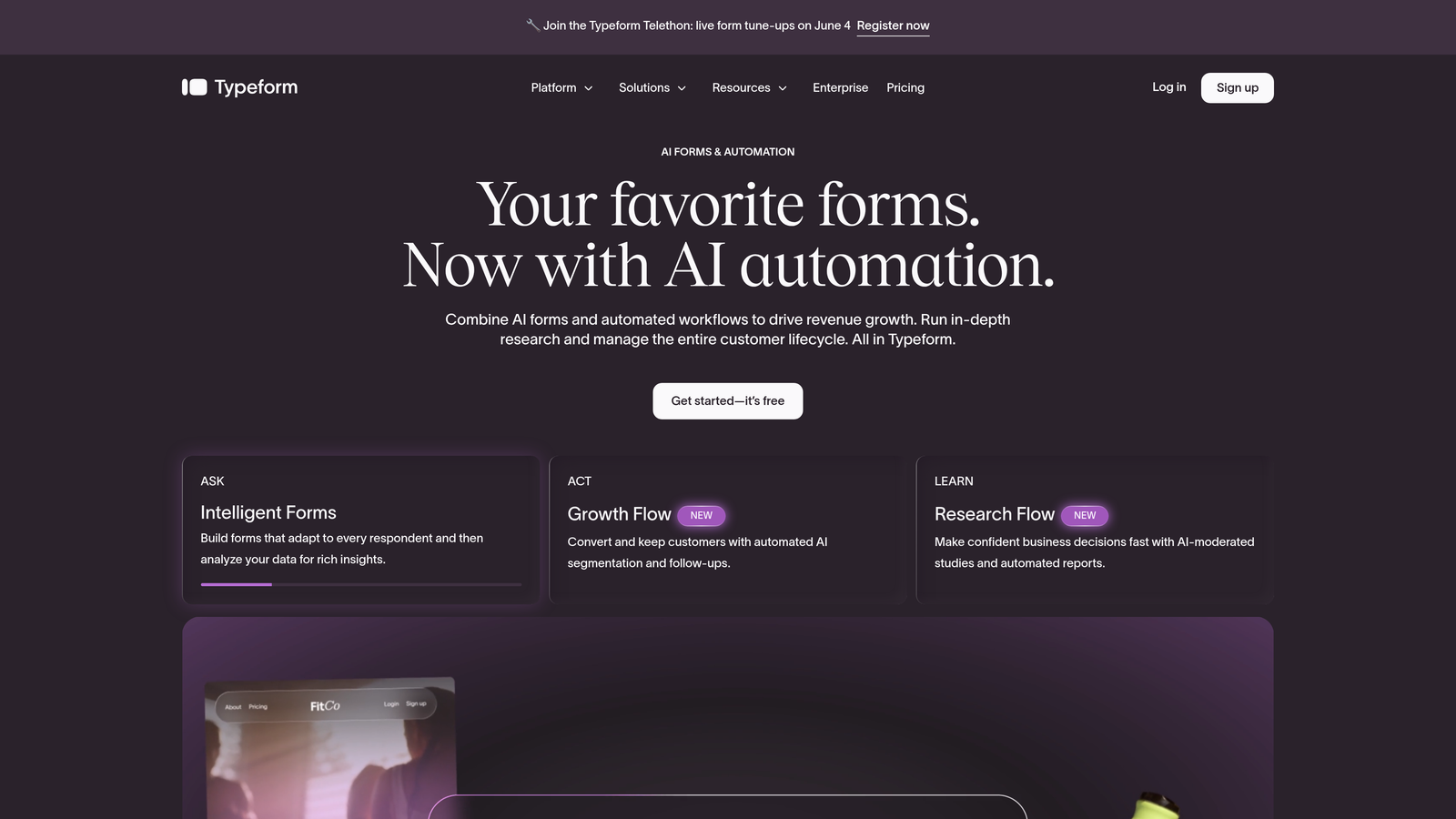
Typeform is a conversational form builder known for its one-question-at-a-time interface that transforms intake into a dialogue-style experience.
Where This Tool Shines
Typeform's signature UX reduces the psychological weight of filling out a long form. By presenting one question at a time, it keeps respondents engaged and moving forward rather than overwhelmed by a wall of fields. For consultation intake, where the questions can get detailed, this approach often improves completion rates meaningfully.
The visual polish is also a genuine differentiator. Typeform pages look and feel premium, which matters when your form is the first real interaction a prospect has with your brand. Agencies and consultants who sell on quality particularly benefit from this.
Key Features
Conversational UX: One-question-at-a-time interface that makes complex intake feel approachable and engaging.
Advanced Conditional Logic: Logic jumps and branching paths route respondents based on their answers.
Calendar Integrations: Connects with Calendly and Google Calendar for booking handoff after form completion.
Branded Form Pages: Visually polished, customizable pages that reflect your brand identity.
CRM and Automation Integrations: Connects with HubSpot, Salesforce, and Zapier for data routing and workflow triggers.
Best For
Agencies, brand-forward consultants, and teams where the form experience itself is part of the brand impression. Note that per-response pricing on some plans can become a consideration at higher volumes.
4. HubSpot Forms
Best for: Teams already using HubSpot who want seamless form-to-booking-to-CRM workflow without third-party connectors.
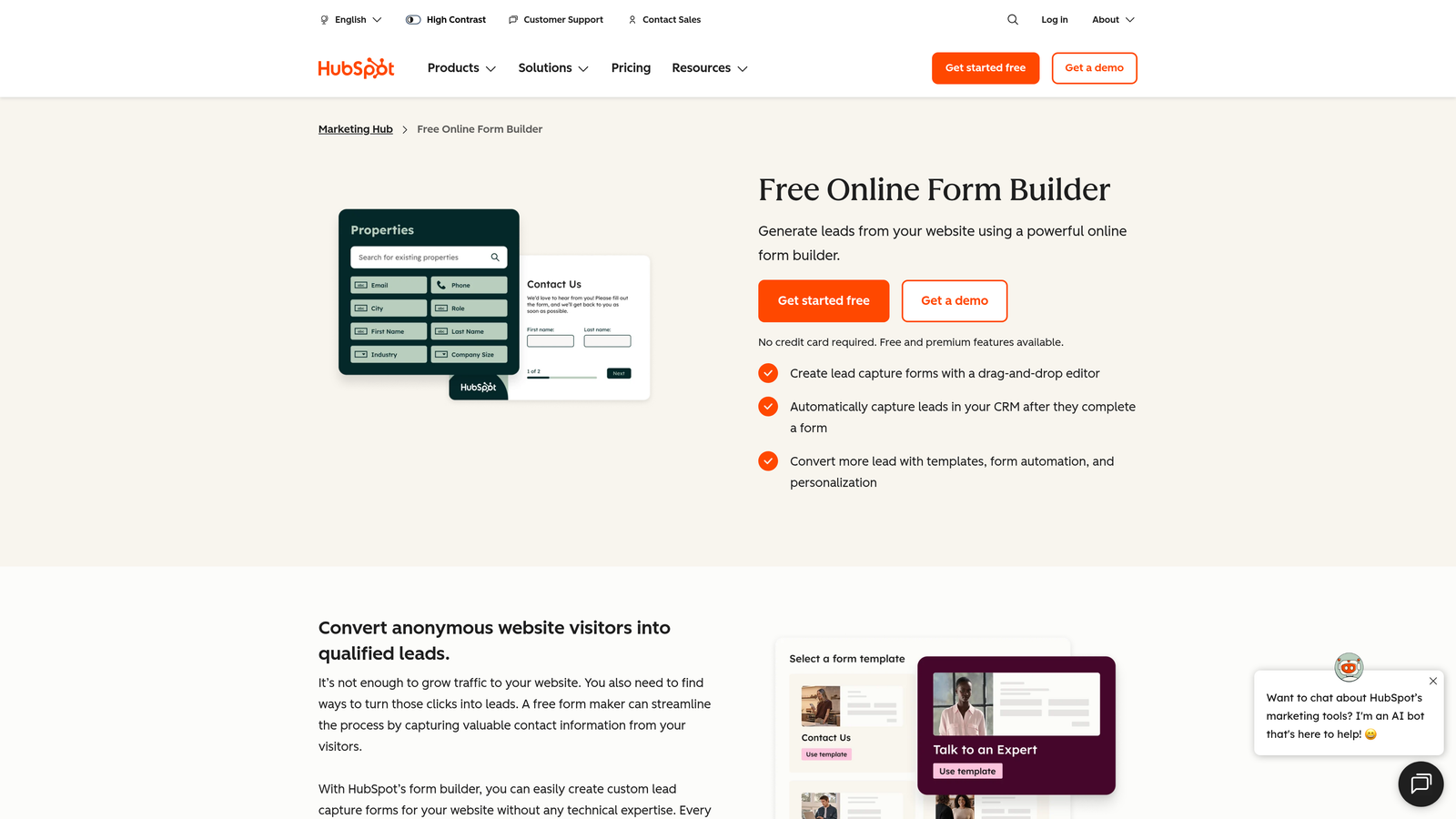
HubSpot Forms is the native form builder inside HubSpot's CRM platform, tightly integrated with HubSpot Meetings for a complete lead-to-booking workflow.
Where This Tool Shines
If your team lives in HubSpot, this is the path of least resistance. Form submissions automatically create or update contact records, trigger workflow automations, and connect directly to HubSpot Meetings for calendar booking, all without a single Zapier step. The data stays clean, the handoff is instant, and your team gets full context before the call.
Progressive profiling is a particularly useful feature for teams with existing contact databases. HubSpot Forms can recognize returning visitors and skip fields it already has data for, which reduces friction for warm leads and improves the experience for prospects who've interacted with you before.
Key Features
Native CRM Sync: Form submissions flow directly into HubSpot contact records with no third-party integration required.
HubSpot Meetings Integration: Connects forms to calendar booking for a seamless lead-to-consultation workflow.
Workflow Automation: Form submissions can trigger sequences, deal creation, task assignment, and more.
Progressive Profiling: Skips fields already on record for known contacts, reducing form friction for warm leads.
Free Tier: Available as part of HubSpot's free CRM with no time limit.
Best For
Teams already invested in the HubSpot ecosystem. If you're not a HubSpot customer, the forms alone don't justify the platform cost, but for existing users it's the obvious choice.
Pricing
Free with HubSpot CRM. Advanced features require paid Marketing Hub or Sales Hub plans. Verify current pricing at hubspot.com.
5. JotForm
Best for: Agencies and versatile teams that need a wide range of form types, templates, and built-in payment collection.
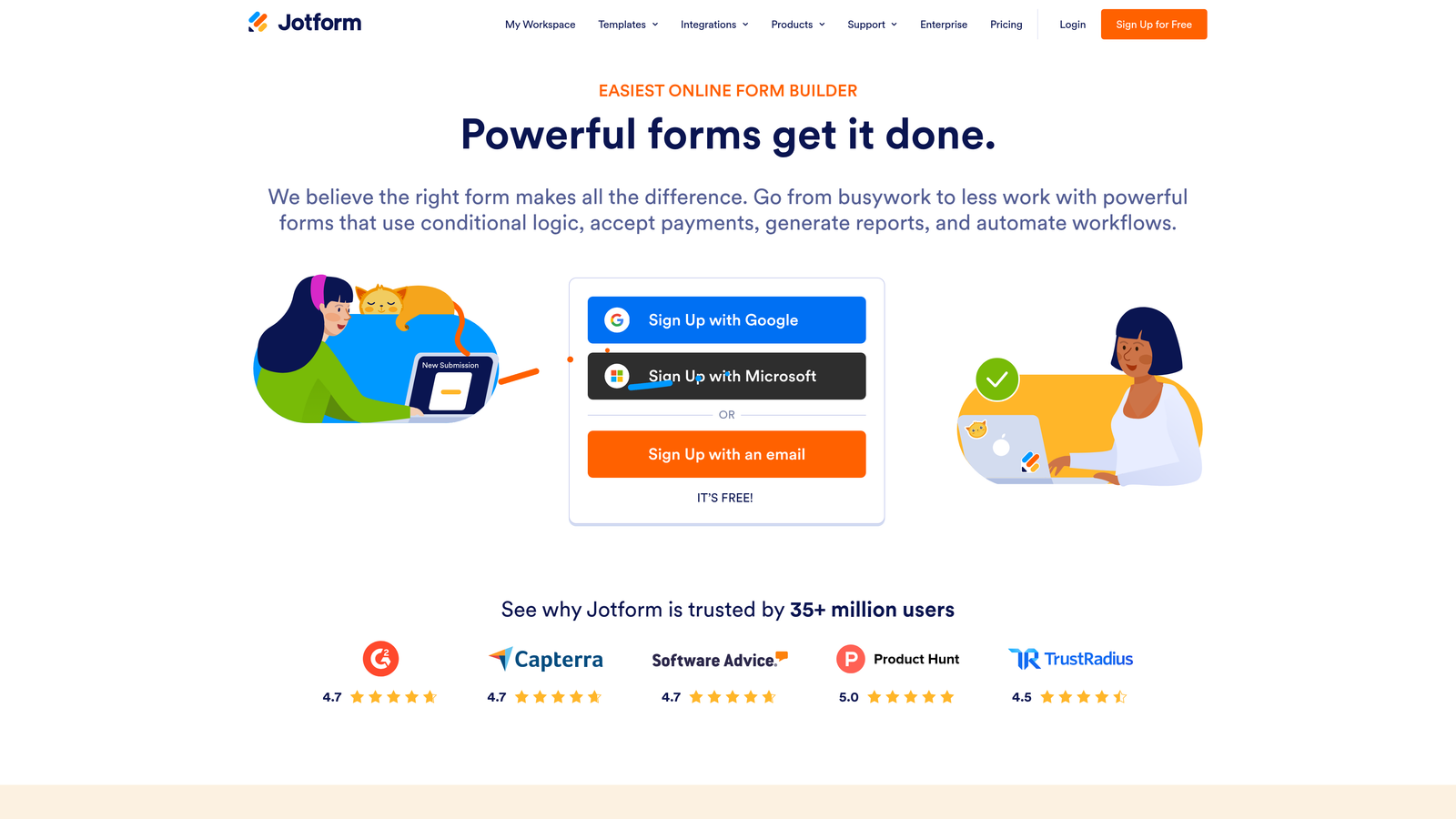
JotForm is a highly versatile form builder with appointment scheduling, payment collection, and thousands of templates covering a wide range of consultation use cases.
Where This Tool Shines
JotForm's breadth is its biggest strength. With over 10,000 templates and built-in appointment slot booking, it covers a lot of ground out of the box. For agencies managing forms across multiple clients or industries, the template library alone saves significant setup time.
Payment collection is a native feature, not an afterthought. If your consultation model involves a paid discovery session or deposit, JotForm handles that within the same form flow, which keeps the experience clean for the prospect.
Key Features
Built-In Appointment Booking: Native appointment slot selection within the form, no third-party scheduler required.
Payment Collection: Accepts payments via Stripe, PayPal, and Square directly within the form.
Extensive Template Library: Over 10,000 templates including consultation and booking-specific options.
Conditional Logic: Multi-page forms with branching logic for routing respondents by service type or need.
CRM Integrations: Zapier and native integrations with major CRM platforms.
Best For
Agencies managing multiple client forms, service businesses that collect payment at booking, and teams that want a proven, feature-rich builder without a steep learning curve.
Pricing
Free tier available with limited submissions. Paid plans start from approximately $34 per month. Verify current pricing at jotform.com.
6. Acuity Scheduling
Best for: Service businesses with complex scheduling needs, multiple staff members, or healthcare and wellness use cases.
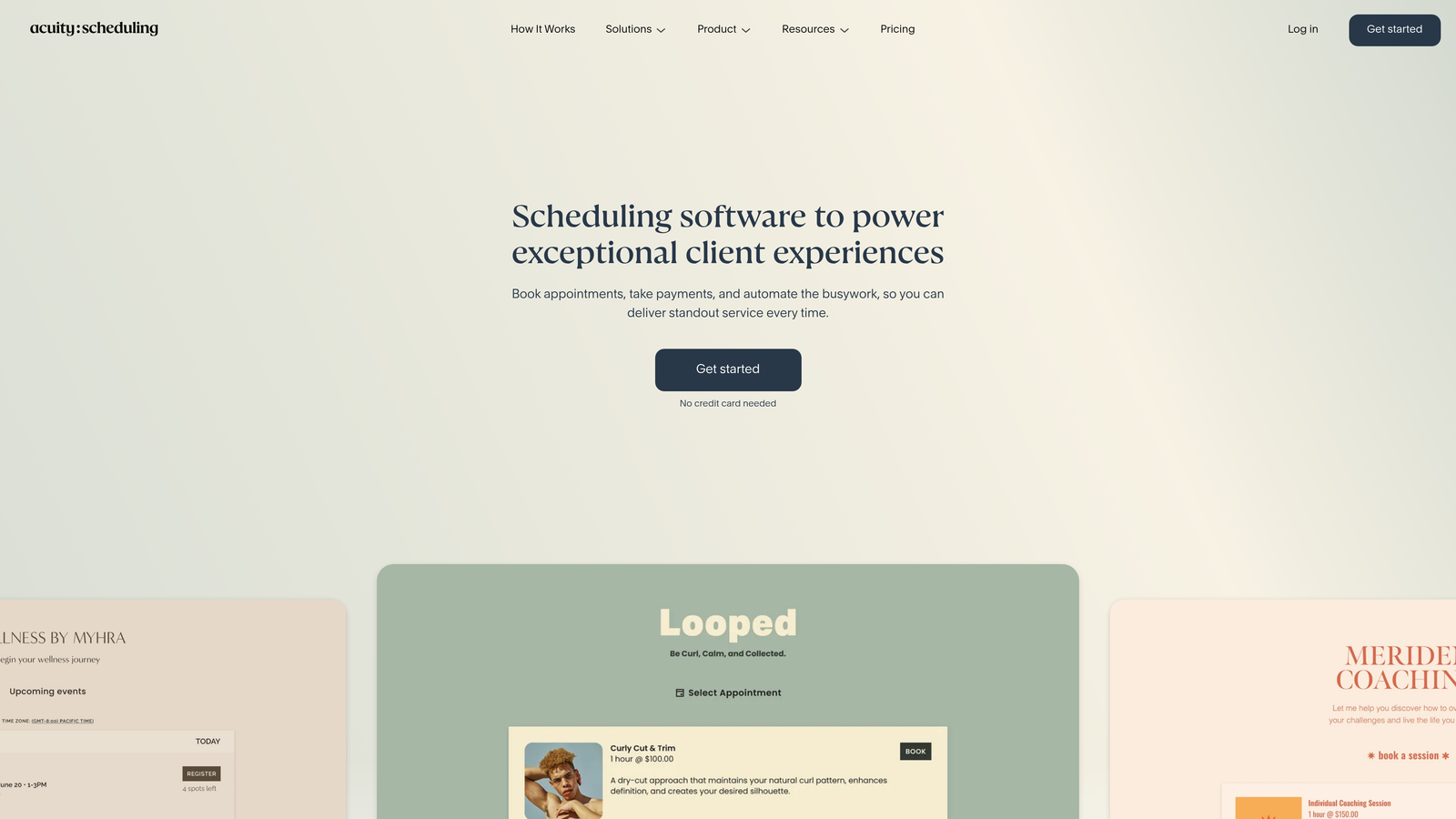
Acuity Scheduling is a scheduling-first platform built for service businesses with complex availability structures, featuring intake forms and payment collection as core capabilities.
Where This Tool Shines
Acuity handles scheduling complexity that simpler tools can't. Multiple staff members, multiple service types, packages, subscriptions, and coupon management are all built in. For businesses where scheduling logistics are genuinely complicated, Acuity removes the operational overhead that other tools leave you to figure out.
Intake forms in Acuity are tied to specific appointment types, which means you can ask different questions depending on what service a prospect is booking. That contextual intake data gives consultants and practitioners the right information before every specific type of appointment.
Key Features
Multi-Staff and Multi-Location Scheduling: Manages complex availability across team members and physical locations.
Appointment-Type Intake Forms: Attaches specific intake questions to specific service types for relevant pre-call context.
Package and Subscription Management: Handles retainer-style and recurring consultation models natively.
Built-In Payment Collection: Accepts payment before or after booking via Stripe, PayPal, and Square.
HIPAA-Compliant Plan: Available for healthcare providers and practitioners who need compliant data handling.
Best For
Health and wellness practitioners, legal and financial advisors, coaching businesses, and any service team with multiple staff members or complex service structures. Now part of the Squarespace ecosystem.
Pricing
Plans start from approximately $16 per month. Verify current pricing at acuityscheduling.com.
7. Tally
Best for: Teams that want clean, fast forms without per-response pricing anxiety or setup complexity.
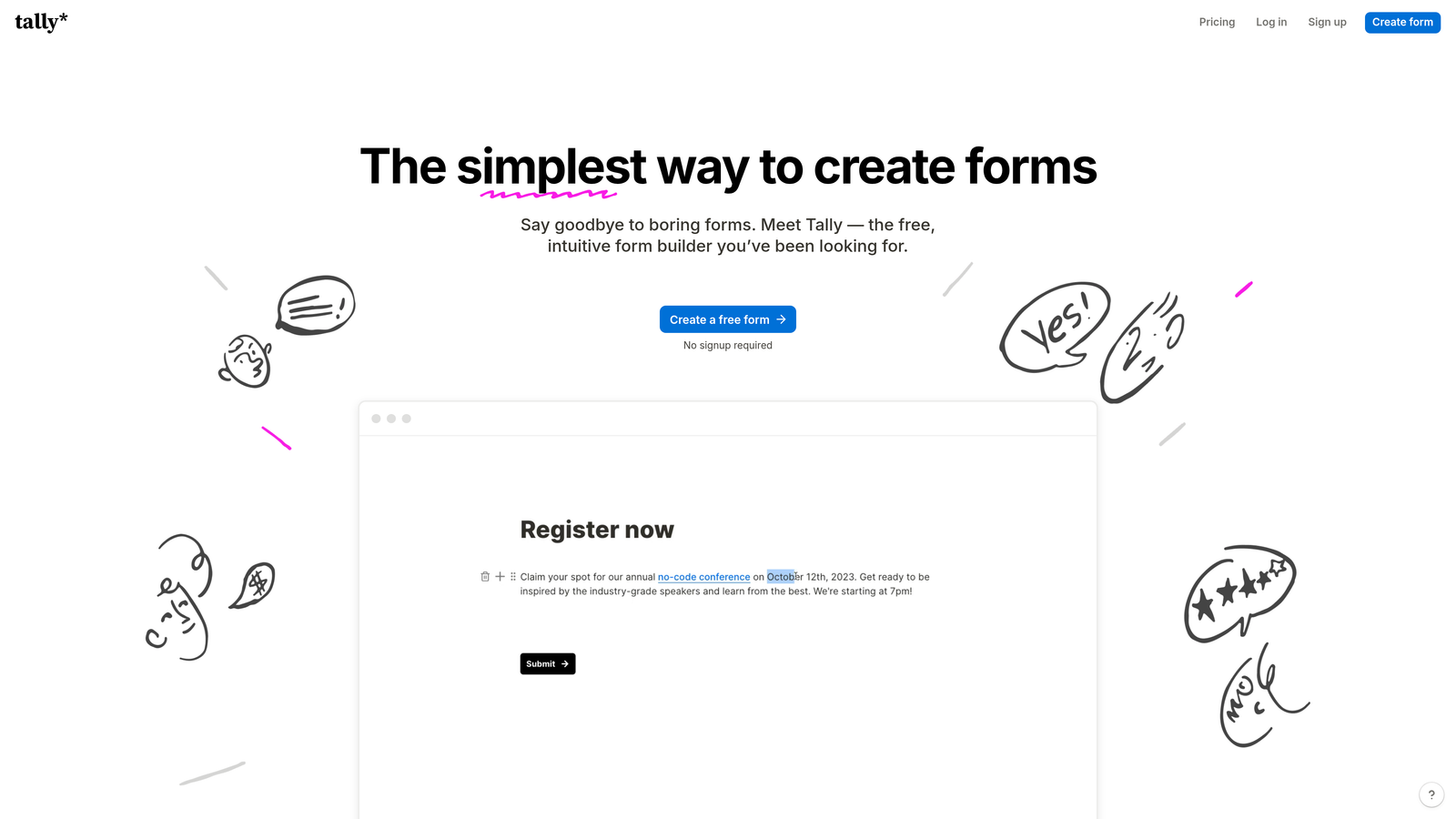
Tally is a minimal, Notion-inspired form builder with unlimited free submissions and a block-based editor that makes building forms feel intuitive.
Where This Tool Shines
Tally's free tier is genuinely generous. Unlimited submissions with no per-response fees means you can run high-volume intake without watching a billing counter. For teams that have been burned by surprise form tool invoices as their lead volume scaled, this is a meaningful relief.
The Notion-like editor has a very low learning curve. If your team already uses Notion for documentation, the mental model transfers almost immediately. You can build a functional consultation intake form in minutes, not hours.
Key Features
Unlimited Free Submissions: No per-response caps on the free tier, which removes cost anxiety as form volume grows.
Block-Based Editor: Notion-inspired interface with a minimal learning curve for fast form creation.
Conditional Logic and Hidden Fields: Smart routing and pre-population capabilities for more intelligent forms.
Calendly Integration via Zapier: Connects to Calendly for booking handoff after form completion.
Stripe Payments: Accepts payment collection within the form for paid consultation models.
Best For
Startups, solo consultants, and lean teams that want a clean, capable form without a complex setup or unpredictable pricing. Note that Tally has no native calendar scheduling, so you'll need Zapier or a Calendly embed for the booking step.
Pricing
Generous free tier with unlimited submissions. Pro plan from approximately $29 per month. Verify current pricing at tally.so.
8. Paperform
Best for: Consultants who want a rich, content-forward booking page that combines copy, media, and form logic in a single standalone experience.
Paperform is a form builder that doubles as a landing page tool, letting you create rich booking pages that blend text, images, and form fields in one place.
Where This Tool Shines
Paperform blurs the line between a form and a landing page. You can embed explanatory copy, images, and even video alongside your form fields, which means your booking page can do the selling and the collecting in one place. For consultants who want to communicate value before asking for information, this format is genuinely useful.
Custom domain support means your booking page can live at your own URL rather than a tool-branded subdomain. For independent consultants and boutique agencies where brand perception matters, that detail makes a real difference.
Key Features
Rich Content Embeds: Text, images, and video sit alongside form fields for a landing-page-style booking experience.
Built-In Appointment Scheduling: Native scheduling capability without needing a third-party calendar tool.
Payment Collection and Product Sales: Handles deposits, paid consultations, and product purchases within the same page.
Conditional Logic and Calculation Fields: Smart routing and dynamic field logic for more tailored intake experiences.
Custom Domain Support: Host your booking page on your own domain for a fully branded experience.
Best For
Independent consultants, boutique agencies, and service businesses where the booking page itself is part of the sales experience. Works well for anyone who wants to communicate their value proposition and capture intake in a single, polished page.
9. Google Forms + Calendly Embed
Best for: Teams just getting started that need a zero-cost, functional intake and booking solution with no setup complexity.
Google Forms combined with a Calendly free-tier link in the confirmation screen is a no-cost combination that gets the job done for low-volume or early-stage scenarios.
Where This Tool Shines
There's no faster path to a live consultation intake form. If you have a Google account, you can build a form and share it in minutes. Responses flow automatically into Google Sheets, giving you a clean record without any integration work. For teams that are testing a new service or running a small volume of consultations, this combination removes every barrier to getting started.
The Calendly free tier link in the form confirmation screen is a simple but effective handoff. It's not a native integration, and it requires the prospect to take an extra step, but for low-volume situations that friction is acceptable given the zero cost.
Key Features
Completely Free: Both Google Forms and the Calendly free tier cost nothing, making this the obvious starting point for budget-constrained teams.
Unlimited Responses: Google Forms has no submission caps, with responses automatically exported to Google Sheets.
Basic Conditional Logic: Section branching in Google Forms allows simple routing based on respondent answers.
Calendly Booking Handoff: A Calendly link in the form confirmation message directs respondents to book after completing intake.
Zero Setup Complexity: No accounts to connect, no integrations to configure, live in minutes.
Best For
Early-stage teams, freelancers testing a new offer, or anyone who needs a functional intake and booking flow immediately with no budget. This combination doesn't scale well and lacks qualification logic, but it's the right starting point for teams not yet ready for a paid tool.
Pricing
Free. Both Google Forms and the Calendly free tier have robust no-cost tiers with no time limits.
Which Tool Is Right for Your Team?
The best consultation booking form tool depends on where your biggest bottleneck actually lives. Is it lead quality? Scheduling complexity? CRM integration? Design? Each tool on this list solves a different primary problem.
Here's a quick way to think through the decision:
If lead qualification is your priority: Orbit AI's AI-powered scoring and routing layer is built specifically for this problem. It's the right fit for SaaS teams and consultants who are tired of spending time on calls that were never going to convert.
If scheduling simplicity is what you need: Calendly is the most widely recognized tool for a reason. It's clean, reliable, and handles the calendar coordination problem better than almost anything else.
If you're already in HubSpot: HubSpot Forms is the obvious choice. The native CRM sync and Meetings integration remove friction that every other tool on this list requires you to solve with a connector.
If brand experience matters most: Typeform and Paperform both deliver premium form experiences, with Typeform excelling at conversational intake and Paperform offering a richer, landing-page-style booking page.
If you need scheduling complexity: Acuity Scheduling handles multi-staff, multi-service, and package-based models that simpler tools can't touch.
If budget is the constraint: Tally's free tier with unlimited submissions is the best value for teams that need capability without cost. Google Forms plus a Calendly embed is the right starting point for teams that need something live today with zero spend.
The pattern across all of these tools is that what happens before the booking matters as much as the booking itself. Calendar integrations are table stakes now. The real differentiator is whether your form qualifies, routes, and scores leads intelligently, or just collects a name and hands off a slot.
If you're ready to move beyond basic intake and build a consultation booking experience that actually filters for fit, start building free forms today with Orbit AI and see what an AI-powered qualification layer does for your conversion rate.


