

Your contact form is often the last thing standing between a curious visitor and a qualified lead. Yet most teams treat it as an afterthought: a default template dropped onto a landing page, never tested, never analyzed, never optimized.
That's a costly oversight. A form with too many fields, confusing labels, or a weak CTA can quietly drain your pipeline without triggering a single alert. Meanwhile, teams that invest in form optimization consistently see meaningful lifts in conversion rates, lead quality, and downstream revenue.
This roundup covers the top contact form optimization tools available in 2026, spanning AI-powered form builders, behavior analytics platforms, A/B testing engines, and CRM-native solutions. Each tool was evaluated on conversion-focused features, ease of implementation, analytics depth, integration ecosystem, and overall value for high-growth teams. Whether you're a CRO specialist, demand gen marketer, or ops lead, there's a solution here built for your stack.
1. Orbit AI
Best for: High-growth SaaS teams that want AI-powered lead qualification built directly into the form experience.
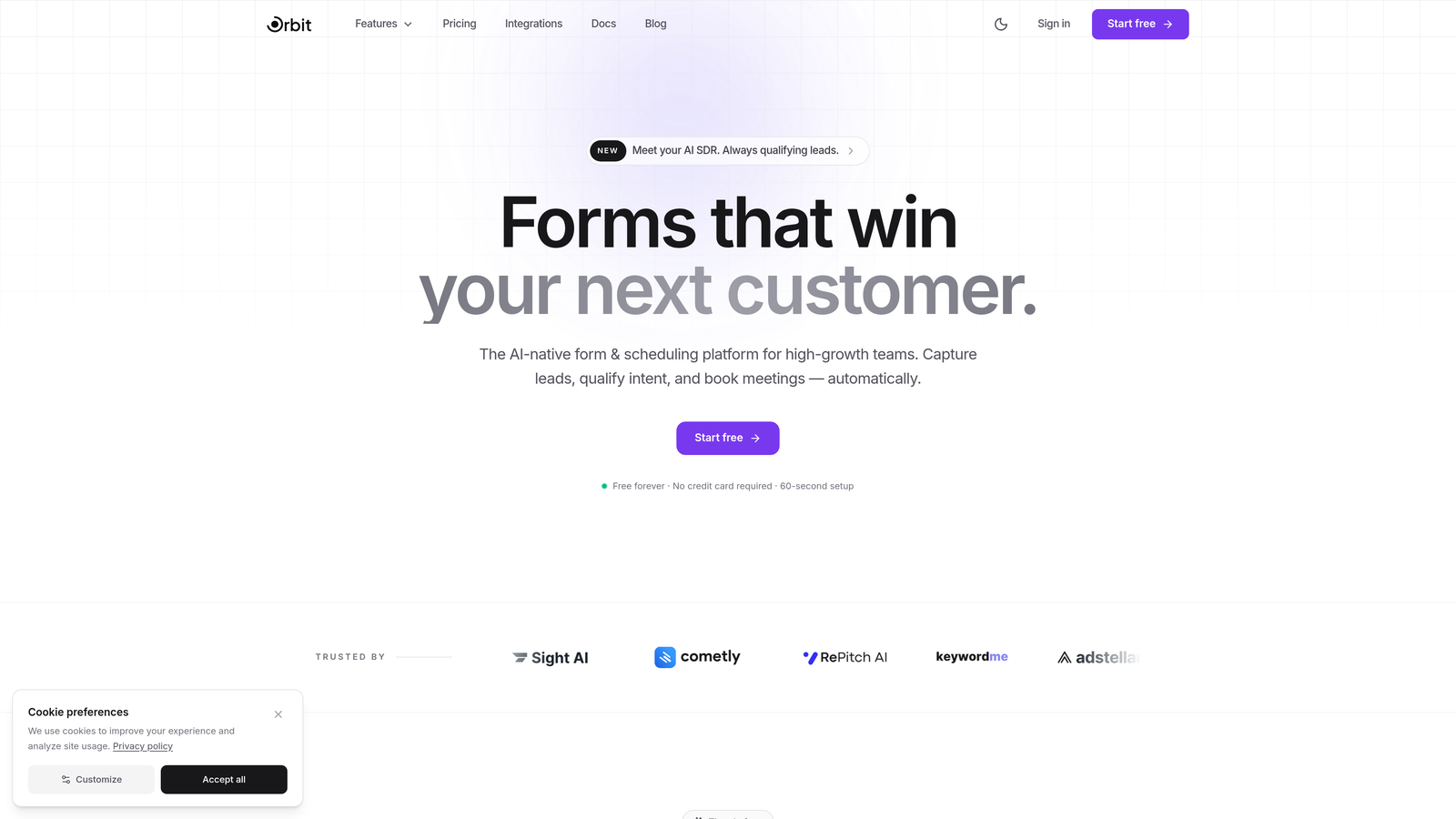
Orbit AI is an AI-powered form builder platform that goes beyond data collection, qualifying and routing leads in real time as prospects fill out your forms.
Where This Tool Shines
Most form builders are passive: they collect submissions and hand them off to your CRM. Orbit AI takes a fundamentally different approach by embedding intelligent lead qualification directly into the form experience itself. As a prospect interacts with your form, AI agents assess their responses and route them accordingly, so your sales team receives pre-qualified leads rather than raw submissions.
The platform also emphasizes design quality and conversion optimization from the ground up. Templates are built with modern UX principles and conversion best practices in mind, which means you're not starting from a blank slate every time you need a new form for a campaign or product page.
Key Features
AI Lead Qualification Agents: Real-time qualification logic embedded within the form experience, scoring and routing leads without manual review.
Conversion-Optimized Templates: A library of modern, high-converting form templates designed specifically for SaaS and high-growth use cases.
Built-In Analytics Dashboard: Track form performance, field-level drop-off, completion rates, and submission trends without a separate analytics tool.
Workflow Automation: Trigger automated follow-up sequences, internal notifications, or CRM updates based on form submission data and lead scores.
CRM Integrations: Native integrations with HubSpot, Close, Attio, and other modern CRMs to keep your pipeline data clean and current.
Best For
Orbit AI is the strongest fit for SaaS companies and high-growth teams that want their forms to actively participate in the qualification process, not just collect contact details. If your team is focused on pipeline efficiency and lead quality over raw volume, this platform is built for that exact problem.
Pricing
Visit orbitforms.ai/pricing for current plan details. A free tier is available to get started without a credit card.
2. Typeform
Best for: Teams that want a conversational, engaging form experience that feels less like a form and more like a dialogue.
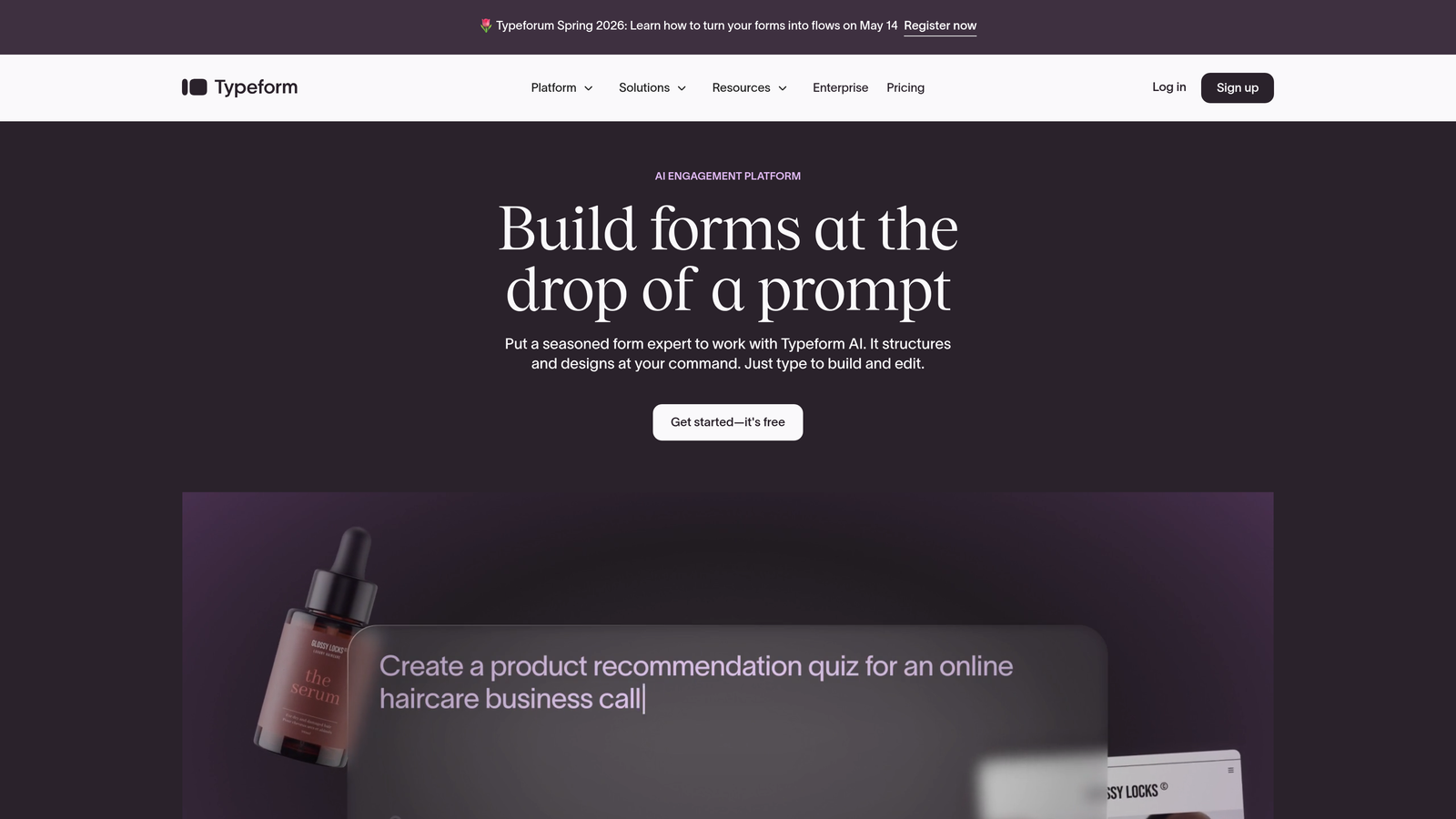
Typeform is a conversational form builder that presents questions one at a time, creating a more human and approachable interaction for respondents.
Where This Tool Shines
Typeform's signature one-question-at-a-time format reduces cognitive load and tends to improve completion rates for longer forms. Instead of confronting a visitor with a wall of fields, you guide them through a conversation, which can feel significantly less intimidating, especially for complex qualification forms or customer surveys.
The design quality is consistently strong out of the box. Typeform's templates are visually polished, and the branding customization options make it easy to match your company's visual identity without a designer on hand.
Key Features
Conversational One-Question UX: Presents a single question at a time to reduce drop-off and create a more engaging experience.
Logic Jumps and Conditional Branching: Route respondents through different question paths based on their previous answers.
Native Integrations: Connects with HubSpot, Salesforce, Slack, Zapier, and dozens of other marketing and CRM tools.
Customizable Themes: Full control over fonts, colors, background images, and branding to match your visual identity.
Best For
Typeform works well for marketing teams running lead generation campaigns, customer surveys, or product feedback forms where engagement and completion rate are the primary goals. It's a particularly good fit when your audience is consumer-facing or when brand experience matters as much as data collection.
Pricing
A free tier is available with limited responses. Paid plans start around $25/month, with higher tiers unlocking more responses, logic features, and integrations.
3. HubSpot Forms
Best for: Teams already using HubSpot CRM who want native form building with progressive profiling and automatic contact enrichment.
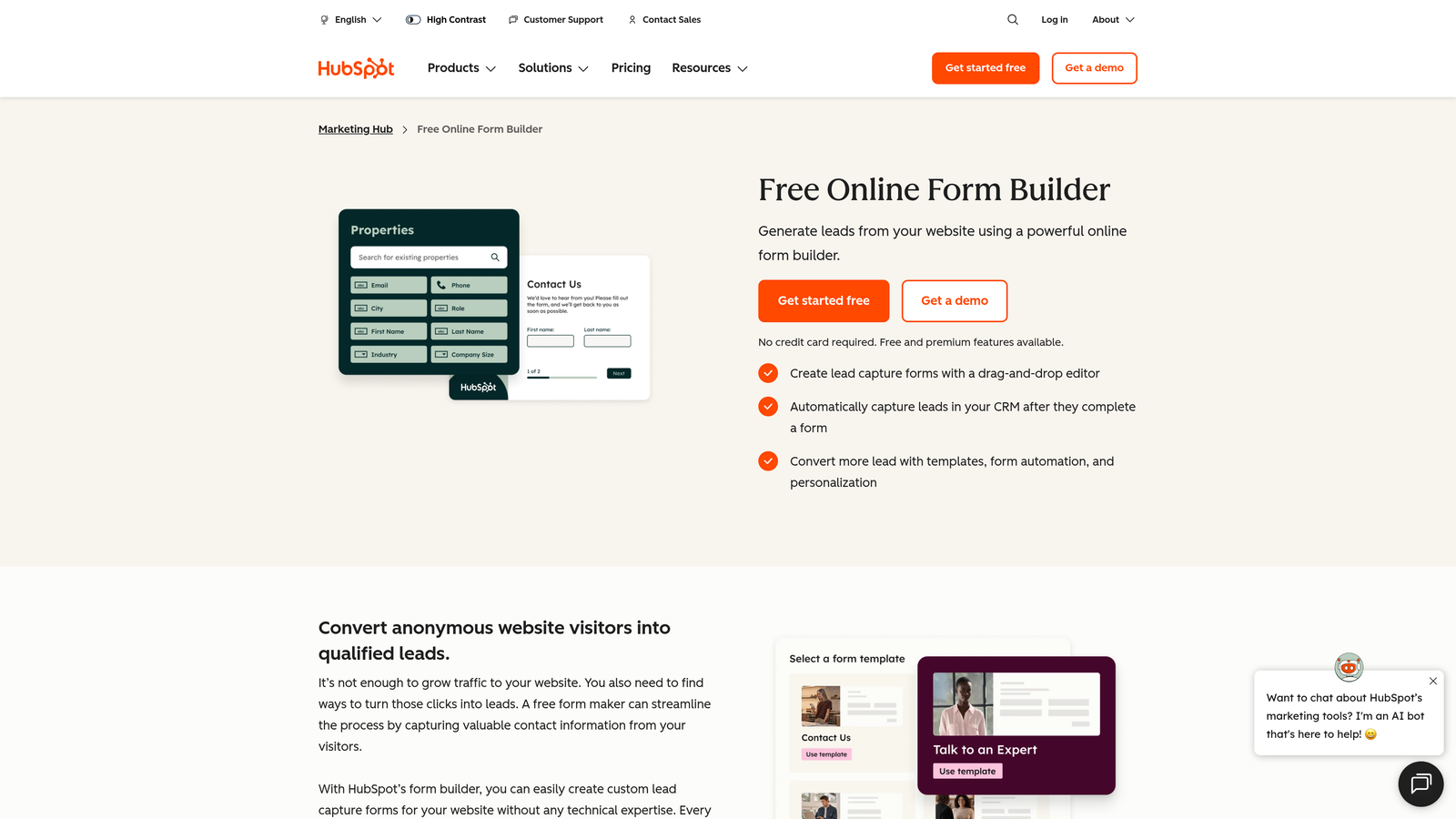
HubSpot Forms is a CRM-native form builder with smart fields and progressive profiling built directly into the HubSpot ecosystem.
Where This Tool Shines
The standout capability here is progressive profiling: HubSpot Forms can detect when a known contact is filling out a form and automatically replace fields they've already answered with new questions. This means returning visitors never have to re-enter their name and email, and you can progressively build a richer contact profile over multiple interactions without increasing form friction.
Because forms live natively inside HubSpot, every submission automatically creates or updates a contact record, assigns list memberships, and can trigger workflows. There's no middleware required and no sync to worry about.
Key Features
Progressive Profiling: Dynamically replaces already-known fields with new questions for returning contacts, reducing friction while enriching data.
Smart Fields: Fields that adapt based on what HubSpot already knows about the contact, creating a personalized form experience.
Automatic CRM Sync: Every submission instantly creates or updates a contact record with full activity history and list segmentation.
Built-In A/B Testing: Test different form variants directly within HubSpot Marketing Hub without additional tools.
Best For
HubSpot Forms is the natural choice for teams running their entire marketing and sales operation inside HubSpot. If you're already invested in the HubSpot ecosystem, using their native form tool eliminates integration overhead and keeps your data model clean.
Pricing
Basic forms are included free with HubSpot CRM. Advanced features like A/B testing and smart fields require Marketing Hub paid tiers, which start at several hundred dollars per month.
4. Unbounce Smart Builder
Best for: Paid acquisition teams that want AI-optimized landing pages with embedded forms and automatic traffic routing.
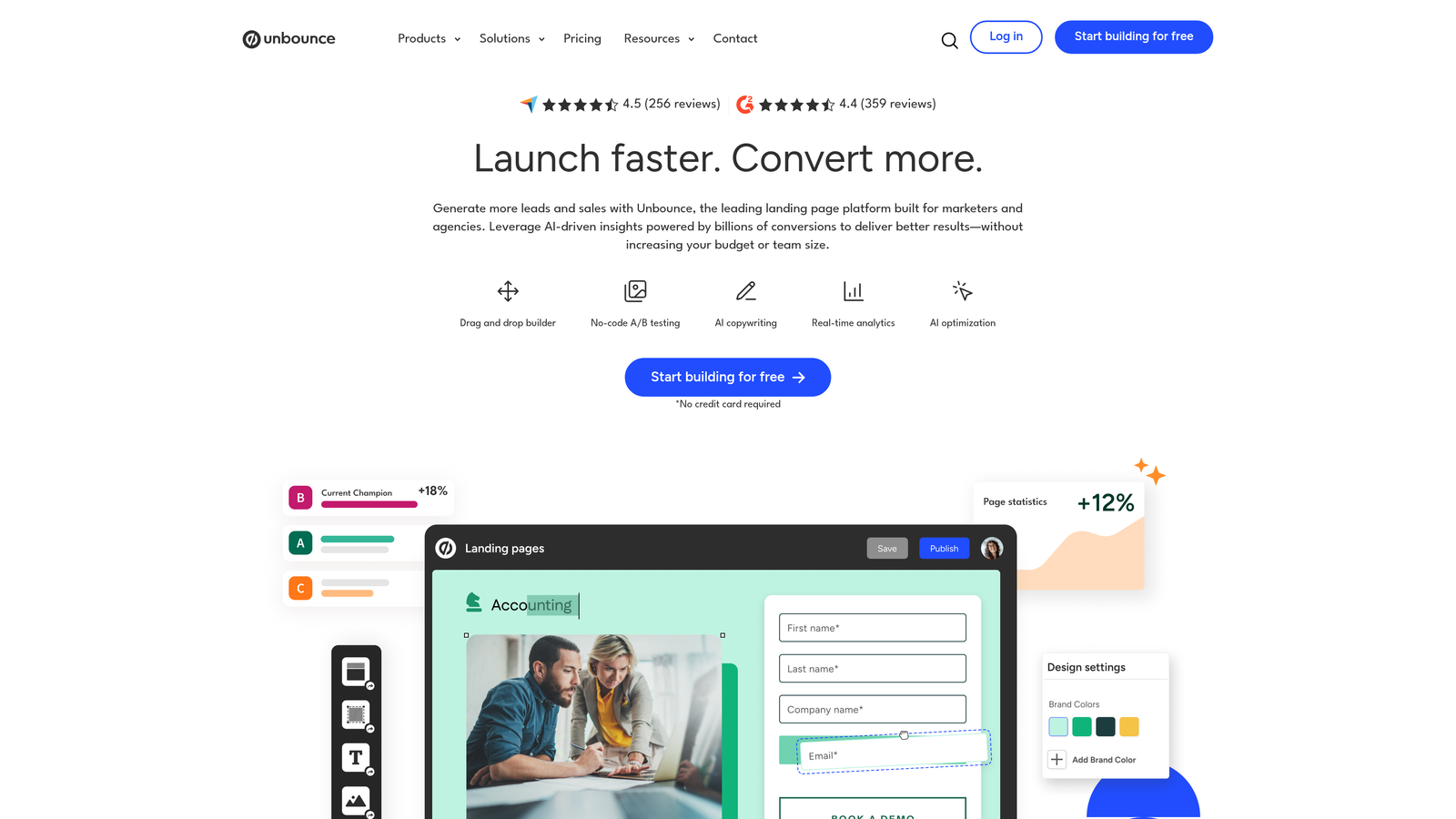
Unbounce is an AI-powered landing page platform with Smart Traffic technology that automatically routes visitors to the highest-converting page and form variant.
Where This Tool Shines
Unbounce's Smart Traffic feature is genuinely differentiated in this space. Rather than running a traditional A/B test where you split traffic manually and wait for statistical significance, Smart Traffic uses machine learning to continuously route visitors to the variant most likely to convert for their specific profile. It's optimization that runs on autopilot once you've published your variants.
The platform is also strong for PPC-focused teams because of its dynamic text replacement feature, which swaps in keyword-matched copy from your ad campaigns directly into the landing page and form, improving message match and conversion rates.
Key Features
Smart Traffic AI: Automatically routes visitors to the highest-converting variant based on visitor attributes and behavioral signals.
Drag-and-Drop Builder: Visual page and form builder with no coding required and a large template library.
Dynamic Text Replacement: Automatically matches landing page and form copy to the search keywords that drove the visit.
Conversion Intelligence: Built-in recommendations and insights to guide optimization decisions based on your campaign data.
Best For
Unbounce is best suited for performance marketing teams running paid search or social campaigns who need fast-loading, conversion-optimized landing pages with embedded lead capture forms. Less ideal if you only need standalone forms without the landing page context.
Pricing
Plans start around $99/month. Higher tiers unlock more landing pages, traffic limits, and advanced AI features.
5. Hotjar
Best for: CRO teams and UX researchers who need to diagnose exactly where and why users abandon forms.
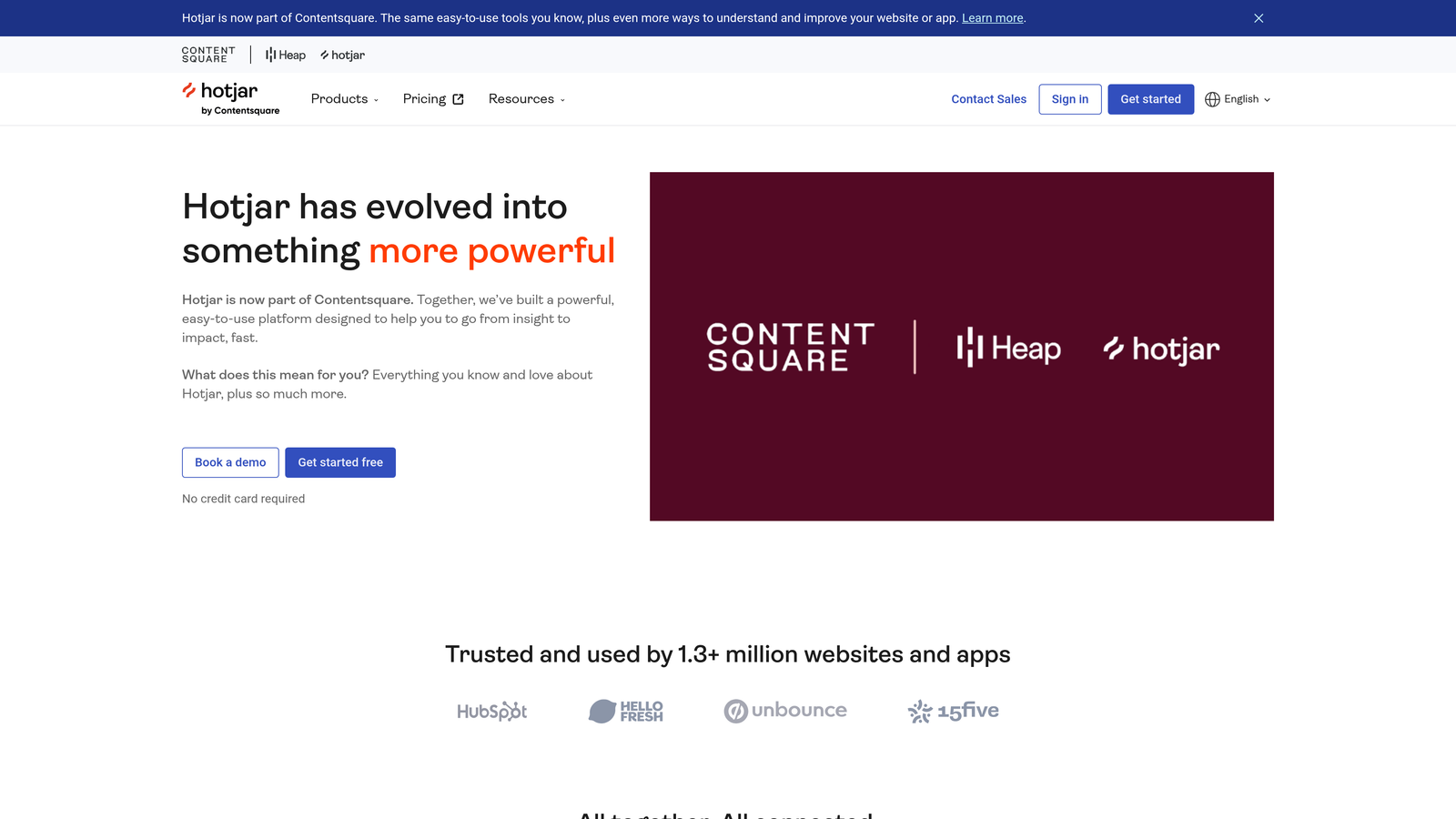
Hotjar is a behavior analytics platform offering heatmaps, session recordings, and dedicated form analytics to surface friction points in your form experience.
Where This Tool Shines
Hotjar doesn't build forms: it analyzes them. Its form analytics module shows you exactly which fields cause the most drop-off, how long users spend on each field, and where they give up entirely. That kind of field-level granularity is invaluable when you're trying to diagnose why a form isn't converting and you need evidence to prioritize fixes.
Pairing Hotjar's form analytics with its session recordings is particularly powerful. You can spot a high drop-off field in the analytics, then watch actual recordings of users interacting with that field to understand the qualitative "why" behind the data.
Key Features
Form Analytics: Field-level data on interaction rates, drop-off points, time spent, and re-fill behavior across your forms.
Session Recordings: Watch real user sessions to observe how visitors interact with your forms in context.
Heatmaps: Click, scroll, and move heatmaps that reveal how users engage with the page surrounding your form.
Feedback Widgets: Collect qualitative input from users directly on the page to complement quantitative analytics.
Best For
Hotjar is essential for any team serious about CRO. It's best used alongside a form builder rather than as a standalone solution, making it a strong complement to tools like Orbit AI, Typeform, or HubSpot Forms when you want deep diagnostic data.
Pricing
A free tier is available with limited sessions. Paid plans start around $39/month, scaling with traffic volume and feature access.
6. Jotform
Best for: Teams that need a flexible, template-rich form builder for a wide variety of use cases without heavy technical overhead.
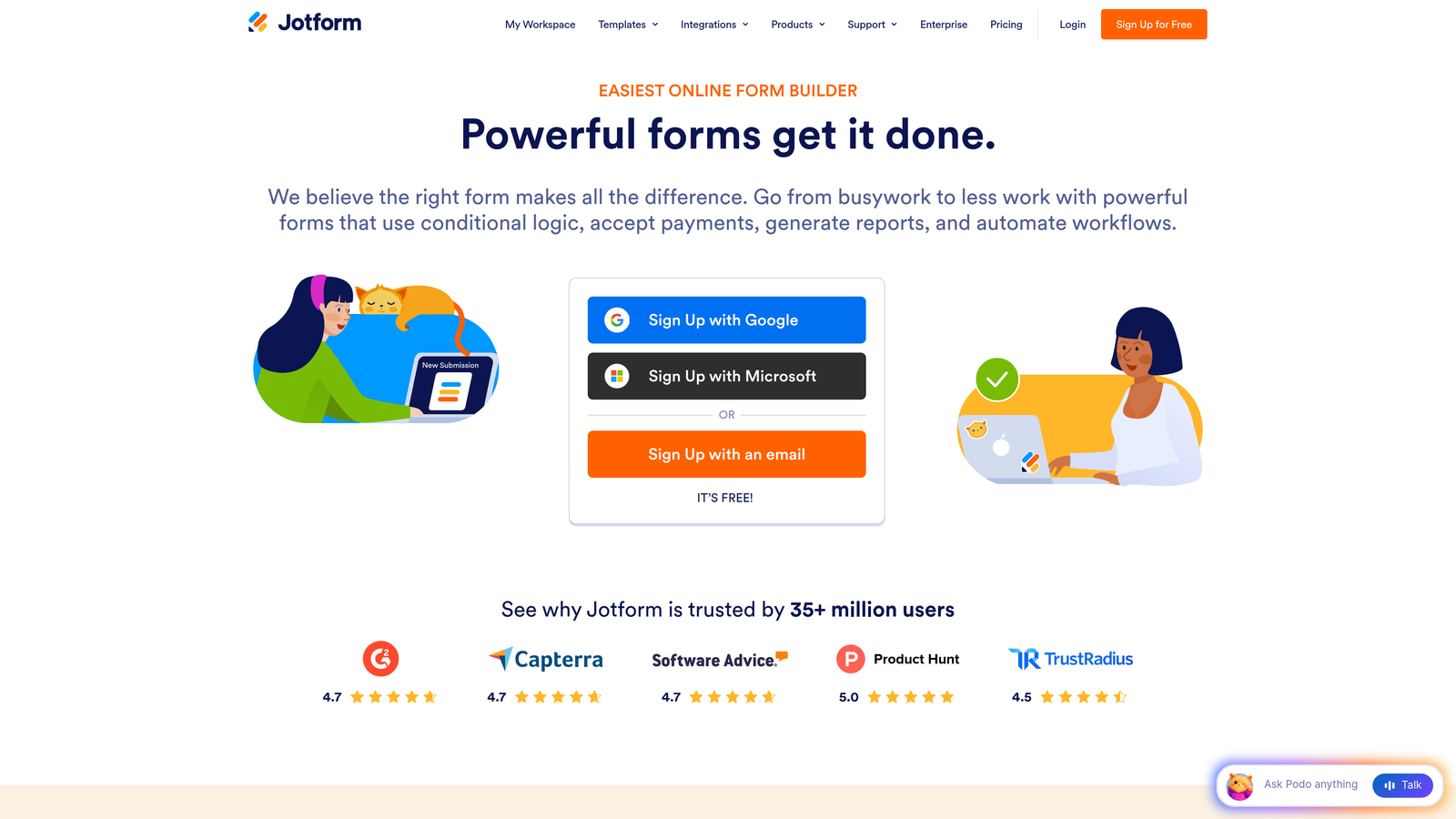
Jotform is a versatile no-code form builder with over 10,000 templates, conditional logic, and built-in payment collection capabilities.
Where This Tool Shines
Jotform's depth of templates is genuinely impressive. With templates spanning industries from healthcare to e-commerce to professional services, it's one of the fastest ways to launch a functional, well-designed form without starting from scratch. The breadth of the platform also means it can handle use cases that go well beyond basic contact forms, including order forms, event registrations, and appointment bookings.
Jotform Tables, the platform's built-in submission management layer, is a useful addition for teams that want to review, filter, and collaborate on form responses without exporting to a spreadsheet every time.
Key Features
10,000+ Templates: An extensive template library covering virtually every industry and form type.
Conditional Logic: Show or hide fields based on previous answers, with multi-page form support for longer workflows.
Payment Collection: Built-in integrations with Stripe, PayPal, and Square for collecting payments directly through forms.
Jotform Tables: A spreadsheet-style interface for managing, filtering, and collaborating on form submissions.
Best For
Jotform is a strong choice for small to mid-sized teams that need a reliable, all-purpose form builder with a generous free tier. It's particularly useful for operations teams managing multiple form types across different departments.
Pricing
Free tier includes up to 5 forms and 100 monthly submissions. Paid plans start around $34/month with higher submission limits and advanced features.
7. Formstack
Best for: Operations and enterprise teams that need forms, document generation, and e-signatures in a single unified workflow.
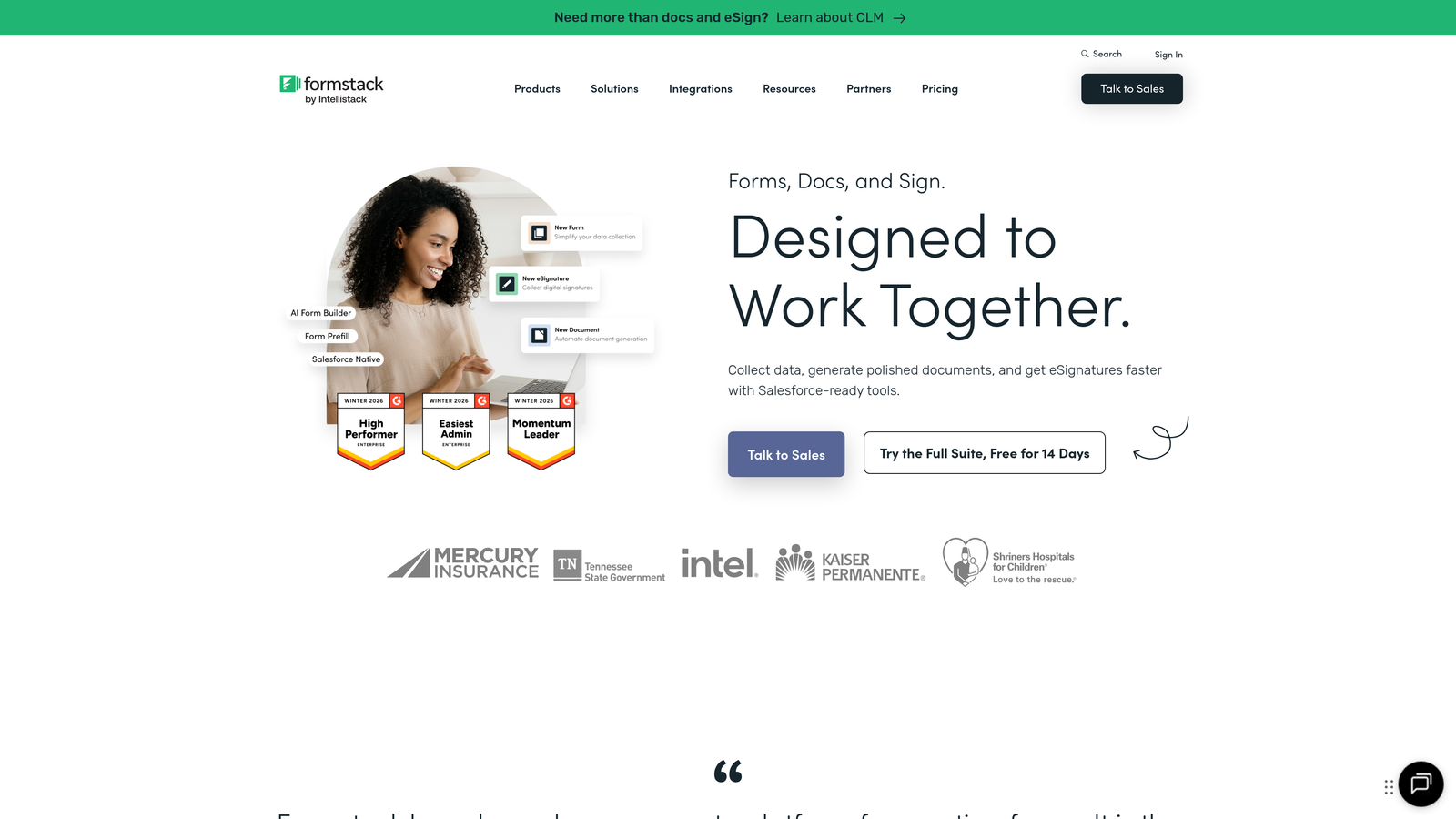
Formstack is a workplace productivity platform that combines form building, document generation, and electronic signatures into connected data collection workflows.
Where This Tool Shines
Formstack's differentiation is its breadth beyond the form itself. Where most form builders stop at submission, Formstack can take that submission data and automatically populate a contract, proposal, or onboarding document, then route it for e-signature, all within the same platform. For teams that have complex post-submission workflows, this eliminates significant manual work.
The platform also carries HIPAA compliance certifications and enterprise-grade security options, making it one of the few form tools suitable for healthcare organizations and regulated industries where data handling requirements are strict.
Key Features
Integrated Documents and Signatures: Generate pre-populated documents and collect e-signatures directly from form submission data.
Conditional Logic and Pre-Population: Dynamic field display and automatic data pre-fill to reduce friction for returning users.
Workflow Routing: Automatically route submissions to the right team members or approval queues based on form data.
HIPAA Compliance: Enterprise security features and compliance options for regulated industries including healthcare.
Best For
Formstack is best for enterprise and mid-market operations teams, particularly in regulated industries, that need a unified platform for the full data collection and document workflow rather than just a standalone form builder.
Pricing
Plans start around $50/month for basic forms. Full platform access including documents and signatures is priced at higher tiers.
8. Zuko Analytics
Best for: CRO specialists who need granular, field-level form analytics that work with any existing form builder.
Zuko Analytics (formerly Leadformly) is a dedicated form analytics platform that provides deep field-level data on drop-off rates, time-per-field, and completion funnels without requiring you to switch form builders.
Where This Tool Shines
Zuko's core value is specialization. While tools like Hotjar offer form analytics as one feature among many, Zuko is built exclusively for form analysis, which means the depth and granularity of its data goes further. You can see exactly which fields cause abandonment, how long users hesitate before a specific field, and where multi-step forms lose the most momentum.
Critically, Zuko works via a script tag that you add to any page, meaning it layers on top of your existing form builder. You don't need to migrate forms or change your current stack to start collecting data.
Key Features
Field-Level Abandonment Analysis: Pinpoint exactly which fields trigger drop-off with granular interaction data for every field in your form.
Time-Per-Field Metrics: Identify fields where users hesitate, struggle, or spend disproportionate time, signaling friction or confusion.
Completion Funnel Visualization: See how users move through multi-step forms and where the biggest conversion gaps occur.
Stack-Agnostic Implementation: Deploys via script tag and works alongside any existing form builder without migration.
Best For
Zuko is ideal for CRO specialists and growth teams that already have a form builder in place and want a dedicated analytics layer to inform optimization decisions. It's a natural companion to almost any other tool in this list.
Pricing
Plans start around $100/month based on the number of tracked sessions, scaling with traffic volume.
9. VWO and Optimizely
Best for: Enterprise teams running structured A/B and multivariate experiments on form elements, layouts, and CTAs at scale.
VWO and Optimizely are enterprise-grade experimentation platforms built for rigorous A/B and multivariate testing of form elements, page layouts, and conversion flows.
Where This Tool Shines
When you need to run controlled experiments on your forms with statistical rigor, these platforms are in a different class. Both offer visual editors that let non-developers create test variants by clicking on elements, along with sophisticated statistical engines that help you determine when a result is genuinely significant rather than random noise.
The audience segmentation capabilities are particularly valuable for form optimization. You can run different form experiences for different traffic sources, device types, or behavioral segments, which allows for a level of personalization and testing precision that simpler tools can't match.
Key Features
A/B and Multivariate Testing: Test individual form elements or entire form layouts simultaneously with proper statistical controls.
Visual Editor: Create test variants by clicking and editing elements directly on the page, no developer required for most changes.
Statistical Significance Engine: Built-in analysis to determine when test results are reliable and actionable, reducing false positives.
Audience Segmentation: Target experiments to specific visitor segments based on traffic source, device, behavior, or custom attributes.
Best For
VWO and Optimizely are best suited for enterprise marketing and CRO teams with sufficient traffic volumes to run statistically valid experiments and a dedicated experimentation program. For smaller teams or lower-traffic sites, simpler testing tools will often be more practical.
Pricing
VWO plans start around $99/month. Optimizely operates on custom enterprise pricing, typically requiring a sales conversation for a quote.
Finding the Right Fit for Your Growth Stack
The right contact form optimization tool depends entirely on where your biggest conversion gap lives right now. Not every team needs every layer of this stack.
If you're a demand gen marketer focused on lead volume and quality, start with a conversion-optimized form builder. Orbit AI is the strongest choice if real-time lead qualification and pipeline efficiency are priorities. Typeform is excellent if engagement and completion rate are your primary concern, particularly for longer qualification flows.
If you're a CRO specialist tasked with diagnosing and fixing underperforming forms, layer in Zuko Analytics or Hotjar to get field-level data before making changes. Then use VWO or Optimizely to run structured experiments once you've identified what to test.
If you're an ops or revenue team already running HubSpot, the native forms with progressive profiling are a natural starting point. For teams with more complex post-submission workflows, Formstack's document and signature integration can eliminate significant manual work downstream.
For most high-growth SaaS teams, the highest-leverage move is pairing an intelligent form builder with a dedicated analytics layer. You get the conversion-optimized experience on the front end and the diagnostic data to keep improving it over time.
Ready to see what an AI-powered form experience can do for your pipeline? Start building free forms today and discover how intelligent form design, built-in lead qualification, and real-time analytics can transform your conversion strategy from the ground up.


