

Choosing a form builder often comes down to one critical question: what will this actually cost me each month? With pricing models ranging from free forever plans to enterprise subscriptions exceeding $200/month, finding the right balance between features and budget requires careful comparison.
This guide breaks down the real monthly costs of nine leading form builders, including hidden fees, per-response charges, and what you actually get at each price tier. Whether you're a solo entrepreneur needing basic contact forms or a high-growth team requiring advanced lead qualification, you'll find transparent pricing information to make an informed decision.
1. Orbit AI
Best for: High-growth teams needing AI-powered lead qualification without per-response fees
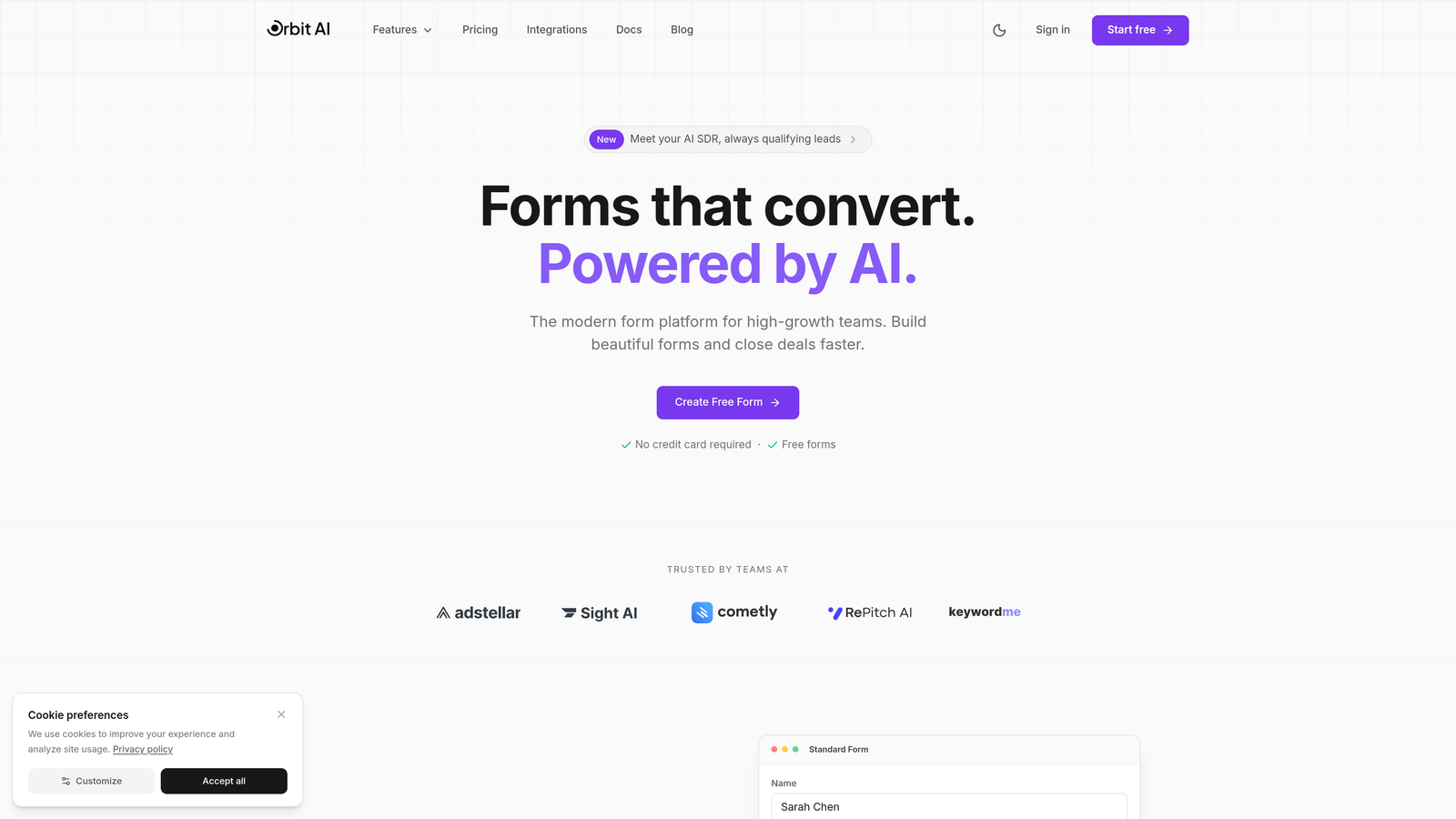
Orbit AI is an AI-powered form builder that combines conversion optimization with intelligent lead qualification.
Where This Tool Shines
The standout feature here is the elimination of per-response pricing anxiety. While many competitors charge based on submission volume, Orbit AI uses transparent monthly pricing that lets you scale without worrying about unexpected costs as your traffic grows.
The AI-powered lead qualification automatically scores and routes prospects, saving your team hours of manual filtering. This means your sales team focuses on qualified leads rather than sorting through every form submission.
Key Features
AI-Powered Lead Qualification: Automatically scores and prioritizes leads based on custom criteria you define.
Predictable Monthly Pricing: Transparent response tiers instead of per-response fees, with high monthly response limits.
Conversion-Optimized Templates: Pre-built forms designed specifically for high-conversion scenarios.
Built-in Analytics: Track form performance, conversion rates, and lead quality metrics in real-time.
Workflow Automation: Route qualified leads to the right team members automatically.
Best For
This platform is ideal for SaaS companies, B2B businesses, and high-growth teams where lead quality matters more than raw volume. If you're tired of paying per submission or need intelligent lead routing without complex integrations, Orbit AI delivers exactly that.
Pricing
Transparent monthly pricing with no hidden per-response fees. Visit orbitforms.ai/pricing for current pricing tiers and feature breakdowns.
2. Typeform
Best for: Creating engaging, conversational forms with strong visual design and brand customization
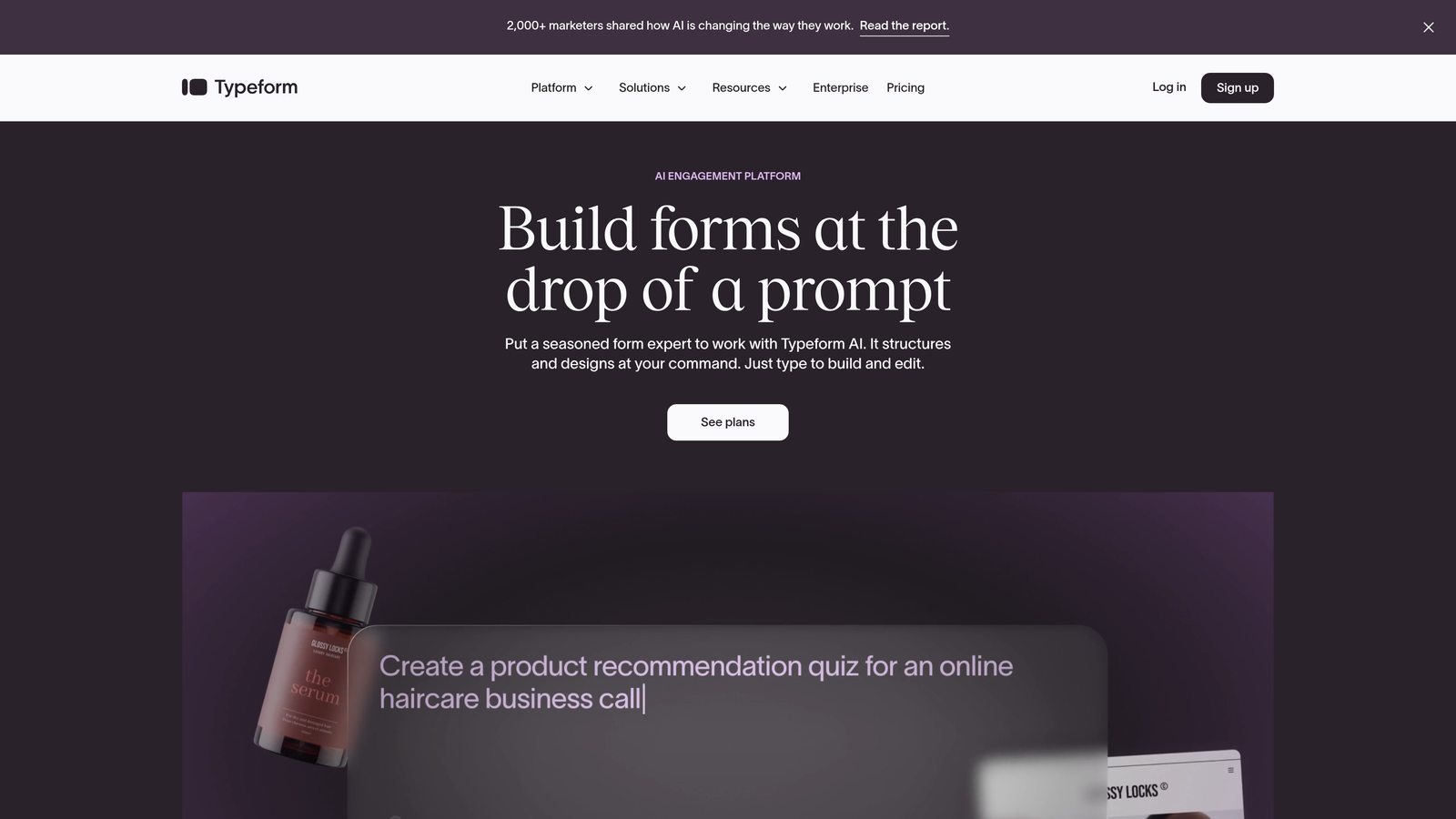
Typeform is a conversational form builder known for its one-question-at-a-time format that creates engaging user experiences.
Where This Tool Shines
Typeform revolutionized form design by making data collection feel like a conversation. Instead of overwhelming users with long forms, it presents one question at a time, which typically improves completion rates compared to traditional multi-field layouts.
The design capabilities are exceptional. If you need forms that match your brand perfectly and create memorable experiences, Typeform's customization options deliver professional results with minimal effort.
Key Features
Conversational Interface: One-question-at-a-time format that feels more like a chat than a form.
Strong Design Customization: Extensive branding options including custom fonts, colors, and backgrounds.
Logic Branching: Show different questions based on previous answers to create personalized paths.
Integration Marketplace: Connect with hundreds of tools including CRMs, email platforms, and analytics.
Video Forms: Embed video questions to create more engaging, multimedia experiences.
Best For
Marketing teams, customer experience professionals, and businesses where form aesthetics directly impact brand perception. If you're collecting feedback, running surveys, or creating lead magnets where presentation matters, Typeform excels.
Pricing
Free tier available with Typeform branding. Basic starts at $25/month, Plus at $50/month, and Business at $83/month. Response limits apply to each tier.
3. Jotform
Best for: Teams needing extensive template variety and flexible pricing across different business sizes
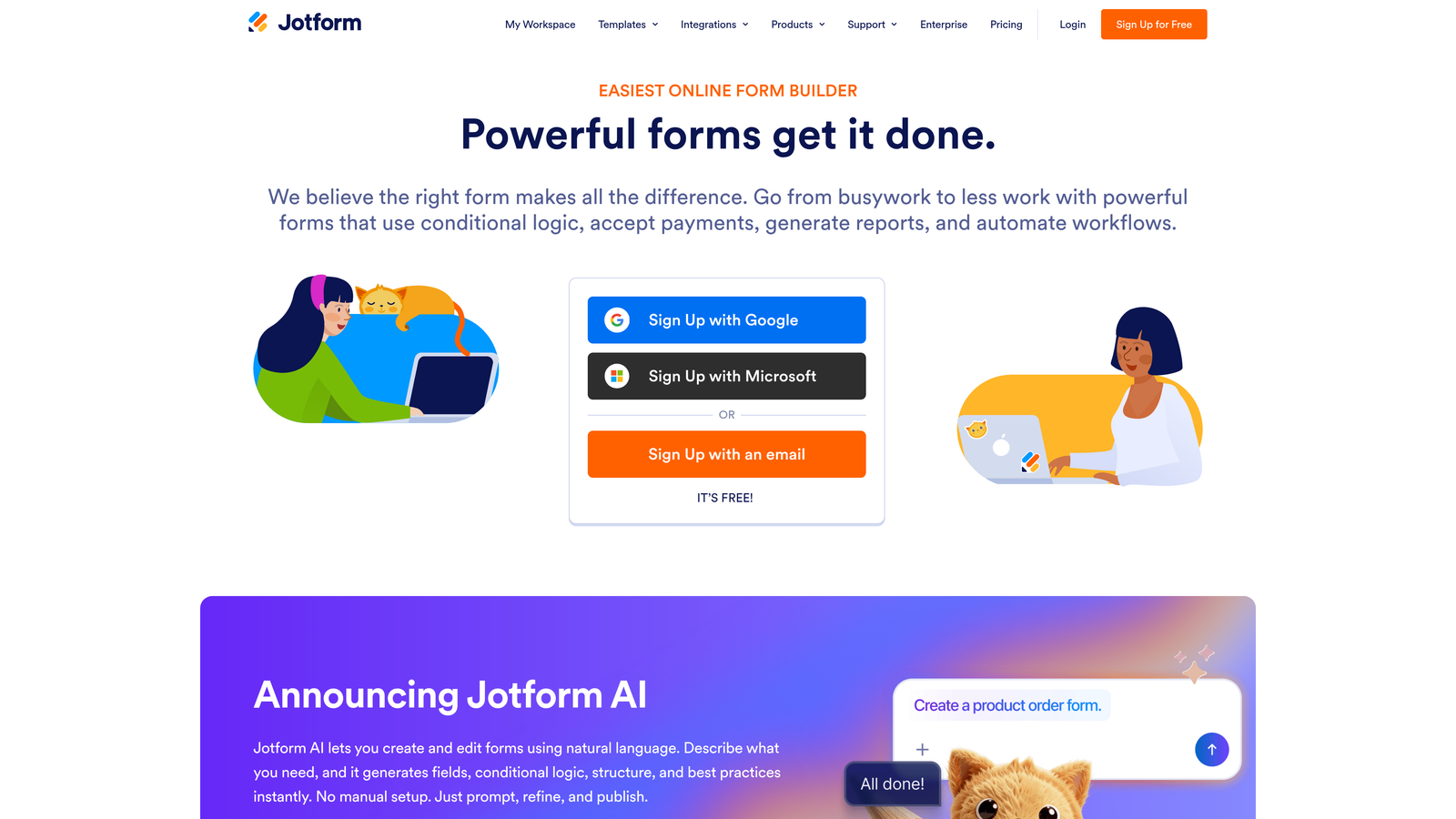
Jotform is a versatile form builder offering one of the largest template libraries and comprehensive feature sets.
Where This Tool Shines
With over 10,000 templates, Jotform solves the "blank canvas problem" better than almost any competitor. Whether you need event registration, job applications, or customer surveys, there's likely a pre-built template that gets you 80% of the way there.
The PDF form creation feature is particularly valuable for businesses that need to generate formatted documents from submissions. This eliminates the manual work of copying form data into templates.
Key Features
10,000+ Templates: Industry-specific templates for virtually every use case imaginable.
PDF Form Creation: Automatically generate formatted PDFs from form submissions.
E-signature Support: Collect legally binding signatures directly within forms.
Mobile App Builder: Create custom mobile apps for offline data collection.
Team Collaboration: Share forms and manage submissions across team members.
Best For
Small to medium businesses needing versatility without complexity. The extensive template library makes Jotform ideal for organizations that need multiple form types across different departments.
Pricing
Free plan includes 5 forms and 100 submissions monthly. Bronze at $34/month, Silver at $39/month, and Gold at $99/month with increasing submission limits and features.
4. Google Forms
Best for: Basic data collection with zero budget and seamless Google Workspace integration
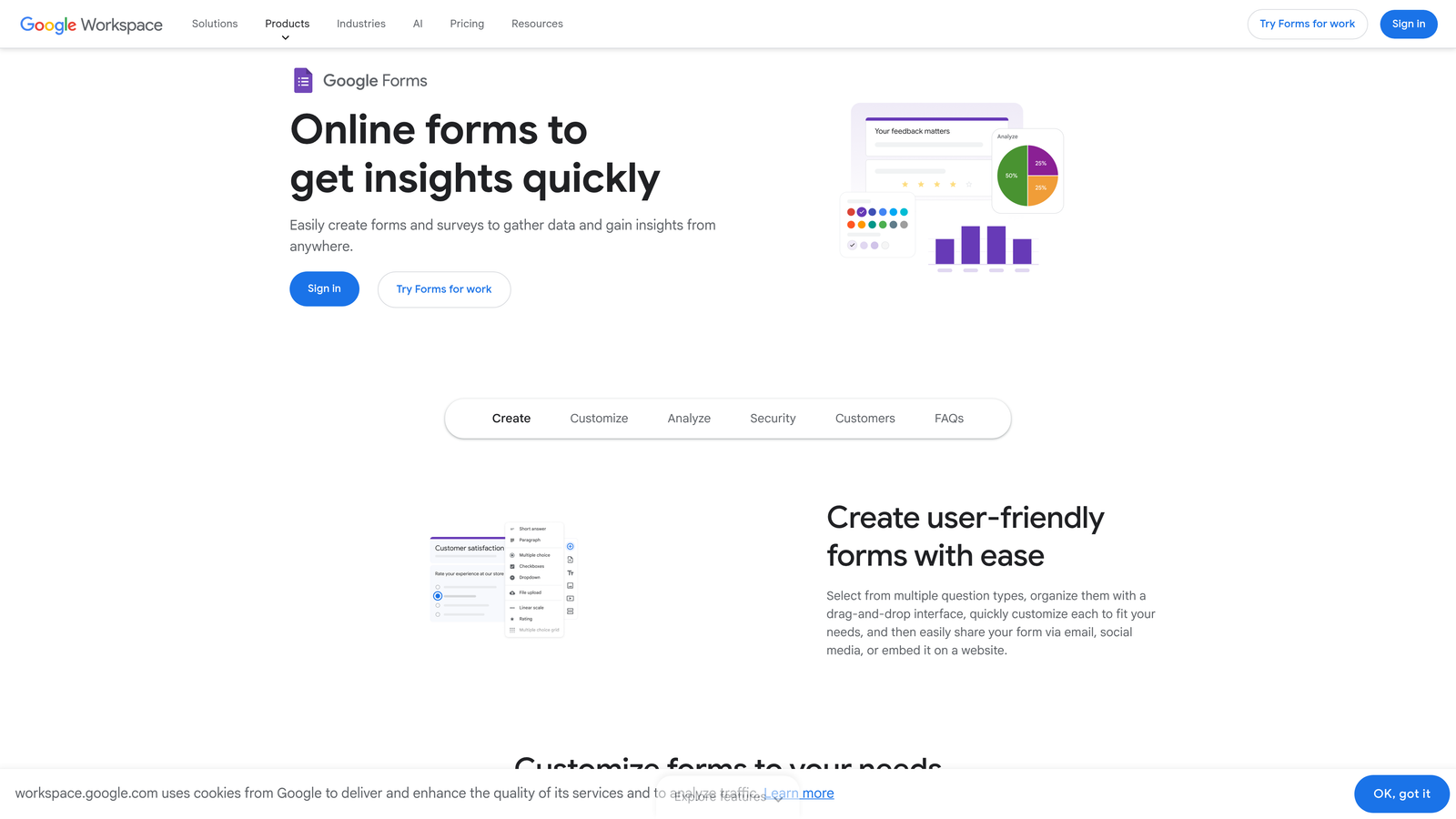
Google Forms is the completely free form builder integrated with Google's ecosystem for straightforward data collection.
Where This Tool Shines
The price point is unbeatable: completely free with unlimited responses. For organizations already using Google Workspace, the seamless integration with Sheets, Drive, and other Google tools creates a frictionless workflow.
Real-time collaboration means multiple team members can edit forms simultaneously, similar to Google Docs. This makes it incredibly efficient for teams that need to quickly iterate on surveys or feedback forms.
Key Features
Completely Free: No cost whatsoever, with unlimited forms and responses.
Google Sheets Integration: Responses automatically populate spreadsheets for easy analysis.
Real-time Collaboration: Multiple users can edit forms simultaneously.
Basic Analytics: View response summaries and charts directly within the platform.
Unlimited Responses: No submission caps or hidden fees as volume grows.
Best For
Schools, nonprofits, small businesses, and anyone needing simple surveys or registration forms without budget for specialized tools. If you're already in the Google ecosystem, this is the path of least resistance.
Pricing
Free with any Google account. Google Workspace starts at $6/user/month for business features like custom email domains and enhanced security, but Forms itself remains free.
5. Tally
Best for: Unlimited form creation and responses without cost, with modern Notion-style interface
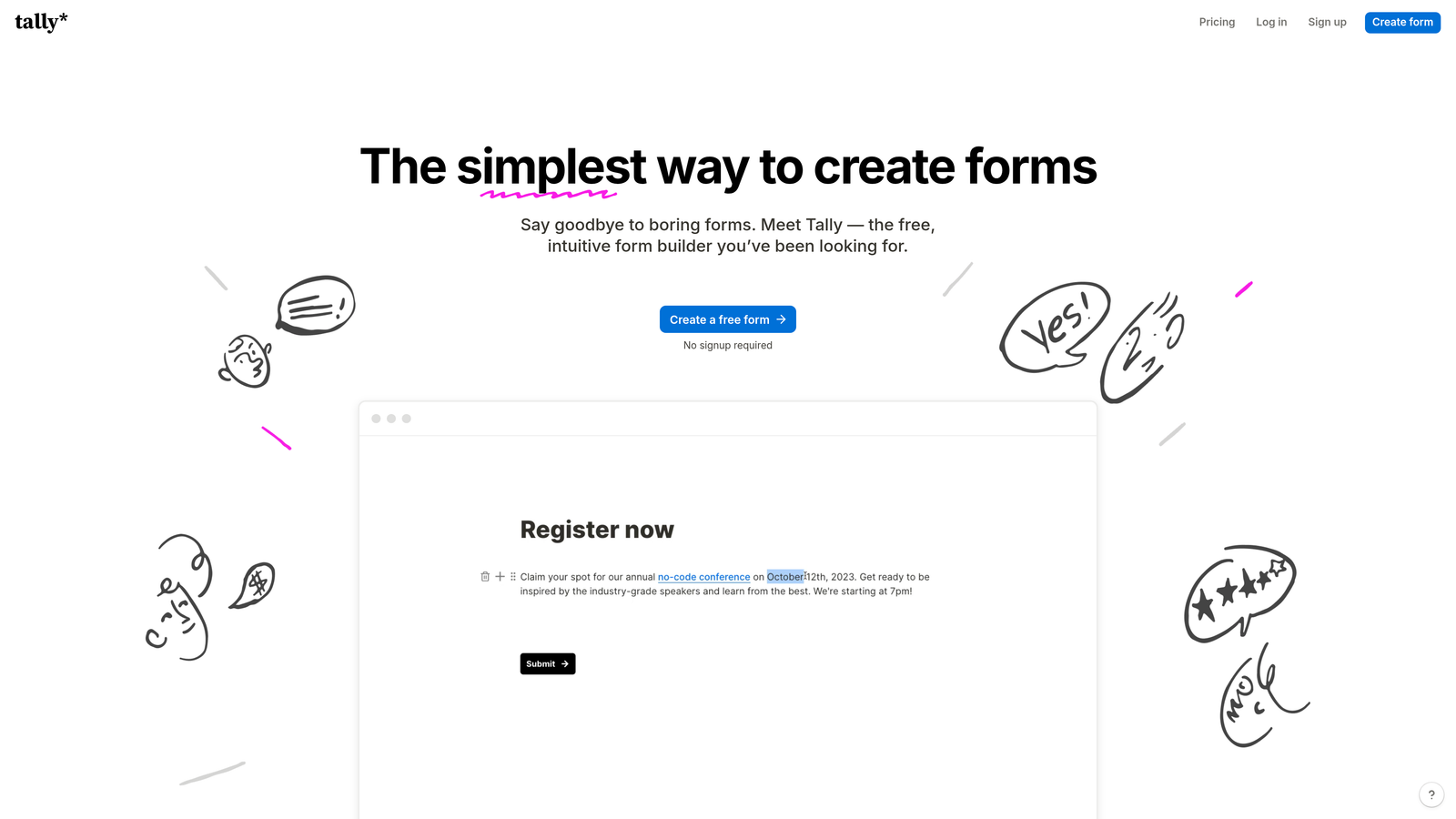
Tally is a modern form builder offering unlimited forms and responses on its free tier with an intuitive editing experience.
Where This Tool Shines
Tally disrupts traditional form builder pricing by offering unlimited forms and unlimited responses completely free. This eliminates the common pain point where you're forced to upgrade simply because you hit submission limits during a successful campaign.
The Notion-style block editor feels familiar to anyone who's used modern documentation tools. You build forms by adding blocks, making the creation process intuitive and fast.
Key Features
Unlimited Forms on Free Plan: Create as many forms as needed without hitting artificial limits.
No Response Limits: Collect unlimited submissions even on the free tier.
Notion-Style Editor: Block-based interface that makes form building feel natural.
Custom Domains: Connect your own domain for professional form URLs.
File Uploads: Allow respondents to attach documents and images.
Best For
Startups, content creators, and small teams that need professional forms without monthly costs. The generous free tier makes it perfect for projects where budget is tight but quality matters.
Pricing
Free tier includes unlimited forms and responses. Pro plan at $29/month adds custom branding, remove Tally branding, and priority support.
6. Paperform
Best for: Creating landing page-style forms with integrated payment processing and booking capabilities
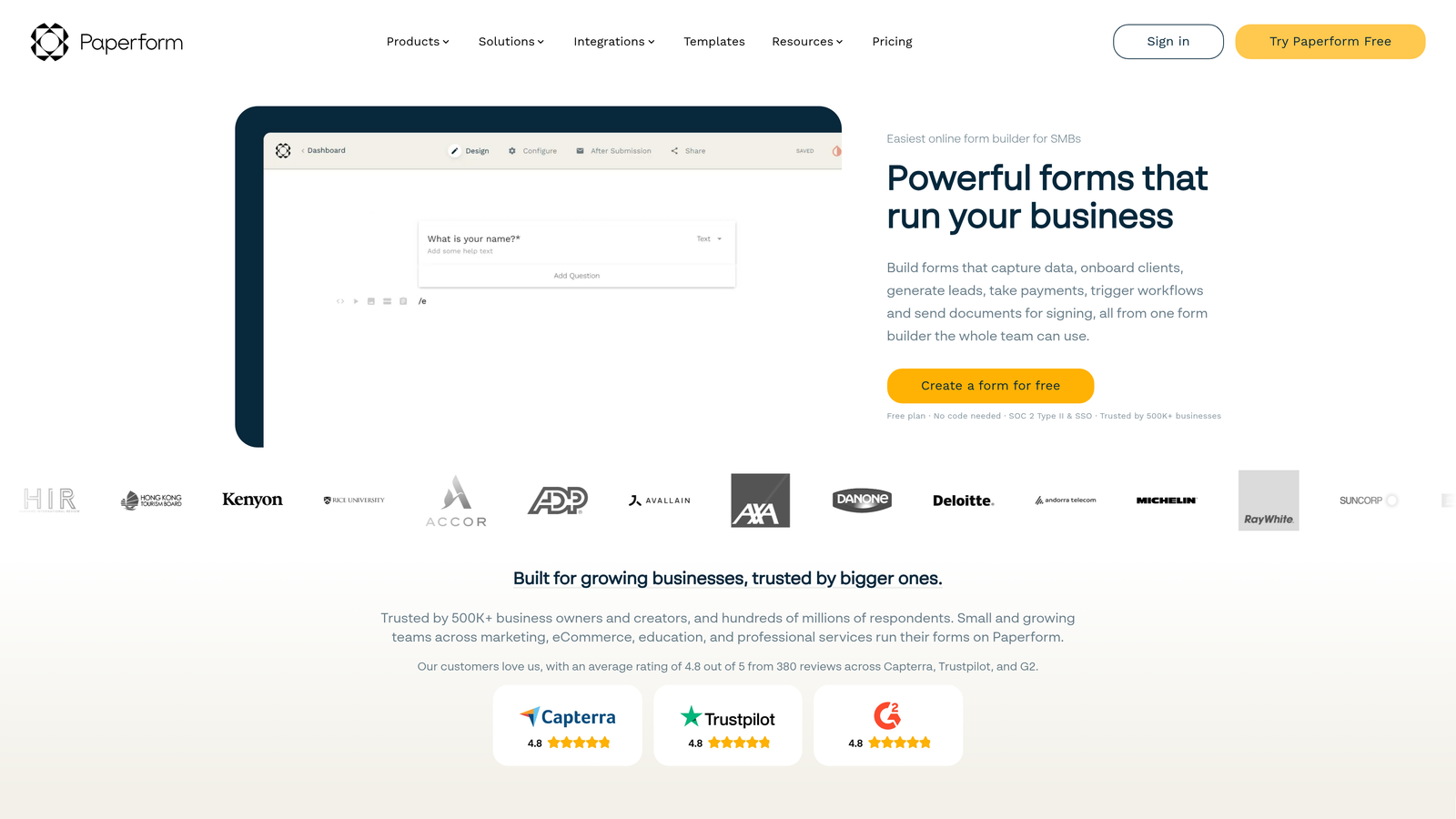
Paperform is a form builder that blurs the line between forms and landing pages, combining data collection with conversions.
Where This Tool Shines
Paperform treats forms as full landing pages rather than simple input fields. This means you can create product order forms, event registrations, or service bookings that look like standalone web pages, not embedded widgets.
The payment processing integration is particularly smooth. You can collect payments, calculate totals based on selections, and handle complex pricing scenarios all within the same form experience.
Key Features
Landing Page Forms: Create forms that function as complete landing pages with rich content.
Payment Processing: Accept payments through Stripe and PayPal directly in forms.
Appointment Scheduling: Build booking forms with calendar integration.
Calculations: Perform complex calculations based on user inputs for pricing and quotes.
Custom Branding: Complete white-labeling and brand customization options.
Best For
Service businesses, event organizers, and e-commerce sellers who need forms that also function as sales pages. If you're selling products, taking bookings, or collecting payments, Paperform consolidates these functions elegantly.
Pricing
Essentials plan at $24/month, Pro at $49/month, and Business at $99/month. Each tier increases submission limits and adds advanced features like team collaboration.
7. Formstack
Best for: Enterprise organizations requiring HIPAA compliance, advanced workflows, and security certifications
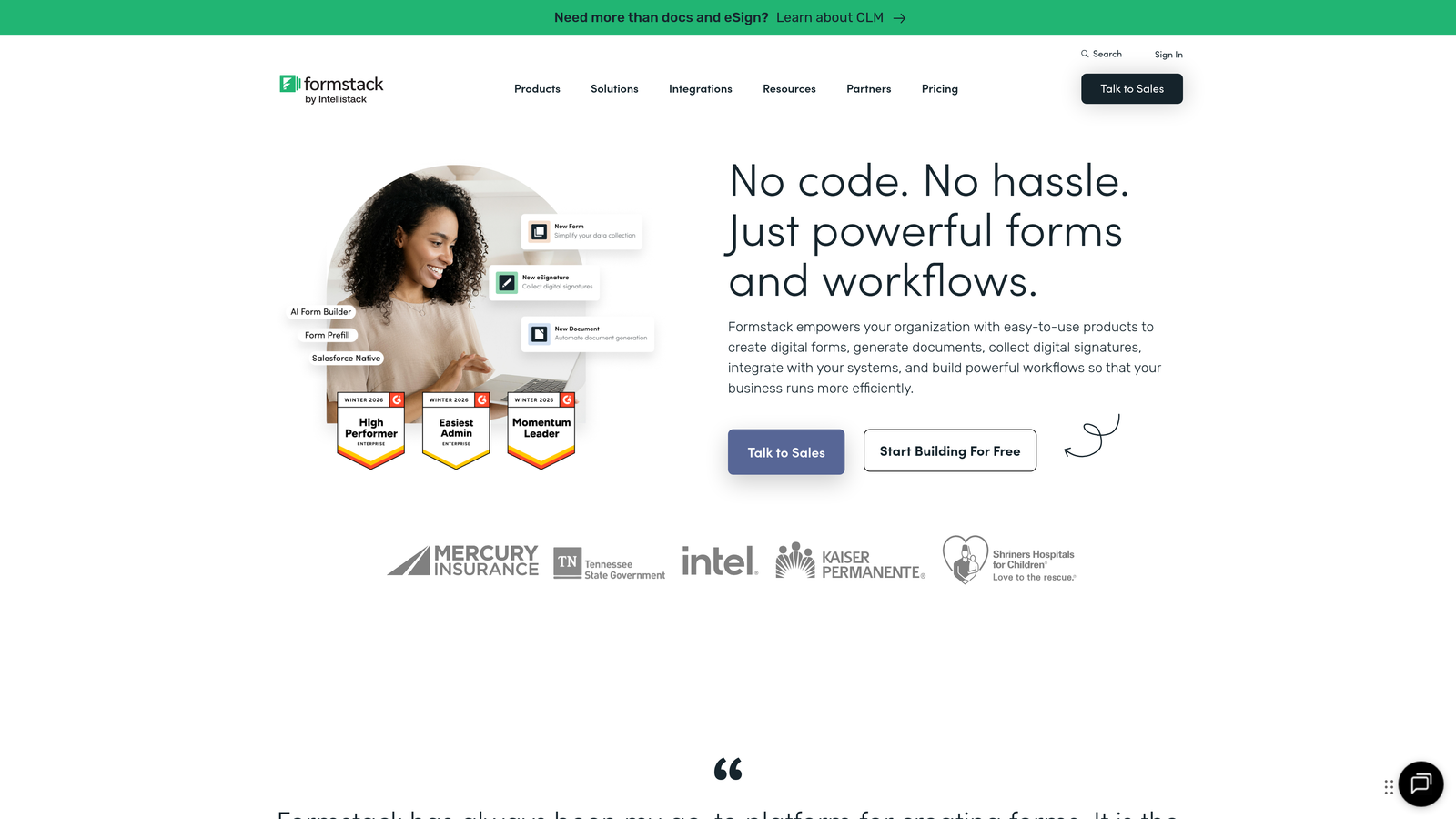
Formstack is an enterprise-grade form builder focused on compliance, security, and sophisticated automation workflows.
Where This Tool Shines
HIPAA compliance isn't just a checkbox for Formstack. It's built into the platform's architecture, making it the go-to choice for healthcare organizations that need to collect protected health information without risking violations.
The workflow automation capabilities extend far beyond basic notifications. You can trigger multi-step processes, generate documents, route approvals, and integrate with enterprise systems in ways that simpler form builders can't match.
Key Features
HIPAA Compliance: Built-in compliance features for healthcare data collection.
Advanced Workflows: Multi-step automation with conditional routing and approvals.
Document Generation: Automatically create formatted documents from form data.
E-signatures: Collect legally binding signatures with audit trails.
Enterprise Security: SSO, advanced encryption, and security certifications.
Best For
Healthcare providers, financial services, government agencies, and enterprises with strict compliance requirements. The higher price point makes sense when regulatory violations could cost millions.
Pricing
Starter plan from $50/month, Team from $83/month, and Enterprise with custom pricing. HIPAA compliance features require higher-tier plans.
8. Cognito Forms
Best for: Forms requiring advanced calculations, payment integration, and budget-friendly pricing
Cognito Forms is a calculation-focused form builder offering sophisticated logic at competitive price points.
Where This Tool Shines
The calculation engine in Cognito Forms handles complexity that would break simpler platforms. You can build quote calculators, order forms with dynamic pricing, or registration forms with conditional fees based on multiple factors.
Payment processing feels native rather than bolted on. The platform handles complex scenarios like partial payments, payment plans, and conditional pricing based on form selections.
Key Features
Advanced Calculations: Perform complex math operations based on user inputs and conditions.
Payment Processing: Accept payments with support for payment plans and partial payments.
Repeating Sections: Allow users to add multiple entries within a single form submission.
Conditional Logic: Show or hide fields based on previous answers and calculations.
Data Encryption: Encrypt sensitive data at rest and in transit.
Best For
Organizations that need sophisticated forms without enterprise-level budgets. If you're building registration forms with complex pricing, quote calculators, or order forms with multiple variables, Cognito Forms delivers.
Pricing
Free plan allows 500 entries monthly. Pro at $15/month, Team at $35/month, and Enterprise at $99/month with increasing entry limits and features.
9. 123FormBuilder
Best for: GDPR compliance and data protection with strong multi-language support
123FormBuilder is a security-focused form builder emphasizing data protection and regulatory compliance.
Where This Tool Shines
GDPR compliance tools are integrated throughout the platform rather than added as an afterthought. This includes consent management, data deletion workflows, and privacy controls that help organizations meet European data protection requirements.
Multi-language support goes beyond simple translation. You can create forms that automatically adapt to user language preferences, making it valuable for organizations operating across multiple countries.
Key Features
GDPR Compliance Tools: Built-in features for consent management and data protection.
Data Encryption: End-to-end encryption for sensitive information.
Workflow Automation: Automate approval processes and notifications.
Payment Forms: Accept payments through major processors with PCI compliance.
Multi-Language Support: Create forms in multiple languages with automatic detection.
Best For
European businesses, international organizations, and companies that handle customer data across multiple jurisdictions. The focus on compliance makes it particularly valuable where data protection regulations are strict.
Pricing
Free tier available with basic features. Gold plan at $24.99/month, Platinum at $44.99/month, and Enterprise with custom pricing for advanced security and compliance features.
Making the Right Choice for Your Budget
The form builder market offers options for every budget, but the cheapest solution isn't always the most cost-effective when you factor in your time and business goals.
If you're a startup or small team with minimal budget, Google Forms or Tally provide completely free options that handle basic needs. Google Forms works perfectly for simple surveys and internal forms, while Tally's unlimited responses make it ideal for campaigns where volume is unpredictable.
For growing businesses that need more sophistication, the $25-50/month range delivers significant value. Typeform excels at engagement, Paperform combines forms with payments, and Cognito Forms handles complex calculations. Your choice here depends on your primary use case: design-forward forms, payment collection, or calculation-heavy scenarios.
High-growth teams and enterprises face a different calculation. Per-response pricing can create unpredictable costs that spike during successful campaigns. Platforms like Orbit AI eliminate this concern with flat monthly pricing, while adding AI-powered lead qualification that saves hours of manual work. When you're processing hundreds of leads monthly, the time saved on qualification often exceeds the cost difference between basic and advanced platforms.
The enterprise tier becomes necessary when compliance drives the decision. Healthcare organizations need HIPAA compliance, European businesses require GDPR tools, and regulated industries demand security certifications. Formstack and 123FormBuilder justify their higher costs by eliminating compliance risk.
Consider total cost of ownership beyond the monthly subscription. Factor in integration requirements, the value of your team's time, and the impact of better lead qualification on revenue. A form builder that costs $50/month but automatically routes qualified leads to sales might generate far more value than a free option requiring manual sorting.
Transform your lead generation with AI-powered forms that qualify prospects automatically while delivering the modern, conversion-optimized experience your high-growth team needs. Start building free forms today and see how intelligent form design can elevate your conversion strategy.


