

Customer feedback is only as good as the forms collecting it. A clunky, generic survey kills response rates before you ever see the data, and at that point, you're flying blind on the decisions that matter most.
The right form builder helps you ask smarter questions, reduce drop-off, and turn raw responses into actionable insight — whether you're running NPS surveys, post-purchase check-ins, or product discovery interviews. But not every tool is built for the same job. Some excel at conversational design. Others win on analytics depth, enterprise controls, or sheer affordability.
This list covers the top form builders for customer feedback in 2026, evaluated on ease of use, question logic, response analytics, integrations, and how well they serve high-growth teams. We've included a range of tools so you can find the right fit regardless of your team size or feedback goals. Whether you're a SaaS product team chasing churn signals or a marketing team optimizing onboarding, here's what's worth your time.
1. Orbit AI
Best for: High-growth SaaS teams that want feedback and lead qualification in one flow.
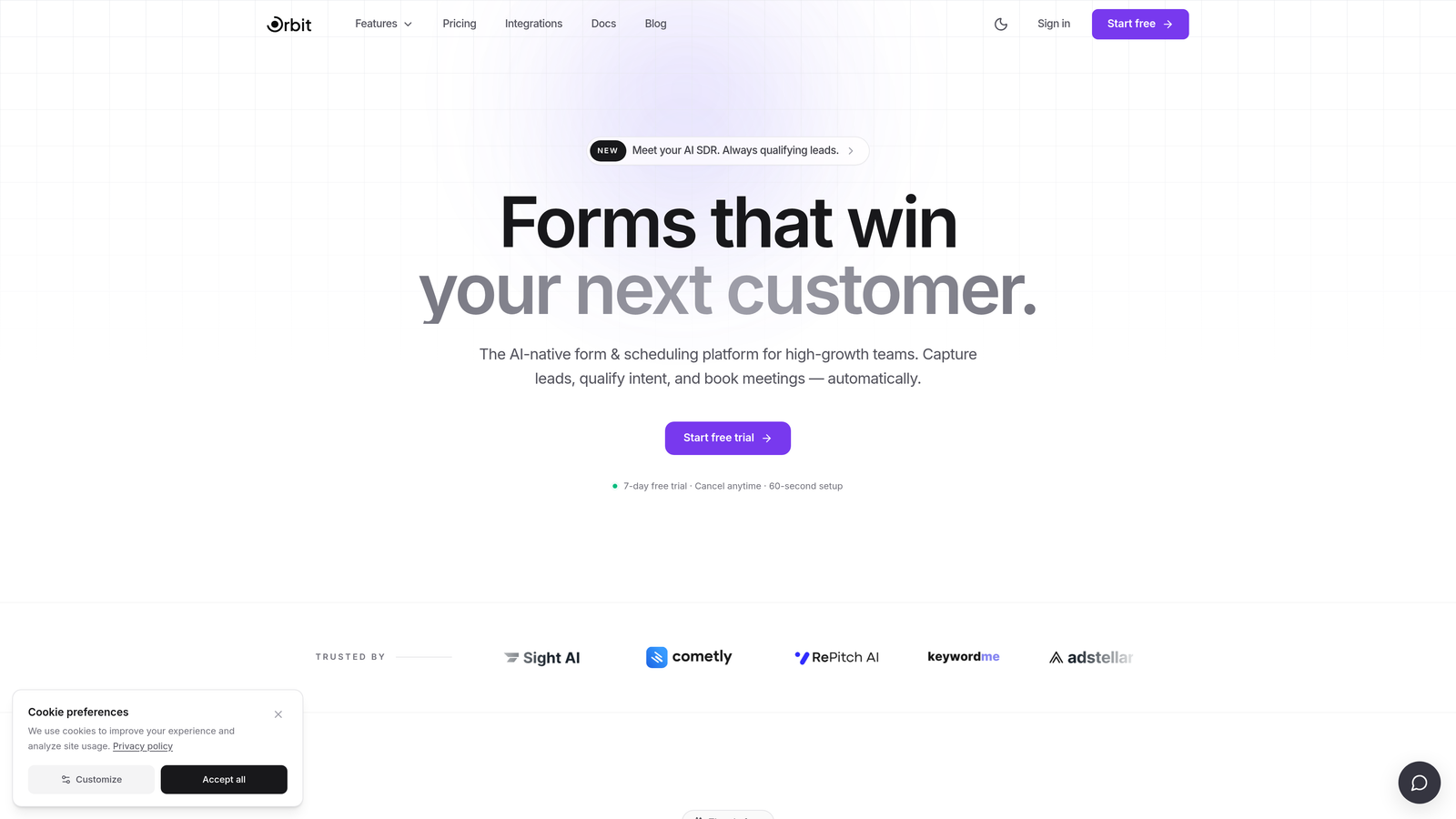
Orbit AI is an AI-powered form builder designed for teams that treat customer feedback as part of a broader growth funnel, not just a data collection exercise.
Where This Tool Shines
What separates Orbit AI from most tools on this list is its dual capability: it collects meaningful customer feedback while simultaneously qualifying who is giving it. For SaaS teams, knowing that a churned user, an active power user, and a trial prospect all responded differently to the same question is enormously valuable. Orbit AI surfaces that context automatically.
The AI-driven conditional logic adapts questions in real time based on prior answers, creating a more relevant experience for each respondent. Combined with conversion-optimized, mobile-first design, this means fewer drop-offs and richer data from the responses you do capture.
Key Features
AI-Driven Conditional Logic: Questions adapt dynamically based on how each respondent answers, making every form feel personalized without manual branching setup.
Lead Qualification Scoring: Built-in qualification logic scores respondents as part of the feedback flow, so your CRM gets enriched data, not just raw survey answers.
Conversion-Optimized Design: Mobile-first, modern form layouts designed to maximize completion rates across devices.
CRM and Marketing Integrations: Connects feedback data directly to the tools your growth team already uses, including CRM and marketing automation platforms.
Real-Time Analytics Dashboard: Monitor responses, spot trends, and act on feedback signals as they come in rather than waiting for weekly exports.
Best For
High-growth SaaS teams, product teams tracking churn signals, and marketing teams running feedback touchpoints inside their growth funnel. Especially powerful when feedback forms are also conversion moments — onboarding check-ins, post-trial surveys, or customer health checks.
Pricing
Visit orbitforms.ai for current pricing details. Plans are designed to scale with team size and feedback volume.
2. Typeform
Best for: Teams that want a polished, conversational survey experience with strong brand control.
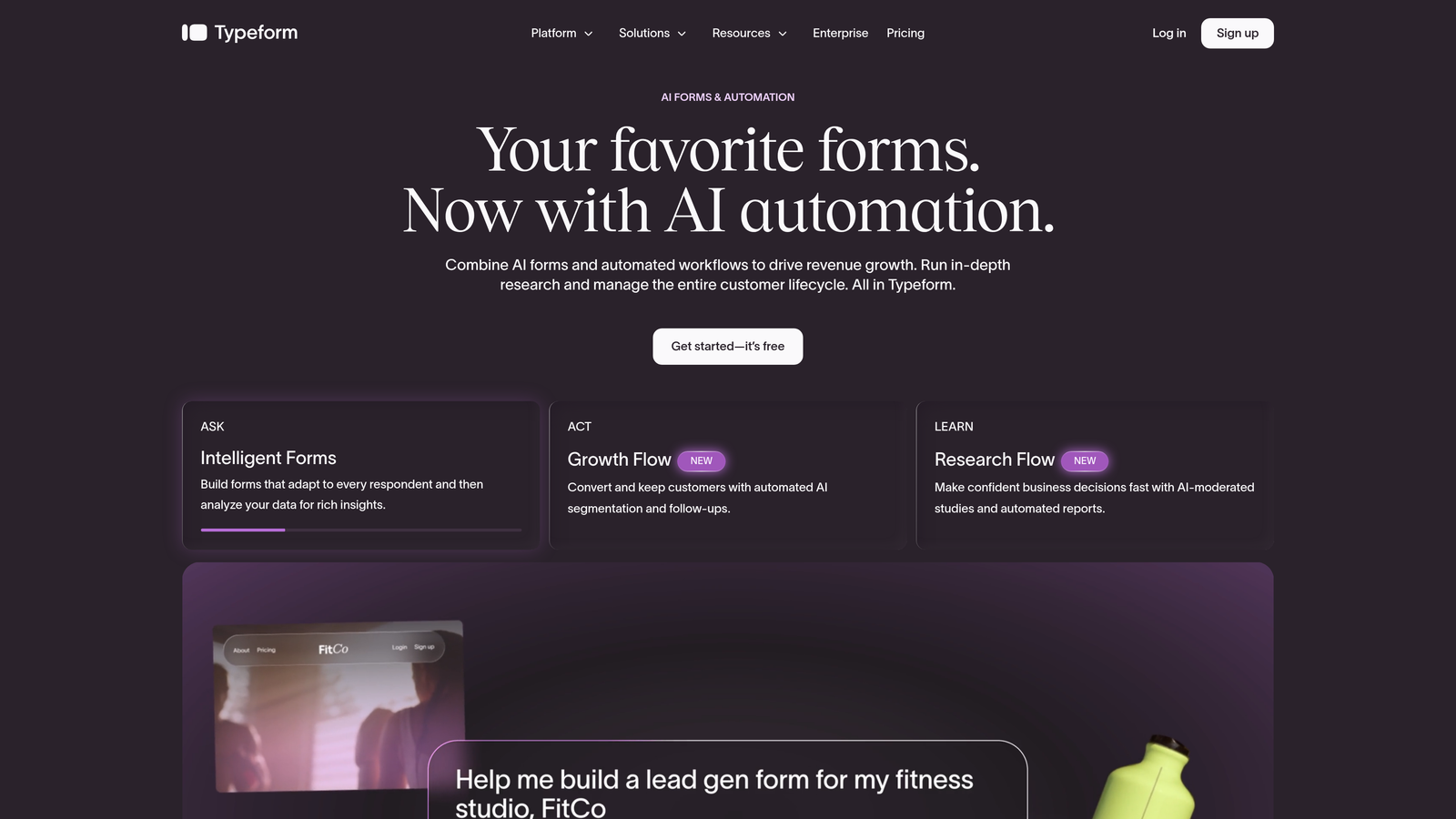
Typeform is a conversational form builder known for its one-question-at-a-time format that creates engaging, branded survey experiences.
Where This Tool Shines
Typeform's signature UX presents one question at a time, which creates a more focused, less overwhelming experience for respondents. For customer feedback scenarios where you want people to actually think about their answers rather than rush through a wall of fields, this format makes a real difference in response quality.
The design customization options are among the best in the market for non-enterprise tools. You can match your brand closely, add video and imagery, and create forms that feel like a natural extension of your product or marketing site rather than a bolted-on survey.
Key Features
Conversational One-Question Flow: Presents questions sequentially to keep respondents focused and reduce cognitive overload.
Brand Customization: Strong visual controls for fonts, colors, backgrounds, and layout to match your brand identity.
Logic Jumps and Conditional Branching: Route respondents through different question paths based on their answers.
Native Integrations: Connects with HubSpot, Slack, Zapier, and other popular tools for automated data routing.
Drop-Off Tracking: Response analytics show where respondents abandon the form, helping you optimize question order and length.
Best For
Marketing teams, product teams, and agencies that prioritize form aesthetics and respondent experience. Works well for customer satisfaction surveys, onboarding feedback, and brand research. Less suited for complex multi-branch logic at enterprise scale.
Pricing
Free plan available. Paid plans start at approximately $25/month. Verify current pricing at typeform.com.
3. Google Forms
Best for: Teams with zero budget that need simple, functional feedback collection fast.
Google Forms is a free, straightforward form builder from Google with native Workspace integration and no submission limits whatsoever.
Where This Tool Shines
There's no faster way to get a feedback form live than Google Forms. If your team already lives in Google Workspace, the workflow is seamless: build the form, share the link, and watch responses populate a Google Sheet in real time. No setup, no credit card, no limits on how many people can respond.
For internal feedback, quick pulse checks, or situations where budget is genuinely zero, Google Forms does the job without friction. The trade-off is that it looks like a Google Form, and everyone knows it. Design options are minimal, and analytics are basic summary charts rather than actionable insights.
Key Features
Completely Free: No submission limits, no paywalled features for core functionality, no time restrictions.
Google Sheets Integration: Responses export natively to Sheets for easy filtering, sorting, and sharing.
Basic Conditional Logic: Simple branching based on multiple-choice answers covers straightforward routing needs.
Real-Time Collaboration: Multiple team members can edit the same form simultaneously, just like a Google Doc.
Response Summary Charts: Automatic visual summaries of responses, though limited in depth compared to dedicated analytics tools.
Best For
Early-stage startups, internal teams, educators, and anyone running occasional feedback collection without a dedicated research budget. Not recommended when brand presentation, advanced logic, or deep analytics matter.
Pricing
Completely free with a Google account. No paid tiers.
4. SurveyMonkey
Best for: Structured feedback programs that need benchmarking, advanced analytics, and enterprise controls.
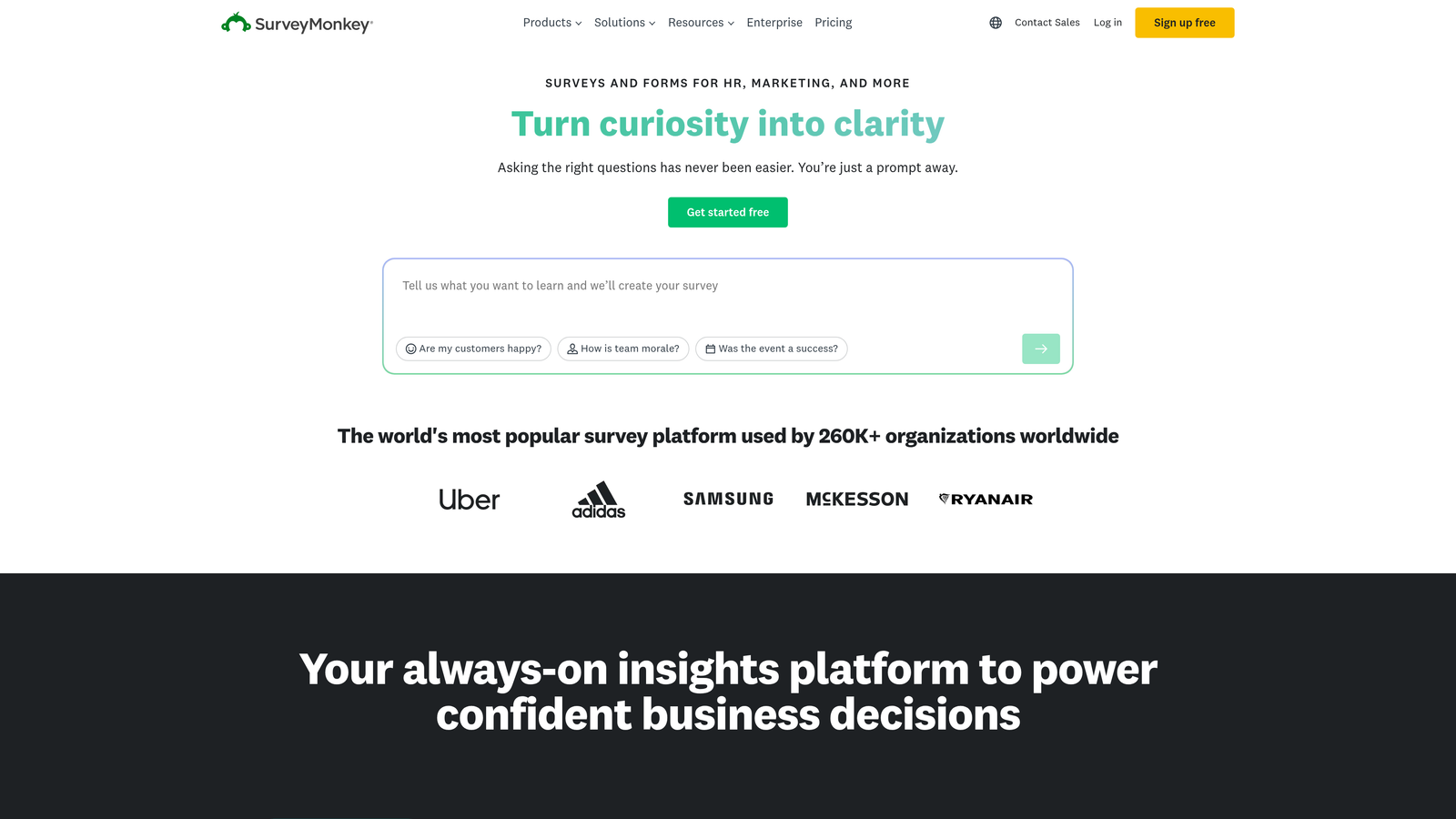
SurveyMonkey is one of the most established survey platforms, offering robust analytics, industry benchmarks, and enterprise-grade controls for organizations running serious feedback programs.
Where This Tool Shines
SurveyMonkey's biggest differentiator is its analytics depth combined with benchmark data. Rather than just showing you your NPS score, it can contextualize that score against industry averages, helping you understand whether your numbers are strong or lagging relative to competitors. For teams presenting feedback data to leadership, that context is genuinely useful.
The enterprise feature set is also mature: SSO, data governance controls, team management, and compliance features that larger organizations require. If you're running a formal Voice of Customer program with multiple stakeholders and compliance requirements, SurveyMonkey has the infrastructure for it.
Key Features
Advanced Analytics: Filtering, cross-tabulation, and trend analysis that goes well beyond basic summary charts.
Industry Benchmark Data: Compare your NPS, CSAT, and satisfaction scores against industry norms for meaningful context.
AI-Assisted Survey Design: Suggestions for question wording and structure to improve survey quality and reduce bias.
Enterprise Controls: SSO, data governance, user management, and compliance features for regulated environments.
Multi-Channel Distribution: Send surveys via email, shareable link, website embed, or other channels from a single platform.
Best For
Mid-market and enterprise teams with dedicated research or CX budgets. Particularly strong for organizations that need to benchmark feedback data or present findings to executive stakeholders. Pricing has increased over the years, making it less ideal for small teams or occasional use.
Pricing
Free plan available with response and feature limits. Paid plans start at approximately $25/month. Verify current pricing at surveymonkey.com.
5. Jotform
Best for: Teams that need flexible form fields beyond standard survey questions, including payments and file uploads.
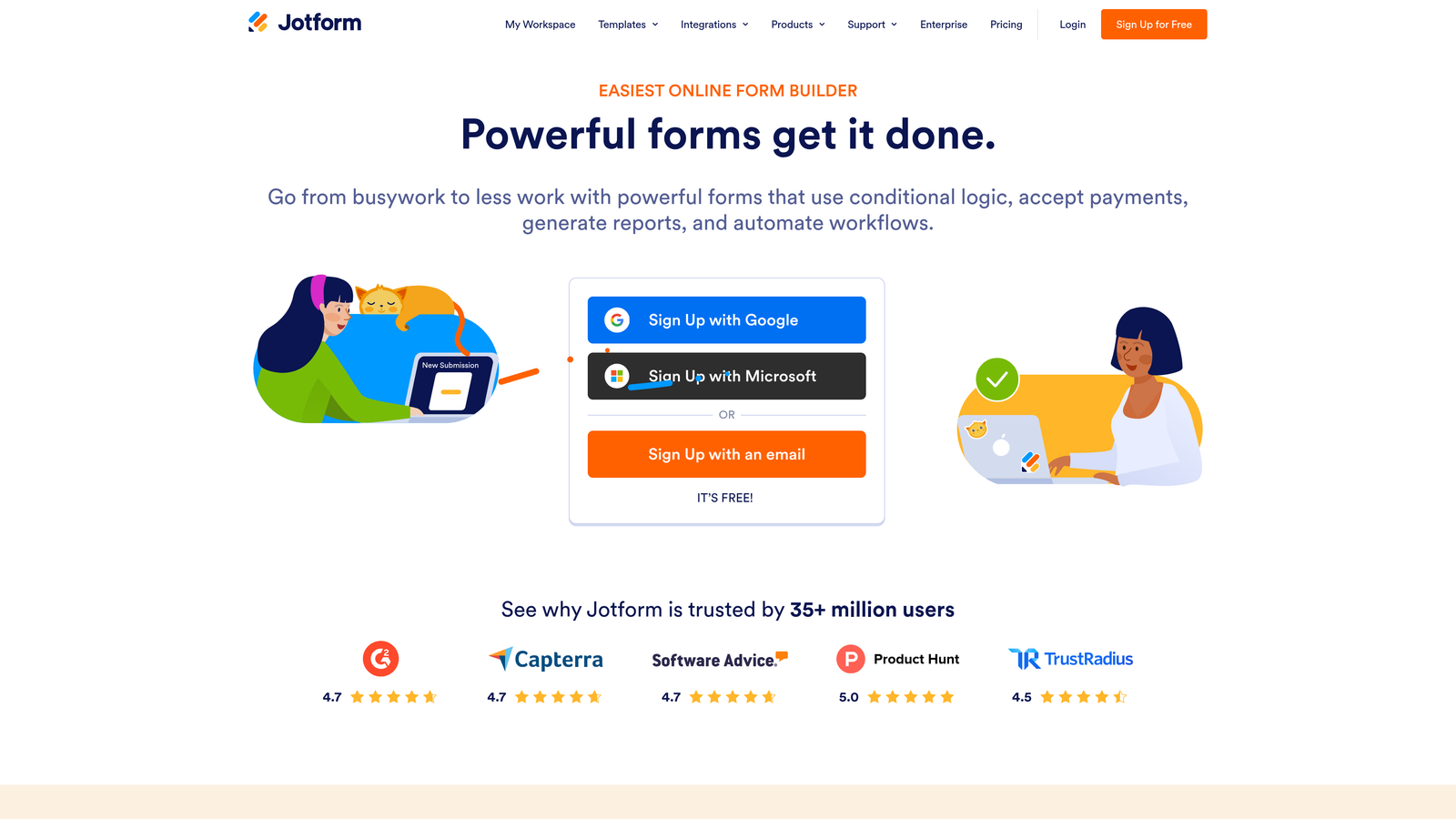
Jotform is a highly flexible form builder with a massive template library, 150+ integrations, and support for complex field types that go well beyond what most survey tools offer.
Where This Tool Shines
Jotform's breadth is its defining strength. While most feedback tools focus narrowly on survey-style questions, Jotform lets you mix those questions with file uploads, e-signatures, payment fields, and calculation logic in the same form. For feedback scenarios that involve more than just rating scales — think customer complaint forms, service review submissions, or feedback tied to a purchase — that flexibility is hard to match.
The template library is genuinely enormous. Whatever feedback use case you have, there's likely a starting point already built. This makes it fast to deploy even complex forms without starting from scratch.
Key Features
10,000+ Templates: Extensive library including feedback-specific designs for NPS, CSAT, product reviews, and more.
Advanced Field Types: File uploads, e-signatures, payment processing, and calculation fields alongside standard survey questions.
Conditional Logic: Show or hide fields and sections based on prior answers, with calculation field support for scoring.
150+ Integrations: Native connections to Salesforce, HubSpot, Google Sheets, Slack, and many more.
HIPAA-Compliant Plans: Available for healthcare organizations and other regulated industries that handle sensitive feedback data.
Best For
Operations teams, agencies, healthcare organizations, and any team that needs feedback forms to do more than ask questions. Also a strong choice when compliance requirements like HIPAA come into play. Can feel over-engineered for simple NPS or CSAT surveys.
Pricing
Free plan available with submission limits. Paid plans start at approximately $34/month. Verify current pricing at jotform.com.
6. Tally
Best for: Early-stage teams that want unlimited feedback collection without paying anything.
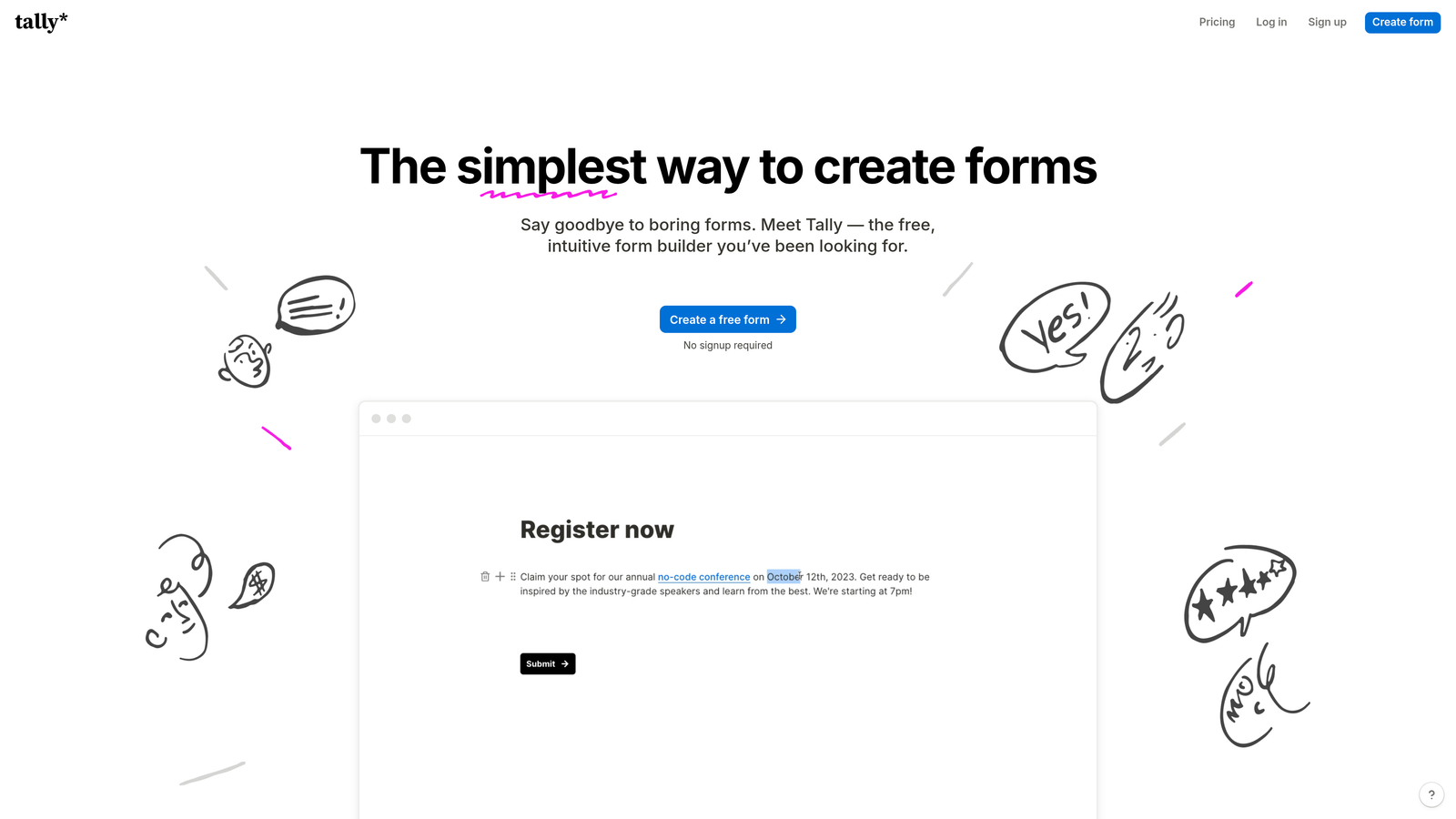
Tally is a Notion-inspired form builder with a clean block-based editing experience and one of the most generous free tiers in the market.
Where This Tool Shines
Tally's free plan is genuinely unlimited: unlimited forms, unlimited responses, no submission caps. For early-stage startups or teams running frequent feedback loops on a tight budget, this is a significant advantage over tools that gate core functionality behind paid plans.
The editing experience feels familiar to anyone who uses Notion. You build forms by typing and inserting blocks, which makes it fast and intuitive without a steep learning curve. It embeds cleanly into websites and Notion workspaces, making it easy to surface feedback forms exactly where your users are.
Key Features
Unlimited Free Responses: No submission limits on the free plan, which is rare among form builders with real feature depth.
Block-Based Editor: Notion-style editing experience that's fast to learn and pleasant to use for building multi-question forms.
Conditional Logic and Hidden Fields: Smart routing and pre-populated fields for personalized feedback experiences.
Clean Embeds: Integrates smoothly into websites, landing pages, and Notion pages without visual clutter.
Zapier and Native Integrations: Route response data to your CRM, Slack, or other tools automatically.
Best For
Early-stage startups, indie makers, and small teams that need capable feedback forms without a tool budget. Also a solid choice for teams already deep in the Notion ecosystem. Advanced analytics and enterprise features are limited compared to paid-tier competitors.
Pricing
Free plan with unlimited responses. Pro plan starts at approximately $29/month. Verify current pricing at tally.so.
7. Delighted
Best for: Teams running dedicated NPS, CSAT, or CES programs with automated multi-channel distribution.
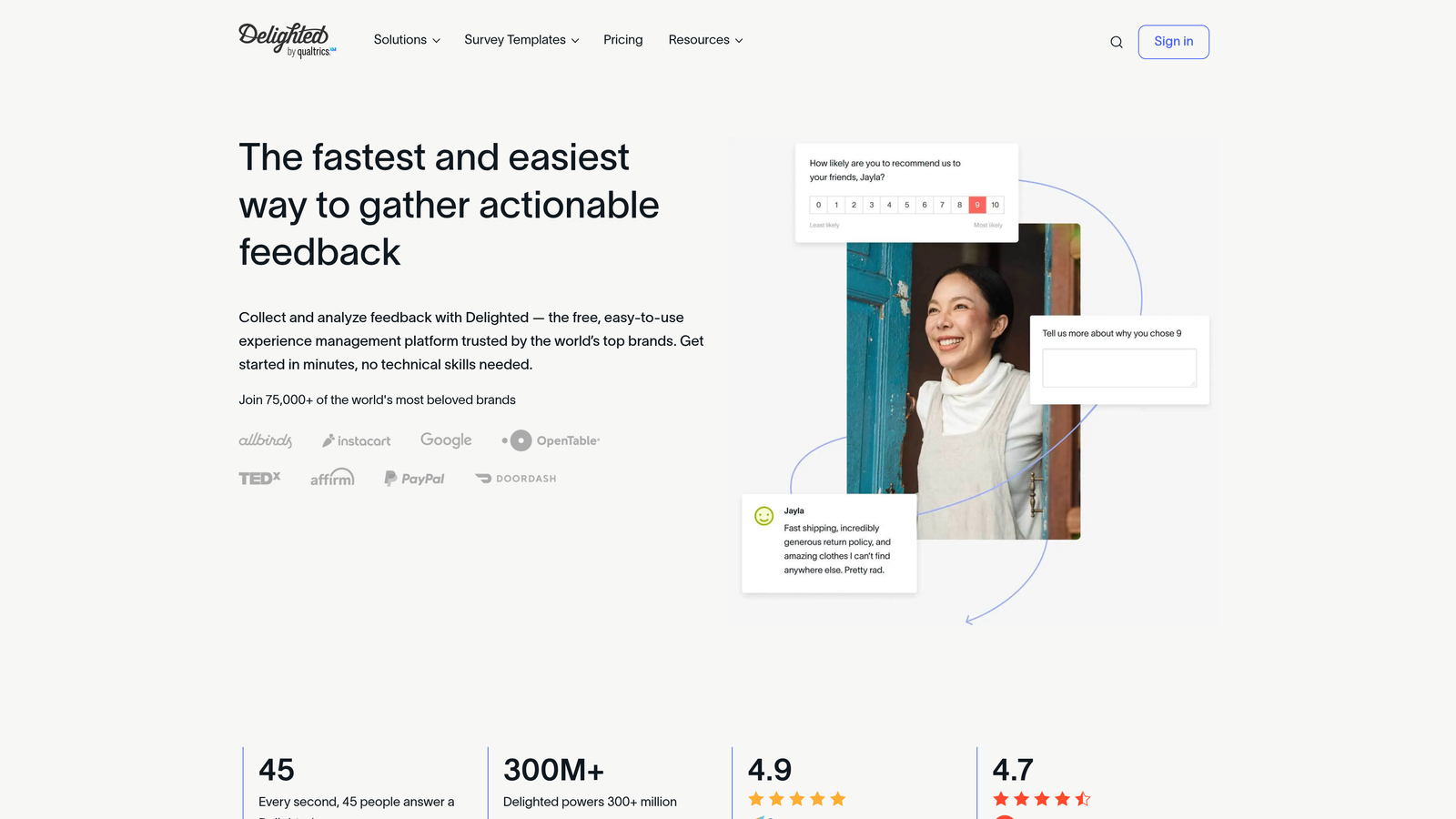
Delighted is a purpose-built customer experience survey tool focused on NPS, CSAT, and CES measurement with automated delivery and trend tracking.
Where This Tool Shines
Delighted does one thing exceptionally well: it systematizes the collection and tracking of customer experience metrics. If your primary feedback goal is maintaining a consistent NPS or CSAT program, Delighted removes almost all of the operational overhead. You set up your survey once, configure your distribution schedule, and the platform handles delivery, follow-up, and trend reporting automatically.
The multi-channel delivery options are particularly strong. You can reach customers via email, SMS, in-app prompts, a shareable link, or a kiosk setup — all from the same platform. This makes it easy to measure experience across different customer touchpoints without stitching together multiple tools.
Key Features
Out-of-the-Box CX Templates: NPS, CSAT, CES, and 5-star survey formats ready to deploy without custom configuration.
Multi-Channel Delivery: Email, SMS, in-app, link, and kiosk distribution from a single platform.
Automated Follow-Up Sequences: Trigger follow-up questions or actions automatically based on the score a respondent gives.
Trend Tracking Dashboard: Monitor score trends over time with real-time visibility into how customer sentiment is shifting.
CRM Integrations: Native connections to Slack, HubSpot, and Salesforce for closing the loop on feedback signals.
Best For
Customer success teams, CX managers, and product teams that need a reliable, low-maintenance system for tracking satisfaction metrics over time. Less suited for teams that need long-form surveys, complex branching logic, or feedback forms that double as marketing touchpoints.
Pricing
Free plan available. Paid plans start at approximately $17/month. Verify current pricing at delighted.com.
8. Qualtrics
Best for: Large enterprises running sophisticated, multi-channel experience management programs at scale.
Qualtrics is an enterprise experience management platform with sophisticated survey logic, predictive analytics, and compliance capabilities for large-scale feedback programs.
Where This Tool Shines
Qualtrics operates in a different category from most tools on this list. It's not just a form builder; it's a full experience management platform designed to unify feedback data across every customer touchpoint and turn it into organizational action. The survey logic capabilities are among the most advanced available: complex branching, display logic, question randomization, and embedded data handling that would overwhelm most other tools.
The predictive intelligence and text analytics features allow large teams to process thousands of open-text responses and surface themes automatically. For enterprises running global feedback programs across multiple product lines, this kind of analytical horsepower matters.
Key Features
Advanced Survey Logic: Branching, display logic, randomization, and embedded data handling for highly sophisticated questionnaire design.
Predictive Intelligence and Text Analytics: AI-powered analysis of open-text responses to surface themes, sentiment, and emerging signals at scale.
Enterprise Security and Compliance: SSO, role-based access, regulatory compliance, and data governance controls for global organizations.
Cross-Channel Data Unification: Combines experience data from multiple sources into a single view of customer sentiment.
Closed-Loop Action Management: Workflows that route feedback to the right teams and track resolution, turning data into operational action.
Best For
Large enterprises, research teams, and organizations with dedicated CX programs and the budget and implementation resources to match. Significant investment in both cost and onboarding time. Not the right choice for small teams or teams that need to move quickly.
Pricing
Custom enterprise pricing. Contact Qualtrics directly at qualtrics.com for a quote.
9. Paperform
Best for: Teams that want feedback forms to feel like polished, branded content pages rather than traditional surveys.
Paperform is a document-style form builder that blends prose, images, and form fields into a single branded page experience.
Where This Tool Shines
Paperform occupies a unique design niche. Instead of presenting a form as a series of isolated questions, it lets you build something closer to a branded landing page, where narrative text, images, and form fields coexist naturally. For feedback scenarios where context matters — a detailed product review, a post-event survey with explanatory copy, or a customer interview intake form — this format creates a more thoughtful experience than a plain question list.
The freeform editor gives you real creative control without requiring design skills. You can add your brand colors, custom domain, and rich media to create feedback forms that feel like a genuine extension of your product rather than an afterthought.
Key Features
Freeform Page Editor: Mix text, images, videos, and form fields freely on a single page rather than working within a rigid question-by-question structure.
Conditional Sections and Smart Fields: Show or hide entire content sections based on respondent answers, not just individual questions.
Payment and Booking Fields: Combine feedback collection with transactions or scheduling in a single form experience.
Custom Domain Support: Host forms on your own domain for a fully branded URL with no Paperform branding visible.
200+ Integrations: Connect to downstream tools via Zapier and native integrations for automated data workflows.
Best For
Agencies, consultants, and brand-conscious teams that want feedback forms to reflect their visual identity. Also useful when feedback collection needs to be paired with a transaction, booking, or rich contextual content. Less suited for high-volume, rapid-fire survey programs where speed of deployment matters more than design.
Pricing
Plans start at approximately $24/month. Verify current pricing at paperform.co.
Which Tool Is Right for Your Feedback Goals
The right form builder depends entirely on what you need the data to do after you collect it. Here's a quick guide to cut through the noise.
For AI-powered qualification paired with feedback collection, Orbit AI is the clear choice. It's the only tool on this list that treats feedback forms as growth funnel assets, combining conversion-optimized design with lead intelligence that enriches your CRM automatically.
For conversational survey design with strong brand control, Typeform remains a reliable go-to. For zero-budget feedback collection, Google Forms and Tally both deliver real capability at no cost, with Tally edging ahead on design and unlimited responses.
For NPS and CSAT programs that run on autopilot, Delighted is purpose-built and hard to beat. For enterprise-grade analytics and compliance, SurveyMonkey and Qualtrics are the serious contenders, with Qualtrics suited to organizations running the most complex programs. For flexible field types and broad integrations, Jotform wins. For branded, page-style feedback experiences, Paperform stands alone.
For high-growth SaaS teams where feedback is also a qualification signal, Orbit AI offers something none of the other tools do: the ability to learn not just what customers think, but who your best customers are. That dual capability matters when every form submission is also a touchpoint in your growth funnel.
Start by clarifying what you'll do with the data. If you need clean NPS trends with minimal setup, Delighted wins on simplicity. If your feedback forms are touchpoints in a broader acquisition or retention strategy, you need something smarter. Start building free forms today and see how Orbit AI handles both feedback and qualification in a single, conversion-optimized experience.


