

Running a membership site means your forms do a lot more heavy lifting than a simple contact form ever could. You're collecting payment details, routing members to the right tier, triggering onboarding sequences, and creating user accounts — often all in the same flow. Generic form builders weren't built with that complexity in mind.
The best form builders for membership sites share a few critical traits: seamless payment gateway integration, conditional logic for tiered pricing and access, user registration capabilities, and a solid integration ecosystem that connects to your CRM, email platform, or membership management tool. They also need to be easy enough to manage without a developer on standby every time you need to update a registration flow.
To build this list, we evaluated tools across ease of use, membership-specific features, integration depth, and pricing flexibility. Whether you're running a SaaS community, a professional association, a media membership, or an online course platform, there's a tool here that fits your model. Here are the top form builders for membership sites worth considering in 2026.
1. Orbit AI
Best for: High-growth membership teams that want AI-powered lead qualification baked into registration
Orbit AI is an AI-powered form builder designed to convert and qualify members from the moment they sign up.

Where This Tool Shines
Most form builders collect data. Orbit AI actually works with it. The platform's built-in AI qualification layer analyzes responses as members fill out your registration form, automatically segmenting leads by intent, fit, and membership tier — without requiring a separate CRM workflow to do the heavy lifting.
For membership sites focused on growth, this is a meaningful difference. Instead of dumping every new signup into the same onboarding sequence, Orbit AI helps you route high-intent members to fast-track flows and nurture lower-intent prospects appropriately. The modern, conversion-optimized UI also means your registration forms look polished without custom design work.
Key Features
AI-Driven Lead Qualification: Automatically scores and segments members based on their form responses, enabling smarter routing from the first touchpoint.
Conversion-Optimized Form Design: Clean, modern UI built specifically to reduce friction and improve completion rates on registration and onboarding forms.
Conditional Logic for Tiered Routing: Show different questions, pricing options, or next steps based on membership tier, role, or any response criteria you define.
CRM and Membership Platform Integrations: Connects with popular CRM and membership management platforms so member data flows where it needs to go automatically.
High-Growth Team Focus: Built with scaling in mind, making it well-suited for teams that need forms to keep pace with rapid acquisition and evolving membership structures.
Best For
SaaS communities, high-growth membership businesses, and teams that want more than data collection from their forms. Particularly strong for operators who are actively optimizing conversion rates and need intelligent segmentation at the point of signup rather than after the fact.
Pricing
Visit orbitforms.ai for current plan details and to explore free building options.
2. MemberPress + WPForms
Best for: WordPress-based membership sites needing a complete, deeply integrated solution
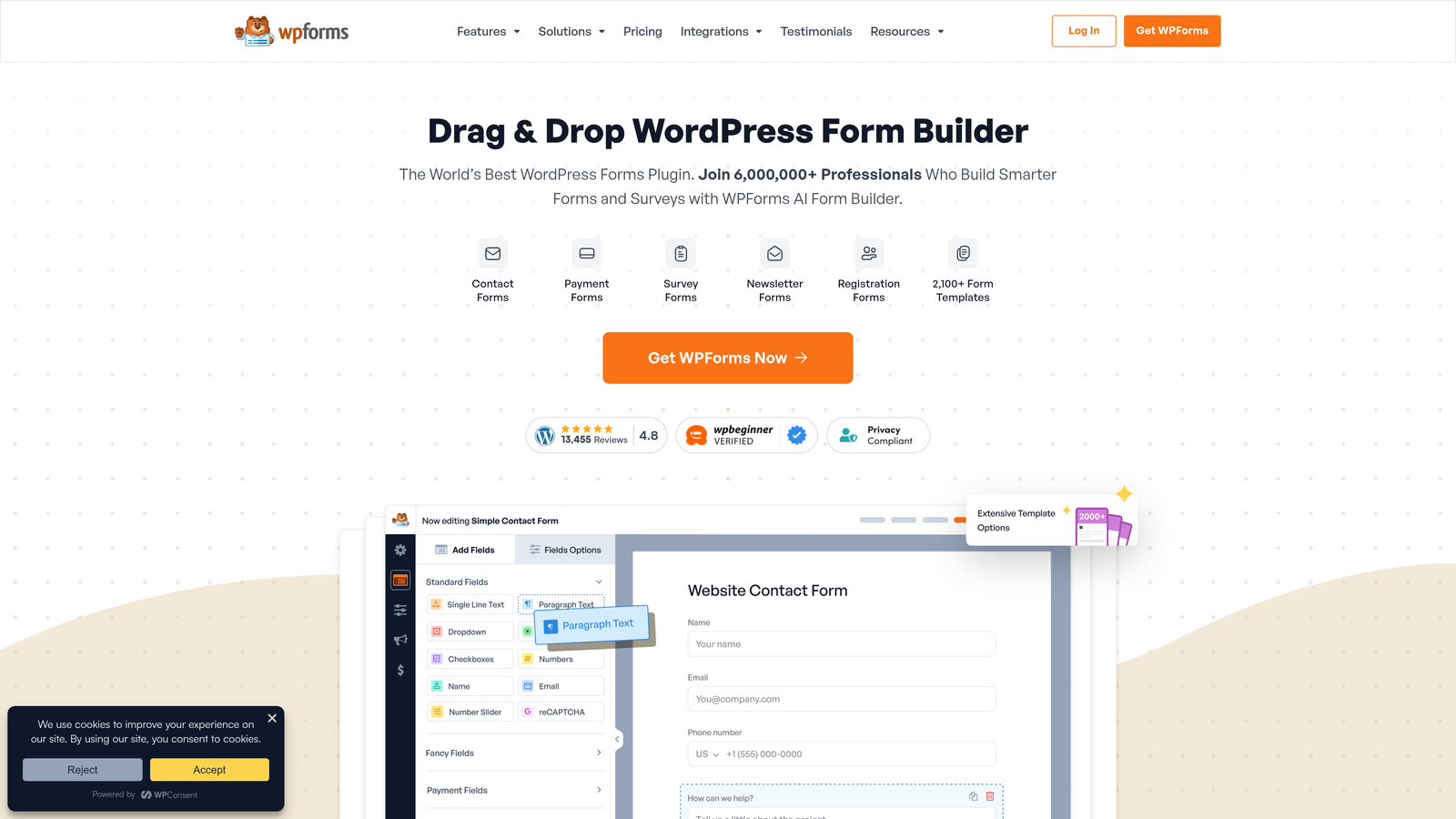
WPForms paired with MemberPress creates one of the most capable WordPress membership stacks available today.
Where This Tool Shines
If your membership site runs on WordPress, this combination covers nearly every base. MemberPress handles access control, subscription management, and member accounts, while WPForms brings a flexible, drag-and-drop form builder with strong template coverage and payment add-ons into the mix.
The integration between the two is tight enough that you can build registration forms, login pages, and payment flows without leaving the WordPress ecosystem. For operators who want everything under one roof and already trust WordPress, this pairing is hard to beat.
Key Features
Deep WordPress and MemberPress Integration: Forms connect directly to MemberPress membership levels, automating account creation and access assignment.
Drag-and-Drop Builder with 1,800+ Templates: Build forms quickly without coding, with a wide template library that includes membership-specific layouts.
User Registration and Login Forms: Native capabilities for creating member accounts and managing login experiences within WordPress.
Stripe and PayPal Payment Add-Ons: Collect membership dues and one-time fees directly through WPForms without needing a separate payment plugin.
Best For
WordPress site owners who want an all-in-one membership and form solution without managing multiple disconnected platforms. Ideal for bloggers, course creators, and community operators already committed to the WordPress ecosystem.
Pricing
WPForms starts at $49.50/year; MemberPress starts at $179.50/year. Budget for both when planning your stack.
3. Typeform
Best for: Membership sites where the signup experience itself is a brand differentiator
Typeform is a conversational form builder that delivers one question at a time, creating registration experiences that feel more like a conversation than a form.

Where This Tool Shines
When your membership brand is built on experience and community, a clunky multi-field form sends the wrong signal before someone even becomes a member. Typeform's one-question-at-a-time format keeps completion rates high and creates a polished first impression that aligns with premium membership brands.
The logic jump system is robust enough to handle tiered membership flows, routing respondents to different question paths or pricing options based on their answers. It's not the deepest membership-specific tool on this list, but for UX-conscious operators, it's hard to match.
Key Features
Conversational One-Question Interface: Reduces cognitive load and abandonment by presenting one question at a time in a visually clean format.
Logic Jumps for Tiered Flows: Route members to different question paths or membership options based on their responses.
Stripe Integration: Collect membership payments directly within the form flow without redirecting to a separate checkout page.
Strong Brand Customization: Custom fonts, colors, backgrounds, and themes let you match the form to your membership brand precisely.
Zapier and Native Integrations: Connect to membership platforms, CRMs, and email tools for automated onboarding after signup.
Best For
Premium membership brands, community platforms, and media memberships where the registration experience is part of the product. Works well for operators who prioritize UX and conversion over deep WordPress-native features.
Pricing
Free plan available with limited responses; paid plans start at $25/month.
4. Jotform
Best for: Membership organizations that collect fees through multiple payment methods
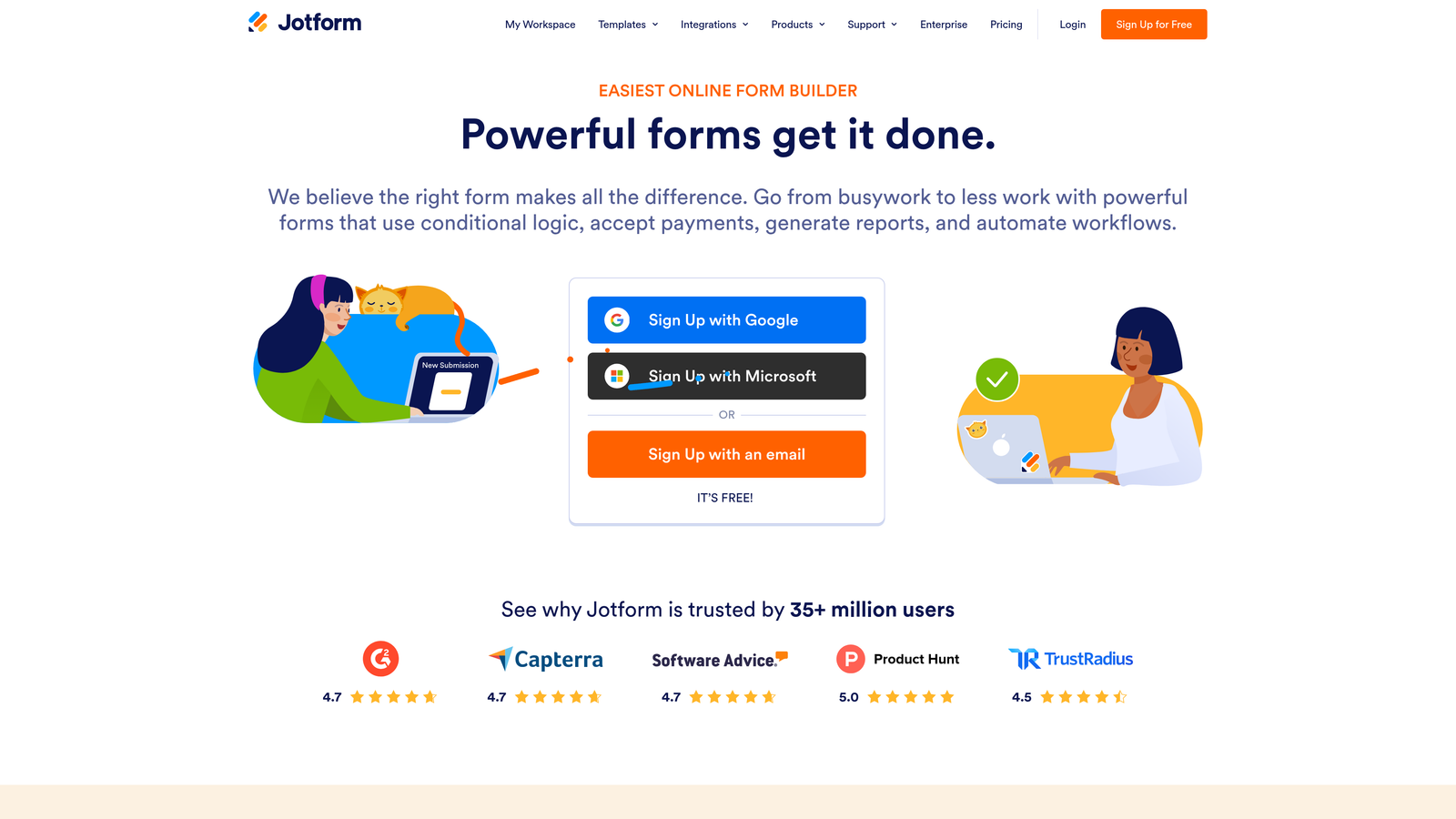
Jotform is a versatile form builder with one of the widest payment gateway ecosystems available, making it a strong choice for membership organizations with diverse payment needs.
Where This Tool Shines
With over 40 payment gateway integrations, Jotform handles membership fee collection across more payment methods than almost any other tool on this list. Whether your members pay via Stripe, PayPal, Square, Authorize.Net, or a regional gateway, Jotform likely has a native integration.
The template library is enormous, including membership-specific forms for dues collection, event registration, and member applications. Jotform Tables adds a lightweight member data management layer, which is useful for smaller organizations that don't yet need a full CRM.
Key Features
40+ Payment Gateway Integrations: Supports a wider range of payment processors than most competitors, covering global and regional gateways.
10,000+ Templates: Includes membership applications, dues collection forms, event RSVPs, and more, ready to customize.
Conditional Logic and Multi-Page Forms: Build tiered membership flows with branching logic and multi-step layouts to reduce overwhelm.
Jotform Tables: A built-in spreadsheet-style database for tracking member submissions and managing basic member records.
HIPAA Compliance Option: Available for health-related memberships or associations that handle protected health information.
Best For
Nonprofits, professional associations, and membership organizations that collect dues through varied payment methods. Also a strong fit for health-related membership organizations needing HIPAA compliance.
Pricing
Free plan supports up to 5 forms; paid plans start at $34/month.
5. Gravity Forms
Best for: WordPress developers building complex, custom membership registration and payment workflows
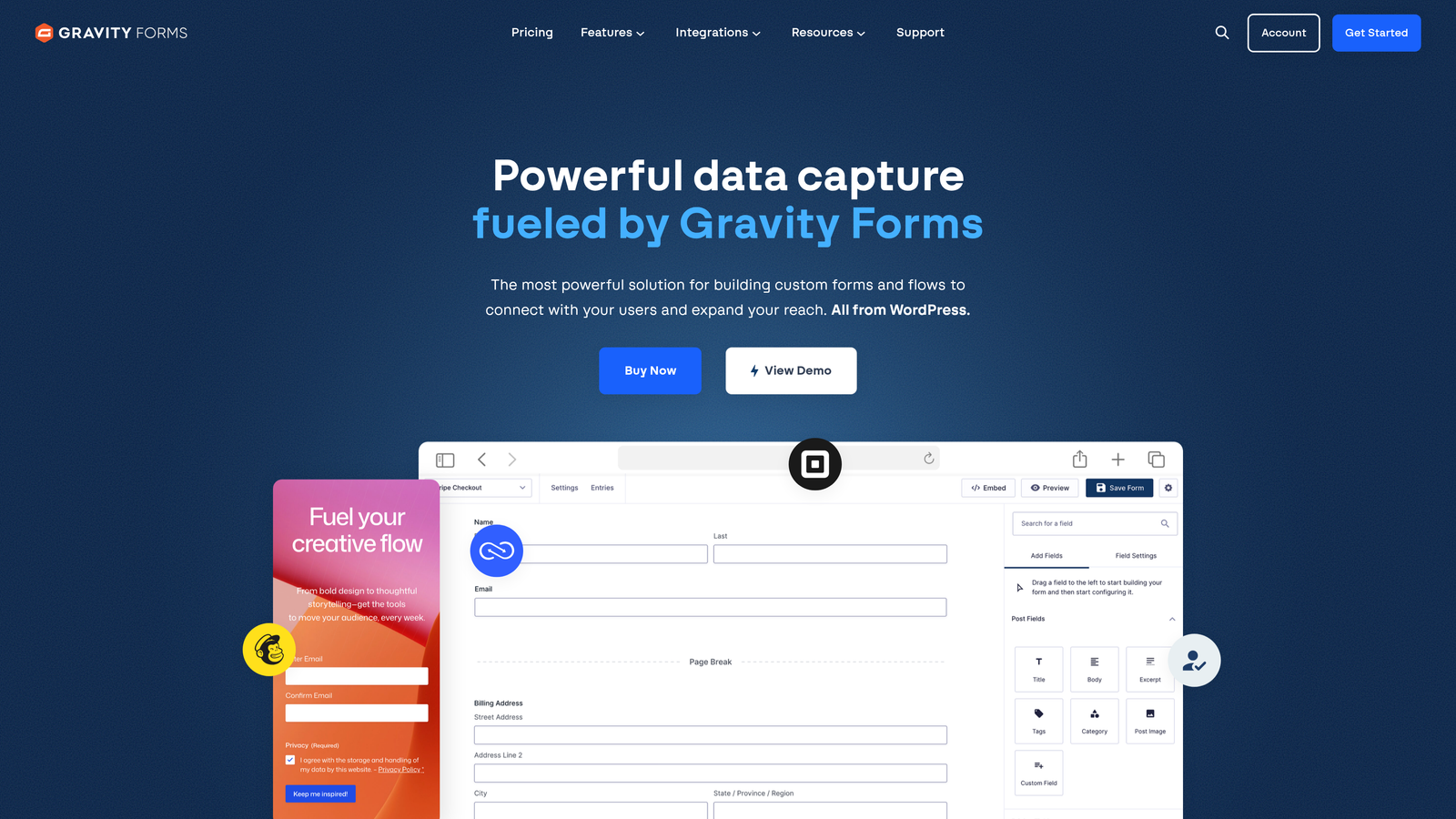
Gravity Forms is a premium WordPress form plugin with a rich add-on ecosystem built for developers who need full control over membership workflows.
Where This Tool Shines
Gravity Forms is the go-to choice when you need a WordPress form builder that can handle genuinely complex logic. The User Registration add-on automatically creates WordPress accounts upon form submission, which is essential for membership sites that manage access at the WordPress level.
Where Gravity Forms really separates itself is the add-on ecosystem. Payment gateways, CRM connections, email marketing platforms, and custom webhook setups are all available as official or community-built add-ons. If you have a developer on your team, the REST API and webhook support give you nearly unlimited customization potential.
Key Features
User Registration Add-On: Automatically creates WordPress user accounts on form submission, with role assignment based on membership tier.
Stripe, PayPal, and Square Add-Ons: Native payment integrations for collecting membership fees within the form flow.
Advanced Conditional Logic: Multi-page forms with branching logic for complex tiered membership registration scenarios.
Extensive Third-Party Add-On Ecosystem: Hundreds of integrations covering CRMs, email platforms, membership plugins, and more.
Webhooks and REST API: Full developer access for custom integrations and automation beyond what native add-ons offer.
Best For
Agencies and developers building custom WordPress membership sites. Ideal when you need deep control over form behavior, user account creation, and payment workflows that standard drag-and-drop builders can't handle.
Pricing
Starts at $59/year for the Basic license; higher tiers unlock more add-ons and site licenses.
6. Cognito Forms
Best for: Small membership organizations and nonprofits on tight budgets
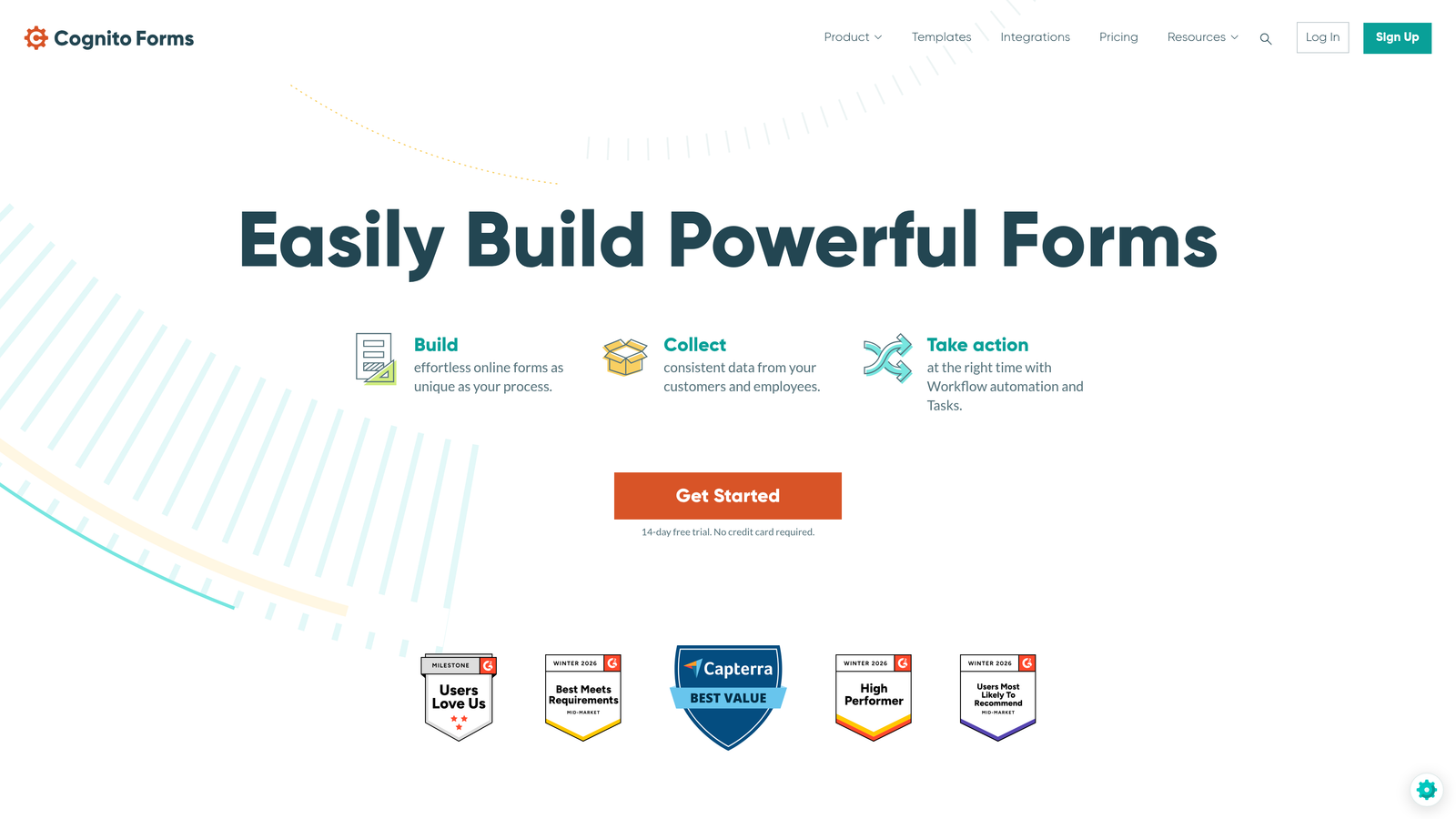
Cognito Forms is a budget-friendly form builder with built-in payment processing and calculation fields, making it particularly well-suited for smaller membership operations.
Where This Tool Shines
Cognito Forms punches above its price point. The built-in payment processing means you don't need a separate payment integration layer, and the calculation fields make it easy to build variable membership pricing — for example, pricing that adjusts based on membership type, number of members, or optional add-ons selected in the form.
The generous free tier with unlimited forms is rare in this space and makes Cognito Forms an accessible starting point for community organizations, local associations, and nonprofits that need functional membership forms without a significant software budget.
Key Features
Built-In Payment Processing: Native Stripe, Square, and PayPal integration without requiring a separate payment add-on or plan upgrade.
Calculation Fields: Build forms where membership pricing adjusts dynamically based on selected options, quantities, or member type.
Unlimited Forms on Free Tier: One of the most generous free plans available, making it accessible for budget-constrained organizations.
Conditional Logic and Repeating Sections: Handle tiered membership options and collect variable data sets like multiple member names in a single form.
Data Encryption and Compliance: Security features suitable for organizations collecting sensitive member information.
Best For
Small nonprofits, local clubs, community organizations, and early-stage membership sites that need solid payment and logic capabilities without paying enterprise prices.
Pricing
Free plan available with unlimited forms; paid plans start at $15/month.
7. Formstack
Best for: Large membership organizations that need workflow automation, document generation, and compliance
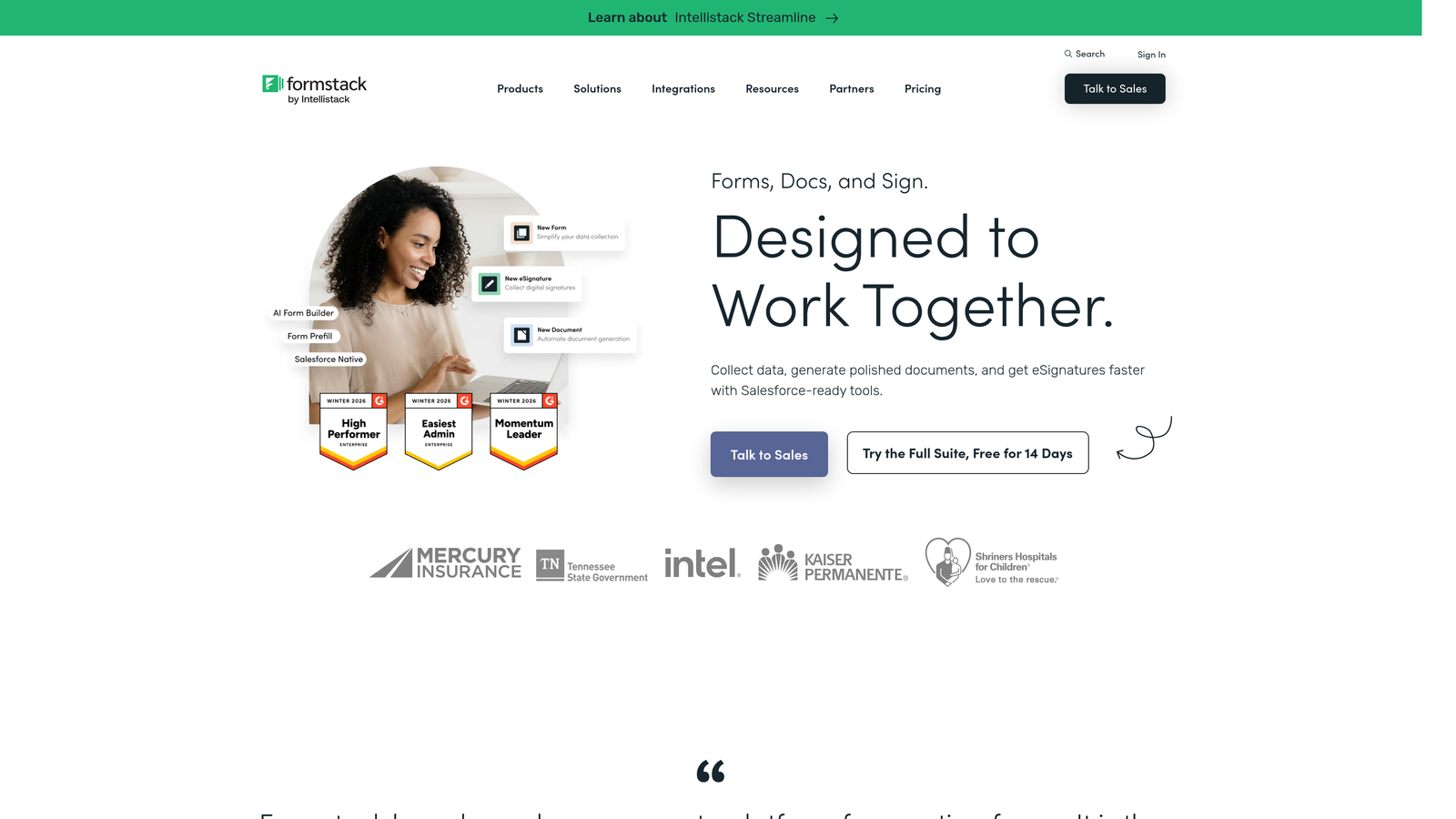
Formstack is an enterprise-grade form and workflow platform built for organizations where membership onboarding involves multiple steps, stakeholders, and compliance requirements.
Where This Tool Shines
For large professional associations, healthcare membership organizations, or enterprise communities, Formstack offers capabilities that go well beyond form building. The platform handles multi-step onboarding workflows, generates membership agreements as documents, and collects e-signatures — all within a single platform.
The compliance credentials are also enterprise-grade. HIPAA and GDPR compliance, advanced security controls, and Salesforce integration make Formstack a natural fit for organizations that operate under regulatory scrutiny or manage large member databases in a CRM.
Key Features
Workflow Automation: Build multi-step onboarding processes that route forms and approvals through the right people automatically.
Document Generation: Automatically create membership agreements, welcome packets, or certificates from form data.
Built-In E-Signatures: Collect digital signatures on membership agreements without a separate e-signature tool.
HIPAA and GDPR Compliance: Enterprise-grade compliance for organizations in regulated industries or handling European member data.
Salesforce and CRM Integrations: Sync member data directly to Salesforce or other enterprise CRMs for centralized management.
Best For
Large professional associations, healthcare organizations, enterprise communities, and any membership operation that requires document workflows, e-signatures, and compliance-grade security alongside form collection.
Pricing
Starts at $50/month for the Forms plan; full workflow and document features available at higher tiers.
8. Paperform
Best for: Membership operators who want a combined sales page and registration form in one
Paperform is a hybrid form-page builder that blends rich content, media, and form fields into a single branded page, making it ideal for membership sales and signup in one seamless experience.
Where This Tool Shines
Most form builders separate your sales page from your signup form. Paperform eliminates that gap. You can weave membership benefits, images, testimonials, and pricing tables directly into the same page as your registration fields, creating a cohesive experience that sells and converts in a single scroll.
The built-in payment processing handles Stripe, Square, and Braintree natively, and the custom theme editor gives you enough design control to match your membership brand without needing a designer. For solo creators and boutique membership communities, this all-in-one approach reduces the number of tools you need to manage.
Key Features
Rich Content Blocks Mixed with Form Fields: Combine text, images, video, and pricing information with form inputs in a single page layout.
Built-In Payment Processing: Native support for Stripe, Square, and Braintree for membership fee collection.
Conditional Logic and Calculated Fields: Route members to different questions or pricing based on their responses, with dynamic price calculations.
Custom Branding and Theme Editor: Full control over fonts, colors, and layout to match your membership brand.
Zapier, Mailchimp, and ActiveCampaign Integrations: Connect to email marketing and automation tools for post-signup onboarding sequences.
Best For
Solo creators, boutique membership communities, and operators who want a beautiful, branded registration experience without managing a separate landing page builder alongside their form tool.
Pricing
Starts at $24/month on the Essentials plan.
9. Fillout
Best for: Membership operators running on modern database stacks like Airtable, Notion, or Supabase
Fillout is a modern form builder with native integrations to Airtable, Notion, and other databases, letting membership operators build forms that write directly to their member records.
Where This Tool Shines
If your membership operation runs on a modern no-code or database stack, Fillout is built for exactly that workflow. Forms connect natively to Airtable bases, Notion databases, or Supabase tables, meaning every new member submission writes directly to your source of truth without a Zapier step in the middle.
The pre-fill capability is particularly useful for membership renewals and profile updates. You can send members a link to a form that's already populated with their existing data, making the update process frictionless. The modern UI holds up well against more established competitors, and the free plan is generous enough to get started without a financial commitment.
Key Features
Native Airtable, Notion, and Supabase Integrations: Write form submissions directly to your database without middleware, keeping member records automatically up to date.
Stripe Payment Collection: Accept membership fees natively within the form flow.
Pre-Fill Fields from Existing Records: Populate forms with existing member data for renewals, profile updates, or follow-up forms.
Conditional Logic and Multi-Page Forms: Build tiered registration flows with branching logic and multi-step layouts.
Modern UI with Strong Customization: Clean, contemporary design that looks polished out of the box with meaningful customization options.
Best For
Tech-savvy membership operators, indie hackers, and no-code builders who manage their member database in Airtable, Notion, or Supabase and want forms that integrate natively rather than through automation layers.
Pricing
Free plan available; paid plans start at $19/month.
Which Form Builder Is Right for Your Membership Site?
The right choice here comes down to your stack, your scale, and what you actually need forms to do for your membership business. Here's a quick way to think through it.
For AI-powered qualification and conversion optimization: Orbit AI is the standout choice. If your membership growth depends on converting the right people quickly and routing them intelligently from the first touchpoint, the built-in qualification layer is a genuine differentiator that no other tool on this list offers.
For WordPress-native membership sites: MemberPress + WPForms gives you the most complete integrated solution if WordPress is your foundation. If you need deeper developer control and complex workflows, Gravity Forms is the more powerful pick.
For UX-first registration experiences: Typeform and Paperform are the strongest options. Typeform wins on conversational flow; Paperform wins when you want the sales page and signup form to live together.
For payment flexibility: Jotform's 40+ gateway integrations make it the most versatile payment collection tool on the list. Cognito Forms is the better pick if budget is the primary constraint and you're running a smaller operation.
For enterprise membership organizations: Formstack is built for the compliance, document generation, and workflow complexity that large associations and healthcare membership organizations require.
For modern database stacks: Fillout is the clear winner for teams running on Airtable, Notion, or Supabase who want forms that write directly to their member records.
The best starting point is always the tool that matches where your membership site is today while leaving room for where it's going. If you're building for growth and want forms that do more than collect data, start building free forms today with Orbit AI and see how intelligent form design can elevate your conversion strategy from the very first signup.


