

Product teams have unique form needs that generic tools often can't meet. You're not just collecting data: you're qualifying leads, gathering user research, running beta signups, and feeding insights directly into your product roadmap. A clunky form experience can tank response rates and send the wrong signal about your product's quality.
The right form builder for a product team needs to handle conditional logic, integrate with your existing stack (think Slack, Jira, Notion, CRMs), and ideally help you qualify respondents before they waste your team's time. Some tools go further with AI-powered features that score and route leads automatically.
This list covers the top form builders that genuinely serve product teams, from lean startups running continuous discovery to enterprise teams managing complex intake workflows. Each tool has been evaluated on flexibility, integrations, design quality, and how well it supports the full feedback-to-action loop.
1. Orbit AI
Best for: SaaS and high-growth product teams that need AI-powered lead qualification baked in
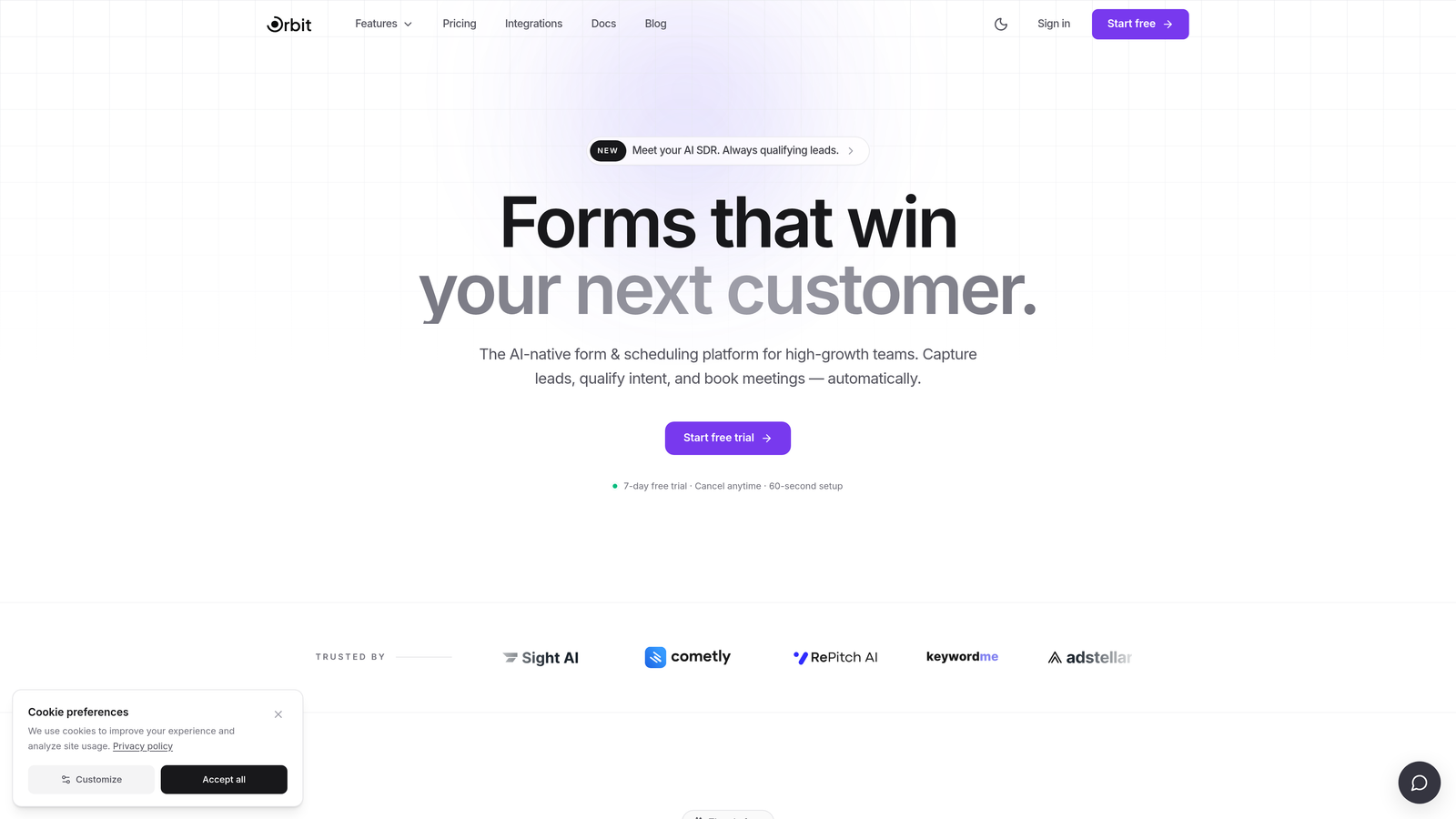
Orbit AI is an AI-powered form builder designed specifically for product teams that want their forms to qualify, score, and route leads automatically, not just collect submissions.
Where This Tool Shines
Most form builders treat qualification as an afterthought. Orbit AI builds it into the core experience. When a prospect fills out your demo request or beta signup, the platform automatically scores them based on your criteria and routes them to the right workflow, whether that's a Slack alert to sales, a CRM entry, or a follow-up sequence.
The design quality also stands out. Forms built in Orbit AI look like they belong to a polished SaaS product, not a generic survey tool. That matters when your form is the first touchpoint a potential customer has with your brand.
Key Features
AI-Powered Lead Qualification: Automatically scores and routes respondents based on custom criteria, eliminating manual triage for your product and sales teams.
Conversion-Optimized Templates: Modern, customizable form designs built to maximize completion rates on external-facing pages.
Conditional Logic: Create personalized form flows that adapt based on how users respond, keeping each path relevant and concise.
Stack Integrations: Connects with CRMs, Slack, and other tools in your product stack to keep data flowing without manual work.
Conversion Analytics: Tracks performance beyond submission counts, giving you visibility into where respondents drop off and which form variations convert best.
Best For
Product teams at high-growth SaaS companies running demo requests, beta signups, waitlists, or any external form where lead quality and conversion rate both matter. Particularly valuable for teams that are tired of manually triaging form submissions every morning.
Pricing
Visit orbitforms.ai for current pricing tiers. Pricing details are updated directly on the site.
2. Typeform
Best for: User research surveys and external-facing forms that need high completion rates
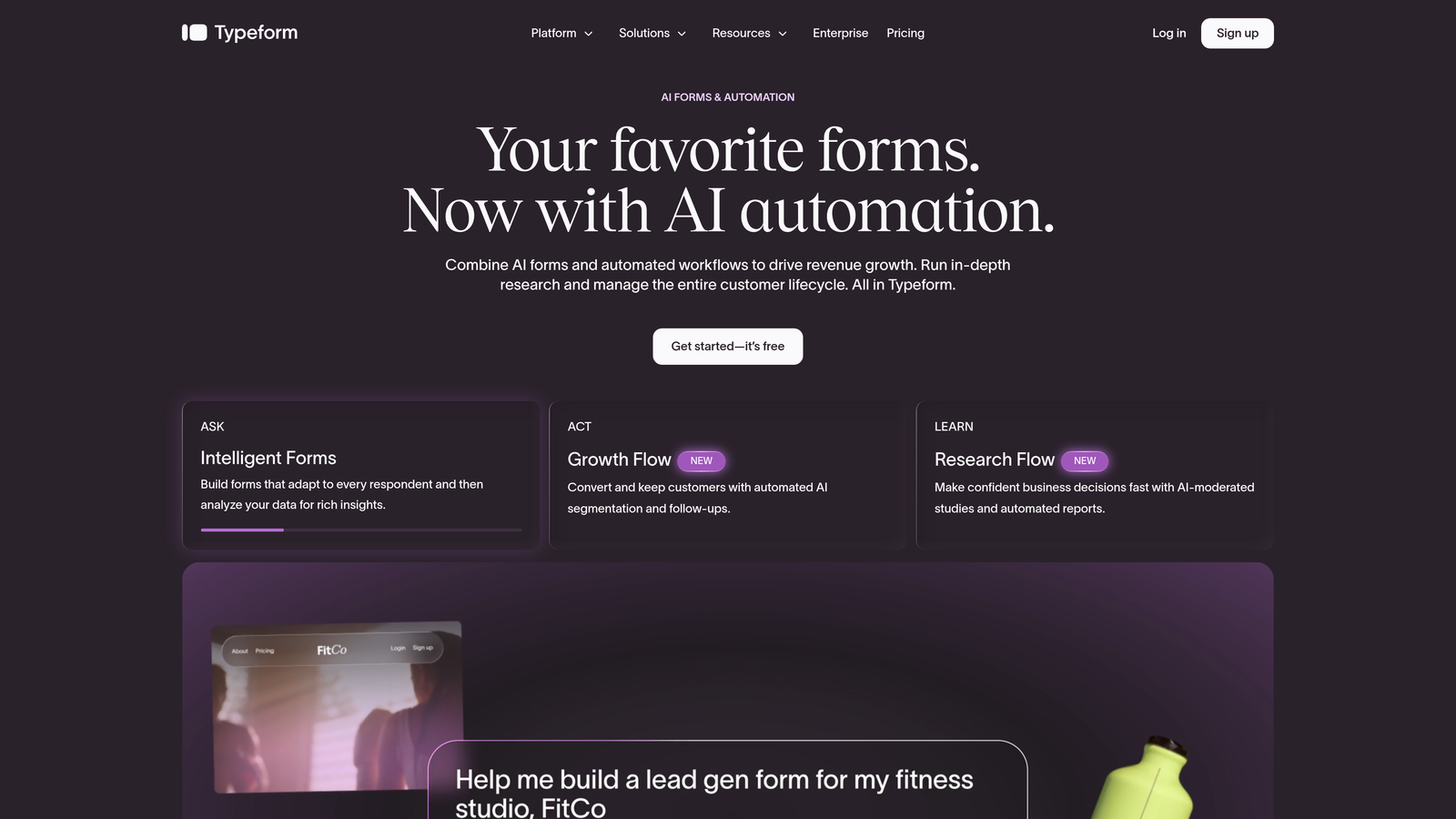
Typeform is a conversational form builder known for its one-question-at-a-time format, which drives engagement and keeps respondents moving through longer surveys.
Where This Tool Shines
When you need someone to complete a 15-question user research survey, format matters enormously. Typeform's conversational approach reduces cognitive load by presenting one question at a time, which typically results in higher completion rates compared to traditional multi-field forms. For product discovery interviews scaled to written surveys, that difference is meaningful.
The Logic Jumps feature lets you branch the experience based on previous answers, so a power user gets different follow-up questions than a first-time visitor. Combined with video question support, it's one of the most expressive research tools available.
Key Features
Conversational Format: One-question-at-a-time flow that keeps respondents engaged through longer surveys and research questionnaires.
Logic Jumps: Conditional branching that routes respondents through different paths based on their answers.
Video Questions: Embed video prompts directly in forms for richer context in user research scenarios.
Integrations: Connects with HubSpot, Salesforce, Zapier, and Slack for downstream workflow automation.
Drop-Off Analytics: Shows exactly which questions cause respondents to abandon, so you can optimize iteratively.
Best For
Product teams running user research surveys, NPS programs, or any external form where completion rate is the primary metric. Less ideal for teams whose primary need is lead qualification or database sync.
Pricing
Free plan available. Paid plans start around $25/month. Verify current pricing at typeform.com before committing.
3. Tally
Best for: Early-stage product teams and indie builders who want powerful forms without a paid plan
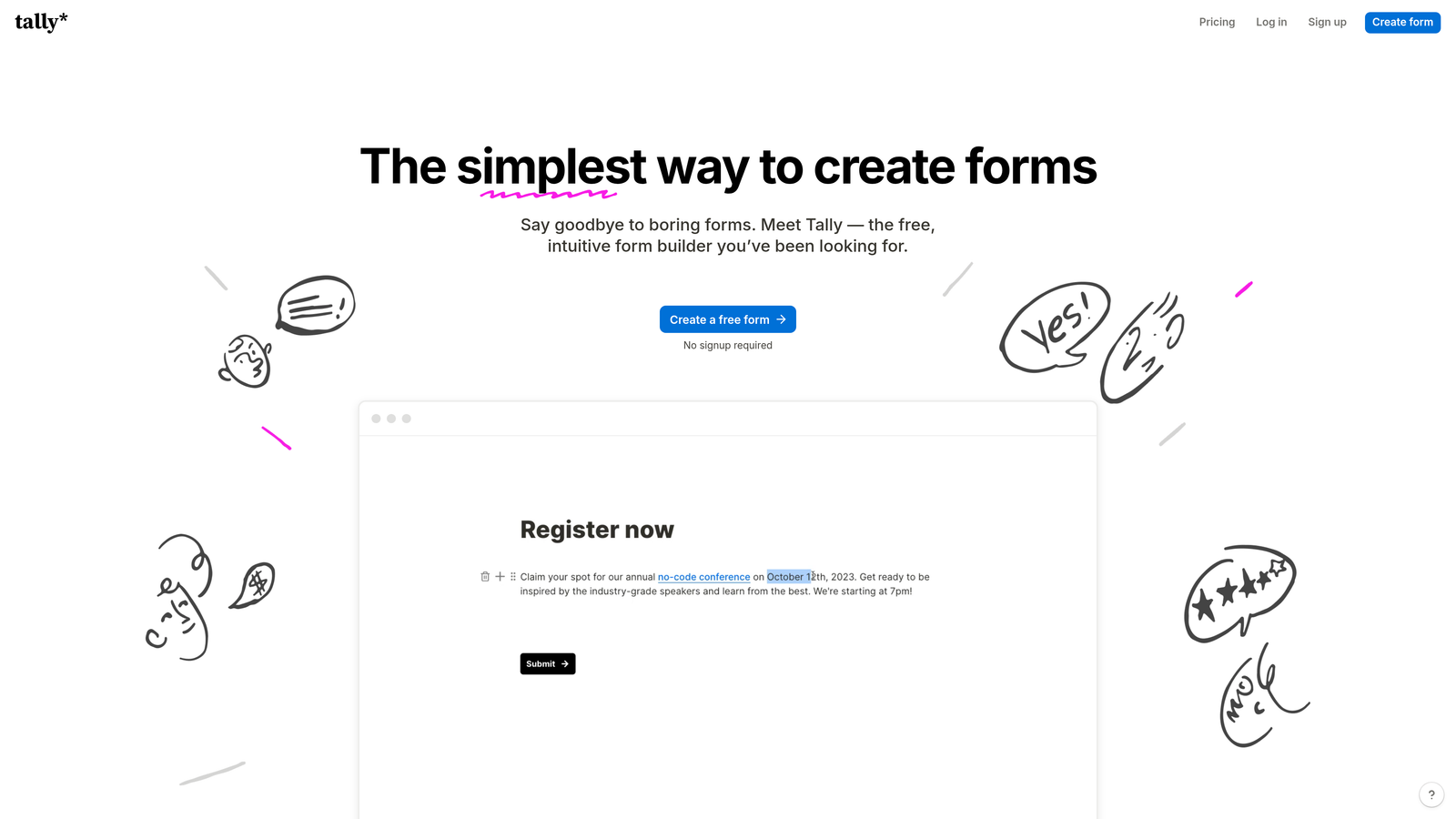
Tally is a Notion-inspired form builder with a generous free tier and no response limits, making it a favorite among lean product teams and solo founders.
Where This Tool Shines
The block-based editor will feel immediately familiar to anyone who lives in Notion. You can build a conditional, multi-page form in minutes without touching any settings panel. For teams that need to spin up a feedback form or feature request intake quickly, Tally removes almost all friction from the process.
The free tier is genuinely useful. Unlimited forms and unlimited responses on the free plan means early-stage teams can run real workflows without hitting paywalls mid-sprint. When you do need advanced features, Tally Pro is competitively priced.
Key Features
Unlimited Free Responses: No response caps on the free plan, which is rare among form builders and valuable for early-stage teams watching costs.
Notion-Like Block Editor: Familiar editing experience that makes form building fast for teams already using block-based tools.
Conditional Logic: Branching and calculated fields for personalized form flows without upgrading to a paid plan.
Notion Embedding: Forms embed cleanly into Notion pages, keeping your product wiki and intake forms in one place.
Zapier and Make Integrations: Connects to your broader workflow stack for automation without native integration limits.
Best For
Early-stage startups, indie builders, and product teams on tight budgets who need reliable conditional logic and clean design without paying for a premium tier. Less suited for teams needing enterprise compliance or deep CRM integration.
Pricing
Free tier with unlimited forms and responses. Tally Pro around $29/month. Verify current pricing at tally.so.
4. Jotform
Best for: Product ops teams managing complex intake workflows, approvals, and multi-step processes
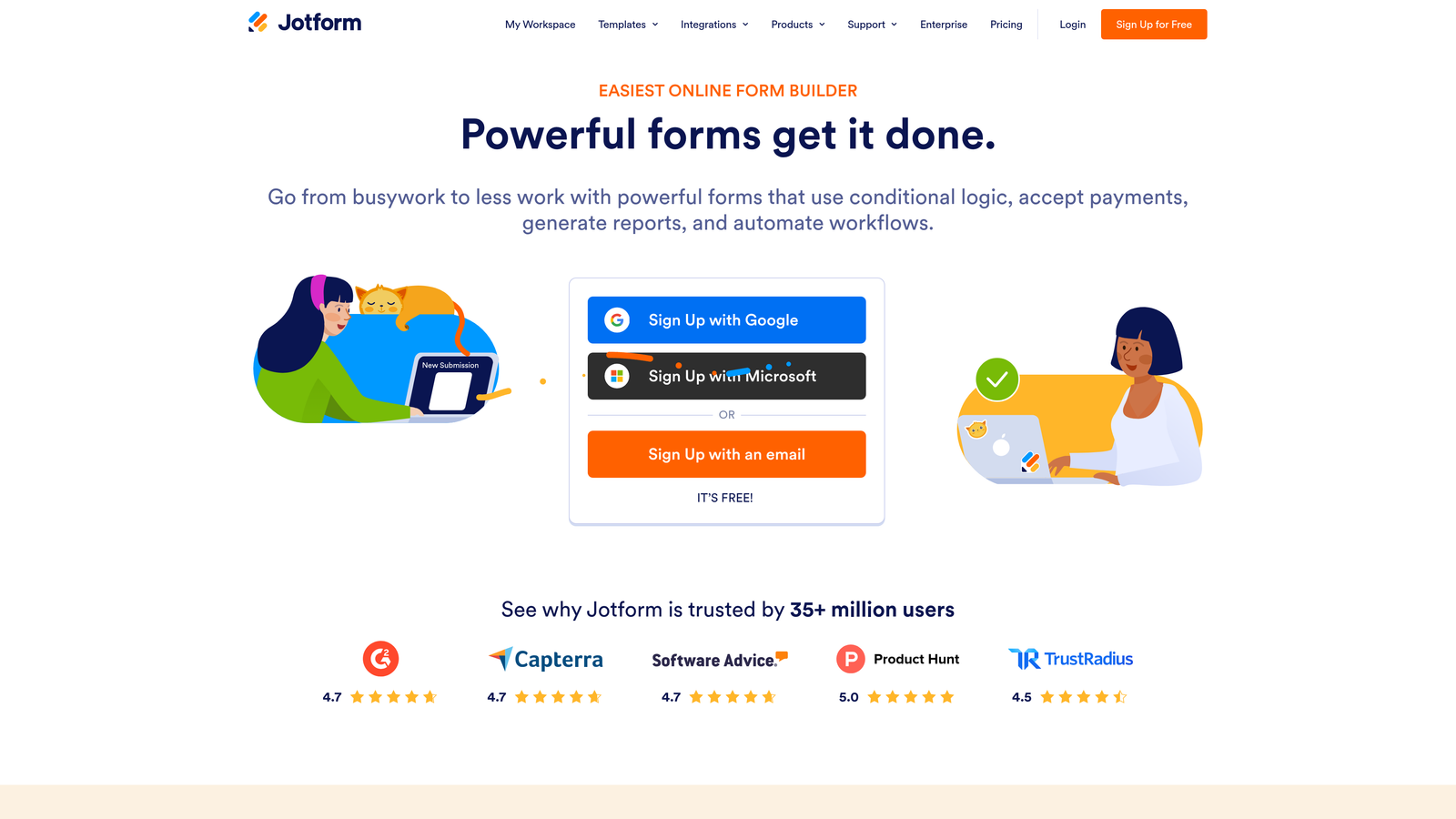
Jotform is one of the most feature-rich form builders available, with an extensive template library, workflow automation, and multi-step approval flows built for operational complexity.
Where This Tool Shines
If your product team manages vendor intake, partner onboarding, or internal approval workflows alongside user-facing forms, Jotform handles all of it in one platform. The approval workflow builder lets you route submissions through multiple reviewers with conditional approval paths, which is genuinely useful for teams with structured intake processes.
The template library is enormous. Whether you need a beta signup form, a feature request tracker, or a user interview screener, there's likely a template close enough to customize quickly. It's a strong choice when breadth of use case matters more than depth of any single feature.
Key Features
10,000+ Templates: Extensive library covering nearly every form use case, reducing build time significantly for common workflows.
Multi-Step Approval Workflows: Route submissions through conditional approval chains for structured intake and review processes.
Payment Collection: Native integrations with Stripe and PayPal for forms that need to collect payment alongside data.
Conditional Logic and Smart Fields: Adaptive form flows that respond to user input with calculated fields and branching paths.
HIPAA-Compliant Plans: For product teams in regulated industries that need compliant data collection.
Best For
Product operations teams, enterprise product managers, and anyone managing complex intake workflows that go beyond simple data collection. Can feel heavyweight for teams that just need a clean, fast survey tool.
Pricing
Free plan available. Paid plans start around $34/month. Verify current pricing at jotform.com.
5. Google Forms
Best for: Quick internal surveys, retrospectives, and team polls within Google Workspace
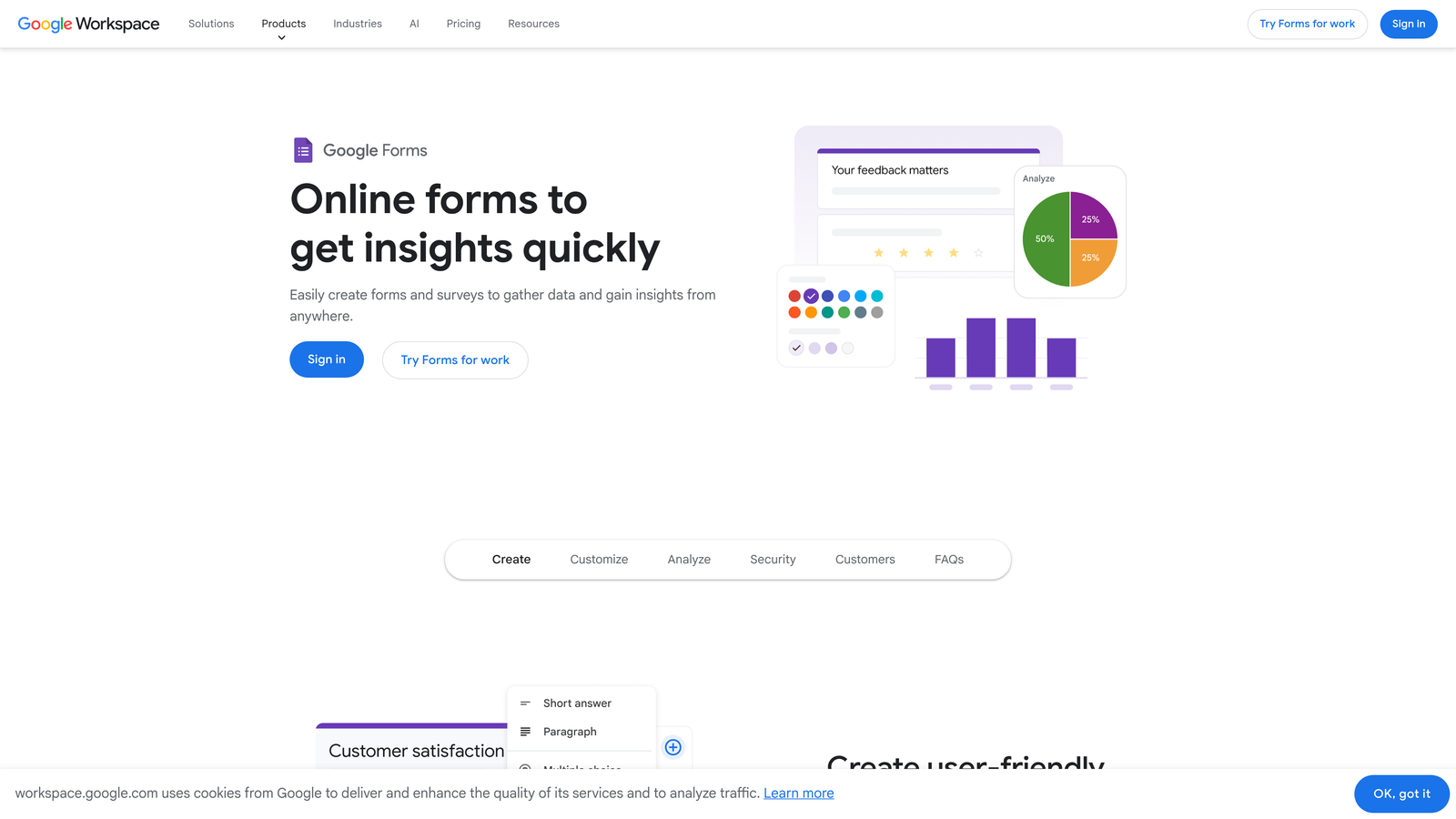
Google Forms is the free, no-frills form tool built into Google Workspace, best suited for internal team use where speed and zero cost matter most.
Where This Tool Shines
When your product team needs a retro survey, a quick pulse check, or an internal vote on roadmap priorities, Google Forms gets it done in under five minutes. There's no setup, no account to create, and responses flow directly into a Google Sheet for easy analysis. For internal workflows, that simplicity is genuinely valuable.
The real-time response summary also makes it easy to share results with stakeholders without any export or formatting work. It's not a tool that will impress anyone with its design, but for internal use, that rarely matters.
Key Features
Completely Free: Included with any Google account, with no response limits or paid tiers to worry about.
Google Sheets Integration: Responses flow directly into a connected spreadsheet for instant analysis and sharing.
Basic Branching Logic: Simple conditional routing for straightforward form flows.
Instant Sharing: Share via link or embed in seconds without configuration.
Real-Time Summary Charts: Auto-generated response visualizations for quick stakeholder updates.
Best For
Product teams already standardized on Google Workspace who need fast, free internal surveys. Not suitable for external-facing forms where design quality and brand consistency matter, or for any workflow requiring advanced logic or CRM integration.
Pricing
Free with any Google account. Included in all Google Workspace plans.
6. Paperform
Best for: External-facing product forms where brand presentation and design control are priorities
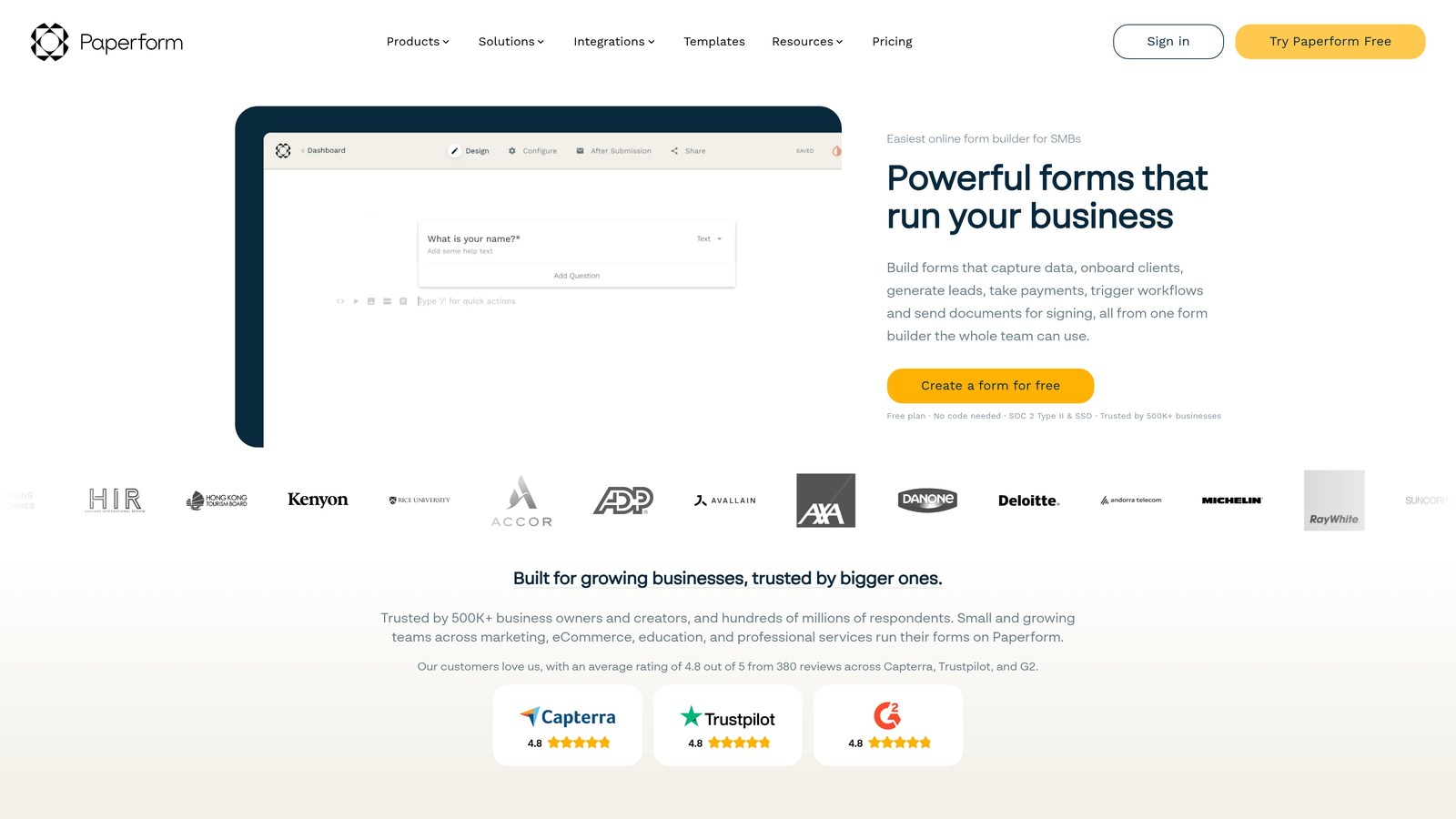
Paperform is a hybrid form builder and landing page tool with strong design control, rich media support, and custom domain options for product teams where brand experience matters.
Where This Tool Shines
Paperform sits in an interesting middle ground between a form builder and a lightweight landing page. You can mix rich text, images, video, and form fields freely on the same page, which makes it excellent for beta signup pages, feature interest forms, or any external form that needs to communicate value alongside collecting data.
Custom domain support means your form can live at a branded URL rather than a generic subdomain, which matters when the form is a customer-facing touchpoint. For SaaS teams that care about the end-to-end brand experience, that level of control is worth the trade-off in complexity.
Key Features
Rich Media Blocks: Mix text, images, and video alongside form fields for forms that inform and collect simultaneously.
Custom Domain Support: Host forms on your own branded domain for a seamless external experience.
Conditional Sections: Show or hide entire sections of a form based on previous responses.
Payment and Product Sales: Accept payments directly within forms without a separate checkout tool.
Best For
SaaS product teams running external-facing forms where design quality and brand consistency directly reflect on the product. Also useful for teams combining form collection with lightweight content marketing on the same page.
Pricing
Plans start around $24/month. Verify current pricing at paperform.co.
7. Fillout
Best for: Product teams on no-code stacks that need native two-way database sync
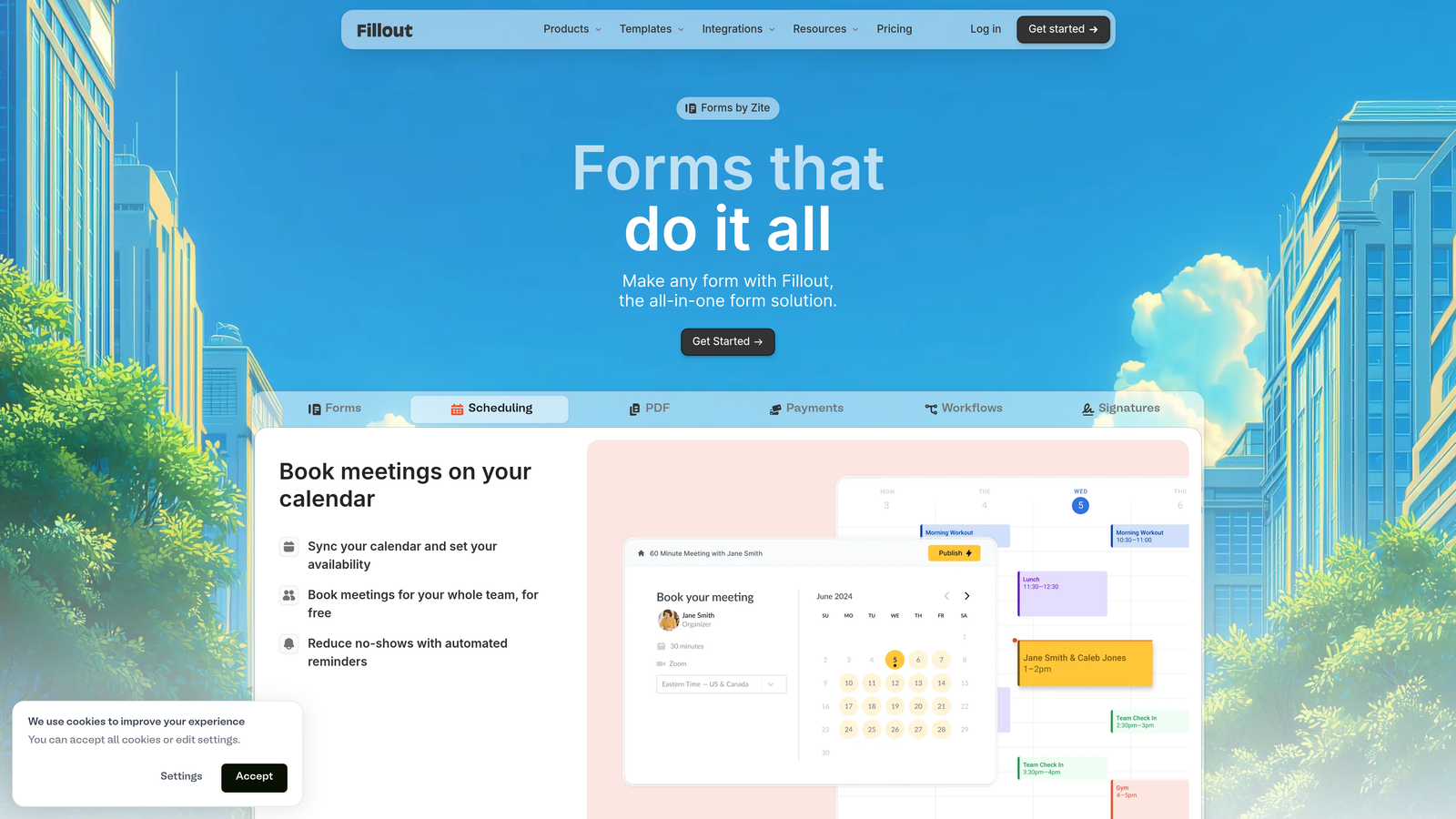
Fillout is a form builder purpose-built for teams using Airtable, Notion, Supabase, or PostgreSQL as their data layer, with native two-way sync that keeps forms and databases in lockstep.
Where This Tool Shines
Most form builders write data to a spreadsheet and call it done. Fillout goes further by connecting directly to your database, which means forms can pre-fill from existing records, update rows rather than just appending them, and sync changes bidirectionally. For product teams using Airtable as a lightweight CRM or Notion as a project database, this removes a significant amount of manual data management.
The scheduling and payment integrations round it out for teams running intake workflows that need to book a call or collect payment as part of the same form flow.
Key Features
Native Database Sync: Two-way integration with Airtable, Notion, Supabase, and PostgreSQL for real-time data consistency.
Pre-Fill from Existing Records: Forms can pull existing data from your database to pre-populate fields for returning users.
Conditional Logic and Multi-Page Flows: Branching paths and multi-step forms for complex intake scenarios.
Scheduling Integration: Book calls or demos directly within a form flow without redirecting to a separate tool.
Embeddable Forms: Shareable links and embed options for placing forms anywhere in your product or marketing stack.
Best For
Product and no-code teams using Airtable, Notion, or Supabase as their primary data layer who need forms that read from and write to those databases natively. Less valuable for teams not already invested in those platforms.
Pricing
Free plan available. Paid plans start around $15/month. Verify current pricing at fillout.com.
8. SurveyMonkey
Best for: Formal product research at mid-market or enterprise scale with benchmarking needs
SurveyMonkey is an established research platform with built-in audience panels and statistical analysis tools, suited for product teams running structured research programs rather than lightweight feedback collection.
Where This Tool Shines
When you need to recruit survey respondents beyond your existing user base, SurveyMonkey's built-in audience panel removes the friction of finding participants separately. You can define demographic criteria and get responses from a targeted panel, which is valuable for competitive research, market sizing, or concept testing before you have a large user base to survey.
The benchmarking data is another differentiator. Being able to compare your NPS or satisfaction scores against industry norms gives product teams context that raw numbers alone don't provide, especially when reporting to leadership or investors.
Key Features
Built-In Audience Panel: Recruit survey respondents matching specific demographic criteria without managing recruitment separately.
Benchmarking Data: Compare your results against industry norms to contextualize performance metrics.
Advanced Analytics: Cross-tabulation and statistical analysis tools for rigorous research interpretation.
Pre-Tested Question Bank: Library of validated research questions that reduce bias and improve data quality.
Enterprise Security: Compliance and security options suited for mid-market and enterprise environments.
Best For
Mid-market and enterprise product teams running formal research programs, concept tests, or competitive studies that require recruited respondents and statistical rigor. Overkill for teams that just need a quick user feedback survey.
Pricing
Free plan available. Paid plans start around $25/month. Enterprise pricing available separately. Verify current pricing at surveymonkey.com.
9. Microsoft Forms
Best for: Enterprise product teams standardized on Microsoft 365
Microsoft Forms is a free form tool included with Microsoft 365, offering seamless integration with Teams, SharePoint, and Power Automate for organizations already running on the Microsoft stack.
Where This Tool Shines
For enterprise product teams operating inside a Microsoft 365 environment, Microsoft Forms removes all integration friction. You can embed a form directly in a Teams channel, trigger a Power Automate workflow from a submission, or store responses in SharePoint without any third-party connectors. That level of native integration has real value in large organizations with strict IT governance.
The automatic Excel export also fits naturally into reporting workflows for teams that live in spreadsheets. It won't win any design awards, but for internal surveys and structured data collection within an enterprise, it does the job without any additional cost or tooling overhead.
Key Features
Included with Microsoft 365: No additional cost for organizations already paying for Microsoft 365 subscriptions.
Native Microsoft Integrations: Direct connections to Teams, SharePoint, and Power Automate without third-party connectors.
Branching Logic: Conditional question flows for structured surveys and intake forms.
Real-Time Results Dashboard: Live response tracking with summary visualizations for quick stakeholder updates.
Automatic Excel Export: Responses sync directly to Excel, fitting naturally into existing enterprise reporting workflows.
Best For
Enterprise product teams in organizations standardized on Microsoft 365 who need internal surveys, team polls, or structured intake forms that integrate natively with their existing collaboration stack. Not suitable for external-facing forms where design quality matters.
Pricing
Free with Microsoft 365 subscription. No standalone pricing.
Which Form Builder Is Right for Your Product Team?
The best choice depends on where you are in the growth curve and what you're optimizing for. Here's a quick way to think through it.
If lead qualification and conversion are your primary concerns, which is common for SaaS teams running demo requests, beta signups, or waitlists, Orbit AI is purpose-built for that job. The AI-powered qualification layer does work that no other tool on this list handles natively, and the design quality means your form reflects well on your product.
If you're running user research at scale and need high completion rates, Typeform is hard to beat. For teams on tight budgets who need real conditional logic without a paid plan, Tally punches well above its price point. Teams managing complex operational workflows will find Jotform's approval flows and template library genuinely useful.
For teams embedded in existing ecosystems, the path of least resistance is clear: Google Workspace teams get Google Forms for free, and Microsoft 365 enterprises get Microsoft Forms. Neither will impress with design, but both eliminate integration overhead for internal use.
Whatever you choose, prioritize integrations with your actual workflow. A form that doesn't connect to your CRM, Slack, or project management tool creates manual work that slows your team down. Also consider how the form experience reflects on your product. For external-facing forms, design quality signals professionalism before a prospect ever speaks to your team.
If you're a high-growth product team that wants to qualify leads automatically and build forms that convert, start building free forms today and see how intelligent form design can elevate your conversion strategy.


