

If your current form builder feels like a cage — rigid layouts, locked styling, zero flexibility — you're not imagining it. Most popular form builders were designed for simplicity, not customization, and that trade-off starts to hurt when your brand, your funnel, or your lead qualification needs don't fit the mold.
This list focuses on form builders that actually give you control: over design, logic, layout, and how leads move through your forms. Whether you're a high-growth SaaS team trying to qualify leads at scale, a marketer who needs pixel-perfect brand consistency, or a developer who wants code-level flexibility, there's a tool here for you.
We evaluated each platform on design flexibility, conditional logic depth, integration ecosystem, and how well it handles real conversion use cases — not just basic contact forms. Here are the best options worth switching to.
1. Orbit AI
Best for: High-growth SaaS and B2B teams that need lead qualification built into the form experience
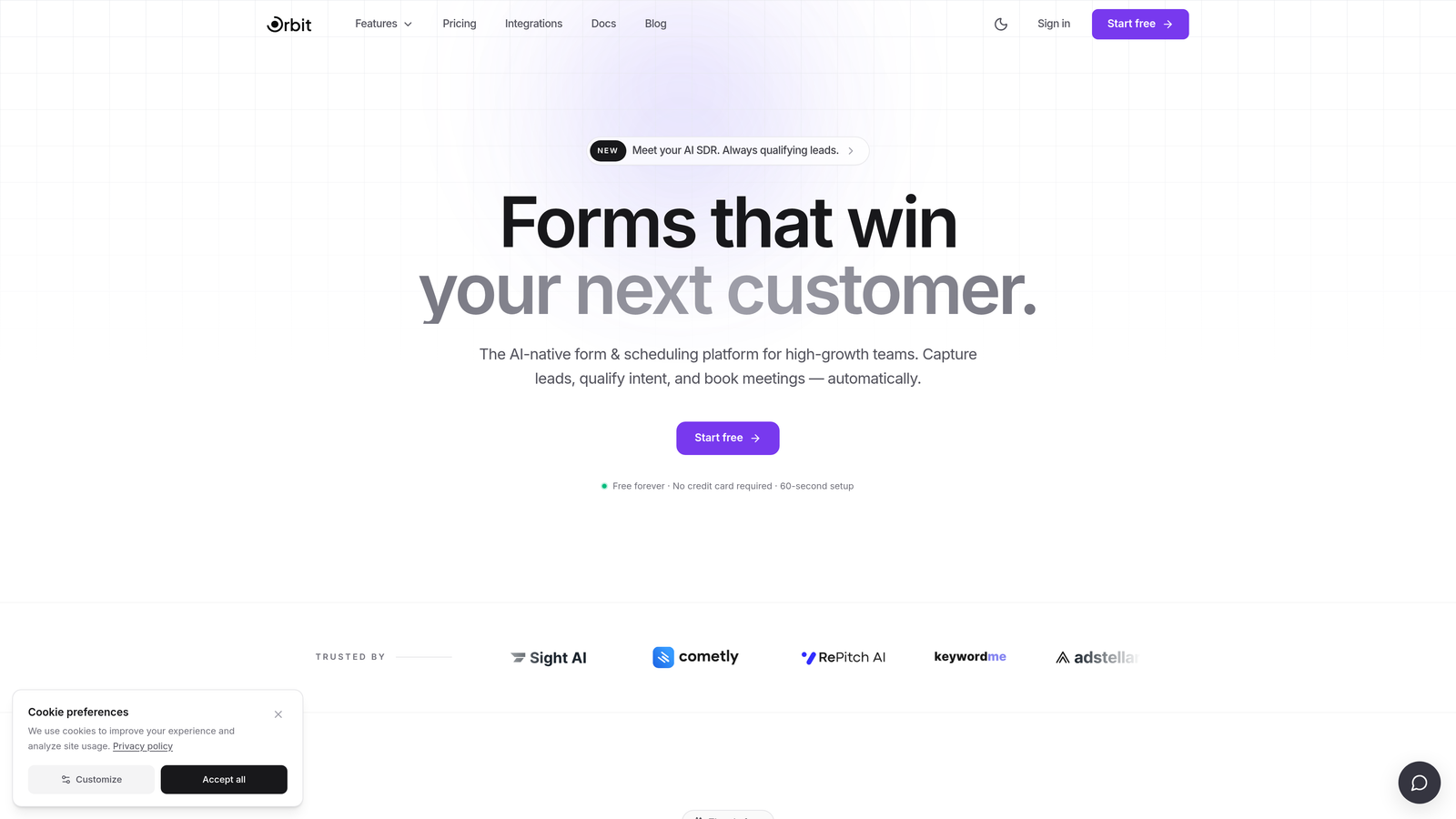
Orbit AI is an AI-powered form builder with built-in lead qualification and scoring, designed for teams where every form submission needs to move the revenue needle.
Where This Tool Shines
Most form builders stop at data collection. Orbit AI goes further by qualifying leads as they fill out your form, using AI to score responses in real time. That means your sales team receives prioritized, pre-qualified leads rather than a raw list to sort through manually.
The design layer is equally strong. You get full visual customization without needing a developer, so your forms can match your brand precisely while staying optimized for conversion. For teams where both quality and aesthetics matter, this combination is rare.
Key Features
AI-Powered Lead Qualification: Scores and qualifies leads automatically based on their form responses, routing high-value prospects without manual review.
Full Visual Customization: Brand-matched design with complete control over colors, typography, layout, and styling — no templates required.
Conditional Logic: Dynamic, personalized form flows that adapt based on user responses, creating a relevant experience for every lead.
CRM and Sales Stack Integrations: Connects with the tools your revenue team already uses, keeping data flowing without friction.
Conversion-Optimized UX: Built with form completion and lead quality in mind, not just form creation.
Best For
High-growth SaaS teams, B2B marketers, and revenue-focused organizations that need forms to do more than collect data. If lead qualification is part of your funnel strategy, Orbit AI is purpose-built for that use case in a way most competitors are not.
Pricing
Check orbitforms.ai for current plans and pricing. A free tier is available to get started.
2. Typeform
Best for: Teams that want a polished, conversational form experience with strong visual design
Typeform is the original conversational form builder, known for its one-question-at-a-time interface and visually refined output that feels more like an experience than a form.

Where This Tool Shines
Typeform's biggest strength is the user experience it creates for respondents. The single-question flow reduces cognitive load and tends to improve completion rates for longer surveys and qualification forms. It looks polished out of the box, which matters when your form is a brand touchpoint.
The trade-off is that some advanced features — like deeper logic and higher submission volumes — are gated behind higher-tier plans. For teams with straightforward needs, the free or basic tier works well. For complex lead gen workflows, costs can escalate quickly.
Key Features
Conversational One-Question UX: Presents one question at a time for a guided, engaging form experience.
Theme Customization: Strong visual design controls including custom fonts, colors, and background imagery.
Logic Jumps: Conditional branching that personalizes the form path based on answers.
Wide Integration Library: Connects with HubSpot, Salesforce, Slack, Zapier, and many others.
Media Embedding: Add images and video directly within questions to enrich the experience.
Best For
Marketing teams, researchers, and SaaS companies that prioritize respondent experience and visual polish. Particularly effective for surveys, onboarding flows, and lead capture where brand impression matters.
Pricing
Free plan available. Paid plans start around $25/month. Verify current pricing at typeform.com.
3. Tally
Best for: Startups, developers, and individuals who want serious form capabilities without paying for them
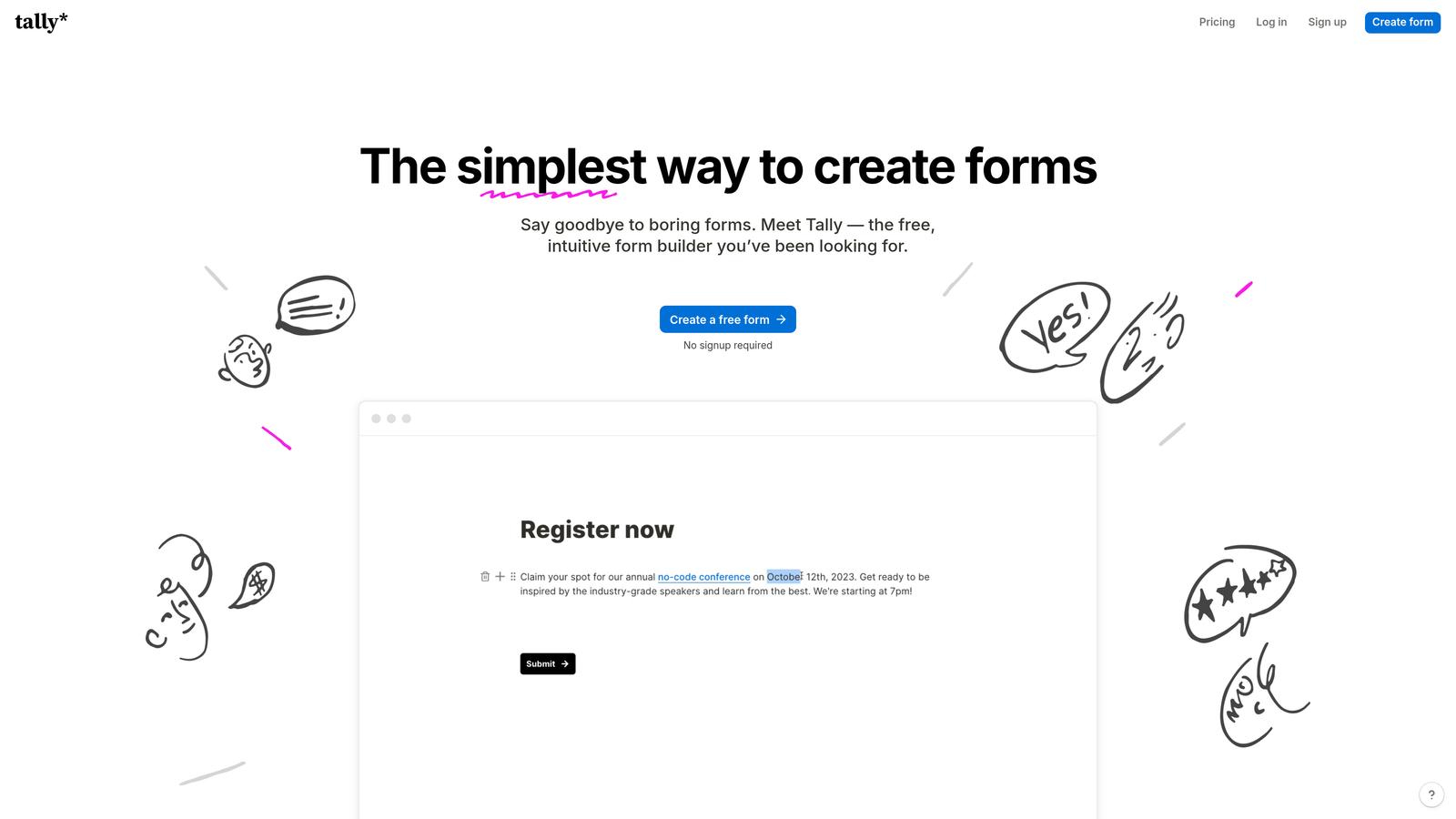
Tally is a Notion-inspired free form builder with a clean block-based editing experience and surprisingly deep logic capabilities available even on its free tier.
Where This Tool Shines
Tally punches well above its price point. The free plan includes unlimited forms and unlimited submissions, which is genuinely rare in this category. The editing experience feels familiar to anyone who uses Notion — just start typing and build your form inline without navigating a complex UI.
For teams that want customization without cost, Tally delivers conditional logic, calculated fields, and clean embeds on the free tier. The Pro plan adds custom domains and more advanced features for teams that outgrow the basics.
Key Features
Notion-Style Block Editor: Build forms by typing inline, making the creation experience fast and intuitive.
Generous Free Plan: Unlimited forms and submissions at no cost, with core logic features included.
Conditional Logic and Calculations: Dynamic branching and calculated fields available without upgrading.
Custom Domain Support: Available on paid plans for brand-consistent form URLs.
Clean Website Embeds: Embeds natively into any site without styling conflicts.
Best For
Solo founders, developers, early-stage startups, and budget-conscious teams who need real form functionality without a monthly commitment. Also great for internal tools and quick-turnaround projects.
Pricing
Free plan available with no submission limits. Tally Pro starts around $29/month. Verify at tally.so.
4. Paperform
Best for: Design-forward teams who want forms that feel like beautifully crafted landing pages
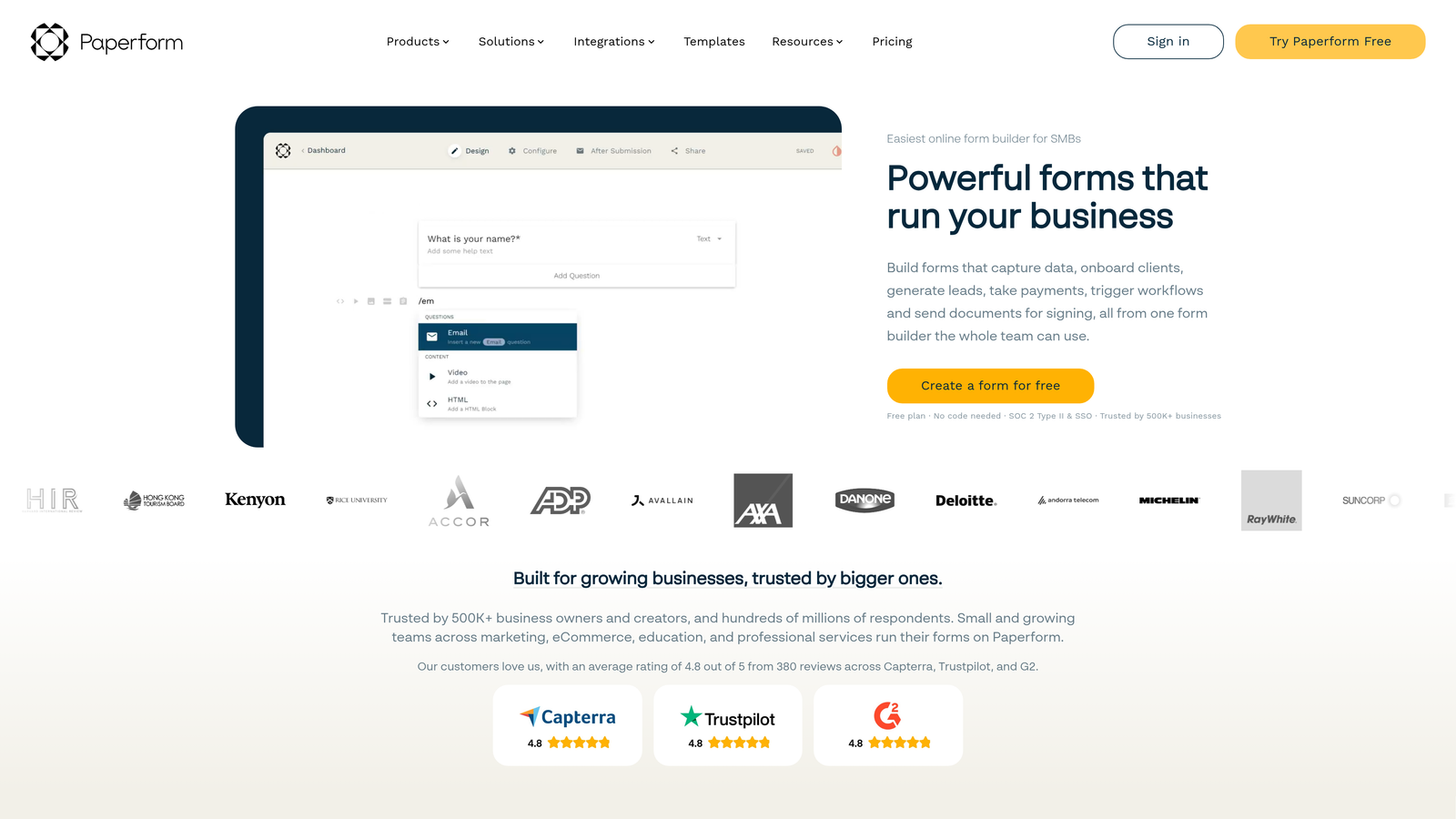
Paperform is a design-first form builder that lets you mix rich content — text, images, video — directly alongside form fields, creating a page-like experience rather than a traditional form.
Where This Tool Shines
Where most form builders keep you inside a rigid field-by-field structure, Paperform gives you a freeform canvas. You can place fields anywhere on the page, intersperse them with written content, and create something that reads more like an interactive document than a form. This is particularly powerful for sales pages, intake flows, and event registrations.
The addition of custom CSS means designers and developers can push the visual output even further when the built-in controls aren't enough.
Key Features
Freeform Layout Editor: Place fields anywhere on the page alongside rich text and media for a document-like form experience.
Rich Media Embedding: Add images, video, and formatted content directly within your form.
Built-In Payments: Accept payments via Stripe and PayPal without third-party integrations.
Conditional Logic and Calculations: Dynamic field visibility and calculated outputs for complex forms.
Custom CSS: Full styling control for teams that need pixel-level precision.
Best For
Creatives, marketers, and small business owners who want forms that reflect their brand without hiring a developer. Strong fit for service businesses, coaches, and anyone running intake or booking flows.
Pricing
Plans start around $24/month. Verify current pricing at paperform.co.
5. Jotform
Best for: Teams that need the widest possible range of form types, field options, and integrations in one platform
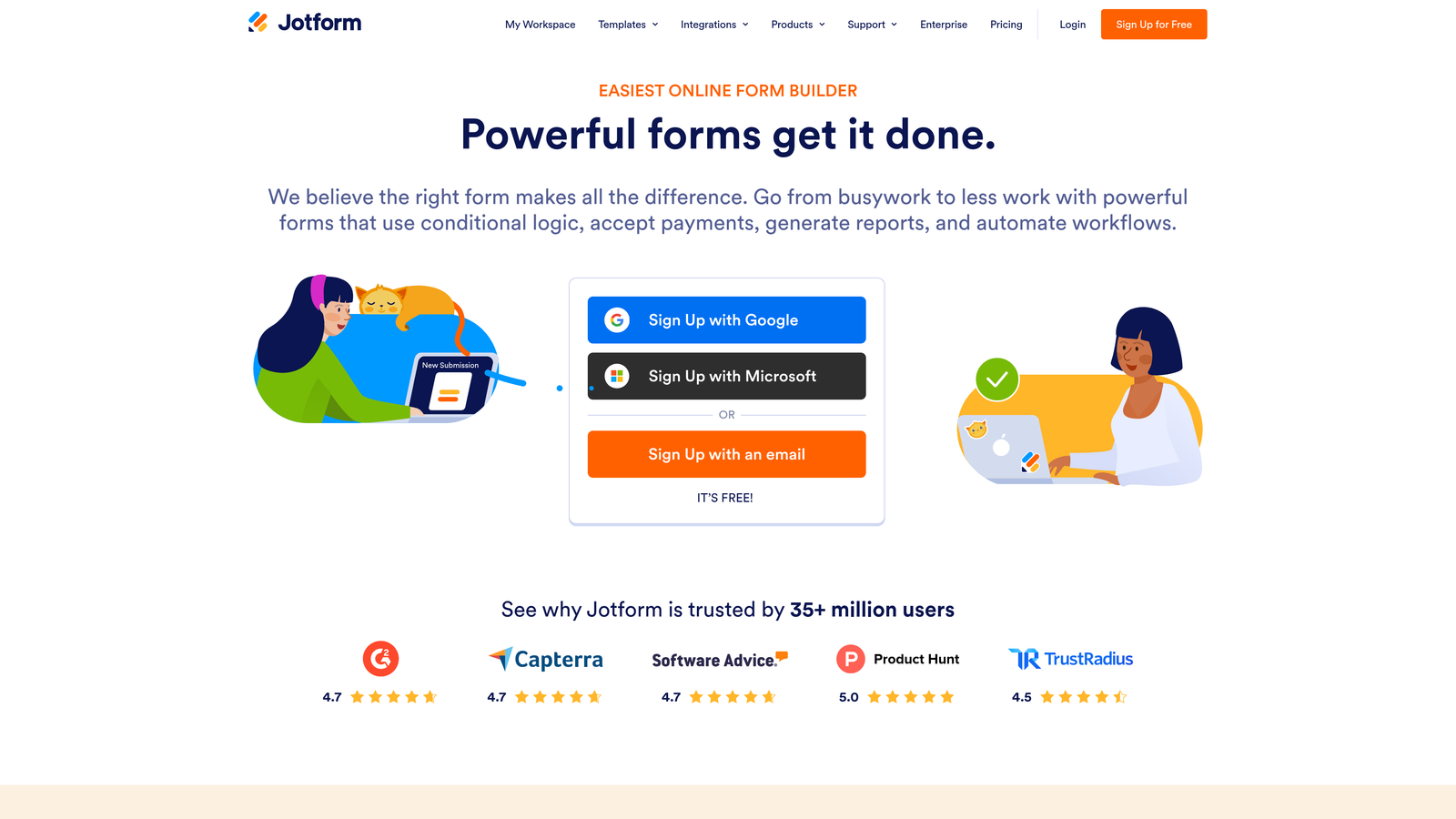
Jotform is one of the most feature-complete form builders available, with a massive template library and a broad widget ecosystem that covers nearly every specialized use case imaginable.
Where This Tool Shines
Jotform's strength is breadth. Whether you need a basic contact form, a HIPAA-compliant patient intake form, an e-signature workflow, or an appointment booking system, Jotform likely has a template and the field types to support it. The sheer volume of pre-built options means you can get something functional quickly, then customize from there.
For regulated industries, Jotform's compliance options — including HIPAA-compliant plans — make it one of the few form builders suitable for healthcare and legal contexts without expensive enterprise contracts.
Key Features
Extensive Template Library: Thousands of pre-built templates spanning industries and use cases.
Advanced Field Types and Widgets: Drag-and-drop builder with specialized fields for payments, signatures, file uploads, and more.
HIPAA-Compliant Plans: Available for healthcare and regulated industry use cases.
Built-In Payments and E-Signatures: Native support for transactions and document signing without extra tools.
Jotform Tables: A built-in database view for managing and organizing form submission data.
Best For
Businesses and organizations that need a single platform to handle many different form types. Particularly strong for regulated industries, nonprofits, and teams managing complex data collection workflows.
Pricing
Free plan available. Paid plans start around $34/month. Verify at jotform.com.
6. Fillout
Best for: No-code and ops teams who need forms that sync directly with Notion, Airtable, or Supabase
Fillout is a database-connected form builder with native two-way sync to popular data tools, eliminating the need for middleware or manual data routing.

Where This Tool Shines
If your team already lives in Notion, Airtable, or Supabase, Fillout removes the friction of getting form data into those systems. The two-way sync means you can prefill forms with existing database records and write responses back without building a Zapier workflow to bridge the gap.
The design layer is clean and customizable, and the free plan is genuinely useful with a generous submission allowance. For ops-heavy teams building internal tools or customer-facing intake flows tied to a database, Fillout is purpose-built for that workflow.
Key Features
Native Two-Way Database Sync: Direct integration with Notion, Airtable, Supabase, and other popular data platforms without middleware.
Multi-Step Forms with Conditional Logic: Build complex, branching form flows with a clean interface.
Scheduling and Payment Integrations: Extend forms with booking and payment capabilities.
Customizable Design Layer: Clean visual controls for brand-consistent forms.
Generous Free Plan: Meaningful submission limits on the free tier make it viable for smaller teams.
Best For
No-code operators, product teams, and startups already using Notion or Airtable as their operational backbone. Also strong for internal tooling and customer-facing flows tied to live database records.
Pricing
Free plan available. Paid plans start around $15/month. Verify at fillout.com.
7. Growform
Best for: Performance marketers and agencies running lead generation campaigns who need to maximize form completion rates
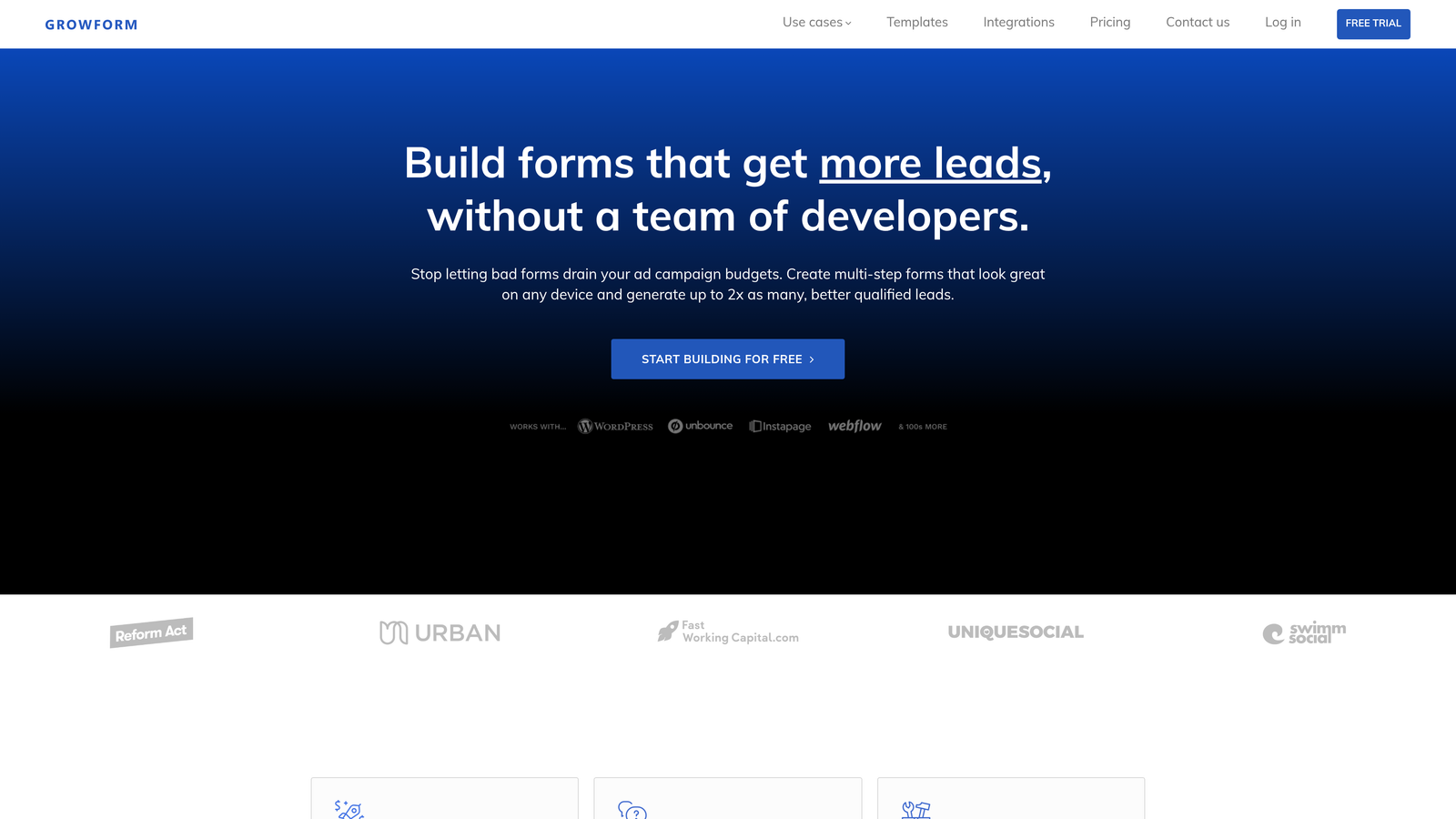
Growform is a multi-step form builder purpose-built for lead generation campaigns, with a strong focus on funnel-style design patterns and completion rate optimization.
Where This Tool Shines
Growform is designed around a specific insight: multi-step forms with a clear progress indicator tend to outperform single-page forms for lead gen. The platform bakes this pattern in by default, making it easy to build forms that guide users through a funnel rather than overwhelming them with a wall of fields.
For agencies managing paid traffic campaigns, the ability to embed these forms on any landing page and route leads to CRMs and ad platforms is a practical advantage that saves significant setup time.
Key Features
Multi-Step Funnel Design: Built-in progress bar and funnel-style UX patterns optimized for lead gen campaigns.
Conditional Logic for Lead Routing: Qualify and route leads dynamically based on their responses.
Flexible Embedding: Embeds cleanly on any landing page, website, or campaign page.
CRM and Ad Platform Integrations: Connects with major CRMs and advertising tools for seamless lead handoff.
Completion Rate Focus: UX patterns and design defaults are oriented toward reducing drop-off.
Best For
Performance marketers, lead generation agencies, and paid media teams who treat their forms as a critical conversion asset. Strong fit for home services, insurance, finance, and other high-volume lead gen verticals.
Pricing
Plans start around $49/month. Verify current pricing at growform.co.
8. Reform
Best for: SaaS and product teams who need forms that feel completely native to their product or website design
Reform is a developer-friendly form builder with pixel-level CSS control and clean embed options, built for teams who can't afford for their forms to look like third-party widgets.
Where This Tool Shines
Most embedded form builders have a tell — a slight visual inconsistency that signals "this is a third-party tool." Reform is designed to eliminate that. Full CSS customization means your forms can match your design system exactly, whether you're embedding in a SaaS product, a marketing site, or a documentation portal.
The API and webhook support makes Reform practical for product teams that need to trigger custom workflows or push data to non-standard destinations beyond the typical integration library.
Key Features
Full CSS Customization: Pixel-perfect styling control for brand and design system matching.
Clean Native Embeds: Minimal, unobtrusive embed that blends seamlessly with any design environment.
Conditional Logic and Multi-Step Support: Dynamic form flows for more complex qualification or onboarding use cases.
Webhook and API Support: Custom integration capabilities for teams with non-standard data destinations.
SaaS-Oriented Design Defaults: Built with product teams in mind from the ground up.
Best For
SaaS product teams, front-end developers, and design-conscious organizations that need embedded forms to feel like a native part of their product rather than a bolted-on widget.
Pricing
Free plan available. Paid plans start around $29/month. Verify at reform.app.
9. Formstack
Best for: Enterprise organizations that need forms connected to complex approval workflows, document generation, and compliance requirements
Formstack is an enterprise-grade form and workflow automation platform used by larger organizations that need forms to trigger data routing, approvals, and document generation at scale.
Where This Tool Shines
Formstack goes well beyond form creation. It's a workflow automation platform where forms are the entry point into complex processes: routing submissions through approval chains, generating documents from form data, and integrating with enterprise systems like Salesforce and ServiceNow. For organizations with compliance requirements, the HIPAA, FERPA, and SOC 2 options are a significant differentiator.
The trade-off is cost and complexity. Formstack is priced and scoped for enterprise use, making it overkill for smaller teams. But for organizations where form data needs to flow into sophisticated operational processes, it's one of the most capable platforms available.
Key Features
Advanced Workflow Automation: Approval routing and multi-step workflows triggered by form submissions.
Document Generation: Automatically create documents from form data, reducing manual processing.
Enterprise Compliance: HIPAA, FERPA, and SOC 2 compliance options for regulated industries.
Deep Enterprise Integrations: Native connections to Salesforce, ServiceNow, and other enterprise platforms.
Prefill, E-Signature, and Data Routing: End-to-end data handling from capture to downstream systems.
Best For
Mid-market and enterprise organizations in regulated industries, healthcare, higher education, and large sales operations where forms need to connect to complex internal processes and compliance frameworks.
Pricing
Plans start around $83/month with enterprise pricing available. Verify current pricing at formstack.com.
Which Tool Is Right for Your Team?
Every tool on this list solves the customization problem, but each takes a different angle. Here's a quick way to cut through the options.
If you're a SaaS or B2B team focused on lead qualification, Orbit AI is purpose-built for exactly that. The AI scoring layer sets it apart from every other tool here — you're not just collecting leads, you're qualifying them in real time. For a polished conversational experience, Typeform remains the visual benchmark. For free-tier flexibility that doesn't feel like a compromise, Tally is the clear choice.
Design-first teams will find Paperform's page-builder approach uniquely freeing. Jotform wins on sheer breadth, covering more use cases under one roof than any other platform here. Fillout is the go-to if your workflows live in Notion or Airtable. Growform is purpose-built for performance lead gen campaigns where completion rates are a KPI. Reform is the right call when your forms need to feel completely native to your product. And Formstack handles the enterprise automation needs that smaller tools simply aren't built for.
The common thread across all nine? They give you more control than the generic builders bundled with your CRM or website platform. If customization — visual, logical, or structural — is what's been holding your forms back, any of these will be a meaningful upgrade over a one-size-fits-all tool.
For high-growth teams specifically, the gap between a generic form and a qualified-lead-generating machine is real. The right form builder isn't just a design tool; it's part of your conversion stack. Transform your lead generation with AI-powered forms that qualify prospects automatically while delivering the modern, conversion-optimized experience your team needs. Start building free forms today and see how intelligent form design can elevate your conversion strategy.


