

Choosing a form builder isn't just about features. It's about finding a pricing model that scales with your team without surprise overages or locked-in annual commitments. Whether you're a startup testing lead capture workflows or a high-growth SaaS team running multi-step qualification forms, monthly billing gives you the flexibility to switch, scale, or pause without penalty.
This guide breaks down the best form builders with transparent monthly pricing, comparing what you actually get at each tier. We evaluated tools based on feature availability at entry-level plans, lead qualification capabilities, integration depth, and how pricing scales as your submission volume grows. If you're comparing Typeform alternatives, assessing AI-driven form tools, or simply tired of paying for features you don't use, this list gives you a clear, honest breakdown to make the right call.
1. Orbit AI
Best for: High-growth SaaS and B2B teams that need AI-powered lead qualification built directly into the form layer.
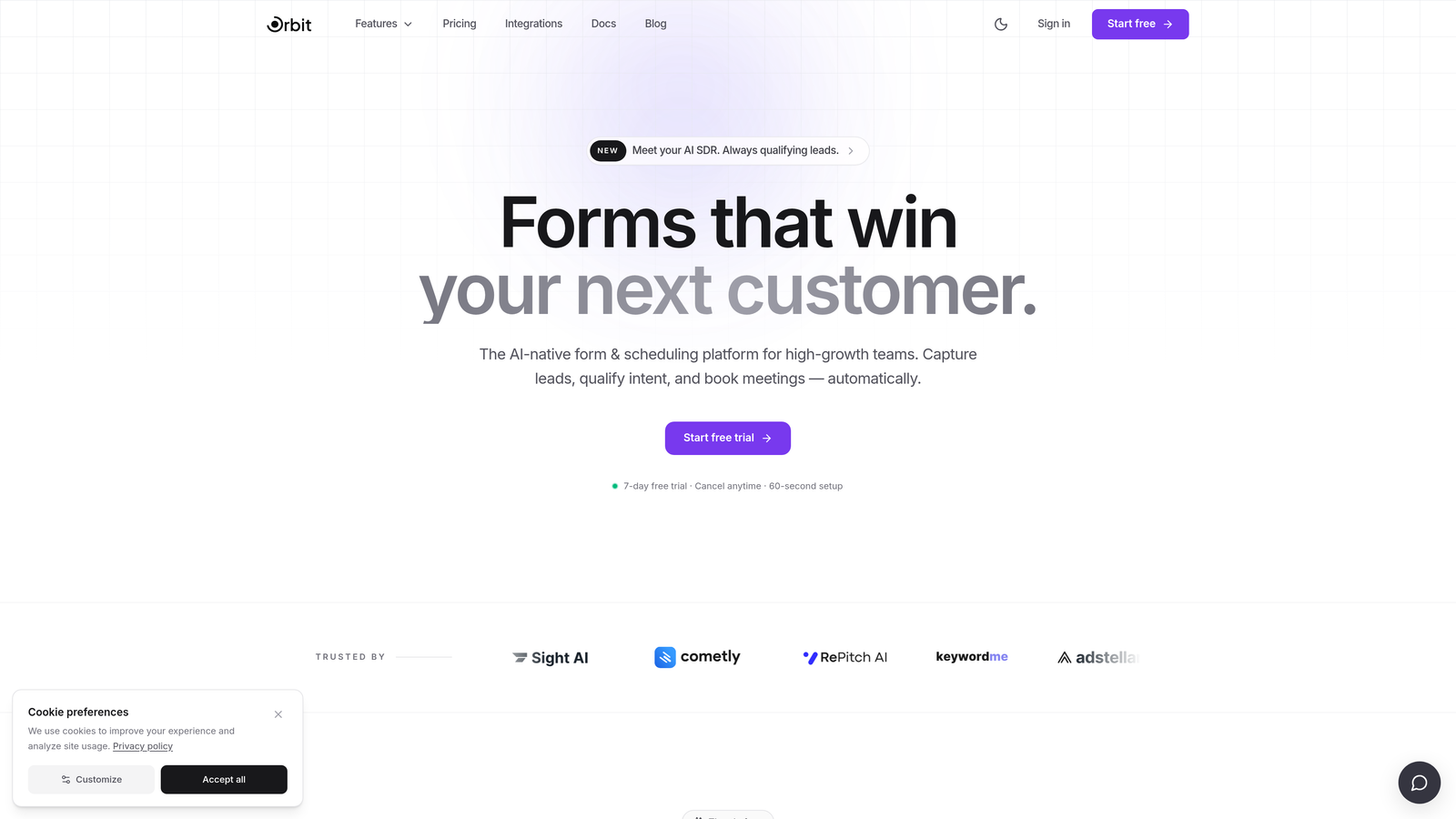
Orbit AI is an AI-native form builder designed specifically for teams where lead quality matters as much as lead volume.
Where This Tool Shines
Most form builders collect data and then hand it off to a CRM or Zapier workflow to do the actual qualification work. Orbit AI flips that model by embedding lead scoring and qualification logic directly inside the form experience. By the time a submission lands in your pipeline, it's already been evaluated against your criteria.
The design layer is equally strong. Templates are built with B2B conversion in mind, not just aesthetic polish, and the brand customization controls give growth teams the flexibility to match forms to their product experience without touching code.
Key Features
AI-Powered Lead Qualification: Scores and qualifies leads in real time within the form flow, eliminating the need for downstream automation to do the filtering.
Conditional Logic and Dynamic Fields: Personalizes the form experience based on respondent inputs, so prospects only see questions relevant to their situation.
Conversion-Optimized Templates: Pre-built for B2B lead generation scenarios, with layouts and copy structures designed to maximize completion rates.
CRM and Marketing Stack Integrations: Routes qualified leads directly into your CRM or marketing tools, keeping your pipeline clean from the start.
Clean Design Editor: Modern, intuitive brand customization controls that let teams build on-brand forms without design or developer resources.
Best For
Orbit AI is the strongest fit for SaaS and B2B teams running high-volume lead generation where qualification speed matters. If your sales team is spending time manually sorting through unqualified submissions, this tool directly addresses that problem at the source.
Pricing
Monthly pricing plans are available. Confirm current tiers and submission limits directly at orbitforms.ai as pricing may be updated.
2. Typeform
Best for: Teams that prioritize a polished, conversational form experience with strong visual branding.
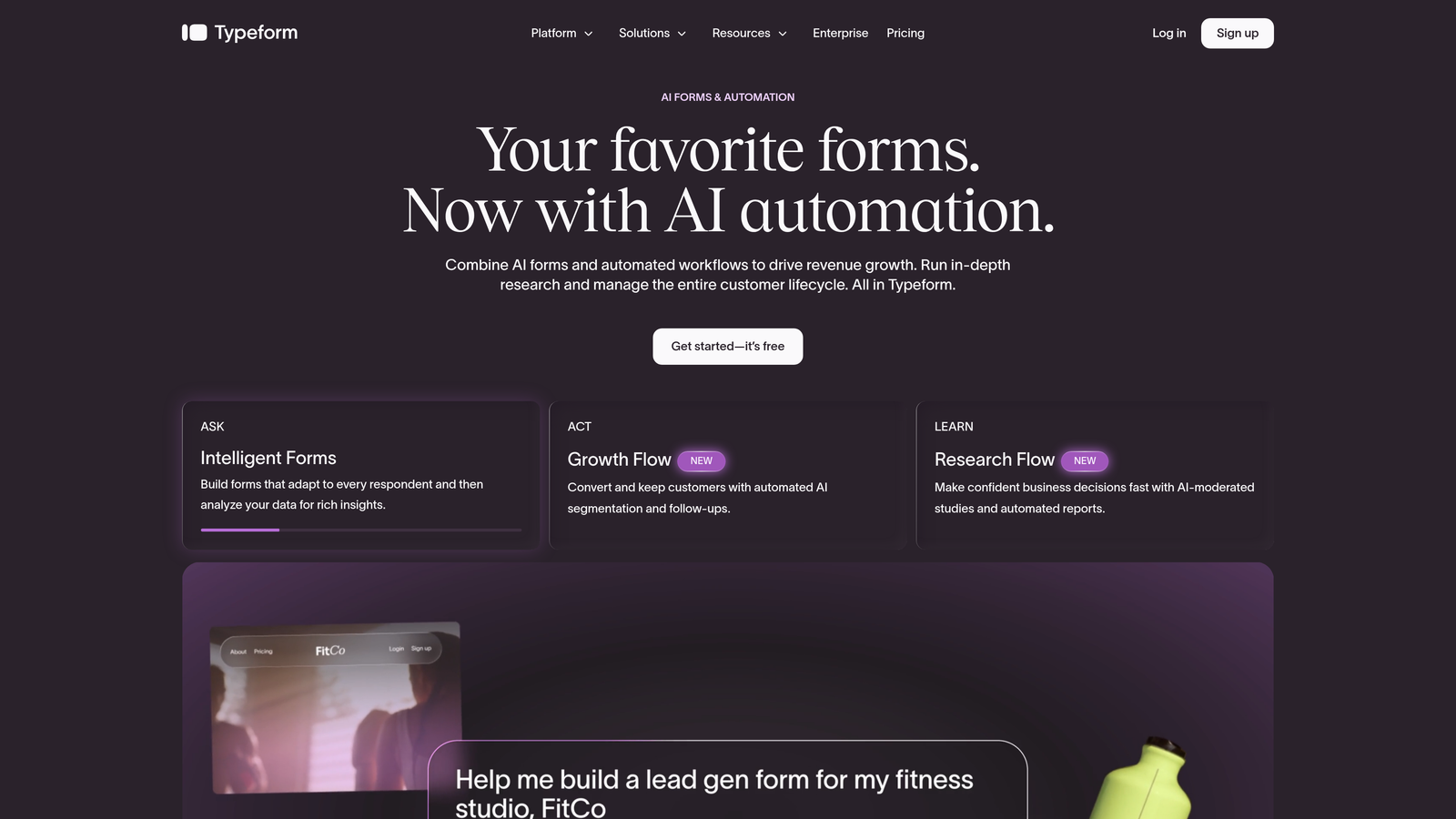
Typeform is a conversational form builder known for its one-question-at-a-time interface and premium visual design.
Where This Tool Shines
Typeform's core strength is the respondent experience. The one-question-at-a-time format feels less like filling out a form and more like a conversation, which typically drives higher completion rates for longer surveys and lead capture flows. For brands where first impressions matter, Typeform delivers a level of polish that most competitors don't match out of the box.
The trade-off is cost. Monthly pricing is notably higher compared to annual commitments, and some of the most useful features, including logic jumps and custom domains, are locked behind paid tiers. Teams evaluating Typeform on a monthly basis should factor that premium into their comparison.
Key Features
Conversational One-Question UX: Presents one question at a time for a more engaging, interview-style experience that reduces form abandonment.
Brand Customization: Supports custom themes, fonts, colors, and custom domains to match your brand identity precisely.
Logic Jumps and Conditional Branching: Available on paid plans, allowing dynamic routing based on respondent answers.
CRM and Integration Support: Connects with major CRMs, Zapier, and marketing platforms for lead routing.
Video and Image Embedding: Allows rich media within form questions, useful for product demos or visual surveys.
Best For
Typeform is best suited for marketing teams running branded surveys, customer research, and lead capture flows where visual quality is a priority. Teams on tight monthly budgets may find the cost-per-feature ratio challenging compared to alternatives.
Pricing
Monthly plans are available across Basic, Plus, Business, and Enterprise tiers, with monthly billing typically priced higher than annual. Confirm current pricing at typeform.com/pricing.
3. Jotform
Best for: Teams that need a wide variety of form types and the largest template library in the market.
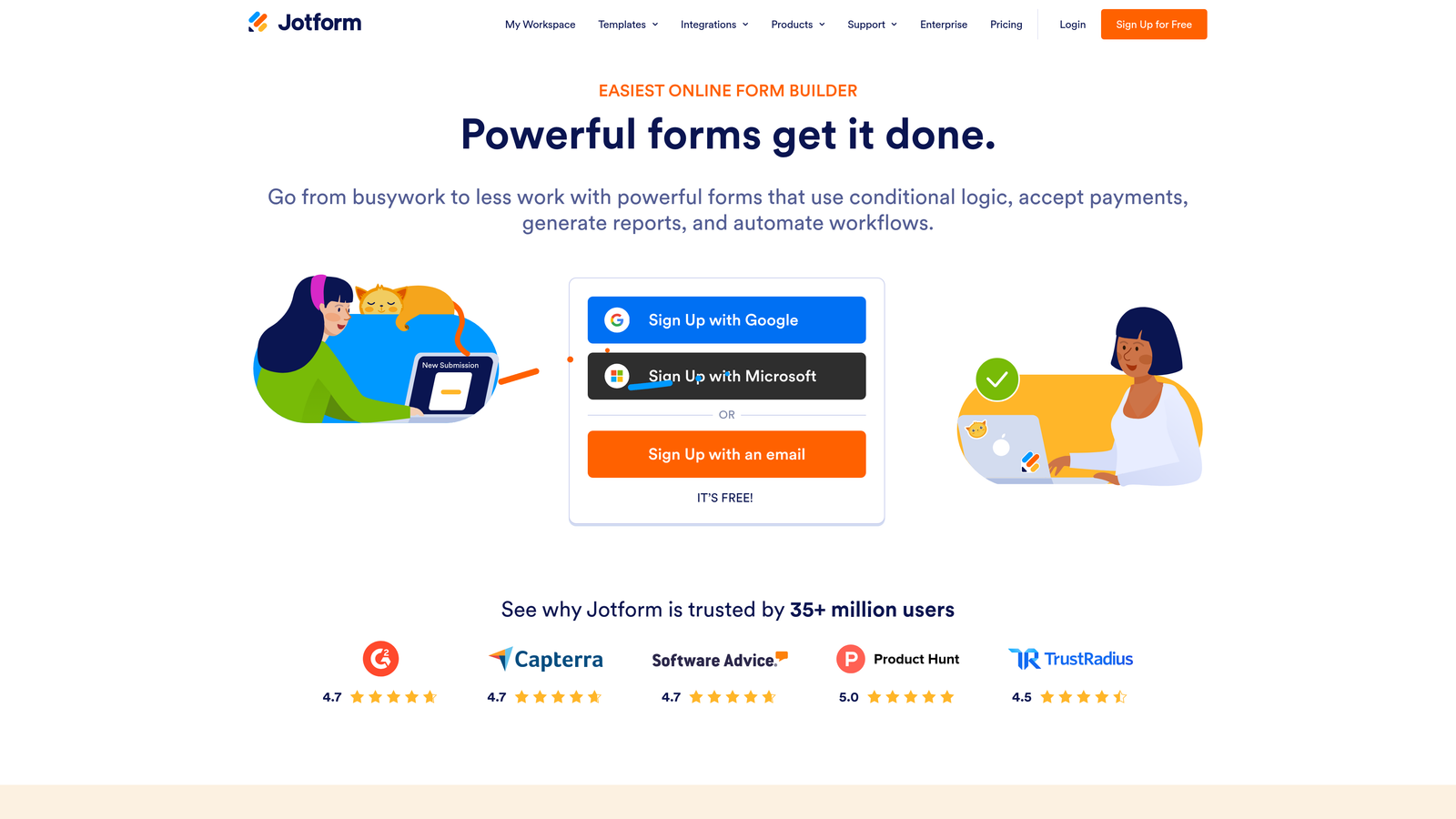
Jotform is a feature-rich form builder with over 10,000 templates and flexible monthly plans across multiple tiers.
Where This Tool Shines
Jotform's breadth is its biggest advantage. Whether you need a payment form, a healthcare intake form, a job application, or a multi-step lead capture sequence, there's almost certainly a template ready to go. The drag-and-drop builder is mature and handles complex field configurations without requiring technical knowledge.
For teams in regulated industries, Jotform's HIPAA compliance option on higher tiers is a meaningful differentiator. Payment integrations with Stripe, PayPal, and Square also make it a practical choice for service businesses collecting fees alongside form data.
Key Features
10,000+ Templates: One of the largest pre-built template libraries available, spanning dozens of industries and use cases.
Drag-and-Drop Builder: Extensive field type options with a mature, no-code editing experience.
Payment Integrations: Native connections to Stripe, PayPal, and Square for combining form collection with payment processing.
Conditional Logic: Available across paid tiers for dynamic form flows based on respondent inputs.
HIPAA Compliance: Available on higher-tier plans for healthcare and regulated industry use cases.
Best For
Jotform works well for agencies, small businesses, and operations teams that need versatility across many different form types without building from scratch each time. It's less optimized for pure lead qualification but excels at general-purpose data collection.
Pricing
A free plan is available with submission limits. Paid monthly plans span Bronze, Silver, Gold, and Enterprise tiers with increasing submission and storage limits. Confirm current pricing at jotform.com/pricing.
4. Tally
Best for: Individuals and small teams that need unlimited forms and submissions without paying anything.
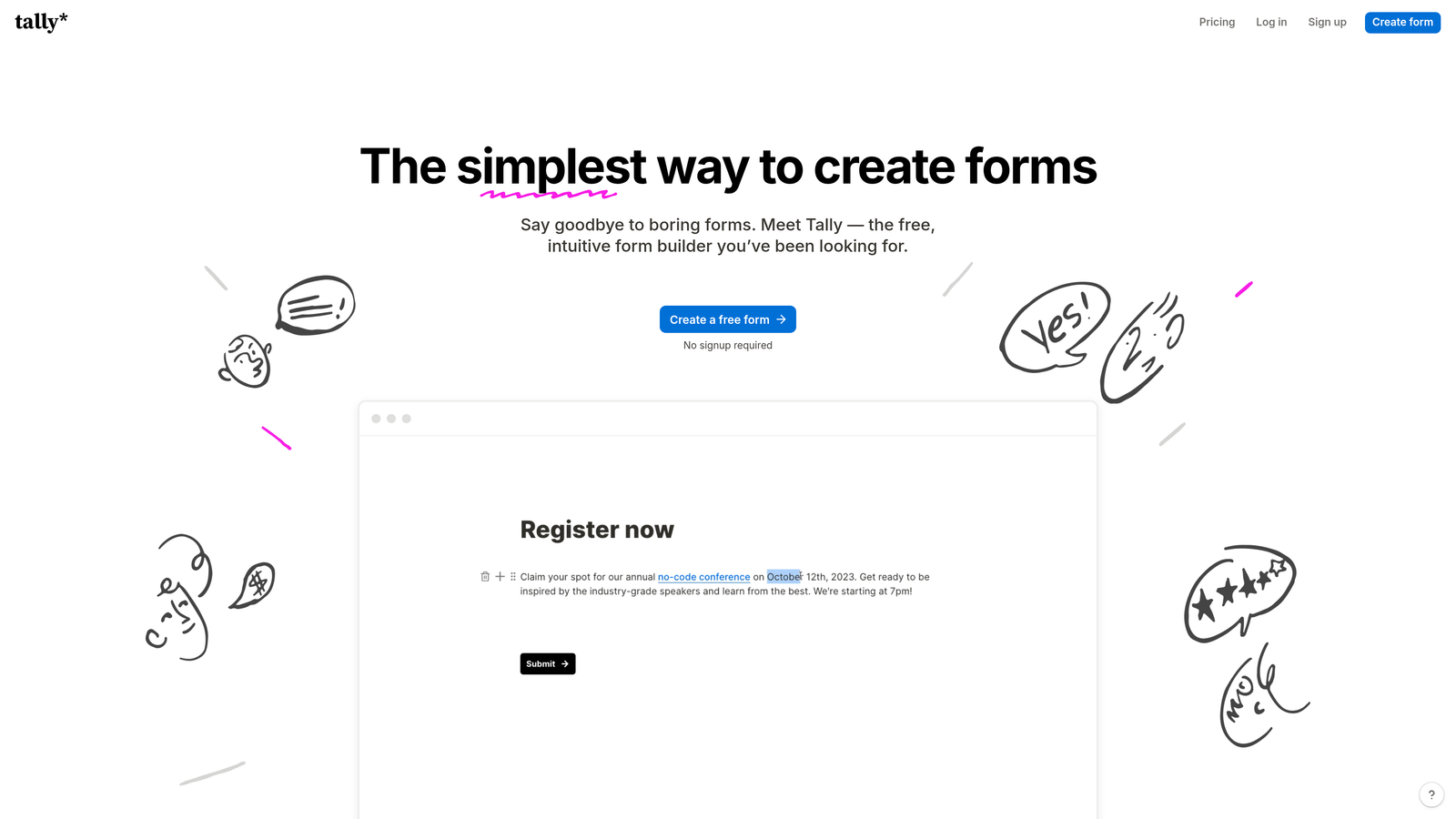
Tally is a minimalist form builder with a genuinely unlimited free plan and a clean, Notion-style editing experience.
Where This Tool Shines
Tally's free plan is unusually generous. Most form builders cap submissions, responses, or active forms on free tiers. Tally removes those limits entirely, making it the most accessible option for bootstrapped teams, indie makers, or anyone who needs functional forms without a budget. The block-based editor feels familiar to anyone who's used Notion, which shortens the learning curve considerably.
Conditional logic is available even on the free plan, which is rare among competitors. Tally Pro adds custom branding removal, custom domains, and additional features for teams that need a more polished presentation.
Key Features
Unlimited Free Forms and Submissions: No artificial caps on the free plan, making it genuinely viable for ongoing use without upgrading.
Block-Based Editor: Clean, Notion-inspired editing interface that's intuitive for teams already familiar with that workflow.
Conditional Logic on Free Tier: Dynamic branching available without requiring a paid plan, a significant advantage over most competitors.
Embed Flexibility: Embeds cleanly into websites and Notion pages with minimal configuration.
Tally Pro Upgrades: Custom domains, branding removal, and additional collaboration features for teams that need more control.
Best For
Tally is the clear winner for anyone prioritizing cost-efficiency on a monthly basis. It's ideal for content creators, early-stage startups, and internal operations teams that need functional, logic-driven forms without a subscription.
Pricing
Free plan available with unlimited forms and submissions. Tally Pro is available on a monthly basis with additional features. Confirm current Pro pricing at tally.so/pricing.
5. Paperform
Best for: Service businesses and agencies combining client intake, payments, and scheduling in one tool.
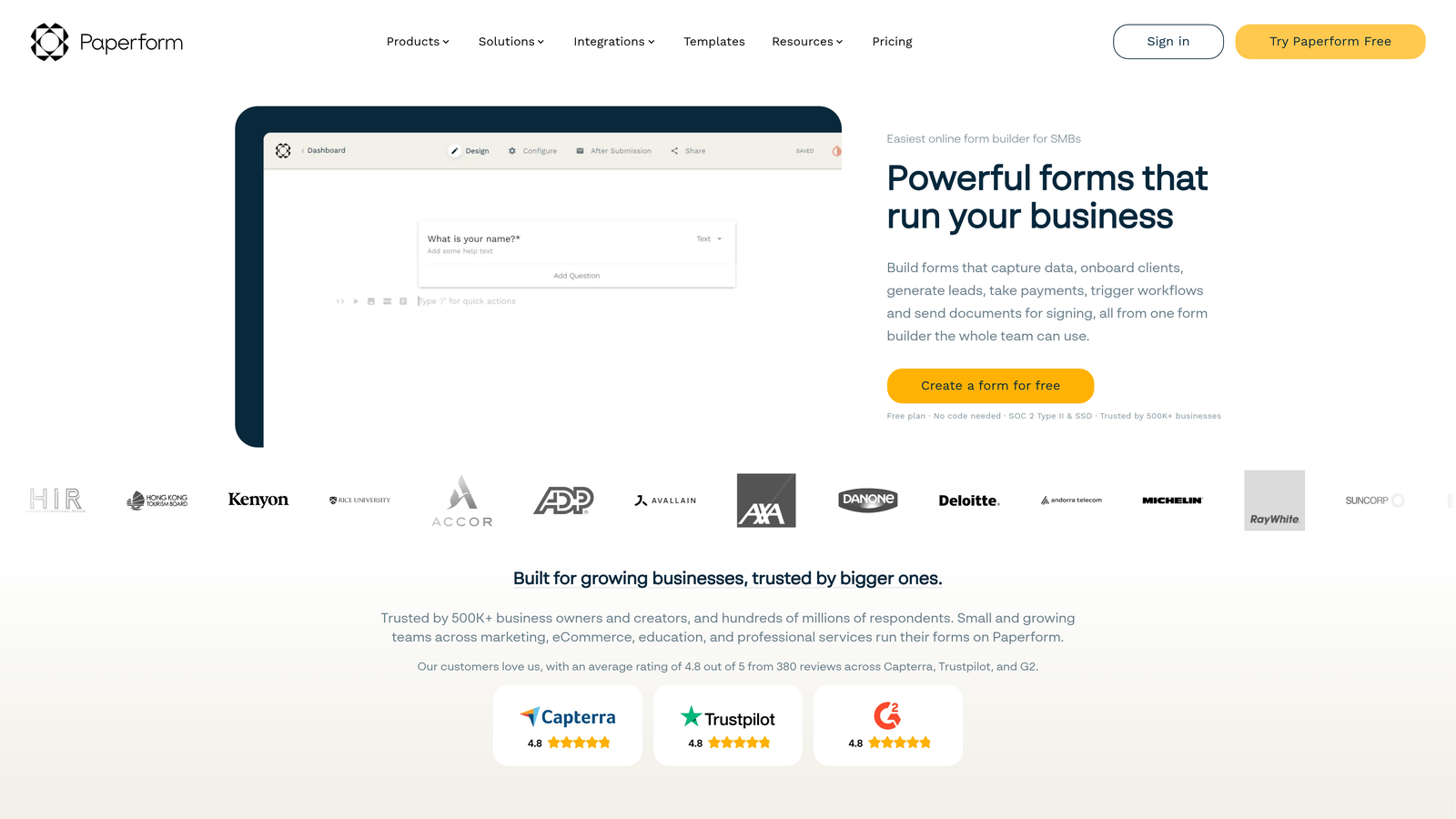
Paperform is an all-in-one form, payment, and workflow platform designed for businesses that need more than just data collection.
Where This Tool Shines
Paperform sits in an interesting position: it's not just a form builder. The platform combines form creation with payment processing, scheduling, and workflow automation in a way that genuinely reduces the number of tools a service business needs to run client intake and order management. The rich text and media embedding within form pages makes forms feel more like landing pages than traditional data collection fields.
Conditional sections and logic create dynamic form flows that adapt based on client inputs, which is particularly useful for agencies managing different service packages or intake requirements across client types.
Key Features
Combined Forms, Payments, and Scheduling: Handles client intake, bookings, and order processing within a single platform.
Rich Text and Media Embedding: Supports images, video, and formatted text within form pages for a more engaging experience.
Conditional Sections and Logic: Dynamic form flows that adapt based on respondent selections.
Payment Processing: Native integrations with Stripe, PayPal, and Braintree for collecting fees alongside form submissions.
Pre-Built Templates: Ready-to-use templates for client intake, bookings, product orders, and service agreements.
Best For
Paperform is best for freelancers, agencies, and service businesses that want to consolidate client intake, payment collection, and scheduling into one tool rather than stitching together multiple subscriptions.
Pricing
Monthly billing is available across Essentials, Pro, and Agency plans. Confirm current pricing at paperform.io/pricing.
6. Fillout
Best for: Teams using Notion or Airtable as their operational backbone who need native form integrations.
Fillout is a flexible form builder with native Notion and Airtable integrations and conditional logic available on its free plan.

Where This Tool Shines
Fillout's native integrations with Notion and Airtable set it apart from most competitors, which typically rely on Zapier or Make to connect with these tools. If your team's operational data lives in Airtable or Notion, Fillout creates a direct pipeline from form submission to database without middleware. That simplicity reduces setup time and eliminates a common failure point in form-to-database workflows.
Multi-page forms with progress indicators improve completion rates for longer intake flows, and the clean default styling means forms look professional without heavy customization effort.
Key Features
Native Notion and Airtable Integrations: Direct database connections without requiring third-party automation tools.
Conditional Logic on Free Plan: Branching and dynamic routing available without a paid subscription.
Multi-Page Forms: Progress indicators and paginated forms for longer intake sequences.
Scheduling and Payment Collection: Built-in capabilities for booking and payment use cases.
Responsive Design: Clean default styling that works across devices without manual optimization.
Best For
Fillout is the natural choice for operations and product teams already working within Notion or Airtable ecosystems. It removes the integration complexity that typically slows down form-to-database workflows.
Pricing
A free plan is available with conditional logic included. Paid monthly plans unlock higher submission limits and advanced integrations. Confirm current pricing at fillout.com/pricing.
7. HubSpot Forms
Best for: B2B teams already running HubSpot CRM who want zero-friction lead capture with automatic contact syncing.
HubSpot Forms is a free form builder natively embedded in HubSpot's CRM, with no submission limits and automatic contact record creation.
Where This Tool Shines
If your team is already in HubSpot, the case for HubSpot Forms is straightforward. Every submission automatically creates or updates a contact record in your CRM, with no Zapier connection, no webhook setup, and no data mapping required. That zero-friction sync is genuinely valuable for sales teams who need leads in the CRM immediately without any manual intervention.
Progressive profiling is a standout feature: HubSpot Forms can detect known contacts and automatically skip fields it already has data for, showing only new questions. This keeps forms short for returning visitors while still enriching contact records over time.
Key Features
Free Native CRM Sync: Every submission automatically creates or updates a HubSpot contact record without any integration setup.
Website and Landing Page Embedding: Forms embed on any website or natively within HubSpot landing pages.
Progressive Profiling: Detects known contacts and replaces already-known fields with new questions to enrich data over time.
Automatic Lead Capture: Submissions flow directly into HubSpot pipelines for immediate sales team access.
Marketing Hub Upgrades: Advanced features like smart forms, A/B testing, and deeper automation unlock with paid Marketing Hub tiers.
Best For
HubSpot Forms is purpose-built for teams already committed to the HubSpot ecosystem. For teams outside HubSpot, the standalone form builder is functional but limited compared to dedicated tools.
Pricing
HubSpot Forms is free as part of HubSpot's free CRM tools. Advanced marketing features require a paid Marketing Hub subscription. Confirm current Marketing Hub pricing at hubspot.com/pricing.
8. Formstack
Best for: Enterprise and regulated-industry teams requiring HIPAA compliance, audit trails, and advanced security controls.
Formstack is an enterprise-grade form builder with HIPAA compliance, document generation, and workflow automation for regulated industries.
Where This Tool Shines
Formstack is built for environments where data security and compliance aren't optional. HIPAA-compliant data collection, role-based access controls, and audit trails make it the clearest choice for healthcare organizations, financial services teams, and any enterprise operating under strict data governance requirements. Most competitors offer compliance as an add-on; for Formstack, it's a core part of the platform architecture.
The document generation and e-signature capabilities extend Formstack beyond simple data collection into full workflow automation, making it useful for contract management, patient intake, and complex approval processes that require a paper trail.
Key Features
HIPAA Compliance: Built-in data security and compliance features for healthcare and regulated industries.
Advanced Conditional Logic: Multi-step form workflows with complex branching for enterprise intake processes.
Document Generation and E-Signatures: Converts form data into documents and supports electronic signature collection.
Role-Based Access and Audit Trails: Granular permission controls and activity logging for enterprise governance requirements.
Salesforce and Enterprise CRM Integrations: Native connections to Salesforce and other enterprise systems for regulated data environments.
Best For
Formstack is the right choice for healthcare organizations, financial services teams, and enterprise operations where compliance, security, and workflow automation are non-negotiable requirements. The pricing reflects this positioning.
Pricing
Premium monthly pricing reflecting the enterprise feature set. Confirm current plans and pricing at formstack.com/pricing.
9. Google Forms
Best for: Internal data collection, quick surveys, and zero-budget use cases where simplicity is the priority.
Google Forms is a completely free, no-frills form builder integrated with Google Workspace, with no submission limits and no monthly cost.
Where This Tool Shines
Google Forms wins on one dimension above all others: cost. It's completely free, requires no account setup beyond a Google account, and has no submission limits. For internal surveys, team feedback collection, event RSVPs, or simple data gathering, it does the job without any friction. Response data flows directly into Google Sheets, which most teams already know how to work with.
The trade-offs are significant for any external-facing or lead generation use case. Customization is minimal, branding control is limited, and there are no lead qualification, scoring, or CRM routing capabilities. Google Forms is a utility, not a conversion tool.
Key Features
Completely Free: No submission limits, no paid tiers, no monthly cost for any Google account holder.
Native Google Sheets Integration: Response data flows automatically into Sheets for easy sorting, filtering, and analysis.
Basic Branching Logic: Simple section branching based on multiple-choice answers.
Collaborative Editing: Multiple team members can build and manage forms simultaneously via Google Workspace.
Simple Sharing: Share via link, embed on websites, or distribute via email with no configuration required.
Best For
Google Forms is best for internal operations, academic research, and simple team surveys where design, branding, and lead management are not requirements. It's not suitable for customer-facing lead capture or any use case requiring conversion optimization.
Pricing
Completely free with any Google account. There is no paid monthly plan for Google Forms specifically. Advanced Google Workspace features are available via paid Workspace subscriptions.
Which Form Builder Is Right for Your Team?
The right form builder depends almost entirely on what you're trying to accomplish and how your team currently operates. Here's a quick breakdown to help you land on the right choice.
Best for lead qualification: Orbit AI is the standout choice for SaaS and B2B teams where lead quality is the primary metric. The AI-powered qualification layer built directly into the form flow is something most competitors simply don't offer natively, and it eliminates the downstream automation work that typically falls on RevOps or marketing teams.
Best free monthly option: Tally is the strongest genuinely free choice for teams that need unlimited forms and submissions without a subscription. Google Forms is the fallback for zero-budget internal use cases, but Tally's conditional logic and cleaner design make it the better option for most scenarios.
Best for HubSpot users: HubSpot Forms is the obvious call for teams already running the HubSpot CRM stack. The native sync eliminates integration complexity entirely, and progressive profiling adds real value for teams managing long-term contact relationships.
Best for enterprise and compliance: Formstack is the clearest choice for healthcare, financial services, and any organization operating under strict data governance requirements. The HIPAA compliance, audit trails, and document generation capabilities are purpose-built for regulated environments.
Best conversational UX: Typeform remains the benchmark for polished, conversational form experiences. If brand perception and respondent experience are your top priorities and you're comfortable with the monthly pricing premium, it delivers.
One practical recommendation: if you're evaluating tools right now, start on a monthly plan before committing annually. Monthly billing gives you the flexibility to test real-world performance, submission volume fit, and integration reliability before locking in a longer contract. Most of the tools on this list offer monthly options precisely for this reason.
If lead generation and qualification are central to your growth strategy, it's worth exploring what an AI-native approach can do for your pipeline. Start building free forms today and see how intelligent form design can transform your conversion strategy from the first touchpoint.


