

Not all form platforms are created equal. For high-growth teams, the difference between a mediocre form and a conversion-optimized one can mean thousands of qualified leads lost every month. Whether you're building lead capture flows, onboarding surveys, or contact forms, the platform you choose shapes how prospects experience your brand before they ever talk to your team.
This guide ranks the top form platforms available in 2026, evaluated on conversion features, design quality, AI capabilities, integration depth, and pricing. We've prioritized tools that go beyond basic data collection, focusing on platforms built to qualify leads, reduce friction, and turn form completions into pipeline. Before diving in, it's worth understanding what separates high-performing forms from average ones — check out our breakdown of form submission rate benchmarks to set the right baseline.
1. Orbit AI
Best for: High-growth SaaS and B2B teams that need AI-powered lead qualification at the form layer.
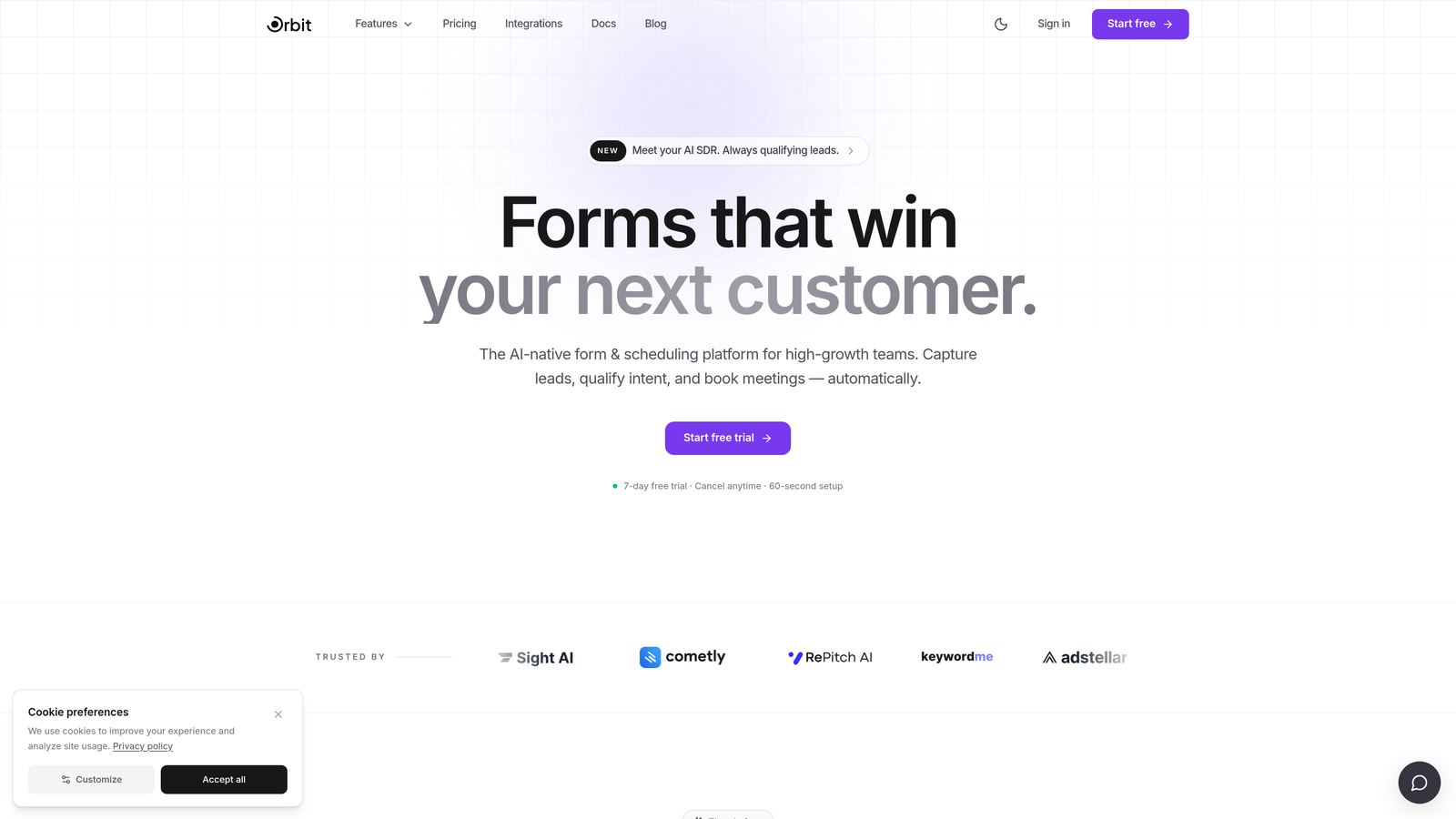
Orbit AI is an AI-powered form builder with native lead qualification capabilities designed for conversion-focused B2B teams.
Where This Tool Shines
Most form tools treat forms as data collection endpoints. Orbit AI treats them as the first stage of a qualification funnel. The key differentiator is that lead scoring happens at the form layer itself, meaning prospects are qualified before they ever reach your CRM. That eliminates the manual triage that slows down sales teams managing high lead volumes.
The platform also prioritizes conversion-optimized design out of the box. You're not wrestling with clunky templates or fighting the UI to make something that looks modern. For teams that care about both lead quality and brand experience, that combination is genuinely rare.
Key Features
AI Lead Scoring: Scores and qualifies leads directly within the form flow, before data reaches your CRM.
Conditional Logic and Smart Routing: Routes respondents dynamically based on their qualification signals, not just their answers.
Conversion-Optimized Design: Modern, clean UI built to reduce friction and improve completion rates.
CRM Integrations with Auto-Segmentation: Pushes pre-qualified, segmented leads directly into your CRM workflows.
Qualification-Focused Analytics: Tracks qualification rates and lead quality metrics, not just raw submission counts.
Best For
B2B SaaS teams running high-volume lead generation who need to reduce manual qualification work. Also a strong fit for growth and demand generation teams who want forms that function as the first touchpoint in a structured qualification funnel, rather than a simple data dump.
Pricing
Paid plans available. Visit orbitforms.ai for current pricing details and plan options.
2. Typeform
Best for: Marketing teams that want a branded, conversational form experience with high completion rates.
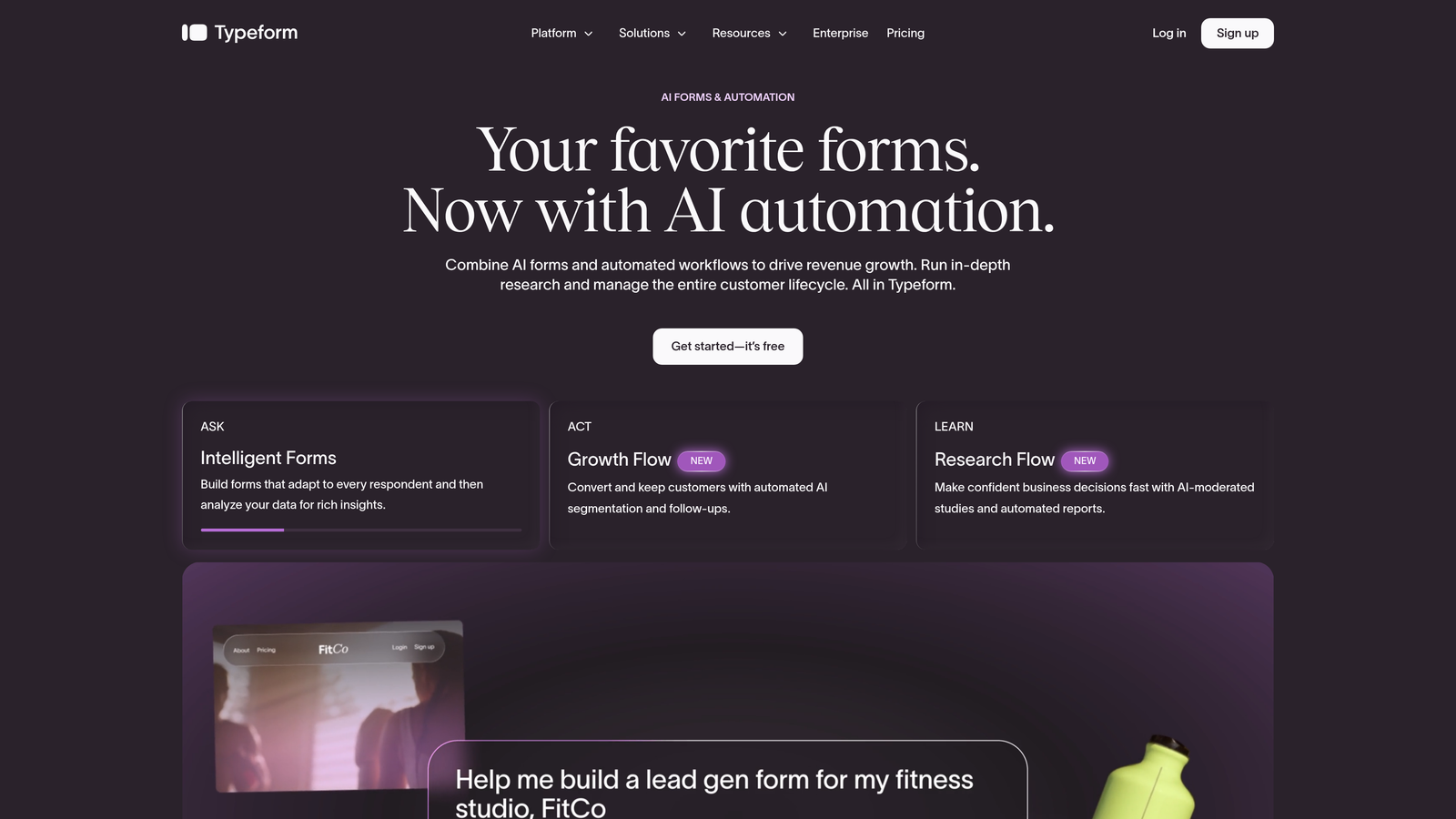
Typeform is a conversational form platform known for its one-question-at-a-time UX that reduces friction and improves completion rates.
Where This Tool Shines
Typeform built its reputation on making forms feel less like forms. The single-question format creates a natural, interview-like experience that tends to perform well for top-of-funnel lead capture and brand surveys. It's particularly effective when you want respondents to feel engaged rather than processed.
Recent iterations have added video question support and AI-assisted features, expanding its usefulness beyond simple surveys. The design customization is also strong, making it easy to align forms with brand identity without a developer.
Key Features
Conversational One-Question Format: Presents questions sequentially to reduce overwhelm and improve engagement.
Video Questions: Supports embedded video within questions for richer, more interactive experiences.
Logic Jumps: Conditional branching that personalizes the form path based on previous answers.
Integration Library: Connects with hundreds of tools including HubSpot, Salesforce, and Slack.
Branded Design Customization: Full control over fonts, colors, and backgrounds to match your brand.
Best For
Marketing teams running lead generation campaigns, customer research, or NPS surveys where experience quality matters. Less ideal for teams that need built-in lead qualification or advanced CRM routing without additional configuration.
Pricing
Free plan available; paid plans start at $25/month. Pricing can escalate quickly at higher response volumes, so factor that in if you're running high-traffic campaigns.
3. HubSpot Forms
Best for: Teams already using HubSpot CRM who want zero-friction lead capture with native automation.
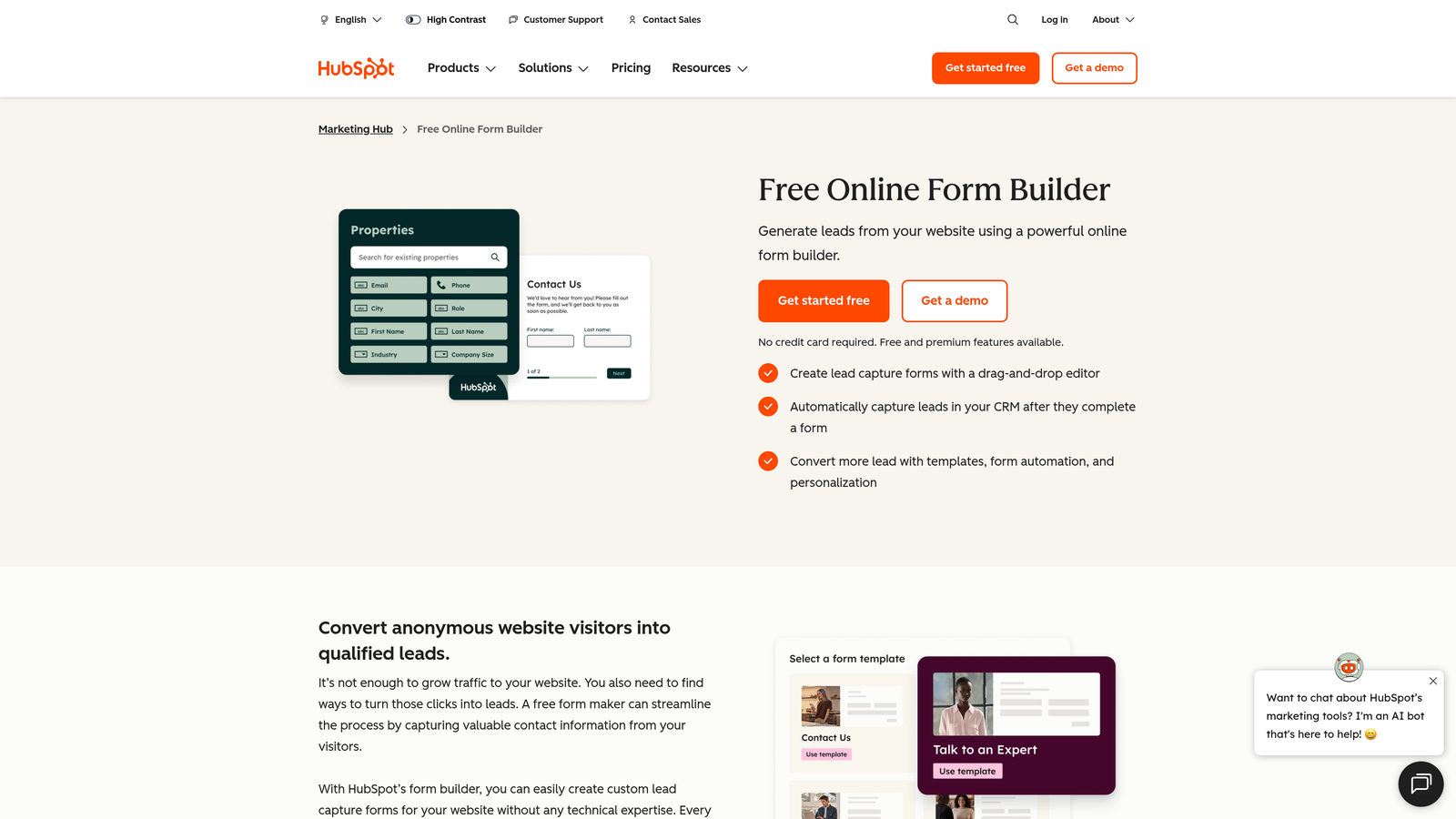
HubSpot Forms is a CRM-native form builder included in the HubSpot platform, designed for seamless lead capture directly into HubSpot's contact database.
Where This Tool Shines
If your team lives in HubSpot, this is the path of least resistance. Forms sync to your CRM with zero configuration, and submissions immediately trigger workflows, email sequences, and list segmentation. There's no middleware to maintain and no data mapping to worry about.
Progressive profiling is a standout feature: HubSpot Forms can detect existing contacts and swap in new questions instead of re-asking information you already have. That's a meaningful UX improvement for returning visitors and existing leads.
Key Features
Native CRM Sync: Every submission flows directly into HubSpot contacts with no integration setup required.
Progressive Profiling: Replaces already-known fields with new questions to gather more data over time.
Workflow and Email Triggers: Automatically enrolls contacts in sequences or workflows on submission.
Smart Form Fields: Pre-fills or hides fields for known contacts to reduce friction.
Free Tier Access: Available at no cost with HubSpot's free CRM plan.
Best For
Teams already invested in the HubSpot ecosystem. If you're not using HubSpot CRM, the value proposition shrinks considerably since the design flexibility is limited compared to standalone form builders.
Pricing
Free with HubSpot CRM; advanced features available in paid Marketing Hub plans starting at $15/month.
4. Jotform
Best for: Teams that need maximum template variety, payment processing, or complex conditional logic in a single platform.
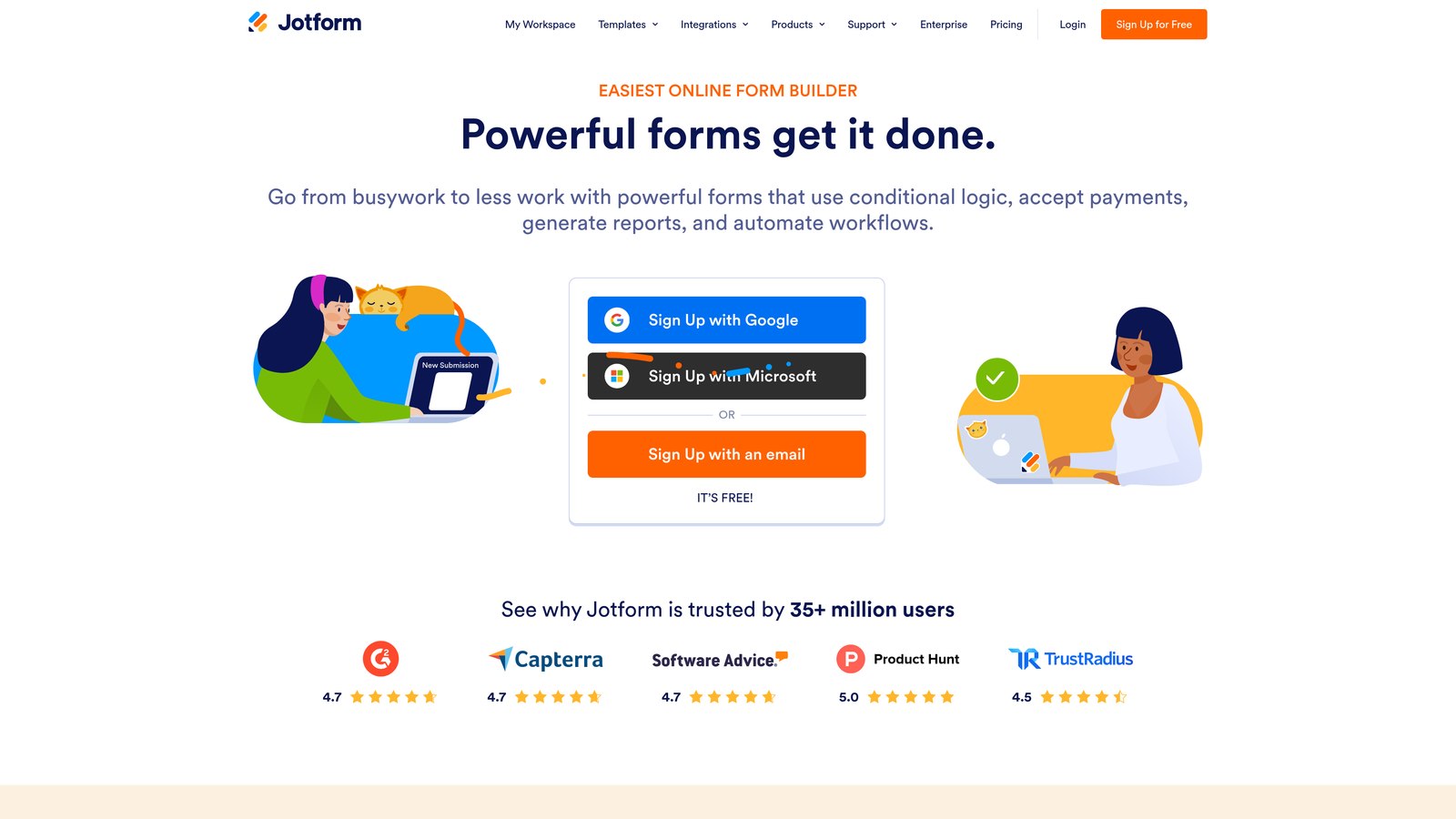
Jotform is a feature-rich form builder with thousands of templates, payment integrations, and complex conditional logic for diverse use cases.
Where This Tool Shines
Jotform's depth is its defining characteristic. With over 10,000 templates spanning virtually every industry and use case, it's one of the most versatile form builders available. Whether you need a payment collection form, an e-signature workflow, or a multi-step intake form with calculations, Jotform likely has a template and the feature set to support it.
The trade-off is complexity. For teams with simple needs, the interface can feel overwhelming. But for power users who need to build sophisticated form workflows without custom development, Jotform delivers a lot of capability at a reasonable price point.
Key Features
10,000+ Templates: Industry-spanning template library covering everything from HR intake to event registration.
Built-In Payment Processing: Accepts payments via Stripe, PayPal, Square, and other processors natively.
E-Signature Support: Collects legally binding signatures directly within form flows.
Complex Conditional Logic: Advanced branching, calculations, and field dependencies for multi-step workflows.
Enterprise Integrations: Native connections to Salesforce, Slack, Google Workspace, and more.
Best For
Operations teams, HR departments, and agencies managing diverse form needs across multiple clients or departments. Also a strong choice for anyone who needs payment collection or e-signatures bundled with their form builder.
Pricing
Free plan available with 100 monthly submissions; paid plans start at $34/month with higher submission limits and premium features.
5. Tally
Best for: Startups and indie teams that want clean, modern form design with a generous free tier.
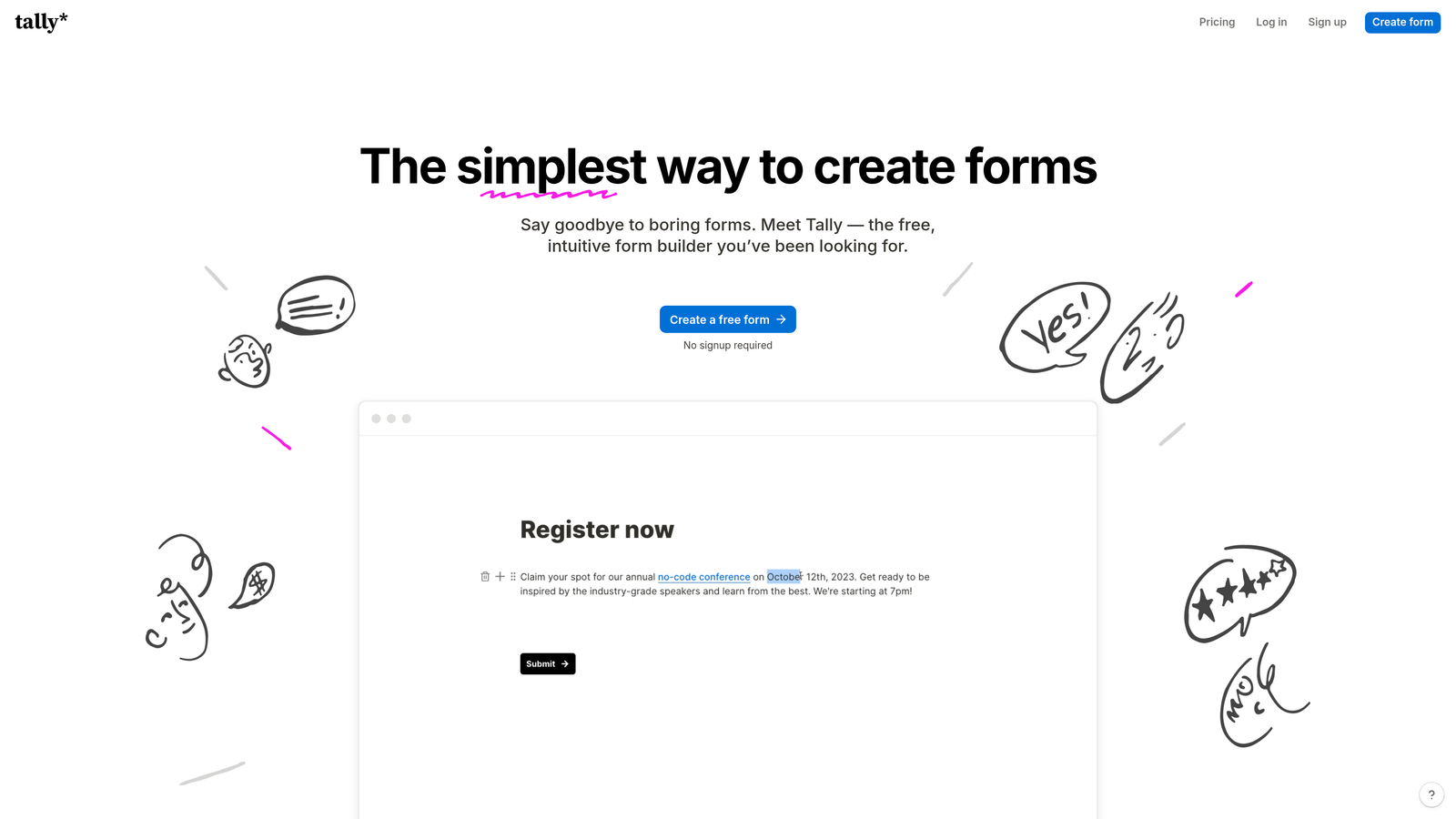
Tally is a modern, Notion-inspired form builder with a generous free plan, popular with startups and lean teams that want great design without enterprise pricing.
Where This Tool Shines
Tally's editing experience feels immediately familiar if you've used Notion. The block-based interface makes building forms intuitive without a learning curve, and the output looks genuinely clean without any design effort. For teams that want forms that don't look like forms, Tally delivers that aesthetic out of the box.
The free plan is unusually generous: unlimited forms and unlimited responses with no submission caps. For early-stage teams or indie projects where budget is tight, that's a meaningful differentiator compared to tools that gate basic functionality behind paid tiers.
Key Features
Notion-Like Block Editor: Drag-and-drop block interface that mirrors Notion's editing experience for fast form building.
Unlimited Free Forms and Responses: No submission caps on the free plan, which is rare in this category.
Conditional Logic and Hidden Fields: Basic branching and hidden field support for personalized form flows.
Clean Embed Options: Embeds anywhere with minimal styling that adapts to surrounding design.
Zapier and Make Integrations: Connects to broader automation workflows via popular no-code tools.
Best For
Early-stage startups, indie makers, and small teams that prioritize design simplicity and cost efficiency over advanced lead qualification or CRM automation. Not the right fit for B2B teams that need scoring or segmentation at the form layer.
Pricing
Free plan with unlimited forms and responses; Pro plan at $29/month for advanced features like custom domains and priority support.
6. Paperform
Best for: Creators, consultants, and small businesses that want forms that function as branded mini landing pages.
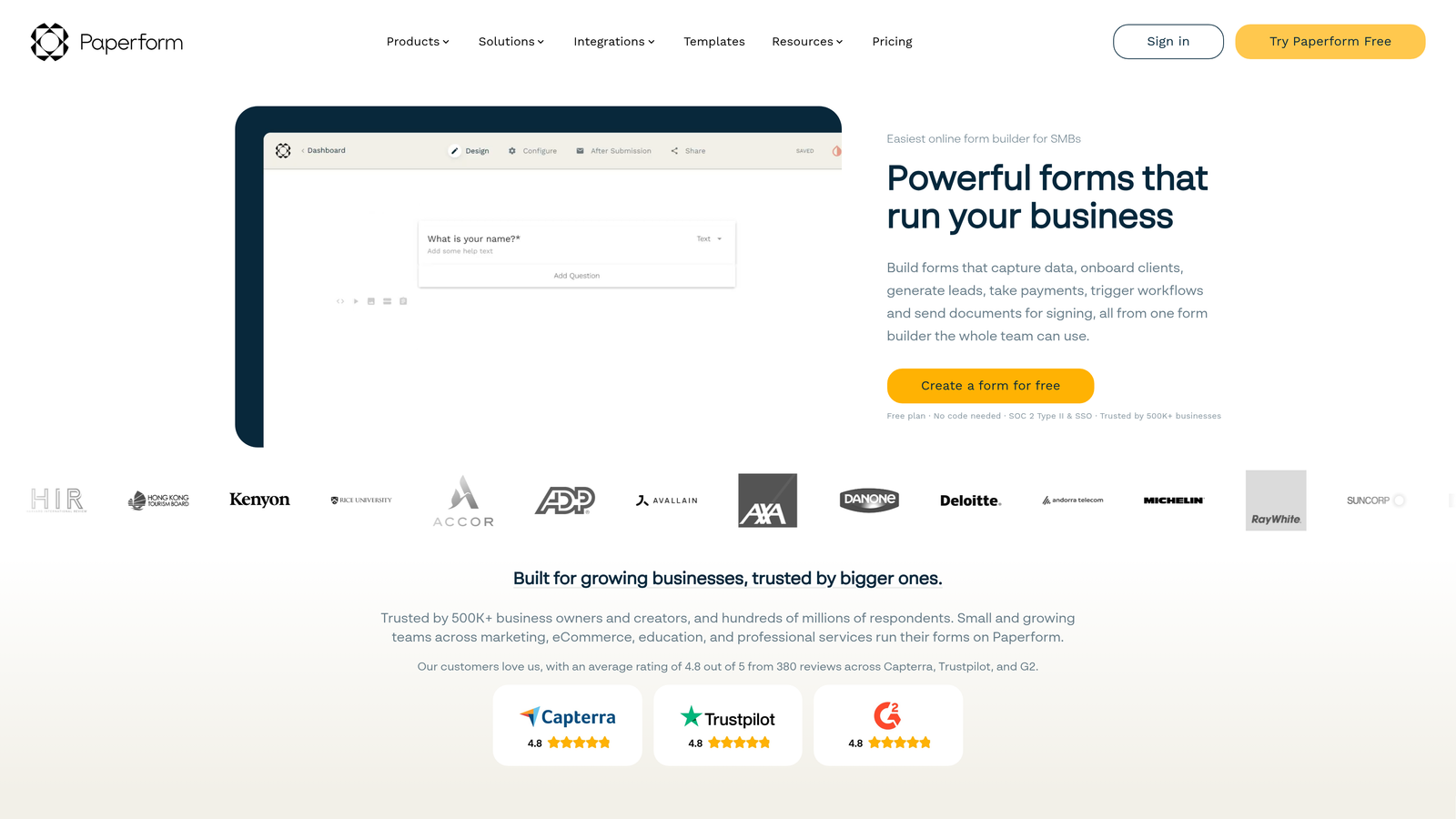
Paperform is a design-forward form platform that lets teams build forms that feel like branded landing pages, with support for rich media and product selling.
Where This Tool Shines
Paperform occupies a unique space between form builder and landing page tool. You can embed images, videos, and rich text throughout a form, making it feel more like a curated experience than a data collection exercise. For consultants, creators, and service businesses, this makes a real difference in how prospects perceive the brand before converting.
The built-in product selling and scheduling features also make it a practical all-in-one tool for smaller teams who don't want to stitch together multiple platforms for booking, selling, and collecting information.
Key Features
Full-Page Rich Media Design: Embed images, video, and custom content throughout the form for a landing page feel.
Built-In Product Selling: Accept payments and sell products or services directly within the form.
Conditional Sections and Logic: Show or hide entire sections based on respondent answers.
Scheduling and Booking Support: Collect appointment bookings natively within the form flow.
300+ Integrations: Connects via native connectors and Zapier to hundreds of downstream tools.
Best For
Consultants, coaches, and small service businesses that want a polished, branded form experience with payment and booking capabilities. Less suited for high-volume B2B lead generation pipelines that require CRM automation and lead scoring.
Pricing
Plans start at $24/month billed annually. No permanent free plan, though a trial is available.
7. Google Forms
Best for: Internal surveys and quick data collection within Google Workspace environments where cost is the primary constraint.
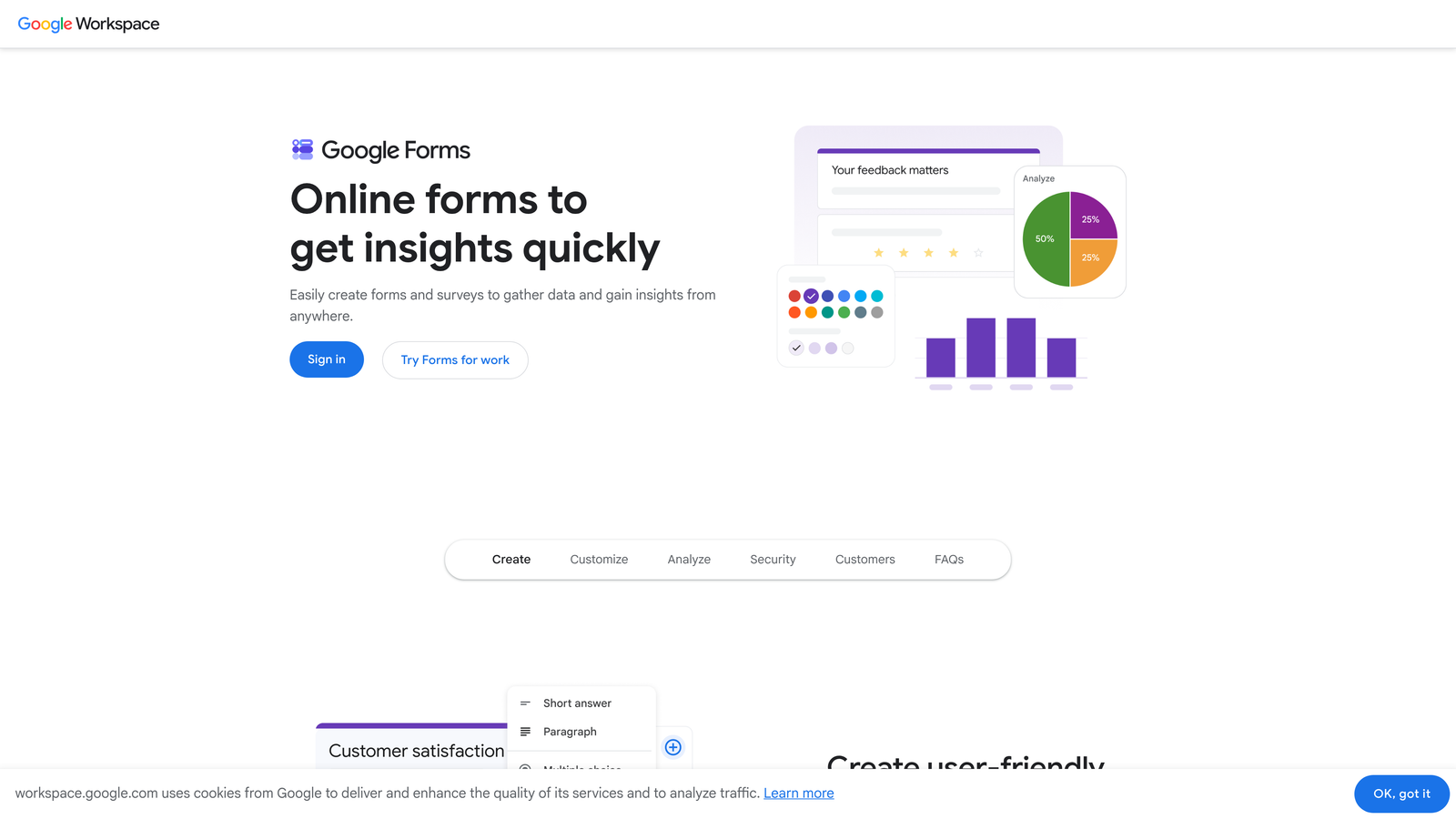
Google Forms is a free, no-frills form builder from Google, best suited for internal use cases and simple data collection tied to Google Workspace.
Where This Tool Shines
Google Forms wins on two dimensions: cost (completely free) and accessibility (zero learning curve). If you need to collect responses from a team, run a quick internal survey, or build a simple quiz, you can have a functional form live in minutes without any account setup beyond a Google login.
The automatic Google Sheets integration is genuinely useful for teams that already live in the Google ecosystem. Responses flow directly into a spreadsheet with no configuration, making it easy to analyze data without exporting anything.
Key Features
Completely Free: No paid tiers, no submission limits, no feature gating for core functionality.
Google Sheets Auto-Sync: All responses populate automatically into a connected spreadsheet.
Basic Conditional Logic: Simple branching based on multiple-choice answers.
Quiz and Grading Mode: Assign point values and auto-grade responses for educational or assessment use cases.
Instant Link and Embed Sharing: Share forms via URL or embed them anywhere with a single click.
Best For
Internal teams, educators, and anyone running low-stakes data collection where speed and zero cost matter more than design, conversion optimization, or CRM integration. Not appropriate for customer-facing lead generation where brand experience and lead quality matter.
Pricing
Completely free with any Google account. No paid upgrade path within Google Forms itself.
8. Formstack
Best for: Enterprise teams that need form-driven workflow automation, document generation, and compliance capabilities.
Formstack is an enterprise form and workflow automation platform with document generation, e-signature, and compliance features for complex organizational processes.
Where This Tool Shines
Formstack is built for organizations where forms are the starting point of multi-step internal processes, not just lead capture endpoints. Its workflow automation handles multi-step approval routing, meaning a form submission can trigger a chain of reviews, approvals, and document generation without manual intervention.
The HIPAA-compliant form capability is a meaningful differentiator for healthcare organizations and any team handling sensitive personal data. Compliance features are increasingly table stakes in regulated industries, and Formstack has invested heavily in this area.
Key Features
Workflow Automation: Multi-step approval routing that triggers actions across teams based on form submissions.
Document Generation: Automatically creates populated documents from form submission data.
E-Signature Collection: Built-in signature capture for contracts, consent forms, and agreements.
HIPAA-Compliant Forms: Meets healthcare data compliance requirements for sensitive form data.
Enterprise CRM Integrations: Deep Salesforce integration alongside other enterprise platform connectors.
Best For
Mid-market and enterprise organizations in healthcare, legal, finance, or operations-heavy environments where forms feed complex internal workflows. The pricing and feature depth make it a poor fit for lean startup teams with straightforward lead generation needs.
Pricing
Plans start at $83/month; enterprise pricing available for larger organizations with advanced compliance and workflow requirements.
9. Fillout
Best for: No-code builders and product teams that need forms connected directly to Notion, Airtable, or Supabase databases.
Fillout is a database-connected form builder with native integrations for Notion, Airtable, and Supabase, popular with no-code builders and product teams.
Where This Tool Shines
Fillout's native database connections are genuinely differentiated. Rather than relying on Zapier to push form data into Airtable or Notion, Fillout connects directly, meaning submissions update your database in real time without middleware. For no-code teams that have built their operations around these tools, that's a significant workflow simplification.
The partial submission capture feature is also worth highlighting. If a respondent abandons a multi-page form halfway through, Fillout can capture what they've already entered, giving you lead data even from incomplete submissions.
Key Features
Native Database Connections: Direct integrations with Notion, Airtable, and Supabase without requiring Zapier.
Conditional Logic and Multi-Page Flows: Advanced branching and multi-step form structures for complex data collection.
Scheduling and Calendar Integrations: Supports appointment booking within the form experience.
Partial Submission Capture: Saves incomplete responses so you don't lose data from form abandonment.
Clean Modern UI: Polished default design that looks professional without custom styling work.
Best For
No-code teams, product managers, and operations teams whose workflows are built around Notion, Airtable, or Supabase. Also a strong option for anyone who needs partial submission capture to recover abandoned form data.
Pricing
Free plan available with core features; paid plans start at $15/month for higher response limits and advanced functionality.
Which Platform Is Right for Your Team?
The right form platform depends entirely on what you're optimizing for. Here's a quick breakdown to help you match the tool to your situation.
If you're a B2B SaaS or high-growth team focused on lead qualification, Orbit AI is the clear starting point. The ability to score and qualify leads at the form layer, before they reach your CRM, is a meaningful operational advantage for teams managing high lead volumes. Most other tools on this list treat forms as data collection; Orbit AI treats them as the first stage of your qualification funnel.
For teams that prioritize a polished, conversational respondent experience, Typeform remains a strong choice, particularly for top-of-funnel campaigns where brand impression matters. If you're already using HubSpot, HubSpot Forms is the lowest-friction path to seamless CRM capture and workflow automation.
Teams that need maximum feature depth, including payments and e-signatures, will find Jotform hard to beat at its price point. For lean teams that want great design without the cost, Tally's free tier is unusually generous. And for no-code builders working in Airtable or Notion, Fillout's native database connections remove a lot of unnecessary complexity.
Enterprise teams with compliance requirements and complex internal workflows should look at Formstack, while Google Forms remains the right call for internal, low-stakes data collection where cost is the only constraint.
If lead qualification is a priority for your team, Orbit AI was built specifically for that problem. Transform your lead generation with AI-powered forms that qualify prospects automatically while delivering the modern, conversion-optimized experience your high-growth team needs. Start building free forms today and see how intelligent form design can elevate your conversion strategy.


