

Every form builder on the market claims to offer powerful features, seamless integrations, and beautiful design. But when you dig into the actual plans, the differences become significant. Submission limits, AI capabilities, compliance certifications, and pricing structures vary wildly from one platform to the next, and choosing the wrong tool can mean paying for features you'll never use or hitting a wall the moment your team starts to scale.
This guide breaks down nine leading form builders by what you actually get at each pricing tier, who each tool is genuinely built for, and where each platform pulls ahead of the competition. Whether you're a solo marketer running lead gen campaigns, a growing startup that needs smart qualification built into your forms, or an enterprise team with strict compliance requirements, the right tool exists for your situation. The goal here is simple: help you find it without the guesswork.
Let's get into it.
1. Orbit AI
Best for: High-growth teams that need AI-powered lead qualification built directly into their forms.
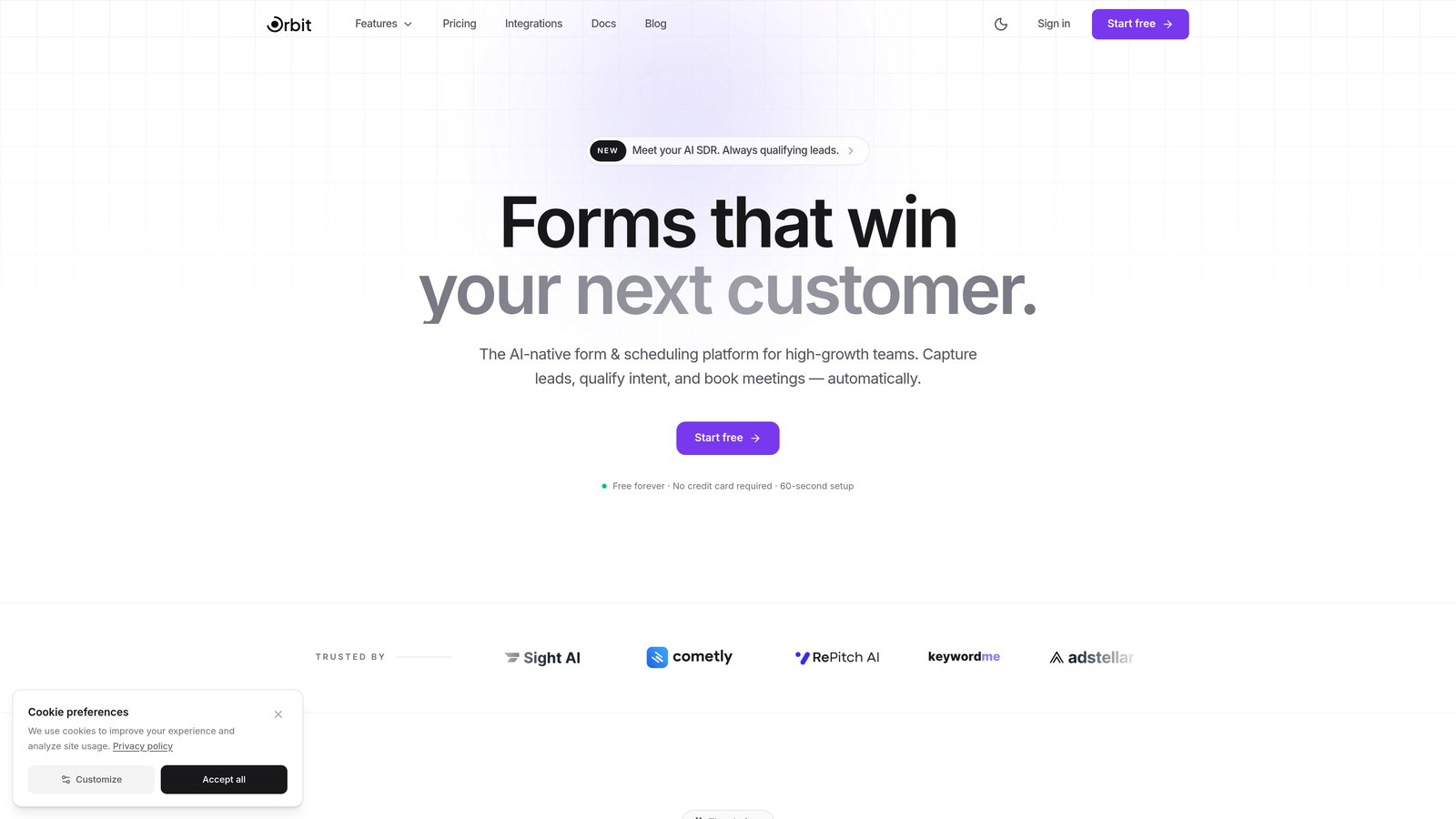
Orbit AI is an AI-native form builder designed specifically for teams where lead quality matters as much as lead volume.
Where This Tool Shines
Most form builders collect data and hand it off. Orbit AI goes a step further by qualifying leads at the form level, scoring responses and routing prospects before they ever reach your CRM. For teams running paid acquisition or high-volume inbound, this means your sales team spends time on the right leads instead of sorting through noise.
The platform also prioritizes conversion design. Templates are built specifically for lead generation scenarios, not generic use cases, and the mobile-first approach ensures your forms perform well across every device your prospects use.
Key Features
AI-Powered Lead Qualification: Automatically scores and qualifies leads based on form responses, so your pipeline reflects real intent from the start.
Conversion-Optimized Templates: Pre-built templates designed around lead generation goals, not just aesthetics.
Conditional Logic and Dynamic Paths: Build forms that adapt in real time based on what respondents select, creating a personalized experience without extra complexity.
Modern, Mobile-First Design: Clean, professional form design that looks great on any screen without requiring a designer.
CRM and Marketing Tool Integrations: Connects with popular CRMs and marketing platforms so qualified leads flow directly into your existing workflow.
Best For
Orbit AI is the right choice for growth-focused teams that treat their forms as a conversion asset, not just a data collection tool. If lead quality is a priority and you want qualification to happen automatically rather than manually downstream, this is the platform built for that workflow.
Pricing
Visit orbitforms.ai for current plan details and pricing tiers. The platform offers options suited to teams at different growth stages.
2. Typeform
Best for: Teams that want a conversational, engaging form experience that reduces drop-off.
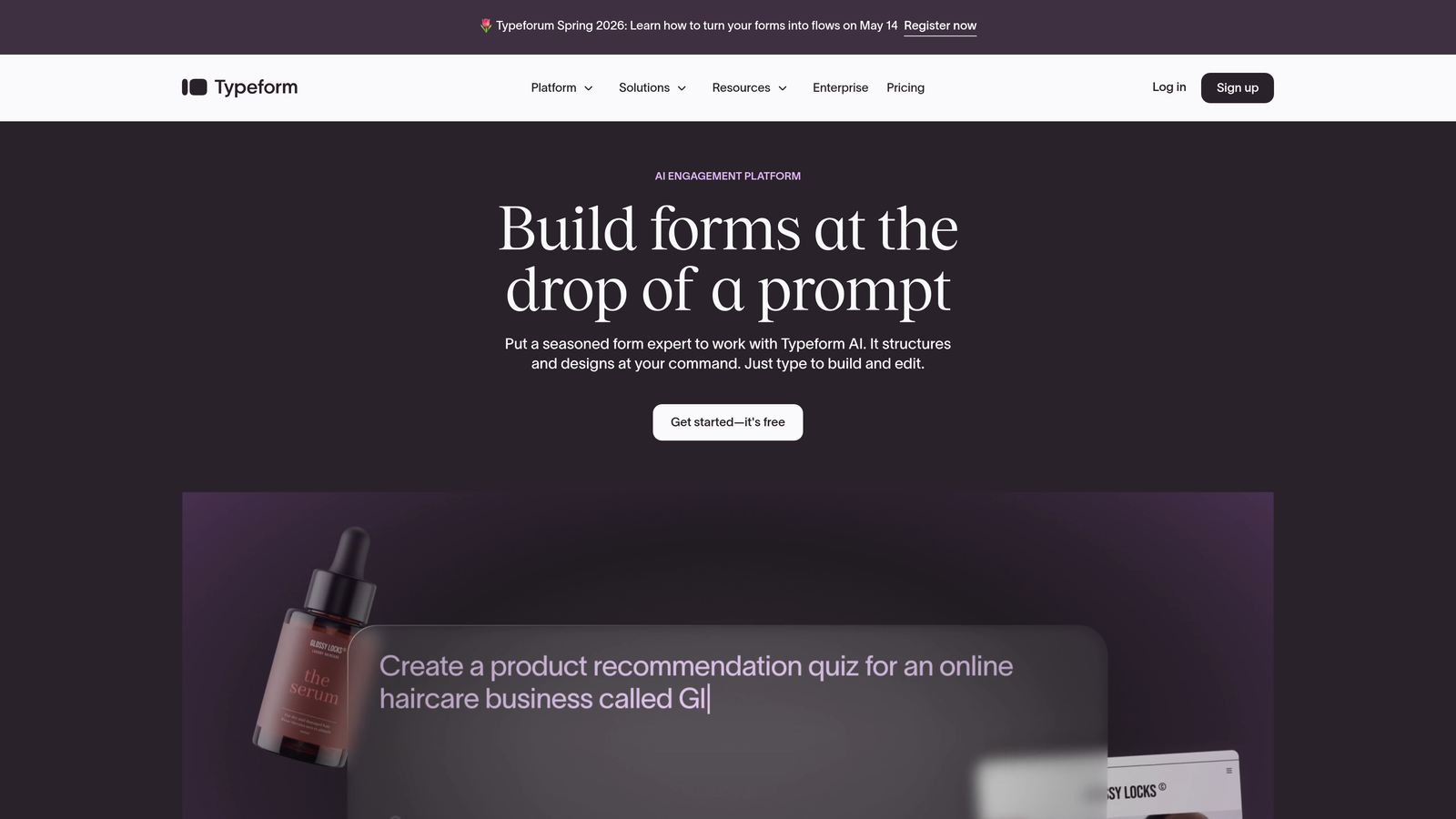
Typeform is a conversational form builder built around a one-question-at-a-time interface that makes filling out forms feel less like a chore.
Where This Tool Shines
Typeform's signature format works particularly well for surveys, research, and longer qualification flows where respondent fatigue is a real concern. The experience feels closer to a conversation than a form, which can meaningfully improve completion rates for complex or multi-step forms.
The design quality is also a genuine strength. Typeform forms are visually polished out of the box, making them a solid choice for customer-facing use cases where brand impression matters.
Key Features
One-Question-at-a-Time UI: Presents questions sequentially to reduce cognitive load and improve completion rates.
Logic Jumps and Branching: Personalizes the form path based on earlier answers, creating a tailored experience for each respondent.
Video and Image Embedding: Adds visual context directly within the form to improve engagement and clarity.
Native Integrations: Connects natively with Zapier, HubSpot, Slack, and a wide range of marketing and sales tools.
Custom Branding and Themes: Full control over colors, fonts, and visual identity on paid plans.
Best For
Typeform is ideal for marketers and researchers who need high-quality survey data or conversational lead capture. It works best when the form experience itself is part of the brand impression you want to create.
Pricing
A free plan is available with limited responses. Paid plans start at approximately $25/month for the Basic tier, with higher tiers unlocking more responses, logic features, and integrations.
3. Jotform
Best for: Teams that need template variety, payment processing, and workflow automation in one platform.
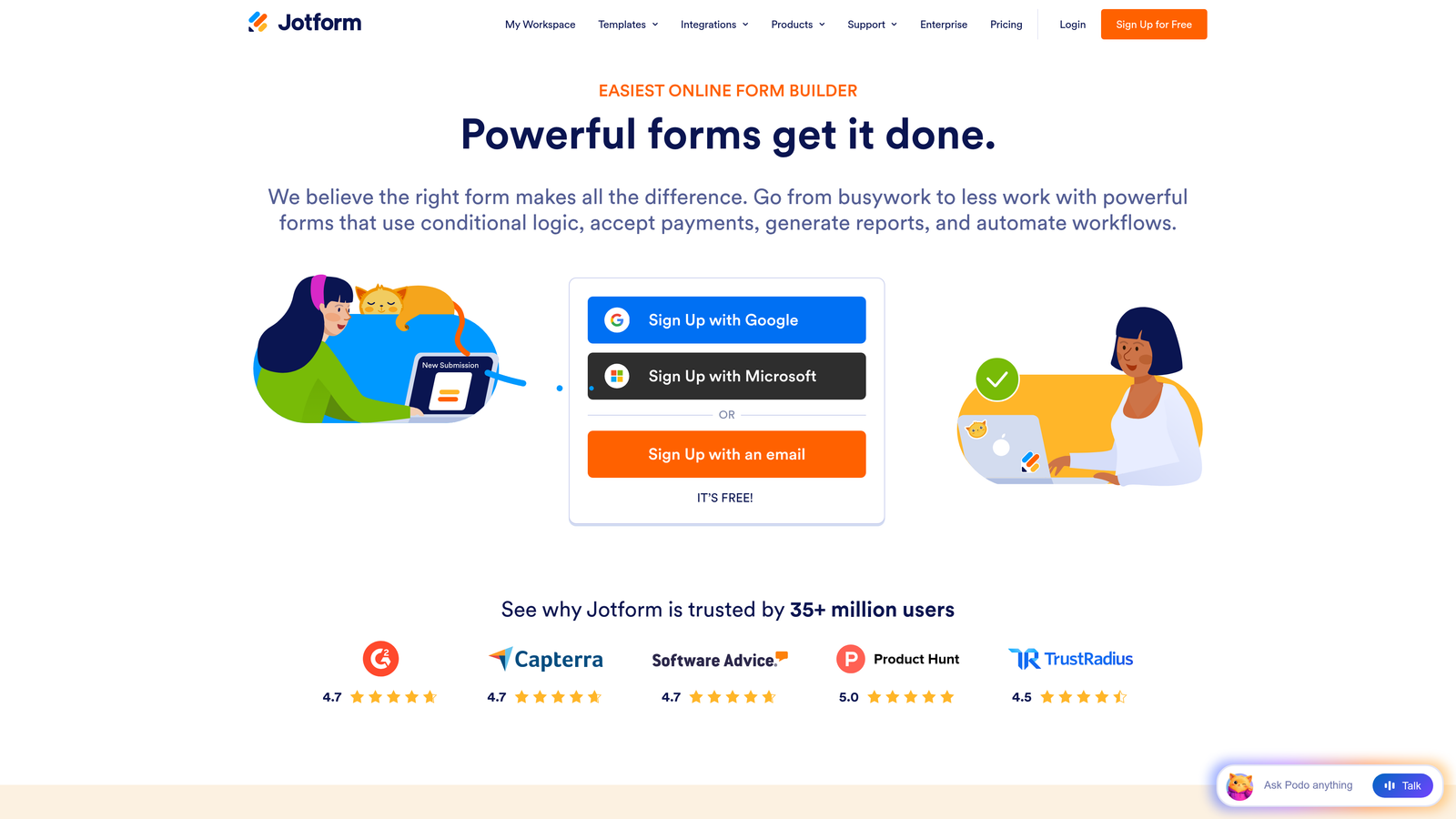
Jotform is a feature-rich no-code form builder with one of the largest template libraries available and strong support for payment and approval workflows.
Where This Tool Shines
Jotform's depth is its defining characteristic. With over 10,000 templates covering everything from event registrations to medical intake forms, it's one of the fastest ways to get a functional form live without starting from scratch. The built-in payment processing and approval workflows make it particularly useful for teams that need forms to do more than collect data.
HIPAA compliance on higher-tier plans also makes Jotform a viable option for healthcare and regulated industries that need more than just a basic form tool.
Key Features
10,000+ Templates: One of the largest pre-built template libraries in the market, covering nearly every use case imaginable.
Integrated Payment Processing: Accepts payments via PayPal, Stripe, and Square directly through form submissions.
Approval Workflows and E-Signatures: Automates multi-step approval processes and collects legally binding signatures.
Jotform Tables: A spreadsheet-style interface for managing and organizing form submissions without leaving the platform.
HIPAA Compliance: Available on higher-tier plans for healthcare organizations and other regulated industries.
Best For
Jotform suits operations teams, small businesses, and organizations in regulated industries who need a versatile, all-in-one form platform with strong template support and built-in payment capabilities.
Pricing
Free plan includes 5 forms and 100 submissions per month. Paid plans start at approximately $34/month (Bronze tier), with higher tiers offering more forms, submissions, and compliance features.
4. HubSpot Forms
Best for: Marketing teams already running their CRM and campaigns inside HubSpot.
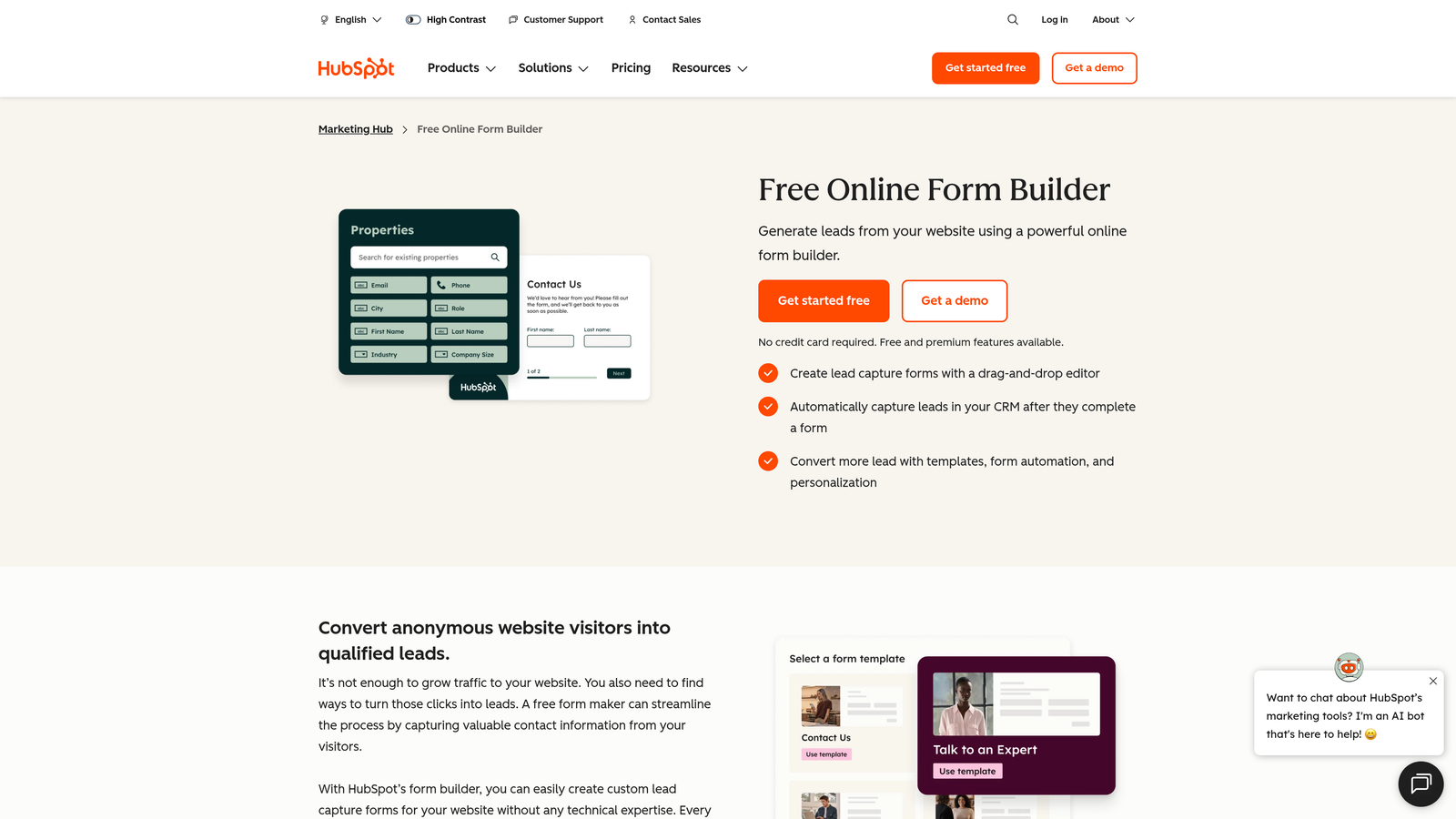
HubSpot Forms is a native form builder embedded within the HubSpot ecosystem, designed to feed lead data directly into HubSpot's CRM and marketing automation tools.
Where This Tool Shines
If your team lives inside HubSpot, the native integration alone justifies using HubSpot Forms. Every submission automatically creates or updates a contact record, triggers workflows, and feeds into your reporting dashboards without any middleware. That level of native connectivity is difficult to replicate with third-party form tools.
Progressive profiling is another standout feature. Rather than asking the same questions to returning visitors, HubSpot Forms can surface new fields based on what's already known about a contact, making each interaction more efficient and less repetitive.
Key Features
Native CRM Integration: Form submissions flow directly into HubSpot contact records without requiring Zapier or manual syncing.
Progressive Profiling: Automatically replaces already-answered fields with new questions for returning visitors, building richer contact profiles over time.
Smart Fields and Dependent Logic: Shows or hides fields dynamically based on contact properties or prior answers.
Built-In Analytics: Form performance data connects directly to HubSpot's reporting suite for closed-loop attribution.
Free Tier Included: Basic forms are available at no cost with any HubSpot CRM account.
Best For
HubSpot Forms is the natural choice for teams already invested in the HubSpot platform. It's less compelling as a standalone tool but becomes highly powerful when used as part of a broader HubSpot marketing and sales setup.
Pricing
Free with HubSpot CRM. Advanced features require Marketing Hub Starter at approximately $20/month or Marketing Hub Professional at $890/month.
5. Gravity Forms
Best for: WordPress-based businesses that need deep customization and full data ownership.
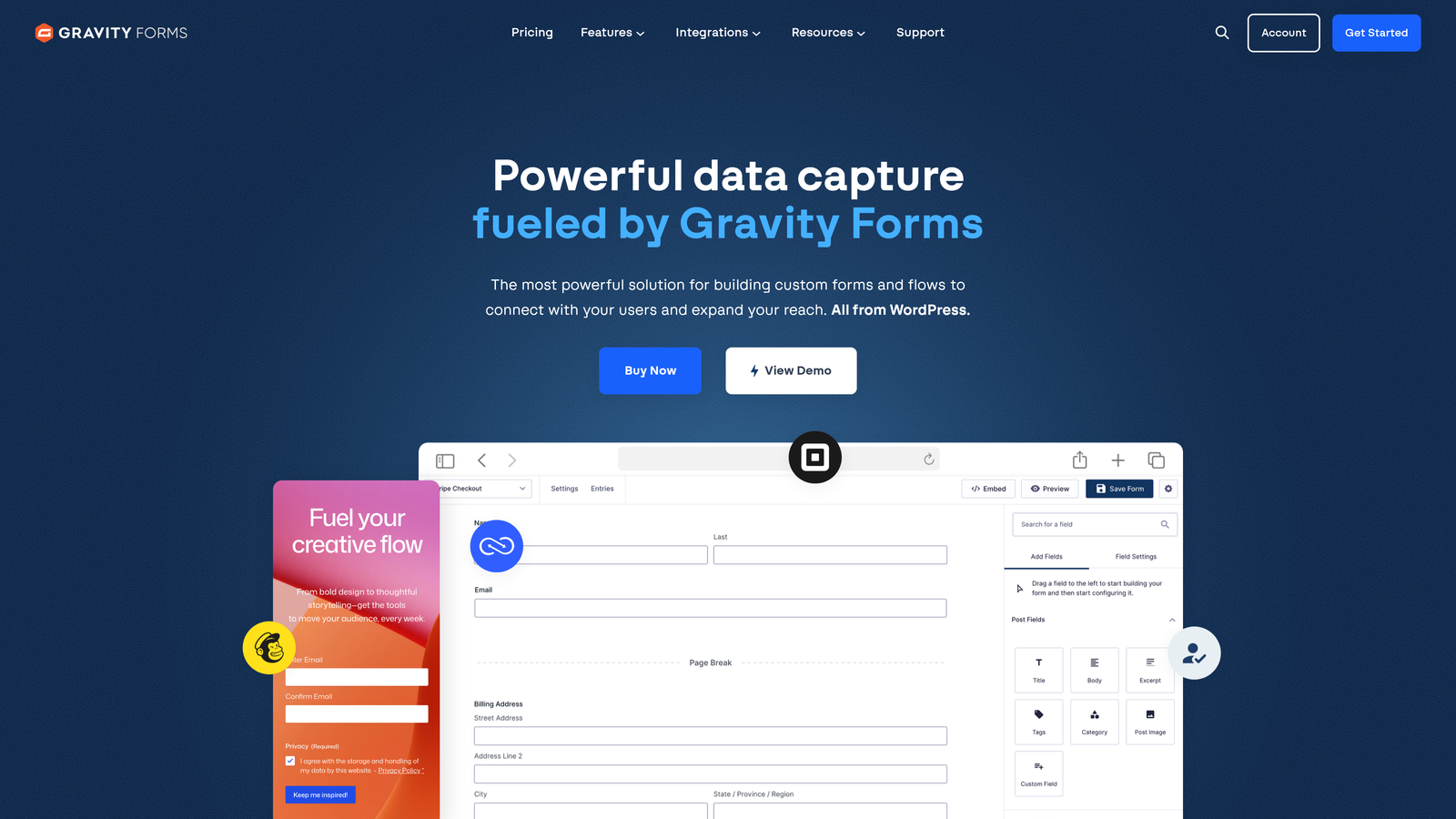
Gravity Forms is a self-hosted WordPress plugin that gives developers and power users complete control over their form data, logic, and integrations.
Where This Tool Shines
Gravity Forms is the go-to choice for WordPress sites that have outgrown basic form plugins. Its add-on ecosystem covers payment processors, CRM integrations, email marketing tools, and more, making it possible to build highly customized workflows without leaving WordPress. Because everything is self-hosted, your data stays on your server, which is a meaningful advantage for organizations with strict data governance requirements.
The developer-friendly architecture, with hooks, filters, and a well-documented API, also makes Gravity Forms a strong choice for teams with technical resources who need to extend functionality beyond what's available out of the box.
Key Features
Self-Hosted WordPress Plugin: Full ownership of form data with no third-party submission storage.
Extensive Add-On Marketplace: Hundreds of official and community add-ons for payments, CRM, email, and more.
Advanced Conditional Logic: Multi-page forms with sophisticated branching and field visibility rules.
Developer-Friendly Architecture: Robust hooks, filters, and API access for custom integrations and functionality.
Annual Licensing Model: No per-submission limits or usage-based pricing surprises.
Best For
Gravity Forms is best suited for WordPress developers, agencies, and businesses running complex sites where form customization, data ownership, and ecosystem depth are top priorities.
Pricing
Basic license starts at $59/year; Pro at $159/year; Elite at $259/year. All tiers include unlimited forms and submissions.
6. Tally
Best for: Individuals and small teams that need powerful forms without a subscription cost.
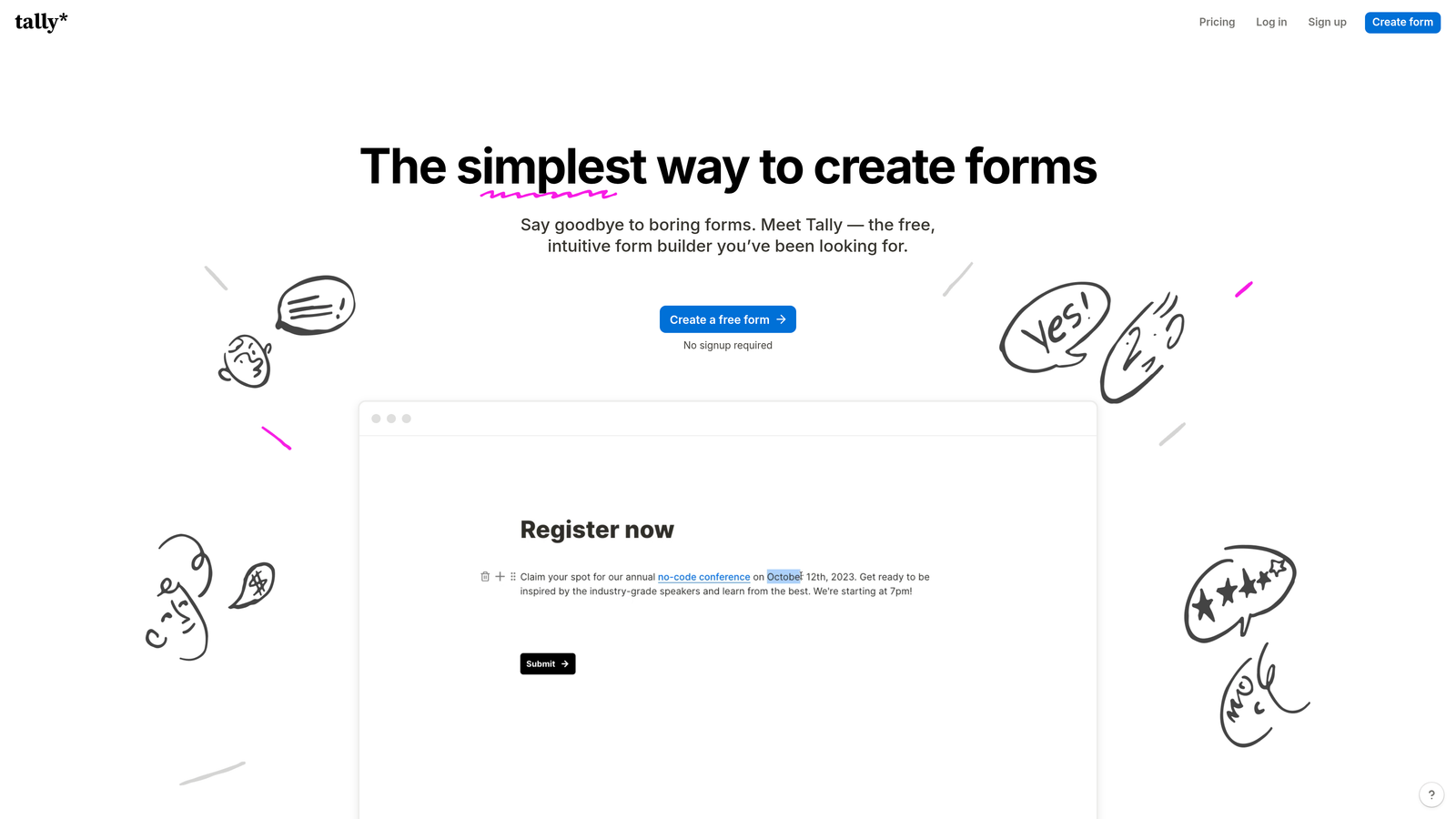
Tally is a minimalist form builder that offers unlimited forms and submissions on its free plan, with a Notion-style editing experience that makes building forms feel intuitive.
Where This Tool Shines
Tally's free tier is genuinely generous. Most free plans in this category impose strict limits on form count or monthly submissions, but Tally removes those restrictions entirely, making it an unusually capable option for teams that need volume without budget. The block-based editor is clean and familiar to anyone who has used Notion, which reduces the learning curve significantly.
For startups and solo operators who need professional-looking forms without paying for enterprise features, Tally is one of the most compelling free options available in 2026.
Key Features
Unlimited Free Forms and Submissions: No caps on form count or response volume on the free plan, a rare offering in this market.
Notion-Style Block Editor: Familiar, intuitive editing experience that makes form creation fast and approachable.
Conditional Logic and Calculations: Hidden fields, branching logic, and calculated fields available even on the free tier.
File Uploads and Payments: Supports file collection and payment processing through the platform.
Custom Domains and Branding: Available on the Pro plan for teams that need white-labeled, on-brand form experiences.
Best For
Tally is the top choice for early-stage startups, freelancers, and individual operators who need capable, good-looking forms without committing to a paid plan. It's also a strong option for internal tools and lightweight workflows where advanced AI or compliance features aren't required.
Pricing
Free plan with unlimited forms and submissions. Pro plan at $29/month, unlocking custom branding, custom domains, and additional advanced features.
7. Formstack
Best for: Enterprise and regulated-industry teams that need compliance certifications and end-to-end workflow automation.
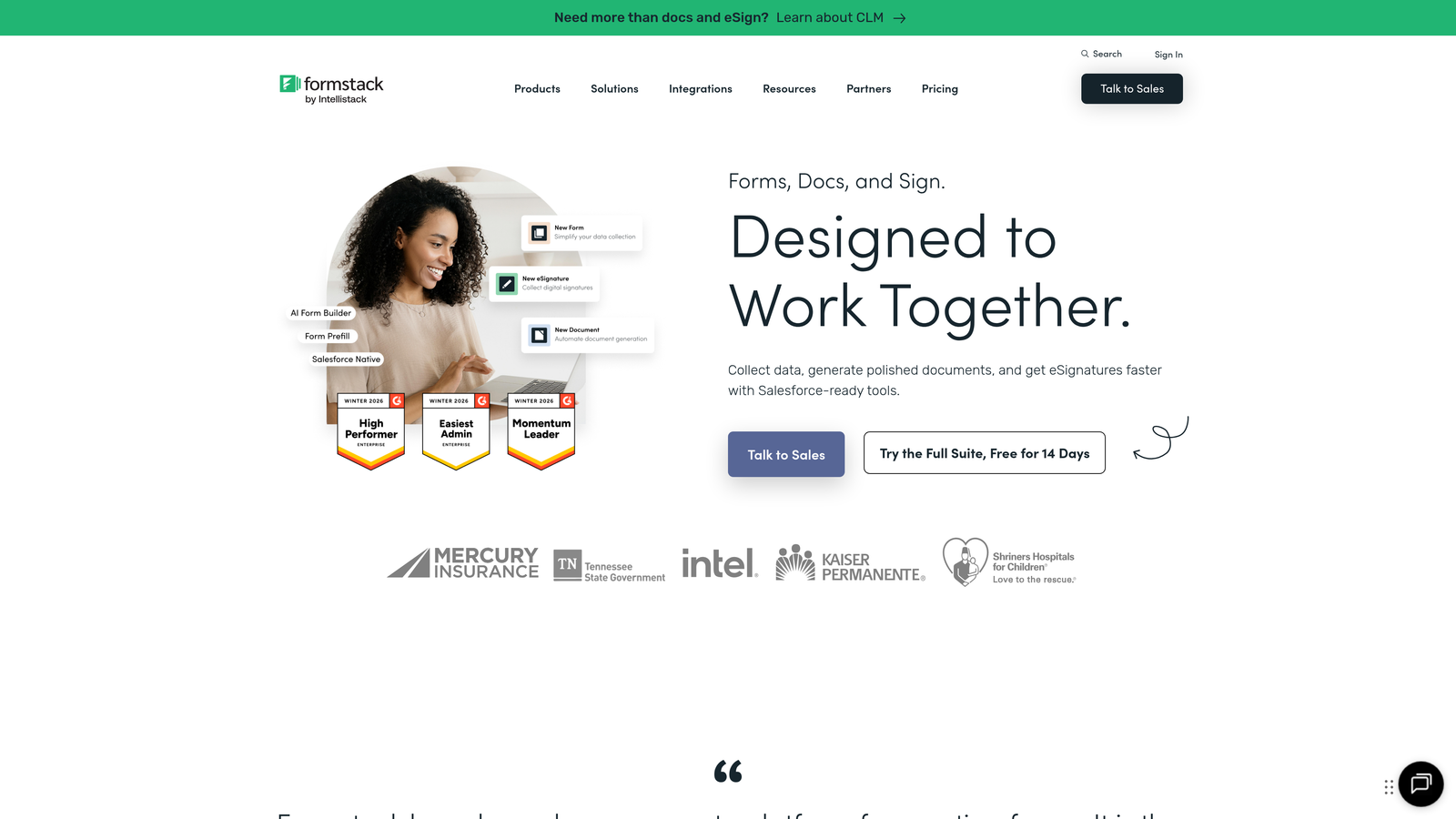
Formstack is an enterprise-grade form and workflow platform built for organizations where HIPAA, GDPR, and SOC 2 compliance are non-negotiable requirements.
Where This Tool Shines
Formstack goes well beyond form building. It functions as a complete data collection and workflow automation platform, with document generation, e-signature collection, and approval routing built into the same ecosystem. For organizations in healthcare, finance, or legal services, having compliance and workflow tools in a single platform reduces vendor sprawl and simplifies security reviews.
The A/B testing capability is also worth noting. For teams that run high-stakes forms where conversion rate matters, being able to test form variations natively is a meaningful advantage over platforms that require third-party testing tools.
Key Features
HIPAA, GDPR, and SOC 2 Compliance: Certified compliance options for regulated industries handling sensitive data.
Document Generation: Automatically generates populated documents from form submission data.
Native E-Signature Collection: Collects legally binding signatures through Formstack Sign without a separate tool.
Workflow Automation and Approval Routing: Builds multi-step approval processes directly into the form submission flow.
A/B Testing: Tests form variations natively to optimize conversion rates without external tools.
Best For
Formstack is built for enterprise teams and regulated industries where compliance, document workflows, and approval automation are core requirements rather than nice-to-haves.
Pricing
Plans start at approximately $50/month for the Starter tier. Enterprise pricing is available on request and scales with team size and compliance requirements.
8. Paperform
Best for: Teams that want forms to look and function like full landing pages.
Paperform is a form builder with a rich content editor that lets users blend text, images, video, and form fields into a single, cohesive page experience.
Where This Tool Shines
Paperform occupies a unique position in this category. Rather than building a traditional form, you're building a page that happens to collect information. This makes it particularly effective for product sales pages, event registrations, and booking flows where you want to provide context and persuade before asking for input.
The scheduling and booking capabilities also set Paperform apart from most form builders. Teams that need appointment booking built into their forms without a separate scheduling tool will find this integration genuinely useful.
Key Features
Rich Content Editor: Embed images, video, and formatted text between form fields to create a landing page-style experience.
Built-In Product and Payment Pages: Sell products or collect payments directly through the form without a separate e-commerce tool.
Conditional Logic and Calculation Fields: Dynamic form paths and real-time calculations based on respondent input.
Custom Branding with CSS Access: Full design control for teams that need pixel-perfect brand alignment.
Scheduling and Booking Forms: Native appointment booking capabilities built into the form creation workflow.
Best For
Paperform works best for small businesses, coaches, consultants, and creative teams who want their forms to double as branded content pages. It's especially well-suited for sales flows, event registrations, and service booking scenarios.
Pricing
Essentials plan starts at $24/month; Pro at $49/month; Agency at $159/month. All plans include unlimited forms and submissions.
9. Fillout
Best for: Modern tech teams that need forms to read from and write to existing databases like Airtable, Notion, or Supabase.
Fillout is a modern form builder with deep native integrations to database and productivity tools, allowing forms to interact directly with your existing data stack.
Where This Tool Shines
Fillout solves a problem that most form builders ignore: what happens to the data after submission. Rather than simply sending responses to a spreadsheet or triggering a Zap, Fillout forms can read from and write to Airtable bases, Notion databases, Google Sheets, and Supabase tables directly. This makes it possible to build forms that pre-populate with existing data, update records rather than just creating new ones, and interact with your data layer in meaningful ways.
For product teams and operations leads who have already built their data architecture around modern tools, Fillout removes the friction of connecting forms to that infrastructure.
Key Features
Native Database Integrations: Direct connections to Airtable, Notion, Google Sheets, and Supabase without middleware.
Bidirectional Data Interaction: Forms can read existing records and update them, not just create new entries.
Conditional Logic and Multi-Page Forms: Standard branching and multi-step form capabilities with a clean, modern interface.
Scheduling, Payment, and Quiz Forms: Multiple form types built into the platform for different use cases.
Generous Free Tier: Core features, including database integrations, are available on the free plan.
Best For
Fillout is the right choice for product managers, operations teams, and developers who have built their workflows around Airtable, Notion, or similar tools and need forms that connect natively to that ecosystem without custom code.
Pricing
Free plan available with core features included. Starter plan at $19/month; Business plan at $49/month for higher response limits and advanced features.
Which Form Builder Is Right for Your Team?
The nine tools in this list cover a wide range of use cases, and the right choice comes down to where your team is today and what you need your forms to do beyond collecting data.
Here's a quick-hit breakdown by use case to help you land on the right fit:
Best for AI-powered lead qualification: Orbit AI. If your forms are part of a lead generation engine and you need qualification to happen automatically, Orbit AI is purpose-built for that workflow.
Best for conversational UX: Typeform. When the form experience itself needs to feel engaging and on-brand, Typeform's one-question-at-a-time format is the strongest option in the market.
Best for WordPress teams: Gravity Forms. Self-hosted, deeply customizable, and backed by a mature add-on ecosystem. The clear choice for WordPress-native builds.
Best free option: Tally. Unlimited forms, unlimited submissions, and a genuinely capable feature set at no cost. Hard to beat for early-stage teams.
Best for enterprise compliance: Formstack. HIPAA, GDPR, SOC 2, document generation, and e-signatures in one platform. Built for regulated industries.
Best for HubSpot users: HubSpot Forms. Native CRM sync, progressive profiling, and closed-loop reporting make this the obvious choice if HubSpot is already your hub.
Best for template variety: Jotform. With over 10,000 templates and built-in payment processing, Jotform is the fastest way to get a functional form live for almost any use case.
Best for landing-page-style forms: Paperform. When your form needs to persuade as much as it collects, Paperform's rich content editor gives you the design flexibility to make that happen.
Best for modern data stacks: Fillout. Native Airtable, Notion, and Supabase integrations make Fillout the natural choice for teams whose workflows are built around these tools.
The best form builder is the one that matches your growth stage, your tech stack, and your conversion goals. A longer feature list doesn't automatically mean a better fit. Start with what you actually need today, and make sure the platform can scale with you as those needs evolve.
For teams where lead quality is the priority, start building free forms today and see how AI-powered qualification can transform what your forms actually deliver for your pipeline.


