

When your company is scaling fast, every lead matters—and the forms capturing those leads need to work just as hard as your sales team. High-growth companies face unique challenges: they need forms that qualify leads intelligently, integrate seamlessly with existing tech stacks, and scale without breaking.
The wrong form software creates bottlenecks, loses qualified prospects, and wastes your team's time on manual data entry. This guide cuts through the noise to highlight form solutions built specifically for companies in growth mode. We evaluated each tool based on lead qualification capabilities, integration depth, scalability, and overall value for fast-moving teams.
Here are the top form software solutions designed for high-growth companies in 2026.
1. Orbit AI
Best for: High-growth teams needing AI-powered lead qualification with conversion-optimized form design
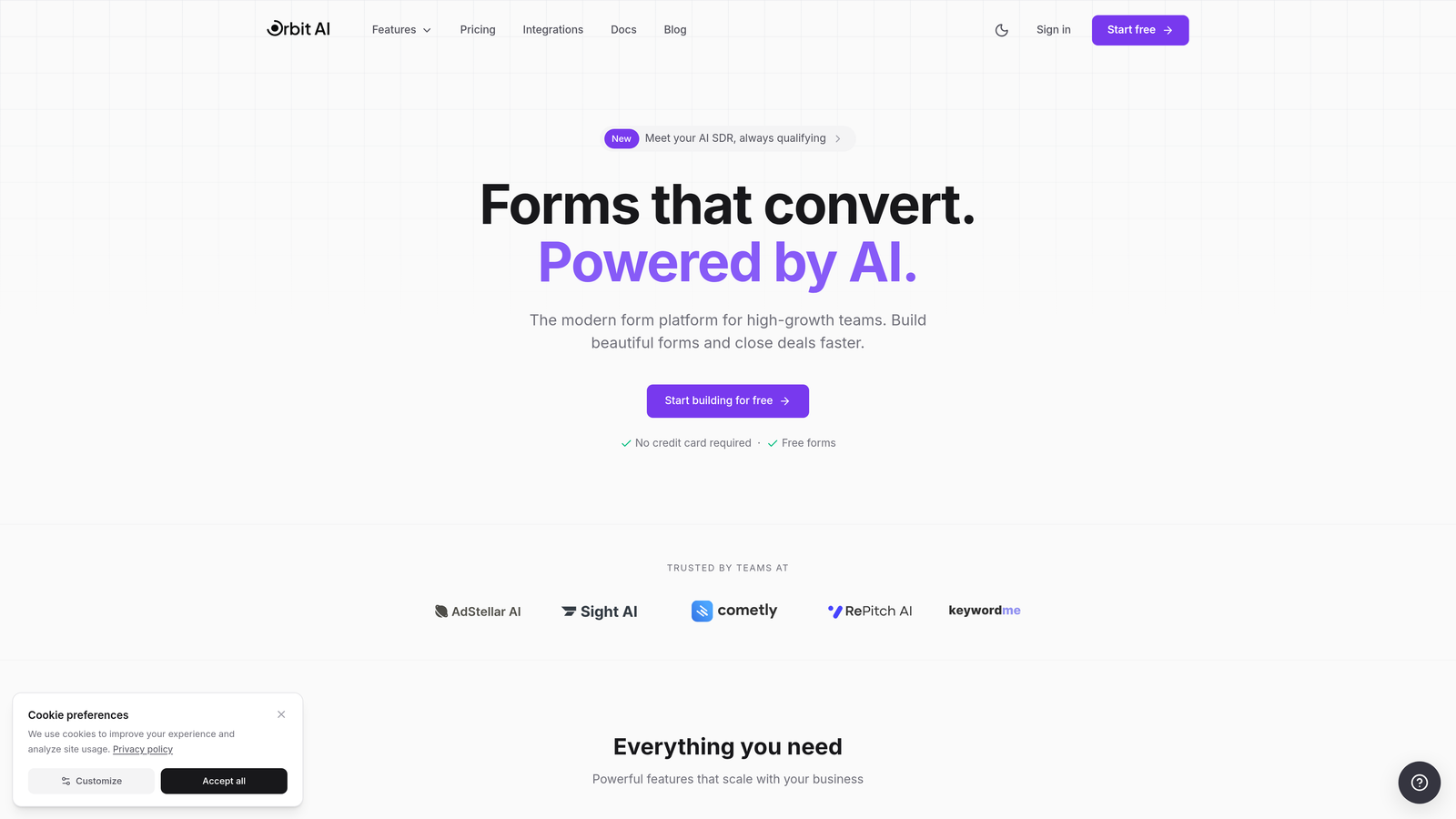
Orbit AI is an AI-powered form builder platform designed specifically for high-growth teams that need more than just data collection.
Where This Tool Shines
Orbit AI stands out by combining intelligent lead qualification with beautiful, conversion-optimized form design. The platform uses AI to automatically score and qualify leads as they come in, helping your sales team focus on the prospects most likely to convert.
For companies handling high lead volumes, this automation eliminates the manual qualification bottleneck that slows down sales cycles. The forms themselves are built with conversion optimization in mind, featuring modern designs that encourage completion rather than abandonment.
Key Features
AI-Powered Lead Qualification: Automatically scores and qualifies leads based on their responses, routing high-value prospects directly to sales.
Conversion-Optimized Templates: Pre-built form templates designed specifically to maximize completion rates and capture quality leads.
Native CRM Integrations: Seamless connections with HubSpot, Salesforce, and Pipedrive ensure lead data flows directly into your existing workflows.
Built-In Analytics: Track conversion rates, drop-off points, and lead quality metrics to continuously improve form performance.
Workflow Automation: Route leads automatically based on qualification scores, territory, or other criteria to get prospects to the right team member instantly.
Best For
Orbit AI is ideal for B2B companies and SaaS businesses in rapid growth mode that need to qualify leads at scale. If your sales team is drowning in unqualified leads or your current forms aren't converting at the rates you need, this platform addresses both challenges simultaneously.
Pricing
Contact for pricing; plans are designed to scale with your growth without exponential cost increases as lead volume expands.
2. Typeform
Best for: Creating engaging, conversational forms that drive higher completion rates through one-question-at-a-time design
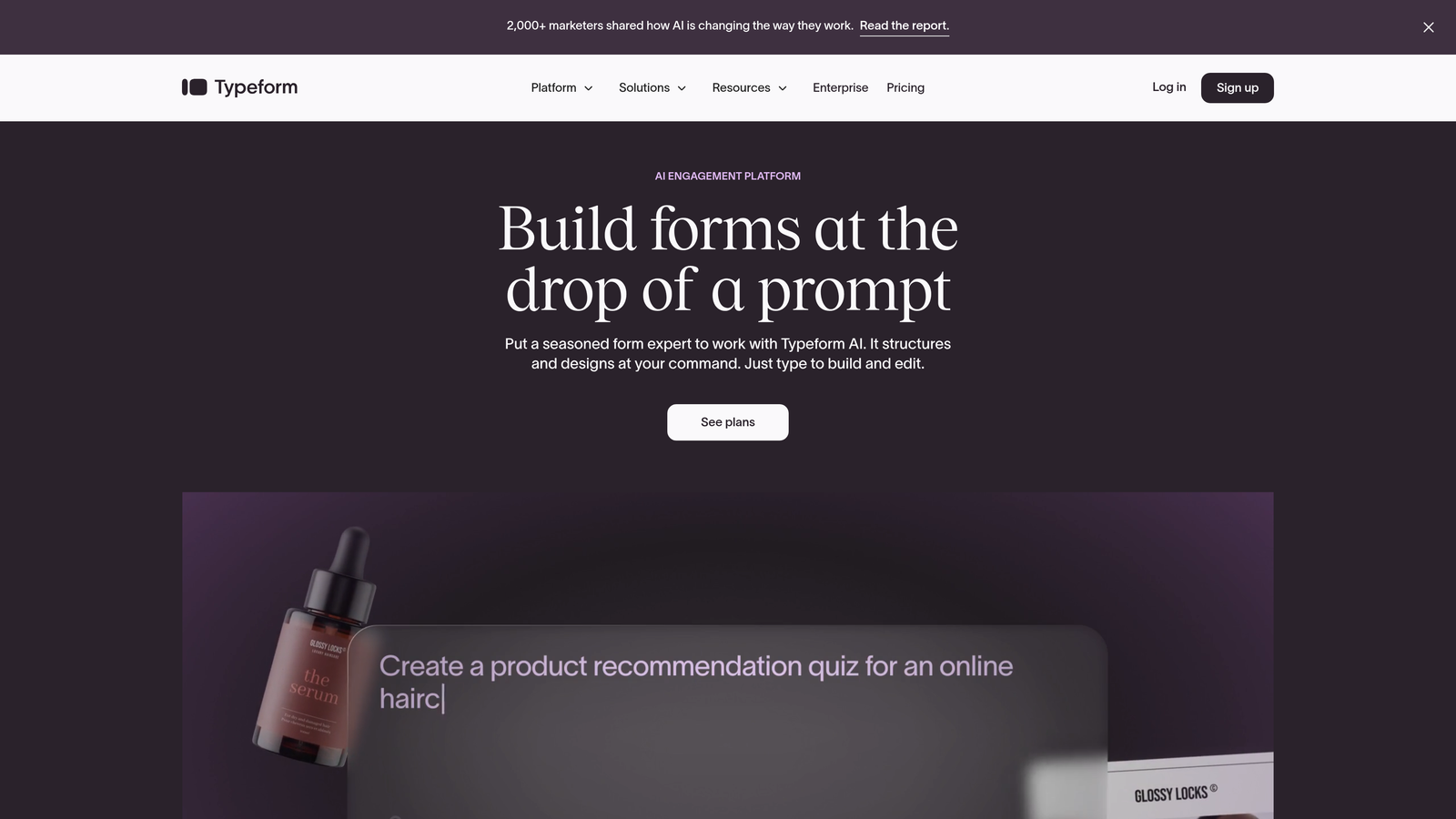
Typeform is a conversational form builder known for its distinctive one-question-at-a-time interface that feels more like a conversation than a traditional form.
Where This Tool Shines
Typeform's conversational approach reduces form abandonment by making the experience feel less overwhelming. Instead of facing a wall of fields, users answer one question at a time, which creates a sense of progress and momentum.
The platform excels at brand customization, allowing companies to create forms that match their visual identity perfectly. For high-growth companies focused on user experience, Typeform delivers forms that feel modern and engaging rather than transactional.
Key Features
Conversational Interface: One-question-at-a-time format that increases completion rates by reducing cognitive load.
Advanced Customization: Deep brand customization options including custom fonts, colors, backgrounds, and layouts.
Logic Jumps: Conditional branching that adapts questions based on previous answers, creating personalized form experiences.
Rich Media Support: Embed videos, images, and GIFs to create more engaging, interactive forms.
Integration Library: Connects with hundreds of tools including Slack, Google Sheets, Mailchimp, and major CRMs.
Best For
Typeform works well for companies prioritizing user experience and brand presentation. It's particularly effective for customer research, event registrations, and lead generation where engagement matters as much as data collection.
Pricing
Free tier available with basic features; paid plans start at $25/month with increased response limits and advanced features.
3. HubSpot Forms
Best for: Companies already using HubSpot who need native CRM integration and progressive profiling capabilities
HubSpot Forms is the native form builder within the HubSpot ecosystem, offering seamless integration with HubSpot's CRM and marketing automation tools.

Where This Tool Shines
If you're already in the HubSpot ecosystem, HubSpot Forms delivers unmatched integration depth. Forms sync instantly with contact records, workflows trigger automatically, and lead scoring updates in real-time.
The progressive profiling feature is particularly valuable for high-growth companies. Instead of asking the same questions repeatedly, forms automatically adapt to show different fields based on what information you already have about a contact. This reduces friction for returning visitors while gradually building complete contact profiles.
Key Features
Native CRM Integration: Instant synchronization with HubSpot CRM eliminates data transfer delays and manual imports.
Progressive Profiling: Forms automatically show different fields to known contacts, gathering information over time without overwhelming users.
Smart Fields: Pre-populate fields with known contact information to reduce friction and increase completion rates.
Built-In A/B Testing: Test different form variations to optimize conversion rates without third-party tools.
Automatic Lead Scoring: Form submissions automatically update lead scores based on your predefined criteria.
Best For
HubSpot Forms is the obvious choice for companies already using HubSpot for CRM or marketing automation. The native integration eliminates the complexity and potential data issues that come with third-party form tools.
Pricing
Free with HubSpot CRM; advanced features like progressive profiling and A/B testing require Marketing Hub starting at $800/month.
4. Jotform
Best for: Teams needing extensive template options and built-in payment collection capabilities
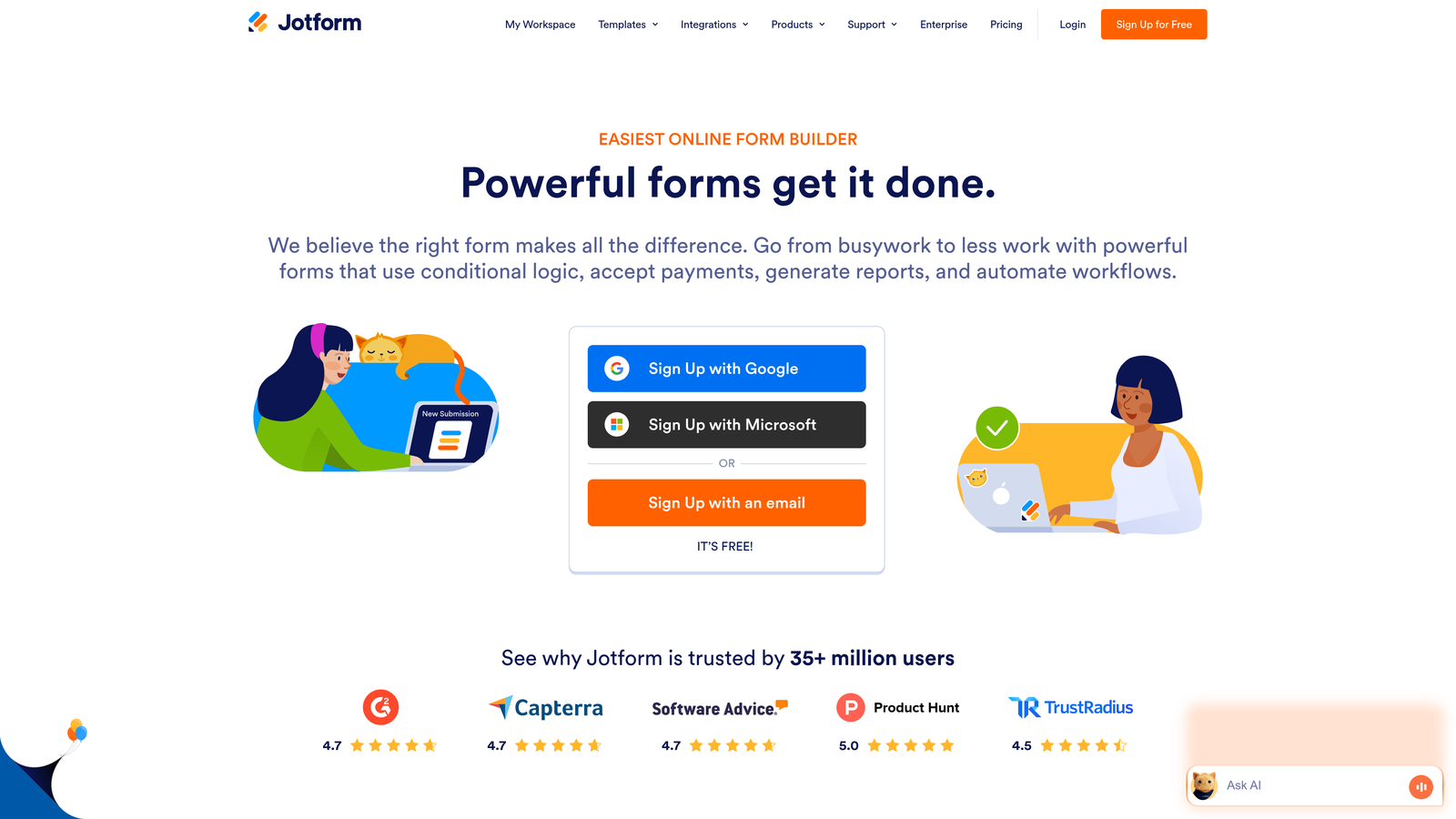
Jotform is a versatile form builder offering over 10,000 templates and strong payment processing integration for companies that need to collect money through forms.
Where This Tool Shines
Jotform's massive template library means you can find a starting point for virtually any form use case. This speeds up deployment significantly compared to building forms from scratch.
The platform's payment integration capabilities make it particularly valuable for companies selling products, collecting deposits, or processing event registrations. Native integrations with Stripe, PayPal, and Square allow you to accept payments directly through forms without redirecting users to external payment pages.
Key Features
10,000+ Templates: Extensive template library covering virtually every form use case from lead generation to order forms.
Payment Integrations: Native connections with Stripe, PayPal, Square, and other payment processors for seamless transactions.
PDF Generation: Automatically generate PDF documents from form submissions for contracts, invoices, or reports.
Approval Workflows: Route form submissions through approval processes before final processing.
HIPAA Compliance: Optional HIPAA-compliant plans for healthcare organizations collecting sensitive patient information.
Best For
Jotform works well for high-growth companies that need payment collection alongside form data capture. It's also ideal for teams that want to deploy forms quickly using pre-built templates rather than designing from scratch.
Pricing
Free tier available; paid plans start at $34/month with increased submission limits and advanced features.
5. Formstack
Best for: Enterprise-grade security requirements with advanced workflow automation and compliance certifications
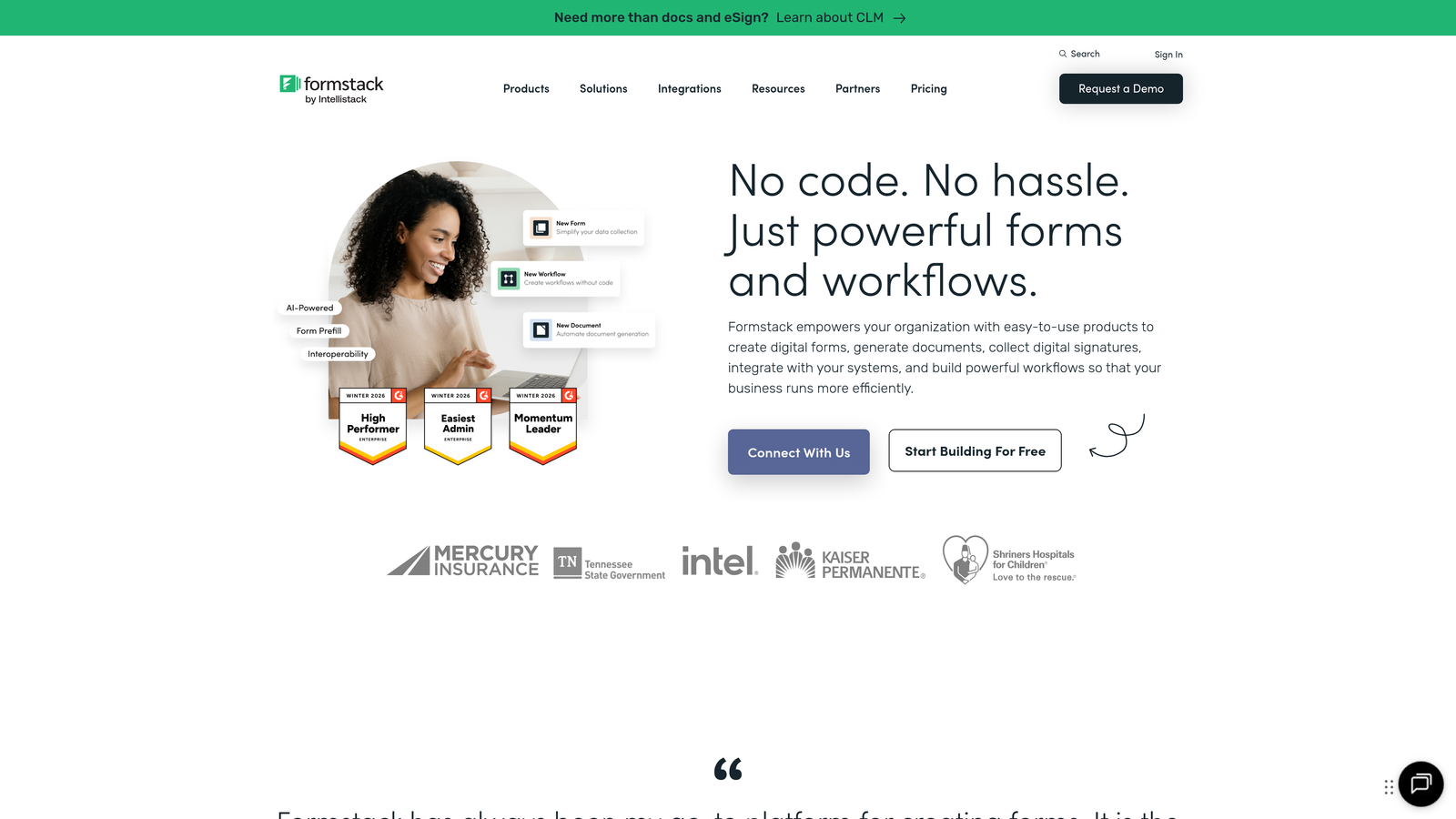
Formstack is an enterprise-focused form solution offering advanced workflow automation, document generation, and comprehensive security compliance.
Where This Tool Shines
Formstack differentiates itself through enterprise-grade security and compliance certifications. For high-growth companies in regulated industries or those handling sensitive data, Formstack provides HIPAA, GDPR, and SOC 2 compliance out of the box.
The platform's workflow automation capabilities extend beyond basic form submission. You can trigger document generation, route approvals through multi-step processes, and collect electronic signatures—all within a single platform. This consolidation eliminates the need for multiple tools in your workflow.
Key Features
Advanced Conditional Logic: Complex branching and field dependencies that create highly personalized form experiences.
Document Generation: Automatically create contracts, proposals, or reports from form data using customizable templates.
Electronic Signatures: Collect legally binding signatures directly within forms without third-party e-signature tools.
Compliance Certifications: HIPAA, GDPR, and SOC 2 compliance for organizations with strict data security requirements.
Salesforce Native Integration: Deep integration with Salesforce that goes beyond basic data sync to include custom objects and workflows.
Best For
Formstack is ideal for high-growth companies in healthcare, financial services, or other regulated industries. It's also valuable for organizations that need sophisticated workflow automation combining forms, documents, and signatures in a single platform.
Pricing
Plans start at $50/month; enterprise pricing available for organizations requiring advanced compliance and support features.
6. Tally
Best for: Budget-conscious teams wanting unlimited forms with a simple, Notion-like interface
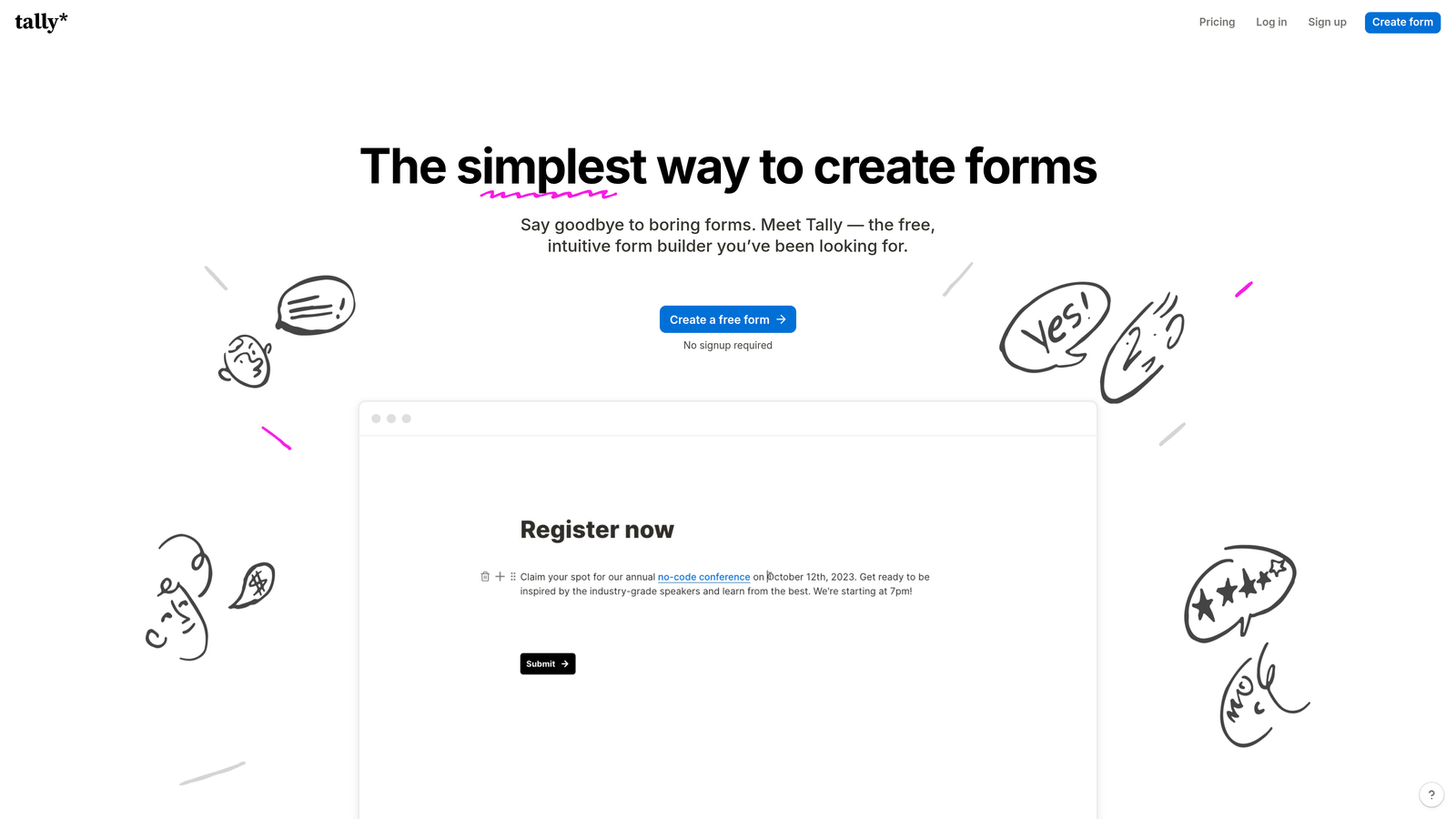
Tally is a simple, fast form builder with a Notion-style interface and one of the most generous free tiers in the industry.
Where This Tool Shines
Tally's standout feature is its incredibly generous free tier—unlimited forms with most features included. For early-stage high-growth companies watching every dollar, this provides enterprise-level functionality without the enterprise price tag.
The Notion-style block-based editor makes form building intuitive for teams already familiar with modern productivity tools. You can build complex forms quickly without a learning curve, which accelerates deployment when you're moving fast.
Key Features
Unlimited Free Forms: Create as many forms as needed on the free plan without hitting arbitrary limits.
Block-Based Editor: Notion-style interface that makes form building intuitive and fast.
Conditional Logic: Show or hide fields based on previous answers to create dynamic form experiences.
Calculations: Perform calculations within forms for pricing quotes, assessments, or scoring.
Integrations: Connect via webhooks and Zapier to sync data with your existing tools.
Best For
Tally is perfect for startups and early-stage high-growth companies that need professional form capabilities without the budget for expensive tools. It's also ideal for teams that value simplicity and speed over advanced enterprise features.
Pricing
Generous free tier includes most features; Pro plan at $29/month adds custom domains, file uploads, and priority support.
7. Paperform
Best for: Creating branded, content-rich form pages that function as both forms and landing pages
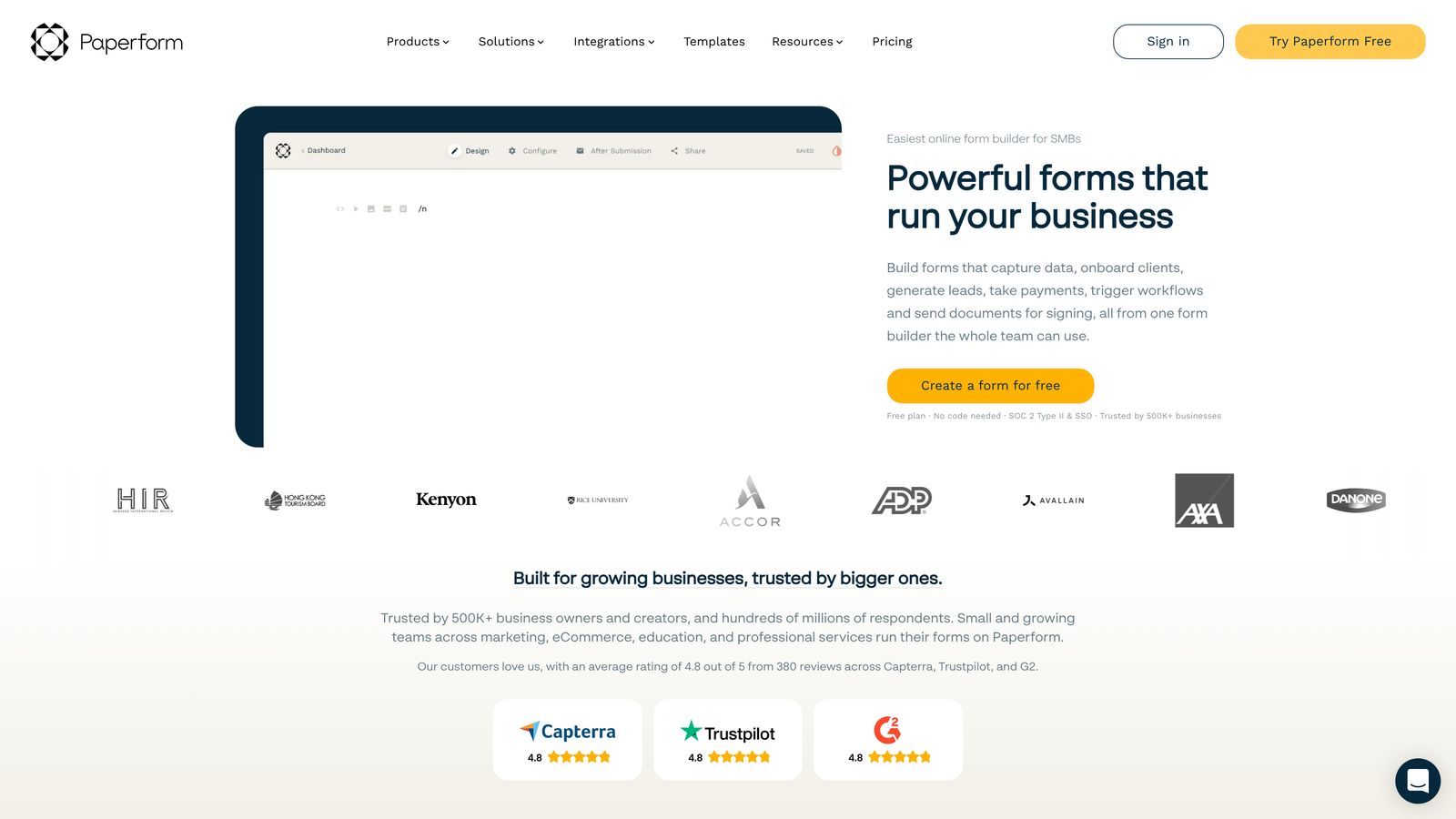
Paperform is a form builder focused on creating visually rich, branded form experiences that blur the line between forms and landing pages.
Where This Tool Shines
Paperform treats forms as content experiences rather than just data collection tools. You can embed images, videos, and rich text alongside form fields to create pages that inform and convert simultaneously.
This approach is particularly valuable for high-growth companies that want to reduce friction in their conversion funnel. Instead of sending prospects from a landing page to a separate form, Paperform combines both into a single, cohesive experience. The result is fewer page transitions and higher conversion rates.
Key Features
Landing Page Design: Create form pages with rich content, images, and videos that function as standalone landing pages.
Payment Processing: Built-in payment collection through Stripe and PayPal for product sales or event registrations.
Product Catalogs: Display product options with images and descriptions, allowing users to select and purchase through the form.
Advanced Logic: Sophisticated conditional logic that adapts form content based on user selections.
Custom Success Pages: Create branded confirmation pages with next steps, additional offers, or social sharing options.
Best For
Paperform works well for companies that prioritize brand experience and want to combine content marketing with lead capture. It's particularly effective for event registrations, product orders, and multi-step applications.
Pricing
Plans start at $24/month with unlimited forms and submissions included.
8. Cognito Forms
Best for: Complex calculations and data collection with affordable high-volume pricing
Cognito Forms is a calculation-focused form builder offering advanced data management capabilities at competitive pricing for high-volume users.
Where This Tool Shines
Cognito Forms excels at handling complex calculations within forms. If you need to generate quotes, calculate pricing based on multiple variables, or perform assessments that require mathematical operations, Cognito Forms handles this natively without workarounds.
The platform's repeating sections feature allows users to add multiple entries of the same data set—think adding multiple team members, products, or line items. This functionality is crucial for high-growth companies collecting complex, structured data that doesn't fit into simple single-entry forms.
Key Features
Advanced Calculations: Perform complex mathematical operations within forms for dynamic pricing, scoring, or assessments.
Repeating Sections: Allow users to add multiple entries of the same field set for collecting structured, multi-item data.
Workflow Routing: Route form submissions through approval processes with notifications and status tracking.
Data Encryption: Built-in encryption and compliance features for handling sensitive information securely.
Affordable Scaling: Pricing that remains reasonable even at high submission volumes compared to competitors.
Best For
Cognito Forms is ideal for companies collecting complex data that requires calculations or structured multi-item entries. It's particularly valuable for organizations processing high form volumes but working with limited budgets.
Pricing
Free tier available; paid plans start at $15/month, making it one of the most affordable options for high-volume usage.
9. Fillout
Best for: Teams using Airtable or Notion who need native database integration and record updating
Fillout is a modern form builder designed specifically for teams that use Airtable or Notion as their primary database, offering native sync and record updating capabilities.
Where This Tool Shines
Fillout's killer feature is its ability to not just create new records but also update existing ones in Airtable and Notion. This transforms forms from pure data collection tools into database management interfaces.
For high-growth companies using Airtable or Notion as their operational backbone, Fillout eliminates the disconnect between form submissions and database updates. You can create customer portals where clients update their own information, internal forms where team members modify records, or application processes that update candidate status—all syncing bidirectionally with your database in real-time.
Key Features
Native Airtable and Notion Sync: Bidirectional synchronization that creates and updates records in your existing databases.
Record Updating: Allow users to modify existing database records through forms, not just create new ones.
Modern Design: Clean, contemporary form aesthetics that match modern SaaS application standards.
Conditional Logic: Show or hide fields based on database values or user responses for dynamic experiences.
Additional Integrations: Connect scheduling tools, payment processors, and other services alongside database sync.
Best For
Fillout is perfect for high-growth companies that have built their operations around Airtable or Notion. If your databases are central to your workflow, Fillout turns them into interactive, form-accessible systems rather than admin-only tools.
Pricing
Free tier available; paid plans start at $15/month with increased submission limits and advanced features.
Matching Your Growth Stage to the Right Form Tool
The right form software for your high-growth company depends on where you are in your scaling journey and what's currently creating friction in your lead generation process.
If lead qualification is your biggest bottleneck—your sales team is drowning in unqualified prospects—Orbit AI's AI-powered qualification and scoring will have immediate impact. For companies already deep in the HubSpot ecosystem, HubSpot Forms delivers unmatched integration depth and progressive profiling that other tools can't match.
Budget-conscious early-stage companies will find Tally's generous free tier or Cognito Forms' affordable high-volume pricing most attractive. Teams prioritizing user experience and completion rates should look at Typeform's conversational interface or Paperform's landing page approach.
If you're in a regulated industry requiring compliance certifications, Formstack's HIPAA and SOC 2 compliance may be non-negotiable. And for companies built around Airtable or Notion, Fillout's native database integration eliminates the complexity of connecting disparate systems.
The common thread among these tools is that they're all designed to scale—they won't break when your lead volume doubles or your team expands. Choose based on your specific pain points today, but verify that the pricing model and feature set will support where you're headed in the next 12-18 months.
Transform your lead generation with AI-powered forms that qualify prospects automatically while delivering the modern, conversion-optimized experience your high-growth team needs. Start building free forms today and see how intelligent form design can elevate your conversion strategy.


