

Formstack has long been a reliable workhorse for enterprise form management, but growing teams are increasingly bumping into its ceiling. Steep submission-based pricing, a UI that feels behind the times, and lead qualification capabilities that haven't kept pace with modern conversion demands are pushing procurement teams to look elsewhere.
If you're building a business case for a platform switch or evaluating options for a new deployment, this guide cuts through the noise. Each tool below was selected for a specific reason and evaluated across data collection flexibility, CRM integrations, compliance posture, conditional logic depth, and overall value at enterprise scale. No filler picks.
1. Orbit AI
Best for: High-growth B2B and SaaS teams that need AI-powered lead qualification built directly into the form experience.
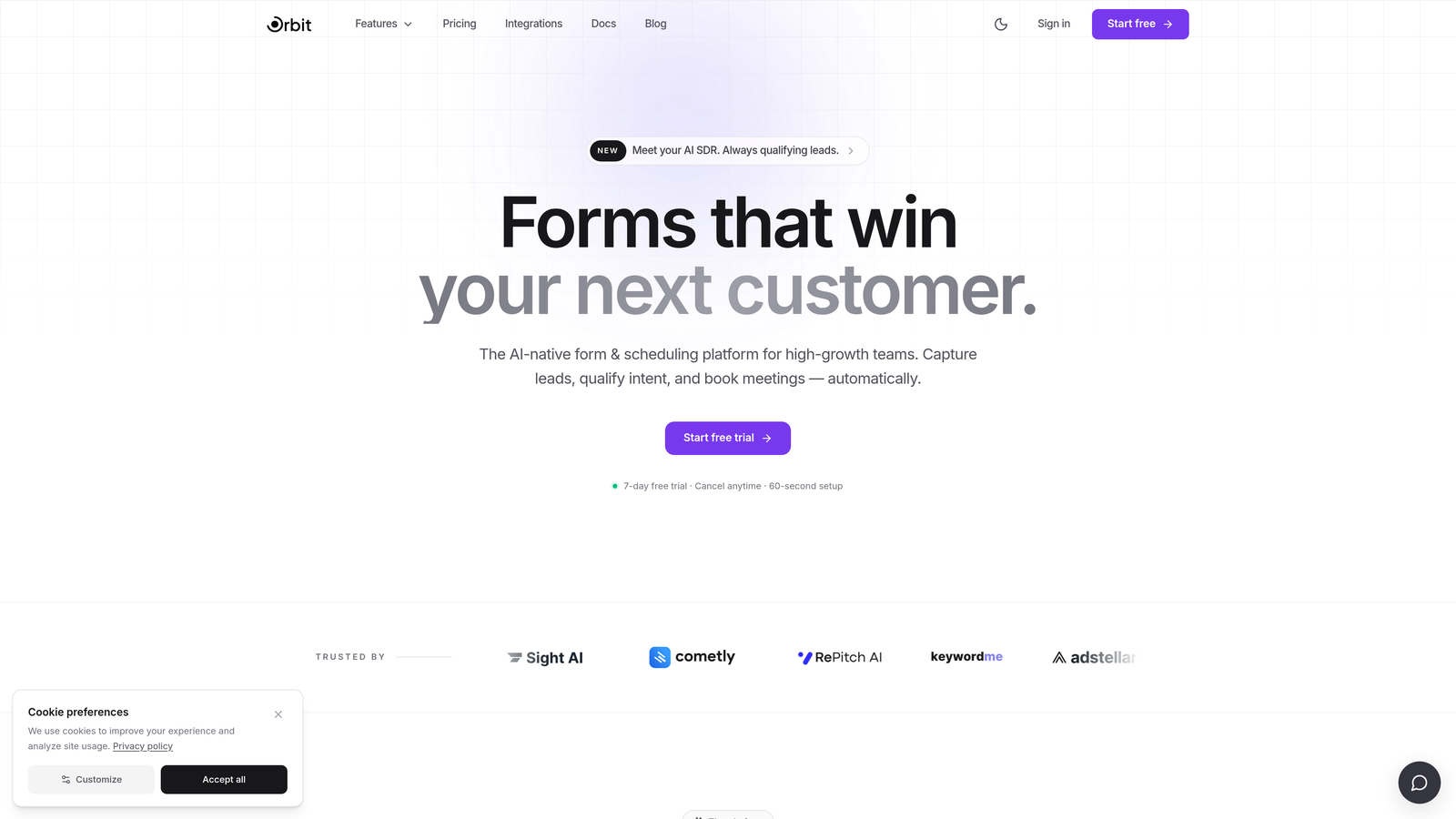
Orbit AI is an AI-powered form builder with real-time lead scoring and qualification baked into the form flow itself, not bolted on after submission.
Where This Tool Shines
Most form tools treat qualification as a post-submission problem, pushing data into a CRM and hoping someone reviews it promptly. Orbit AI handles this differently. Lead scoring and routing happen within the form experience in real time, so your sales team receives pre-qualified leads with context, not raw submissions that need manual triage.
The platform is designed specifically for demand gen and RevOps teams, which means the templates, logic flows, and integrations are built around conversion optimization rather than generic data collection. For teams replacing Formstack's lead capture workflows, this focus translates directly into faster time-to-value.
Key Features
AI-Powered Lead Qualification: Real-time lead scoring within the form flow, surfacing high-intent prospects automatically before they hit your CRM.
Conversion-Optimized Templates: Pre-built templates designed specifically for demand gen and RevOps use cases, not generic surveys.
Smart Conditional Logic: Routing and branching based on lead quality signals, so different prospect segments see tailored form paths.
Modern UI: Clean, contemporary interface built for SaaS environments where brand presentation matters as much as functionality.
CRM and Marketing Automation Integrations: Seamless handoff to your existing stack, reducing manual data movement between tools.
Best For
Orbit AI is the strongest fit for B2B SaaS companies, demand generation teams, and RevOps leaders who need more than a data collection tool. If lead quality and conversion rate are your primary metrics, and you're frustrated by Formstack's limited AI capabilities, this is the most direct upgrade path.
Pricing
Visit orbitforms.ai for current plan details. A free tier is available to get started without a procurement commitment.
2. Typeform
Best for: Customer-facing forms where engagement, completion rate, and brand experience are top priorities.
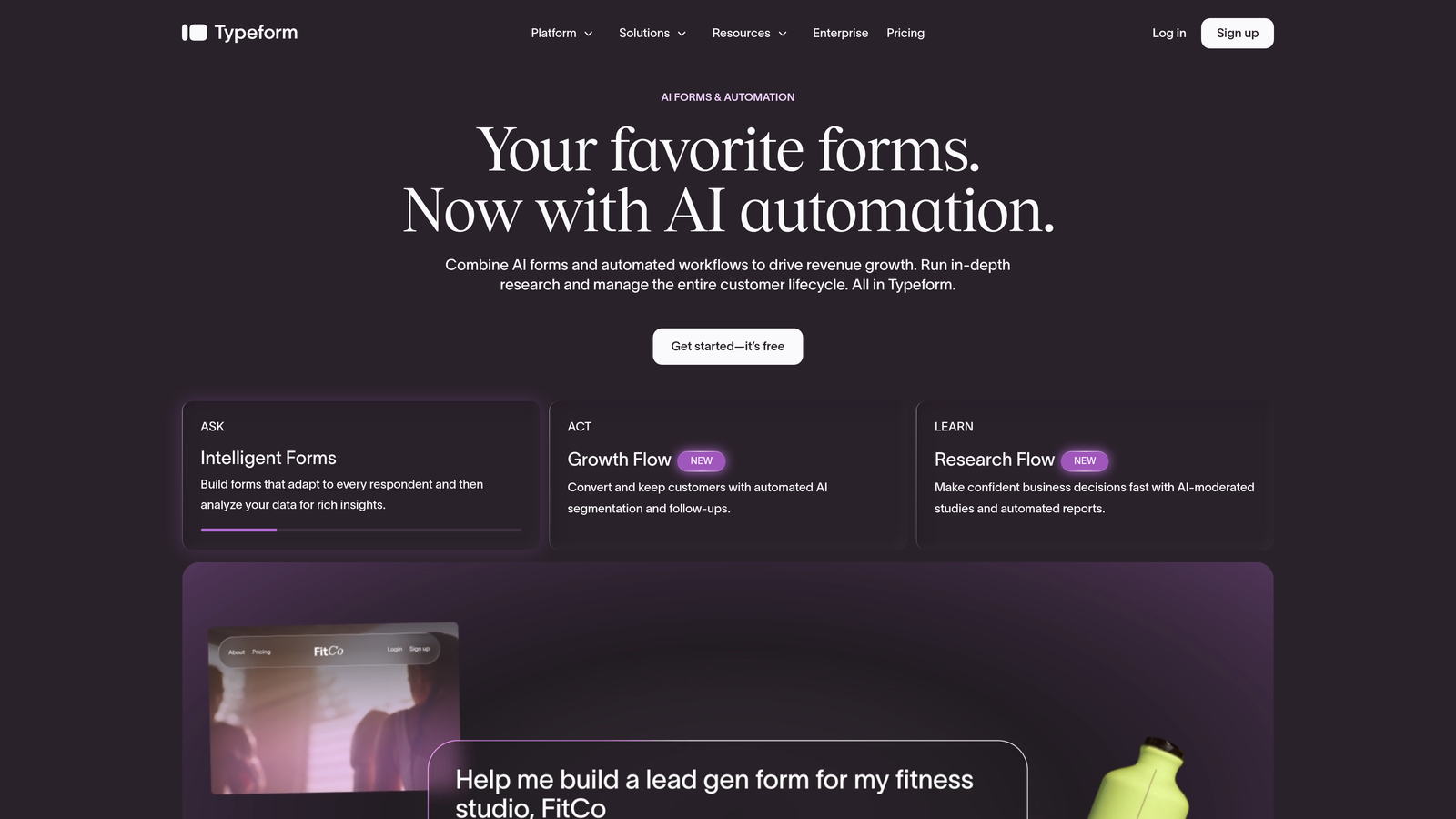
Typeform is a conversational form platform built around a one-question-at-a-time UX that drives meaningfully higher engagement than traditional multi-field layouts.
Where This Tool Shines
Typeform's signature format makes forms feel less like bureaucracy and more like a conversation. For external-facing use cases such as lead capture, onboarding surveys, or customer feedback, this translates into higher completion rates compared to dense, traditional form layouts.
The enterprise plan adds the infrastructure large teams need: SSO, custom domains, advanced integrations, and white-labeling. It's not the deepest workflow automation platform, but for front-of-funnel engagement, it's hard to beat the user experience.
Key Features
Conversational Single-Question Format: One question at a time reduces cognitive load and keeps respondents moving through the form.
Enterprise SSO and Custom Domains: Full enterprise authentication and branded domain support for professional deployments.
Logic Jumps and Branching: Personalized form paths based on previous answers, enabling relevant follow-up questions.
Native CRM Integrations: Direct connections to Salesforce, HubSpot, Slack, and other common enterprise tools.
Brand Customization and White-Labeling: Strong visual customization options to match your brand standards precisely.
Best For
Marketing teams running inbound campaigns, customer experience programs, or any use case where the form itself is a brand touchpoint. Less suited for heavy back-office workflow automation or compliance-intensive data collection.
Pricing
Enterprise pricing is custom. Self-serve plans are available at mid-range monthly rates. Check typeform.com for current tiers.
3. Jotform Enterprise
Best for: Compliance-heavy industries requiring HIPAA support, data residency options, and dedicated account management.
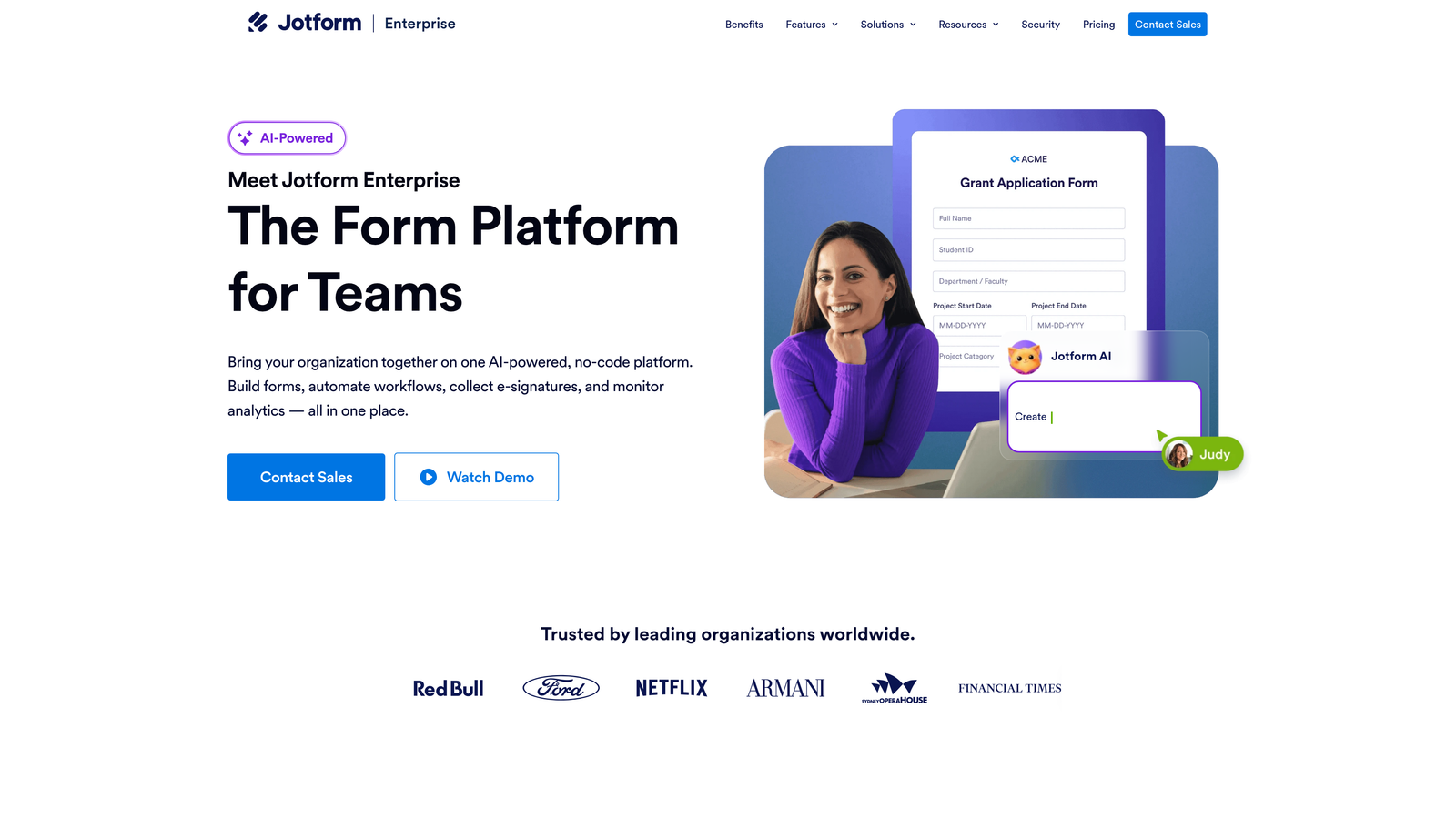
Jotform Enterprise is a dedicated enterprise tier of Jotform's platform, built around compliance, white-labeling, and administrative control for regulated industries.
Where This Tool Shines
If your organization operates in healthcare, finance, or any sector with strict data handling requirements, Jotform Enterprise's compliance story is one of the strongest available. HIPAA-compliant forms with signed BAAs, local data residency for EU markets, and SSO/SAML support cover most enterprise security requirements out of the box.
The template library is genuinely impressive in scale, which accelerates deployment across large organizations with diverse form needs. The dedicated account manager included at the enterprise tier adds a layer of support that many procurement teams specifically look for.
Key Features
HIPAA Compliance with BAAs: Signed Business Associate Agreements available, making it viable for healthcare and regulated data environments.
White-Label Options: Custom domains, branded interfaces, and complete removal of Jotform branding for client-facing deployments.
Local Data Residency: EU and other regional data storage options to meet sovereignty requirements.
SSO/SAML and Admin Controls: Enterprise-grade authentication and granular user management across large teams.
10,000+ Pre-Built Templates: Extensive template library covering virtually every industry and use case, reducing time to deployment.
Best For
Healthcare organizations, financial services firms, government contractors, and any enterprise where compliance certification is a procurement prerequisite. Also strong for large organizations that need to standardize form creation across many departments quickly.
Pricing
Custom enterprise pricing. Contact Jotform directly through jotform.com/enterprise for a quote.
4. Microsoft Forms
Best for: Internal enterprise workflows already running on the Microsoft 365 ecosystem.
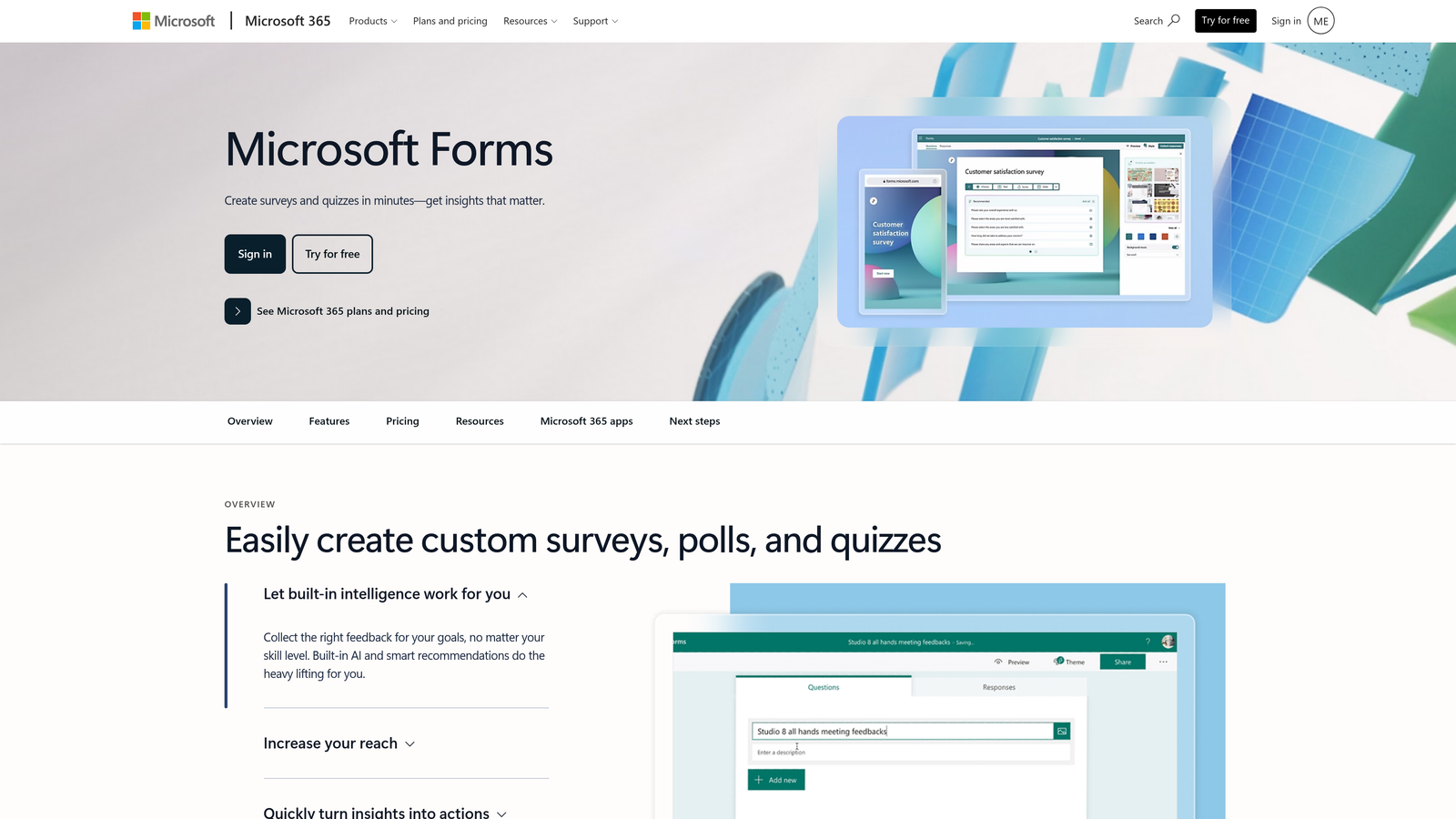
Microsoft Forms is a straightforward survey and form tool included with Microsoft 365, offering native integration across the Microsoft stack at no additional cost.
Where This Tool Shines
The value proposition here is simple: if your organization already pays for Microsoft 365, you already have Microsoft Forms. For internal use cases such as employee surveys, event registrations, or departmental data collection, it covers the basics without requiring a separate procurement process.
The native connections to Power Automate, SharePoint, Teams, and Excel make it genuinely useful within Microsoft-native workflows. Response data flows directly into Excel and Power BI, which matters in organizations where those tools are already the reporting standard.
Key Features
Included with Microsoft 365: No additional licensing cost for organizations already on Business or Enterprise Microsoft 365 plans.
Native Microsoft Stack Integration: Direct connections to Teams, SharePoint, Power Automate, Excel, and Power BI.
Basic Branching Logic: Conditional questions for simple personalized form paths.
Enterprise IT Admin Controls: Managed through the Microsoft 365 admin center, fitting into existing IT governance structures.
Excel and Power BI Output: Response data flows directly into familiar Microsoft reporting tools.
Best For
Organizations deeply embedded in the Microsoft ecosystem looking for zero-cost internal form tooling. Not recommended for external-facing lead capture, advanced design requirements, or compliance-sensitive external data collection.
Pricing
Included with Microsoft 365 Business and Enterprise subscription plans at no additional cost.
5. Cognito Forms
Best for: Operations teams that need complex calculation fields, repeating sections, and payment collection without enterprise-level pricing.
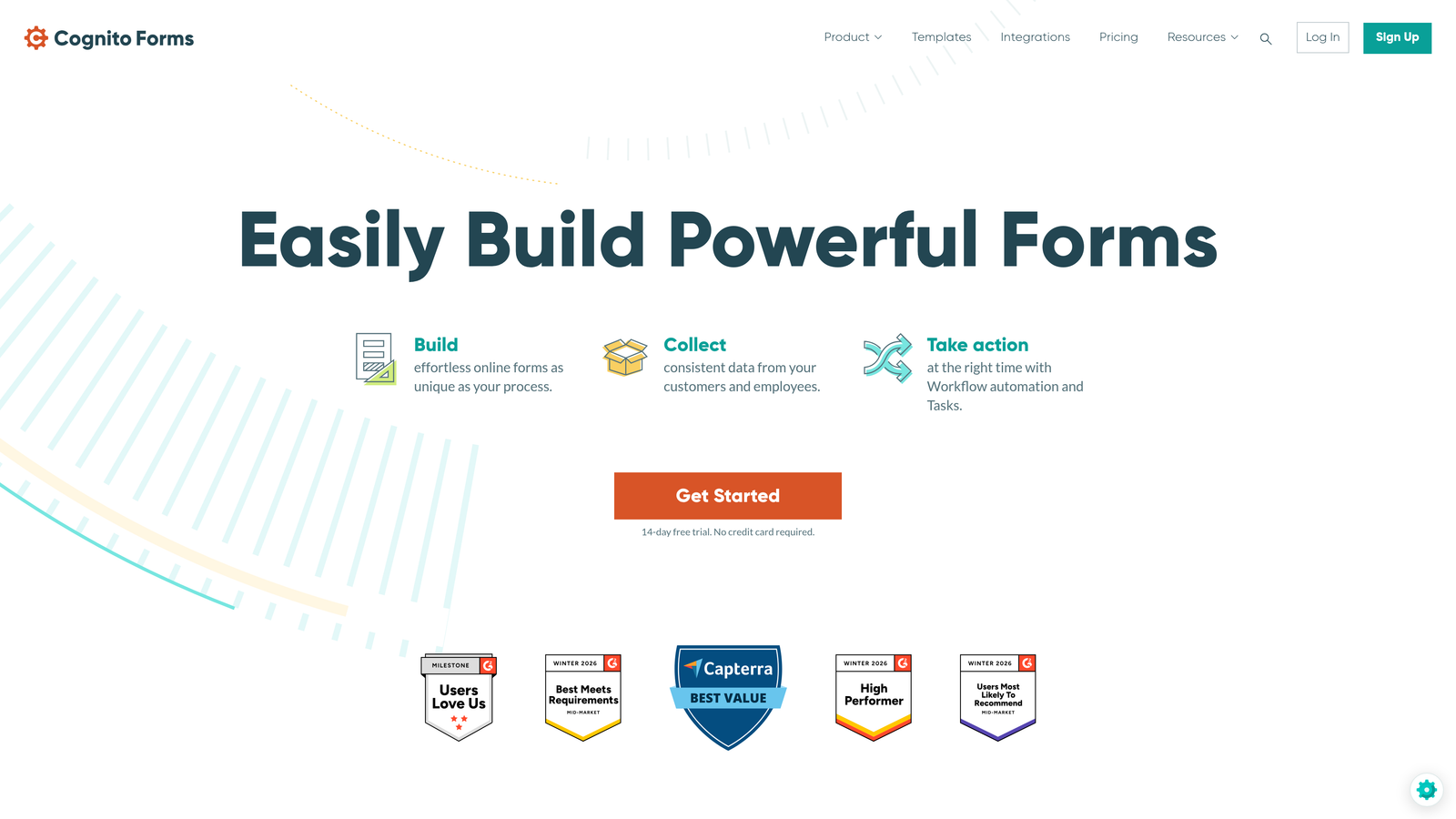
Cognito Forms is a logic-heavy form builder with advanced calculation capabilities, dynamic repeating sections, and built-in payment collection at notably accessible price points.
Where This Tool Shines
Cognito Forms punches well above its price point when it comes to calculation fields and conditional logic complexity. For use cases like order forms with dynamic pricing, multi-entry data collection, or scoring-based assessments, the platform handles scenarios that would require workarounds or add-ons in most competing tools.
It's less prominent in marketing conversations than Typeform or Jotform, but among operations and finance teams building complex internal forms, it has a loyal following for good reason. The pricing relative to feature depth is one of its clearest differentiators from Formstack.
Key Features
Advanced Calculation Fields: Supports pricing calculations, scoring formulas, and data aggregation directly within form logic.
Repeating Sections: Dynamic multi-entry collection that adapts to variable-length data inputs, such as line items or multiple participants.
Built-In Payment Collection: Native Stripe integration for collecting payments directly through forms without third-party plugins.
Complex Conditional Logic: Rule-building that handles multi-condition logic for sophisticated branching scenarios.
Accessible Pricing: Feature depth comparable to more expensive platforms at a lower monthly cost.
Best For
Operations, finance, and procurement teams that need logic-intensive forms with calculation requirements. A strong Formstack alternative for teams whose primary pain point is submission-based pricing rather than AI or design capabilities.
Pricing
Paid plans start at accessible monthly rates. Enterprise custom pricing available. Check cognitoforms.com for current tiers.
6. Gravity Forms
Best for: Enterprise organizations running WordPress who need a deep, extensible form solution within their existing infrastructure.
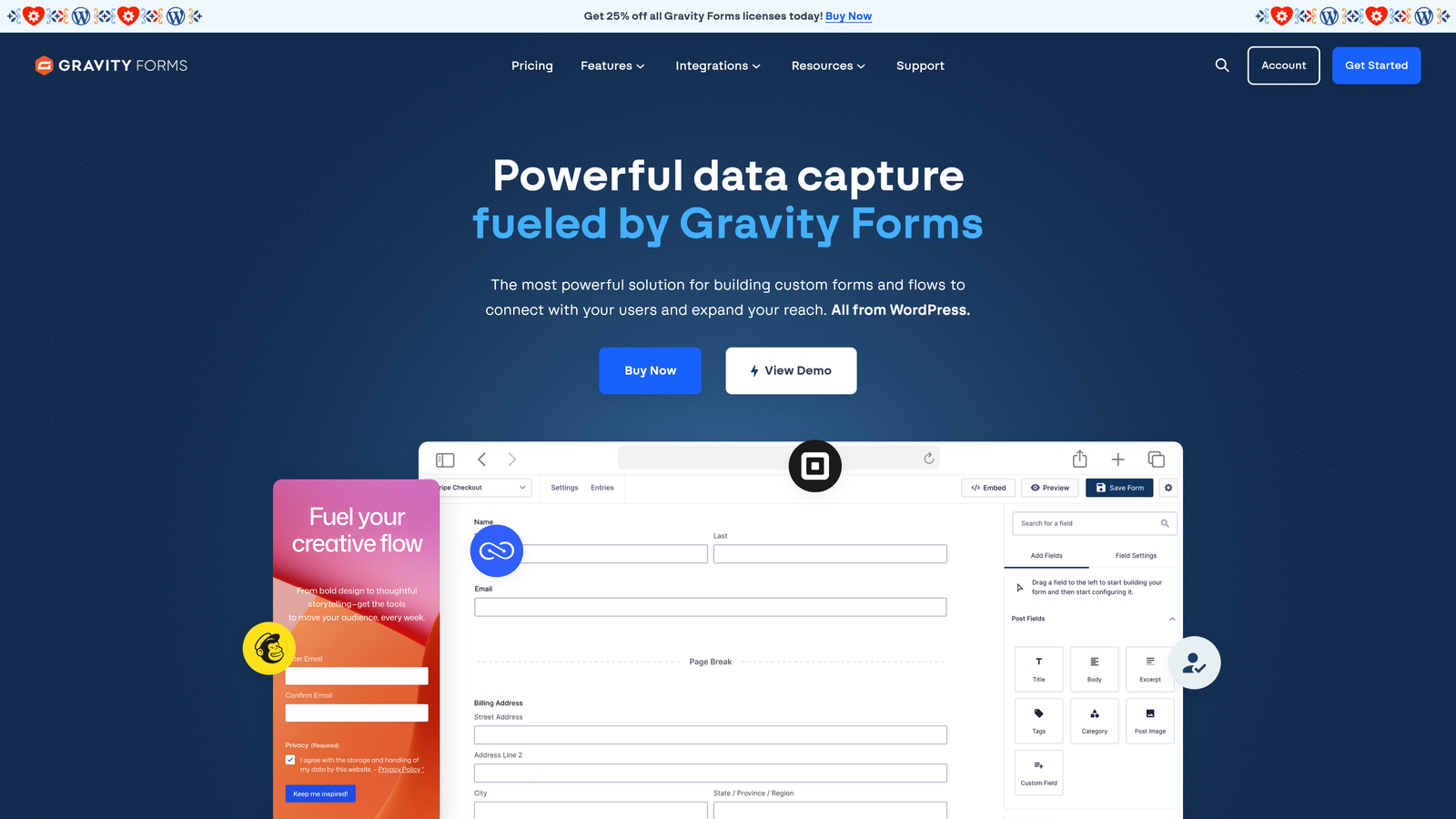
Gravity Forms is the leading WordPress form plugin for enterprise sites, backed by an extensive add-on ecosystem covering CRMs, payments, and marketing automation.
Where This Tool Shines
For WordPress-native enterprises, Gravity Forms is the default serious option. Rather than introducing a separate SaaS platform, it works within your existing WordPress infrastructure, inheriting your security model, hosting environment, and admin access controls. This matters significantly for IT teams managing a complex tech stack.
The add-on marketplace is genuinely broad, covering integrations with Salesforce, HubSpot, Stripe, PayPal, Mailchimp, and many others. The developer-friendly architecture with hooks, filters, and REST API access makes it highly customizable for engineering teams with specific requirements.
Key Features
Deep WordPress Integration: Operates natively within WordPress, fitting into existing site infrastructure and admin workflows.
Extensive Add-On Marketplace: Connects to CRMs, payment processors, and marketing automation tools through official and community add-ons.
Advanced Conditional Logic and Multi-Page Forms: Handles complex branching and multi-step form flows for sophisticated data collection.
Developer-Friendly Architecture: Hooks, filters, and REST API access for custom development and deep integrations.
Annual License Model: Flat annual licensing rather than per-submission pricing, which benefits high-volume organizations.
Best For
Enterprise organizations with WordPress as their primary web platform who need a powerful, extensible form solution without introducing a new SaaS dependency. Not suitable for organizations not on WordPress.
Pricing
Annual license starting at a few hundred dollars, with an Elite tier for unlimited site deployments. Check gravityforms.com for current rates.
7. SurveyMonkey Enterprise
Best for: Large-scale NPS programs, market research, and continuous customer experience measurement at enterprise scale.
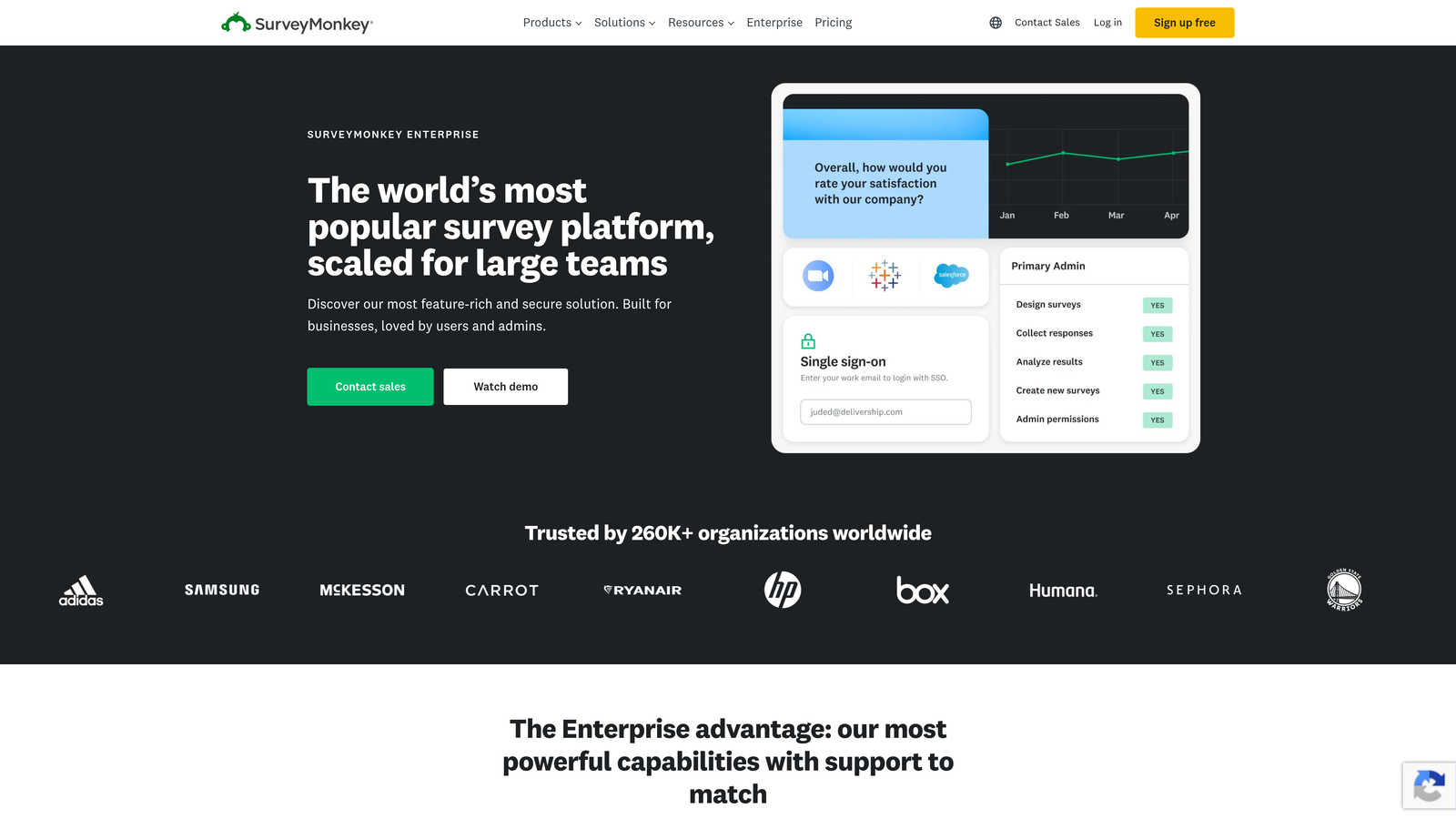
SurveyMonkey Enterprise is a research and feedback platform built for structured survey programs, benchmarking, and external audience research rather than lead capture or workflow automation.
Where This Tool Shines
SurveyMonkey's enterprise offering is purpose-built for organizations running serious research programs. The benchmarking capabilities, sentiment analysis, and panel access for external audiences go well beyond what most form builders offer in the research space. If your team runs quarterly NPS cycles, ongoing customer satisfaction programs, or external market research, this depth is hard to replicate elsewhere.
The team collaboration features, including role-based access and shared asset libraries, make it practical for large research teams working across multiple programs simultaneously. Integrations with Salesforce and Tableau connect survey data into existing enterprise analytics workflows.
Key Features
Advanced Survey Analytics: Benchmarking, sentiment analysis, and cross-tab reporting for sophisticated research interpretation.
Team Collaboration Tools: Role-based access controls and shared asset libraries for large research teams.
Panel Access: Ability to survey external audiences for market research without managing your own respondent pool.
Enterprise Security: SSO, admin controls, and enterprise-grade security features for IT compliance.
Enterprise Tool Integrations: Native connections to Salesforce, Tableau, and other enterprise analytics and CRM platforms.
Best For
Customer insights teams, market research functions, and CX programs at large enterprises. A poor fit for lead generation, workflow automation, or external-facing forms where conversion rate is the primary metric.
Pricing
Custom enterprise pricing. Contact SurveyMonkey directly through surveymonkey.com/mp/enterprise for a quote.
8. Paperform
Best for: Creative and marketing teams that need forms blending rich media, brand design, and functional data collection in a single page experience.
Paperform is a flexible form builder with a distinctive freeform page editor that combines form fields with rich text, images, and video for media-rich form experiences.
Where This Tool Shines
Paperform occupies a unique position: it's not just a form tool, it's closer to a lightweight landing page builder with form logic built in. This makes it particularly well suited for use cases where the form itself needs to tell a story, such as event registrations with rich event details, product order forms with embedded imagery, or intake forms that need to communicate context alongside collecting data.
The built-in scheduling and payment features add practical utility beyond data collection, reducing the number of tools needed for simple transactional workflows. It's popular with creative agencies, consultancies, and marketing teams that prioritize presentation alongside function.
Key Features
Freeform Page Editor: Combines form fields with rich text, images, and embedded video in a single flexible layout.
Built-In Payments and Scheduling: Native payment collection and appointment booking without requiring separate integrations.
Conditional Logic and Calculations: Supports branching logic and calculation fields for dynamic form experiences.
100+ Native Integrations: Broad integration coverage plus Zapier support for connecting to the wider SaaS ecosystem.
Custom Domains and Branding: Full brand customization and custom domain support on higher-tier plans.
Best For
Creative teams, marketing agencies, and small-to-mid enterprise organizations where visual presentation and brand experience matter as much as data collection. Less suited for compliance-heavy regulated industries or organizations requiring the deepest enterprise security controls.
Pricing
Tiered monthly plans at mid-range price points. Check paperform.co for current rates.
9. HubSpot Forms
Best for: Inbound marketing teams already on the HubSpot platform who want zero-friction CRM-native form functionality.
HubSpot Forms is a CRM-native form builder tightly integrated with HubSpot's marketing and sales platform, featuring progressive profiling and smart field technology for inbound lead capture.
Where This Tool Shines
The core value of HubSpot Forms is its native CRM sync. Every submission maps directly into contact records, deal pipelines, and marketing workflows without any middleware or manual data transfer. For teams already running HubSpot as their CRM and MAP, this eliminates an entire category of integration complexity.
Progressive profiling is a genuinely useful differentiator: smart fields recognize known contacts and skip questions they've already answered, reducing form friction for returning visitors while continuing to enrich contact records over time. This is particularly valuable for content-heavy inbound programs with high repeat visitor rates.
Key Features
Native HubSpot CRM Sync: Zero manual data transfer; every submission flows directly into HubSpot contact records and workflows.
Progressive Profiling: Smart fields skip previously answered questions for known contacts, reducing friction while enriching data progressively.
Flexible Embed Options: Embedded, pop-up, and standalone form formats to suit different placement contexts.
A/B Testing and Conversion Analytics: Built-in form performance testing and analytics within the HubSpot reporting environment.
Free Tier Available: Functional free plan with advanced features unlocked through Marketing Hub subscriptions.
Best For
Marketing teams running HubSpot as their primary CRM and marketing automation platform. Significantly less compelling as a standalone form tool outside the HubSpot ecosystem, where the native integration advantage disappears.
Pricing
Free plan available. Advanced features require Marketing Hub Starter at $20+/month or higher tiers. Check hubspot.com for current plan details.
Which Tool Is Right for Your Enterprise?
The right Formstack alternative depends heavily on what you're actually trying to fix. There's no single winner across every use case, but the decision tree is cleaner than it might seem.
If lead qualification and conversion optimization are your primary drivers, Orbit AI is the most direct answer. It's the only tool on this list built specifically around AI-powered lead scoring within the form experience itself, making it the strongest fit for demand gen and RevOps teams replacing Formstack's lead capture workflows.
For compliance-first organizations in regulated industries, Jotform Enterprise offers the most comprehensive out-of-the-box compliance story with HIPAA BAAs and local data residency. For research and NPS programs, SurveyMonkey Enterprise has depth that form builders simply don't match. If you're on WordPress, Gravity Forms is the obvious choice. And if your team is already running HubSpot, HubSpot Forms removes integration friction that no other tool can match within that ecosystem.
A few things worth considering before you switch: audit your current Formstack workflows before committing to a replacement, particularly any integrations that have downstream dependencies. Verify compliance certifications directly with vendors rather than relying on marketing pages, as certifications change. And if lead quality is a core metric, ask specifically how each platform handles qualification before submission, not just after.
For high-growth teams ready to move beyond basic form collection, start building free forms today and see how intelligent form design can elevate your conversion strategy. Orbit AI's AI-powered qualification works from the first form you build, with no complex setup required to start seeing smarter lead routing in action.


