

Free form builders have come a long way. Today's best options go far beyond basic contact forms: they handle lead qualification, CRM sync, conditional logic, and conversion optimization without charging you a cent to get started. But with so many tools claiming to be "free," it's worth knowing what you actually get before you hit the paywall.
This list covers nine free form builders worth considering in 2026, evaluated on free-tier generosity, design quality, integrations, and suitability for business use. Whether you're capturing leads, running surveys, qualifying prospects, or collecting payments, there's a tool here for your workflow.
We've included Orbit AI at the top because it's purpose-built for business lead generation — but every tool on this list earned its spot on its own merits. And if you're evaluating conversational form tools specifically, our roundups of Typeform alternatives and Typeform alternatives for businesses are worth a read alongside this guide.
1. Orbit AI
Best for: High-growth B2B and SaaS teams that want forms to qualify leads, not just collect them.
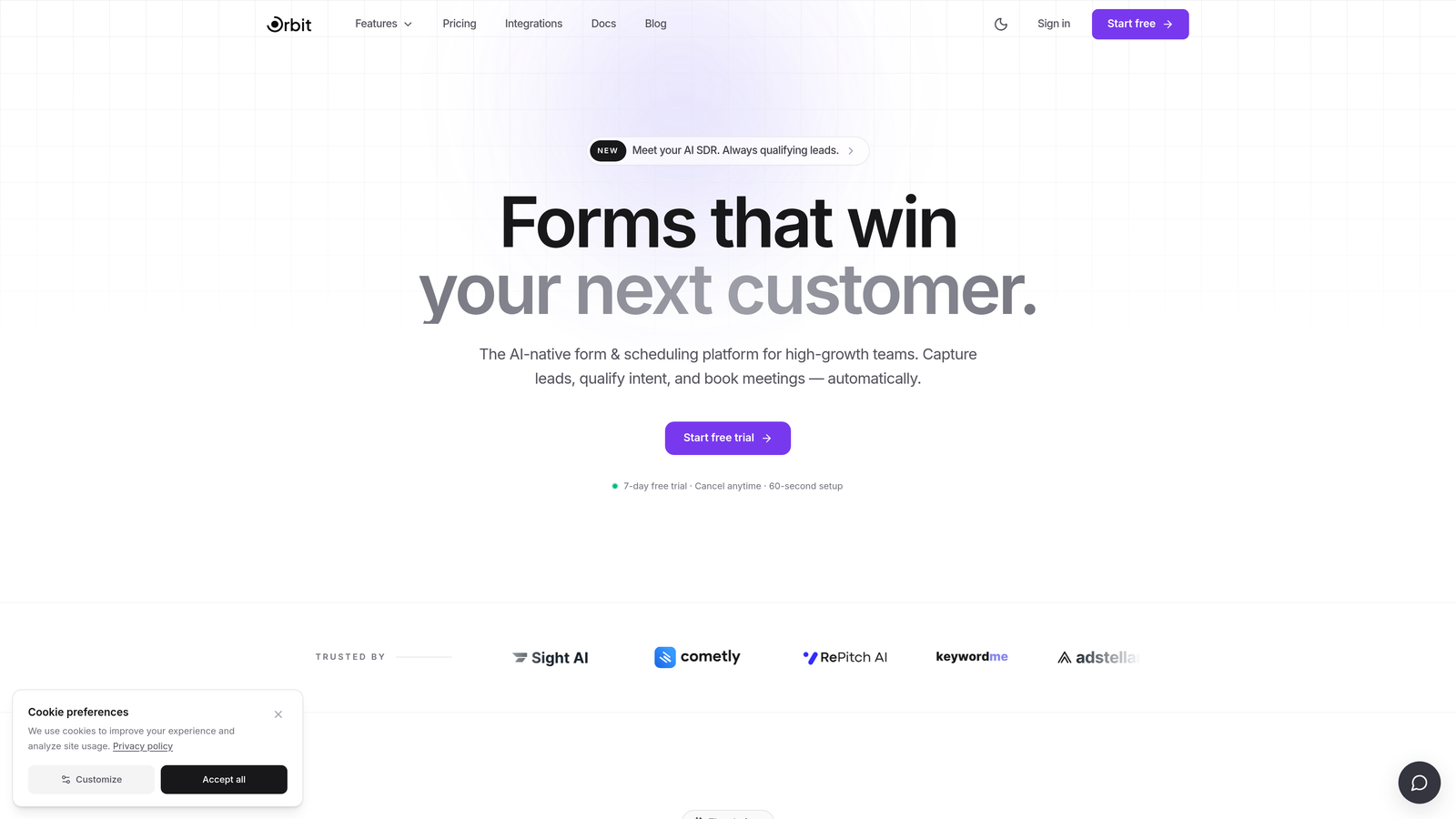
Orbit AI is an AI-powered form builder designed specifically for businesses that care about lead quality as much as lead volume.
Where This Tool Shines
Most form builders are passive: they collect responses and hand them off. Orbit AI takes a different approach by qualifying leads directly within the form experience. Think of it as having a smart sales filter built into your intake flow, scoring and routing prospects before they ever reach your CRM or inbox.
The platform is clearly built for conversion, not just data collection. The design sensibility is modern and polished, which matters when your form is often the first touchpoint a prospect has with your brand. For SaaS and B2B teams running demand generation, that first impression carries real weight.
Key Features
AI-Powered Lead Qualification: Automatically scores and qualifies leads based on their answers, so your team focuses on the right prospects first.
Conditional Logic Routing: Route respondents down different paths based on their inputs, creating a personalized experience for each visitor.
Conversion-Optimized Design: Templates and layouts built with business lead generation in mind, not generic form aesthetics.
CRM and Marketing Integrations: Connect form submissions directly to the tools your sales and marketing teams already use.
Clean, Modern UI: A builder interface that high-growth teams can use without a learning curve or design background.
Best For
SaaS companies, B2B marketing teams, and growth-focused businesses that want their intake forms to do more than collect data. If lead quality is a priority and you're tired of manually sorting through unqualified submissions, this is the tool built for that problem.
Pricing
Free plan available. Visit orbitforms.ai for current tier details, as plans are updated regularly.
2. Google Forms
Best for: Teams that need a completely free, no-limit form tool with zero setup friction.
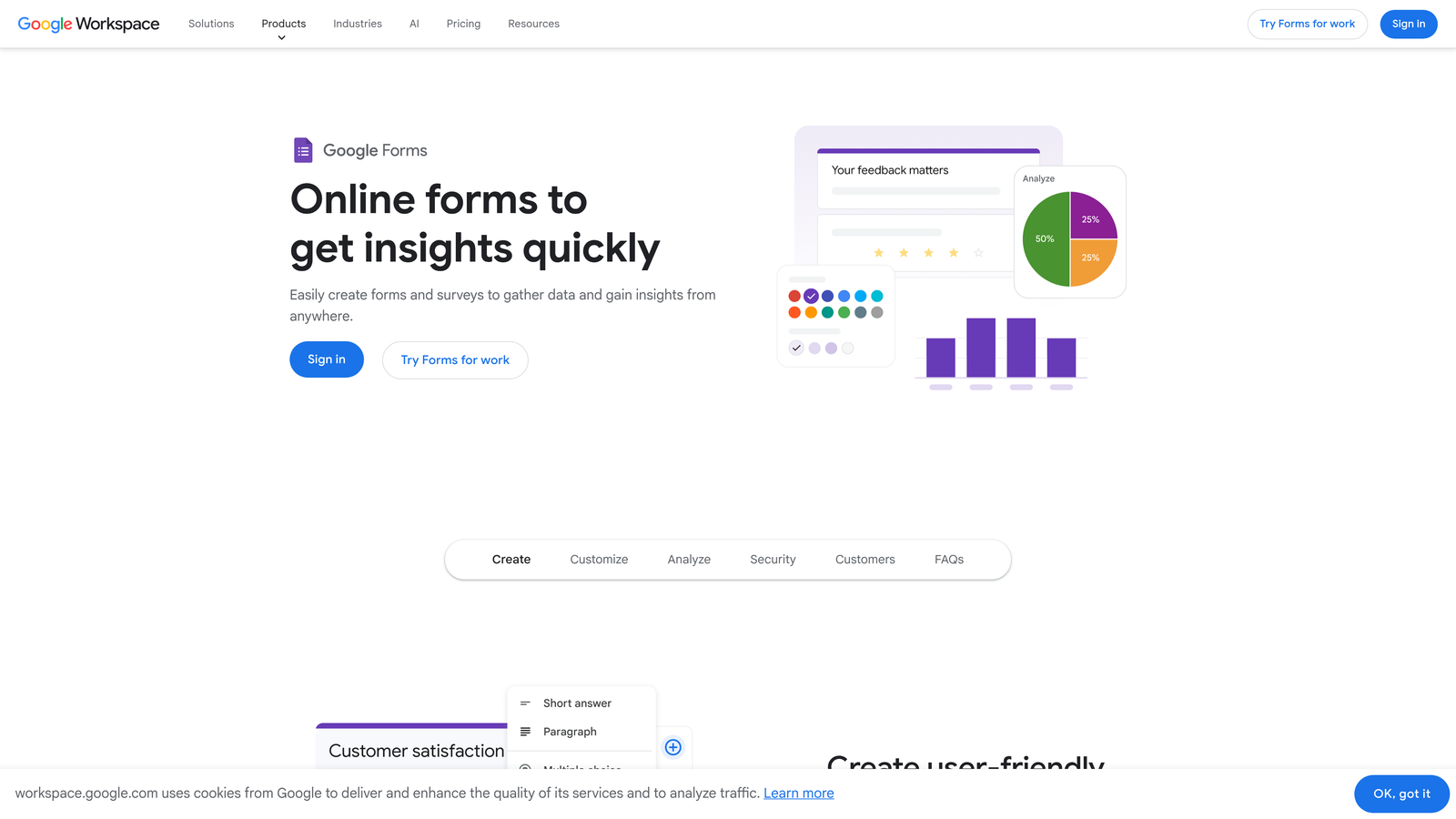
Google Forms is the benchmark for truly free: unlimited forms, unlimited responses, and no paid tiers whatsoever.
Where This Tool Shines
When you need something live in five minutes with no budget conversation required, Google Forms delivers. The Google Sheets integration is seamless: every response auto-populates into a spreadsheet, making it easy for teams to slice and analyze data without any export steps.
It's particularly strong for internal use cases: employee surveys, event registrations, feedback collection, and quick polls. The collaborative editing via Google Workspace also makes it a natural fit for teams already living in Docs and Drive.
Key Features
Completely Free: No submission caps, no response limits, no paid tiers — ever.
Google Sheets Auto-Sync: Every response feeds directly into a connected spreadsheet in real time.
Basic Conditional Logic: Section branching lets you show different questions based on previous answers.
Collaborative Editing: Multiple team members can build and edit forms simultaneously.
Zero Setup: A Google account is all you need to get started immediately.
Best For
Teams already on Google Workspace who need simple, reliable forms for internal surveys, event signups, or basic data collection. Not the strongest choice for customer-facing lead capture where design and branding matter.
Pricing
100% free with no paid tiers. No submission limits, no branding restrictions, no catch.
3. Typeform
Best for: Marketing teams that want a conversational, design-forward form experience for customer-facing use.
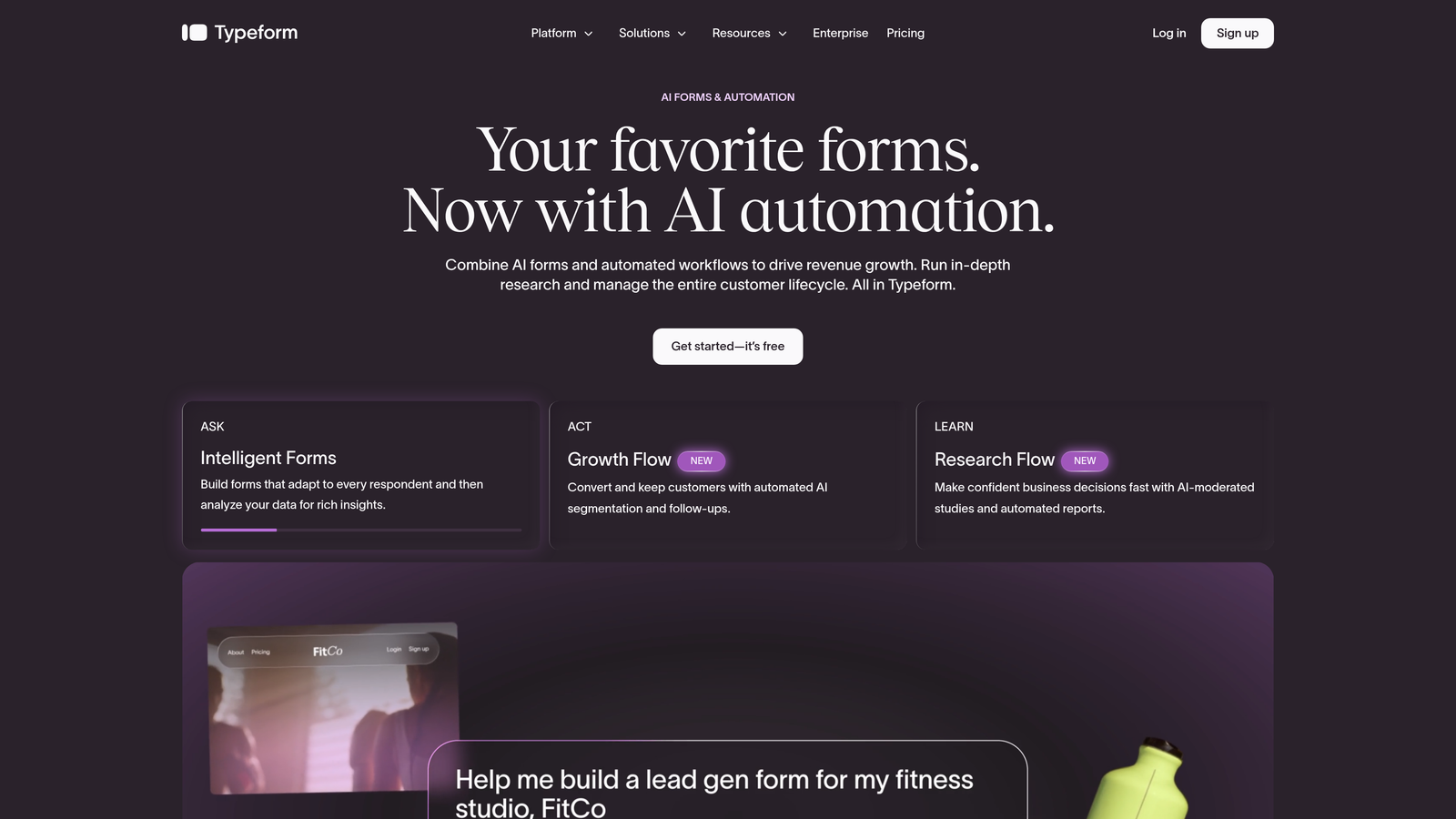
Typeform popularized the one-question-at-a-time format and remains the go-to for businesses where form aesthetics directly reflect brand quality.
Where This Tool Shines
Typeform's signature conversational flow reduces form fatigue and tends to feel more like a dialogue than a data grab. For customer surveys, product feedback, and top-of-funnel lead capture, that experience difference is often noticeable in completion rates.
The template library is high quality and the design customization is genuinely flexible. Teams that care about visual consistency across their marketing stack will find Typeform easier to align with brand standards than most free alternatives.
Key Features
Conversational UX: One question at a time keeps respondents focused and reduces abandonment.
Logic Jumps: Conditional branching routes users through different question paths based on their answers.
Design Customization: Custom themes, backgrounds, fonts, and brand colors on higher tiers.
Native Integrations: Connects with HubSpot, Slack, Zapier, Mailchimp, and more.
Built-in Analytics: Response tracking and drop-off analysis help you optimize form performance over time.
Best For
Brand-conscious marketing teams running customer surveys, NPS forms, or top-of-funnel lead capture where the form experience is part of the brand impression. The free plan has monthly response limits, so verify current caps before relying on it for high-volume campaigns.
Pricing
Free plan available with limited monthly responses. Paid plans start around $25/month. Verify current pricing and response limits at typeform.com before committing.
4. Tally
Best for: Startups, freelancers, and lean teams that want a genuinely generous free tier with no submission caps.
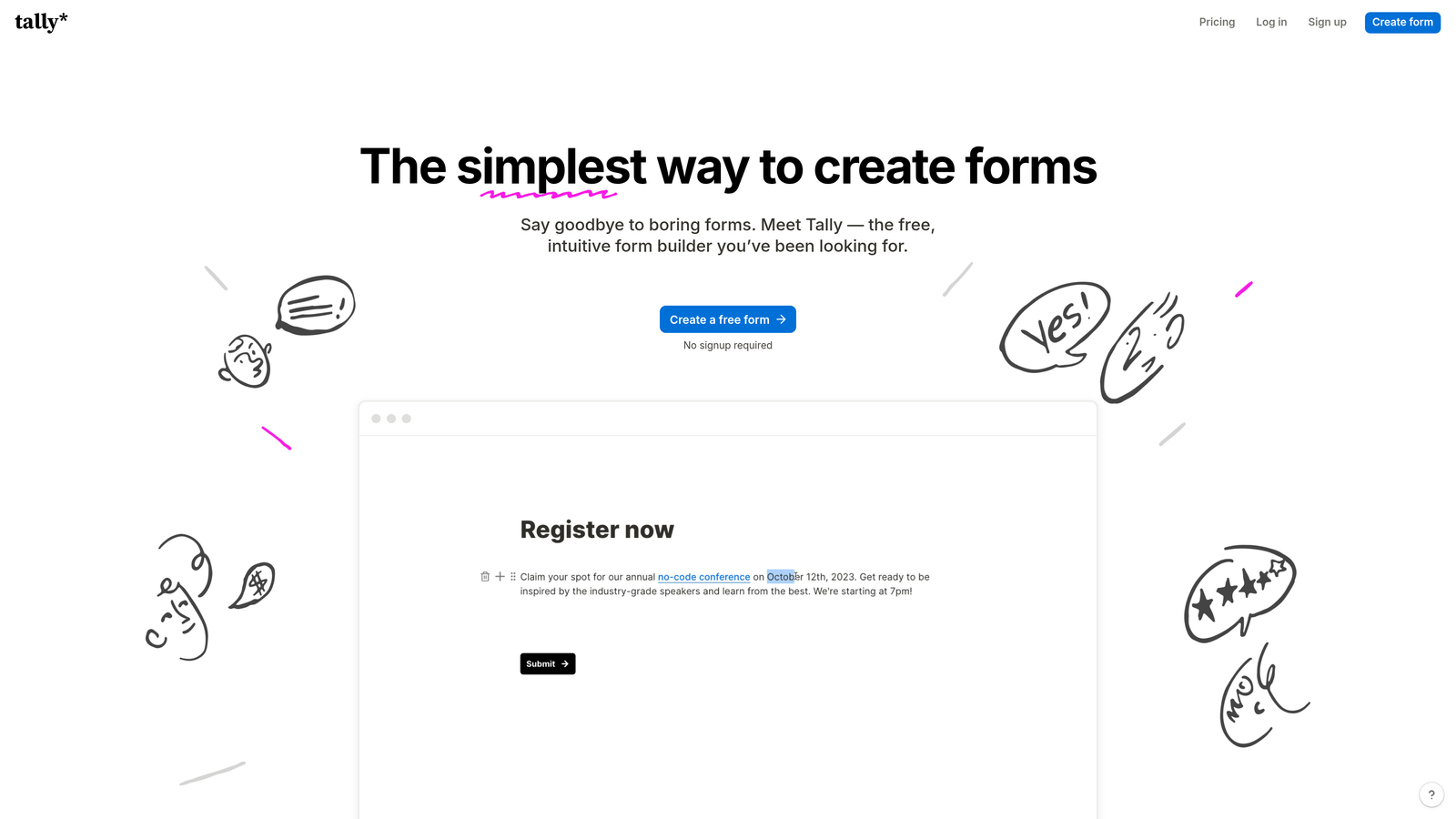
Tally offers one of the most free-tier-friendly experiences in the market: unlimited forms and unlimited submissions at no cost.
Where This Tool Shines
Tally's Notion-inspired block editor makes building forms feel intuitive for anyone already comfortable with modern productivity tools. The editing experience is clean and fast, and the forms themselves look polished without requiring design effort.
What's remarkable is how much Tally packs into the free tier. Conditional logic, file uploads, and even Stripe payment collection are available without upgrading. For early-stage startups and solo operators watching every dollar, that's a meaningful advantage over tools that gate these features behind paywalls.
Key Features
Unlimited Free Submissions: No monthly caps on responses, which is genuinely rare among free-tier form tools.
Conditional Logic at No Cost: Show or hide questions based on previous answers without paying for a pro plan.
Stripe Payment Collection: Accept payments directly through forms on the free tier.
Block-Based Editor: Notion-style editing experience that's fast to learn and pleasant to use.
Zapier and Make Integrations: Connect to your broader stack through automation platforms.
Best For
Early-stage startups, indie makers, and freelancers who need a capable, no-cost form solution without worrying about hitting submission limits. Also a solid choice for anyone who finds the Notion-style editor more intuitive than traditional form builders.
Pricing
Free plan is highly generous with unlimited submissions. A Pro plan is available for teams needing advanced features. Verify current Pro pricing at tally.so.
5. HubSpot Forms
Best for: Teams already using or planning to adopt HubSpot's CRM and marketing platform.
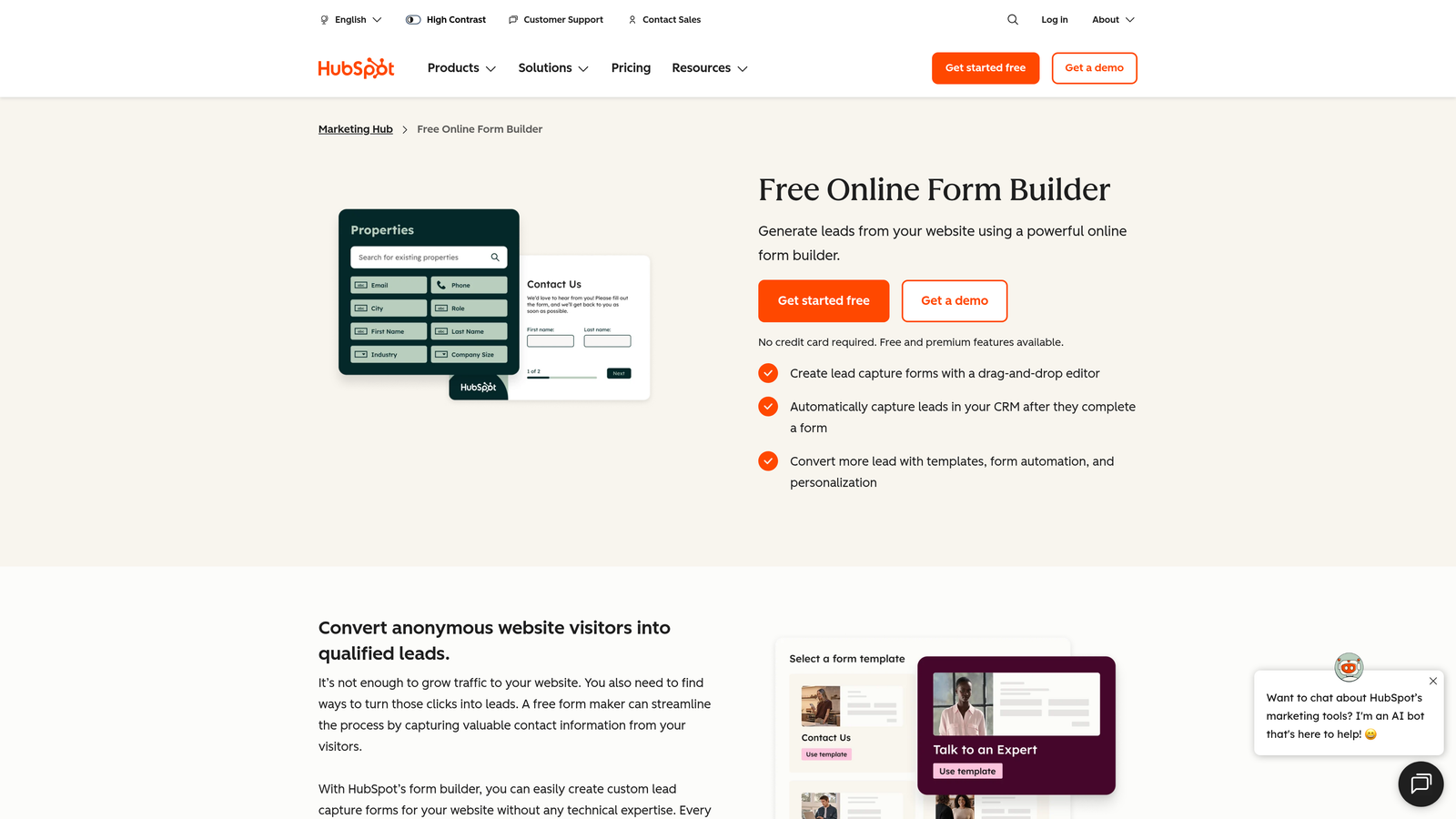
HubSpot Forms is the native form builder inside HubSpot's free CRM, and its deepest value comes from that tight ecosystem integration.
Where This Tool Shines
Every form submission automatically creates or updates a contact record in HubSpot's CRM. No Zapier connection, no manual CSV import, no sync delay. For teams running inbound marketing or sales sequences, that native handoff is genuinely valuable and removes a common point of friction.
Progressive profiling is a standout feature: HubSpot can remember what information a contact has already provided and swap in new questions on repeat visits. This keeps forms short while building richer contact profiles over time. If you're building a contact database, that's a smart capability to have. You can learn more about connecting forms to your broader stack in our guide on how to integrate forms with CRM.
Key Features
Native CRM Sync: Submissions instantly create or update HubSpot contact records with no third-party connection required.
Workflow Triggers: Automatically enroll contacts in email sequences or internal notifications based on form responses.
Progressive Profiling: Avoids asking for information HubSpot already has, keeping forms concise for returning visitors.
Flexible Embedding: Place forms on any website, HubSpot landing page, or pop-up.
Basic Conversion Analytics: Track views, submissions, and conversion rates at the form level.
Best For
Businesses already using HubSpot or actively evaluating it. The form tool's value is almost entirely tied to the CRM ecosystem — if you're not using HubSpot, other tools on this list will serve you better.
Pricing
Free with HubSpot's free CRM account. No separate cost for the form builder itself.
6. Jotform
Best for: Businesses with diverse, industry-specific form needs beyond standard lead capture.
Jotform is one of the most feature-rich form builders available, with over 10,000 templates spanning industries from healthcare to HR to e-commerce.
Where This Tool Shines
Where most form builders are built around a single use case, Jotform is built for breadth. If your business needs order forms, HR onboarding documents, event registrations, legal intake forms, and customer surveys all under one roof, Jotform's template library makes that practical.
The payment collection capabilities are particularly strong: Stripe, PayPal, and Square are all supported, and payment forms are available on the free tier (with transaction fees applying). For small businesses or nonprofits collecting fees or donations, that's a meaningful capability without a monthly subscription.
Key Features
10,000+ Templates: Industry-specific starting points for nearly every business form use case imaginable.
Multi-Gateway Payments: Accept payments via Stripe, PayPal, and Square directly within forms.
Advanced Logic and Calculations: Conditional logic, calculated fields, and e-signature collection.
100+ Native Integrations: Connect to CRMs, marketing tools, cloud storage, and more.
HIPAA-Compliant Options: Healthcare businesses can access compliant form infrastructure on appropriate plans.
Best For
Businesses with varied form requirements across departments or industries. Particularly strong for operations, HR, events, and any use case that goes beyond standard lead gen. The free plan includes limited forms and monthly submissions, so check current caps before scaling up.
Pricing
Free plan available with limits on forms and monthly submissions. Paid plans start around $34/month. Verify current limits and pricing at jotform.com.
7. Microsoft Forms
Best for: Enterprise and education teams embedded in the Microsoft 365 ecosystem.
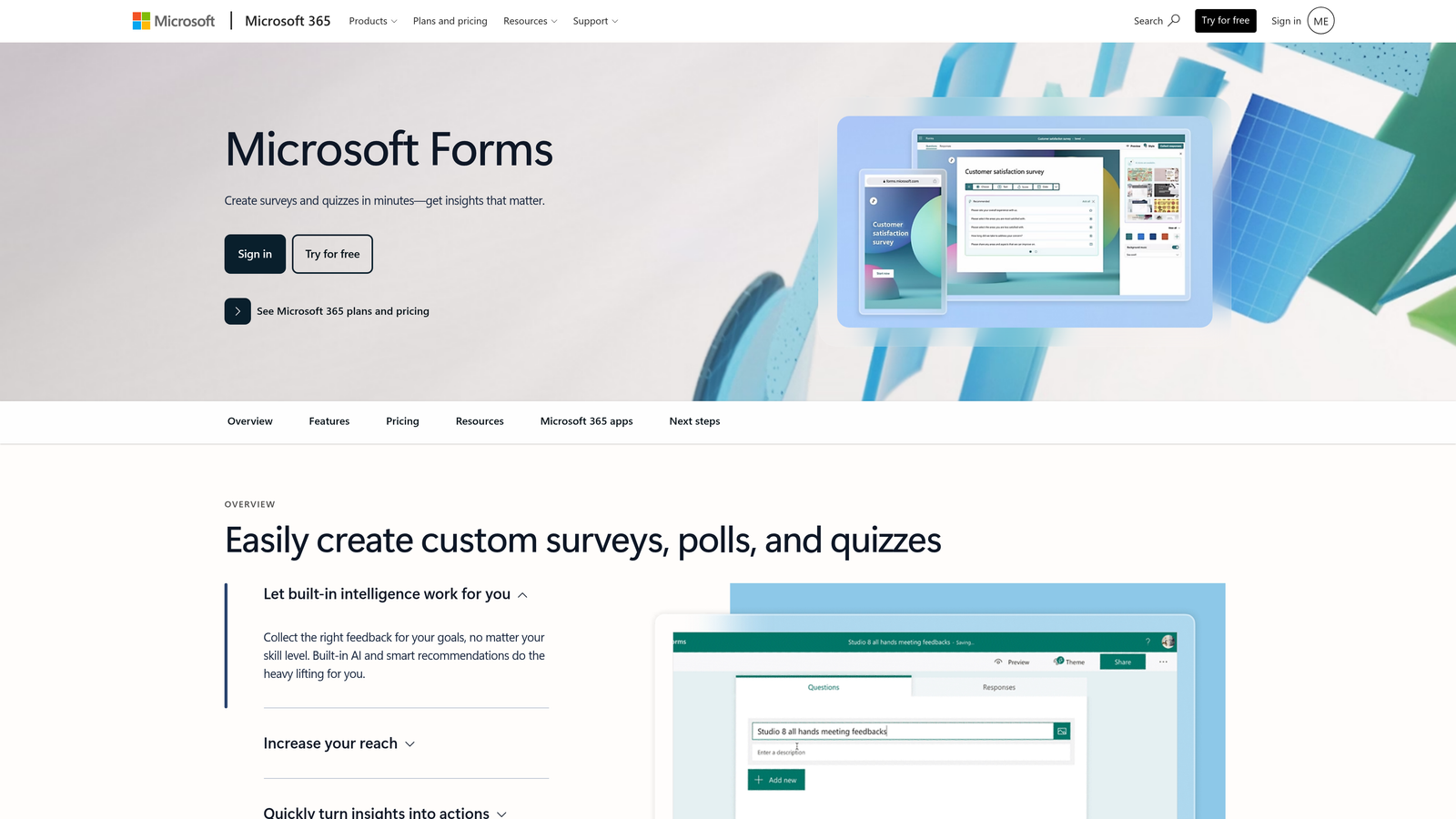
Microsoft Forms is the built-in form tool for Microsoft 365 users, tightly woven into Teams, SharePoint, and Excel.
Where This Tool Shines
For organizations where Microsoft 365 is the operating system of daily work, Microsoft Forms requires zero additional setup or budget. Forms live inside the same environment as Teams channels, SharePoint sites, and Excel workbooks, which makes distribution and data analysis straightforward for IT-managed environments.
The quiz functionality is worth noting: educators and trainers can assign point values, provide automatic feedback, and track scores. For corporate training programs or academic institutions, that built-in capability removes the need for a separate quiz tool.
Key Features
Microsoft 365 Integration: Native connection to Teams, SharePoint, OneDrive, and Excel with no configuration required.
Branching Logic: Basic conditional question routing based on respondent answers.
Quiz Mode: Assign point values, correct answers, and automatic scoring for assessments.
Real-Time Response Summaries: Built-in charts and summaries update as responses come in.
Multi-Language Support: Forms can be presented in multiple languages, useful for global organizations.
Best For
Enterprise teams, educational institutions, and organizations with Microsoft 365 subscriptions that need internal surveys, quizzes, or data collection without adding new software. Not well-suited for customer-facing lead capture where design flexibility and CRM integration matter.
Pricing
Free with any Microsoft account. Included at no additional cost in Microsoft 365 subscriptions.
8. Paperform
Best for: Businesses that want their forms to function as full landing pages with rich media and strong brand presence.
Paperform blurs the line between form builder and landing page tool, supporting custom layouts, embedded video, and full-page designs that go well beyond standard form aesthetics.
Where This Tool Shines
Paperform gives you the design control of a landing page builder inside a form tool. You can embed images, video, and custom fonts throughout the form itself, not just in a header. For businesses where the intake experience is part of the product experience, that level of control is genuinely useful.
Booking, payment, and subscription collection are all supported natively. A service business could use Paperform to build a client intake form, collect a deposit, and schedule a call in a single flow. That kind of multi-purpose functionality typically requires stitching together multiple tools.
Key Features
Landing Page-Style Layouts: Full-page form designs with custom sections, headers, and visual structure.
Rich Media Embedding: Add images, video, and custom fonts throughout the form body.
Payment and Booking Collection: Accept payments, schedule appointments, and manage subscriptions natively.
Conditional Logic and Calculated Fields: Smart routing and dynamic pricing or scoring based on inputs.
Native and Zapier Integrations: Connect to third-party tools via direct connectors and Zapier.
Best For
Service businesses, consultants, and marketing teams that want intake forms to double as polished brand experiences. Ideal when design quality, payment collection, and booking functionality need to coexist in a single form.
Pricing
14-day free trial available. Paid plans start around $24/month. Note: Paperform may not offer a permanent free tier. Verify current plan details at paperform.co before committing.
9. Formspree
Best for: Developers who need a backend form handler for static sites without building server-side infrastructure.
Formspree takes a fundamentally different approach: it's not a visual form builder at all, but a backend service that processes submissions from any HTML form you've already built.
Where This Tool Shines
If you're a developer building a static site or JAMstack application, you've hit the wall where HTML forms don't have anywhere to send their data. Formspree solves that cleanly: point your form's action attribute to a Formspree endpoint, and submissions are delivered to your email or connected services without any server setup.
The appeal is simplicity and control. You keep full ownership of the form's design and markup, and Formspree handles the messy backend work: spam filtering, reCAPTCHA support, and delivery. For development teams that want to ship quickly without managing form infrastructure, it's a practical solution.
Key Features
Works with Any HTML Form: No visual builder or platform lock-in; just update your form's action URL.
No Backend Required: Formspree handles submission processing, storage, and delivery entirely.
Email Delivery: Submissions arrive directly in your inbox or connected service.
Spam Filtering and reCAPTCHA: Built-in protection against bot submissions.
Webhook and Zapier Support: Available on paid tiers for connecting submissions to other tools and workflows.
Best For
Developers, agencies, and technical teams building custom websites who need form handling without a backend. Not suitable for non-technical users or teams that need a visual drag-and-drop builder experience.
Pricing
Free plan available with limited monthly submissions. Paid plans unlock higher volume and advanced features. Verify current limits at formspree.io.
Which Tool Is Right for Your Business?
Every tool on this list earned its place, but the right choice depends heavily on what you're actually trying to accomplish.
If lead qualification is your priority, Orbit AI is the only tool here built specifically for that job. Rather than collecting responses and leaving your team to sort through them, it scores and qualifies leads within the form flow itself. For SaaS companies and B2B teams where lead quality directly affects pipeline efficiency, that's a meaningful difference from generic form tools.
For teams that need genuinely free with zero strings attached, Google Forms and Tally are the standouts. Google Forms wins on ecosystem integration for Google Workspace teams. Tally wins on feature generosity, offering conditional logic, file uploads, and payment collection without a subscription.
HubSpot Forms is the obvious choice if you're already in the HubSpot ecosystem. The native CRM sync alone removes enough friction to make it the default for HubSpot users. Formspree is the clear pick for developers who want form handling without visual builders or platform dependencies.
On the design end, Typeform and Paperform both deliver polish that generic tools can't match. Typeform excels at conversational experiences; Paperform shines when your form needs to function as a full landing page.
One important note before you commit: "free" means very different things across these tools. Always check submission limits, whether the free tier removes tool branding from your forms, and which integrations are actually available at no cost. A tool that looks free can quickly become expensive once you hit volume thresholds or need CRM connectivity.
Transform your lead generation with AI-powered forms that qualify prospects automatically while delivering the modern, conversion-optimized experience your high-growth team needs. Start building free forms today and see how intelligent form design can elevate your conversion strategy.


