

Growth teams live and die by their pipeline quality. Yet most form tools were built for general use, not for teams obsessed with conversion rates, lead scoring, and routing the right prospects to the right reps at the right time. The result? Clunky forms that leak leads, collect junk data, and give your sales team nothing useful to work with.
This list covers the best form tools purpose-built, or well-suited, for high-growth teams. Whether you're optimizing a demo request flow, qualifying inbound leads at scale, or A/B testing your signup funnel, these tools offer the features that actually move the needle.
We evaluated each tool on lead qualification capabilities, conditional logic depth, CRM integrations, conversion optimization features, and ease of use for non-developers. Here are the top growth team form tools worth your attention in 2026.
1. Orbit AI
Best for: High-growth B2B teams that need AI-powered lead qualification built directly into the form flow.
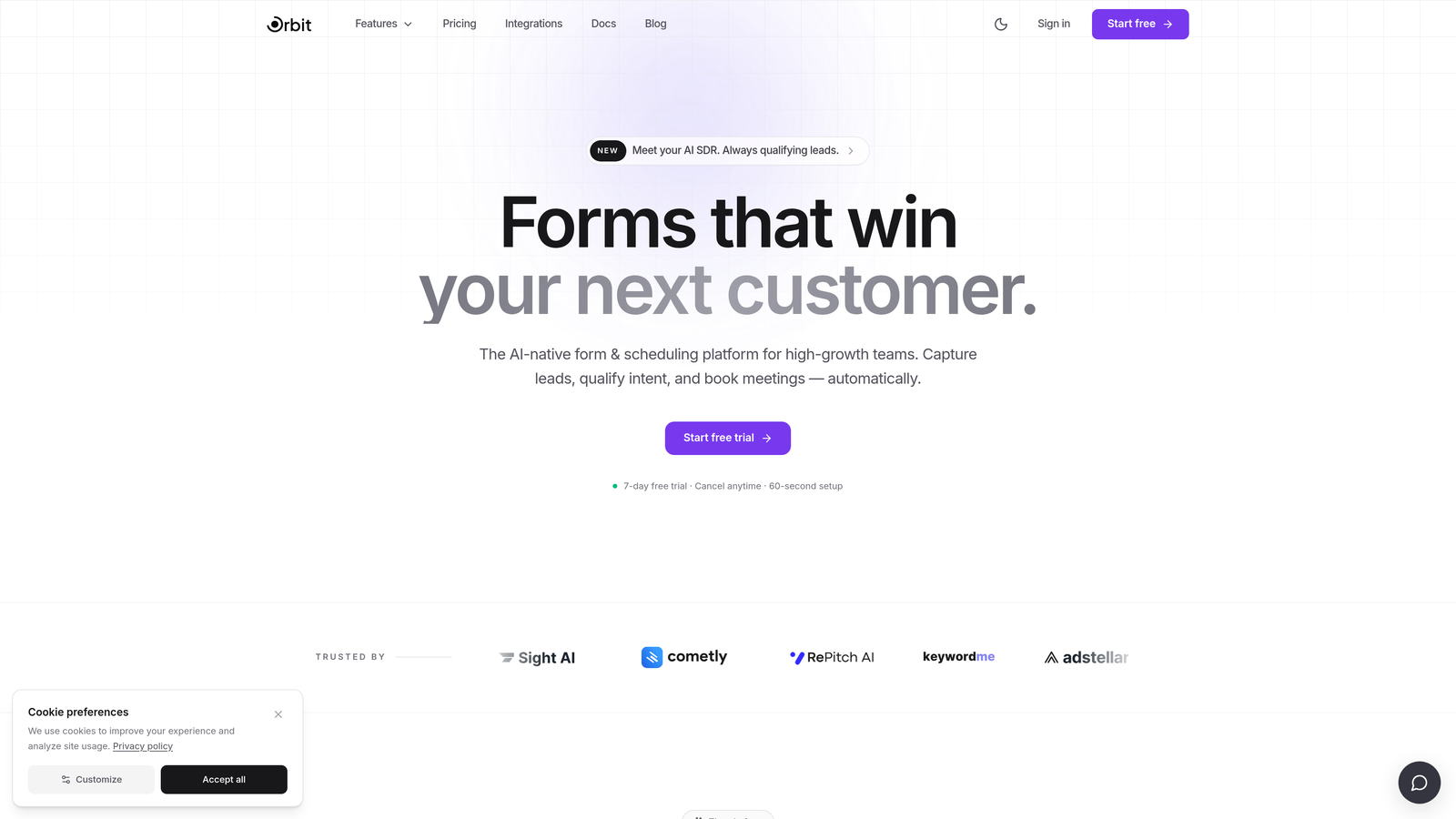
Orbit AI is an AI-powered form builder designed specifically for growth teams who care about pipeline quality, not just data collection.
Where This Tool Shines
Most form tools collect data and then hand it off to your CRM to figure out what to do with it. Orbit AI flips that model. The qualification logic lives inside the form itself, which means leads are scored and routed before they ever hit your pipeline. That's a meaningful difference when you're managing high inbound volume and your sales team doesn't have time to chase unqualified prospects.
The form design is also genuinely modern. For growth teams that care about first impressions, Orbit AI's conversion-optimized UI feels like a step up from the generic form builders that haven't updated their look in years.
Key Features
AI-Powered Lead Qualification: Qualification logic runs inside the form flow, so leads are assessed in real time without requiring CRM configuration first.
Smart Conditional Logic: Forms adapt dynamically to respondent answers, creating a personalized path through the form for every visitor.
Conversion-Optimized Design: Modern, beautiful UI built to reduce friction and improve completion rates for high-stakes lead capture forms.
Lead Routing and Scoring: Route leads to the right rep or sequence based on qualification criteria, without relying on post-submission CRM rules.
Built for Growth Teams: Feature set is focused on lead generation and pipeline quality, not general-purpose data collection.
Best For
B2B SaaS teams running demo request flows, inbound lead capture at scale, or any funnel where lead quality matters as much as lead volume. Particularly strong for teams that want qualification to happen automatically, without manual review.
Pricing
Visit orbitforms.ai for current pricing and plan details.
2. Typeform
Best for: Teams that want a conversational, low-friction form experience with strong CRM integrations.
Typeform is a well-established conversational form builder known for its one-question-at-a-time format that reduces respondent fatigue.

Where This Tool Shines
Typeform's core UX insight is simple: showing one question at a time feels less overwhelming than a wall of fields. For lead capture forms where drop-off is a real concern, that design philosophy can make a genuine difference in completion rates.
It also has one of the most mature integration ecosystems in the category, with native connectors to HubSpot, Salesforce, Slack, and dozens of other tools. If you're already running a complex martech stack, Typeform slots in without much friction.
Key Features
Conversational One-Question UX: Presents fields sequentially to reduce friction and keep respondents engaged through the full form.
Logic Jumps and Conditional Branching: Route respondents through different question paths based on their answers.
Native CRM Integrations: Direct connections to HubSpot, Salesforce, Slack, and other major platforms without requiring Zapier.
Video and Image Embedding: Add visual context within the form itself to support conversion or provide instructions.
Drop-Off Analytics: Built-in analytics dashboard shows where respondents abandon the form, useful for iterative optimization.
Best For
Growth teams that prioritize form UX and want a polished respondent experience. Also a strong fit for teams running surveys alongside lead capture, since Typeform handles both well.
Pricing
Free plan available; paid plans start around $25/month. Verify current pricing at typeform.com before committing, as pricing has shifted over time.
3. HubSpot Forms
Best for: Teams already operating their sales and marketing stack inside HubSpot.
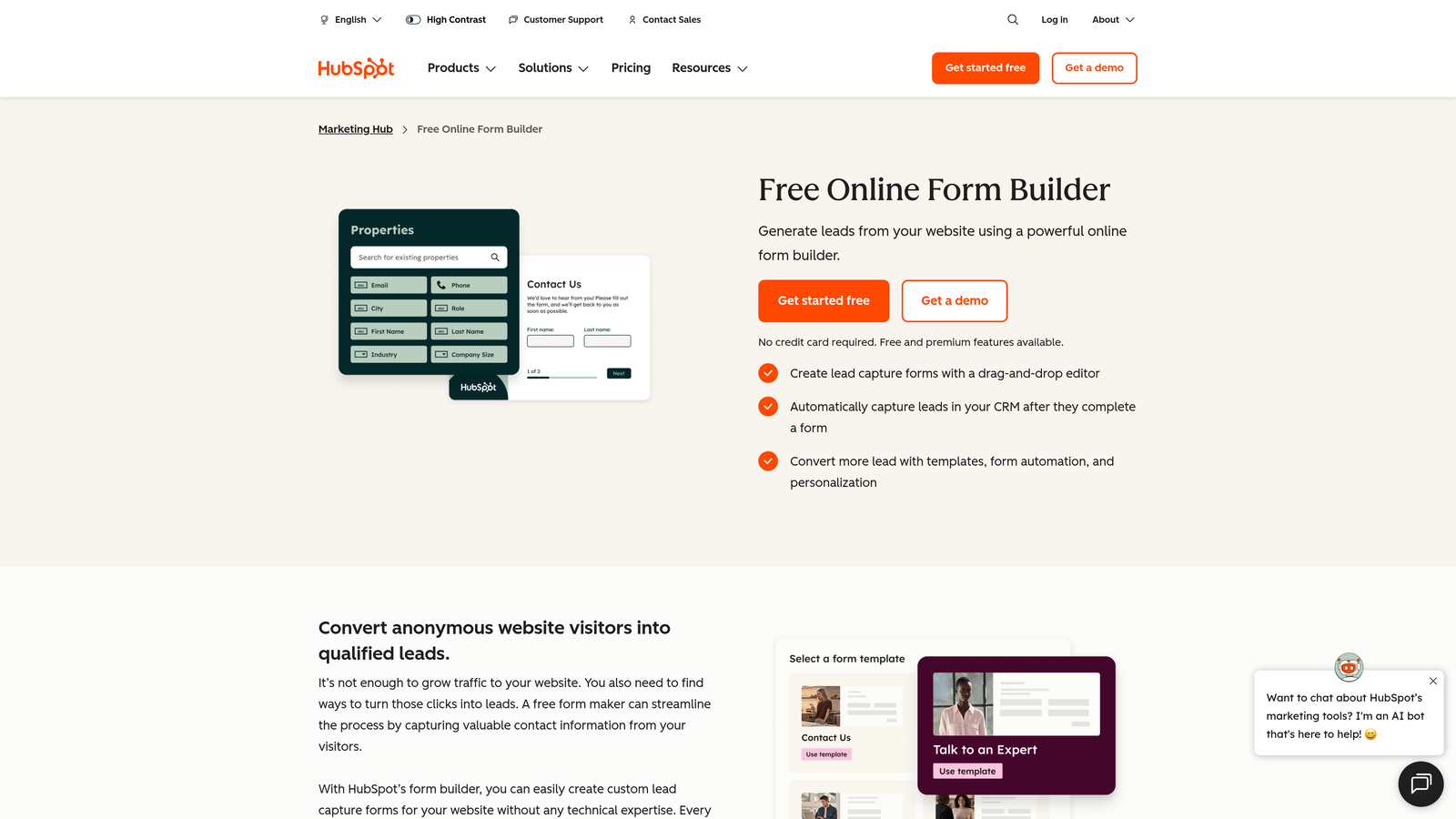
HubSpot Forms is the native form builder included with HubSpot's CRM, offering seamless data sync for teams already inside the HubSpot ecosystem.
Where This Tool Shines
If your team runs on HubSpot, the case for using HubSpot Forms is straightforward: zero friction between form submissions and your CRM. Submissions map directly to contact records, trigger workflows, and update lifecycle stages automatically. No Zapier, no field mapping headaches.
The progressive profiling feature is particularly useful for teams with an existing contact database. Instead of asking known contacts to re-enter information they've already provided, HubSpot Forms surfaces new questions for returning visitors, which keeps forms short without sacrificing data richness over time.
Key Features
Native CRM Sync: Form submissions automatically create or update HubSpot contact records with zero manual configuration.
Workflow Triggers: Fire sequences, assign tasks, or change lifecycle stages the moment a form is submitted.
Progressive Profiling: Show different fields to returning contacts to gather new data without repeating questions they've already answered.
A/B Testing: Available on higher Marketing Hub tiers for teams running conversion experiments on form variants.
Free Tier Access: Fully functional forms are available on HubSpot's free CRM plan, making it accessible without upfront cost.
Best For
Teams already invested in HubSpot's marketing or sales hub. Less compelling as a standalone choice if you're not using HubSpot for CRM, since the customization options are more limited than dedicated form tools.
Pricing
Free with HubSpot's free CRM. Advanced features like A/B testing require a Marketing Hub subscription, which scales significantly in price at higher tiers.
4. Tally
Best for: Lean teams and early-stage startups that need a fast, capable form builder without a large budget.
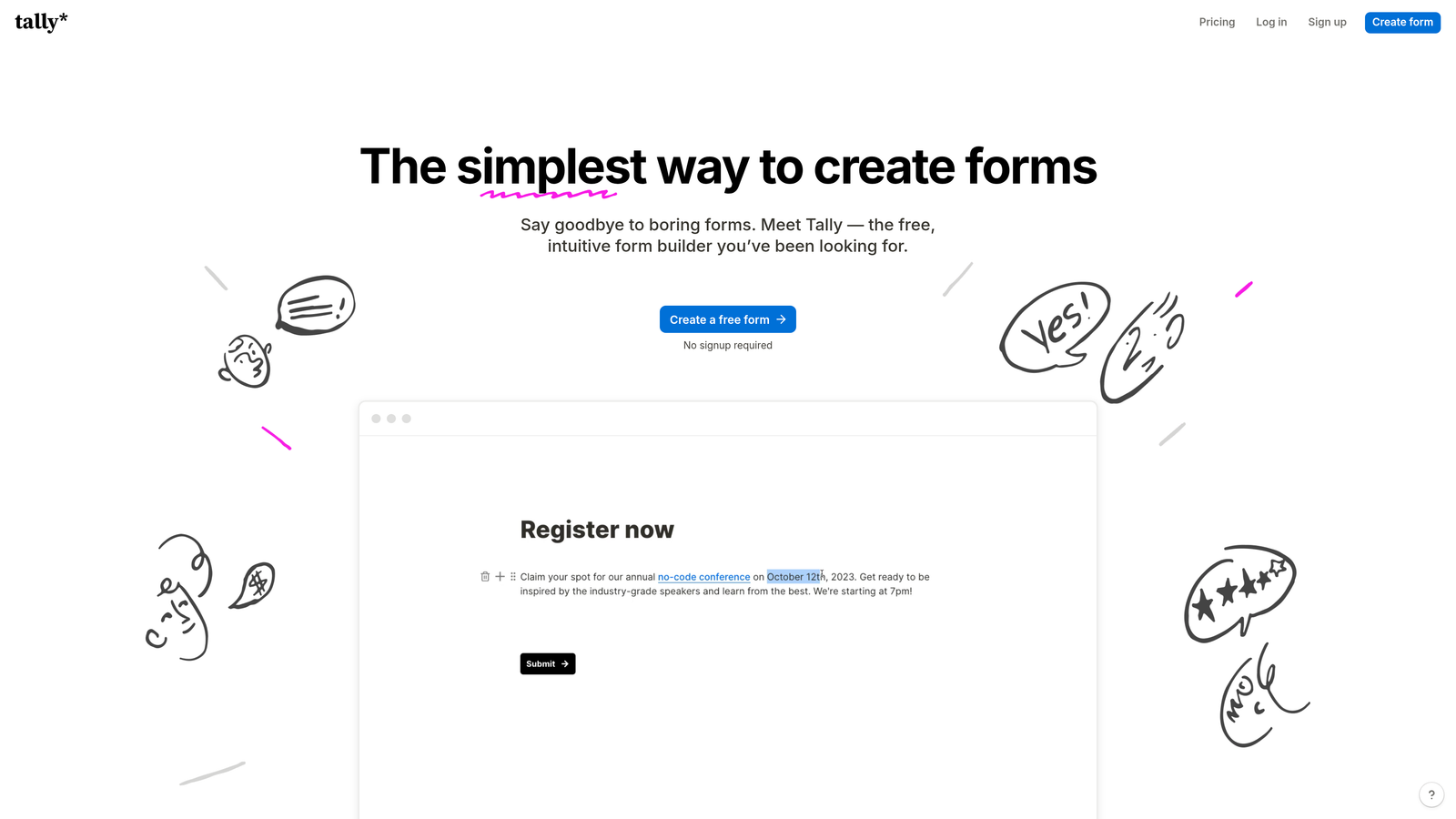
Tally is a Notion-inspired form builder with a generous free tier and a block-based editor that most teams can learn in minutes.
Where This Tool Shines
Tally's editor genuinely feels familiar if your team lives in Notion. The block-based approach means you can build a multi-page form with conditional logic faster than most tools allow. For lean teams that need something up and running quickly, that speed matters.
The free plan is also unusually generous. Unlimited responses with no branding restrictions on embedded forms (on paid plans) makes Tally one of the better options for bootstrapped teams or early-stage companies not ready to commit to a paid tool.
Key Features
Notion-Like Block Editor: Familiar block-based interface that most teams can pick up without a learning curve.
Unlimited Responses on Free Plan: No response caps on the free tier, which is rare in this category.
Conditional Logic and Multi-Page Forms: Branch respondents through different paths and organize forms across multiple steps.
No-Branding Embeds: Remove Tally branding on embedded forms with a paid plan.
Zapier and Make Integrations: Connect to your existing workflow automation tools for lead routing and data sync.
Best For
Early-stage startups, indie teams, or internal ops use cases where budget is a constraint. Less suited for teams that need advanced lead qualification or deep CRM integration out of the box.
Pricing
Free plan with unlimited responses; Pro plan around $29/month. Verify current pricing at tally.so before purchasing.
5. Jotform
Best for: Teams with complex data collection needs, including payment processing, approval workflows, and advanced conditional logic.
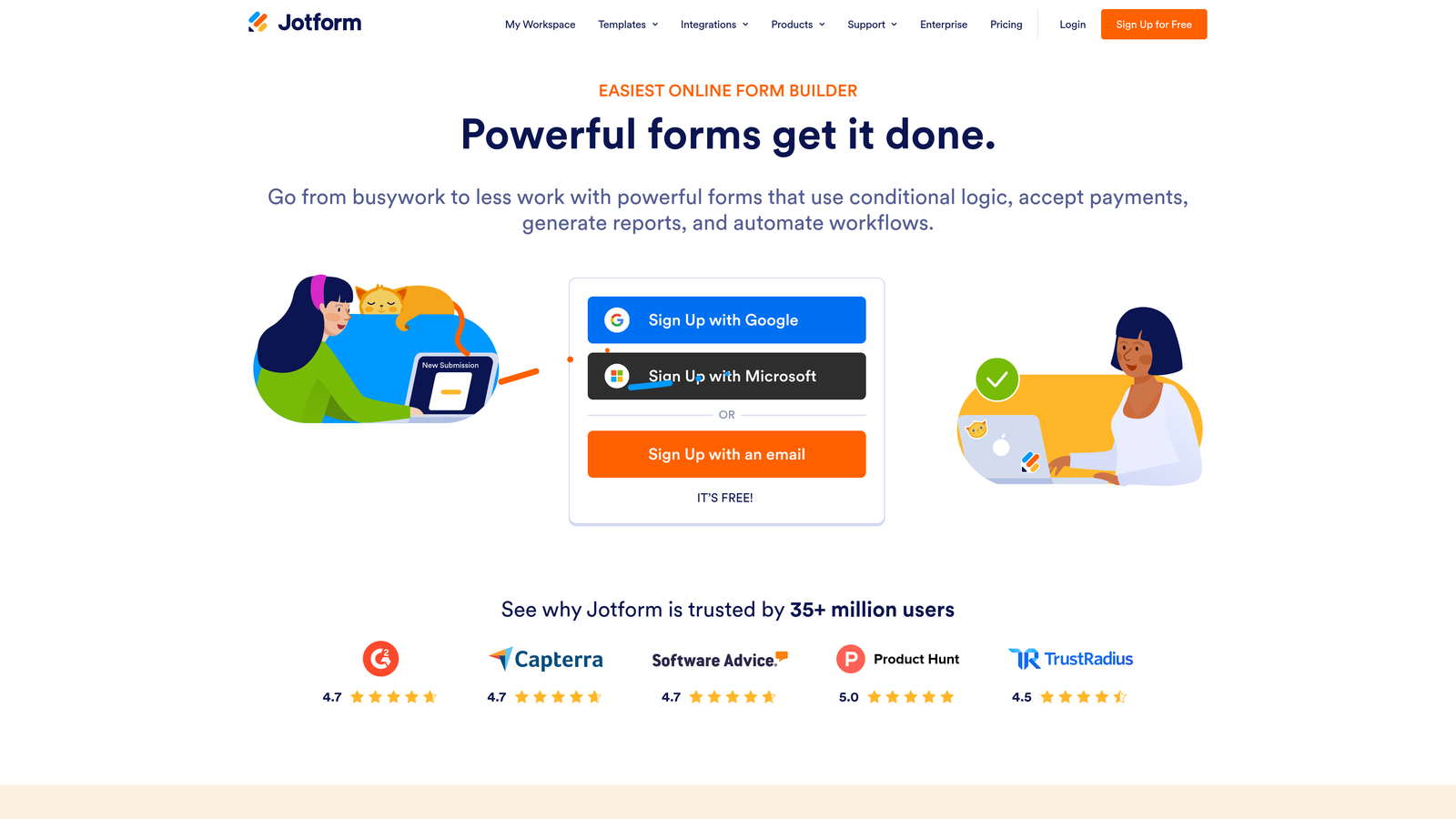
Jotform is one of the most feature-rich form platforms available, built for organizations that need more than simple lead capture.
Where This Tool Shines
Jotform's depth is its defining characteristic. If you need a form that collects payment, routes submissions through an internal approval process, and then syncs to Salesforce, Jotform can handle all of it without requiring a developer. That breadth makes it a strong choice for teams with layered, multi-step data collection requirements.
The template library is also substantial. With thousands of templates across industries, teams can get started quickly without building from scratch, which is useful when you need to spin up multiple form types across different campaigns.
Key Features
Extensive Template Library: Thousands of templates across industries and use cases to accelerate form creation.
Advanced Conditional Logic: Complex branching, calculation fields, and dynamic field visibility based on respondent input.
Native Payment Collection: Accept payments via Stripe, PayPal, Square, and other processors directly within the form.
Approval Workflow Builder: Route submissions through internal review and approval processes before they reach your CRM.
150+ Integrations: Connects to Salesforce, HubSpot, Google Sheets, and a wide range of other platforms natively.
Best For
Teams that need complex, multi-function forms: event registrations with payments, internal approval workflows, or data collection across multiple departments. Can feel heavy for teams that only need clean, conversion-focused lead capture.
Pricing
Free plan available; paid plans start around $34/month. Verify current pricing at jotform.com as plans and limits change regularly.
6. Fillout
Best for: Product-led growth teams and ops-heavy organizations using Notion, Airtable, or Supabase as their data layer.
Fillout is a modern form builder with native two-way database sync designed for teams that want forms connected directly to their existing data infrastructure.

Where This Tool Shines
Fillout's standout capability is its native database connectivity. Where most form tools require Zapier to push data into Notion or Airtable, Fillout connects directly with two-way sync. That means form submissions update your database in real time, and changes in your database can reflect back in the form. For ops-heavy teams, that eliminates a significant layer of automation complexity.
As a newer entrant, Fillout's ecosystem is still maturing compared to Jotform or Typeform. But its pricing is competitive and its database-first approach fills a genuine gap for product-led growth teams building internal tools alongside their external-facing forms.
Key Features
Native Two-Way Database Sync: Direct integration with Notion, Airtable, and Supabase without requiring Zapier or Make as middleware.
Multi-Step Form Builder: Create multi-page forms with conditional logic and branching paths.
Scheduling and Payment Integrations: Built-in support for booking flows and payment collection.
Competitive Free Tier: Generous free plan that allows teams to explore the tool before committing to a paid plan.
No-Code Database Forms: Build forms that read from and write to your database without writing a single line of code.
Best For
Teams that use Notion, Airtable, or Supabase as their operational data layer and want forms that connect natively to those systems. Less compelling for teams whose data infrastructure lives entirely inside a CRM.
Pricing
Free plan available; paid plans start around $15/month. Verify current pricing at fillout.com before purchasing.
7. Paperform
Best for: Growth marketers running campaigns who need a form that functions as a lightweight landing page.
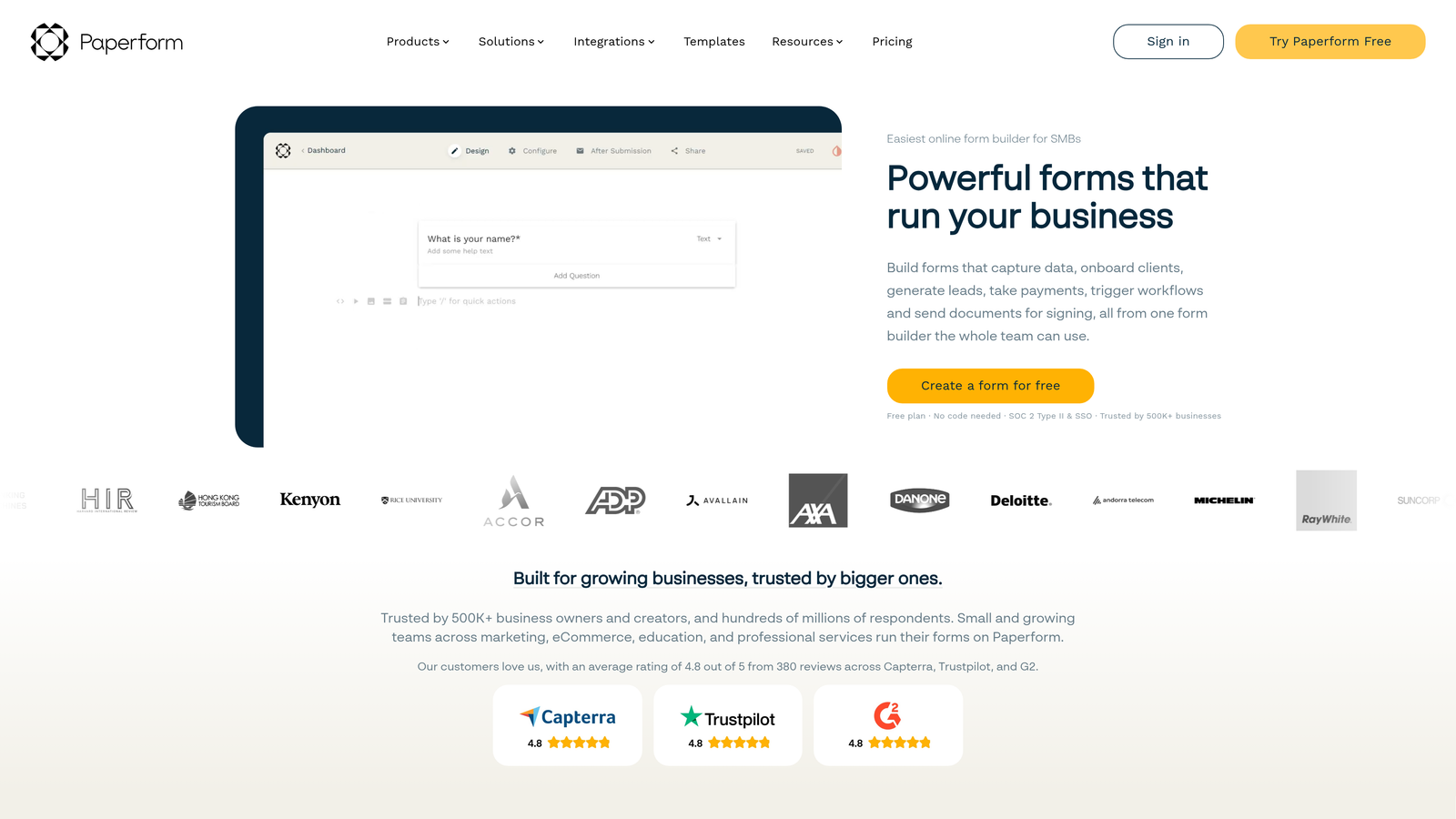
Paperform is a form builder that doubles as a mini landing page tool, allowing teams to combine copy, media, and form fields in a single, hosted page.
Where This Tool Shines
Paperform occupies an interesting niche: it's more than a form, but less than a full landing page builder. The rich content blocks let you add headlines, body copy, images, and video alongside your form fields, which means a Paperform page can carry its own conversion argument without needing a separate landing page above it.
For growth teams running campaign-specific lead capture without a dedicated landing page platform, this is genuinely useful. You can spin up a standalone, custom-domain-hosted form page for a specific campaign without touching your main website or waiting on a developer.
Key Features
Rich Content Blocks: Combine copy, images, and video with form fields in a single page layout.
Standalone Page Hosting: Host forms on a custom domain without needing a separate website or landing page tool.
Payment and Scheduling Integrations: Accept payments and bookings directly within the form page.
Campaign-Ready Design: Feels like a destination, not just a data collection widget, which supports conversion in campaign contexts.
Best For
Growth marketers and campaign managers who need self-contained lead capture pages without a full landing page platform. Also useful for teams selling products or services who want to combine a pitch with a form in one place.
Pricing
Plans start around $24/month. Verify current pricing at paperform.co before purchasing.
8. Growform
Best for: Performance marketing teams and lead gen agencies focused on maximizing form completion rates.
Growform is a multi-step form builder purpose-built for lead generation, with a feature set shaped around performance marketing best practices.
Where This Tool Shines
Growform is unusually focused for a form tool. Where most builders try to serve every use case, Growform is built specifically for lead generation, and that focus shows in the details. The multi-step form design is optimized for completion rates, the embed options are flexible enough for any landing page setup, and the feature set avoids the bloat that makes general-purpose tools feel slow to configure.
It's particularly popular with performance marketing agencies that manage lead gen campaigns across multiple clients. The ability to embed on any landing page and route leads via webhooks makes it a clean fit for paid traffic funnels where every drop-off point matters.
Key Features
Multi-Step Lead Gen Forms: Form design built around lead generation completion rate best practices, not general-purpose data collection.
Flexible Embed Options: Embed on any landing page or run as a standalone form without technical constraints.
CRM and Webhook Integrations: Route leads to your CRM or trigger downstream automations via webhook on submission.
Performance Marketing Focus: Feature set shaped around the needs of paid traffic teams, not general business users.
Lean Configuration: Less setup complexity than feature-heavy tools, which means faster deployment on live campaigns.
Best For
Performance marketing teams, lead gen agencies, and growth teams running paid traffic campaigns where form completion rate is a core optimization lever. Less suited for teams that need complex approval workflows or deep CRM automation.
Pricing
Plans start around $49/month. Verify current pricing at growform.co before purchasing.
9. Google Forms
Best for: Internal data collection, quick surveys, and any use case where cost is the primary constraint.
Google Forms is the zero-cost option: completely free, reliable, and deeply integrated with Google Workspace for teams already living in that ecosystem.
Where This Tool Shines
There's a reason Google Forms remains widely used despite its limitations. It's free, it works, and if your team already uses Google Workspace, the native Sheets integration means responses flow directly into a spreadsheet with no configuration required. For internal surveys, event sign-ups, or quick feedback collection, it's hard to argue against it.
That said, Google Forms has real ceilings for growth teams. There's no meaningful lead qualification, no CRM integration beyond Zapier workarounds, and the design customization is minimal. It's a tool for collecting data, not for optimizing conversion or qualifying leads at scale.
Key Features
Completely Free: No cost beyond a Google account, with no response limits or submission caps.
Native Google Sheets Integration: Responses flow automatically into a connected spreadsheet for easy tracking and analysis.
Basic Conditional Logic: Section branching based on multiple-choice answers covers simple routing needs.
Unlimited Responses: No caps on submissions, making it reliable for high-volume internal data collection.
Simple Link Sharing: Share via link or embed on any page without technical setup.
Best For
Internal ops teams, HR departments, and anyone who needs a quick, reliable form without a budget. Not suitable for conversion-optimized lead capture or any use case where form design, lead qualification, or CRM routing matters.
Pricing
Completely free with a Google account.
Which Tool Is Right for Your Growth Team?
The right choice depends on what your team is actually trying to solve. Here's a quick breakdown to help you decide.
If lead qualification is your primary bottleneck: Start with Orbit AI. The AI-powered qualification logic built into the form itself is the most direct solution to the problem of leads arriving in your CRM without enough context to route or prioritize effectively.
If you're already deep in HubSpot: HubSpot Forms is the path of least resistance. The native sync and workflow triggers make it the obvious choice for teams that don't want to manage another tool.
If form UX and respondent experience matter most: Typeform remains the benchmark for conversational form design, with a mature integration ecosystem to back it up.
If you're running paid traffic campaigns: Growform's performance marketing focus and multi-step design make it a strong fit for teams optimizing lead gen funnels on paid channels.
If budget is your primary constraint: Tally's free plan is genuinely capable for early-stage teams. Google Forms works for internal use cases where design and qualification don't matter.
If your data lives in Notion or Airtable: Fillout's native two-way sync removes the middleware complexity that makes other tools frustrating in database-centric environments.
If you need campaigns without a landing page builder: Paperform's rich content blocks let you build a self-contained lead capture page without touching your main site.
The common thread across the best options on this list is intentionality. The tools that serve growth teams best are the ones built with conversion and pipeline quality in mind, not just data collection. Start building free forms today with Orbit AI and see how AI-powered qualification changes what your forms can do for your pipeline.


