

If you're weighing HubSpot Forms against standalone form builders, you're asking exactly the right question. But the answer isn't as straightforward as most comparison posts make it seem.
HubSpot Forms works beautifully inside the HubSpot ecosystem. The CRM sync is seamless, workflow enrollment is automatic, and if your team lives in HubSpot all day, it's genuinely convenient. The problem? Design control is limited without custom CSS, progressive profiling sits behind paid tiers, and there's no native intelligence at the form layer itself. If you're not already committed to HubSpot, you're paying for a lot of platform you don't need just to get a decent form.
Standalone builders have come a long way. Modern platforms now offer conversational UX, conditional routing, multi-step flows, and increasingly, AI-native features that CRM-bundled tools simply weren't designed to deliver. The tradeoff is integration work, but for most teams, it's worth it.
This guide covers the top form builders for lead generation in 2026, from AI-driven platforms built for high-growth SaaS teams to budget-friendly options for lean operations. Whether you're a marketing manager frustrated with HubSpot's rigidity or a RevOps lead evaluating your whole stack, there's a clear answer for your specific situation.
1. Orbit AI
Best for: High-growth SaaS and B2B teams that need AI-powered lead qualification at the form layer.
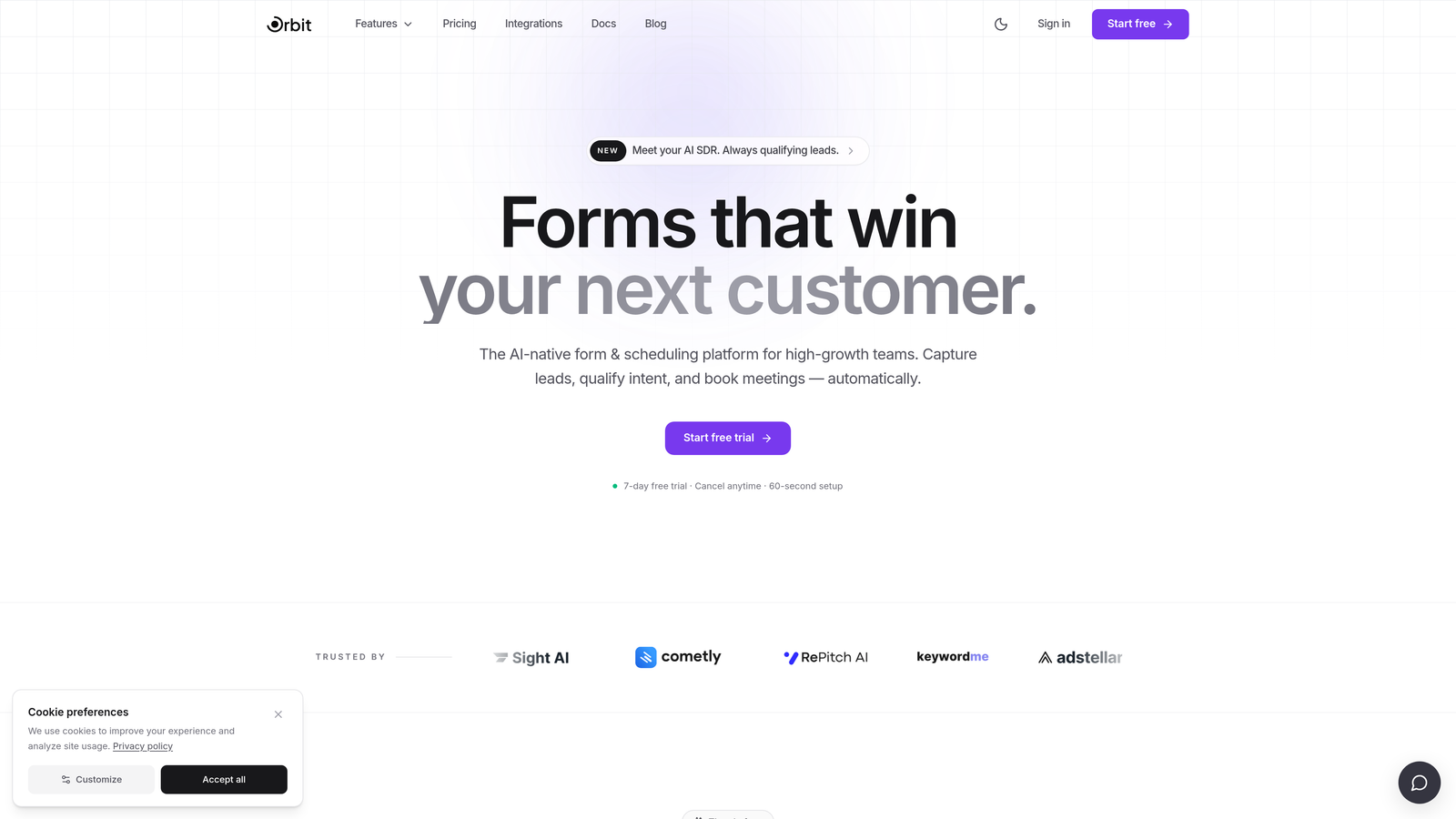
Orbit AI is an AI-powered form builder with native lead qualification, built specifically for conversion-focused growth teams.
Where This Tool Shines
Most form builders collect data and hand it off to your CRM for scoring later. Orbit AI flips that model. Lead qualification happens at the form layer itself, meaning your sales team receives pre-qualified leads without needing a separate scoring tool layered on top. For high-velocity B2B pipelines, that's a meaningful difference.
The design system is built for modern SaaS brands. Forms are visually polished out of the box, fully brand-customizable, and optimized for conversion with multi-step flows and conditional routing. It's the combination of intelligence and aesthetics that sets it apart from both CRM-native tools and older standalone builders.
Key Features
AI-Powered Lead Qualification: Scores and qualifies leads directly within the form experience, no external tools required.
Multi-Step Conversion Design: Conversion-optimized form flows with progress indicators to reduce drop-off.
Conditional Logic and Dynamic Routing: Routes leads to different paths, sequences, or sales reps based on their responses.
Brand-Customizable UI: Modern, flexible design system that matches your brand without needing custom CSS workarounds.
CRM and Automation Integrations: Connects with major CRMs and marketing automation platforms to fit into your existing stack.
Best For
SaaS growth teams, B2B demand gen operations, and RevOps leads who want lead qualification to happen before a lead ever reaches the CRM. Particularly valuable for teams that have outgrown HubSpot Forms or find CRM-native tools too rigid for their conversion goals.
Pricing
Visit orbitforms.ai for current pricing details. A free starting option is available.
2. HubSpot Forms
Best for: Teams already operating within the HubSpot ecosystem who need frictionless CRM contact creation.
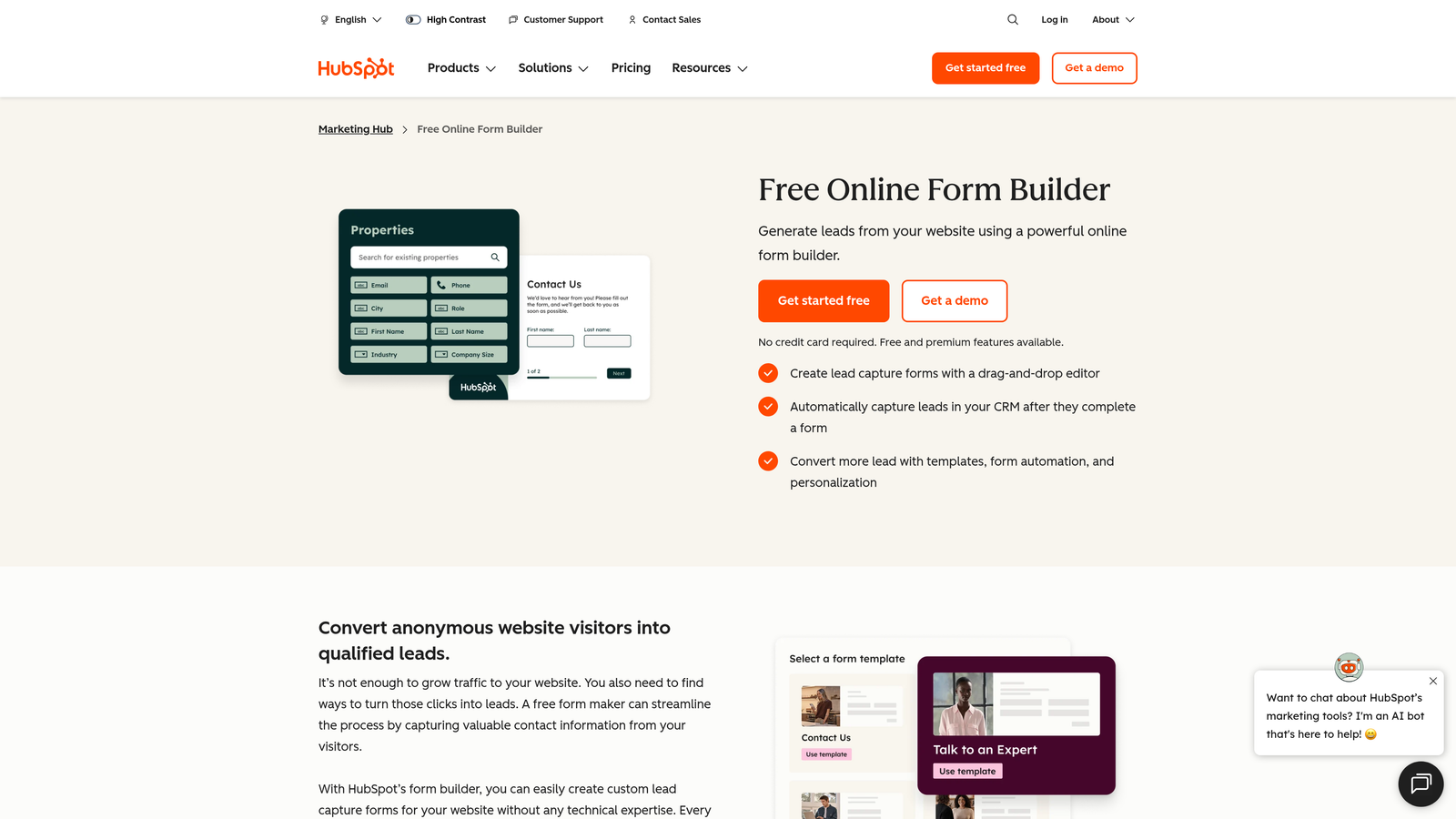
HubSpot Forms is a native form builder embedded in HubSpot Marketing Hub, designed for seamless CRM sync and workflow automation.
Where This Tool Shines
If your team already lives in HubSpot, this tool earns its keep. Every form submission maps directly to CRM contact properties, workflow enrollment is automatic, and you get smart form fields that adapt based on what HubSpot already knows about a visitor. The integration is genuinely zero-friction because it's not an integration at all: it's the same platform.
The honest assessment, though, is that HubSpot Forms is a CRM feature, not a conversion tool. Design flexibility is limited without custom CSS, and the features that make it genuinely powerful (progressive profiling, smart forms, advanced analytics) require paid Marketing Hub tiers. Teams not already committed to HubSpot get very little value here.
Key Features
Zero-Friction CRM Sync: Form submissions automatically create or update HubSpot contact records with no mapping required.
Progressive Profiling: Avoids re-asking known fields by showing new questions to returning visitors (paid tiers).
Workflow Enrollment: Triggers HubSpot sequences and workflows automatically on form submission.
Smart Form Fields: Adapts visible fields based on existing contact data in the CRM.
Embedded Analytics: Submission and conversion data lives natively within the HubSpot dashboard.
Best For
Marketing and RevOps teams already using HubSpot as their primary CRM and automation platform. Not recommended for teams outside the HubSpot ecosystem or those prioritizing design flexibility and conversion optimization as primary goals.
Pricing
Free with HubSpot CRM (free tier); advanced features require Marketing Hub Starter at $20/month or higher tiers for the full feature set.
3. Typeform
Best for: Teams that prioritize conversational UX and polished, brand-forward form design.
Typeform is a conversational form builder known for its one-question-at-a-time format and highly polished visual presentation.

Where This Tool Shines
Typeform's signature format, showing one question at a time, genuinely reduces cognitive load and can improve completion rates for longer forms. When the experience feels more like a conversation than a data entry task, respondents tend to stay engaged longer. It works particularly well for surveys, onboarding flows, and lead gen forms where brand impression matters.
One nuance worth noting for B2B teams: the conversational format isn't always optimal for high-intent, fast-moving leads who just want to get to the point. A busy VP evaluating software may find it slower than a clean multi-step form. That said, Typeform's integrations with HubSpot, Salesforce, and Slack are solid, and its AI-generated form creation from a text prompt is a genuinely useful time-saver.
Key Features
Conversational Format: One-question-at-a-time flow designed to reduce drop-off and improve engagement.
Logic Jumps and Branching: Personalized form paths based on previous answers.
Native CRM Integrations: Direct connections to HubSpot, Salesforce, Slack, and other major platforms.
Rich Media Embedding: Video and image support within individual questions.
AI Form Generation: Creates a complete form from a text prompt, speeding up the build process.
Best For
Marketing teams running surveys, lead nurture campaigns, or onboarding flows where brand experience and engagement are top priorities. Less suited for high-volume B2B lead capture where speed and directness matter more.
Pricing
Free plan available with limited responses; paid plans start from $25/month with expanded features and submission limits.
4. Jotform
Best for: Agencies and operations-heavy teams that need deep functionality, templates, and payment collection in one tool.
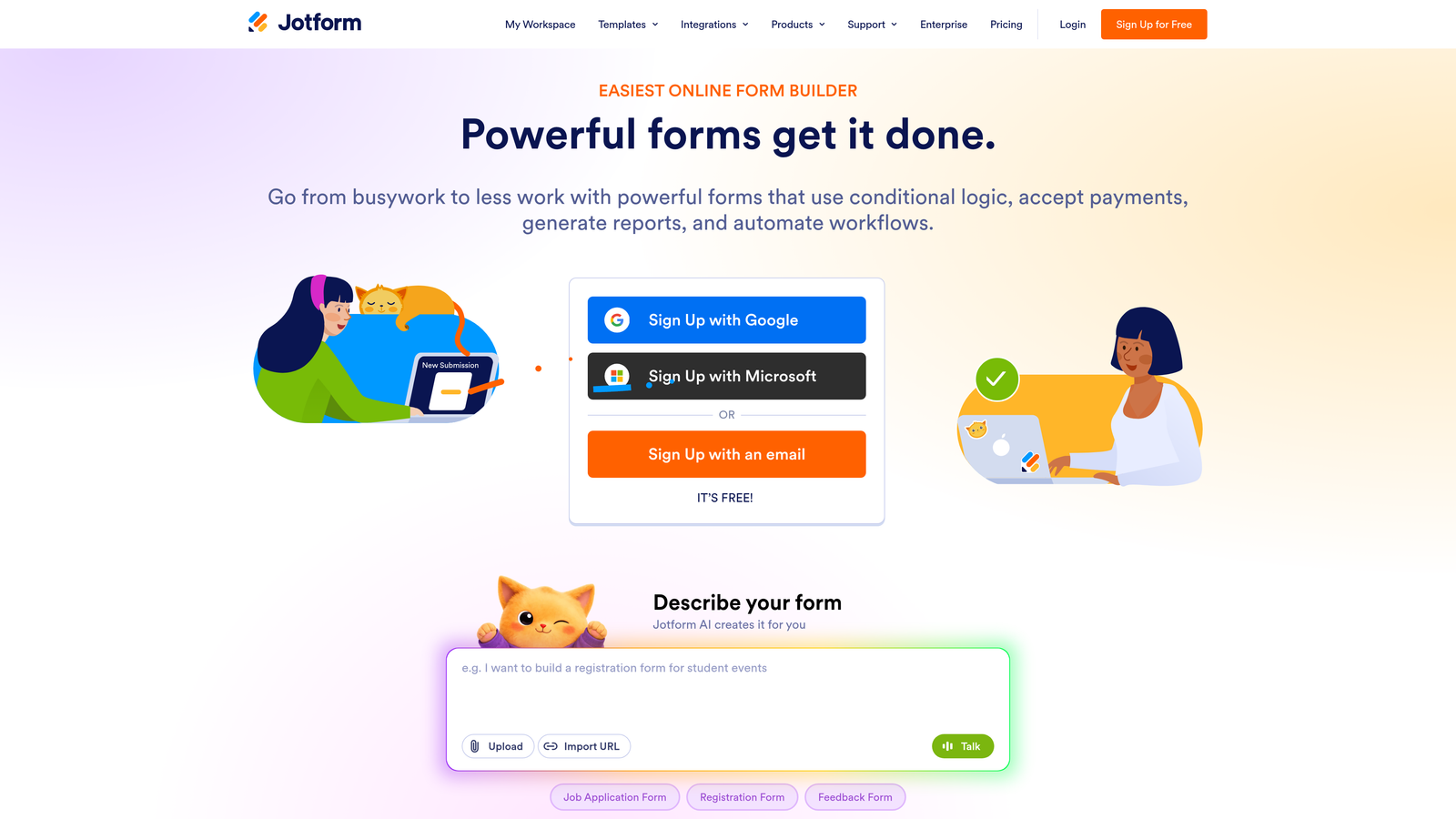
Jotform is a feature-rich standalone form builder with one of the largest template libraries available, strong conditional logic, and built-in payment processing.
Where This Tool Shines
Jotform's depth is its defining characteristic. With over 10,000 templates, robust conditional logic, multi-page forms, approval workflows, and payment integrations across Stripe, PayPal, and Square, it covers more use cases out of the box than almost any other builder on this list. For agencies managing diverse client needs, that breadth is genuinely valuable.
The UX isn't as polished as Typeform or as conversion-focused as Orbit AI, but Jotform compensates with raw functionality. HIPAA-compliant plans make it viable for healthcare-adjacent clients, and the team collaboration features make it workable for larger organizations.
Key Features
10,000+ Templates: Pre-built forms across virtually every industry and use case.
Conditional Logic and Calculations: Advanced branching, calculated fields, and multi-page form support.
Payment Integrations: Native connections to Stripe, PayPal, Square, and other payment processors.
Approval Workflows: Built-in routing and team collaboration for multi-step review processes.
HIPAA-Compliant Plans: Available for teams handling sensitive health information.
Best For
Marketing agencies, operations teams, and businesses that need a single tool to handle lead gen, payments, approvals, and compliance. Better suited for functional depth than conversion optimization.
Pricing
Free plan supports up to 100 submissions per month; paid plans start from $34/month with higher submission limits and advanced features.
5. Tally
Best for: Startups, indie teams, and lean operations that need clean, unlimited forms without a budget commitment.
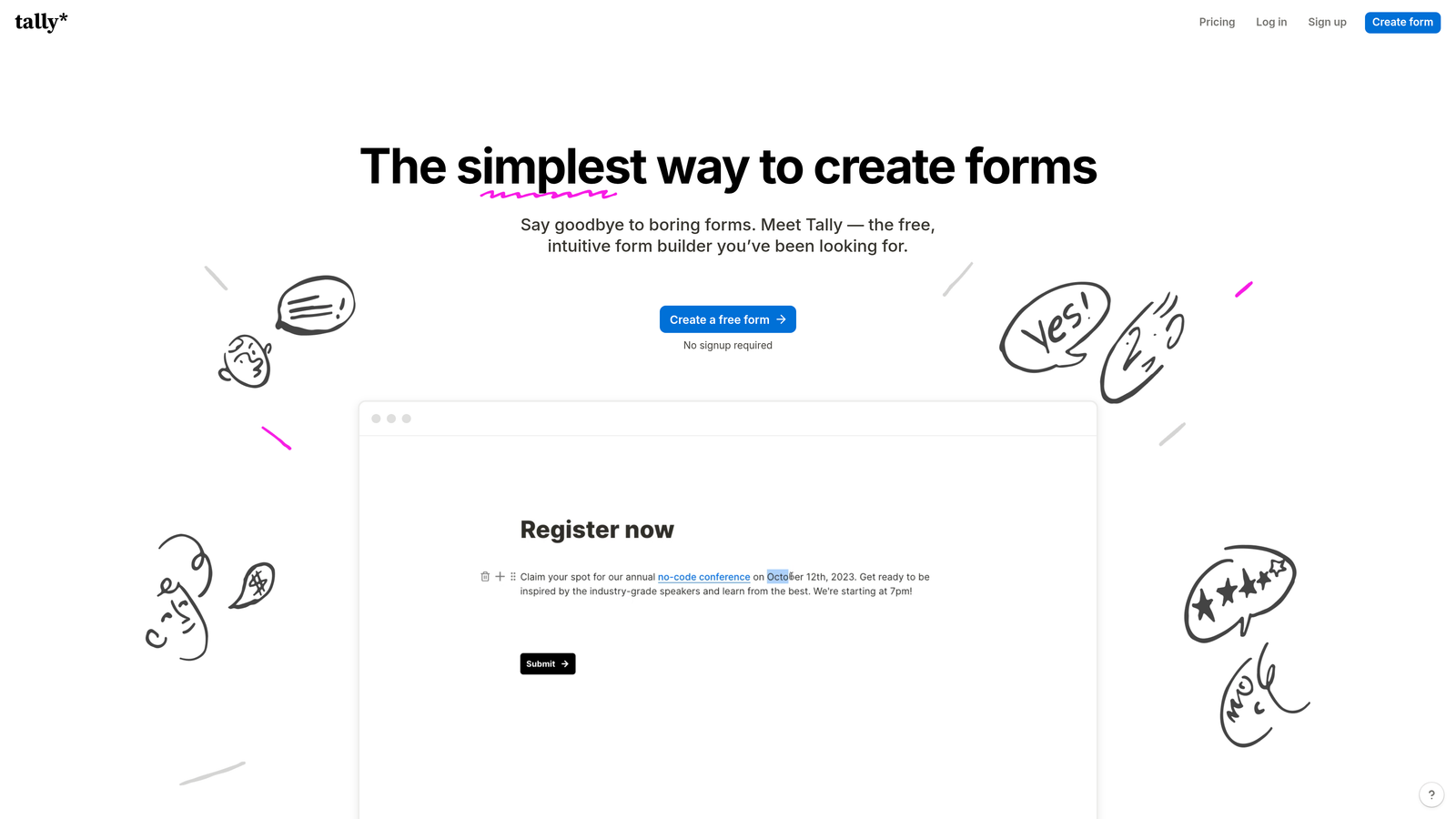
Tally is a minimalist, Notion-inspired form builder with a generous free tier and a block-based editor that feels immediately intuitive.
Where This Tool Shines
Tally's free plan is genuinely rare: unlimited forms and unlimited responses with no submission caps. For early-stage startups or teams testing new lead gen flows, that removes a real barrier. The block-based editor feels natural if your team already uses Notion, and the overall aesthetic is clean and modern without requiring design effort.
The tradeoff is depth. Tally's integration list is growing but still limited compared to Jotform or Typeform, and it's not built for enterprise compliance or high-complexity conditional logic. It's an excellent tool for what it is, but teams with sophisticated routing or CRM sync requirements may find its ceiling quickly.
Key Features
Unlimited Free Forms: No submission limits on the free plan, which is genuinely unusual in this category.
Block-Based Editor: Notion-style interface that's fast to learn and easy to use.
Conditional Logic: Basic branching and hidden fields for personalized form paths.
Lightweight Embed: Simple snippet for embedding on any site without performance impact.
Native Integrations: Connects with Notion, Airtable, and Zapier for data routing.
Best For
Early-stage startups, indie hackers, and small teams that need clean, functional forms without a monthly bill. Not ideal for enterprise teams, regulated industries, or teams with complex CRM sync requirements.
Pricing
Free plan with unlimited forms and responses; Tally Pro available from $29/month for advanced features and custom branding.
6. Paperform
Best for: Product-led companies, coaches, and consultants who want forms that function as standalone landing pages.
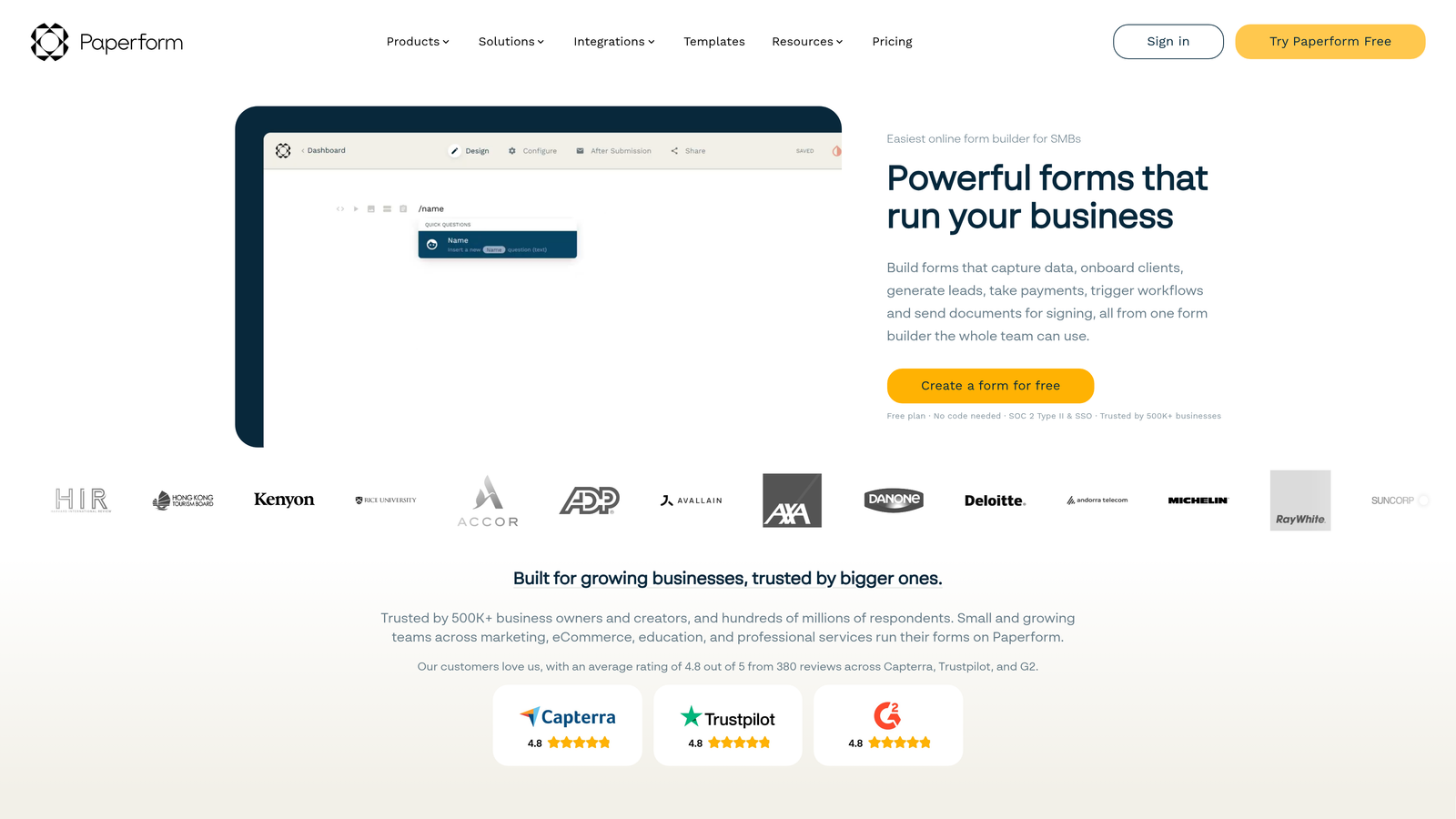
Paperform is a form builder that doubles as a mini landing page creator, combining rich media, product listings, and payment collection in a single form experience.
Where This Tool Shines
Paperform occupies a unique position: it's less a traditional form builder and more a lightweight page builder with form capabilities built in. You can embed images, rich text, product listings, and payment options within the form body itself, making it useful for product-led businesses, service providers, and anyone who wants a single URL that handles both information delivery and data collection.
For pure lead generation volume, it's not the most focused tool. But for use cases like service intake forms, appointment booking, or product order forms where context and content matter alongside the data fields, Paperform's approach is genuinely elegant.
Key Features
Rich Media Embedding: Images, video, and formatted text within the form body itself.
Product and Payment Listings: Sell products or services directly from a form page.
Conditional Sections: Smart fields and section visibility based on user responses.
Scheduling Integrations: Appointment booking built into the form flow.
Custom Domain Support: Branded form pages hosted on your own domain.
Best For
Coaches, consultants, and product-led companies that need forms to do more than collect data. Also useful for service businesses handling intake, booking, and payment in a single flow.
Pricing
Plans start from $24/month billed annually, with higher tiers for additional submissions and advanced features.
7. Gravity Forms
Best for: WordPress-native teams and developer-led organizations that need deep extensibility and a large add-on ecosystem.
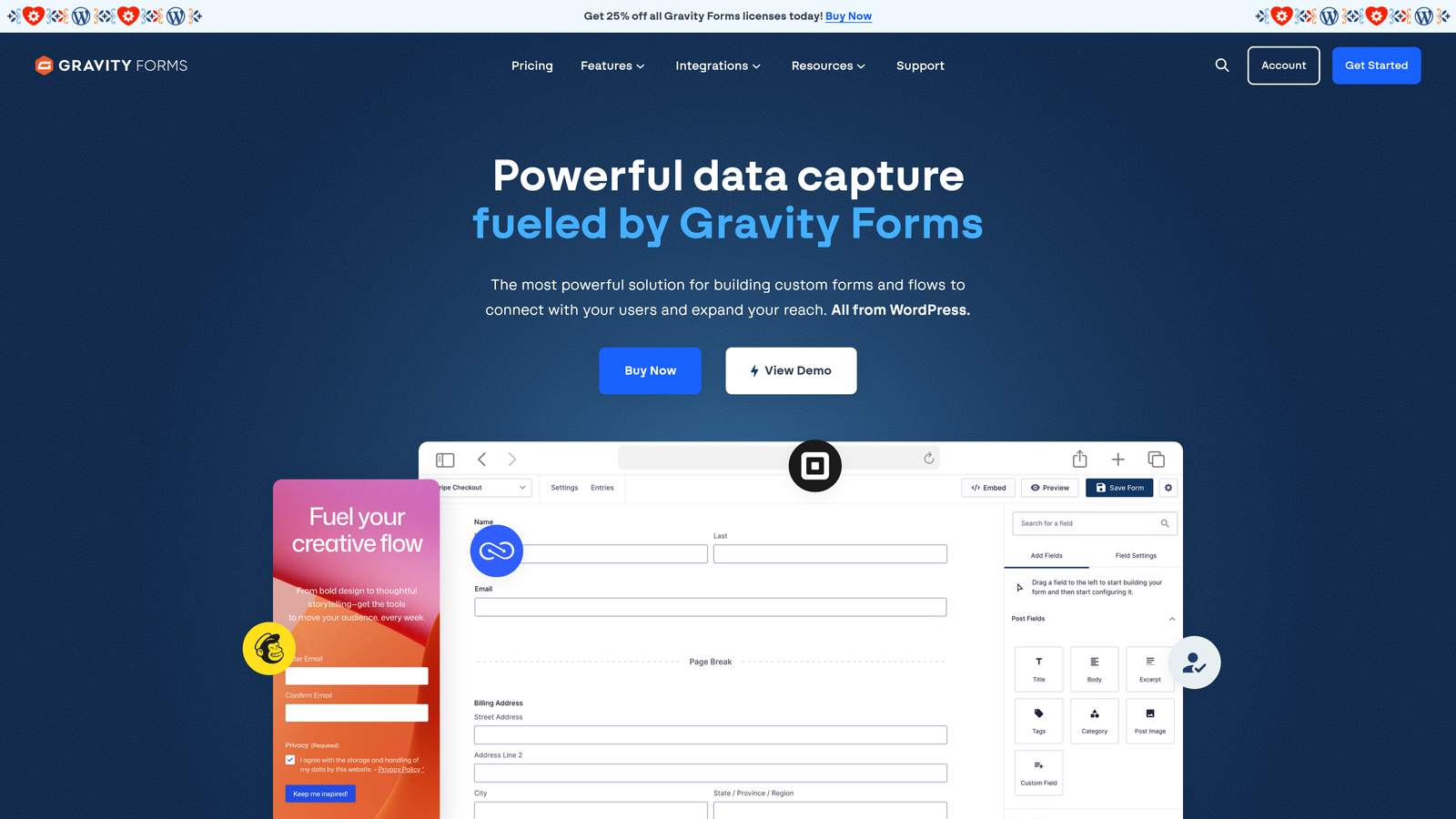
Gravity Forms is a WordPress plugin with strong conditional logic, extensive add-ons, and deep integration with the WordPress development ecosystem.
Where This Tool Shines
If your marketing site runs on WordPress and your team includes developers, Gravity Forms is hard to beat on extensibility. The plugin exposes hooks and filters throughout the form lifecycle, meaning custom behavior, CRM sync, and complex routing can all be built exactly to spec. The add-on ecosystem covers payments, email marketing, CRM integrations, and user registration without needing Zapier for every connection.
The key constraint is obvious but worth stating clearly: Gravity Forms only works on WordPress. If your stack doesn't include WordPress, this tool isn't relevant. And for non-technical teams, the setup and maintenance overhead may outweigh the flexibility benefits.
Key Features
Deep WordPress Integration: Full access to hooks, filters, and custom code throughout the form lifecycle.
Conditional Logic and Multi-Step Forms: Advanced branching, file uploads, and paginated form flows.
Add-On Ecosystem: Official add-ons for Stripe, PayPal, Mailchimp, HubSpot, Salesforce, and more.
User Registration and Post Creation: Create WordPress users or posts directly from form submissions.
Annual License Model: Unlimited forms and entries included in all license tiers.
Best For
Developer-led teams building on WordPress who need maximum control over form behavior, CRM sync, and custom workflows. Not suitable for non-WordPress teams or those without technical resources to manage the plugin.
Pricing
Basic license starts from $59/year for a single site; higher tiers unlock additional add-ons and multi-site support.
8. Formstack
Best for: Enterprise teams in regulated industries that need compliance-grade data handling and workflow automation.
Formstack is an enterprise form and workflow automation platform with HIPAA, GDPR, and SOC 2 compliance options built in.
Where This Tool Shines
Formstack is built for organizations where compliance isn't optional. Healthcare, finance, legal, and other regulated industries often can't use consumer-grade form tools for sensitive data collection. Formstack addresses that directly with HIPAA-compliant plans, SOC 2 certification, and GDPR-ready data handling baked into the platform rather than bolted on.
Beyond compliance, Formstack's document generation from form submissions is a genuinely useful feature for teams that need to auto-populate contracts, intake documents, or reports from collected data. Its Salesforce native app integration is deeper than most builders offer. The price point reflects the enterprise positioning, so it's overkill for typical SaaS growth teams.
Key Features
Compliance Infrastructure: HIPAA, GDPR, and SOC 2 compliance options for regulated data handling.
Workflow Automation and Approval Routing: Multi-step approval flows built directly into the platform.
Document Generation: Auto-populates documents from form submission data.
Salesforce Native Integration: Deep Salesforce sync beyond standard API connections.
Advanced Analytics: Conversion tracking and submission analytics across form portfolios.
Best For
Enterprise teams in healthcare, finance, legal, or other regulated industries where compliance requirements rule out lighter-weight tools. Not the right fit for typical SaaS growth teams focused on conversion optimization.
Pricing
Forms plans start from $83/month; enterprise pricing is available for larger organizations with custom requirements.
9. Google Forms
Best for: Internal data collection and teams already using Google Workspace who need a completely free, no-setup option.
Google Forms is a free, no-frills form tool included with Google Workspace, best suited for internal surveys and simple data collection.
Where This Tool Shines
Google Forms earns its place on this list for exactly one reason: it's completely free, requires no setup, and works instantly for anyone with a Google account. For internal surveys, team feedback collection, event registrations, and quick data gathering within an organization, it's genuinely sufficient. The Google Sheets integration means response data is immediately available in a format most teams already know how to work with.
For external lead generation, though, Google Forms falls short in almost every dimension that matters. There's no design control, no conversion optimization, no conditional logic beyond basic branching, and no meaningful CRM integration. It doesn't look like a professional lead capture experience, and it doesn't function like one either.
Key Features
Completely Free: No submission limits, no paid tiers, included with any Google account.
Google Sheets Integration: Responses populate directly into a connected spreadsheet in real time.
Basic Branching Logic: Section-based routing for simple conditional flows.
Real-Time Response Summaries: Built-in charts and summaries for quick data review.
Universal Accessibility: Anyone with a Google account can build and share a form instantly.
Best For
Internal use only: team surveys, event RSVPs, feedback collection, and simple data gathering within organizations already using Google Workspace. Not appropriate as a lead generation tool for external audiences.
Pricing
Completely free, included with all Google Workspace accounts at no additional cost.
Which Tool Is Right for Your Team?
The HubSpot Forms vs. standalone builders question ultimately comes down to one thing: are you optimizing for ecosystem convenience or conversion performance?
If your entire operation runs on HubSpot and you're not pushing the boundaries of design or lead qualification, HubSpot Forms is a reasonable default. It's already there, it syncs automatically, and it does the job for basic lead capture within the platform.
But if you're a high-growth SaaS or B2B team that cares about conversion rates, lead quality, and what happens before a lead reaches your CRM, a standalone builder built for that purpose will outperform a CRM-native tool every time.
Here's a quick selection guide based on your situation:
For AI-powered lead qualification and conversion-first design: Orbit AI is the clear choice for growth teams that want intelligence at the form layer.
For teams committed to the HubSpot ecosystem: HubSpot Forms makes sense if you're already paying for Marketing Hub and don't need advanced design control.
For conversational, brand-forward experiences: Typeform delivers polished UX that works well for surveys and nurture flows.
For agencies and ops-heavy teams: Jotform's template depth and functional breadth are hard to match at its price point.
For startups on a tight budget: Tally's unlimited free tier is genuinely the best option in the market for teams just getting started.
For regulated industries: Formstack handles compliance requirements that most other tools on this list simply can't meet.
Transform your lead generation with AI-powered forms that qualify prospects automatically while delivering the modern, conversion-optimized experience your high-growth team needs. Start building free forms today and see how intelligent form design can elevate your conversion strategy.


