

Static forms are conversion killers. When every visitor gets the same generic experience regardless of their intent, industry, or needs, you're leaving qualified leads on the table. Intelligent form builders change the game by using AI and conditional logic to create dynamic, personalized experiences that adapt in real-time.
Whether you need smart lead qualification, conversational interfaces, or advanced branching logic, the right tool can dramatically improve both completion rates and lead quality. We evaluated dozens of form builders based on AI capabilities, customization depth, integration ecosystems, and ease of use. Here are the top intelligent form builder tools worth your attention in 2026.
1. Orbit AI
Best for: High-growth teams that need AI-powered lead qualification built directly into their forms
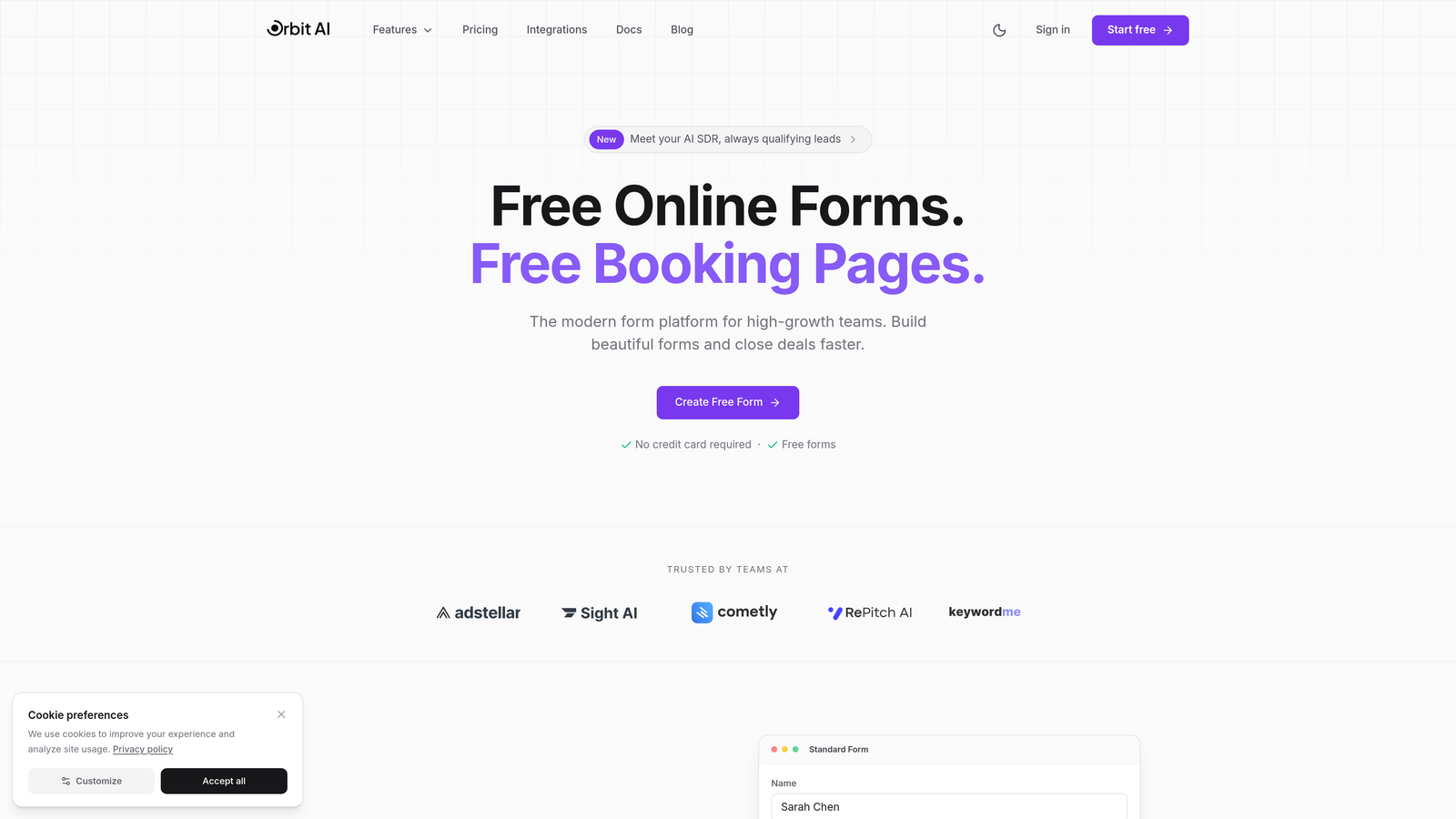
Orbit AI is an intelligent form builder specifically designed for teams that care about lead quality, not just quantity.
Where This Tool Shines
The standout feature is how Orbit AI automatically qualifies and scores leads as they complete your forms. Instead of collecting responses and manually sorting through them later, the platform analyzes answers in real-time to identify your most promising prospects.
The smart routing capabilities mean high-value leads can be instantly directed to your sales team while others enter nurture sequences. This automation saves hours of manual lead review while ensuring your best opportunities get immediate attention.
Key Features
AI-Powered Lead Qualification: Automatically scores and categorizes leads based on their responses and behavioral signals.
Smart Routing: Directs qualified leads to the right team members or workflows based on AI analysis of their answers.
Conversion-Optimized Templates: Pre-built form designs specifically tested for high completion rates across industries.
Deep CRM Integration: Syncs seamlessly with popular CRM platforms to ensure lead data flows directly into your existing workflows.
Real-Time Analytics: Dashboard showing form performance, conversion rates, and lead quality metrics at a glance.
Best For
Orbit AI is ideal for B2B companies, SaaS businesses, and marketing agencies where lead quality matters more than volume. If you're tired of sifting through unqualified form submissions and want AI to handle the initial qualification, this tool delivers exactly that capability.
Pricing
Free tier available for getting started. Paid plans begin at $29/month with scaling options as your form volume and team size grow.
2. Typeform
Best for: Creating engaging conversational experiences that feel more like dialogue than data collection
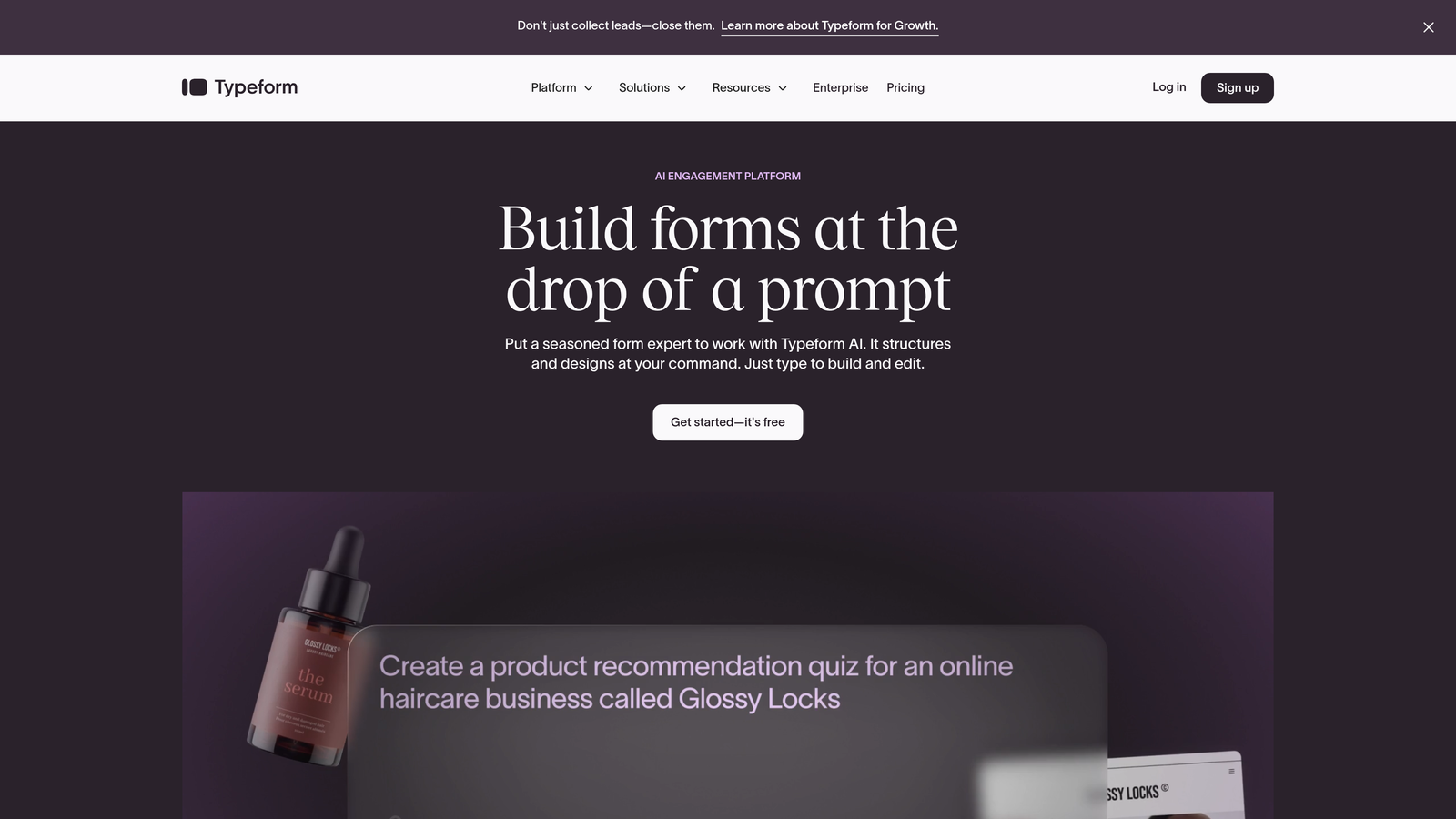
Typeform is the form builder that pioneered the one-question-at-a-time conversational interface.
Where This Tool Shines
Typeform's signature approach removes the intimidation factor of long forms by showing just one question at a time. This focused experience typically results in higher completion rates because users aren't overwhelmed by seeing everything upfront.
The platform excels at creating forms that feel more human. The smooth transitions between questions and ability to embed rich media create an experience that keeps users engaged rather than clicking away.
Key Features
Conversational Interface: One-question-at-a-time format that creates a dialogue-like experience rather than traditional form layout.
Logic Jumps: Smart branching that shows different questions based on previous answers to personalize the experience.
Rich Media Embedding: Add videos, images, and GIFs directly into your forms to enhance engagement.
Native Integrations: Connects directly with major platforms including Google Sheets, Slack, Mailchimp, and HubSpot.
Brand Customization: Extensive design options to match your forms perfectly to your brand identity.
Best For
Typeform works exceptionally well for customer surveys, event registrations, and lead capture where user experience is paramount. It's particularly effective when you need to collect detailed information but want to minimize drop-off rates.
Pricing
Free tier available with limited features. Basic plan starts at $25/month with increased response limits and advanced features on higher tiers.
3. Jotform
Best for: Teams that want extensive template options and AI assistance for rapid form creation
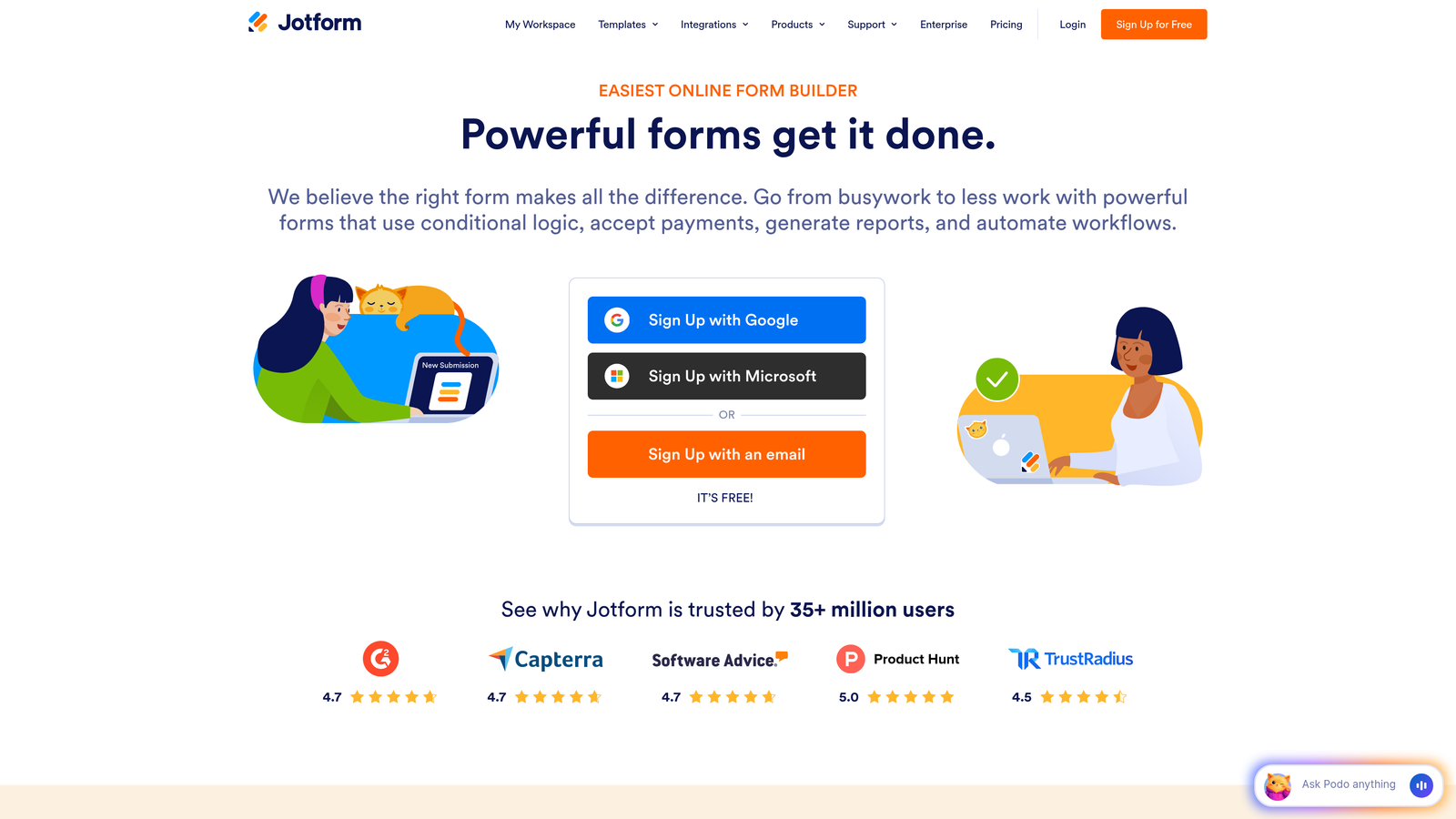
Jotform is a comprehensive form builder with one of the largest template libraries in the industry.
Where This Tool Shines
With over 10,000 pre-built templates covering virtually every use case imaginable, Jotform eliminates the blank canvas problem. Whether you need an event registration form, job application, or customer feedback survey, there's likely a template that gets you 80% of the way there.
The AI form generator takes this convenience further by creating custom forms based on simple text descriptions. Describe what you need, and the AI builds a functional form in seconds that you can then refine.
Key Features
Massive Template Library: Over 10,000 ready-to-use templates organized by industry and use case for quick deployment.
AI Form Generator: Describe your needs in plain language and let AI create a complete form structure automatically.
Smart PDF Creation: Automatically generate professional PDF documents from form submissions with custom formatting.
Payment Integration: Built-in payment collection through PayPal, Square, Stripe, and other major processors.
Approval Workflows: Route submissions through multi-step approval processes with notifications and tracking.
Best For
Jotform is excellent for organizations that create many different types of forms regularly. The template library and AI assistance make it particularly valuable when you need to deploy forms quickly without starting from scratch each time.
Pricing
Free tier includes up to 5 forms with 100 monthly submissions. Bronze plan starts at $34/month for expanded limits and features.
4. Tally
Best for: Teams seeking unlimited forms on a generous free tier with Notion-style simplicity
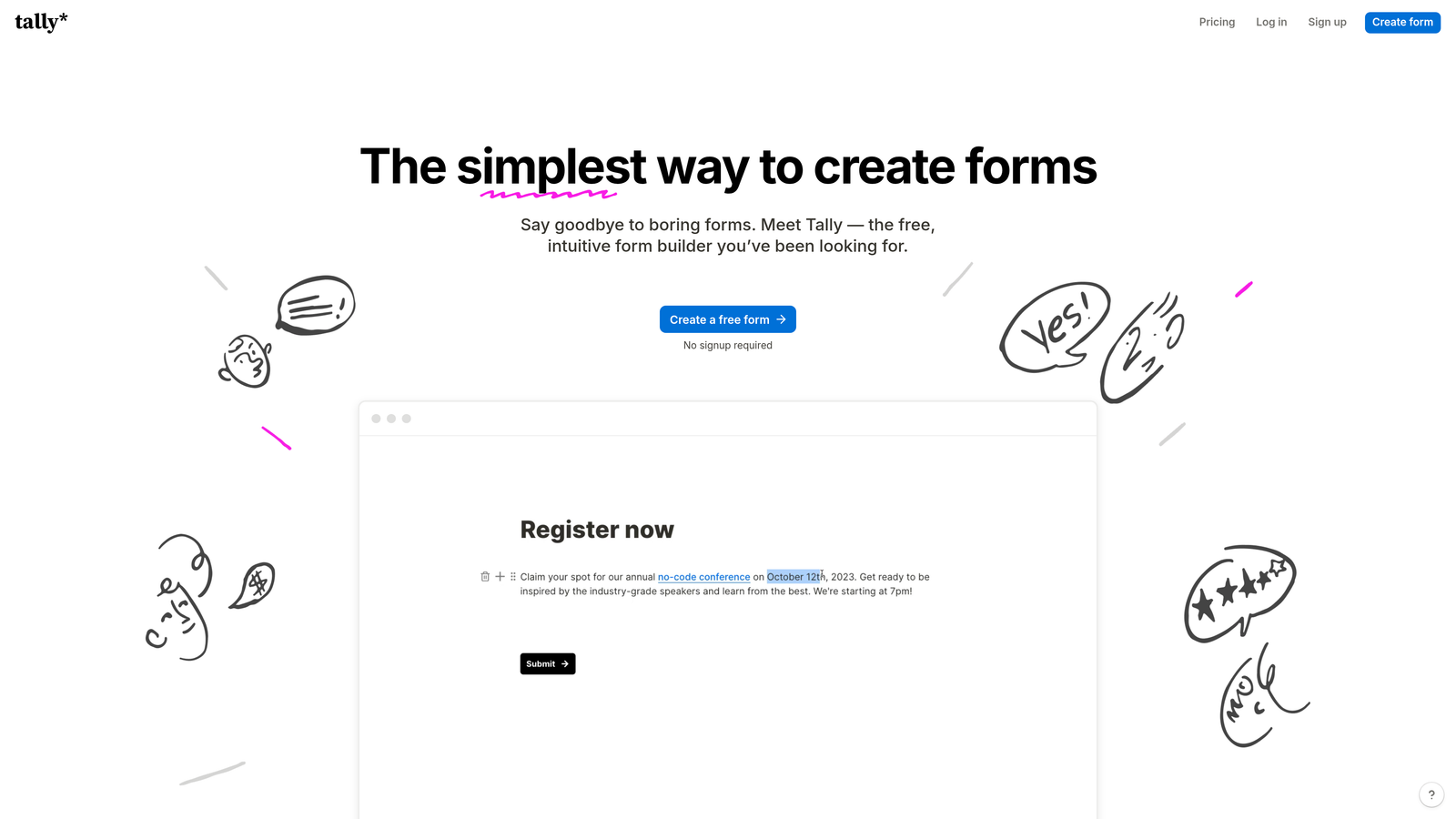
Tally is a minimalist form builder that brings Notion's block-based editing approach to form creation.
Where This Tool Shines
Tally's most compelling feature is its genuinely unlimited free tier. Unlike competitors that cap you at 5 or 10 forms, Tally lets you create as many forms as you need without paying a cent. This makes it ideal for startups, small businesses, or anyone testing multiple form variations.
The Notion-style interface will feel instantly familiar if you're already using Notion for documentation or project management. Building forms feels more like writing a document than configuring software.
Key Features
Unlimited Free Forms: No artificial limits on form creation even on the free plan, unlike most competitors.
Block-Based Editor: Notion-style interface where you build forms by adding and arranging content blocks intuitively.
Conditional Logic: Show or hide questions based on previous answers to create personalized form paths.
File Uploads and Signatures: Collect documents and capture electronic signatures directly within your forms.
Webhook Integration: Send form data to any service via webhooks, plus native Zapier connectivity for workflow automation.
Best For
Tally is perfect for budget-conscious teams that need professional forms without monthly fees, as well as Notion users who want a familiar editing experience. It's particularly strong for internal forms, feedback collection, and rapid prototyping.
Pricing
Free for unlimited forms with generous feature set. Pro plan at $29/month adds custom domains, file upload storage, and priority support.
5. Fillout
Best for: Seamless database integration with Airtable, Notion, and other data platforms
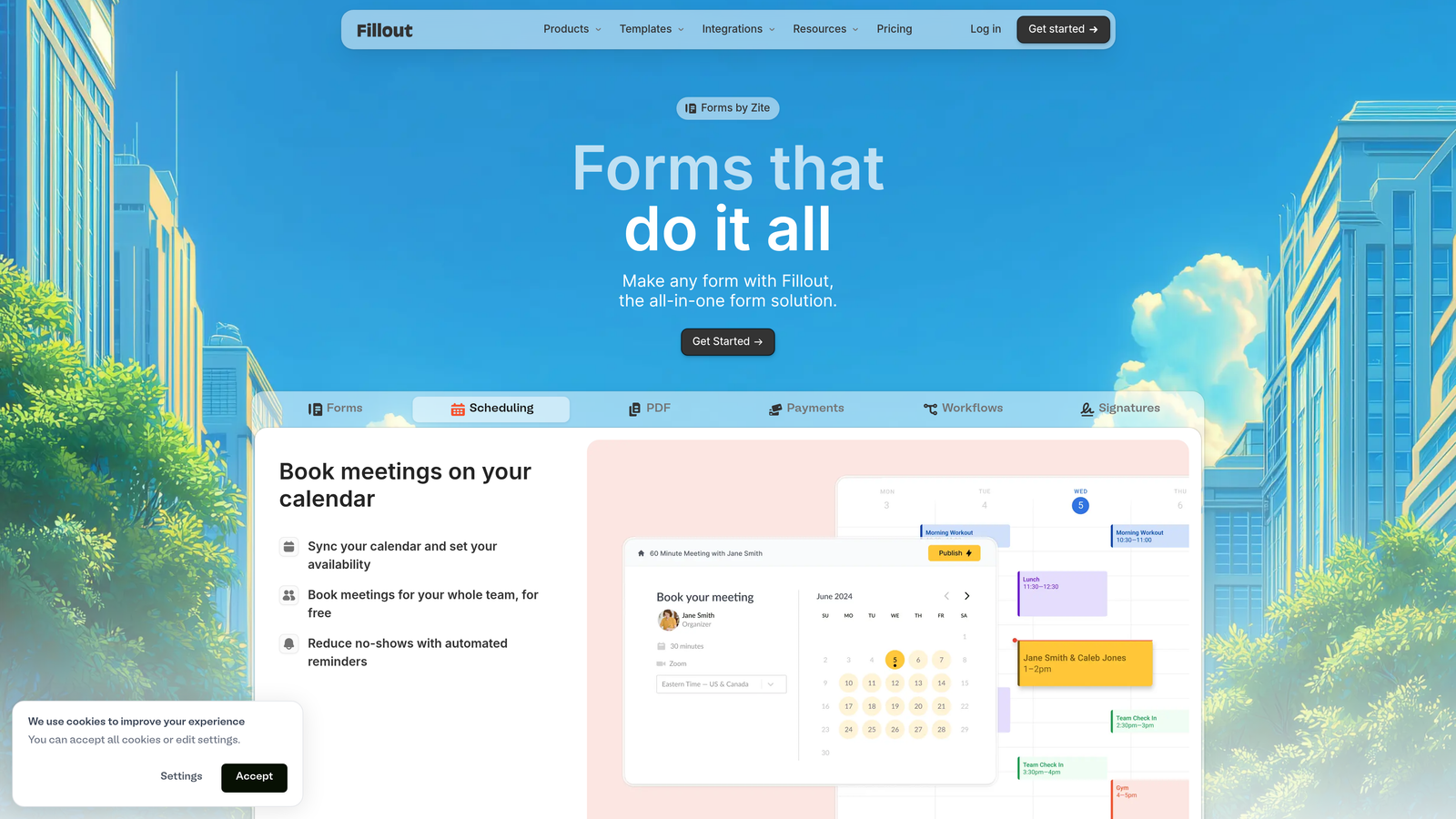
Fillout is built specifically for teams that want their forms to connect directly with their existing databases.
Where This Tool Shines
Fillout's native integration with Airtable and Notion means your form submissions flow directly into your database structure without middleware. You can also pre-fill forms with existing data, creating dynamic experiences that remember user information.
This tight database connection makes Fillout particularly powerful for applications, registrations, and workflows where you're not just collecting data but actually building on top of existing records. The two-way sync keeps everything current across platforms.
Key Features
Native Database Integration: Direct connections to Airtable and Notion that sync form data in real-time without third-party tools.
Form Pre-filling: Automatically populate form fields with data from your database for returning users or follow-up forms.
Advanced Conditional Logic: Create complex branching scenarios based on multiple conditions and database values.
Multi-Page Forms: Break long forms into multiple pages with progress indicators to improve completion rates.
Custom Branding: Add custom domains and remove Fillout branding for a fully white-labeled experience.
Best For
Fillout excels for teams already using Airtable or Notion as their primary database who want forms that integrate natively. It's ideal for membership organizations, event management, and application processes that require database lookups.
Pricing
Free tier available with core features. Starter plan begins at $15/month for increased submissions and advanced features.
6. Paperform
Best for: Creating landing page-style forms with built-in payment processing and booking capabilities
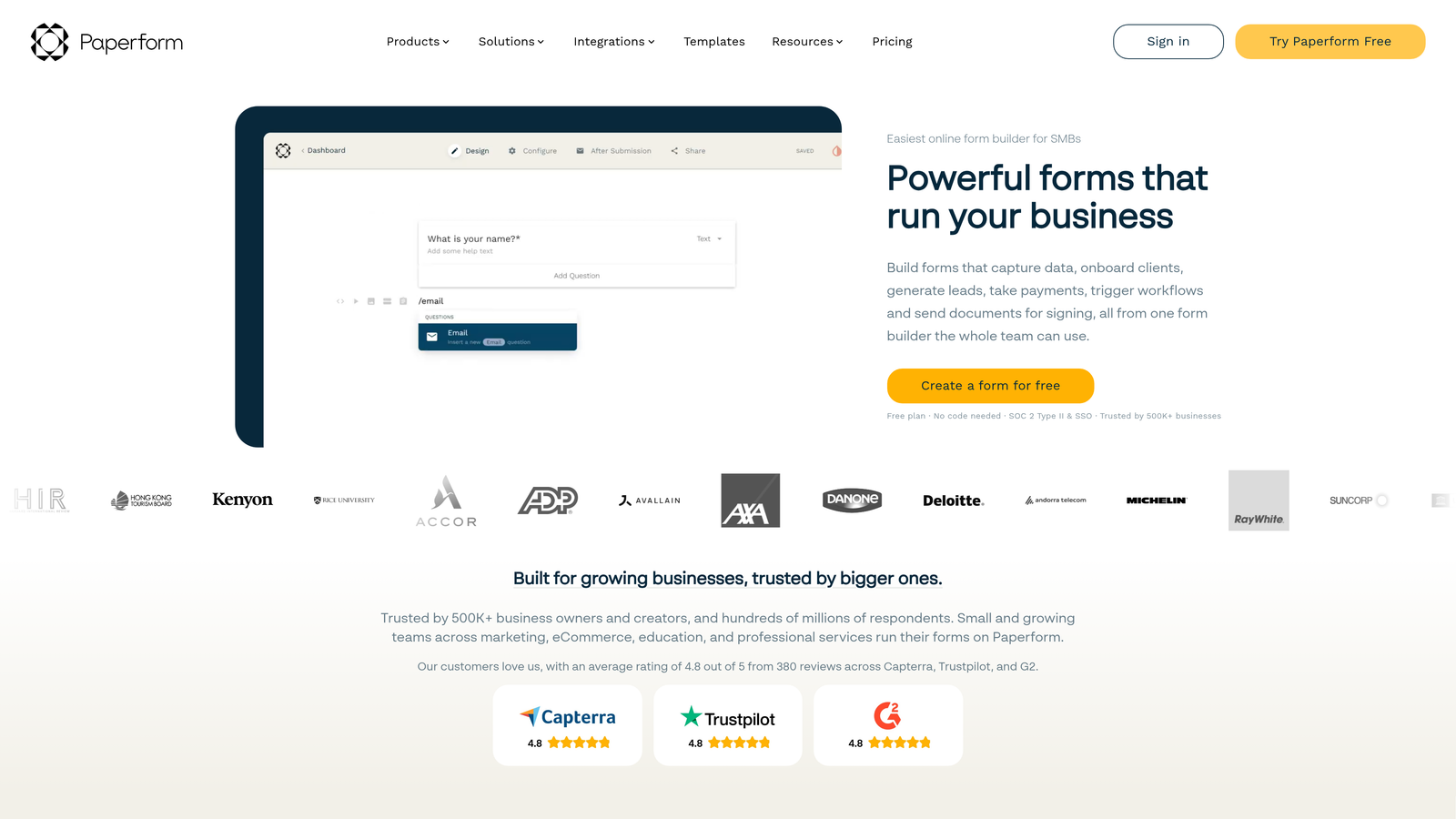
Paperform is a form builder that blurs the line between forms and landing pages.
Where This Tool Shines
Paperform treats forms as full web experiences rather than simple data collection tools. You can create beautiful landing pages that happen to include form fields, complete with rich formatting, images, and custom layouts that don't look like traditional forms at all.
The built-in payment processing and scheduling features make Paperform particularly valuable for service businesses. You can collect bookings, process payments, and gather customer information all in one seamless experience without juggling multiple tools.
Key Features
Landing Page Design: Create full landing page experiences with rich text, images, and custom layouts beyond basic form fields.
Payment Processing: Accept payments directly through Stripe, PayPal, Square, and Braintree without external checkout pages.
Conditional Logic: Show different content, questions, or pricing based on user selections and responses.
Scheduling Integration: Built-in booking functionality that syncs with Google Calendar and other scheduling tools.
Custom Success Pages: Design unique confirmation experiences or redirect users to specific pages based on their form responses.
Best For
Paperform is ideal for consultants, coaches, event organizers, and service providers who need to collect information and payment simultaneously. It's particularly strong when you want your forms to double as attractive landing pages.
Pricing
Essentials plan starts at $24/month with unlimited forms and submissions, scaling up for additional features and team members.
7. Feathery
Best for: Developer teams needing React components and extensive API access for custom implementations
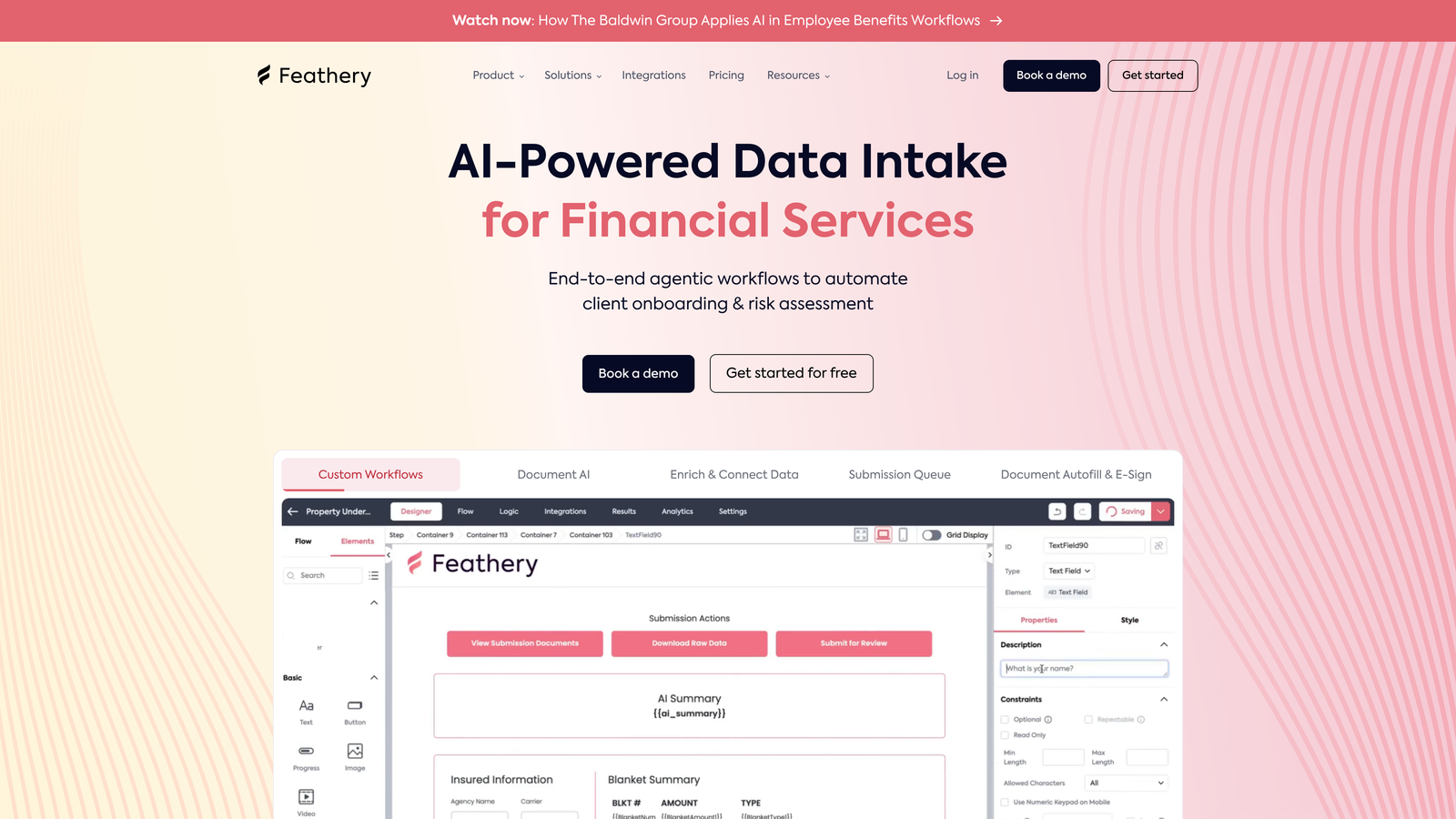
Feathery is a developer-friendly form builder designed for technical teams building custom applications.
Where This Tool Shines
Feathery provides React SDK and components that developers can embed directly into applications with full programmatic control. This means you're not limited to iframe embeds or redirecting to external form pages—forms become native parts of your application.
The extensive API access allows you to customize virtually every aspect of form behavior and appearance through code. For teams that need forms to integrate deeply with custom applications, Feathery provides the flexibility that no-code builders can't match.
Key Features
React SDK: Pre-built React components that integrate seamlessly into your existing React applications with full customization.
Comprehensive API: Extensive API access for programmatic form creation, data management, and behavior customization.
Multi-Step Onboarding: Build complex onboarding flows with progress tracking, validation, and conditional paths.
A/B Testing: Built-in experimentation framework for testing different form variations and measuring conversion impact.
Custom Code: Add custom CSS and JavaScript to extend functionality beyond the standard feature set.
Best For
Feathery is designed for product teams and developers building SaaS applications, user onboarding flows, or any scenario where forms need to feel like native application features rather than external tools. Technical knowledge is required to leverage its full potential.
Pricing
Free tier available for development and testing. Growth plan starts at $49/month with increased limits and production features.
8. Formstack
Best for: Enterprise organizations requiring HIPAA compliance and advanced security certifications
Formstack is an enterprise-grade form platform with comprehensive compliance and workflow automation.
Where This Tool Shines
Formstack's HIPAA and SOC 2 compliance certifications make it one of the few form builders suitable for healthcare, finance, and other regulated industries. The platform handles sensitive data with encryption, audit trails, and security controls that meet strict compliance requirements.
The workflow automation capabilities extend far beyond basic form submission. You can route approvals, generate documents, collect e-signatures, and trigger complex business processes—all from a single form submission.
Key Features
Compliance Certifications: HIPAA, SOC 2, and other security standards for handling sensitive data in regulated industries.
Advanced Workflow Automation: Multi-step approval processes, conditional routing, and automated actions based on form data.
Document Generation: Automatically create PDF documents and collect legally binding e-signatures through integrated DocuSign.
Salesforce Native Integration: Deep Salesforce connectivity that syncs form data directly into your CRM without middleware.
Role-Based Access: Granular permission controls for team members with different access levels and responsibilities.
Best For
Formstack serves healthcare providers, financial institutions, government agencies, and large enterprises that need robust security, compliance certifications, and sophisticated workflow automation. It's built for organizations where data security and regulatory compliance are non-negotiable.
Pricing
Starter plan begins at $50/month. Enterprise pricing available with custom security and compliance requirements, typically requiring annual contracts.
9. HubSpot Forms
Best for: HubSpot users needing progressive profiling and native CRM integration within their existing ecosystem
HubSpot Forms is the native form builder integrated directly into the HubSpot CRM and marketing platform.
Where This Tool Shines
Progressive profiling is HubSpot Forms' standout capability. Instead of asking returning visitors the same questions repeatedly, the system automatically shows new questions to gradually build more complete contact profiles over time. This reduces form friction while maximizing data collection.
The native CRM integration means every form submission automatically updates contact records, triggers workflows, and informs lead scoring—all without configuration. If you're already using HubSpot, the forms are essentially an extension of your existing system rather than a separate tool to manage.
Key Features
Progressive Profiling: Automatically show different questions to returning visitors based on what information you already have about them.
Native CRM Sync: Instant synchronization with HubSpot CRM that updates contact records and properties in real-time.
Smart Content: Personalize form fields, labels, and content based on contact properties and list membership.
Lead Scoring Integration: Form submissions automatically influence contact scores based on your configured scoring criteria.
Marketing Automation Triggers: Instantly trigger email sequences, task creation, and workflow enrollment based on form submissions.
Best For
HubSpot Forms is ideal for companies already invested in the HubSpot ecosystem who want seamless integration between their forms and CRM. It's particularly valuable for marketing teams running sophisticated nurture campaigns where form data needs to trigger automated workflows.
Pricing
Free with HubSpot CRM including basic form functionality. Advanced features like progressive profiling and smart content require Marketing Hub paid plans starting at higher tiers.
Making the Right Choice
The intelligent form builder you choose depends entirely on what matters most to your specific use case. If AI-powered lead qualification is your priority, Orbit AI delivers exactly that capability with smart routing and scoring built in. For conversational experiences that maximize engagement, Typeform's one-question-at-a-time interface remains the gold standard.
Budget-conscious teams will appreciate Tally's genuinely unlimited free tier, while database-first organizations should look at Fillout's native Airtable and Notion integration. Service businesses collecting payments benefit from Paperform's landing page approach, and developer teams building custom applications need Feathery's React SDK and API access.
Enterprise requirements point toward Formstack's compliance certifications and workflow automation, while existing HubSpot users get the most value from HubSpot Forms' progressive profiling and native CRM sync. Jotform's massive template library serves teams that need to deploy many different form types quickly.
The market has moved beyond basic form building. Modern tools use AI to qualify leads, adapt questions based on responses, and integrate deeply with your existing tech stack. The right choice depends on whether you prioritize AI capabilities, conversational design, database integration, developer flexibility, compliance requirements, or CRM ecosystem fit.
Consider your primary use case: Are you capturing leads that need qualification? Building customer onboarding flows? Collecting sensitive data in regulated industries? Processing payments for services? The answer determines which tool's strengths align with your needs.
Transform your lead generation with AI-powered forms that qualify prospects automatically while delivering the modern, conversion-optimized experience your high-growth team needs. Start building free forms today and see how intelligent form design can elevate your conversion strategy.


