

Not all form builders are created equal, especially when lead generation is on the line. A generic contact form might collect submissions, but a marketing-focused form builder qualifies prospects, syncs with your CRM, and actively improves conversion rates over time.
This list covers the best marketing form builders available in 2026, evaluated on conversion optimization features, lead qualification capabilities, integration depth, design flexibility, and pricing. Whether you're running paid campaigns, gating content, or building multi-step funnels, there's a tool here built for your workflow.
Tools are ranked based on their marketing-specific feature sets, not just general form-building capability. You'll find a mix of AI-powered platforms, established enterprise solutions, and lean tools for teams that want to move fast without sacrificing quality.
1. Orbit AI
Best for: High-growth B2B and SaaS teams that need AI-powered lead qualification built directly into their forms.
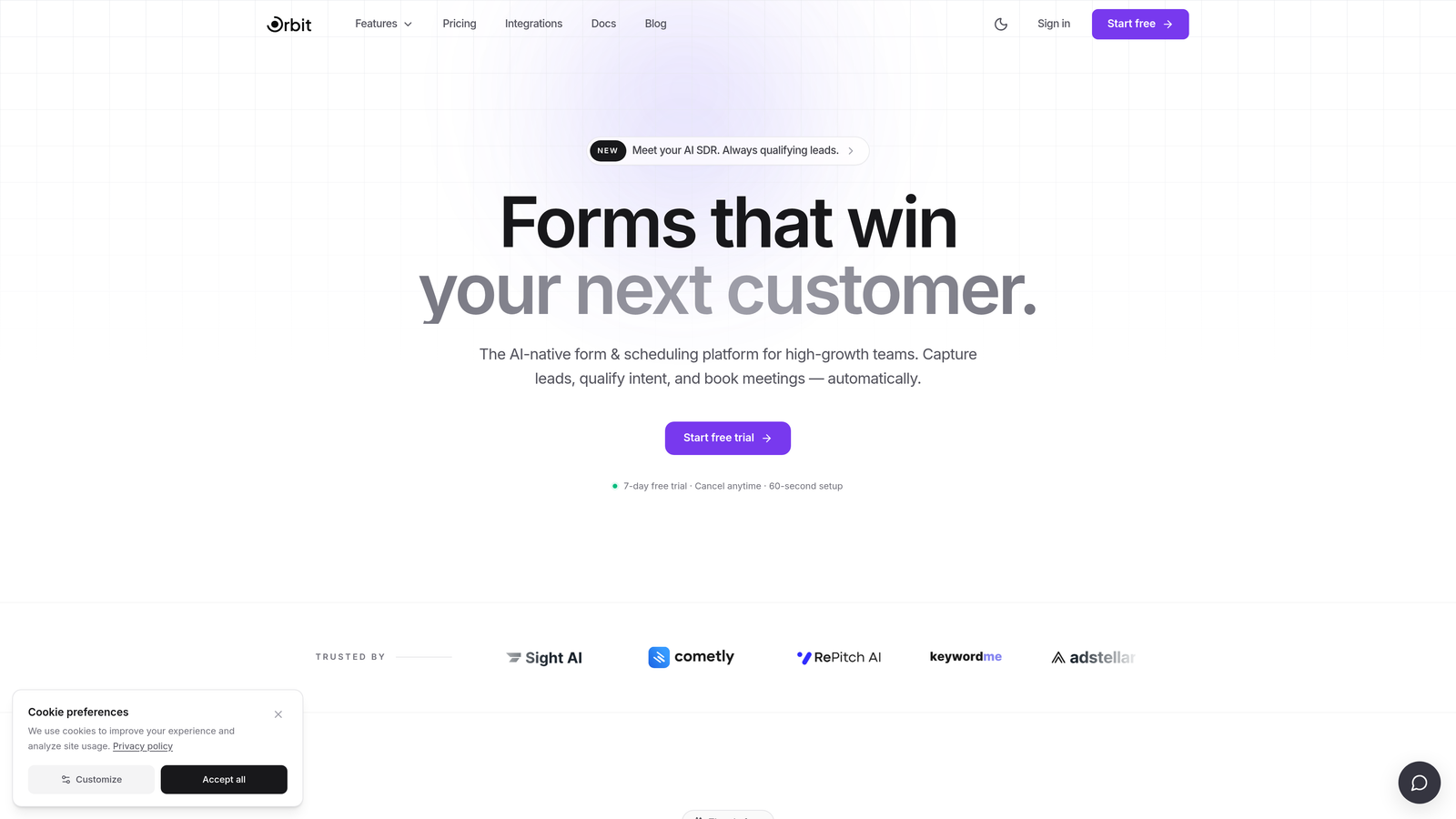
Orbit AI is an AI-powered form builder designed specifically for marketing teams focused on conversion optimization and lead quality, not just lead volume.
Where This Tool Shines
What separates Orbit AI from most form builders is where the intelligence lives. Rather than collecting raw submissions and leaving your CRM to sort out the mess, Orbit AI qualifies and routes leads at the form level. That means your sales team receives better-fit prospects, and your marketing team spends less time cleaning up junk submissions.
The platform is built with modern marketing workflows in mind. Multi-step forms and conditional logic work without requiring you to manually wire up rule trees, and the design editor keeps everything on-brand without needing a developer. For teams running paid campaigns where every click costs money, that conversion-first approach matters.
Key Features
AI Lead Qualification: Scores and routes leads directly from the form based on their responses, reducing manual CRM triage.
Conversion-Optimized Templates: Pre-built form templates designed specifically for marketing campaigns, not generic data collection.
Conditional Logic Without the Complexity: Multi-step and branching logic that adapts to respondent answers without requiring manual rule configuration.
CRM and Automation Integrations: Connects with the marketing and sales tools your team already uses to keep data flowing cleanly.
Modern Design Editor: Clean, brand-consistent form design that looks intentional on landing pages and campaign assets alike.
Best For
Orbit AI is the strongest fit for SaaS companies and B2B marketing teams that care about lead quality as much as lead volume. If your current workflow involves manually scoring or routing form submissions, this platform is built to automate that work at the source.
Pricing
Visit orbitforms.ai for current pricing details. The platform is designed to scale with growing teams and high-volume campaign needs.
2. Typeform
Best for: Teams that want a polished, conversational form experience to reduce respondent fatigue.
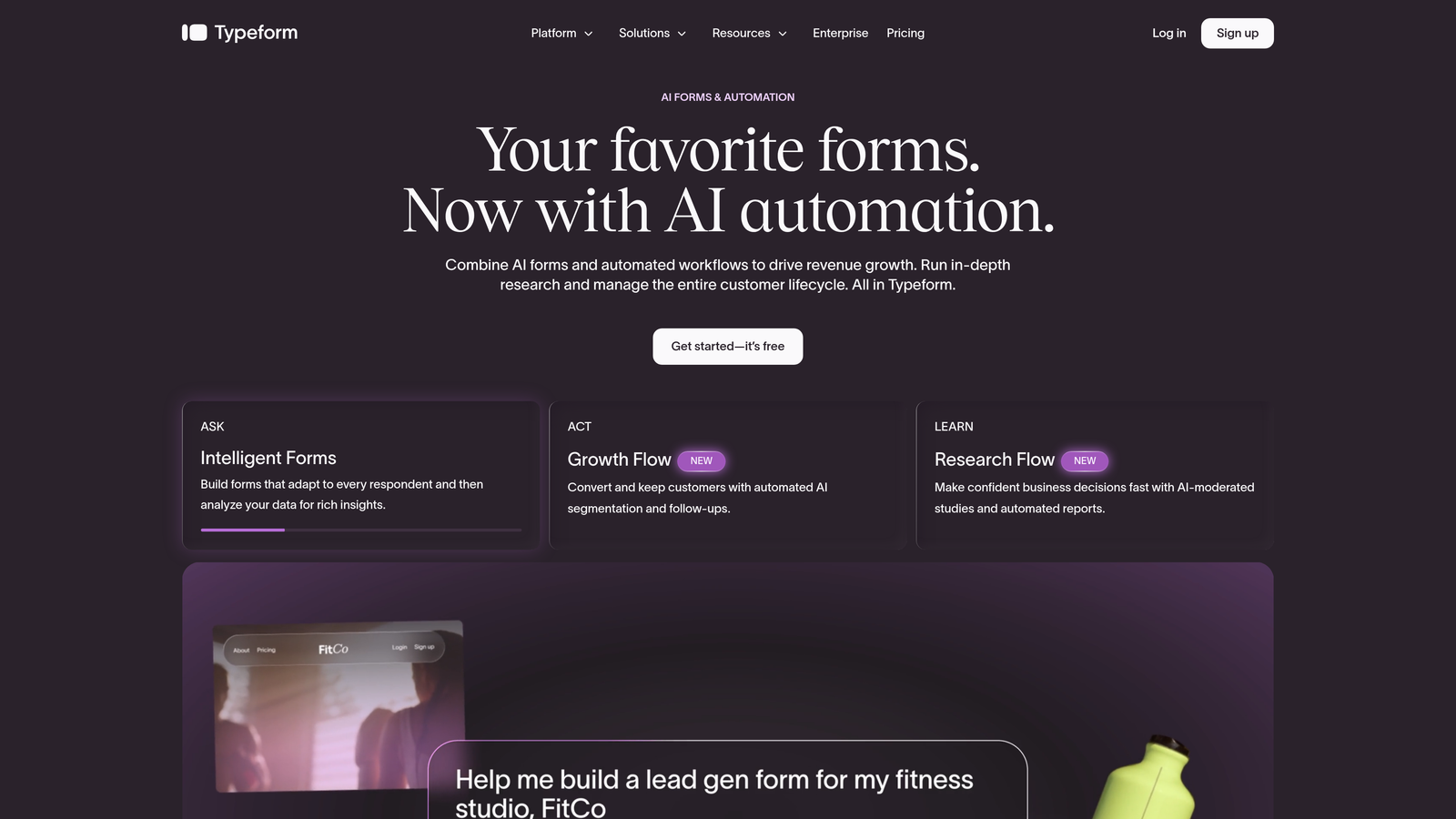
Typeform is a conversational form builder known for its one-question-at-a-time format that makes long forms feel significantly shorter.
Where This Tool Shines
Typeform's signature UX is genuinely different from traditional form layouts. By presenting one question at a time, it creates a more focused experience that tends to keep respondents engaged further into the form. For brand awareness campaigns, surveys, or top-of-funnel lead capture, that engagement lift is meaningful.
The platform also handles integrations well. HubSpot, Salesforce, Slack, and Zapier connections are all available, so your form data doesn't sit in isolation. The analytics dashboard includes drop-off tracking, which helps you identify exactly where respondents abandon the form.
Key Features
Conversational Format: One-question-at-a-time UX that reduces cognitive load and keeps completion rates healthy.
Logic Jumps: Conditional branching that personalizes the question flow based on previous answers.
CRM Integrations: Native connections to HubSpot, Salesforce, Slack, and Zapier for seamless data handoff.
Rich Media Embedding: Video and image support within questions for more engaging, interactive forms.
Drop-Off Analytics: Built-in dashboard showing where respondents exit, so you can optimize the form flow over time.
Best For
Typeform works well for marketing teams that prioritize respondent experience and brand presentation. It's particularly strong for content gating, event registration, and survey-style lead capture. Teams running high-volume B2B lead generation may find the conversational format less suited to fast, transactional form completions.
Pricing
Free tier available. Paid plans start from approximately $25/month. Verify current pricing at typeform.com.
3. HubSpot Forms
Best for: Marketing teams already operating within the HubSpot CRM and Marketing Hub ecosystem.
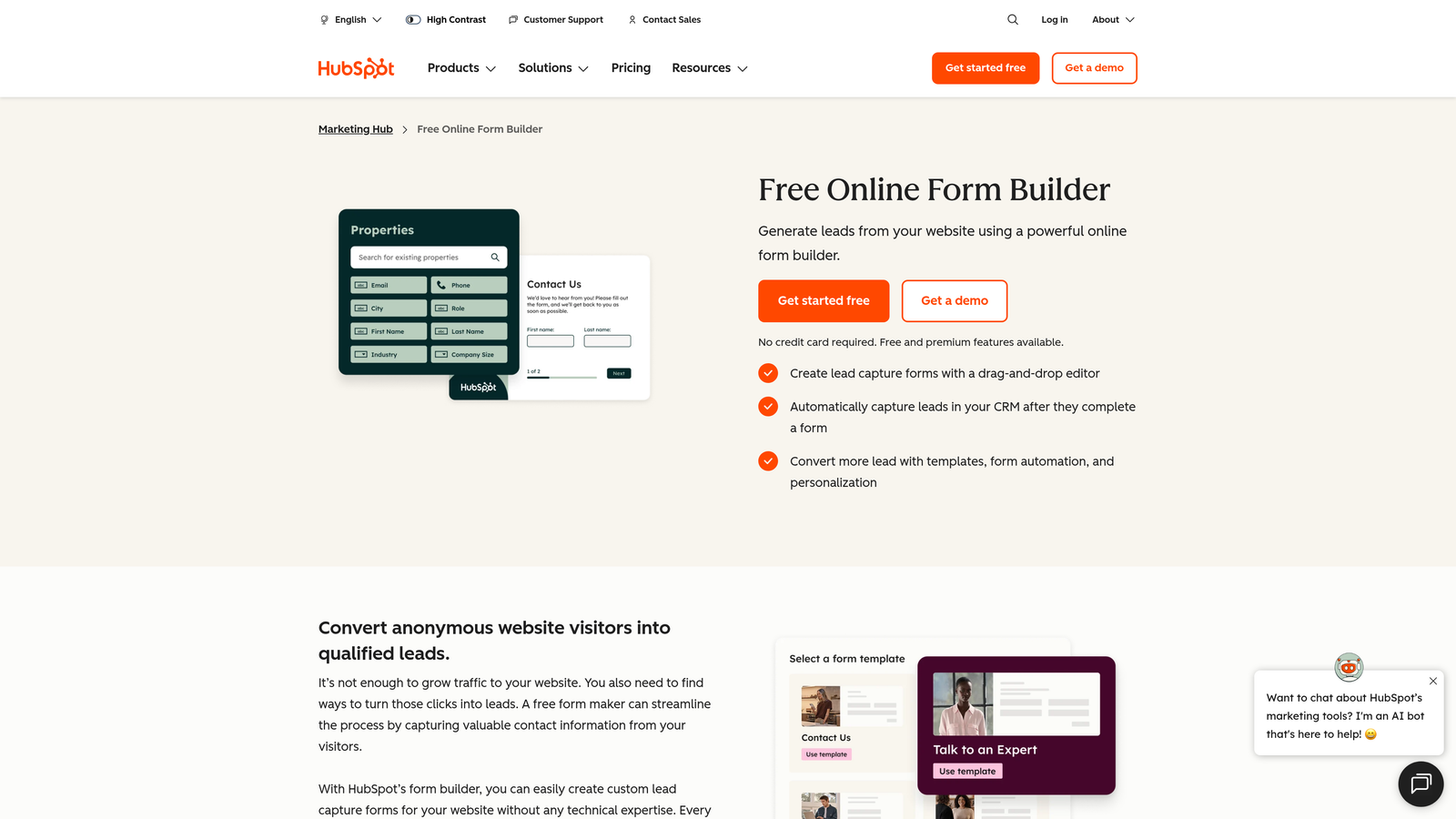
HubSpot Forms is a native form builder that integrates directly with HubSpot's CRM, contact timelines, and marketing automation workflows.
Where This Tool Shines
If your team lives in HubSpot, the native integration here is genuinely hard to replicate with third-party tools. Form submissions update contact records in real time, trigger workflows automatically, and feed directly into deal pipelines without any middleware. That tight loop between form data and CRM activity is where HubSpot Forms earns its place on this list.
Progressive profiling is another standout capability. Rather than showing returning visitors the same questions they've already answered, HubSpot Forms surfaces new fields to gradually build out contact records over multiple visits. It's a smart approach to data enrichment that most standalone form tools simply can't replicate.
Key Features
Native CRM Sync: Form submissions update HubSpot contact timelines instantly, with no integration setup required.
Smart Fields: Recognizes known contacts and hides fields they've already completed, reducing friction for returning visitors.
Progressive Profiling: Collects new data points across multiple form interactions to enrich contact records over time.
Flexible Placement Options: Supports embedded forms, pop-ups, and standalone form pages within the HubSpot ecosystem.
Workflow Triggers: Form submissions directly activate HubSpot automation sequences for immediate follow-up.
Best For
HubSpot Forms is the obvious choice for teams already invested in the HubSpot platform. Outside of that ecosystem, its value diminishes considerably. If you're not a HubSpot user, a standalone form builder will give you more flexibility.
Pricing
Free with HubSpot CRM. Marketing Hub paid plans start from approximately $15/month. Verify current pricing at hubspot.com.
4. Unbounce
Best for: Paid acquisition teams that want forms and landing pages built and optimized together.
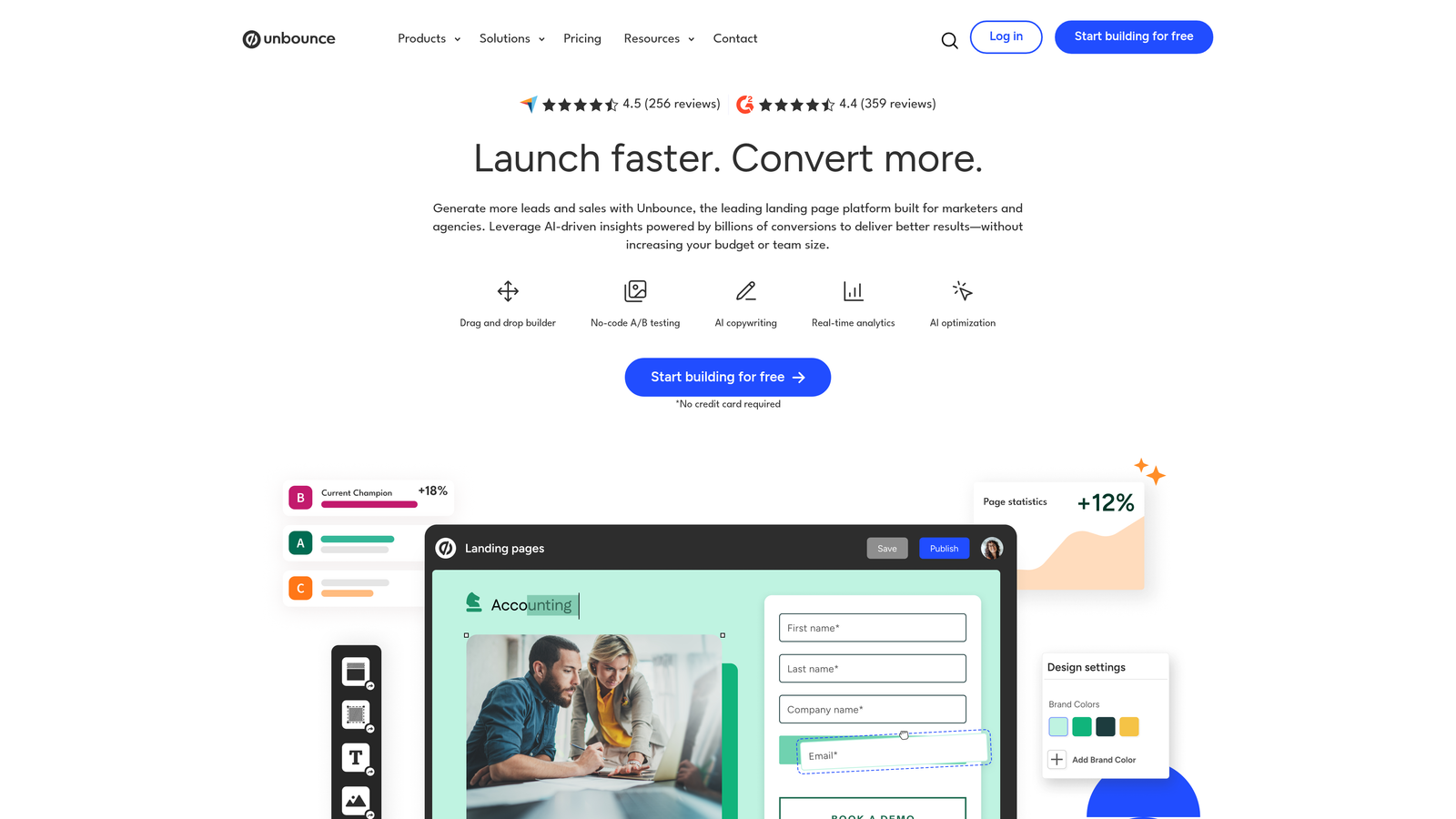
Unbounce is a landing page builder with integrated form functionality and AI-powered conversion intelligence, designed for performance marketing workflows.
Where This Tool Shines
Unbounce takes a fundamentally different approach from standalone form builders. Instead of embedding a form into a landing page, the form is built natively within the page itself. That tight integration means your form design, copy, and layout are all optimized together, which matters when you're paying for every click from a paid campaign.
The AI Smart Builder adds real value for teams that want copy and layout suggestions without starting from scratch. Conversion benchmarking, which compares your page performance against similar pages in Unbounce's dataset, gives you a practical baseline for identifying where your funnel is underperforming.
Key Features
Native Form-in-Page Builder: Forms are built directly within landing pages, eliminating embed friction and design inconsistencies.
AI Smart Builder: Generates copy and layout suggestions based on your campaign context and goals.
Conversion Benchmarking: Compares your landing page performance against similar pages to surface improvement opportunities.
A/B and Multivariate Testing: Built-in testing tools for optimizing form and page variants without third-party tools.
Dynamic Text Replacement: Personalizes form copy to match the ad keyword or source that brought the visitor, improving relevance.
Best For
Unbounce is best suited for performance marketing teams running paid search or social campaigns who want a single platform for landing pages and lead capture. It's less practical as a standalone form tool for teams that don't need full landing page functionality.
Pricing
Plans start from approximately $99/month. Verify current pricing at unbounce.com.
5. Jotform
Best for: Teams that need a feature-rich form builder with broad template coverage and workflow flexibility.
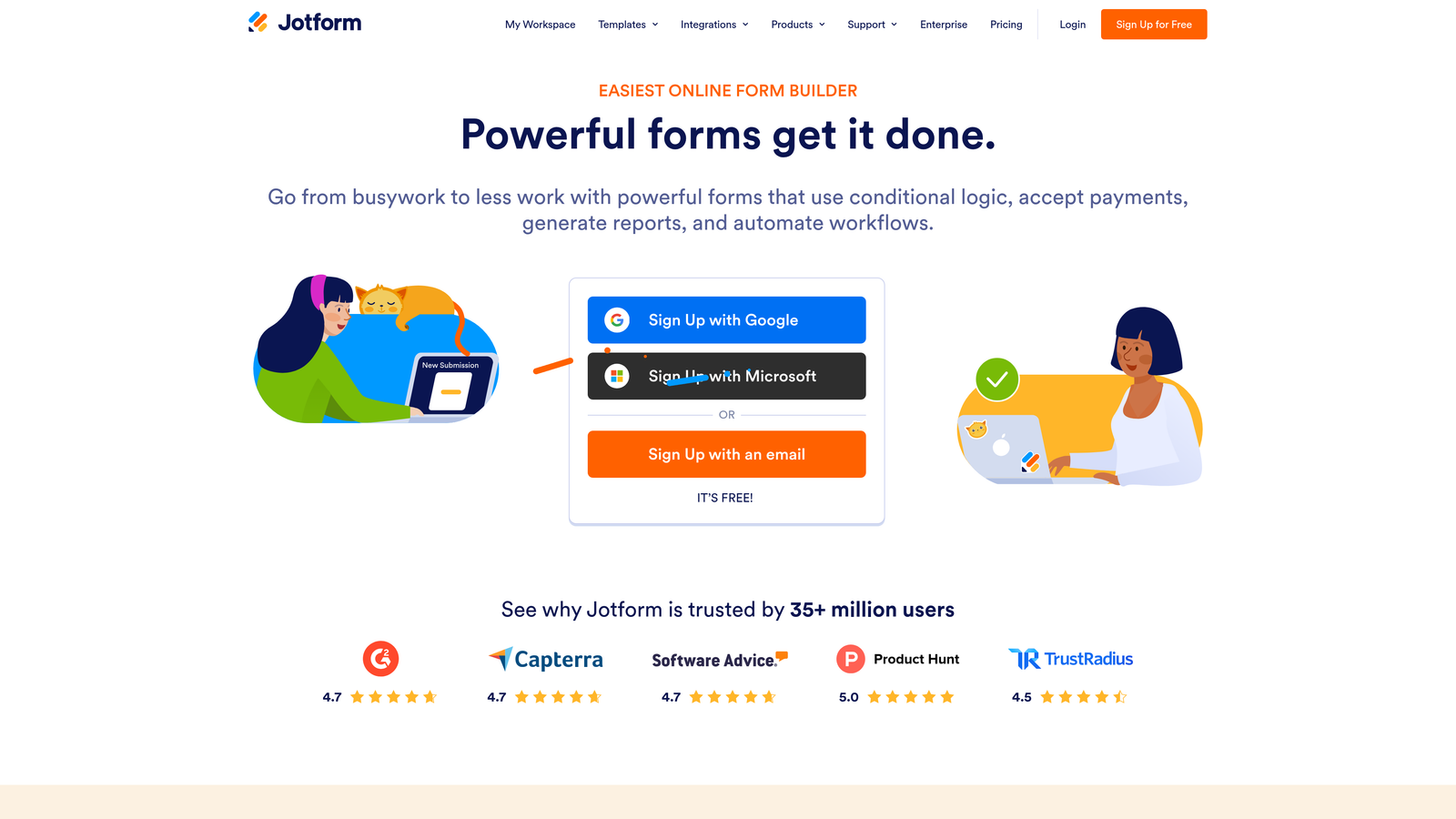
Jotform is one of the most comprehensive form builders available, with an extensive template library, wide integration ecosystem, and support for complex form workflows.
Where This Tool Shines
Jotform's depth is its primary selling point. The template library is extensive, covering everything from lead capture forms to event registrations to payment collection. If you need a starting point quickly, there's almost certainly a template that gets you most of the way there.
Beyond templates, Jotform supports e-signatures, file uploads, payment processing, and team collaboration features within a single platform. For marketing teams that need forms to do more than just collect contact information, that breadth of functionality is genuinely useful.
Key Features
Extensive Template Library: A large collection of pre-built form templates across marketing, sales, HR, and operational use cases.
Conditional Logic and Multi-Page Forms: Dynamic form flows that adapt based on respondent answers across multiple steps.
Payment and E-Signature Support: Built-in tools for collecting payments, digital signatures, and file uploads within a single form.
Broad Integration Ecosystem: Connects with a wide range of CRM, marketing, and productivity tools.
Team Collaboration Features: Shared workspaces and form management tools for teams managing multiple campaigns or clients.
Best For
Jotform suits teams that need versatility across multiple form types and workflows. It's particularly strong for agencies or operations teams managing a variety of form use cases. Teams that want a streamlined, modern experience may find the interface denser than alternatives.
Pricing
Free tier available. Paid plans start from approximately $34/month. Verify current pricing at jotform.com.
6. Gravity Forms
Best for: WordPress-based marketing teams that need deep conditional logic and developer extensibility.
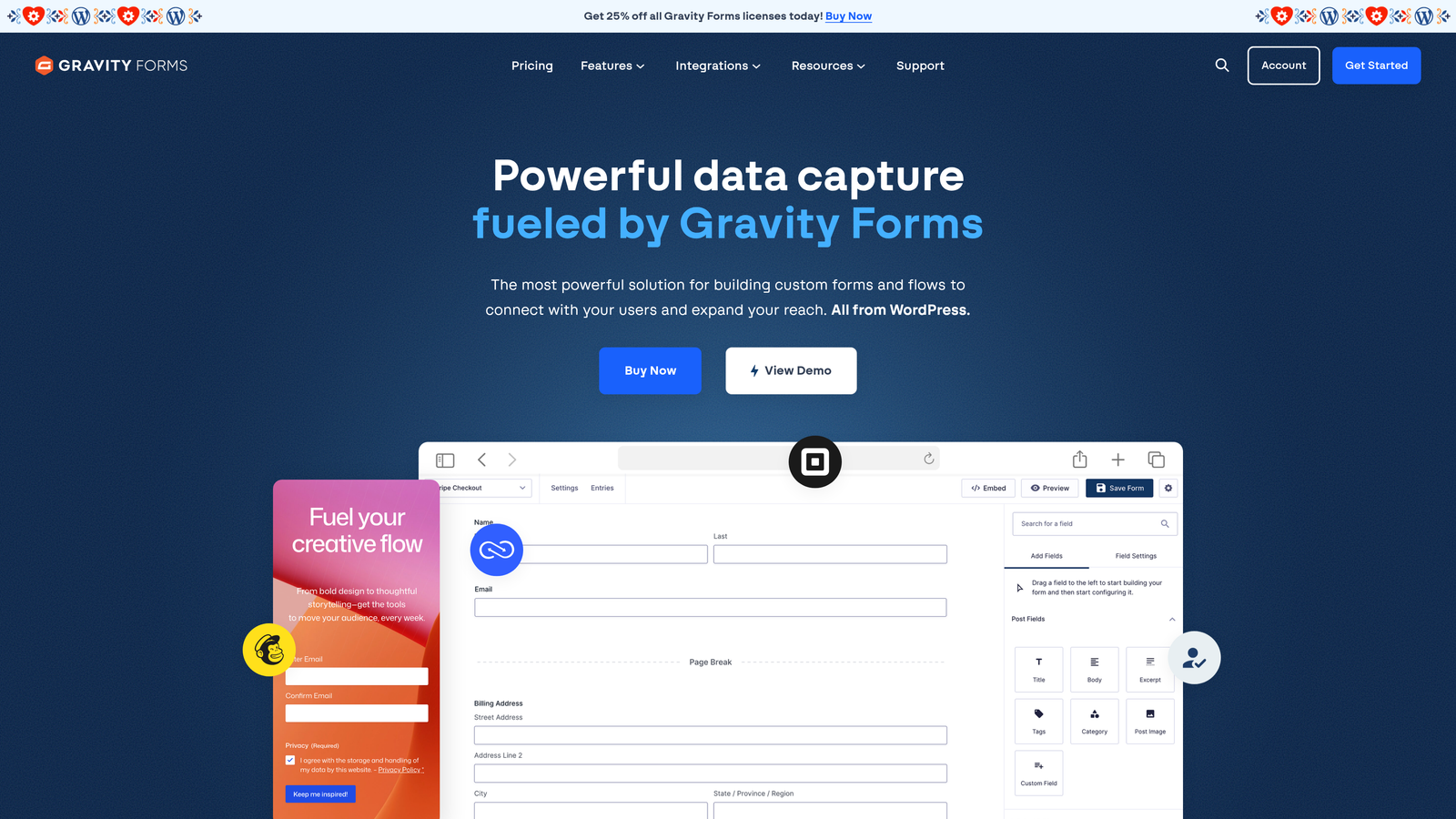
Gravity Forms is a WordPress-exclusive form plugin with a strong reputation for advanced logic, payment support, and a robust developer ecosystem.
Where This Tool Shines
For teams running their marketing site on WordPress, Gravity Forms offers a level of control that hosted form builders can't match. The conditional logic is genuinely advanced, supporting complex multi-path form flows without requiring custom code. And because it lives inside WordPress, all form data stays within your own infrastructure.
The developer community around Gravity Forms is one of its underrated strengths. A large library of third-party add-ons extends the platform's capabilities significantly, and the hooks and filters system gives developers granular control over form behavior, submission handling, and data routing.
Key Features
Advanced Conditional Logic: Multi-path form flows with complex rule sets, supporting detailed lead qualification scenarios.
Payment Add-Ons: Native integrations with Stripe, PayPal, and Square for transactional forms.
Developer-Friendly Architecture: Extensive hooks and filters for custom workflows, data handling, and third-party integrations.
WordPress Ecosystem Add-Ons: A large library of community and official add-ons that extend form functionality.
Entry Management Dashboard: Built-in submission management within the WordPress admin, with filtering and export options.
Best For
Gravity Forms is the go-to choice for WordPress-based marketing teams, particularly those with developer resources or agency support. It's not relevant for teams on non-WordPress stacks, and the annual licensing model means you need to budget for renewals.
Pricing
Annual license starting from approximately $59/year. Verify current pricing at gravityforms.com.
7. ActiveCampaign Forms
Best for: Email marketing and automation-driven teams already using ActiveCampaign as their core platform.
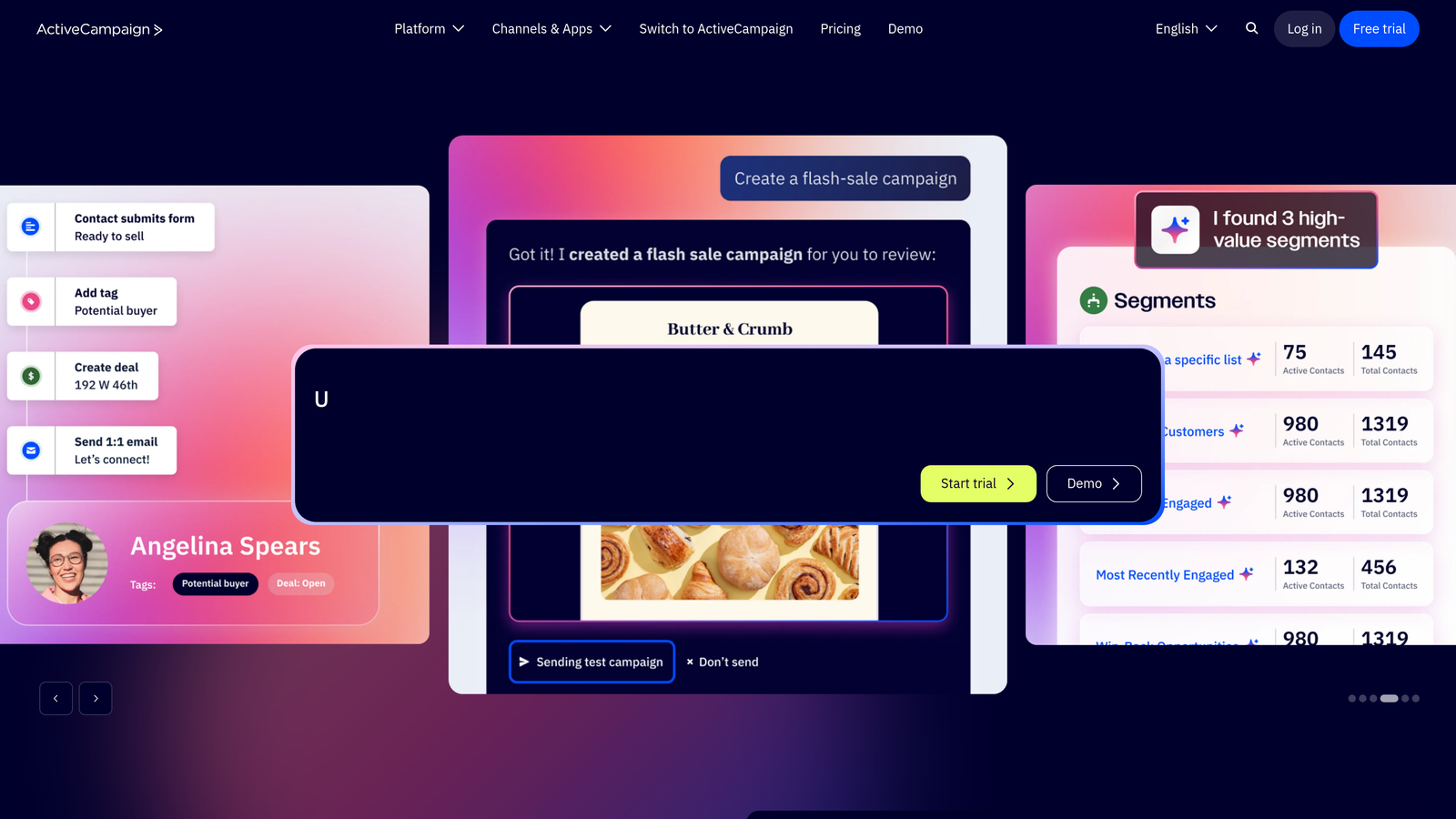
ActiveCampaign Forms is a form builder embedded within ActiveCampaign's email marketing and CRM platform, designed to trigger automation sequences directly from form submissions.
Where This Tool Shines
The core value of ActiveCampaign Forms isn't the form builder itself. It's the immediate, seamless connection between a form submission and an automation sequence. The moment someone fills out a form, they can be tagged, segmented, added to a deal pipeline, and enrolled in a nurture sequence, all without any middleware or manual intervention.
For teams that have invested in building out ActiveCampaign automations, this tight integration means forms become an activation point rather than just a data collection step. Lead scoring updates triggered by form activity add another layer of intelligence to the workflow.
Key Features
Direct Automation Triggers: Form submissions immediately activate ActiveCampaign sequences, eliminating delays in follow-up.
Contact Tagging and Segmentation: Automatically tags and segments contacts based on form responses at the point of submission.
Flexible Display Options: Inline, floating bar, and modal form formats for different placement contexts.
CRM and Deal Pipeline Integration: Connects form activity directly to ActiveCampaign's deal management and contact records.
Lead Scoring Triggers: Form submissions can update lead scores, helping prioritize follow-up based on engagement signals.
Best For
ActiveCampaign Forms is best suited for teams that are already committed to the ActiveCampaign platform and want their forms deeply embedded in their automation workflows. As a standalone form builder outside that ecosystem, it offers limited advantages over dedicated alternatives.
Pricing
Included with ActiveCampaign plans starting from approximately $15/month. Verify current pricing at activecampaign.com.
8. Paperform
Best for: Teams that want a standalone form and landing page hybrid without managing a separate page builder.
Paperform is a hybrid form and landing page builder with a document-style editor that combines text, media, and form fields in a single, flexible canvas.
Where This Tool Shines
Paperform occupies an interesting middle ground between a form builder and a lightweight landing page tool. The document-style editor lets you build a fully branded form page that reads more like a designed experience than a data entry screen. For teams without a dedicated landing page tool, that's a meaningful capability.
Built-in support for payments, bookings, and quizzes means Paperform handles a wider range of use cases than most form builders. Conditional sections adjust the form flow without requiring complex rule configurations, keeping the setup process accessible for non-technical marketers.
Key Features
Document-Style Editor: Combines text, images, video, and form fields in a single canvas for richer form page experiences.
Built-In Payments and Bookings: Supports transactional forms, appointment scheduling, and quiz-based interactions natively.
Conditional Sections: Adaptive form flows that respond to respondent inputs without complex rule-building.
Standalone Branded Form Pages: Custom-branded form pages that work as lightweight landing pages without a separate tool.
Integration Support: Connects via Zapier and native integrations to pass data to CRM and marketing platforms.
Best For
Paperform works well for small to mid-sized marketing teams that need a versatile, standalone form experience without investing in a full landing page platform. It's particularly useful for service businesses, consultants, and teams running event or booking-driven campaigns.
Pricing
Plans start from approximately $24/month. Verify current pricing at paperform.co.
9. Google Forms
Best for: Zero-budget scenarios, internal data collection, and early-stage teams with minimal integration requirements.
Google Forms is a free, straightforward form builder within Google Workspace, built for basic data collection and simple survey use cases.
Where This Tool Shines
Google Forms earns its place on this list for one reason: it's completely free and works reliably within the Google Workspace infrastructure. For teams that need to collect responses quickly without any setup cost or technical overhead, it delivers on that promise without friction.
The native Google Sheets integration means responses flow into a spreadsheet automatically, which works well for teams that are already managing data in Sheets. For internal surveys, early-stage customer research, or simple event signups where branding isn't a priority, Google Forms is a practical zero-cost option.
Key Features
Completely Free: No subscription, no usage limits tied to a paid tier, and no credit card required.
Native Sheets Integration: Responses populate a connected Google Sheet automatically for easy data management.
Basic Branching Logic: Section-based conditional logic for simple question routing.
Easy Sharing: Distribute forms via link, embed, or email with no technical setup required.
Google Workspace Reliability: Backed by Google's infrastructure with consistent uptime and performance.
Best For
Google Forms is appropriate for internal surveys, early-stage data collection, and teams with no form budget. It's not a practical choice for serious marketing lead generation due to limited branding control, minimal integration options, and no native CRM connectivity.
Pricing
Free with any Google account. No paid tiers.
Which Marketing Form Builder Is Right for Your Team?
The right choice here depends heavily on what your marketing stack already looks like and what problem you're actually trying to solve.
If AI-powered lead qualification is a priority, start with Orbit AI. The ability to score and route leads directly at the form level is a meaningful operational advantage for B2B and SaaS teams that are tired of manually triaging form submissions in their CRM.
If you're deep in the HubSpot ecosystem, HubSpot Forms is the obvious call. The native CRM sync and progressive profiling features are difficult to replicate with third-party tools, and the free tier makes it an easy starting point.
Running high-volume paid campaigns? Unbounce's form-on-landing-page approach is hard to beat when every click costs money and you need forms and pages optimized together. For WordPress-based teams with developer resources, Gravity Forms offers unmatched control and extensibility. And for teams on a tight budget that need basic data collection without any cost, Google Forms handles the fundamentals reliably.
Before committing to any platform, ask yourself three questions. Does it integrate cleanly with your existing CRM and automation stack? Does it support the conditional logic your campaigns require? Can it scale with your lead volume without the pricing becoming a burden?
The best marketing form builder isn't the one with the most features. It's the one that fits your workflow, qualifies your leads intelligently, and feeds your pipeline with data your sales team can actually act on.
If conversion optimization and lead quality are your top priorities, start building free forms today and see how intelligent form design can elevate your conversion strategy.


