

Registration forms are often the first real interaction a prospect has with your brand. A clunky, generic form can kill conversions before they even start, whether you're running event signups, onboarding new users, or qualifying inbound leads. The software you choose shapes that experience from first click to submission.
This comparison covers six of the best registration form software tools available in 2026, evaluated on ease of use, customization, conditional logic, integrations, lead qualification capabilities, and pricing. The focus is specifically on tools that serve high-growth teams who care about conversion rates, not just form completion.
If you need a quick answer: Orbit AI leads the pack for teams that need AI-powered lead qualification baked directly into their forms. But the right choice depends on your workflow, team size, and what you need beyond basic registration collection. Let's break it down.
1. Orbit AI
Best for: High-growth SaaS and B2B teams that need lead qualification built into their forms
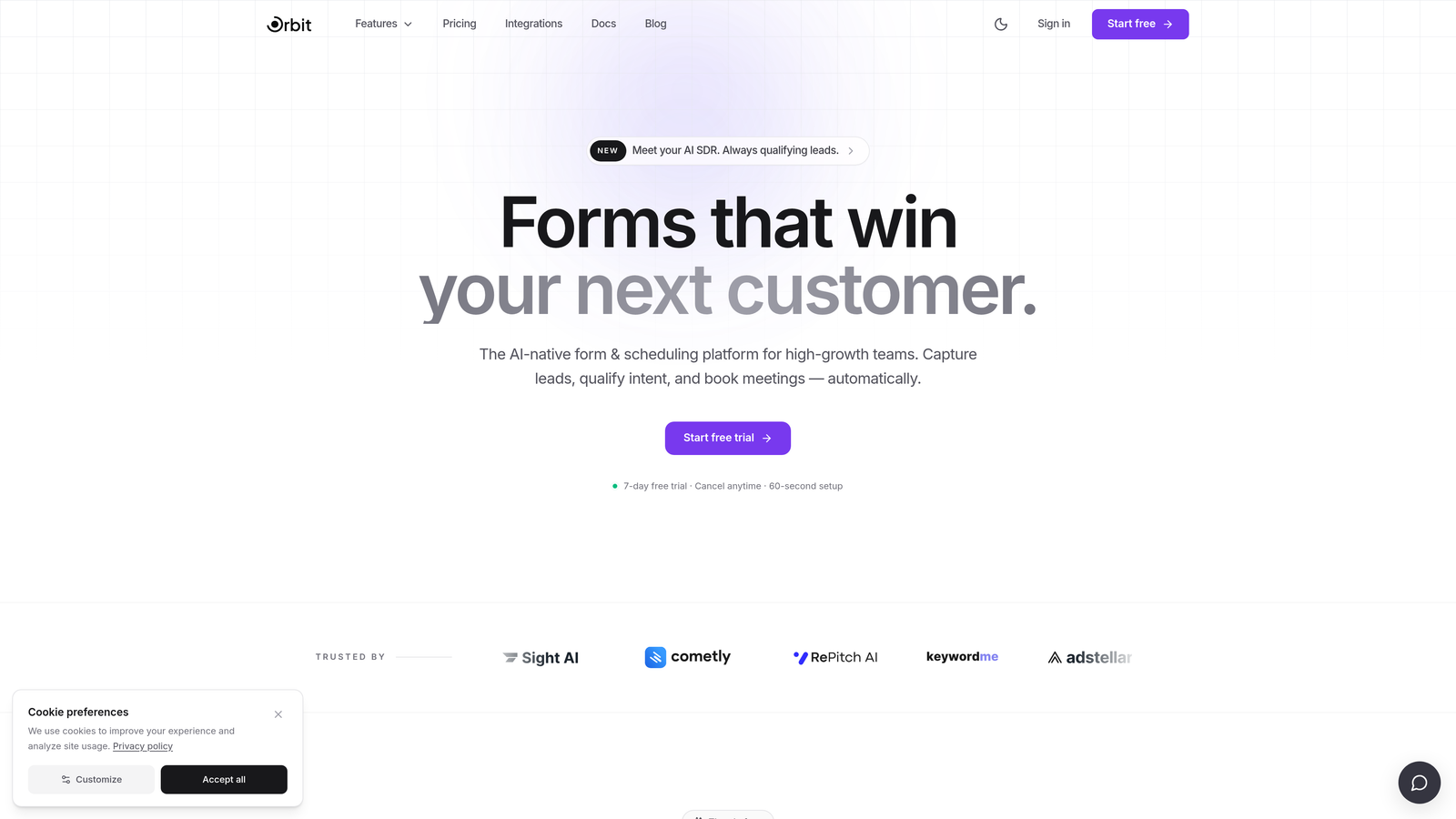
Orbit AI is an AI-powered form builder with native lead qualification and conversion optimization designed for modern growth teams.
Where This Tool Shines
Most form builders collect data and hand it off. Orbit AI goes a step further by qualifying leads at the form level, scoring and routing respondents automatically before they ever hit your CRM. That means your sales team spends time on the right leads, not cleaning up noise from unqualified submissions.
The design quality is also worth calling out. Orbit AI's forms are clean, modern, and built to reflect the kind of brand experience high-growth SaaS companies expect. You're not fighting a template that looks like it was built in 2015.
Key Features
AI-Powered Lead Qualification: Automatically scores and routes respondents based on their answers, reducing manual review time.
Conversion-Optimized Design: Modern, clean UI built to maximize form completion rates without sacrificing visual quality.
Dynamic Conditional Logic: Personalize registration flows based on respondent answers, creating a tailored experience for each user.
CRM and Marketing Integrations: Connect with the tools your team already uses to keep data flowing without manual exports.
Built for B2B and SaaS Workflows: Purpose-built for teams focused on lead quality and pipeline efficiency, not just raw submission volume.
Best For
Orbit AI is the strongest fit for SaaS companies, B2B growth teams, and marketing teams running inbound lead generation campaigns. If lead quality is a core KPI and you want qualification to happen before a lead reaches your CRM, this is the tool built for that problem.
Pricing
Visit orbitforms.ai for current pricing and plan details. Plans are designed to scale with growing teams.
2. Typeform
Best for: Teams that want a conversational, brand-forward registration experience
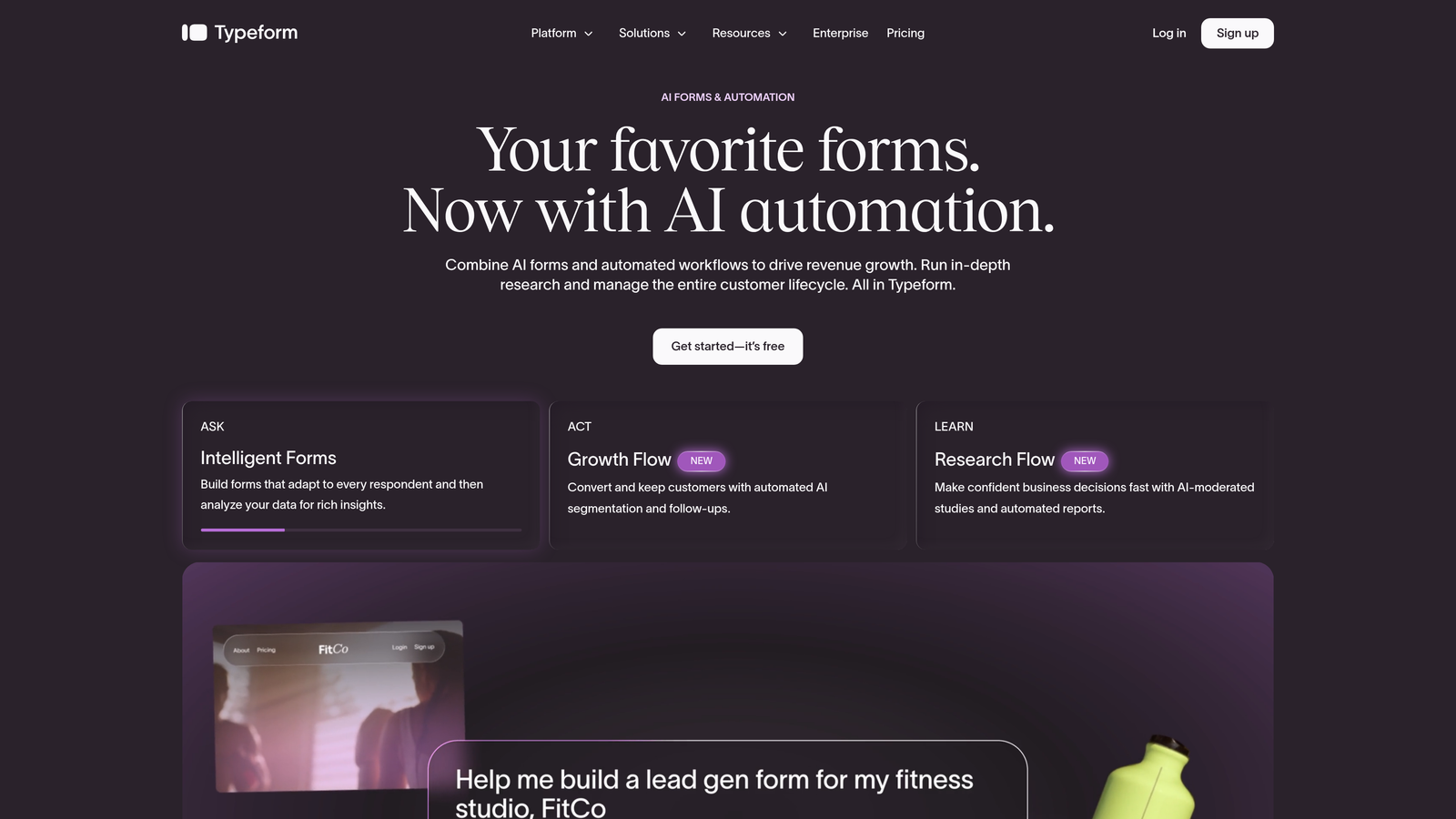
Typeform is a conversational form builder known for its one-question-at-a-time format that creates engaging, visually polished registration flows.
Where This Tool Shines
Typeform's core strength is the experience it creates for respondents. Rather than presenting a wall of fields, it walks users through one question at a time, which tends to feel less overwhelming and more like a conversation. For brand-conscious teams, this format can meaningfully improve completion rates on shorter registration forms.
The visual customization options are solid too. You can align forms closely with your brand identity, and the integration library covers most major CRMs and marketing tools. That said, very long or complex registration flows can feel slightly awkward in the one-at-a-time format.
Key Features
Conversational One-Question UX: Presents fields sequentially to reduce friction and create a more engaging respondent experience.
Logic Jumps: Conditional branching lets you route respondents through different paths based on their answers.
Visual Customization: Strong branding controls including custom colors, fonts, and background media.
Integration Library: Native connections with HubSpot, Salesforce, Slack, and a wide range of other platforms.
Video and Image Embedding: Enrich forms with media to add context or increase engagement during registration.
Best For
Typeform is a strong choice for marketing teams running event registrations, product waitlists, or survey-style onboarding flows where the respondent experience is a priority. It's less ideal for teams that need deep lead scoring or complex multi-step approval workflows.
Pricing
A free plan is available with limited responses. Paid plans start at a monthly fee with higher response limits and advanced features. Check typeform.com for current pricing.
3. Jotform
Best for: Teams managing multiple registration workflows who need template variety and broad integrations
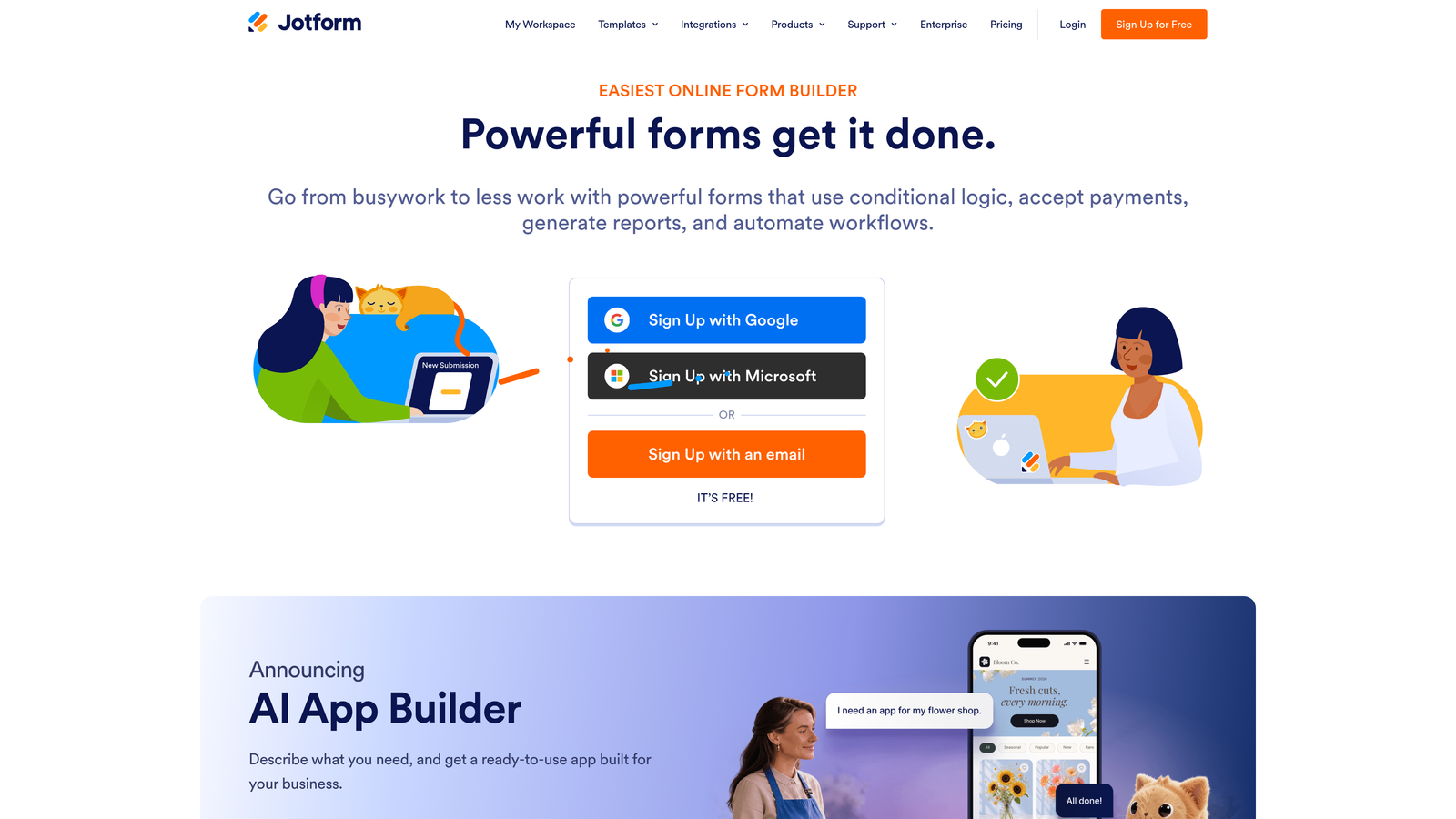
Jotform is a feature-rich form builder with thousands of templates, a broad integration library, and built-in support for payments and approvals.
Where This Tool Shines
Jotform's biggest advantage is sheer depth. If you need a registration form for an event, a workshop, a healthcare intake, or a product demo request, there's almost certainly a template ready to go. The platform has been built out extensively over the years, and that shows in the range of use cases it can handle out of the box.
Beyond templates, Jotform supports conditional logic, multi-step approval workflows, e-signatures, and payment collection all within the same platform. For teams juggling several different registration processes, that consolidation has real value.
Key Features
Thousands of Templates: Pre-built registration form templates covering a wide range of industries and use cases.
Conditional Logic and Approval Workflows: Route submissions through multi-step review processes with automated logic.
Built-In Payment Collection: Accept registration fees or deposits directly through the form without a third-party tool.
Extensive Integration Library: Connects with hundreds of third-party apps including CRMs, email platforms, and project management tools.
HIPAA-Compliant Plans: Available for healthcare organizations and regulated industries that require data compliance.
Best For
Jotform suits operations teams, event coordinators, and organizations running multiple simultaneous registration workflows. It's also a practical option for healthcare or regulated industries that need compliance baked in. Teams looking for cutting-edge lead qualification features may find it less specialized for that use case.
Pricing
A free plan is available. Paid tiers scale with submission volume and feature access. Check jotform.com for current pricing.
4. Paperform
Best for: Teams that want to combine rich content with registration fields in a single, branded page
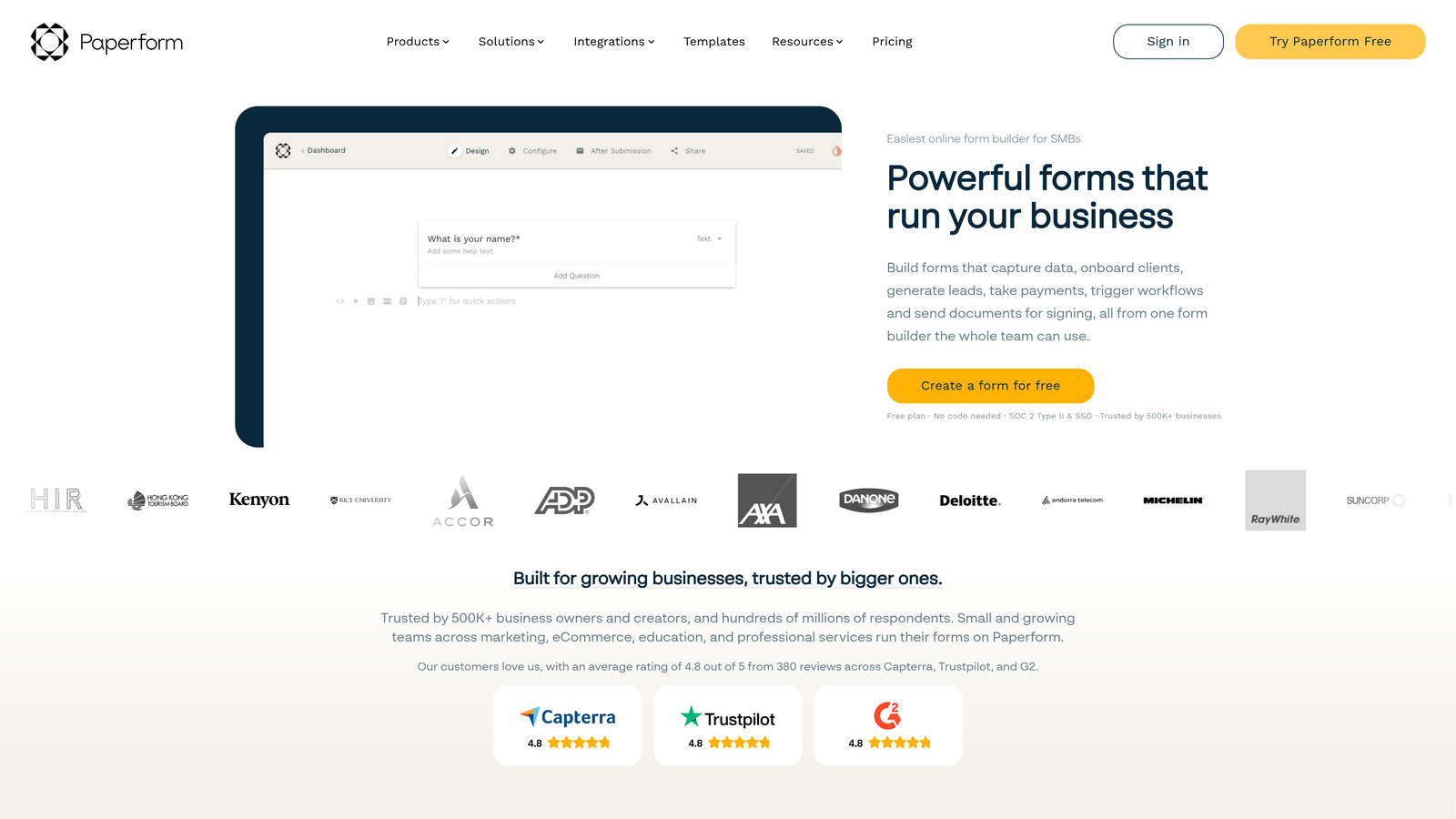
Paperform is a form builder that doubles as a lightweight landing page tool, letting teams embed text, images, and video alongside registration fields.
Where This Tool Shines
Paperform occupies an interesting space between form builder and landing page tool. Instead of separating your event description from your signup form, Paperform lets you build both in one place. You can write rich copy, embed images or video, and then drop form fields directly into the flow. For event registrations that need context and storytelling, this format works well.
The editor is intuitive enough that non-technical team members can build polished pages without design help. Custom domains give the output a professional feel, and the integration options cover most common marketing and CRM workflows.
Key Features
Rich Content Editor: Combine text, images, and video with form fields in a single page layout.
Conditional Logic and Multi-Section Forms: Guide respondents through personalized paths based on their answers.
Payment and Subscription Collection: Accept one-time or recurring payments directly within the form.
Custom Domains and Branding: Publish forms on your own domain for a seamless brand experience.
Native and Zapier Integrations: Connect with popular tools directly or via Zapier for broader workflow automation.
Best For
Paperform is a great fit for event organizers, course creators, and marketing teams who want a form-plus-landing-page experience without maintaining two separate tools. It's less suited to teams that need advanced lead scoring or high-volume enterprise workflows.
Pricing
There is no permanent free plan. Paid plans are available at different tiers. Check paperform.co for current pricing details.
5. Tally
Best for: Early-stage teams and startups with straightforward registration needs and limited budget
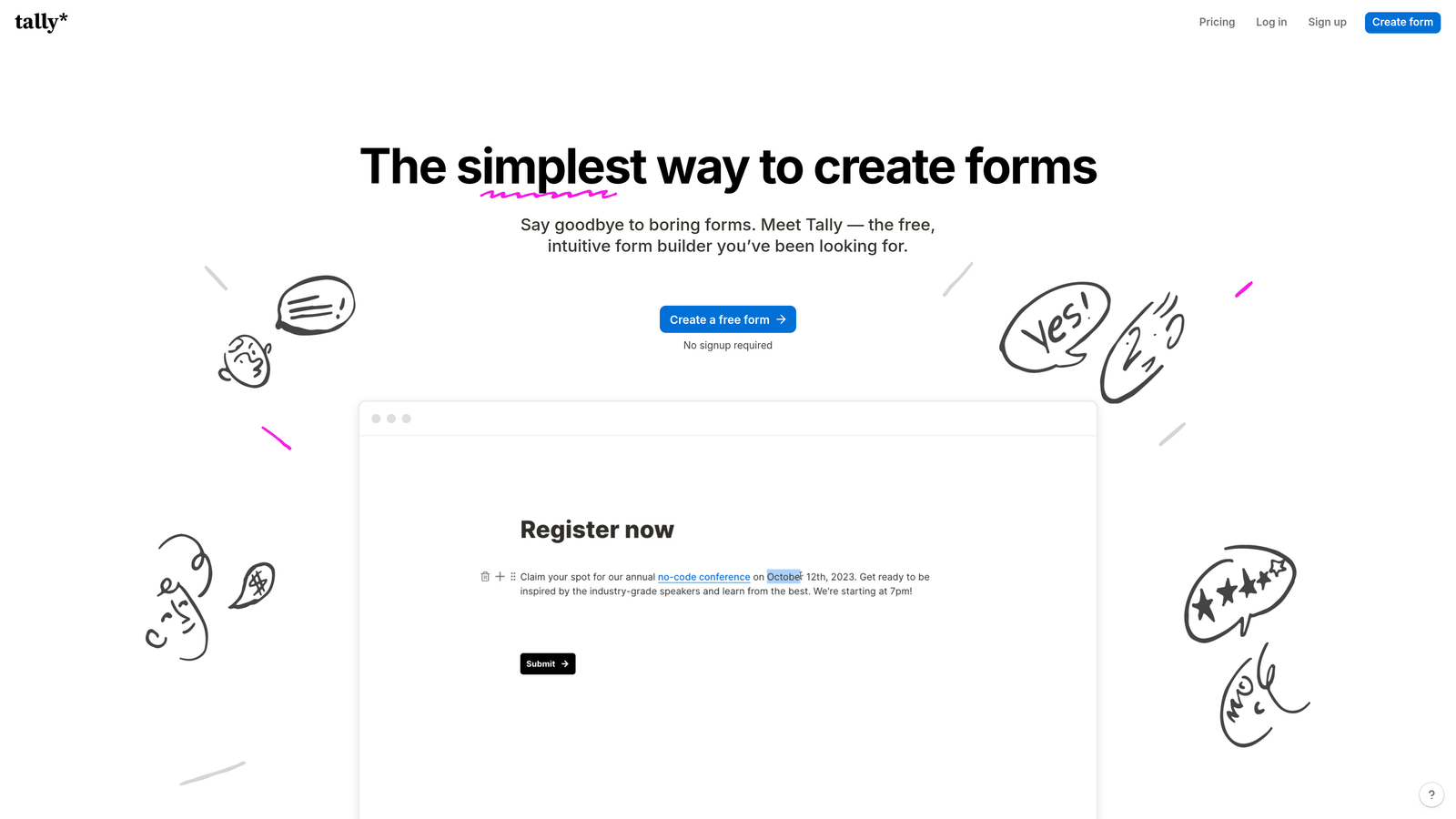
Tally is a minimalist, Notion-style form builder with a generous free tier that makes it one of the most accessible options for simple registration workflows.
Where This Tool Shines
Tally's appeal is its simplicity and generosity. The free plan includes unlimited forms and unlimited responses, which is genuinely rare in this category. If you're an early-stage startup or a small team that just needs clean, functional registration forms without a monthly bill, Tally is hard to beat on pure value.
The Notion-style block editor makes building forms feel intuitive for teams already familiar with that kind of interface. The output is clean and distraction-free, which works well for straightforward signups and event registrations that don't require complex logic or branding customization.
Key Features
Unlimited Forms and Responses on Free Plan: Build and collect without hitting submission caps, even on the free tier.
Notion-Style Block Editor: Familiar, approachable editing experience that non-technical users pick up quickly.
Clean Form Output: Minimal, distraction-free design that keeps focus on the registration fields.
Conditional Logic: Available on paid plans for teams that need branching and dynamic fields.
No Tally Branding on Free Tier: A notable differentiator from other tools that watermark free plan forms.
Best For
Tally is best for early-stage startups, indie makers, and small teams running simple registration or signup flows. Teams that need advanced lead qualification, deep CRM integration, or enterprise-grade features will quickly find themselves needing to look elsewhere.
Pricing
A generous free tier is available with no submission limits. A Pro plan unlocks conditional logic and additional features. Check tally.so for current pricing.
6. Formstack
Best for: Enterprise teams and regulated industries that need compliance, workflow automation, and document generation
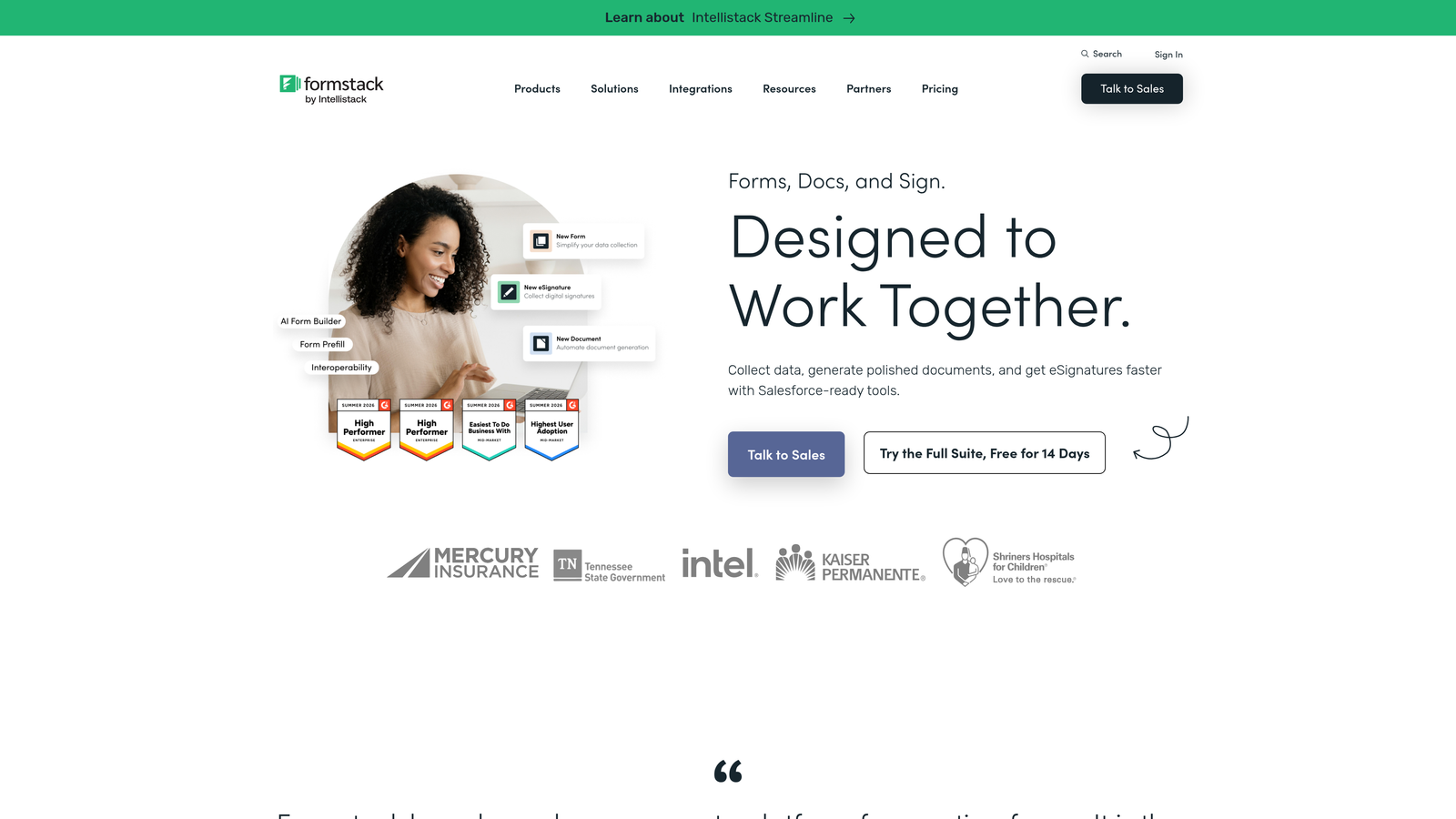
Formstack is an enterprise-grade form and workflow platform with HIPAA compliance, document generation, e-signatures, and multi-step automation built in.
Where This Tool Shines
Formstack is built for organizations where registration is just one step in a larger, more complex workflow. Think healthcare intake forms that trigger document generation and require e-signatures, or enterprise onboarding processes that route through multiple approval stages. The platform is designed to handle that kind of operational complexity reliably.
The compliance capabilities are a genuine differentiator. HIPAA-compliant forms, enterprise security controls, and advanced data routing make Formstack one of the few form tools that regulated industries can deploy with confidence. The tradeoff is a steeper setup curve and a price point that reflects the enterprise positioning.
Key Features
HIPAA-Compliant Forms: Purpose-built compliance features for healthcare and other regulated industries.
Multi-Step Workflow Automation: Route submissions through approval chains and automated processes.
Document Generation and E-Signatures: Create documents from form data and collect signatures without leaving the platform.
Advanced Data Routing and Conditional Logic: Direct data to the right systems and people based on form responses.
Enterprise Security and Access Controls: Role-based permissions and security features suited to larger organizations.
Best For
Formstack is the right choice for healthcare organizations, financial services teams, and large enterprises that need compliance, document workflows, and multi-step approvals. It's overkill for most SaaS startups or marketing teams with standard registration needs.
Pricing
Formstack's pricing reflects its enterprise feature set and is higher than most consumer-grade tools. Check formstack.com for current plan details.
Which Registration Form Tool Is Right for You?
The best registration form software depends on what you actually need beyond a form that collects data. Here's a quick way to think through the decision.
Lead qualification is your priority: Go with Orbit AI. It's the only tool in this list that qualifies and scores leads at the form level, which is a meaningful advantage for SaaS and B2B teams focused on pipeline quality. The modern design and conversion-focused approach make it a strong all-around choice for high-growth teams.
Conversational experience matters most: Typeform is the natural pick. Its one-question-at-a-time format creates a more engaging respondent experience, particularly for shorter registration flows where brand impression counts.
You need template variety and workflow breadth: Jotform covers more use cases out of the box than almost any other tool here. If your team manages multiple different registration workflows, the template library and built-in approval features are genuinely useful.
You want forms and landing pages in one place: Paperform is built for exactly that. Event registrations that need context, copy, and a polished page layout benefit from its rich content editor approach.
Budget is tight and requirements are simple: Tally's free tier is genuinely hard to beat for early-stage teams. Unlimited forms and responses with no branding watermark gives you a lot of runway before you need to upgrade anything.
You operate in a regulated industry: Formstack is the clear call for healthcare, finance, or any organization where compliance, document generation, and multi-step approvals are non-negotiable requirements.
If you're building for growth and lead quality is part of how you measure success, the form experience deserves more than a generic template. Start building free forms today with Orbit AI and see how intelligent form design can elevate your conversion strategy from the very first interaction.


