

Manually handling requests through email or spreadsheets is a recipe for chaos. Critical information gets lost, follow-ups are inconsistent, and valuable time is wasted on administrative tasks that prevent your team from focusing on high-impact work. A well-designed request form template solves this by standardizing intake, ensuring you capture the exact information you need, every time. This approach transforms disorganized communication into a structured, automated workflow.
This guide explores the 12 best resources for request form templates, from AI-powered platforms like Orbit AI that qualify leads automatically to simple, printable documents for internal use. We move beyond generic lists to provide a detailed analysis of each tool. You’ll find screenshots, direct links, and practical implementation guidance for use cases ranging from sales demos and IT tickets to creative briefs and time-off requests. For more advanced workflow automation, consider how incorporating custom fields for requests can enhance data collection and personalization in your forms. Our goal is to help you select the perfect tool to streamline your processes, improve data accuracy, and reclaim valuable time.
1. Orbit AI
Orbit AI earns its top position by fundamentally reinventing what a request form can do. It moves beyond simple data collection, transforming every submission into an intelligently qualified conversation. Built for high-growth B2B teams, this platform combines a visually intuitive form builder with a powerful, always-on AI SDR. This allows users to not only create a professional request form template in minutes but to also automate the critical first steps of lead qualification and enrichment.
The platform's core strength lies in its ability to surface sales-ready opportunities automatically. Its AI analyzes submissions, enriches lead data, and applies smart scoring, enabling sales teams to focus their efforts on the highest-potential leads. This functionality is supported by enterprise-grade security (including GDPR readiness) and seamless integration with over 50 CRMs and marketing automation tools.
Key Strengths and Use Cases
- AI-Driven Lead Qualification: An integrated AI SDR works 24/7 to enrich lead context and assign a qualification score. This is ideal for sales teams looking to prioritize inbound leads from demo or quote request forms without manual effort.
- High-Performance Forms: The visual builder creates lightning-fast forms that are optimized for conversion. Customers frequently report superior performance and a cleaner user experience compared to legacy builders.
- Actionable Analytics: Real-time dashboards provide insights into form drop-off points and conversion trends, allowing marketers to quickly identify friction and optimize their templates for better results.
Orbit AI offers a 7-day free trial, making it easy to test its templates. While detailed pricing for paid tiers requires contacting sales, the platform’s combination of speed, intelligence, and integration positions it as the definitive choice for teams seeking to maximize their pipeline from every form.
Website: https://orbitforms.ai
2. Jotform
Jotform stands out for its sheer volume and variety of templates, making it an excellent resource for teams needing a request form template for nearly any operational scenario. From HR and IT to procurement and facilities management, its library is one of the most comprehensive available. The platform’s primary strength is its speed of deployment; you can select a template, customize it with a user-friendly drag-and-drop builder, and embed it on your site in minutes.
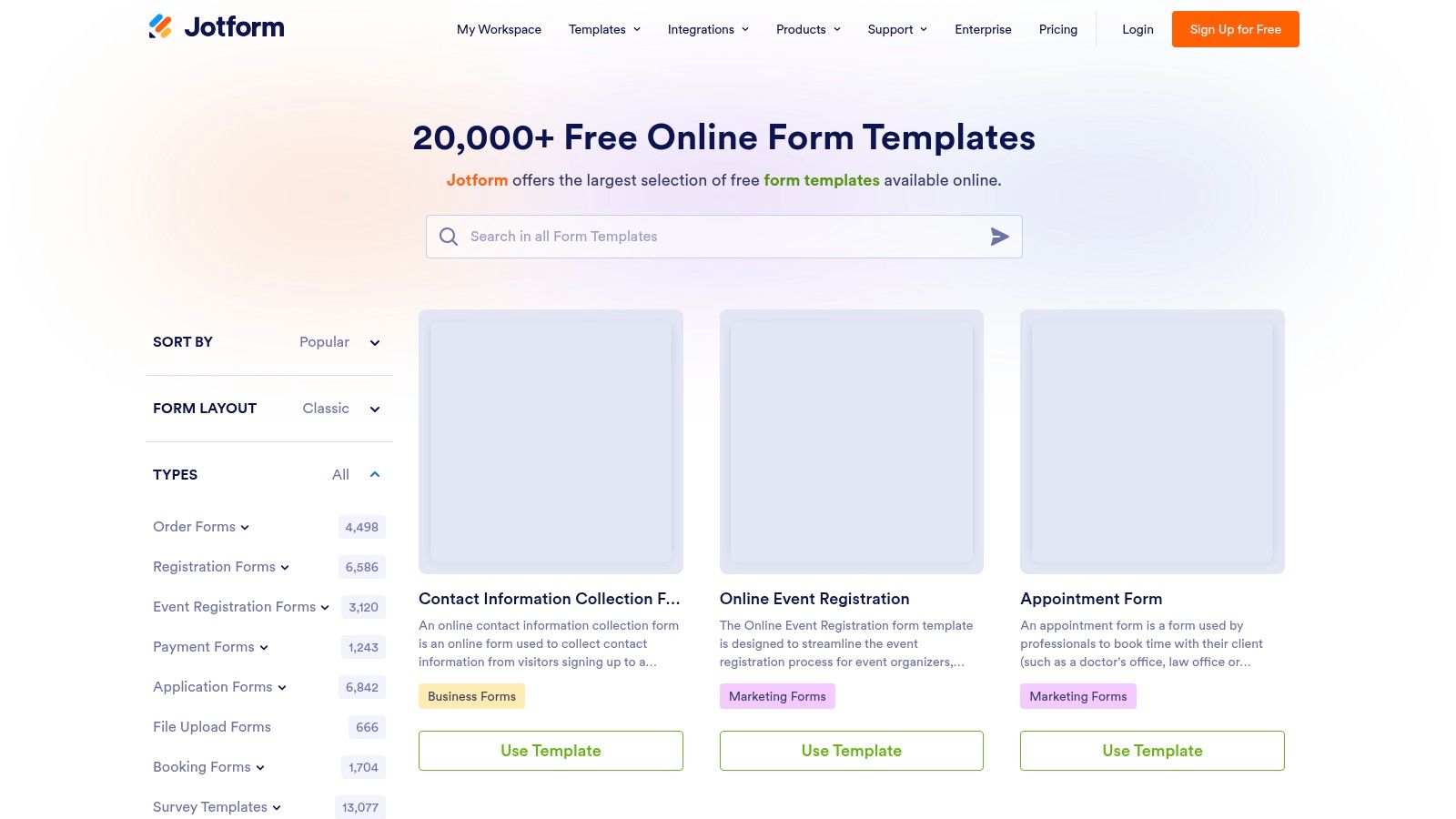
This makes it a go-to for internal business processes where a quick, functional solution is prioritized over deep customization or branding. Submissions are neatly organized in Jotform Tables, which functions like a lightweight spreadsheet, simplifying data management without needing complex integrations. While Jotform's free plan is generous, users needing to remove branding or access higher submission limits must upgrade to a paid plan. This platform is ideal for operational efficiency, differing from tools focused on lead generation, which require more specialized intake form templates.
Key Features and Considerations
- Template Library: Hundreds of categorized templates for purchase requests, maintenance tickets, and more.
- Customization: No-code editor with support for conditional logic, file uploads, and e-signatures.
- Deployment: Share forms via a direct link or embed them directly into any website or CMS.
- Pricing: A free plan is available with Jotform branding and limits on submissions and storage. Paid tiers unlock advanced features and remove these restrictions.
3. Typeform
Typeform excels at creating visually polished, conversational request forms that feel more like a friendly chat than a static questionnaire. Its one-question-at-a-time approach is optimized for user engagement, making it a top choice for customer-facing scenarios like demo requests, service inquiries, or quote requests. The platform’s strength lies in its ability to blend brand identity seamlessly into the form experience, ensuring a professional and interactive journey for the user.
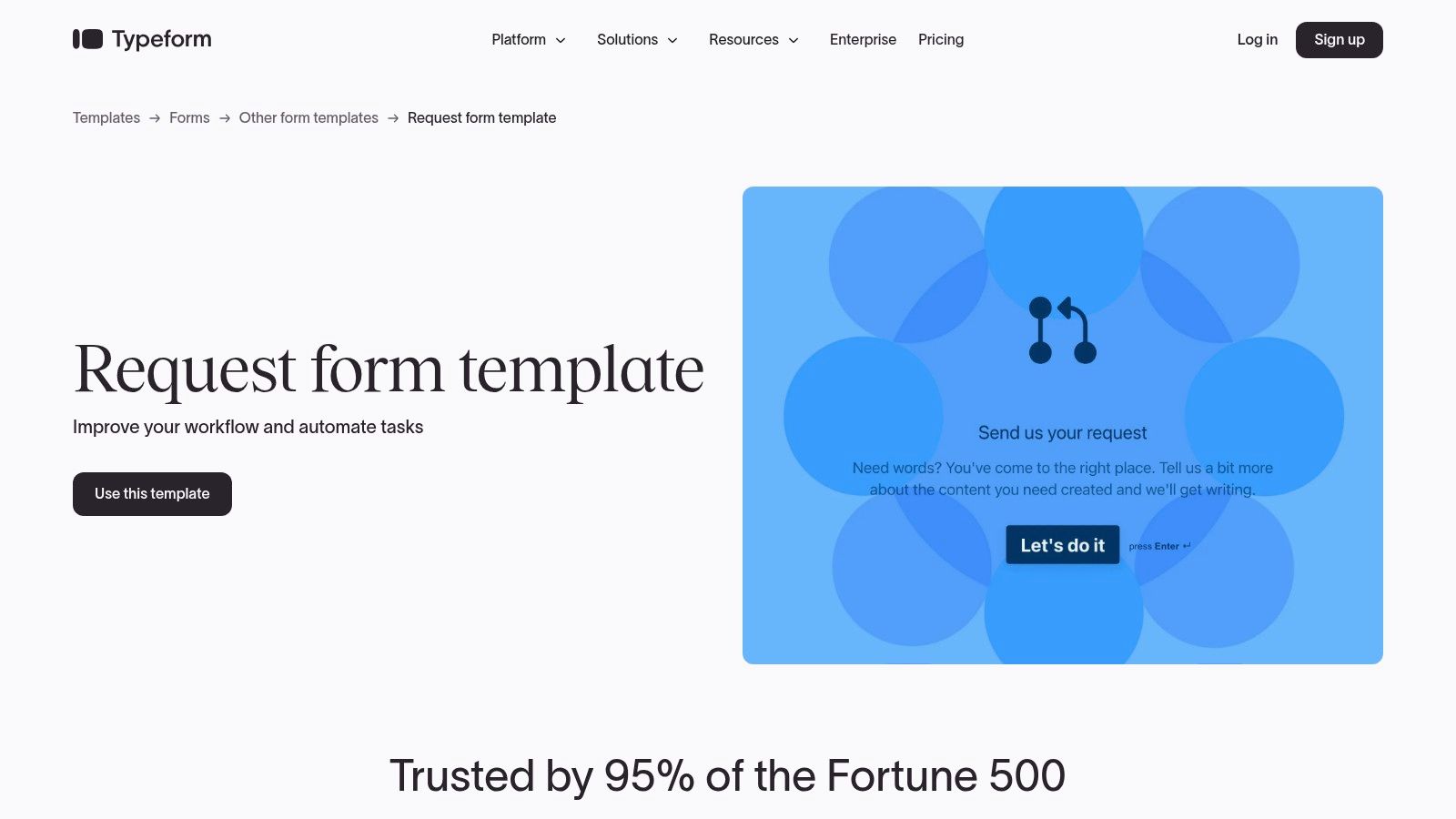
This makes it ideal for marketing and sales teams where completion rates are critical. Powerful logic jumps and conditional flows guide users down personalized paths based on their answers, improving data quality and the user experience. While its template library is less extensive for niche internal processes compared to others, its focus on engagement makes it a powerful tool for lead generation. For teams exploring similar conversational tools, there are several powerful Typeform alternatives that offer different feature sets.
Key Features and Considerations
- Conversational UX: The signature one-question-at-a-time format helps reduce form fatigue and boost completion rates.
- Brand Customization: Extensive design options allow for full brand alignment with custom fonts, colors, and backgrounds.
- Logic Jumps: Create dynamic, smart forms that react to user input for a more relevant experience.
- Pricing: A free plan is available with Typeform branding and response limits. Paid plans are required to unlock advanced logic, remove branding, and access key integrations.
4. Microsoft Create (Microsoft Forms Templates)
For teams deeply embedded in the Microsoft 365 ecosystem, Microsoft Create offers a straightforward and frictionless way to deploy internal request forms. Its strength lies in seamless integration with tools like SharePoint, Teams, and Power Automate, making it an excellent choice for operational requests such as IT support tickets, HR inquiries, or departmental feedback. The platform is designed for simplicity and speed, allowing users to select a pre-made request form template and customize it within the familiar Microsoft Forms interface.
This browser-based approach requires no software installation, making it highly accessible for any team member with a Microsoft account. While its design flexibility is more limited than dedicated form builders, it excels at standardized data collection where function trumps form. It serves as a practical, no-cost option for internal processes, distinguishing it from more advanced lead capture tools that often require a dedicated alternative to Google Forms for better integration and analytics.
Key Features and Considerations
- Template Library: Offers a focused selection of templates for feedback, customer requests, and general data capture.
- Customization: Simple, user-friendly editor for adding questions, choosing themes, and setting basic rules.
- Deployment: Easily share forms via a direct link, QR code, or embed them within Microsoft 365 applications.
- Pricing: Included with most Microsoft 365 business and educational subscriptions at no additional cost.
5. Smartsheet
Smartsheet excels by bundling a request form template with a powerful project management backend, making it ideal for teams that need to not only collect requests but also track, manage, and report on them within a single ecosystem. It offers prebuilt solutions for IT, service, and creative requests that include web forms, automated routing workflows, and real-time dashboards. This integrated approach connects the initial intake directly to the subsequent action and reporting stages, eliminating manual data transfer.
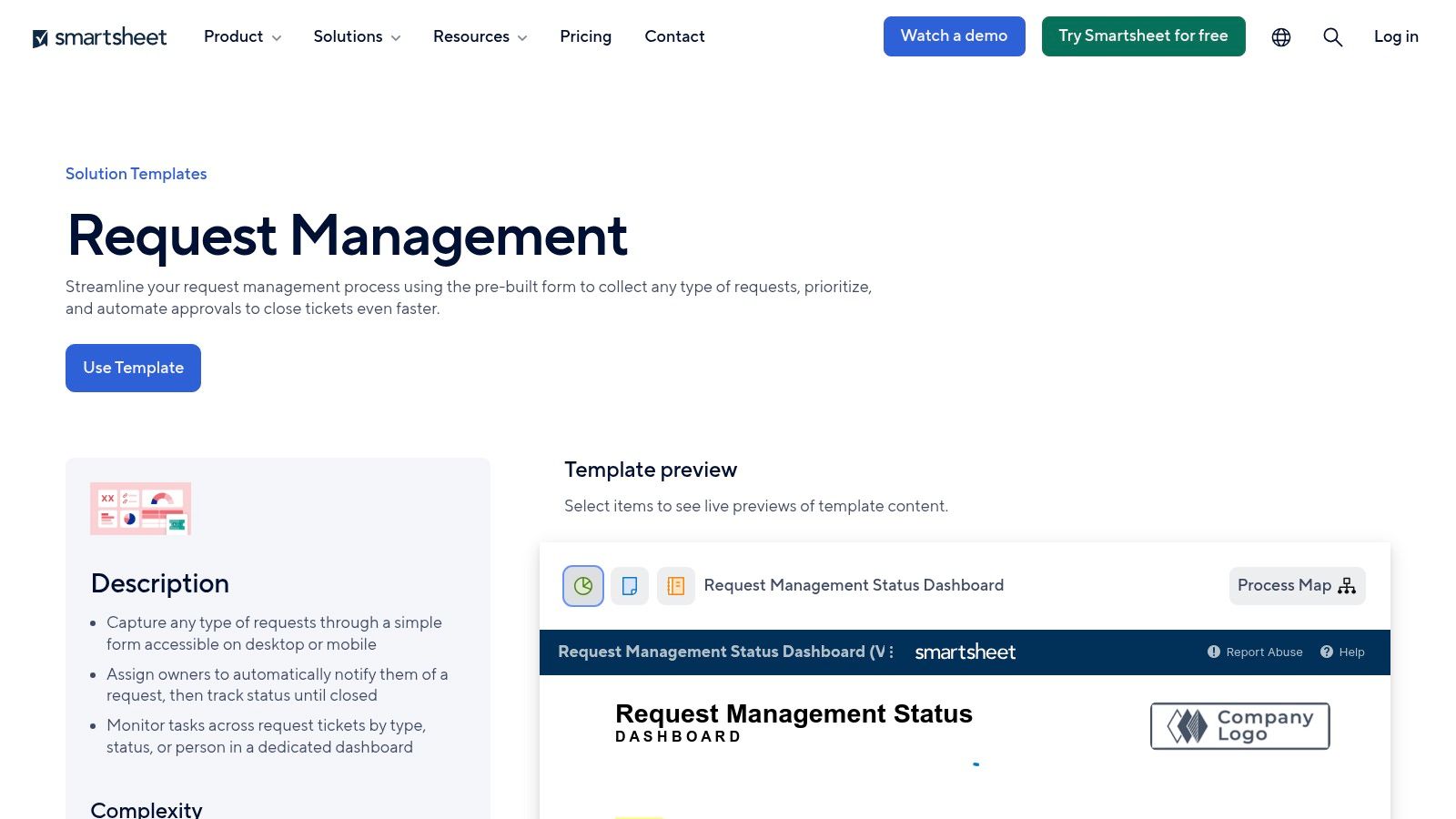
While the full power of its automation is unlocked with a subscription, Smartsheet also provides a generous library of free, downloadable templates in Word, Excel, and PDF formats. This makes it a versatile resource for teams that may need a simple offline process first before scaling up. Its strength lies in operational efficiency, serving internal processes like supply or IT service requests particularly well. For other common internal forms, you can find inspiration in these time off request forms templates.
Key Features and Considerations
- Integrated Solutions: Template sets combine web forms with backend sheets, automation rules, and reporting dashboards.
- Downloadable Templates: Offers free, downloadable request forms in Word, Excel, and PDF for offline use.
- Automation: When used natively, forms can trigger automated approval workflows and status updates.
- Pricing: Free downloadable templates are available. The full integrated experience requires a Smartsheet subscription, with plans starting after a free trial.
6. Template.net
Template.net caters to teams that still rely on traditional, document-based workflows, offering a vast library of printable and editable request form templates. Its strength lies in its format diversity; users can download templates in Word, Google Docs, Apple Pages, or PDF, making it ideal for organizations that require physical copies or prefer managing requests within their existing document ecosystem. This approach is perfect for internal processes like leave requests, IT hardware requisitions, or simple change orders.
Unlike dynamic web form builders, Template.net provides static documents that can be filled out digitally or by hand. This makes it a fast solution for generating standardized forms without needing a dedicated platform. While many templates are free, the platform's full catalog and advanced editing features require a premium subscription. This tool is best suited for straightforward, internal request management where digital automation is not the primary concern.
Key Features and Considerations
- Format Variety: Templates are available in multiple popular formats, including DOCX, PDF, and Google Docs.
- Print-Ready Design: Most templates are optimized for standard paper sizes for easy printing and physical filing.
- Broad Catalog: A wide range of specific templates for sponsorship, refunds, maintenance, and IT service requests.
- Pricing: Offers a selection of free templates, with full access and more advanced features locked behind paid subscription plans.
7. Zoho Forms
Zoho Forms is an excellent choice for organizations already invested in the Zoho ecosystem, offering a streamlined way to create and manage internal requests. Its strength lies in its seamless integration with other Zoho applications like CRM and Desk, making it a powerhouse for automating operational workflows. The platform provides a solid collection of a request form template for common business needs, such as asset requests, IT support tickets, and software installation requests, with practical defaults built-in.
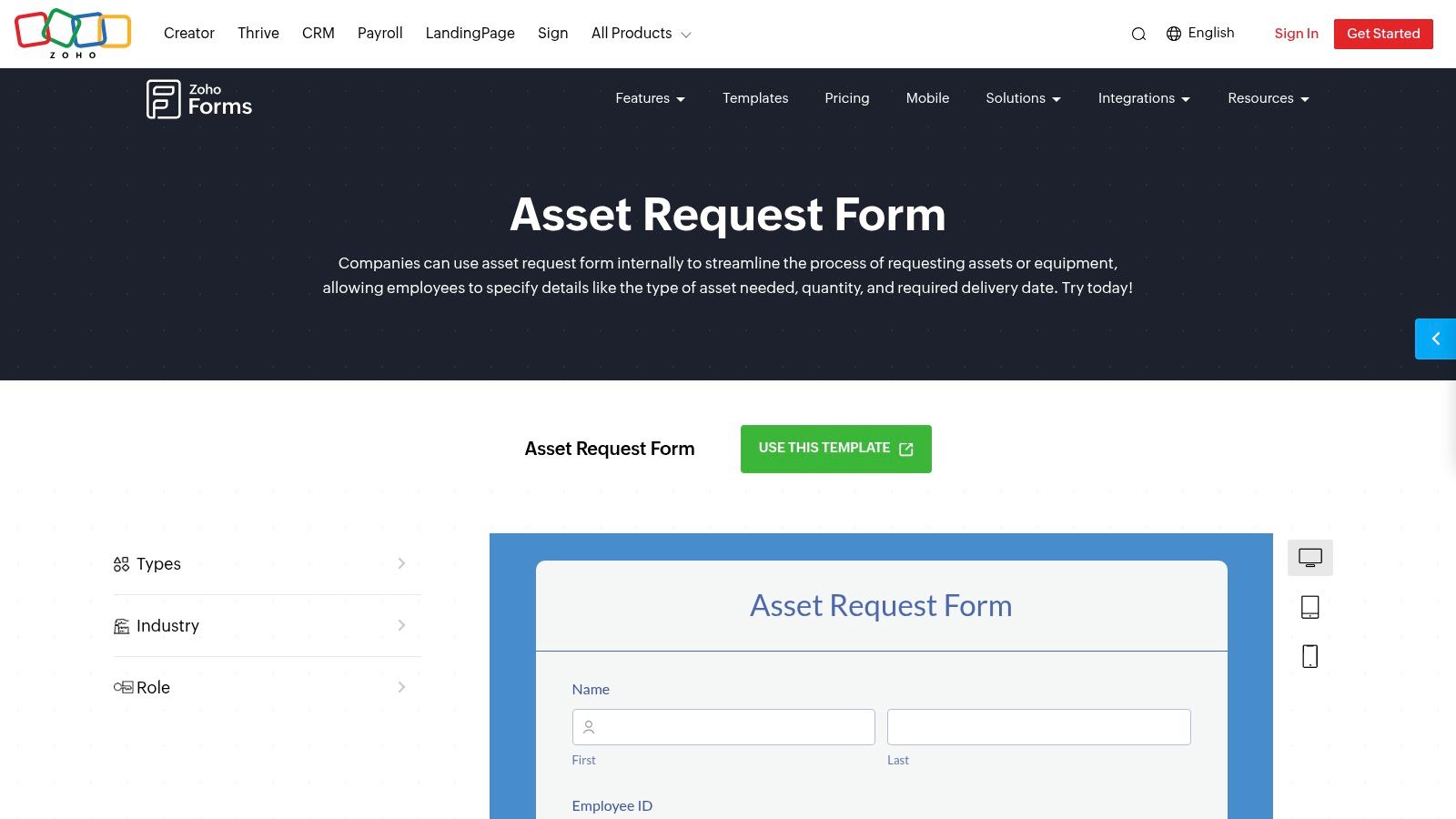
This makes it ideal for teams focused on internal efficiency and process management rather than external lead capture. While its template library isn't as vast as some competitors, the templates it does offer are functional and well-suited for department-specific tasks. The true value emerges when you connect form submissions to automated approval flows and data management systems within Zoho, turning a simple request into a trackable, actionable task. Users will need a Zoho Forms account to get started.
Key Features and Considerations
- Ecosystem Integration: Natively connects with Zoho CRM, Desk, and other apps for end-to-end process automation.
- Internal Focus: Templates are optimized for operational requests like IT, HR, and facilities management.
- Automation: Set up multi-level approval workflows, task assignments, and automated email notifications.
- Pricing: A free plan is available with limitations. Paid plans are required for advanced features, higher submission volumes, and deeper integrations.
8. Paperform
Paperform positions itself as the designer-friendly choice for creating beautiful, highly customized request forms that feel more like dedicated landing pages. It excels where brand aesthetic is a top priority, offering deep theming options and over 20 unique field types like color pickers and file uploads. This makes it a perfect fit for creative-focused tasks, such as building a detailed design or content request form template that needs to capture nuanced visual inputs from stakeholders.
Unlike platforms focused on pure utility, Paperform’s strength lies in merging form and function, allowing users to embed forms or host them as standalone pages complete with payment options. The platform provides a broad feature set suitable for both creative and operational requests, such as reimbursements or records requests. While its advanced capabilities are powerful, they require a subscription after a 14-day free trial and can feel more robust than what's needed for a simple internal ticket.
Key Features and Considerations
- Template Library: Offers a curated selection of templates for creative and operational needs like design and reimbursement requests.
- Customization: Advanced visual editor with extensive theming, 20+ field types, and conditional logic.
- Deployment: Forms can be embedded on any website or hosted on a custom Paperform URL.
- Pricing: A 14-day free trial is available, after which a paid subscription is required to continue using the service and access advanced features.
9. SurveyMonkey
SurveyMonkey is a widely recognized platform best known for surveys, but it also offers a solid selection of prebuilt request form templates. Its primary advantage lies in leveraging powerful analytics and reporting capabilities to process and understand incoming requests. This makes it a great choice for organizations that need to collect, route, and analyze data from support tickets or general business requests within a familiar, enterprise-grade environment. The platform excels at tracking trends and response patterns, offering deeper insights than a standard form builder.
While SurveyMonkey offers fewer niche templates compared to dedicated form builders, its strength is its data-centric approach. The user experience is more aligned with survey creation, which can be a slight adjustment for pure request intake use cases. However, for teams that value robust security, easy sharing options, and the ability to turn request data into actionable reports, SurveyMonkey provides a trusted and effective solution. Implementing a clear structure is key, so reviewing web form design best practices can help optimize your setup.
Key Features and Considerations
- Template Library: Ready-to-use templates for support requests, feedback, and general inquiries.
- Analytics: Strong reporting tools to analyze submission data, track trends, and generate insights.
- Deployment: Share forms easily via links, email invitations, or website embeds.
- Pricing: A free Basic plan is available with significant limitations. Paid plans are required to access advanced logic, customization, and comprehensive analytics features.
10. Cognito Forms
Cognito Forms offers a streamlined and efficient solution for teams needing internal support and operational forms. Its library includes practical, free request form templates like Help Request, Service Request, and Equipment Request, which are perfect for IT, HR, and facilities teams. The platform's no-code, drag-and-drop builder allows for quick customization, including branding, routing, and automated notifications, making it easy to get a functional form up and running with minimal effort.
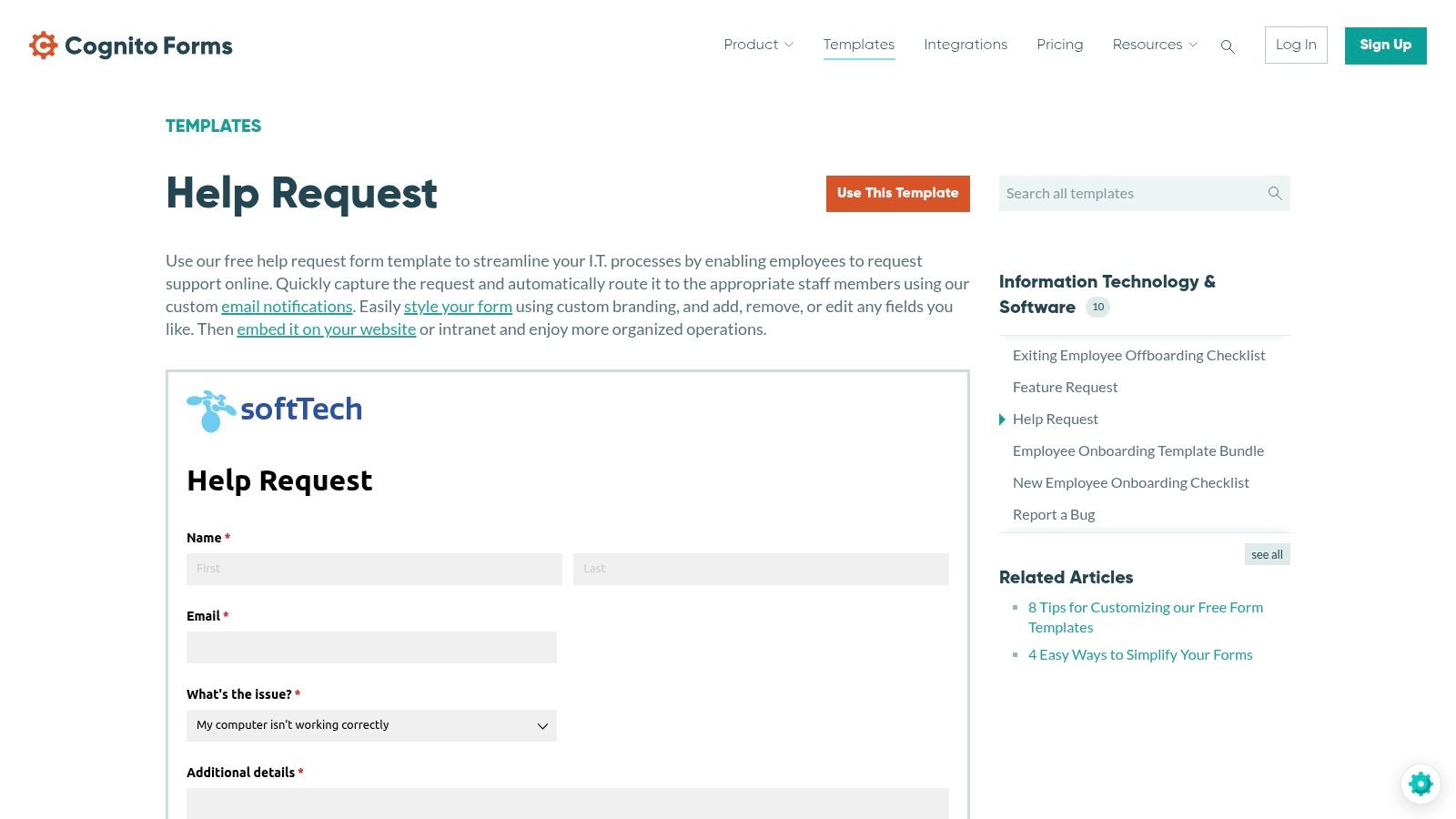
This platform provides exceptional value, especially for small to medium-sized businesses or internal departments looking for a cost-effective starting point. Its strong integration capabilities, particularly with Microsoft Power Automate, make it a natural fit for organizations already within the Microsoft ecosystem. While its template gallery is more focused and less extensive than some larger competitors, Cognito Forms excels at delivering core functionality for internal ticketing and support workflows, ensuring a fast and reliable setup for critical business processes.
Key Features and Considerations
- Template Focus: Strong emphasis on IT-centric and customer service request templates ready to copy.
- Customization: Drag-and-drop editor with options for branding, conditional logic, and calculations.
- Workflow Automation: Built-in routing and notification capabilities to direct requests to the correct teams.
- Integrations: Connects seamlessly with other tools, especially via Power Automate, Zapier, and Make.
- Pricing: A free plan is available, with paid tiers offering more entries, storage, and advanced features.
11. Wufoo
Wufoo is an established and reliable form builder known for its simplicity and speed, making it a solid choice for teams needing a functional request form template without a steep learning curve. Its gallery features over 400 templates covering a wide range of needs, including order forms, registrations, and tracking requests. The platform’s strength lies in its straightforward workflow; users can quickly find a suitable template, copy it into the builder, and deploy it with minimal effort.
This makes Wufoo ideal for small teams or organizations that prioritize function over highly stylized design. While its user interface is more dated compared to modern alternatives, its time-tested reliability ensures that forms are stable and dependable. It integrates with popular tools to support basic automation, allowing for a no-fuss approach to data collection and processing. The platform is best suited for straightforward internal processes rather than complex, customer-facing lead capture funnels.
Key Features and Considerations
- Template Library: Access over 400 pre-built templates for requests, registrations, orders, and tracking.
- Customization: A simple builder allows for basic field adjustments and logic implementation.
- Deployment: Forms can be easily shared via a direct link or embedded on a website.
- Pricing: Offers a free plan with limitations on forms and entries. Paid plans provide higher limits and advanced features like payment integrations.
12. Etsy
Etsy offers a unique alternative for teams seeking a request form template without committing to a software subscription. It's a marketplace where independent designers sell instantly downloadable and editable templates for various business needs, including marketing material requests, service orders, and internal job requisitions. The primary advantage is its simplicity and low cost; you find a design you like, make a one-time purchase, and receive an editable file in formats like Word, Google Docs, or PDF.
This approach is best suited for internal, offline processes where a printable or digitally signed document is sufficient. Unlike dynamic form builders, these are static documents and lack online submission capabilities or data management features. However, for small businesses or departments needing a quick, professionally designed paper trail for internal requests, Etsy provides an affordable and highly customizable solution. The quality and formatting can vary between sellers, so it's important to review item descriptions and reviews carefully.
Key Features and Considerations
- Template Library: A diverse collection of niche business templates from various independent creators.
- Customization: Templates are provided as editable source files (Word, Google Docs, PDF) for easy tailoring.
- Deployment: Best for printing or sharing digitally as an attachment for internal documentation.
- Pricing: Involves a small, one-time purchase fee per template with no recurring subscription costs.
Top 12 Request Form Templates Comparison
| Product | Core features | UX & performance | Unique value / USP | Target audience | Pricing / notes |
|---|---|---|---|---|---|
| Orbit AI — Recommended | Visual builder; AI SDR for qualification & enrichment; real-time analytics; 50+ integrations; enterprise security | Lightning-fast load times; cleaner UX; high conversion vs legacy builders | Always-on AI lead qualification + smart scoring; native collaboration; deep CRM sync | Growth & marketing teams, SDR/BDR, B2B SaaS, agencies, ops teams | Free tier available; paid plans/details via sales |
| Jotform | Hundreds of categorized request templates; drag‑drop builder; conditional logic; file uploads; Jotform Tables | Very fast to launch; broad template coverage | Largest operational template library for many request scenarios | Ops, HR, IT, procurement teams needing quick deployments | Templates free with account; advanced limits/features on paid plans |
| Typeform | Conversational one‑question UX; branding & logic; integrations for routing/automation | High completion rates; highly brandable | Engaging, conversational forms optimized for lead capture | Marketing, CX, customer‑facing lead gen, brand teams | Free to start; best features on paid plans |
| Microsoft Create (Forms) | MS Forms templates; quick share via link; browser‑based; M365 integration | Low friction for M365 users; simple UI | Seamless inside Microsoft 365 ecosystem | Internal teams already on Microsoft 365 | Included with Microsoft accounts / M365 subscriptions |
| Smartsheet | Request templates with web forms, routing, dashboards, automation; downloadable formats | Good for intake + tracking; reporting dashboards | Combines intake forms with project tracking & reporting | Project/operations teams wanting end‑to‑end workflows | Many templates free; full experience requires Smartsheet subscription |
| Template.net | Printable/editable templates in Docs/Word/PDF/Pages; in‑browser editing | Fast path to printable forms; broad catalog | Document-first templates for offline/print workflows | Teams preferring Word/Docs workflows or printable forms | Free templates + premium one‑time downloads |
| Zoho Forms | Department request templates; routing, notifications, attachments; Zoho integrations | Practical defaults for internal approvals; easy adoption in Zoho stack | Tight integration with Zoho CRM & apps | Organizations using Zoho for ops/IT workflows | Free/basic tiers; advanced features on paid plans |
| Paperform | Flexible theming; 20+ field types; pages/embeds; payment support | Strong visual control; designer‑friendly | Forms that double as small landing pages with rich theming | Creative teams, small businesses needing branded forms | 14‑day free trial; subscription required after trial |
| SurveyMonkey | Request/support templates; strong analytics & reporting; enterprise security | Familiar survey UX; robust reporting | Enterprise-grade analytics & sharing for request intake | Organizations needing reporting + intake (enterprise) | Free limited tier; paid plans for analytics/features |
| Cognito Forms | IT/support templates; drag‑drop builder; routing & notifications; Power Automate integrations | Fast setup; good free value | Free starter tier with Power Automate integration options | Small IT/support teams and starters | Free tier available; paid tiers for advanced features |
| Wufoo | 400+ templates; quick "use template" workflow; basic integrations | Fast template-based launches; older UI | Time-tested platform with a large template gallery | Small teams needing straightforward forms | Free limited plan; paid plans for higher limits/features |
| Etsy (templates) | One‑time downloadable templates (Word/Google Docs/PDF); editable source files | Low cost; instant download; printable | Marketplace of niche, low‑cost document templates | Teams needing printable/internal docs without subscription | One‑time purchase (low cost) per template |
Turn Every Request into an Opportunity
The journey through the world of request forms reveals a clear evolution: from static, printable documents to dynamic, intelligent systems. As we've explored, the right request form template is more than just a set of fields; it's the gateway to streamlined workflows, enhanced user experiences, and accelerated growth. The resources covered, from specialized platforms like Orbit AI to versatile builders like Jotform and Typeform, offer a solution for nearly every conceivable business need.
The core takeaway is to shift your perspective. Instead of viewing forms as a passive data collection mechanism, see them as the first, crucial touchpoint in a valuable conversation. This is where you can make a strong impression, reduce friction for your users, and begin the process of understanding their needs on a deeper level.
From Data Collection to Intelligent Automation
The most significant leap forward is the integration of artificial intelligence. Traditional forms gather information, but modern solutions like Orbit AI actively process it. By implementing AI-driven lead scoring and automated data enrichment directly at the point of submission, you transform a simple request into an actionable, pre-qualified opportunity. This frees your sales and support teams from tedious manual qualification, allowing them to focus exclusively on high-potential leads and critical issues.
When implementing any request form template, consider these strategic factors:
- User Experience: Is the form intuitive, mobile-friendly, and concise? A confusing or lengthy form is a primary driver of submission abandonment.
- Integration Capability: Does the form connect seamlessly with your core systems like a CRM, project management tool, or marketing automation platform? Manual data transfer creates bottlenecks and introduces errors.
- Scalability: Will your chosen solution grow with you? Consider factors like submission limits, customization options, and the ability to support more complex logic as your needs evolve.
- Security and Compliance: Ensure the platform adheres to data protection regulations like GDPR, especially when collecting sensitive personal or business information.
Your Next Steps to a Smarter Workflow
Choosing the perfect tool begins with a clear understanding of your primary objective. Are you looking to qualify sales leads, manage internal IT tickets, or gather creative project briefs?
For teams focused on revenue generation and lead qualification, a platform with built-in intelligence is non-negotiable. For internal processes or simple data gathering, a more traditional form builder might suffice. Start by identifying your most significant point of friction, select a template from our list that aligns with your goal, and begin experimenting. The path to a more efficient, automated, and intelligent request management process starts with that single, well-crafted form.
Ready to see how AI can transform your lead capture process? Explore Orbit AI to build intelligent forms that not only collect data but also qualify, score, and enrich leads in real-time. Sign up for Orbit AI today and turn every submission into your next big opportunity.


