

Your forms are often the first real conversation you have with potential customers—and most SaaS teams are losing leads before that conversation even starts. Generic form builders weren't designed for the speed and sophistication that high-growth teams need in 2026.
Modern SaaS form creation platforms go far beyond simple data collection. They qualify leads in real-time, integrate seamlessly with your tech stack, and turn every submission into actionable intelligence.
This guide breaks down the top platforms built specifically for SaaS teams who refuse to leave conversions on the table. We evaluated each tool based on lead qualification capabilities, integration depth, analytics, and overall value for scaling teams.
1. Orbit AI
Best for: High-growth SaaS teams needing AI-powered lead qualification and conversion optimization
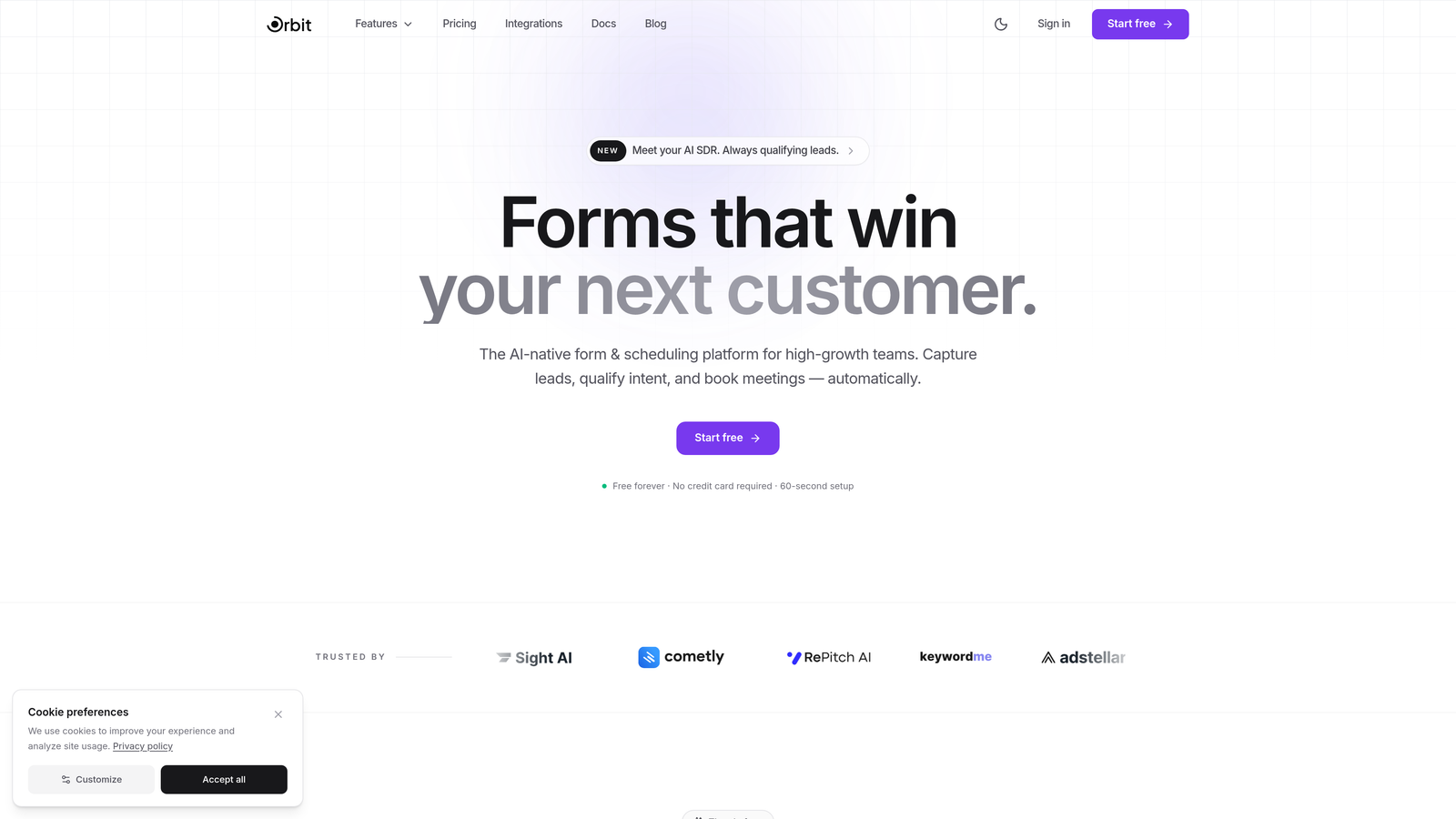
Orbit AI is an AI-powered form builder platform designed specifically for modern SaaS teams focused on turning form submissions into qualified pipeline.
Where This Tool Shines
The platform's standout capability is its intelligent lead qualification engine. Instead of treating every form submission equally, Orbit AI automatically scores and routes leads based on fit and intent signals, letting your sales team focus on prospects most likely to convert.
The conversion-optimized templates are built with SaaS best practices baked in, so you're not starting from scratch every time. The real-time analytics connect form performance directly to revenue outcomes, giving you visibility into which forms actually drive business results.
Key Features
AI-Powered Lead Qualification: Automatically scores and routes leads based on intelligent analysis of form responses and behavioral signals.
Conversion-Optimized Templates: Pre-built form templates designed specifically for SaaS use cases like demo requests, trial signups, and contact forms.
Modern CRM Integrations: Native connections with HubSpot, Close, Attio, and other platforms popular with high-growth teams.
Revenue Analytics: Real-time dashboards that track form performance against pipeline and revenue metrics, not just submission counts.
Automated Workflows: Trigger sequences and routing rules automatically based on form submissions and qualification scores.
Best For
Orbit AI is ideal for B2B SaaS companies with dedicated sales teams who need to qualify inbound leads quickly and accurately. It's particularly valuable if you're drowning in form submissions but struggling to identify which leads deserve immediate attention.
Pricing
Free tier available for teams getting started. Paid plans scale with usage and team size, making it accessible for startups while supporting enterprise needs.
2. Typeform
Best for: Creating beautiful, conversational form experiences with strong brand customization
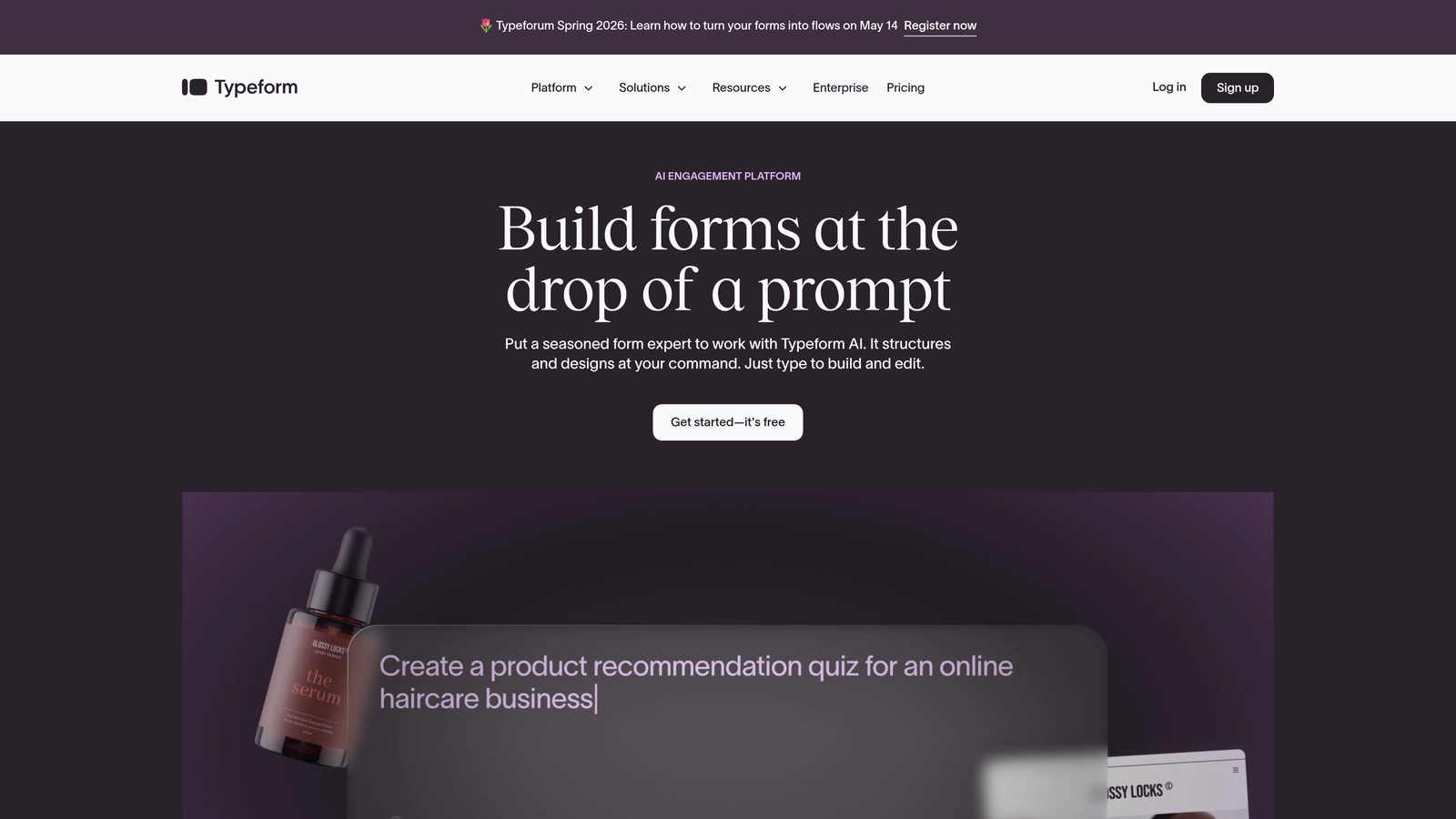
Typeform is a conversational form platform known for its distinctive one-question-at-a-time interface that feels more like a conversation than a traditional form.
Where This Tool Shines
Typeform pioneered the conversational form approach, and they've refined it to an art. The one-question-at-a-time format significantly reduces form abandonment by making long surveys feel manageable. Users report completion rates that often exceed traditional multi-field forms.
The design flexibility is exceptional. You can match your brand identity precisely, from custom fonts and colors to background images and videos. The interface feels modern and polished, which matters when you're trying to make a strong first impression.
Key Features
Conversational Interface: One-question-at-a-time format that guides users through forms with minimal friction and cognitive load.
Extensive Customization: Deep brand customization options including fonts, colors, images, videos, and custom thank-you screens.
Logic Jumps: Conditional branching that adapts questions based on previous answers, creating personalized experiences.
Integration Ecosystem: Native connectors for popular tools plus Zapier support for connecting virtually any application.
Hidden Fields: Pass UTM parameters and other tracking data through forms to maintain attribution across your funnel.
Best For
Typeform works best for teams prioritizing user experience and brand presentation. If you're running surveys, collecting feedback, or creating quiz-style lead magnets, the conversational format delivers exceptional engagement.
Pricing
Free tier available with Typeform branding and limited responses. Basic plan starts at $25/month, with Plus and Business tiers adding advanced logic and team features.
3. Jotform
Best for: Teams needing extensive templates and advanced conditional logic across diverse use cases
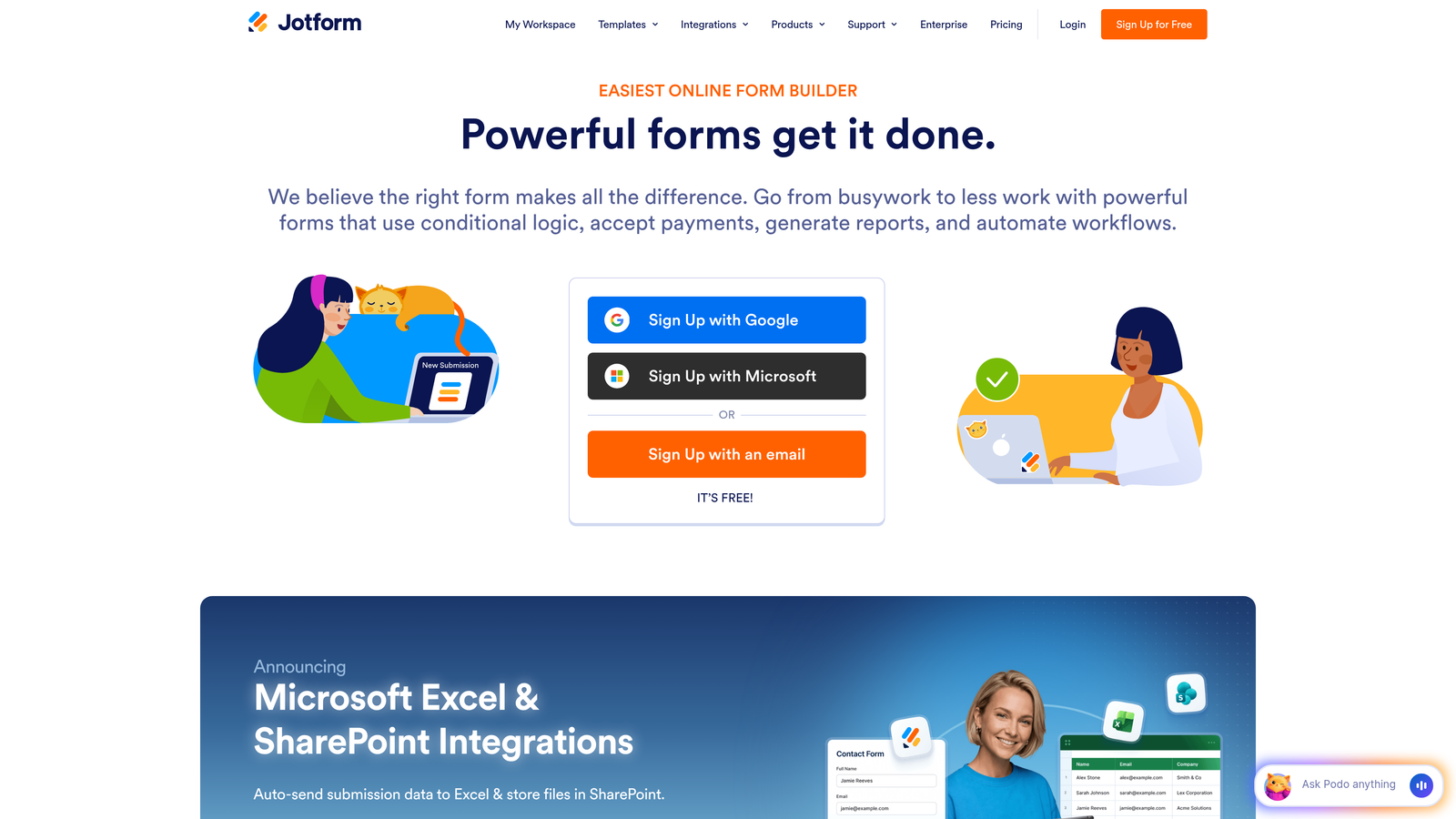
Jotform is a feature-rich form builder offering thousands of templates and powerful customization options for virtually any form requirement.
Where This Tool Shines
The sheer volume of pre-built templates is staggering—over 10,000 options covering industries from healthcare to real estate to education. This means you're rarely building from scratch, saving significant time on initial setup.
The conditional logic capabilities are remarkably sophisticated for a tool at this price point. You can create complex branching scenarios without touching code, making it accessible to non-technical team members while still powerful enough for advanced use cases.
Key Features
10,000+ Templates: Massive library of pre-built forms across virtually every industry and use case imaginable.
Advanced Conditional Logic: Create complex branching and show/hide rules without coding, enabling sophisticated form workflows.
Compliance Options: HIPAA compliance and enterprise security features for regulated industries like healthcare and finance.
Payment Collection: Built-in payment processing with support for multiple gateways, plus e-signature capabilities.
Offline Forms: Mobile app that allows form submissions even without internet connectivity, syncing when connection returns.
Best For
Jotform serves teams with diverse form needs across multiple departments. It's particularly strong for organizations requiring compliance features or those collecting payments directly through forms.
Pricing
Free tier allows up to 5 forms with 100 monthly submissions. Bronze plan starts at $34/month, with Silver and Gold tiers adding storage and advanced features.
4. HubSpot Forms
Best for: Teams already using HubSpot who need seamless CRM integration and progressive profiling
HubSpot Forms is the native form builder within HubSpot's marketing and CRM platform, designed for tight integration with the broader HubSpot ecosystem.

Where This Tool Shines
If you're already using HubSpot, the integration is unmatched. Form submissions automatically create or update contact records, trigger workflows, and feed into your lead scoring models without any middleware or third-party connectors.
Progressive profiling is a standout feature that many standalone form builders lack. Instead of asking returning visitors the same questions repeatedly, HubSpot Forms automatically swaps out known fields for new ones, gradually building richer contact profiles over time.
Key Features
Native CRM Integration: Automatic contact creation and updating with zero configuration, plus instant access to submission history.
Progressive Profiling: Dynamically swap form fields for known contacts to gather new information without repetitive questions.
Smart Content: Personalize form content based on visitor attributes like lifecycle stage, location, or previous interactions.
Built-in A/B Testing: Test different form versions directly within HubSpot and track performance against conversion goals.
Spam Prevention: Advanced bot detection and CAPTCHA options to maintain lead quality without frustrating real users.
Best For
HubSpot Forms makes sense exclusively for teams already committed to the HubSpot ecosystem. If you're using HubSpot CRM or Marketing Hub, this is your default choice for seamless data flow.
Pricing
Free with HubSpot CRM, which includes basic form functionality. Advanced features like progressive profiling and A/B testing require paid Marketing Hub tiers starting at $45/month.
5. Tally
Best for: Bootstrapped teams wanting unlimited forms and responses with a modern, Notion-like interface
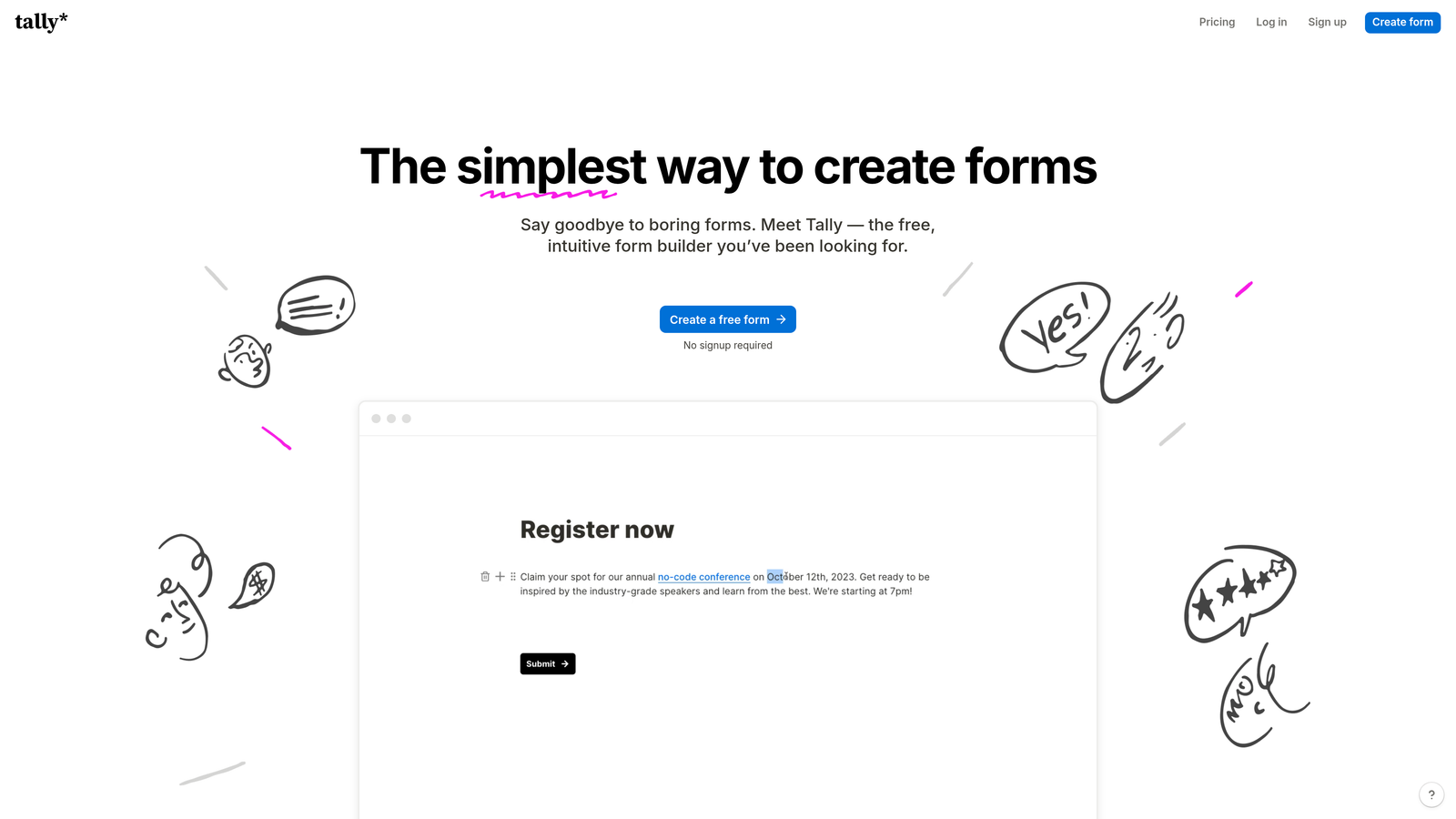
Tally is a free-first form builder with a block-based editor that feels familiar to Notion users, offering unlimited forms and responses on the free tier.
Where This Tool Shines
The free tier is genuinely generous—unlimited forms, unlimited responses, and conditional logic included at zero cost. This makes Tally exceptional for early-stage startups and bootstrapped teams who need professional forms without monthly fees.
The Notion-style interface is intuitive if you're already familiar with block-based editors. You build forms by adding blocks for different question types, making the creation process feel natural and fast.
Key Features
Unlimited Free Tier: No artificial limits on forms or submissions, making it viable for serious use without upgrading.
Block-Based Editor: Notion-style interface that makes form building intuitive for teams already using similar tools.
Conditional Logic: Show or hide questions based on previous answers, included free without feature gating.
Calculations: Perform calculations within forms for quotes, pricing, or scoring without requiring paid tiers.
Fast Performance: Clean, lightweight forms that load quickly and work smoothly across devices.
Best For
Tally is perfect for startups, solopreneurs, and small teams who need solid form functionality without budget for monthly subscriptions. The free tier handles most use cases without feeling limited.
Pricing
Free tier is genuinely powerful with unlimited forms and responses. Pro plan at $29/month adds custom domains, remove Tally branding, and priority support.
6. Paperform
Best for: Creating form experiences that look like landing pages with built-in payment processing
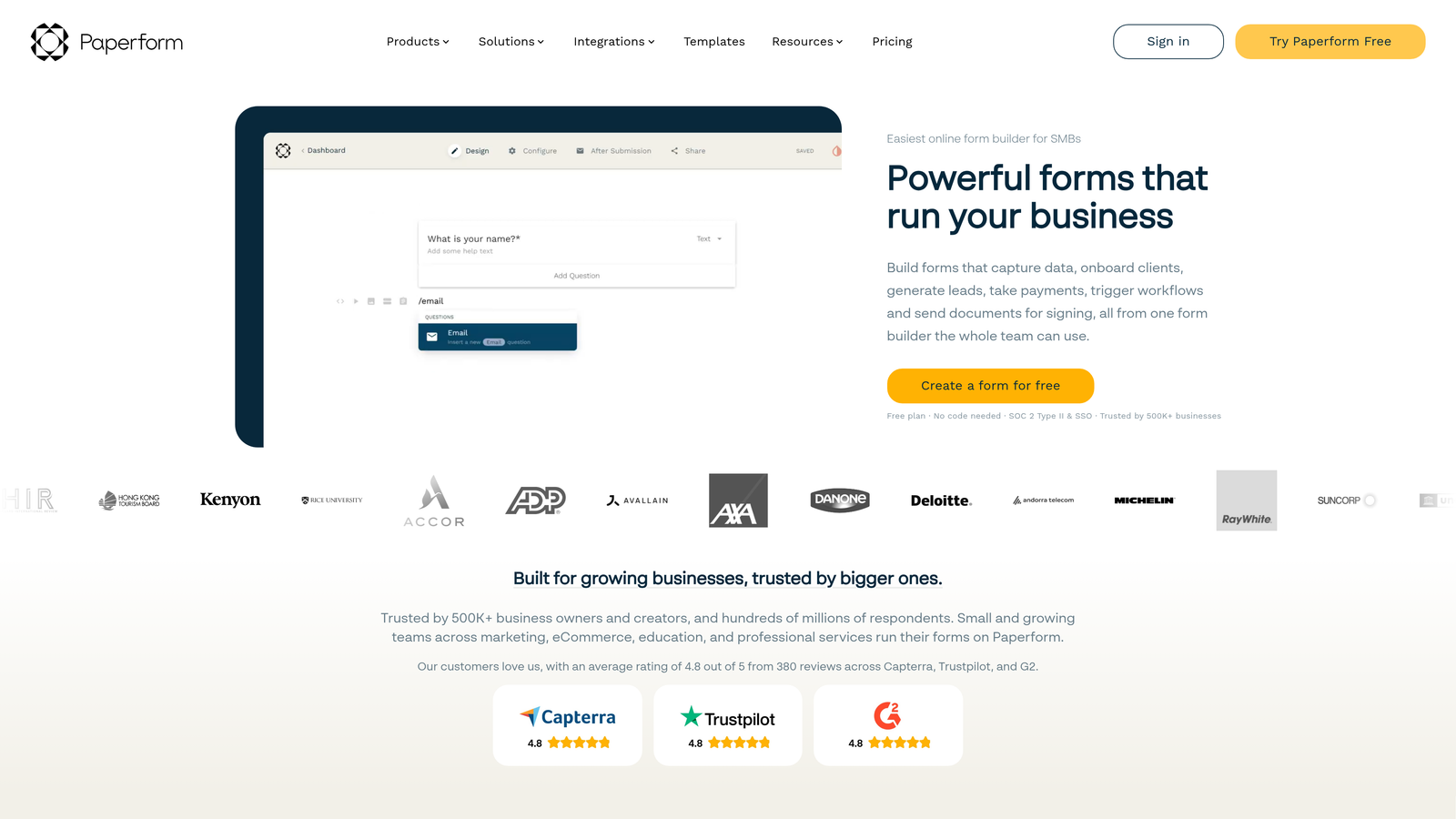
Paperform is a document-style form builder that creates forms resembling polished landing pages rather than traditional forms, with native payment processing capabilities.
Where This Tool Shines
Paperform's unique approach treats forms as documents, letting you mix rich content, images, and form fields in a flowing layout. The result looks more like a landing page than a traditional form, which can significantly improve engagement and completion rates.
The native payment processing is robust, supporting Stripe, Square, and Braintree without third-party connectors. This makes Paperform particularly strong for teams selling products, collecting deposits, or processing event registrations directly through forms.
Key Features
Document-Style Building: Create forms that flow like documents with rich content, images, and videos embedded naturally.
Rich Content Embedding: Add videos, images, and formatted text throughout forms to provide context and improve engagement.
Native Payment Processing: Built-in support for Stripe, Square, and Braintree with product catalogs and subscription billing.
Conditional Logic: Show or hide content and questions based on user responses to create dynamic experiences.
Custom Calculations: Perform calculations for pricing, scoring, or other mathematical operations within forms.
Best For
Paperform excels for teams creating forms that need to sell as much as they collect data. It's ideal for event registrations, product orders, service bookings, and any scenario requiring payment collection.
Pricing
Essentials plan starts at $24/month for unlimited forms. Pro plan at $49/month adds custom domains, advanced integrations, and priority support.
7. Formstack
Best for: Enterprise teams requiring advanced compliance, approval workflows, and document generation
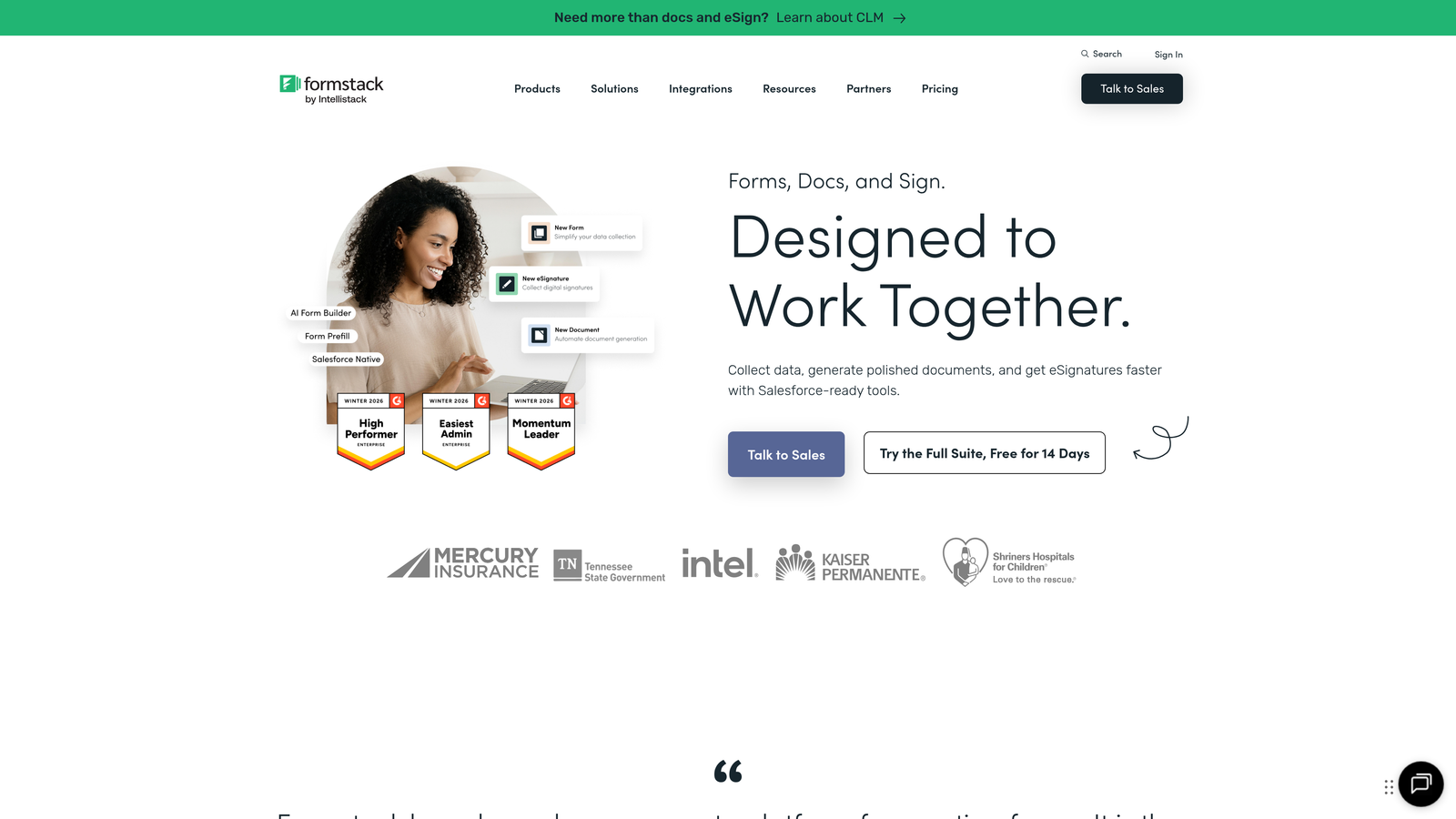
Formstack is an enterprise-grade form platform with sophisticated workflow automation, approval routing, and compliance features for regulated industries.
Where This Tool Shines
Formstack's approval workflows and routing capabilities are significantly more advanced than typical form builders. You can create multi-step approval processes where submissions route through different stakeholders based on form content, with notifications and status tracking throughout.
The compliance features are enterprise-grade, with HIPAA, GDPR, and SOC 2 compliance built in. For healthcare, finance, or other regulated industries, this eliminates significant risk and simplifies vendor management.
Key Features
Advanced Approval Workflows: Route form submissions through multi-step approval processes with conditional routing based on submission content.
Enterprise Compliance: HIPAA, GDPR, and SOC 2 compliance with audit trails and data residency options.
Document Generation: Automatically create PDFs, contracts, or other documents from form submissions using custom templates.
Salesforce Integration: Deep, native Salesforce integration that goes beyond basic data syncing to support complex workflows.
A/B Testing: Test different form versions and track conversion performance to optimize completion rates.
Best For
Formstack serves enterprise organizations with complex approval needs or strict compliance requirements. It's particularly strong for healthcare, financial services, and large corporations with multi-department form workflows.
Pricing
Starter plan begins at $50/month for basic features. Teams plan at $83/month adds advanced workflows and integrations. Enterprise pricing available for larger organizations.
8. Cognito Forms
Best for: Budget-conscious teams needing powerful calculation capabilities and payment processing
Cognito Forms is a budget-friendly form builder with advanced calculation fields and payment processing, offering strong functionality at accessible price points.
Where This Tool Shines
The calculation capabilities are remarkably sophisticated for the price point. You can build complex pricing calculators, quote generators, or scoring systems using formulas that reference other fields, perform mathematical operations, and apply conditional logic.
The free tier is genuinely useful, not just a trial disguised as free. You get most core features including conditional logic, calculations, and payment processing, making it viable for small businesses to use indefinitely without upgrading.
Key Features
Advanced Calculations: Create complex formulas for pricing, quotes, scoring, or any mathematical operations using field references and functions.
Payment Integration: Accept payments through Stripe, Square, or PayPal with support for one-time and recurring billing.
Conditional Logic: Show or hide sections and fields based on user responses to create dynamic, personalized forms.
Repeating Sections: Allow users to add multiple entries of the same section, useful for registrations, orders, or applications.
Document Generation: Create PDFs from submissions using custom templates, included even on lower-tier plans.
Best For
Cognito Forms works well for small businesses, nonprofits, and teams with tight budgets who need calculation-heavy forms like quote generators, order forms, or registration systems with complex pricing.
Pricing
Free tier available with core features and Cognito branding. Pro plan at $15/month removes branding and adds custom domains, making it one of the most affordable paid options.
9. Fillout
Best for: No-code teams using Airtable or Notion who need native database integrations
Fillout is a modern form builder with native Airtable and Notion integrations, designed specifically for teams already using these no-code databases.
Where This Tool Shines
The native Airtable and Notion connections are the primary draw. Instead of using Zapier or other middleware, Fillout writes directly to your databases, maintaining relationships and handling complex data structures that generic integrations often break.
The interface follows modern design principles with smart defaults that make forms look polished without extensive customization. This saves significant time compared to form builders requiring detailed styling for professional results.
Key Features
Native Database Connections: Direct integration with Airtable and Notion that maintains relationships and handles complex data structures properly.
Modern Interface: Clean, contemporary design with smart defaults that create professional-looking forms without extensive customization.
Conditional Logic: Show or hide questions based on previous answers to create personalized form experiences.
Multi-Page Forms: Break long forms into multiple pages to reduce overwhelm and improve completion rates.
Scheduling Integration: Built-in calendar scheduling and payment collection without requiring separate tools.
Best For
Fillout is ideal for teams already using Airtable or Notion as their primary database who want forms that write directly to their existing systems without complex integration setup.
Pricing
Free tier available with core features and Fillout branding. Starter plan at $15/month removes branding and adds custom domains, making it accessible for small teams.
Making the Right Choice
The platform you choose should align with your existing tech stack and specific growth priorities. Orbit AI leads this list for teams prioritizing AI-powered lead qualification and conversion optimization—if you're drowning in form submissions but struggling to identify quality leads, the intelligent scoring and routing capabilities deliver immediate value.
Typeform remains unmatched for creating beautiful, conversational experiences that feel more like guided conversations than traditional forms. HubSpot Forms is the obvious choice if you're already invested in their CRM ecosystem, eliminating integration headaches entirely.
For bootstrapped teams, Tally's genuinely unlimited free tier provides premium functionality without monthly fees. Formstack serves enterprise compliance needs with HIPAA and SOC 2 certification built in. Fillout excels if you're building on Airtable or Notion and need native database connections.
Consider your primary use case: Are you qualifying inbound leads for sales? Running surveys and collecting feedback? Processing payments and registrations? Maintaining compliance in a regulated industry? Your answer points to the right platform.
The common thread across all nine options is that they dramatically outperform generic form builders. They understand that forms aren't just data collection tools—they're conversion points, qualification engines, and revenue drivers.
Transform your lead generation with AI-powered forms that qualify prospects automatically while delivering the modern, conversion-optimized experience your high-growth team needs. Start building free forms today and see how intelligent form design can elevate your conversion strategy.


