

When forms don't talk to your CRM, leads fall through the cracks. For high-growth teams, that's not just a minor inconvenience: it's a revenue problem. Whether you're dealing with manual CSV exports, broken Zapier chains, or a form builder that simply wasn't designed for a modern sales stack, the result is the same. Your data isn't where it needs to be, when it needs to be there.
This guide covers the top tools to solve CRM integration issues at the form level. From AI-powered form builders with native sync to middleware platforms that bridge the gap between legacy tools and modern CRMs, there's a solution here for every stack. Tools were selected based on native CRM integrations, real-time data sync, lead qualification capabilities, ease of setup, and value for high-growth teams.
1. Orbit AI
Best for: High-growth SaaS and B2B teams that need AI-powered lead qualification with native CRM sync.
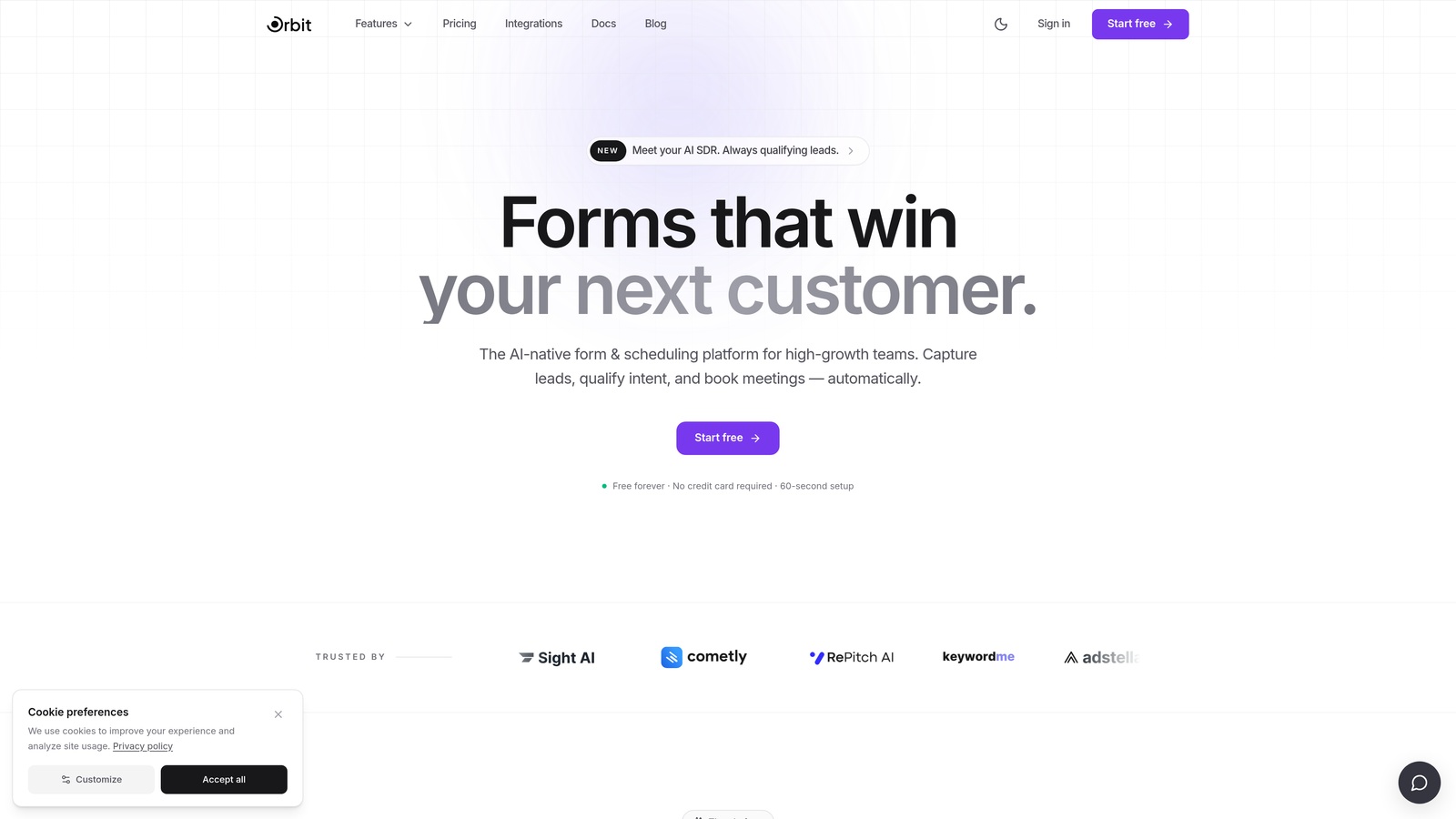
Orbit AI is an AI-powered form builder built specifically for teams that can't afford to let leads slip through integration gaps.
Where This Tool Shines
Most form builders treat CRM integration as a feature to check off a list. Orbit AI treats it as a core part of the product. The platform is designed from the ground up around the idea that a form submission isn't just a data collection event: it's the beginning of a sales conversation. That philosophy shows up in how it handles both the form experience and what happens to the data afterward.
The standout capability is AI-driven lead qualification that scores and categorizes leads before they ever reach your CRM. Instead of dumping raw form responses into a contact record and hoping your sales team figures out who to call first, Orbit AI does that prioritization automatically. For teams dealing with high lead volume, this is the difference between a CRM that's useful and one that's just a database of noise.
Key Features
AI Lead Qualification: Automatically scores and qualifies leads based on form responses before syncing to your CRM, so your sales team sees prioritized, actionable data.
Native CRM Integrations: Real-time data sync with major CRMs means no middleware required and no silent failures from broken Zap chains.
Conversion-Optimized Design: Forms are built with completion rates in mind, using conditional logic and clean UX patterns that reduce drop-off.
Conditional Logic: Smart branching routes respondents through different paths based on their answers, improving both data quality and the user experience.
Modern Form UX: Designed to maximize completion rates with a clean, contemporary interface that reflects well on your brand.
Best For
Orbit AI is purpose-built for high-growth SaaS and B2B teams that need more than a basic form-to-CRM pipe. If lead quality and speed-to-contact matter to your business, and you want AI doing the heavy lifting on qualification before data hits your CRM, this is the tool to evaluate first.
Pricing
Visit orbitforms.ai for current pricing and plan details. Pricing is updated regularly as the platform evolves.
2. HubSpot Forms
Best for: Teams already using HubSpot CRM who want zero-configuration form-to-contact sync.
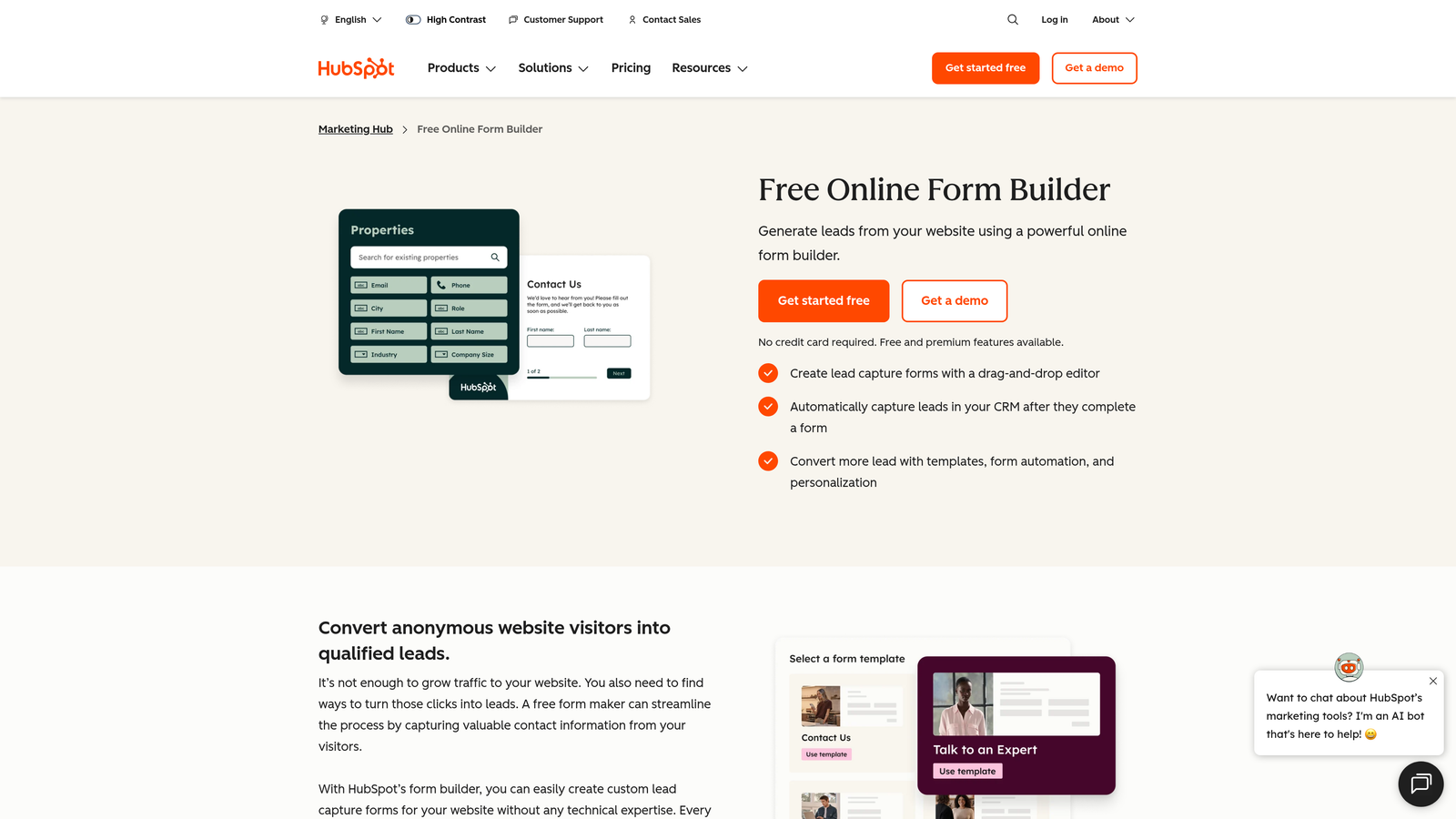
HubSpot Forms is the native form builder included with HubSpot CRM, offering seamless contact and deal creation directly from submissions.
Where This Tool Shines
If your team is already inside the HubSpot ecosystem, the integration question is essentially answered before you even start. Form submissions create or update contact records instantly, trigger workflows, and feed directly into your pipeline. There's no mapping to configure, no API keys to manage, and no third-party connectors to maintain.
The progressive profiling feature is particularly useful for teams building long-term contact records. Instead of asking the same questions repeatedly, HubSpot Forms can surface new fields to returning visitors, gradually enriching contact data over multiple touchpoints without overwhelming first-time visitors with a long form.
Key Features
Zero-Configuration CRM Sync: Submissions map directly to HubSpot contact and deal records with no setup required for HubSpot users.
Progressive Profiling: Surfaces different form fields to returning contacts to enrich records over time without increasing friction.
Workflow Triggers: Any form submission can kick off a HubSpot workflow, enabling automated follow-up sequences, lead assignment, and more.
Embedded and Standalone Options: Deploy forms on your own site or use HubSpot's hosted landing pages, depending on your needs.
Best For
HubSpot Forms is the obvious choice for teams already on HubSpot CRM. If you're not a HubSpot customer, the value proposition drops significantly since the native sync is what makes this tool compelling.
Pricing
Free with HubSpot CRM. Advanced features like A/B testing and smart content are available on paid Marketing Hub plans. Verify current plan details at hubspot.com.
3. Typeform
Best for: Marketing-led teams that prioritize completion rates and want CRM sync via native integrations or Zapier.
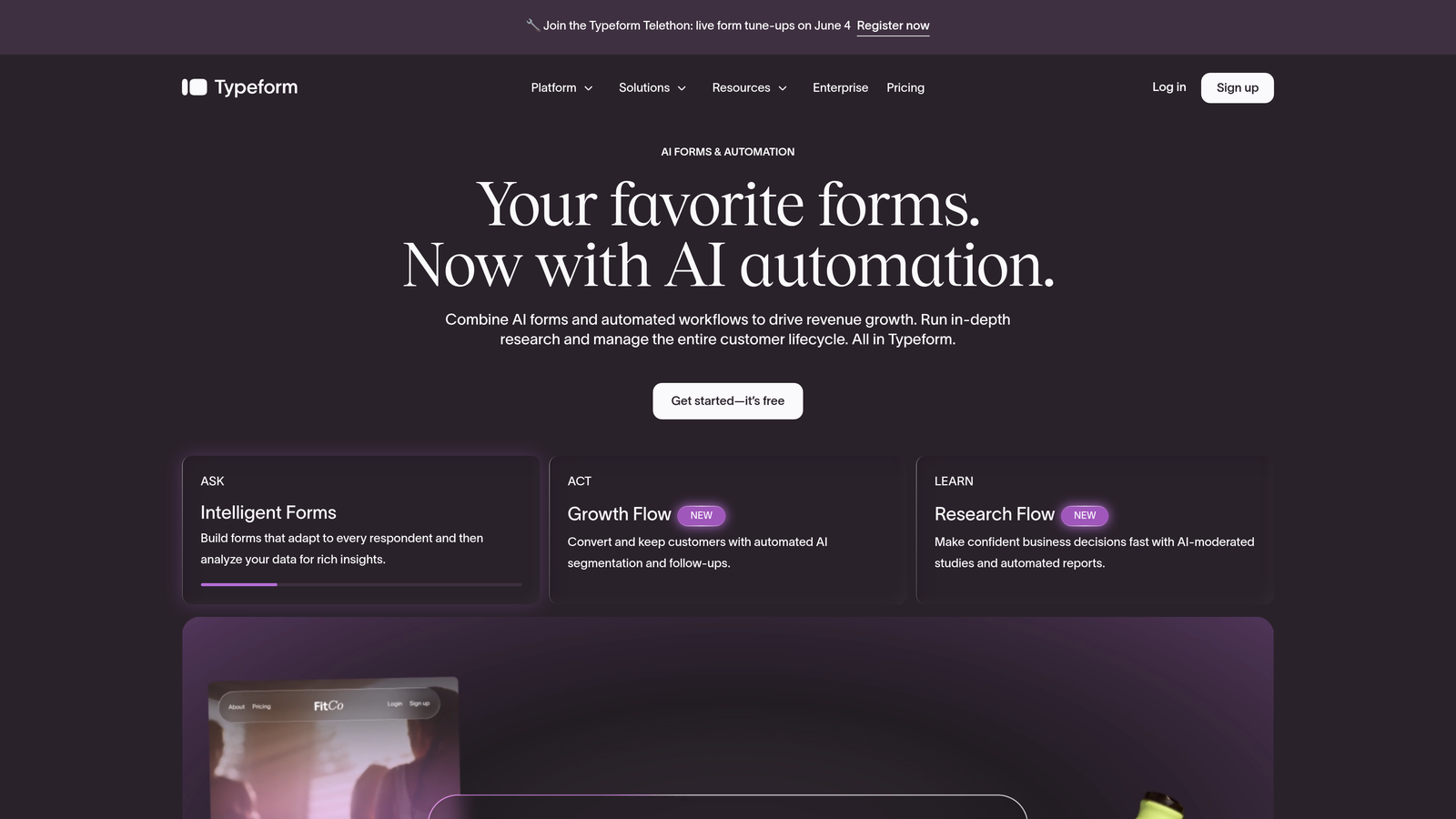
Typeform is a conversational form builder known for its one-question-at-a-time UX and strong completion rates, with native integrations to HubSpot, Salesforce, and other CRMs.
Where This Tool Shines
Typeform's core strength is the form experience itself. The conversational format reduces cognitive load for respondents, which typically translates to fewer drop-offs on longer forms. For marketing teams running lead generation campaigns where form completion rate is a key metric, this UX approach can make a meaningful difference.
On the integration side, Typeform covers the major CRMs through native connections and extends further through Zapier and Make. The native HubSpot and Salesforce integrations handle the most common use cases, though teams with complex field mapping requirements may find the sync options less flexible than purpose-built alternatives.
Key Features
Conversational UX: One-question-at-a-time format designed to improve completion rates on longer lead capture forms.
Native CRM Integrations: Direct connections to HubSpot and Salesforce without requiring middleware for most use cases.
Zapier and Make Compatibility: Extends CRM reach to platforms not covered by native integrations.
Logic Jumps: Conditional branching routes respondents through different question paths based on their answers.
Best For
Typeform works well for marketing teams that care deeply about the respondent experience and are primarily working within HubSpot or Salesforce. It's less suited to teams needing deep custom field mapping or complex multi-CRM workflows.
Pricing
Free tier available with limited responses. Paid plans start at approximately $25/month. Verify current pricing at typeform.com before making a decision.
4. Zapier
Best for: Teams that want to keep their existing form tool and add CRM connectivity without switching platforms.
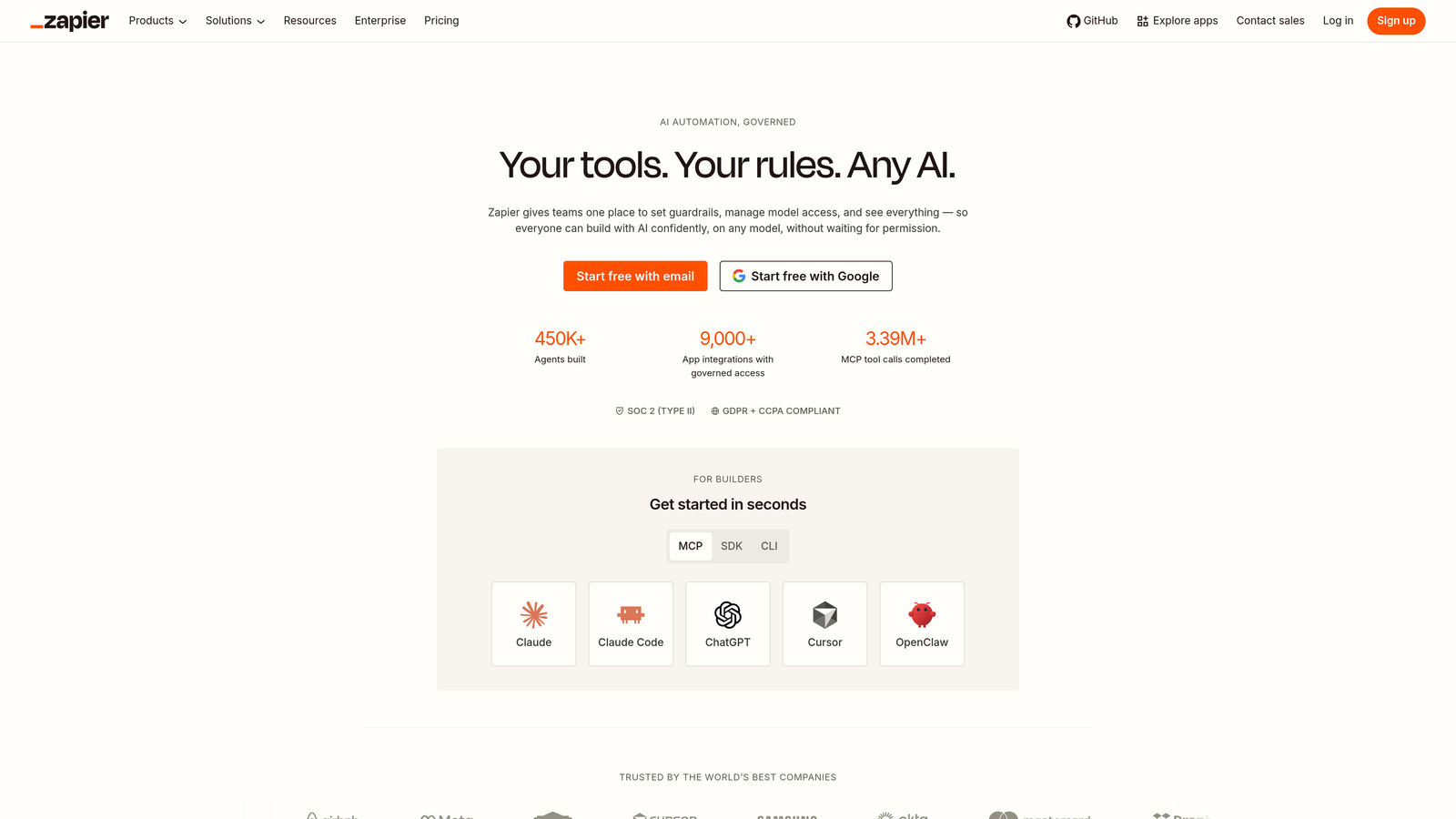
Zapier is automation middleware that connects your existing form tool to virtually any CRM without requiring you to change your current setup.
Where This Tool Shines
Zapier's value is flexibility. If your form builder doesn't have a native CRM integration, or if the native integration doesn't support the fields you need, Zapier can bridge that gap. With thousands of supported apps, it covers nearly every combination of form tool and CRM you're likely to encounter.
The no-code workflow builder makes it accessible to non-technical teams, and multi-step Zaps allow for more sophisticated data routing: cleaning field values, splitting names into first and last, filtering out test submissions, and more. The main risk is workflow maintenance. Zapier connections can break silently when apps update their APIs, which means leads can stop syncing without any obvious alert. Teams relying heavily on Zapier should build monitoring into their process.
Key Features
Universal App Connectivity: Connects thousands of form builders and CRMs, covering virtually any tool combination in your stack.
No-Code Workflow Builder: Non-technical team members can build and manage automations without developer support.
Multi-Step Zaps: Chain multiple actions together for complex data routing, field mapping, and conditional logic.
Filters and Formatters: Clean, transform, and validate data before it reaches your CRM to maintain record quality.
Best For
Zapier is ideal for teams that are happy with their current form builder but need to add or improve CRM connectivity quickly. It's a practical bridge solution rather than a long-term architectural fix.
Pricing
Free tier available with limited monthly tasks. Paid plans scale by task volume. Verify current pricing at zapier.com, as plans change frequently.
5. Jotform
Best for: Agencies and teams managing multiple CRM environments who need broad native integration coverage.
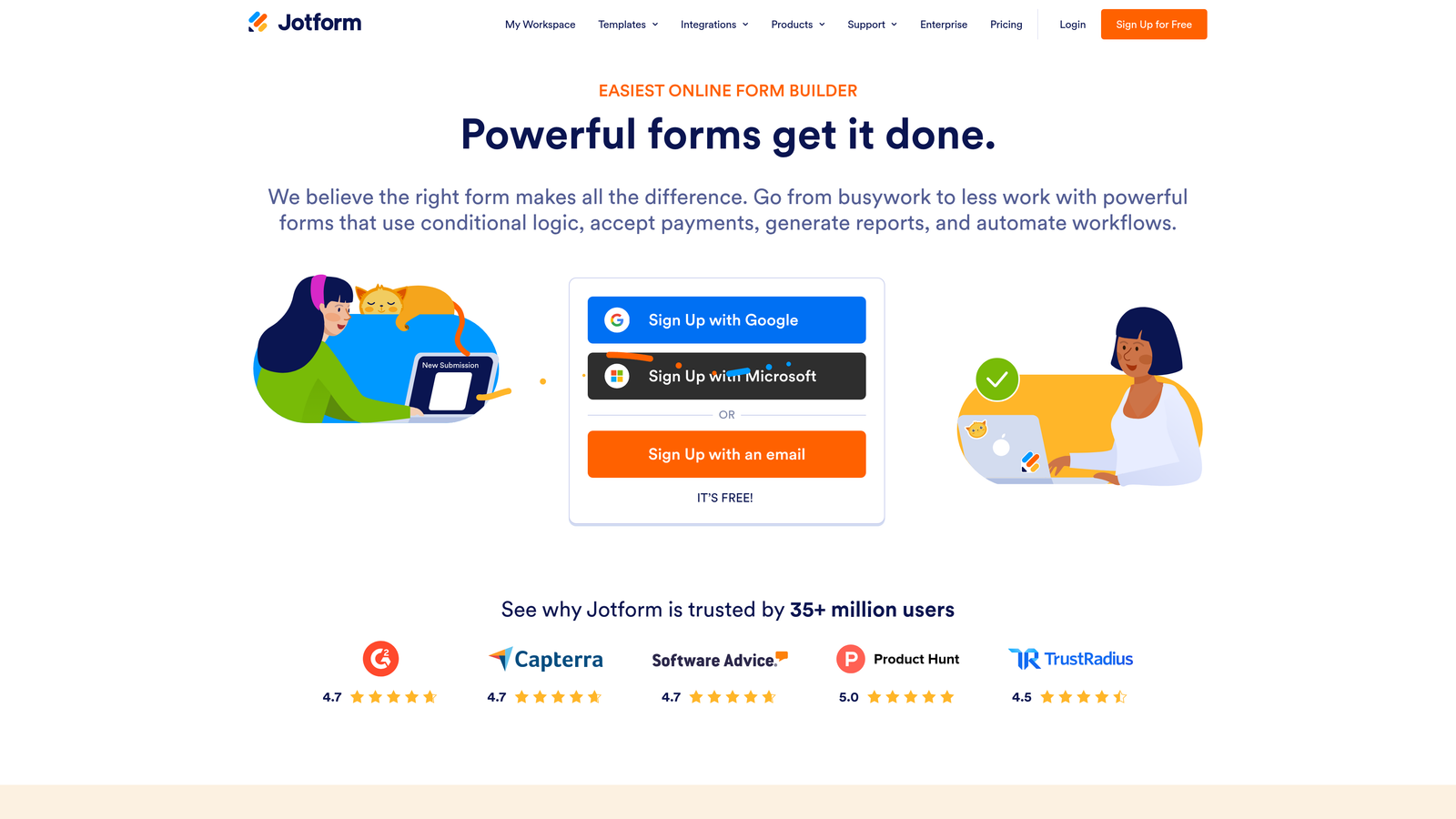
Jotform is a feature-rich form builder with one of the broadest native CRM integration libraries available, covering Salesforce, HubSpot, Pipedrive, Zoho, and many more.
Where This Tool Shines
Where many form builders offer integrations with two or three major CRMs, Jotform's integration library runs deep. If you're an agency managing clients across different CRM platforms, or a company that has acquired tools from multiple vendors, Jotform is one of the few form builders that can serve as a consistent front-end across that variety.
The drag-and-drop builder is mature and capable, supporting advanced field types, calculation fields, and conditional logic without requiring technical knowledge. For regulated industries, Jotform also offers HIPAA-compliant form options, which is a meaningful differentiator for healthcare and finance teams.
Key Features
Broad Native Integrations: Native connections to 100+ CRMs and business tools, covering more platforms than most competitors.
Advanced Field Types: Supports calculations, file uploads, e-signatures, payment fields, and more within the same form.
Conditional Logic: Dynamic form behavior based on user input, improving data quality and user experience simultaneously.
HIPAA-Compliant Options: Available for teams in regulated industries that need compliant data handling.
Best For
Jotform suits agencies, operations teams managing multiple CRM environments, and organizations in regulated industries. It's a strong generalist tool with unusually wide integration coverage.
Pricing
Free tier available with submission limits. Paid plans start at approximately $34/month. Verify current pricing at jotform.com.
6. Salesforce Web-to-Lead
Best for: Salesforce customers who need a zero-cost, no-middleware lead capture form with direct CRM posting.
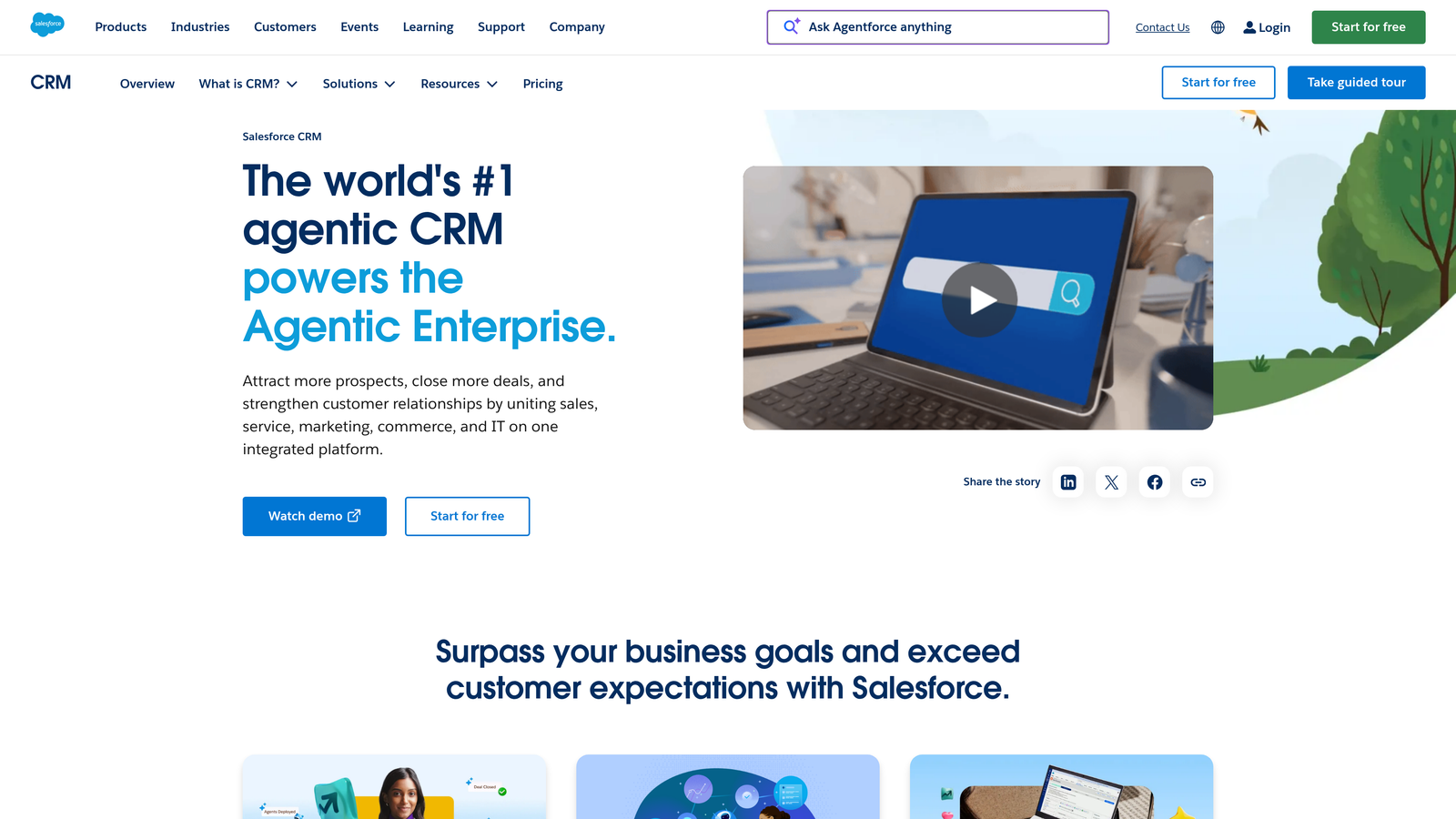
Salesforce Web-to-Lead is Salesforce's built-in lead capture feature that generates an HTML form and posts submissions directly into Salesforce as leads with no integration overhead.
Where This Tool Shines
Web-to-Lead is the most direct path from a form submission to a Salesforce lead record. There's no middleware, no API key management, and no third-party service that can break. Salesforce generates the HTML form for you, and submissions post directly to your org. Assignment rules, workflows, and lead queues all trigger exactly as they would for any other lead source.
The trade-off is significant on the design and logic side. Web-to-Lead forms are basic HTML with minimal styling options and no native conditional logic. For teams that prioritize conversion rate on the form itself, this is a real limitation. Many Salesforce customers use Web-to-Lead as the backend posting mechanism while styling the form with custom CSS or pairing it with a front-end form tool.
Key Features
Direct Salesforce Posting: Submissions create lead records in Salesforce instantly with zero integration overhead or third-party dependencies.
Custom Field Mapping: Maps form fields to both standard and custom Salesforce fields without any additional configuration.
Native Rule Triggering: Salesforce assignment rules, workflows, and validation rules all fire on Web-to-Lead submissions as expected.
Free Inclusion: Available on all Salesforce editions at no additional cost.
Best For
Web-to-Lead is best for Salesforce customers who need a reliable, zero-cost lead capture mechanism and are comfortable with basic form design. It's a practical choice for internal forms or simple use cases where conversion optimization isn't a priority.
Pricing
Free. Included with all Salesforce CRM editions.
7. Make (formerly Integromat)
Best for: Technical ops teams that need complex, multi-step form-to-CRM workflows with data transformation and conditional routing.
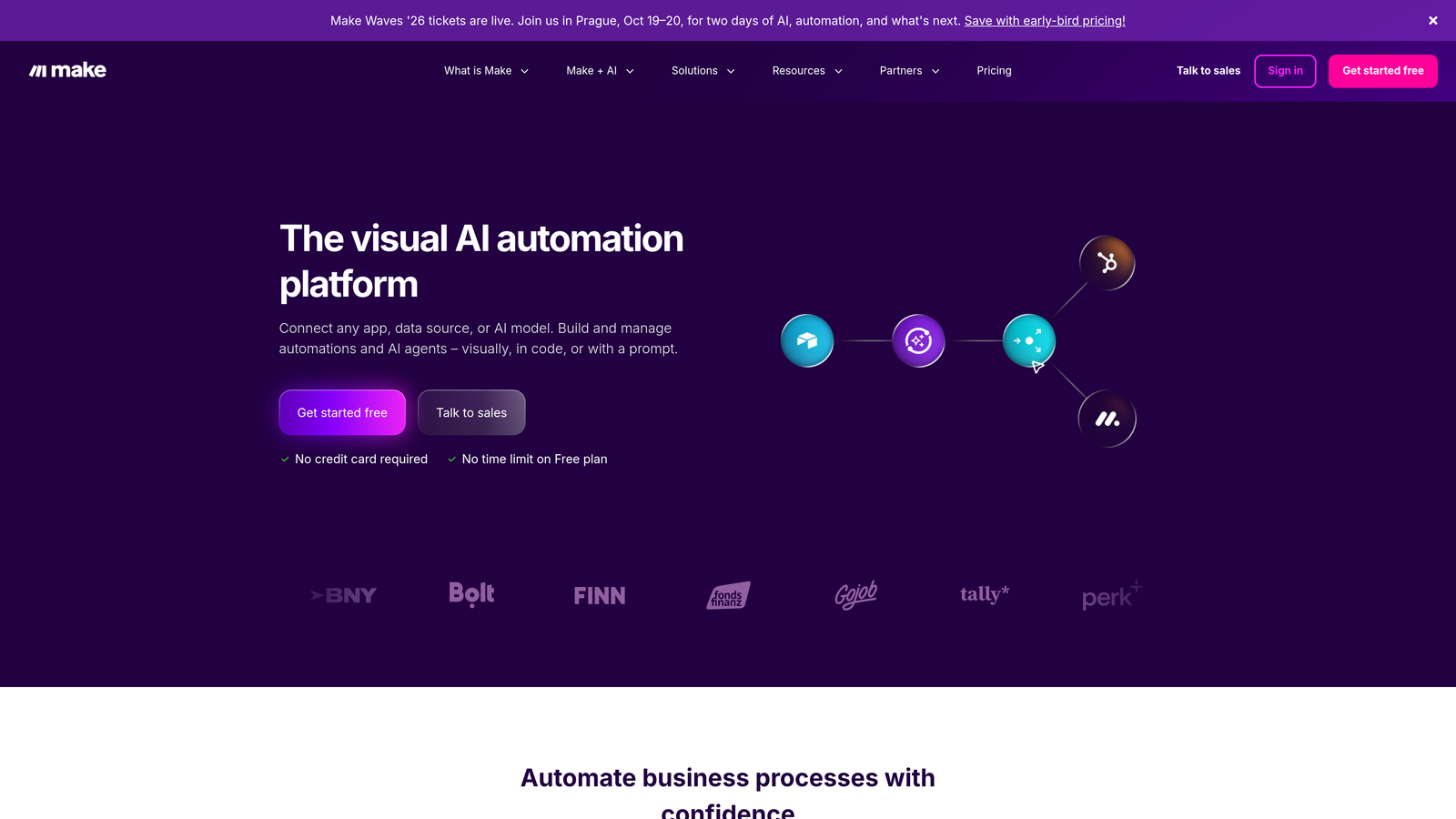
Make is a visual automation platform that handles sophisticated form-to-CRM workflows, offering more power and flexibility than Zapier for teams with complex integration requirements.
Where This Tool Shines
If Zapier is the accessible option for non-technical teams, Make is what technical ops and RevOps teams reach for when workflows get complicated. The visual scenario builder lets you see exactly how data flows between systems, which makes it much easier to debug and maintain than Zapier's linear Zap interface.
Make's data transformation capabilities are particularly strong. You can reshape, filter, and reroute data between incompatible tools in ways that would require multiple Zaps or custom code in other platforms. For teams dealing with CRMs that have strict field validation, or that need to split form data across multiple records and objects, Make's flexibility is genuinely useful. The pricing model also tends to be more cost-effective at higher operation volumes.
Key Features
Visual Scenario Builder: Drag-and-drop interface shows the full data flow between systems, making complex automations easier to build and debug.
Data Transformation: Reshape, filter, and reformat data between incompatible tools without custom code.
Conditional Routing: Route form submissions to different CRM objects, owners, or workflows based on field values.
Cost-Effective Scaling: Higher operation limits at lower price points than Zapier at comparable usage levels.
Best For
Make is the right choice for technical operations teams, RevOps professionals, and anyone building multi-step workflows that go beyond simple field mapping. Expect a steeper learning curve than Zapier, but significantly more power in return.
Pricing
Free tier available. Paid plans start at approximately $9/month. Verify current pricing at make.com, as plans are updated regularly.
8. Gravity Forms
Best for: WordPress-native teams that need deep CRM integrations through a mature plugin ecosystem.
Gravity Forms is a WordPress form plugin with a mature add-on ecosystem that includes official CRM connectors for Salesforce, HubSpot, ActiveCampaign, and others.
Where This Tool Shines
For teams running WordPress, Gravity Forms is the most capable form builder in the ecosystem. Its add-on library includes official integrations with the major CRMs, and because it runs natively within WordPress, it has access to WP hooks and filters that allow for deep customization without leaving the platform.
The developer community around Gravity Forms is substantial, which means documentation, third-party extensions, and community support are all readily available. For WordPress shops with a developer on staff or on retainer, Gravity Forms can be extended to handle virtually any form-to-CRM workflow imaginable. The trade-off is that it's WordPress-only, so it's not an option for teams on other platforms.
Key Features
Official CRM Add-Ons: Native integrations for Salesforce, HubSpot, and ActiveCampaign through official, maintained add-ons.
Deep WordPress Integration: Leverages WP hooks and filters for customization that goes beyond what most SaaS form builders can offer.
Advanced Form Capabilities: Multi-page forms, conditional logic, file uploads, and calculation fields are all supported natively.
Developer-Friendly Architecture: Extensive documentation and a large developer community make custom extensions straightforward to build.
Best For
Gravity Forms is the go-to for WordPress-native organizations that need reliable CRM connectivity and have the technical resources to configure and maintain add-ons. Not relevant for teams not on WordPress.
Pricing
Starts at approximately $59/year for the basic license. CRM add-ons may require higher-tier licenses. Verify current pricing at gravityforms.com.
9. ActiveCampaign Forms
Best for: ActiveCampaign users who want form submissions to instantly trigger CRM updates and automation sequences.
ActiveCampaign Forms is the native form builder within ActiveCampaign's combined CRM and email automation platform, where every submission creates or updates contact records and triggers automations immediately.
Where This Tool Shines
The integration story here is the same as HubSpot Forms: if you're already on the platform, it's essentially seamless. Every form submission feeds directly into ActiveCampaign's CRM, updates contact records, adjusts lead scores, and can trigger full automation sequences without any additional configuration. The feedback loop between form data and CRM behavior is tight by design.
ActiveCampaign's lead scoring system is more sophisticated than many CRM-native form builders, and the ability to update scores based on specific form responses adds a layer of qualification logic that's useful for sales teams. The deployment options are also flexible, covering inline embeds, floating bars, and modal popups to suit different page contexts.
Key Features
Native CRM Contact Sync: Submissions create or update ActiveCampaign contact records instantly with no middleware required.
Automation Triggering: Any form submission can kick off complex email and automation sequences within the platform.
Lead Scoring Updates: Form responses can adjust contact lead scores in real time, helping prioritize follow-up.
Flexible Deployment: Inline, floating bar, and modal form options for different placement contexts across your site.
Best For
ActiveCampaign Forms is the natural choice for teams already on ActiveCampaign. If you need to push data to an external CRM outside the ActiveCampaign ecosystem, you'll need a middleware layer, which reduces the native advantage.
Pricing
Included with ActiveCampaign plans starting at approximately $15/month. Verify current pricing at activecampaign.com.
Which Tool Is Right for Your Stack
The right solution depends almost entirely on where your data needs to go and how much control you want over what happens to it along the way. Here's a quick framework to cut through the options.
If you're on HubSpot, start with HubSpot Forms for zero-configuration sync, or evaluate Orbit AI if you want AI-powered lead qualification layered on top of that native connectivity. On Salesforce? Web-to-Lead gives you direct posting at no cost, while Orbit AI with Salesforce sync adds the conversion-optimized form experience and qualification logic that Web-to-Lead can't provide.
Need middleware fast without switching your form tool? Zapier is the accessible choice for most teams. For technical ops teams with complex routing and transformation requirements, Make offers significantly more power at a comparable price. WordPress shop? Gravity Forms is the clear answer. Already on ActiveCampaign? Their native forms are purpose-built for your stack.
If lead quality is as important as lead volume, and you want AI doing the qualification work before data hits your CRM, Orbit AI is purpose-built for exactly that use case. It's not just solving the integration gap: it's solving the problem of what happens to leads once they get to your CRM.
Transform your lead generation with AI-powered forms that qualify prospects automatically while delivering the modern, conversion-optimized experience your high-growth team needs. Start building free forms today and see how intelligent form design can elevate your conversion strategy.


