

For SaaS teams, a lead gen form isn't just a data collection field. It's the first handshake with a potential customer. The right software can qualify prospects automatically, reduce friction, and feed your CRM with clean, actionable data. The wrong one leaks pipeline before your sales team ever gets involved.
This list focuses specifically on form tools built or well-suited for SaaS lead generation: platforms that go beyond basic form building to offer conditional logic, lead scoring, CRM integrations, and conversion optimization. Whether you're capturing demo requests, gating content, or running product-led growth flows, there's a tool here for your stack.
We evaluated each platform on ease of setup, SaaS-relevant integrations, lead qualification capabilities, design flexibility, and pricing transparency. Here are the top lead gen form software options worth your attention in 2026.
1. Orbit AI
Best for: SaaS teams that want lead qualification built directly into the form layer
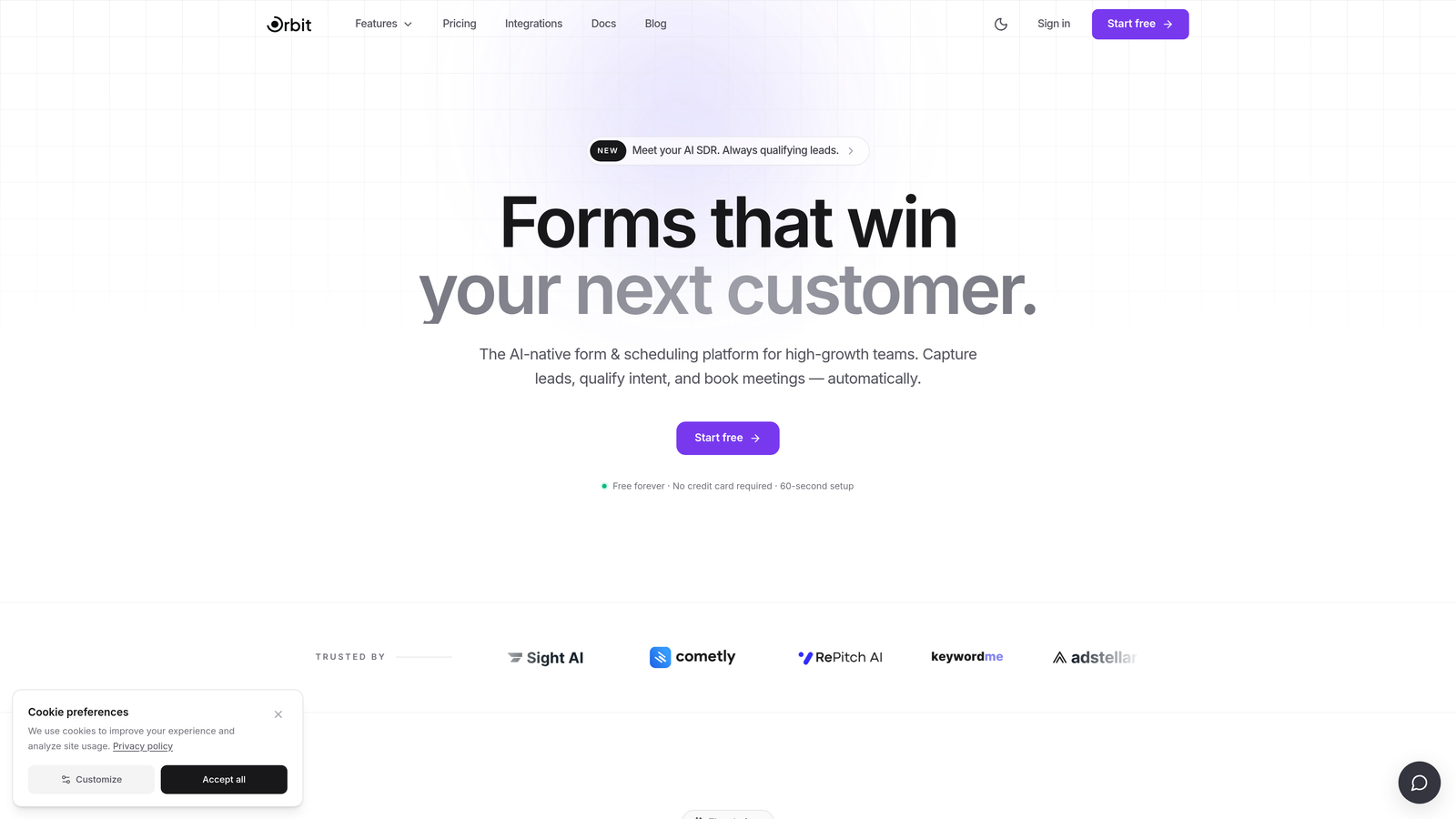
Orbit AI is an AI-powered form builder with lead qualification capabilities designed specifically for high-growth SaaS teams focused on conversion optimization.
Where This Tool Shines
Most form tools collect data and hand it off to a downstream tool for qualification. Orbit AI takes a different approach: the qualification logic lives at the form layer itself. This means your form isn't just capturing information, it's actively routing, scoring, and filtering leads before they ever hit your CRM.
The result is a cleaner pipeline with less manual triage. For growth-stage SaaS teams running high-volume acquisition campaigns, that distinction matters. You're not just optimizing for submission volume; you're optimizing for lead quality from the very first interaction.
Key Features
AI-Powered Lead Qualification: Qualification logic is embedded at the form level, not handled post-submission, so leads are scored and routed in real time.
Conversion-Optimized Design: Modern, brand-friendly templates built with conversion in mind, not just aesthetics.
Conditional Branching: Routes leads dynamically based on qualification signals, showing different paths to different prospect profiles.
CRM Integration Support: Built to connect with the tools high-growth SaaS teams already use, keeping data flowing cleanly across your stack.
Lead Quality Analytics: Reporting focuses on lead quality metrics, not just raw submission counts, giving your team more actionable signal.
Best For
Orbit AI is best suited for SaaS marketing and revenue teams where lead quality is a primary concern. If your team is drowning in unqualified demo requests or struggling to align form data with CRM pipeline stages, this is the tool built to solve that problem specifically.
Pricing
Visit orbitforms.ai for current pricing details and free trial availability. The platform is designed to be accessible for growing teams.
2. Typeform
Best for: SaaS teams that prioritize brand experience and form completion rates on longer surveys
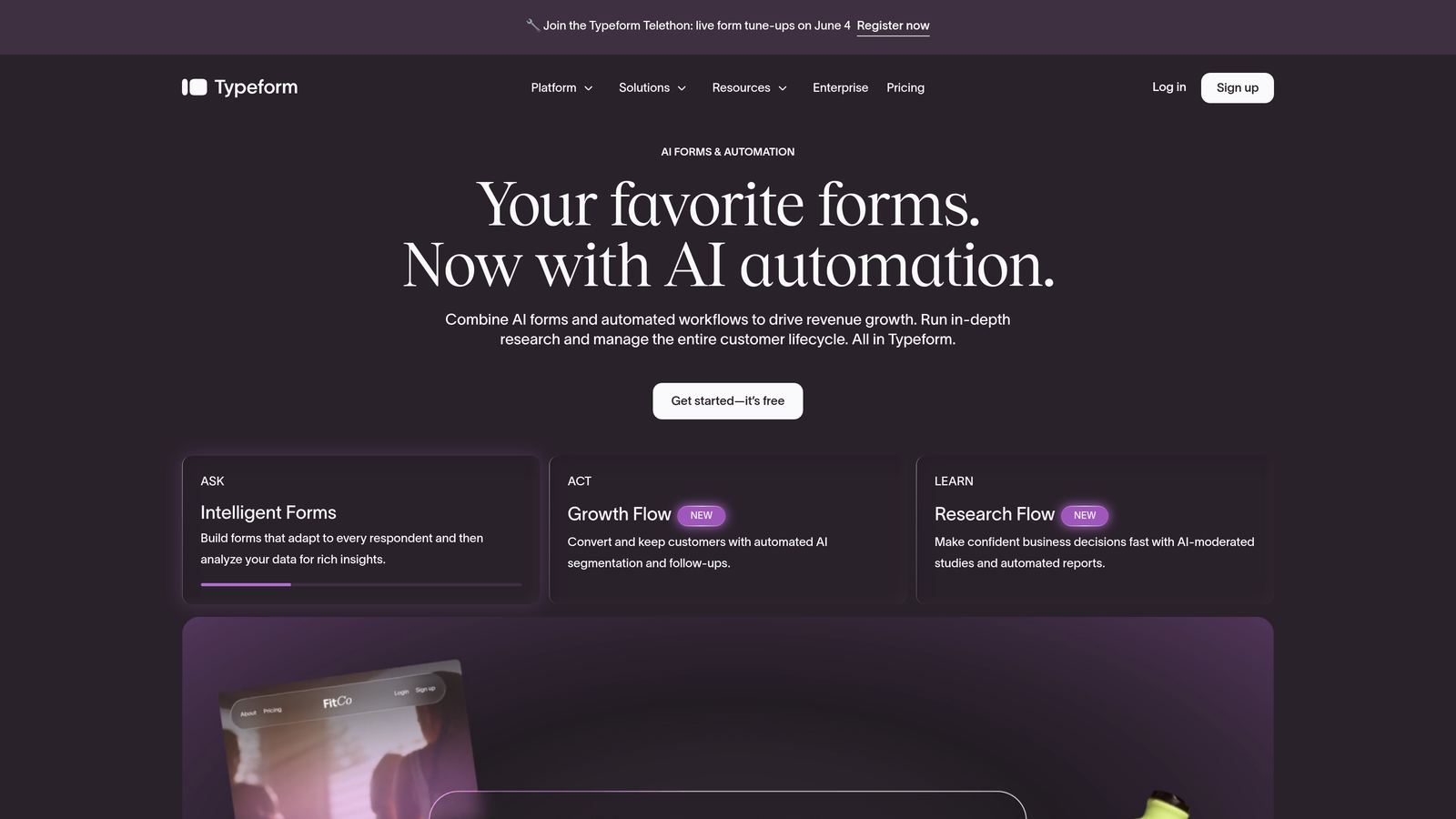
Typeform is a conversational form platform known for its one-question-at-a-time UX and polished, brand-forward design.
Where This Tool Shines
Typeform built its reputation on making forms feel less like forms. The one-question-at-a-time interface creates a more focused experience for respondents, which can be particularly effective for longer qualification flows where drop-off is a concern.
For SaaS teams with strong brand identity, Typeform's design quality is genuinely hard to match out of the box. It's a popular choice for demo request flows, onboarding surveys, and NPS collection where the experience itself signals something about your product.
Key Features
Conversational Interface: One-question-at-a-time UX reduces cognitive load and can improve completion rates on multi-field forms.
Logic Jumps: Conditional branching lets you route respondents based on their answers, enabling basic qualification flows.
Native CRM Integrations: Direct connections to HubSpot, Salesforce, and Zapier for flexible routing into your existing stack.
Rich Media Support: Video questions and image options make forms more engaging for product-led or content-heavy acquisition flows.
Drop-Off Analytics: The analytics dashboard surfaces where respondents abandon, helping you iterate on form structure.
Best For
Typeform works well for SaaS teams running content-gated campaigns, longer onboarding flows, or any situation where the form experience itself is part of the brand impression. It's less optimized for high-volume lead triage than tools with built-in qualification logic.
Pricing
A free tier is available with limited responses. Paid plans start around $25/month. Verify current pricing at typeform.com.
3. HubSpot Forms
Best for: SaaS teams already running their GTM motion inside the HubSpot ecosystem
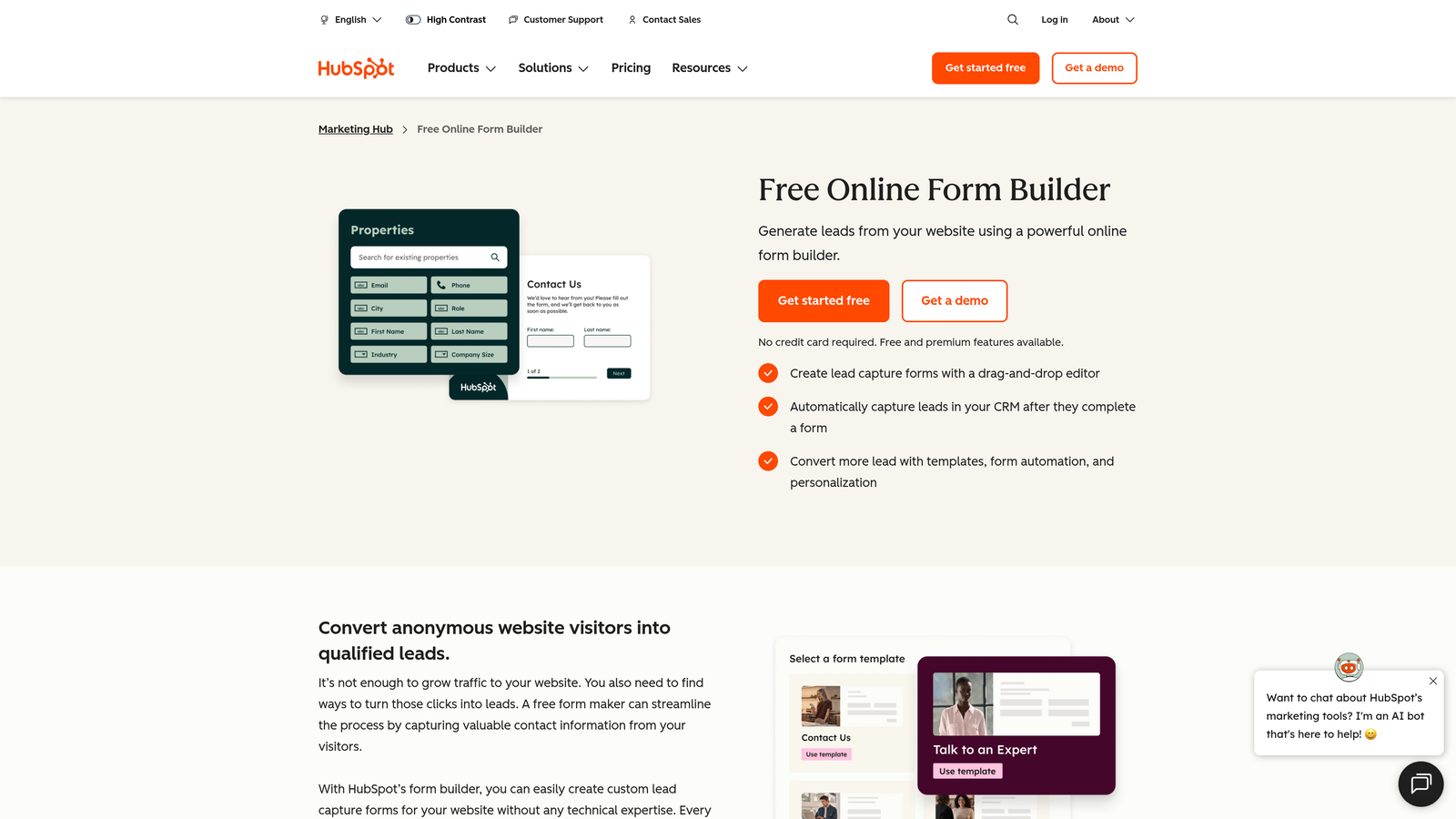
HubSpot Forms is a native form builder within the HubSpot platform, offering progressive profiling and direct CRM sync without any middleware.
Where This Tool Shines
If your team lives in HubSpot, the case for HubSpot Forms is straightforward: there's no integration to maintain, no sync delay, and no field mapping to manage. Form submissions flow directly into contact records, trigger workflows, and update deal stages automatically.
The progressive profiling feature is particularly valuable for SaaS teams with repeat visitors. Instead of asking known contacts to re-enter information they've already provided, the form surfaces new fields to fill in gaps in the contact record. It's a small detail that meaningfully reduces friction over time.
Key Features
Progressive Profiling: Shows new fields to returning contacts, gradually building richer data profiles without increasing form length.
Smart Fields: Pre-fills known information for recognized visitors, reducing friction at the point of conversion.
Instant CRM Sync: All submissions flow directly into HubSpot contact and deal records with zero latency or middleware.
Flexible Embed Options: Supports embedded forms, standalone pages, and pop-up forms across your web properties.
A/B Testing: Available on higher-tier Marketing Hub plans for teams optimizing form conversion rates.
Best For
HubSpot Forms is the obvious choice for teams already committed to HubSpot as their CRM and marketing platform. For teams not in the HubSpot ecosystem, the value proposition is significantly reduced since the tool's strengths are largely ecosystem-dependent.
Pricing
Free with any HubSpot CRM account. Advanced features require a Marketing Hub subscription. Verify current tier details at hubspot.com.
4. Jotform
Best for: SaaS teams that need broad template coverage, payment collection, or complex field logic
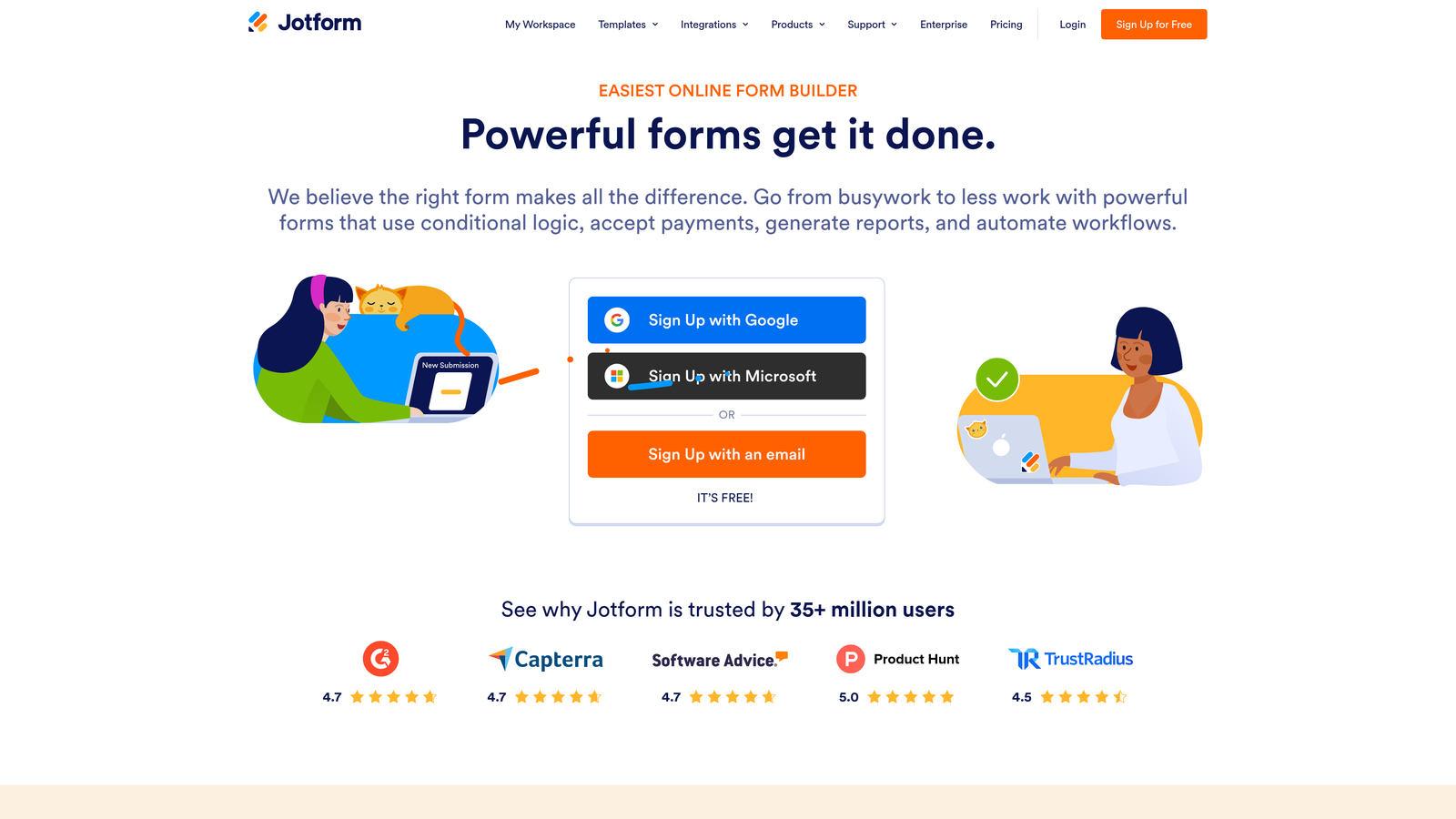
Jotform is one of the most feature-rich form builders on the market, with an extensive template library and a wide integration ecosystem.
Where This Tool Shines
Jotform's depth is its defining characteristic. With over 10,000 templates and more than 100 native integrations, it covers a wider range of use cases than almost any competitor. For SaaS teams with varied form needs across departments, from marketing to customer success to finance, Jotform can serve as a single platform across the organization.
The calculation fields and advanced conditional logic also make it well-suited for more complex qualification flows where you need to score or segment leads based on multiple inputs before routing them.
Key Features
Massive Template Library: Over 10,000 templates spanning industries and use cases, making it fast to deploy new forms without starting from scratch.
Broad Integration Ecosystem: 100+ native integrations including Salesforce, HubSpot, Slack, and major payment processors.
Advanced Conditional Logic: Multi-condition branching and calculation fields support complex qualification and routing scenarios.
Payment Collection: Built-in support for Stripe, PayPal, and other processors, useful for self-serve trial or upgrade flows.
HIPAA Compliance: Available on higher-tier plans for SaaS teams operating in regulated verticals like health tech.
Best For
Jotform suits SaaS teams that need a versatile, multi-department form solution rather than a tool purpose-built for lead gen. It's particularly strong for teams with complex data collection needs or those operating in regulated industries.
Pricing
Free tier available with limited monthly submissions. Paid plans start around $34/month. Verify current pricing at jotform.com.
5. Tally
Best for: Early-stage and lean SaaS teams that need fast, clean forms without a large budget
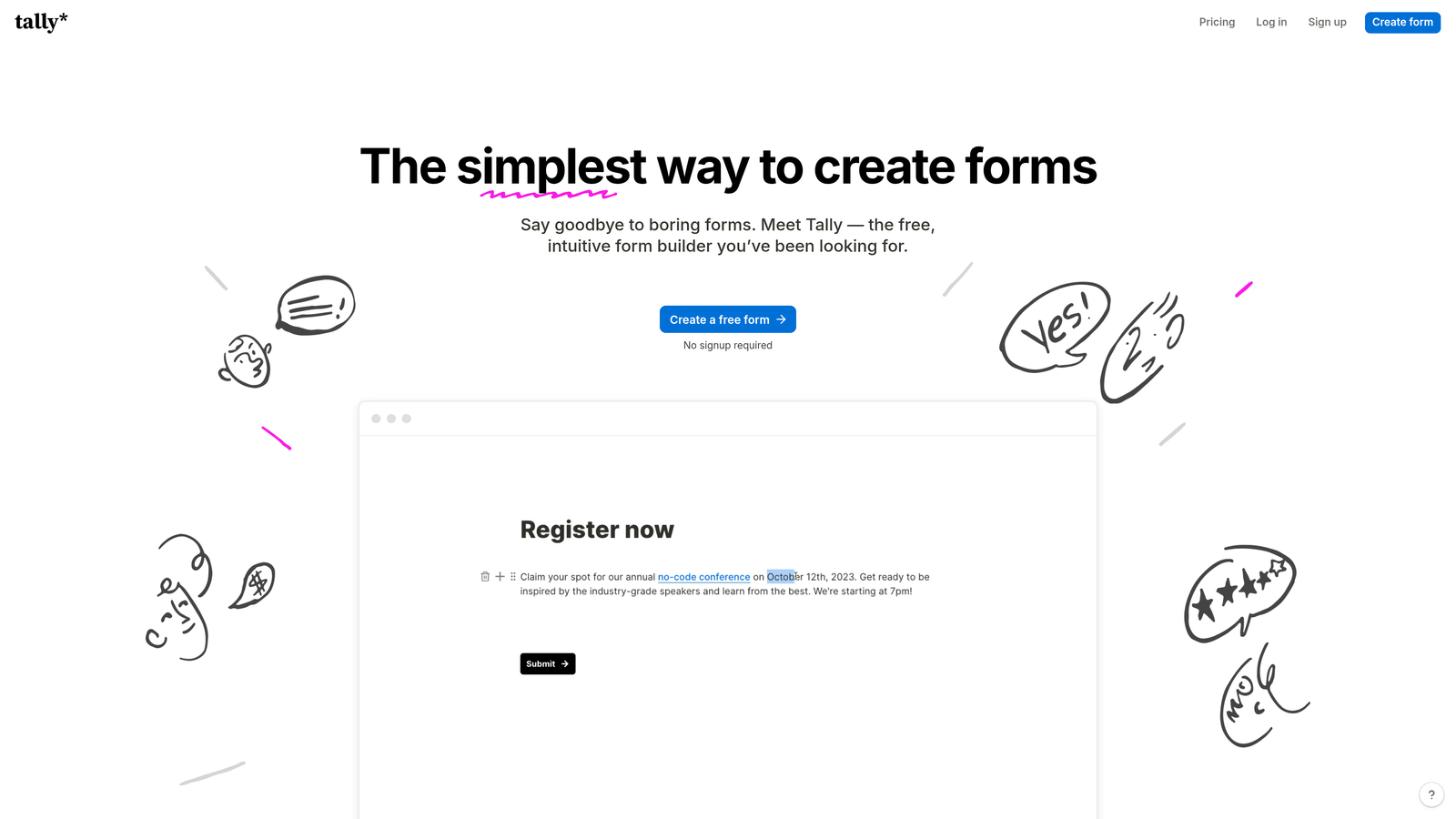
Tally is a Notion-inspired form builder with a generous free tier, popular among indie SaaS founders and lean startup teams.
Where This Tool Shines
Tally's block-based editor feels immediately familiar if your team already works in Notion. The learning curve is minimal, and you can have a working form live in minutes. For early-stage teams moving fast and iterating frequently, that speed-to-deploy advantage is real.
The free tier is genuinely useful, not artificially restricted. Unlimited forms and unlimited responses on the free plan make Tally one of the few tools where you can run meaningful lead capture operations without paying anything upfront.
Key Features
Block-Based Editor: Intuitive Notion-style interface that lets most users build forms without any onboarding or training.
Generous Free Tier: Unlimited forms and responses on the free plan, a meaningful differentiator for early-stage teams.
Conditional Logic: Supports branching and hidden fields for basic qualification flows.
CRM Sync via Zapier: Connects to HubSpot, Salesforce, and other tools through Zapier and native integrations.
Custom Branding: Clean, minimal form output with custom branding options available on the Pro plan.
Best For
Tally is ideal for pre-Series A SaaS teams, solo founders, and small marketing teams that need reliable lead capture without the overhead of a more complex platform. It's less suited for teams with advanced qualification requirements or enterprise compliance needs.
Pricing
Strong free tier with unlimited forms and responses. Pro plan runs around $29/month. Verify current pricing at tally.so.
6. Fillout
Best for: Ops-forward SaaS teams with modern data stacks built around Airtable or Notion
Fillout is a modern form builder gaining traction among SaaS and operations teams for its deep integrations with tools like Airtable, Notion, and Salesforce.

Where This Tool Shines
Fillout's standout capability is its native database integrations. If your team manages lead data in Airtable or uses Notion as an internal workspace, Fillout connects directly without needing Zapier as an intermediary. That reduces sync friction and keeps your data model cleaner.
The prefill capability is also worth highlighting. Fillout can pull data from your CRM or database to pre-populate form fields for known contacts, which is particularly useful for renewal flows, upsell surveys, or any scenario where you're engaging existing customers rather than cold prospects.
Key Features
Native Database Integrations: Direct connections to Airtable, Notion, Salesforce, and HubSpot without middleware dependencies.
Multi-Step Forms: Advanced conditional logic across multi-page forms for more sophisticated qualification flows.
Form Prefill: Pulls existing data from CRM or database records to pre-populate fields for returning contacts.
Scheduling and Payments: Built-in support for booking flows and payment collection within the same form experience.
White-Labeling: Custom domains and white-label options available for teams embedding forms in branded environments.
Best For
Fillout is a strong fit for product-led SaaS teams with data-heavy operations and modern toolstacks. If your source of truth is Airtable rather than a traditional CRM, Fillout is likely the most natural fit on this list.
Pricing
Free tier available. Paid plans start around $19/month. Verify current pricing at fillout.com.
7. Formstack
Best for: Enterprise SaaS teams in regulated industries that need compliance certifications and workflow automation
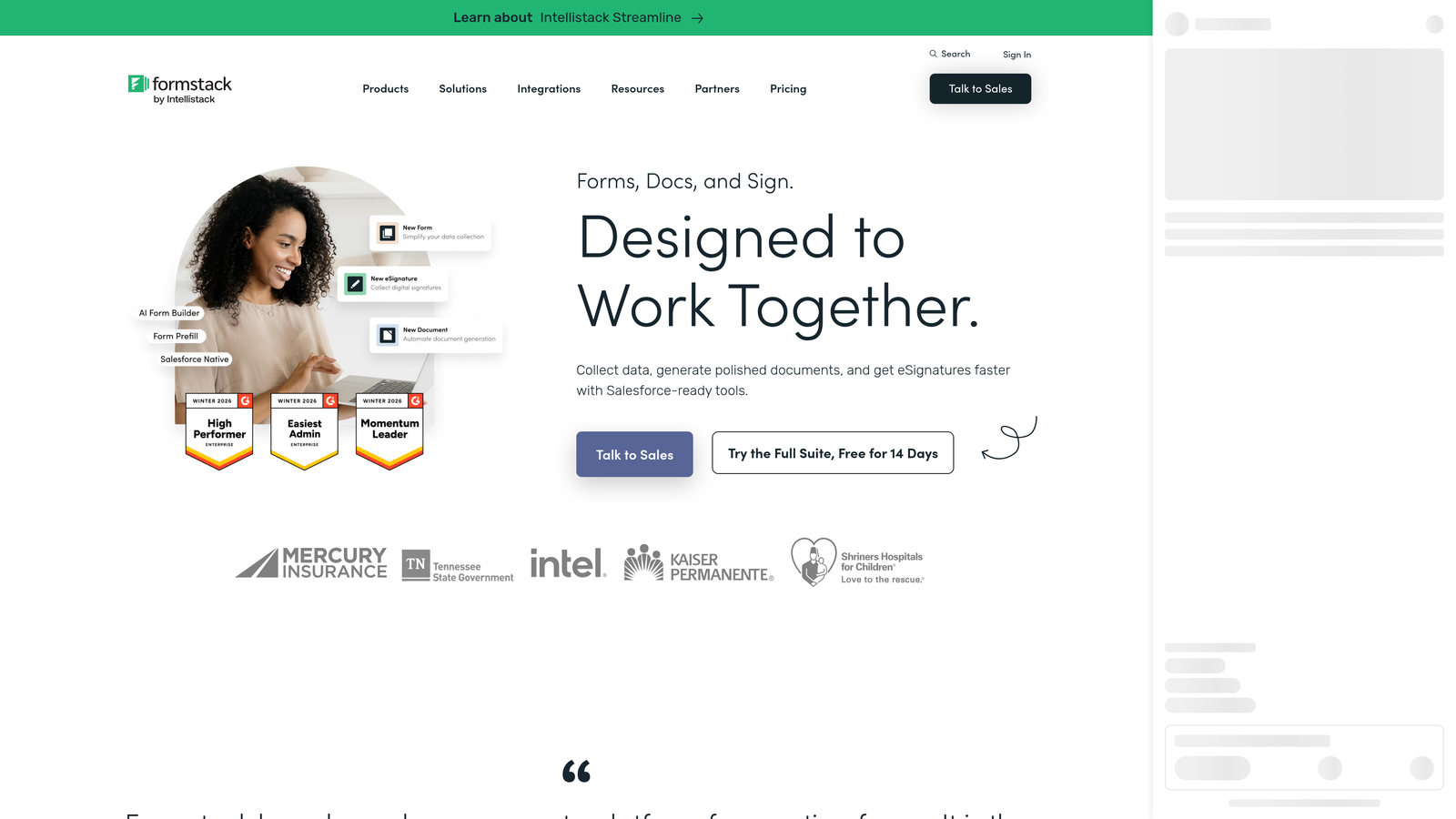
Formstack is an enterprise form platform with HIPAA and SOC 2 compliance, document generation, and multi-step workflow automation built in.
Where This Tool Shines
Formstack operates in a different tier than most tools on this list. It's not trying to be the fastest or cheapest option; it's built for organizations where compliance, audit trails, and workflow governance are non-negotiable. For SaaS companies in health tech, fintech, or legal tech, that matters more than price.
The document generation and e-signature capabilities also extend Formstack beyond lead capture into broader revenue operations workflows. Teams can use it to move from initial lead form all the way through contract execution within a single platform.
Key Features
HIPAA and SOC 2 Compliance: Certified compliance for regulated industries, with audit trails and data handling controls.
Document Generation: Automatically generates documents from form submissions, reducing manual work in sales and legal workflows.
Approval Routing: Multi-step workflow automation with conditional approval chains for complex internal processes.
Salesforce Native App: Deep Salesforce integration beyond standard API sync, including native object creation and field mapping.
Conversion Analytics: Robust reporting on form performance, drop-off rates, and submission trends.
Best For
Formstack is the right choice for enterprise SaaS teams in regulated verticals, or for revenue operations teams that need form data to trigger complex downstream workflows. The price point reflects the enterprise feature set, so it's less appropriate for early-stage or growth-stage teams without compliance requirements.
Pricing
Starts around $83/month with enterprise plans available. Verify current pricing at formstack.com.
8. Paperform
Best for: SaaS teams that want forms that double as lightweight landing pages with built-in payments and scheduling
Paperform is a hybrid form and landing page builder with a freeform document-style editor that blends text, media, and form fields in a single canvas.
Where This Tool Shines
Paperform sits in an interesting middle ground between a form tool and a page builder. Its editor lets you mix rich text, images, and form fields freely, which means a Paperform page can function as a standalone acquisition asset rather than just an embedded form on an existing page.
For SaaS teams running self-serve demo signups, trial activations, or event registrations, this flexibility is genuinely useful. You can build a conversion-focused page with embedded scheduling and payment collection without needing a separate landing page tool.
Key Features
Freeform Editor: Blends text, media, and form fields in one canvas, enabling hybrid form-and-landing-page experiences.
Built-In Payment Processing: Native Stripe integration for self-serve upgrade flows, event tickets, or paid content access.
Scheduling Integration: Built-in booking support for demo requests and consultation scheduling within the form itself.
Conditional Logic: Section-level and field-level conditionals for basic qualification and personalized routing.
Custom Domains: Branded form pages with custom domain support for a more polished acquisition experience.
Best For
Paperform works well for SaaS teams that need self-contained acquisition pages, particularly for lower-volume but higher-intent flows like demo bookings, trial signups, or paid workshop registrations. It's less optimized for high-volume lead qualification at scale.
Pricing
Starts around $24/month. Verify current pricing at paperform.co.
9. Growform
Best for: SaaS and B2B teams running paid acquisition campaigns who need conversion-optimized multi-step forms
Growform is a multi-step lead generation form builder purpose-built for conversion, with a following among performance marketing teams.
Where This Tool Shines
Growform's entire design philosophy centers on one question: how do you get more leads to complete the form? The multi-step UX, progress indicators, and conversion-focused templates are all built around reducing drop-off at each stage of the form flow. It's a tool built by people who think about form conversion rates the way CRO specialists think about landing pages.
For SaaS teams running paid search or paid social campaigns, where every form abandonment has a direct cost attached to it, Growform's conversion focus translates into measurable impact on campaign efficiency.
Key Features
Multi-Step Form UX: Breaks long forms into digestible steps with progress indicators to reduce abandonment.
Conversion-Focused Templates: Pre-built templates designed specifically for SaaS and B2B lead gen use cases.
CRM and Ad Platform Integrations: Connects to major CRMs and advertising platforms for closed-loop campaign tracking.
Step-Level Drop-Off Analytics: Reporting shows where respondents abandon at each individual step, enabling precise optimization.
Micro-Copy Optimization: Built-in support for progress labels and instructional text that guides respondents through the form flow.
Best For
Growform is a strong choice for SaaS growth and demand gen teams with active paid acquisition budgets. If your primary concern is maximizing lead volume from existing traffic, particularly paid traffic, Growform's conversion-first design is purpose-built for that goal.
Pricing
Starts around $49/month. Verify current pricing at growform.co.
Which Tool Is Right for Your SaaS Team?
The honest answer is that the best lead gen form software depends almost entirely on where your team is in its growth journey and what your biggest conversion bottleneck actually is.
Here's a quick way to think through the decision:
Early-stage and lean teams: Start with Tally for its genuinely useful free tier, or Orbit AI if lead qualification is already a priority and you want AI-powered routing from day one.
Growth-stage teams in the HubSpot ecosystem: HubSpot Forms is the path of least resistance for pipeline alignment. If you want qualification logic beyond what HubSpot Forms offers natively, Orbit AI's CRM integration support makes it a strong complement or alternative.
Paid acquisition teams: Growform's multi-step, conversion-first design is purpose-built for reducing drop-off on high-traffic campaign landing pages.
Enterprise teams in regulated industries: Formstack is the clear choice for compliance, document generation, and workflow governance requirements.
Ops-heavy teams on modern data stacks: Fillout's native Airtable and Notion integrations make it the most natural fit for teams where those tools are the source of truth.
For teams where lead quality, not just lead volume, is the strategic priority, Orbit AI's approach of embedding qualification logic at the form layer sets it apart from the rest of the field. Most of the other tools here treat qualification as a downstream problem. Orbit AI treats it as a form design problem, which is a meaningful distinction when your sales team's time is the constraint.
Most platforms here offer free trials or free tiers, so the best approach is to test with a real form in your current highest-traffic acquisition flow. Pay close attention to how each tool handles conditional logic, CRM sync latency, and mobile rendering. Those three factors tend to determine long-term satisfaction more reliably than any feature checklist.
Run a 30-day test, watch the conversion data, and let actual performance guide the decision. Transform your lead generation with AI-powered forms that qualify prospects automatically while delivering the modern, conversion-optimized experience your high-growth team needs. Start building free forms today and see how intelligent form design can change what lands in your pipeline.


