

Dynamic forms adapt in real time based on user input, showing relevant fields, hiding irrelevant ones, and guiding respondents through a personalized path. For high-growth teams, this isn't a nice-to-have: it's the difference between a form that converts and one that gets abandoned halfway through.
This list covers the best dynamic form creation tools available in 2026, evaluated on conditional logic depth, AI capabilities, UX quality, integrations, and pricing. Whether you're qualifying leads, running surveys, or building multi-step onboarding flows, there's a tool here that fits your stack.
We've included options ranging from AI-native platforms to developer-friendly builders, so you can find the right fit regardless of team size or technical resources. Our own platform, Orbit AI, leads the list because it's purpose-built for exactly this use case, but every tool here earns its spot on merit.
1. Orbit AI
Best for: High-growth SaaS and B2B teams that need AI-powered lead qualification built directly into the form layer.
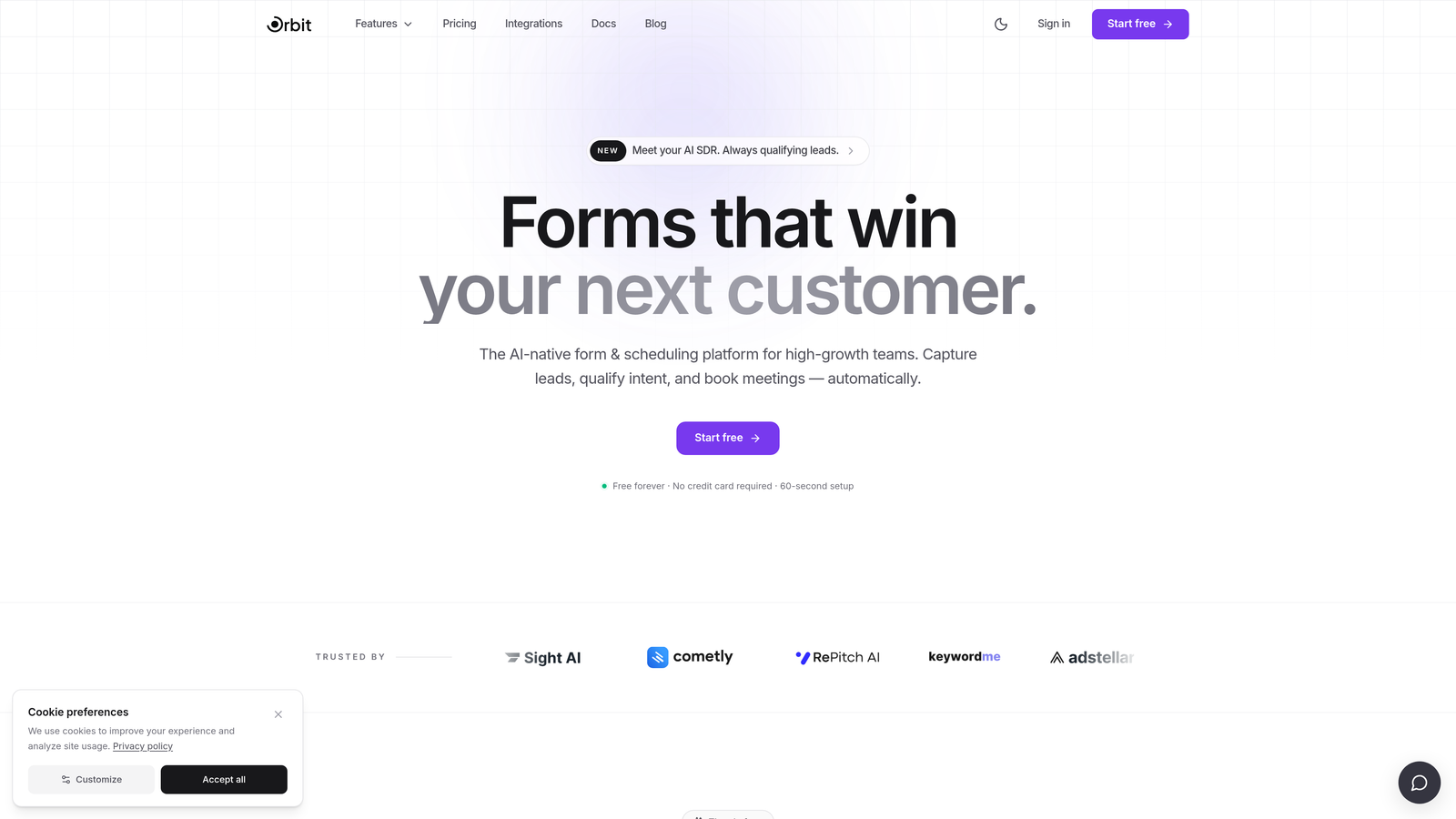
Orbit AI is an AI-native form builder designed specifically for lead qualification and conversion optimization.
Where This Tool Shines
Most form builders treat qualification as an afterthought, something you bolt on via a CRM workflow after the fact. Orbit AI flips that model: the intelligence lives inside the form itself. As a prospect moves through the flow, the form is already scoring, routing, and adapting based on their responses in real time.
This matters most for teams running high-volume lead gen where manual qualification doesn't scale. Instead of sending every submission to a sales rep for triage, Orbit AI does the heavy lifting upfront, so your pipeline contains contacts that are actually worth pursuing.
Key Features
AI-Powered Lead Qualification and Scoring: Built directly into the form layer, not a third-party add-on, so qualification happens before a lead ever hits your CRM.
Dynamic Field Logic: Fields show, hide, and adapt in real time based on prior responses, creating a personalized path for each respondent without extra configuration overhead.
Conversion-Optimized Templates: Pre-built templates designed specifically for B2B and SaaS lead gen, so you're not starting from a blank canvas every time.
CRM Integrations: Qualified leads route directly into your sales workflows, reducing the gap between form submission and sales follow-up.
No-Code Customization: Modern, beautiful form design that doesn't require a developer to brand or configure.
Best For
Orbit AI is the strongest fit for growth-focused B2B and SaaS teams where lead quality is as important as lead volume. If your sales team is spending significant time triaging low-quality submissions, this platform is built to solve exactly that problem.
Pricing
Paid plans available. Visit orbitforms.ai for current pricing details and to explore available tiers.
2. Typeform
Best for: Teams that prioritize polished, brand-forward form experiences with a conversational feel.
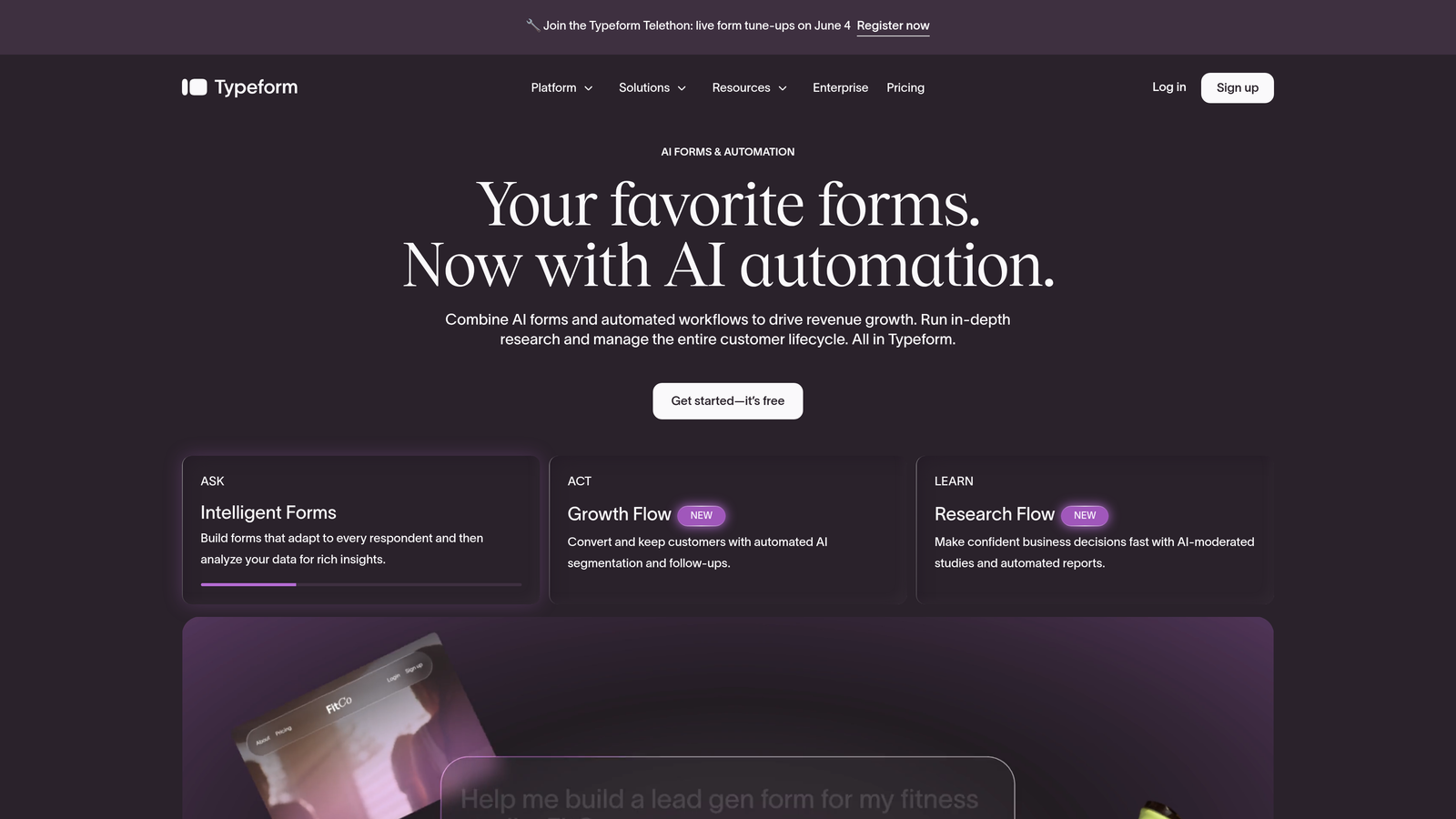
Typeform is a conversational form builder known for its one-question-at-a-time format and refined, brand-friendly design.
Where This Tool Shines
Typeform's signature format reduces cognitive load by presenting one question at a time, which tends to keep respondents engaged longer than a wall of fields. It's particularly effective for marketing surveys, NPS flows, and lead gen forms where experience quality directly affects completion rates.
The conditional logic is solid, allowing you to branch respondents into different paths based on their answers. It's not the deepest implementation in this list, but it covers most use cases without requiring technical expertise to set up.
Key Features
Conversational UX: One-question-at-a-time format that reduces friction and keeps respondents moving through the flow.
Conditional Logic: Branching paths based on user responses, with a visual editor that's approachable for non-technical users.
Integration Library: Connects with HubSpot, Salesforce, Zapier, and many other tools commonly used in marketing stacks.
Custom Branding: Full control over colors, fonts, and imagery to match your brand identity.
Media Embedding: Video and image support within questions, useful for more engaging survey or onboarding experiences.
Best For
Typeform suits marketing teams and agencies that need a polished respondent experience and care deeply about form aesthetics. It's less ideal for teams that need deep AI-driven qualification or complex multi-condition logic.
Pricing
Free plan available. Paid plans start at approximately $25/month, with higher tiers unlocking advanced logic and integrations.
3. Jotform
Best for: Agencies and SMBs managing diverse form needs across multiple clients or departments.
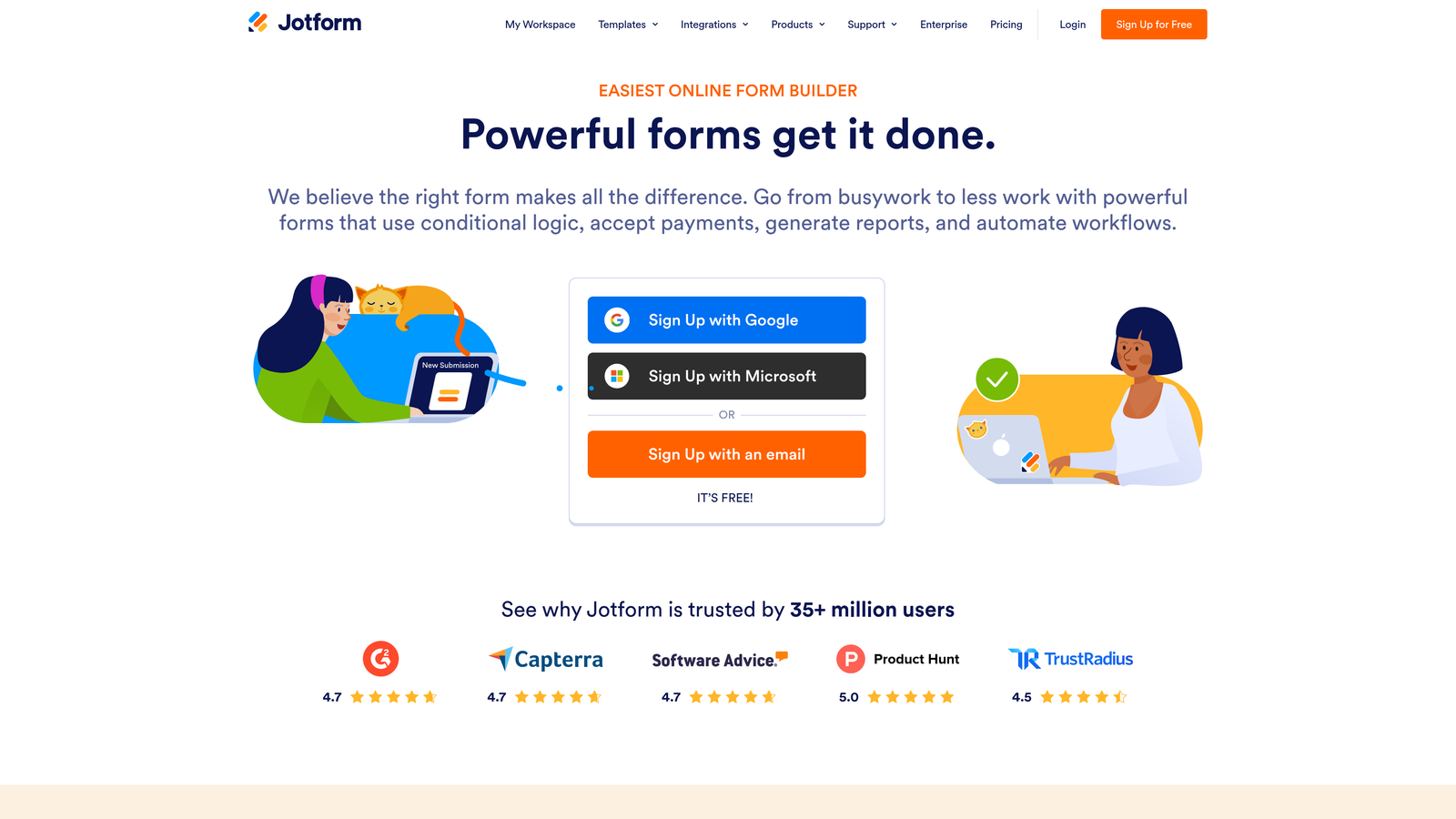
Jotform is a feature-rich form builder with one of the largest template libraries in the space and broad integration support.
Where This Tool Shines
Jotform's strength is breadth. With over 10,000 templates and more than 150 native integrations, it can handle almost any form use case out of the box. This makes it particularly valuable for agencies managing varied client needs or internal teams running forms across multiple departments.
The platform also supports HIPAA-compliant forms and offline data collection via its mobile app, which expands its relevance beyond standard web-based use cases into healthcare, field operations, and event environments.
Key Features
Massive Template Library: 10,000+ ready-made templates spanning industries, form types, and use cases to accelerate setup.
Conditional Logic and Calculations: Dynamic field display combined with calculated fields for order forms, quotes, and scoring.
150+ Native Integrations: Covers payment processors, CRMs, project management tools, and more without relying on Zapier.
HIPAA-Compliant Plans: Available for healthcare organizations that need compliant data handling.
Offline Functionality: Mobile app supports data collection without an internet connection, syncing when connectivity returns.
Best For
Jotform is a strong pick for teams that need maximum flexibility across varied form types and want a large template library to draw from. It's more utilitarian than design-forward, which suits operations-focused teams over marketing-focused ones.
Pricing
Free plan available. Paid plans start at approximately $34/month, scaling up based on submission volume and feature access.
4. HubSpot Forms
Best for: Inbound marketing teams already operating within the HubSpot ecosystem.
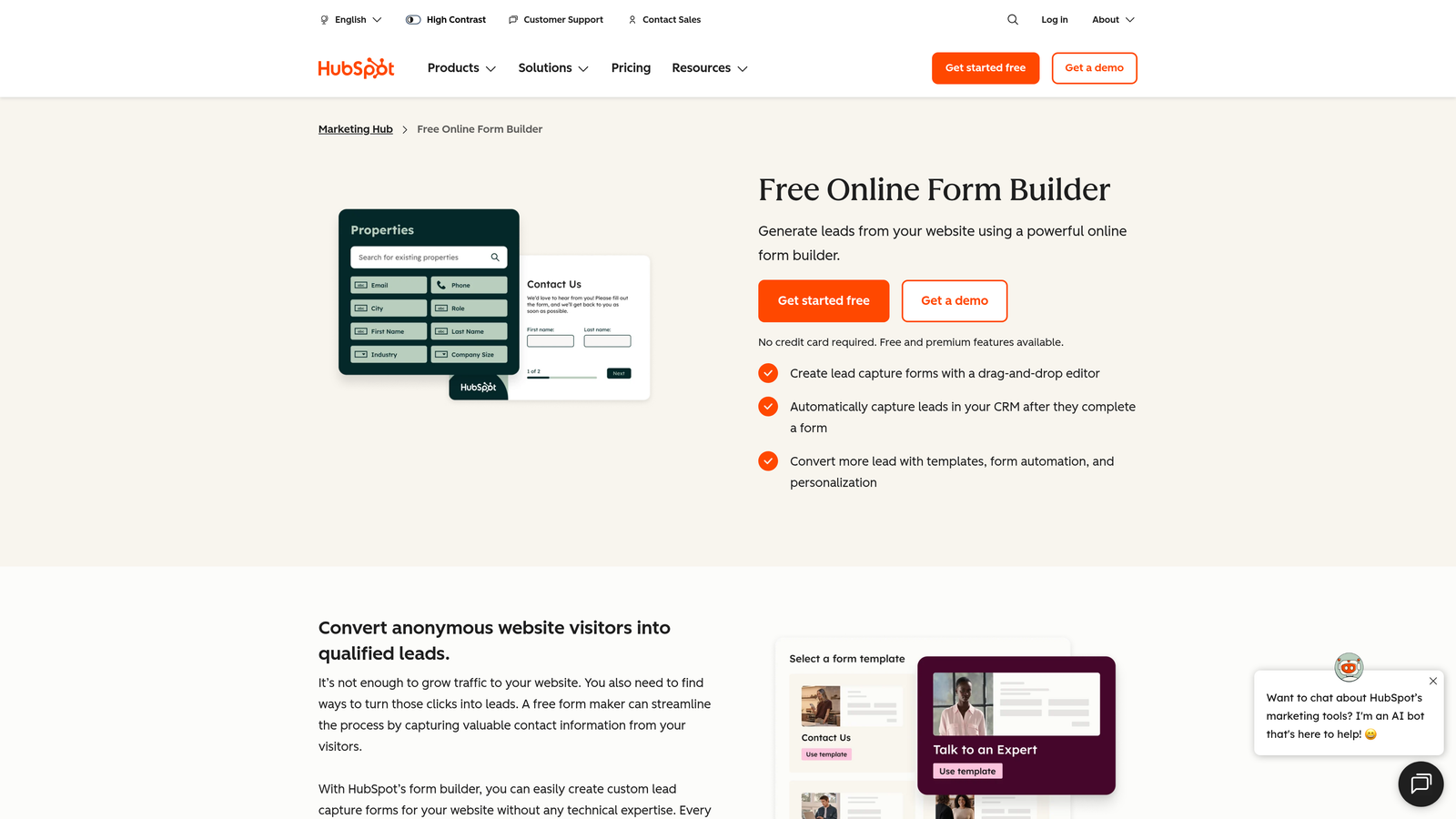
HubSpot Forms is a native form builder embedded within HubSpot's CRM and Marketing Hub, with progressive profiling built in.
Where This Tool Shines
The standout feature here is progressive profiling: returning contacts who are already in your CRM see new questions rather than fields they've already filled out. Over multiple touchpoints, HubSpot Forms builds a richer contact profile without ever asking someone to repeat themselves. That's genuinely useful for inbound-heavy teams running multiple content offers and gated assets.
The trade-off is that HubSpot Forms is deeply tied to the HubSpot platform. Outside of that ecosystem, it offers limited standalone value compared to purpose-built form tools.
Key Features
Progressive Profiling: Shows new fields to returning contacts rather than repeating questions, building richer data over time.
Smart Field Pre-Fill: Automatically populates known CRM data, reducing friction for returning visitors.
Native CRM Sync: Form submissions flow directly into HubSpot contacts, lists, and automation workflows without middleware.
Conditional Logic: Dynamic field display based on respondent answers, integrated with HubSpot's contact data.
Campaign Analytics: Form performance data tied directly to HubSpot's broader marketing reporting dashboard.
Best For
HubSpot Forms is the obvious choice for teams already invested in HubSpot Marketing Hub. For teams outside that ecosystem, a purpose-built form tool will almost always offer more flexibility and depth.
Pricing
Included in HubSpot's free CRM. Advanced features require Marketing Hub, which starts at approximately $15/month per seat.
5. Fillout
Best for: Operations and product teams that need forms connected to live database records in Airtable or Notion.
Fillout is a modern form builder with standout native integrations to Airtable, Notion, and other databases, enabling dynamic field population from live data sources.

Where This Tool Shines
Fillout's differentiation is its database connectivity. Where most form builders require a webhook or Zapier zap to push data somewhere useful, Fillout connects directly to Airtable and Notion records, pulling live data into dropdown fields and pushing form responses back into the right tables automatically.
This makes it particularly powerful for ops-heavy workflows: client intake forms that populate project databases, scheduling flows that reference live availability, or internal request forms that update existing records rather than creating new rows.
Key Features
Native Airtable and Notion Integrations: Two-way data sync with popular no-code databases, enabling dynamic field population from live records.
Dynamic Dropdowns: Dropdown options populated in real time from connected database records, keeping forms accurate without manual updates.
Multi-Step Conditional Logic: Branching flows with multiple conditions across a multi-page form structure.
Scheduling and Payments: Built-in scheduling and payment collection without requiring separate tools.
Clean No-Code UI: Modern design with a straightforward editor that doesn't require technical knowledge to use effectively.
Best For
Fillout is the strongest pick for teams that live in Airtable or Notion and want their forms to feel like a native extension of those databases rather than a disconnected layer on top.
Pricing
Free plan available. Paid plans start at approximately $15/month, making it one of the more accessible options in this list for growing teams.
6. Tally
Best for: Startups and lean teams that need conditional logic and unlimited forms without paying for it.
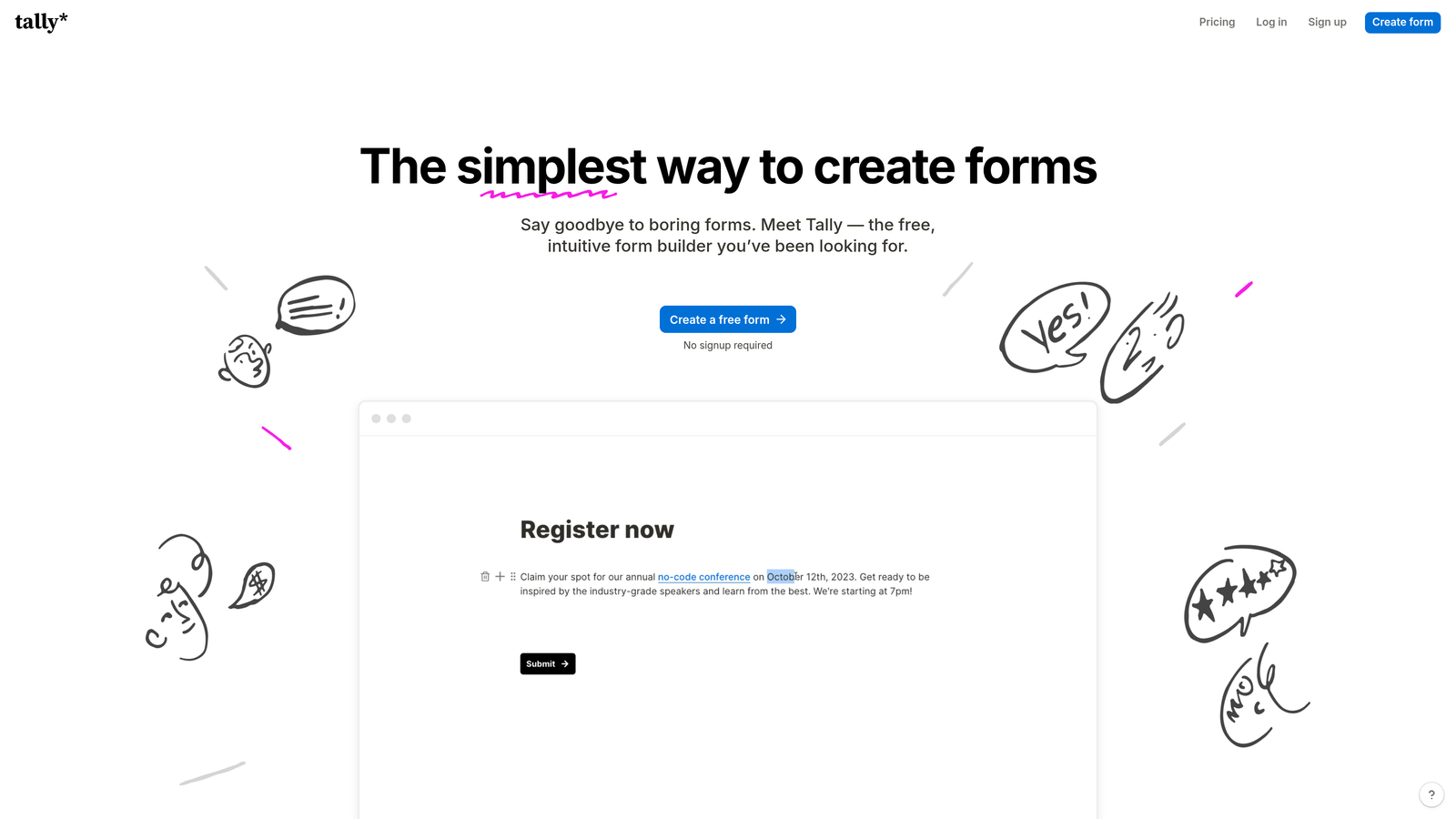
Tally is a Notion-inspired form builder with a block-based editor and a generous free tier that includes conditional logic.
Where This Tool Shines
Tally punches well above its price point. The free plan includes unlimited forms, unlimited responses, and conditional logic, which is a genuinely rare combination in this market. The block-based editor feels familiar to anyone who's used Notion, making it fast to pick up without any onboarding.
It's not the most feature-rich tool in this list, and enterprise-grade features like advanced permissions or audit trails are absent. But for early-stage teams running surveys, waitlist signups, or feedback forms, Tally covers the essentials without adding cost.
Key Features
Unlimited Free Forms and Responses: No caps on the free plan, which is unusually generous compared to most competitors.
Conditional Logic at No Cost: Show/hide logic included in the free tier, not locked behind a paywall.
Block-Based Editor: Notion-style interface that makes building forms fast and intuitive for teams already in that workflow.
Clean Embeds: Paid plans remove Tally branding, enabling seamless embedding across websites and products.
Zapier and Make Integrations: Automation support for connecting Tally to the rest of your stack.
Best For
Tally is the go-to for bootstrapped startups, indie makers, and lean teams that want solid conditional logic and clean design without a monthly bill. Teams needing enterprise features or deep CRM integrations will outgrow it quickly.
Pricing
Generous free plan available. Tally Pro starts at approximately $29/month for branding removal and additional features.
7. Paperform
Best for: Service-based businesses and coaches building intake forms, proposals, and client-facing workflows.
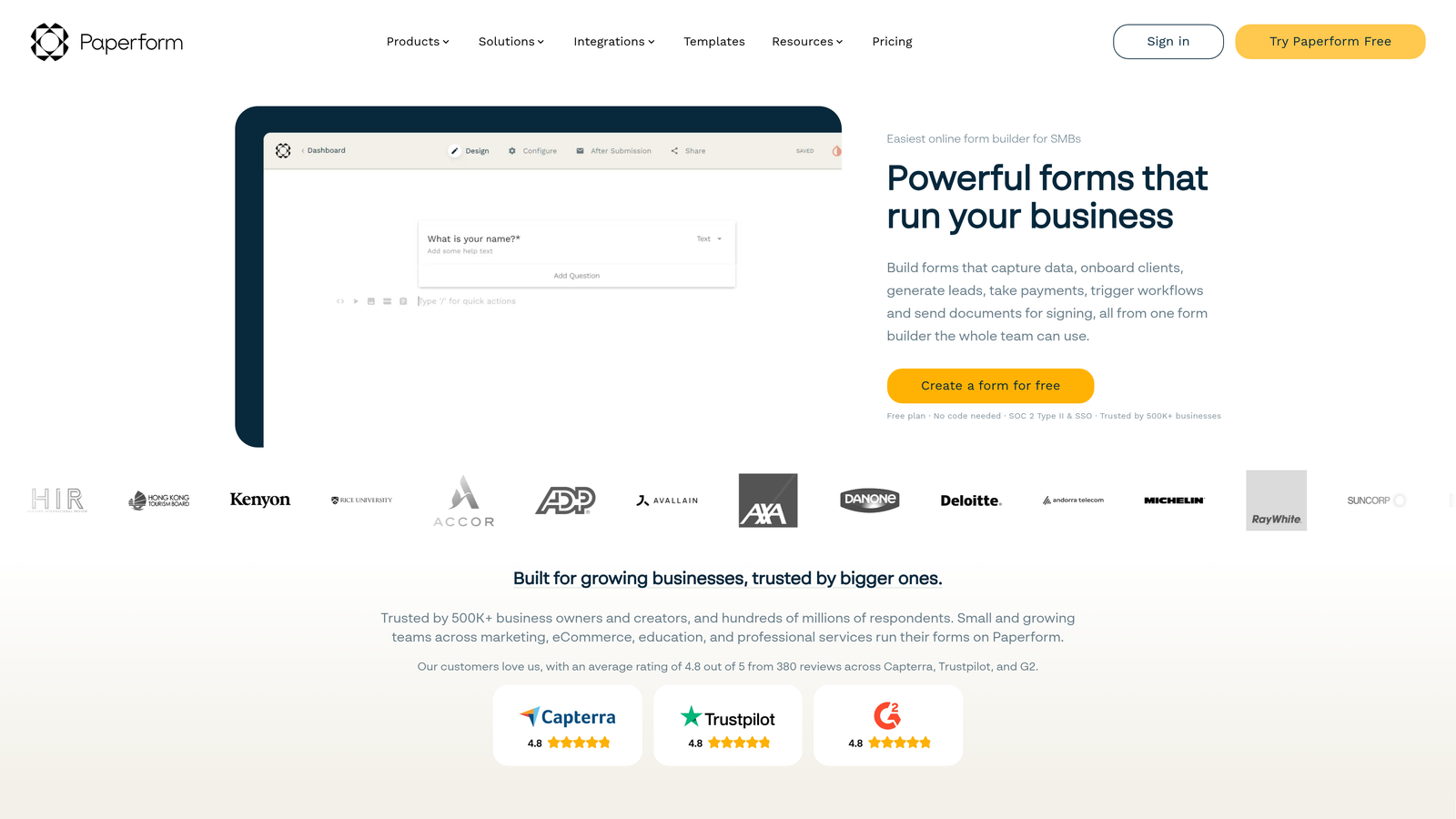
Paperform is a document-style form builder that blends written content, media, and form fields into a single cohesive flow.
Where This Tool Shines
Paperform occupies a unique position in this list: it's less a traditional form builder and more a hybrid between a document editor and a form tool. You write copy, embed images, and drop in form fields all within the same editor, which creates a more narrative, guided experience than a standard multi-field layout.
This format works particularly well for longer intake forms, coaching questionnaires, or client proposals where context and explanation matter as much as the questions themselves. It's not optimized for high-volume lead capture, but for thoughtful, relationship-driven workflows, it's hard to match.
Key Features
Document-Style Editor: Mix written content, images, and form fields naturally in a single flow, creating context-rich form experiences.
Conditional Logic and Calculated Fields: Dynamic field display combined with math-based calculations for pricing, scoring, or custom outputs.
Multi-Payment Processor Support: Collect payments via Stripe, PayPal, and other processors directly within the form.
Product and Service Listings: Built-in order form fields for service-based businesses selling packages or sessions.
Service Business Templates: Strong library of templates designed specifically for coaches, consultants, and agencies.
Best For
Paperform is best suited to service businesses, coaches, and consultants who need forms that feel more like documents than data-capture screens. Less suited to high-volume B2B lead gen or teams needing deep CRM integration.
Pricing
Plans start at approximately $24/month. There is no permanent free plan, though a trial is available.
8. Google Forms
Best for: Quick internal surveys and basic data collection within Google Workspace environments.
Google Forms is a free, straightforward form builder fully integrated with Google Workspace, designed for simplicity over sophistication.
Where This Tool Shines
There's no faster path from "I need a form" to "the form exists" than Google Forms. It's free, it's instant, and anyone with a Google account already has access. For internal surveys, quick polls, or simple data collection tasks, it removes every barrier that slows teams down.
The conditional logic is basic, limited to section branching based on multiple-choice answers. That's enough for simple routing but falls well short of what most dynamic form use cases require. The design is also fixed and functional rather than brand-friendly.
Key Features
Completely Free: No cost beyond a Google account, making it universally accessible for any team size.
Basic Conditional Logic: Section branching based on multiple-choice responses covers simple routing scenarios.
Native Google Sheets Integration: Responses flow automatically into a connected spreadsheet for easy analysis.
Collaborative Editing: Multiple team members can build and edit forms simultaneously within Google Workspace.
Zero Learning Curve: Familiar interface that requires no onboarding or training to start using.
Best For
Google Forms is the right call for internal data collection, quick team surveys, and scenarios where speed of creation matters more than design or conversion optimization. It is not the right tool for lead gen, branded experiences, or anything requiring deep conditional logic.
Pricing
Free with a Google account. Included in all Google Workspace plans at no additional cost.
9. Formstack
Best for: Enterprise teams in regulated industries that need HIPAA compliance, document generation, and approval workflows.
Formstack is an enterprise form and workflow automation platform built for regulated industries and complex internal processes.
Where This Tool Shines
Formstack is the most enterprise-complete platform in this list. Beyond form building, it handles document generation from submissions, multi-step approval routing, and team permissions with audit trails. For organizations in healthcare, finance, or legal where compliance and governance aren't optional, this breadth of capability matters.
The Salesforce native integration is particularly strong, with deep field mapping that goes well beyond what most form tools offer via third-party connectors. If your organization runs on Salesforce and needs forms that feel like a native extension of that environment, Formstack is a serious contender.
Key Features
HIPAA-Compliant Forms: Purpose-built compliance controls for healthcare and other regulated data environments.
Advanced Conditional Logic with Approval Routing: Multi-step workflows that route submissions through defined approval chains before finalizing.
Document Generation: Automatically generate documents from form submission data, reducing manual output work.
Salesforce Native Integration: Deep field mapping and bidirectional sync with Salesforce, beyond what standard connectors offer.
Enterprise Governance: Team permissions, role-based access, and audit trails for organizations with strict data handling requirements.
Best For
Formstack is built for enterprise teams and regulated industries where compliance, governance, and workflow automation are non-negotiable requirements. The price point reflects that positioning, making it less suitable for startups or SMBs with simpler needs.
Pricing
Plans start at approximately $83/month. Enterprise pricing is available for larger organizations with custom requirements.
Which Tool Is Right for Your Team?
The right dynamic form tool depends almost entirely on what you're trying to accomplish. Here's a quick breakdown by use case to help you cut through the noise.
If AI-powered lead qualification is your priority, Orbit AI is the clear choice. It's the only platform in this list purpose-built around qualifying leads inside the form itself, rather than relying on downstream CRM logic to do the heavy lifting after submission.
For teams that prioritize a polished, conversational respondent experience, Typeform remains the benchmark. Its one-question-at-a-time format consistently outperforms traditional multi-field layouts for engagement-sensitive use cases like surveys and NPS flows.
If budget is the primary constraint and you still need real conditional logic, Tally's free tier is genuinely hard to beat. It won't scale to enterprise requirements, but for early-stage teams, it covers the essentials without adding cost.
For enterprise teams in regulated industries, Formstack is the only platform in this list with the compliance depth, approval routing, and governance controls that healthcare, legal, and financial organizations actually need.
One broader point worth making: dynamic forms are a lever most teams significantly underuse. Showing only relevant fields, routing respondents based on their answers, and qualifying leads before they hit your CRM can meaningfully improve both data quality and conversion rates. The tool matters, but the bigger win is simply committing to a smarter form strategy in the first place.
If you're building lead gen flows for a high-growth team and want AI qualification built in from the start, start building free forms today and see how intelligent form design can elevate your conversion strategy.
For more on improving what happens after the form is submitted, explore our guides on how to improve lead quality and choosing the right form builder with conditional logic for your stack.


