

When your team handles 100 form submissions a month, any form builder works. When you're processing 10,000+ submissions across multiple campaigns, departments, and integrations, you need infrastructure that grows with you. Scalable form platforms handle increasing submission volumes, support complex workflows, maintain performance under load, and integrate seamlessly with your expanding tech stack.
This guide evaluates nine platforms built for teams that refuse to let their forms become a bottleneck. We assessed each on submission capacity, integration depth, workflow automation, team collaboration features, and pricing flexibility at scale.
1. Orbit AI
Best for: High-growth teams needing AI-powered lead qualification alongside scalable form infrastructure
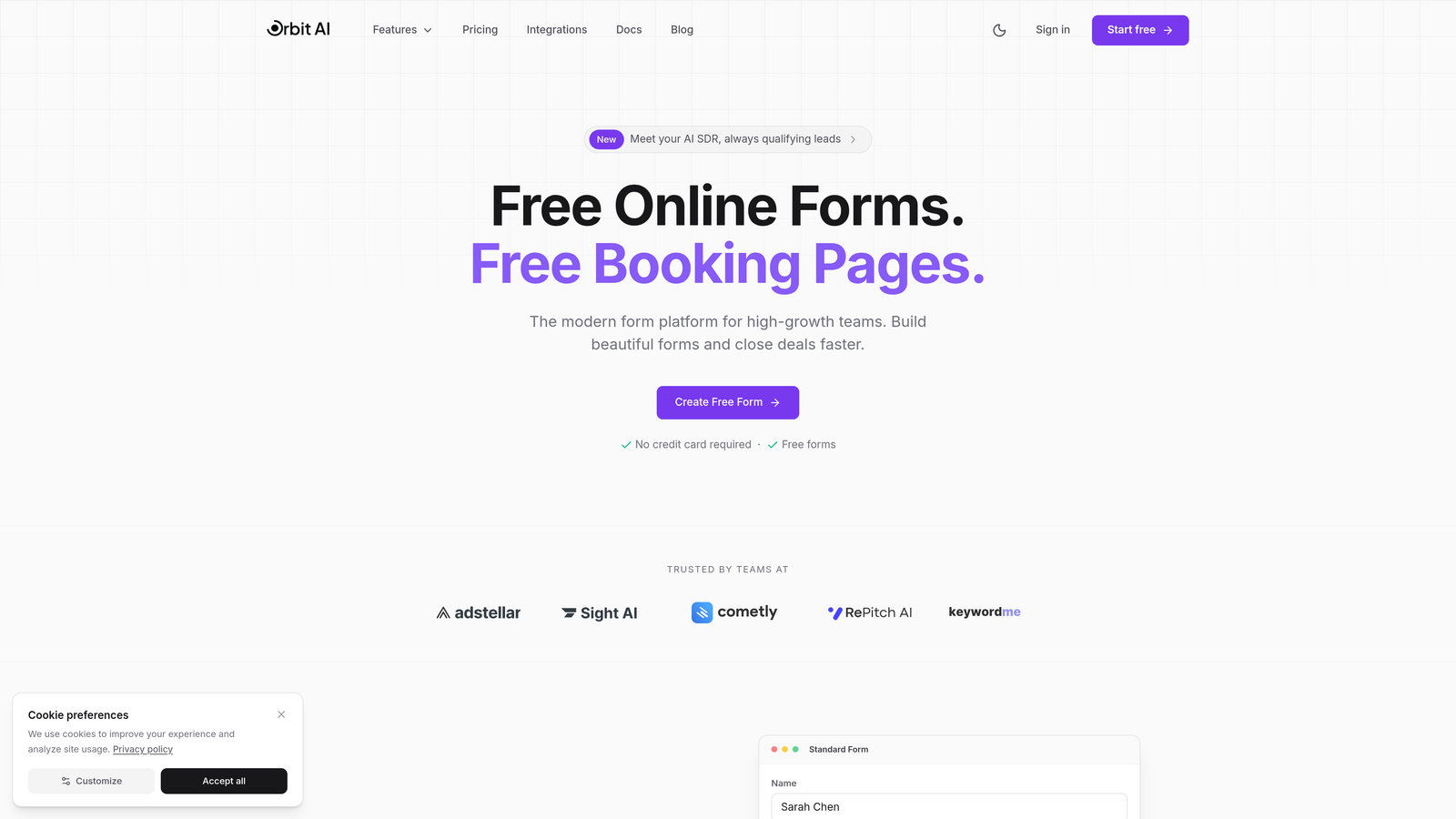
Orbit AI combines enterprise-grade form scalability with intelligent lead qualification that adapts as your pipeline grows.
Where This Tool Shines
Most scalable platforms focus solely on handling volume. Orbit AI addresses the quality problem that emerges at scale—when thousands of submissions flood in, how do you identify high-value prospects without drowning your sales team?
The platform's AI agents automatically score and qualify leads based on submission data, routing qualified prospects to sales while filtering noise. This intelligence layer becomes more valuable as submission volume increases, turning scale from a burden into competitive advantage.
Key Features
AI Lead Qualification: Automatically scores submissions and routes qualified leads to appropriate team members based on customizable criteria.
Workflow Automation: Conditional routing sends submissions through multi-step processes without manual intervention, supporting complex approval chains.
Native CRM Integration: Connects directly with sales tools to sync qualified leads in real-time, eliminating data transfer bottlenecks.
Conversion Analytics: Dashboard tracks form performance metrics and identifies optimization opportunities across your entire form portfolio.
Team Collaboration: Role-based permissions let teams manage forms at scale without security compromises or workflow conflicts.
Best For
B2B companies and high-growth SaaS teams where lead quality matters as much as submission capacity. Particularly valuable when sales teams struggle to keep pace with inbound volume or when conversion rate optimization directly impacts revenue.
Pricing
Contact-based pricing scales with team size and submission volume. Custom enterprise packages available for organizations with specific compliance or integration requirements.
2. Typeform
Best for: Brand-focused teams scaling conversational experiences across enterprise touchpoints
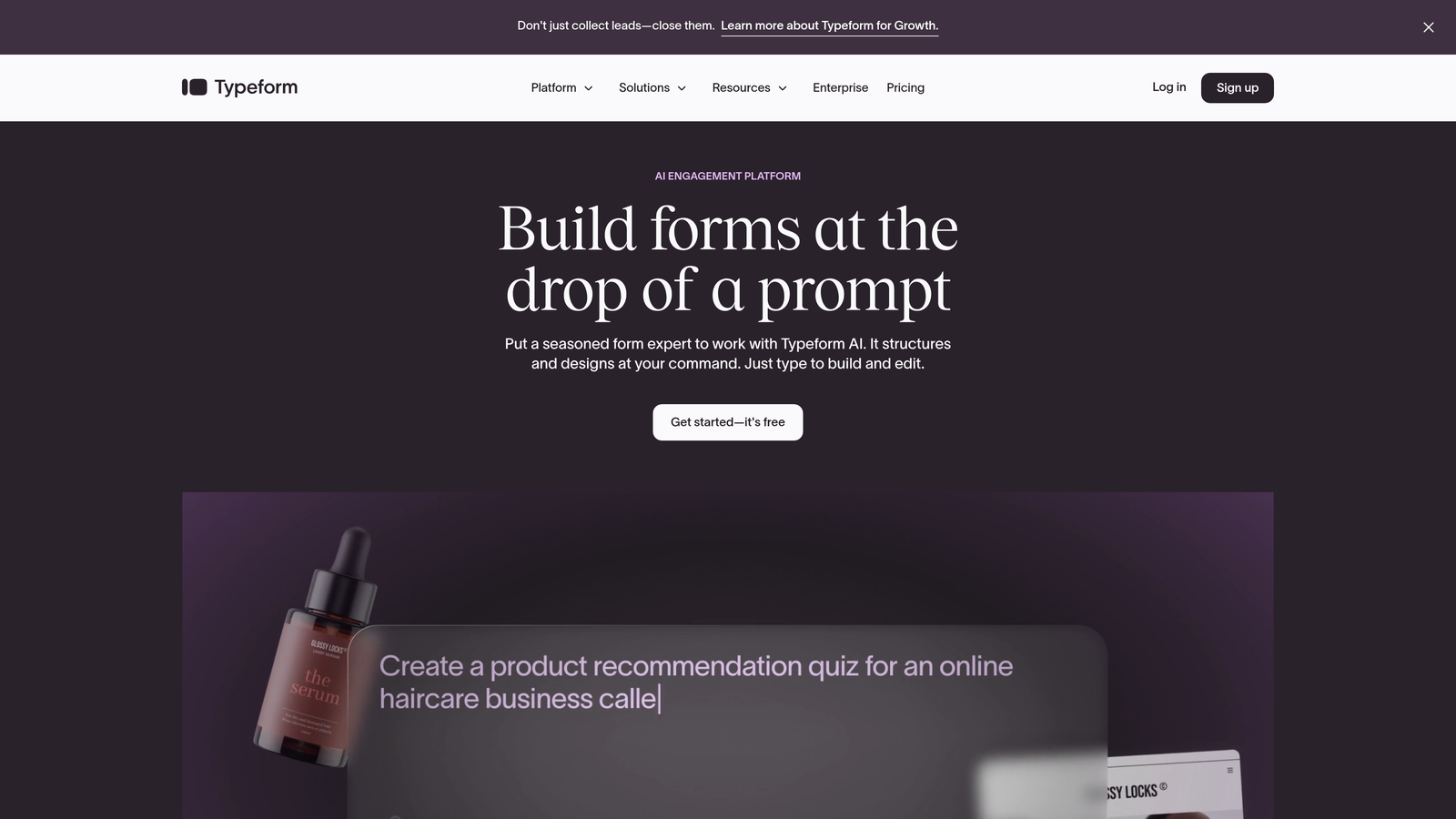
Typeform pioneered the one-question-at-a-time interface that transforms forms into conversations, now backed by enterprise infrastructure.
Where This Tool Shines
Typeform's conversational approach maintains engagement even in lengthy forms that typically see massive drop-off. When you're collecting detailed information at scale, this interface keeps completion rates higher than traditional multi-field layouts.
The platform's API and webhook infrastructure handles high-volume integrations reliably. Enterprise plans add SSO, advanced compliance features, and dedicated support—critical when forms become mission-critical infrastructure across departments.
Key Features
Conversational Interface: One-question-at-a-time presentation reduces cognitive load and improves completion rates on complex forms.
Logic Jump Architecture: Advanced branching creates personalized paths through forms based on previous answers, supporting sophisticated qualification workflows.
VideoAsk Integration: Embeds video responses directly into form flows, adding human connection at scale.
Enterprise API: Robust API with high rate limits supports custom integrations and automated workflows for high-volume scenarios.
Compliance Infrastructure: Enterprise plans include SOC 2 Type II certification, GDPR compliance tools, and SSO authentication.
Best For
Marketing teams prioritizing brand experience and completion rates over raw feature depth. Ideal when forms serve as primary customer touchpoints and user experience directly impacts conversion metrics.
Pricing
Starts at $25/month for basic plans. Business tier from $83/month adds advanced logic and integrations. Enterprise pricing is custom based on volume and compliance requirements.
3. Jotform Enterprise
Best for: Organizations requiring unlimited submission capacity with strict compliance certifications
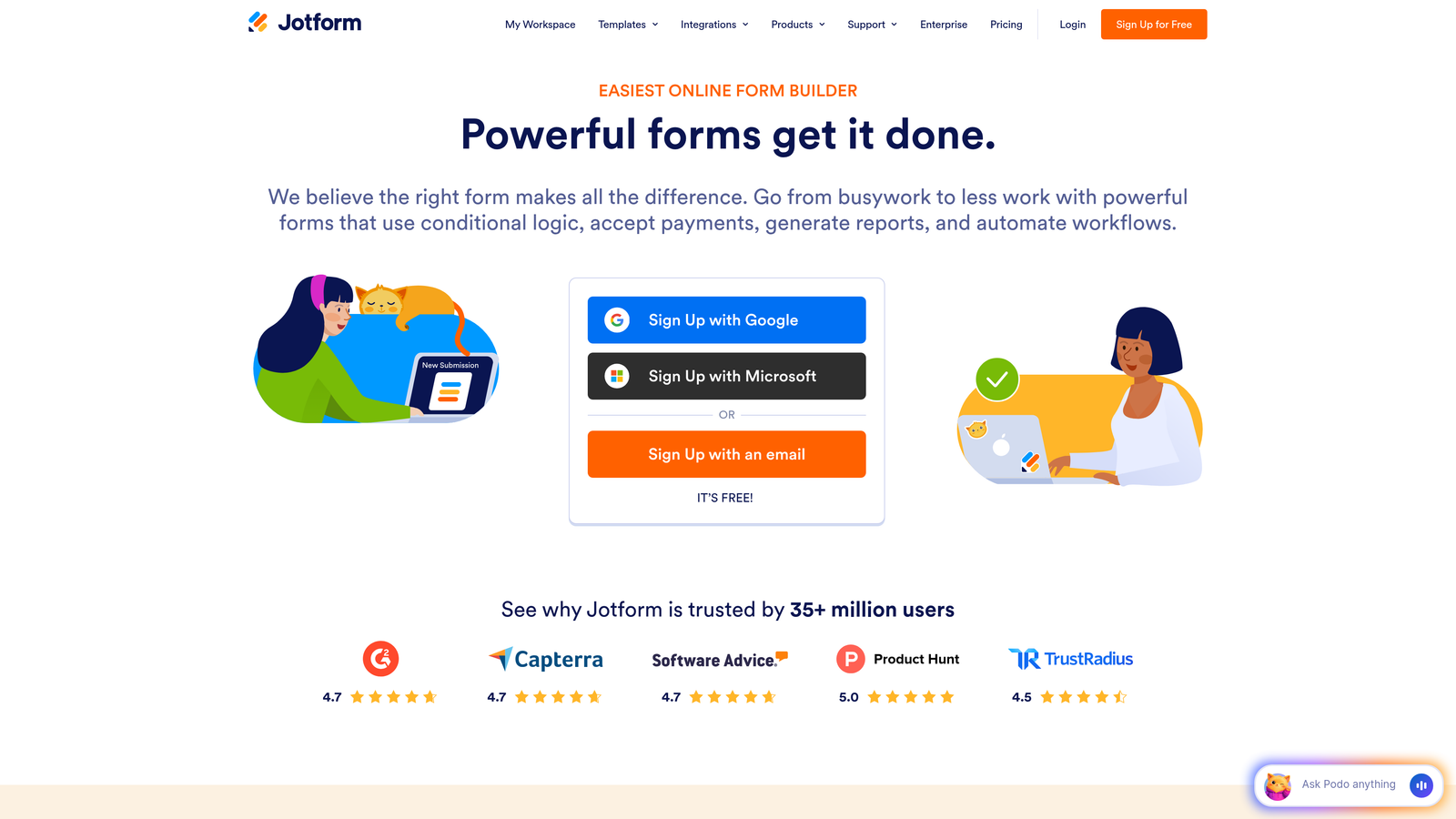
Jotform Enterprise removes volume restrictions entirely while adding compliance infrastructure for regulated industries.
Where This Tool Shines
The unlimited forms and submissions model eliminates the pricing anxiety that plagues growing teams. You won't hit unexpected overage charges during campaign spikes or seasonal volume increases.
Jotform's compliance certifications—HIPAA, SOC 2, GDPR—come standard rather than as expensive add-ons. For healthcare, finance, or government organizations, this compliance foundation is often the deciding factor when choosing scalable infrastructure.
Key Features
Unlimited Submission Model: No caps on forms or monthly submissions, eliminating volume-based pricing concerns as you scale.
Compliance Certifications: HIPAA Business Associate Agreements, SOC 2 Type II certification, and GDPR compliance tools included in enterprise plans.
Approval Workflows: Multi-step approval processes with conditional routing support complex organizational hierarchies.
White-Label Options: Custom branding removes Jotform references entirely, maintaining brand consistency across customer touchpoints.
Dedicated Infrastructure: Optional dedicated server deployment for organizations with strict data residency or performance requirements.
Best For
Healthcare providers, financial institutions, and enterprise organizations where compliance certifications are non-negotiable and submission volume varies significantly across fiscal periods.
Pricing
Enterprise plans start around $99/month for core features. Dedicated infrastructure and advanced compliance packages require custom pricing based on deployment specifications.
4. Formstack
Best for: Teams automating end-to-end document workflows from data collection through signature
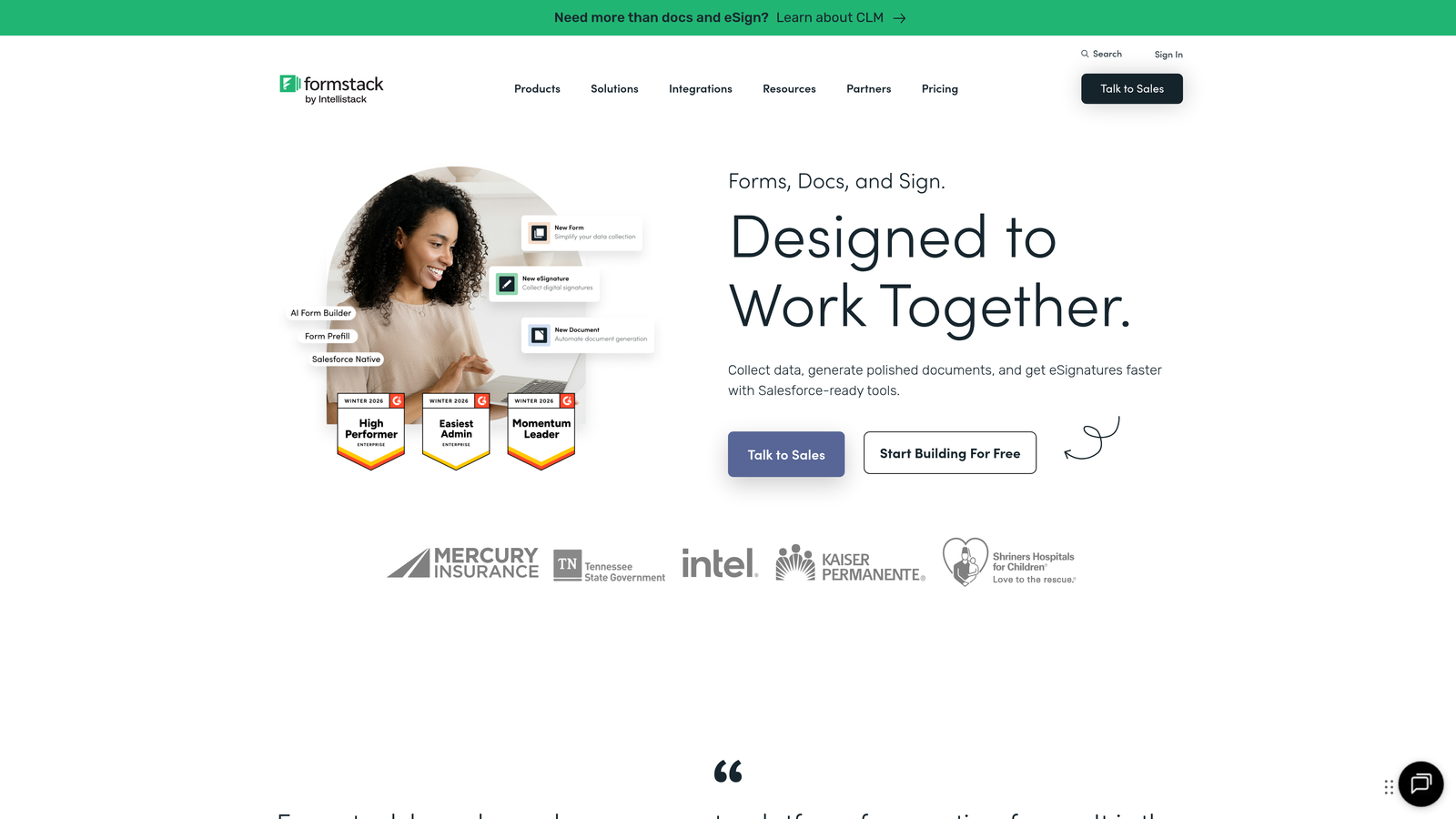
Formstack extends beyond form building into complete document automation, connecting data collection with contract generation and e-signatures.
Where This Tool Shines
When forms trigger document generation—contracts, proposals, compliance paperwork—Formstack eliminates the manual copy-paste nightmare. Form submissions automatically populate document templates, route for approvals, and collect signatures without leaving the platform.
This integrated approach scales workflows that traditionally break at high volume. Legal teams, HR departments, and sales organizations processing hundreds of agreements monthly find particular value in the unified workflow.
Key Features
Document Generation: Automatically creates PDFs and documents from form data using customizable templates, eliminating manual data transfer.
Native E-Signatures: Built-in signature collection routes documents through approval chains without third-party signature tools.
Workflow Automation: Conditional routing sends submissions through multi-step processes based on form responses and business rules.
Security Certifications: SOC 2 Type II and HIPAA compliance support regulated industry requirements at enterprise scale.
Team Management: Granular permissions control who can create, edit, and access forms and documents across departments.
Best For
Organizations where forms initiate document-heavy processes—HR onboarding, contract management, compliance documentation. Particularly valuable when multiple departments share workflow infrastructure.
Pricing
Starts at $50/month for basic plans. Teams tier from $83/month includes document features. Enterprise pricing is customized based on user count and workflow complexity.
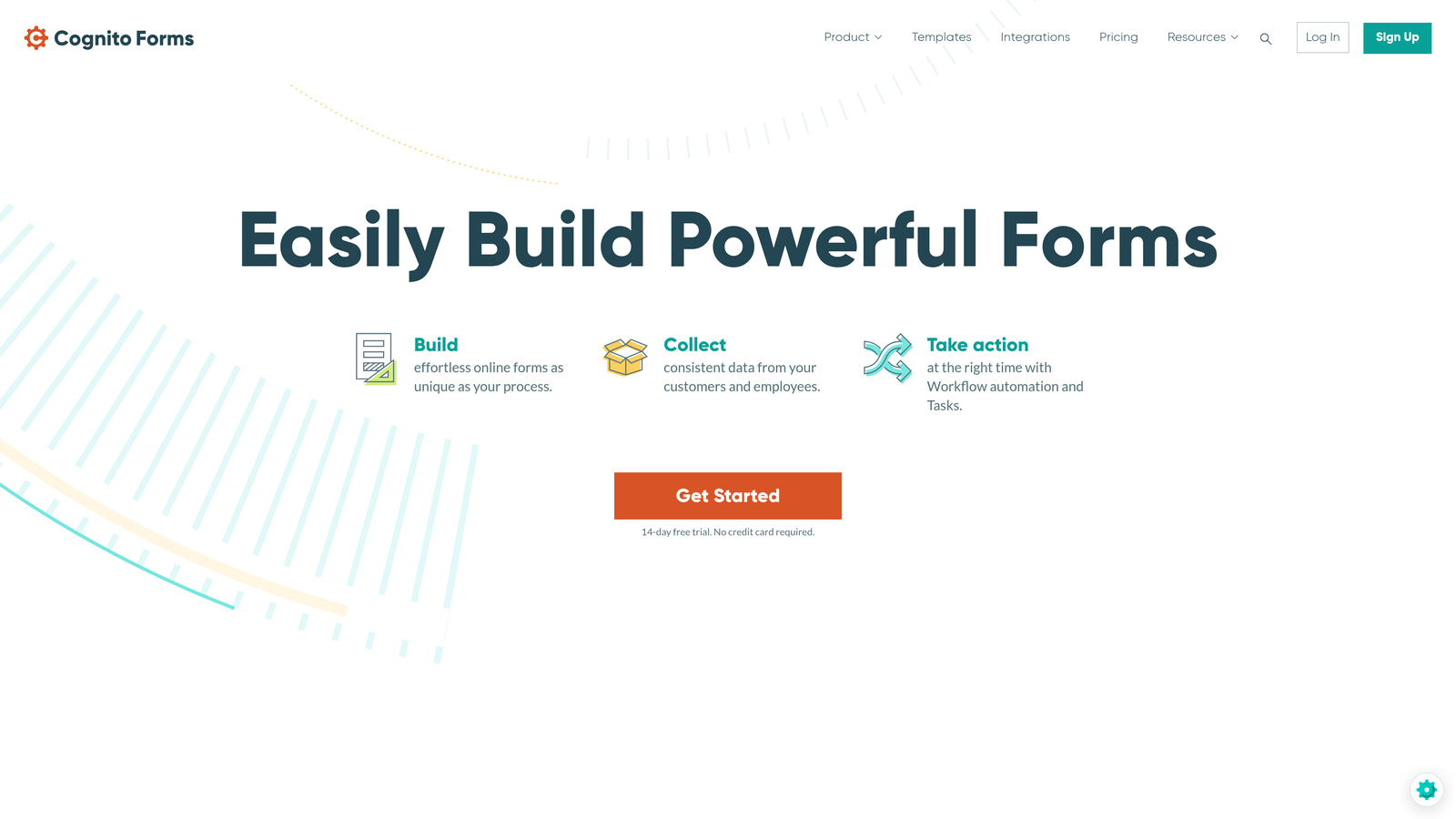
5. Cognito Forms
Best for: Teams requiring advanced calculation capabilities and payment processing at mid-market pricing
Cognito Forms delivers enterprise-level calculation features and workflow automation at pricing that scales gracefully with growing teams.
Where This Tool Shines
Cognito's calculation engine handles complex formulas, conditional pricing, and dynamic field generation that competitors reserve for expensive enterprise tiers. Teams building registration forms, order forms, or applications with variable pricing find this depth invaluable.
The repeating sections feature lets users add multiple items within a single submission—think expense reports with unlimited line items or event registrations for entire teams. This flexibility prevents the awkward workarounds that plague simpler platforms at scale.
Key Features
Advanced Calculations: Formula fields perform complex math, date calculations, and conditional logic within forms without external tools.
Repeating Sections: Users can add unlimited repeated entries within single submissions, supporting complex data collection scenarios.
Payment Processing: Integrated payment collection with quantity-based pricing, discounts, and tax calculations built into form logic.
Workflow Automation: Approval workflows route submissions through multi-step processes with conditional notifications.
Data Security: Encryption at rest and in transit with compliance features for handling sensitive information at scale.
Best For
Mid-market teams managing complex registration, ordering, or application processes where calculation accuracy matters. Ideal when budget constraints rule out enterprise platforms but feature requirements exceed basic form builders.
Pricing
Free tier available with basic features. Pro tier from $15/month per user. Team tier from $35/month per user adds advanced collaboration and workflow features.
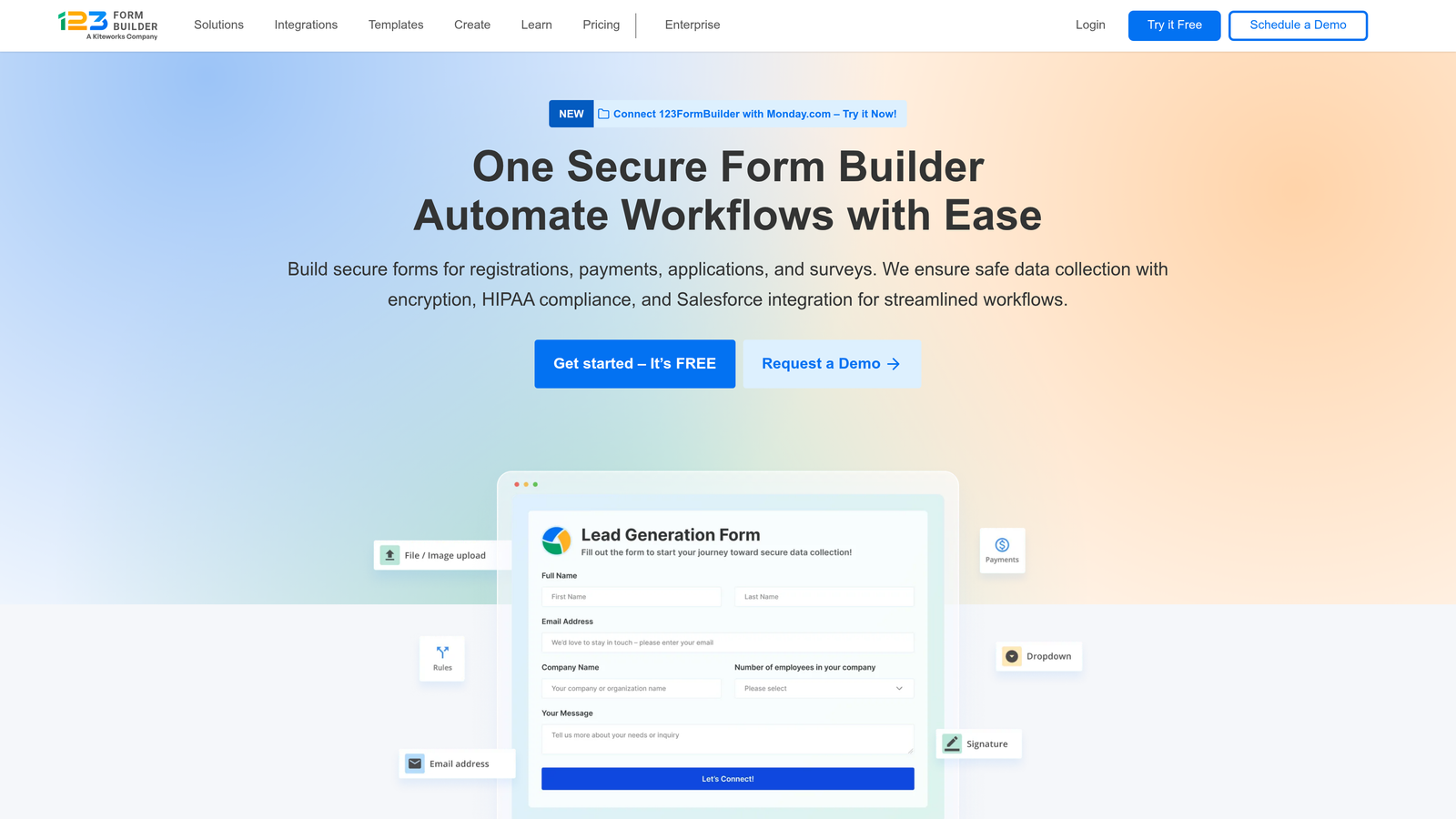
6. 123FormBuilder
Best for: Teams treating form submissions as database records requiring structured management
123FormBuilder approaches forms as database interfaces, offering submission management tools that mirror database functionality.
Where This Tool Shines
The submission management interface treats responses as database records rather than simple form entries. You can filter, sort, and manage thousands of submissions with the same precision you'd expect from dedicated database software.
Multi-user access with granular permissions lets teams collaborate on form management without security compromises. Different departments can access shared forms while maintaining data segregation—critical when scaling across organizational boundaries.
Key Features
Database-Style Management: Filter, sort, and export submissions using database-like queries and views for efficient data handling at scale.
Conditional Notifications: Trigger different email workflows based on submission data, routing responses to appropriate team members automatically.
Role-Based Permissions: Granular access controls let teams share forms while maintaining data security and workflow segregation.
Payment Gateway Flexibility: Integrates with multiple payment processors, supporting international transactions and diverse payment scenarios.
Compliance Options: GDPR and HIPAA compliance features available for regulated industries requiring certified infrastructure.
Best For
Organizations managing high submission volumes across multiple departments where data organization and team collaboration matter as much as form design. Particularly suited to teams with database-oriented workflows.
Pricing
Free tier available with limited features. Gold tier from $24.99/month adds advanced functionality. Enterprise plans with custom pricing for high-volume organizations.
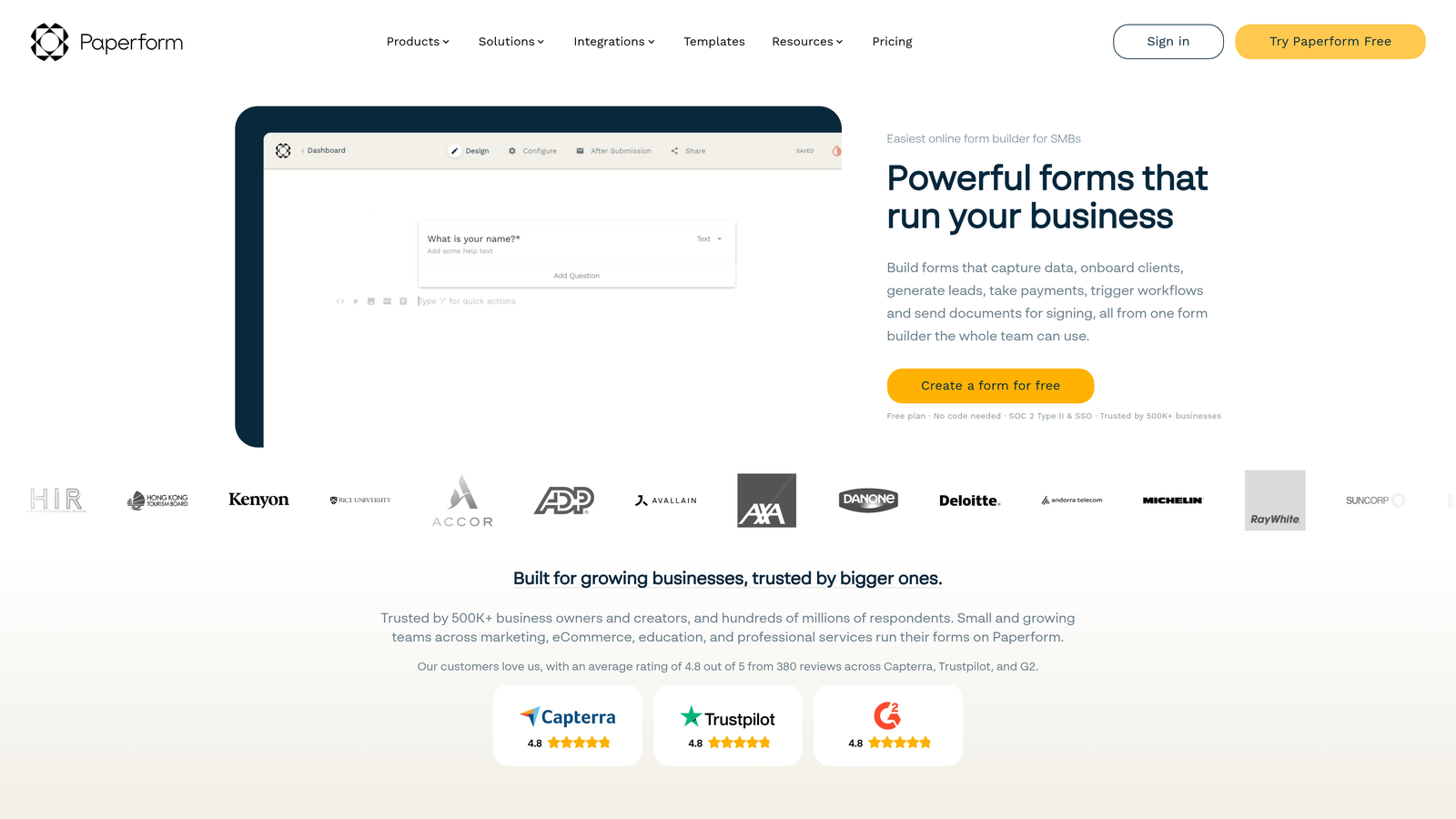
7. Paperform
Best for: Marketing teams blending form functionality with landing page design for conversion-focused campaigns
Paperform treats forms as landing pages, combining data collection with the design flexibility typically reserved for standalone marketing pages.
Where This Tool Shines
When forms serve as primary conversion points—product launches, event registrations, lead magnets—Paperform's landing page approach maintains brand consistency without forcing users through separate page builders.
The product catalog and booking integrations support e-commerce and service-based businesses scaling their operations. You can build complete booking systems or product ordering workflows without cobbling together multiple specialized tools.
Key Features
Landing Page Design: Rich text editing, custom layouts, and embedded media create branded experiences that transcend traditional form limitations.
Product Integration: Built-in product catalogs with inventory management support e-commerce workflows at scale.
Booking Functionality: Scheduling integrations connect with calendars for appointment booking and resource reservation.
Payment Processing: Stripe and Square integrations handle transactions directly within form flows.
Custom Success Pages: Conditional redirects send users to different pages based on submission data, supporting personalized follow-up sequences.
Best For
Marketing teams where forms double as campaign landing pages and conversion optimization drives platform selection. Particularly valuable for product launches, event marketing, and lead generation campaigns.
Pricing
Essentials tier from $24/month for basic features. Pro tier from $49/month adds advanced integrations. Business tier from $99/month supports team collaboration and higher volumes.
8. Fillout
Best for: Teams embedded in Notion or Airtable ecosystems requiring native database synchronization
Fillout specializes in connecting forms directly to Notion and Airtable databases with real-time bidirectional sync.
Where This Tool Shines
If your organization runs on Notion or Airtable, Fillout eliminates the integration middleware that typically creates sync delays and data inconsistencies. Forms write directly to your database tables, and database changes reflect immediately in form options.
This native connection supports workflows where forms serve as database interfaces—customer portals, inventory management, project intake systems. Teams can build sophisticated applications using familiar database tools without custom development.
Key Features
Native Database Connections: Direct integration with Notion and Airtable databases eliminates middleware and sync delays.
Real-Time Synchronization: Bidirectional sync keeps form data and database records instantly consistent across platforms.
Modern Logic Builder: Visual conditional logic interface supports complex branching without technical expertise.
Scheduling Integration: Calendar connections enable appointment booking workflows integrated with database records.
Custom Domains: White-label forms on your own domain maintain brand consistency at scale.
Best For
Teams using Notion or Airtable as operational databases who need forms that function as database interfaces rather than standalone tools. Ideal when database-driven workflows define your operational infrastructure.
Pricing
Free tier includes 1,000 submissions monthly. Starter tier from $15/month for higher volumes. Pro tier from $40/month adds advanced features and team collaboration.
9. Tally
Best for: Startups and small teams requiring unlimited forms and submissions without upfront investment
Tally offers unlimited forms and submissions on its free tier, removing volume constraints for budget-conscious growing teams.
Where This Tool Shines
The unlimited free tier lets early-stage teams scale form infrastructure without hitting paywalls during growth spurts. You can deploy forms across every marketing campaign, product flow, and customer touchpoint without calculating submission costs.
The Notion-style block editor feels immediately familiar to teams already using modern productivity tools. This reduces onboarding friction when scaling form creation across departments—anyone comfortable with Notion can build forms effectively.
Key Features
Unlimited Free Tier: No restrictions on form count or monthly submissions on the free plan, eliminating volume-based pricing concerns.
Block-Based Editor: Notion-inspired interface makes form building intuitive for teams familiar with modern document editors.
Conditional Logic: Branching and calculations support sophisticated workflows without upgrading to paid tiers.
File Uploads: Collect documents and media files directly through forms without external storage integrations.
Integration Ecosystem: Connects with automation platforms via Zapier and webhooks for workflow integration.
Best For
Startups and bootstrapped teams where budget constraints limit platform options but growth requires scalable infrastructure. Particularly suited to teams comfortable with modern, minimalist interfaces over feature-heavy enterprise tools.
Pricing
Free tier includes unlimited forms and submissions with core features. Pro tier from $29/month adds advanced customization, branding removal, and priority support.
Choosing Your Scalable Form Platform
The right scalable form platform depends on what breaks first as you grow. If lead quality deteriorates faster than your team can qualify manually, Orbit AI's intelligent routing prevents qualified prospects from drowning in noise. When brand experience drives conversions, Typeform and Paperform maintain engagement at scale through design-forward interfaces.
Compliance requirements narrow choices quickly. Jotform Enterprise and Formstack deliver certifications that regulated industries require, while their unlimited submission models prevent unexpected costs during volume spikes. For teams where forms trigger document workflows, Formstack's integrated approach eliminates the manual handoffs that typically break at scale.
Budget-conscious teams find surprising depth in Cognito Forms' calculation features and workflow automation at mid-market pricing. Fillout and Tally serve specific ecosystems—Fillout for database-centric teams running on Notion or Airtable, Tally for startups prioritizing unlimited submissions over advanced features.
Start by mapping your current monthly submission volume and projected growth over the next 12 months. Identify your three must-have integrations—the tools where form data must flow automatically without manual intervention. Then test your top two platform choices with real workflows before committing. Most platforms offer trials, but focus your testing on your highest-volume use case rather than building demo forms.
Transform your lead generation with AI-powered forms that qualify prospects automatically while delivering the modern, conversion-optimized experience your high-growth team needs. Start building free forms today and see how intelligent form design can elevate your conversion strategy.


