

Growth teams operate in a constant state of flux—what works for 100 leads today needs to handle 10,000 tomorrow without breaking a sweat. Your form solution shouldn't be the bottlenill that slows your momentum.
The right scalable form platform grows alongside your team, automating lead qualification, integrating seamlessly with your tech stack, and providing insights that sharpen your conversion strategy. We evaluated dozens of form builders against criteria that matter most to high-growth teams: scalability architecture, automation capabilities, integration depth, analytics sophistication, and pricing flexibility.
Here are the nine solutions that consistently deliver for teams scaling fast.
1. Orbit AI
Best for: High-growth teams needing AI-powered lead qualification and conversion optimization
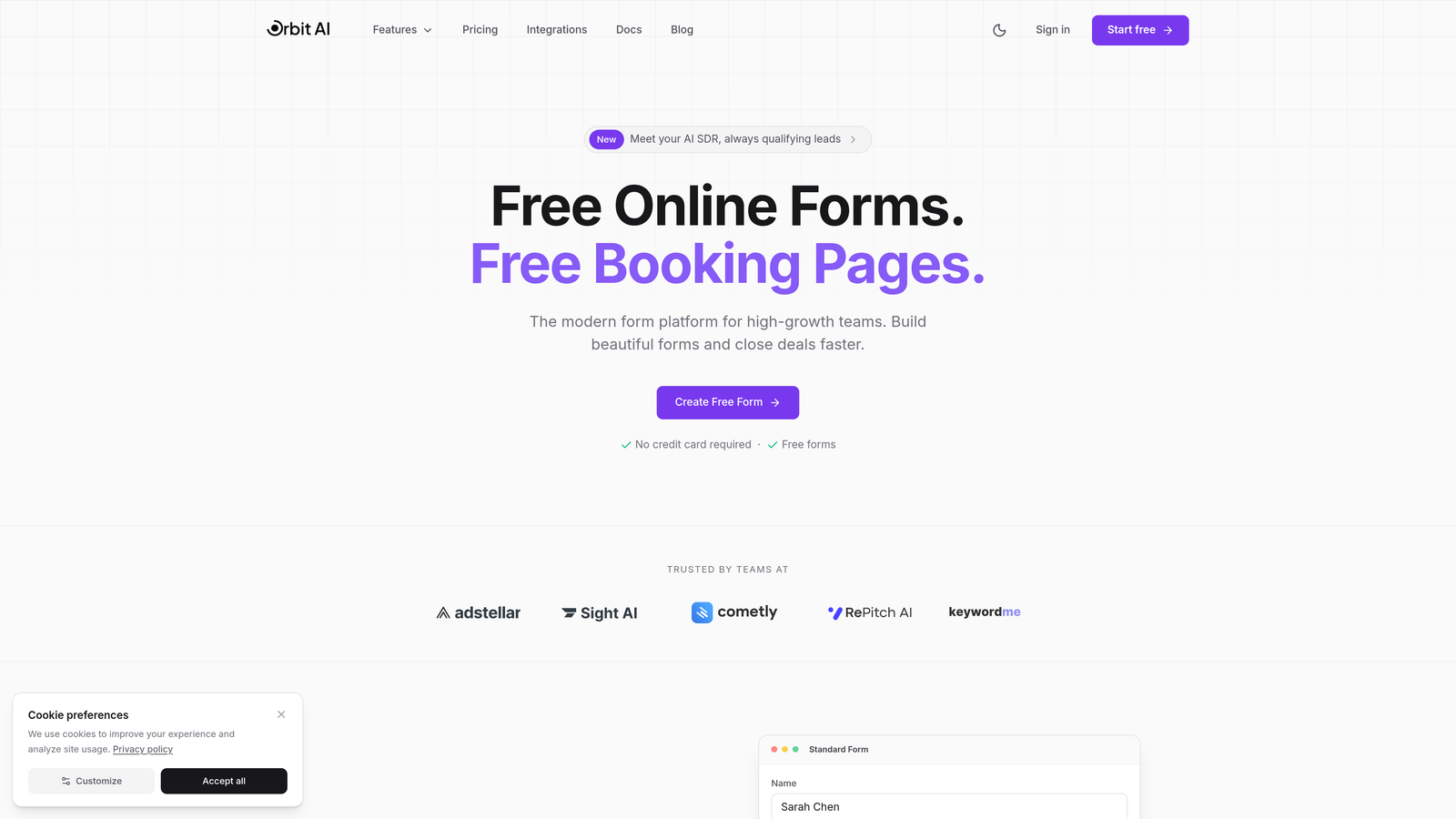
Orbit AI is an AI-powered form builder platform designed specifically for teams that prioritize intelligent lead qualification and conversion optimization at scale.
Where This Tool Shines
Orbit AI stands out for its intelligent approach to lead qualification. The platform automatically scores and routes leads based on AI-powered analysis, eliminating the manual triage work that typically bogs down growth teams.
The conversion-optimized templates are built on actual performance data, meaning you're starting with forms that already incorporate best practices for completion rates. For teams managing high submission volumes, the automated workflow sequences handle follow-up and routing without requiring constant manual intervention.
Key Features
AI-Powered Lead Qualification: Automatically scores incoming leads and routes them to the appropriate team members based on intelligent analysis.
Automated Workflow Sequences: Create sophisticated multi-step workflows that trigger based on form responses and lead scores.
Native CRM Integrations: Deep integrations with HubSpot, Salesforce, and Clay ensure real-time data synchronization across your tech stack.
Real-Time Analytics Dashboard: Track conversion metrics, completion rates, and lead quality scores as they happen.
Conversion-Optimized Templates: Start with templates designed around proven conversion principles rather than building from scratch.
Best For
Growth teams at SaaS companies and B2B organizations who handle significant lead volumes and need intelligent automation to qualify prospects without adding headcount. Particularly valuable for teams running multiple campaigns simultaneously and requiring sophisticated routing logic.
Pricing
Contact for pricing; scales with team size and submission volume. The platform is designed for growth teams rather than individual users or small businesses.
2. Typeform
Best for: Teams prioritizing engagement and completion rates through conversational form experiences
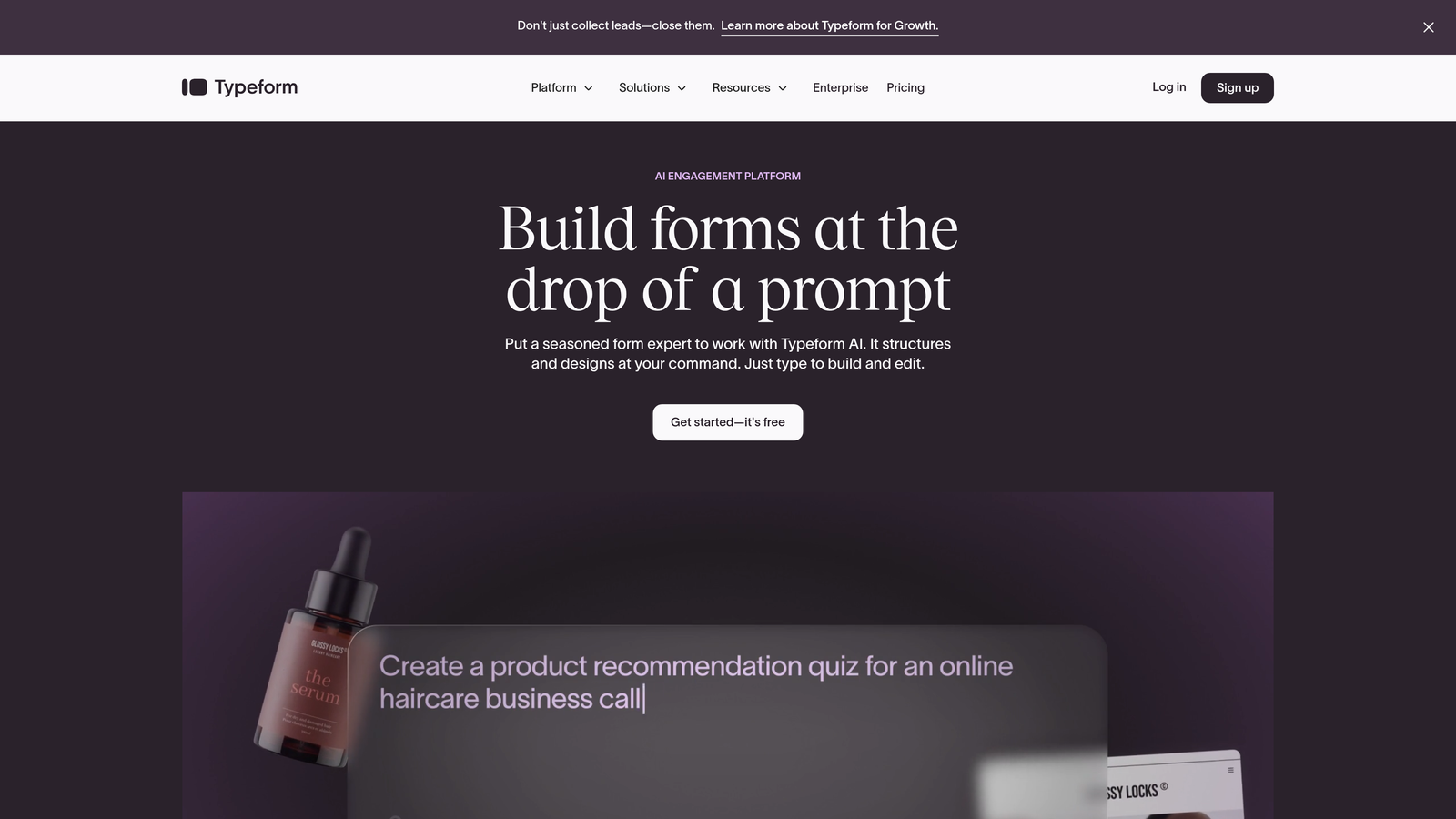
Typeform is a conversational form builder known for its distinctive one-question-at-a-time format that drives higher completion rates.
Where This Tool Shines
Typeform's conversational interface fundamentally changes how people interact with forms. Instead of confronting users with a wall of fields, it presents one question at a time, creating a dialogue-like experience that feels less overwhelming.
The platform excels at maintaining engagement throughout longer forms. Growth teams often report completion rate improvements when switching from traditional multi-field layouts to Typeform's sequential approach, particularly for surveys and qualification questionnaires where you need detailed information.
Key Features
One-Question-at-a-Time Interface: Present questions sequentially to reduce form abandonment and improve completion rates.
Logic Jumps and Conditional Branching: Create dynamic question paths based on previous answers to personalize the experience.
Rich Media Embedding: Incorporate videos, images, and GIFs directly into your forms to enhance engagement.
Brand Kit Customization: Apply your brand colors, fonts, and imagery for consistent visual identity across all forms.
Native Platform Integrations: Connect with HubSpot, Salesforce, Google Sheets, and dozens of other tools through native integrations.
Best For
Teams running lead qualification surveys, customer feedback forms, or any scenario where maximizing completion rates is critical. Works particularly well for consumer-facing brands and B2C companies where engagement matters as much as data collection.
Pricing
Free tier available with basic features; Business plans start at $59/month with advanced logic and integrations. Enterprise pricing available for larger teams.
3. Jotform
Best for: Enterprise teams needing extensive template libraries and workflow automation capabilities
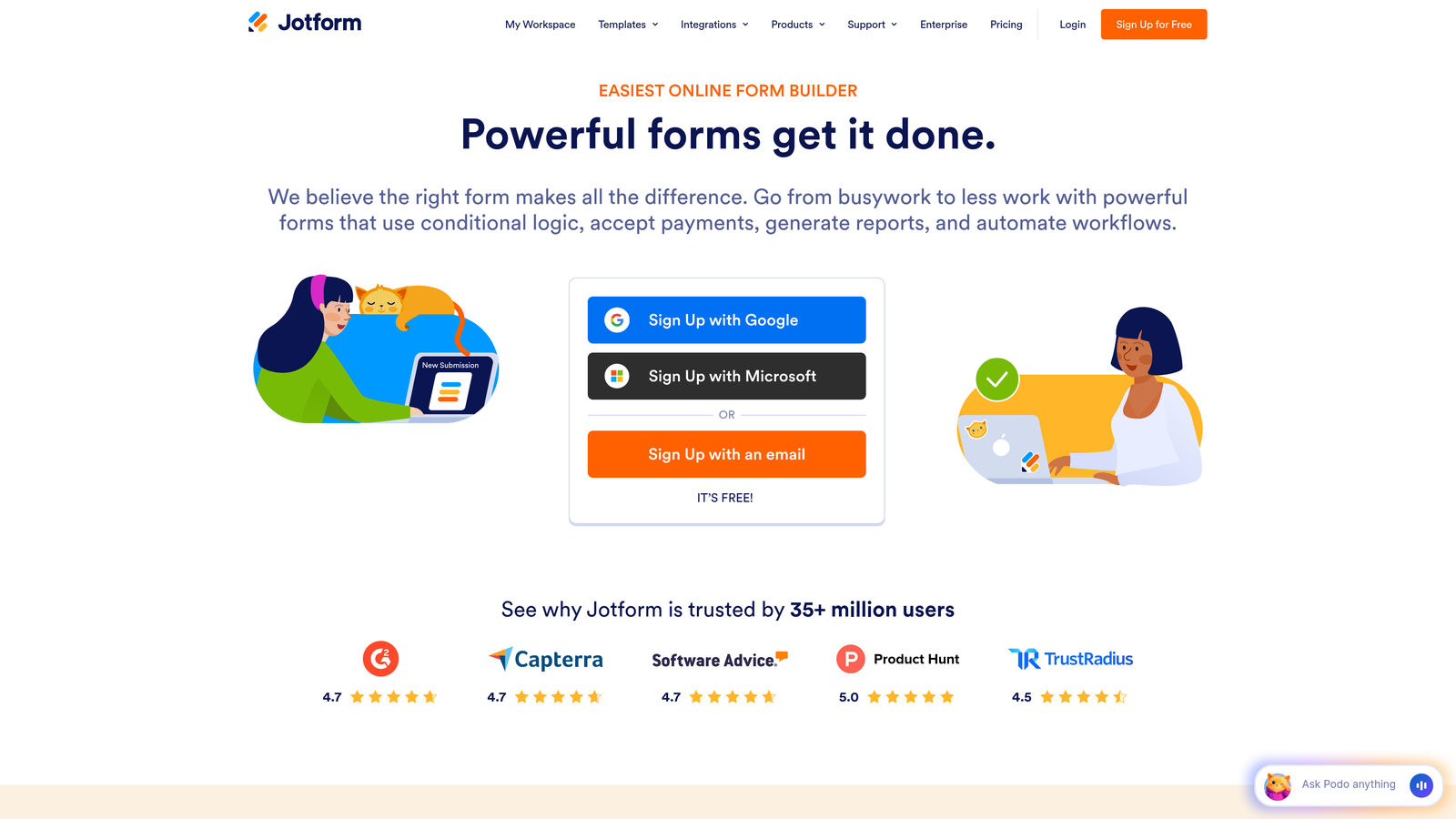
Jotform is an enterprise-ready form builder offering thousands of pre-built templates and robust workflow automation for complex approval processes.
Where This Tool Shines
Jotform's massive template library means you rarely build from scratch. With over 10,000 templates spanning every conceivable use case, growth teams can launch new forms in minutes rather than hours.
The Jotform Workflows feature sets it apart for teams managing approval processes or multi-step operations. You can build sophisticated routing logic where submissions trigger approval chains, notifications, and document generation—all without writing code.
Key Features
10,000+ Form Templates: Access pre-built templates for virtually any industry or use case to accelerate form creation.
Jotform Workflows: Build automated approval processes and multi-step workflows triggered by form submissions.
HIPAA Compliance Options: Enterprise plans include HIPAA-compliant forms for healthcare and sensitive data collection.
PDF Form Conversion: Convert existing PDF forms into fillable online forms without rebuilding from scratch.
Team Collaboration Tools: Share forms, assign permissions, and collaborate across team members with role-based access.
Best For
Enterprise teams and organizations with complex workflow requirements, particularly those in regulated industries needing compliance features. Ideal for teams managing approval processes or handling sensitive data collection.
Pricing
Free tier with submission limits; Bronze starts at $39/month, Silver at $49/month, Gold at $129/month. Enterprise plans with custom pricing for large organizations.
4. HubSpot Forms
Best for: Teams already using HubSpot who need native CRM integration and progressive profiling
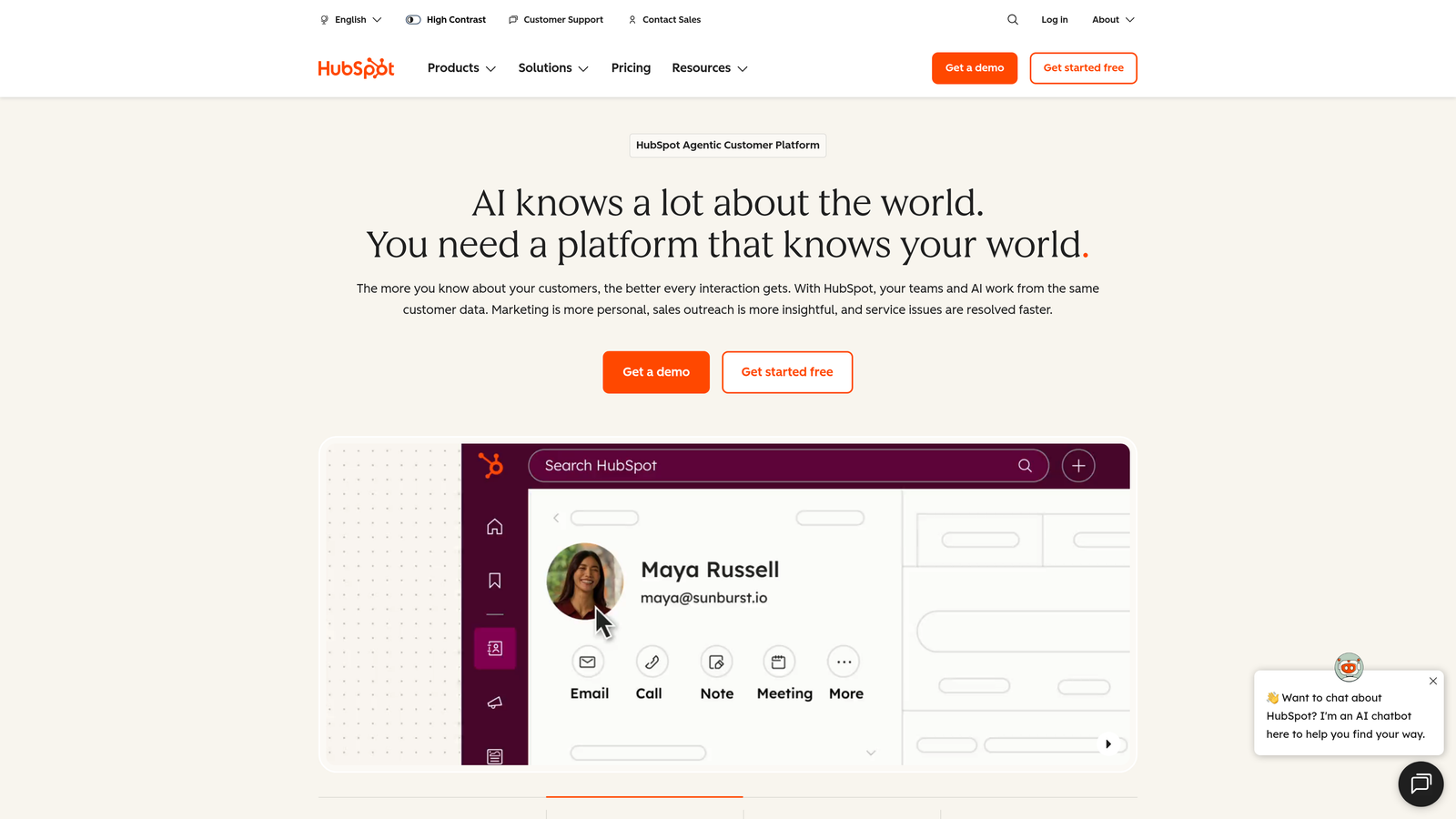
HubSpot Forms is the native form builder within the HubSpot ecosystem, offering seamless CRM integration and intelligent progressive profiling capabilities.
Where This Tool Shines
If you're already in the HubSpot ecosystem, nothing beats the native integration depth. Form submissions instantly sync with contact records, trigger workflows, and update lead scores without any middleware or third-party connectors.
The progressive profiling feature is particularly valuable for growth teams. Instead of asking returning visitors the same questions repeatedly, HubSpot Forms automatically shows different fields based on what information you already have, gradually building complete contact profiles without form fatigue.
Key Features
Native HubSpot CRM Integration: Submissions automatically create or update contact records with zero configuration required.
Progressive Profiling: Show different form fields to returning visitors based on existing contact data to avoid repetitive questions.
Smart Content Personalization: Display different form content based on contact properties, lifecycle stage, or list membership.
Built-In Analytics and Attribution: Track form performance and tie submissions directly to campaign attribution and revenue reporting.
Automatic Lead Scoring Integration: Form submissions automatically trigger lead scoring updates based on your configured criteria.
Best For
Teams already invested in the HubSpot ecosystem who want seamless data flow between forms and their CRM. Most valuable for organizations running sophisticated marketing automation and needing progressive profiling capabilities.
Pricing
Free with HubSpot CRM including basic forms; advanced features like progressive profiling require Marketing Hub starting at $800/month. Enterprise plans available for larger organizations.
5. Formstack
Best for: Teams requiring automated document generation and enterprise-grade security compliance
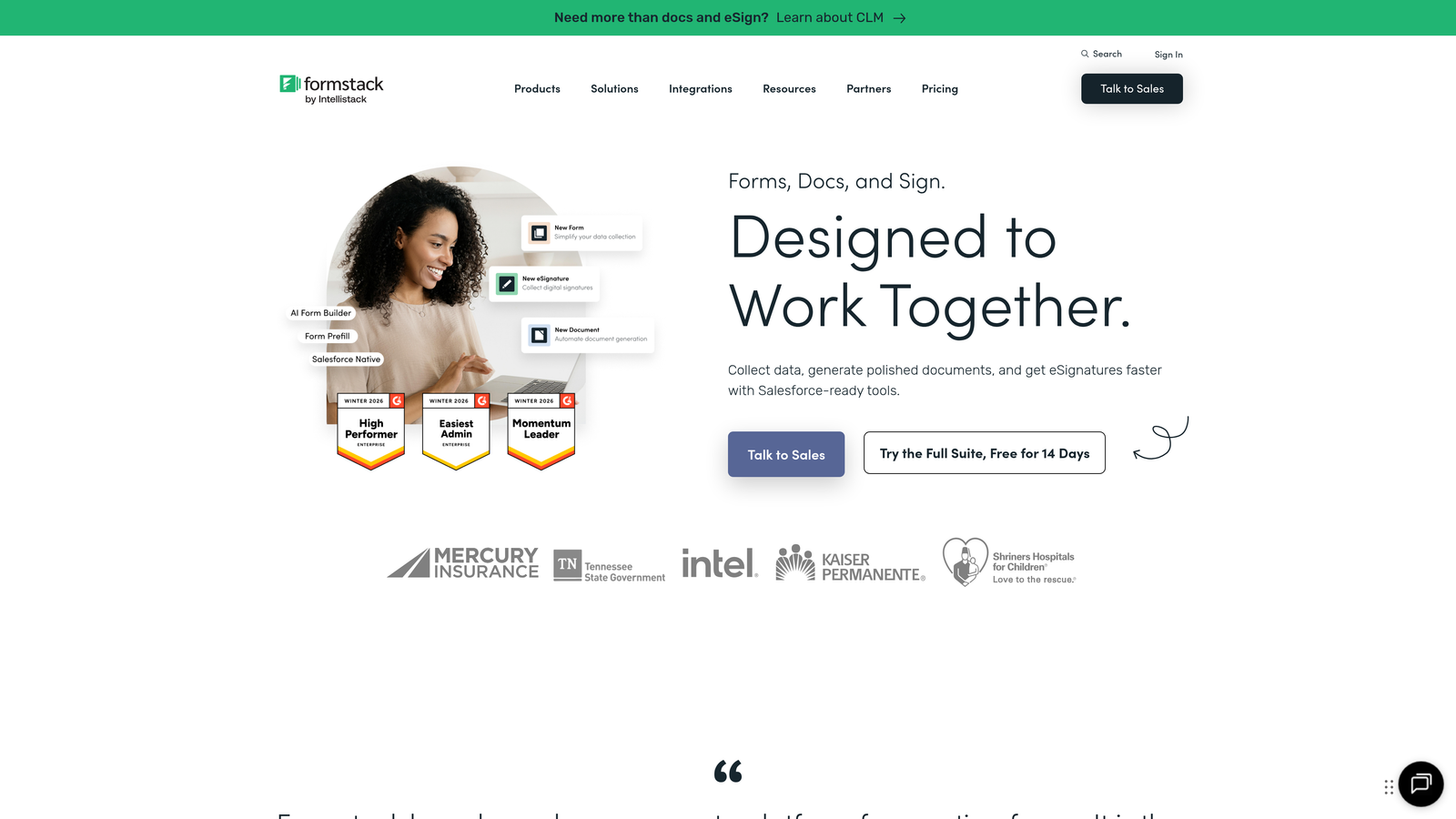
Formstack is a workflow-focused form platform with powerful document generation capabilities and comprehensive enterprise security features.
Where This Tool Shines
Formstack's document generation capabilities transform how teams handle post-submission workflows. The Formstack Documents feature automatically generates contracts, proposals, and custom documents based on form responses, eliminating manual copy-paste work.
For teams in regulated industries or handling sensitive data, Formstack's compliance certifications provide peace of mind. The platform maintains HIPAA, GDPR, and SOC 2 compliance, with features like data encryption and audit trails built in rather than bolted on.
Key Features
Formstack Documents: Automatically generate PDFs, Word documents, and other files based on form submission data.
Advanced Conditional Logic: Build complex branching paths and show/hide fields based on sophisticated rule sets.
Enterprise Compliance: HIPAA, GDPR, and SOC 2 Type II certified with encryption and comprehensive audit trails.
Salesforce Native Integration: Deep Salesforce integration that goes beyond basic data sync to include custom object mapping.
Approval Workflows: Route submissions through multi-step approval processes with notifications and status tracking.
Best For
Enterprise teams in regulated industries like healthcare, finance, or legal services who need compliance certifications and automated document generation. Particularly valuable for sales teams generating contracts or proposals from form data.
Pricing
Starter plan from $50/month; Teams plan from $83/month with advanced features; Enterprise custom pricing with dedicated support and SLAs.
6. Cognito Forms
Best for: Teams needing powerful calculation fields and integrated payment processing at affordable pricing
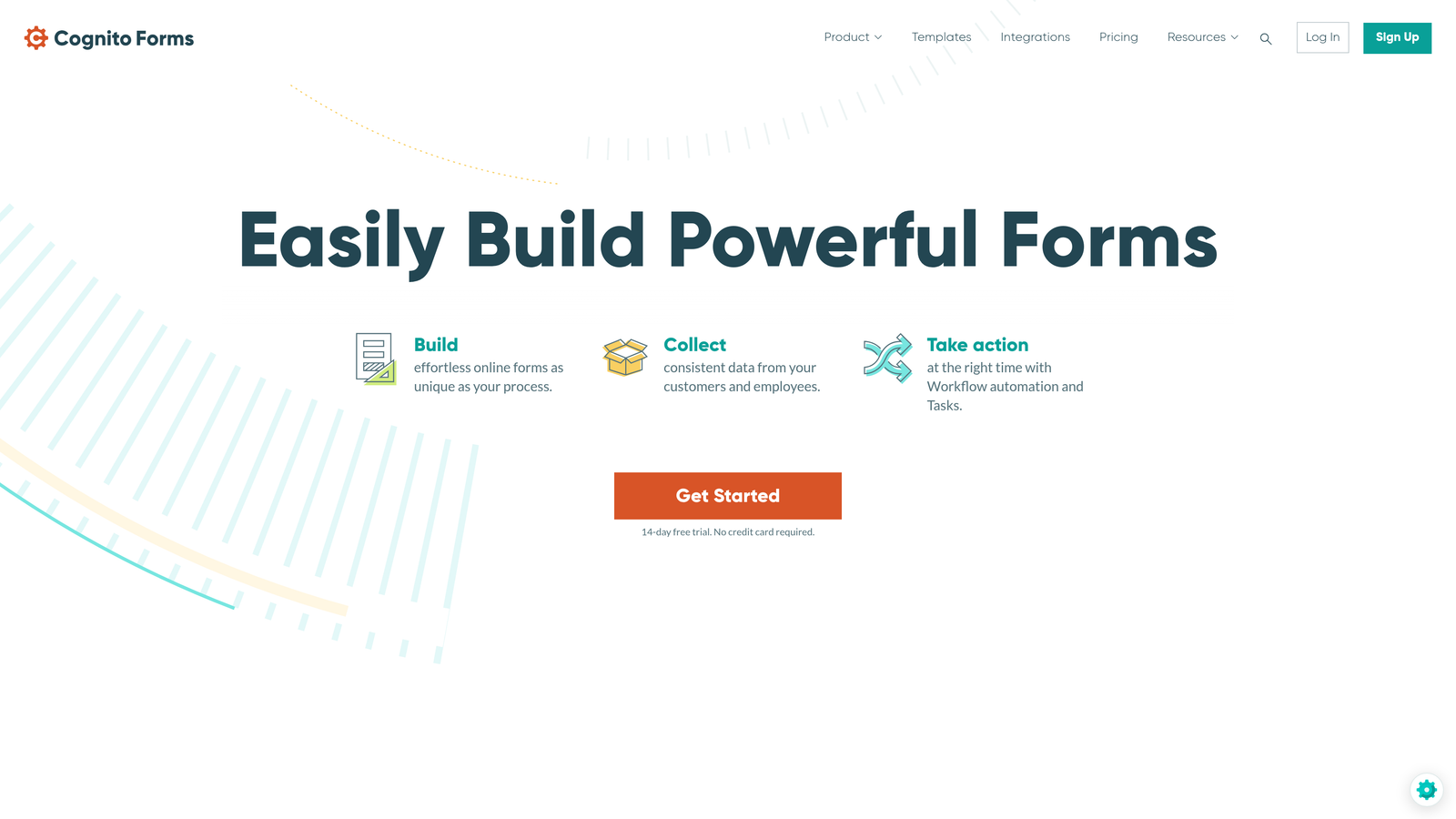
Cognito Forms is an affordable form builder with sophisticated calculation capabilities and seamless payment processing integration.
Where This Tool Shines
Cognito Forms handles complex calculations better than most competitors. You can build order forms with dynamic pricing, quote calculators, or application forms with scoring—all using a spreadsheet-like calculation engine that updates in real-time as users complete the form.
The integrated payment processing is genuinely seamless. Connect Stripe, PayPal, or Square directly and accept payments without redirecting users to external checkout pages. For growth teams running paid events, selling products, or collecting application fees, this eliminates friction at the conversion point.
Key Features
Advanced Calculation Fields: Build complex calculations using a spreadsheet-like formula system that updates dynamically.
Integrated Payment Processing: Accept payments through Stripe, PayPal, or Square without external redirects.
Repeating Sections: Allow users to add multiple instances of field groups for collecting complex structured data.
Workflow Automation: Trigger email notifications, webhooks, and data updates based on submission events.
Data Encryption and Compliance: Encrypt sensitive data at rest and in transit with HIPAA-compliant options available.
Best For
Growth teams at startups and small businesses who need sophisticated features like calculations and payments without enterprise pricing. Ideal for event registration, order forms, or any scenario requiring dynamic pricing logic.
Pricing
Free tier available with basic features; Pro from $15/month; Team from $35/month with additional users and higher submission limits.
7. Paperform
Best for: Design-conscious teams needing beautiful forms with e-commerce and booking functionality
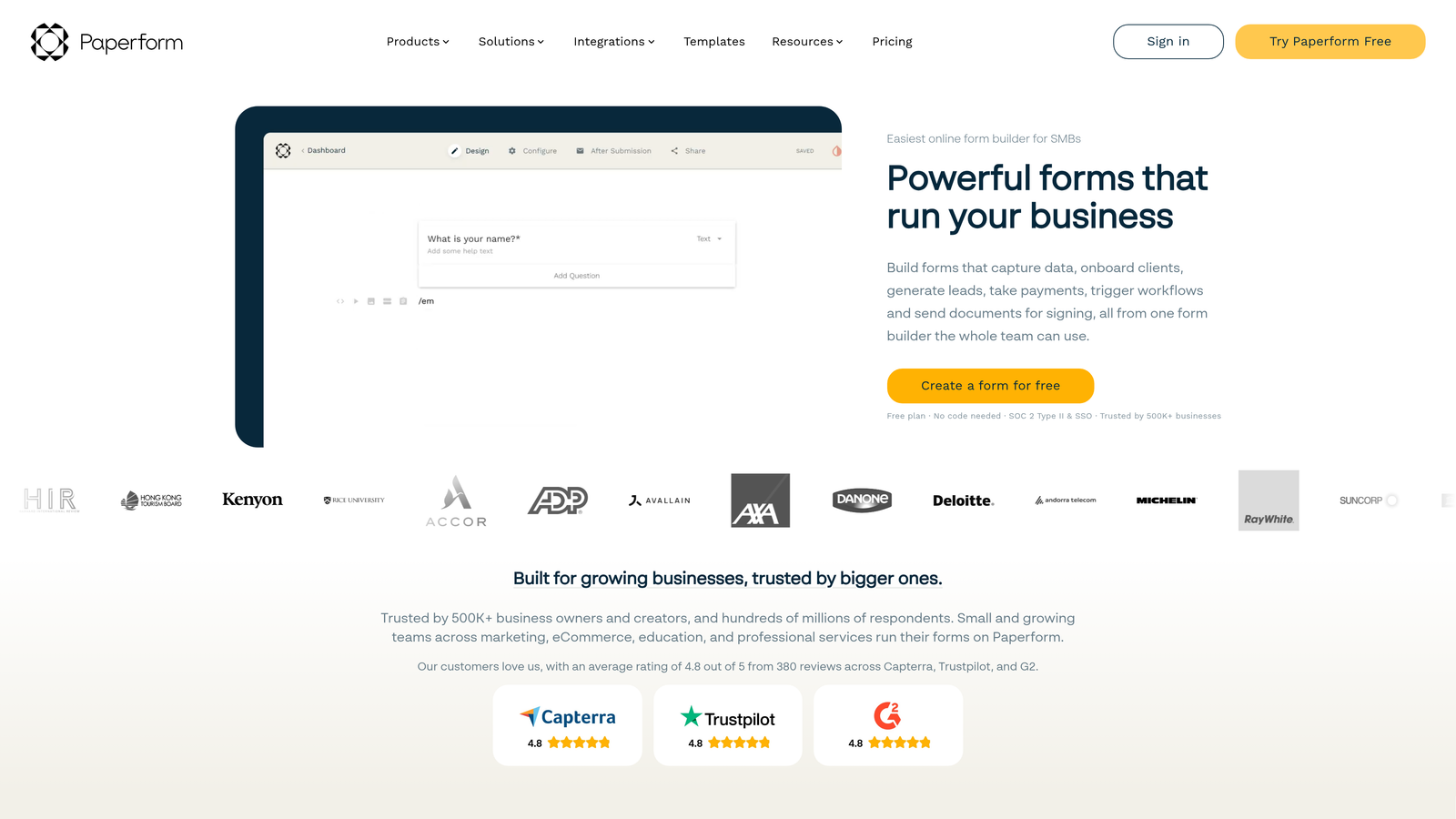
Paperform is a design-forward form builder that combines aesthetic flexibility with built-in e-commerce and scheduling capabilities.
Where This Tool Shines
Paperform's free-form editor gives you unprecedented design control. Unlike traditional form builders with rigid layouts, you can mix form fields with rich text, images, videos, and custom HTML blocks to create experiences that feel more like landing pages than forms.
The built-in booking and e-commerce features eliminate the need for separate tools. You can create product catalogs, accept payments, and manage inventory directly within Paperform—perfect for growth teams running multiple revenue streams through a single platform.
Key Features
Free-Form Editor: Mix form fields with content blocks, images, and rich text for complete design flexibility.
Built-In Payment and Booking: Accept payments and manage appointment scheduling without external tools.
Product Catalog and E-Commerce: Create product listings with inventory management and variant options.
Custom Branding and Themes: Apply comprehensive styling with custom CSS and pre-built theme templates.
Conditional Logic and Calculations: Show/hide fields and calculate values based on user responses.
Best For
Design-focused teams and creative agencies who need forms that match their brand aesthetic. Particularly valuable for businesses selling products or services directly through forms, or those running booking and appointment systems.
Pricing
Essentials from $24/month; Pro from $49/month with advanced features; Agency from $159/month for teams managing multiple clients.
8. Tally
Best for: Fast-moving startups needing unlimited forms on a generous free tier
Tally is a minimalist form builder with a Notion-like block-based interface and an unusually generous free tier perfect for bootstrapped teams.
Where This Tool Shines
Tally's free tier is genuinely unlimited—unlimited forms, unlimited submissions, unlimited everything. For early-stage startups watching every dollar, this removes the typical friction of hitting submission caps or needing to upgrade before you're ready.
The Notion-style interface feels immediately familiar if your team already uses Notion. You build forms by adding blocks and dragging them into place, making form creation feel more like document editing than traditional form building.
Key Features
Unlimited Free Tier: Create unlimited forms with unlimited submissions on the free plan—no artificial limits.
Block-Based Editor: Build forms using a Notion-style interface with draggable content blocks.
Conditional Logic and Calculations: Create dynamic forms that adapt based on user responses.
File Uploads and Signatures: Collect documents and capture electronic signatures directly in your forms.
Native Notion Integration: Send form submissions directly to Notion databases for seamless workflow integration.
Best For
Bootstrapped startups and small growth teams who need full-featured forms without immediate budget allocation. Particularly valuable for teams already using Notion as their primary workspace and wanting native integration.
Pricing
Free tier includes most features with unlimited forms and submissions; Pro from $29/month adds advanced customization, file uploads, and priority support.
9. Fillout
Best for: Teams using Airtable or Notion who need native database integration
Fillout is a modern form builder designed specifically for teams using Airtable, Notion, and other database platforms as their primary data layer.
Where This Tool Shines
Fillout's native Airtable and Notion integrations go deeper than typical webhook connections. Forms can read from and write to your databases, pre-populate fields with existing data, and update records rather than just creating new ones.
For teams using Airtable as their CRM or project management system, Fillout becomes the natural front-end for data collection. You can build intake forms, application portals, or customer feedback systems that write directly to your existing base structure without middleware.
Key Features
Native Airtable and Notion Integration: Deep two-way sync that reads from and writes to your database tables.
Scheduling and Booking Forms: Built-in calendar integration for appointment scheduling and availability management.
Multi-Page Forms with Progress Bars: Break long forms into multiple pages with visual progress indicators.
Conditional Logic and Branching: Create dynamic question paths based on previous responses.
Quiz and Assessment Capabilities: Build scored quizzes with automatic grading and custom result pages.
Best For
Growth teams using Airtable or Notion as their primary database who want forms that integrate natively without complex automation tools. Ideal for teams already invested in these platforms and wanting to maintain a single source of truth.
Pricing
Free tier available with basic features; Starter from $15/month; Pro from $40/month with advanced integrations and higher submission limits.
Matching Your Growth Stage to the Right Form Solution
The right scalable form solution depends less on feature checklists and more on how you actually work. If you're already deep in the HubSpot ecosystem, fighting against HubSpot Forms makes little sense—lean into the native integration. Teams using Airtable as their database should look at Fillout before considering standalone form builders.
For early-stage teams watching budget closely, Tally's unlimited free tier and Cognito Forms' affordable pricing provide sophisticated capabilities without forcing premature spending. As you scale, the calculation typically shifts toward platforms that reduce manual work through intelligent automation.
The AI-powered lead qualification in platforms like Orbit AI becomes increasingly valuable as submission volumes grow. When you're handling hundreds of leads weekly, the time saved on manual triage and routing compounds quickly. Similarly, progressive profiling features prevent form fatigue as your audience becomes more engaged with your brand.
Consider your integration requirements carefully. Teams with complex tech stacks benefit from platforms offering robust APIs and webhook capabilities rather than relying solely on pre-built integrations. The ability to connect your form data to custom systems often matters more than having 500 native integrations you'll never use.
Think about your compliance requirements now, not later. If you're in healthcare, finance, or handling sensitive data, starting with HIPAA-compliant platforms like Formstack or Jotform Enterprise saves painful migration work down the road.
The design-forward approach of Paperform works beautifully for consumer brands where form aesthetics directly impact conversion rates. B2B teams focused purely on lead qualification may find that investment in design flexibility delivers less return than investment in automation and routing logic.
Most importantly, choose a platform that scales with your actual constraints. Some teams hit submission volume limits first. Others bump into integration limitations or team collaboration challenges. Understanding where your bottleneck will emerge helps you select the solution that grows alongside your specific growth pattern.
Start building free forms today and see how intelligent form design can elevate your conversion strategy. The right form solution doesn't just collect data—it qualifies leads, triggers workflows, and provides insights that sharpen your entire growth engine.


