

If you're piecing together survey data from clunky tools that weren't built for conversion, you're leaving insights and leads on the table. The best survey form builder software does more than collect responses: it qualifies leads, adapts to user behavior, and turns raw data into actionable decisions.
This list covers nine tools built for different needs, from AI-powered lead qualification to enterprise-grade research platforms. Whether you're a growth team capturing demand signals, a researcher running longitudinal studies, or a startup trying to understand churn, there's a tool here that fits.
We evaluated each tool on ease of use, logic and branching capabilities, integrations, design flexibility, and how well it supports conversion-focused workflows. Orbit AI leads the list because it's purpose-built for exactly that last point, but every tool here earns its spot on its own merits.
1. Orbit AI
Best for: High-growth B2B teams that want lead qualification built directly into their form flow.
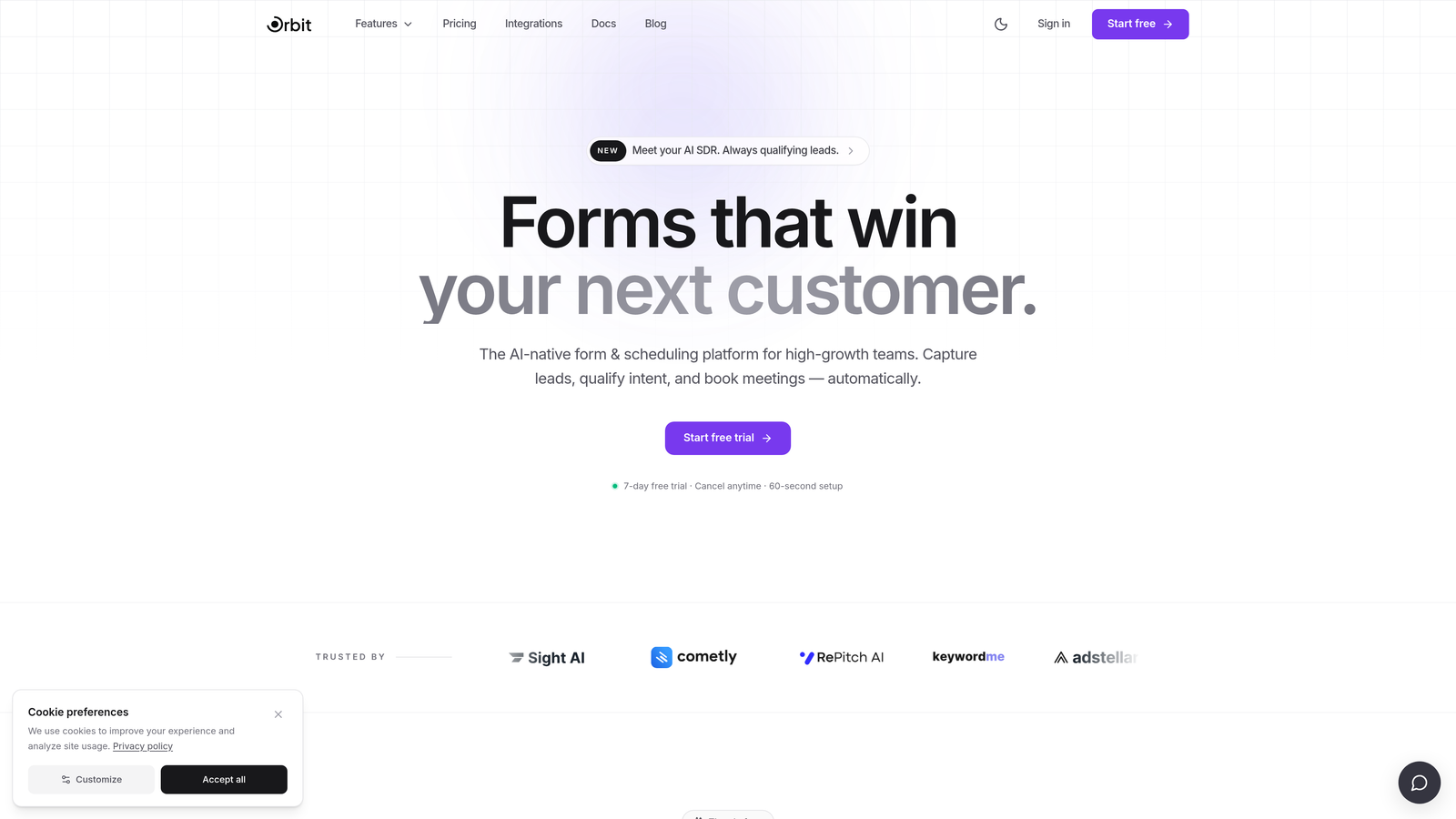
Orbit AI is an AI-powered form builder with native lead qualification and scoring, designed for conversion-focused SaaS and B2B teams.
Where This Tool Shines
Most form builders collect data and then hand it off to a CRM for qualification. Orbit AI collapses that gap. The AI qualification logic lives inside the form itself, scoring and routing leads in real time based on how respondents answer. For sales and marketing teams, that means high-intent prospects can be fast-tracked to the right rep before they ever leave the page.
The design side is equally strong. Forms are modern, responsive, and built with conversion in mind rather than as an afterthought. If your current form looks like it was assembled in 2015, Orbit AI is a significant upgrade in both aesthetics and performance.
Key Features
AI-Driven Lead Qualification: Qualification logic is embedded directly in the form flow, scoring leads without requiring a separate CRM step.
Conversion-Optimized Design: Modern, responsive UI built to maximize form completion rates and create a polished brand experience.
Conditional Logic and Dynamic Branching: Forms adapt in real time based on user input, showing only the most relevant questions to each respondent.
Lead Scoring and CRM Routing: Automatically routes qualified leads to the appropriate sales workflow or CRM based on score thresholds.
Conversion Analytics: Performance metrics focused on form-level conversion data, not just raw response counts.
Best For
Growth teams, demand generation marketers, and B2B SaaS companies that treat their intake forms as a lead qualification layer. If your goal is to convert more of the traffic you're already getting, Orbit AI is purpose-built for that workflow.
Pricing
Check orbitforms.ai for current pricing and plans. A free starting option is available for teams looking to explore the platform.
2. Typeform
Best for: Marketing and product teams that want high-engagement, conversational surveys with strong brand polish.
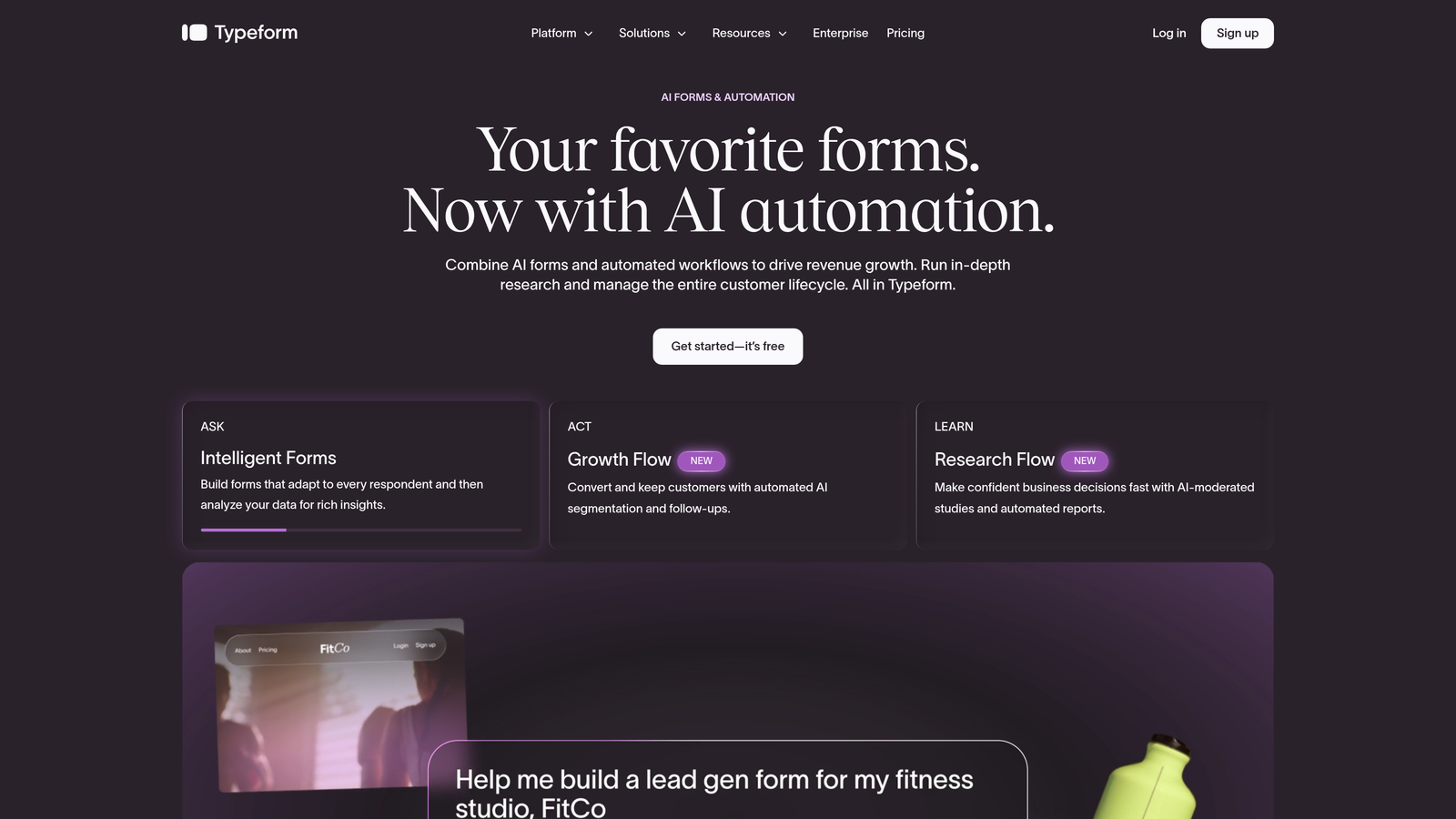
Typeform is a conversational form and survey builder known for its one-question-at-a-time interface that drives higher respondent engagement.
Where This Tool Shines
Typeform's signature experience is its conversational flow: one question appears at a time, which reduces the cognitive load of staring at a long, dense form. This approach has earned Typeform a strong reputation among marketing teams that care about form completion and brand perception.
The integration ecosystem is robust, connecting natively with HubSpot, Salesforce, Slack, and Zapier. For teams already running a modern marketing stack, Typeform slots in without much friction.
Key Features
Conversational One-Question-at-a-Time UI: Presents questions sequentially to reduce abandonment and create a more engaging respondent experience.
Conditional Logic and Branching: Routes respondents through different question paths based on their answers.
CRM and Tool Integrations: Native connections to HubSpot, Salesforce, Slack, and Zapier for seamless data handoff.
Custom Branding and Design Themes: Full control over colors, fonts, and imagery to match brand guidelines.
Video and Image Embeds: Supports rich media within form questions for more dynamic survey experiences.
Best For
Marketing teams, product researchers, and agencies that prioritize form aesthetics and respondent experience. Typeform is particularly well-suited for lead capture forms, onboarding surveys, and brand-forward research projects.
Pricing
Free tier available with limited responses; paid plans start at approximately $25/month. Verify current pricing at typeform.com.
3. SurveyMonkey
Best for: Teams that need AI-assisted survey creation, benchmarking data, and enterprise-grade research capabilities.
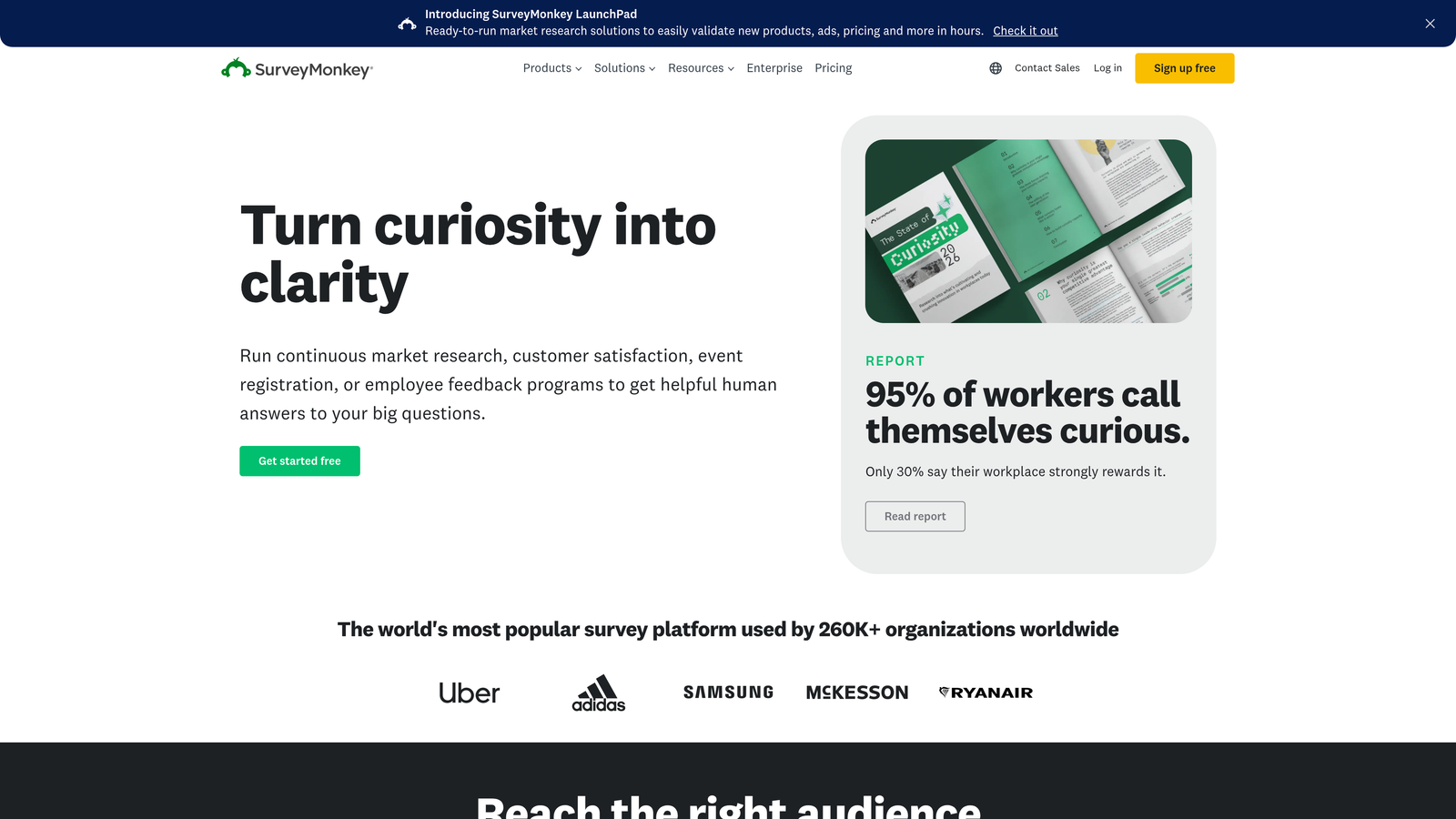
SurveyMonkey is one of the most established survey platforms, offering a broad feature set that spans market research, HR pulse surveys, and academic use cases.
Where This Tool Shines
SurveyMonkey's depth comes from years of iteration on research workflows. The platform's benchmarking data is a genuine differentiator: you can contextualize your survey results against industry norms, which is particularly valuable for HR and market research teams trying to understand where they stand relative to peers.
The AI-assisted survey creation tools help teams build better questions faster, reducing the risk of leading questions or poorly structured logic that skews results.
Key Features
AI-Assisted Survey Creation and Analysis: Helps teams write better questions and surfaces patterns in response data automatically.
Industry Benchmarking Data: Contextualizes your results against aggregated industry data for more meaningful analysis.
Team Collaboration and Role-Based Access: Multiple users can collaborate on surveys with defined permission levels.
Advanced Skip Logic and Question Randomization: Sophisticated survey flow controls for research-grade studies.
Enterprise Compliance and Security: Includes features for GDPR compliance, SSO, and data governance requirements.
Best For
HR teams running employee engagement programs, market researchers, and organizations that need compliance-ready survey infrastructure. SurveyMonkey is less suited for conversion-focused lead gen workflows but excels at structured research.
Pricing
Free tier available; paid plans vary by tier and team size. Verify current pricing at surveymonkey.com.
4. Google Forms
Best for: Teams that need a completely free, no-setup survey tool with native Google Workspace integration.
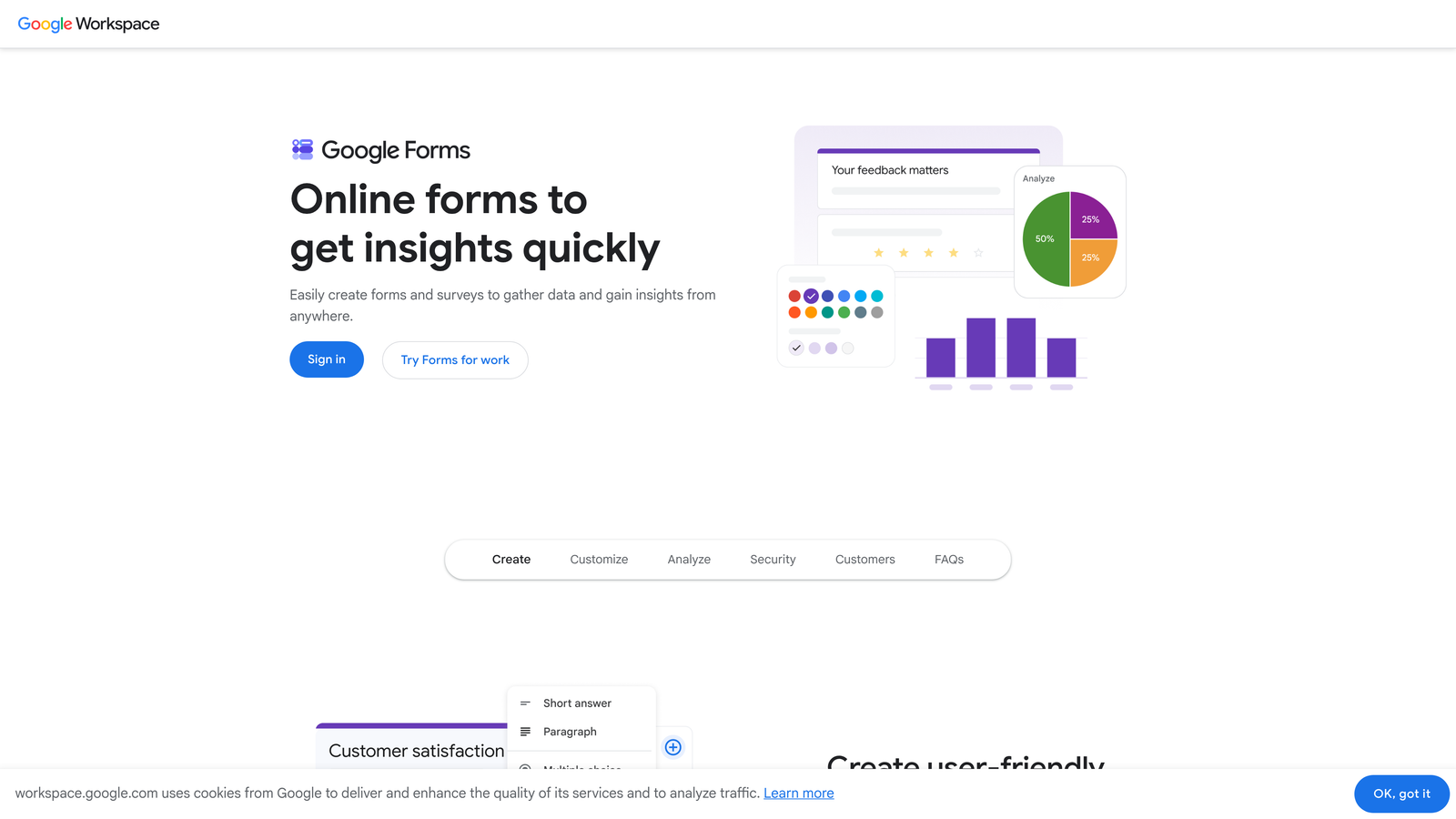
Google Forms is Google's free, no-frills form and survey builder that integrates natively with Google Sheets and the broader Workspace ecosystem.
Where This Tool Shines
The value proposition is straightforward: it's free, it works, and if your team already lives in Google Workspace, the learning curve is essentially zero. Responses flow directly into Google Sheets in real time, making it easy to analyze data without exporting anything.
For internal surveys, quick feedback forms, or event registrations where design and conversion optimization aren't priorities, Google Forms is hard to beat on pure cost-efficiency.
Key Features
Completely Free with No Submission Limits: No paywalls, no response caps, and no credit card required.
Native Google Sheets Integration: Responses populate a connected spreadsheet in real time for instant analysis.
Basic Branching Logic: Show or hide form sections based on respondent answers, though options are limited compared to dedicated tools.
Google Workspace Collaboration: Share and co-edit forms with teammates using familiar Google Drive permissions.
Zero Learning Curve: Accessible interface that anyone familiar with Google Docs can use immediately.
Best For
Internal teams, educators, nonprofits, and anyone who needs a functional survey tool at no cost. Not recommended for customer-facing lead generation or any workflow where design, branding, or advanced logic matters.
Pricing
Completely free with any Google account. No paid tiers.
5. Jotform
Best for: Teams that need a versatile, template-rich form builder that handles payments, e-signatures, and surveys in one platform.
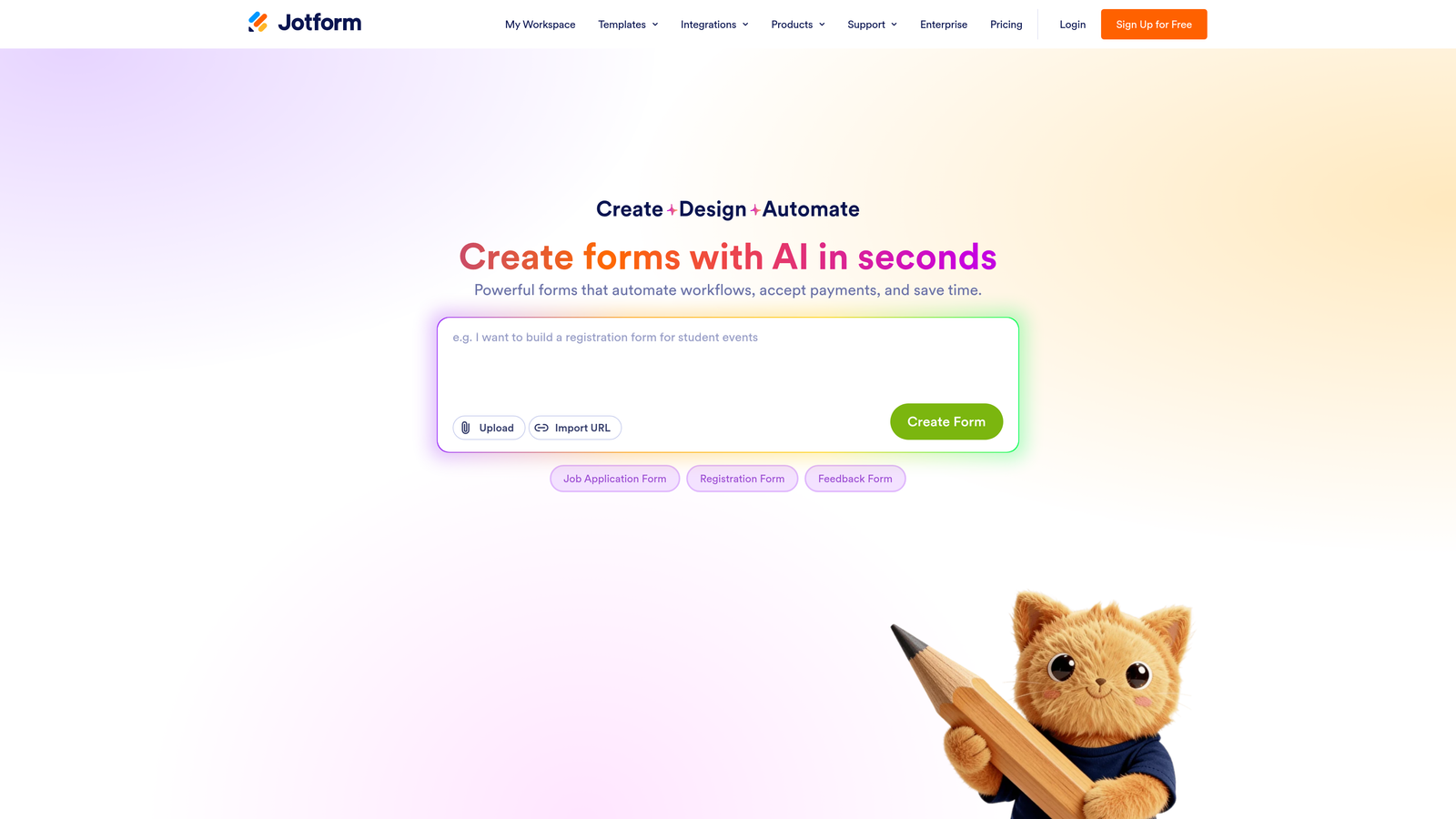
Jotform is a highly versatile form builder with thousands of templates, 150+ integrations, and support for payments, e-signatures, and surveys.
Where This Tool Shines
Jotform's breadth is its biggest strength. With over 10,000 templates spanning industries from healthcare to real estate, most teams can find a starting point that's already close to what they need. This dramatically reduces setup time for teams that don't want to build from scratch.
The platform also handles use cases that go well beyond surveys: payment collection, e-signature capture, and PDF generation from submissions make it a strong choice for teams that want a single tool handling multiple form-related workflows.
Key Features
10,000+ Templates: Pre-built forms across virtually every industry and use case, ready to customize and deploy.
150+ Native Integrations: Connects with Salesforce, PayPal, Google Drive, and hundreds of other tools.
Payment Collection and E-Signatures: Accepts payments and captures legally binding signatures directly within forms.
Conditional Logic and Calculation Fields: Dynamic form behavior and automatic calculations based on respondent input.
PDF Generation: Automatically creates formatted PDF documents from form submissions.
Best For
Small businesses, operations teams, and organizations that need a generalist form tool handling diverse workflows. Jotform is particularly strong for teams that need payment or document features alongside standard survey capabilities.
Pricing
Free tier available with limited monthly submissions; paid plans start at approximately $34/month. Verify current pricing at jotform.com.
6. Tally
Best for: Startups, indie developers, and small teams that want a clean, Notion-style form builder with a generous free tier.
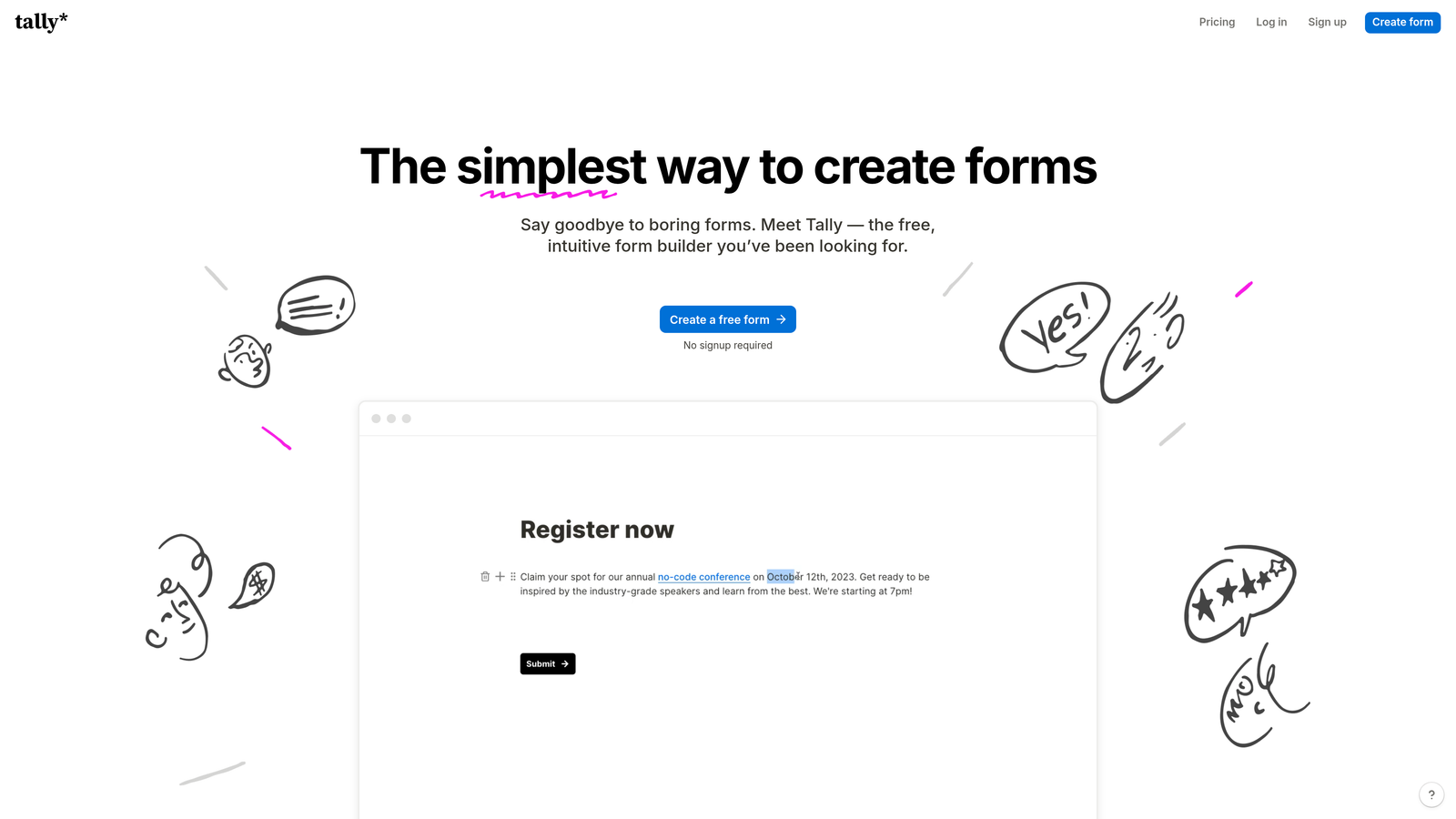
Tally is a minimalist, Notion-inspired form builder with a block-based editing experience and one of the most capable free plans available.
Where This Tool Shines
Tally's free tier is genuinely remarkable: unlimited forms and unlimited responses, with no submission caps hiding behind a paywall. For bootstrapped teams and early-stage startups, this removes the usual trade-off between functionality and cost.
The block-based editor feels immediately familiar to anyone who uses Notion, which has made Tally a favorite in developer and startup communities. It's fast to build with, easy to embed, and doesn't require any technical background to get a polished form live.
Key Features
Unlimited Forms and Responses on the Free Plan: No artificial caps on what you can build or collect without paying.
Block-Based Editor: Notion-like editing experience that makes form creation intuitive and fast.
Conditional Logic and Hidden Fields: Dynamic branching and data pre-population for more intelligent form experiences.
Seamless Embeds: Drops cleanly into websites and Notion pages without extra configuration.
Zapier and Native Integrations: Connects to common workflow automation tools for data routing.
Best For
Indie developers, early-stage startups, content creators, and any team that wants maximum functionality at minimal cost. Tally lacks the enterprise features of larger platforms but is hard to beat for speed and simplicity.
Pricing
Free tier is highly capable with unlimited forms and responses; Pro plan is approximately $29/month. Verify current pricing at tally.so.
7. Qualtrics
Best for: Enterprise organizations and academic institutions running sophisticated, compliance-ready survey research programs.
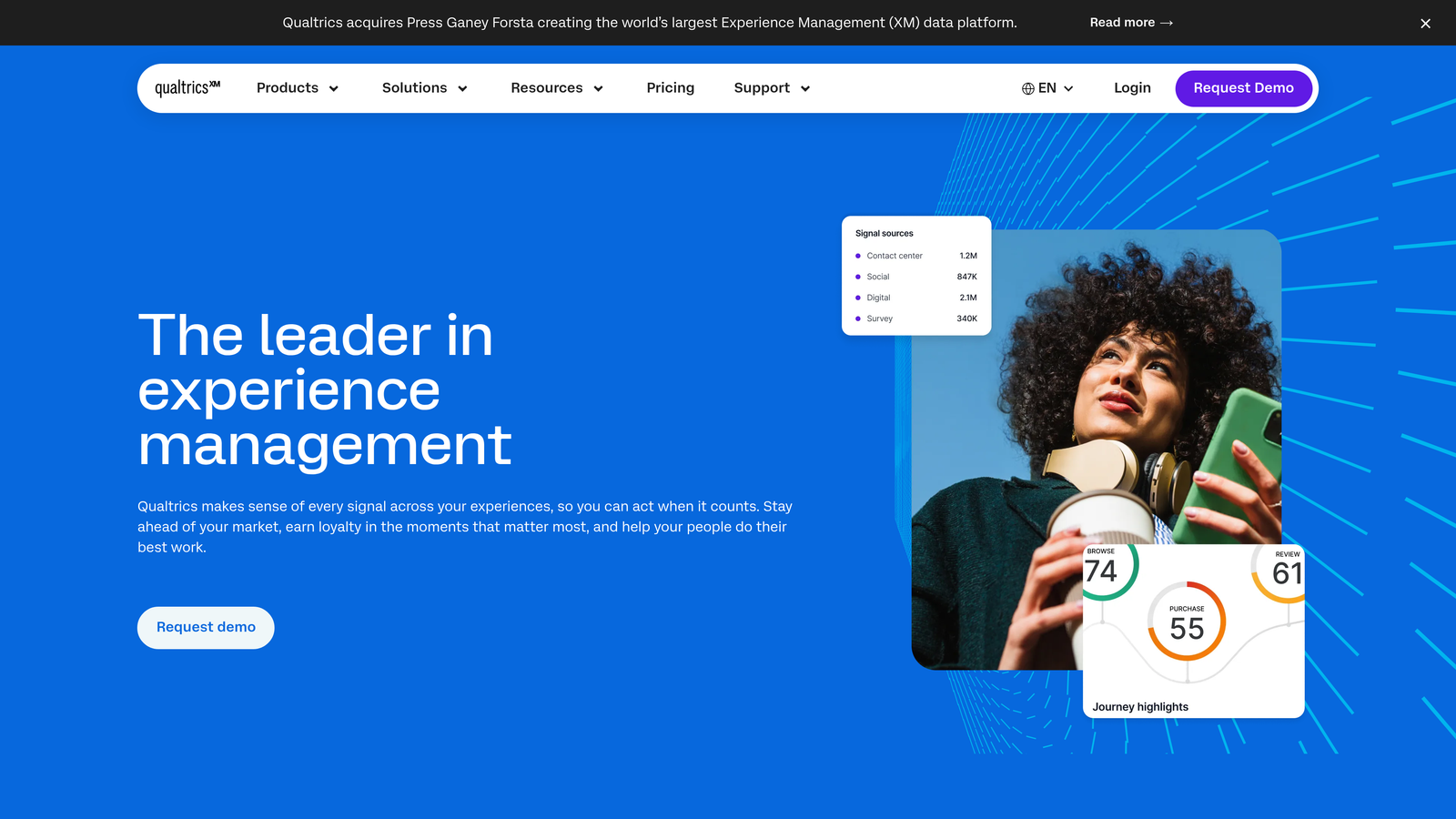
Qualtrics is an enterprise-grade experience management platform used by large organizations and universities for advanced survey research and CX/EX programs.
Where This Tool Shines
Qualtrics operates at a level of research sophistication that most form builders don't approach. Conjoint analysis, statistical significance testing, and panel management are built into the platform, making it the tool of choice for teams running academic studies, large-scale market research, or enterprise CX programs.
The compliance infrastructure is also a significant differentiator. For organizations operating under GDPR, HIPAA, or other regulatory frameworks, Qualtrics offers compliance options that smaller tools simply don't provide.
Key Features
Advanced Branching Logic and Survey Flow Control: Highly granular control over respondent routing and question display conditions.
Conjoint Analysis and Statistical Research Tools: Built-in capabilities for advanced research methodologies beyond standard surveys.
Panel Management and Respondent Sourcing: Tools to manage research panels and source respondents directly within the platform.
GDPR and HIPAA Compliance Options: Enterprise-grade data governance for regulated industries and regions.
CX and EX Program Management: Full customer experience and employee experience program infrastructure built in.
Best For
Large enterprises, universities, research institutions, and organizations running formal CX or EX programs. Qualtrics is not the right fit for small teams, startups, or anyone with budget constraints, but for enterprise research needs it's a leading platform.
Pricing
Enterprise pricing that requires a sales conversation; pricing is not publicly listed. Contact Qualtrics directly or visit qualtrics.com for details.
8. SurveySparrow
Best for: Customer success and CX teams running ongoing NPS programs and automated recurring feedback surveys.
SurveySparrow is a customer feedback platform offering chat-style surveys and automated recurring distribution, built for continuous feedback programs.
Where This Tool Shines
SurveySparrow's recurring survey automation is its standout capability. For teams running NPS programs or quarterly customer health checks, the ability to schedule and automate survey distribution without manual intervention saves significant operational overhead.
The chat-style survey format is also worth highlighting. It creates a conversational experience similar to Typeform but with a distinct interface that some audiences find more natural, particularly in customer service and support contexts where respondents are already accustomed to chat-based interactions.
Key Features
Chat-Style and Classic Survey Formats: Offers both conversational and traditional survey layouts to match different use cases and audiences.
Automated Recurring Survey Scheduling: Set up NPS or feedback surveys to send automatically on defined schedules without manual effort.
CX Tool Integrations: Native connections to HubSpot, Intercom, Slack, and Zendesk for seamless feedback loop integration.
360-Degree Feedback and Employee Experience Modules: Built-in tools for internal feedback programs alongside customer-facing surveys.
White-Label Options: Custom branding for agencies and enterprises delivering surveys under their own identity.
Best For
Customer success managers, CX teams, and support organizations running ongoing feedback programs. SurveySparrow is particularly strong for NPS tracking and any workflow where survey automation reduces manual distribution work.
Pricing
Free trial available; paid plans start at approximately $19/month. Verify current pricing at surveysparrow.com.
9. Paperform
Best for: Small businesses and consultants who want design-forward forms that look and feel like polished landing pages.
Paperform is a design-first form builder with a document-style editor that creates forms resembling polished landing pages rather than traditional survey interfaces.
Where This Tool Shines
Paperform's editing experience is genuinely different. Instead of dragging form fields into a layout, you write naturally in a document-style editor and embed form fields inline with your content. The result is forms that feel more like branded landing pages than data collection tools, which works particularly well for client-facing intake forms and product quizzes.
The platform also handles a surprisingly broad range of use cases in one tool: payments, appointment bookings, quizzes, and surveys all work within the same editor, which appeals to small teams that want to minimize the number of tools they manage.
Key Features
Document-Style Editor: Blends written content and form fields naturally, producing forms that read like polished pages rather than traditional surveys.
Payments, Bookings, Quizzes, and Surveys: Handles multiple form types in a single platform without requiring separate tools.
Custom Domain and Full Branding Control: Host forms on your own domain with complete visual customization.
100+ Integrations: Connects via native integrations and Zapier to popular CRMs, payment processors, and productivity tools.
Best For
Freelancers, consultants, small business owners, and creative agencies that prioritize design and want a single tool handling surveys, payments, and bookings. Paperform is less suited for high-volume enterprise research but excels at polished, client-facing form experiences.
Pricing
Plans start at approximately $24/month. Verify current pricing at paperform.co.
Which Tool Is Right for You
The right survey form builder depends entirely on what you're optimizing for. Here's a quick breakdown to help you cut through the noise.
If your priority is lead qualification and conversion optimization, Orbit AI is the clear choice. It's the only tool on this list built to score and route leads in real time, directly within the form flow, without requiring a separate CRM step to do the heavy lifting.
For conversational engagement and brand polish, Typeform remains the benchmark. Its one-question-at-a-time interface and design flexibility make it the go-to for marketing teams that care deeply about how their forms feel to respondents.
If you need enterprise research infrastructure with compliance and statistical rigor, Qualtrics or SurveyMonkey will serve you well. Both are built for the complexity that large organizations and research teams require.
Running an ongoing NPS or CX program? SurveySparrow's recurring automation and customer success integrations make it a natural fit. Need design-forward forms that double as landing pages? Paperform is worth a close look. Want breadth and templates across every use case imaginable? Jotform covers the most ground.
On a tight budget, Tally's unlimited free tier is genuinely hard to beat for most lightweight use cases, and Google Forms remains the zero-cost baseline for internal workflows.
Survey collection and lead generation are increasingly the same workflow for high-growth teams. Your form builder should reflect that reality. If you're ready to see what conversion-first form design actually looks like in practice, start building free forms today and explore how Orbit AI's AI-powered qualification can elevate your lead generation strategy from the very first interaction.


