

If your form tool isn't actively helping you qualify leads, filter out junk submissions, or convert visitors into pipeline, you're paying for a liability, not an asset. Most teams don't realize how much revenue leaks through poorly designed forms until they audit their stack. The wrong tool means bloated pricing tiers for features you don't use, low-quality leads clogging your CRM, and conversion rates that quietly underperform.
This list cuts through the noise. We've evaluated nine form tools specifically for high-growth teams focused on lead generation and conversion optimization, looking at AI capabilities, pricing transparency, integrations, and real qualification power. Whether you're running paid campaigns, gating content, or qualifying inbound leads at scale, there's a right tool for your stage.
A few resources worth bookmarking as you read: our breakdowns of how to qualify leads with forms, how to improve lead quality, and lead forms for B2B companies.
1. Orbit AI
Best for: High-growth B2B teams that need forms to qualify, score, and route leads automatically.
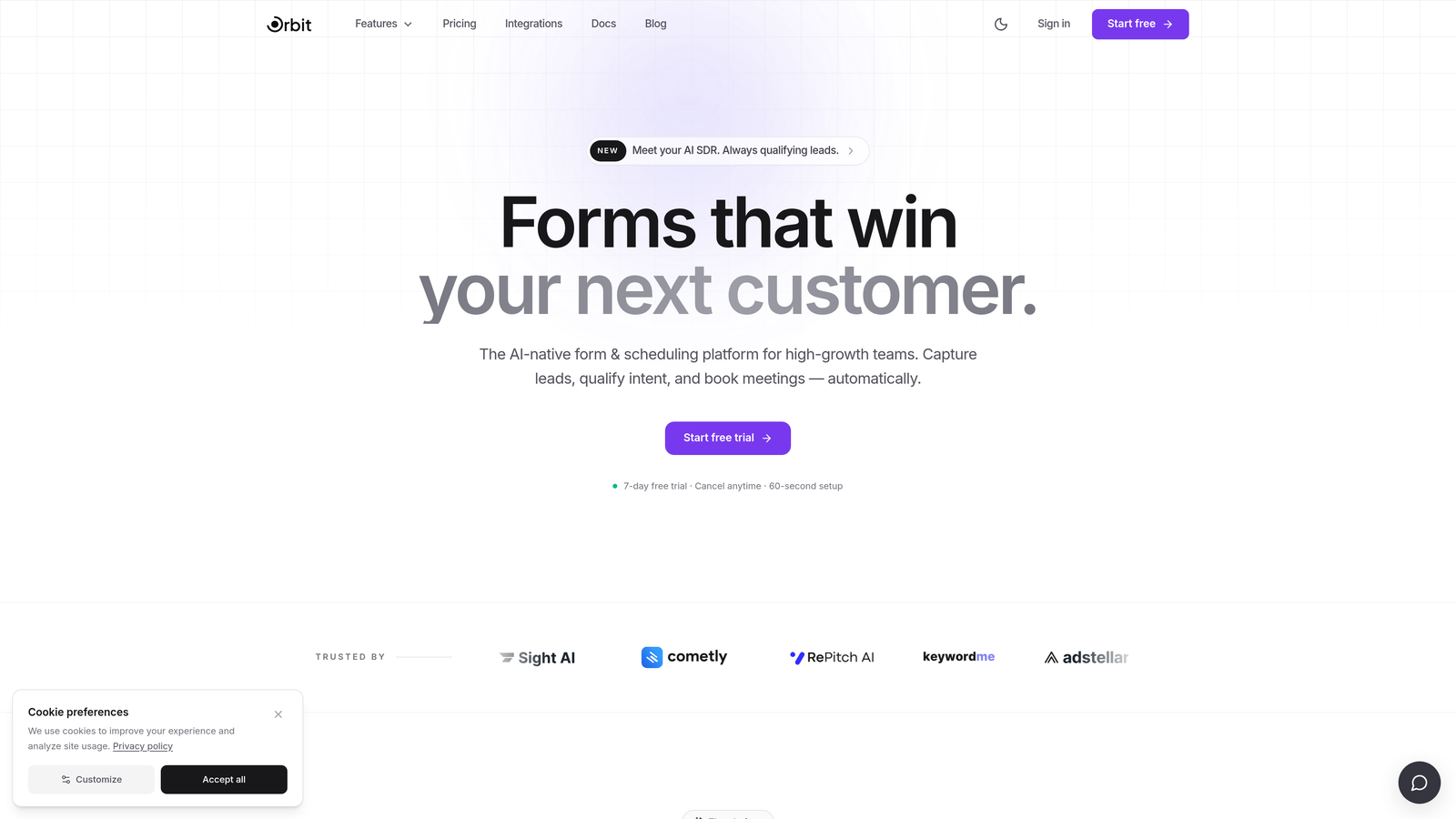
Orbit AI is an AI-powered form builder with built-in lead qualification capabilities, designed for teams that need forms to do more than collect data.
Where This Tool Shines
Most form tools stop at data collection. Orbit AI adds a qualification layer on top, scoring submissions before they ever reach your CRM. For teams running paid acquisition, that means sales reps spend time on leads that actually match your ICP, not chasing form fills from people who were never going to buy.
The platform is also built with conversion optimization in mind. Forms are clean, modern, and designed to reduce friction for the right visitors. Conditional logic and branching paths mean each respondent gets a personalized experience, which typically improves completion rates and submission quality simultaneously.
Key Features
AI Lead Qualification Layer: Scores and filters submissions before CRM entry, so your pipeline stays clean from the start.
Conversion-Optimized Design: Modern, clean UI built to reduce drop-off and improve form completion across lead gen use cases.
Conditional Logic and Branching: Personalized form paths based on respondent answers, improving relevance and completion.
Lead Gen Use Case Templates: Pre-built for gated content, demo requests, and inbound qualification workflows.
CRM and Marketing Automation Integrations: Connects with major platforms so qualified leads flow directly into your existing stack.
Best For
High-growth SaaS and B2B teams running paid campaigns or inbound programs where lead quality directly impacts revenue. If your sales team is spending time disqualifying leads manually, Orbit AI is designed to solve that problem at the form level before it becomes a CRM problem.
Pricing
Visit orbitforms.ai for current pricing plans. The platform offers options designed for teams at different growth stages.
2. Typeform
Best for: Marketing teams that want a conversational, branded form experience with strong completion rates.
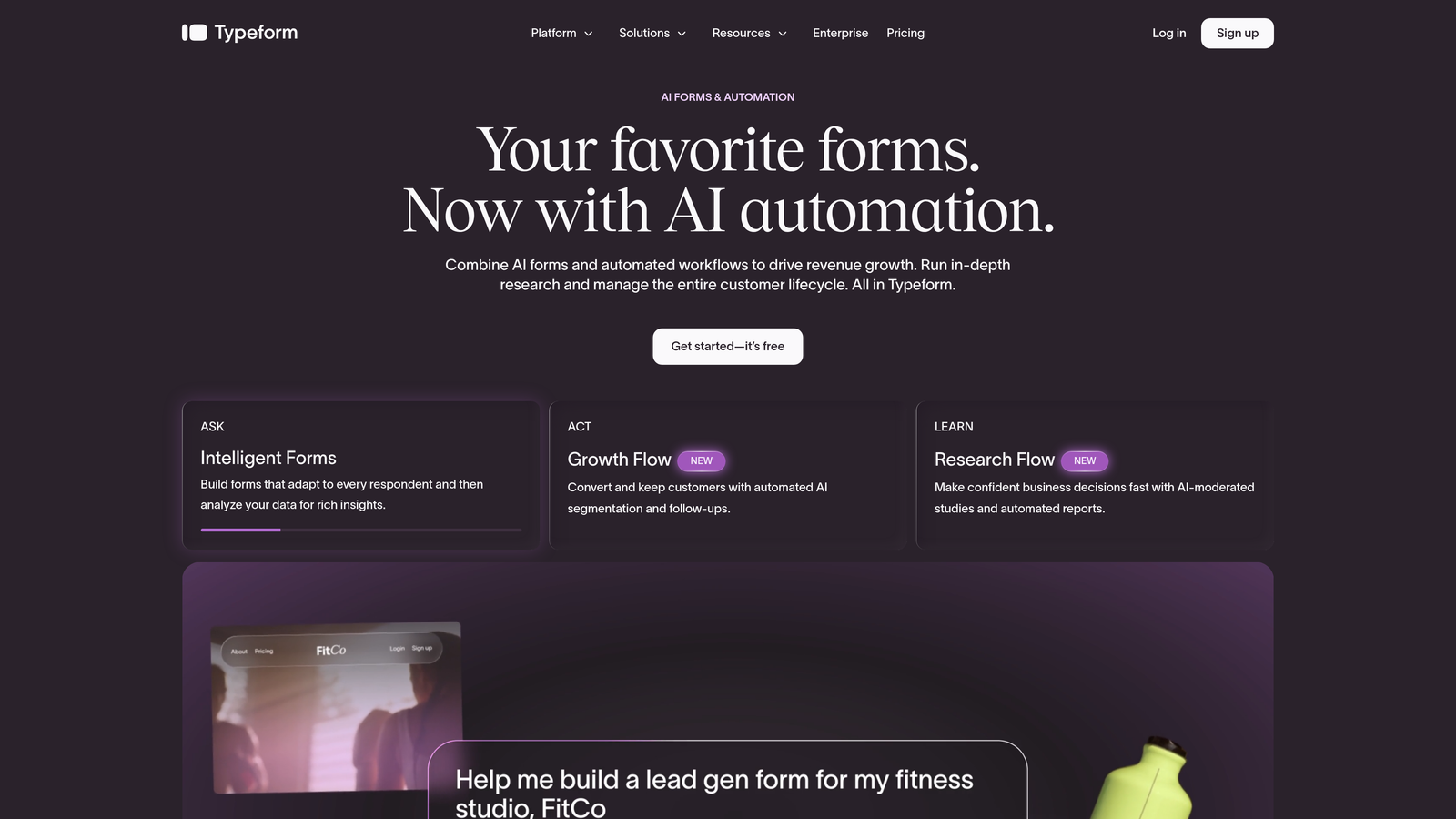
Typeform is a conversational form builder known for its one-question-at-a-time UX that improves engagement on marketing and lead gen forms.
Where This Tool Shines
Typeform's signature experience, presenting one question at a time in a clean, focused interface, tends to feel less overwhelming than traditional multi-field forms. For brand-conscious marketing teams, that translates to a more polished impression and generally better completion behavior on campaign landing pages.
Logic jumps and conditional branching are well-implemented, and the integration library is broad. That said, Typeform's pricing tiers can feel steep once you need logic and integrations at scale, and it doesn't offer native lead scoring or qualification features.
Key Features
Conversational Interface: One-question-at-a-time format that reduces cognitive load and improves form completion.
Logic Jumps: Conditional branching that adapts the form path based on previous answers.
Brand Customization: Strong control over colors, fonts, and embed options to match your visual identity.
Integration Library: Native connections to HubSpot, Salesforce, Zapier, and more.
Rich Media Support: Video and image embeds within form questions for more engaging experiences.
Best For
Marketing teams that prioritize form aesthetics and completion rates, particularly for content gating, event registrations, and campaign-specific lead capture. Less suited for teams that need built-in lead qualification or complex CRM routing logic.
Pricing
Free plan available with limited responses. Paid plans start around $25 to $50 per month depending on response volume and feature tier. Logic and integrations require paid plans.
3. HubSpot Forms
Best for: Inbound marketing teams already operating within the HubSpot ecosystem.
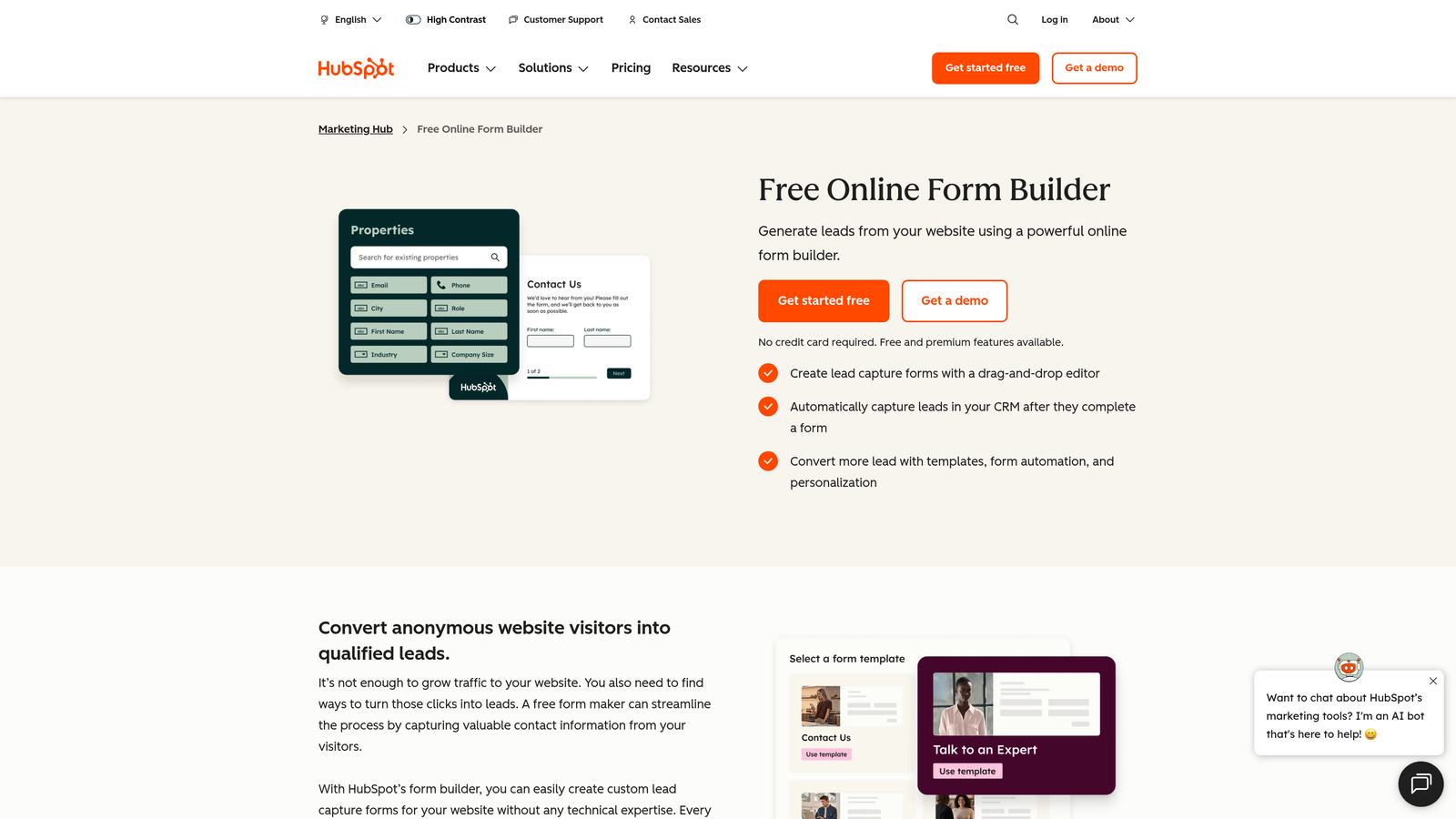
HubSpot Forms is a native form builder within HubSpot offering seamless CRM sync, progressive profiling, and smart field logic for inbound teams.
Where This Tool Shines
If your team lives in HubSpot, this is the path of least resistance. The progressive profiling feature is genuinely useful: rather than asking a returning contact for information already in your CRM, it surfaces new questions instead. Over multiple touchpoints, you build richer contact records without increasing form friction.
The weakness is design flexibility. HubSpot Forms are functional but not particularly beautiful, and customization options are limited compared to dedicated form builders. It's also only worth using if you're already paying for HubSpot, since the advanced features are tied to Marketing Hub tiers.
Key Features
Progressive Profiling: Automatically replaces known fields with new questions for returning contacts, building richer CRM data over time.
Smart Form Adaptation: Forms adjust based on existing contact properties stored in HubSpot.
Native CRM and Workflow Triggers: Form submissions automatically trigger HubSpot workflows, sequences, and deal creation.
Embedded and Pop-Up Options: Flexible placement for landing pages, blog posts, and exit-intent scenarios.
Free Tier Availability: Basic forms included at no cost with HubSpot's free CRM.
Best For
Teams already using HubSpot as their primary CRM and marketing automation platform. If you're not in the HubSpot ecosystem, there are better-designed and more affordable standalone options on this list.
Pricing
Free with HubSpot's free CRM tier. Marketing Hub Starter begins around $15 to $20 per month, with pricing scaling significantly at Professional and Enterprise tiers.
4. Jotform
Best for: Agencies and teams that need a wide variety of form types with strong payment and template support.
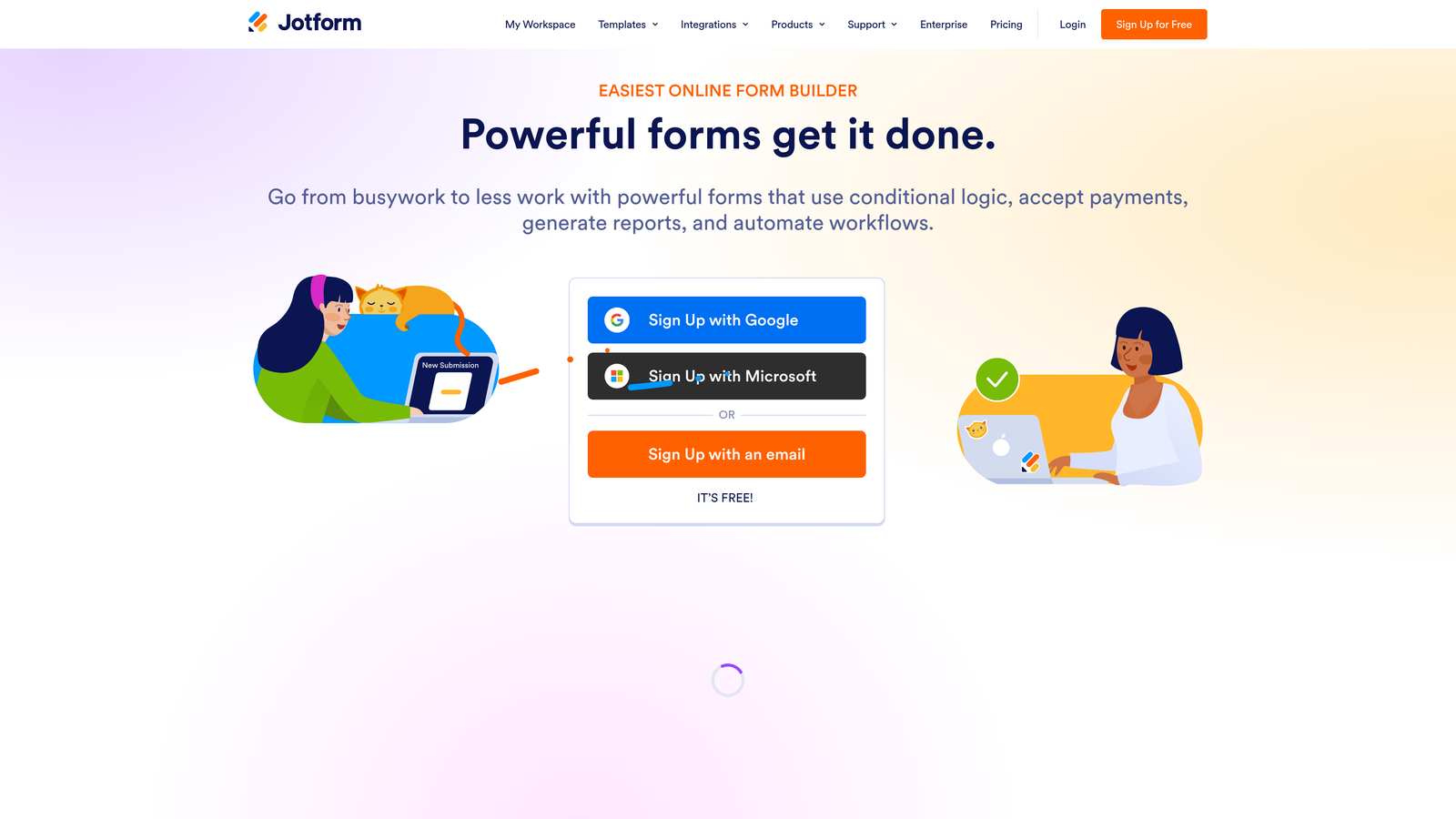
Jotform is a high-volume form builder with one of the largest template libraries available, strong payment form support, and broad integration options.
Where This Tool Shines
Jotform's template library is genuinely impressive, covering thousands of use cases across industries. For agencies managing multiple clients with diverse form needs, that breadth is a real time-saver. Payment integrations with Stripe, PayPal, and Square are well-implemented, making it a strong choice for order forms, registrations, and fee-collection workflows.
For pure lead generation and qualification, Jotform is functional but not purpose-built. It lacks native lead scoring and the pricing can scale quickly for high-submission-volume teams.
Key Features
Template Library: Over 10,000 pre-built templates spanning industries and use cases.
Payment Integrations: Native support for Stripe, PayPal, and Square within forms.
Conditional Logic: Multi-page forms with branching paths based on user responses.
HIPAA Compliance: Available on higher-tier plans for healthcare and regulated industries.
Integration Ecosystem: Broad Zapier and native integration support for connecting to existing tools.
Best For
Agencies handling diverse client form needs, teams that need payment collection built into forms, and organizations in regulated industries requiring HIPAA-compliant options. Not the strongest choice if lead qualification is the primary goal.
Pricing
Free tier supports five forms and 100 submissions per month. Paid plans start around $34 per month, scaling with submission volume and feature requirements.
5. Tally
Best for: Budget-conscious teams that want a generous free tier without branding restrictions.
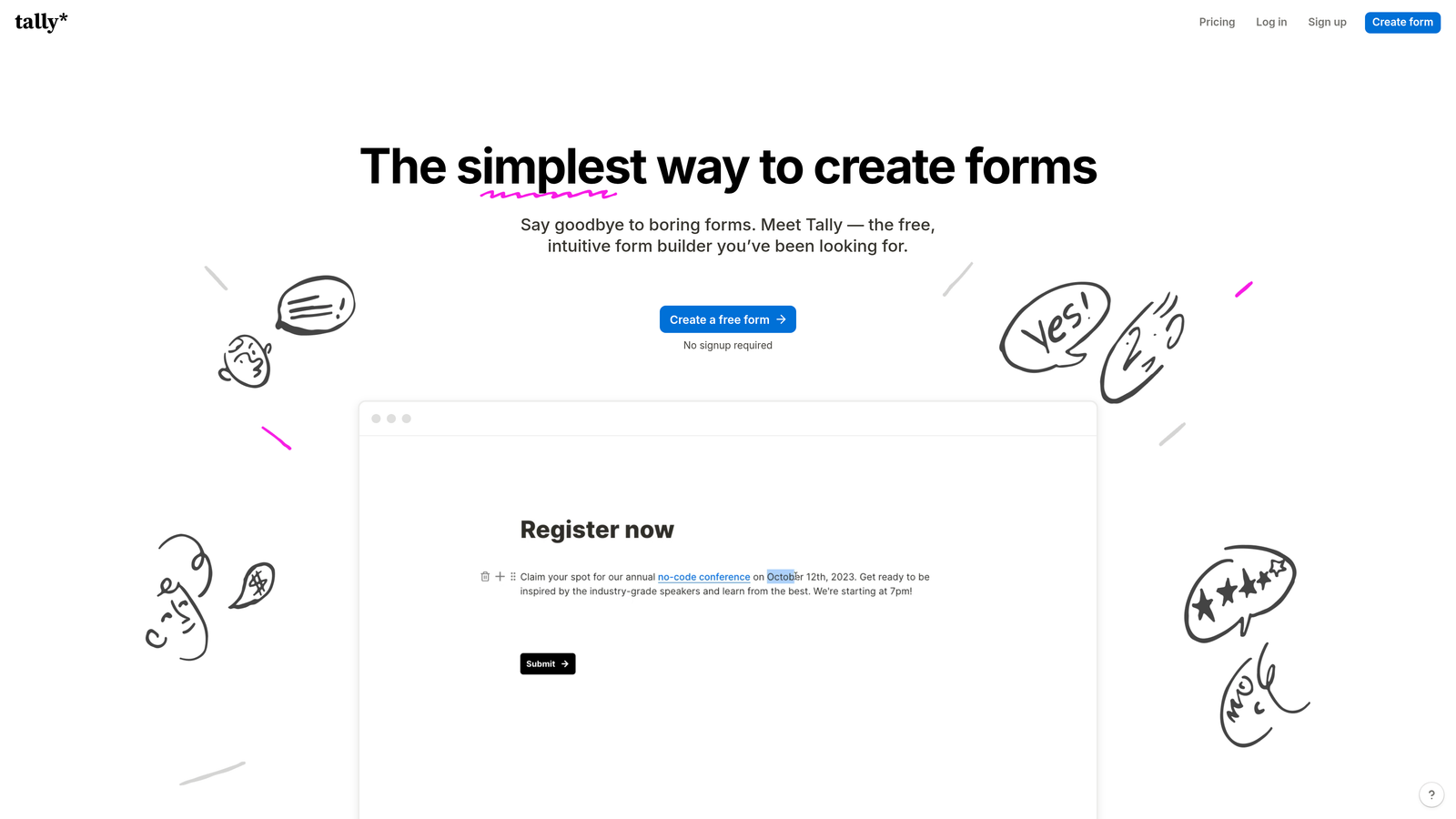
Tally is a freemium form builder with a Typeform-like conversational UI and an unusually generous free plan that includes unlimited forms and responses with no Tally branding.
Where This Tool Shines
Tally's free tier is genuinely exceptional by market standards. Unlimited forms, unlimited responses, and no forced branding on the free plan puts it well ahead of competitors at the same price point (which is zero). For early-stage teams or those running lean, it removes the usual trade-offs of free-tier form tools.
The conversational layout is clean and modern without requiring the Typeform price tag. The main limitation is enterprise depth: native CRM integrations are limited, and it's not built for complex qualification workflows or high-volume lead gen operations.
Key Features
Unlimited Free Tier: Unlimited forms and responses on the free plan, with no Tally branding unlike most competitors.
Conversational and Traditional Layouts: Flexibility to choose between question-at-a-time and standard multi-field formats.
Notion and Google Sheets Integration: Clean connections to popular productivity and data tools.
Zapier and Make Support: Automation connections for teams using broader workflow tools.
Tally Pro Upgrades: Custom domains, file uploads, and additional features at a low monthly cost.
Best For
Early-stage teams, indie makers, and small businesses that need capable forms without a budget commitment. Also useful for internal forms and non-revenue-critical workflows where simplicity and cost efficiency matter most.
Pricing
Free tier with no response limits or branding requirements. Tally Pro starts around $29 per month for custom domains and advanced features.
6. Gravity Forms
Best for: WordPress-based teams that need a mature, developer-friendly form plugin with a broad add-on ecosystem.
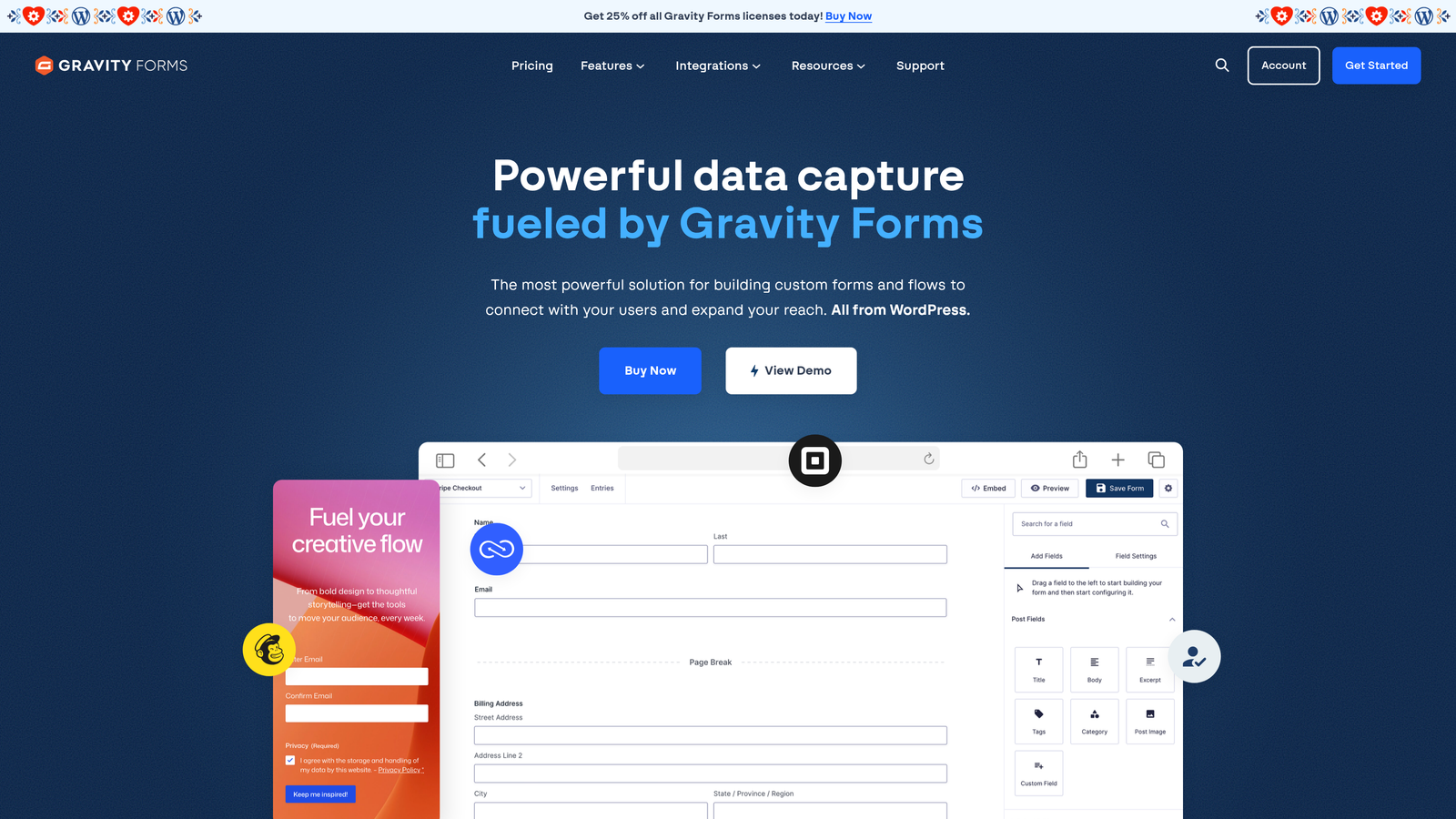
Gravity Forms is a WordPress-native form plugin with a mature add-on ecosystem, developer-friendly architecture, and strong conditional logic for complex form workflows.
Where This Tool Shines
If your site runs on WordPress, Gravity Forms is the standard recommendation for good reason. The add-on library is extensive, covering payment processors, CRM connections, email marketing platforms, and more. Conditional logic, multi-page forms, and calculation fields are all well-implemented and reliable.
The annual license model is also refreshing in a market full of per-submission pricing. You pay once per year and aren't penalized for form volume. The obvious constraint is WordPress dependency: if your stack doesn't include WordPress, this tool simply doesn't apply.
Key Features
Deep WordPress Integration: Plugin-level control with full access to WordPress hooks and filters for custom development.
Extensive Add-On Library: Paid and free add-ons for payments, CRMs, email marketing, and specialized workflows.
Conditional Logic: Robust branching, multi-page forms, and calculation fields for complex form requirements.
Developer-Friendly Architecture: Custom field support and hooks for teams with development resources.
Annual License Model: Flat yearly fee with no per-submission pricing, predictable for high-volume teams.
Best For
WordPress-based businesses and agencies that need reliable, complex forms with deep customization options. Development teams will appreciate the extensibility; non-technical teams on WordPress will appreciate the add-on ecosystem that removes the need for custom code.
Pricing
Annual license starting around $59 per year for the Basic tier, scaling to approximately $259 per year for the Elite license with all add-ons included.
7. Paperform
Best for: Teams that want forms to feel like mini landing pages with rich content and calculation capabilities.
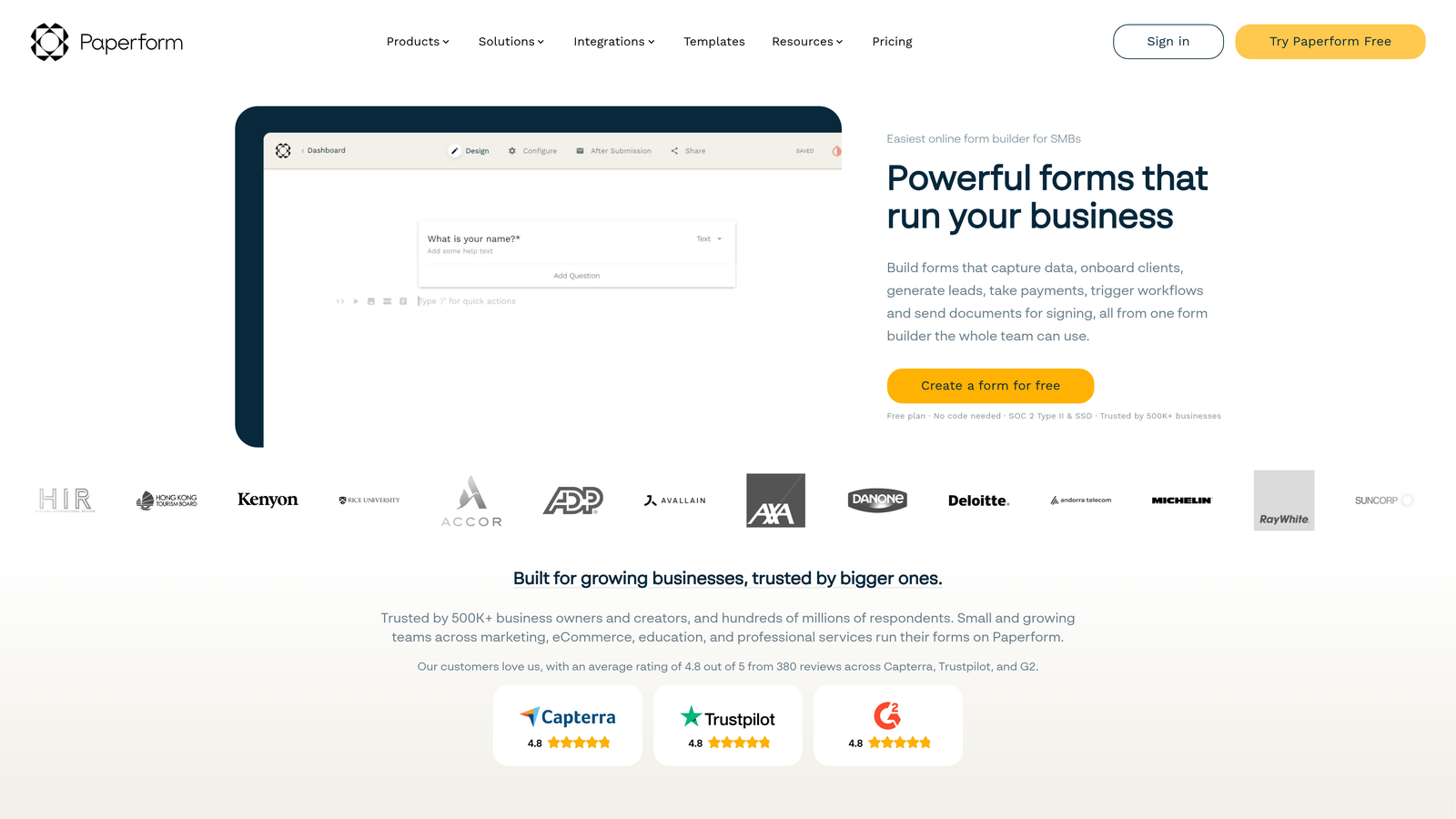
Paperform is a freeform editor that blends rich content, including text, images, and video, with form fields to create form experiences that feel more like dedicated pages than standard forms.
Where This Tool Shines
Paperform's editing experience is genuinely unique. Rather than building a form in a separate interface, you compose a page where form fields and rich content coexist naturally. That makes it well-suited for forms that need context, like product order forms, intake questionnaires, or campaign-specific registration pages.
Calculation fields are a standout feature for teams building quote forms or pricing estimators. The tradeoff is that Paperform isn't purpose-built for lead qualification or CRM-heavy inbound workflows, so teams with complex routing needs may find it limiting.
Key Features
Freeform Content Editor: Mix text, images, and video with form fields on a single page for context-rich form experiences.
Calculation Fields: Built-in support for pricing calculators, quote forms, and conditional math logic.
Conditional Logic: Multi-section layouts that adapt based on respondent answers.
Built-In Payment Processing: Accept payments directly within forms without third-party workarounds.
Campaign and Intake Templates: Pre-built starting points for registrations, intake forms, and product-specific workflows.
Best For
Teams building campaign-specific forms, product intake flows, event registrations, or quote calculators where the form needs to carry its own context and narrative. Less ideal for teams prioritizing lead qualification automation or deep CRM integration.
Pricing
Essentials plan starts around $24 per month. Higher tiers are available for teams requiring additional users, submissions, and advanced features.
8. Google Forms
Best for: Internal surveys, event RSVPs, and non-revenue-critical data collection within Google Workspace.
Google Forms is a completely free, no-setup form tool deeply integrated with Google Workspace, best suited for internal and low-stakes data collection use cases.
Where This Tool Shines
The value proposition is simple: it's free, it works, and if your team uses Google Workspace, the friction to get started is essentially zero. Responses auto-populate into Google Sheets, making it easy to analyze data without any additional setup. For internal surveys, team feedback forms, or simple event sign-ups, it does the job without any cost or configuration overhead.
The limitations are equally clear. Design customization is minimal, conditional logic is basic, and there's no native CRM sync. For any form that touches revenue, lead generation, or conversion optimization, Google Forms is not the right tool.
Key Features
Completely Free: Unlimited forms and responses at no cost, with no paid tiers or upgrade requirements.
Google Sheets Auto-Population: Responses flow directly into Sheets for immediate data access.
Basic Branching Logic: Simple conditional question paths based on multiple-choice answers.
Google Workspace Integration: Connects natively with Drive, Docs, and Sheets for teams already in the Google ecosystem.
Zero Setup Required: No account creation beyond a standard Google login.
Best For
Internal teams collecting employee feedback, event organizers managing RSVPs, or anyone needing a quick data collection form without budget or configuration requirements. Not suitable for lead generation, conversion optimization, or any revenue-impacting form use case.
Pricing
Completely free. There are no paid tiers for Google Forms.
9. Formstack
Best for: Regulated industries requiring HIPAA compliance, document generation, and complex approval workflows.
Formstack is an enterprise-grade form and workflow platform with HIPAA compliance, document generation, e-signatures, and complex approval routing built for regulated industries.
Where This Tool Shines
Formstack goes well beyond form building. For organizations in healthcare, finance, or other regulated sectors, the combination of HIPAA-compliant forms, document generation, and e-signature capabilities in a single platform is genuinely valuable. Workflow routing and multi-step approval chains make it suited for complex internal processes that standard form builders can't handle.
For most growth-stage SaaS or B2B teams, Formstack is likely overkill. The pricing reflects the enterprise positioning, and the feature set is designed for compliance-heavy use cases rather than conversion optimization or lead qualification.
Key Features
HIPAA and GDPR Compliance: Built-in compliance options for regulated industries handling sensitive data.
Document Generation: Automatically generate populated documents from form submissions.
E-Signature Capabilities: Collect legally binding signatures as part of form workflows.
Workflow Routing and Approvals: Multi-step approval chains for complex internal processes.
Enterprise Integrations: Native connections to Salesforce, ServiceNow, and other enterprise platforms.
Best For
Healthcare organizations, financial services firms, and enterprise teams in regulated industries that need forms integrated with document workflows and compliance requirements. Not the right fit for growth-stage teams focused primarily on lead generation and conversion.
Pricing
Enterprise pricing model. Contact Formstack directly for a quote, as pricing is customized based on team size and feature requirements.
Which Tool Is Right for Your Team
The pattern that causes teams to waste money on form tools is almost always the same: they pick a tool for its UI and ignore whether it actually improves lead quality or conversion rates. A beautiful form that sends unqualified leads to your sales team isn't a win. It's a cost center.
Here's a quick decision framework based on team type:
High-growth B2B team focused on lead quality: Orbit AI is purpose-built for this. The AI qualification layer means your sales team receives leads that have already been filtered, scored, and routed, before they ever touch your CRM.
Already deep in HubSpot: Don't fight the ecosystem. HubSpot Forms gives you progressive profiling, native workflow triggers, and CRM sync without adding another tool to manage.
Budget is the primary constraint: Tally gives you the most capable free tier on this list, with unlimited forms, unlimited responses, and no forced branding. It's the clear call for teams that need functional forms without a subscription commitment.
Running on WordPress: Gravity Forms is the standard for good reason. The add-on ecosystem, conditional logic, and annual license model make it the most cost-effective and capable option for WordPress-based teams.
Regulated industry with compliance requirements: Formstack is built for exactly this scenario. The HIPAA compliance, document generation, and approval routing capabilities justify the enterprise pricing for the right use case.
Before renewing any form subscription, ask three questions: Is this tool helping us qualify leads faster? Is it reducing friction for the right visitors? Is it integrating cleanly with our CRM and reporting stack? If the answer to any of those is no, it's worth re-evaluating.
The right form tool isn't the one with the most features or the lowest price. It's the one that actively contributes to your pipeline quality and conversion performance. For high-growth teams, that means choosing a platform where qualification is a first-class feature, not an afterthought.
Transform your lead generation with AI-powered forms that qualify prospects automatically while delivering the modern, conversion-optimized experience your team needs. Start building free forms today and see how intelligent form design can elevate your conversion strategy.
For more on building a smarter lead capture system, explore our guides on how to increase form submissions, lead capture form best practices, and AI lead generation tools.


