

Choosing the right form builder can make or break your lead generation strategy. With dozens of options flooding the market in 2026, each promising better conversions and easier setup, the decision feels overwhelming. We've tested the leading platforms to cut through the noise and help you find the solution that actually delivers for your team. Our comparison focuses on what matters most: ease of use, design flexibility, integrations, pricing, and conversion optimization features. Here are the top form builders worth considering.
1. Orbit AI
Best for: High-growth teams prioritizing lead quality and conversion optimization with AI-powered qualification
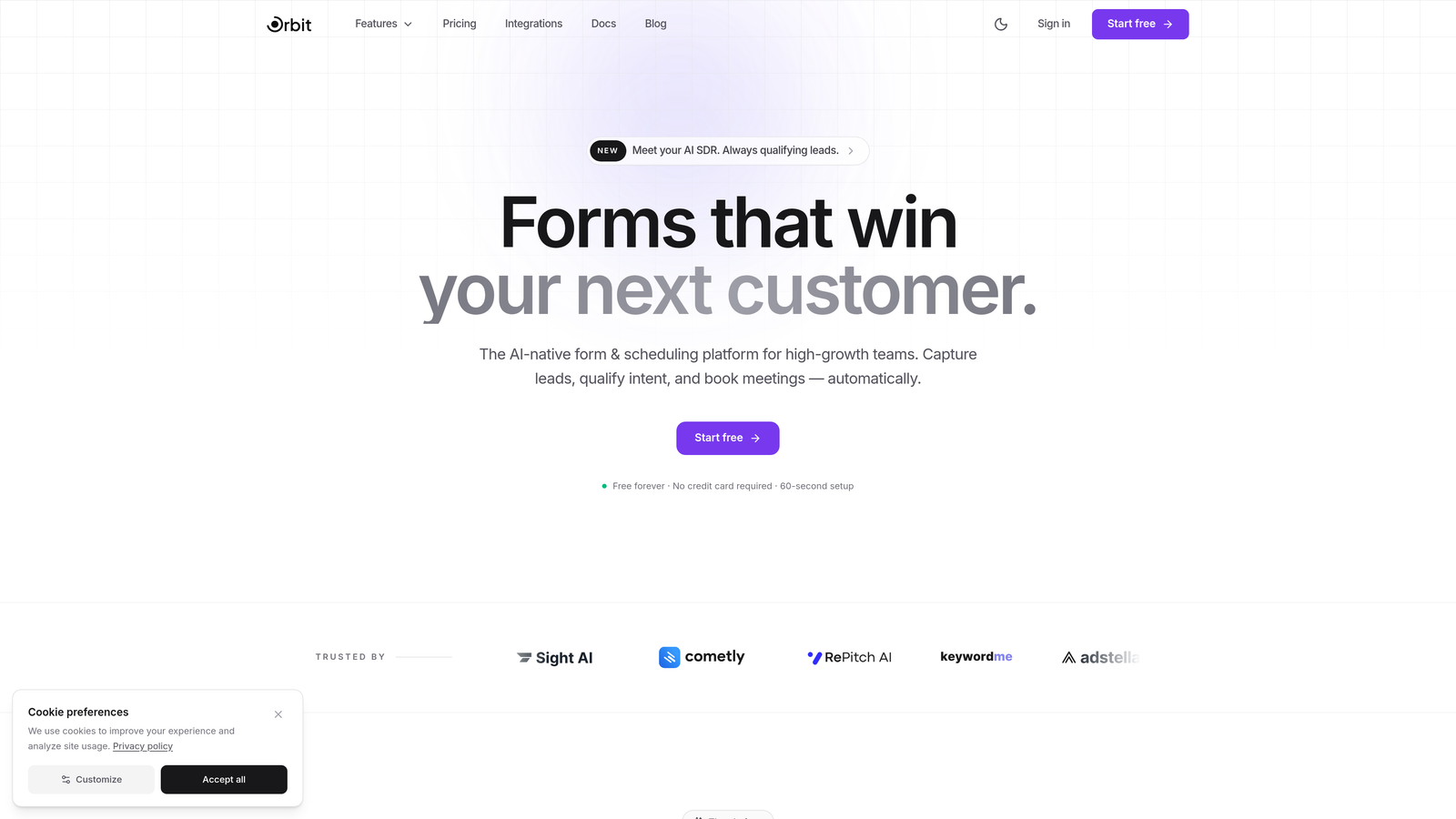
Orbit AI is an AI-powered form builder designed specifically for teams that need to capture quality leads, not just collect data.
Where This Tool Shines
What sets Orbit AI apart is its built-in lead qualification engine. Instead of manually sorting through form submissions to find your best prospects, the platform uses AI to score and prioritize leads automatically based on criteria you define. This means your sales team focuses on conversations that actually matter.
The platform combines modern, conversion-optimized design with intelligent features that adapt to user behavior. Forms feel natural and engaging, not like interrogations, which directly impacts completion rates.
Key Features
AI-Powered Lead Qualification: Automatically scores and routes leads based on fit and intent signals.
Conversion-Optimized Templates: Pre-built forms designed with conversion psychology principles baked in.
Smart Conditional Logic: Dynamic form fields that adapt based on previous answers for personalized experiences.
Built-In Analytics: Deep insights into form performance, drop-off points, and conversion patterns.
Modern Design System: Customizable templates that look professional without requiring design expertise.
Best For
Orbit AI is ideal for B2B companies, SaaS teams, and agencies where lead quality directly impacts revenue. If you're tired of chasing unqualified leads or want to scale without sacrificing conversion rates, this platform addresses those pain points directly.
Pricing
Free tier available for teams getting started. Paid plans begin at competitive rates designed for growing teams that need advanced qualification and analytics features.
2. Typeform
Best for: Creating engaging, conversational experiences with one-question-at-a-time format
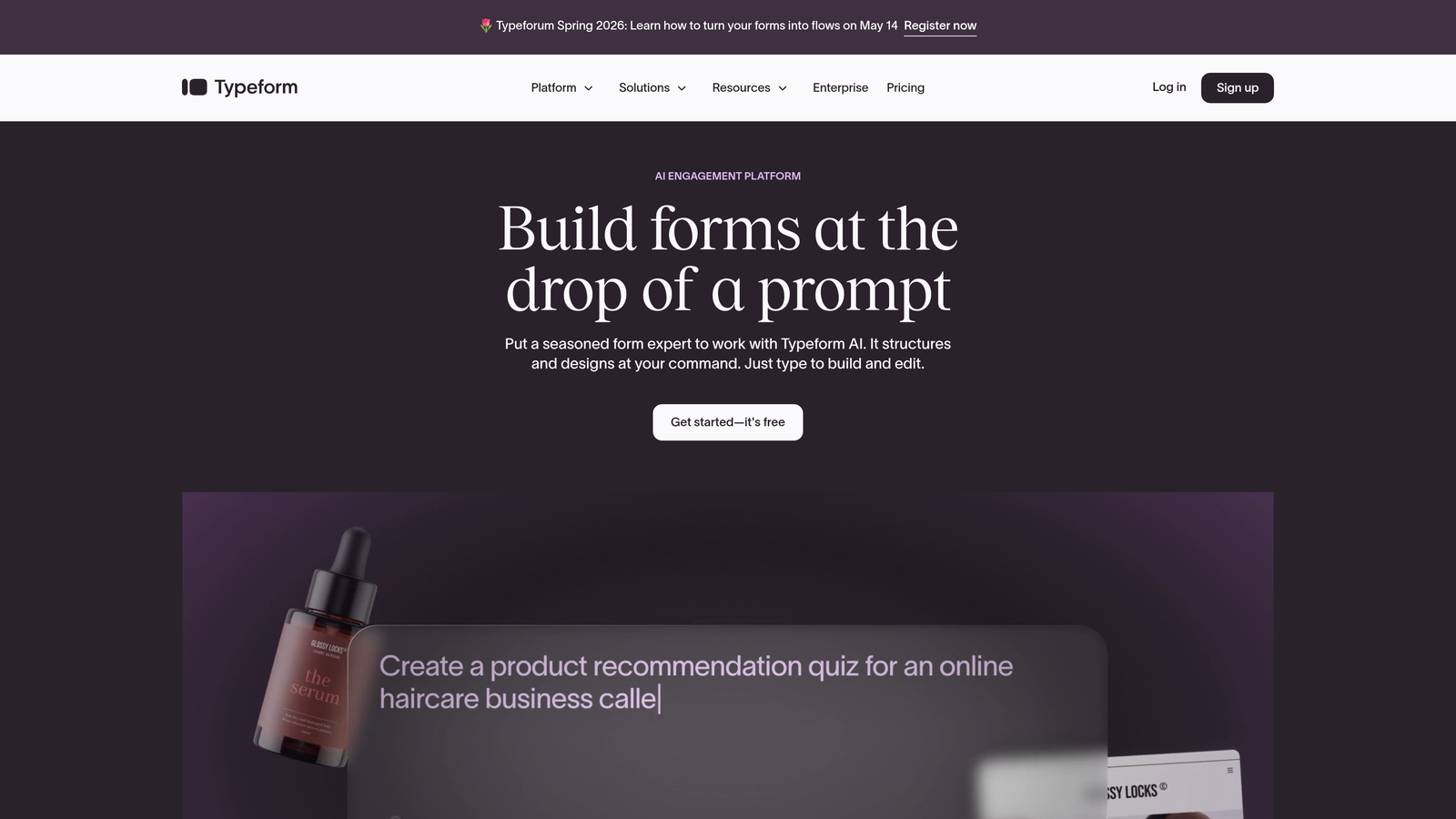
Typeform is the platform that pioneered conversational forms, transforming data collection into interactive experiences.
Where This Tool Shines
Typeform's signature one-question-at-a-time approach reduces form anxiety and creates a natural conversation flow. This format particularly excels for longer surveys, customer feedback, and lead qualification where you need thoughtful responses rather than rushed submissions.
The platform's visual customization options are extensive. You can embed videos, images, and GIFs to create forms that feel more like branded experiences than traditional web forms. This makes it popular with marketing teams focused on brand consistency.
Key Features
Conversational Interface: One-question-at-a-time format that improves completion rates for longer forms.
Visual Customization: Extensive branding options including custom fonts, colors, and background media.
Logic Jumps: Branching logic that creates personalized paths based on user responses.
Media Embedding: Native support for videos, images, and animated content within forms.
Integration Ecosystem: Connects with popular tools like Slack, Google Sheets, HubSpot, and Salesforce.
Best For
Typeform works best for teams that prioritize user experience and engagement over simplicity. It's particularly strong for customer research, event registrations, and lead capture where the form itself is part of your brand experience.
Pricing
Free basic plan with Typeform branding and limited responses. Paid plans start at $25/month, with higher tiers unlocking advanced logic, integrations, and increased response limits.
3. Wufoo
Best for: Straightforward form creation with reliable data collection and basic reporting
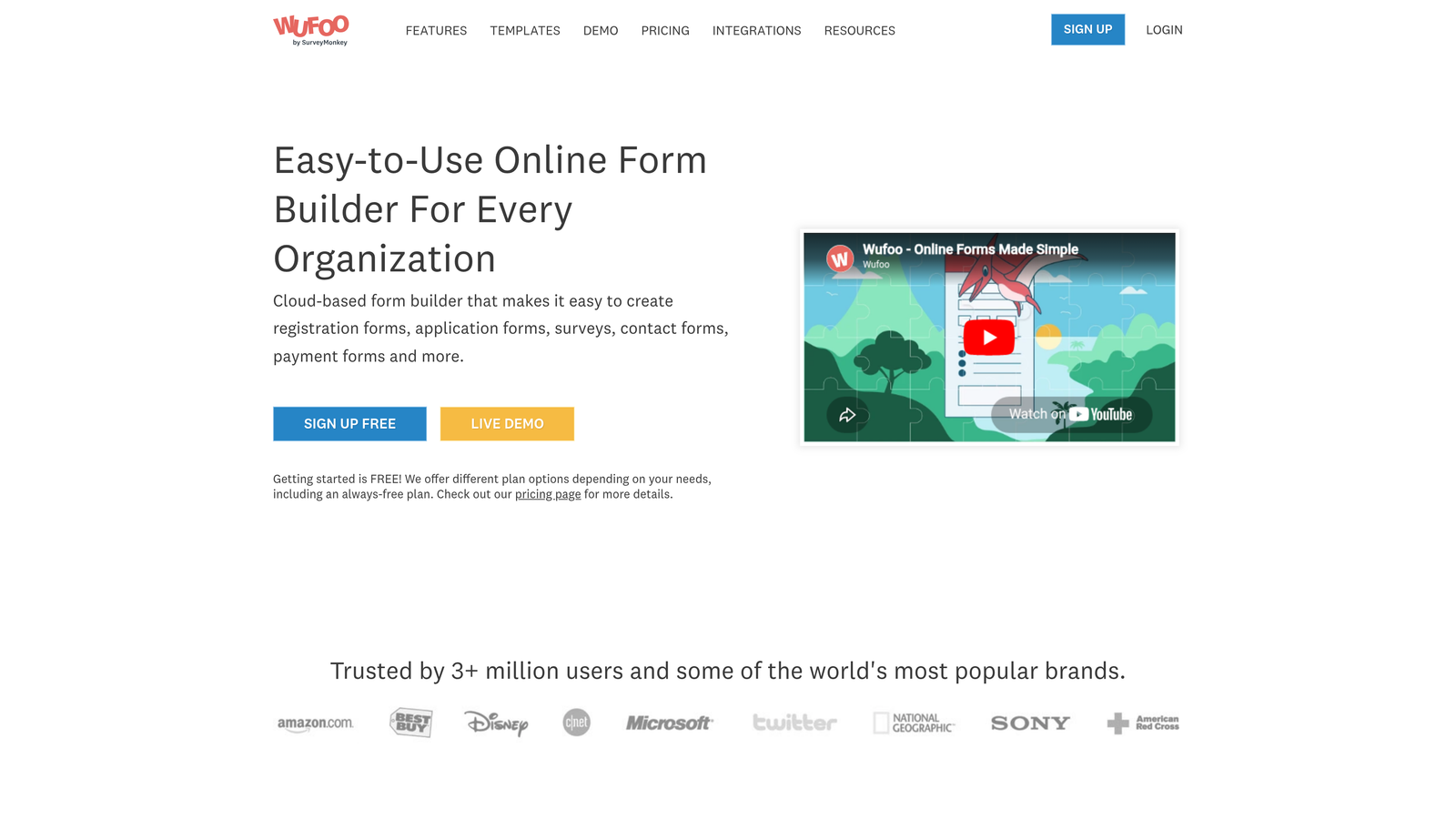
Wufoo is an established form builder that focuses on simplicity and dependable functionality for everyday data collection needs.
Where This Tool Shines
Wufoo's strength lies in its no-nonsense approach. The drag-and-drop builder is genuinely intuitive, making it easy for non-technical users to create functional forms quickly. There's minimal learning curve, which matters when you need to deploy forms fast.
The platform handles payment collection smoothly, making it a solid choice for registration forms, order forms, and donation collection. The reporting features, while basic, cover essential analytics without overwhelming users with data.
Key Features
Drag-and-Drop Builder: Simple interface for creating forms without technical knowledge.
Payment Integration: Built-in support for collecting payments through Stripe, PayPal, and other gateways.
Basic Reporting: Essential analytics and data visualization for tracking form performance.
File Uploads: Allow users to submit documents, images, and other files through forms.
Form Rules: Conditional logic for showing or hiding fields based on user input.
Best For
Wufoo fits teams that need reliable, straightforward forms without advanced features. It's particularly suitable for small businesses, nonprofits, and internal team processes where simplicity trumps sophistication.
Pricing
Free plan available with limitations on forms and entries. Paid plans start at $14.08/month, offering increased capacity and features as you scale up.
4. Jotform
Best for: Teams needing extensive templates and payment processing with diverse business requirements
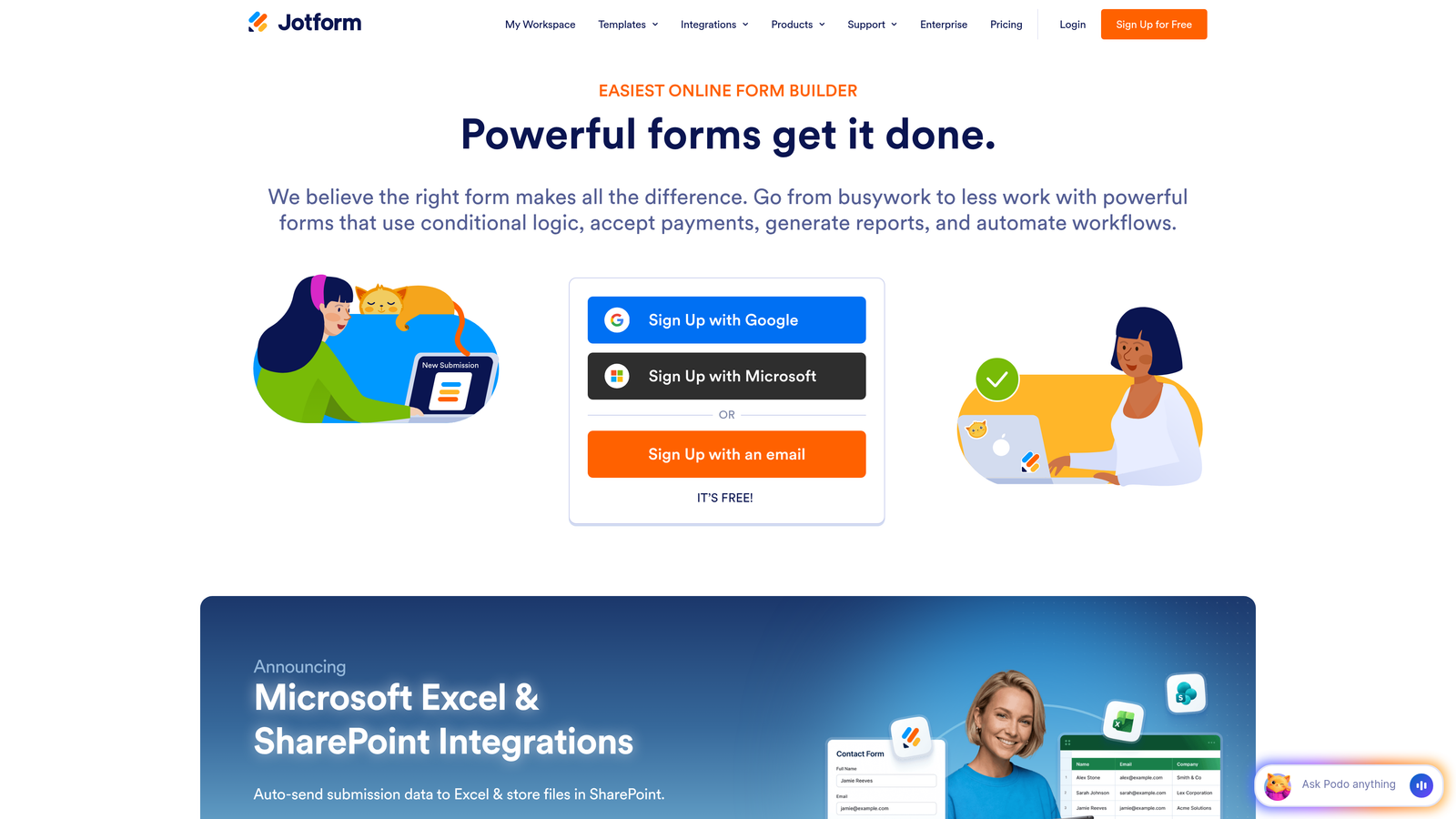
Jotform is a versatile form builder offering one of the largest template libraries and robust payment integration options.
Where This Tool Shines
Jotform's template library is genuinely massive, with over 10,000 pre-built forms covering virtually every use case imaginable. This means you rarely start from scratch, dramatically reducing setup time. The templates are industry-specific and professionally designed.
The platform excels at handling complex workflows involving payments, appointments, and document generation. Its PDF form generation feature automatically converts submissions into formatted documents, which is invaluable for applications, contracts, and official paperwork.
Key Features
10,000+ Templates: Industry-specific form templates for virtually every business need.
PDF Generation: Automatically create formatted PDF documents from form submissions.
Payment Gateways: Integration with 30+ payment processors including Square, Stripe, and PayPal.
Widgets and Add-ons: Extensive marketplace of form enhancements and specialized functionality.
Mobile App: Dedicated apps for iOS and Android to manage responses on the go.
Best For
Jotform works well for businesses with diverse form needs across departments, service providers handling bookings and payments, and organizations requiring document generation alongside data collection.
Pricing
Free starter plan with basic features and Jotform branding. Paid plans begin at $34/month, unlocking more submissions, storage, and advanced features.
5. Google Forms
Best for: Basic surveys and internal data collection with zero budget
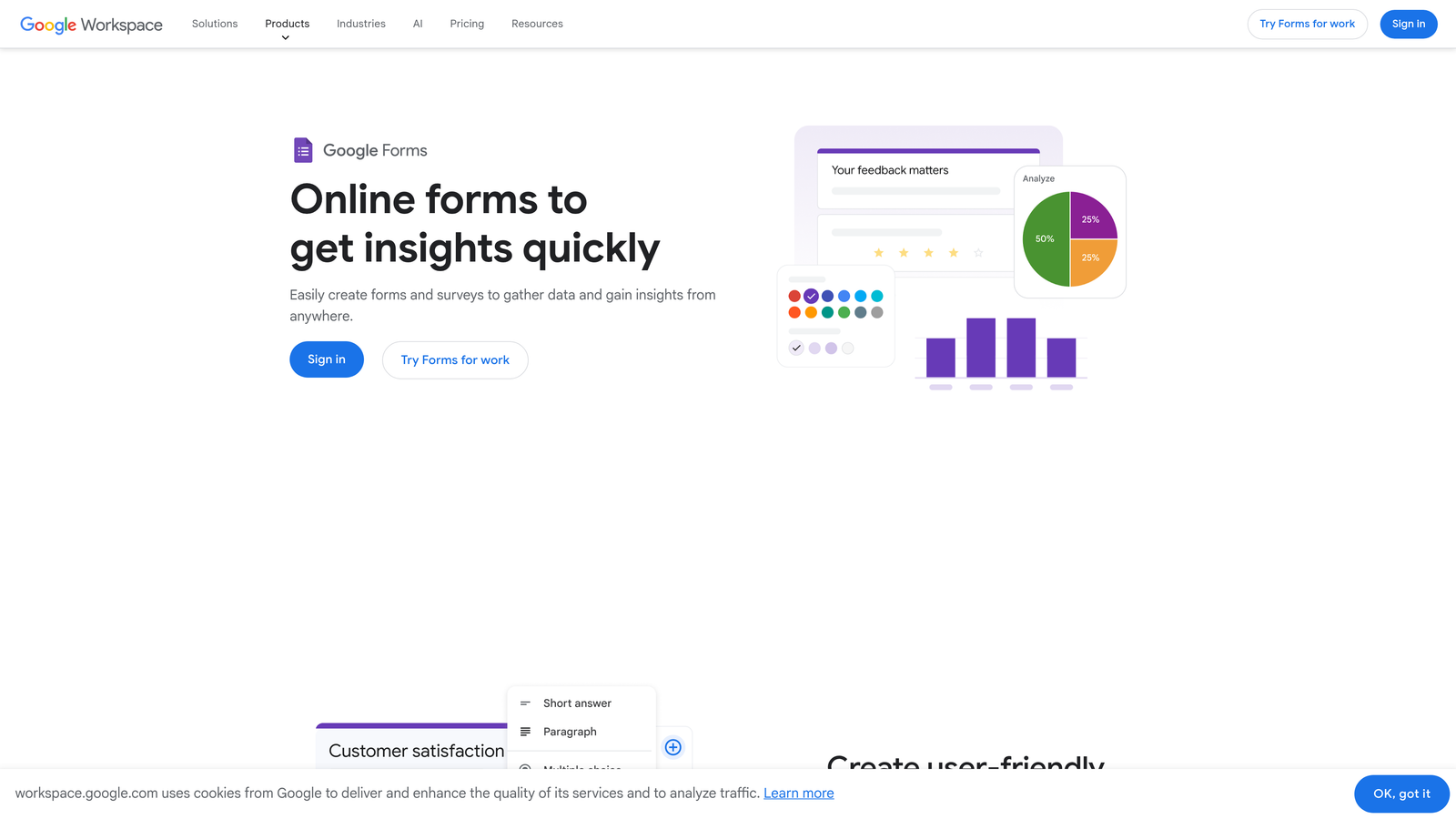
Google Forms is the free, no-frills form builder integrated seamlessly with Google Workspace.
Where This Tool Shines
Google Forms wins on accessibility and cost. It's completely free with no hidden tiers or feature gates, making it ideal for schools, nonprofits, and internal team processes. The Google Sheets integration is seamless, automatically populating responses in real-time for easy analysis.
Real-time collaboration is built into the DNA of the platform. Multiple team members can edit forms simultaneously, just like Google Docs. This makes it perfect for teams already living in the Google ecosystem.
Key Features
Completely Free: No cost, no limits on responses, no premium tiers to navigate.
Google Sheets Integration: Automatic response collection in spreadsheets for easy analysis.
Real-Time Collaboration: Multiple users can edit forms simultaneously with change tracking.
Basic Conditional Logic: Show or hide questions based on previous answers.
Quiz Functionality: Built-in grading and scoring for educational assessments.
Best For
Google Forms is ideal for internal surveys, event planning, basic feedback collection, and educational quizzes. It's perfect when you need simple data collection without budget approval or complex requirements.
Pricing
Completely free with any Google account. No paid tiers exist, which means no feature upgrades but also no surprise costs.
6. Tally
Best for: Startups and indie makers wanting unlimited forms on a generous free tier
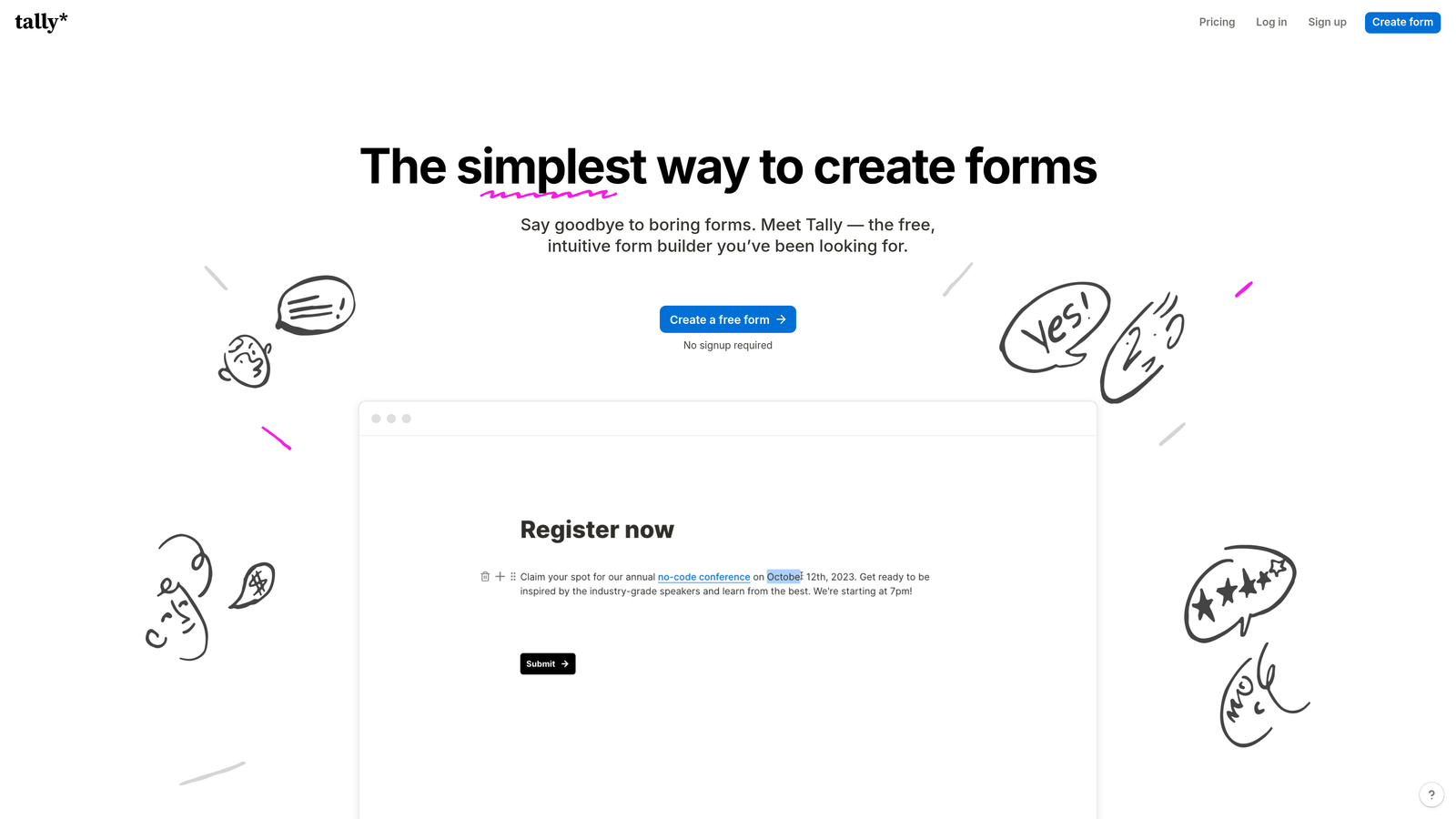
Tally is a minimalist form builder with a Notion-like interface that's gained rapid popularity for its generous free offering.
Where This Tool Shines
Tally's free tier is genuinely unlimited. Unlimited forms, unlimited responses, unlimited everything that typically gets paywalled elsewhere. This makes it incredibly attractive for bootstrapped startups, solopreneurs, and side projects where budget is tight but needs are real.
The block-based editor feels familiar if you've used Notion or similar tools. Building forms feels more like writing a document than configuring a database, which reduces the mental overhead of form creation.
Key Features
Unlimited Free Plan: No limits on forms, responses, or core features on the free tier.
Block-Based Editor: Notion-style interface for intuitive form building.
Conditional Logic: Advanced branching and logic included even on free plans.
Custom Domains: Connect your own domain for professional form URLs on paid plans.
Webhook Integrations: Connect to automation tools and custom workflows.
Best For
Tally fits indie makers, early-stage startups, and anyone needing professional forms without immediate budget. It's also great for teams that prefer minimalist design and straightforward functionality over feature bloat.
Pricing
Extremely generous free tier with unlimited forms and responses. Pro plan at $29/month adds custom domains, file uploads, and priority support.
7. Paperform
Best for: Creative businesses needing landing page functionality combined with form capabilities
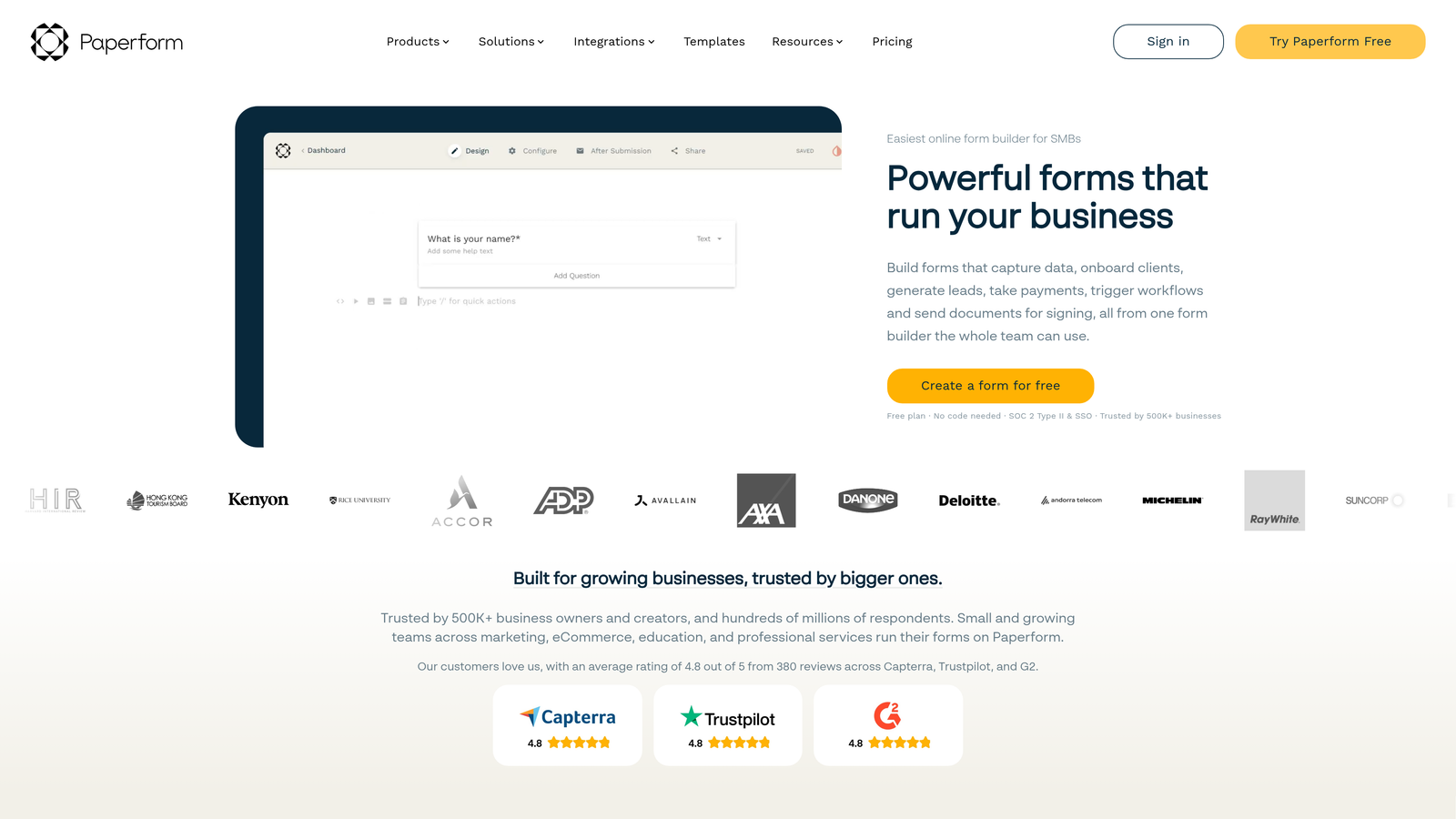
Paperform is a document-style form builder that blurs the line between forms, landing pages, and interactive content.
Where This Tool Shines
Paperform treats forms like rich documents. You can embed full paragraphs of text, images, videos, and styled content alongside form fields, creating experiences that feel more like interactive landing pages than traditional forms. This approach works beautifully for service businesses selling consultations, creative agencies showcasing portfolios, and coaches collecting detailed client information.
The platform includes robust e-commerce and booking features natively. You can build entire product pages with calculations, inventory management, and appointment scheduling without stitching together multiple tools.
Key Features
Rich Text and Media: Embed full content, images, and videos to create landing page-style forms.
E-commerce Features: Product catalogs, inventory tracking, and checkout functionality built in.
Calculations and Pricing: Dynamic pricing logic based on user selections and quantities.
Custom Success Pages: Redirect to personalized confirmation pages based on form responses.
Native Integrations: Direct connections to popular tools plus Zapier for extended automation.
Best For
Paperform excels for service businesses, consultants, creative professionals, and anyone selling products or bookings directly through forms. It's ideal when your form needs to double as a sales page.
Pricing
Plans start at $24/month with a 14-day free trial. Higher tiers unlock increased submissions, advanced features, and priority support.
8. Formstack
Best for: Enterprise teams requiring advanced workflows, compliance, and approval processes
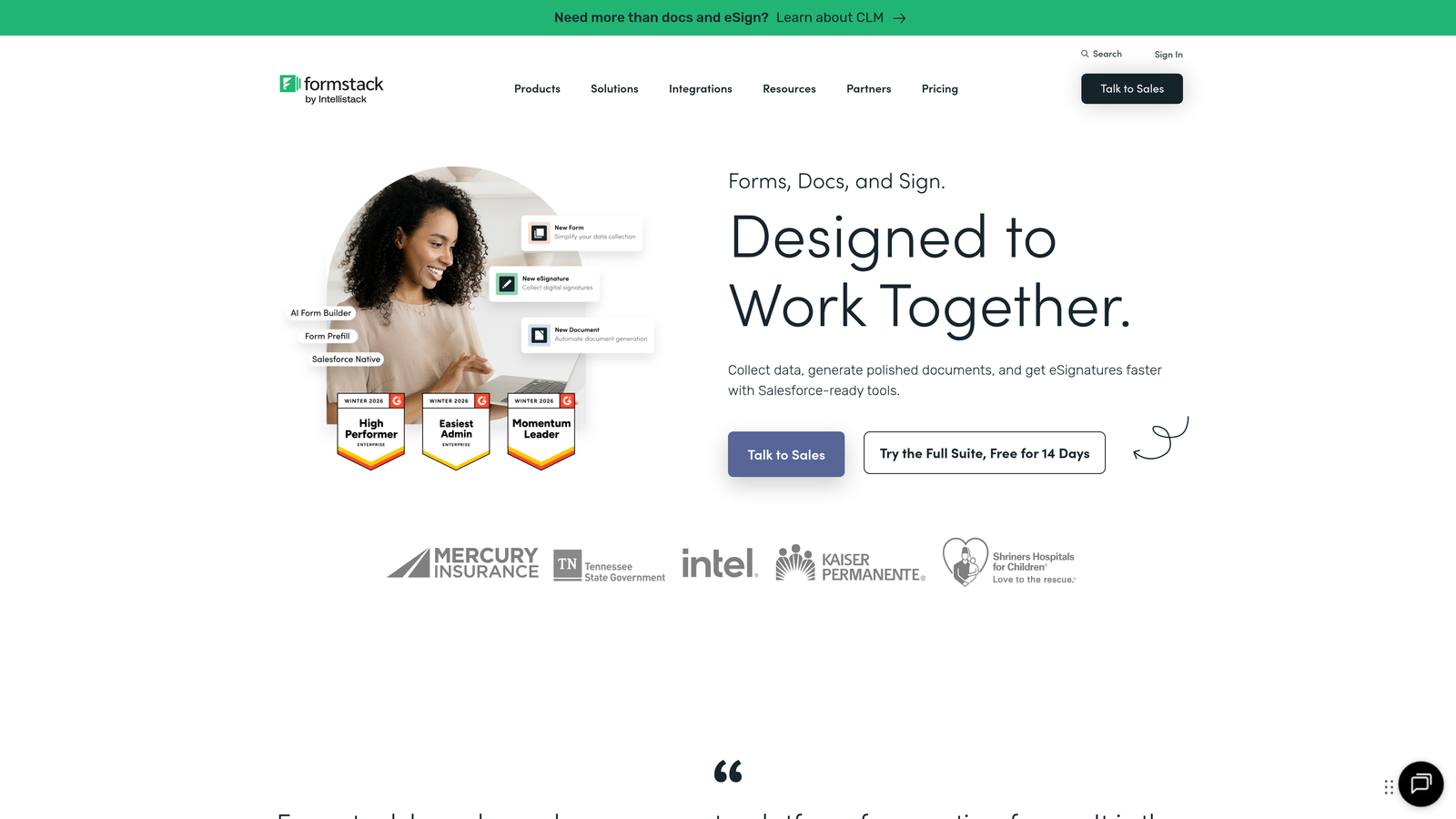
Formstack is an enterprise-grade form solution built for complex organizational needs and regulatory compliance.
Where This Tool Shines
Formstack addresses enterprise requirements that consumer-focused form builders ignore. HIPAA compliance for healthcare organizations, advanced approval routing for multi-level processes, and electronic signature capabilities for legal documents are all built into the platform.
The workflow automation goes far beyond simple email notifications. You can build complex approval chains, trigger document generation, route submissions to different teams based on criteria, and integrate with enterprise systems. This level of sophistication matters when forms are part of critical business processes.
Key Features
Workflow Automation: Complex approval chains and multi-step processes with conditional routing.
Approval Routing: Multi-level approval workflows for requests, applications, and internal processes.
HIPAA Compliance: Healthcare-grade security and compliance features for protected health information.
Electronic Signatures: Legally binding e-signature collection within forms.
Enterprise Security: Advanced security controls, audit logs, and administrative features.
Best For
Formstack is designed for large organizations, healthcare providers, financial services, government agencies, and any business with complex compliance requirements or multi-department approval workflows.
Pricing
Plans start at $50/month for basic features. Enterprise pricing available for organizations needing advanced compliance, security, and support.
9. HubSpot Forms
Best for: Teams using HubSpot CRM who need seamless contact management and progressive profiling
HubSpot Forms is the native form builder tightly integrated with HubSpot's CRM and marketing automation platform.
Where This Tool Shines
If you're already using HubSpot, the native forms integration is unbeatable. Every form submission automatically creates or updates contact records in your CRM with zero manual work or middleware. This eliminates the data sync headaches that plague teams using separate form and CRM systems.
Progressive profiling is the standout feature. Instead of asking returning visitors the same questions repeatedly, HubSpot Forms remembers previous responses and asks new questions to gradually build richer contact profiles. This dramatically improves conversion rates on repeat interactions.
Key Features
Native CRM Integration: Automatic contact creation and updating in HubSpot CRM with zero configuration.
Progressive Profiling: Smart forms that ask different questions to known contacts for gradual data enrichment.
Smart Form Fields: Pre-populate fields with known contact information to reduce friction.
Contact Enrichment: Automatic data enrichment from HubSpot's database and third-party sources.
Marketing Automation: Trigger workflows, email sequences, and lead scoring based on form submissions.
Best For
HubSpot Forms is ideal for teams already invested in the HubSpot ecosystem, marketing teams running sophisticated nurture campaigns, and sales organizations that need seamless handoff from marketing to sales.
Pricing
Free with HubSpot's free CRM. Advanced form features like progressive profiling and automation triggers require paid Marketing Hub plans starting at higher tiers.
Finding Your Perfect Match
The right form builder depends entirely on what you're optimizing for. If lead quality and conversion optimization drive your business, Orbit AI's intelligent qualification approach saves time and improves sales efficiency. Teams prioritizing engaging user experiences gravitate toward Typeform's conversational format, while budget-conscious startups often find Tally's unlimited free tier impossible to beat.
For enterprise teams navigating compliance requirements, Formstack's security features and approval workflows justify the premium pricing. HubSpot users already living in that ecosystem benefit from the seamless CRM integration that eliminates data sync headaches. Google Forms remains unbeatable for simple internal processes where cost is the primary concern.
The form builder landscape in 2026 offers genuine choice across different priorities. Consider your primary goal: Are you capturing leads where quality matters more than quantity? Building brand experiences through forms? Managing complex approval workflows? Collecting simple feedback on zero budget?
Transform your lead generation with AI-powered forms that qualify prospects automatically while delivering the modern, conversion-optimized experience your high-growth team needs. Start building free forms today and see how intelligent form design can elevate your conversion strategy.


