

Finding the right AI form builder shouldn't feel like choosing between powerful features and reasonable pricing. In 2026, AI has transformed form creation—enabling smart logic, automated lead qualification, and conversational flows that actually convert—but the pricing landscape varies wildly. Some tools lock essential AI capabilities behind enterprise tiers, while others include them from day one.
We evaluated these nine AI form builders based on pricing transparency, depth of AI features, and value across different team sizes. Whether you're bootstrapping a startup or scaling an enterprise, here's what you need to know about the cost of AI-powered form building.
1. Orbit AI
Best for: High-growth teams prioritizing conversion optimization with built-in AI lead qualification
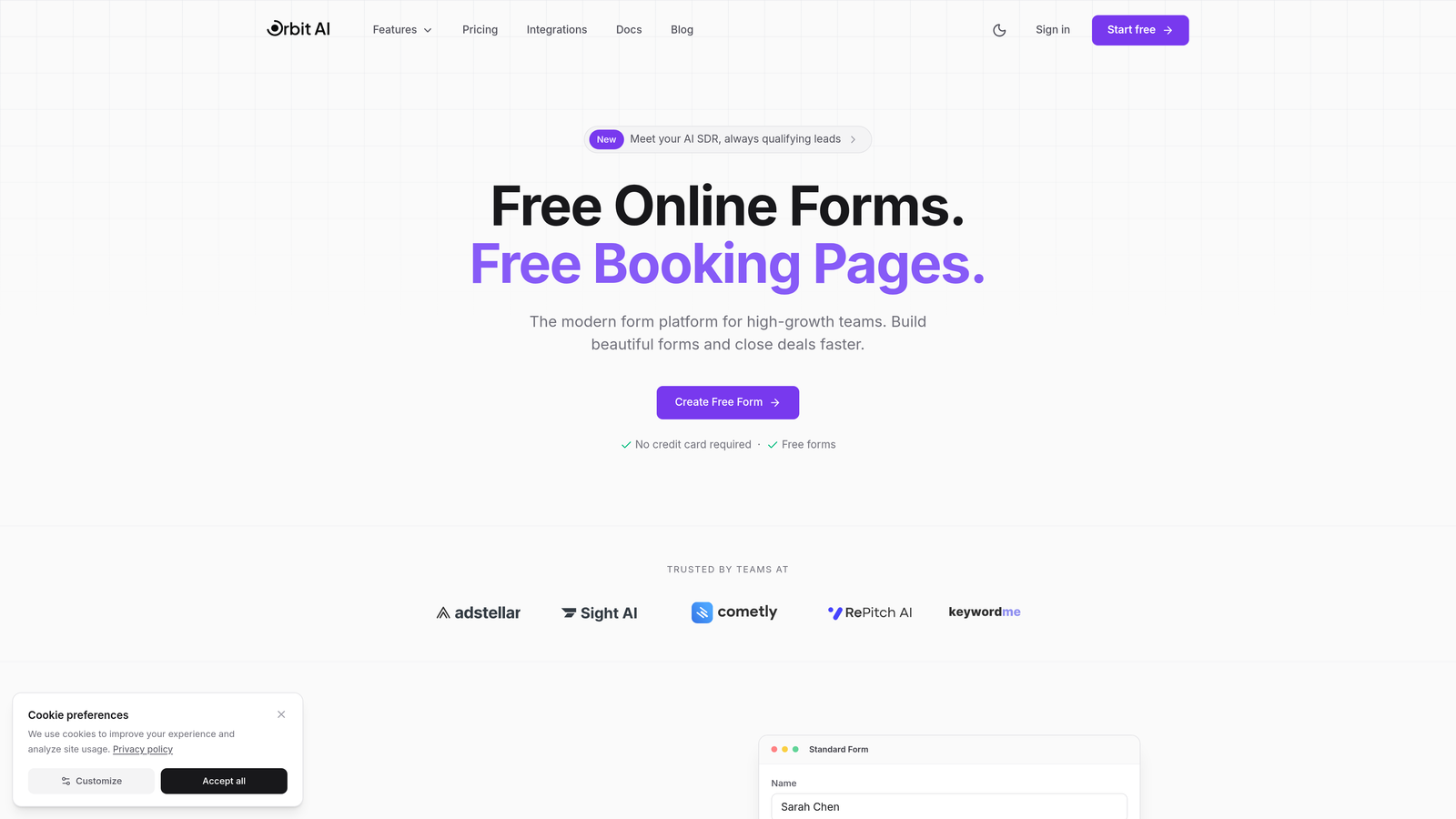
Orbit AI is an AI-powered form builder designed specifically for teams where lead quality matters as much as quantity.
Where This Tool Shines
Unlike platforms that treat AI as a premium add-on, Orbit AI builds intelligent lead qualification directly into every plan. The platform analyzes prospect responses in real-time, scoring leads and routing them appropriately without requiring complex setup or additional costs.
The conversion optimization focus sets it apart. Every form element is designed to reduce friction while gathering the intelligence your sales team actually needs. You're not just collecting submissions—you're qualifying opportunities automatically.
Key Features
AI-Powered Lead Qualification: Built-in scoring and routing included across all pricing tiers, not locked behind enterprise walls.
Smart Form Logic: Conditional paths that adapt based on prospect responses, creating personalized experiences at scale.
Workflow Automation: Automated sequences that engage qualified leads immediately while nurturing others appropriately.
Native CRM Integrations: Direct connections to sales tools without middleware or per-integration fees.
Conversion Analytics: Real-time insights into form performance, drop-off points, and qualification rates.
Best For
Growth-focused B2B teams, SaaS companies with complex qualification criteria, and marketing teams tired of passing unqualified leads to sales. If your goal is conversion quality over raw submission volume, Orbit AI delivers without forcing you into expensive enterprise tiers to access the AI features that matter.
Pricing
Transparent pricing with AI lead qualification included in all plans. Check orbitforms.ai/pricing for current plan details. No hidden costs for the AI features that drive conversion.
2. Typeform
Best for: Creating engaging, conversational form experiences with high completion rates
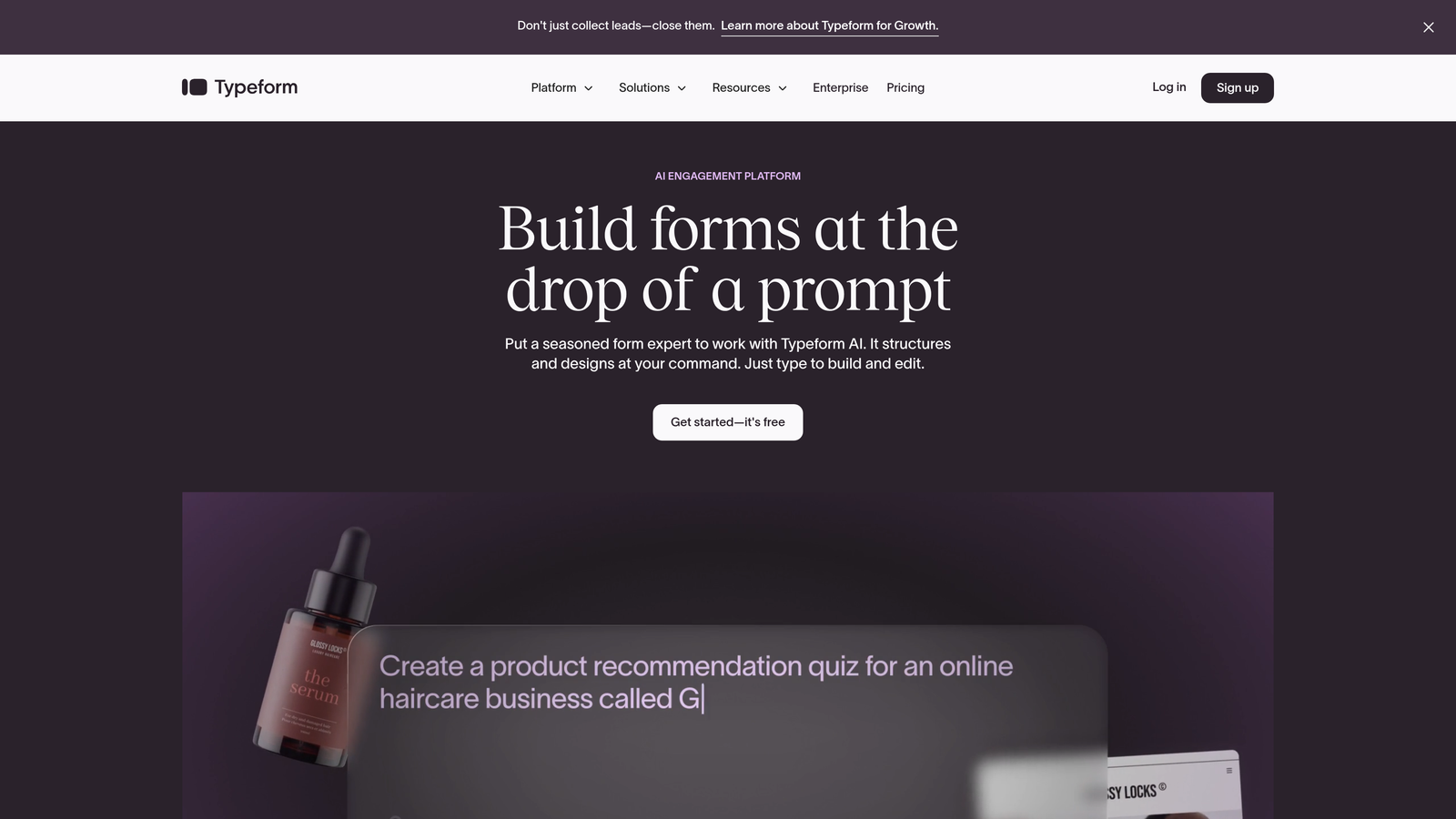
Typeform pioneered the one-question-at-a-time approach that makes forms feel like conversations rather than interrogations.
Where This Tool Shines
Typeform's interface reduces cognitive load by presenting questions sequentially. This conversational flow significantly improves completion rates compared to traditional long-form layouts. The platform excels at creating branded experiences that feel native to your company's identity.
Their AI-powered question suggestions help you craft better surveys by recommending follow-up questions based on your form's purpose. The visual customization options are among the strongest in the market, letting you match brand aesthetics precisely.
Key Features
Conversational UI: Sequential question presentation that maintains engagement and reduces abandonment rates.
AI Question Suggestions: Smart recommendations for follow-up questions based on form context and industry best practices.
Brand Customization: Extensive design controls including custom fonts, colors, and background media.
Rich Media Embedding: Native support for video and image integration throughout forms.
Logic Jumps: Conditional branching that creates personalized paths based on responses.
Best For
Marketing teams focused on brand experience, customer feedback collection, and interactive surveys where completion rate is critical. Works especially well for consumer-facing brands that need forms to feel like extensions of their product experience.
Pricing
Basic plan starts around $25/month with limited features. AI-powered capabilities require the Growth plan at $59/month or higher. The cost scales significantly as you add team members and need advanced logic features.
3. Jotform
Best for: Teams needing extensive template options and built-in document generation
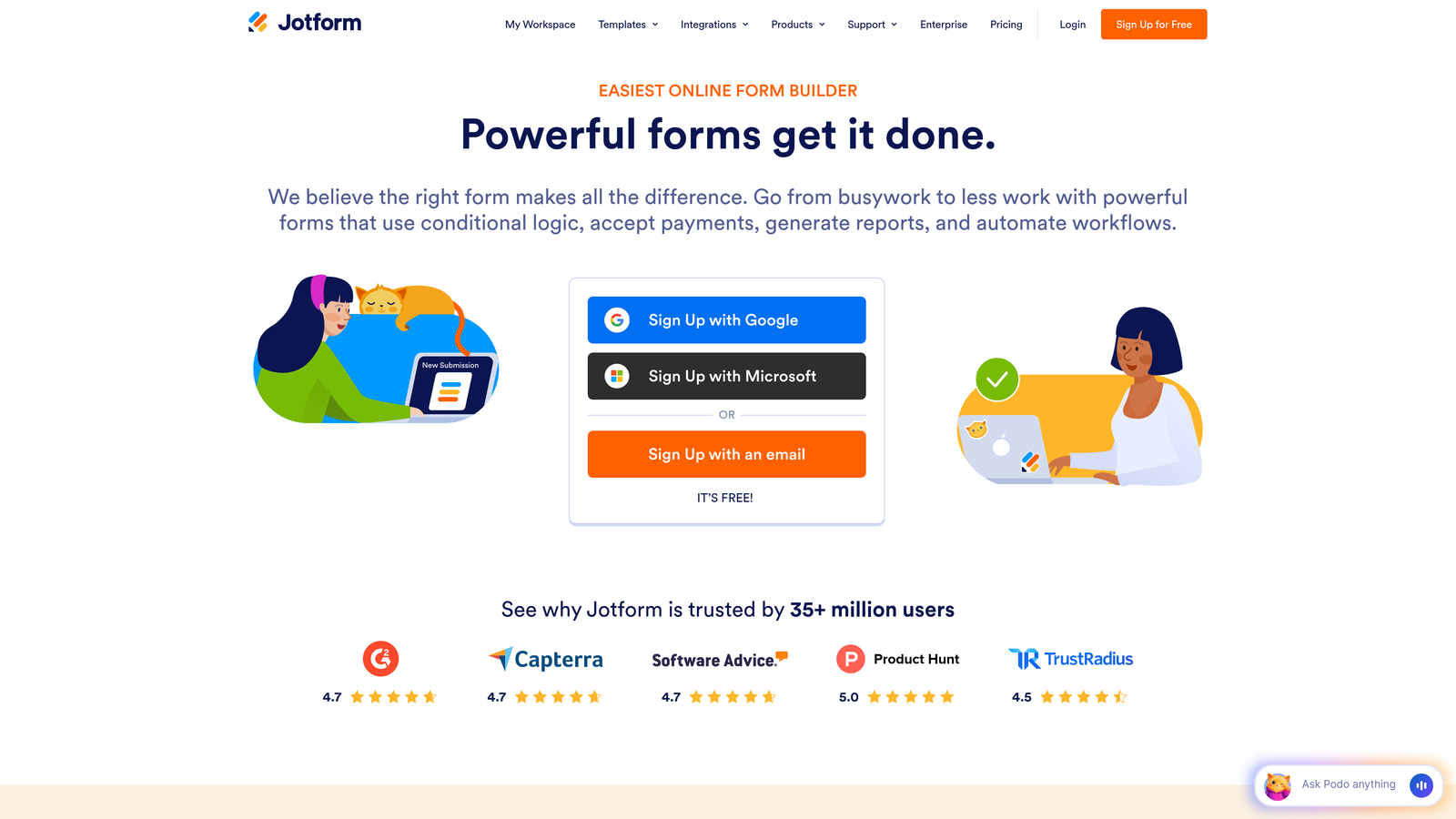
Jotform offers one of the market's largest template libraries combined with an AI assistant that helps build forms from scratch.
Where This Tool Shines
With over 10,000 pre-built templates, Jotform eliminates the blank-page problem. Whether you need a contact form, event registration, or complex application, there's likely a template that gets you 80% of the way there. The AI form generator can create complete forms from simple prompts.
The platform's PDF generation and e-signature capabilities make it particularly valuable for organizations handling contracts, applications, or compliance documents. You can collect data and generate formatted PDFs without additional tools.
Key Features
Massive Template Library: 10,000+ ready-to-use templates across virtually every industry and use case.
AI Form Generator: Describe your needs in plain language and get a complete form structure instantly.
PDF Generation: Automatic document creation from form submissions with custom formatting.
E-Signature Integration: Built-in signing workflows for contracts and agreements.
Widget Ecosystem: Hundreds of add-ons for payments, scheduling, mapping, and specialized data collection.
Best For
Small businesses and teams that value speed over custom design, organizations needing document workflows, and users who prefer starting from templates rather than building from scratch. Particularly strong for administrative and compliance-heavy industries.
Pricing
Free tier available with Jotform branding and limited submissions. Bronze starts at $39/month. The AI assistant becomes available in Silver ($49/month) and above, which is where the platform's modern capabilities really unlock.
4. Tally
Best for: Budget-conscious teams wanting unlimited forms without subscription pressure
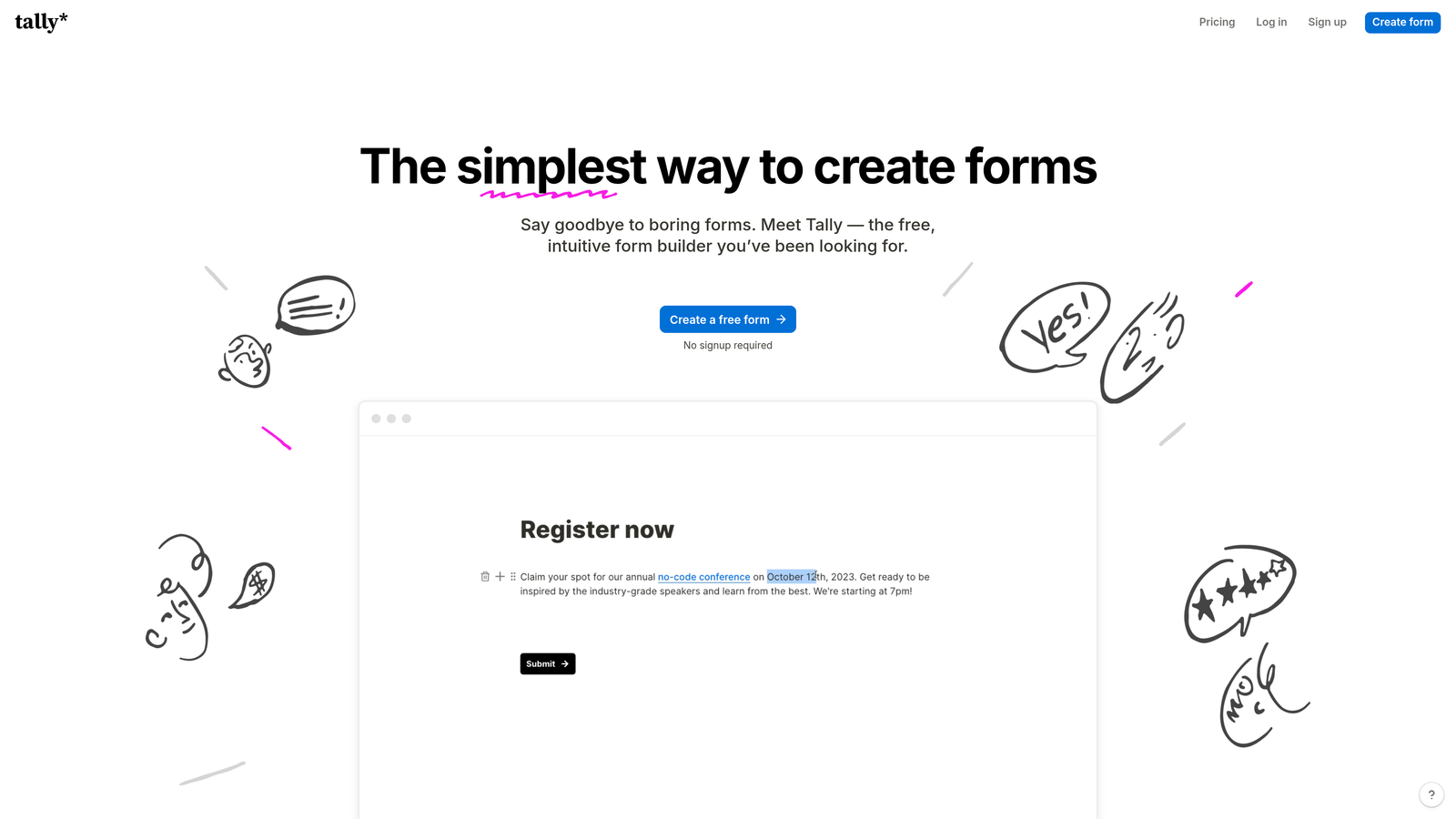
Tally brings Notion's simplicity to form building with a remarkably generous free tier.
Where This Tool Shines
Tally's free plan includes unlimited forms and unlimited responses—a rarity in 2026. The Notion-style block editor feels immediately familiar if you use modern productivity tools, with a clean interface that prioritizes getting forms built quickly over extensive customization.
The platform's minimalist approach is refreshing. There's no overwhelming feature set to navigate, just straightforward form creation with the essentials done well. For teams that don't need advanced AI or complex workflows, Tally delivers surprising value.
Key Features
Unlimited Free Forms: No artificial limits on form creation or submission volume on the free tier.
Notion-Style Editing: Block-based interface that feels intuitive for modern workspace users.
Basic AI Suggestions: Smart field recommendations to improve form structure and question clarity.
Clean Design: Minimal, distraction-free forms that work well for straightforward data collection.
Easy Embedding: Simple integration into websites without complex code requirements.
Best For
Startups and solo founders watching every dollar, teams already using Notion who want consistent UX, and anyone building simple forms where advanced AI features aren't critical. The free tier makes it ideal for testing and validation before committing to paid tools.
Pricing
Free tier is genuinely useful for most small teams. Pro plan at $29/month adds custom domains, removes Tally branding, and unlocks additional customization. The pricing jump is reasonable given what's included free.
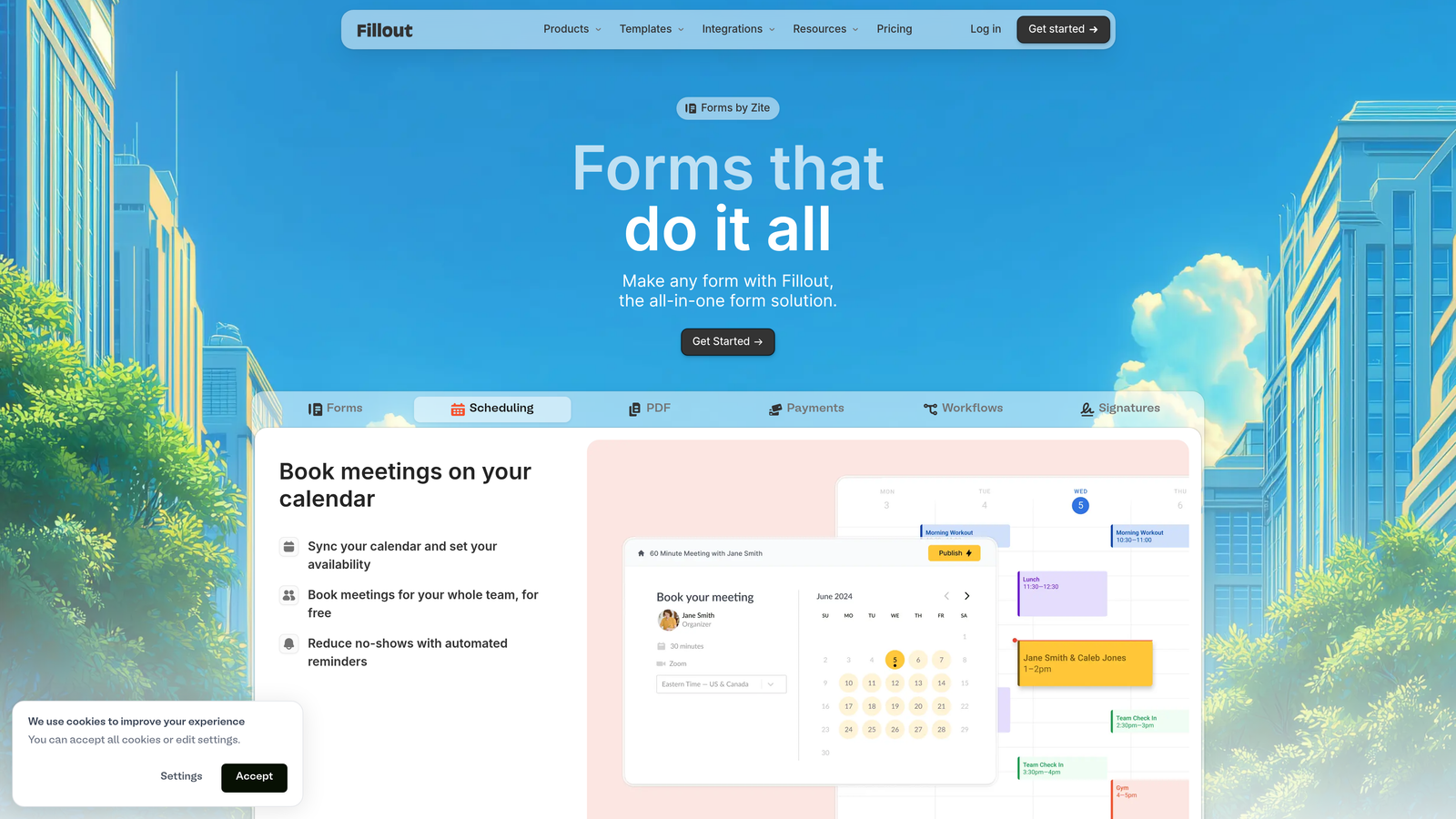
5. Fillout
Best for: Teams using Notion or Airtable who need forms syncing directly to their databases
Fillout bridges the gap between form collection and database management with native integrations that eliminate manual data transfer.
Where This Tool Shines
If your team lives in Notion or Airtable, Fillout becomes an extension of your existing workflow. Form submissions write directly to your databases in real-time, maintaining the structure and relationships you've already built. No Zapier middleware, no sync delays, no duplicate data entry.
The platform includes surprisingly sophisticated features for its price point—conditional logic, calculations, scheduling, and payment collection. For teams already invested in the Notion/Airtable ecosystem, it's the most seamless form solution available.
Key Features
Native Database Sync: Direct two-way integration with Notion and Airtable databases without third-party tools.
AI Field Suggestions: Smart recommendations for field types and validation based on your database structure.
Conditional Logic: Show or hide fields based on previous responses to create dynamic experiences.
Built-in Scheduling: Calendar integration for booking appointments directly through forms.
Payment Collection: Stripe integration for collecting payments alongside form submissions.
Best For
Operations teams managing processes in Notion or Airtable, product teams collecting user feedback into existing databases, and anyone tired of manually transferring form data into their workspace tools. The database-first approach makes it invaluable for specific workflows.
Pricing
Free tier covers basic usage. Starter plan at $19/month unlocks more submissions and features. Pro at $49/month adds advanced logic and removes limits. Pricing is competitive given the specialized database integration value.
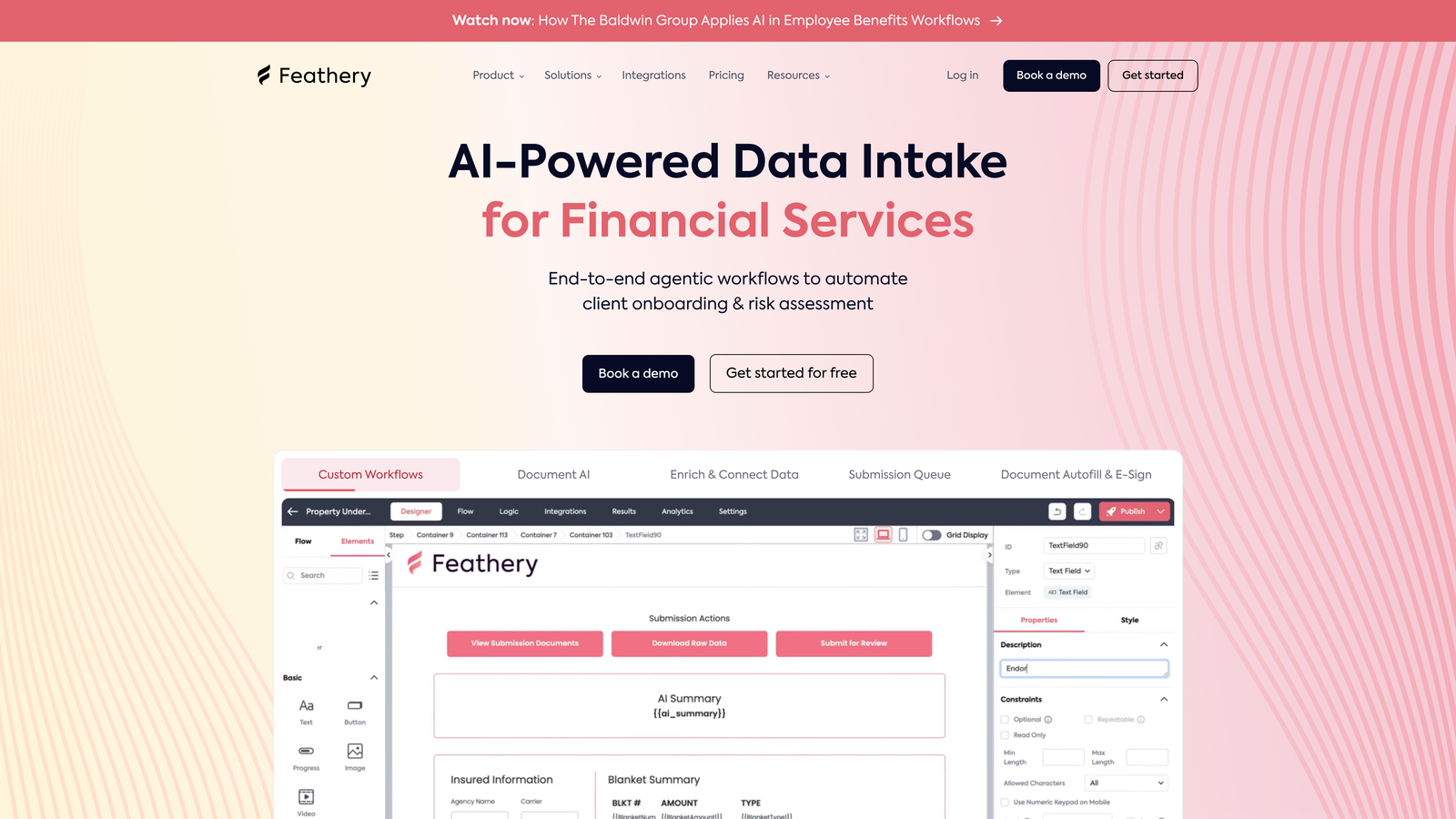
6. Feathery
Best for: Developer teams embedding forms into products with custom logic requirements
Feathery is built for developers who need programmatic control over form behavior and appearance.
Where This Tool Shines
Feathery provides React and JavaScript SDKs that let you embed forms as native components in your application. The AI-powered logic builder helps developers create complex conditional flows without writing extensive code, while still allowing custom code injection when needed.
The white-label embedding capabilities mean forms feel like part of your product, not a third-party widget. For SaaS companies building onboarding flows or data collection into their applications, Feathery offers the technical flexibility other form builders can't match.
Key Features
Developer SDKs: React and JavaScript libraries for embedding forms as native application components.
AI Logic Builder: Visual interface for creating complex conditional flows without extensive coding.
Custom Code Injection: Full control over form behavior through JavaScript when visual tools aren't enough.
White-Label Embedding: Forms that look and feel like native parts of your product.
API-First Architecture: Programmatic access to all form functionality for custom integrations.
Best For
Product teams at SaaS companies, developers building multi-step onboarding flows, and technical teams that need forms to integrate seamlessly into existing applications. Not ideal for marketing teams without developer resources.
Pricing
Free tier available for small projects and testing. Growth pricing starts around $49/month based on submission volume. Enterprise pricing for high-volume applications. The developer-focused approach means you're paying for technical capabilities rather than marketing features.
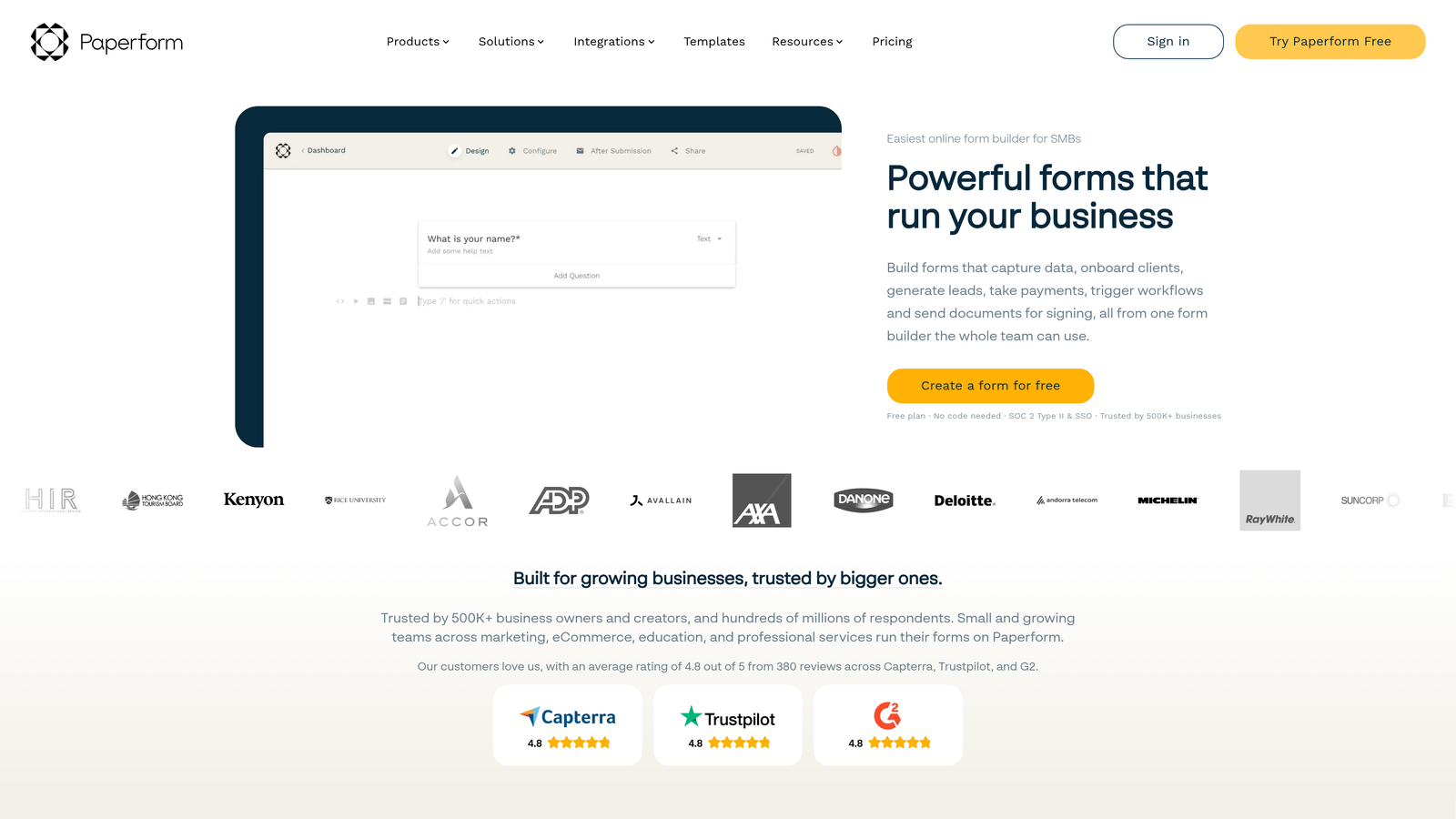
7. Paperform
Best for: Creating form-landing page hybrids with built-in AI writing assistance
Paperform blurs the line between forms and landing pages, letting you create rich content experiences that collect data.
Where This Tool Shines
Paperform's AI writing assistant helps craft compelling form copy, suggesting improvements to questions and descriptions that increase completion rates. The platform excels at creating forms that feel like interactive content rather than data collection tools.
The e-commerce and booking capabilities are particularly strong. You can build complete product pages with payment collection, or create service booking flows with scheduling—all within what technically functions as a form. For small businesses, it consolidates multiple tools into one platform.
Key Features
AI Writing Assistant: Smart suggestions for improving form copy, question clarity, and engagement.
Rich Content Embedding: Add videos, images, and formatted text to create landing page experiences.
E-Commerce Integration: Product listings, shopping carts, and payment processing built into forms.
Booking Capabilities: Calendar integration and appointment scheduling alongside data collection.
Beautiful Templates: Design-forward starting points that look more like websites than traditional forms.
Best For
Small businesses needing forms that double as landing pages, service providers collecting bookings and payments, and marketing teams that want forms to feel like branded content experiences. The hybrid approach works well when you need more than data collection.
Pricing
Essentials plan at $29/month covers basic features. Pro at $59/month unlocks AI writing assistance and advanced capabilities. Agency tier at $129/month adds team features and white-labeling. Mid-range pricing for the breadth of functionality offered.
8. Formstack
Best for: Enterprise teams requiring HIPAA compliance and advanced workflow automation
Formstack focuses on regulated industries and complex organizational workflows where compliance isn't optional.
Where This Tool Shines
Formstack's HIPAA and SOC 2 compliance certifications make it one of the few form builders suitable for healthcare, financial services, and other regulated environments. The document generation workflows can automatically create contracts, reports, or compliance paperwork from form submissions.
The approval routing capabilities handle multi-stage processes where submissions need review by multiple stakeholders before action. For enterprises with complex internal processes, Formstack provides the structure and governance other tools lack.
Key Features
Compliance Certifications: HIPAA and SOC 2 compliance for regulated data collection and storage.
Document Workflows: Automated generation of formatted documents from submission data.
Enterprise AI Features: Advanced capabilities available in higher-tier plans for intelligent routing and processing.
Approval Routing: Multi-stage workflows with conditional approval paths and notifications.
Audit Trails: Complete submission history and change tracking for compliance documentation.
Best For
Healthcare organizations collecting patient data, financial institutions with regulatory requirements, and large enterprises with complex approval workflows. The compliance focus and enterprise features justify the premium pricing for teams that need them.
Pricing
Starter plan begins at $83/month for basic features. Teams plan at $208/month adds collaboration and advanced workflows. Enterprise pricing available on request for organizations needing compliance certifications and dedicated support. Premium pricing reflects enterprise-grade capabilities.
9. Google Forms with AI Add-ons
Best for: Budget-conscious teams already using Google Workspace who need basic forms
Google Forms remains completely free while offering extensibility through third-party AI tools from the Workspace Marketplace.
Where This Tool Shines
Google Forms costs nothing and integrates seamlessly with the Google ecosystem most teams already use. While it lacks native AI capabilities, the Workspace Marketplace offers add-ons that bring intelligent features like automated response analysis, smart routing, and data enrichment.
The simplicity is both strength and limitation. There's no learning curve, no subscription to manage, and no vendor lock-in. For straightforward surveys, feedback collection, or internal forms, Google Forms delivers adequate functionality without any financial commitment.
Key Features
Zero Cost: Completely free with no submission limits or feature restrictions based on pricing tiers.
Google Workspace Integration: Native connections to Sheets, Drive, and other Google tools your team likely uses.
Marketplace Add-ons: Third-party AI tools available for response analysis, automation, and enhanced functionality.
Familiar Interface: No training required for teams already comfortable with Google products.
Real-Time Collaboration: Multiple team members can edit forms simultaneously like other Google tools.
Best For
Internal team surveys, simple feedback collection, event registrations, and any scenario where form aesthetics and advanced features aren't critical. Best suited for teams with zero budget for form tools or those testing concepts before investing in specialized platforms.
Pricing
Completely free through Google Workspace. AI add-ons from the Marketplace vary in cost—some are free, others charge monthly fees ranging from $5-50 depending on functionality. Total cost depends on which extensions you choose to add.
Making the Right Choice for Your Budget
The AI form builder landscape in 2026 offers genuine options across every price point, but the best value depends on what you're actually trying to accomplish.
For free or minimal budget: Tally delivers surprising capability without cost pressure, while Google Forms with strategic add-ons works for teams already invested in the Google ecosystem. Both let you test and validate before committing dollars.
For growth-stage teams ($25-75/month): This is where value diverges significantly. Orbit AI includes AI lead qualification in all plans—the feature that actually drives conversion—while competitors often lock similar capabilities behind enterprise tiers. Typeform excels if completion rate matters more than lead quality. Fillout makes sense if you're already managing workflows in Notion or Airtable.
For mid-market and enterprise ($80+/month): Formstack justifies premium pricing if compliance is non-negotiable. Jotform's extensive template library and document generation suit organizations with diverse form needs across departments.
The critical question isn't just "what does it cost" but "what AI features are included at each price point." Many platforms advertise AI capabilities but gate the valuable ones—lead scoring, intelligent routing, automated qualification—behind expensive upgrades. Others, like Orbit AI, build these features into the core product because they're essential to the platform's purpose, not premium add-ons.
Evaluate based on your specific conversion goals. If you need forms that look beautiful and maintain brand consistency, Typeform or Paperform deliver that experience. If you need forms that actually qualify leads and drive sales efficiency, prioritize platforms where AI qualification isn't an expensive afterthought.
Transform your lead generation with AI-powered forms that qualify prospects automatically while delivering the modern, conversion-optimized experience your high-growth team needs. Start building free forms today and see how intelligent form design can elevate your conversion strategy.


