

AI has fundamentally changed what a form can do. What used to be a static row of input fields is now an intelligent, adaptive experience that can qualify leads, personalize the journey, and route responses automatically before a human ever gets involved.
Modern smart form builders go far beyond drag-and-drop. The best ones generate questions from a text prompt, apply conditional logic on the fly, score respondents in real time, and connect directly to your CRM or sales stack. For high-growth teams, that shift from passive data collection to active pipeline generation is a meaningful competitive edge.
To put this list together, we evaluated tools on five criteria: depth of AI capabilities, ease of use, integration ecosystem, pricing flexibility, and suitability for teams focused on lead generation and conversion. Whether you're building a simple intake form or a multi-step qualification flow, there's a tool here for you.
1. Orbit AI
Best for: High-growth teams that need AI-powered lead qualification built directly into the form experience.
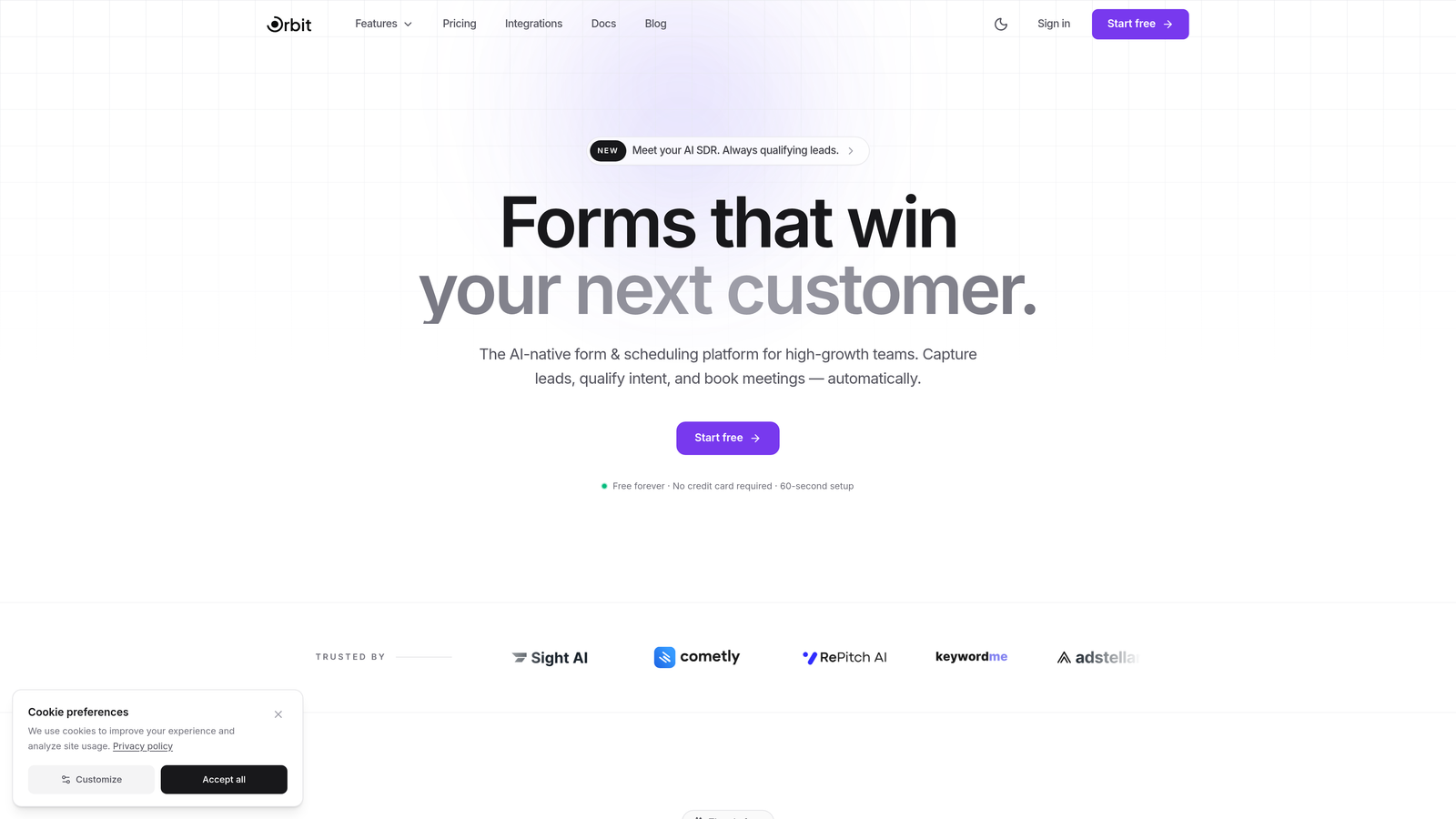
Orbit AI is an AI-powered form builder platform designed specifically for conversion-focused teams who want forms that actively qualify and route leads, not just collect them.
Where This Tool Shines
Orbit AI's standout capability is its built-in AI agents that qualify leads in real time, inside the form itself. Instead of dumping raw responses into a spreadsheet for someone to review later, Orbit scores and routes leads automatically based on the answers given. For sales and marketing teams, that means higher-quality leads reaching the right people faster.
The platform is built around conversion optimization from the ground up. Templates are designed for high-growth use cases, and the combination of intelligent follow-up sequences with scheduling capabilities means your form doesn't just capture intent, it acts on it.
Key Features
AI Lead Qualification Agents: Built-in AI agents score and route leads in real time within the form experience, so your team only engages with qualified prospects.
Conversion-Optimized Templates: Pre-built form templates designed specifically for high-growth teams and lead generation workflows.
AI-Powered Follow-Up Sequences: Automated post-form sequences and scheduling capabilities that keep momentum going after submission.
CRM Integrations: Native integrations with HubSpot, Close, Attio, and other sales tools to keep your pipeline data clean and current.
Built-In Analytics and Automation: Form-level analytics paired with workflow automation so you can track performance and act on data without switching tools.
Best For
Orbit AI is the right choice for SaaS companies, marketing teams, and sales-led growth organizations that treat forms as a pipeline asset. If your goal is lead qualification and conversion, not just data collection, this platform is purpose-built for that outcome.
Pricing
Free plan available to get started. Paid plans with advanced AI and automation features are listed on the Orbit AI pricing page.
2. Typeform
Best for: Teams that want a polished, conversational form experience with strong brand customization.
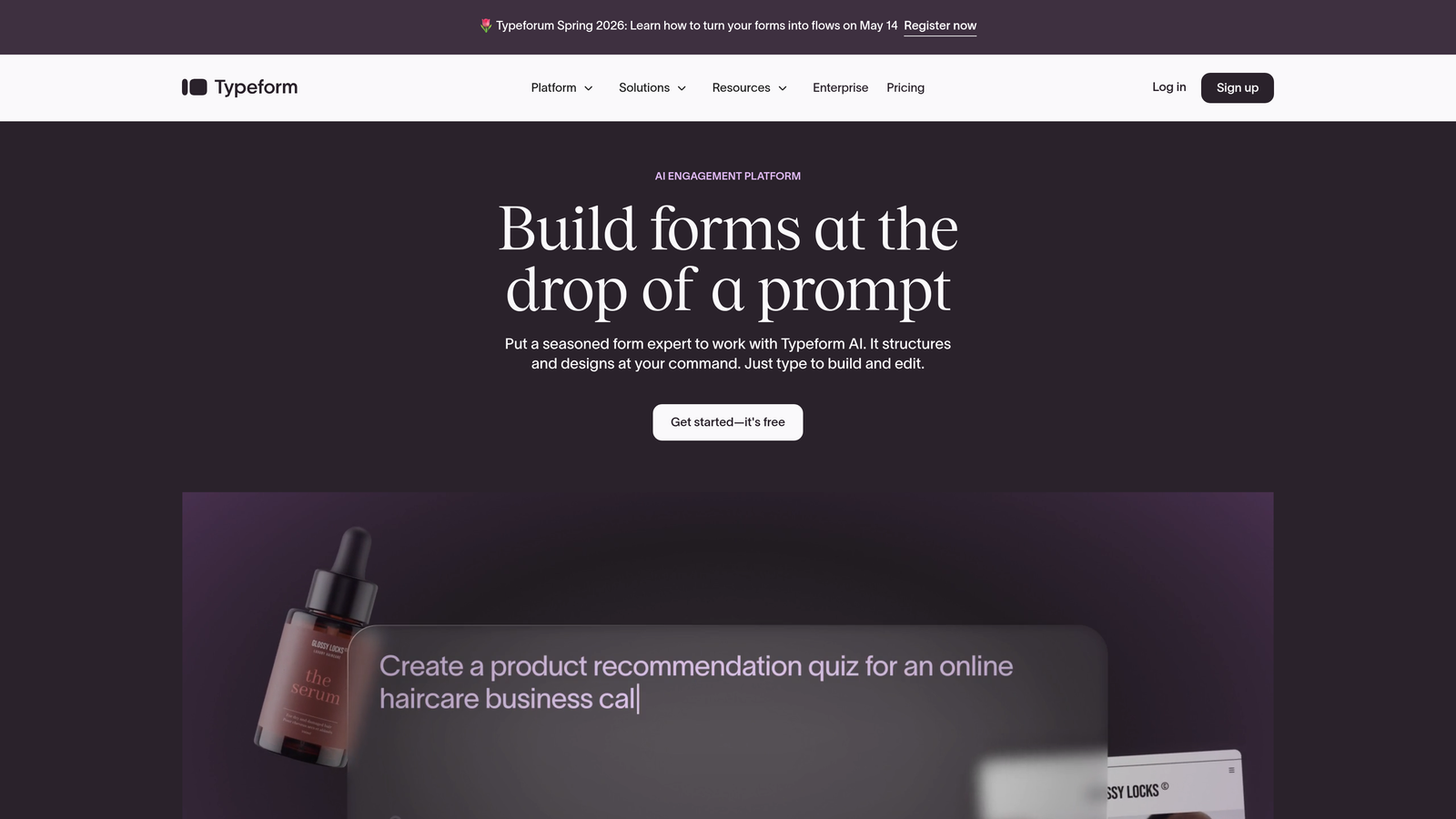
Typeform is a conversational form builder known for its one-question-at-a-time format, now enhanced with AI-assisted creation and response analysis tools.
Where This Tool Shines
Typeform's core strength is the experience it creates for respondents. The sequential, conversational format tends to feel less like a form and more like a dialogue, which typically improves completion rates for longer surveys and applications. It's a well-established platform with a large integration ecosystem.
The AI layer helps with question generation and gives teams a faster starting point when building new forms. It won't replace a dedicated qualification engine, but for engagement-focused use cases, Typeform delivers a consistently high-quality experience.
Key Features
AI-Assisted Form Creation: Generate question sets and form structures from prompts, reducing time spent on initial setup.
Conversational Format: One-question-at-a-time presentation that creates a more engaging respondent experience.
Brand Customization: Strong design controls including custom themes, fonts, colors, and imagery to match your brand.
Media Embedding: Built-in support for video and images directly within form questions.
Integration Ecosystem: Connects with major CRMs, email platforms, and marketing tools via native integrations and Zapier.
Best For
Typeform works well for marketing teams running surveys, customer research, or lead capture where the quality of the respondent experience matters as much as the data collected. It's particularly strong for B2C use cases and brand-forward campaigns.
Pricing
Free plan available with limited responses. Paid plans start at around $25/month, with higher tiers unlocking advanced logic and integrations.
3. Jotform
Best for: Teams that need a feature-rich builder with an enormous template library and broad use case coverage.
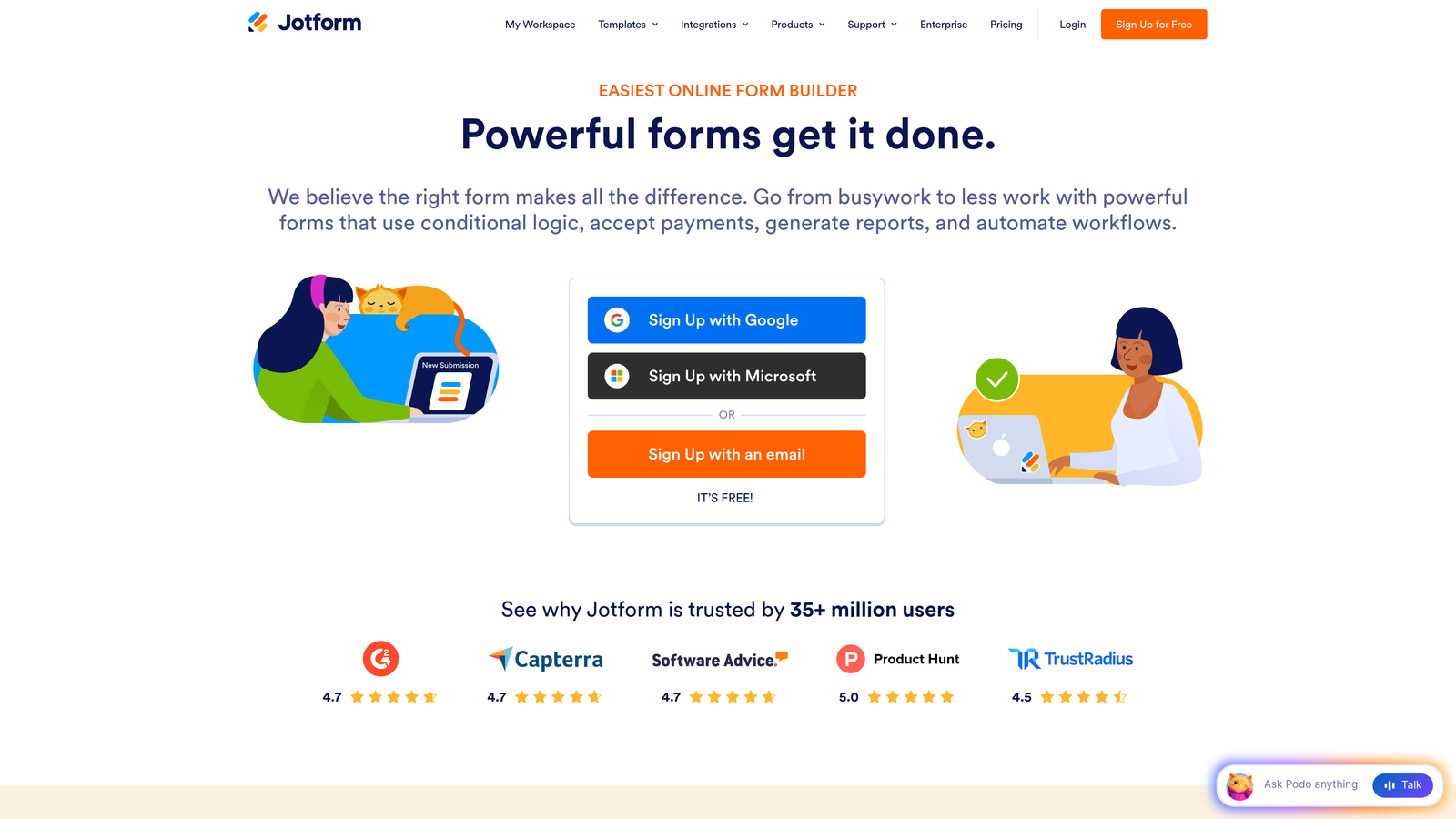
Jotform is a mature, feature-rich form builder with an AI Form Generator that creates complete forms from natural language prompts, backed by over 10,000 templates.
Where This Tool Shines
Jotform's biggest advantage is breadth. With templates covering everything from healthcare intake forms to event registrations to payment collection, it's one of the most versatile form builders available. The AI Form Generator speeds up setup significantly, letting you describe what you need and get a working form in seconds.
For teams that need to handle payments, e-signatures, and complex conditional logic under one roof, Jotform covers a lot of ground without requiring multiple tools.
Key Features
AI Form Generator: Create complete forms from natural language descriptions, making initial setup fast even for non-technical users.
10,000+ Templates: One of the largest template libraries in the category, spanning virtually every industry and use case.
Conditional Logic: Robust branching and logic rules to personalize form paths based on respondent answers.
Payment and E-Signature Support: Built-in payment collection and legally binding e-signature fields without third-party add-ons.
Jotform Tables: A built-in response management interface for organizing and acting on form submissions.
Best For
Jotform suits operations teams, agencies, and businesses with diverse form needs across multiple departments. It's especially strong for organizations that need payment collection or document workflows alongside standard form functionality.
Pricing
Free plan supports up to 5 forms. Paid plans start at around $34/month with higher submission limits and advanced features.
4. Fillout
Best for: Teams that need forms tightly connected to databases like Airtable, Notion, or Supabase.
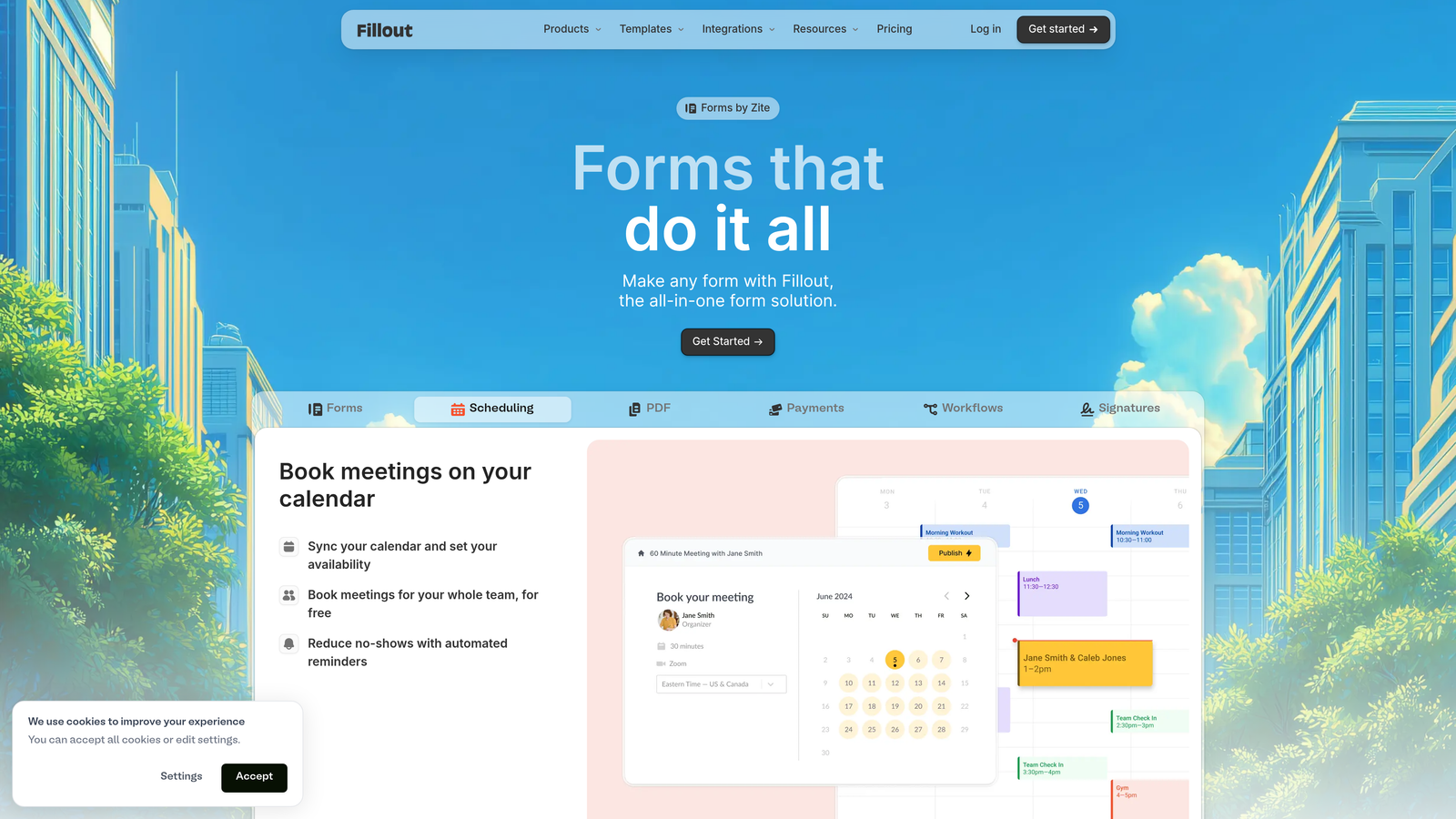
Fillout is a modern form builder with native database connections and AI-assisted logic, built for teams that want forms to plug directly into their existing data infrastructure.
Where This Tool Shines
Fillout's native integrations with Airtable, Notion, Google Sheets, and Supabase set it apart from most form builders that rely on Zapier or webhooks for data routing. If your team already lives in one of these tools, Fillout can sync form responses directly into your existing tables and databases without extra configuration.
The AI-assisted conditional logic also makes it easier to build complex, multi-step forms without needing to manually wire every branch. It's a strong option for product and operations teams who want forms that feel native to their stack.
Key Features
Native Database Integrations: Direct connections to Airtable, Notion, Google Sheets, and Supabase for real-time data sync.
AI-Assisted Logic: AI suggestions for conditional logic and form generation to speed up complex form builds.
Multi-Page Forms: Progress indicators and multi-step layouts for longer form experiences.
Scheduling and Payments: Built-in scheduling and payment collection support within forms.
Custom Branding: Full theme and branding controls to match your product or marketing design.
Best For
Fillout is ideal for product teams, operations managers, and no-code builders who use Airtable or Notion as their primary data layer and want forms that connect to it natively.
Pricing
Generous free plan available. Paid plans start at around $19/month, making it one of the more affordable options with strong database connectivity.
5. Tally
Best for: Individuals and small teams who want a fast, simple form builder with a generous free tier.
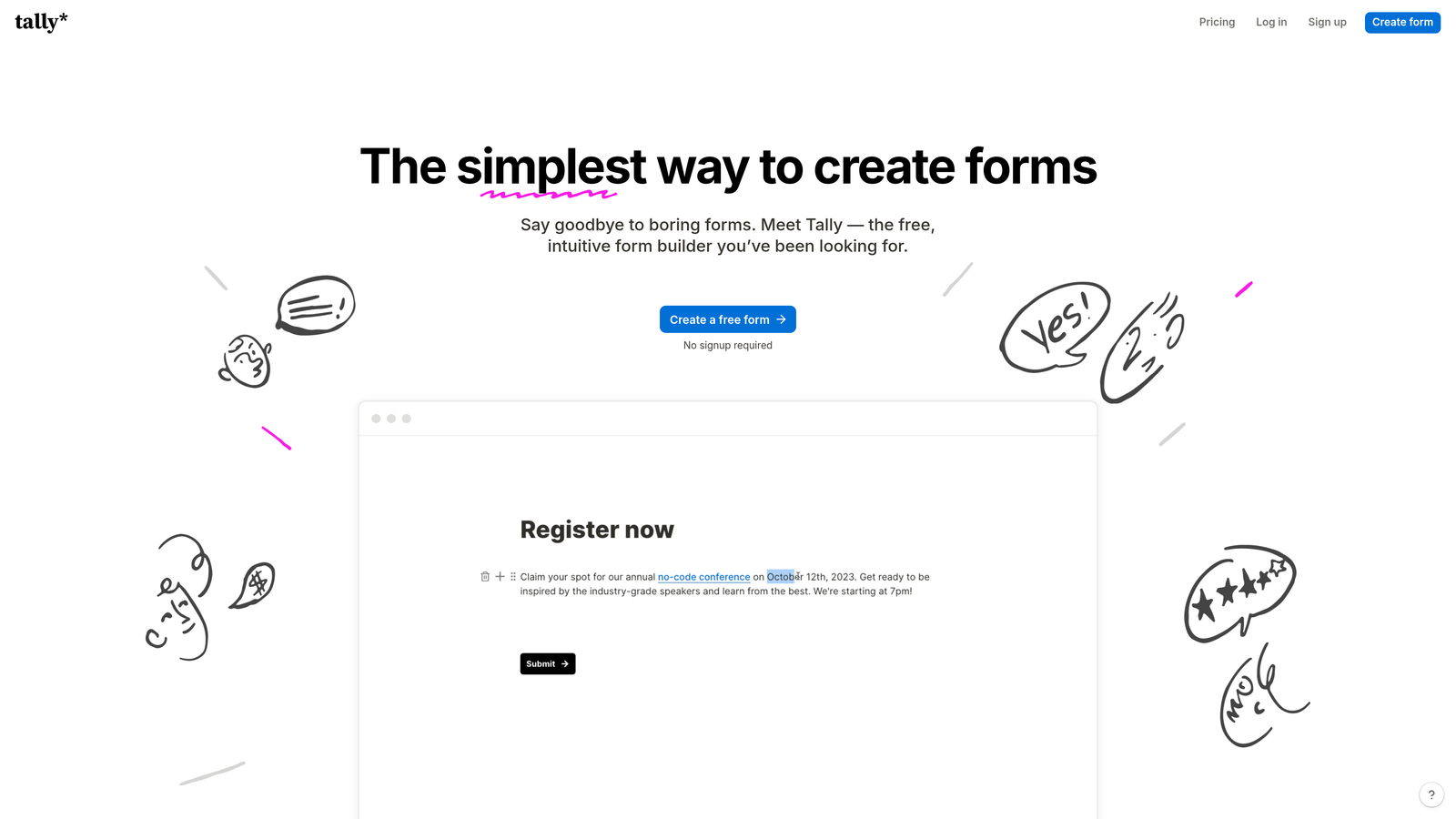
Tally is a minimalist, Notion-style form builder with AI question generation and one of the most accessible free plans in the category.
Where This Tool Shines
Tally's appeal is simplicity and speed. The Notion-like editor makes form creation feel intuitive for anyone already comfortable with block-based writing tools. You can build a functional form in minutes, and the free plan is remarkably generous, offering unlimited forms and submissions without a time limit.
The AI question suggestion feature helps users who aren't sure where to start, offering relevant prompts based on the form's purpose. It's not a deep AI feature set, but it removes friction from the creation process effectively.
Key Features
Notion-Style Editor: Block-based interface that makes form creation fast and familiar for modern teams.
AI Question Suggestions: AI-powered prompts to help generate relevant questions based on your form's intent.
Unlimited Free Forms: Unlimited forms and submissions on the free plan, which is rare in this category.
Conditional Logic: Branching logic and calculator fields for more dynamic form experiences.
Flexible Integrations: Native connectors plus webhooks for connecting to the tools your team already uses.
Best For
Tally is perfect for freelancers, early-stage startups, and small teams that need quick, clean forms without a monthly bill. It's also a good fit for internal tools and simple intake workflows.
Pricing
Most features are free. Tally Pro is available at $29/month for teams that need advanced logic, custom domains, and removal of Tally branding.
6. Feathery
Best for: Developer and product teams building complex onboarding flows, signups, or multi-step product experiences.
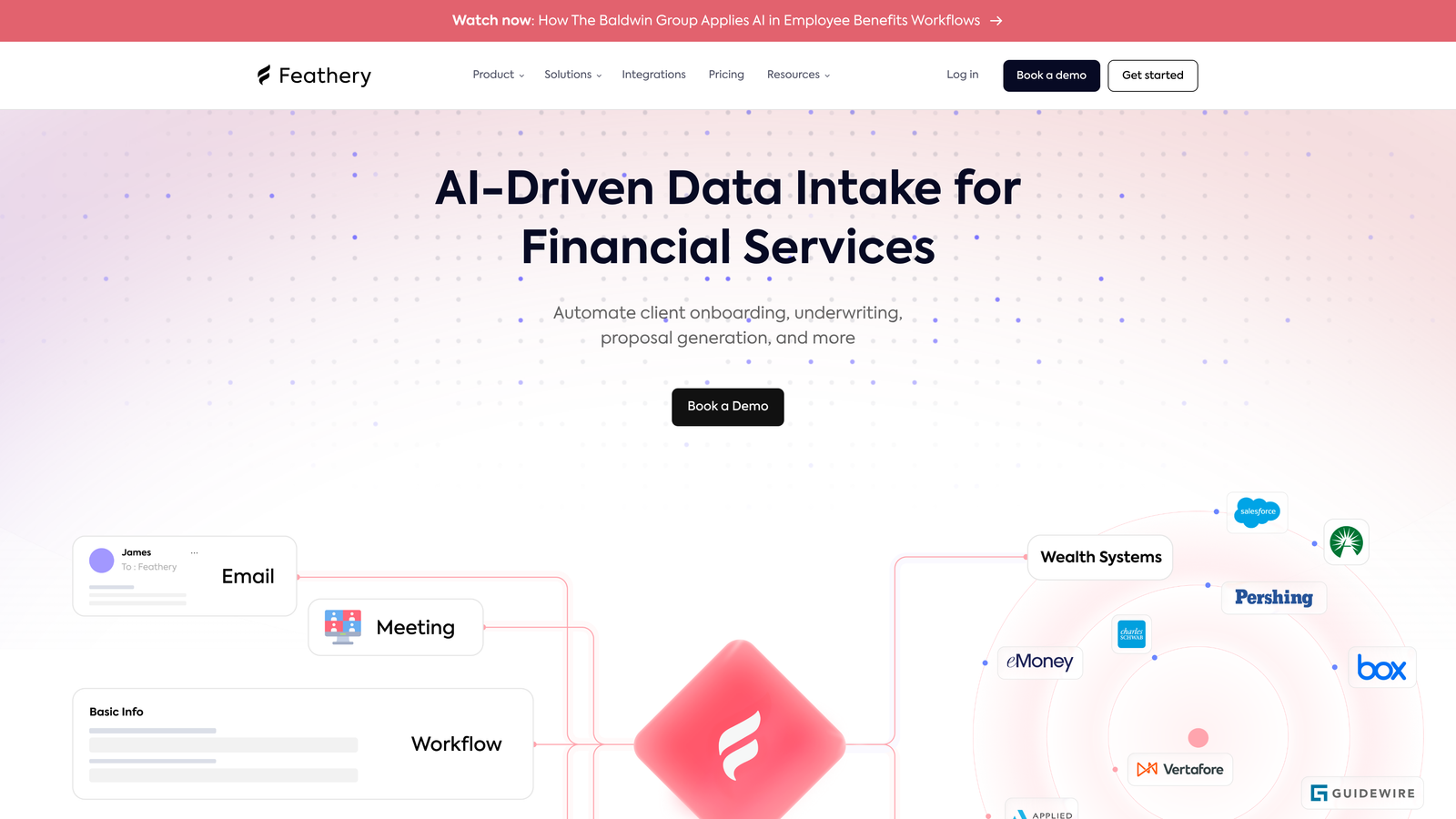
Feathery is an advanced AI form and flow builder designed for teams that need full customization, complex branching logic, and developer-grade control over their form experiences.
Where This Tool Shines
Feathery occupies a different tier from most form builders. It's built for product teams and developers who need forms that function more like product flows, with custom CSS and JavaScript support, identity verification, and document uploads. The AI flow generation feature lets teams describe a multi-step experience in plain language and get a working structure back immediately.
For SaaS companies building onboarding, KYC flows, or complex application processes, Feathery provides a level of flexibility that most no-code form builders simply can't match.
Key Features
AI Flow Generation: Describe your desired form experience in plain text and let AI generate the multi-step flow structure.
Advanced Branching Logic: Highly configurable conditional logic for complex, multi-path form and onboarding flows.
Custom CSS and JavaScript: Full code access for design and behavior customization beyond what visual editors allow.
Identity Verification and Document Upload: Built-in support for ID verification and file handling, useful for financial and compliance use cases.
API-First Architecture: Deep integration capabilities for teams building forms into their product infrastructure.
Best For
Feathery is the right tool for engineering and product teams at SaaS companies, fintech startups, and platforms that need form experiences with the depth and flexibility of a custom-built solution, without building from scratch.
Pricing
Free tier available. Paid plans start at around $49/month, reflecting the platform's more advanced feature set.
7. HubSpot Forms
Best for: Teams already using HubSpot who want forms that feed directly into their CRM and marketing automation.
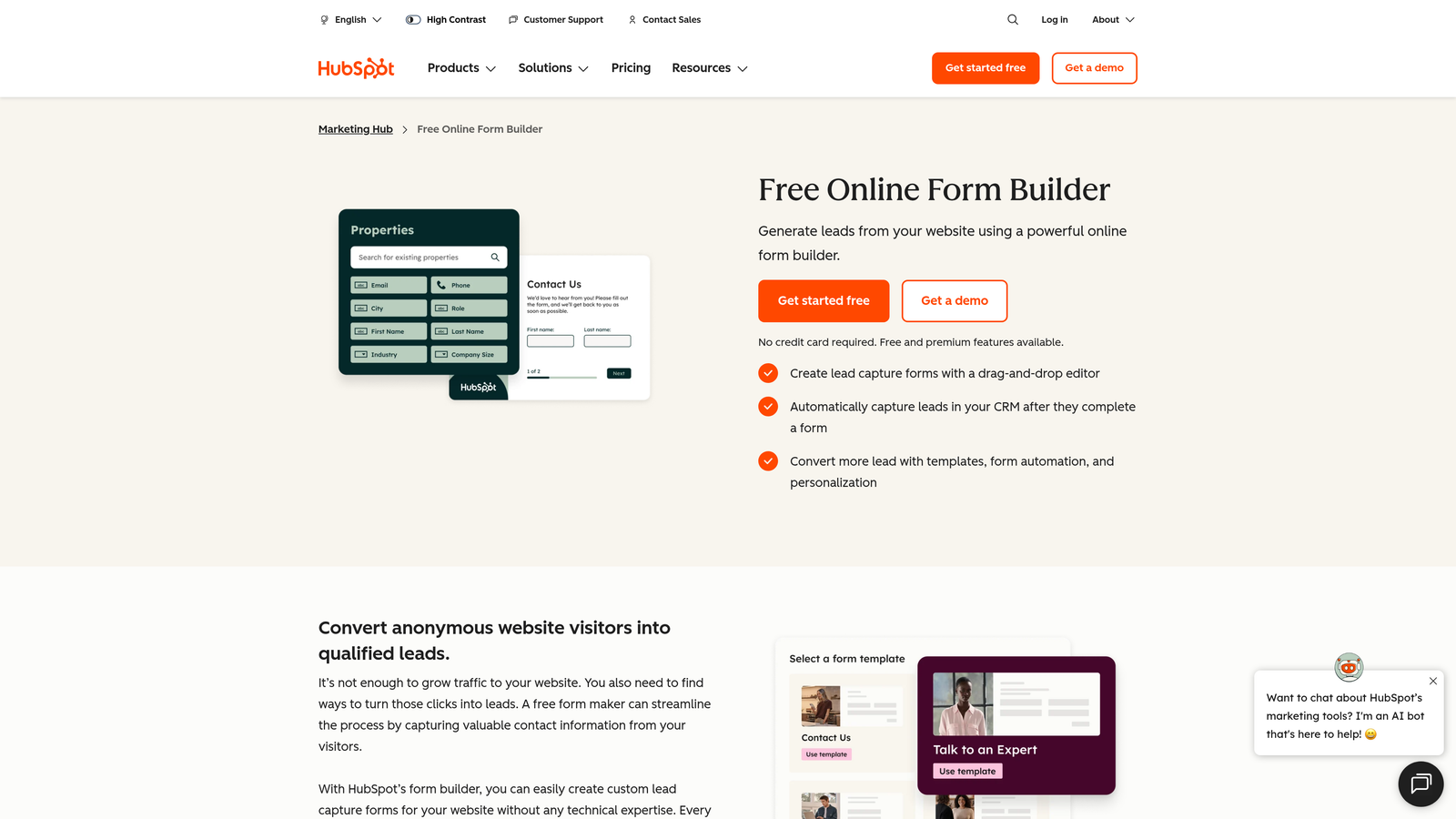
HubSpot Forms is a CRM-native form builder with progressive profiling, AI-enhanced smart fields, and seamless data flow into HubSpot's full marketing and sales platform.
Where This Tool Shines
HubSpot Forms' biggest advantage is its native CRM integration. Every submission automatically creates or updates a contact record, triggers workflows, and feeds into HubSpot's lead scoring and nurturing tools. For teams already invested in the HubSpot ecosystem, this eliminates the data sync friction that plagues most third-party form tools.
Progressive profiling is a particularly useful feature, allowing forms to ask new questions each time a known contact returns, gradually building a richer profile without overwhelming them with a long form on first visit.
Key Features
Progressive Profiling: Automatically swaps out fields for returning visitors so you collect new data without repeating questions they've already answered.
AI Smart Content: AI-powered field suggestions and smart content personalization within the HubSpot ecosystem.
Automatic CRM Sync: Every form submission creates or enriches a contact record in HubSpot CRM in real time.
A/B Testing: Built-in form testing to optimize conversion rates across different field configurations.
Flexible Deployment: Embed forms on web pages, launch as pop-ups, or publish as standalone landing pages.
Best For
HubSpot Forms is purpose-built for marketing and sales teams running on HubSpot. If your CRM is already HubSpot, using its native form tool is the most efficient way to keep data clean and workflows connected.
Pricing
Free with HubSpot CRM. Advanced features like A/B testing and smart content require Marketing Hub paid plans, which start at higher price points.
8. Paperform
Best for: Creative teams and small businesses that want beautifully branded forms that double as landing pages.
Paperform is a document-style form builder with rich media support and AI content generation, designed for teams that care deeply about the visual experience of their forms.
Where This Tool Shines
Paperform's document-style editor lets you blend text, images, video, and form fields into a single cohesive page. The result feels less like a form and more like a branded landing page, which works particularly well for product launches, event registrations, and client intake experiences.
The AI content generation feature helps teams write form copy and questions faster, and the built-in payment processing means you can collect fees or deposits directly within the form without a separate checkout tool.
Key Features
Document-Style Editor: Inline text, images, and video can be mixed with form fields to create rich, page-like form experiences.
AI Content Generation: AI-assisted writing for form copy, questions, and descriptions to speed up creation.
Built-In Payment Processing: Native Stripe and Square integrations for collecting payments directly within forms.
Conditional Logic and Calculations: Dynamic field display and calculation fields for pricing, scoring, and personalization.
Custom Domains and Branding: Full brand control including custom domains, fonts, and color schemes.
Best For
Paperform suits creative agencies, consultants, and small business owners who want forms that look and feel like premium branded experiences, particularly when payment collection is part of the workflow.
Pricing
Plans start at around $24/month. There is no free plan, though a free trial is available to explore the platform before committing.
9. Formless by Typeform
Best for: Teams that want to replace traditional forms entirely with AI-driven conversational data collection.
Formless by Typeform is an AI-first data collection tool that replaces traditional form design with dynamic, AI-driven conversations that adapt in real time to each respondent.
Where This Tool Shines
Formless takes the conversational form concept further than any other tool on this list. There's no form design at all. Instead, you define your data collection goals and the AI conducts a natural language conversation with each respondent, adapting its questions based on what they say. The result is a genuinely conversational experience rather than a form with a chat aesthetic applied on top.
For research, feedback collection, and discovery conversations at scale, Formless opens up possibilities that traditional form builders can't replicate. The tradeoff is less precise control over the exact questions asked, which may not suit teams with strict compliance or qualification requirements.
Key Features
Fully AI-Driven Conversations: No form design required. The AI handles the entire interaction based on your defined objectives.
Adaptive Natural Language: Conversations adjust dynamically based on respondent answers, creating a genuinely personalized experience.
Customizable AI Personality: Set the tone, style, and persona of the AI to match your brand voice.
Structured Data Extraction: Converts unstructured conversational responses into clean, structured data for analysis.
Typeform Ecosystem Integration: Works within the broader Typeform platform and connects to third-party tools for data routing.
Best For
Formless is ideal for user researchers, product teams, and marketers who want to conduct qualitative discovery at scale without the rigidity of a traditional form structure. It's a strong fit for open-ended feedback and exploratory conversations.
Pricing
Pricing varies by plan and usage. Check the Formless website for current pricing details.
Which Smart Form Builder Is Right for You?
Every tool on this list brings something distinct to the table, and the right choice comes down to what you're actually trying to accomplish with your forms.
If your priority is lead qualification and pipeline generation, Orbit AI is purpose-built for exactly that. The combination of real-time AI lead scoring, conversion-optimized templates, and automated follow-up sequences makes it the strongest option for high-growth teams treating forms as a revenue tool rather than a data collection afterthought.
For conversational engagement with strong visual polish, Typeform remains a reliable choice. If you need maximum template variety and operational breadth, Jotform covers more ground than almost any other tool in the category. Teams working in Airtable or Notion will find Fillout's native database connections invaluable, while Tally is the obvious pick for anyone who wants a clean, fast builder without a monthly subscription.
Developer and product teams building complex onboarding or compliance flows should look closely at Feathery. If your entire stack runs on HubSpot, HubSpot Forms is the most frictionless option. Paperform wins for creative, document-style experiences with payment built in. And for teams ready to move beyond forms entirely, Formless by Typeform offers a genuinely different approach to data collection.
The bottom line: if you're a growth-focused team that wants forms to actively qualify leads, personalize experiences, and feed your sales pipeline automatically, the platform you choose matters. Start building free forms today with Orbit AI and experience what it looks like when intelligent form design becomes a genuine growth engine for your business.


