

Building high-converting forms used to require a developer, a designer, and a lot of back-and-forth. Not anymore. A new wave of no-code form builders now uses AI to handle everything from generating form fields based on a prompt, to qualifying leads in real time, to optimizing layouts for higher completion rates.
Whether you're a marketer spinning up lead gen campaigns, a founder validating a new product, or an ops team streamlining internal workflows, these tools let you build smarter forms without writing a single line of code. But with so many platforms now claiming AI capabilities, which ones actually deliver?
We evaluated dozens of platforms based on the depth of their AI features, ease of use, integration ecosystems, and pricing flexibility. Here are the top no-code form builders with AI worth your attention in 2026.
1. Orbit AI
Best for: High-growth teams that need AI-powered lead qualification built directly into their forms.
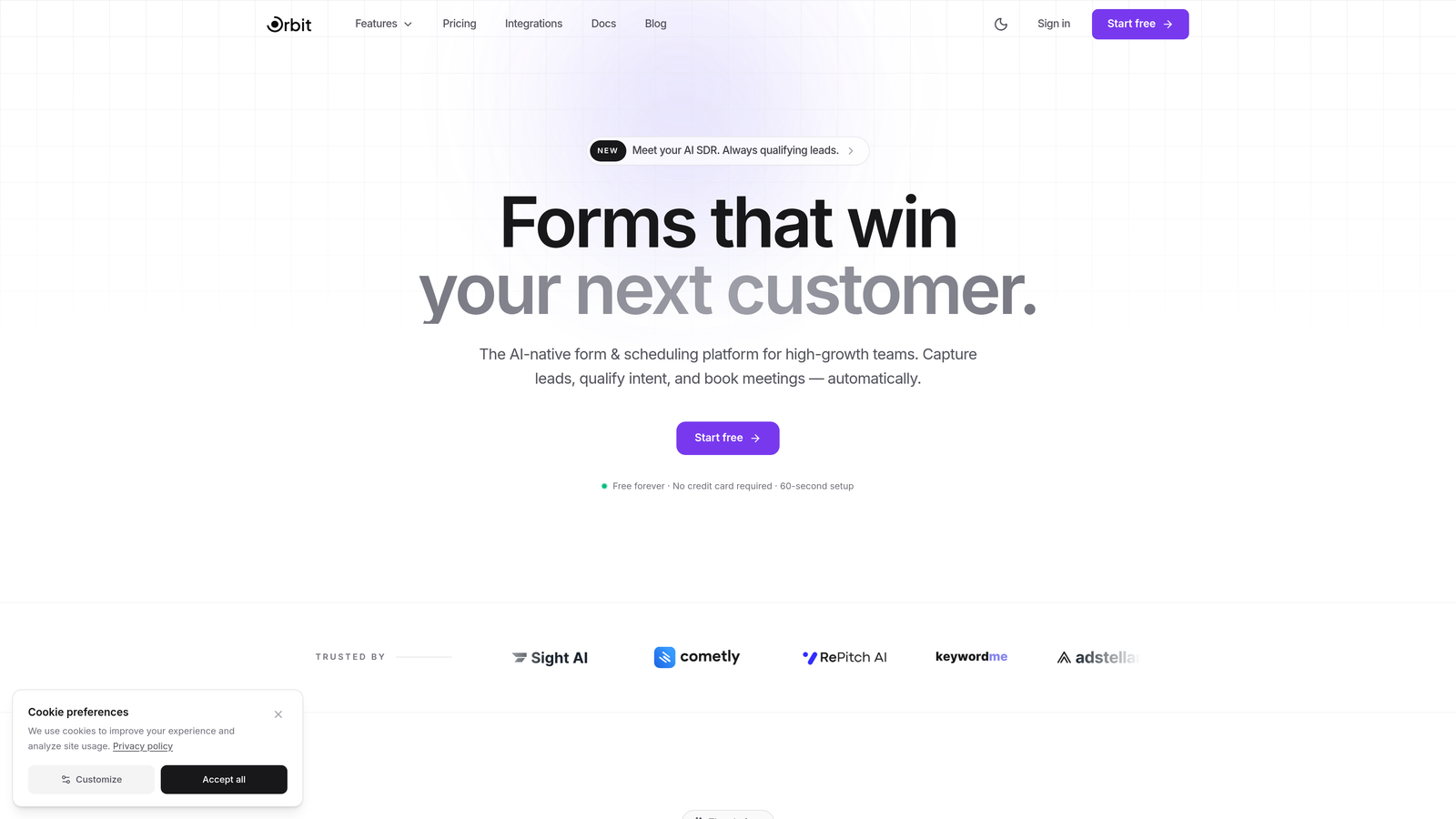
Orbit AI is an AI-powered no-code form builder with built-in lead qualification, designed for teams that want smarter forms, not just prettier ones.
Where This Tool Shines
Most form builders treat AI as a shortcut for building forms faster. Orbit AI goes a step further by baking intelligence into what happens after someone submits. Its lead qualification engine assesses response quality in real time, so your sales team isn't manually sorting through submissions to find the prospects worth calling.
The form design itself is also genuinely modern. Orbit AI's conversion-optimized templates are built to reduce drop-off, and the no-code builder means marketers and growth teams can move without waiting on engineering. If your core question isn't just "can AI build my form?" but "can AI tell me which leads are worth my time?", this is the platform built for that.
Key Features
AI Lead Qualification and Scoring: Automatically scores and qualifies leads at the point of submission, surfacing high-intent prospects without manual review.
Real-Time Lead Routing: Routes leads to the right team members or CRM workflows based on AI-assessed quality signals the moment a form is submitted.
Conversion-Optimized Templates: Pre-built form templates designed specifically to maximize completion rates and capture higher-quality responses.
No-Code Form Builder: Drag-and-drop interface lets marketers and ops teams build and publish forms without any developer involvement.
CRM and Marketing Automation Integrations: Connects with major CRMs and marketing automation platforms to keep your lead data flowing where it needs to go.
Best For
Orbit AI is the strongest fit for B2B SaaS teams, growth marketers, and sales-led organizations where lead quality matters as much as lead volume. If your team is spending significant time manually triaging form submissions, the built-in qualification layer is where this platform earns its keep.
Pricing
Free tier available for getting started. Paid plans unlock advanced AI qualification features, making it accessible for early-stage teams and scalable for larger operations.
2. Typeform
Best for: Marketers who want conversational, high-engagement forms with a polished user experience.
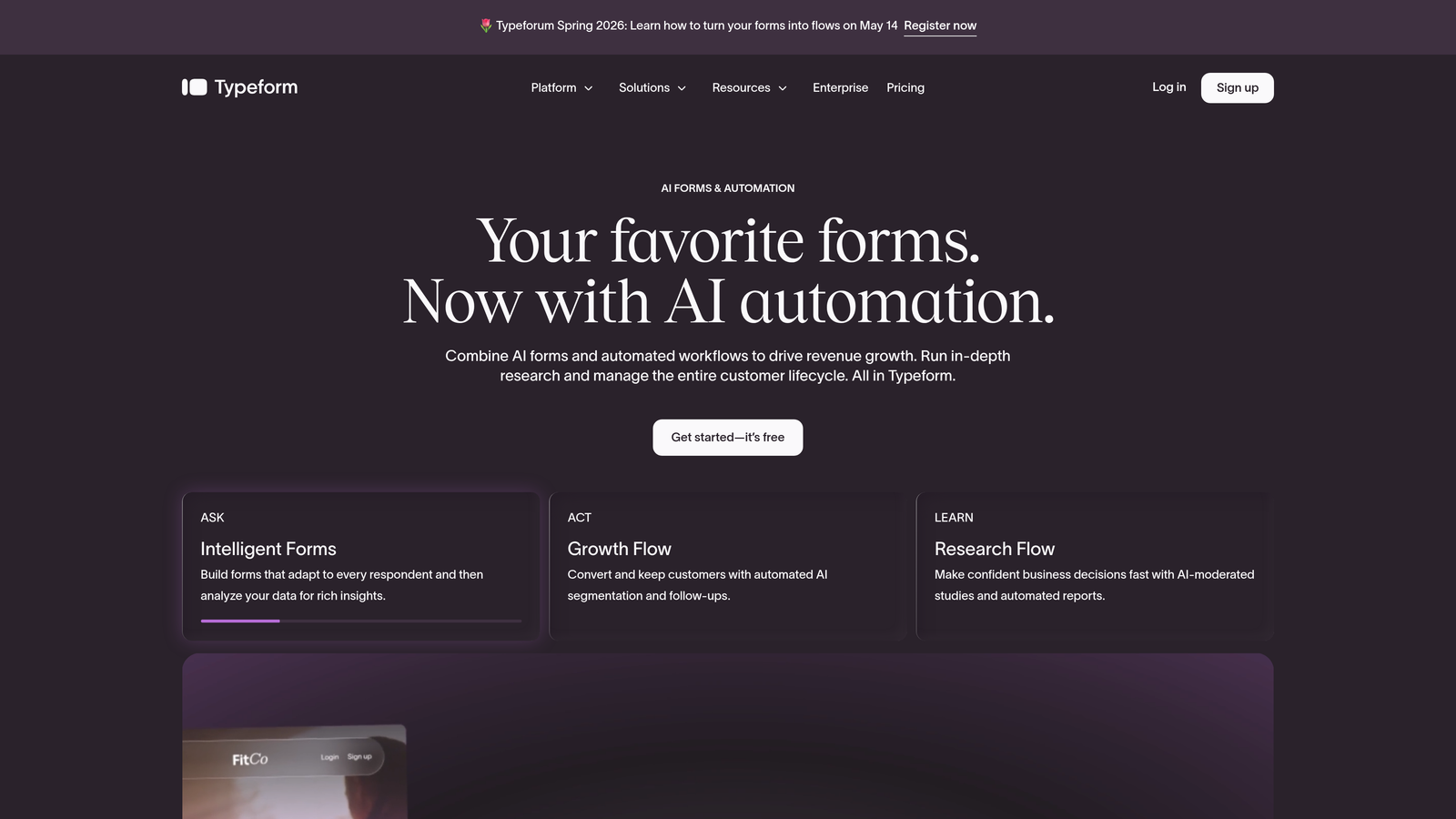
Typeform is the pioneer of one-question-at-a-time conversational forms, now enhanced with AI-assisted creation and logic suggestions.
Where This Tool Shines
Typeform's signature format, presenting one question at a time, creates an experience that feels less like filling out a form and more like having a conversation. This approach tends to drive higher completion rates, particularly for longer surveys and research forms where respondent fatigue is a real concern.
The AI layer helps with form creation: you can describe what you need and get a suggested question structure back. It's genuinely useful for getting a first draft quickly, though the deeper intelligence around what to do with responses post-submission is more limited compared to qualification-focused platforms.
Key Features
Conversational Form Format: One-question-at-a-time layout that keeps respondents engaged and reduces abandonment on longer forms.
AI-Assisted Form Creation: Generate question sets and form structures from natural language descriptions.
Rich Media Embedding: Add videos, images, and GIFs directly within forms to create more engaging experiences.
Advanced Branching Logic: Build conditional paths that show different questions based on previous answers.
Extensive Integration Library: Connects with HubSpot, Zapier, Slack, and hundreds of other tools.
Best For
Typeform works well for marketers running lead gen campaigns, researchers conducting surveys, and teams that prioritize the respondent experience. It's less suited for ops-heavy workflows that need deep database connectivity or real-time lead scoring.
Pricing
Free plan available with limited monthly responses. Paid plans start at around $25/month, scaling up with response volume and advanced features.
3. Jotform
Best for: Teams that need a broad template library and built-in payment or document collection alongside form building.
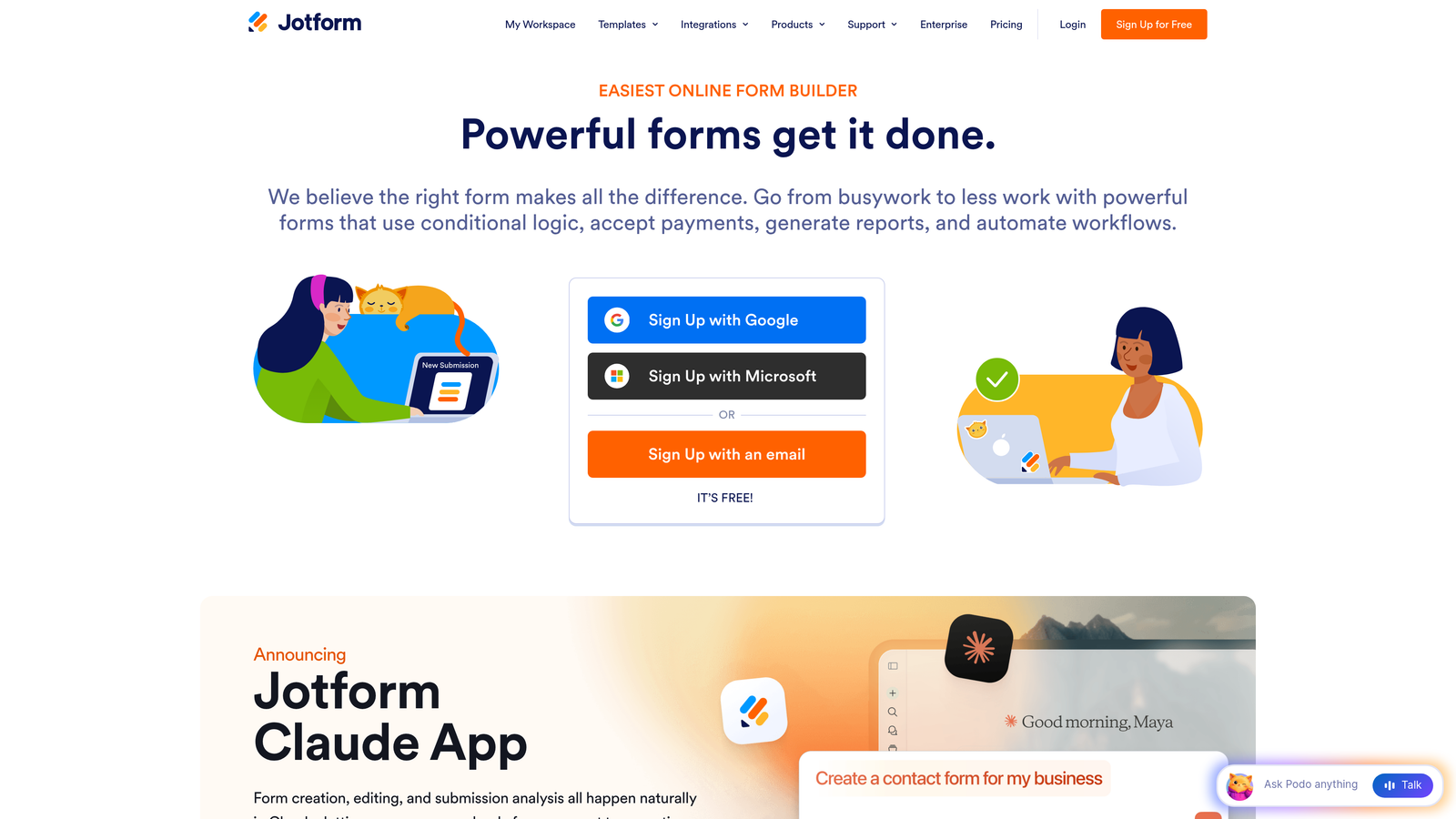
Jotform is a veteran form builder with over 10,000 templates and an AI Form Generator that creates complete forms from natural language descriptions.
Where This Tool Shines
Jotform's main strength is breadth. With templates covering everything from healthcare intake forms to event registrations to payment collection, it's the platform you reach for when you need a specific form type built quickly. The template library alone removes a significant amount of setup work.
The AI Form Generator adds a modern layer on top of this foundation: describe what you need in plain language and get a complete form structure back. For teams that also need to collect payments, gather e-signatures, or generate PDF reports from submissions, Jotform bundles all of this without requiring third-party integrations.
Key Features
AI Form Generator: Build complete forms from text prompts without starting from a blank slate.
10,000+ Templates: Pre-built forms across virtually every industry and use case, ready to customize.
Built-In Payment Processing: Accept payments via PayPal, Stripe, and Square directly through forms.
PDF Generation and E-Signatures: Automatically generate PDF reports from submissions and collect legally binding signatures.
Extensive Widget Library: Drag-and-drop builder with a large selection of specialized field types and widgets.
Best For
Jotform suits small businesses, nonprofits, healthcare teams, and anyone who needs a wide variety of form types handled by a single platform. It's particularly strong for use cases that combine data collection with payment or document workflows.
Pricing
Free plan supports 5 forms and 100 submissions per month. Paid plans start at approximately $34/month with higher submission limits and advanced features.
4. Tally
Best for: Individuals and small teams who want a powerful free tier with a clean, Notion-style editing experience.
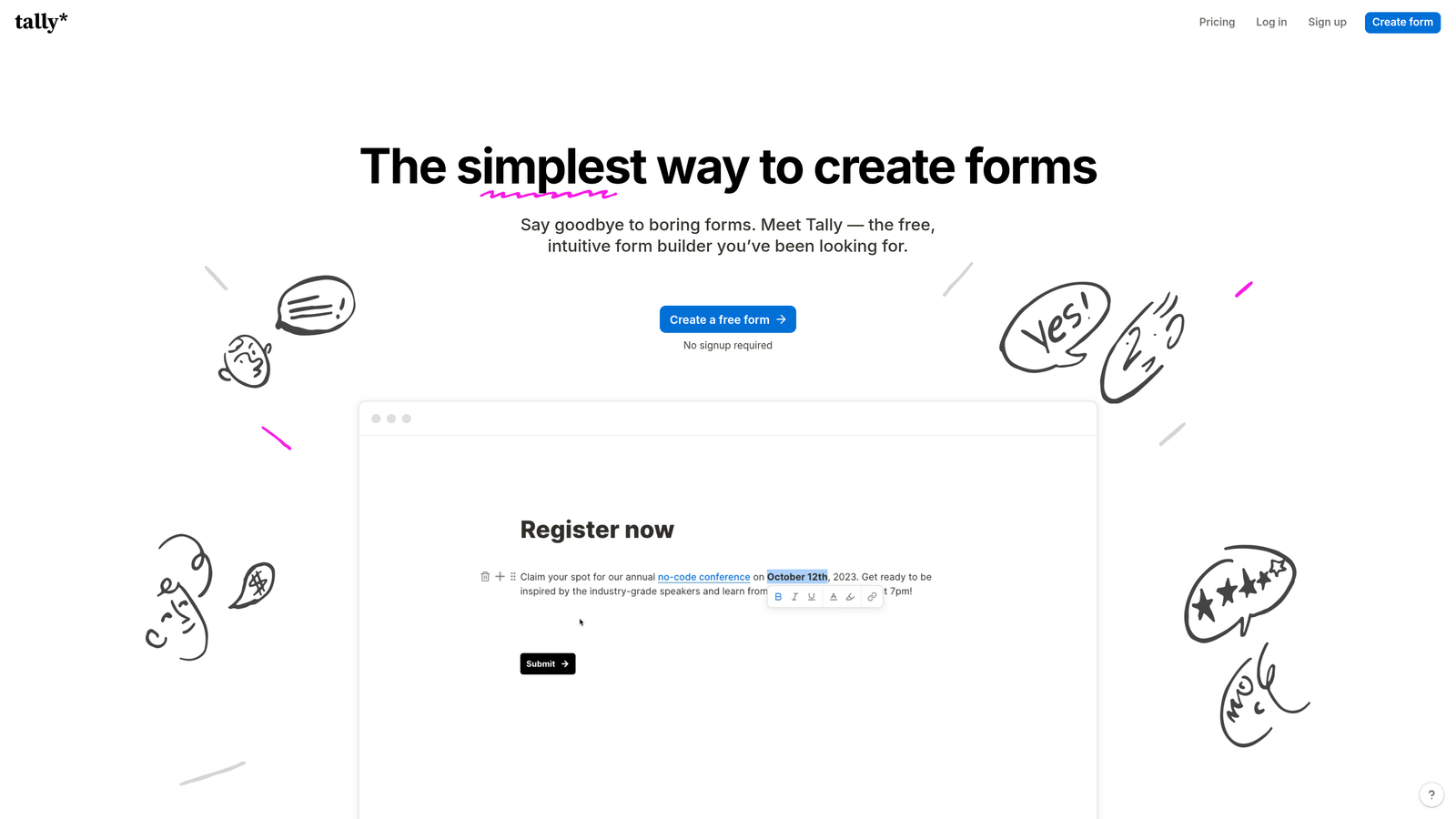
Tally is a minimalist, Notion-like form builder that's generous with its free tier and now includes AI-powered form generation.
Where This Tool Shines
Tally's free plan is genuinely remarkable by industry standards. Unlimited forms, unlimited submissions, conditional logic, calculator fields, and hidden fields — all without paying anything. For bootstrapped teams or anyone who needs a capable form builder without a monthly bill, it's hard to beat.
The block-based editor feels familiar to anyone who uses Notion, which lowers the learning curve considerably. AI form generation is available to help you get a structure going from a description, and native integrations with Notion, Google Sheets, Airtable, and Slack cover most common workflow needs without needing Zapier as a middleman.
Key Features
Notion-Style Block Editor: Intuitive block-based interface that makes form building feel natural for teams already in the Notion ecosystem.
AI Form Generation: Describe your form in text and get a working structure generated automatically.
Unlimited Free Forms and Submissions: No caps on the free plan for forms created or responses collected.
Conditional Logic and Calculator Fields: Build smart forms with branching paths and calculation-based fields.
Native Tool Integrations: Direct connections to Notion, Google Sheets, Airtable, and Slack without needing a middleware tool.
Best For
Tally is ideal for freelancers, early-stage startups, and ops teams in Notion-heavy environments. If your primary need is a reliable, flexible form builder and budget is a constraint, Tally's free tier covers more ground than most paid alternatives.
Pricing
Free plan includes most core features. Tally Pro is available at $29/month for white-label branding, custom domains, and additional advanced capabilities.
5. Fillout
Best for: Operations and data teams that need forms to connect directly with Airtable, Notion, or other structured databases.
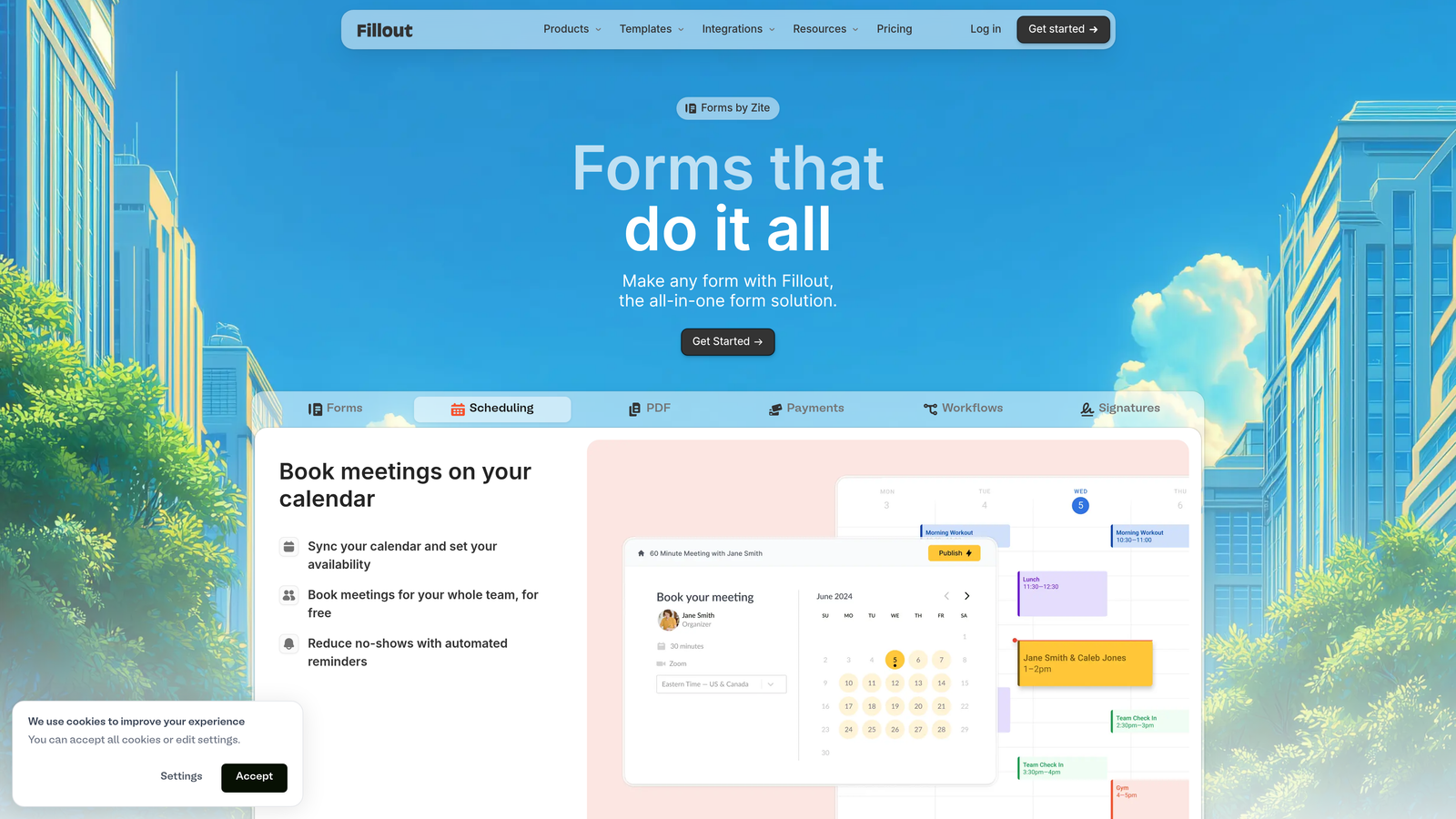
Fillout is a database-first form builder that connects natively to Airtable, Notion, and other data tools, with AI-assisted form creation.
Where This Tool Shines
Where most form builders treat database connections as an afterthought, Fillout builds around them. You can create forms that read from and write to Airtable or Notion records directly, which is a significant time-saver for teams managing structured data workflows. Pre-filling forms from existing records is particularly useful for update flows, client portals, and internal request systems.
The AI-assisted form creation and field mapping helps speed up the initial build, and the platform handles scheduling, payments, and file uploads natively so you're not stitching together multiple tools for different input types.
Key Features
Native Database Integrations: Direct connections to Airtable, Notion, Google Sheets, and Supabase that go beyond simple data export.
AI Form Generation and Field Mapping: Generate forms and automatically map fields to existing database structures.
Pre-Fill from Database Records: Populate form fields from existing records, enabling update and review workflows.
Multi-Purpose Field Types: Scheduling, payment collection, and file upload fields built in without add-ons.
Custom Thank-You Pages and Redirects: Control the post-submission experience with branded confirmation pages or conditional redirects.
Best For
Fillout is the go-to for operations teams, project managers, and anyone running Airtable or Notion-based workflows who needs forms that behave like a proper database interface rather than a disconnected data collection tool.
Pricing
Free plan available. Paid plans start at approximately $19/month, making it one of the more affordable options for teams with database-heavy needs.
6. Feathery
Best for: Product teams building multi-step onboarding flows, signup sequences, and user journeys that need developer-level flexibility without writing code.
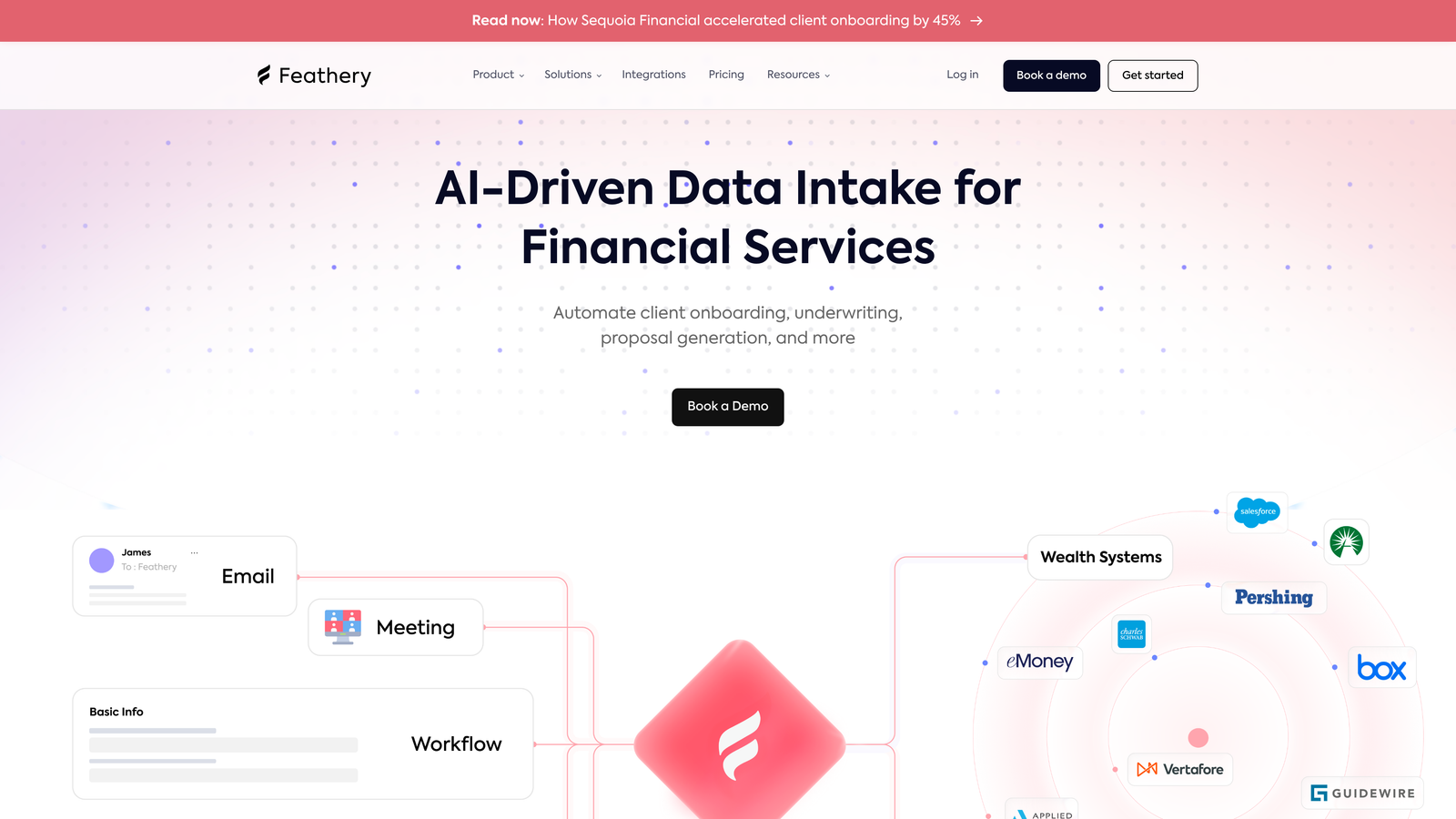
Feathery is a no-code form and flow builder designed specifically for product onboarding sequences and complex multi-step user journeys.
Where This Tool Shines
Feathery occupies a distinct niche: it's built for product teams who need the power of a custom-coded onboarding flow but want to move without engineering resources. The AI-powered flow builder handles advanced conditional branching, and purpose-built components for identity verification and KYC make it particularly valuable for fintech, healthtech, and compliance-heavy SaaS products.
The API-first architecture means developers can extend and integrate Feathery deeply when needed, while the no-code interface keeps non-technical team members in control of the day-to-day flow management. Custom CSS and JavaScript support gives design teams the control they need over the final presentation.
Key Features
AI-Powered Flow Builder: Build and optimize multi-step flows with advanced conditional branching using AI assistance.
Product Onboarding Components: Purpose-built for signup flows, onboarding sequences, and user activation journeys.
Identity Verification and KYC: Built-in components for compliance-sensitive form flows in regulated industries.
Custom CSS and JavaScript Support: Full styling control for teams that need pixel-perfect presentation.
API-First Architecture: Developer-friendly extensibility for teams that need deep integration with their product stack.
Best For
Feathery is best suited for SaaS product teams, fintech companies, and growth engineers who need onboarding flows that go well beyond a simple contact form. It's overkill for basic lead gen but genuinely powerful for complex user activation sequences.
Pricing
Free plan supports up to 100 submissions per month. Paid plans start at approximately $49/month for higher volume and advanced features.
7. Paperform
Best for: Small businesses and creators who want forms that look and feel like branded landing pages rather than plain data-entry screens.
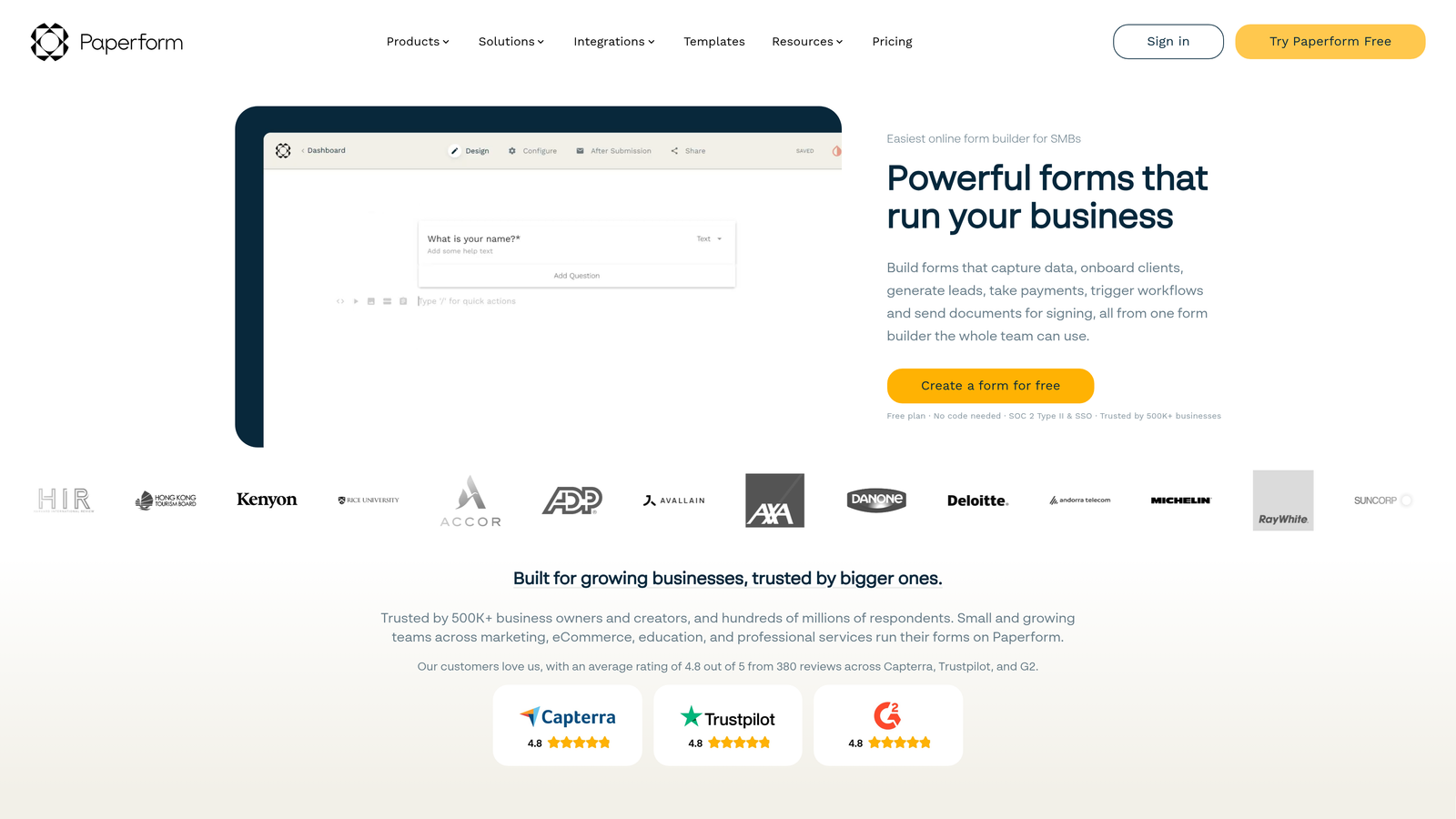
Paperform is a form builder that blurs the line between forms and landing pages, letting you create content-rich, branded form experiences.
Where This Tool Shines
Paperform's core differentiation is presentation. Its rich content editor lets you weave text, images, and videos alongside form fields, creating experiences that feel more like a branded microsite than a traditional form. For service businesses, coaches, or anyone selling directly through a form, this approach can meaningfully improve conversion by building context and trust before asking for information.
AI-assisted form creation helps you get a draft together from a description, and built-in payment processing with product catalogs means you can run simple commerce flows without a separate e-commerce platform. Custom domain support and full branding control round out the package for teams that care about consistent brand presentation.
Key Features
Rich Content Editor: Embed text, images, and videos alongside form fields to create content-rich form experiences.
AI-Assisted Form Creation: Generate form structures and content from natural language descriptions.
Built-In Payments and Product Catalogs: Accept payments and sell products directly through form submissions.
Calculation Fields and Conditional Logic: Build forms that compute pricing, scores, or recommendations based on responses.
Custom Domain and Full Branding: Publish forms on your own domain with complete control over visual presentation.
Best For
Paperform works well for consultants, coaches, service businesses, and small e-commerce operators who want forms that double as conversion-focused landing pages. It's less focused on the high-volume lead qualification needs of larger sales teams.
Pricing
No free plan. Paid plans start at approximately $24/month with a 14-day free trial available to test the platform before committing.
8. Involve.me
Best for: Marketing teams who want to go beyond static forms and build interactive quizzes, calculators, and lead-gen funnels.
Involve.me is an interactive content platform that uses AI to generate quizzes, calculators, surveys, and lead-gen funnels from prompts.
Where This Tool Shines
Involve.me approaches lead generation from a different angle: instead of asking prospects to fill out a form, you give them something valuable first. A quiz that diagnoses their problem, a calculator that estimates their ROI, a survey that delivers personalized recommendations. This interactive-first approach tends to drive higher engagement and better-qualified leads because respondents are invested in the outcome.
The AI funnel generator builds complete interactive experiences from prompts, and the personalized results pages mean each respondent gets a tailored output rather than a generic confirmation message. Built-in funnel analytics with drop-off tracking helps you identify where respondents are disengaging and optimize accordingly.
Key Features
AI Funnel Generator: Create complete interactive funnels, quizzes, and calculators from natural language prompts.
Quiz and Calculator Builders: Build outcome-based experiences that deliver personalized results to respondents.
Personalized Results Pages: Serve tailored content and recommendations based on individual response patterns.
Funnel Analytics with Drop-Off Tracking: See exactly where respondents abandon your funnel and optimize weak points.
Embeddable Widgets and Popup Triggers: Deploy interactive content as embedded widgets or behavior-triggered popups on any site.
Best For
Involve.me suits content marketers, demand generation teams, and anyone running lead nurturing campaigns where engagement and personalization matter more than simple data collection. It's particularly strong for top-of-funnel lead capture where you need to earn attention before asking for contact information.
Pricing
Free plan available with limited submissions. Paid plans start at approximately $29/month with higher response volumes and advanced analytics.
9. Google Forms + Gemini AI
Best for: Teams already in the Google Workspace ecosystem who need a completely free, collaborative form solution.
Google Forms is the ubiquitous free form tool, now enhanced with Gemini AI for question suggestions and response analysis within the Google Workspace ecosystem.
Where This Tool Shines
Google Forms' core advantage has always been its price and accessibility: completely free, unlimited forms, unlimited responses, and real-time collaboration baked in. For internal surveys, event registrations, and simple data collection, it remains one of the most frictionless options available. The Gemini AI integration adds genuine utility for question generation and smart suggestions, lowering the barrier for teams who want AI assistance without paying for a dedicated platform.
The seamless Google Sheets connection means response data flows automatically into a spreadsheet where teams can analyze, filter, and build dashboards without any additional setup. For organizations already paying for Google Workspace, Gemini features are accessible without an additional subscription.
Key Features
Completely Free: Unlimited forms and responses at no cost, with no submission caps or feature paywalls on the core product.
Gemini AI Assistance: AI-powered question generation and smart suggestions to help structure forms faster.
Google Sheets Integration: Automatic response syncing to Sheets for analysis, filtering, and reporting.
Real-Time Collaboration: Multiple team members can build and edit forms simultaneously, just like a Google Doc.
Section-Based Navigation and Branching: Basic conditional logic for routing respondents through different question paths.
Best For
Google Forms is the right choice for internal use cases, academic research, event management, and any scenario where budget is the primary constraint. It's not designed for lead qualification, advanced conversion optimization, or complex multi-step flows, but for straightforward data collection within a Google-centric workflow, nothing matches the value.
Pricing
Completely free. Gemini AI features are available with Google Workspace plans, which organizations may already have through their existing Google subscriptions.
How to Choose the Right AI Form Builder for Your Team
The right platform depends less on feature count and more on what happens after someone clicks "Submit." That's the question worth centering your decision around.
Here's a quick breakdown of which tools suit which priorities:
For lead qualification and sales pipeline quality: Orbit AI is purpose-built for this. If your team is spending time manually triaging form submissions or struggling to identify high-intent prospects quickly, the AI qualification layer is where you'll see the most immediate impact.
For conversational, high-engagement surveys: Typeform remains the benchmark for respondent experience. If completion rate and the quality of the form interaction matter most, it's the natural choice.
For breadth and payment or document workflows: Jotform's template library and built-in payment processing make it the most versatile all-in-one option for businesses with varied form needs.
For database-connected operations workflows: Fillout and Tally both shine here. Fillout is stronger for Airtable and Notion power users; Tally wins on value if budget is tight.
For product onboarding and multi-step flows: Feathery is the specialist. No other tool on this list is as well-suited for complex signup sequences and compliance-sensitive user journeys.
For interactive lead gen content: Involve.me takes a different approach entirely, turning lead capture into a value exchange through quizzes and calculators. It's worth considering if static forms aren't converting well at the top of your funnel.
For zero-budget internal use: Google Forms with Gemini AI covers the basics at no cost, particularly for teams already in the Google Workspace ecosystem.
The broader shift happening across this space is worth noting. AI form generation, the ability to describe a form and have it built for you, is now table stakes. The real differentiation in 2026 is how deeply AI is embedded into the post-submission workflow: qualifying leads, routing responses, analyzing patterns, and helping teams act faster on the right signals.
If that's the problem you're trying to solve, the tools that treat AI as more than a creation shortcut are worth the investment. Start building free forms today with Orbit AI and see how intelligent form design, built around lead qualification from the ground up, can change what your forms actually do for your growth strategy.


