

Choosing an AI form builder sounds simple until you start comparing pricing pages. Some tools charge per response, others per seat, others lock core features behind enterprise tiers. The range runs from genuinely free to several hundred dollars a month, and what you get at each price point varies dramatically.
This guide cuts through the confusion. We've evaluated the top AI form builders on the market based on their AI capabilities, pricing transparency, value at each tier, scalability for growing teams, and lead generation features. Whether you're a startup looking for a free starting point or a high-growth team ready to invest in conversion optimization, here's exactly what each platform offers and what it costs.
If you're still exploring your options more broadly, our best online form builder overview and lead capture form guide are good companion reads.
1. Orbit AI
Best for: High-growth teams that need AI-powered lead qualification built directly into their forms.
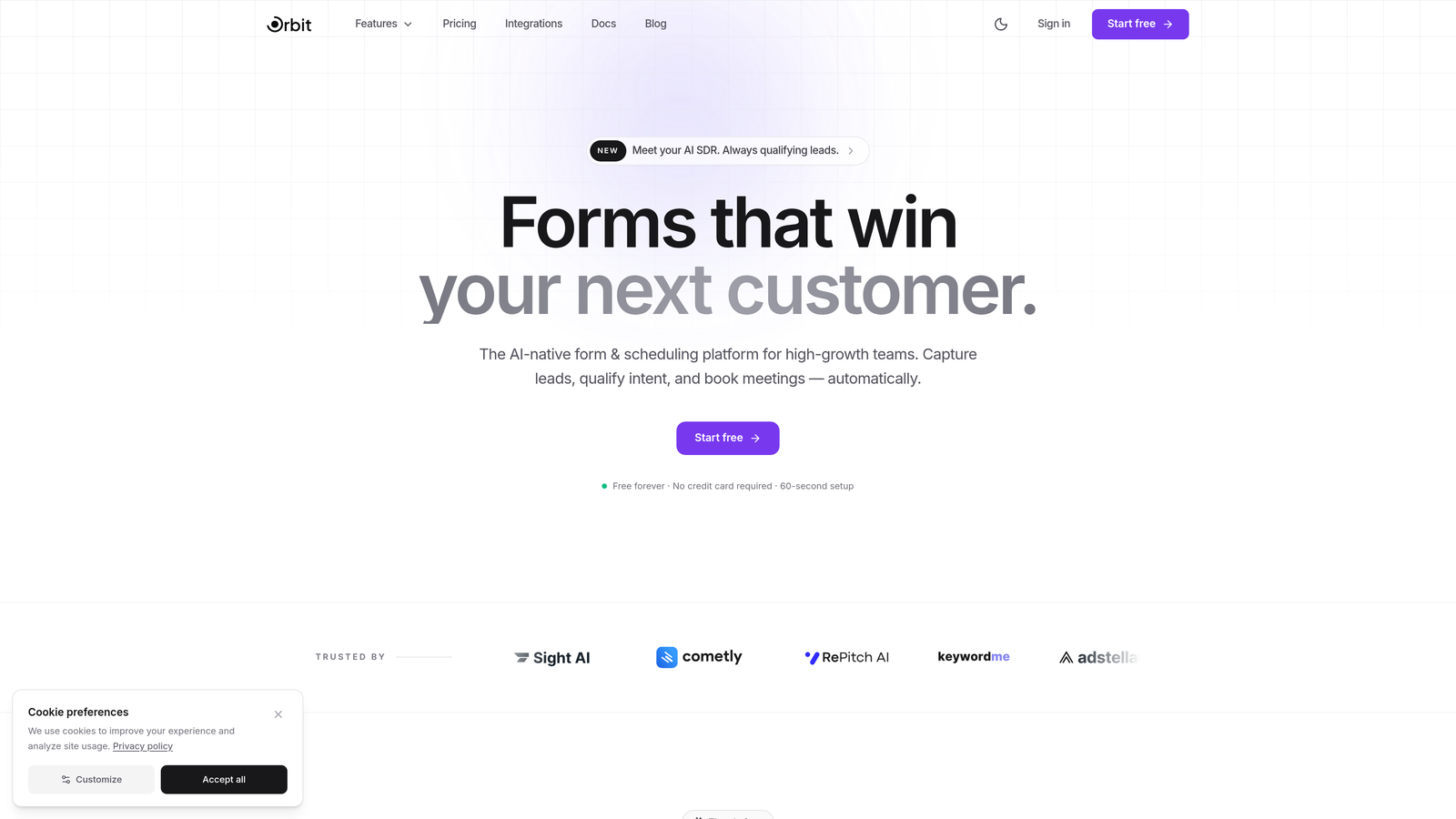
Orbit AI is an AI-powered form builder designed specifically for teams where lead quality matters as much as lead volume.
Where This Tool Shines
Most form builders treat lead qualification as an afterthought, something you handle downstream in your CRM or with a separate scoring tool. Orbit AI bakes qualification directly into the form experience. Your forms don't just collect responses; they evaluate and score leads in real time, so your team knows exactly who to prioritize the moment a submission comes in.
The platform also puts serious emphasis on design and user experience. Forms built on Orbit AI look modern and polished, which matters more than people often admit. A well-designed form signals professionalism and builds trust, and that trust directly impacts completion rates.
Key Features
AI Lead Scoring and Qualification: Forms automatically evaluate and qualify leads based on responses, reducing manual triage work for your sales team.
Conversion-Optimized Templates: Pre-built templates designed around conversion best practices, not just aesthetics.
Modern Form Design: Clean, beautiful interfaces that hold up against the best-designed tools in the market.
Scalable Plans: Pricing tiers built to grow with your team, so you're not hitting response limits or feature walls at the worst possible time.
High-Growth Team Focus: The product is purpose-built for teams scaling their lead generation, not hobbyists building one-off surveys.
Best For
Sales and marketing teams at growth-stage companies who want their forms to do more than collect data. If you're running lead gen campaigns and need to qualify prospects automatically without adding complexity to your workflow, Orbit AI is built for exactly that use case.
Pricing
Orbit AI offers a free tier to get started, with paid plans designed for growing teams. Visit orbitforms.ai for current pricing, as tiers and features are updated regularly.
2. Typeform
Best for: Teams that prioritize brand experience and want a conversational, one-question-at-a-time form format.
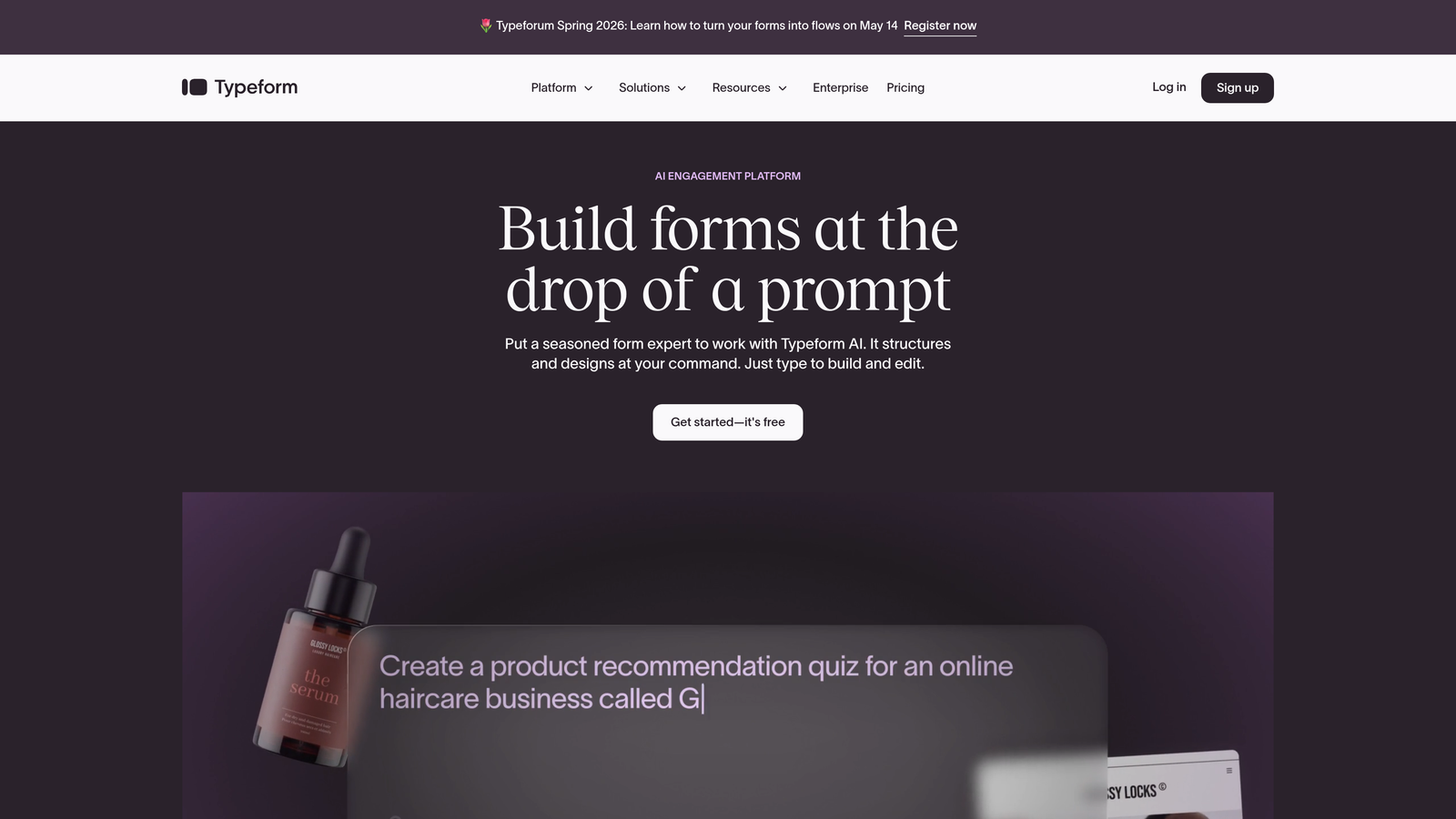
Typeform is the form builder that popularized the conversational interface, and it remains one of the most recognizable names in the space.
Where This Tool Shines
Typeform's one-question-at-a-time format reduces form fatigue and tends to feel more like a conversation than a data collection exercise. For brand-sensitive teams, that experience matters. The platform has also added AI-powered form generation, letting you describe what you need in plain language and get a complete form back in seconds.
The design customization is genuinely strong. You can match your brand's visual identity closely, which makes Typeform a popular choice for customer-facing forms where first impressions count.
Key Features
Conversational UX: One-question-at-a-time format that reduces abandonment and keeps respondents engaged throughout the form.
AI Form Generation: Describe your form in plain text and let the AI build the structure and questions for you.
Brand Customization: Deep visual customization including fonts, colors, backgrounds, and custom domains.
Integration Ecosystem: Connects with major CRM, marketing, and automation platforms including HubSpot, Salesforce, and Zapier.
Response Analysis: AI-assisted analysis of open-text responses to surface patterns and insights.
Best For
Marketing teams and agencies that need forms to feel like an extension of their brand. Also a strong choice for customer research, NPS surveys, and any form where completion rate and respondent experience are the top priorities.
Pricing
Typeform offers a free plan with limited responses. Paid plans typically start in the $25-29/month range, but verify current pricing at typeform.com as tiers change frequently.
3. Jotform
Best for: Teams that need a wide variety of form types and want one of the most generous free tiers available.
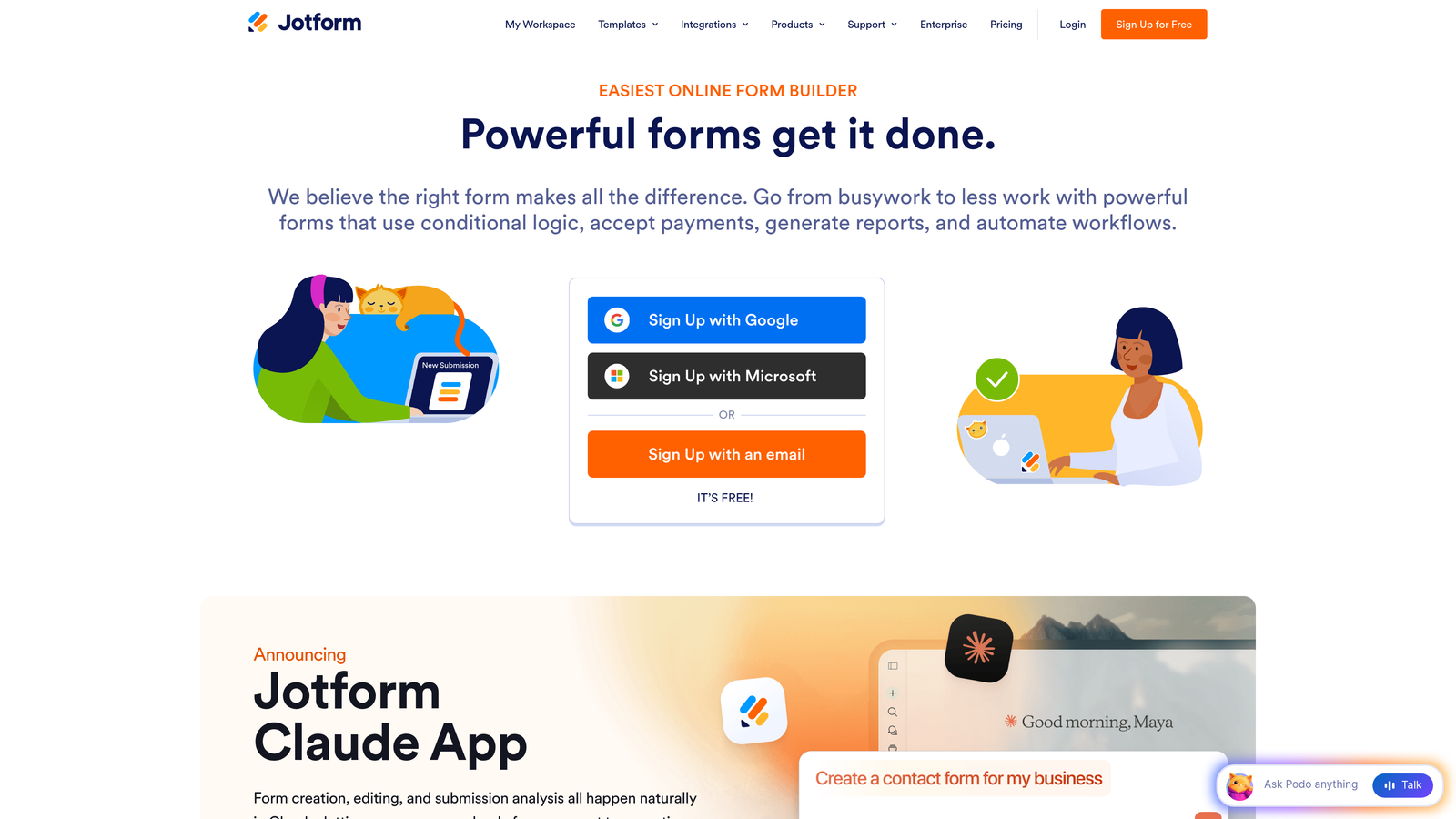
Jotform is one of the most feature-complete form builders on the market, with a template library and integration list that's hard to match.
Where This Tool Shines
Jotform's depth is its defining characteristic. With over 10,000 templates spanning virtually every industry and use case, you're unlikely to need something the platform hasn't already thought of. The AI form generator is genuinely useful for getting a first draft quickly, and the platform handles complex workflows like payment collection, e-signatures, and multi-stage approvals without needing third-party tools.
For teams on a budget, the free tier is among the most generous available. Five forms and 100 monthly submissions won't work for high-volume lead gen, but it's a legitimate way to evaluate the platform before committing.
Key Features
AI Form Generator: Create forms from natural language descriptions, with the AI handling field types, layout, and logic.
10,000+ Templates: Pre-built templates across industries including healthcare, education, e-commerce, and professional services.
Built-in Workflows: Payment collection, e-signature collection, and approval routing without additional integrations.
Generous Free Tier: Five forms and 100 monthly submissions at no cost, making it accessible for small teams testing the waters.
Extensive Integrations: Connects with hundreds of third-party tools across CRM, storage, payment, and communication categories.
Best For
Small businesses, nonprofits, and teams that need a wide range of form types without a large budget. Also well-suited for teams that need payment or e-signature workflows built into their forms.
Pricing
Free tier available. Paid plans start around $34/month, though pricing varies by region and plan structure. Check jotform.com for current rates.
4. Tally
Best for: Teams that want unlimited forms and submissions without paying anything, with a clean Notion-like experience.
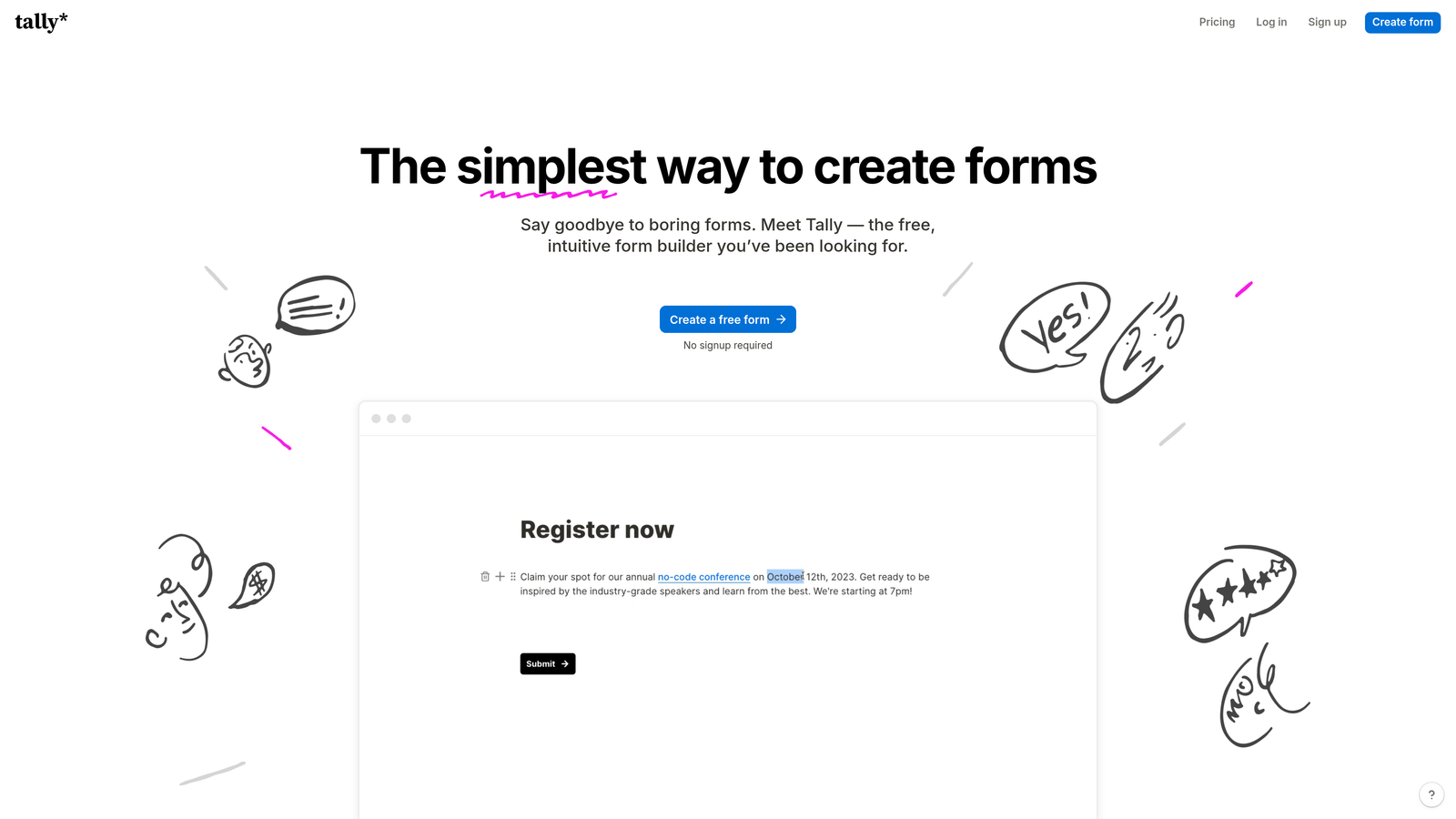
Tally is the form builder that genuinely gives away what most competitors charge for, making it a standout option for budget-conscious teams.
Where This Tool Shines
Tally's free plan is legitimately unlimited. No form caps, no submission limits, and no Tally branding on your forms. That's unusual in a market where most free tiers are designed to push you toward a paid plan as quickly as possible. For teams that need to build and publish forms at scale without a budget, Tally removes the friction entirely.
The Notion-style block editor feels familiar if your team already works in that ecosystem. Building a form in Tally feels less like using a specialized tool and more like writing a document, which lowers the learning curve significantly.
Key Features
Unlimited Free Forms: No caps on the number of forms or submissions on the free plan, which is genuinely rare in this market.
Block-Based Editor: Notion-style interface that makes form creation feel intuitive for teams already used to block editors.
Conditional Logic: Show or hide questions based on previous answers, available even on the free plan.
Calculator Fields: Built-in calculation support for pricing estimators, quizzes, and scoring forms.
No Free Tier Branding: Unlike most competitors, Tally doesn't watermark free tier forms with their logo.
Best For
Startups, solopreneurs, and small teams that need a capable form builder without a subscription. Also a strong choice for internal forms, surveys, and feedback collection where budget is limited.
Pricing
Free plan with unlimited forms and submissions. Tally Pro adds features like custom domains and priority support at approximately $29/month. Verify current pricing at tally.so.
5. Fillout
Best for: Teams that use Airtable, Notion, or Google Sheets as their database and want forms that write directly to those tools.
Fillout is built around the idea that your form should connect directly to wherever your data already lives.

Where This Tool Shines
Most form builders treat integrations as an add-on. Fillout treats them as the core product. The native connections to Airtable, Notion, Supabase, and Google Sheets are deep and reliable, meaning form submissions flow directly into your existing database structure without needing a middleware tool like Zapier to bridge the gap.
The AI-assisted form creation is straightforward and practical. Describe what you need, and Fillout generates a working form with appropriate field types. It's not the most sophisticated AI implementation in the market, but it covers the basics well and saves meaningful setup time.
Key Features
Native Database Integrations: Direct connections to Airtable, Notion, Supabase, and Google Sheets with proper field mapping.
AI Form Generation: Prompt-based form creation that produces ready-to-use forms with appropriate field types and structure.
Multiple Form Types: Supports scheduling forms, payment forms, quizzes, and standard data collection in one platform.
Conditional Logic: Multi-page forms with branching logic based on respondent answers.
Free Tier: A usable free plan for teams getting started or running low-volume forms.
Best For
Operations teams, product managers, and no-code builders who have already built their workflows around Airtable or Notion and want their forms to integrate natively rather than through workarounds.
Pricing
Free tier available. Paid plans start around $19/month, making it one of the more affordable options for teams that need database-native integrations. Verify at fillout.com.
6. Feathery
Best for: Product and engineering teams building complex multi-step flows like onboarding, KYC, and checkout processes.
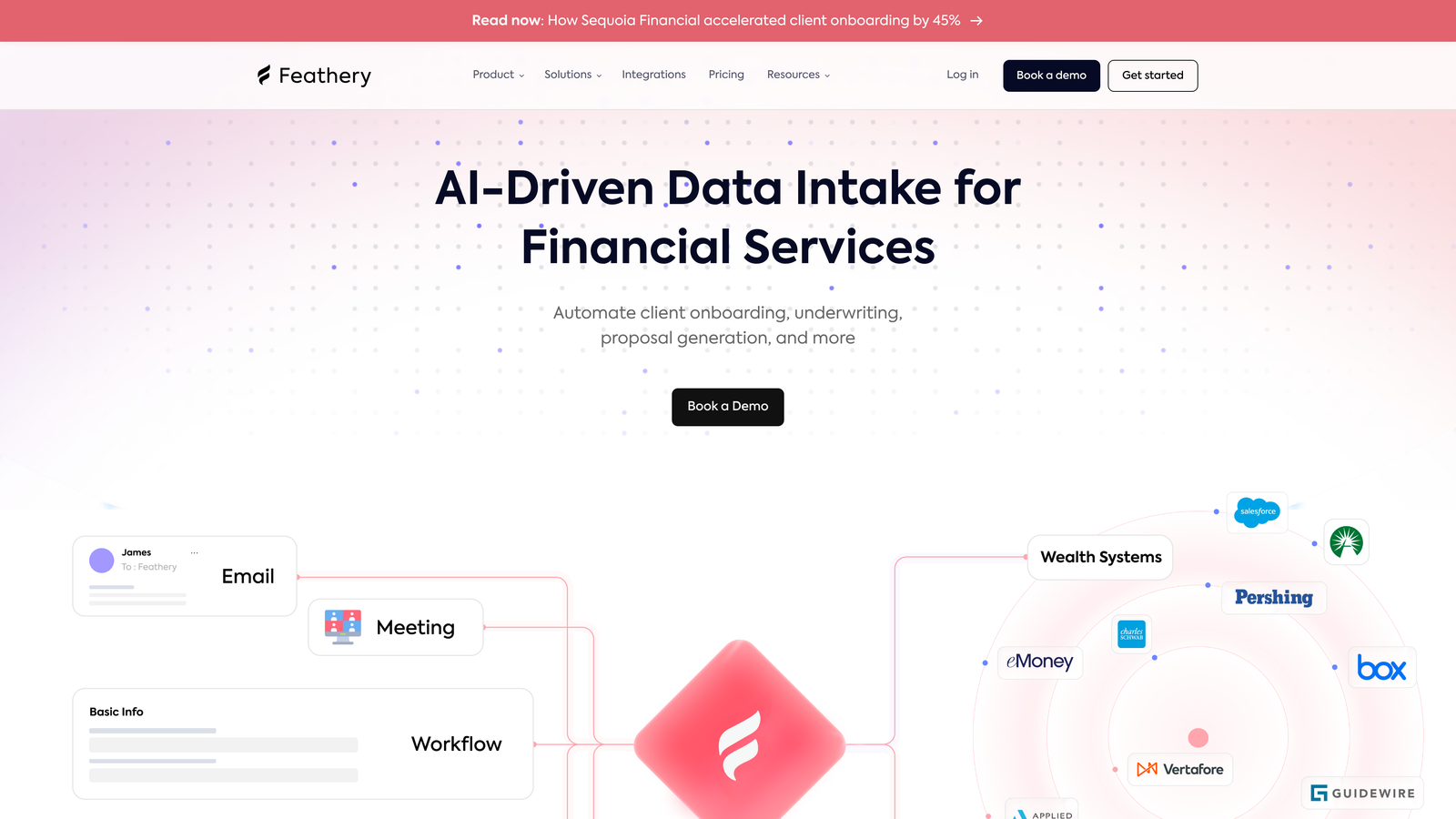
Feathery sits at the intersection of form builder and product development tool, designed for flows that go well beyond simple data collection.
Where This Tool Shines
Standard form builders struggle when you need complex branching logic, custom code execution, or forms that behave like full product features. Feathery is built for exactly those scenarios. The multi-step logic and branching capabilities handle sophisticated conditional flows that would break most other tools, and the developer-friendly architecture means engineering teams can extend the platform with custom code when needed.
For regulated industries dealing with KYC or identity verification flows, Feathery's ability to handle complex, multi-stage processes with custom logic is particularly valuable.
Key Features
Advanced Multi-Step Logic: Complex branching and conditional flows that handle sophisticated product scenarios beyond standard form logic.
AI Form Generation: AI-assisted form creation with intelligent field mapping for complex data structures.
Custom Code and API Access: Developer-friendly architecture that supports custom JavaScript and API integrations for teams that need full control.
Product Flow Templates: Pre-built patterns for onboarding, KYC, checkout, and other common product flows.
Field Mapping Intelligence: Smart field detection that maps form inputs to existing data structures correctly.
Best For
Product and engineering teams at fintech, SaaS, and regulated industry companies that need form-based flows with the complexity and control of custom development, but without building everything from scratch.
Pricing
Free tier available for small projects. Paid plans scale with usage and team size. Check feathery.io for current pricing, as enterprise tiers are often custom-quoted.
7. Paperform
Best for: Teams that want forms to function as standalone landing pages with rich content, payments, and strong visual design.
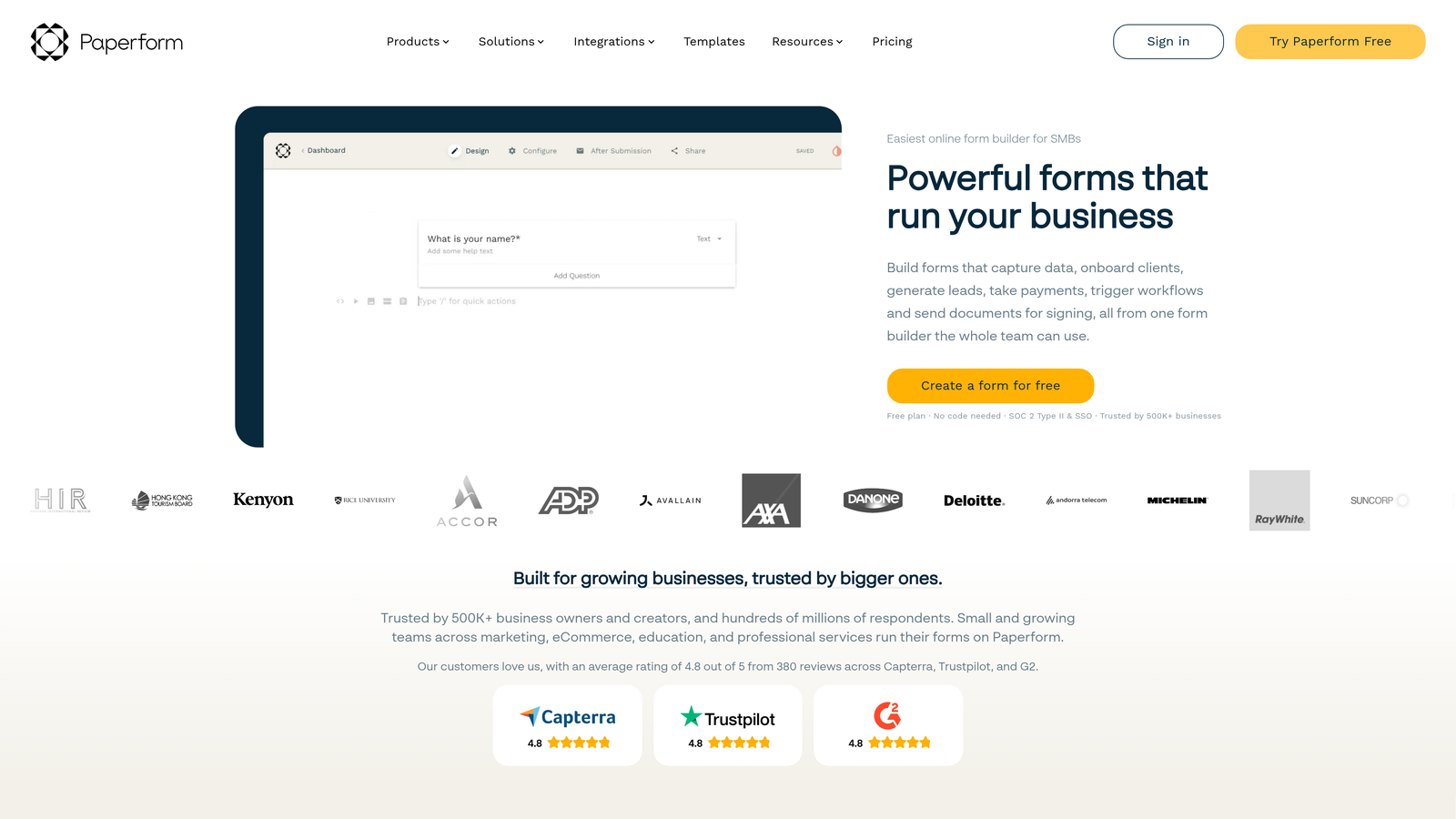
Paperform blurs the line between form and landing page, letting you mix text, images, and video alongside your form fields.
Where This Tool Shines
If you've ever wished your form could tell a story rather than just ask questions, Paperform is worth exploring. The editor lets you intersperse rich content throughout your form, creating an experience that feels more like reading a well-designed page than filling out a form. This approach works particularly well for product order forms, event registrations, and any context where you need to persuade before you ask.
The built-in payment processing via Stripe and Square is genuinely seamless. You don't need a separate checkout page or additional integration setup to start collecting payments directly through your forms.
Key Features
Rich Content Mixing: Embed text, images, and video alongside form fields to create form-landing page hybrid experiences.
Built-In Payments: Native Stripe and Square integration for collecting payments directly within forms without third-party checkout tools.
Conditional Logic and Calculations: Show fields based on previous answers and perform calculations for pricing or scoring.
AI Form Creation: Prompt-based form generation that accounts for Paperform's unique content-mixing format.
Custom Domains: Host forms on your own domain for a fully branded experience.
Best For
Small business owners, creators, and marketing teams who want forms that double as sales or landing pages. Particularly strong for e-commerce, event ticketing, and service booking scenarios.
Pricing
No free plan. Paid plans start around $24/month. Paperform's value proposition assumes you're willing to pay for the richer experience. Verify current pricing at paperform.co.
8. HubSpot Forms
Best for: Teams already using HubSpot CRM who want forms that feed directly into their contact database and marketing workflows.
HubSpot Forms is the form solution built into the HubSpot ecosystem, offering free forms with deep CRM integration out of the box.
Where This Tool Shines
The integration between HubSpot Forms and HubSpot CRM is as tight as it gets. Every form submission automatically creates or updates a contact record, populates deal properties, and can trigger marketing automation sequences without any additional configuration. For teams already invested in the HubSpot ecosystem, this eliminates a whole category of integration headaches.
The progressive profiling feature is particularly clever for lead generation. Instead of asking every contact the same questions, HubSpot Forms shows different fields based on what information you already have in your CRM, making repeat form fills feel less repetitive and helping you enrich contact data over time.
Key Features
Native CRM Integration: Form submissions automatically create or update HubSpot contact records without any middleware or manual syncing.
Progressive Profiling: Smart forms that show different fields to known contacts based on existing CRM data, reducing friction for returning visitors.
AI Content Assistant: AI-powered suggestions for form copy, field labels, and follow-up messaging within the HubSpot interface.
Marketing Automation Triggers: Form submissions can instantly trigger email sequences, task creation, and deal stage updates in HubSpot.
Free Entry Point: Basic forms are available at no cost with the free HubSpot CRM tier.
Best For
Marketing and sales teams running their operations inside HubSpot. If your CRM is HubSpot, using a third-party form builder creates unnecessary data sync complexity that HubSpot Forms eliminates entirely.
Pricing
Free with HubSpot CRM. Advanced features like A/B testing and additional automation require Marketing Hub, which starts around $20/month. Verify current tier pricing at hubspot.com.
9. Involve.me
Best for: Teams that want interactive lead gen funnels combining quizzes, calculators, and outcome-based experiences.
Involve.me is an interactive content builder that goes beyond standard forms into quizzes, assessments, and lead generation funnels with built-in analytics.
Where This Tool Shines
Involve.me excels when you want your form to feel like an experience rather than a data collection exercise. Outcome-based quizzes, ROI calculators, and product recommendation funnels are all native use cases. These interactive formats tend to generate higher engagement than static forms, and Involve.me's built-in analytics let you track funnel performance without needing a separate analytics tool.
The AI generation covers quizzes and calculators as well as standard forms, which is a meaningful differentiator. Building a functional ROI calculator from a text prompt is genuinely time-saving compared to building one manually.
Key Features
AI-Generated Interactive Content: Create quizzes, calculators, and interactive forms from natural language prompts, not just standard question-and-answer forms.
Built-In Funnel Analytics: Track drop-off rates, completion rates, and outcome distributions without leaving the platform.
Outcome-Based Results Pages: Show personalized results or recommendations based on how respondents answer, creating a more engaging experience.
Payment Collection: Accept payments within interactive funnels for lead gen campaigns that include a purchase component.
Brand Customization: Full control over colors, fonts, and layout to match your brand identity.
Best For
Marketing teams running lead generation campaigns who want interactive content like product finders, assessments, and calculators. Particularly effective for B2B teams using content as a lead capture mechanism.
Pricing
Free plan available with limited features. Paid plans start around $29/month. Visit involve.me for current pricing and feature breakdowns by tier.
Which Tool Is Right for Your Team?
The right AI form builder depends on what you're optimizing for. Here's a quick breakdown to help you land on the right choice.
Best overall for lead gen teams: Orbit AI is the clear choice for high-growth teams that need AI-powered lead qualification built into the form itself, not bolted on afterward. The combination of intelligent scoring, conversion-optimized design, and scalable pricing makes it purpose-built for teams where lead quality drives revenue.
Best free option: Tally's unlimited free plan is genuinely hard to beat if budget is the primary constraint. No submission caps, no branding, no artificial limits designed to force an upgrade.
Best for CRM integration: HubSpot Forms wins if your team runs on HubSpot. The native CRM sync and progressive profiling capabilities eliminate the integration complexity that comes with using a third-party form tool alongside your CRM.
Best for brand experience: Typeform's conversational format and deep visual customization make it the strongest choice when the form experience itself is part of your brand impression.
Best for complex product flows: Feathery is the right call for engineering and product teams building multi-step onboarding, KYC, or checkout flows that go beyond what standard form builders can handle.
One practical note: pricing across all of these platforms changes regularly. Some charge per response, some per seat, some gate key features at higher tiers. Always verify current pricing directly on each platform's pricing page before making a final decision, especially if you're projecting costs as your team scales.
If you're focused on maximizing form conversions and qualifying leads automatically, the best next step is to explore what AI-powered qualification actually looks like in practice. You can also dig deeper into our guides on how to improve form conversion rates and how to qualify leads with forms for more tactical advice.
Transform your lead generation with AI-powered forms that qualify prospects automatically while delivering the modern, conversion-optimized experience your high-growth team needs. Start building free forms today and see how intelligent form design can elevate your conversion strategy.


