

Forms used to be simple: a few fields, a submit button, and a prayer that someone would fill them out. Today, AI has fundamentally changed what a form can do. Modern AI form builders don't just collect information — they qualify leads, adapt questions in real time, score prospects automatically, and optimize conversion rates without you lifting a finger.
Choosing the right one, though, requires cutting through a lot of noise. To build this list, we evaluated each tool across AI capabilities (smart field suggestions, conditional logic, lead scoring), ease of use, design quality, integration ecosystem, and pricing. Whether you're a startup capturing your first leads or an enterprise team running complex multi-step funnels, there's a tool here that fits your workflow.
Here are the top AI form builder tools worth your attention in 2026.
1. Orbit AI
Best for: High-growth teams that need AI-powered lead qualification built directly into their forms.
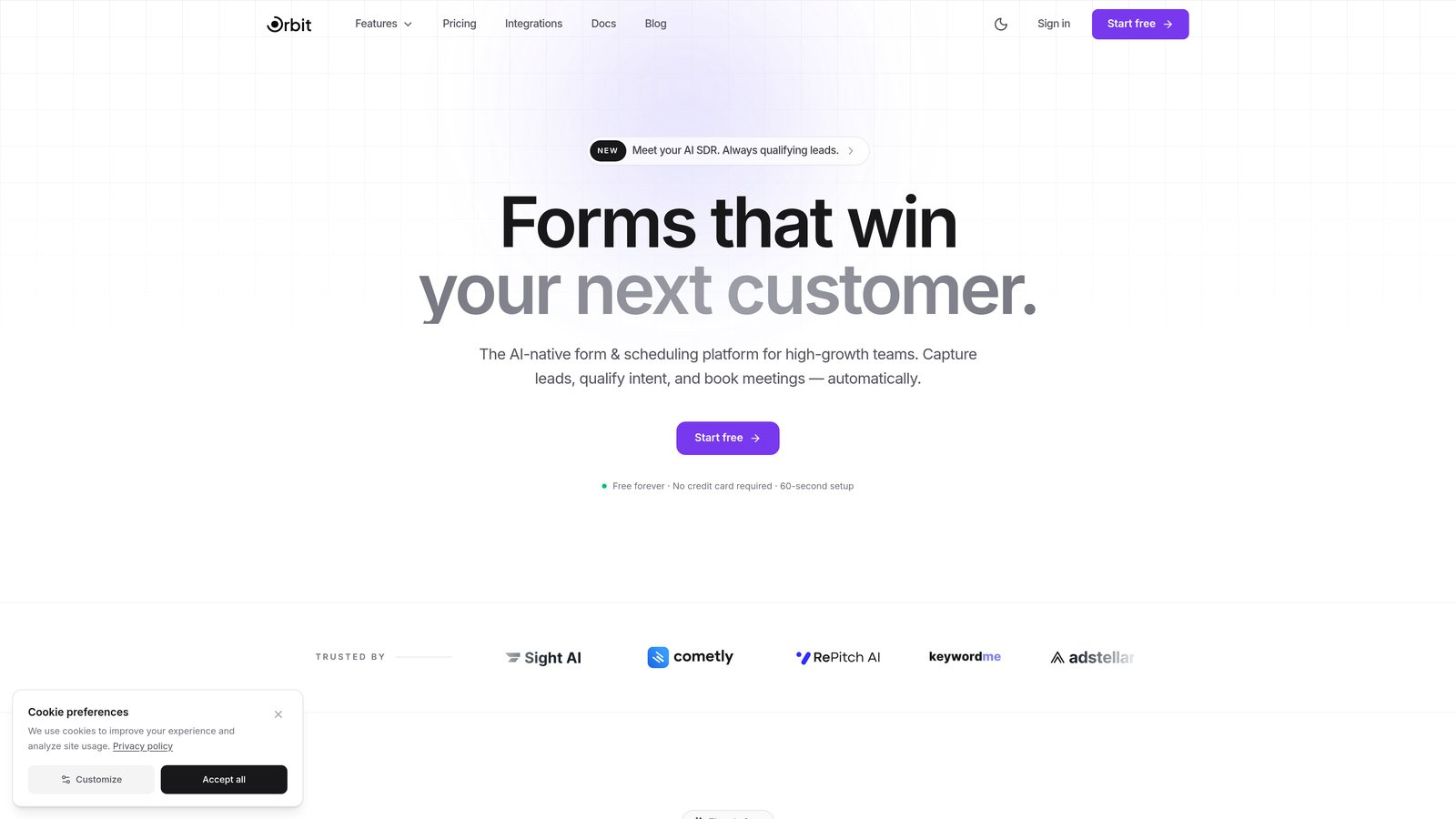
Orbit AI is an AI-powered form builder that combines beautiful, conversion-optimized design with native lead qualification and scoring capabilities.
Where This Tool Shines
Most form builders treat lead qualification as an afterthought — you collect submissions, then route them through a CRM or scoring tool downstream. Orbit AI bakes qualification directly into the form experience itself. Every form you build has AI-powered lead scoring running under the hood, so your team sees qualified, prioritized leads from the moment a submission lands.
The design quality is genuinely impressive. Orbit AI's templates are built specifically for high-growth teams, meaning they're not generic survey forms with a fresh coat of paint. They're conversion-optimized from the ground up, with smart conditional logic that adapts questions based on how respondents interact with the form in real time.
Key Features
AI-Powered Lead Qualification and Scoring: Every form automatically qualifies and scores leads based on responses, so your sales team focuses on the right prospects first.
Conversion-Optimized Templates: Pre-built templates designed specifically for high-growth SaaS and marketing teams, not generic one-size-fits-all layouts.
Smart Conditional Logic: Questions adapt dynamically based on respondent behavior, creating a personalized experience without manual branching setup.
CRM and Marketing Automation Integrations: Connects seamlessly with the tools your team already uses, keeping your pipeline clean and data flowing automatically.
No-Code Customization: Beautiful, modern form design that anyone on your team can customize without touching a line of code.
Best For
Orbit AI is the strongest fit for SaaS companies, marketing teams, and growth-focused businesses that need more than data collection. If lead qualification is a priority and you want AI doing the heavy lifting on prospect scoring, this is built for exactly that use case.
Pricing
Visit orbitforms.ai for current plan details. A free tier is available to get started.
2. Typeform
Best for: Teams that want a polished, conversational form experience with strong brand presence.
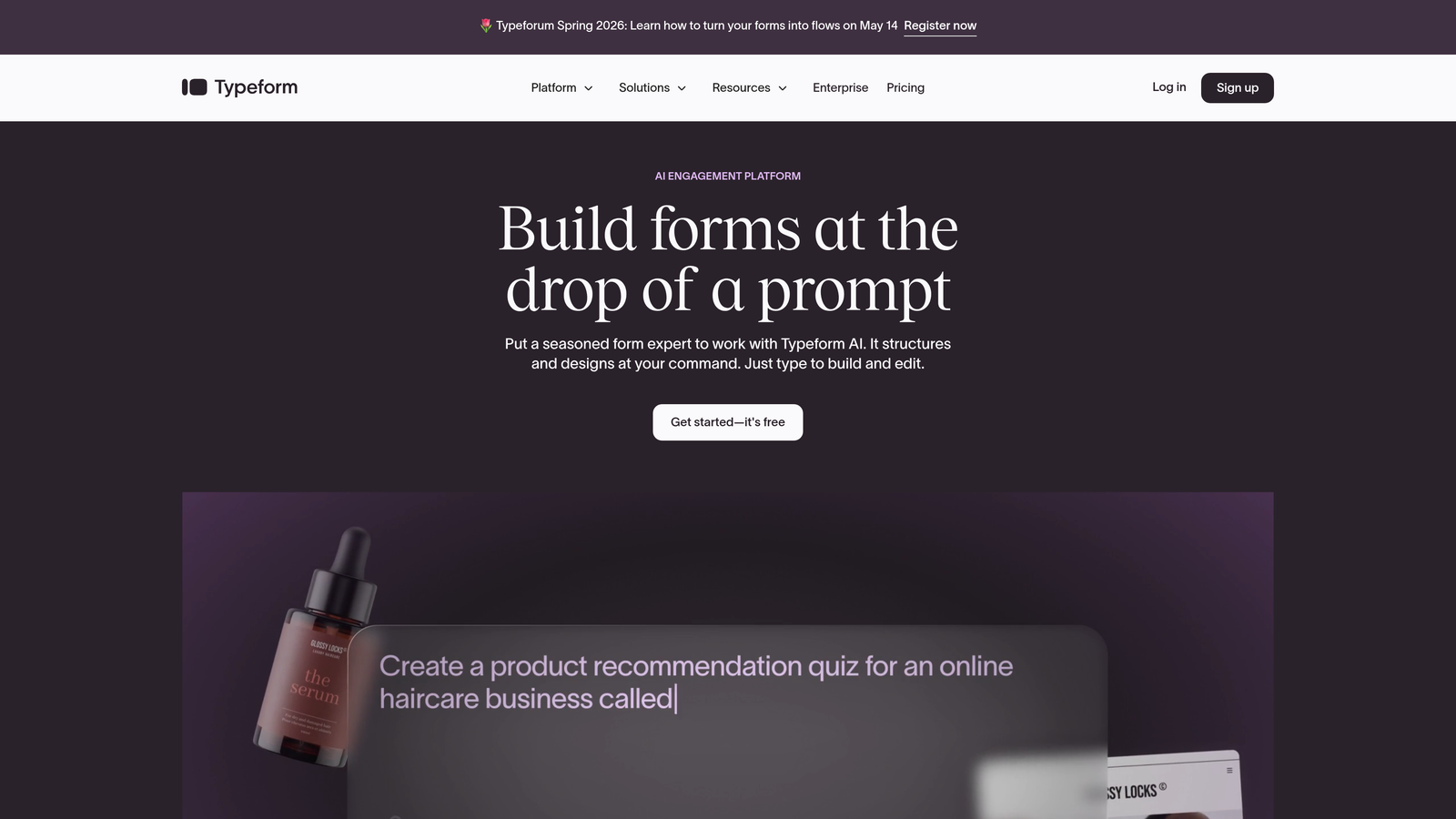
Typeform is the pioneer of one-question-at-a-time conversational forms, now enhanced with AI-powered question generation and response insights.
Where This Tool Shines
Typeform's signature format — presenting one question at a time in a clean, full-screen layout — remains one of the most effective ways to keep respondents engaged. It feels less like filling out a form and more like having a conversation, which typically leads to higher completion rates compared to traditional multi-field layouts.
The AI layer adds meaningful value here. You can now generate an entire form from a natural language prompt, and Typeform's response insights help you understand patterns in your data without manually digging through spreadsheets.
Key Features
Conversational One-at-a-Time Format: Typeform's signature question flow keeps respondents focused and engaged throughout the form experience.
AI Form Generation: Describe what you need in plain language and Typeform builds the form structure for you automatically.
Rich Media Support: Embed video, images, and GIFs directly into questions to create immersive, branded experiences.
120+ App Integrations: Connects with most major CRMs, marketing platforms, and productivity tools.
Advanced Branching and Calculator Fields: Build complex logic flows and scoring systems without needing developer support.
Best For
Typeform works best for marketing teams, agencies, and brand-conscious businesses where presentation matters as much as data collection. It's particularly strong for surveys, quizzes, and lead capture forms where engagement is the priority.
Pricing
Free plan available with limited responses. Paid plans start around $25/month, with higher tiers unlocking more responses and advanced features.
3. Jotform
Best for: Teams that need a comprehensive, template-rich form solution with built-in payment processing.
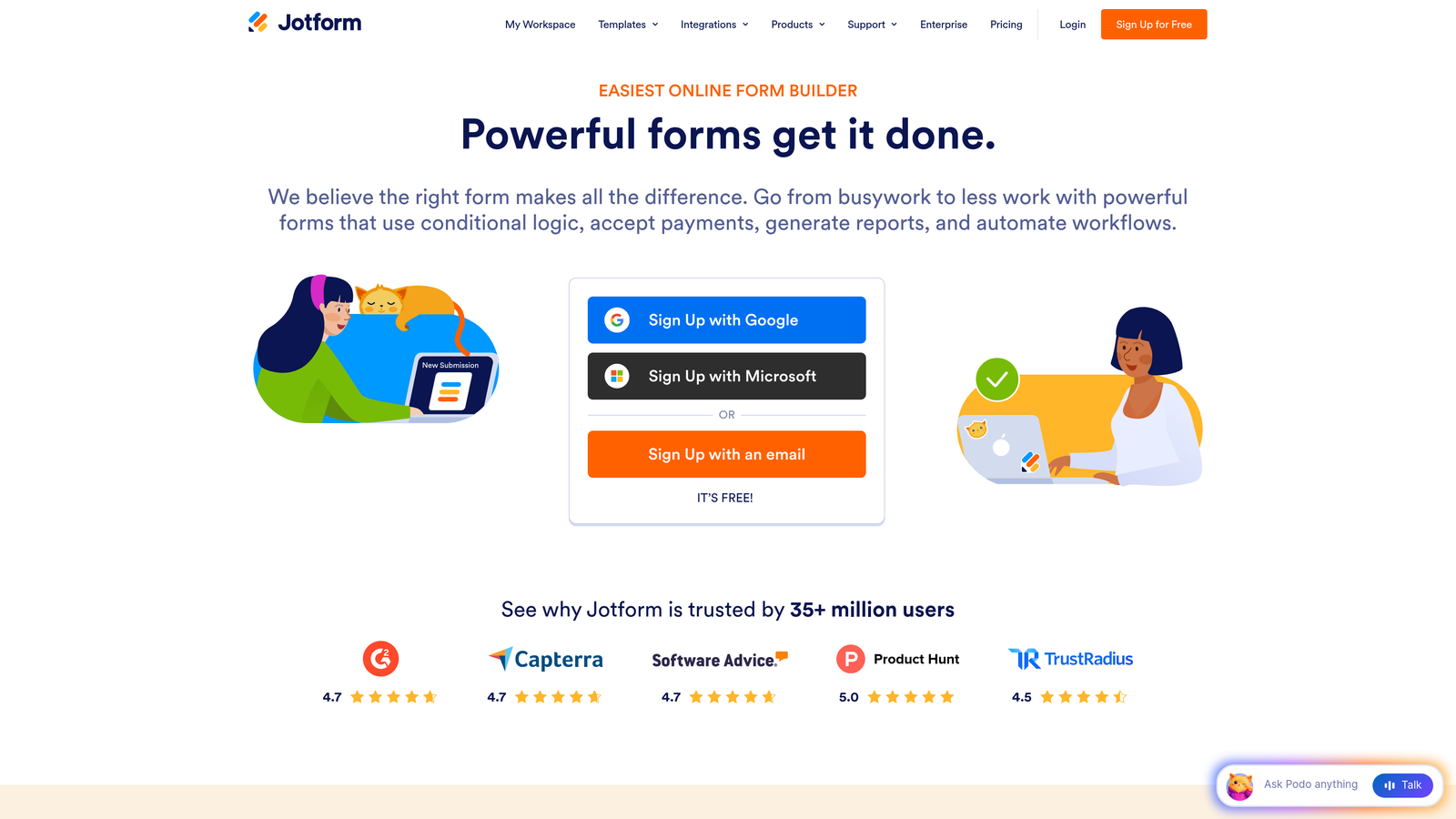
Jotform is a feature-rich form builder with over 10,000 templates and an AI generator that creates forms from simple text descriptions.
Where This Tool Shines
Jotform's sheer breadth is its biggest strength. With over 10,000 templates covering virtually every industry and use case, you can almost always find a starting point that's close to what you need. The AI form generator then lets you refine or build from scratch using plain language prompts, lowering the barrier for non-technical users significantly.
The built-in payment processing is a standout feature that many competitors lack natively. With 30+ payment gateway integrations, Jotform is a strong choice for businesses that need to collect payments or deposits directly through their forms.
Key Features
AI Form Generator: Build complete forms from natural language descriptions, with the AI handling structure, fields, and logic suggestions.
10,000+ Templates: One of the largest template libraries in the market, spanning industries from healthcare to e-commerce.
Built-in Payment Processing: Accept payments through 30+ gateways including Stripe, PayPal, and Square without third-party tools.
Jotform Tables: A built-in database view for managing and organizing form submission data.
PDF Conversion and E-Signatures: Convert forms to PDFs and collect legally binding signatures natively.
Best For
Jotform suits small businesses, nonprofits, healthcare providers, and e-commerce teams that need versatile forms with payment capabilities. It's especially useful for organizations that rely heavily on templates and need a wide variety of form types.
Pricing
Free plan includes up to 5 forms and 100 monthly submissions. Paid plans start around $34/month with higher submission limits and advanced features.
4. Tally
Best for: Individuals and small teams who want a generous free tier and a distraction-free building experience.
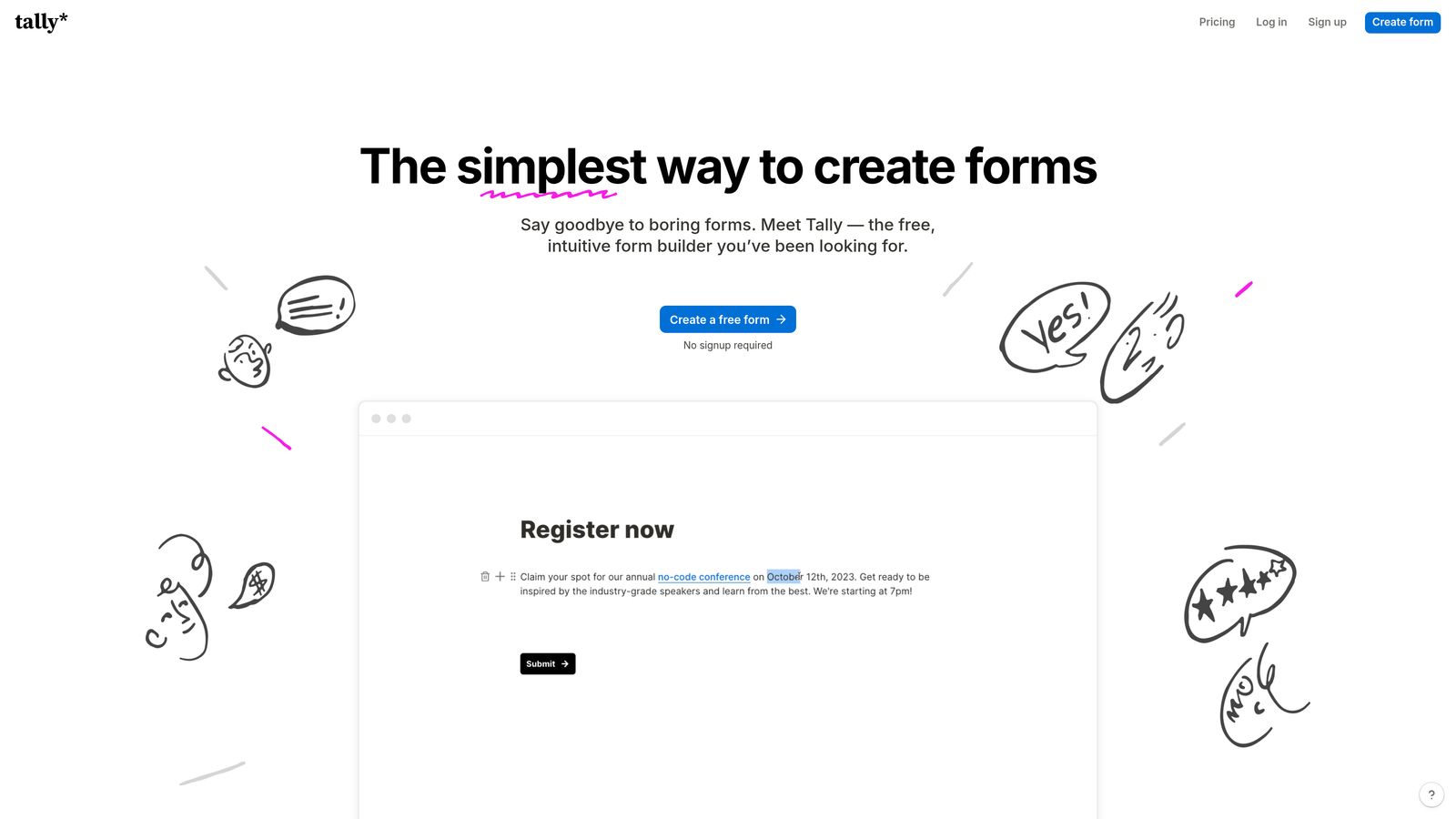
Tally is a minimalist form builder with a Notion-like interface that lets you create forms as naturally as writing a document.
Where This Tool Shines
Tally's interface is genuinely refreshing. Instead of dragging and dropping fields into a canvas, you type your form the way you'd write a document, and fields appear inline as you go. If you're already comfortable in Notion or similar tools, the learning curve is essentially zero.
The free tier is remarkably generous compared to competitors. You get unlimited forms and unlimited submissions on the free plan, which is unusual in a market where most tools cap you at a handful of forms or a few hundred monthly responses.
Key Features
Document-Style Form Building: Create forms by typing naturally, with fields embedded inline like a Notion page.
Unlimited Free Forms and Submissions: One of the most generous free tiers available, with no hard caps on forms or response volume.
AI-Assisted Question Suggestions: AI helps suggest relevant follow-up questions and logic paths as you build.
Native Integrations: Connects directly with Notion, Airtable, Google Sheets, and other productivity tools teams already use.
Custom Domains and Embeds: Publish forms on custom domains or embed them anywhere without branding restrictions on paid plans.
Best For
Tally is ideal for freelancers, indie hackers, early-stage startups, and small teams that need capable forms without a monthly bill. It's also a great fit for Notion-heavy teams that want forms that feel native to their existing workflow.
Pricing
Free plan is very capable with unlimited forms and submissions. Pro plan starts around $29/month for custom branding, priority support, and advanced features.
5. Fillout
Best for: Teams that live in Airtable, Notion, or other databases and need forms that sync natively with their data.
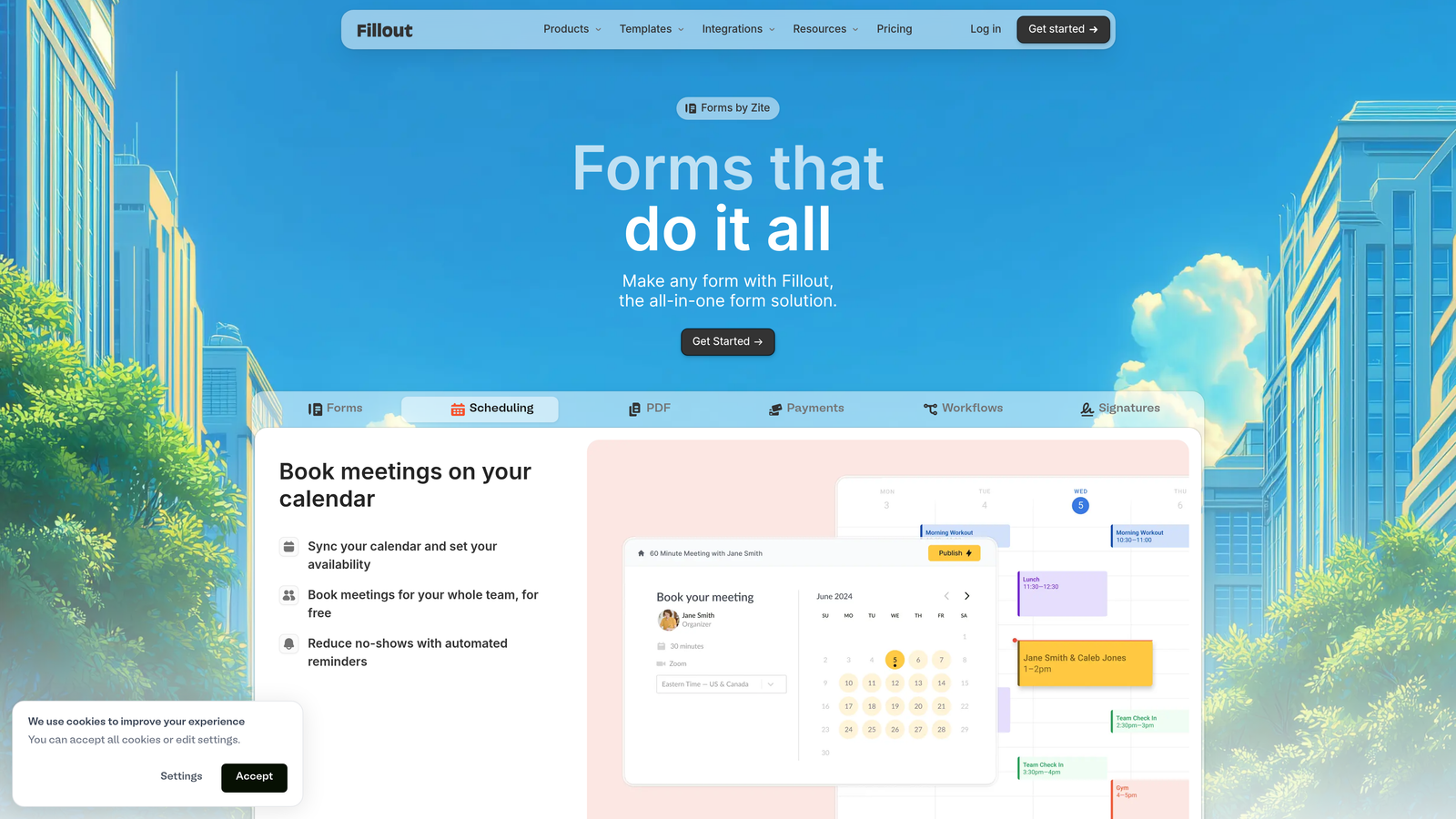
Fillout is a database-native form builder that syncs directly with Airtable, Notion, SmartSuite, and other data tools, with AI-powered logic and scheduling built in.
Where This Tool Shines
Fillout solves a specific but common pain point: you have data living in Airtable or Notion, and you need forms that don't just dump new rows into a spreadsheet but actually interact intelligently with existing records. Fillout's two-way sync means you can create forms that update existing database records, not just append new ones.
The AI-powered conditional logic is well-implemented here, handling smart field mapping between your form and your database schema automatically. This saves significant setup time when working with complex data structures.
Key Features
Native Two-Way Database Sync: Forms connect directly to Airtable, Notion, SmartSuite, and other databases, with the ability to update existing records.
AI-Powered Conditional Logic: Smart field mapping and branching logic that adapts based on respondent inputs and existing data.
Built-in Scheduling and Payments: Handle appointment booking and payment collection without adding separate tools.
Partial Submission Tracking: See where respondents drop off in multi-step forms to identify and fix conversion bottlenecks.
Form Analytics: Built-in analytics dashboard for tracking completion rates, drop-off points, and response trends.
Best For
Fillout is the clear choice for operations teams, product teams, and no-code builders who manage data in Airtable or Notion and need forms that feel like a native extension of their database rather than a separate data collection tool.
Pricing
Free plan available with core features. Paid plans start around $19/month, making it one of the more affordable options with strong database integration capabilities.
6. Feathery
Best for: Developers and product teams building complex in-app flows like onboarding, KYC, and signups.
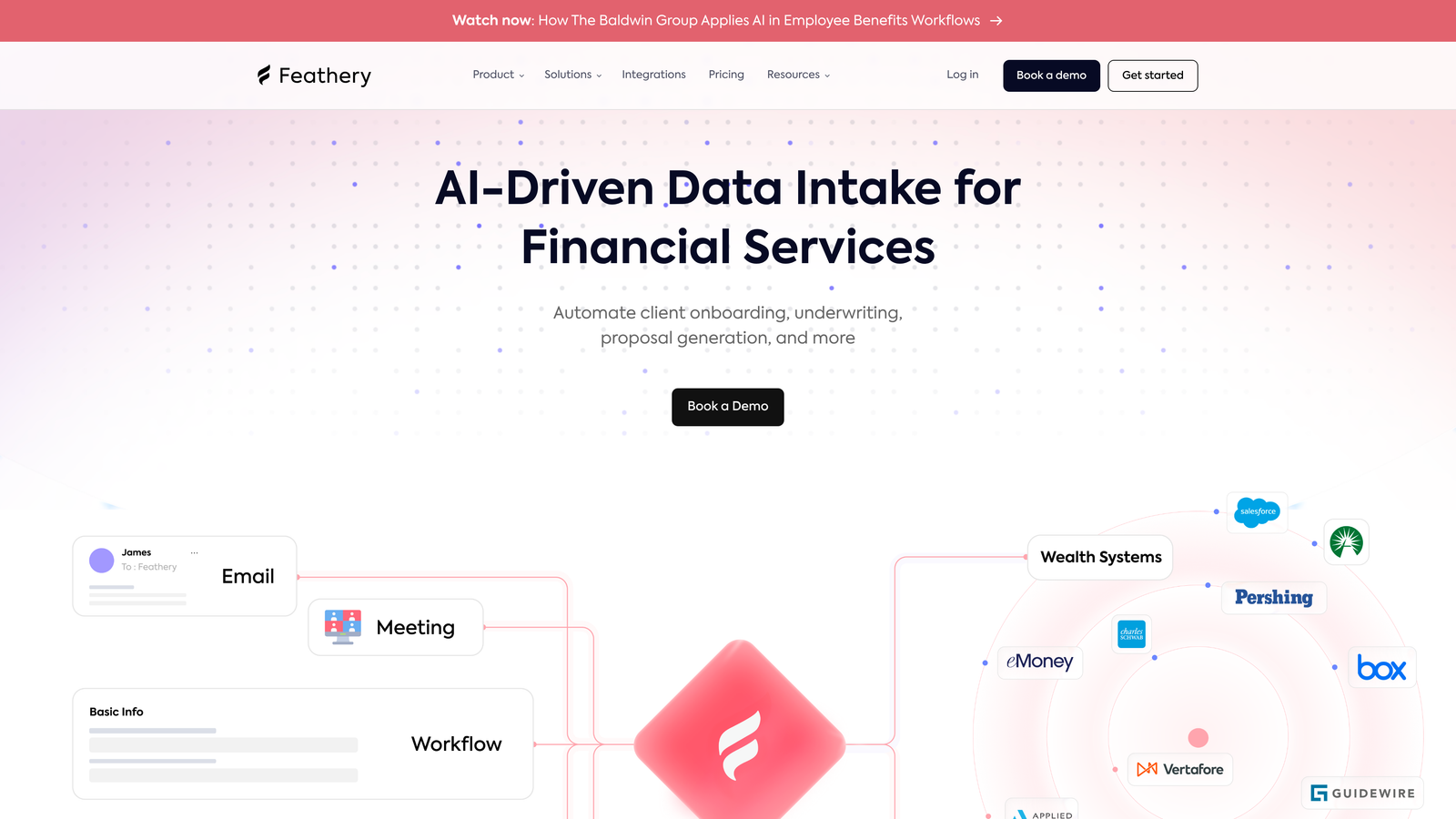
Feathery is a developer-friendly AI form builder designed for multi-step in-app flows with full custom code support and enterprise-grade security.
Where This Tool Shines
Feathery occupies a distinct niche: it's built for product teams that need form-like flows embedded inside their applications, not standalone landing page forms. Think onboarding wizards, KYC verification flows, and complex signup sequences that need to feel like part of your product, not a third-party widget dropped in.
The developer-first approach means you're not constrained by a visual builder's limitations. You can drop into custom code at any point, connect to any API, and build flows that would be impossible in more consumer-focused tools.
Key Features
AI-Assisted Multi-Step Flow Generation: Generate complex, multi-step form flows from prompts, with AI handling branching logic suggestions.
Full Custom Code Integration: Write custom JavaScript, connect to any API, and extend any component beyond its default behavior.
Identity Verification and Document Upload: Pre-built components for KYC flows, document collection, and identity verification use cases.
A/B Testing: Test different form variants natively to optimize conversion across onboarding and signup flows.
SOC 2 Compliance: Enterprise-grade security and compliance certifications for teams handling sensitive user data.
Best For
Feathery is the right choice for engineering and product teams at fintech companies, SaaS platforms, and any business with compliance requirements or complex in-app flow needs. It's overkill for simple lead capture but exceptional for sophisticated product flows.
Pricing
Free plan available for getting started. Growth plans start around $49/month, with enterprise pricing available for larger teams with advanced security needs.
7. Paperform
Best for: Creators and small businesses that want forms with the visual richness of a landing page.
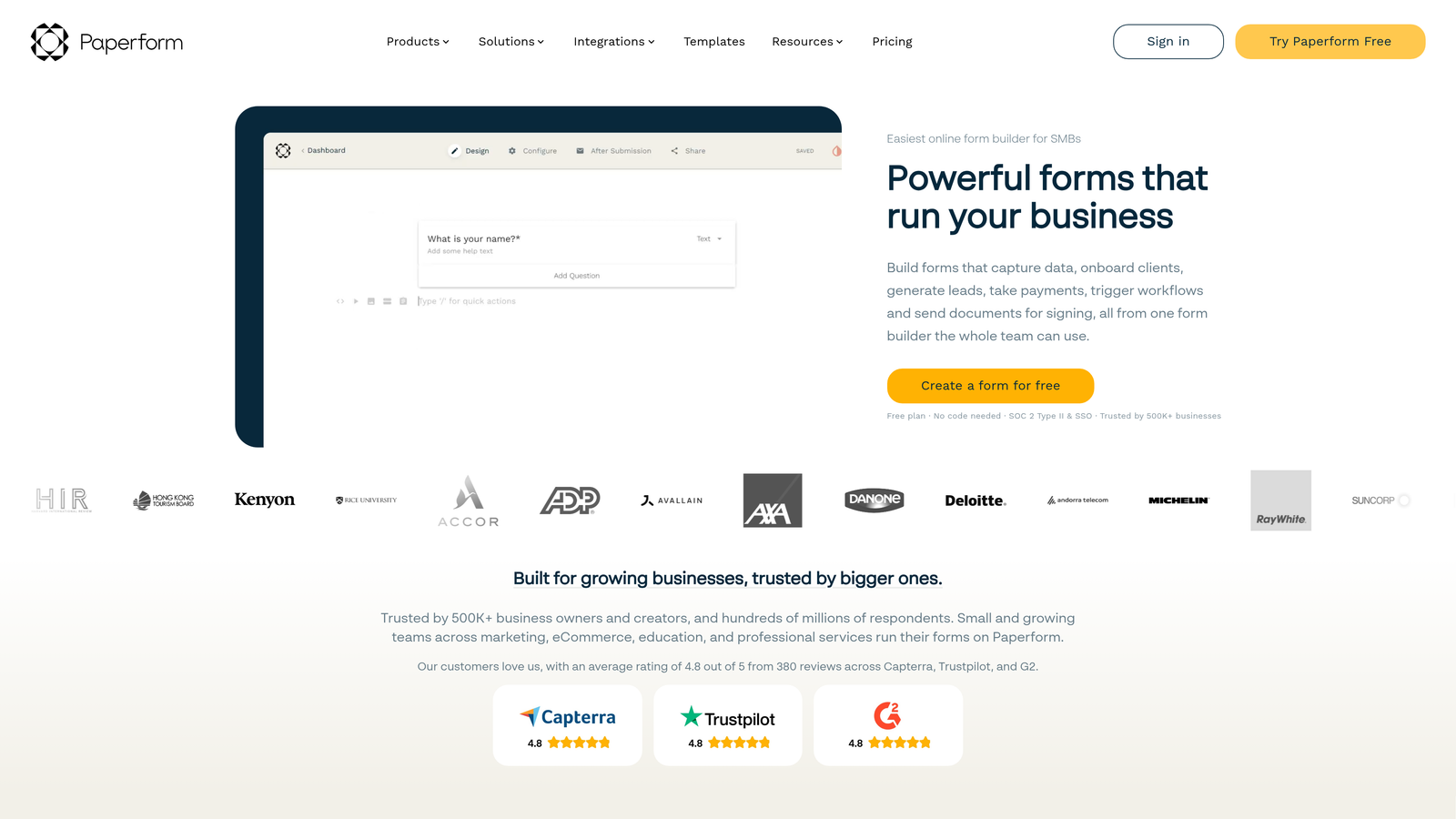
Paperform is a hybrid form builder and landing page creator that lets you build rich, branded form experiences with product displays, media embeds, and payment processing.
Where This Tool Shines
Paperform blurs the line between a form and a landing page in a way that's genuinely useful. You can mix rich text, images, product descriptions, and form fields in a single document-style layout, creating experiences that feel more like a curated page than a data collection form. This is particularly effective for product order forms, event registrations, and service booking pages.
The built-in payment processing covers multiple gateways without requiring a separate e-commerce platform, and the appointment scheduling feature makes it a solid all-in-one tool for service-based businesses.
Key Features
Rich Content Editor: Blend form fields with text, images, video, and product descriptions in a single flexible layout.
Built-in Payment Processing: Accept payments via Stripe, Square, and Braintree directly through your form pages.
Appointment Scheduling: Native booking and scheduling features for service businesses and consultants.
AI-Assisted Form Creation: AI suggestions for question structure and form logic to speed up the building process.
Custom Branding: Full control over fonts, colors, themes, and custom domains for a fully branded experience.
Best For
Paperform works best for small business owners, consultants, coaches, and creators who want a single tool that handles forms, payments, bookings, and branded presentation without stitching together multiple platforms.
Pricing
Plans start around $24/month. There is no free plan, but a 14-day free trial is available to evaluate the platform before committing.
8. Formless by Typeform
Best for: Teams experimenting with fully conversational AI agents that replace traditional form structures entirely.
Formless is an AI-first conversational agent from Typeform that dynamically conducts form-like conversations without any predefined question structure.
Where This Tool Shines
Formless represents a genuinely different category from the other tools on this list. Rather than building a form with predefined fields and branching logic, you set a goal — collect lead information, qualify a prospect, gather product feedback — and the AI agent conducts a natural conversation to achieve it. There's no rigid question sequence; the AI adapts in real time based on what the respondent says.
This approach can feel remarkably human compared to traditional forms. Respondents type freely, and the AI extracts structured data from those freeform responses, giving you clean, organized output from what felt like a casual conversation.
Key Features
Dynamic AI-Generated Questions: The agent generates and adapts questions in real time based on the conversation, with no predefined structure required.
Goal-Based Configuration: Set what information you need to collect, and the AI determines how to get it conversationally.
Natural Conversational Tone: Interactions feel like messaging a knowledgeable person rather than filling out a form.
Structured Data Extraction: Pulls clean, organized data from freeform conversational responses automatically.
Typeform Ecosystem Integration: Connects with Typeform's broader platform and third-party tools for downstream data handling.
Best For
Formless suits forward-thinking marketing and research teams that want to experiment with conversational AI as a data collection mechanism. It's particularly interesting for lead qualification, customer research, and any scenario where rigid form structures feel like a poor fit for the context.
Pricing
Visit formless.ai for current pricing details, as the platform is actively evolving its plans.
9. HubSpot Forms
Best for: Teams already in the HubSpot ecosystem that want CRM-native forms with zero additional cost.
HubSpot Forms is a CRM-native form builder with AI-powered smart fields and progressive profiling, tightly integrated with HubSpot's full marketing and sales platform.
Where This Tool Shines
The integration depth here is unmatched for HubSpot users. When someone submits a HubSpot form, they're automatically created or updated as a contact in the CRM, enrolled in workflows, and tagged for follow-up sequences — all without any manual data transfer. If your team is already operating inside HubSpot, adding forms is a natural extension rather than a separate tool decision.
Progressive profiling is a particularly smart feature: instead of asking returning visitors the same questions they've already answered, HubSpot shows them new fields to gradually build a richer contact profile over time. This reduces friction for repeat visitors while continuously enriching your CRM data.
Key Features
Progressive Profiling: Returning visitors see new questions instead of repeated fields, building richer contact profiles over time without friction.
AI-Powered Smart Fields: Field recommendations and form suggestions based on your existing contact data and conversion goals.
Native CRM Integration: Every submission automatically creates or updates contacts, with no manual data sync required.
Workflow Automation: Trigger email sequences, task assignments, and pipeline updates directly from form submissions.
Free with HubSpot CRM: Core form functionality is included in the free HubSpot tier, making it accessible without additional budget.
Best For
HubSpot Forms is the obvious choice for marketing and sales teams already using HubSpot who want forms that feel native to their CRM. It's less compelling as a standalone form tool if you're not in the HubSpot ecosystem, but for existing users it's often the best default choice.
Pricing
Free with HubSpot CRM. Advanced features including smart fields and A/B testing are available in Marketing Hub plans starting around $45/month.
How to Pick the Right AI Form Builder for Your Team
The right AI form builder depends almost entirely on what you're trying to accomplish and where your data needs to live after the form is submitted.
If lead qualification and conversion optimization are your primary goals, Orbit AI is the standout choice. The native AI lead scoring built into every form means you're not just collecting submissions — you're generating a prioritized, qualified pipeline from day one. For high-growth SaaS and marketing teams, that's a meaningful advantage over tools that treat qualification as a downstream CRM problem.
For teams that prioritize presentation and engagement, Typeform remains the gold standard for conversational form design, while Formless pushes that concept further into fully autonomous AI conversations. If you're database-first and live in Airtable or Notion, Fillout is the most natural fit. For HubSpot users, HubSpot Forms is a no-brainer given the native CRM integration and free entry point.
Here's a quick decision guide based on common use cases:
Lead generation and qualification: Orbit AI is purpose-built for this, with AI scoring running natively on every submission.
Branded, engaging surveys and quizzes: Typeform's conversational format and rich media support make it the top pick.
High-volume forms across many use cases: Jotform's 10,000+ templates and payment processing make it the most versatile option.
Budget-conscious teams or solo builders: Tally's unlimited free tier is hard to beat for the price.
In-app flows and developer customization: Feathery is the only tool on this list built specifically for that context.
CRM-native forms for HubSpot users: HubSpot Forms integrates more deeply than any third-party tool can.
The AI form builder market has matured quickly, and the gap between basic tools and intelligent platforms is widening. The best investment you can make is choosing a tool that grows with your conversion strategy rather than one you'll outgrow in six months.
Ready to see what AI-powered lead qualification looks like in practice? Start building free forms today and experience how intelligent form design can transform your lead generation results.


