

Choosing an AI form builder isn't just about features—it's about finding the right balance between capability and cost for your specific needs. Whether you're a startup watching every dollar or an enterprise team needing advanced lead qualification, pricing structures vary wildly across platforms. Some charge per response, others per seat, and a few offer unlimited submissions.
This guide breaks down the actual costs of nine leading AI form builders, including hidden fees, feature limitations at each tier, and which pricing model makes sense for different use cases. We'll help you avoid overpaying for features you don't need while ensuring you get the AI capabilities that actually drive conversions.
1. Orbit AI
Best for: High-growth teams needing AI-powered lead qualification without per-response pricing surprises
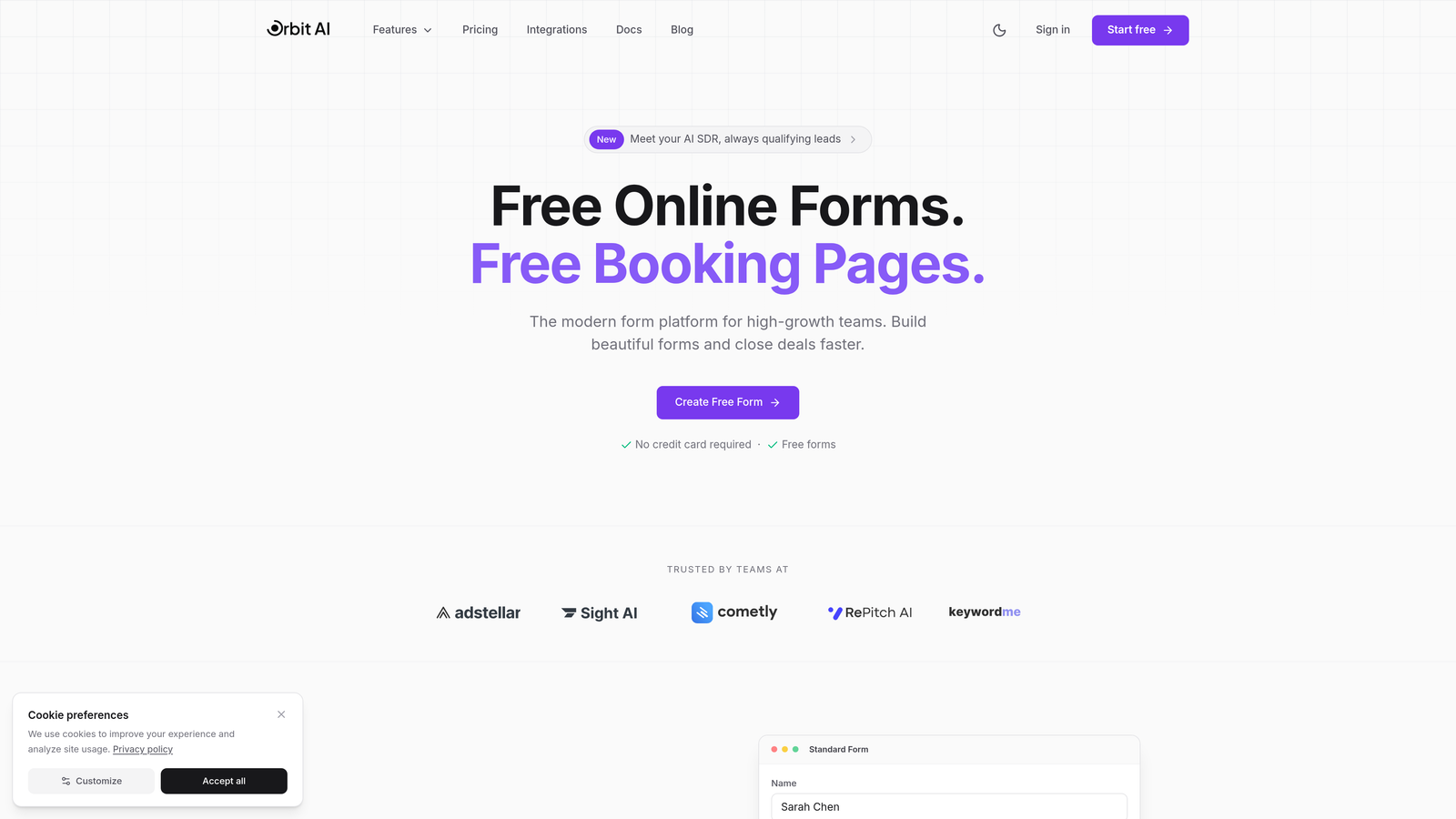
Orbit AI is an AI-powered form builder designed specifically for teams that need intelligent lead qualification built into their conversion funnel.
Where This Tool Shines
The platform's standout feature is its native AI lead qualification that's included in core pricing tiers rather than charged as an expensive add-on. This means you get intelligent form routing and prospect scoring without watching your costs balloon as submission volumes increase.
The conversion-optimized templates are built from real performance data, giving you a head start on form design that actually drives results. For teams focused on lead quality over quantity, this approach eliminates the guesswork from form optimization.
Key Features
AI-Powered Lead Qualification: Automatically scores and routes leads based on response patterns and qualification criteria you define.
Conversion-Optimized Templates: Pre-built form designs based on high-performing conversion patterns across industries.
Native CRM Integrations: Direct connections to major CRM platforms without middleware or complex API configurations.
Workflow Automation: Build sequences that trigger based on form responses and lead qualification scores.
Analytics Dashboard: Track form performance metrics including conversion rates, drop-off points, and lead quality indicators.
Best For
Orbit AI works best for high-growth SaaS companies, B2B teams with complex sales processes, and marketing departments that need to prove ROI on their lead generation efforts. If you're tired of sorting through unqualified leads manually, this platform puts AI to work on qualification from the moment someone starts filling out your form.
Pricing
Orbit AI uses transparent tier-based pricing with AI features included in core plans rather than charged separately. Check their pricing page for current plan details and submission limits at each tier.
2. Typeform
Best for: Creating engaging, conversational form experiences with strong brand customization
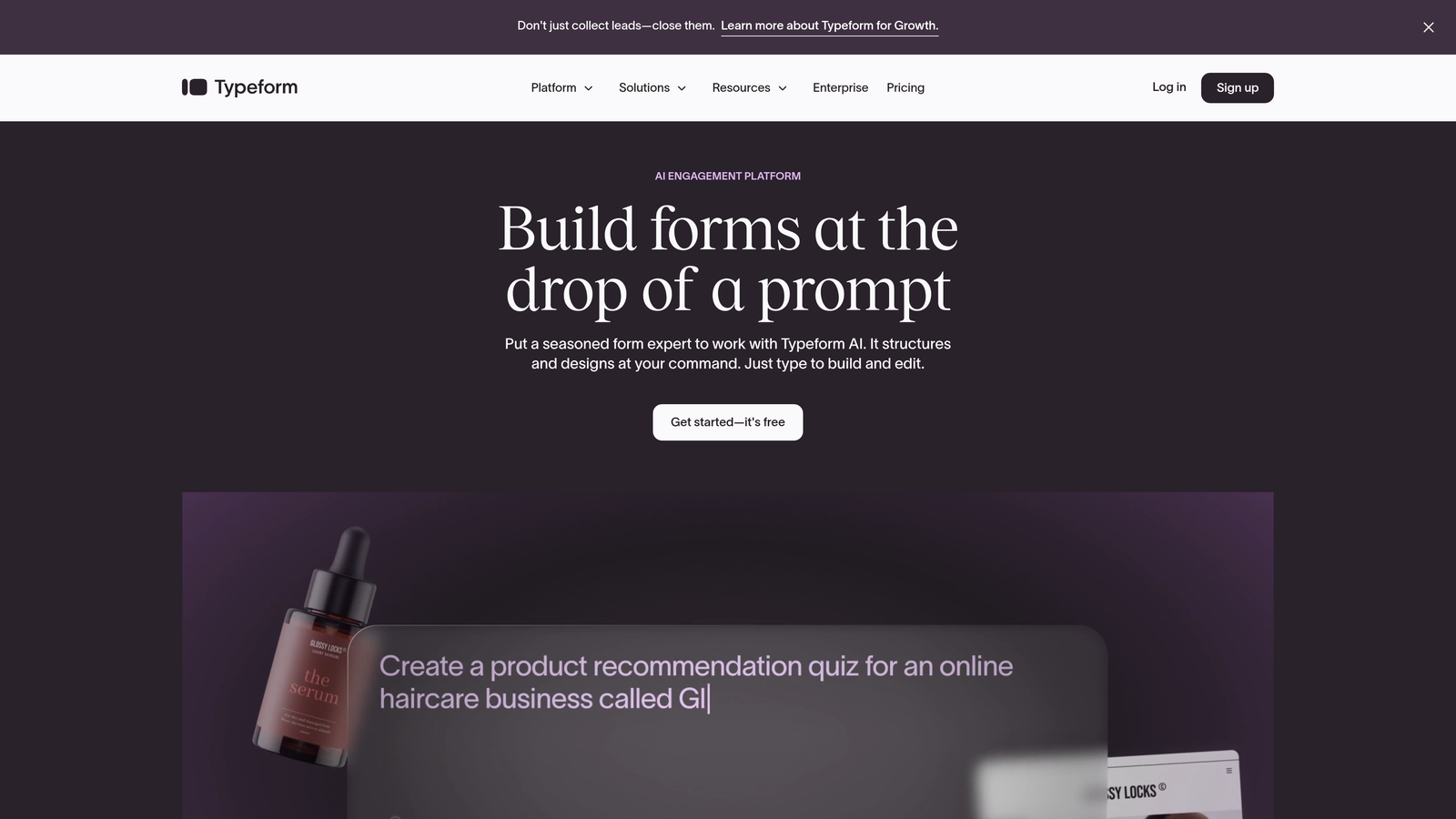
Typeform is a popular conversational form builder known for its one-question-at-a-time approach that feels more like a conversation than a traditional form.
Where This Tool Shines
Typeform's conversational interface genuinely improves completion rates by reducing form overwhelm. Instead of confronting users with a wall of questions, it guides them through one step at a time with smooth transitions and engaging visuals.
The brand customization options are extensive, letting you match forms to your visual identity down to custom fonts, colors, and background images. For companies where brand consistency matters, this level of control is valuable.
Key Features
Conversational Form Experience: One-question-at-a-time interface that feels more engaging than traditional multi-field forms.
Brand Customization: Extensive visual customization including fonts, colors, backgrounds, and custom thank-you screens.
Logic Jumps: Conditional branching that shows different questions based on previous answers.
Rich Media Embedding: Add videos, images, and GIFs directly into form questions for visual engagement.
Integration Marketplace: Connect to hundreds of apps through native integrations and Zapier.
Best For
Typeform is ideal for marketing teams creating surveys, lead magnets, and interactive content where engagement matters more than speed. It works particularly well for consumer-facing brands and companies with strong visual identities who want forms that feel like part of their brand experience.
Pricing
Free tier available with Typeform branding. Basic plan starts around $25/month per seat. Watch for per-response fees at higher volumes—costs can climb quickly for high-traffic forms.
3. Jotform
Best for: Teams needing extensive templates and quick form setup with AI assistance
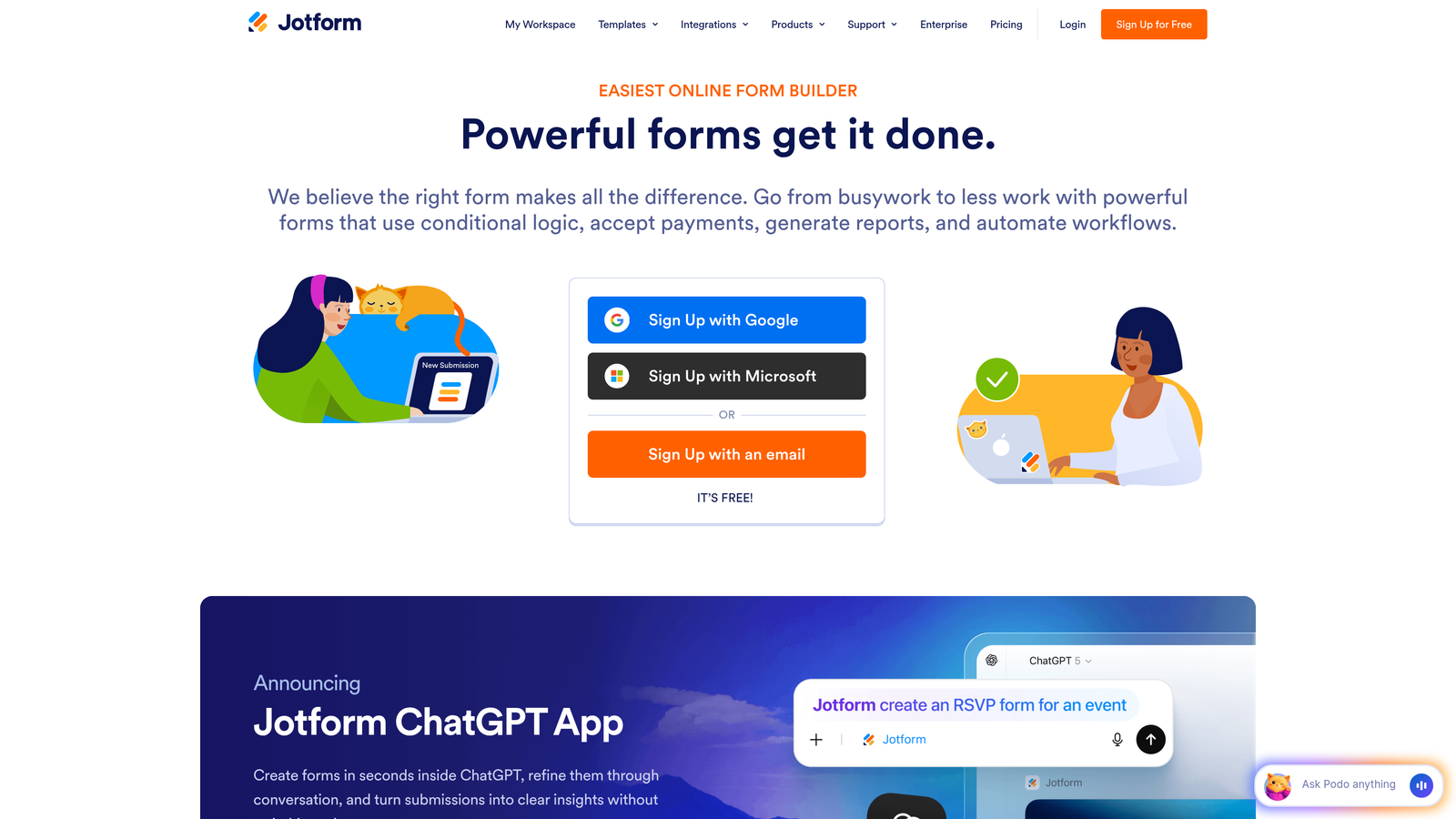
Jotform is an established form builder offering an AI form generator alongside a massive template library for virtually any use case.
Where This Tool Shines
The sheer volume of templates—over 10,000—means you're rarely starting from scratch. Whether you need an event registration form, a job application, or a customer feedback survey, there's likely a pre-built template that gets you 80% of the way there.
The AI form generator accelerates setup by creating forms from text descriptions. Describe what you need, and the AI builds a starting point you can customize. For teams creating multiple forms regularly, this speeds up the initial creation process significantly.
Key Features
AI Form Generator: Describe your form needs in plain text and let AI create the initial structure and fields.
10,000+ Templates: Pre-built forms for nearly every industry and use case imaginable.
PDF Form Conversion: Upload existing PDF forms and convert them to fillable online versions automatically.
Payment Collection: Built-in payment processing through multiple gateways including PayPal and Stripe.
Approval Workflows: Route submissions through approval chains with notifications and status tracking.
Best For
Jotform works well for small businesses, educational institutions, and organizations creating many different types of forms regularly. The template library makes it particularly valuable for teams without dedicated designers who need professional-looking forms quickly.
Pricing
Free tier includes 5 forms with 100 monthly submissions. Bronze plan starts around $34/month with 25 forms and 1,000 submissions. Higher tiers remove submission limits but watch for storage caps on file uploads.
4. Tally
Best for: Budget-conscious teams wanting unlimited forms and responses without subscription costs
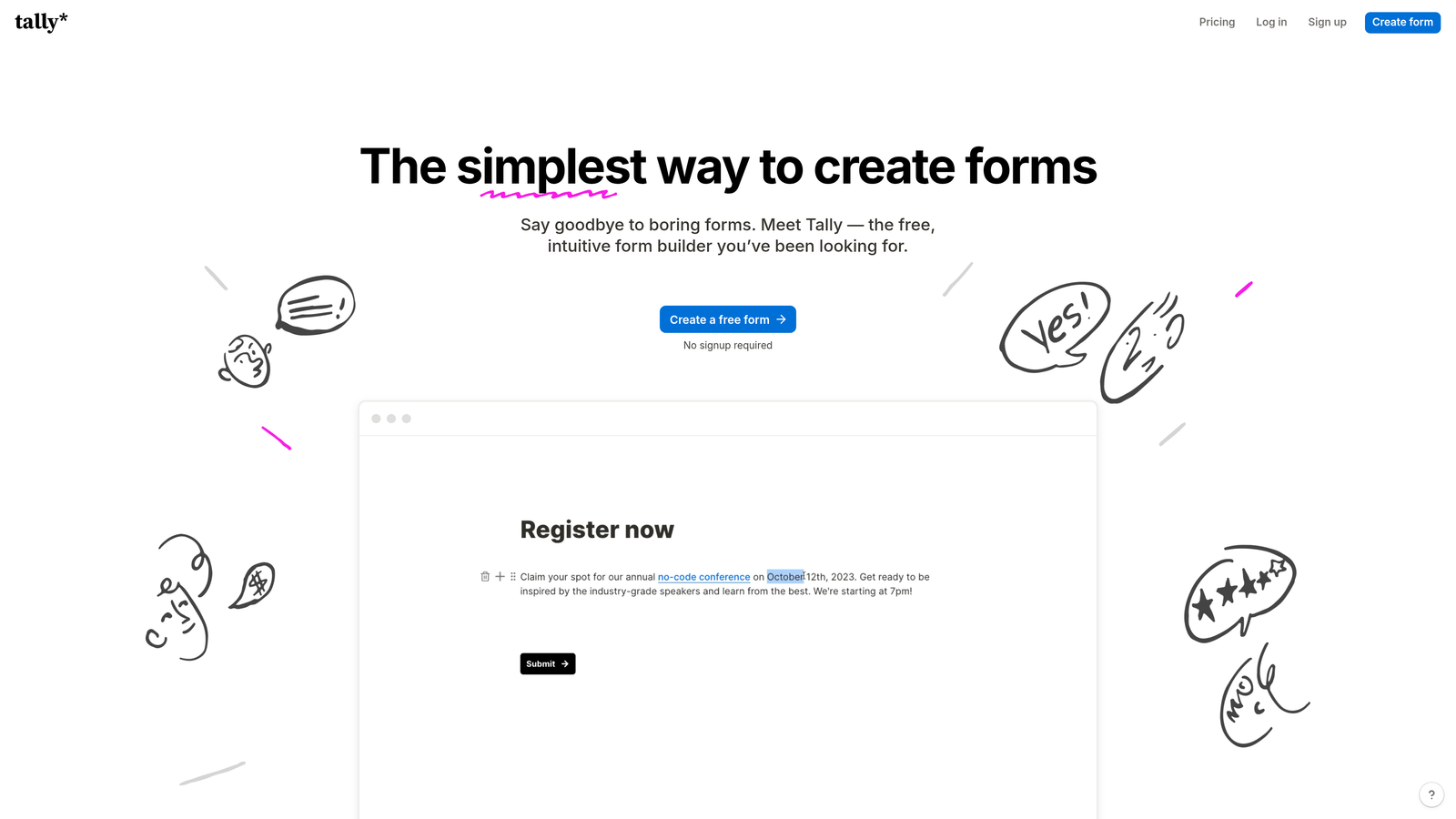
Tally is a Notion-like form builder offering an unusually generous free tier with unlimited forms and responses.
Where This Tool Shines
Tally's free tier is genuinely unlimited—no artificial caps on form numbers or monthly submissions. For bootstrapped startups or side projects, this removes the constant worry about hitting usage limits that plague other platforms.
The Notion-style editing experience feels intuitive if you're already using Notion for documentation or project management. The familiar slash commands and block-based editing reduce the learning curve to nearly zero.
Key Features
Unlimited Free Tier: Create unlimited forms with unlimited submissions on the free plan—no hidden catches.
Notion-Style Editing: Familiar slash commands and block-based editing that Notion users will recognize instantly.
File Uploads: Accept file uploads from respondents without additional charges or storage limits on free tier.
Calculator Logic: Build forms with calculations and conditional logic for interactive experiences.
Clean Design: Minimal, distraction-free aesthetic that works well for professional contexts.
Best For
Tally is perfect for solopreneurs, early-stage startups, and anyone running multiple projects who needs forms without monthly costs adding up. It's also great for teams already using Notion who want consistent editing experiences across tools.
Pricing
Free tier includes unlimited forms and submissions with Tally branding. Pro plan at $29/month adds custom domains, removes branding, includes AI features, and enables team collaboration with multiple users.
5. Fillout
Best for: Teams using Notion or Airtable who need native database integration
Fillout is a modern form builder with native Notion and Airtable integration plus AI-powered conditional logic.

Where This Tool Shines
The native Notion and Airtable sync is seamless—form submissions flow directly into your existing databases without middleware or complex automation setups. If your team lives in Notion or Airtable, this integration alone justifies the platform.
The AI conditional logic helps you build complex branching forms without manually mapping every possible path. Describe the logic you want, and the AI configures the conditional rules, saving significant setup time on sophisticated forms.
Key Features
Native Database Sync: Direct integration with Notion and Airtable databases for automatic submission routing.
AI Conditional Logic: Use AI to configure complex branching logic without manual rule mapping.
Built-In Scheduling: Accept appointment bookings directly through forms with calendar integration.
Payment Collection: Process payments through Stripe without additional payment gateway setup.
Multi-Page Forms: Break long forms into multiple pages with progress indicators to improve completion rates.
Best For
Fillout excels for teams already using Notion or Airtable as their system of record who want form data flowing directly into existing workflows. It's particularly valuable for operations teams managing processes across multiple databases.
Pricing
Free tier available with basic features. Starter plan around $15/month includes more submissions and removes branding. Pro plan around $40/month adds advanced features including white-label options and priority support.
6. Feathery
Best for: Developer teams needing full customization control and API access
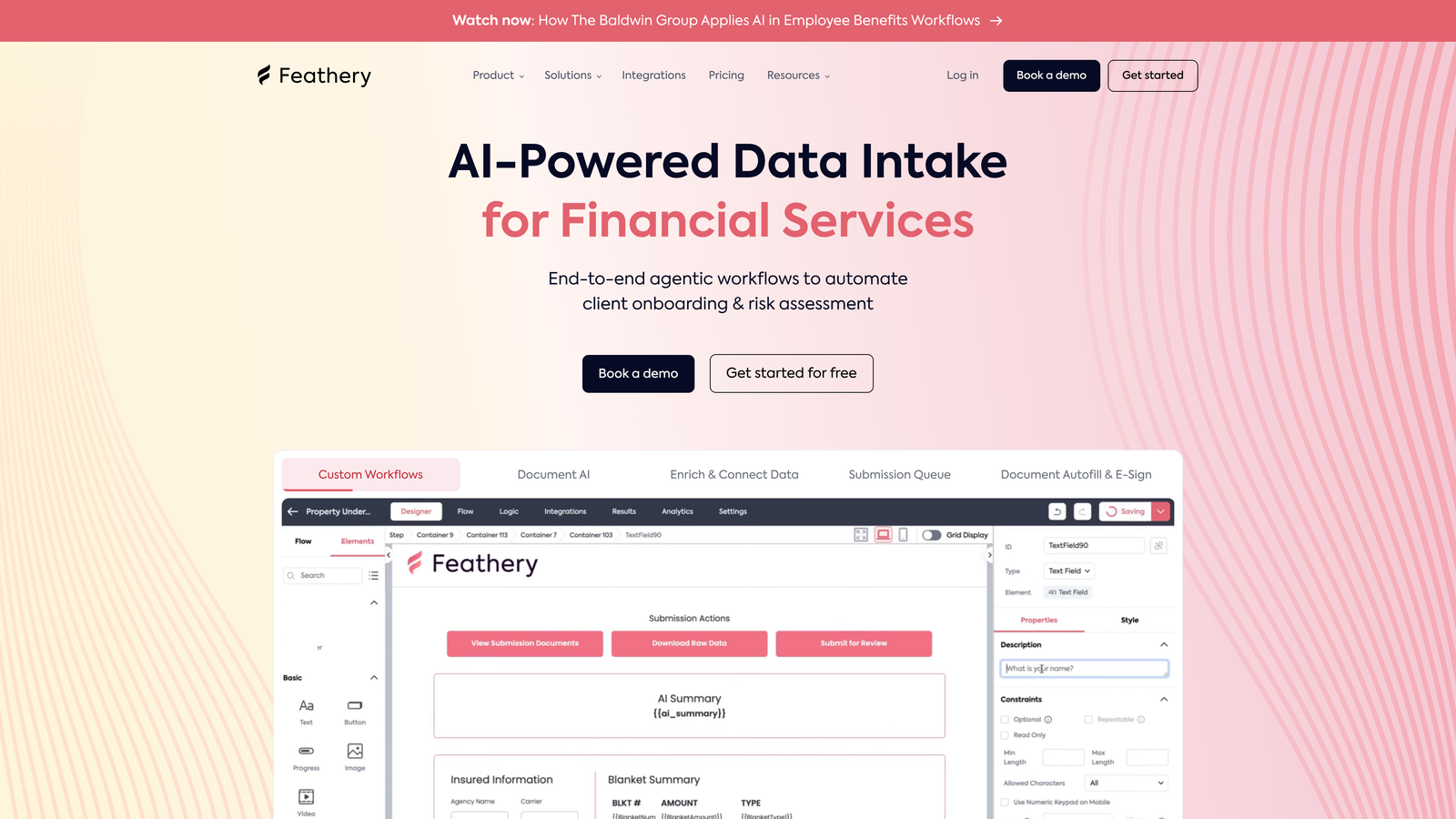
Feathery is a developer-focused form builder with advanced customization options, API access, and AI-powered field validation.
Where This Tool Shines
Feathery gives developers complete control through full CSS and JavaScript customization. Unlike platforms that lock you into preset designs, you can modify literally any aspect of form appearance and behavior to match exact specifications.
The developer API access means you can programmatically create forms, update fields, and retrieve submissions. For teams building forms into product workflows or creating forms at scale, this programmatic control is essential.
Key Features
Full Customization: Complete CSS and JavaScript access for pixel-perfect form design and custom behaviors.
AI Field Validation: Intelligent validation that understands context beyond simple pattern matching.
Multi-Step Workflows: Build complex multi-step form experiences with conditional paths and data persistence.
Developer API: Programmatic form creation, field updates, and submission retrieval through REST API.
White-Label Options: Remove all Feathery branding and host forms on your own domain with custom styling.
Best For
Feathery is built for developer teams, product companies embedding forms into applications, and agencies managing multiple client implementations. If you need forms that integrate deeply with existing systems or require precise control over user experience, this platform delivers.
Pricing
Usage-based pricing model scales with submission volume. Starter tier available for smaller projects. Growth and Enterprise tiers provide higher submission limits, priority support, and custom contract terms for large-scale deployments.
7. Formstack
Best for: Enterprise teams requiring HIPAA compliance and advanced security features
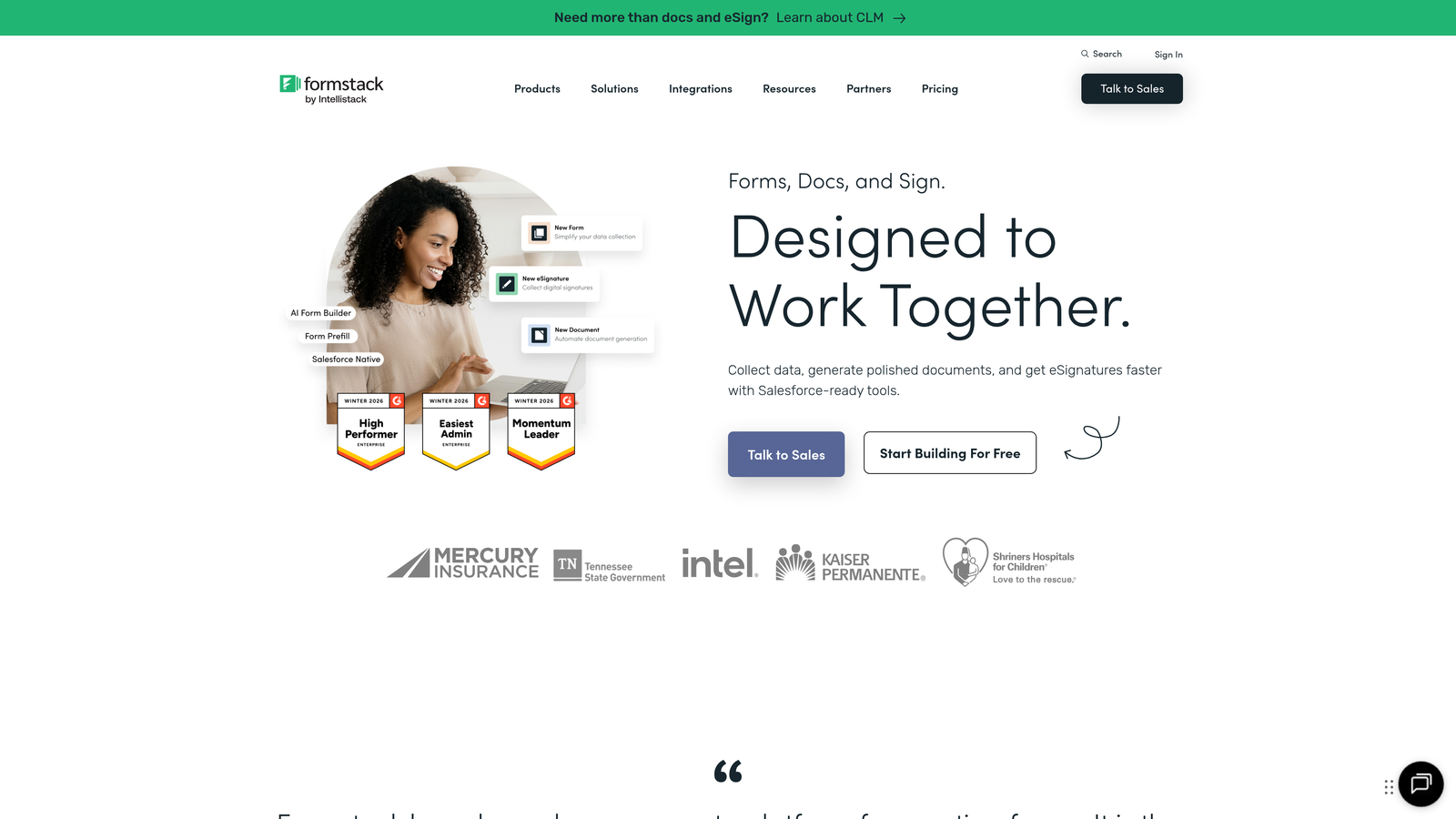
Formstack is an enterprise-grade form builder emphasizing security, compliance, and workflow automation with AI document generation.
Where This Tool Shines
Formstack's HIPAA and GDPR compliance features are built-in rather than bolted on. For healthcare organizations, financial services, or any company handling sensitive data, this compliance foundation removes significant legal and technical risk.
The AI document generation automatically creates customized documents from form submissions—think contracts, proposals, or reports that populate from user responses. This automation eliminates manual document creation for teams processing high volumes of similar paperwork.
Key Features
Compliance Ready: Built-in HIPAA and GDPR compliance with business associate agreements and data processing addendums.
AI Document Generation: Automatically create customized documents from form data using intelligent templates.
Electronic Signatures: Collect legally binding signatures directly within forms without separate e-signature tools.
Workflow Automation: Advanced routing, approvals, and notifications that handle complex business processes.
Enterprise Security: SSO integration, advanced user permissions, and audit logging for security-conscious organizations.
Best For
Formstack serves healthcare organizations, financial institutions, government agencies, and large enterprises where compliance and security aren't optional. If you're handling protected health information, financial data, or other regulated information, the compliance features justify the premium pricing.
Pricing
Starter plan around $50/month for basic features. Teams plan around $83/month adds collaboration and advanced workflows. Enterprise pricing available on request with custom compliance requirements, dedicated support, and volume discounts.
8. Paperform
Best for: Creating product pages and booking forms with advanced calculation capabilities
Paperform is a design-focused form builder combining document-style editing with powerful calculations and conditional logic.
Where This Tool Shines
Paperform's document-style editing lets you create forms that feel more like landing pages than traditional forms. You can mix form fields with text, images, and formatting to create cohesive experiences that explain and collect information simultaneously.
The advanced calculations engine handles complex math including pricing calculators, quote generators, and ROI estimators. For businesses selling configurable products or services, these calculation capabilities turn forms into interactive sales tools.
Key Features
Document-Style Editing: Create forms that feel like landing pages with mixed content and form fields.
Advanced Calculations: Build pricing calculators, quote generators, and complex mathematical logic into forms.
Product and Booking Pages: Sell products or accept bookings directly through forms with payment processing.
Conditional Logic: Show or hide fields based on previous answers for personalized form experiences.
Custom Success Pages: Design unique thank-you pages with dynamic content based on form responses.
Best For
Paperform works well for service businesses offering customized pricing, consultants creating interactive calculators, and small e-commerce operations selling configurable products. The calculation features make it particularly valuable for businesses where pricing varies based on customer selections.
Pricing
Essentials plan around $24/month includes basic features with submission limits. Pro plan around $49/month adds advanced calculations and removes submission caps. Agency plan around $159/month designed for teams managing multiple client forms.
9. HubSpot Forms
Best for: HubSpot CRM users wanting native integration without additional form costs
HubSpot Forms is a free form builder integrated with HubSpot CRM, with AI features available through Marketing Hub subscriptions.
Where This Tool Shines
HubSpot Forms is completely free when used with HubSpot's free CRM. For companies already in the HubSpot ecosystem, this eliminates an entire software category from your budget while maintaining seamless data flow.
The direct CRM contact creation means every form submission automatically becomes a contact record with full submission history. This native integration eliminates the sync delays and data mapping issues that plague third-party form integrations.
Key Features
Free with CRM: No additional cost when using HubSpot's free CRM—forms are included in the base platform.
Direct CRM Creation: Form submissions automatically create or update contact records without integration middleware.
Progressive Profiling: Show different questions to known contacts to gradually build complete profiles over multiple interactions.
Smart Content: Personalize form content based on known contact information and behavior history.
Automation Triggers: Start workflows, send emails, or assign tasks automatically based on form submissions.
Best For
HubSpot Forms makes sense for companies already using HubSpot CRM or planning to adopt it. The value proposition is strongest for teams wanting to consolidate tools and eliminate integration complexity rather than managing separate form and CRM platforms.
Pricing
Forms are free with HubSpot CRM at no cost. Advanced features including AI capabilities, advanced automation, and A/B testing require Marketing Hub subscriptions starting at $20/month for Starter tier up to $890/month for Professional tier with full feature access.
Making the Right Choice for Your Budget
The "best" AI form builder depends entirely on your specific situation. If you're a high-growth team focused on lead quality over quantity, platforms like Orbit AI that include AI qualification in base pricing deliver better ROI than paying per-response on other platforms. For bootstrapped startups, Tally's unlimited free tier removes cost barriers entirely.
Consider your actual usage patterns before committing. A platform charging $25/month with per-response fees might cost more than a $50/month unlimited plan once you factor in your submission volume. Calculate your expected monthly submissions and work backward to find the pricing model that scales with your growth without surprising you.
Integration requirements matter more than most teams initially realize. If you're deeply invested in HubSpot, their free forms eliminate an entire software category. If you live in Notion or Airtable, Fillout's native sync justifies the subscription cost through time saved on manual data transfer.
For enterprise teams, don't skimp on compliance features. Formstack's higher pricing includes HIPAA compliance and enterprise security that would cost significantly more to implement yourself. The premium becomes insurance against regulatory violations and data breaches.
The calculation is straightforward: evaluate your monthly submission volume, required integrations, compliance needs, and team size. Match those requirements against each platform's pricing structure to find where you get the most capability for your budget. The cheapest option rarely delivers the best value—focus on cost per qualified lead rather than raw subscription price.
Transform your lead generation with AI-powered forms that qualify prospects automatically while delivering the modern, conversion-optimized experience your high-growth team needs. Start building free forms today and see how intelligent form design can elevate your conversion strategy.


