

Comparing AI form builder pricing sounds straightforward until you actually try it. Free plans have hidden response caps, "AI features" often live behind premium paywalls, and pricing models vary so wildly that a direct comparison feels nearly impossible. One platform charges per response, another per form, and a third bundles everything into a flat monthly fee.
If you're building a lead generation stack for a high-growth team, choosing the wrong plan can mean either overpaying for features you don't need or hitting a wall right when your volume starts to scale. This breakdown cuts through the noise by evaluating each tool on four criteria: free tier generosity, how AI features are distributed across plans, per-response or per-form limits, and overall value at each pricing level.
Whether you're qualifying leads at scale, building complex onboarding flows, or just need a beautiful form that converts, here are the top AI form builders compared by their actual pricing structures.
1. Orbit AI
Best for: High-growth teams that need AI-powered lead qualification built directly into their forms.
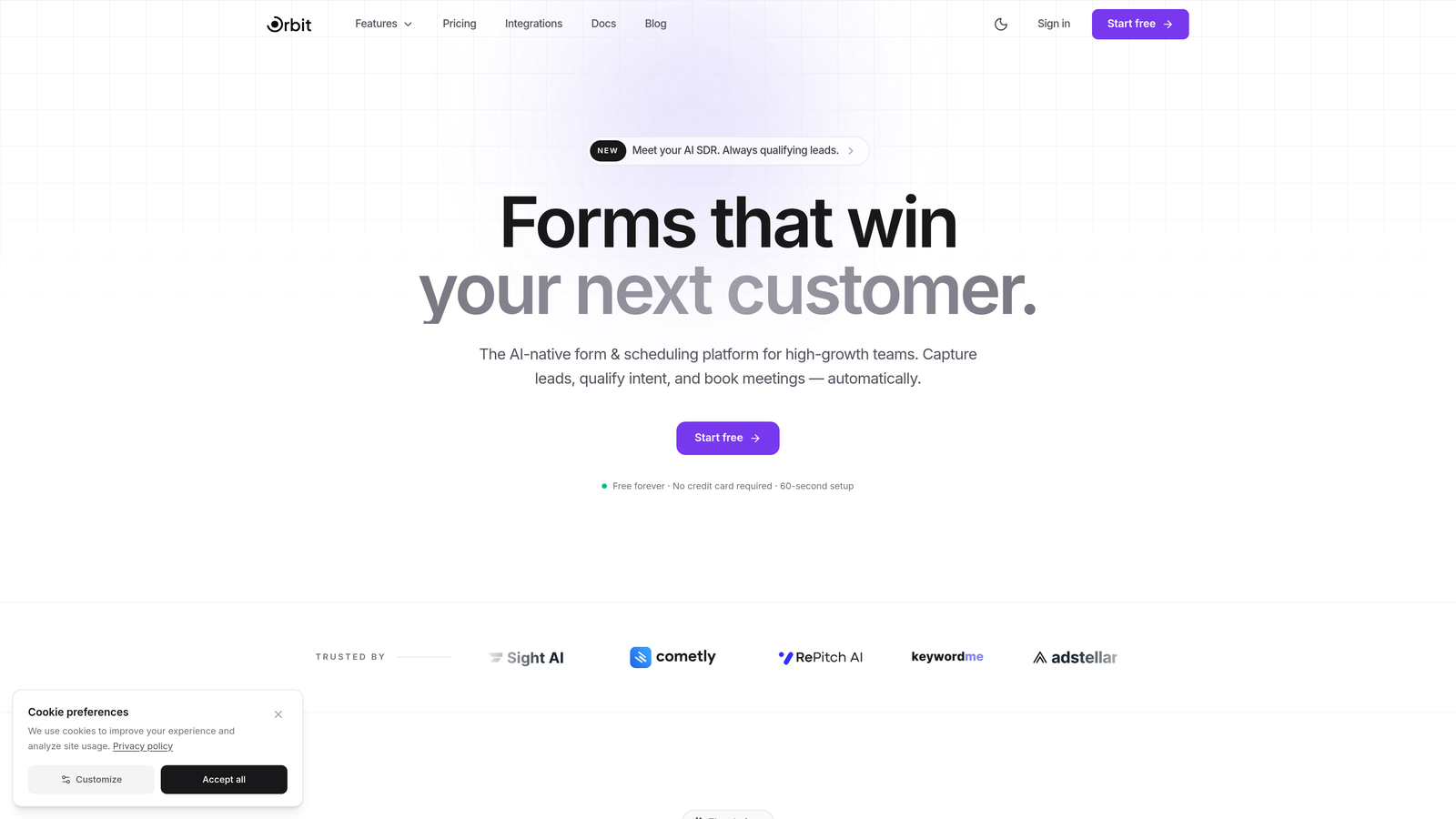
Orbit AI is an AI-powered form builder platform built specifically for teams focused on conversion optimization and lead quality, not just lead volume.
Where This Tool Shines
Most form builders treat AI as a bolt-on feature: a button that generates questions, maybe a summary of responses. Orbit AI takes a different approach by embedding lead qualification intelligence directly into the form experience itself. The result is a form that doesn't just collect data, it actively helps you understand which leads are worth pursuing.
This makes a meaningful difference for sales and marketing teams running high-volume campaigns. Instead of passing raw form submissions downstream for manual review, your team receives pre-qualified leads with context. The growth-focused analytics layer adds another dimension, giving you visibility into where your conversion funnel is leaking.
Key Features
AI-Powered Lead Qualification: Built natively into the form experience, not added as a post-submission filter.
Conversion-Optimized Templates: A design system built around form completion rates, not just aesthetics.
Smart Conditional Logic: AI-driven branching that adapts the form path based on user responses in real time.
Growth-Focused Analytics: Dashboard insights designed for teams tracking lead quality, not just submission counts.
Scaling Architecture: Built to grow with your team without forcing painful plan upgrades at awkward moments.
Best For
SaaS companies, demand generation teams, and growth marketers who need forms that do more than collect data. Orbit AI is the right fit if lead qualification is a core part of your funnel and you want that intelligence living inside the form itself rather than in a separate tool.
Pricing
Orbit AI's pricing is designed to scale with growing teams. Visit orbitforms.ai for current tier details, as plans are structured to match different stages of team growth.
2. Typeform
Best for: Teams that prioritize brand experience and polished conversational form design.
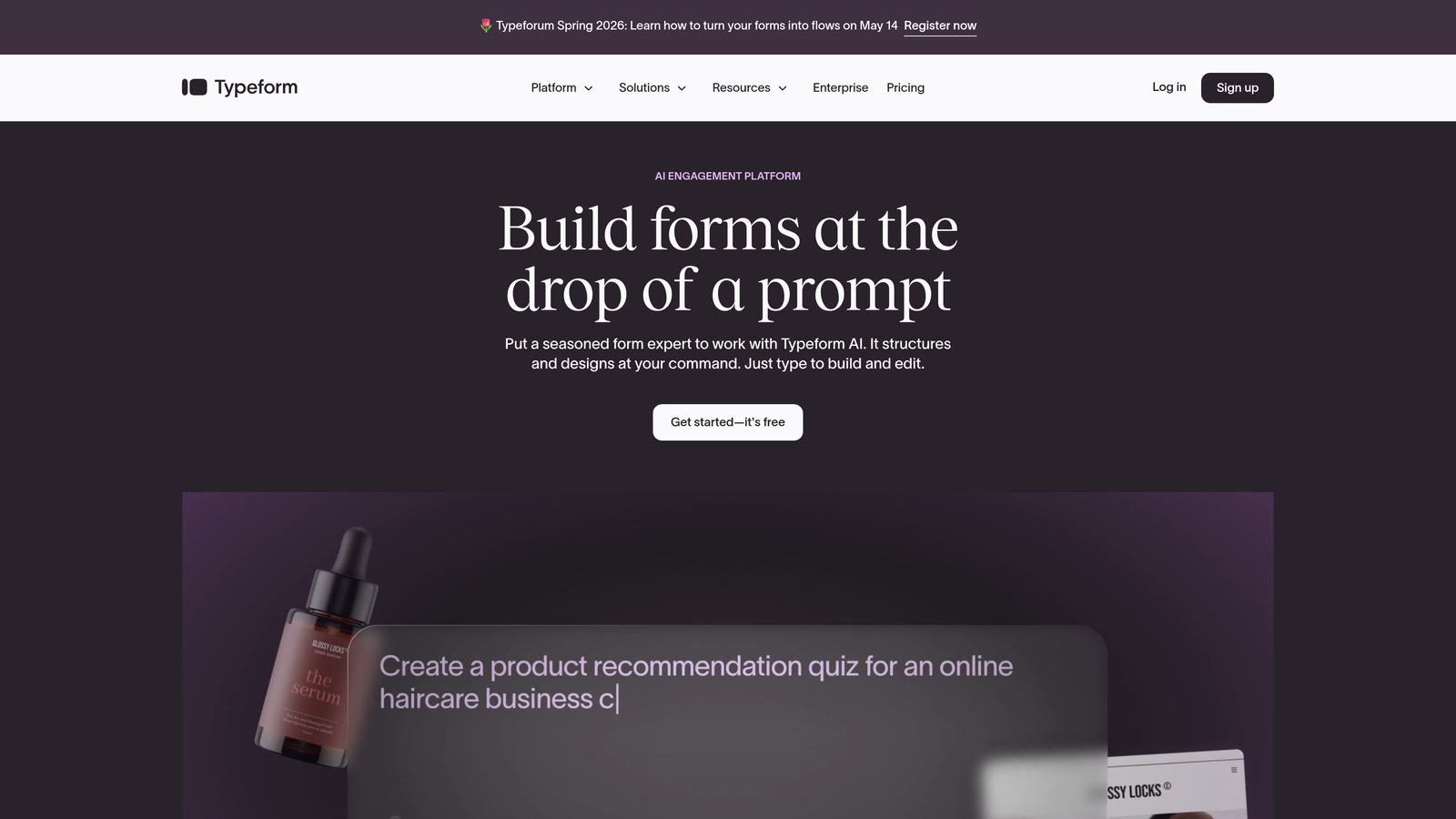
Typeform is a conversational form builder known for its one-question-at-a-time interface, AI-powered form generation, and response analysis tools.
Where This Tool Shines
Typeform's strength has always been the experience it creates for respondents. The format feels less like filling out a form and more like having a conversation, which typically leads to higher completion rates on longer surveys and feedback forms. Their AI layer adds question suggestions during creation and response summaries after collection.
The trade-off is the pricing model. Typeform charges based on response volume, which means costs can scale quickly if you're running high-traffic campaigns. For teams with predictable, moderate response volumes, the per-response model is manageable. For high-volume lead gen, it can become expensive fast.
Key Features
AI Form Creation: Generate full forms from a text prompt with AI-suggested question types and logic.
Conversational Interface: One-question-at-a-time format that keeps respondents engaged through longer forms.
Response Insights: AI-powered summaries and trend analysis across collected responses.
Integration Ecosystem: Connects with hundreds of tools including HubSpot, Salesforce, and Slack.
Custom Branding: Full brand customization available on paid tiers.
Best For
Marketing teams running surveys, NPS campaigns, or branded lead capture where the respondent experience is a priority. Less ideal for teams with high response volumes where per-response pricing becomes a constraint.
Pricing
Free plan available with limited monthly responses. Paid plans start around $25/month with response caps that increase by tier. AI features and advanced logic are gated behind paid plans.
3. Jotform
Best for: Teams that need a feature-rich form builder with generous submission limits and a massive template library.
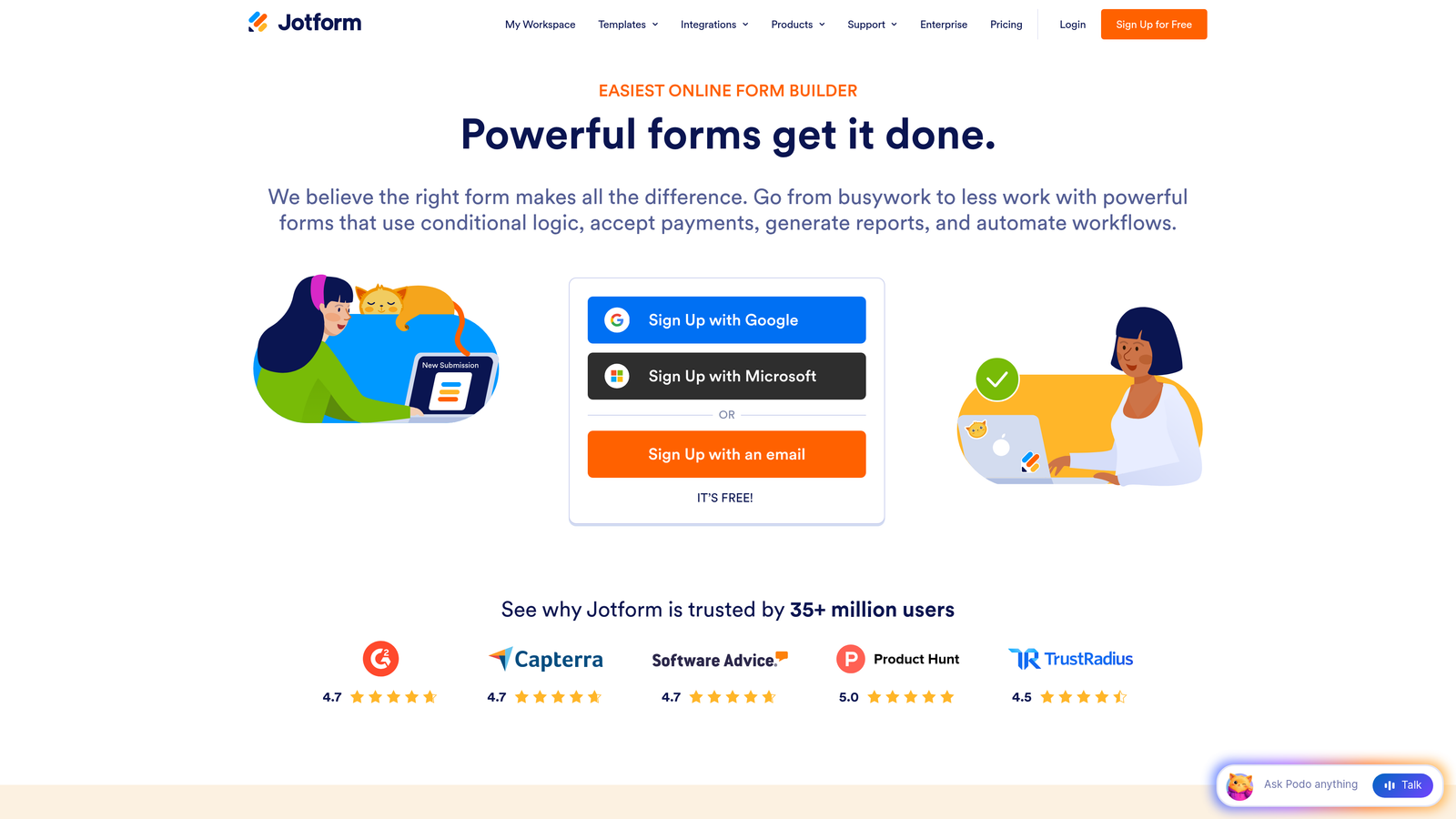
Jotform is a comprehensive form builder offering AI form generation, 10,000+ templates, and one of the most extensive widget libraries in the market.
Where This Tool Shines
Jotform's biggest advantage is breadth. If there's a form type you need to build, from payment collection to HIPAA-compliant patient intake, Jotform almost certainly has a template and the integrations to support it. The AI form generation feature lets you describe what you need in plain language and get a working form in seconds.
The free tier is genuinely usable for small projects, offering five forms and 100 monthly submissions. As you move up the pricing ladder, submission limits increase substantially, making Jotform a reasonable choice for teams with growing but predictable form volume.
Key Features
AI Form Generation: Create forms from text descriptions with automatic field selection and logic.
Template Library: Over 10,000 templates across dozens of categories and industries.
Payment Integrations: Native connections to Stripe, PayPal, Square, and other payment processors.
HIPAA Compliance: Available on higher-tier plans for healthcare and regulated industries.
Conditional Logic: Robust branching and calculation fields for complex form flows.
Best For
Small businesses, agencies, and teams in regulated industries that need a broad feature set without building custom solutions. Also well-suited for teams that want to move fast using pre-built templates rather than designing from scratch.
Pricing
Free tier includes 5 forms and 100 monthly submissions. Paid plans start around $34/month with increasing submission limits and access to advanced features like HIPAA compliance and priority support.
4. Tally
Best for: Individuals and small teams that want unlimited forms and submissions without paying anything.
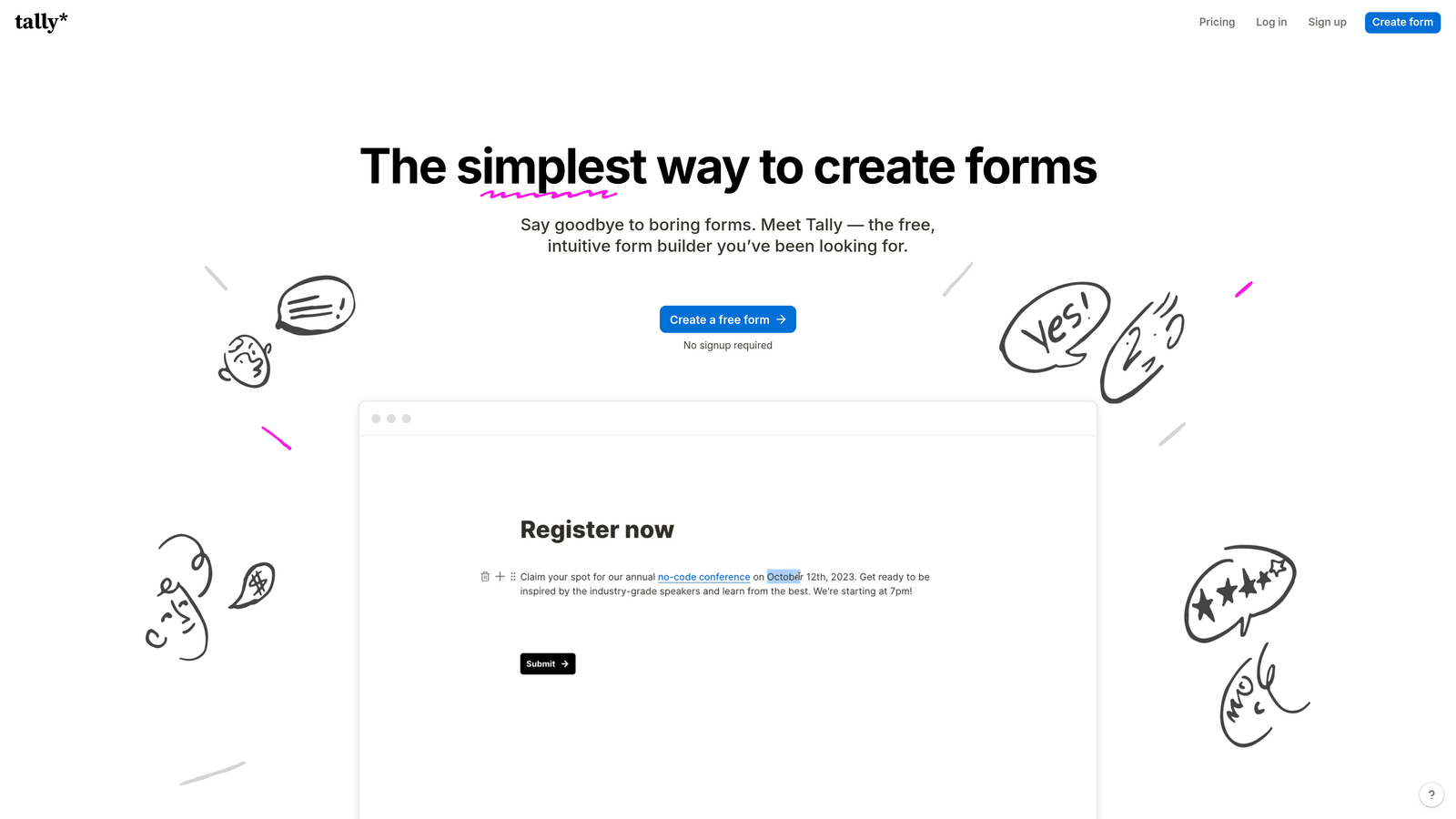
Tally is a minimalist form builder offering unlimited forms and submissions on its free plan, with AI-assisted creation and a clean Notion-like editor interface.
Where This Tool Shines
Tally disrupted the form builder market by making its core product genuinely free, not free-with-asterisks. Unlimited forms, unlimited submissions, and no Tally branding on your forms at the free tier. That's a meaningful departure from competitors that cap you at 100 submissions per month or plaster their logo on every response page.
The editor experience is clean and intuitive, borrowing the block-based feel that Notion users will recognize immediately. AI form generation is available to help you get started quickly, and the single Pro upgrade tier keeps the decision simple: free forever, or $29/month for advanced features.
Key Features
Unlimited Free Usage: No caps on forms or submissions on the free plan, making it genuinely usable at scale.
AI Form Generation: Describe your form in plain language and get a working draft instantly.
Notion-Like Editor: Block-based interface that feels familiar and requires no learning curve.
Pro Tier Simplicity: One upgrade option covering custom domains, team collaboration, and branding removal.
Embed Anywhere: Forms embed cleanly in websites, Notion pages, and other platforms.
Best For
Freelancers, early-stage startups, and small teams that need solid form functionality without a monthly bill. The free plan is genuinely competitive, and the single Pro tier makes upgrading a simple decision when you need it.
Pricing
Free forever plan with unlimited forms and submissions. Tally Pro is around $29/month, adding custom domains, branding removal, and team features.
5. Fillout
Best for: Teams that need forms to connect directly to Airtable, Notion, Supabase, or other database backends.
Fillout is a database-native form builder that integrates directly with modern data tools, offering AI-powered form creation and smart prefill from connected sources.

Where This Tool Shines
Fillout's differentiation is its depth of native integration with data platforms. Rather than just exporting responses to a spreadsheet, Fillout connects forms directly to your existing database layer. You can build forms that read from and write to Airtable, Notion, Supabase, and Google Sheets in real time, with smart prefill that pulls existing data into form fields automatically.
This makes Fillout particularly valuable for operations teams, product teams building internal tools, and anyone running workflows where form data needs to flow cleanly into a structured backend without manual export and import steps.
Key Features
Native Database Integrations: Direct connections to Airtable, Notion, Supabase, Google Sheets, and more.
AI Form Generation: Create forms from natural language descriptions with appropriate field types.
Smart Prefill: Automatically populate form fields from connected data sources based on known user information.
Multiple Form Types: Supports scheduling, payments, quizzes, and multi-page form flows.
Conditional Logic: Advanced branching to create personalized form paths.
Best For
Operations teams, product managers, and developers who need forms tightly coupled with existing data infrastructure. Particularly strong for Airtable and Notion power users who want forms that feel native to their existing workflow.
Pricing
Free plan available with core features. Paid plans start around $19/month, scaling with the number of connected integrations and access to advanced features.
6. Feathery
Best for: Developers and product teams building complex onboarding flows and embedded form experiences.
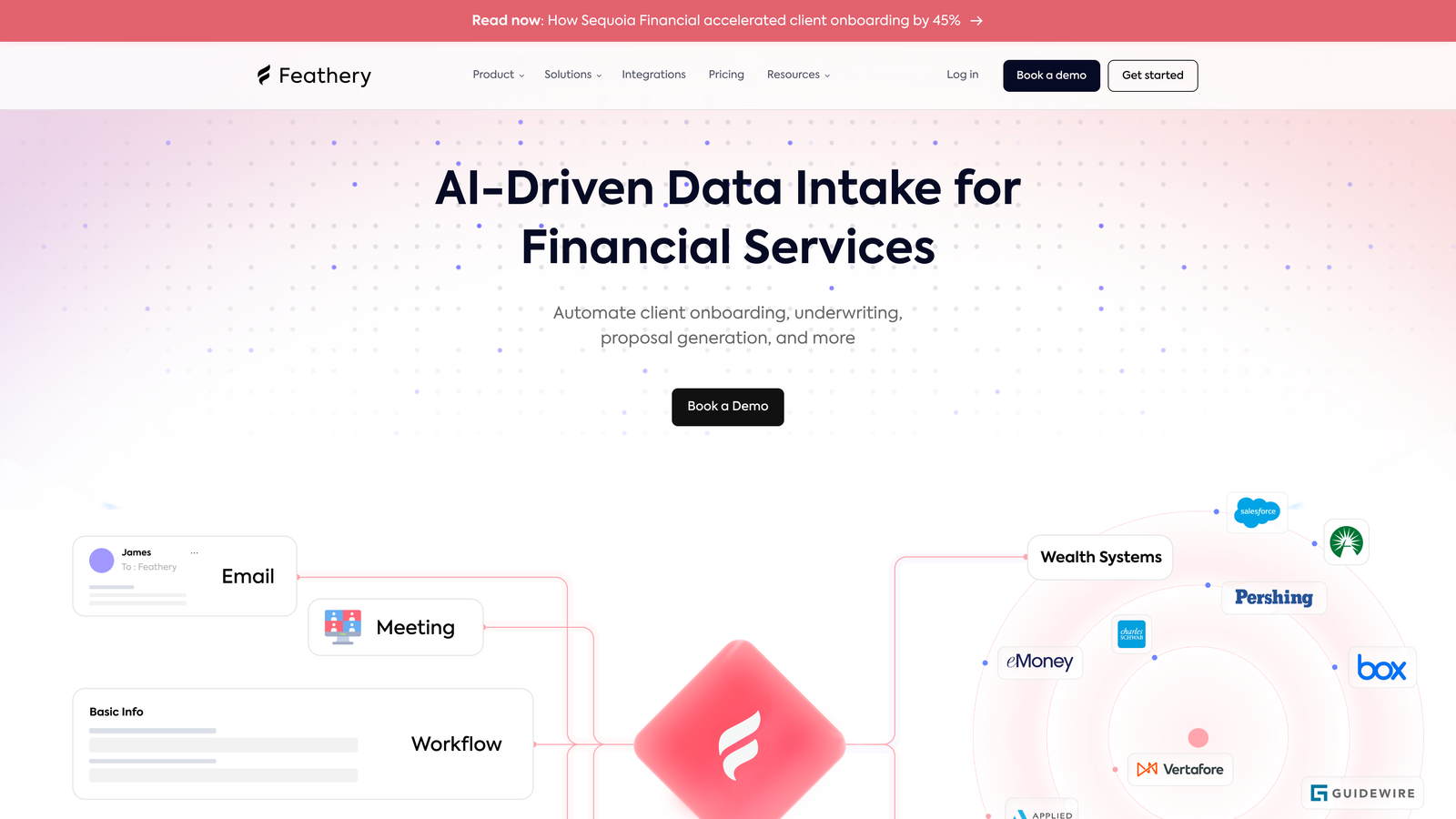
Feathery is a developer-focused form builder designed for multi-step workflows, product onboarding, and embedded form experiences with full code customization support.
Where This Tool Shines
Feathery occupies a niche that most form builders don't serve well: complex, multi-step product flows that need to behave more like mini-applications than simple forms. Think user onboarding sequences, KYC flows, insurance applications, or any scenario where the form logic is deeply intertwined with your product's backend.
The React and JavaScript SDKs let engineering teams embed Feathery forms as first-class components in their product, with full access to custom code, API calls within form logic, and event-driven integrations. AI generation helps non-technical stakeholders draft initial flows that developers can then refine.
Key Features
AI Flow Generation: Generate multi-step form flows from descriptions, with logic and branching included.
Custom Code Support: Add JavaScript, make API calls, and run custom logic within form steps.
React and JS SDKs: Embed forms as native components in web applications with full programmatic control.
Advanced Conditional Logic: Complex branching, calculations, and dynamic field behavior.
Product Onboarding Optimization: Built-in patterns for signup flows, activation sequences, and progressive profiling.
Best For
Engineering-led product teams, fintech and insurtech companies with complex data collection requirements, and any organization where form logic needs to integrate deeply with application code rather than just export to a spreadsheet.
Pricing
Free tier available for small projects. Paid plans start around $49/month, scaling by active users and access to advanced developer features and integrations.
7. Paperform
Best for: Small businesses that want forms, payments, bookings, and landing pages in a single tool without per-response charges.
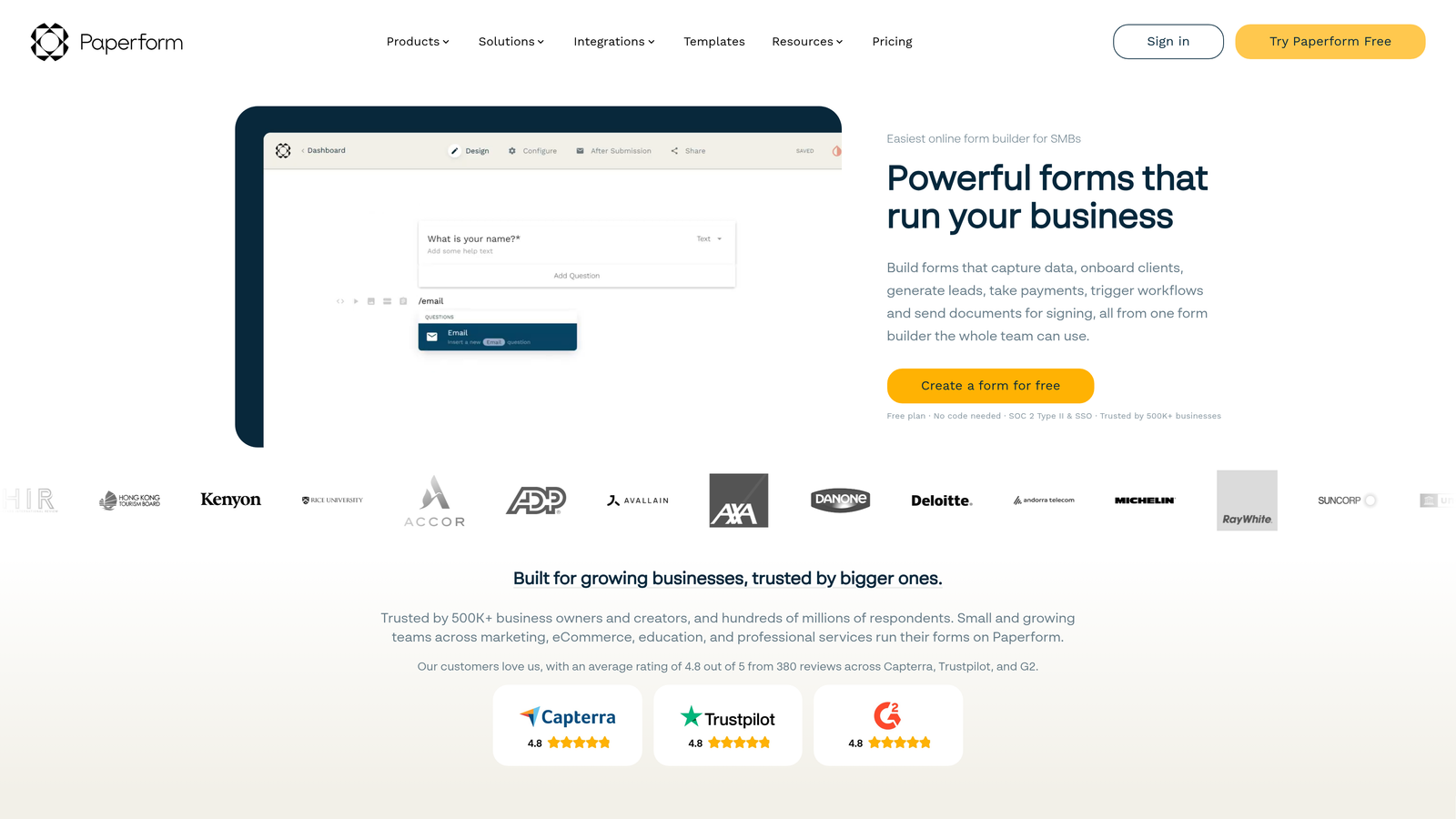
Paperform is an all-in-one form and landing page builder with AI content assistance, flat per-tier pricing, and no response volume limits on any plan.
Where This Tool Shines
Paperform's standout characteristic is what it doesn't charge for: responses. While competitors meter your costs based on how many people fill out your forms, Paperform uses flat-tier pricing that covers unlimited submissions across all plans. For small businesses running booking forms, event registrations, or product order forms, this model is often significantly more economical.
The product also bundles functionality that usually requires multiple tools: forms, payment collection, appointment booking, and landing page creation all live in one editor. AI assistance helps with content creation and form structure, keeping the workflow fast even for non-technical users.
Key Features
No Response Limits: Unlimited submissions on every paid plan, regardless of tier.
All-in-One Builder: Forms, payments, bookings, and landing pages in a single product.
AI Content Assistance: AI-powered suggestions for form copy, questions, and structure.
Rich Text Editor: Inline media, formatting, and design controls that make forms feel like branded pages.
Payment Processing: Native Stripe integration for collecting payments directly through forms.
Best For
Small business owners, coaches, consultants, and event organizers who need to collect payments or bookings alongside form data. The flat pricing model makes budgeting predictable regardless of campaign volume.
Pricing
Plans start around $24/month with no per-response charges. Pricing scales by features and number of active forms rather than submission volume.
8. Formless by Typeform
Best for: Teams experimenting with fully AI-driven conversational data collection with no traditional form interface.
Formless is a separate product from Typeform that replaces traditional form fields entirely with an AI agent that collects information through natural conversation.
Where This Tool Shines
Formless represents a genuinely different category. There are no fields, no dropdowns, no radio buttons. Instead, an AI agent conducts a conversation with your respondent, asking follow-up questions, handling ambiguous answers, and extracting structured data from natural language responses. The experience for the respondent feels closer to a chat conversation than a form.
This approach can work well for research interviews, complex qualification flows, and scenarios where rigid form fields would feel unnatural. The AI handles data structuring on the backend, turning conversational responses into organized, exportable data. It's an emerging format and pricing reflects the novelty.
Key Features
AI-Agent Interface: No traditional form UI, entirely conversation-driven data collection.
Customizable Agent Personality: Configure tone, name, and conversational style to match your brand.
Automatic Data Extraction: AI structures conversational responses into clean, organized data fields.
Embeddable Widget: Deploy as a chat-style widget on any webpage.
Flexible Conversation Logic: AI adapts follow-up questions based on what respondents say.
Best For
Research teams, product teams running user interviews at scale, and marketing teams exploring next-generation lead qualification experiences. Best suited for contexts where conversational flow genuinely improves data quality over traditional form fields.
Pricing
Separate pricing from Typeform with a conversation-based billing model. Visit formless.ai for current tier details, as this product is actively evolving.
9. Google Forms + AI Add-ons
Best for: Teams that need a completely free baseline form solution with Google ecosystem integration.
Google Forms is the free baseline form builder from Google, with AI capabilities available through Google Workspace upgrades and third-party add-ons.
Where This Tool Shines
Google Forms wins on one dimension decisively: cost. It's completely free, supports unlimited forms and responses, and integrates natively with Google Sheets for instant response analysis. For teams already living in Google Workspace, the frictionless setup and familiar interface make it the default starting point for internal surveys, event signups, and simple data collection.
The AI angle requires a bit of assembly. Google Workspace plans with Gemini integration add smart suggestions and AI assistance, but the native Google Forms experience is still relatively basic compared to purpose-built AI form builders. Third-party add-ons from the Google Workspace Marketplace can extend functionality, but each adds its own pricing and complexity.
Key Features
Completely Free: Unlimited forms and responses at no cost, with no hidden limits.
Gemini AI Integration: Available through Google Workspace plans for smart suggestions and content assistance.
Google Sheets Sync: Responses flow directly into Sheets for immediate analysis and automation.
Third-Party Add-Ons: Marketplace extensions for advanced logic, AI features, and integrations.
Collaboration: Native Google sharing and co-editing built into every form.
Best For
Teams on tight budgets, organizations already standardized on Google Workspace, and anyone who needs simple internal forms without a monthly SaaS commitment. Not ideal for customer-facing lead generation where brand experience and conversion optimization matter.
Pricing
Free with a Google account. Google Workspace plans with Gemini AI features start around $7/user/month. Third-party AI add-ons vary by provider.
Which AI Form Builder Is Right for Your Team?
After comparing these tools across pricing models, AI feature access, and use case fit, a few clear patterns emerge that should guide your decision.
For high-growth teams where lead quality is the priority, Orbit AI stands out as the strongest overall value. The combination of native lead qualification intelligence, conversion-optimized design, and scaling-friendly architecture addresses the specific challenges that fast-moving teams face. Most competitors treat AI as a creation assistant; Orbit AI treats it as a qualification engine.
If your primary concern is maximizing the free tier, Tally is the clear winner. Unlimited forms and submissions with no response caps is a genuinely generous offer that most competitors can't match without a paid plan.
For teams that need volume capacity with a broad feature set, Jotform's tiered submission limits and 10,000+ template library make it a practical choice. Typeform remains the benchmark for brand-polished conversational experiences, though the per-response pricing model requires careful budget planning at scale.
Developers building complex product flows will find Feathery's SDK-first approach and custom code support worth the higher price point. And if you're already deep in the Google ecosystem and just need something simple and free, Google Forms with Workspace AI is a reasonable baseline.
One principle worth keeping in mind: the cheapest plan isn't always the best value. AI features that improve lead quality and qualification rates can meaningfully reduce the cost per qualified lead, often paying for themselves many times over. A form that converts better and qualifies smarter is worth more than a form that simply collects submissions.
Start building free forms today and see how intelligent form design can elevate your conversion strategy. Transform your lead generation with AI-powered forms that qualify prospects automatically while delivering the modern, conversion-optimized experience your high-growth team needs.


