

Most form builders let you collect data. The best AI-powered ones help you act on it — qualifying leads, routing responses, and personalizing the experience without anyone lifting a finger. If your team is drowning in unqualified submissions or watching high-intent prospects slip through the cracks, the problem often isn't your offer. It's your form.
This guide covers the top online form builders with AI in 2026, evaluated on lead qualification depth, automation capabilities, design flexibility, and pricing. Every tool here has a distinct strength, so we've been specific about who each one actually serves best. Find your match and skip straight to it.
1. Orbit AI
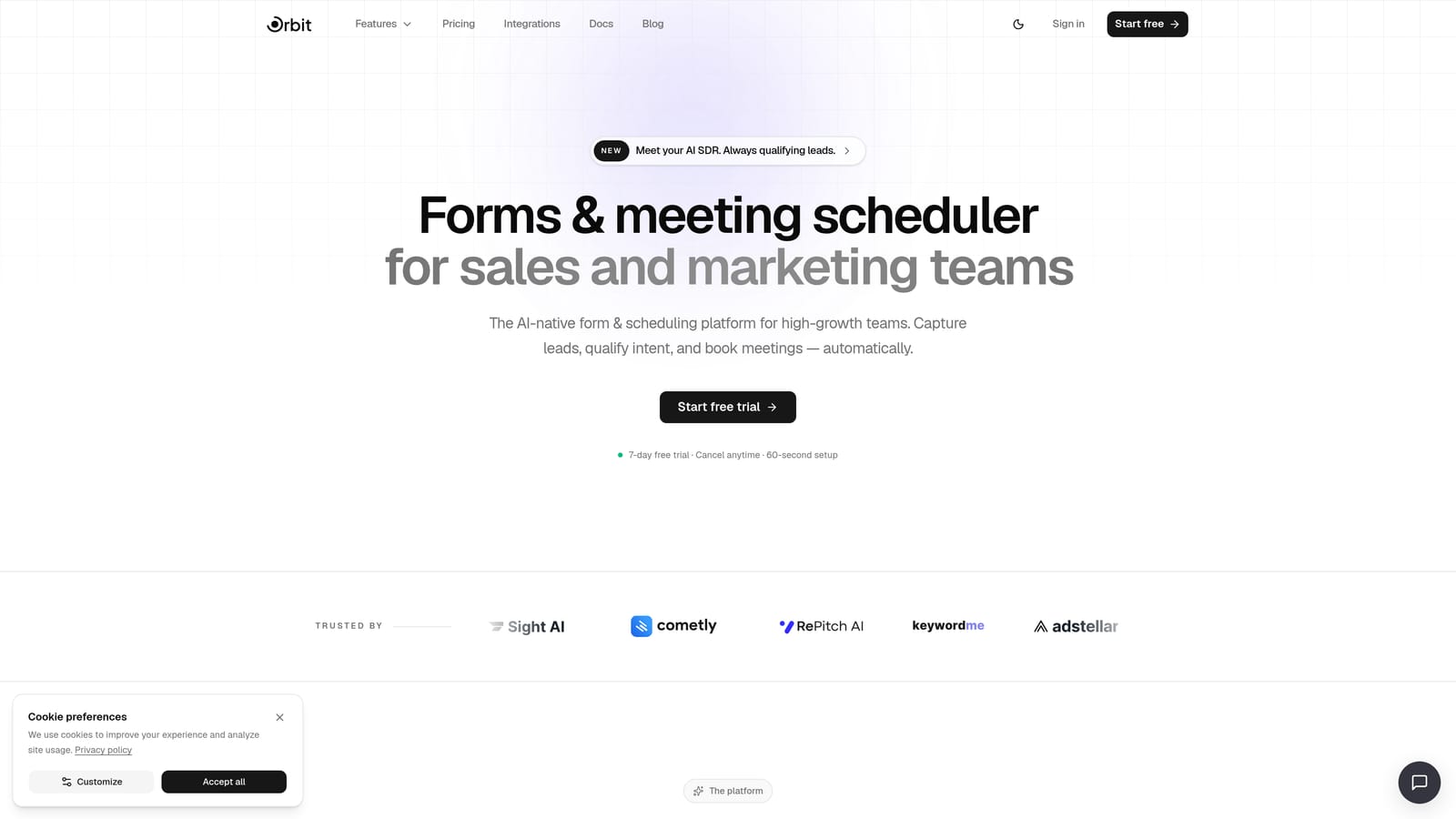
Best for: High-growth SaaS and marketing teams that need AI-powered lead qualification built into the form itself.
Orbit AI is a conversion-first form builder that uses AI agents to qualify, score, and route leads in real time — during the form submission, not after.
Where This Tool Shines
Most platforms treat forms as data collection endpoints and handle qualification downstream in a CRM or automation tool. Orbit AI flips that model. Its AI agents work during the submission experience, which means by the time a lead hits your pipeline, it's already been evaluated and routed appropriately.
This matters most for teams where lead quality directly affects revenue. Instead of building complex post-submission workflows to filter noise, the form does the heavy lifting upfront. The result is a cleaner pipeline and faster follow-up for the leads that actually matter.
Key Features
Real-Time AI Lead Qualification: AI agents assess lead quality during form submission, not after, so routing decisions happen immediately.
Smart Conditional Logic: Branching and routing adapt based on lead score and response quality, not just static field values.
Automated Follow-Up Sequences: Trigger personalized outreach sequences directly from form responses without needing a separate automation tool.
Conversion-Optimized Design: Templates built specifically for lead generation, with clean, modern aesthetics that hold attention through completion.
Contact Management and Analytics: Built-in contact database and form analytics so you can track performance without stitching together third-party tools.
Best For
Orbit AI is purpose-built for SaaS companies, growth teams, and marketing teams running lead generation campaigns where quality matters as much as volume. If your current form workflow involves manual review, messy CRM tagging, or delayed follow-up, this is the tool designed to fix that.
Pricing
Free plan available. Paid plans with advanced AI and automation features are detailed at orbitforms.ai/pricing.
2. Typeform
Best for: Teams where form aesthetics and completion rates are the primary concern.
Typeform is a conversational form builder known for its polished one-question-at-a-time experience, now enhanced with AI-assisted form generation.

Where This Tool Shines
Typeform built its reputation on the idea that how a form feels directly affects whether people finish it. The single-question UX reduces cognitive load and creates a more natural, interview-like experience. For surveys, research, and brand-sensitive lead forms, this approach consistently outperforms traditional multi-field layouts.
The AI form generation feature lets you describe what you need in plain text and get a structured form back quickly. It's a solid time-saver for teams that produce forms frequently and want a consistent, premium presentation.
Key Features
AI Form Generation: Describe your form in a prompt and Typeform generates the structure, questions, and logic automatically.
Conversational One-Question UX: Single-question format improves completion rates for longer or more complex forms.
Advanced Conditional Logic: Sophisticated branching paths based on specific answer combinations.
CRM and Marketing Integrations: Native connections to HubSpot, Salesforce, Mailchimp, and many others.
Rich Media Embedding: Add video, images, and GIFs directly into form questions for more engaging experiences.
Best For
Marketing teams, researchers, and agencies that prioritize brand presentation and completion rate. Also a strong pick for customer feedback and NPS surveys where the experience itself shapes how respondents feel about your brand.
Pricing
Free plan limited to 10 responses per month. Paid plans start around $25/month, though costs can escalate at higher response volumes.
3. Jotform
Best for: Teams with diverse form needs across multiple departments who want one platform for everything.
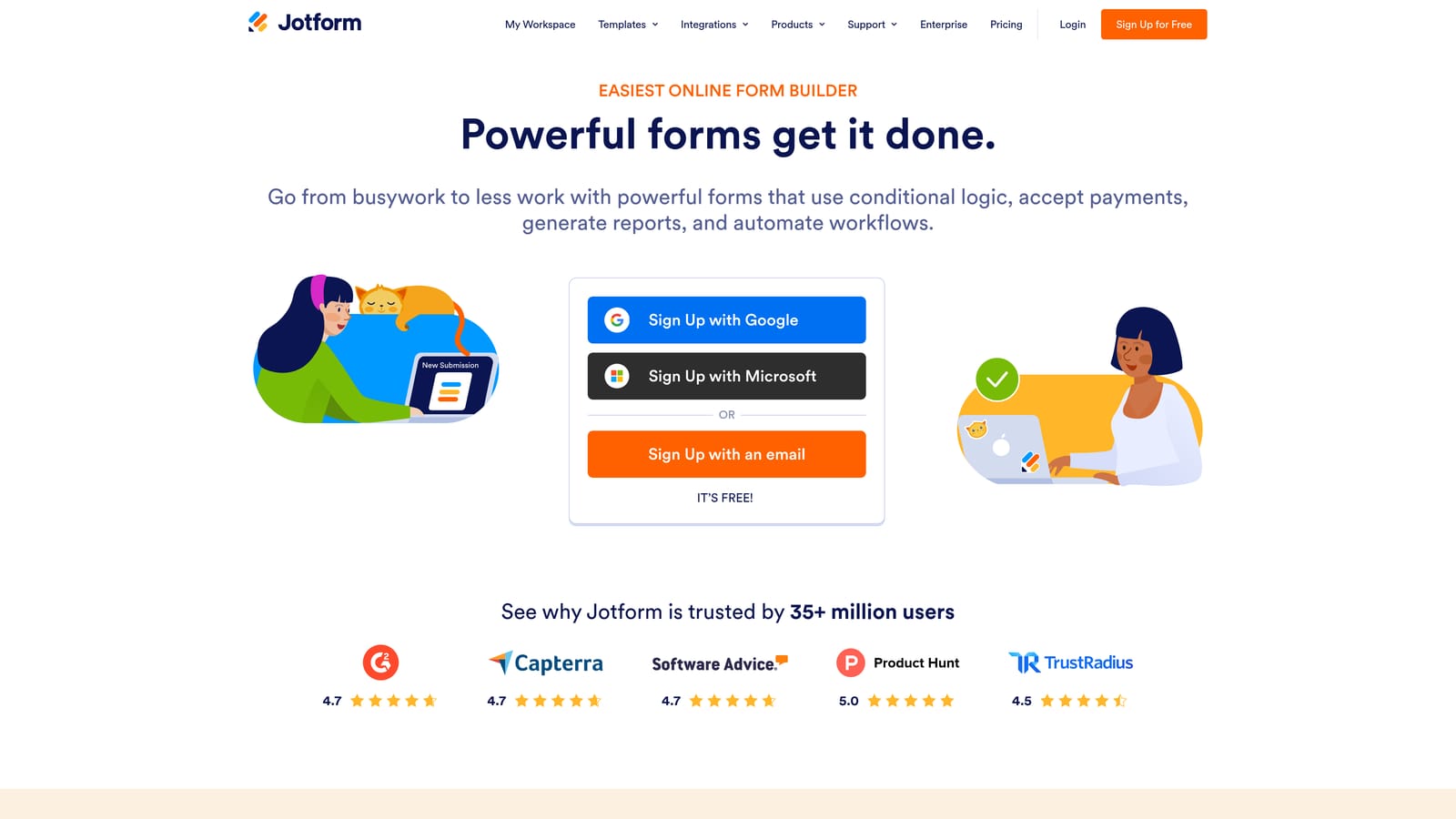
Jotform is a feature-rich form builder with one of the largest template libraries available and an AI generator for rapid form creation from text or PDF input.
Where This Tool Shines
Jotform's depth is its defining quality. Whether you need a payment form, an intake form, an approval workflow, or an e-signature document, Jotform likely has a template and a native integration to support it. The AI form generator adds speed to an already comprehensive platform.
For organizations managing forms across HR, operations, sales, and marketing simultaneously, Jotform's breadth reduces the need to maintain multiple tools. It can feel like a lot for simple use cases, but for teams with complex, cross-functional needs, the feature density is a genuine advantage.
Key Features
AI Form Generator: Generate forms from text prompts or upload a PDF and let Jotform convert it into a digital form automatically.
Massive Template Library: Thousands of pre-built templates spanning healthcare, legal, education, e-commerce, and more.
150+ Integrations: Connects with major CRMs, payment processors, project management tools, and marketing platforms.
Approval Workflows and E-Signatures: Route submissions for internal approval and collect legally binding signatures in the same platform.
HIPAA-Compliant Plans: Available for healthcare organizations with specific data privacy requirements.
Best For
Mid-size to large organizations with varied form needs across departments. Particularly strong for healthcare, legal, and education sectors where compliance features and specialized templates matter.
Pricing
Free plan includes 5 forms and 100 monthly submissions. Paid plans start around $34/month.
4. Tally
Best for: Indie makers, early-stage startups, and anyone who wants genuinely unlimited free forms with a clean, modern editor.
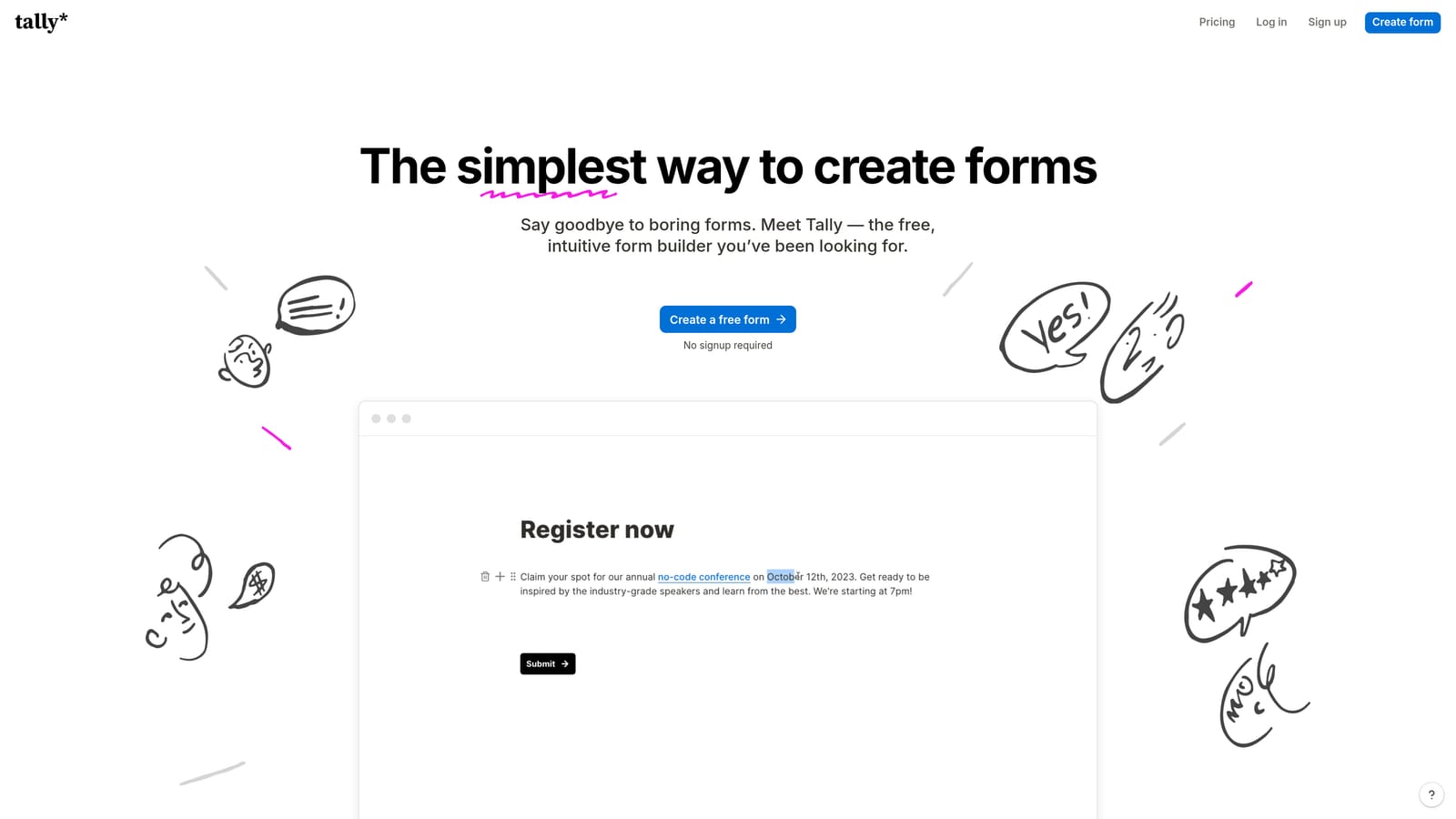
Tally is a minimalist, Notion-inspired form builder with AI generation and a free plan that doesn't artificially limit your usage.
Where This Tool Shines
Tally's appeal is clarity. The editor is distraction-free, the forms look clean, and the free plan doesn't cap your forms or responses. For teams that have been burned by free tiers that become paid walls after 50 submissions, Tally is a genuine breath of fresh air.
The AI generation is straightforward: describe what you need, get a form. It's not the most sophisticated AI implementation on this list, but for the target audience, it doesn't need to be. Tally is optimized for getting a good-looking form live quickly, without complexity or cost.
Key Features
AI Form Generation: Generate a complete form from a simple text prompt with no manual field-by-field setup.
Unlimited Free Plan: No caps on forms or response volume on the free tier, which is genuinely rare in this category.
Notion-Style Editor: Clean, block-based editing experience that feels familiar to anyone using modern productivity tools.
Native Notion Embedding: Embed forms directly inside Notion pages without any workarounds or third-party tools.
Zapier Integration: Connect to hundreds of apps for basic automation on the free plan.
Best For
Solo founders, early-stage teams, content creators, and anyone who needs solid forms without a budget. Also ideal for Notion-heavy teams who want forms that live natively inside their workspace.
Pricing
Free plan with unlimited forms and responses. Pro plan is around $29/month for advanced features like custom domains and logic upgrades.
5. HubSpot Forms
Best for: Teams already using HubSpot CRM who want zero-friction form-to-CRM data flow.
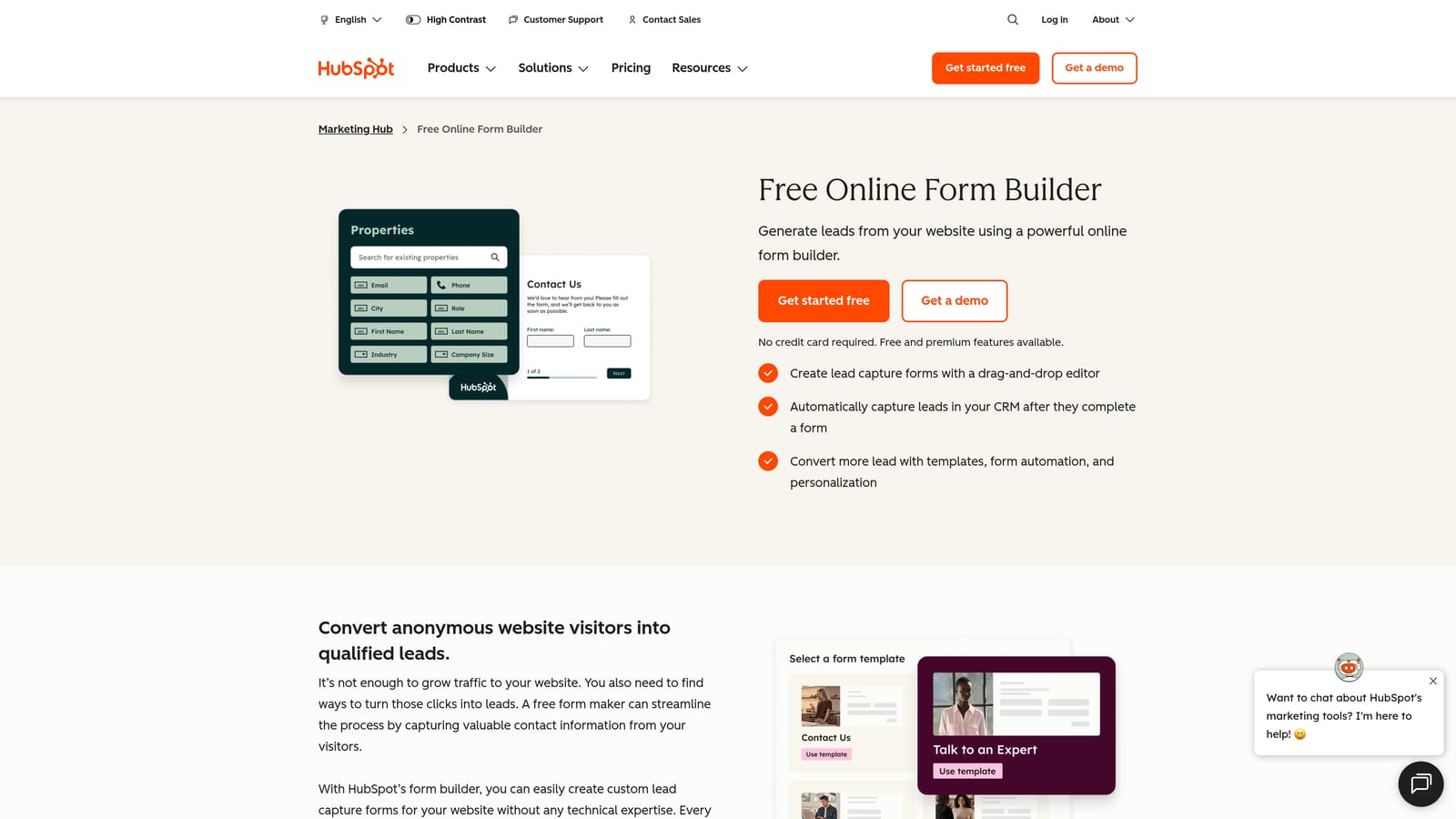
HubSpot Forms is a CRM-native form builder included in HubSpot's free tier, with smart fields and AI-powered follow-up through the broader HubSpot ecosystem.
Where This Tool Shines
The strongest argument for HubSpot Forms isn't the form builder itself — it's the zero-setup CRM sync. Every submission instantly becomes a contact record, with full activity history, lead scoring, and workflow triggers available without any integration configuration. For HubSpot users, this alone eliminates a significant operational headache.
Progressive profiling is another standout feature. When a known contact fills out a form again, HubSpot automatically replaces fields it already knows with new questions, so you're always collecting incremental data rather than asking people to repeat themselves.
Key Features
Native CRM Sync: Every form submission flows directly into HubSpot CRM with no integration setup required.
Smart Fields: Auto-fill known contact data so returning visitors see a shorter, personalized form.
Progressive Profiling: Automatically ask new questions to contacts whose basic information is already on file.
AI-Assisted Follow-Up: HubSpot's AI tools help generate and optimize email sequences triggered by form submissions.
A/B Testing and Analytics: Test form variants and track conversion rates directly within the HubSpot dashboard.
Best For
Marketing and sales teams already operating within the HubSpot ecosystem. Less compelling as a standalone form tool, but exceptional when used as part of a broader HubSpot workflow.
Pricing
Free as part of HubSpot's free CRM tier. Advanced automation and AI features require paid Marketing Hub plans, which start at significantly higher price points.
6. Google Forms with Gemini
Best for: Google Workspace users who need simple, free forms for internal surveys or basic data collection.
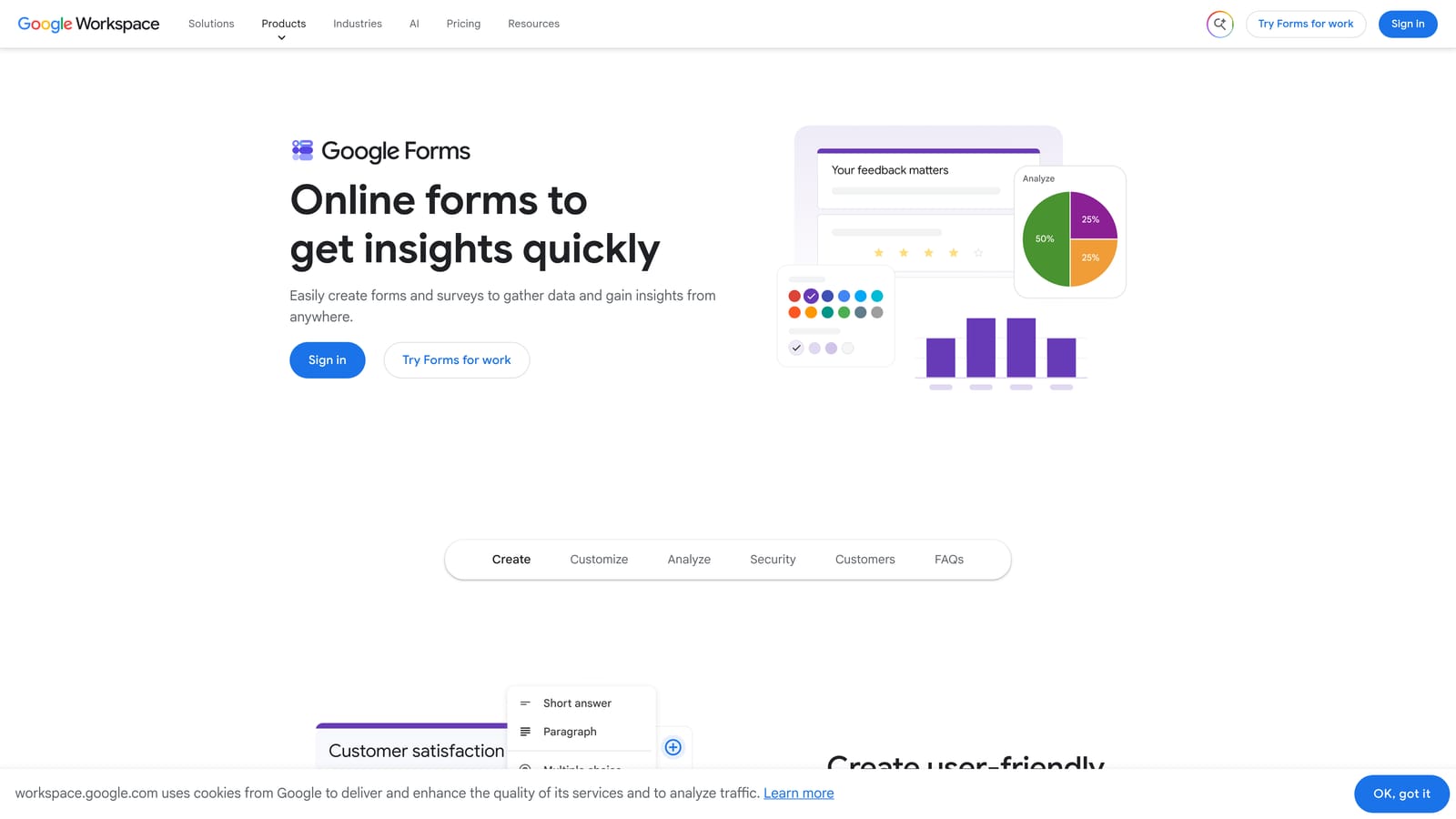
Google Forms now integrates Gemini AI to help generate questions and response options directly inside the familiar Google Workspace environment.
Where This Tool Shines
Google Forms has always won on accessibility and zero cost. Adding Gemini AI integration makes the question-generation process faster — you describe a topic and Gemini suggests a complete question set. For internal use cases like employee surveys, event registrations, or classroom quizzes, this is genuinely useful.
The native Google Sheets integration means responses land in a spreadsheet automatically, which many teams already know how to analyze. For organizations already living inside Google Workspace, the friction of adopting Google Forms is essentially zero.
Key Features
Gemini AI Question Generation: Describe your survey topic and Gemini generates relevant questions and answer options automatically.
Completely Free: No submission limits, no paid tiers required for core functionality.
Google Sheets Integration: Responses sync to a spreadsheet in real time for easy analysis and sharing.
Simple Collaboration: Share and co-edit forms with team members using standard Google Drive permissions.
Basic Quiz Functionality: Assign correct answers and point values for educational assessments.
Best For
Teams in education, HR, or operations who need straightforward data collection with no budget and no learning curve. Not suited for lead generation, advanced logic, or branded external-facing forms.
Pricing
Completely free with a Google account. Google Workspace business plans start at $6/user/month for additional storage and admin features.
7. Fillout
Best for: Operations and no-code teams building data workflows with Airtable, Notion, or Supabase.
Fillout is an AI form builder with native read-and-write integrations for the most popular no-code databases, making it the go-to choice for teams building structured data workflows.

Where This Tool Shines
Where most form builders push data into a CRM or spreadsheet, Fillout connects directly to your database layer. Native integrations with Airtable, Notion, and Supabase mean forms can read existing records, update them on submission, and trigger logic based on database state. For ops teams building internal tools, this is a fundamentally different capability.
Fillout also tracks partial submissions, which is useful for identifying where users drop off in multi-step forms. Combined with its conversion analytics, it gives no-code teams data they can actually act on without needing a separate analytics platform.
Key Features
AI Form Generation: Generate multi-step forms from a text prompt in seconds.
Native Database Integrations: Read and write directly to Airtable, Notion, and Supabase without middleware or Zapier.
Conditional Logic and Multi-Step Forms: Build branching, multi-page forms with logic that adapts to user input.
Scheduling and Payment Support: Add calendar booking or payment collection to forms natively.
Partial Submission Tracking: See where users abandon multi-step forms to identify friction points.
Best For
Operations teams, product managers, and no-code builders who use Airtable, Notion, or Supabase as their primary data layer and need forms that interact with those databases directly.
Pricing
Free plan includes 1,000 submissions per month. Paid plans start around $15/month, making it one of the more affordable options on this list.
8. Formstack
Best for: Enterprise teams that need forms, documents, e-signatures, and compliance in a single platform.
Formstack is an enterprise-grade platform combining AI-assisted form creation with document generation, e-signatures, and compliance-ready workflows.
Where This Tool Shines
Formstack's value proposition goes beyond form building. It's a full document workflow platform where forms are the entry point. Once a submission comes in, Formstack can auto-generate a document, route it for approval, collect an e-signature, and archive everything in a compliant format. For regulated industries, this end-to-end capability is difficult to replicate with point solutions.
The AI layer assists with form and workflow creation, reducing setup time for complex multi-step processes. For enterprise buyers who care about HIPAA, SOC 2, and GDPR compliance out of the box, Formstack covers that ground comprehensively.
Key Features
AI-Assisted Form and Workflow Creation: Generate forms and automate approval routing with AI assistance to reduce manual configuration.
Document Generation and E-Signatures: Convert form submissions into formatted documents and collect legally binding signatures in the same platform.
Enterprise Compliance: HIPAA, SOC 2, and GDPR-compliant configurations available for regulated industries.
Advanced Approval Routing: Conditional approval chains that route submissions to the right reviewers based on response content.
Salesforce and Enterprise CRM Integrations: Deep integrations with Salesforce and other enterprise systems.
Best For
Healthcare organizations, financial services firms, legal teams, and large enterprises that need document workflows, compliance certifications, and e-signature capabilities alongside form creation.
Pricing
Plans start around $83/month. Enterprise pricing is available on request for larger organizations with custom requirements.
9. involve.me
Best for: B2B marketing teams running interactive lead generation campaigns with quizzes, assessments, and calculators.
involve.me is an interactive content platform that uses AI to generate lead-scoring quizzes, assessments, and calculators designed for B2B marketing funnels.
Where This Tool Shines
involve.me occupies a distinct niche: interactive content that qualifies leads through engagement rather than traditional form fields. Instead of asking "What's your budget?" directly, you might guide a prospect through a product-fit assessment that scores them automatically based on their answers. It's a more engaging experience, and the lead scoring happens as a natural byproduct.
The AI generator creates full interactive funnels from a prompt, including personalized outcome pages that deliver different content based on a respondent's score. For B2B teams running content-driven lead generation, this is a meaningfully different approach from a standard form.
Key Features
AI Interactive Content Generation: Generate complete quizzes, assessments, and calculators from a text prompt, including logic and outcome pages.
Built-In Lead Scoring: Automatically score leads based on quiz responses without additional CRM rules or manual review.
Personalized Outcome Pages: Deliver different content, recommendations, or CTAs to respondents based on their score or answers.
CRM and Email Marketing Integrations: Pass scored leads directly to HubSpot, Mailchimp, ActiveCampaign, and others.
Funnel Analytics and Drop-Off Tracking: Detailed analytics showing where respondents disengage across multi-step interactive experiences.
Best For
B2B marketers, demand generation teams, and content marketers who want to qualify leads through interactive experiences rather than static forms. Particularly effective for product-fit assessments, ROI calculators, and recommendation engines.
Pricing
Free plan allows 100 submissions per month. Paid plans start around $29/month for higher volume and advanced features.
Which Tool Is Right for You?
The right AI form builder depends entirely on what you need forms to do. Here's a quick way to find your match.
If lead qualification is the priority, Orbit AI is the only tool on this list built specifically around that problem. Its AI agents qualify leads during submission, which means your pipeline is cleaner before anyone touches it manually.
If form aesthetics and completion rate matter most, Typeform's conversational UX is still the benchmark. For teams with complex, cross-departmental form needs, Jotform's template depth and integration breadth make it the most versatile option.
For zero-cost simplicity, Tally's unlimited free plan is hard to argue with. If you're already inside HubSpot, their native Forms tool eliminates integration overhead entirely. Google Forms with Gemini serves internal and educational use cases where budget is zero and requirements are basic.
Operations teams building database-connected workflows will find Fillout's native Airtable and Notion integrations genuinely useful. Enterprise buyers with compliance requirements should look at Formstack's document workflow capabilities. And for B2B teams running interactive lead generation campaigns, involve.me's quiz and assessment builder stands apart.
For high-growth teams where form performance directly affects revenue, the choice comes down to how deeply AI is embedded in the experience. Start building free forms today with Orbit AI and see how intelligent lead qualification built into the form itself changes what your pipeline looks like on the other side.


