

There's a frustrating gap that most marketing teams know well: your form is collecting submissions, your inbox is filling up, and somewhere in that pile of entries are three genuinely qualified prospects. The other forty-seven? Not so much. The problem isn't the volume of leads. It's the lack of intelligence built into the collection process.
Most form builders are designed to gather data and stop there. They hand you a spreadsheet and wish you luck. But for high-growth teams focused on conversion, that's not enough. The best form builders for lead scoring go further: they evaluate, rank, and route leads automatically so your sales team can focus on the conversations most likely to close.
This list covers the top form builders that bring lead scoring to the table, whether through native AI capabilities, built-in scoring engines, or tight integrations with the CRM and automation tools you already use. If you want to understand the broader strategy behind this, our guides on how to qualify leads with forms and how to improve lead quality are worth reading alongside this comparison.
Selection criteria for this list: native or integrated lead scoring capabilities, form customization depth, integration ecosystem, pricing transparency, and suitability for growth-focused teams.
1. Orbit AI
Best for: High-growth B2B teams that want AI-powered lead qualification built directly into their forms.
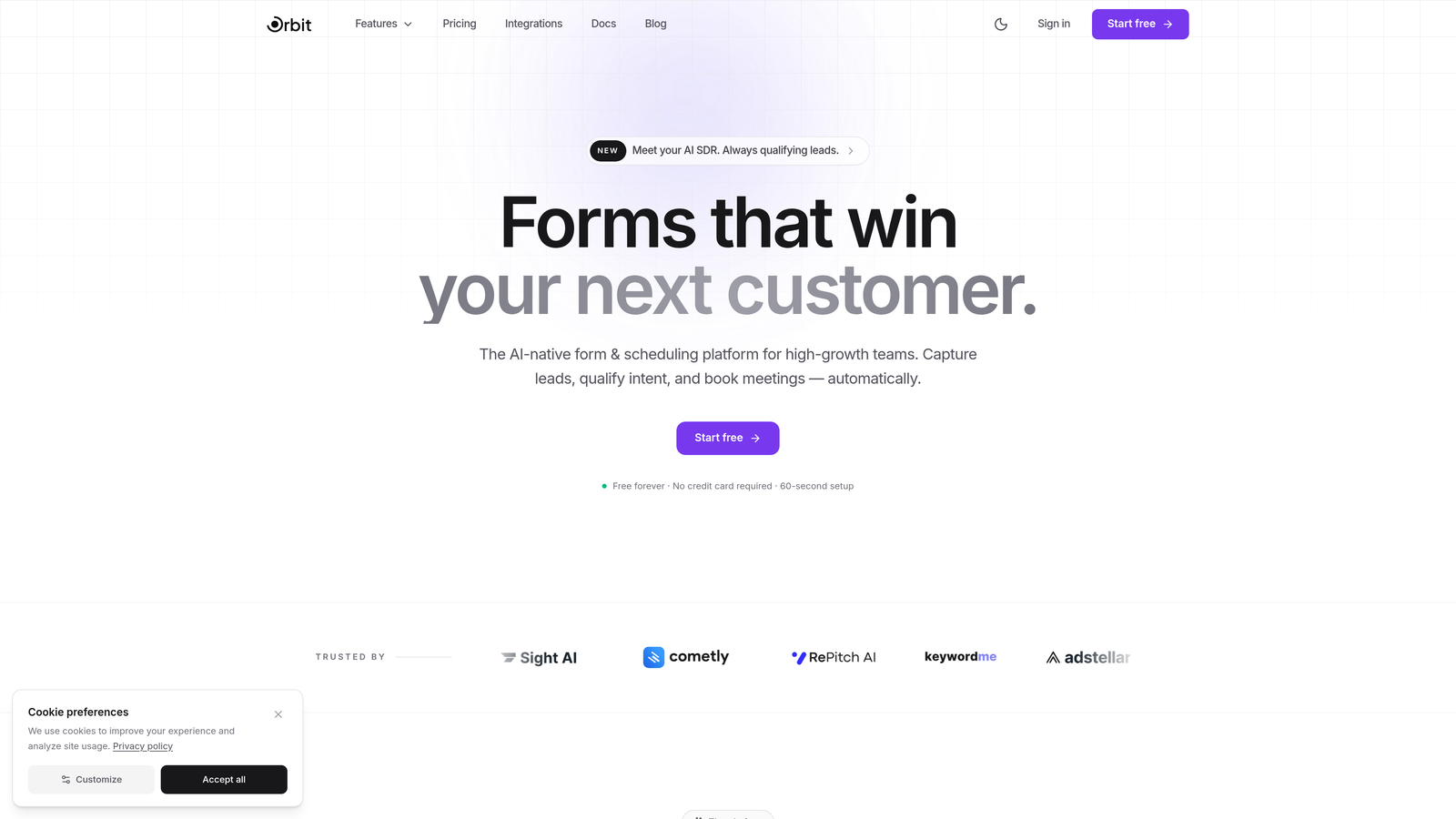
Orbit AI is an AI-powered form builder with native lead qualification and scoring that evaluates submissions in real time, built specifically for conversion-focused teams.
Where This Tool Shines
What separates Orbit AI from most tools on this list is where the intelligence lives. Rather than relying on a CRM integration or third-party automation to score leads after the fact, Orbit AI does it inside the form itself. As a prospect fills out your form, their responses are evaluated in real time, so by the time they hit submit, you already know how qualified they are.
This matters most for teams where speed-to-follow-up is a competitive advantage. When your sales rep gets a notification, it comes with context: not just a name and email, but a qualification signal that tells them whether to call in five minutes or add to a nurture sequence.
Key Features
AI-Powered Lead Scoring: Native qualification engine evaluates responses as they happen, no third-party tools required.
Conversion-Optimized Design: Modern, clean form templates built with completion rates and user experience in mind.
Dynamic Form Fields: Forms adapt based on user input, creating a personalized path that also improves data quality.
Real-Time Lead Evaluation: Scoring happens at submission, so routing and prioritization can happen immediately.
Built for B2B Teams: Feature set and defaults are designed around the needs of high-growth, sales-driven organizations.
Best For
Orbit AI is the strongest fit for B2B SaaS companies, agencies, and growth teams that want lead qualification intelligence without stitching together a CRM, a form tool, and an automation platform. If reducing the gap between form submission and qualified follow-up is a priority, this is where to start.
Pricing
Visit orbitforms.ai for current pricing plans. A free starting option is available for teams exploring the platform.
2. HubSpot Forms
Best for: Teams already invested in the HubSpot ecosystem who want forms and CRM scoring in one platform.
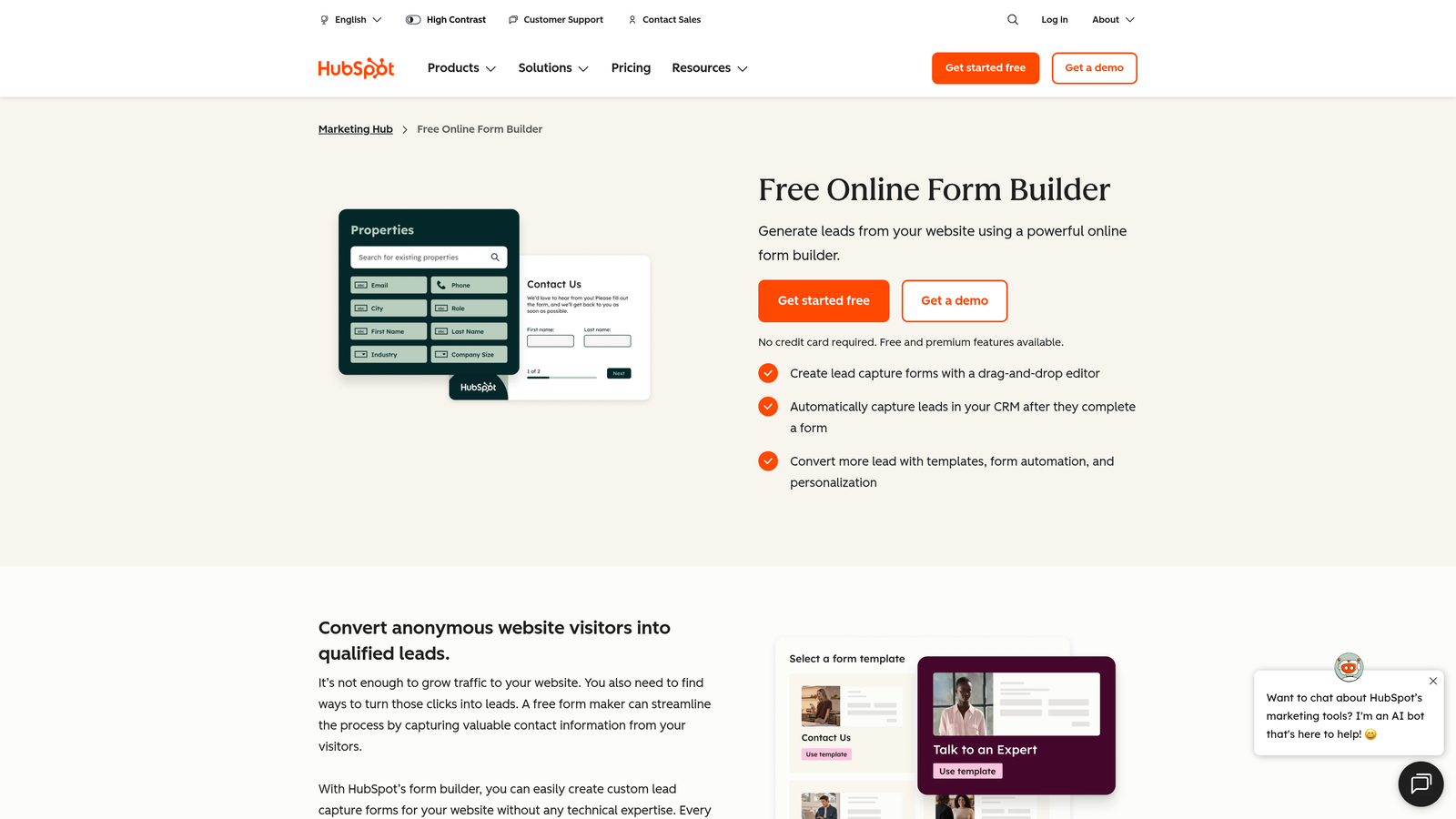
HubSpot Forms is a free form builder tightly integrated with HubSpot CRM's predictive lead scoring, lifecycle stages, and marketing automation workflows.
Where This Tool Shines
HubSpot Forms is genuinely powerful, but the power comes from the ecosystem around it rather than the form builder itself. The forms are straightforward to build and deploy, but the real value is how submissions flow directly into HubSpot's contact database, trigger workflow automations, and feed into predictive lead scoring models.
Progressive profiling is a standout feature: returning visitors see different questions based on what HubSpot already knows about them, which means you collect richer data over time without overwhelming prospects with long forms upfront.
Key Features
Free Form Builder: Included with any HubSpot account, no additional cost to create and embed forms.
Predictive Lead Scoring: AI-powered scoring available in Marketing Hub Professional and above, trained on your contact data.
Automatic Property Mapping: Form responses map directly to CRM contact properties and lifecycle stages.
Smart Forms with Progressive Profiling: Returns visitors see new questions, building richer profiles over time.
Native Workflow Integration: Form submissions can instantly trigger lead routing, email sequences, and internal notifications.
Best For
Teams already using HubSpot CRM will get the most value here since the integration is seamless. For teams not on HubSpot, the cost of unlocking predictive scoring (Marketing Hub Professional) is a significant consideration.
Pricing
Forms are free with any HubSpot account. Predictive lead scoring requires Marketing Hub Professional, starting at $890/month. Verify current pricing at hubspot.com.
3. Typeform
Best for: Teams prioritizing form completion rates and conversational UX, with lead scoring handled downstream via CRM integrations.
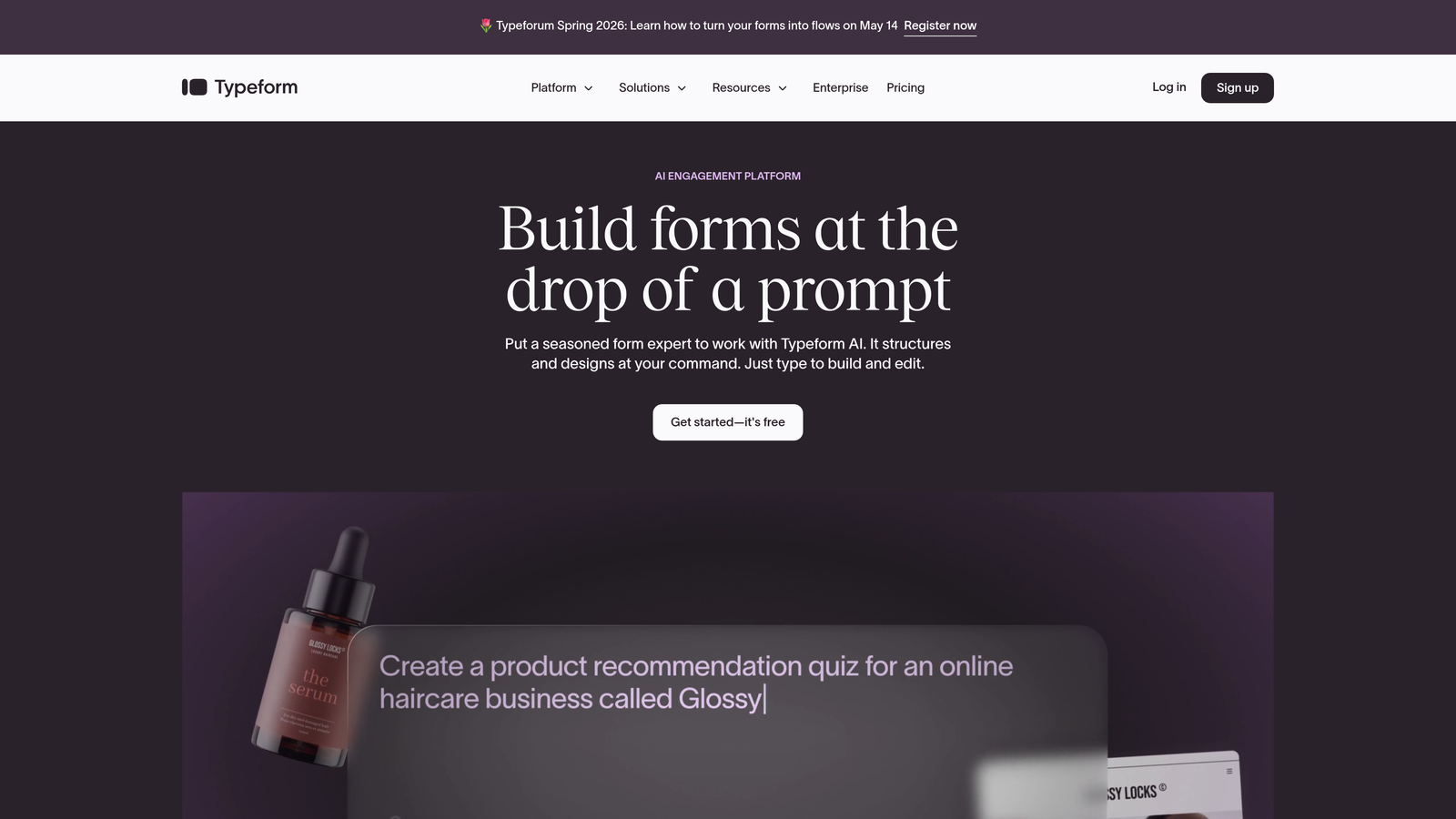
Typeform is a conversational form builder known for its one-question-at-a-time interface and high engagement rates, with lead scoring enabled through integrations.
Where This Tool Shines
Typeform's core advantage is that people actually finish the forms. The conversational format reduces the cognitive load of filling out a long form, which tends to produce higher completion rates and better data quality. For qualification flows where you need prospects to answer several questions honestly, this matters.
Lead scoring itself happens outside Typeform, typically through HubSpot, Salesforce, or a Zapier workflow that processes responses after submission. The form handles the front-end experience; your CRM handles the scoring logic.
Key Features
Conversational UX: One question at a time creates an interview-like experience that keeps respondents engaged.
Logic Jumps and Branching: Route respondents through different question paths based on their answers, creating natural qualification flows.
Hidden Fields: Pass UTM parameters and tracking context into form submissions for richer scoring data.
Native CRM Integrations: Direct connections to HubSpot, Salesforce, and Zapier for downstream scoring workflows.
High Completion Rates: The format is consistently cited as producing better completion than traditional multi-field forms.
Best For
Typeform works best for teams with an existing CRM scoring setup who want a better front-end experience for their qualification forms. It's not the right choice if you need scoring to happen without additional tools.
Pricing
Free plan available with limited responses. Paid plans start at $25/month (Basic). Check typeform.com for current plan details.
4. Jotform
Best for: Teams that need maximum template variety and flexible calculation widgets to build custom scoring logic into forms.
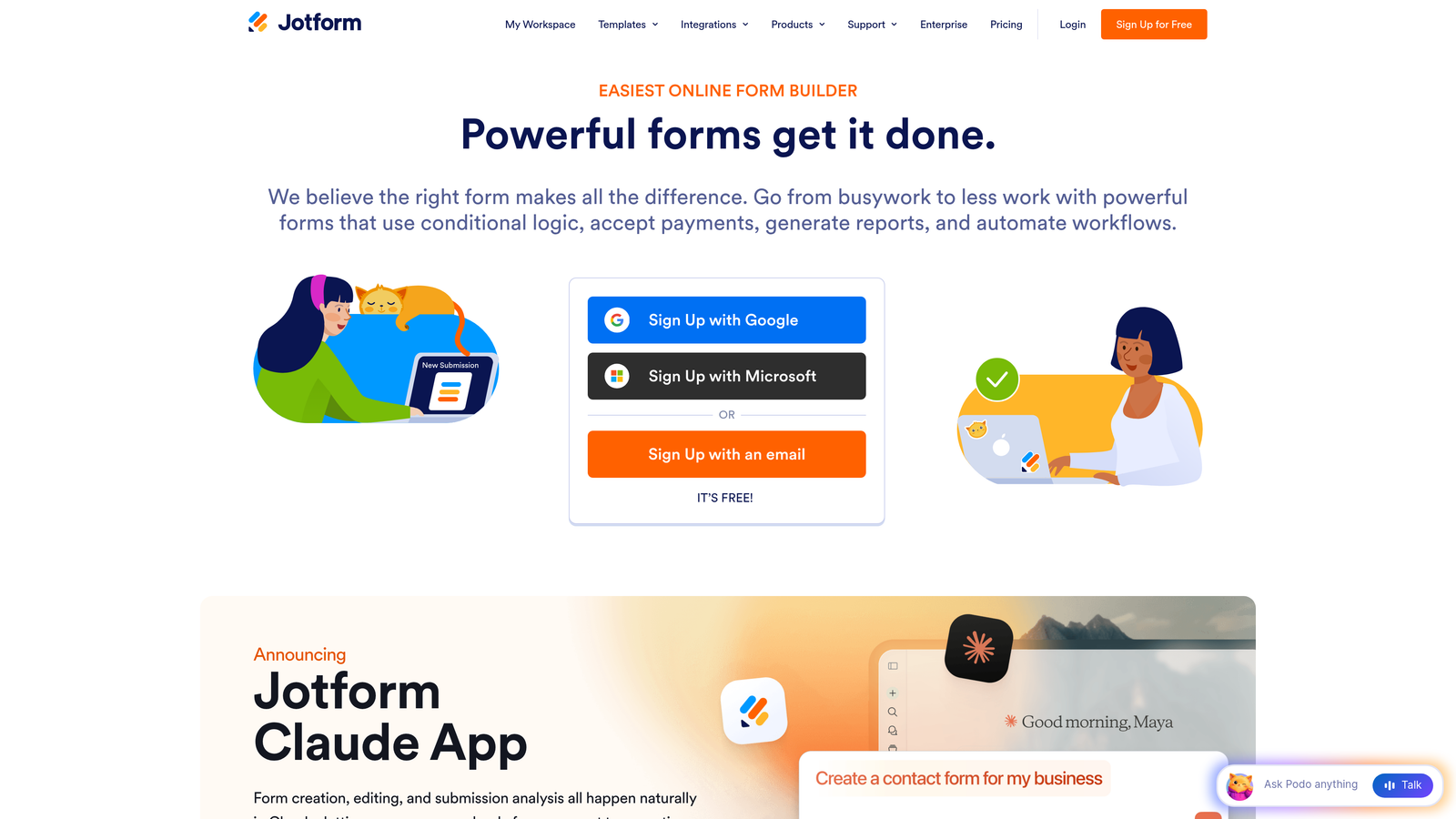
Jotform is a versatile form builder with an extensive template library, calculation widgets, and conditional logic that can feed lead scoring systems through CRM integrations.
Where This Tool Shines
Jotform's calculation widget is genuinely useful for teams that want to build rudimentary scoring logic directly into their forms. You can assign point values to answer options, total them up, and use conditional logic to route or tag respondents based on their score, all without writing code. It's not AI-powered, but it gives you rule-based scoring without a separate platform.
The template library is also one of the deepest in the market, which accelerates setup for teams that don't want to build from scratch.
Key Features
10,000+ Templates: Extensive library including lead generation, qualification, and survey templates.
Calculation Widgets: Assign numeric values to answers and compute scores within the form itself.
Conditional Logic: Branch form paths based on responses to create dynamic qualification flows.
CRM Integrations: Native connections to Salesforce, HubSpot, and Zoho for passing scored data downstream.
Jotform Tables: Built-in data management tool for filtering, sorting, and managing form submissions.
Best For
Jotform suits teams that want flexible, template-driven form building with some in-form scoring capability. It's a strong choice for small to mid-sized businesses that don't yet have a dedicated marketing automation platform.
Pricing
Free plan supports up to 5 forms. Paid plans start at $34/month (Bronze). Check jotform.com for current pricing tiers.
5. Gravity Forms
Best for: WordPress sites that need a powerful, self-hosted form solution with scoring add-ons and CRM connectivity.
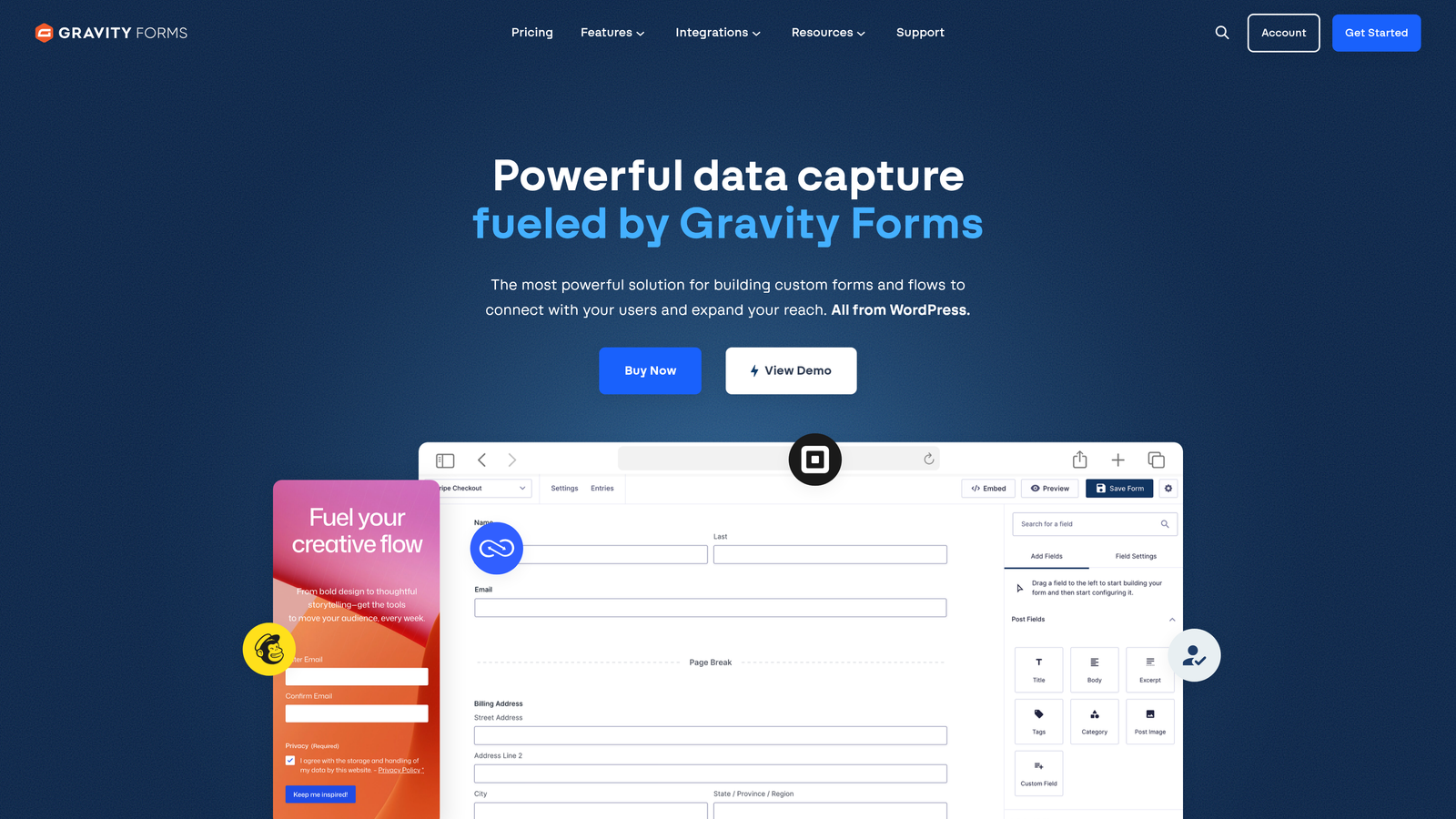
Gravity Forms is a WordPress-native form builder with quiz and survey scoring add-ons, conditional logic, and deep CRM integrations for building lead qualification workflows inside WordPress.
Where This Tool Shines
If your website runs on WordPress and you want to keep your form infrastructure self-hosted, Gravity Forms is the most capable option in the market. The quiz add-on lets you assign point values to individual answer choices, calculate totals, and trigger conditional logic or CRM actions based on score ranges.
The plugin ecosystem around Gravity Forms is extensive. Add-ons for HubSpot, Salesforce, and Zoho are available, and the webhook support means you can connect to virtually any scoring or automation system with some configuration.
Key Features
WordPress-Native: Runs entirely within your WordPress installation with no external platform dependency.
Quiz Add-On: Assign point values to responses and calculate lead scores directly within the form.
Conditional Logic: Dynamic form paths that adapt based on user answers for qualification flow control.
CRM Add-Ons: Official integrations with HubSpot, Salesforce, and Zoho available as premium add-ons.
Webhooks and Zapier: Connect to external scoring pipelines and automation tools for advanced workflows.
Best For
WordPress-based businesses, agencies managing client sites, and teams that prefer self-hosted infrastructure over SaaS platforms. Requires some technical comfort to configure advanced scoring workflows.
Pricing
Starts at $59/year for the Basic License. Higher tiers unlock more add-ons. Check gravityforms.com for current plan details.
6. Pardot (Salesforce Marketing Cloud Account Engagement)
Best for: Enterprise Salesforce teams that need sophisticated multi-criteria lead scoring combining form data with behavioral signals.
Pardot is an enterprise marketing automation platform with advanced lead scoring models that combine form submission data with behavioral, demographic, and firmographic signals.
Where This Tool Shines
Pardot operates at a different level of sophistication than most tools on this list. Its scoring system isn't just about what someone filled out on a form: it layers in website behavior, email engagement, content downloads, and demographic fit to produce a composite score that reflects both interest and fit. This is particularly valuable for complex B2B sales cycles where a single form submission is just one signal among many.
The separate scoring and grading systems are worth noting. Scoring measures engagement (how active a prospect is), while grading measures fit (how well they match your ideal customer profile). Together they give sales teams a much clearer prioritization signal than a single numeric score.
Key Features
Multi-Criteria Scoring: Combines form data with web behavior, email engagement, and firmographic signals.
Scoring and Grading: Two separate systems measuring engagement level and prospect fit independently.
Native Salesforce Integration: Bi-directional sync with Salesforce CRM for seamless sales handoff.
Custom Form Handlers: Use your own form designs while still capturing data into Pardot's scoring engine.
Automated Lead Assignment: Route leads to sales reps automatically based on score and grade thresholds.
Best For
Enterprise B2B organizations already on Salesforce CRM with complex, multi-touch sales cycles. The price point makes it unsuitable for smaller teams or those without an existing Salesforce investment.
Pricing
Starts at $1,250/month (Growth plan). Requires an active Salesforce CRM subscription. Verify current pricing at salesforce.com.
7. Formstack
Best for: Teams that want native workflow automation for lead routing without relying on external automation tools.
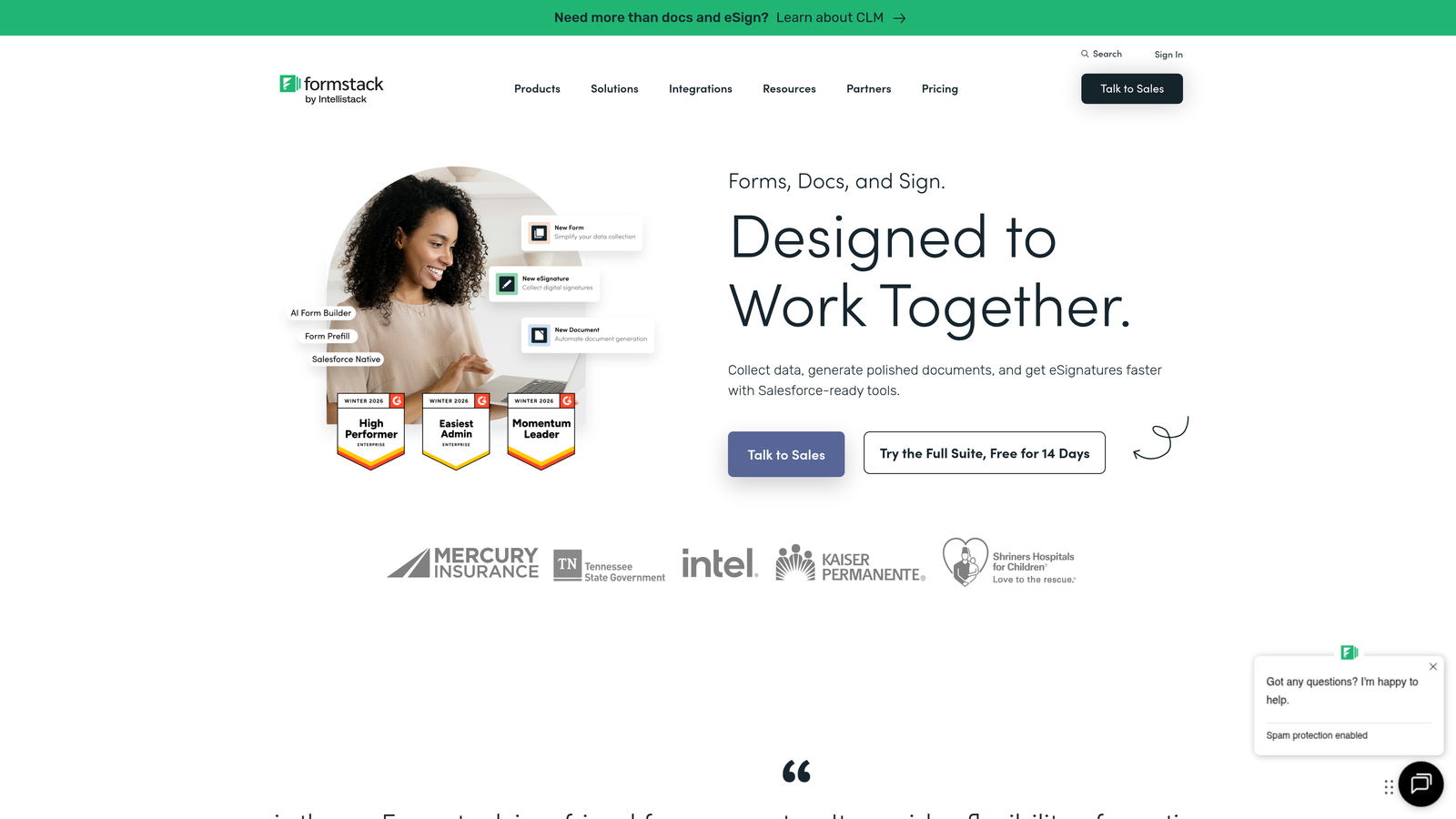
Formstack is a form builder with native workflow automation that can route, score, and process leads based on form responses, with a dedicated Salesforce-native product for enterprise teams.
Where This Tool Shines
Formstack's built-in workflow engine is what differentiates it from simpler form tools. Rather than building a Zap or a HubSpot workflow to handle what happens after a form submission, Formstack lets you define routing rules and automated actions directly within the platform. For teams that want to reduce the number of tools in their stack, this is genuinely useful.
The Salesforce-native version of Formstack is worth a separate mention for enterprise teams. It operates inside Salesforce directly, which means form data flows into CRM records without any integration layer in between.
Key Features
Drag-and-Drop Builder: Visual form creation with conditional logic for dynamic qualification paths.
Formstack Workflows: Native automation for routing leads based on form responses without external tools.
Native Salesforce Integration: Dedicated Salesforce product that operates inside CRM natively.
A/B Testing: Test form variations to optimize completion and qualification rates.
HIPAA Compliance: Available for regulated industries that need compliant data collection.
Best For
Mid-market and enterprise teams looking to consolidate form building and lead routing into fewer tools. Particularly strong for Salesforce-centric organizations and regulated industries requiring HIPAA compliance.
Pricing
Starts at $50/month (Starter plan). The Salesforce-native product is priced separately. Check formstack.com for current pricing.
8. Zuko (formerly Leadformly)
Best for: Teams focused on diagnosing and improving form performance through field-level analytics and conversion data.
Zuko is a form analytics and optimization platform that helps teams understand where leads drop off, which fields cause friction, and how to improve the quality of data coming through lead generation forms.
Where This Tool Shines
Zuko takes a different angle than most tools on this list. Rather than being primarily a form builder, it's a form intelligence layer. It gives you field-level data on where users abandon forms, which questions create hesitation, and how completion rates vary across devices and traffic sources. For teams that have existing forms but suspect they're losing qualified leads due to poor UX, this is the diagnostic tool to reach for.
The lead generation form templates built into the platform incorporate conversion optimization best practices from the start, which is useful for teams building new qualification flows.
Key Features
Field-Level Analytics: See exactly where users drop off, hesitate, or return to within your forms.
Multi-Step Form Support: Build and analyze multi-step qualification flows designed for lead generation.
Conditional Logic: Qualify leads within the form flow based on their responses.
CRM and Marketing Integrations: Pass form data and completion signals to downstream scoring tools.
Conversion-Optimized Templates: Templates built around lead generation best practices to reduce drop-off from the start.
Best For
Growth teams and conversion rate optimization specialists who want to understand form behavior at a granular level. Also useful for agencies managing lead generation forms across multiple clients.
Pricing
Check zuko.io for current pricing plans, as the platform has evolved from its Leadformly origins. Pricing structures have varied historically.
9. Involve.me
Best for: Teams building interactive qualification funnels with quizzes, calculators, and scored outcome pages.
Involve.me is an interactive content platform with a native scoring engine that assigns point values to responses across quizzes, calculators, surveys, and forms for lead qualification.
Where This Tool Shines
Involve.me is one of the few tools on this list with a genuinely native scoring engine that doesn't require CRM integration to function. You assign point values to each answer option, and the platform calculates a total score at the end of the interaction. That score can then trigger different outcome pages, be passed to a CRM, or be used to segment respondents automatically.
The interactive content formats, particularly scored quizzes and calculators, tend to generate strong engagement and completion rates. They also collect richer qualification data than a standard contact form because respondents are invested in seeing their result.
Key Features
Native Scoring Engine: Assign point values to answer options and calculate qualification scores without external tools.
Interactive Content Types: Quizzes, calculators, surveys, and forms all available within one platform.
Score-Based Outcome Pages: Show different results pages depending on the respondent's total score.
CRM Integration with Score Data: Pass scores and response data to HubSpot, Salesforce, and other platforms.
Embeddable Widgets: Deploy interactive forms and quizzes on landing pages, websites, or as popups.
Best For
Marketing teams that want to use interactive content as a lead qualification mechanism. Particularly effective for top-of-funnel campaigns where engagement and data collection need to happen simultaneously.
Pricing
Free plan available. Paid plans start at $29/month (Starter). Check involve.me for current plan details and response limits.
Which Tool Is Right for Your Team?
The right choice here depends less on which tool has the most features and more on where you need the intelligence to live in your stack.
If you want lead qualification built directly into the form without stitching together a CRM, an automation platform, and a separate scoring model, Orbit AI is the clearest starting point. The AI-powered qualification happens in real time, which means your sales team gets actionable signals the moment a form is submitted, not after a workflow has run and a CRM has synced.
For teams already deep in the Salesforce ecosystem and running complex enterprise sales cycles, Pardot offers the most sophisticated multi-signal scoring available. It's expensive and requires Salesforce, but for the right organization, it's the most complete solution on the list.
HubSpot Forms is the natural choice for HubSpot CRM users who want seamless form-to-CRM scoring without integration work. Just be clear-eyed about the cost of unlocking predictive scoring at the Professional tier.
For WordPress-based businesses, Gravity Forms remains the most capable self-hosted option, with enough flexibility to build meaningful qualification workflows through its add-on ecosystem. And for teams that want to qualify leads through interactive experiences rather than traditional forms, Involve.me's native scoring engine makes it the strongest choice for quiz and calculator-based funnels.
If conversational UX and completion rates are your primary concern, Typeform delivers on that front, with the understanding that scoring happens downstream in your CRM rather than in the form itself.
Whatever direction you choose, the goal is the same: stop treating form submissions as raw data and start treating them as qualification signals. The tools exist to make that happen automatically. The question is just how much of that intelligence you want built in versus integrated.
If you're ready to see what AI-native lead qualification looks like in practice, start building free forms today with Orbit AI and experience how intelligent form design can transform the quality of leads reaching your sales team. For more on building effective qualification systems, explore our resources on lead capture forms, how to qualify leads effectively, and lead forms for B2B companies.


