

For startups, every lead counts. Your forms are often the first real interaction a prospect has with your brand, and a clunky, generic experience doesn't just hurt conversions — it signals that you're not serious. The right form builder helps you capture better leads, qualify them faster, and integrate seamlessly with the rest of your growth stack.
With dozens of options on the market, the choice isn't obvious. Some tools are built for enterprise complexity. Others are too basic to scale. A handful are genuinely designed for fast-moving teams that need conversion-optimized, beautiful forms without a six-month implementation cycle.
This list covers the top online form builders for startups in 2026, evaluated on ease of use, AI and automation capabilities, integrations, pricing, and how well they support lead generation at scale. Whether you're building your first lead capture form or replacing a tool that's no longer cutting it, there's a clear winner for every stage.
1. Orbit AI
Best for: High-growth startups that need AI-powered lead qualification built into the form itself.
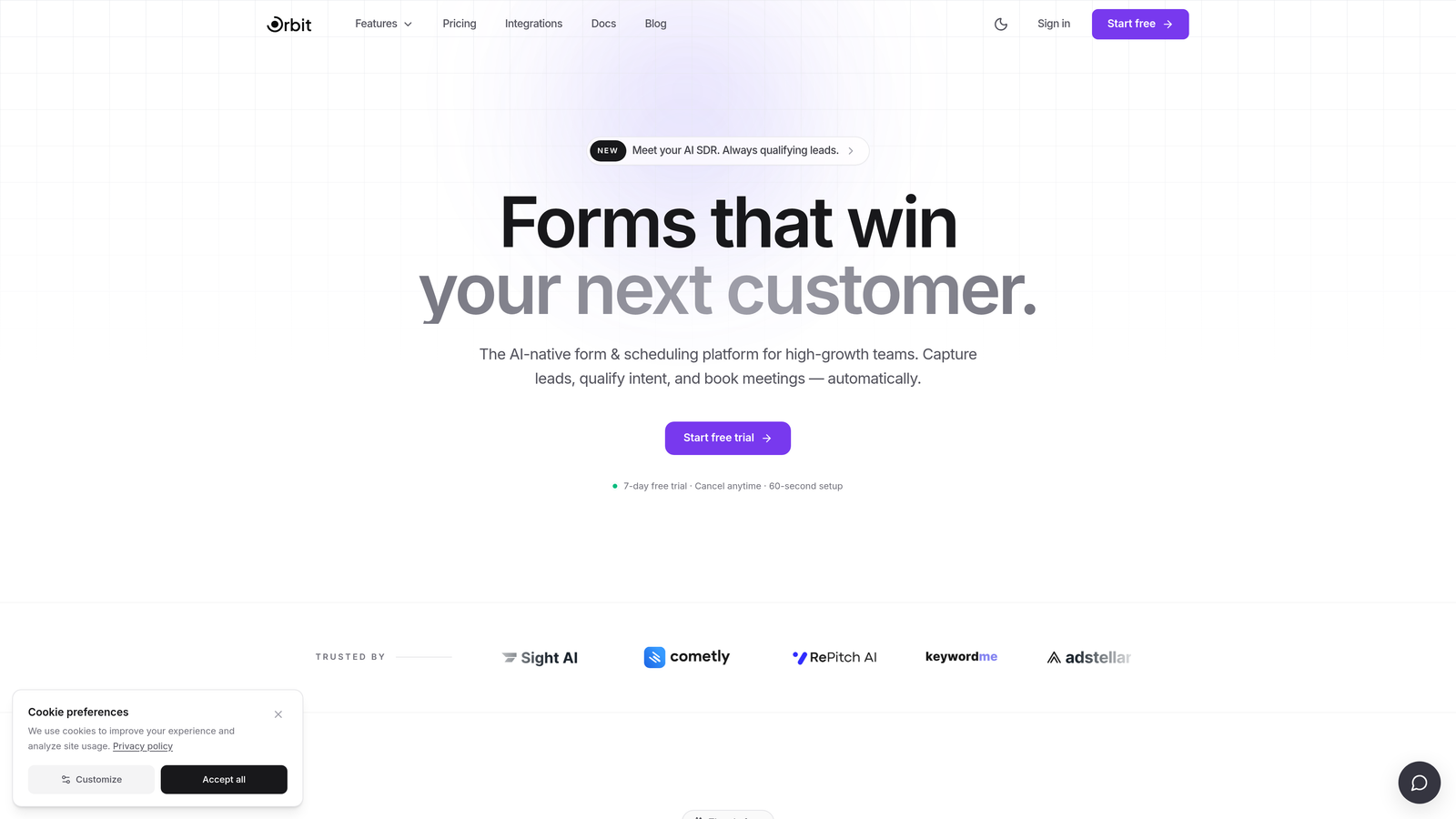
Orbit AI is an AI-powered form builder that goes beyond data collection — it scores and qualifies leads at the point of submission.
Where This Tool Shines
Most form builders are passive. They collect submissions and hand them off. Orbit AI takes a fundamentally different approach: it applies AI-driven lead qualification the moment someone hits submit, so your sales team isn't wading through unqualified contacts to find the real opportunities.
For B2B and SaaS startups where sales efficiency matters as much as volume, this is a meaningful shift. Instead of building separate qualification workflows in your CRM after the fact, Orbit AI handles it at the form level — routing high-quality leads directly into your pipeline without the manual overhead.
Key Features
AI-Powered Lead Qualification: Scores and routes leads automatically at the point of submission, so your team focuses on the prospects most likely to convert.
Conversion-Optimized Design: Form templates built specifically for B2B and SaaS use cases, prioritizing completion rates and brand quality.
Conditional Logic and Dynamic Fields: Personalize the form experience based on how respondents answer, creating a more relevant flow for each visitor.
CRM and Sales Tool Integrations: Push qualified leads directly into your pipeline without manual data entry or complex Zapier chains.
Analytics Dashboard: Track form performance and lead quality over time, giving you visibility into which forms are driving your best pipeline.
Best For
High-growth SaaS and B2B startups that treat lead generation as a core growth function. If you're at the stage where lead quality matters as much as lead volume, and you want your forms to do more than collect emails, Orbit AI is built for exactly that use case.
Pricing
Paid plans available. Visit orbitforms.ai for current pricing details and plan options.
2. Typeform
Best for: Startups that want high completion rates through an engaging, conversational form experience.
Typeform is a conversational form builder known for its one-question-at-a-time format that keeps respondents engaged throughout the entire flow.

Where This Tool Shines
Typeform's signature UX is genuinely different from traditional form builders. By presenting one question at a time, it reduces the visual overwhelm that causes people to abandon long forms. The result is a more guided, almost interview-like experience that tends to perform well for lead capture, surveys, and onboarding flows.
The design quality is also a real differentiator. Typeform forms look polished out of the box, which matters when your form is a prospect's first touchpoint with your brand. For consumer-facing startups and early-stage B2B teams, that first impression carries weight.
Key Features
Conversational One-Question Format: Reduces form abandonment by presenting questions sequentially, creating a more engaging experience than traditional multi-field layouts.
Logic Jumps: Conditional branching that routes respondents to different questions based on their answers, enabling personalized form paths.
Native Integrations: Connects directly with HubSpot, Slack, Zapier, and other tools common in startup growth stacks.
Video and Image Embedding: Enrich questions with visual context, useful for product demos or branded onboarding flows.
Custom Branding: Branded themes and custom domains available on paid plans to keep the experience consistent with your brand identity.
Best For
Early-stage startups and consumer-facing teams that prioritize form completion rates and brand experience. Also a strong choice for B2B teams running lead capture or customer research where engagement matters.
Pricing
Free plan available with limited responses. Paid plans start at approximately $25/month, scaling with response volume and feature needs.
3. Tally
Best for: Bootstrapped startups and indie founders who need powerful forms without paying for them.
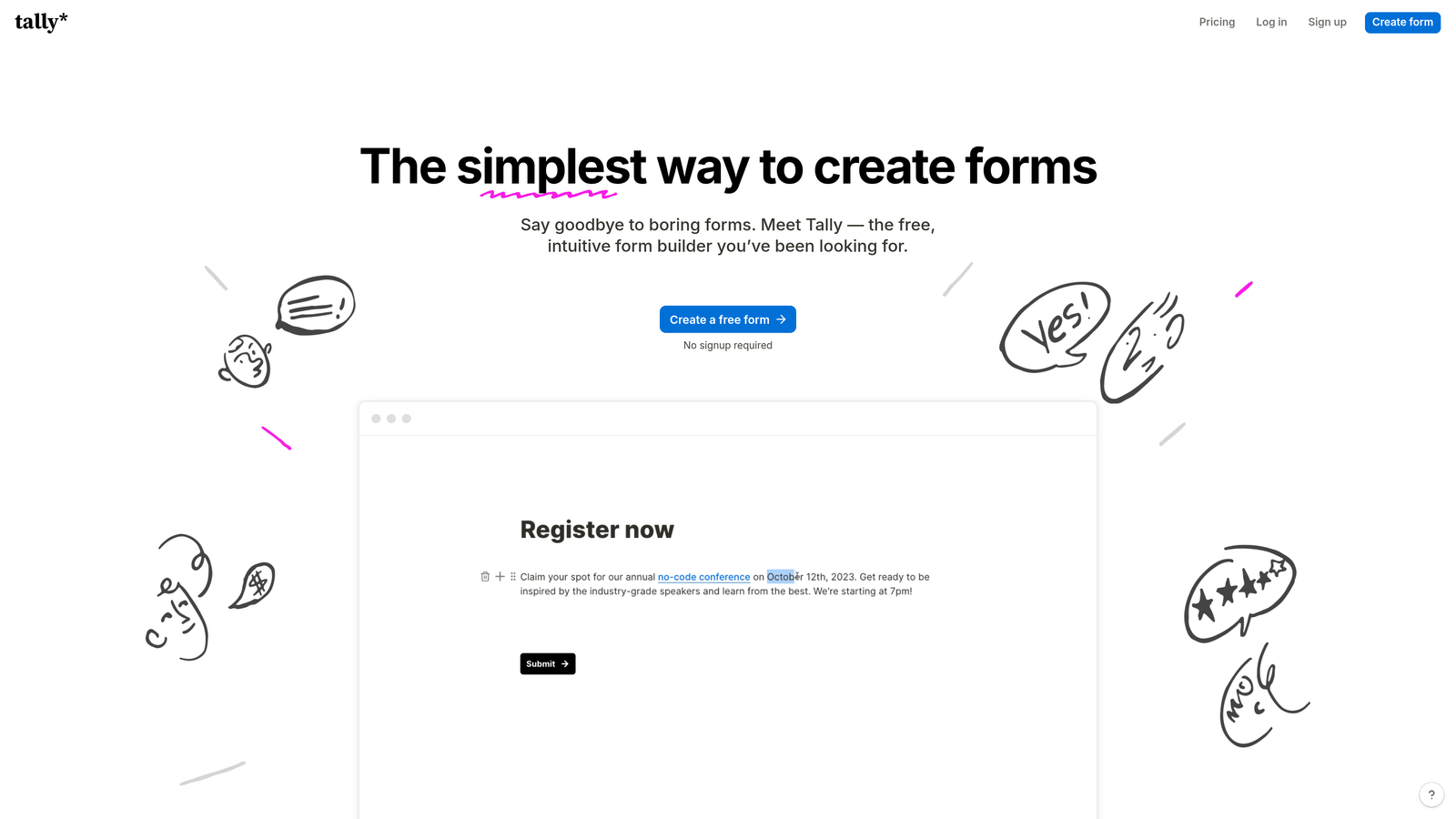
Tally is a Notion-inspired form builder with one of the most generous free plans in the category, offering unlimited forms and unlimited submissions at no cost.
Where This Tool Shines
Tally's free tier is genuinely impressive. No submission caps, no form limits, no artificial restrictions designed to push you onto a paid plan. For early-stage teams watching every dollar, this is a meaningful advantage over competitors that gate core functionality behind a paywall.
The block-based editor will feel immediately familiar to anyone who uses Notion, making the learning curve nearly nonexistent. It handles conditional logic and calculated fields well for a free tool, and embedding on any website is straightforward. It won't replace a dedicated lead qualification platform, but as a starting point, it's hard to beat.
Key Features
Unlimited Free Plan: No form limits, no submission caps, and no time restrictions on the free tier — rare in this category.
Block-Based Editor: Notion-style interface that's intuitive for teams already familiar with block-based tools.
Conditional Logic and Calculated Fields: Supports branching and basic calculations without requiring a paid upgrade.
Easy Website Embedding: Embed forms on any site with minimal setup, no developer required.
Tally Pro Upgrades: Custom domains, branding removal, and priority support unlock on the paid plan.
Best For
Pre-revenue and bootstrapped startups that need functional, clean forms without a budget. Also a great fit for internal tools, quick surveys, and simple lead capture pages where advanced qualification isn't required.
Pricing
Free plan with unlimited forms and submissions. Tally Pro starts at approximately $29/month for custom domains, white-labeling, and additional features.
4. HubSpot Forms
Best for: Startups already using HubSpot CRM who want native form-to-pipeline sync without extra tools.
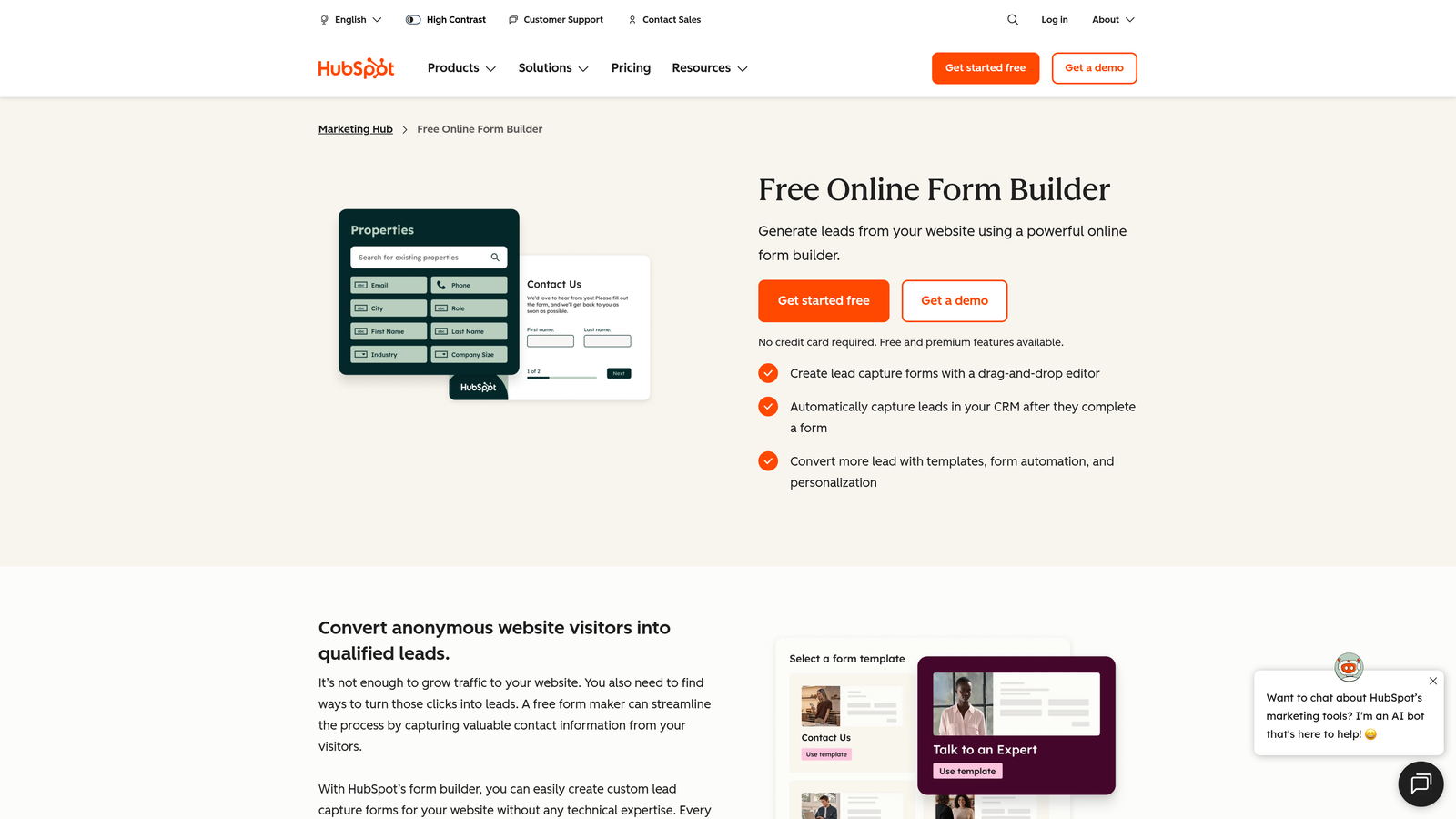
HubSpot Forms is the native form builder included free with HubSpot CRM, offering seamless contact creation and workflow automation within the HubSpot ecosystem.
Where This Tool Shines
If your startup is already running on HubSpot, this is an easy decision. The integration isn't just a data sync — it's native. Every form submission automatically creates or updates a contact record, maps to the right properties, and can trigger workflows, sequences, or notifications without any middleware.
The progressive profiling feature is particularly valuable for growth teams. Instead of asking returning visitors the same questions, HubSpot Forms detects known contacts and surfaces new fields, gradually building richer profiles over multiple touchpoints. That's a meaningful capability for teams running inbound marketing at scale.
Key Features
Free with HubSpot CRM: No additional cost for startups already in the HubSpot ecosystem — the form builder is included by default.
Automatic Contact Mapping: Submissions create or update contacts and map directly to CRM properties without manual configuration.
Workflow and Sequence Triggers: Kick off automated nurture sequences or internal notifications immediately on form submission.
Progressive Profiling: Collects new data from returning visitors by swapping out already-answered questions with fresh ones.
Embedded and Pop-Up Options: Deploy forms inline on landing pages or as behavioral pop-ups based on user actions.
Best For
Startups that have already committed to HubSpot as their CRM and marketing hub. As a standalone tool outside the HubSpot ecosystem, it offers limited value — but inside that ecosystem, it's unmatched for native integration depth.
Pricing
Free with HubSpot CRM. Advanced features like A/B testing and smart content require paid HubSpot Marketing Hub plans.
5. Jotform
Best for: Startups with complex data collection needs, including payments, e-signatures, and multi-step workflows.
Jotform is one of the most feature-rich form builders available, supporting everything from simple contact forms to payment processing and document collection.
Where This Tool Shines
Jotform's depth is its defining characteristic. With over 10,000 templates spanning dozens of use cases, it's rare to encounter a form scenario Jotform can't handle. Payment collection, e-signatures, file uploads, approval workflows — it's all there without requiring additional tools or integrations.
For startups that need more than a lead capture form — think event registrations with payment, client onboarding with document collection, or multi-step intake processes — Jotform handles complexity that lighter-weight builders simply can't. The trade-off is that the interface can feel dense for teams with simpler needs.
Key Features
10,000+ Templates: One of the largest template libraries in the category, covering virtually every industry and use case.
Built-In Payment Processing: Native support for Stripe, PayPal, and Square — no third-party integration required.
E-Signature and Document Collection: Collect legally binding signatures and supporting documents within a single form flow.
Advanced Conditional Logic: Multi-page forms with complex branching logic for sophisticated intake and qualification flows.
200+ Native Integrations: Connects with a wide range of CRMs, marketing tools, and productivity platforms.
Best For
Growth-stage startups with complex data collection requirements, particularly those in services, professional industries, or any use case that combines forms with payments or document management.
Pricing
Free plan available with limited monthly submissions. Paid plans start at approximately $34/month with higher submission limits and advanced features.
6. Paperform
Best for: Startups that want richly branded, content-driven form experiences without a separate landing page builder.
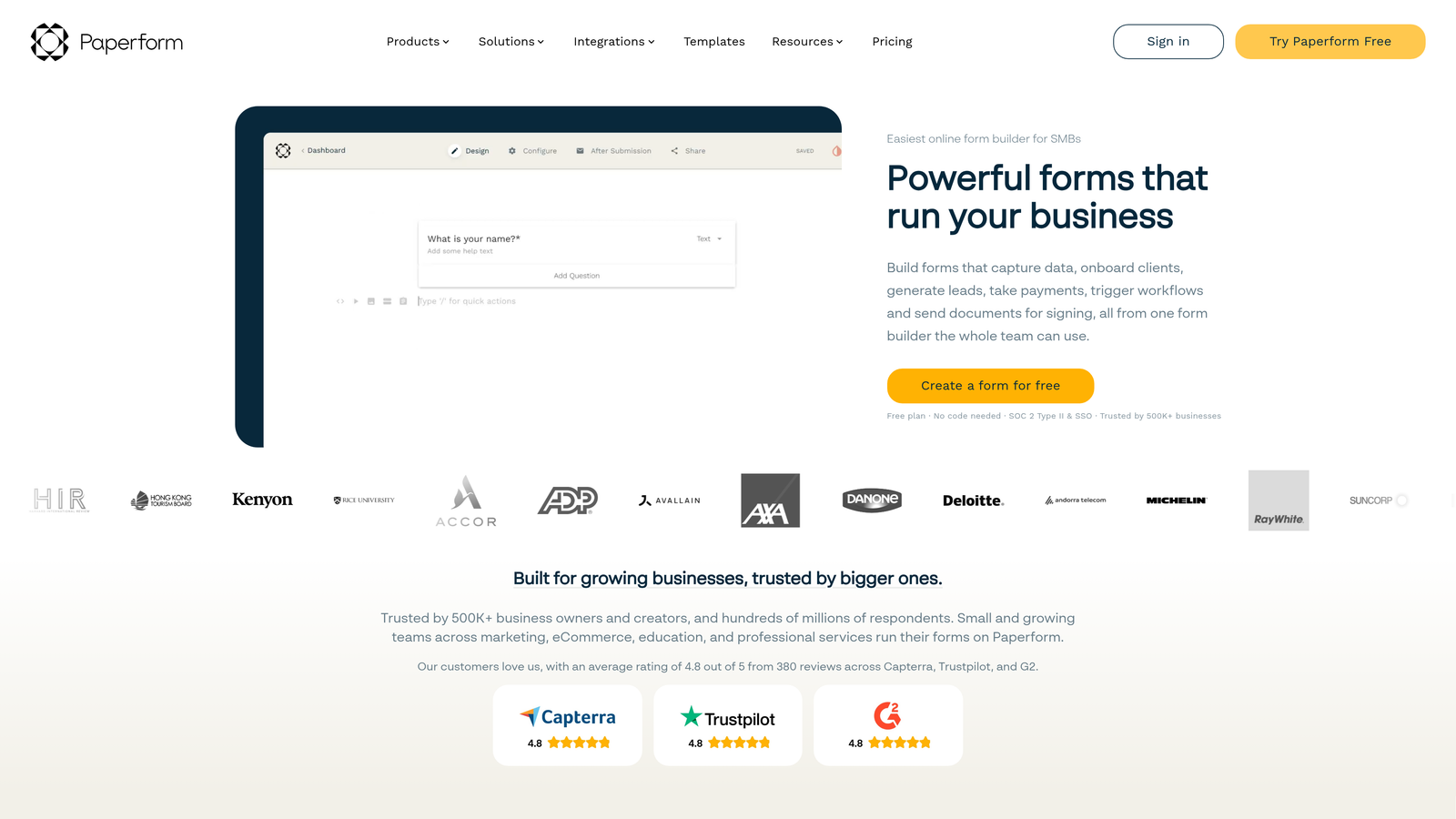
Paperform is a hybrid form and landing page builder that lets teams create immersive, branded form experiences with embedded text, images, and media.
Where This Tool Shines
Paperform sits in an interesting position: it's not quite a form builder and not quite a landing page tool, but the combination works well for specific startup use cases. Product launches, waitlist signups, event registrations, and intake pages all benefit from the ability to wrap a form in rich narrative content without needing a separate page builder.
The design flexibility is genuine. You can build a full-page experience with your brand voice, imagery, and copy — and the form is embedded naturally within that context rather than feeling like an afterthought. For startups where brand perception is part of the pitch, that matters.
Key Features
Rich Text and Media Embedding: Add context, images, and branded content directly within the form page, creating a cohesive narrative experience.
Full-Page Branded Experiences: Build form pages that function as standalone branded destinations, not just embedded widgets.
Conditional Logic and Calculated Fields: Personalize the form flow and surface dynamic results based on responses.
Payment Collection and Product Sales: Accept payments and sell products directly through form pages without additional tools.
Native CRM and Marketing Integrations: Connects with major platforms via native integrations and Zapier for flexible workflow automation.
Best For
Design-conscious startups running product launches, waitlists, event registrations, or client intake flows where brand storytelling and form functionality need to coexist in a single experience.
Pricing
Paid plans start at approximately $29/month. There is no permanent free plan, though a trial period is typically available.
7. Google Forms
Best for: Internal surveys, team feedback, and simple research — not external lead generation.
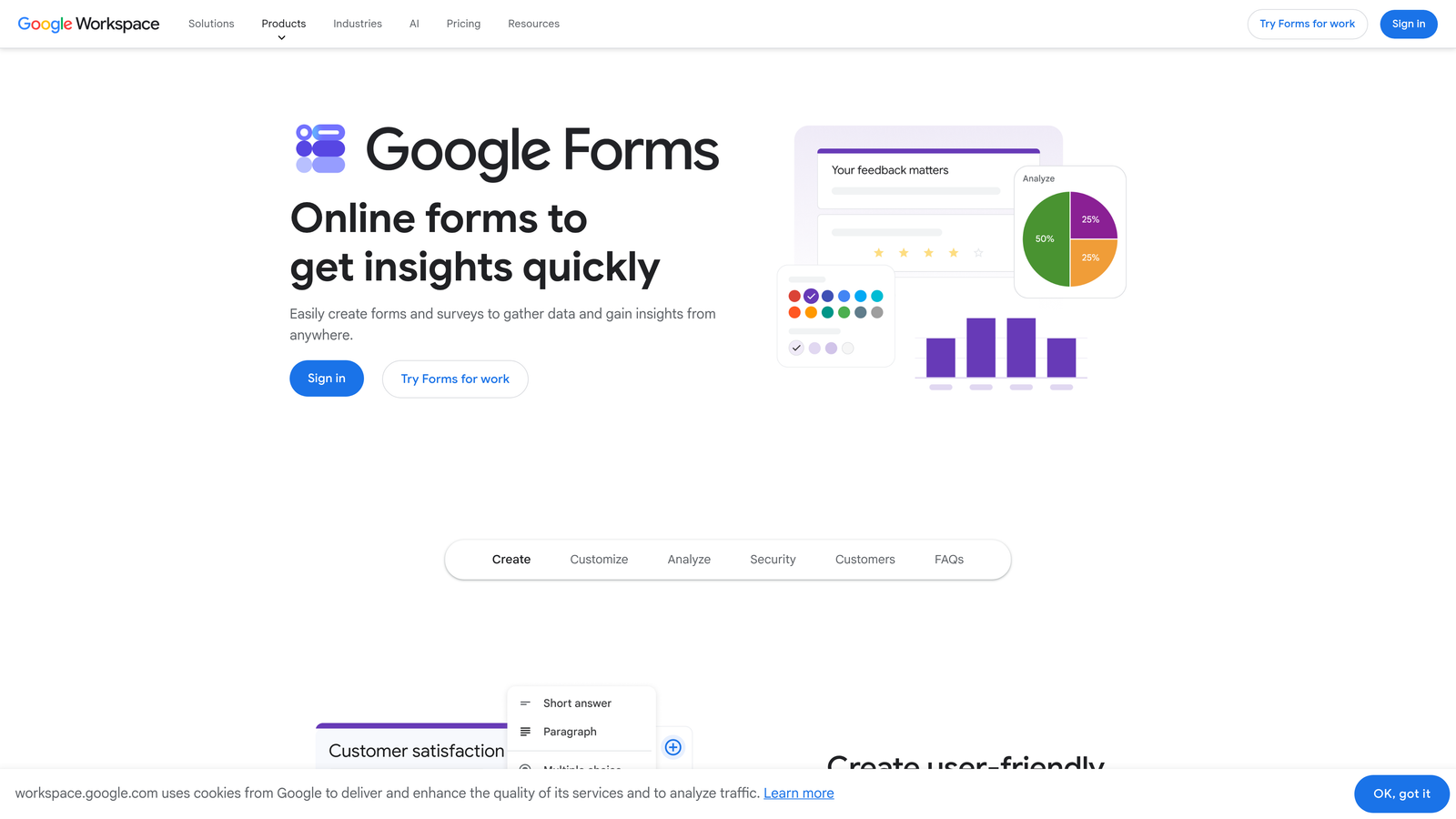
Google Forms is Google's free, no-frills form tool that's best suited for internal use cases rather than customer-facing lead capture.
Where This Tool Shines
For what it is, Google Forms is hard to argue with. It's completely free, requires no setup, and integrates directly with Google Sheets for instant response tracking. For internal use cases — team surveys, event RSVPs, feedback collection, or quick research — it does the job without any friction.
The honest limitation is that it wasn't built for external lead generation. Branding options are minimal, advanced logic is basic, and the visual experience won't impress prospects who encounter it as their first touchpoint with your brand. Use it internally; look elsewhere for customer-facing forms.
Key Features
Completely Free: No cost, no submission limits, no account upgrade required beyond a standard Google account.
Native Google Sheets Integration: Responses flow directly into a connected spreadsheet for easy tracking and analysis.
Basic Branching Logic: Simple conditional sections based on multiple-choice answers, sufficient for straightforward survey flows.
Unlimited Forms and Responses: No caps on how many forms you create or how many responses you collect.
Google Workspace Collaboration: Easy sharing and co-editing within teams already using Google's productivity suite.
Best For
Startups that need a zero-cost solution for internal surveys, employee feedback, research collection, or simple team coordination. Not recommended for external-facing lead generation where brand quality and conversion optimization matter.
Pricing
Completely free with a Google account. No paid tiers or feature upgrades.
8. Fillout
Best for: Technical and product teams building forms that connect natively to Notion, Airtable, or Supabase.
Fillout is a modern form builder with native database integrations that make it a natural fit for no-code and technical startup teams.
Where This Tool Shines
Fillout has carved out a specific niche: teams that live in Notion, Airtable, or Supabase and want form data to flow directly into those databases without workarounds. The native integrations are genuinely seamless, which saves technical teams from building and maintaining custom sync logic.
Beyond the database connections, Fillout is a capable modern form builder in its own right. The UI is clean, conditional logic works well, and features like URL parameter pre-fill and scheduling support make it useful for product teams building user-facing flows. It's gained real traction in the no-code community as a result.
Key Features
Native Notion, Airtable, and Supabase Integrations: Form responses write directly to your database of choice without middleware or custom code.
Multi-Step Forms with Conditional Logic: Build complex, branching form flows that adapt based on user responses.
Calculated Fields and URL Pre-Fill: Support dynamic values and pre-populated fields from URL parameters for personalized experiences.
Scheduling and Booking Support: Build scheduling forms natively without requiring a separate booking tool.
Clean, Customizable UI: Modern design with themeable interfaces that match your brand without heavy configuration.
Best For
Product and technical teams at startups that use Notion, Airtable, or Supabase as their operational backbone, and want form data to integrate directly without additional automation layers.
Pricing
Free plan available with core functionality. Paid plans start at approximately $19/month, making it one of the more affordable options with native database integrations.
9. Webflow Forms
Best for: Design-led startups already running their website on Webflow who want native form functionality without external tools.
Webflow Forms is the native form functionality built into the Webflow website builder, offering pixel-perfect design control within the same visual editor used to build the site.
Where This Tool Shines
If your startup is already on Webflow, using its native forms is the path of least resistance. There's no external embed to manage, no third-party tool to sync, and no visual inconsistency between your site design and your form. The form is built in the same editor as everything else, so design control is exact and the experience is seamless for visitors.
The honest caveat is that Webflow Forms is relatively limited compared to standalone form builders. Conditional logic is basic, integrations rely on Zapier or Make rather than native connections, and there's no built-in lead qualification. It works well for simple contact and lead capture forms on Webflow sites — but for teams that need more sophisticated form functionality, a standalone tool will serve better.
Key Features
Pixel-Perfect Design Control: Build forms directly in Webflow's visual editor with full control over layout, typography, and styling.
No External Embed Required: Forms are native to the site, eliminating the visual and performance overhead of third-party embeds.
Zapier and Make Integration: Connect form submissions to external tools via automation platforms for workflow flexibility.
Custom Success States and Animations: Design fully branded confirmation experiences that match your site's motion and visual language.
CMS-Connected Forms: Link form submissions to Webflow's CMS for dynamic content workflows.
Best For
Design-led startups that have committed to Webflow as their website platform and need clean, on-brand forms for contact, lead capture, or newsletter signup. Not the right choice for teams that need advanced logic, AI qualification, or database integrations.
Pricing
Included with Webflow site plans. Webflow paid plans start at approximately $14/month, making this effectively the lowest-cost option for teams already paying for Webflow.
Which Tool Is Right for Your Startup?
The right form builder depends on where your startup is today and what you're optimizing for. Here's a quick decision guide to cut through the noise.
If lead qualification is your priority, Orbit AI is the clear choice. It's the only tool on this list that scores and routes leads at the form level, which means your sales team works from a qualified pipeline rather than a raw list of submissions. For B2B and SaaS startups where sales efficiency drives growth, that's not a nice-to-have — it's a core advantage.
If you're working with a zero budget, start with Tally or Google Forms. Tally is the better pick for external-facing forms thanks to its cleaner design and unlimited free tier. Google Forms is best kept for internal use where brand impression doesn't factor in.
If brand experience is your primary concern, Typeform and Paperform both deliver. Typeform wins on engagement through its conversational format. Paperform wins on narrative richness if you want your form to double as a branded landing page.
HubSpot Forms is a no-brainer if you're already in that ecosystem — the native CRM sync alone justifies the choice. Jotform is the right call for complex data collection needs. Fillout is purpose-built for technical teams working with Notion, Airtable, or Supabase. And Webflow Forms makes sense only if your site already lives on Webflow.
For most high-growth startups focused on turning traffic into pipeline, the combination of beautiful design and intelligent lead qualification is what separates a form builder from a genuine growth tool. That's where Orbit AI stands apart from every other option on this list.
Ready to build forms that don't just collect leads but qualify them? Start building free forms today and see what conversion-optimized forms look like when AI does the heavy lifting.


