

Your contact form is the front door to your sales pipeline—but if leads aren't flowing directly into your CRM, you're losing valuable time and context. Manual data entry creates delays, introduces errors, and disconnects your marketing efforts from your sales process.
The solution? A contact form builder that syncs seamlessly with your CRM, automatically routing leads where they need to go.
We evaluated dozens of form builders based on CRM integration depth, ease of setup, lead qualification features, and pricing flexibility. Here are the top options for teams that want their forms to actually feed their sales engine.
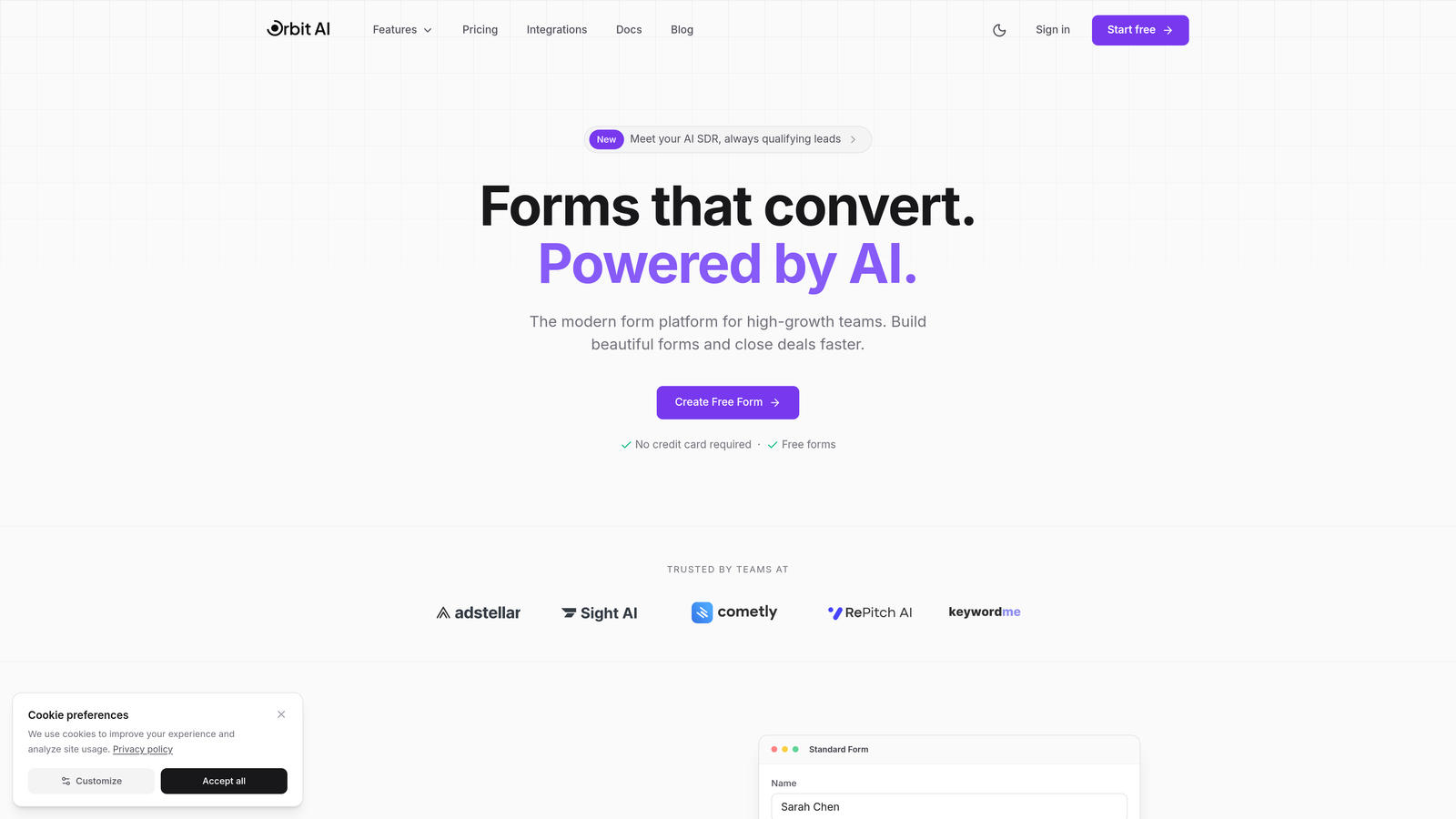
1. Orbit AI
Best for: Teams that want AI-powered lead qualification built into their form workflow
Orbit AI combines modern form building with intelligent lead qualification, automatically scoring and routing prospects based on their responses.
Where This Tool Shines
The AI qualification engine sets Orbit AI apart from traditional form builders. Instead of simply collecting data, it analyzes responses in real-time to identify high-value leads and trigger appropriate workflows.
The platform handles bidirectional CRM sync, meaning updates flow both ways between your forms and your CRM. This keeps your data current without manual intervention and enables progressive profiling across multiple touchpoints.
Key Features
AI-Powered Lead Qualification: Automatically scores leads based on responses and engagement patterns to prioritize follow-up.
Native CRM Integrations: Direct connections to HubSpot, Salesforce, Pipedrive, Close, and Attio without middleware.
Real-Time Bidirectional Sync: Changes in your CRM update form fields, and form submissions instantly create or update CRM records.
Conversion-Optimized Templates: Pre-built form designs tested for maximum completion rates and lead quality.
Automated Workflow Triggers: Launch sequences in your CRM or marketing automation platform based on specific form responses.
Best For
High-growth teams that need their forms to do more than collect data. Particularly valuable for businesses focused on lead quality over quantity, where intelligent qualification can significantly impact sales efficiency.
Pricing
Free tier available with core features. Paid plans start at competitive rates designed for growing teams, with pricing that scales based on form submissions and advanced features.
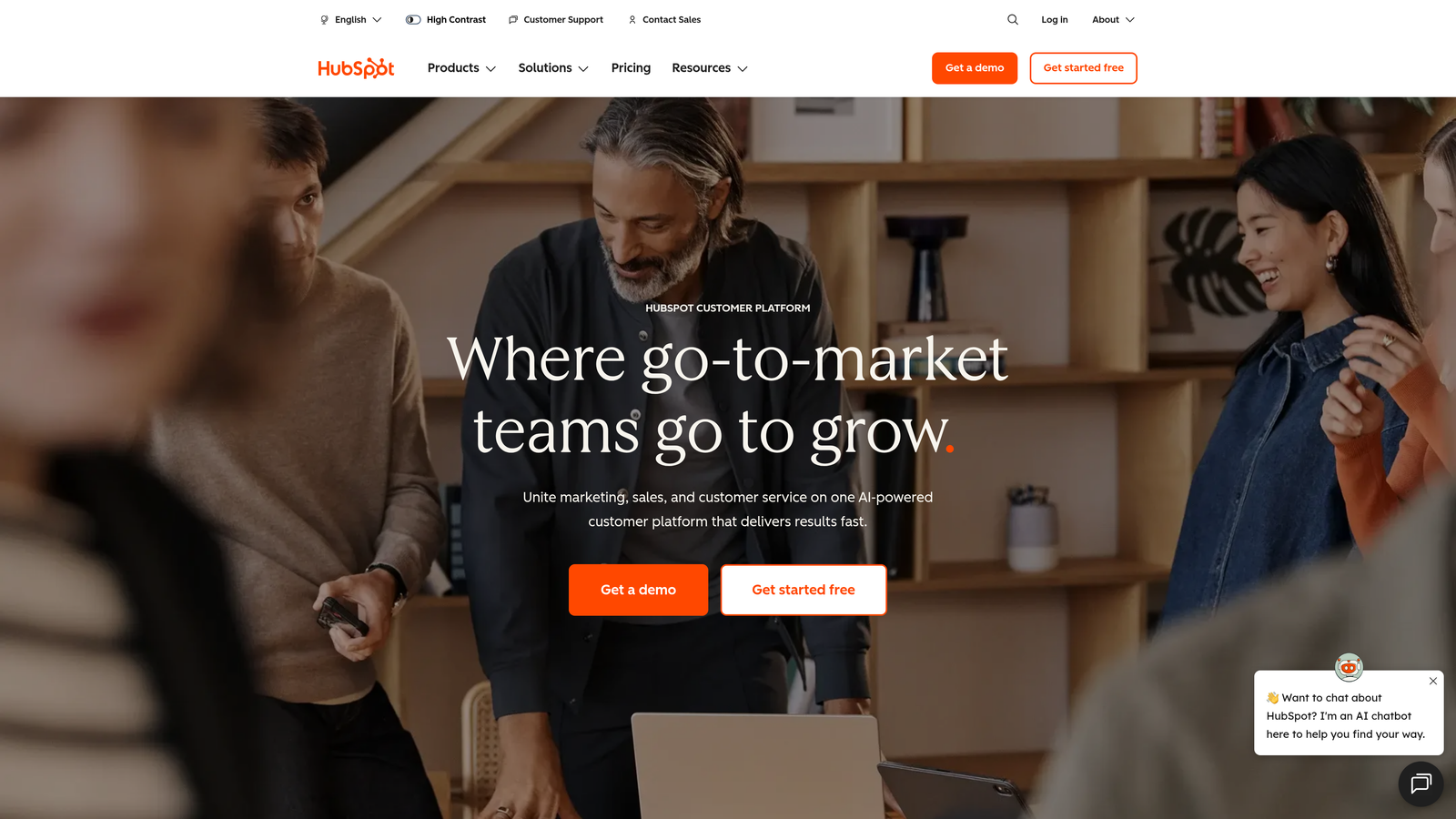
2. HubSpot Forms
Best for: Businesses already invested in the HubSpot ecosystem
HubSpot Forms is the native form builder within HubSpot's marketing platform, offering zero-friction CRM integration.
Where This Tool Shines
If you're using HubSpot CRM, this is the path of least resistance. Forms sync instantly with contact records, and there's no configuration required—everything just works out of the box.
Progressive profiling is a standout feature. The system remembers what it already knows about a contact and adjusts form fields accordingly, asking new questions each time instead of requesting duplicate information.
Key Features
Zero-Configuration CRM Sync: Forms automatically create or update contact records in HubSpot CRM without any setup.
Progressive Profiling: Collect additional data over multiple interactions by hiding fields for information you already have.
Smart Fields: Form fields pre-populate with known contact data, reducing friction for returning visitors.
Built-In Analytics: Track form performance, conversion rates, and A/B test variations directly in the platform.
Workflow Integration: Trigger automated email sequences, task creation, and lead scoring based on form submissions.
Best For
Companies already using HubSpot CRM or considering the full HubSpot suite. The value proposition drops significantly if you're using a different CRM, as external integrations require paid plans.
Pricing
Free with HubSpot CRM. Advanced features like A/B testing and progressive profiling require Marketing Hub, which starts at $20/month for the Starter tier.
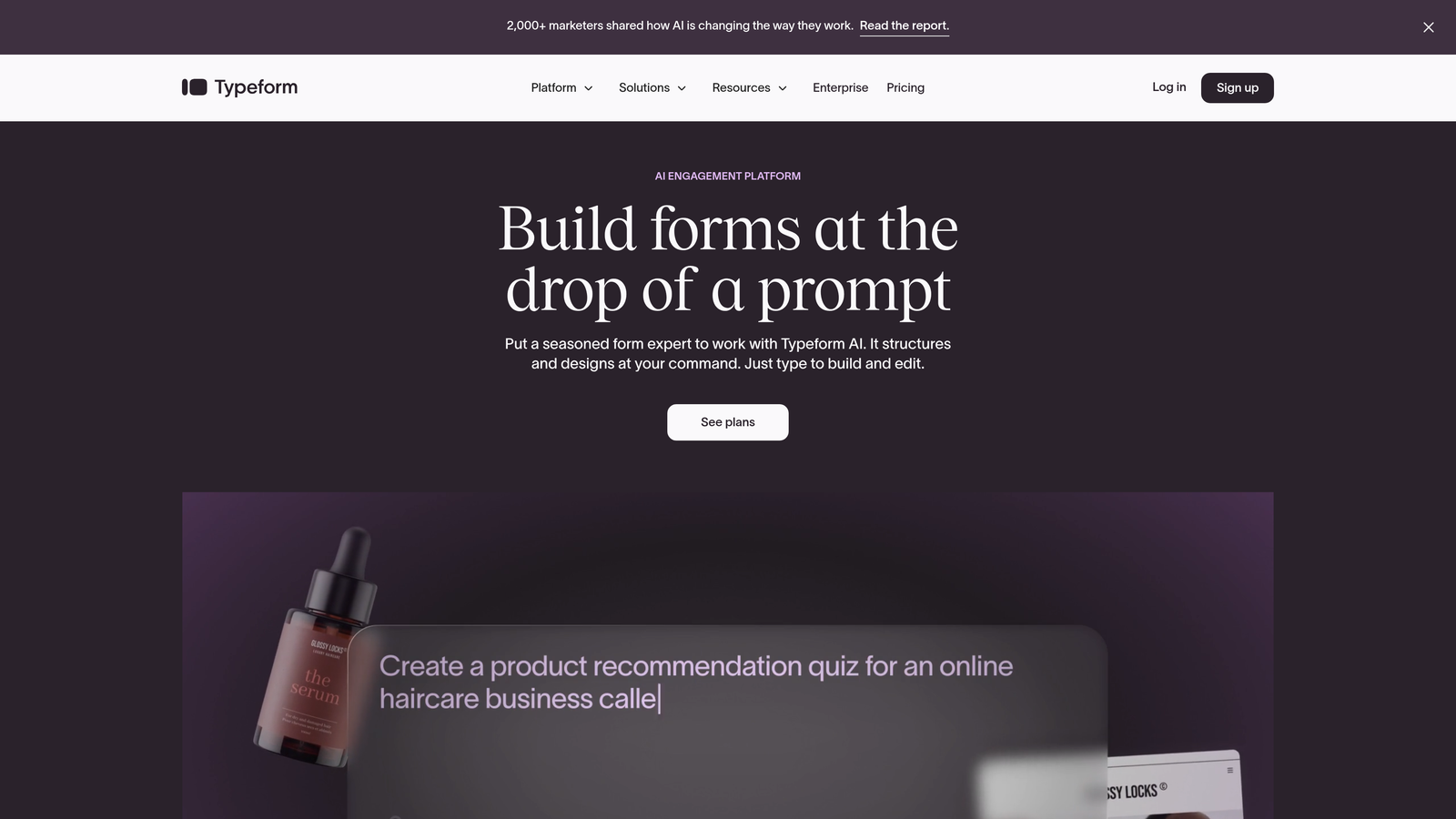
3. Typeform
Best for: Creating conversational, engaging form experiences that feel less like data collection
Typeform pioneered the one-question-at-a-time format that transforms traditional forms into interactive conversations.
Where This Tool Shines
The conversational interface significantly improves completion rates for longer forms. By presenting one question at a time, Typeform reduces cognitive load and creates a more engaging experience than traditional multi-field layouts.
Native integrations with major CRMs like HubSpot, Salesforce, and Pipedrive handle the sync automatically. For other platforms, Zapier and Make connections provide flexibility without requiring custom development.
Key Features
Conversational Format: One-question-at-a-time presentation that feels more like a dialogue than a form.
Native CRM Integrations: Direct connections to HubSpot, Salesforce, Pipedrive, and other major platforms.
Logic Jumps: Show different questions based on previous answers to create personalized experiences.
Zapier and Make Support: Connect to hundreds of additional CRMs and tools through automation platforms.
Custom Branding: Fully customize colors, fonts, and images to match your brand identity.
Best For
Brands that prioritize user experience and completion rates. Particularly effective for surveys, lead qualification forms, and customer feedback collection where engagement matters more than speed.
Pricing
Free tier includes 10 responses per month. Basic plan starts at $25/month with 100 responses and essential features. Professional tier at $50/month unlocks logic jumps and integrations.
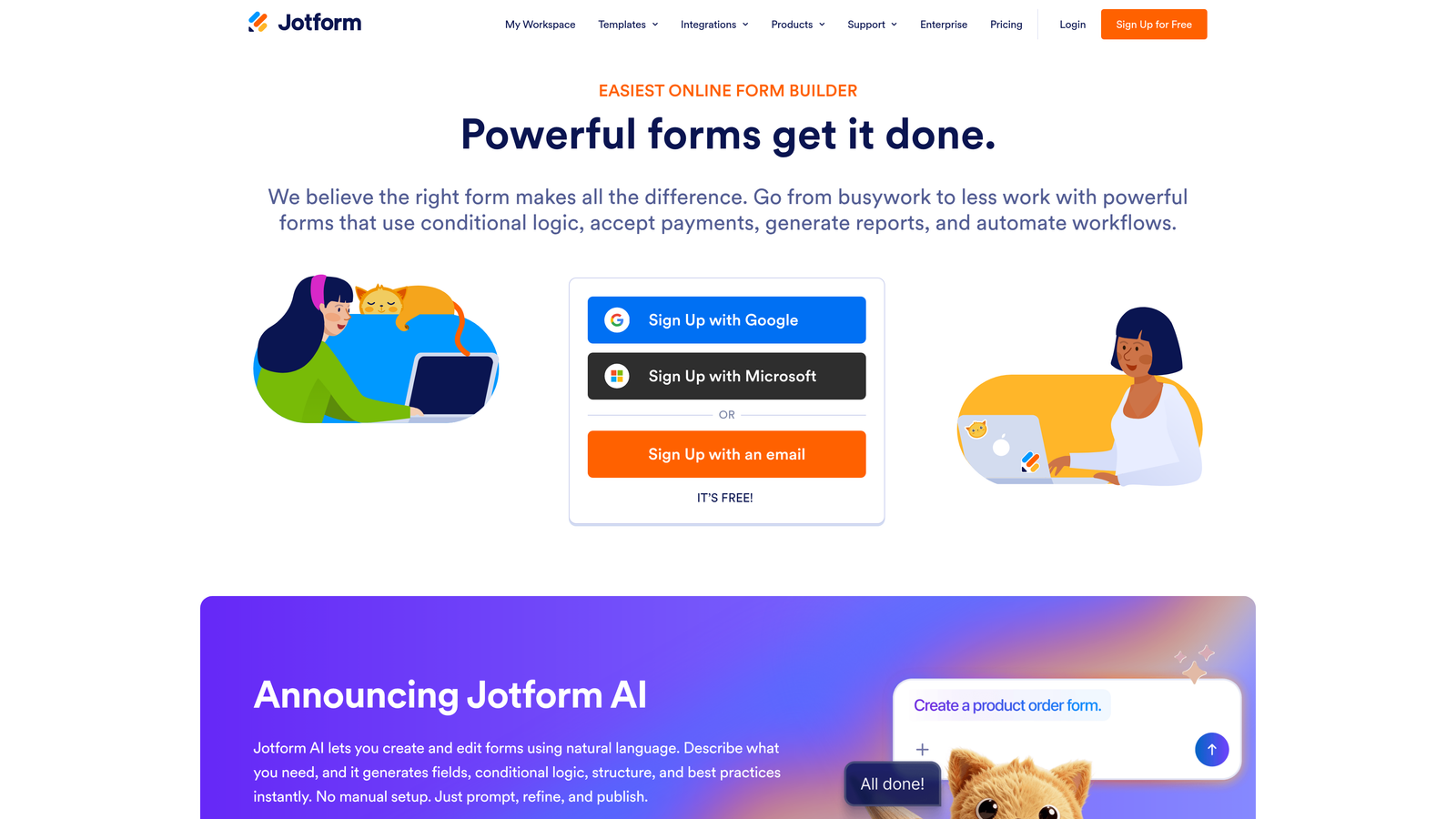
4. Jotform
Best for: Teams that need extensive template options and broad CRM compatibility
Jotform offers one of the most comprehensive form-building platforms with over 10,000 templates and 100+ direct CRM integrations.
Where This Tool Shines
The sheer breadth of integrations is impressive. Whether you're using a mainstream CRM like Salesforce or a niche industry-specific platform, Jotform likely has a direct connection available.
The template library covers virtually every use case imaginable, from basic contact forms to complex multi-page applications with payment processing. This makes it easy to launch quickly without starting from scratch.
Key Features
100+ Direct CRM Integrations: Native connections to major and niche CRM platforms without requiring middleware.
10,000+ Templates: Pre-built forms for every industry and use case, customizable to your needs.
Conditional Logic: Show or hide fields based on user responses to create dynamic form experiences.
Payment Collection: Accept payments directly through forms with integrated payment processors.
HIPAA Compliance: Enterprise plans include HIPAA-compliant forms for healthcare organizations.
Best For
Organizations that need flexibility and breadth of options. Particularly valuable for agencies managing multiple clients with different CRM requirements, or businesses in regulated industries requiring compliance features.
Pricing
Free tier allows 5 forms with 100 monthly submissions. Bronze plan starts at $34/month for 25 forms and 1,000 submissions. Silver and Gold tiers add advanced features and higher limits.
5. Gravity Forms
Best for: WordPress sites requiring powerful forms with extensive CRM connectivity
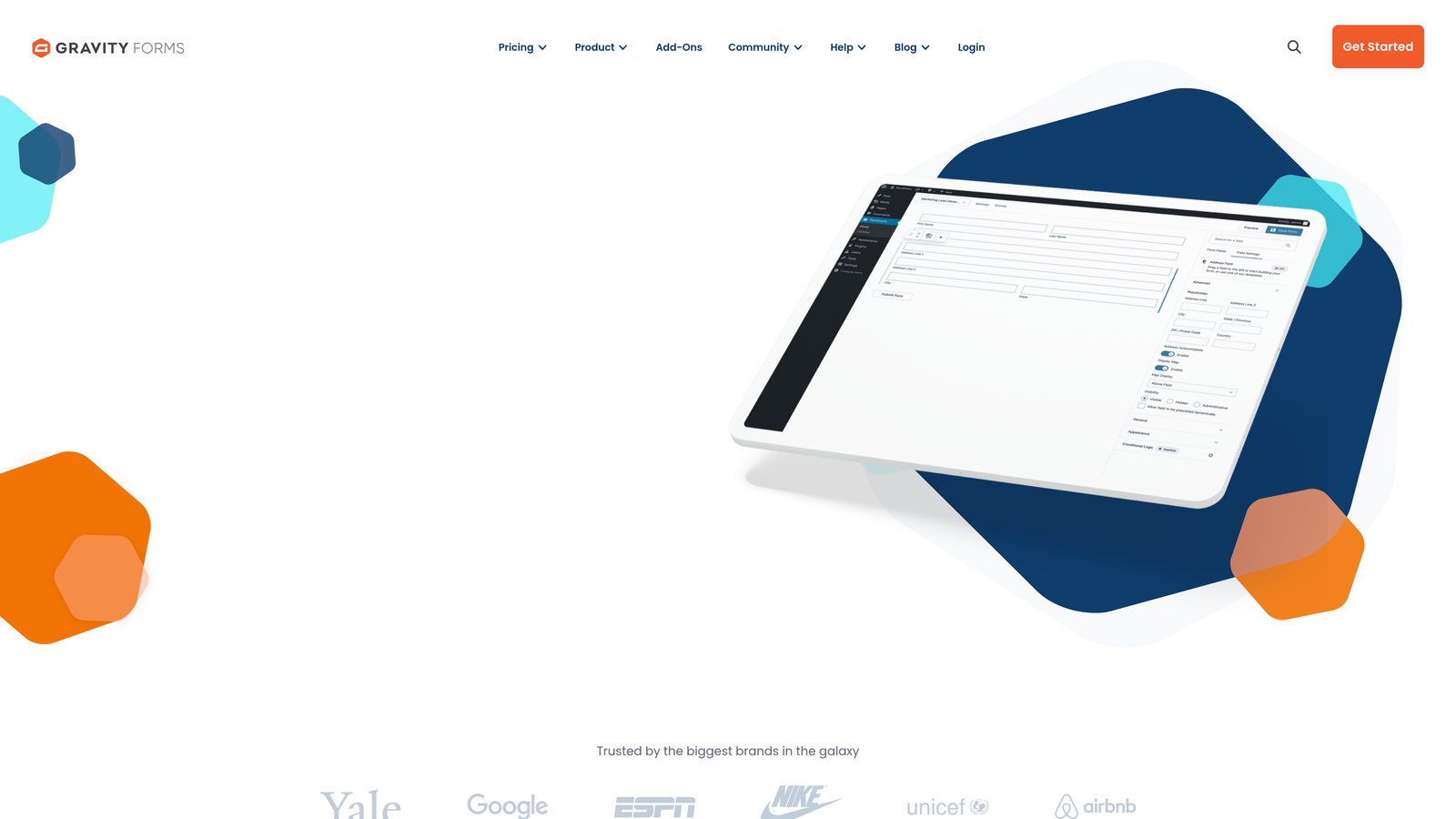
Gravity Forms is the premium standard for WordPress form building, with official add-ons for major CRM platforms.
Where This Tool Shines
Deep WordPress integration means Gravity Forms works seamlessly with your existing site infrastructure. It leverages WordPress user data, custom post types, and taxonomies in ways standalone form builders can't match.
The add-on ecosystem provides official integrations maintained by the Gravity Forms team. This ensures compatibility with WordPress updates and CRM API changes, reducing the risk of broken connections.
Key Features
Official CRM Add-Ons: Maintained integrations for Salesforce, HubSpot, Zoho, and other major platforms.
WordPress-Native: Leverages WordPress users, posts, and custom fields for advanced functionality.
Conditional Logic: Show, hide, or require fields based on user selections and form data.
Multi-Page Forms: Break long forms into steps with progress indicators and save-and-continue functionality.
Developer-Friendly: Extensive hooks and filters for custom functionality and third-party integrations.
Best For
WordPress-based businesses that need enterprise-grade form functionality. Particularly valuable for membership sites, e-commerce platforms, and content publishers requiring complex form logic.
Pricing
Basic license starts at $59/year for one site. Pro license at $159/year adds priority support and advanced add-ons. Elite at $259/year includes all add-ons and unlimited sites.
6. Formstack
Best for: Enterprise organizations requiring compliance, security, and advanced workflow automation
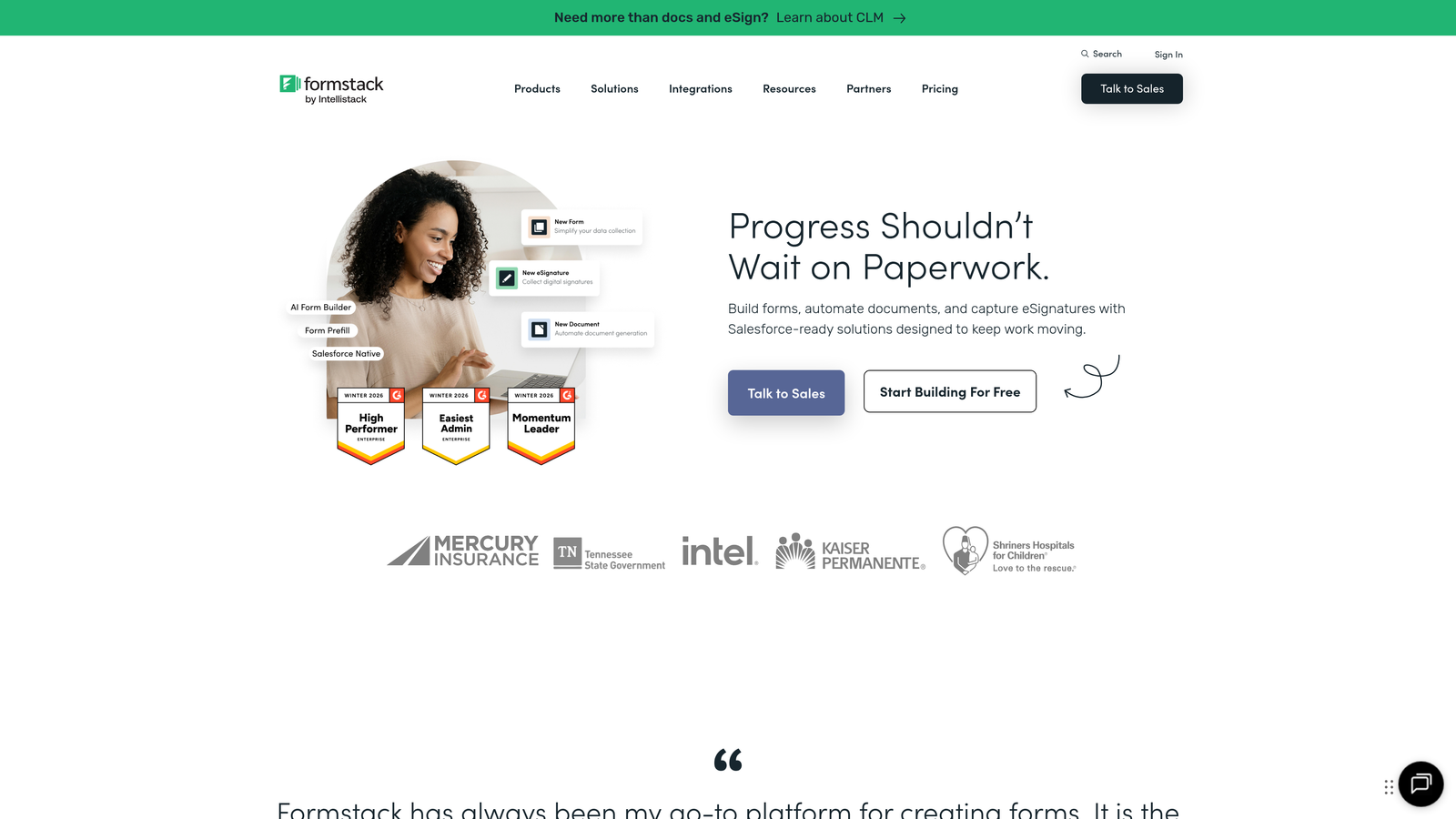
Formstack focuses on regulated industries and large organizations with complex requirements beyond basic form building.
Where This Tool Shines
The native Salesforce integration (marketed as Formstack for Salesforce) provides bidirectional sync and field mapping that goes deeper than most competitors. This makes it particularly valuable for Salesforce-heavy organizations.
Compliance certifications including HIPAA, GDPR, and SOC 2 make Formstack suitable for healthcare, finance, and other regulated industries where data security isn't optional. The platform handles encryption, audit trails, and access controls required for sensitive data.
Key Features
Native Salesforce Integration: Deep, bidirectional sync with advanced field mapping and custom object support.
Advanced Conditional Logic: Complex branching, calculations, and field dependencies for sophisticated forms.
Compliance Certifications: HIPAA, GDPR, and SOC 2 compliance with enterprise-grade security controls.
Workflow Automation: Route submissions for approval, trigger notifications, and automate data processing.
Document Generation: Automatically create PDFs and documents from form data for contracts and agreements.
Best For
Enterprise teams in regulated industries or organizations with complex approval workflows. The compliance features and advanced automation justify the higher price point for businesses where these capabilities are requirements rather than nice-to-haves.
Pricing
Starts at $50/month for basic features. Enterprise pricing available with custom quotes based on form volume, users, and compliance requirements.
7. Cognito Forms
Best for: Budget-conscious teams needing solid functionality without premium pricing
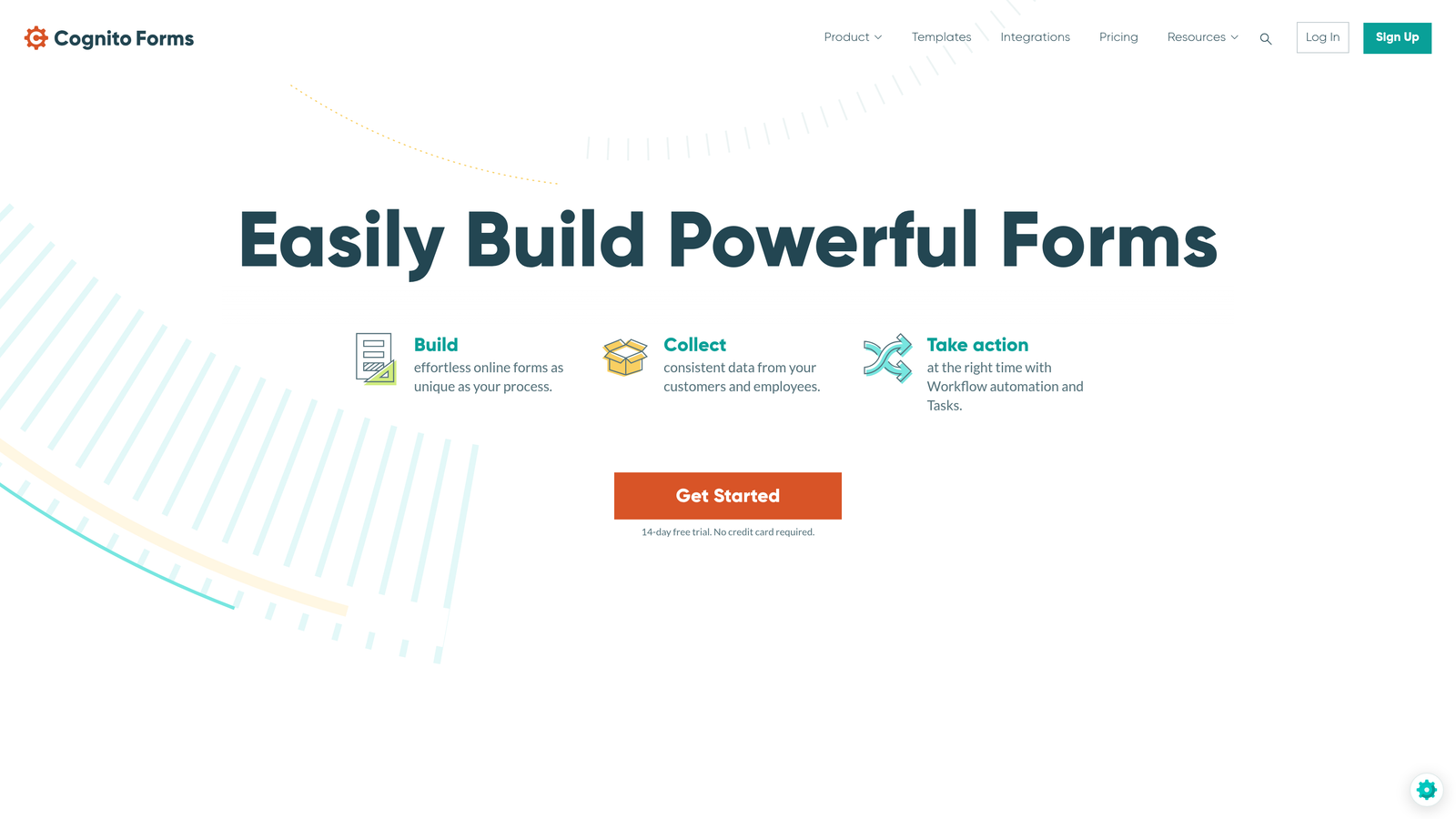
Cognito Forms delivers impressive capabilities at a fraction of the cost of enterprise alternatives.
Where This Tool Shines
The free tier is genuinely useful—unlimited forms with reasonable submission limits make it viable for small businesses and startups. Many competitors restrict form count on free plans, but Cognito Forms focuses on submission volume instead.
While it lacks native CRM integrations, Zapier and Microsoft Power Automate support provides connectivity to most major platforms. The trade-off is worth it for teams prioritizing budget over convenience.
Key Features
Generous Free Tier: Unlimited forms with 500 monthly entries and 1GB storage at no cost.
Zapier and Power Automate: Connect to CRMs and other tools through automation platforms.
Conditional Logic: Show, hide, and calculate fields based on user input and form data.
Payment Collection: Accept payments through Stripe and PayPal integrations.
Calculations and Formulas: Perform complex calculations within forms for quotes, orders, and applications.
Best For
Small businesses and startups that need professional forms without enterprise budgets. The free tier handles many use cases indefinitely, and paid plans remain affordable as you scale.
Pricing
Free tier includes unlimited forms with 500 entries per month. Pro plan starts at $15/month for 2,000 entries. Team plan at $35/month adds collaboration features.
8. Paperform
Best for: Brands that prioritize beautiful design and seamless user experiences
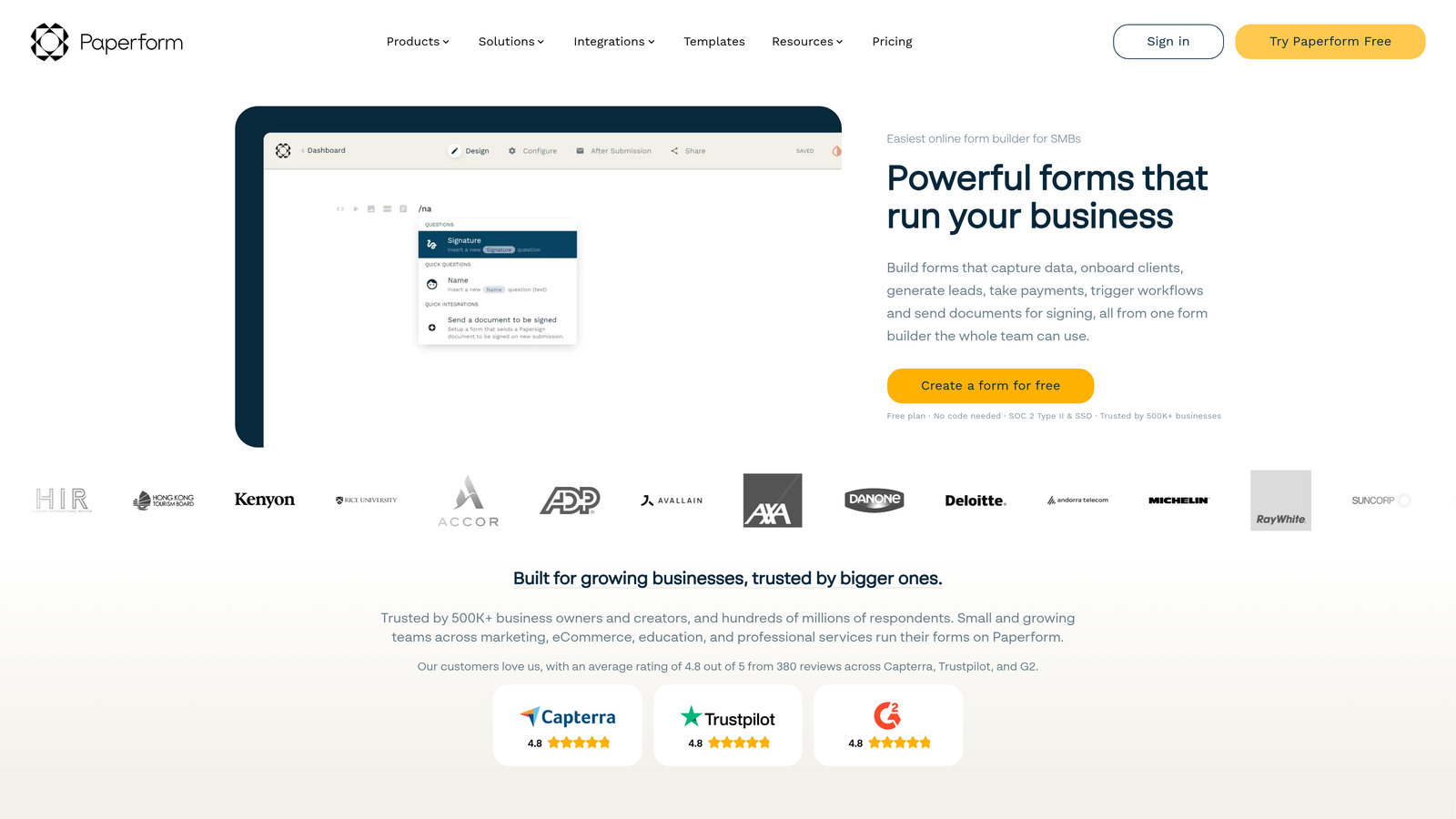
Paperform combines the aesthetics of a landing page builder with the functionality of a form platform.
Where This Tool Shines
The design capabilities go far beyond typical form builders. You can create forms that look like custom-designed landing pages, with full control over layout, typography, and visual elements.
Direct integrations with ActiveCampaign, Mailchimp, and other marketing platforms complement Zapier support for broader CRM connectivity. The focus is on marketing-first use cases where form design impacts brand perception.
Key Features
Beautiful Design Options: Extensive customization creates forms that match your brand's visual identity.
Direct Marketing Integrations: Native connections to ActiveCampaign, Mailchimp, and similar platforms.
Zapier Support: Connect to additional CRMs and tools through automation workflows.
Built-In Analytics: Track form views, completions, and conversion rates without external tools.
Payment Processing: Accept payments through Stripe and PayPal with customizable checkout experiences.
Best For
Design-conscious brands and creative agencies where form aesthetics matter as much as functionality. Particularly effective for lead magnets, event registrations, and customer-facing forms that represent your brand.
Pricing
Essentials plan starts at $24/month for 1,000 submissions. Pro plan at $49/month adds advanced features and higher limits. Agency plan available for teams managing multiple brands.
9. Zoho Forms
Best for: Organizations already using Zoho CRM or the broader Zoho ecosystem
Zoho Forms provides native integration with Zoho CRM and seamless connectivity across the entire Zoho suite.
Where This Tool Shines
If you're invested in the Zoho ecosystem, this integration is unmatched. Forms sync instantly with Zoho CRM, and data flows automatically to other Zoho applications like Campaigns, Analytics, and Projects.
The mobile app enables offline form collection—valuable for field teams, event staff, and sales representatives working in areas with limited connectivity. Submissions sync automatically when connection is restored.
Key Features
Seamless Zoho CRM Sync: Instant contact creation and updates without configuration or middleware.
Zoho Suite Integration: Connect forms to the entire Zoho ecosystem for comprehensive workflow automation.
Conditional Logic: Show or hide fields and sections based on user responses and field values.
Offline Form Collection: Mobile app enables data collection without internet connectivity.
Field Rules: Validate data, set field dependencies, and enforce business rules within forms.
Best For
Businesses already committed to Zoho products. The value proposition is strongest when you're using multiple Zoho applications, as the integrated ecosystem provides capabilities that standalone tools can't match.
Pricing
Free tier includes 3 forms with 500 monthly submissions. Basic plan starts at $10/month for 25 forms. Standard and Professional tiers add advanced features and higher limits.
Making the Right Choice
Your ideal contact form builder depends on your existing tech stack and specific requirements.
For teams that want AI-powered lead qualification built directly into their forms, Orbit AI delivers intelligent prospect scoring alongside robust CRM connectivity. The bidirectional sync and automated workflows eliminate manual data handling while improving lead quality.
If you're already using HubSpot, their native forms provide the smoothest experience with zero configuration required. Typeform excels when user experience and completion rates are priorities, particularly for longer forms where the conversational format reduces abandonment.
For enterprise organizations requiring compliance certifications and advanced workflow automation, Formstack justifies the premium pricing. Budget-conscious teams will find Cognito Forms delivers solid functionality at a fraction of the cost.
The common thread across successful implementations is eliminating the gap between form submission and CRM entry. Manual data transfer creates delays that hurt conversion rates and waste your team's time. Real-time sync ensures your sales team can respond while prospects are still engaged.
Consider how quickly you need to respond to leads. Studies consistently show that response time correlates with conversion rates—waiting hours instead of minutes can dramatically impact your close rate. Tools with instant CRM sync enable faster follow-up than those relying on batch updates or manual entry.
Transform your lead generation with AI-powered forms that qualify prospects automatically while delivering the modern, conversion-optimized experience your high-growth team needs. Start building free forms today and see how intelligent form design can elevate your conversion strategy.


