

Startups don't have the luxury of wasting leads. Every visitor who lands on your site and fills out a form is a potential customer, and the tool handling that interaction matters more than most founders realize. Yet too many early-stage teams default to whatever form builder they stumbled across first, often ending up with clunky, conversion-killing experiences that belong on a 2012 corporate intranet.
The contact form software market has matured significantly. Today's best tools go far beyond collecting name and email — they qualify leads, trigger automations, integrate with your CRM, and deliver form experiences that actually feel good to fill out. The challenge is finding the right fit for your stage, stack, and budget.
The tools below were selected based on startup-friendly pricing, speed of setup, integration flexibility, and conversion optimization features. Whether you're a solo founder building on a static site or a growth team optimizing a high-traffic funnel, there's a tool here for you.
1. Orbit AI
Best for: High-growth startups that want forms to actively qualify and convert leads, not just collect them.
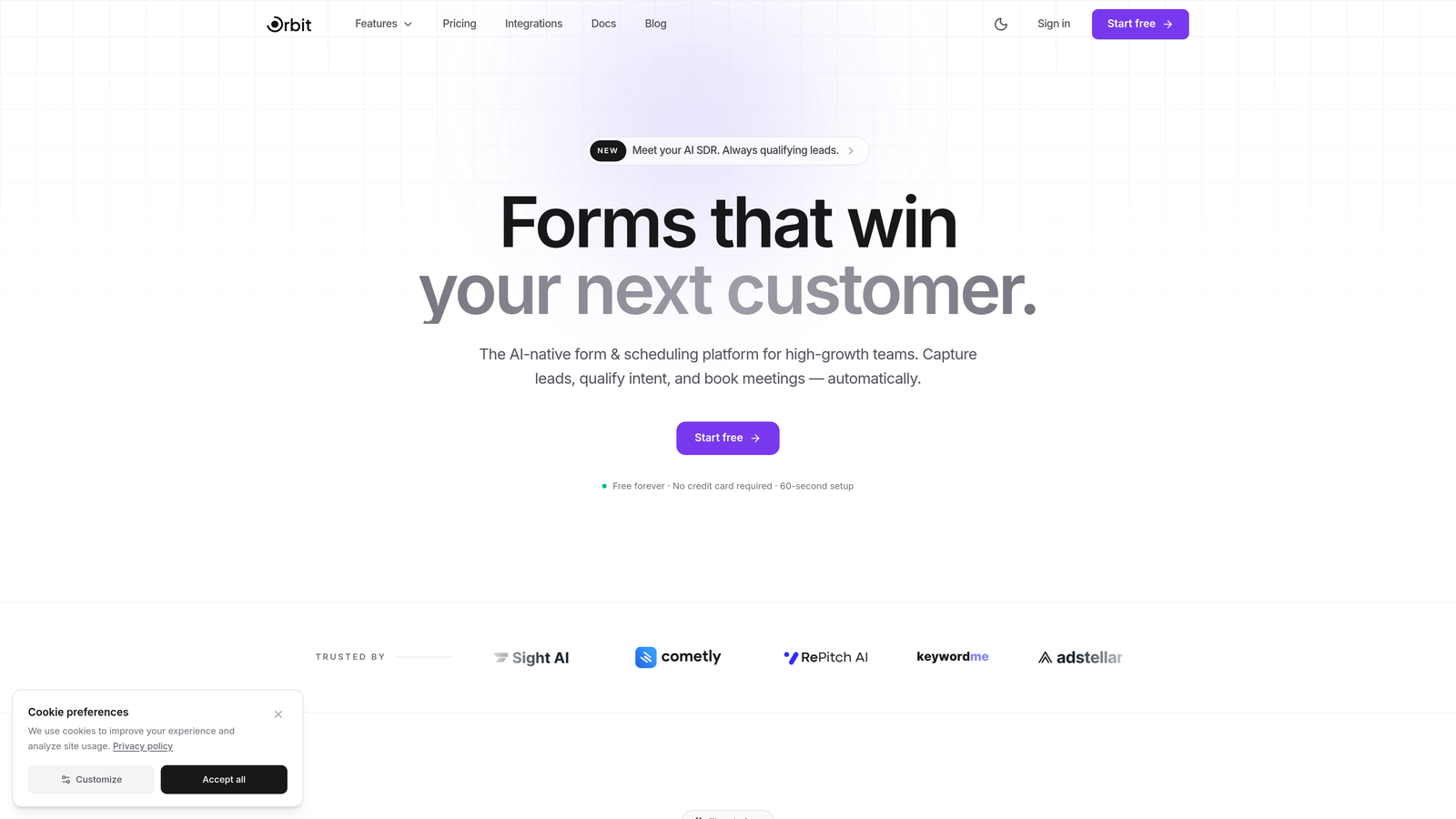
Orbit AI is an AI-powered form builder platform with built-in lead qualification, designed for teams that treat every form submission as a growth opportunity.
Where This Tool Shines
Most form builders are passive. They collect data and hand it off. Orbit AI takes a fundamentally different approach: its AI agents engage respondents dynamically based on their answers, essentially qualifying leads in real time as they move through the form. For startups where sales team bandwidth is limited, this changes the game considerably.
The conversion-optimized templates are built specifically for startup use cases — lead capture, demo requests, onboarding surveys, and more. You're not adapting a generic template; you're starting from a foundation that's already been designed to convert.
Key Features
AI-Powered Lead Qualification: Scores and routes leads in real time based on form responses, so your team focuses on the highest-value prospects first.
Dynamic AI Agents: Engage respondents with follow-up questions tailored to their previous answers, creating a more intelligent, personalized form experience.
Conversion-Optimized Templates: Pre-built templates designed around common startup use cases, reducing setup time and guesswork.
Built-In Analytics Dashboard: Track form performance, drop-off points, and submission trends without needing a separate analytics tool.
CRM Integrations: Native integrations with HubSpot, Close, and Attio mean qualified leads flow directly into your pipeline without manual data entry.
Best For
Orbit AI is the strongest fit for growth-focused startups and SaaS teams that care about lead quality as much as lead volume. If you're running paid acquisition or inbound funnels where every conversion counts, the AI qualification layer adds real, measurable value that simpler tools simply can't match.
Pricing
Free plan available. Paid plans start at an accessible tier for startups. Visit orbitforms.ai/pricing for current details.
2. Typeform
Best for: Startups that want beautiful, on-brand form experiences that feel conversational and engaging.
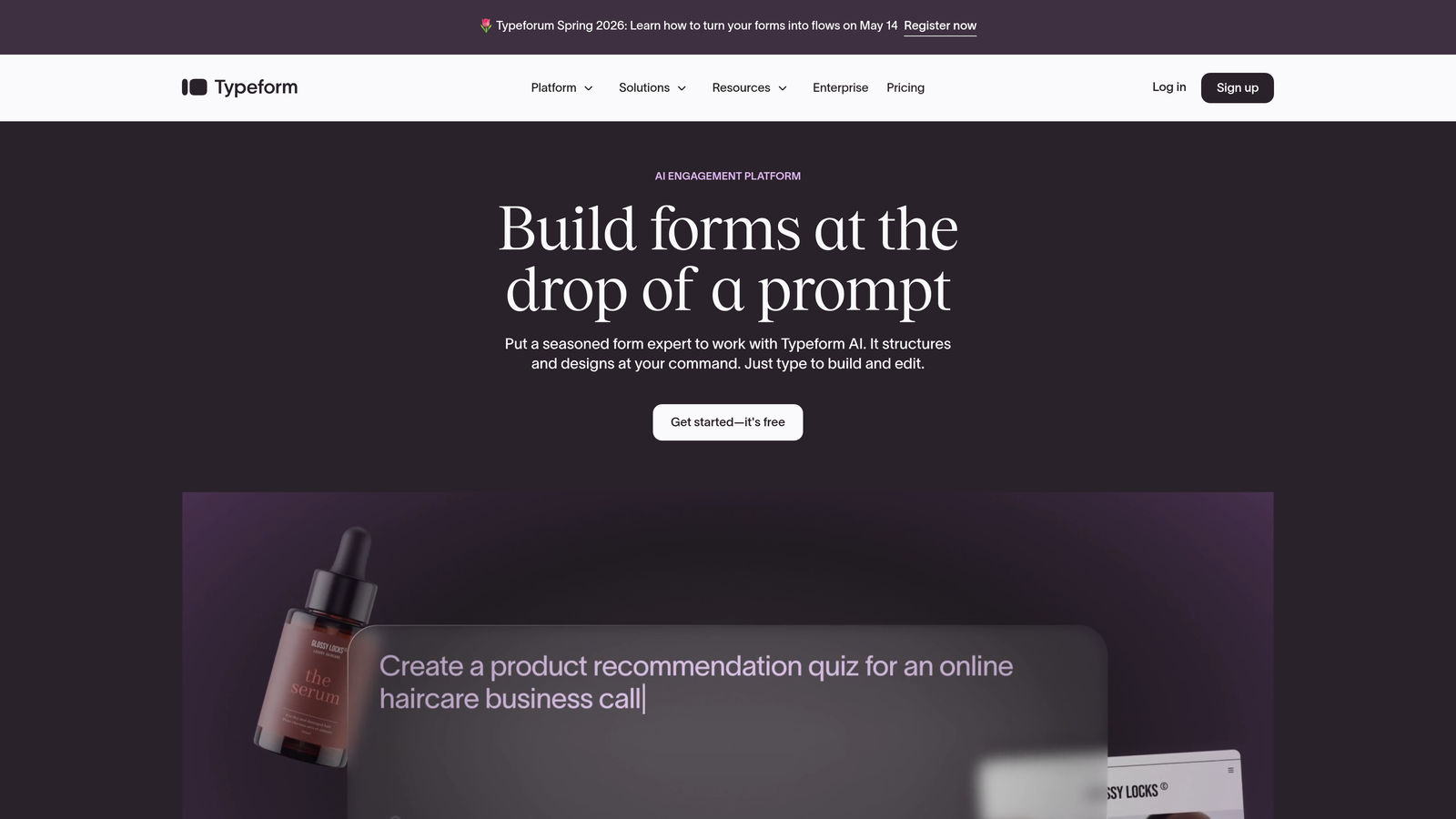
Typeform is a conversational form builder known for its distinctive one-question-at-a-time interface that consistently outperforms traditional static forms in engagement.
Where This Tool Shines
Typeform has built its reputation on user experience. The one-question-at-a-time format reduces cognitive load and keeps respondents moving through your form with momentum. For startups where brand perception matters, Typeform's polished output signals professionalism from the first interaction.
The customization options are genuinely strong. Custom fonts, colors, background images, and embedded video give you the flexibility to make a form feel like a natural extension of your brand rather than an afterthought bolted onto your site.
Key Features
Conversational UX: One-question-at-a-time interface that keeps completion rates high by reducing form fatigue.
Brand Customization: Custom fonts, colors, media, and themes to match your visual identity precisely.
Conditional Logic: Personalized form paths based on previous answers, so respondents only see what's relevant to them.
Native Integrations: Connects with Zapier, HubSpot, Slack, Notion, and dozens of other tools your team likely already uses.
Video and Image Embedding: Add visual context directly inside forms to increase engagement and provide clarity.
Best For
Typeform suits startups with strong brand identities who are running lead capture, surveys, or customer feedback flows. It's particularly effective for B2C or consumer-facing products where the form experience itself shapes brand perception. Note that response limits on the free plan can be restrictive at higher traffic volumes.
Pricing
Free plan available with limited responses. Basic plan starts at $25/month. Higher-tier plans unlock more responses, logic, and integrations.
3. Tally
Best for: Budget-conscious startups that need powerful forms without paying for features they don't use yet.
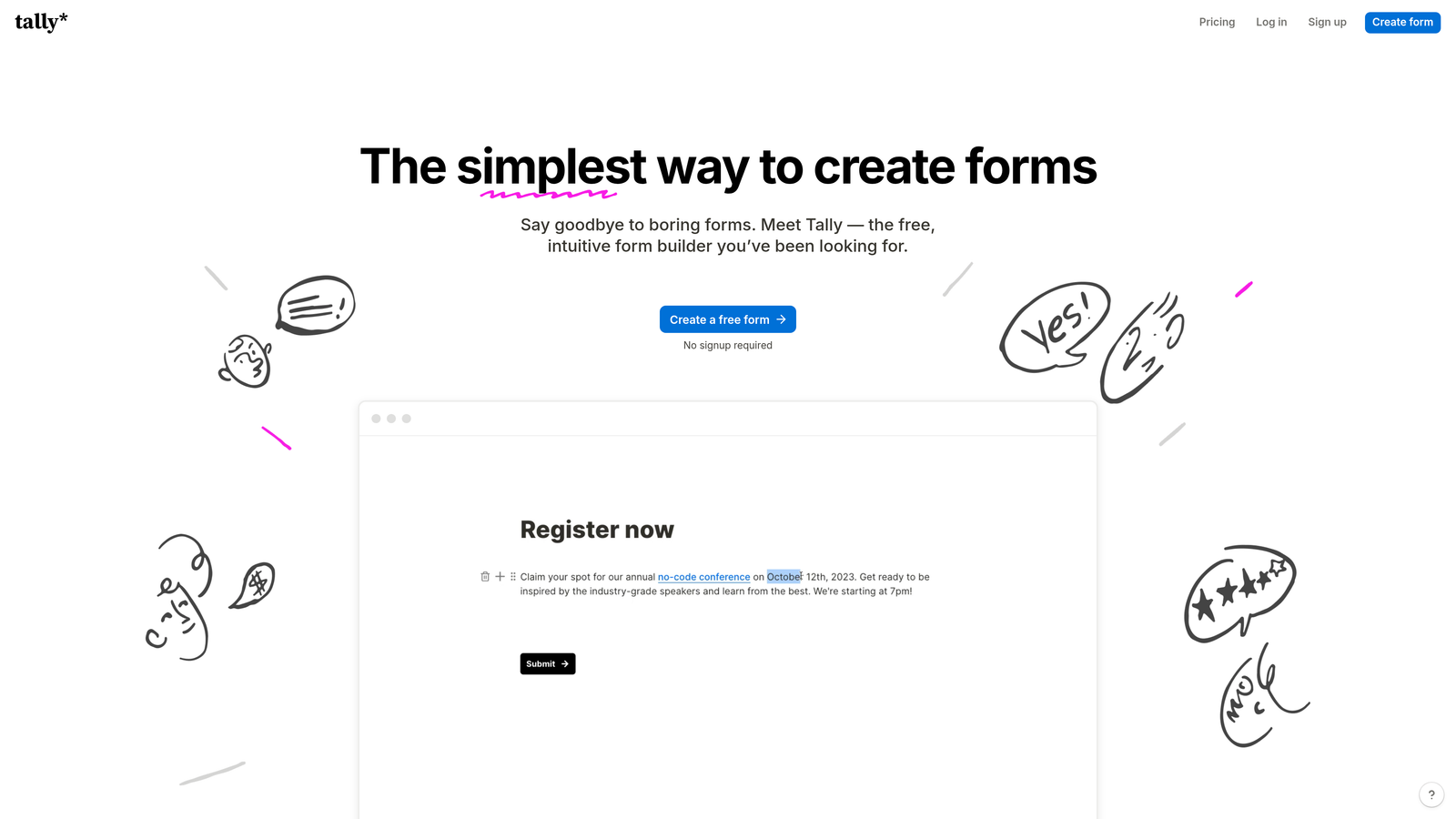
Tally is a refreshingly generous free-first form builder that offers unlimited forms and submissions without paywalling the features that actually matter.
Where This Tool Shines
Tally's value proposition is almost embarrassingly straightforward: most of what you need is free. Unlimited forms, unlimited submissions, conditional logic, hidden fields, calculations, file uploads — all available without pulling out a credit card. For pre-revenue startups or early-stage teams watching every dollar, this is genuinely hard to argue with.
The Notion-like editor makes form creation intuitive even for non-technical founders. If your team lives in Notion, the learning curve is essentially zero. You're building forms with the same block-based familiarity you already know.
Key Features
Unlimited Free Forms and Submissions: No artificial caps on the free plan, which is rare in this category and genuinely useful for startups scaling up.
Notion-Style Editor: Block-based form creation that feels natural for teams already comfortable in modern productivity tools.
Conditional Logic and Calculations: Smart form paths and calculated fields included free, without requiring an upgrade.
File Uploads and Payments: Collect files and process payments directly through forms.
Flexible Integrations: Connect via webhooks, Zapier, and native connectors to keep your stack cohesive.
Best For
Tally is the default recommendation for startups that need capable forms without a budget commitment. It's also a strong choice for internal tools, onboarding flows, and feedback surveys where you're not trying to push the boundaries of brand customization.
Pricing
Free for most features. Tally Pro at $29/month adds custom domains, team collaboration, and removes Tally branding from your forms.
4. Jotform
Best for: Startups needing a wide range of form types across multiple use cases, including payments and compliance.
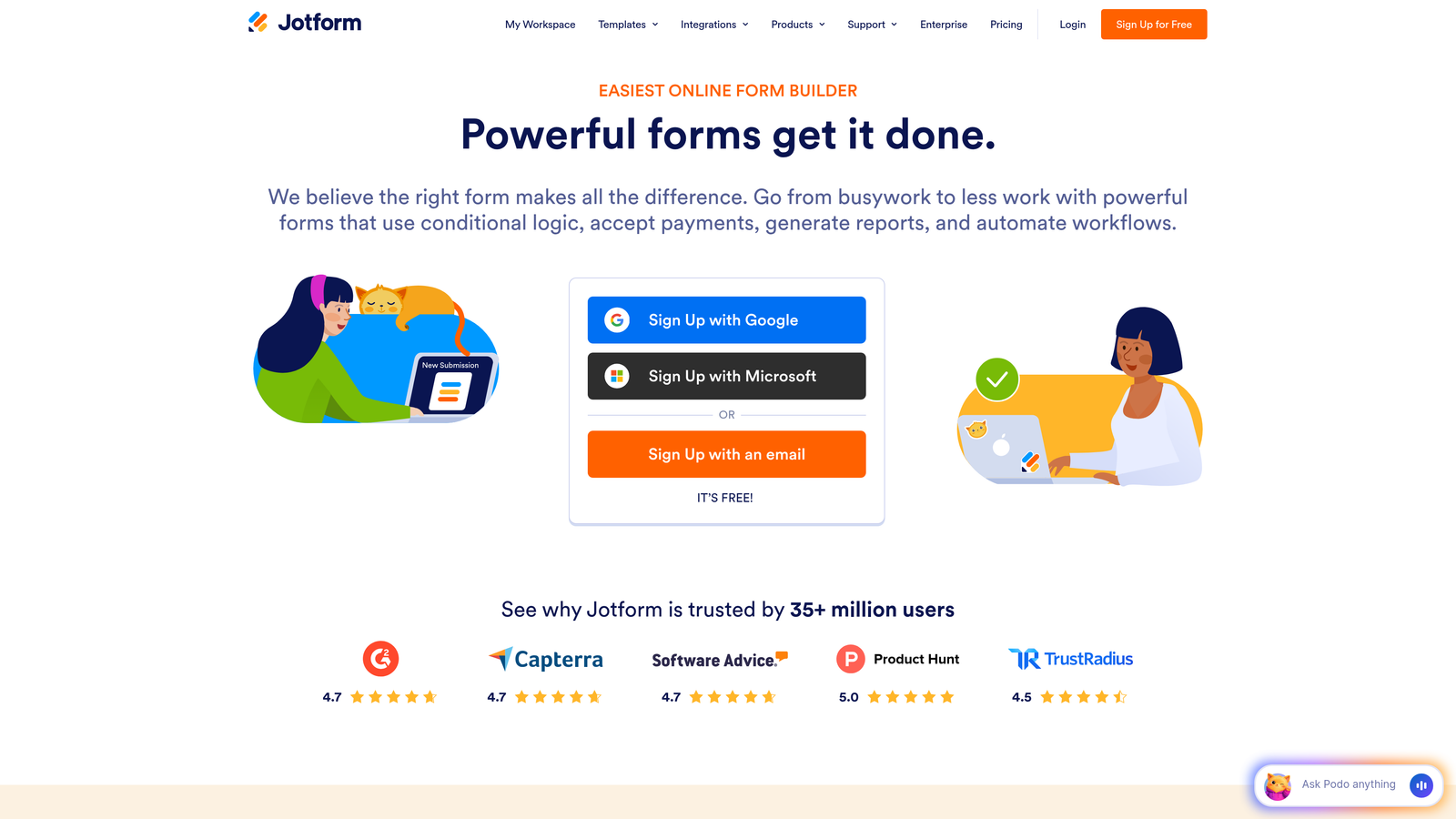
Jotform is a veteran form builder with one of the largest template libraries in the industry and robust built-in payment processing capabilities.
Where This Tool Shines
Jotform's depth is its defining characteristic. With over 10,000 templates spanning virtually every industry and use case, you can go from zero to a working form in minutes regardless of what you're trying to accomplish. This breadth makes it particularly useful for startups that need forms across many different functions — from lead capture to event registration to payment collection.
The Jotform Tables feature deserves a mention. It transforms your submission data into a spreadsheet-like interface, giving non-technical team members a clean way to manage and act on form responses without needing a separate database tool.
Key Features
10,000+ Templates: An extensive library covering nearly every industry and form type imaginable, significantly reducing setup time.
Built-In Payment Processing: Native integrations with Stripe, PayPal, Square, and other processors for forms that need to collect money.
Drag-and-Drop Builder: Intuitive visual builder with conditional logic that non-technical founders can use confidently.
Jotform Tables: A built-in spreadsheet view for managing and organizing form submissions without exporting to another tool.
HIPAA-Compliant Plans: Available for startups in healthcare or handling sensitive data, which is a meaningful differentiator.
Best For
Jotform fits startups that need versatility across many form types, especially those requiring payment collection or operating in regulated industries. It can feel heavyweight for teams that just need a simple lead capture form, but for complex multi-use-case needs, it's hard to beat.
Pricing
Free plan includes 5 forms and 100 submissions per month. Starter plan at $34/month unlocks higher limits and additional features.
5. HubSpot Free Form Builder
Best for: Startups already using HubSpot's CRM who want seamless contact creation without any additional tooling.
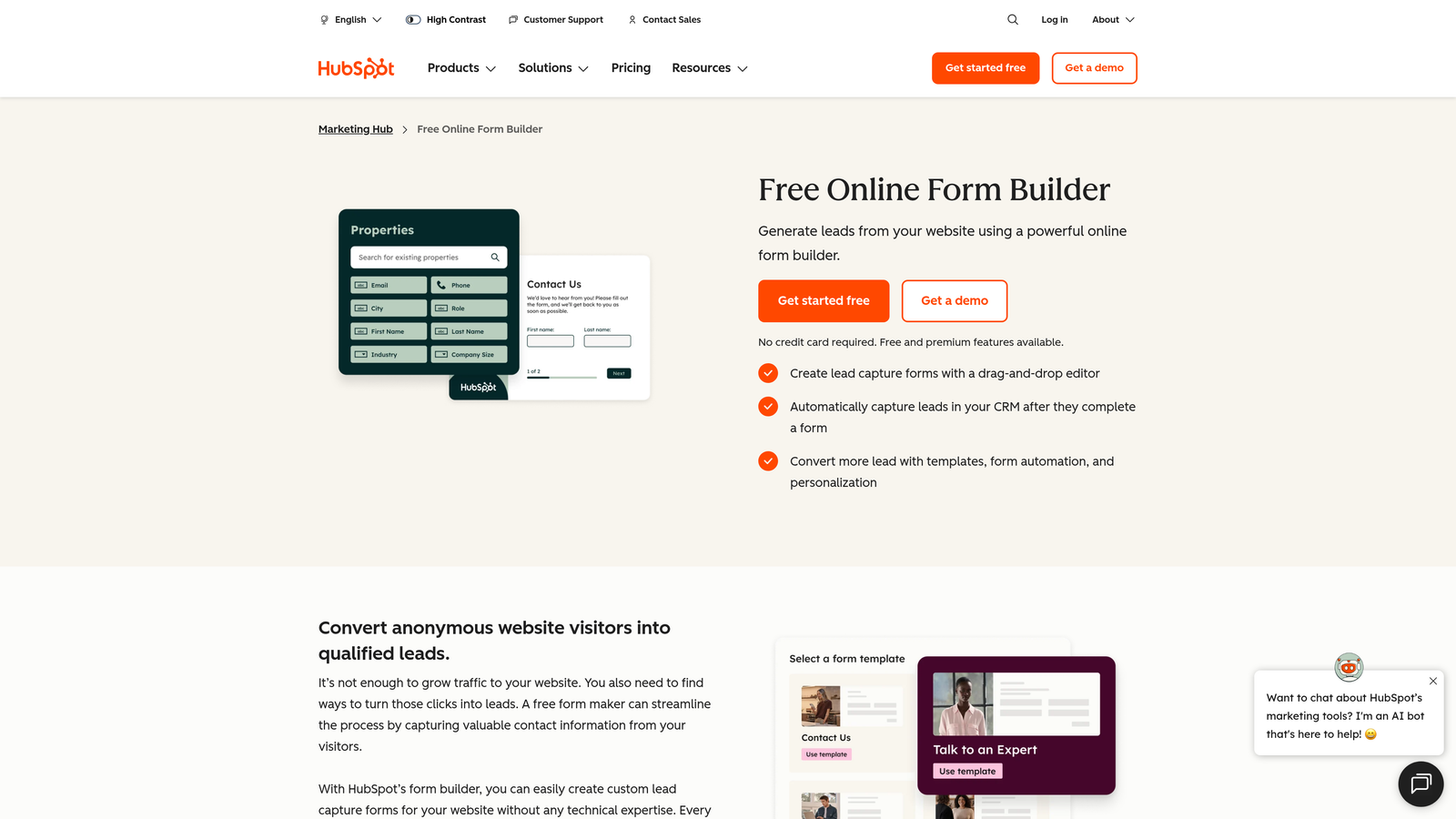
HubSpot's form builder is tightly integrated into the HubSpot ecosystem, automatically creating and updating CRM contacts from every submission.
Where This Tool Shines
If your team is already living in HubSpot, this is the path of least resistance. Every form submission automatically creates or updates a contact in your CRM, triggers follow-up email sequences, and feeds into HubSpot's reporting dashboard. There's no integration to configure because it's all one system.
The progressive profiling feature is particularly smart for startups focused on nurturing leads over time. Rather than asking for everything upfront, it surfaces new fields to returning visitors, gradually enriching contact records without overwhelming people on the first interaction.
Key Features
Automatic CRM Contact Creation: Every submission instantly creates or updates a HubSpot contact record, keeping your pipeline current without manual effort.
Progressive Profiling: Intelligently shows different fields to returning visitors to enrich contact data incrementally over time.
Follow-Up Email Automation: Trigger automated email sequences directly from form submissions using HubSpot's built-in workflows.
Embedded and Standalone Options: Deploy forms as embedded elements on your site or as standalone hosted pages.
Native Analytics: Form performance data ties directly into HubSpot's reporting, giving you a unified view of your funnel.
Best For
This tool is purpose-built for startups that have adopted HubSpot as their CRM and want everything in one place. If you're not using HubSpot, there's little reason to choose this over standalone alternatives with more flexibility.
Pricing
Free with HubSpot CRM. Advanced form features, including A/B testing and smart rules, are available in Marketing Hub Starter at $20/month.
6. Paperform
Best for: Startups that want forms to double as landing pages, blending content and conversion in a single experience.
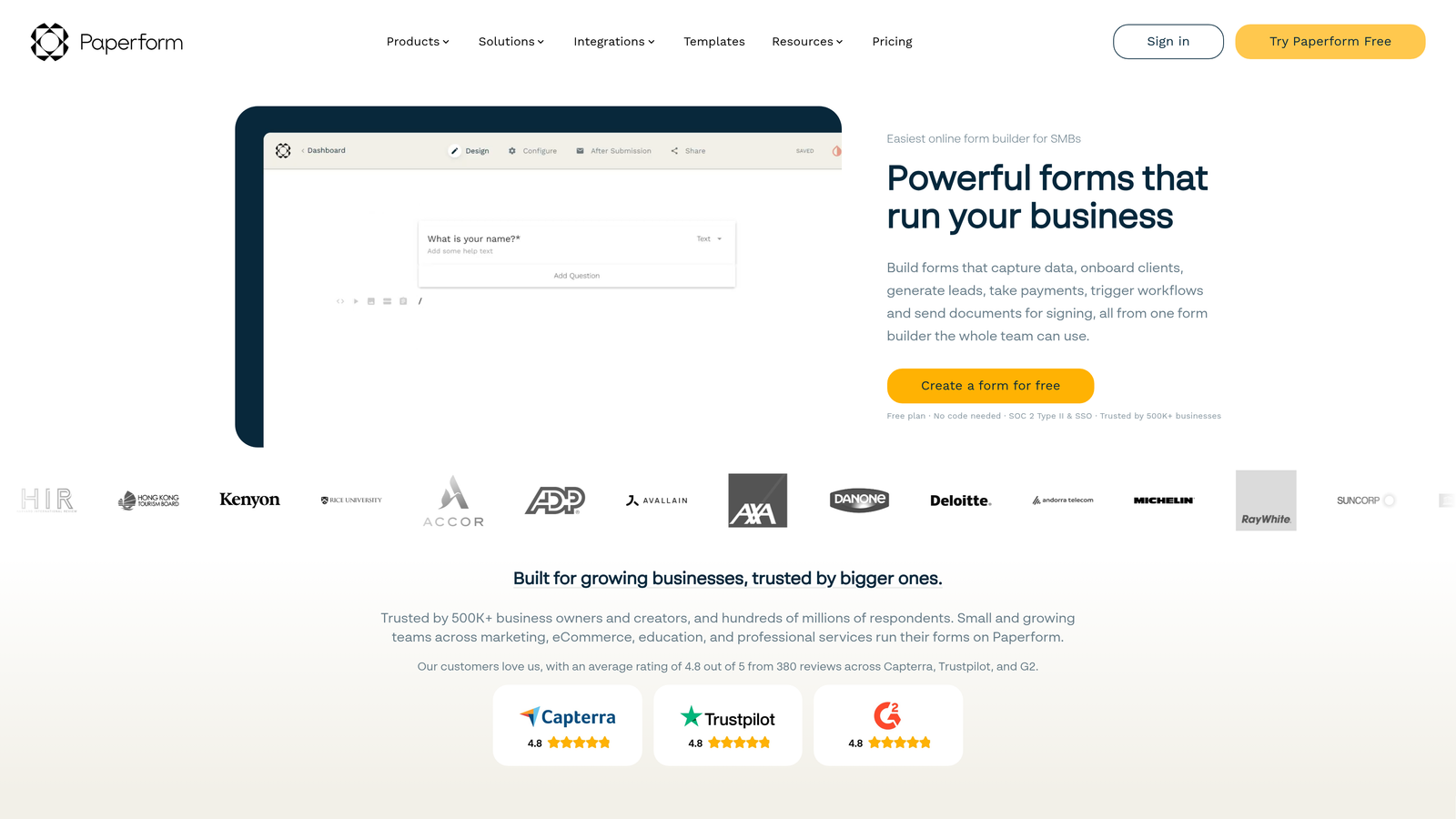
Paperform is a form builder that intentionally blurs the line between forms and landing pages, letting you create rich, content-driven lead capture experiences.
Where This Tool Shines
Paperform's core insight is that a form doesn't have to look like a form. You can build a full page with images, text, video, product fields, and form inputs all woven together into a cohesive experience. For startups without a dedicated landing page tool, this is a meaningful capability that removes an entire layer of their stack.
The built-in e-commerce functionality is more capable than most people expect from a form builder. Product fields, inventory management, and payment processing make it viable for startups selling simple products or services without needing a full e-commerce platform.
Key Features
Form-as-Landing-Page Design: Build rich, content-driven pages that combine prose, media, and form fields into a single cohesive experience.
Built-In E-Commerce: Product fields and payment processing for startups selling directly through forms without a separate storefront.
Custom Success Pages: Control exactly what happens after submission with custom redirect logic and success page design.
Conditional Logic and Calculations: Smart form paths and calculated pricing fields for more complex workflows.
Extensive Integration Library: Over 3,000 integrations available via Zapier and direct connectors.
Best For
Paperform is a strong fit for startups that need forms to do more heavy lifting — particularly those combining content marketing with lead capture, or selling simple products directly through a form-based flow. No free plan, but the 14-day trial gives you enough time to evaluate properly.
Pricing
Essentials plan starts at $24/month. No free plan, but a 14-day free trial is available without requiring a credit card.
7. Fillout
Best for: Product-led startups that use Airtable, Notion, or other databases as their operational backbone.
Fillout is a modern form builder with unusually deep native integrations into the tools that product-led startup teams actually use day to day.

Where This Tool Shines
Fillout's native database integrations go beyond simple data export. When someone submits a Fillout form, it can directly create or update records in Airtable, Notion, Google Sheets, or Supabase in real time. For startups that have built their operations around these tools, this eliminates an entire layer of Zapier automation and keeps data synchronized without manual intervention.
The free tier is genuinely generous compared to most competitors. Unlimited forms with solid feature access means you can build out a full lead capture system before spending a dollar, which aligns well with how startups actually evaluate and adopt new tools.
Key Features
Native Database Integrations: Direct connections to Airtable, Notion, Google Sheets, and Supabase that create or update records in real time.
Bidirectional Data Flow: Update existing database records from form submissions, not just create new ones.
Advanced Conditional Logic: Multi-page forms with sophisticated branching logic for complex qualification flows.
Scheduling and Payment Fields: Built-in scheduling, payment collection, and file upload capabilities without third-party tools.
Generous Free Tier: Unlimited forms with solid feature access, making evaluation and early adoption risk-free.
Best For
Fillout is the clear choice for startups whose operations run through Airtable or Notion. If your team tracks leads, projects, or customer data in these tools, Fillout creates a seamless form-to-database pipeline that saves meaningful time at scale.
Pricing
Free plan with unlimited forms. Starter at $19/month adds branding removal, advanced features, and higher submission limits.
8. Formspark
Best for: Developer-led startups who want complete frontend control and just need a reliable backend to handle submissions.
Formspark is a backend-only form service that handles submission processing, spam filtering, and notifications while leaving your frontend entirely in your hands.
Where This Tool Shines
Technical founders building custom frontends often don't want a form builder — they want to write their own HTML and just have somewhere reliable to send the data. Formspark fills that role cleanly. Point your existing form's action attribute at a Formspark endpoint, and you immediately get submission handling, spam protection, email notifications, and webhook support without touching your frontend code.
The spam protection via Botpoison is worth highlighting. It's a privacy-friendly alternative to traditional CAPTCHA that doesn't interrupt the user experience, which matters for conversion-focused teams who know that friction kills completions.
Key Features
Backend-Only Architecture: Works with any HTML form or JavaScript framework — no frontend changes required beyond updating the form action URL.
Spam Protection: Botpoison and reCAPTCHA integration to filter out bots without degrading the user experience.
Webhook Support: Send submission data to any endpoint for custom workflows and integrations.
Customizable Email Notifications: Template-based email alerts for new submissions, configurable per form.
Simple REST API: Programmatic access to submission data for teams that want to build custom reporting or processing pipelines.
Best For
Formspark is purpose-built for technical startup teams: developers building custom sites or apps who want submission handling without the overhead of building and maintaining their own backend. Non-technical founders will find it less accessible than the visual builders on this list.
Pricing
Free plan with 250 submissions. Paid plans start at $9/month for higher submission volumes, making it one of the most affordable options for developer-focused use cases.
9. Formspree
Best for: JAMstack and static site teams who need a simple, reliable form endpoint with useful extras like autoresponders.
Formspree is a lightweight form API that gives static sites and JAMstack applications a clean, endpoint-based approach to form handling without requiring any backend infrastructure.
Where This Tool Shines
Formspree has been a staple in the developer community for years, and its staying power comes from doing one thing exceptionally well: making it trivially easy to add form handling to any static site. Add a single action attribute to your HTML form, and you're done. No servers, no databases, no backend code to write or maintain.
Where Formspree edges ahead of similar tools is in its extras. Autoresponder emails to form submitters, a clean submission dashboard with export functionality, and first-class support for popular frameworks like Next.js, Gatsby, and Hugo make it more than just a data pipe — it's a lightweight form management system that happens to be developer-friendly.
Key Features
Simple Endpoint Integration: A single HTML form action attribute is all you need to get started — no backend code required.
Autoresponder Emails: Automatically send confirmation or follow-up emails to form submitters, a feature often missing from developer-focused tools.
File Upload Support: Accept file attachments through forms without additional infrastructure.
Submission Dashboard: A clean interface for reviewing, filtering, and exporting form submissions.
Framework Compatibility: Works seamlessly with React, Next.js, Gatsby, Hugo, and virtually any static site generator.
Best For
Formspree is the go-to for startups building on JAMstack architectures or static site generators where adding a backend just for form handling would be overkill. The autoresponder feature makes it slightly more marketing-friendly than pure backend alternatives like Formspark.
Pricing
Free plan with 50 submissions per month. Paid plans start at $10/month for higher volumes, additional forms, and advanced features.
Which Tool Is Right for Your Startup?
The right contact form software depends on what your startup actually needs right now — not what you might need in three years. Here's a quick way to think through the decision.
If you're watching your budget closely and need capable forms without a financial commitment, Tally is the obvious starting point. Unlimited forms and submissions on the free plan, with real features included, is a combination that's hard to beat at zero cost.
If your team is technical and you're building on a custom frontend or static site, Formspark and Formspree are your natural fits. Formspark is slightly more developer-primitive; Formspree adds autoresponders and a cleaner submission dashboard that non-technical teammates can use alongside you.
If brand experience is a priority and you want forms that feel polished and conversational, Typeform remains the benchmark for form UX. The one-question-at-a-time format consistently delivers stronger engagement for the right use cases.
And if you're a growth-focused team that wants forms to actively work for you — qualifying leads, routing prospects, and feeding a clean pipeline — Orbit AI is in a different category from the rest of this list. The AI-powered lead qualification layer means your forms aren't just collecting data; they're doing the first layer of sales work automatically.
The broader principle here is worth stating plainly: the best contact form for a startup isn't the one with the most features. It's the one that converts the most visitors into qualified leads with the least friction. Prioritize conversion optimization over feature checklists, and you'll make the right call.
Ready to see what intelligent form design looks like in practice? Start building free forms today and explore how Orbit AI's conversion-optimized templates and AI lead qualification can transform the way your startup captures and converts inbound interest.


