

Traditional static forms are quietly killing your conversions. You know the ones: a wall of fields demanding name, company, role, phone number, and budget before the user has even decided if they trust you. Conversational form builders flip this dynamic entirely, presenting one question at a time in a natural dialogue flow that feels less like a form and more like a conversation.
The result is lower abandonment, higher completion rates, and often better data quality. Whether you're qualifying inbound leads, running customer surveys, or capturing contact details for a nurture sequence, the right conversational form builder can meaningfully change your results.
This guide covers the best conversational form builder tools available in 2026, evaluated on AI capabilities, design flexibility, lead qualification features, integrations, and pricing. We've included options for teams at every stage, from scrappy early-stage startups to scaling SaaS companies with complex workflow requirements. Let's get into it.
1. Orbit AI
Best for: SaaS and B2B teams that need AI-powered lead qualification built directly into the form flow.
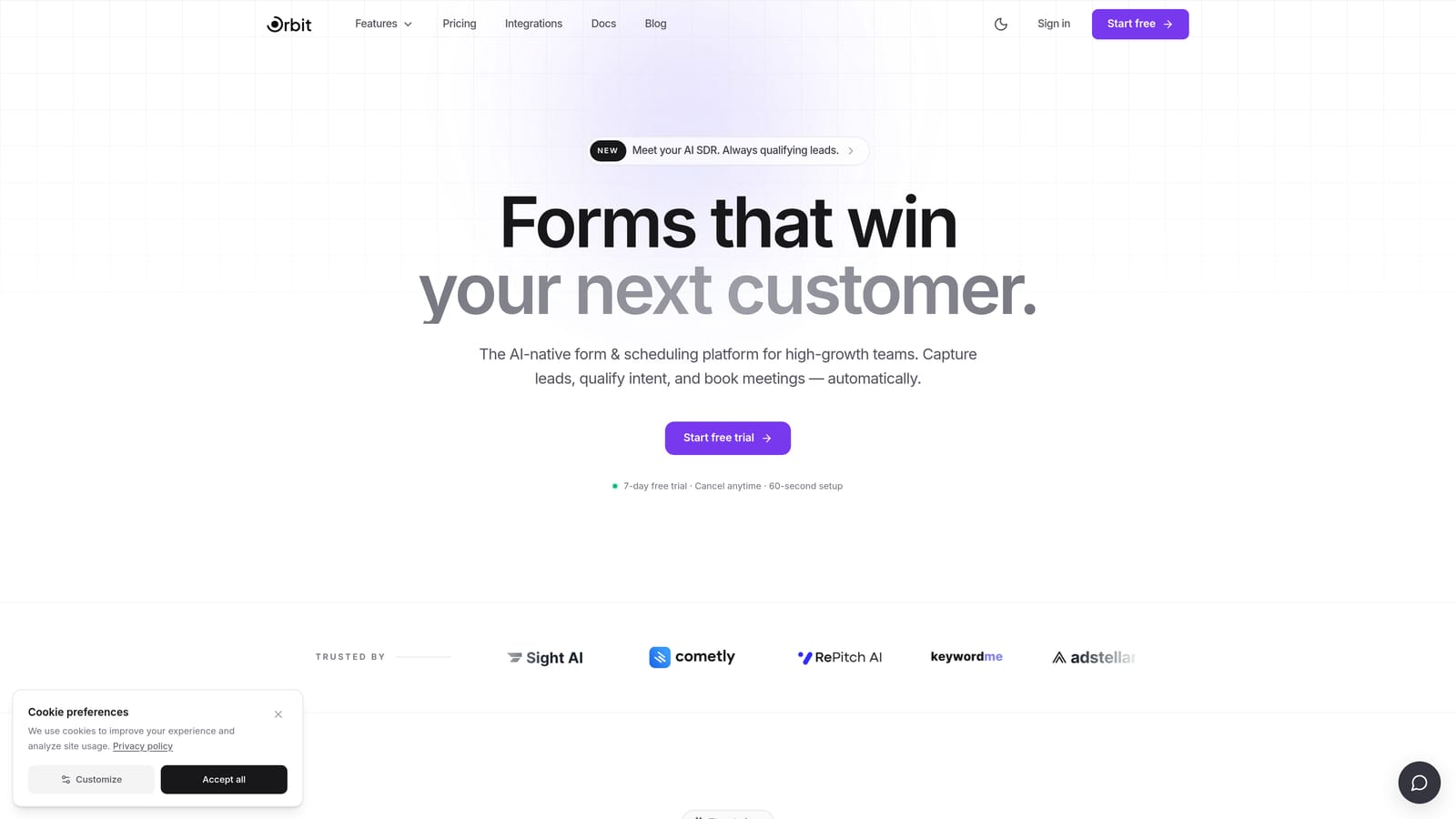
Orbit AI is an AI-powered conversational form builder designed specifically for high-growth SaaS and B2B teams focused on lead quality, not just lead volume.
Where This Tool Shines
Most form builders collect responses and hand them off to a separate tool for scoring or qualification. Orbit AI is different because the intelligence lives inside the form itself. As a prospect moves through the conversational flow, the AI scores and qualifies responses in real time, routing leads based on what they actually say rather than just what fields they fill in.
The design is built with conversion optimization as a first principle. Forms look modern and polished without requiring a designer, which matters when your form is often the first branded touchpoint a prospect encounters. For teams where a bad lead wastes as much time as a missed lead, this combination of conversational UX and embedded qualification logic is a genuine differentiator.
Key Features
AI-Powered Lead Qualification: Scores and qualifies leads directly within the form flow, no external tool required.
Conversational One-Question Interface: Presents questions one at a time to reduce cognitive load and keep prospects engaged through to completion.
Intelligent Response-Based Routing: Routes and scores leads dynamically based on their actual answers, enabling smarter follow-up.
Conversion-Optimized Design: Modern, polished form aesthetics built to maximize completion rates without custom design work.
SaaS and B2B Workflow Fit: Built around the lead generation and qualification workflows that high-growth B2B teams actually use.
Best For
Orbit AI is the right choice for SaaS companies, B2B marketing teams, and growth-focused operators who care as much about lead quality as lead volume. If your current setup involves collecting form submissions and then manually scoring or filtering them, Orbit AI removes that bottleneck at the source.
Pricing
Visit orbitforms.ai for current pricing and plan details, as options are updated regularly to reflect new features.
2. Typeform
Best for: Brand-conscious marketing teams that want polished, visually customizable conversational forms.
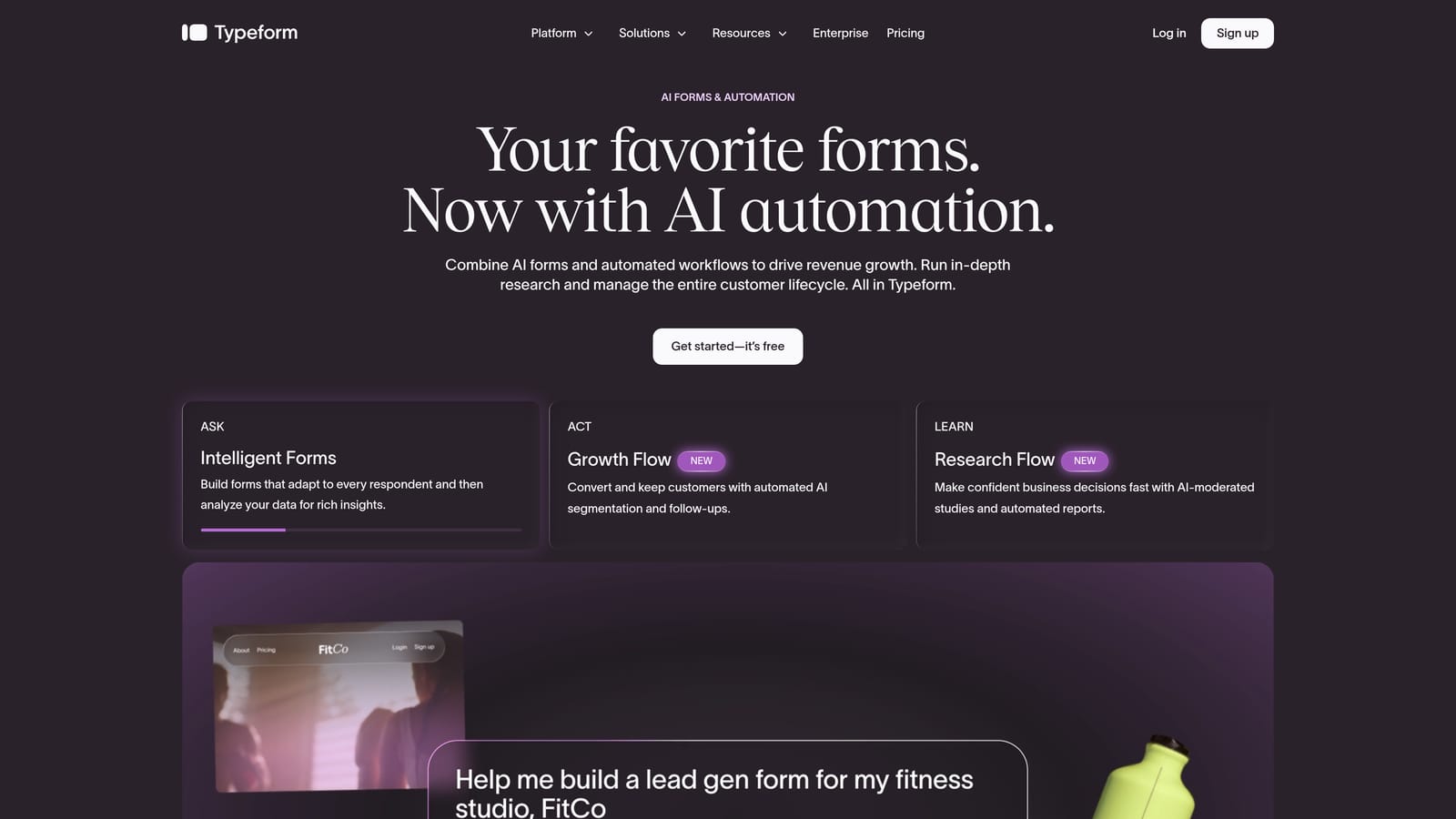
Typeform is one of the most recognized names in conversational form building, known for its clean one-question-at-a-time interface and strong visual design capabilities.
Where This Tool Shines
Typeform's core strength is the experience it creates for respondents. The interface is smooth, the transitions are elegant, and the level of brand customization available means your form can feel like a natural extension of your website rather than a bolted-on widget. For agencies and marketing teams where presentation matters, this polish is genuinely valuable.
The logic and branching capabilities are also well-developed. You can build fairly sophisticated conditional flows, include video questions, and connect to a wide range of CRMs and marketing tools through native integrations. It's a mature platform with a large ecosystem built around it.
Key Features
One-Question-at-a-Time Interface: The foundational conversational UX that Typeform helped popularize, executed with strong visual polish.
Advanced Conditional Logic: Branching and logic jumps that let you build personalized question paths based on prior answers.
Video Question Support: Embed video directly into your form flow to add a human touch to automated interactions.
Wide Integration Ecosystem: Native connections to HubSpot, Salesforce, Slack, Google Sheets, and many other tools.
Brand Customization: Extensive control over fonts, colors, backgrounds, and layouts to match your visual identity.
Best For
Typeform is a strong fit for marketing teams, agencies, and brand-forward companies that prioritize respondent experience and visual design. It's less focused on AI-driven lead qualification and more on delivering a premium form UX with broad integration support.
Pricing
A free plan is available. Paid plans start at approximately $25/month, though you should verify current pricing directly at typeform.com before making a decision.
3. Tally
Best for: Early-stage teams and indie builders who need a capable conversational form tool without the cost.
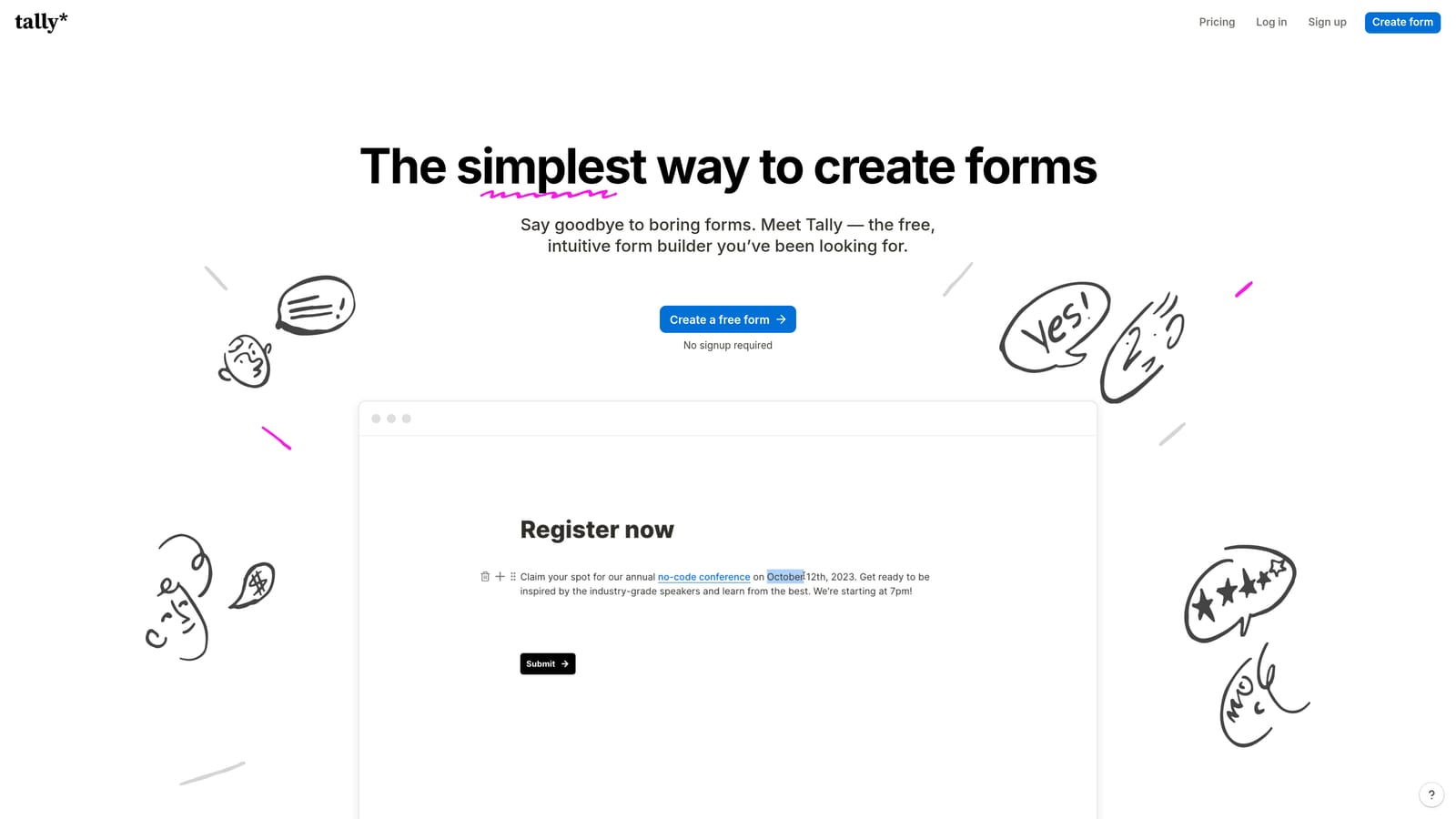
Tally is a free-first conversational form builder with a Notion-inspired editor, a remarkably generous free tier, and strong no-code appeal for teams watching their budget.
Where This Tool Shines
Tally's free plan is genuinely one of the most generous in the category. You get unlimited forms, unlimited responses, conditional logic, file uploads, and even payment collection without paying anything. For early-stage startups or solo operators who need functional forms fast, this is hard to argue with.
The editing experience feels familiar to anyone who uses Notion. You build forms in a document-style interface that's intuitive and low-friction. Tally also supports a conversational one-question mode alongside its traditional layout, giving you flexibility depending on the use case.
Key Features
Unlimited Free Responses: The free plan imposes no response caps, which is unusual and valuable for teams with high form volume.
Conversational Mode: One-question-at-a-time flow available alongside traditional multi-field layouts.
Conditional Logic on Free Tier: Branching logic and file uploads available without upgrading, unlike most competitors.
Payment Collection: Accept payments directly through forms without needing a paid plan.
Notion-Style Editor: Familiar, document-like editing experience that reduces the learning curve significantly.
Best For
Tally is ideal for indie makers, early-stage startups, and no-code practitioners who need solid form functionality without a monthly bill. It's less suited to teams that need AI qualification, advanced design control, or enterprise-level workflow features.
Pricing
Free plan available with no response limits. A Pro plan is also available for teams that need advanced features. Verify current pricing at tally.so.
4. Paperform
Best for: Consultants and small businesses that want forms to function as full mini-landing pages with payments and scheduling built in.
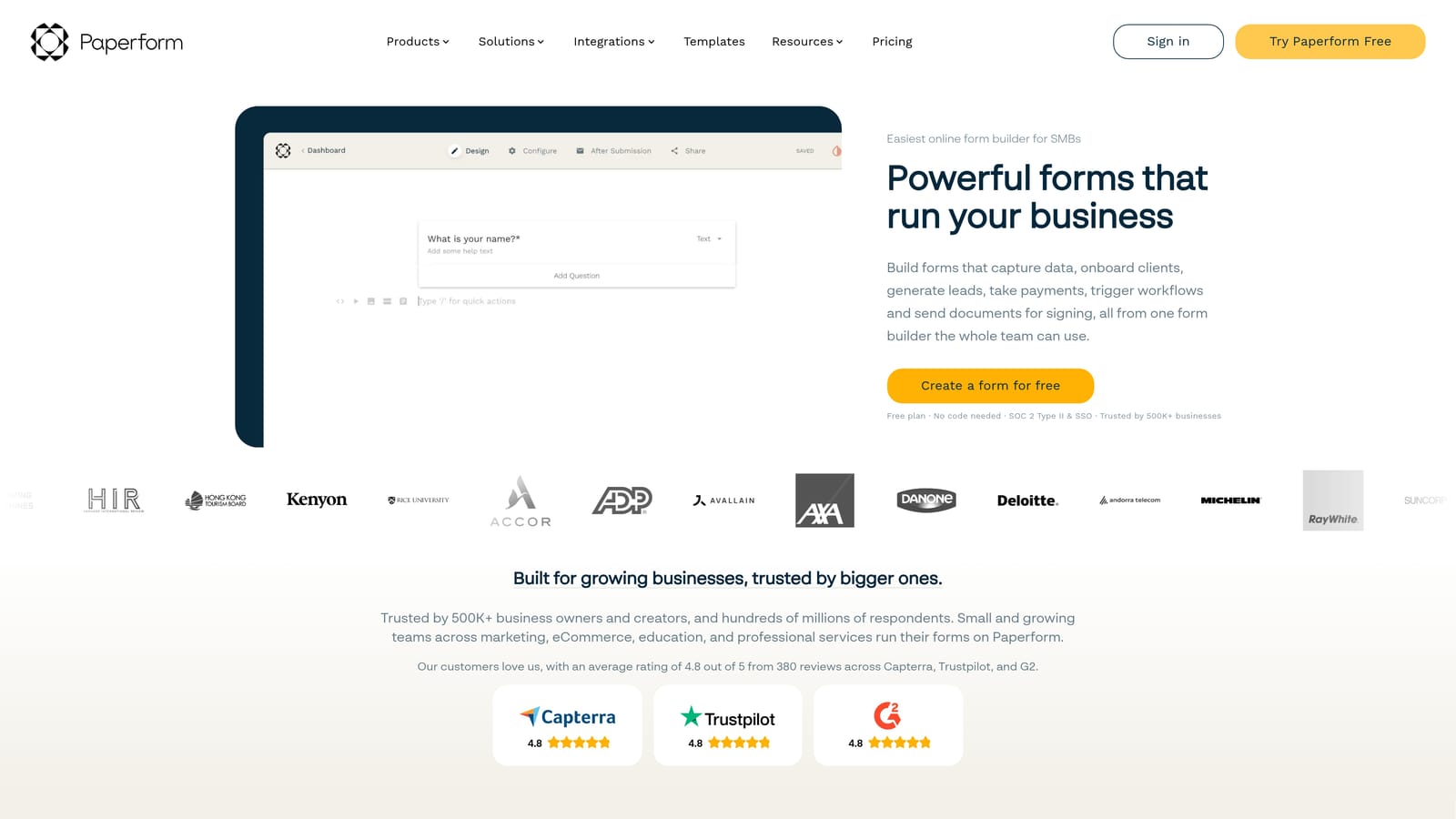
Paperform is a hybrid tool that sits somewhere between a form builder and a mini-website editor, blending conversational form flows with rich media, payments, and scheduling in a single document-style interface.
Where This Tool Shines
Paperform's document-style editor is genuinely unique in this category. Rather than building a form in isolation, you're creating something closer to a landing page: you can embed images, write descriptive copy, add product listings, and include scheduling blocks, all within the same flow as your form questions. This makes it particularly powerful for use cases where context matters, such as service booking forms, product order forms, or intake questionnaires for consultants.
A conversational mode is available for teams that want the one-question-at-a-time experience, though Paperform's default document-style layout is its real differentiator. If versatility is your priority over pure lead qualification, this tool covers a lot of ground.
Key Features
Document-Style Editor: Build forms that feel like rich landing pages with text, images, and media alongside your questions.
Built-In Payments and Scheduling: Accept payments and bookings directly within the form without third-party integrations.
Rich Media Support: Embed images, videos, and product listings to add context and drive decisions within the form itself.
Conditional Logic and Calculations: Dynamic branching and calculated fields for more complex form logic.
Multi-Purpose Use Cases: Equally capable as an order form, booking page, intake form, or survey tool.
Best For
Paperform is best suited to consultants, small businesses, course creators, and service providers who want a single tool that handles forms, payments, and scheduling without stitching together multiple platforms. It's less focused on lead qualification than on versatility.
Pricing
No free plan is available. Paid plans start at approximately $24/month. Verify current pricing at paperform.co before purchasing.
5. Jotform
Best for: Enterprise teams and regulated industries that need compliance features alongside conversational form capabilities.
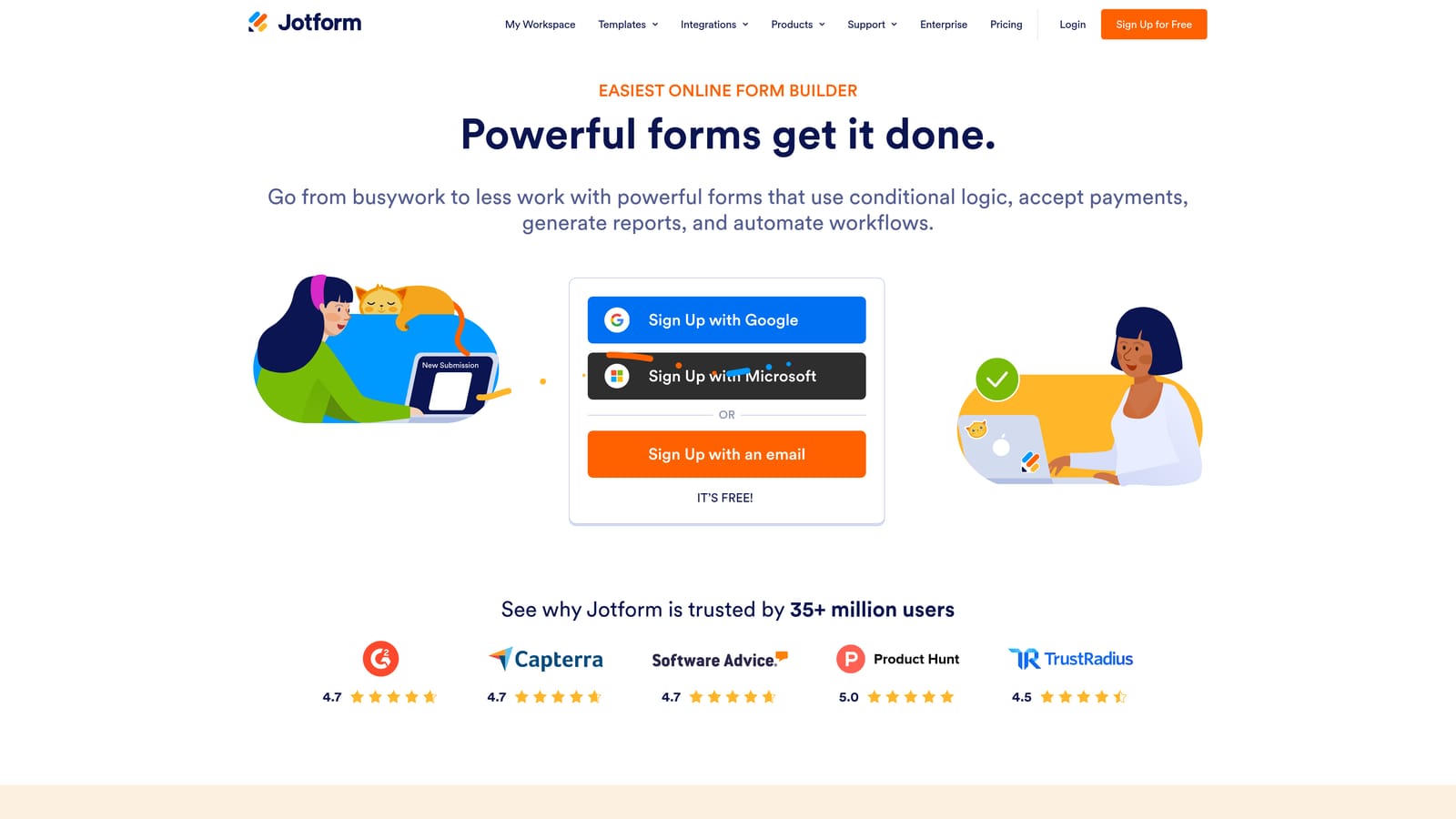
Jotform is one of the largest and most established form platforms available, offering a conversational Cards layout alongside an enormous template library and robust enterprise-grade features.
Where This Tool Shines
Jotform's scale is its biggest asset. With more than 10,000 templates spanning virtually every industry and use case, you're rarely starting from scratch. The platform's enterprise capabilities are also genuinely strong: HIPAA-compliant plans, approval workflows, team collaboration tools, and PDF generation make it a serious option for organizations with compliance requirements or complex internal processes.
The conversational Cards layout brings the one-question-at-a-time experience to Jotform's existing feature set. It's not the most design-forward implementation in this list, but it's functional and backed by an integration library that connects to hundreds of tools.
Key Features
Conversational Cards Layout: One-question-at-a-time form mode available across Jotform's full feature set.
10,000+ Templates: Massive template library covering virtually every industry, role, and use case.
HIPAA-Compliant Plans: Enterprise plans meet HIPAA requirements, making Jotform viable for healthcare and regulated industries.
Approval Workflows: Built-in workflow automation for form submissions that require review or multi-step approval.
Extensive Integrations: Connects to hundreds of tools including CRMs, payment processors, and productivity platforms.
Best For
Jotform is best suited to enterprise teams, operations managers, and organizations in regulated industries that need compliance features, workflow automation, and a large template library. Teams focused purely on conversion optimization or AI-driven lead qualification may find it over-engineered for that specific need.
Pricing
A free plan is available. Paid plans scale from approximately $34/month. Verify current pricing at jotform.com as plans change regularly.
6. Formstack
Best for: RevOps and sales operations teams that need conversational forms connected to document generation, e-signatures, and deep CRM workflows.
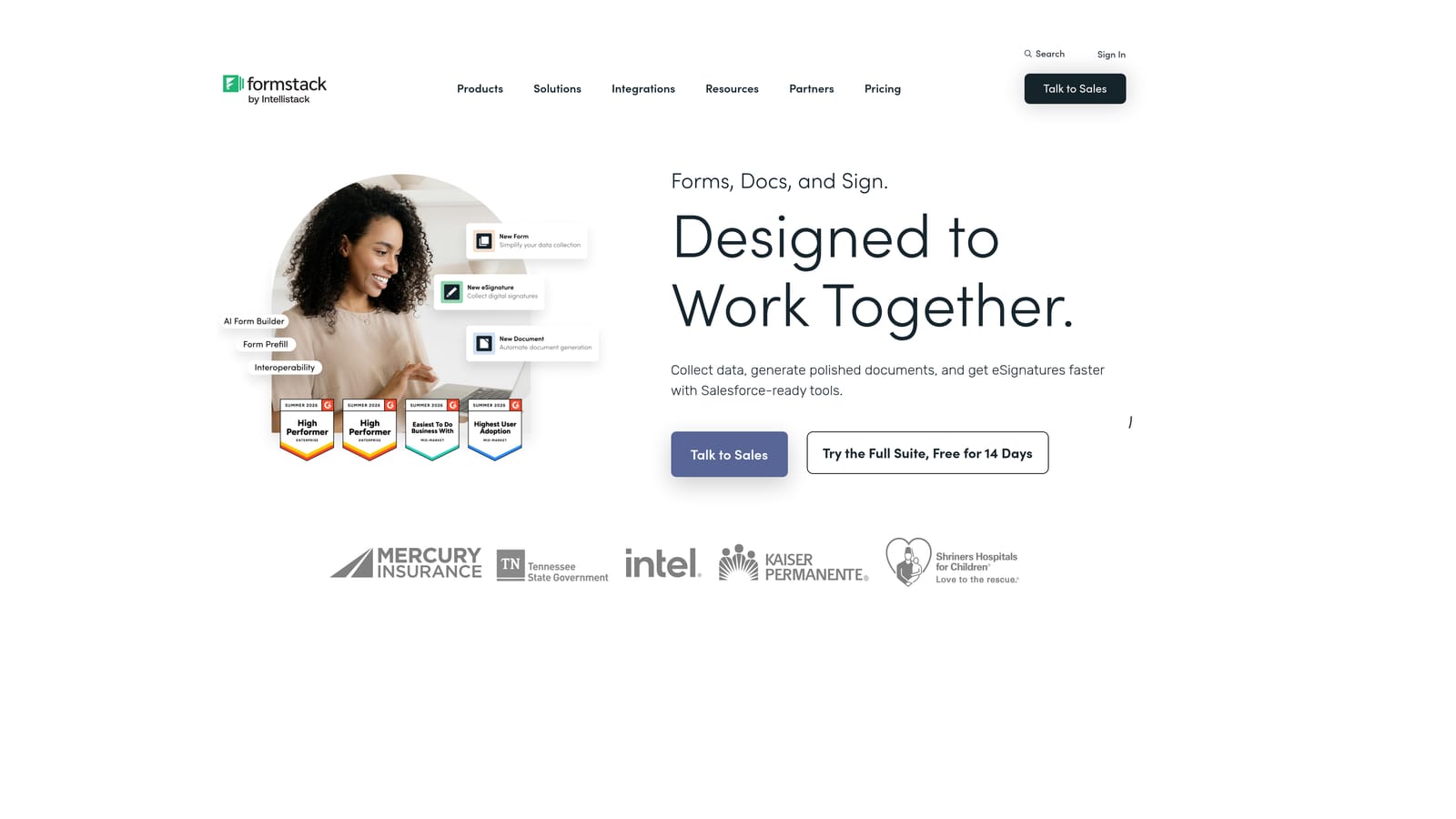
Formstack is an enterprise-grade platform that goes well beyond form building, combining conversational forms with workflow automation, document generation, and e-signature capabilities in a single suite.
Where This Tool Shines
Formstack's differentiation isn't the conversational form interface itself. It's what happens after submission. The platform is built for operations teams that need data to flow seamlessly into documents, approvals, CRM records, and signed agreements without manual intervention. If your form is the entry point to a multi-step operational process, Formstack handles that entire chain.
The Salesforce integration is particularly deep, making it a natural fit for sales ops teams already working within that ecosystem. HIPAA and compliance infrastructure is also built in, which matters for healthcare, financial services, and other regulated environments.
Key Features
Conversational Form Builder: One-question-at-a-time form flows connected to Formstack's broader workflow automation suite.
Document Generation: Automatically generate populated documents from form submissions, eliminating manual data entry.
E-Signature Tools: Collect legally binding signatures as part of the same workflow that starts with a form submission.
Deep Salesforce Integration: Native Salesforce connectivity for teams that need form data to flow directly into CRM records and workflows.
HIPAA and Compliance Infrastructure: Built-in compliance features for regulated industries requiring data security and audit trails.
Best For
Formstack is best suited to RevOps teams, sales operations managers, and enterprise organizations that need forms to trigger complex downstream workflows. It's a significant investment and is most justified when you need the full platform, not just the form builder component.
Pricing
Formstack sits at a higher price point than most tools in this list, with plans typically starting at approximately $83/month. Verify current pricing at formstack.com before committing.
Which Tool Is Right for Your Team?
The best conversational form builder depends almost entirely on what your primary bottleneck is. There's no single right answer, but there is a right answer for your specific situation.
If your biggest challenge is lead quality, you're collecting plenty of submissions but struggling to identify which ones are worth pursuing, Orbit AI is the clear starting point. The AI qualification logic lives inside the form itself, which means you're not adding another tool to your stack to score leads after the fact.
If design and respondent experience are your top priorities and you're working with a brand-conscious marketing team, Typeform remains the benchmark for polished conversational UX with a mature integration ecosystem to back it up.
For early-stage teams or indie builders who need solid functionality without a monthly subscription, Tally is genuinely hard to beat. The free tier is unusually generous and the editor is fast to learn.
If you need forms that function as full mini-websites with payments and scheduling baked in, Paperform covers that ground better than any other tool on this list. Jotform is the right choice when enterprise compliance, template variety, and approval workflows matter more than conversion optimization. And Formstack earns its higher price tag for operations teams that need forms to trigger document generation, e-signatures, and deep CRM workflows automatically.
The pattern is straightforward: match the tool to the bottleneck, not the other way around. Start by identifying whether your primary problem is lead quality, design, cost, versatility, compliance, or workflow automation, and the right choice becomes obvious.
For high-growth SaaS and B2B teams where lead quality is the constraint, Start building free forms today and see how AI-powered qualification built directly into your form flow can change what your pipeline looks like.


